Cool Computer Mice
A mouse is one of the most important peripherals you can use with your computer. It's the primary way that you interact with your operating system and applications, so it's crucial to have a mouse that works well for you. Here are some of our favorites.
Sort
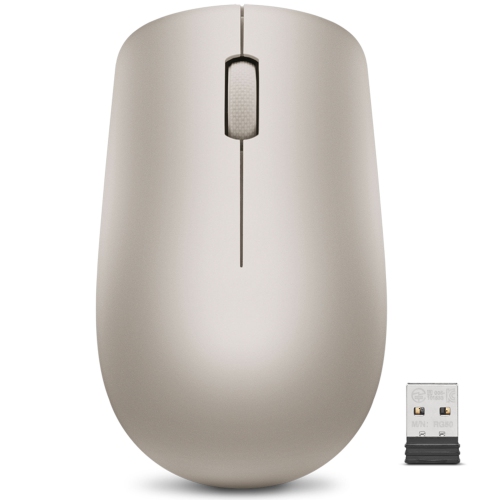
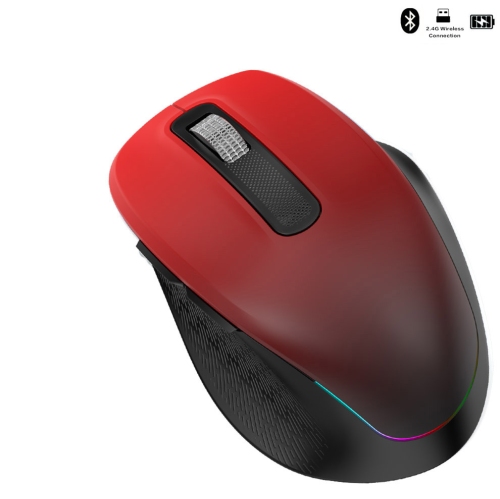
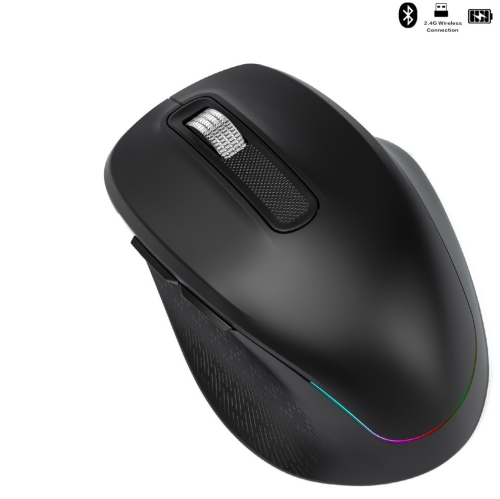
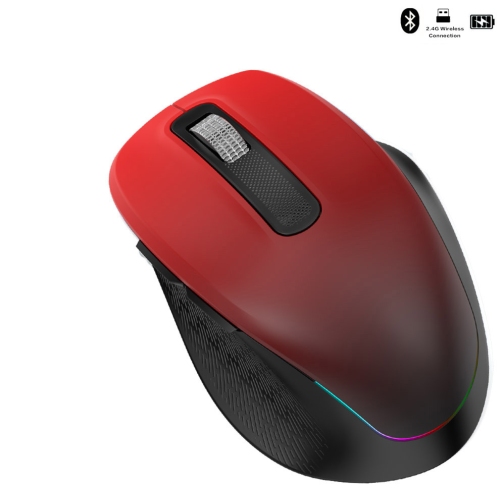
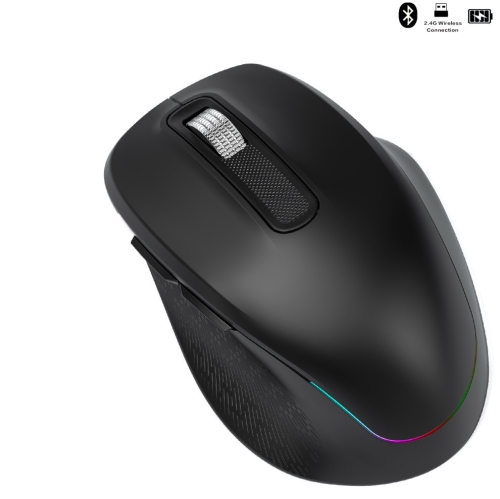
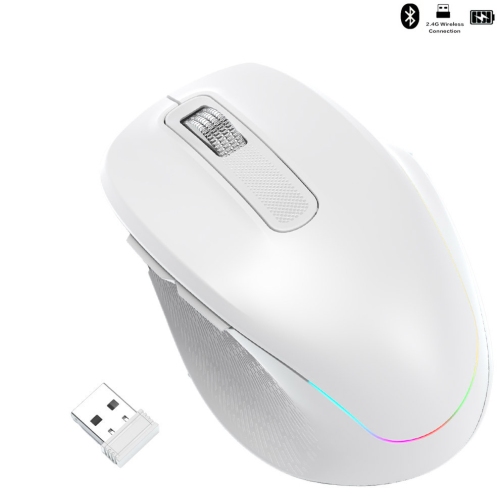
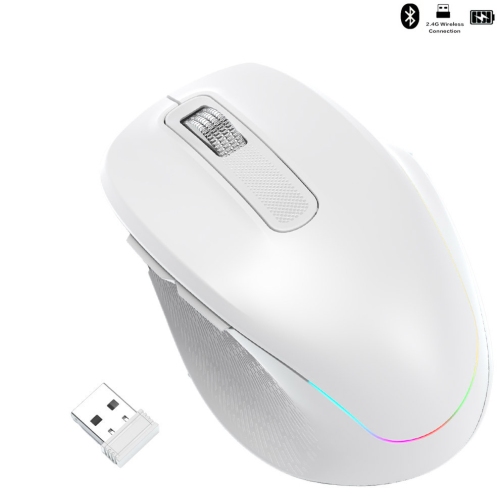
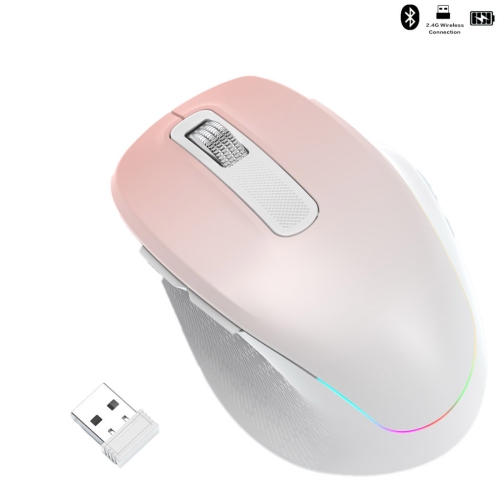
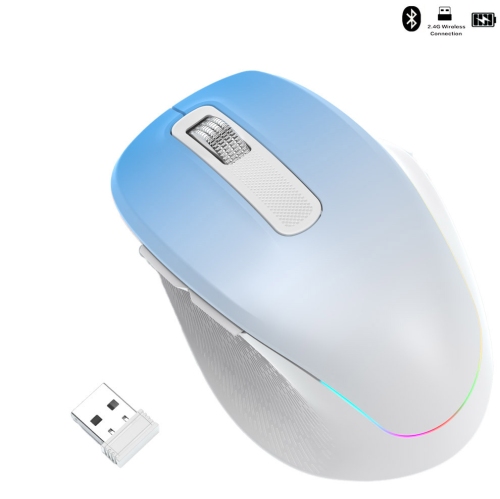
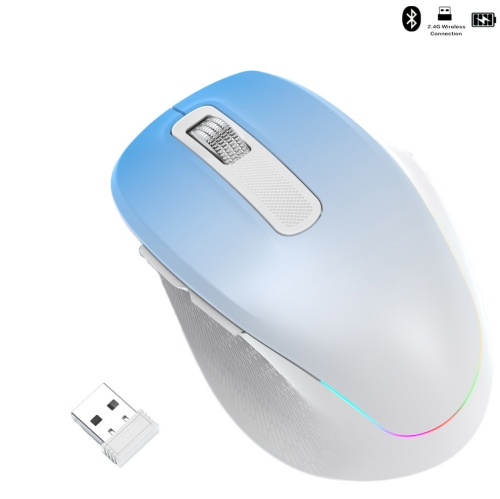
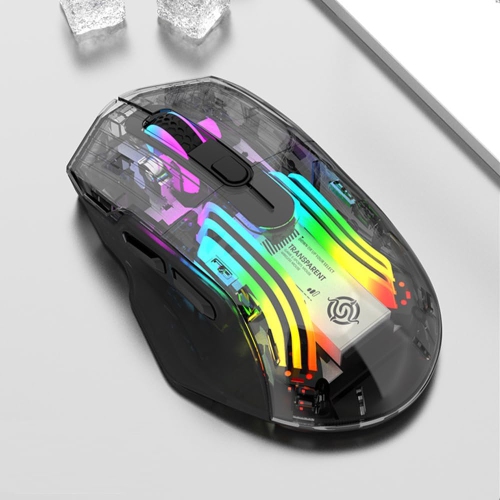
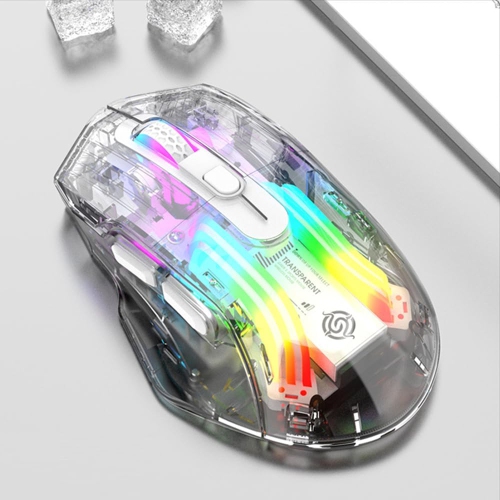

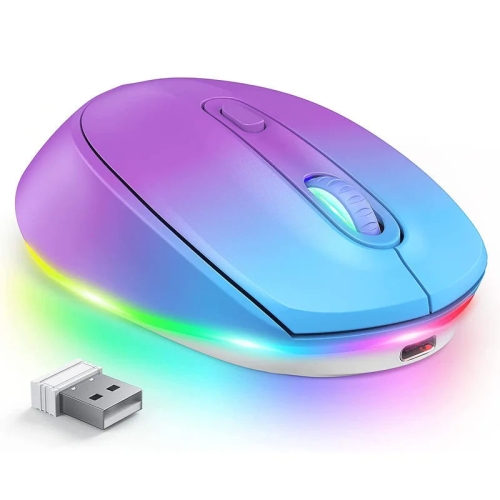
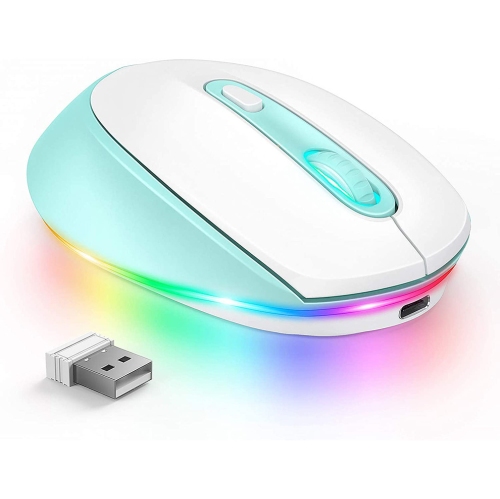
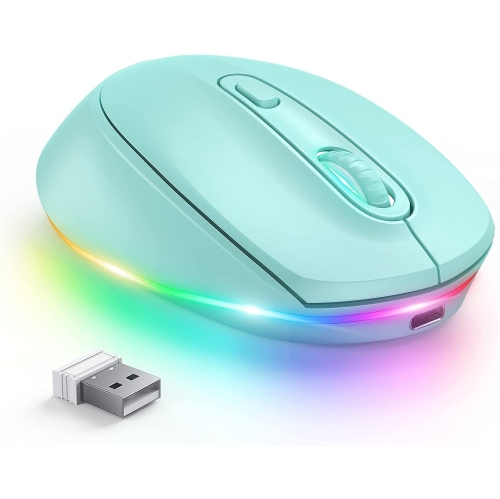
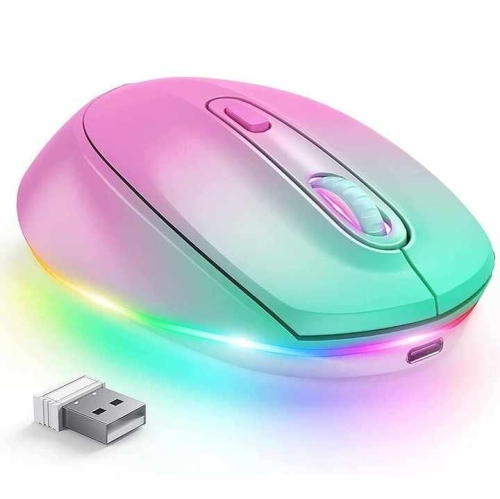
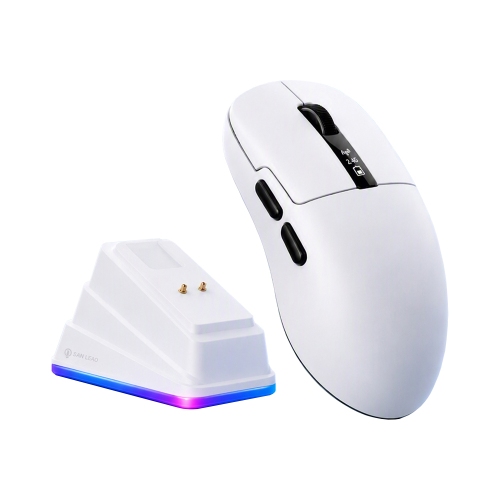
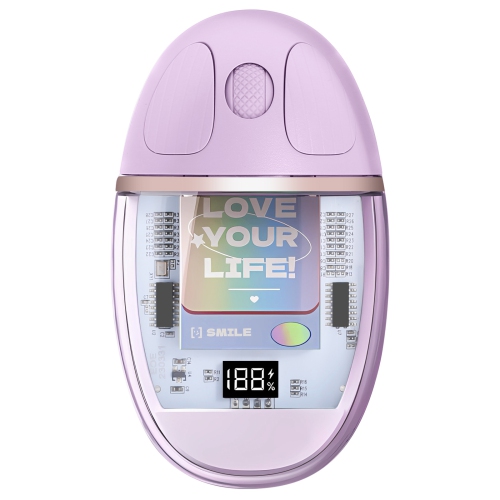
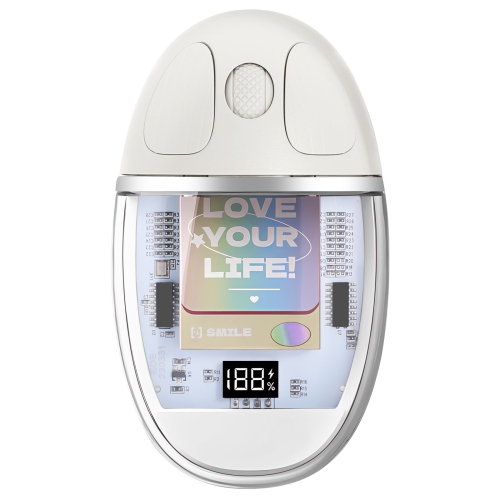
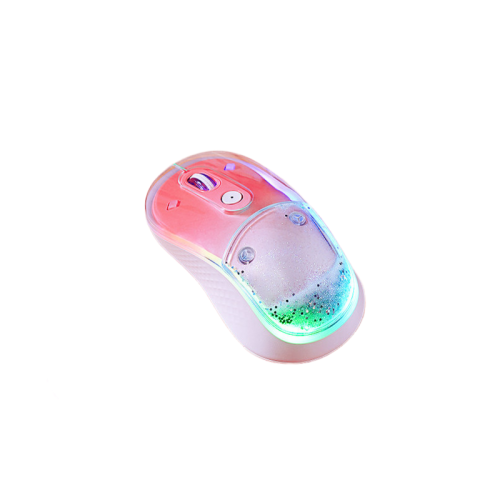
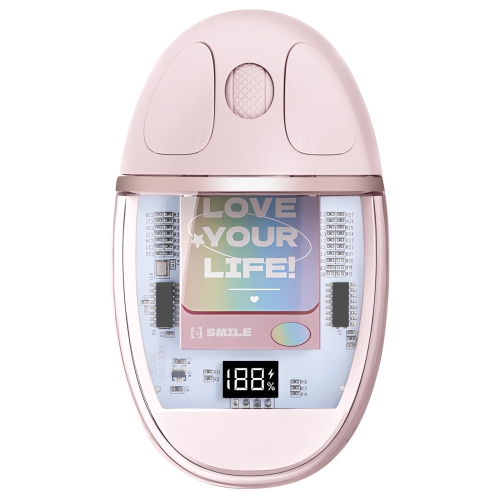
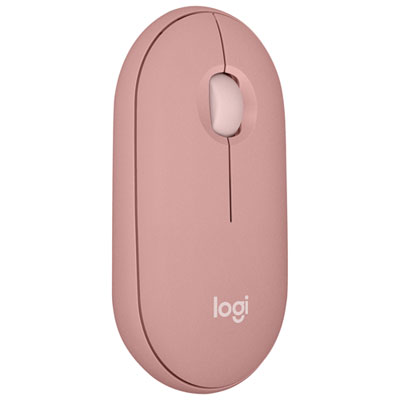
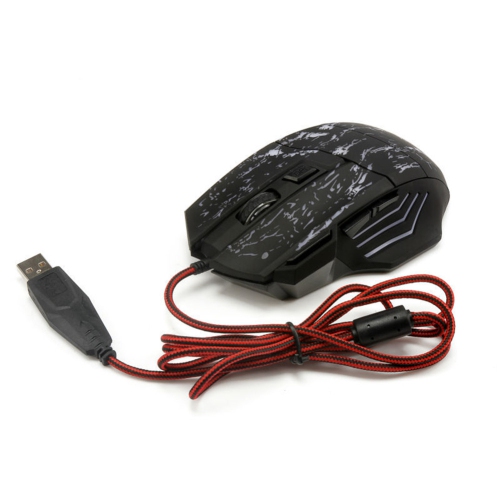
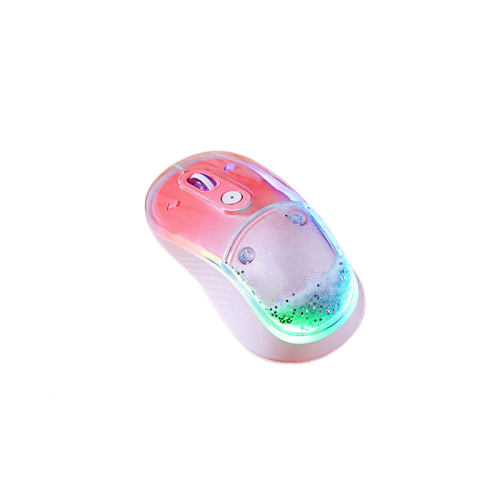
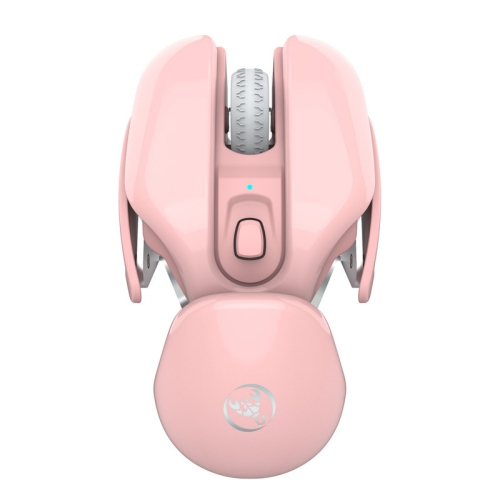
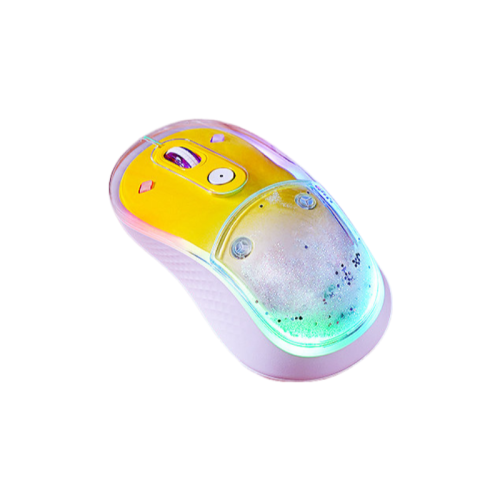
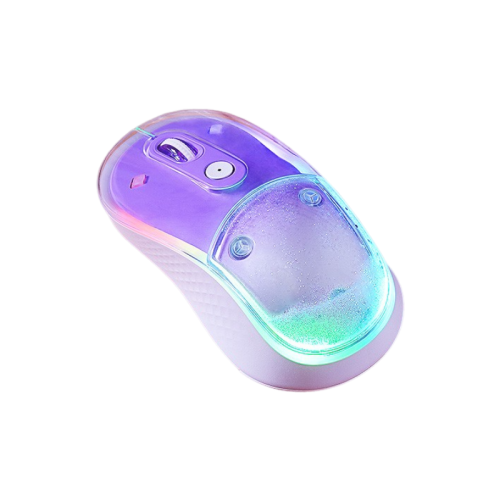
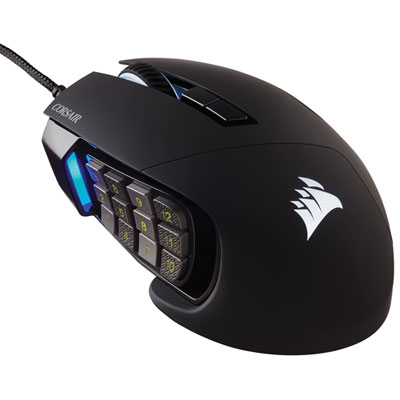
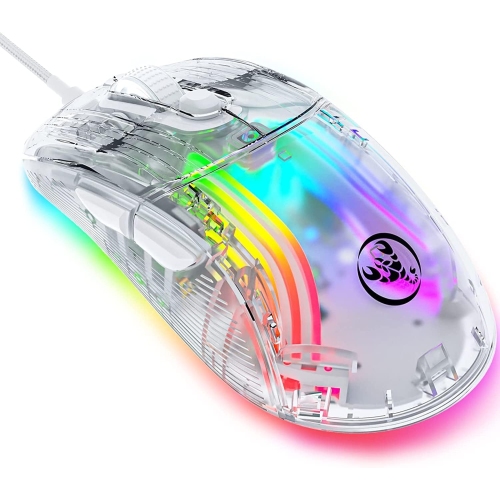


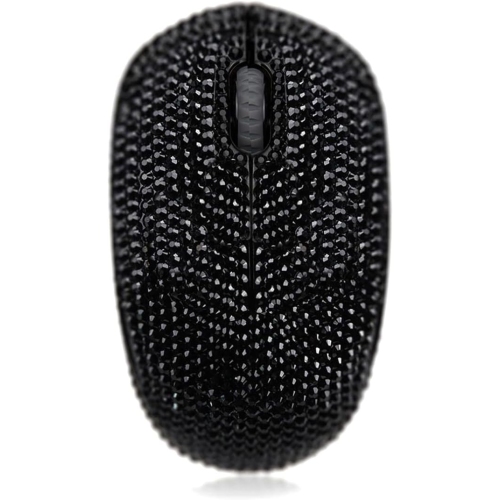
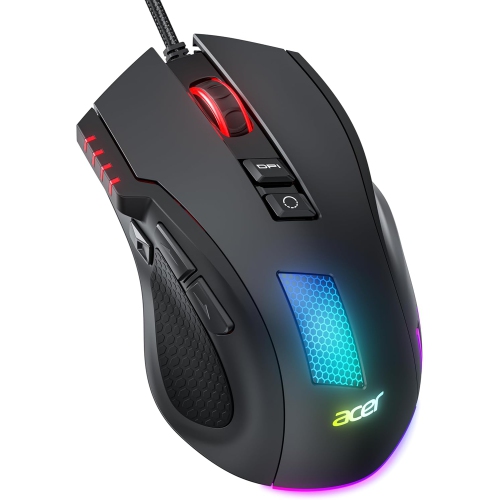
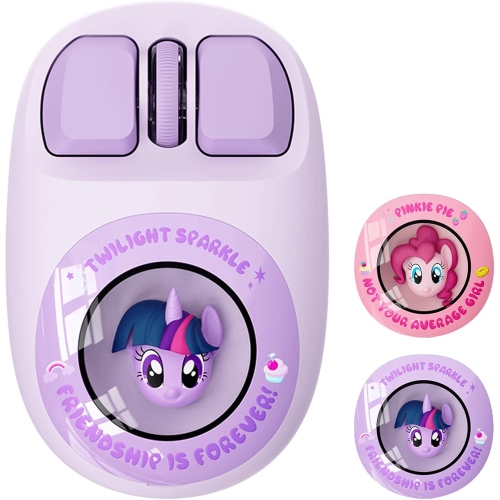
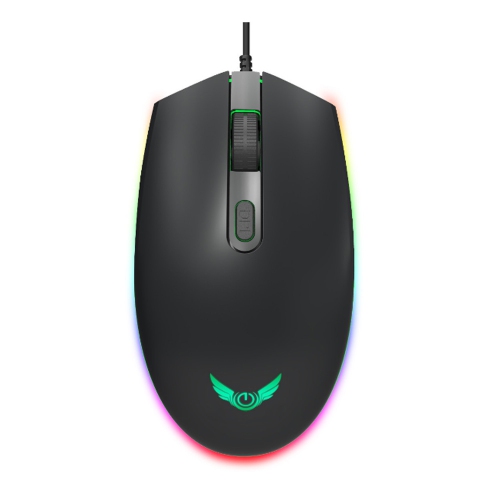
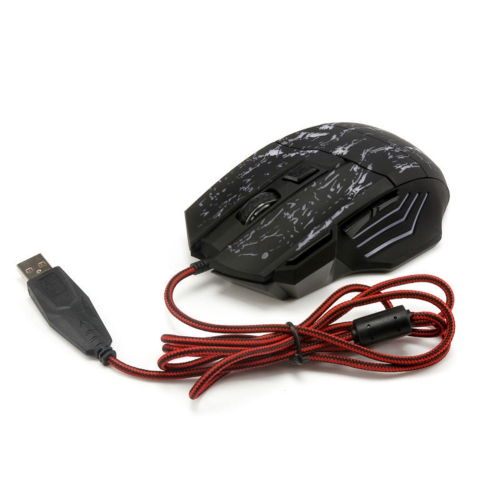
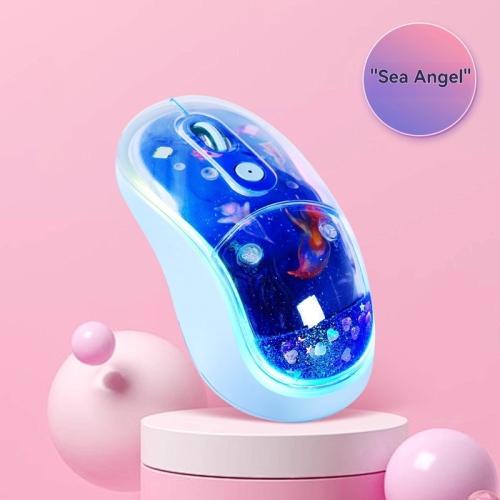
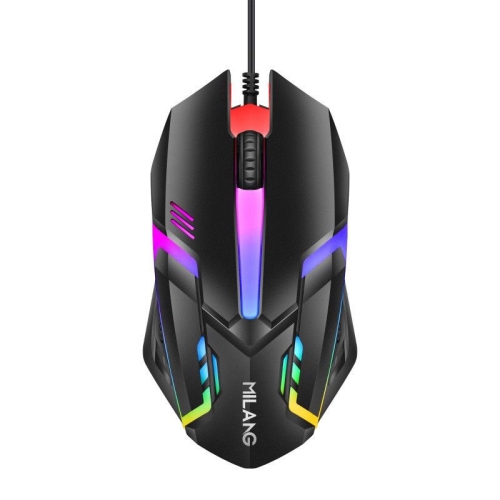
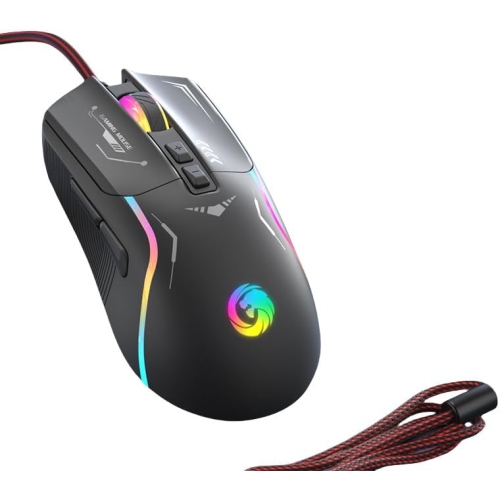
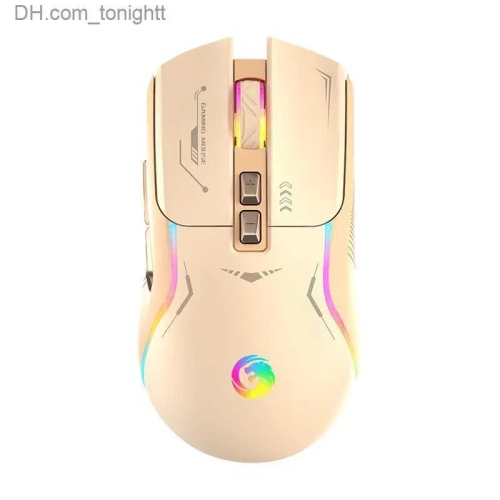
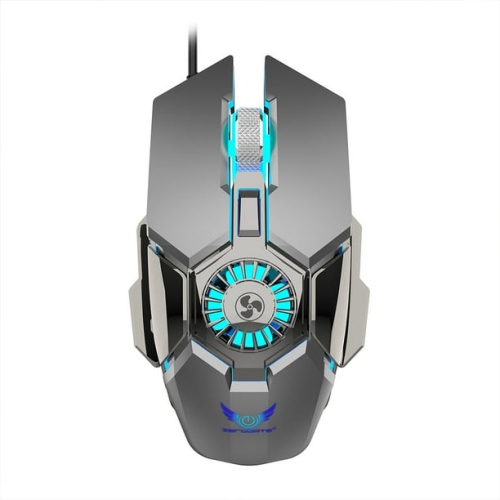
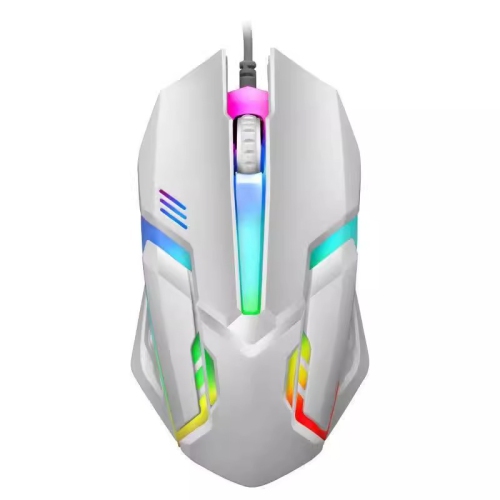

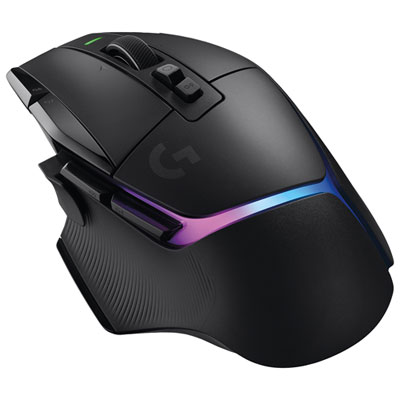
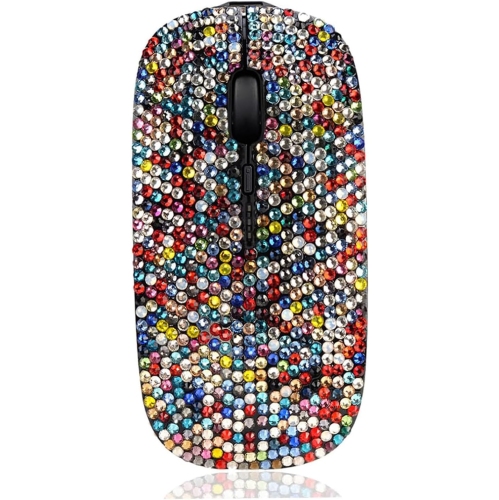
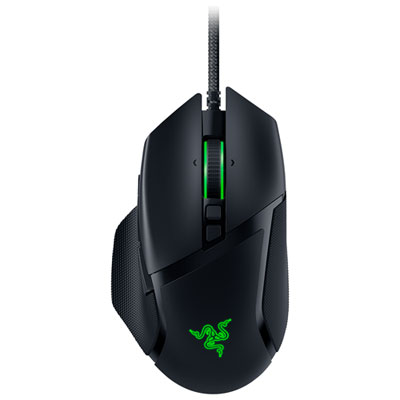
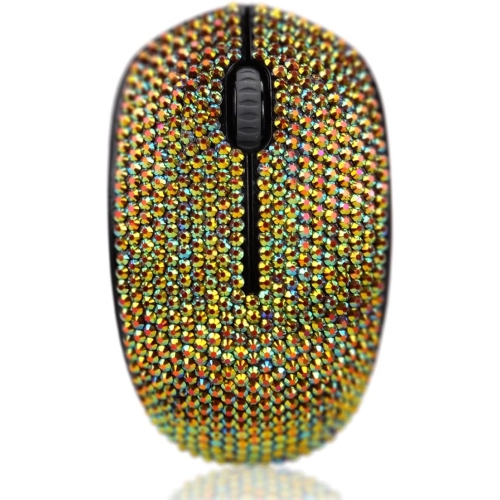
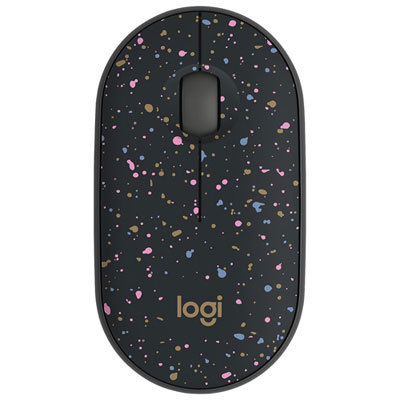
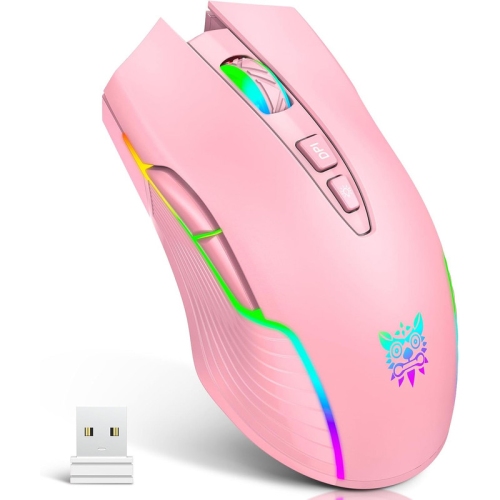
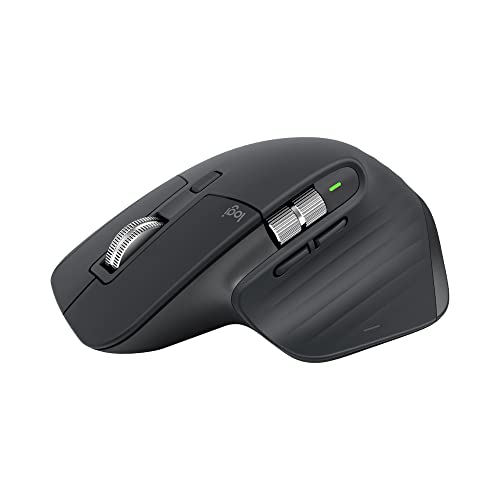
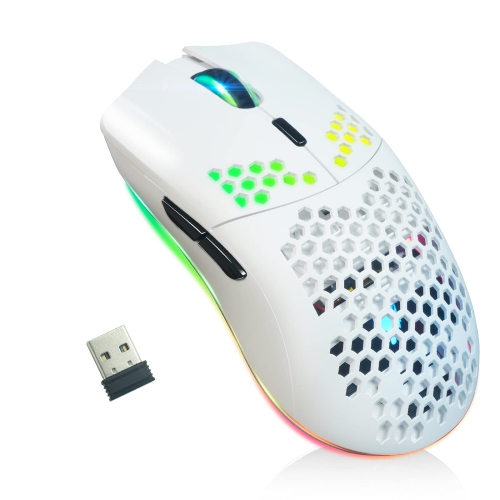
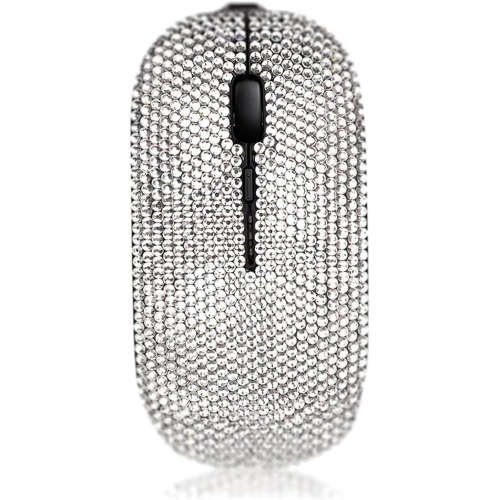
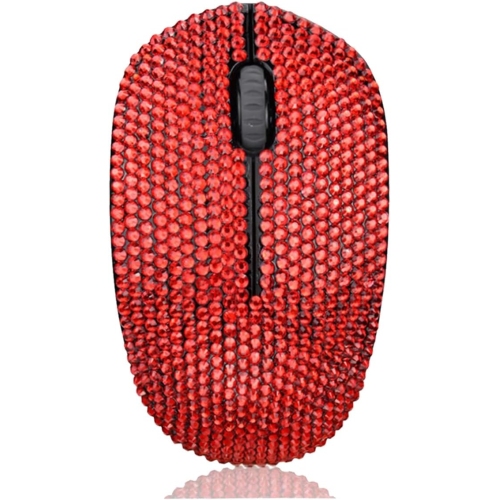
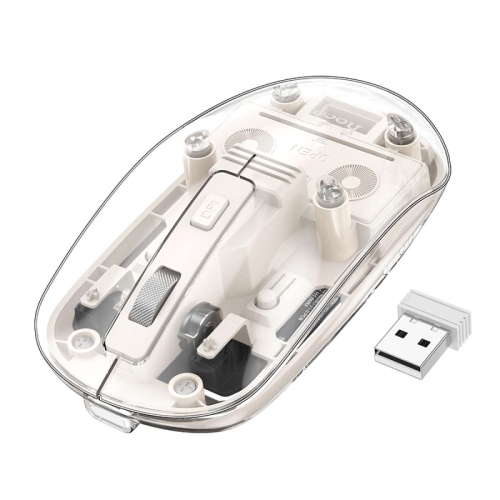
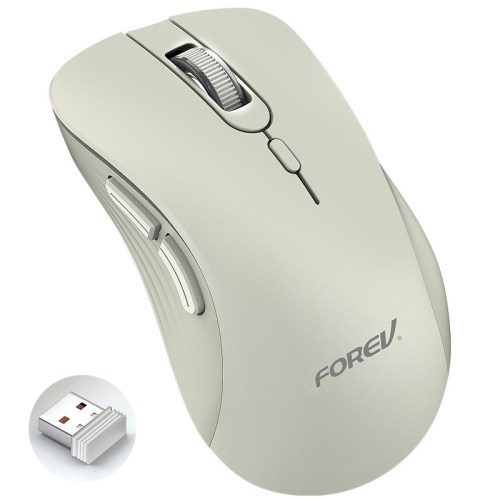
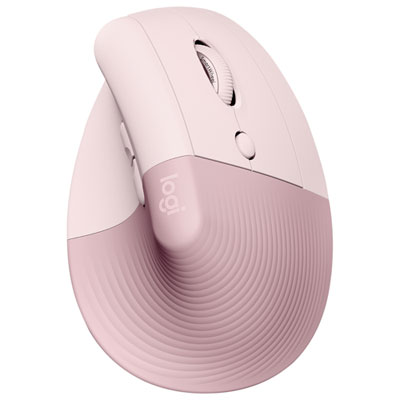
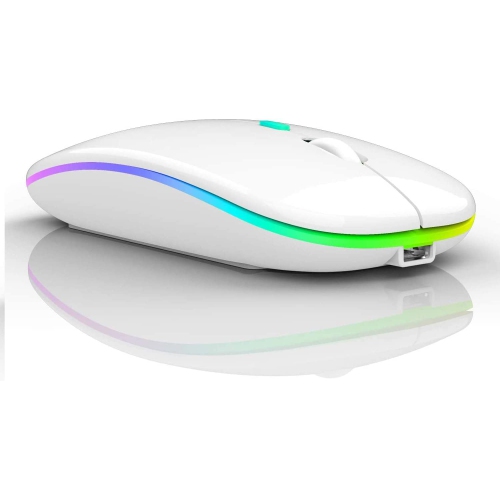
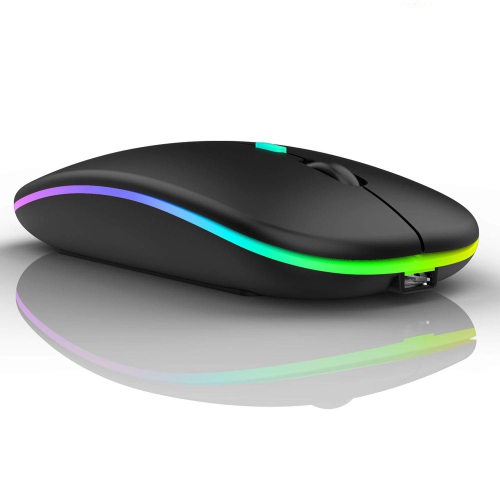
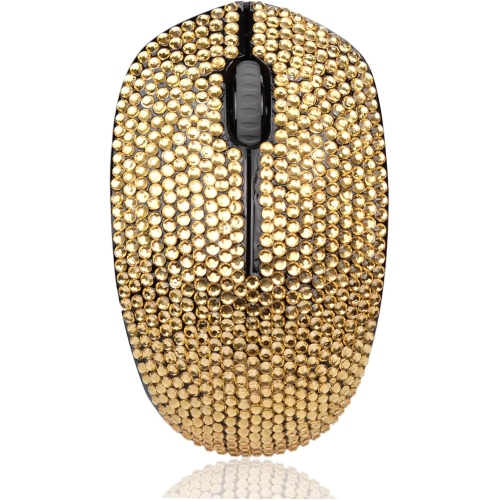
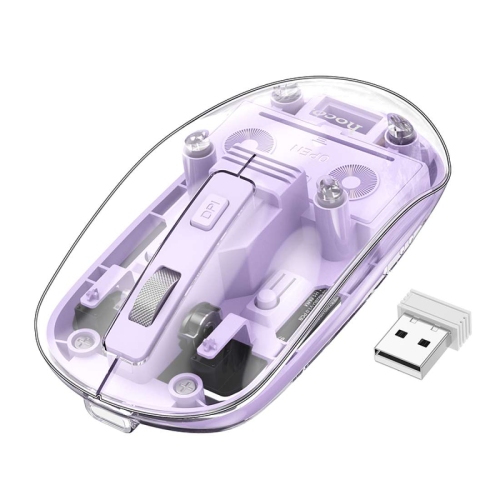
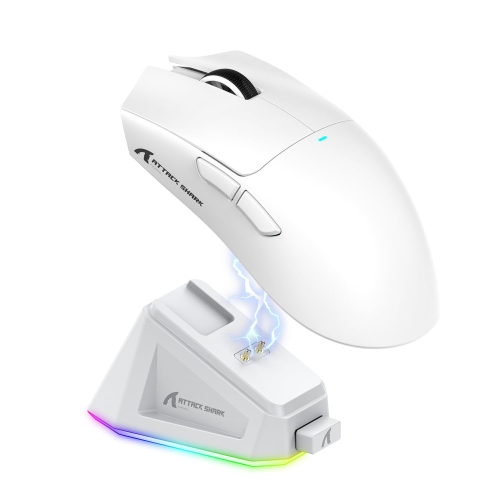
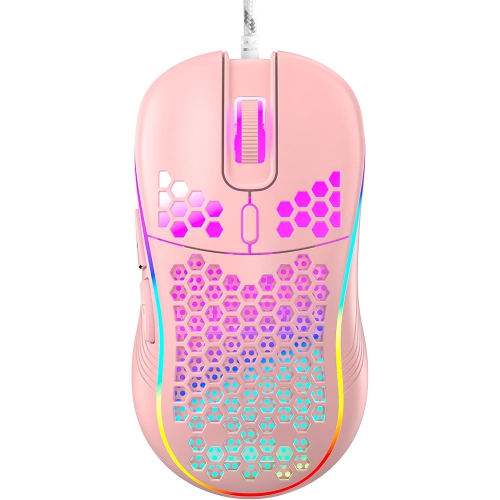
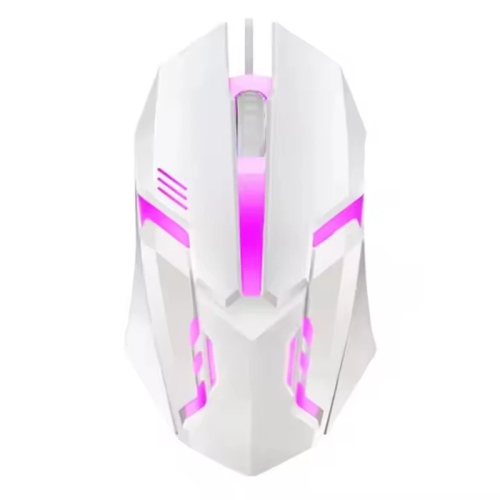
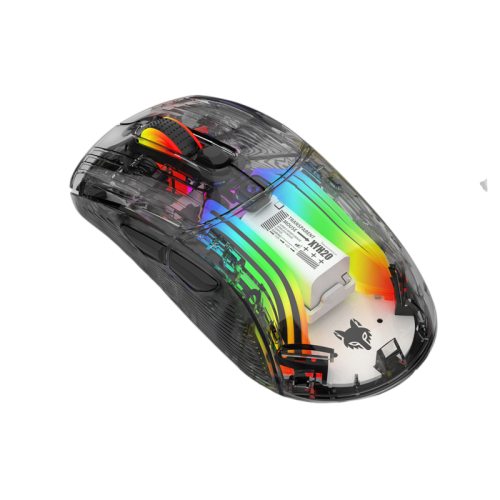
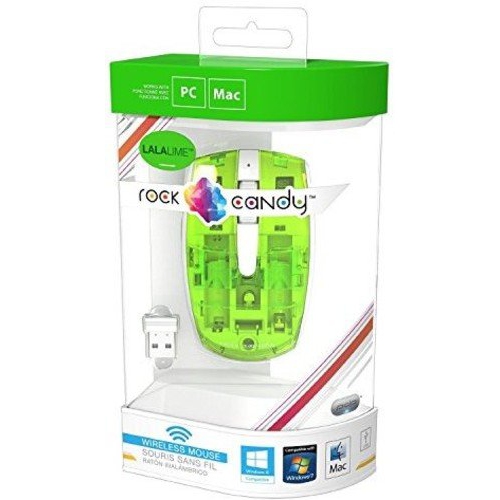
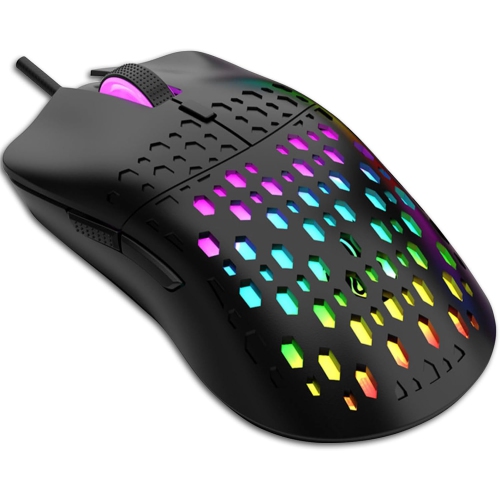
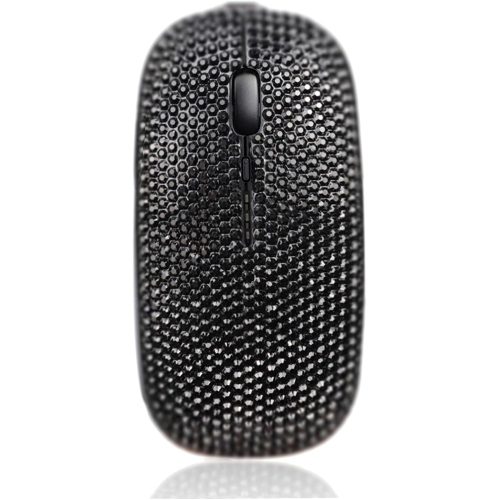
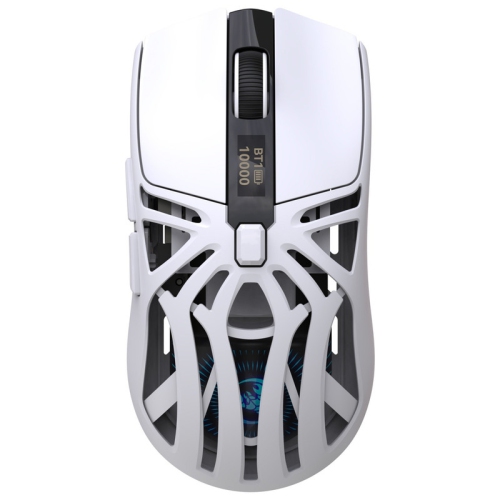
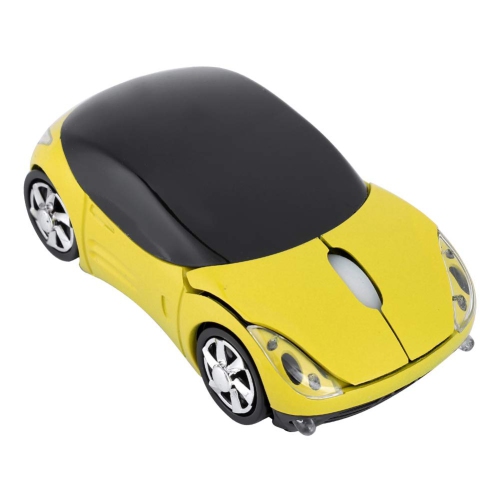
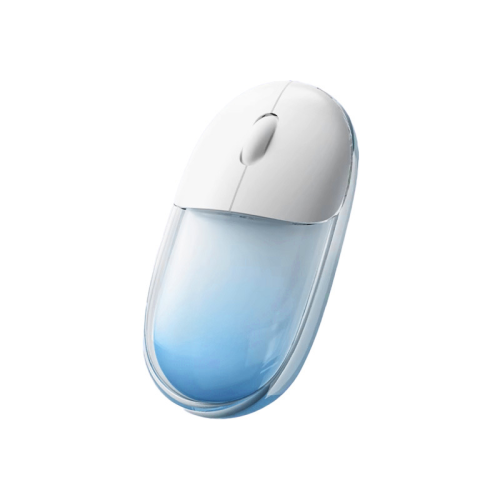
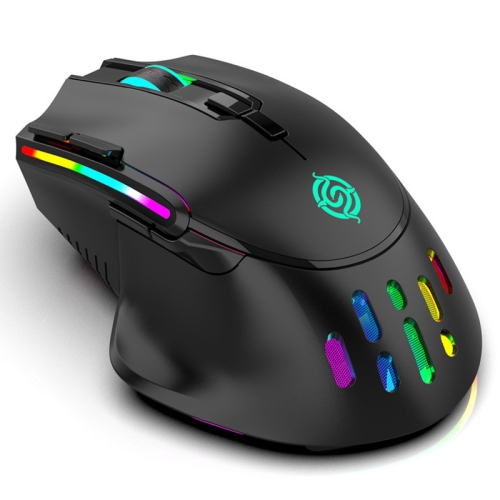
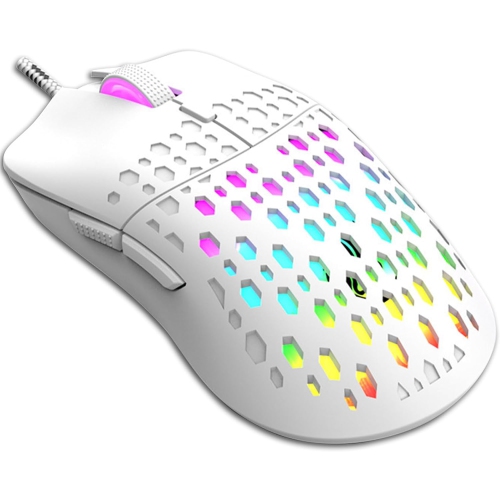
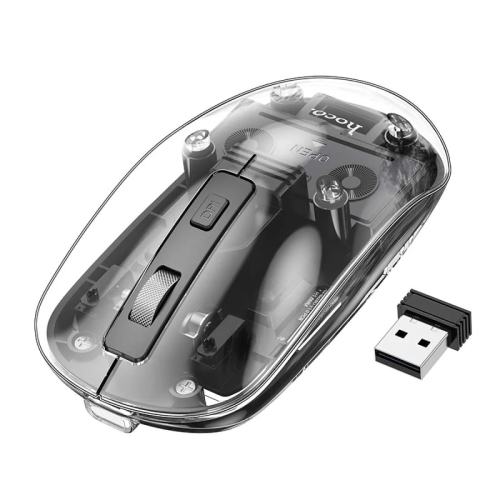
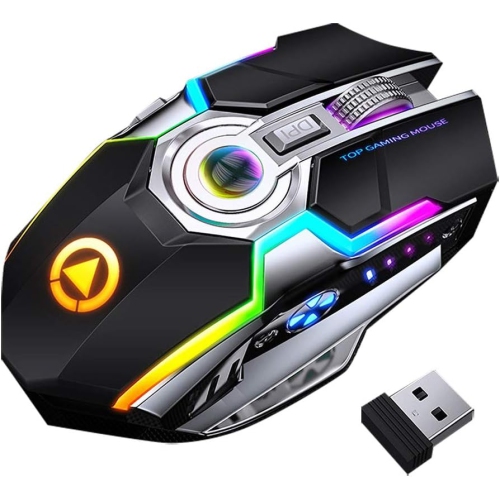
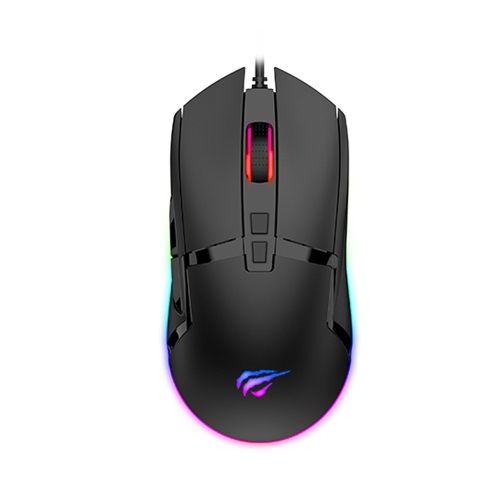
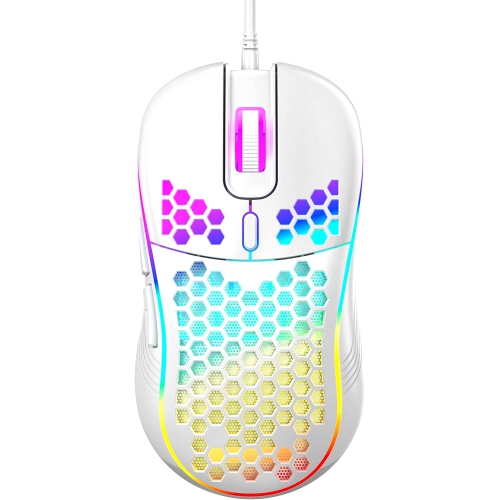
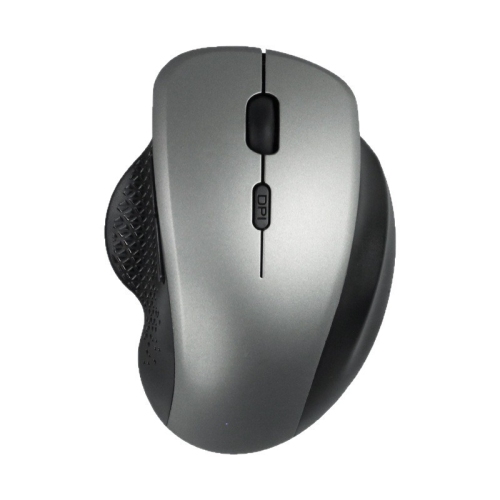
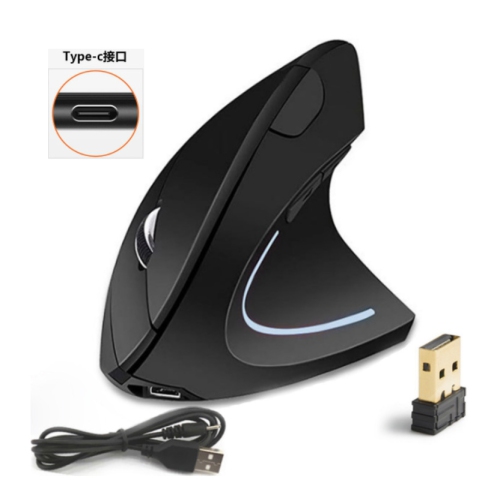
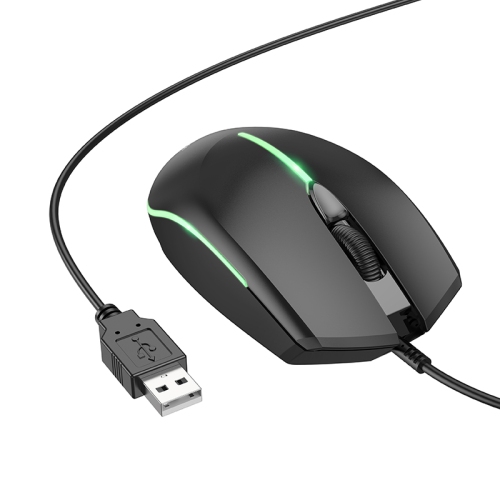
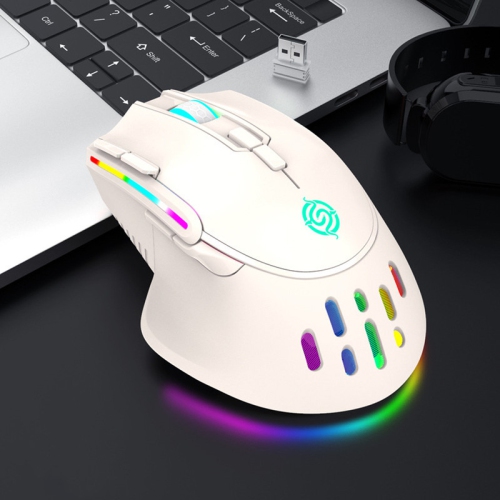
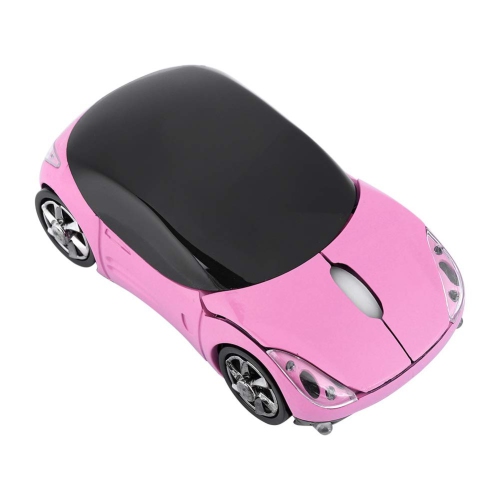
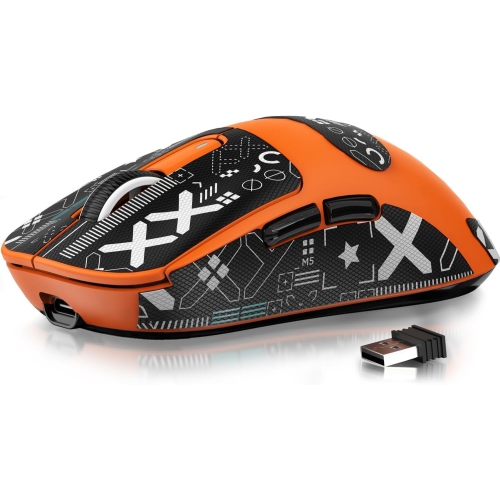
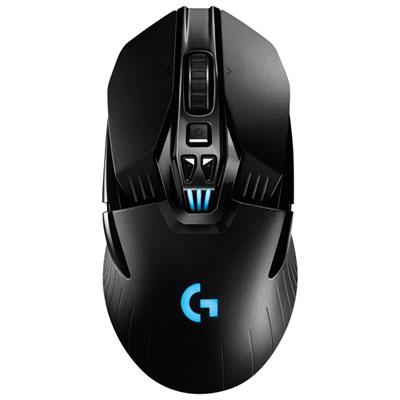
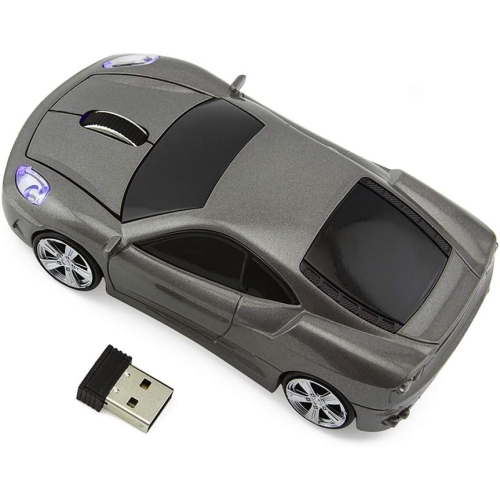
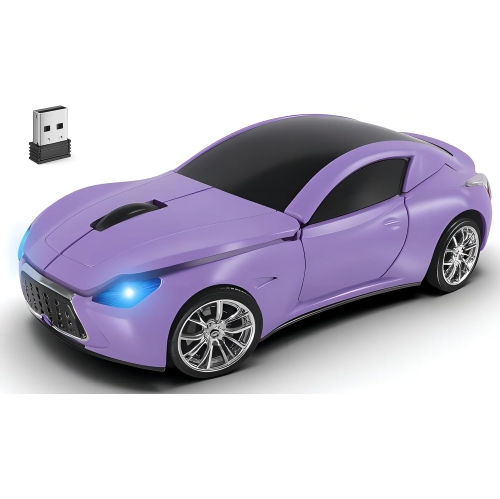
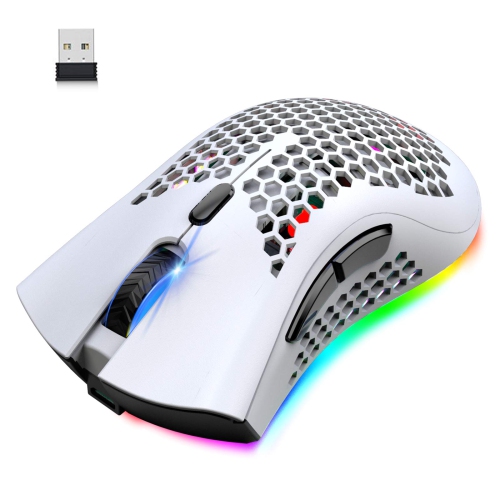
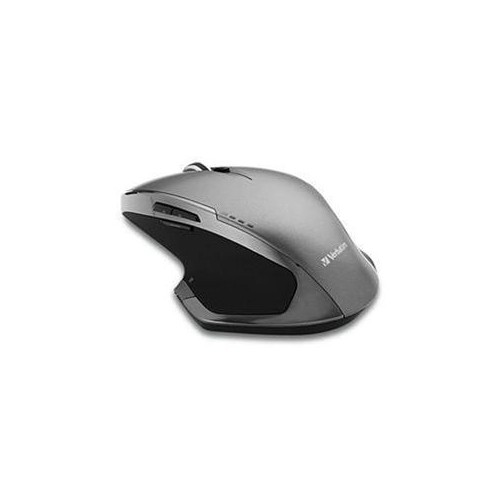
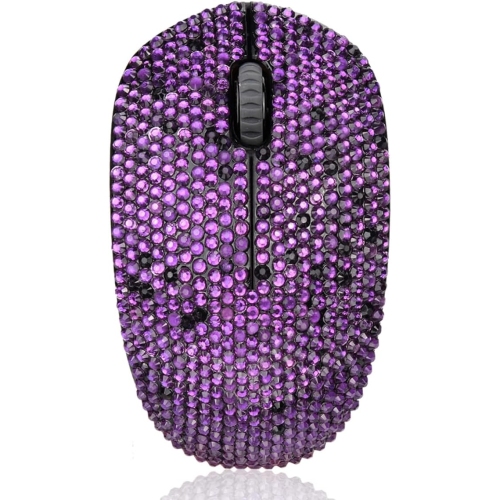
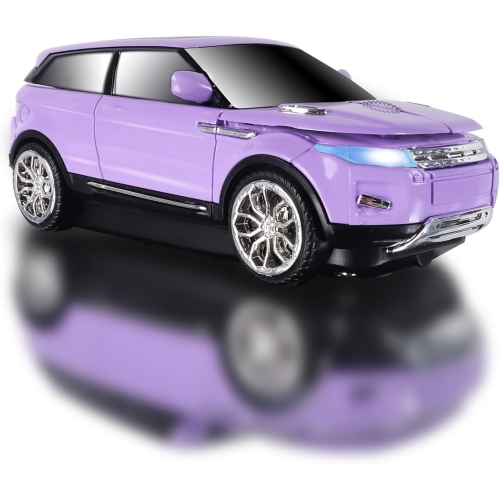
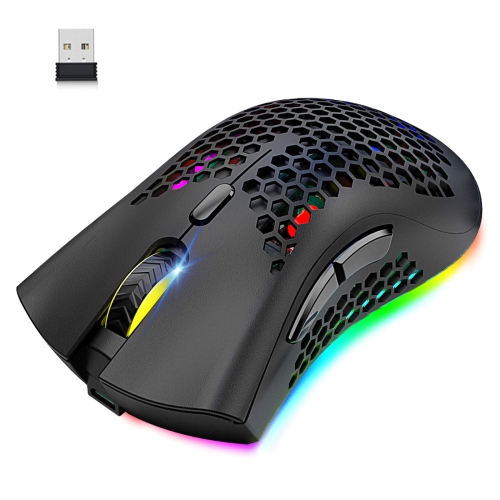
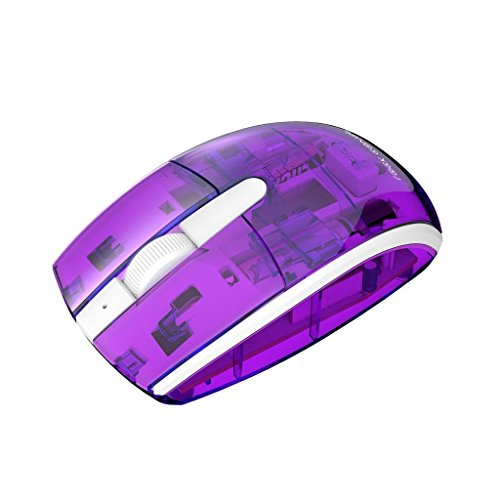
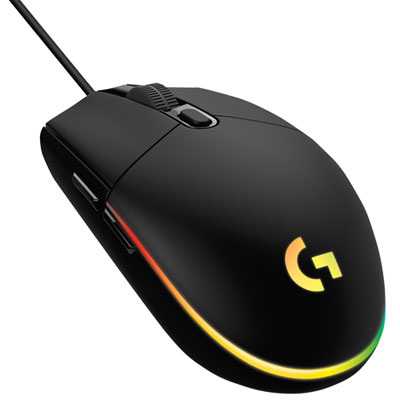
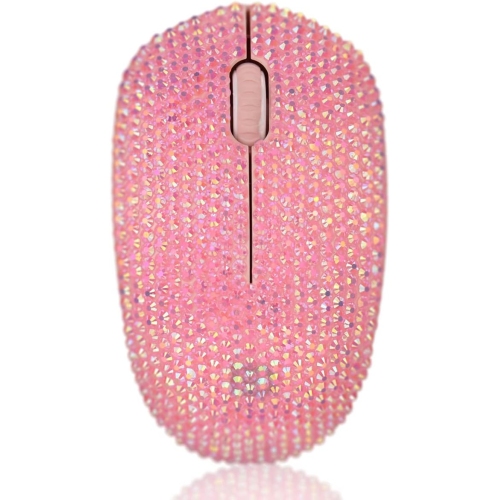
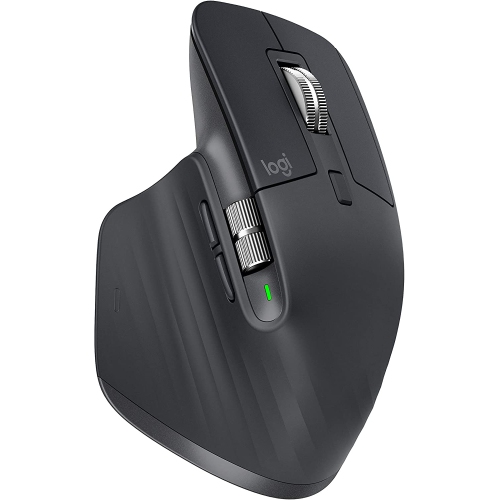
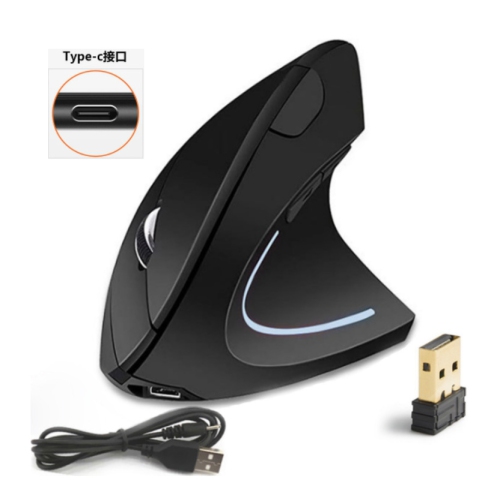
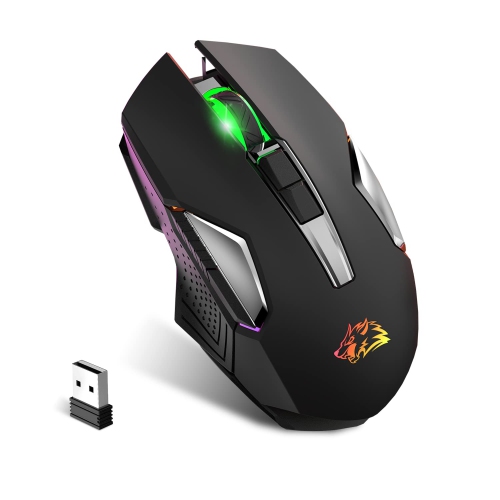
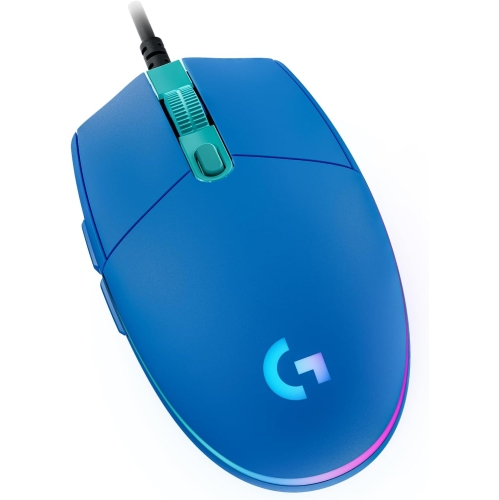

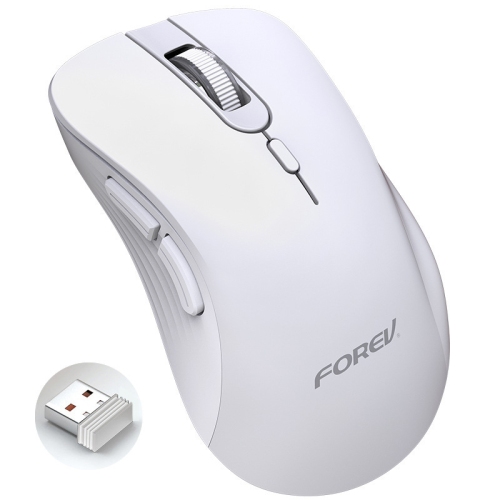
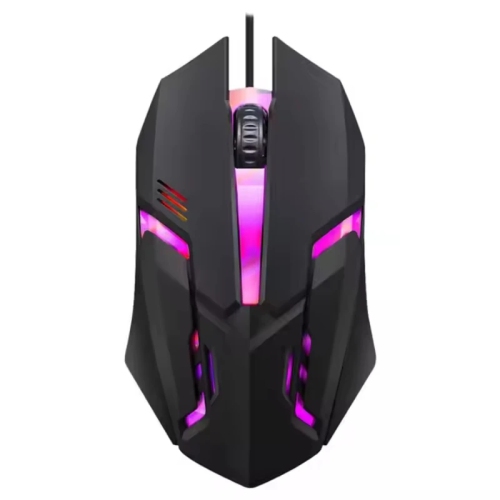
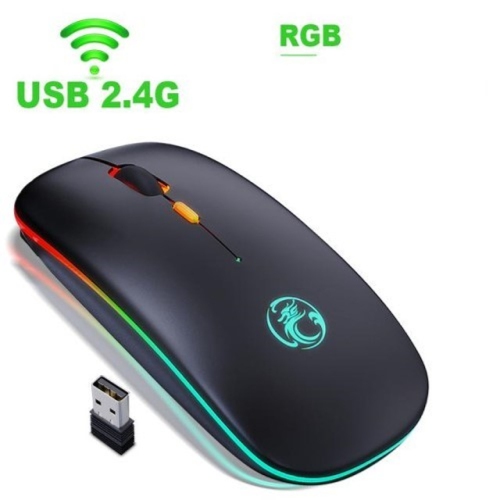
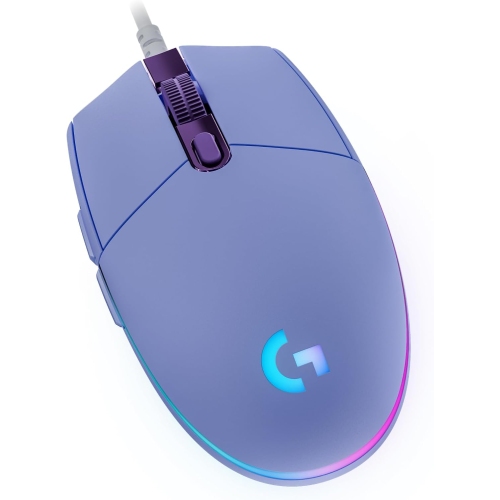
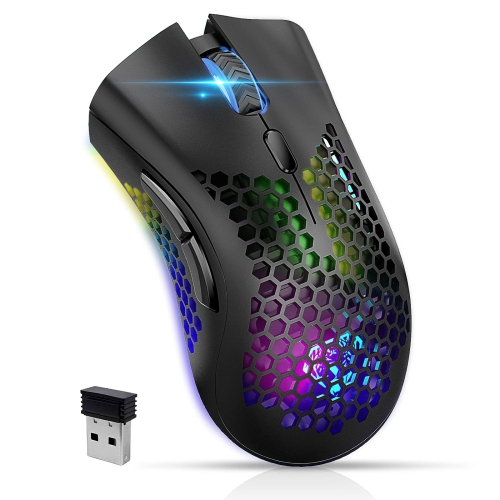
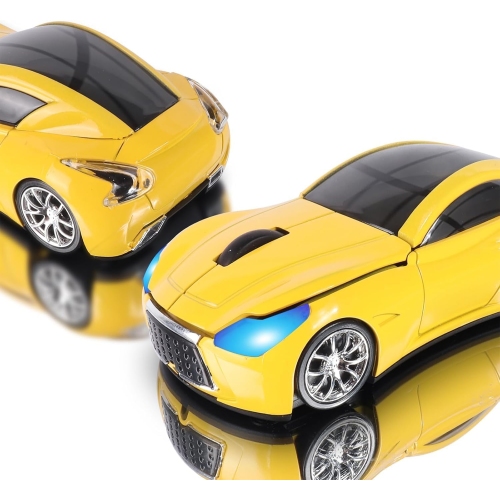
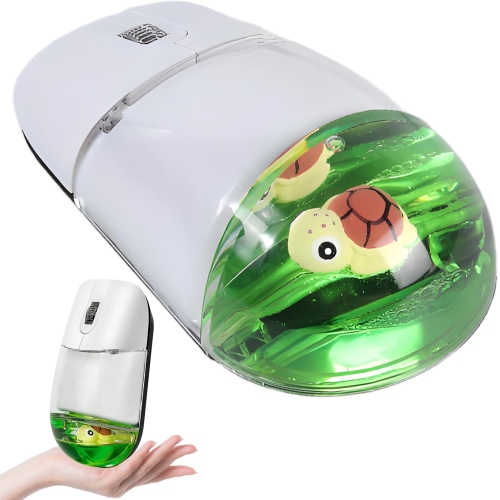
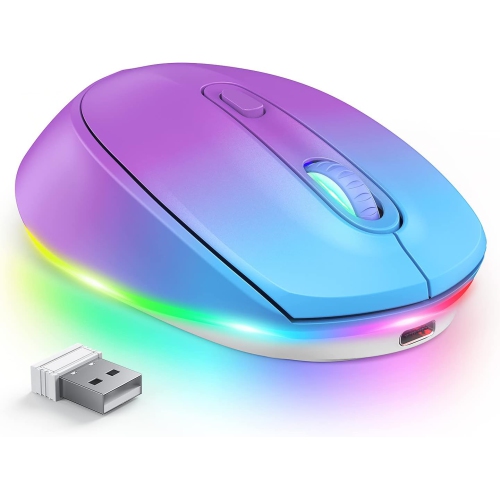

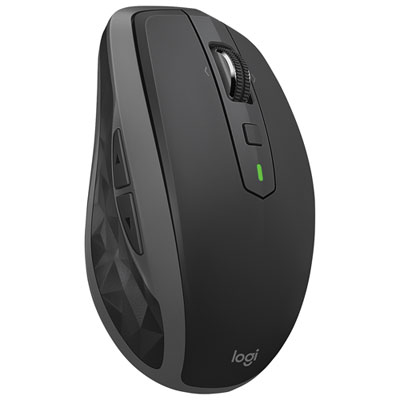
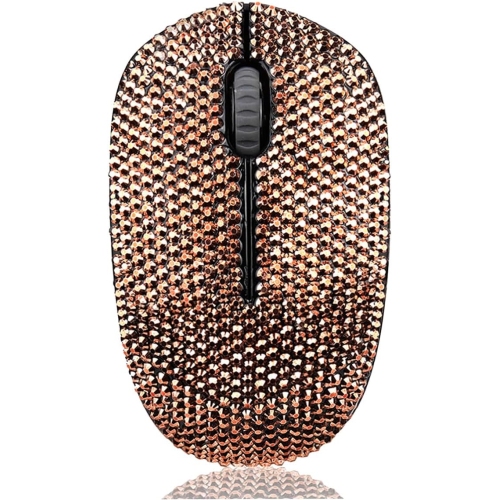
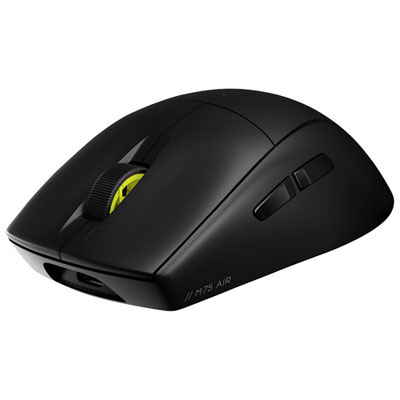
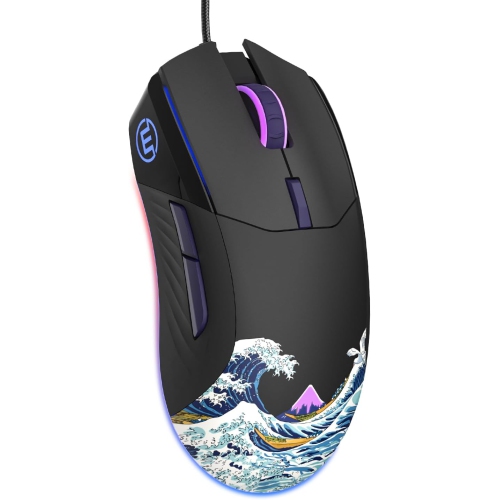
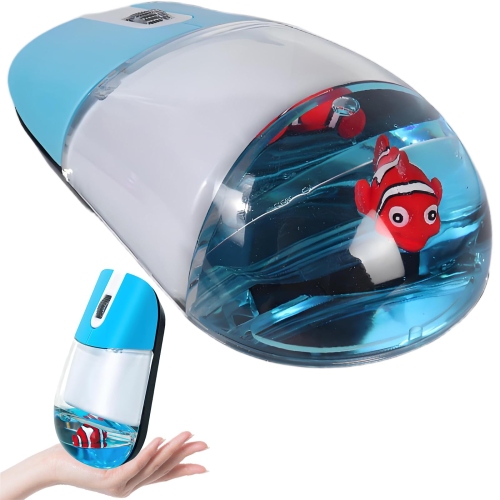
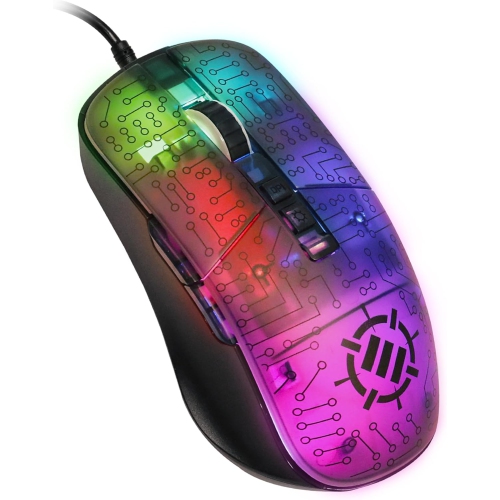
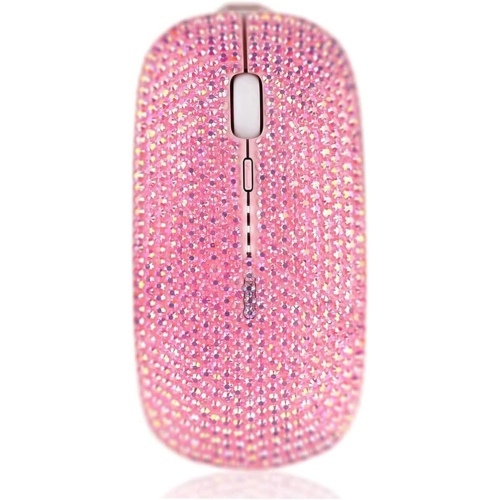
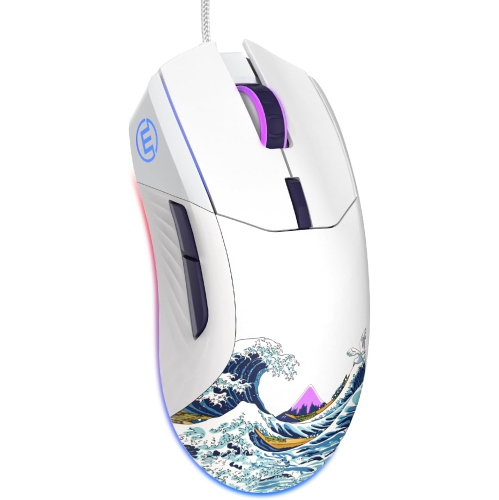
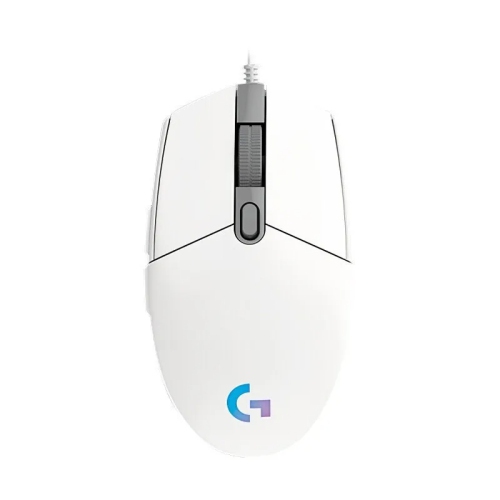
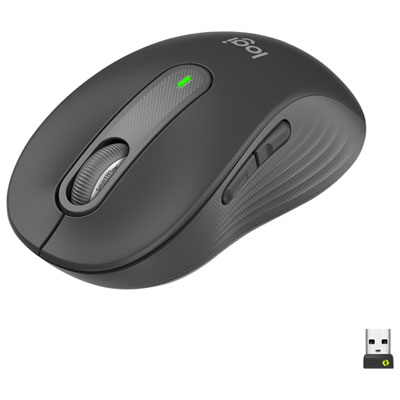
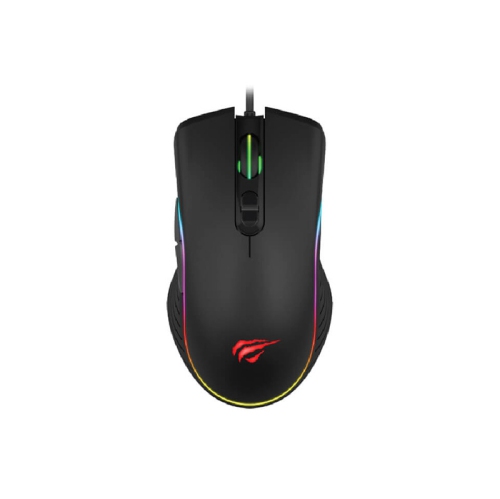
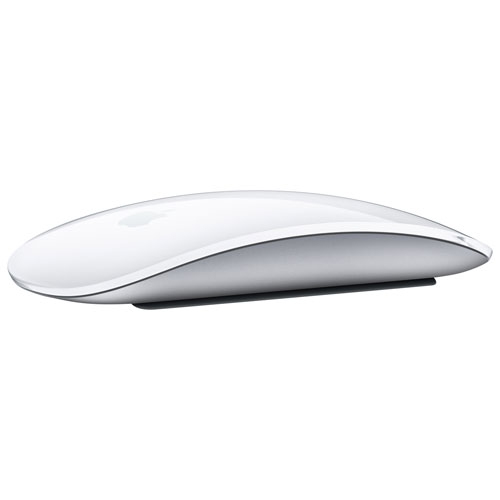
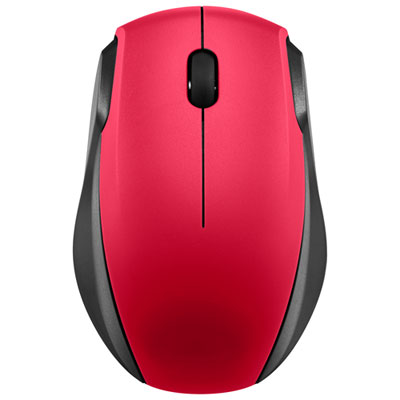
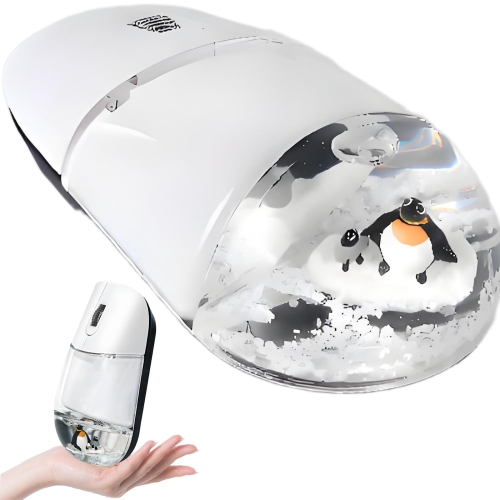
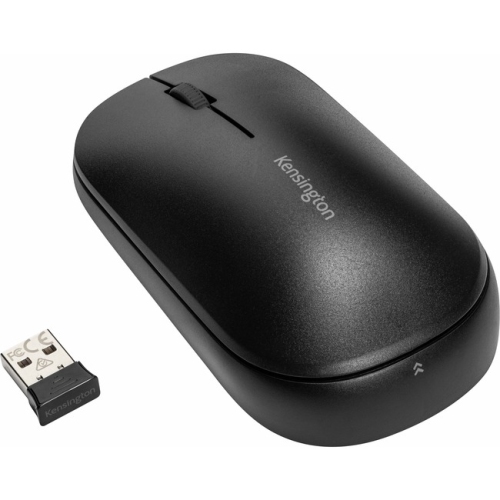
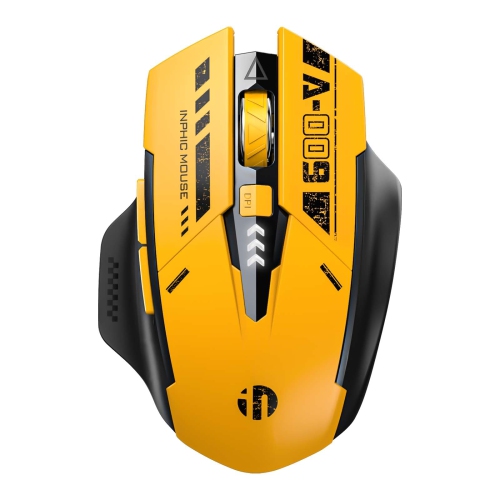
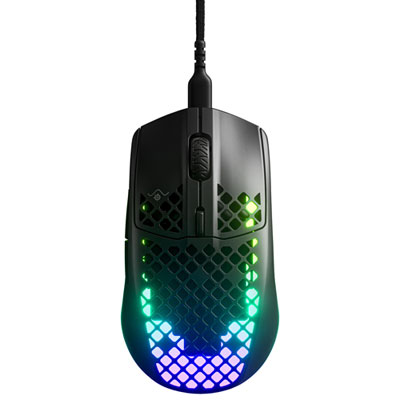


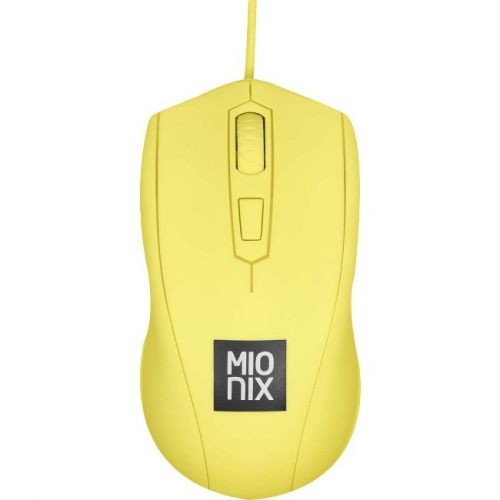
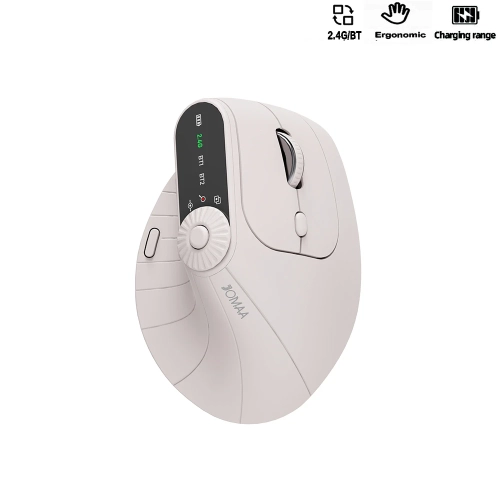
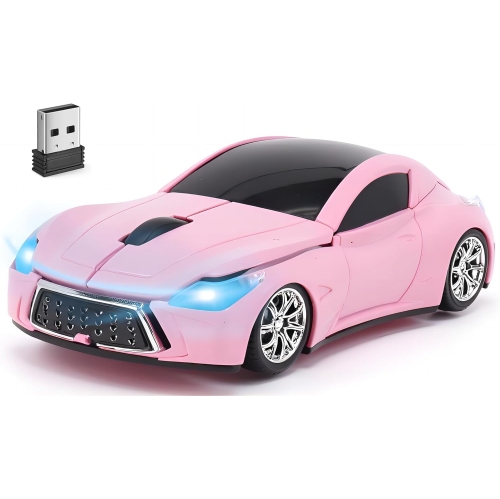
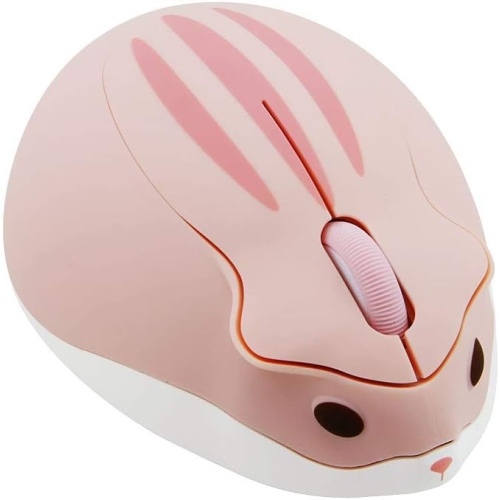
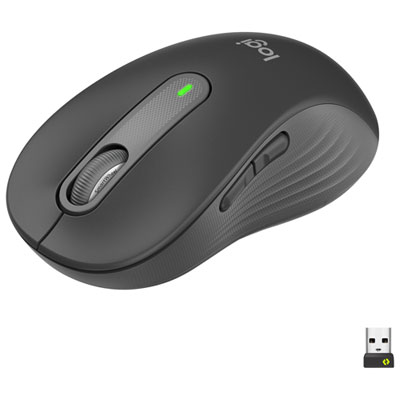
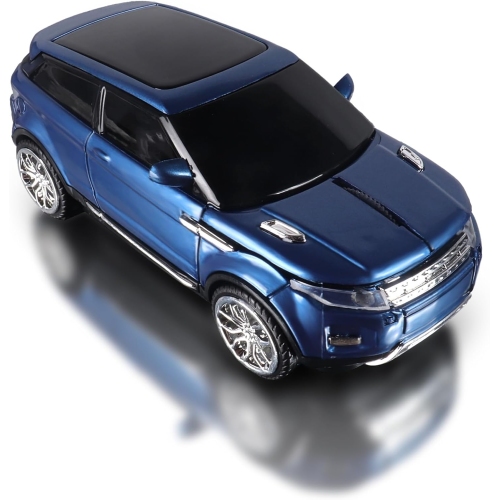
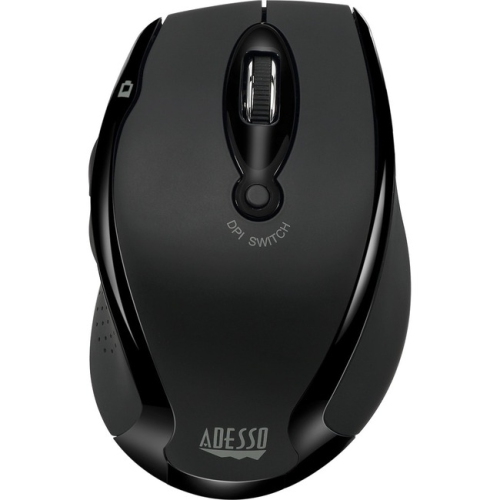
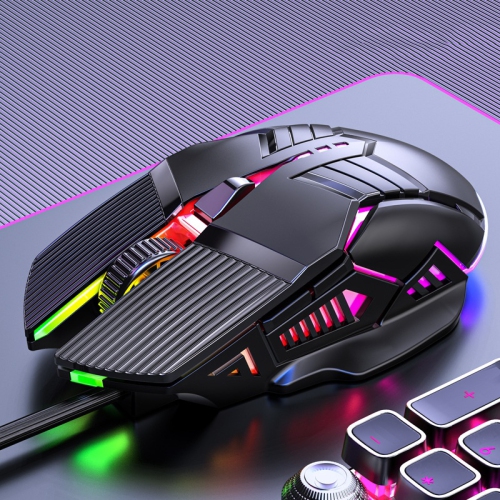
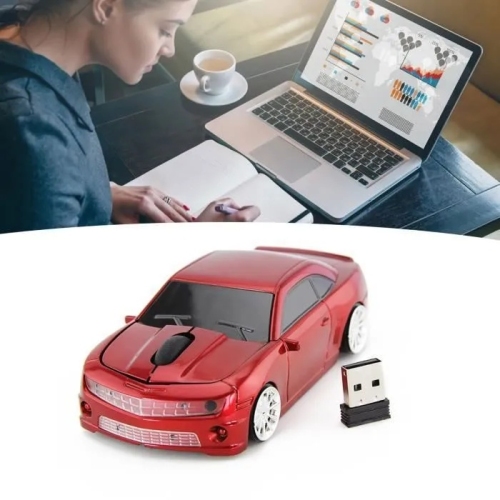
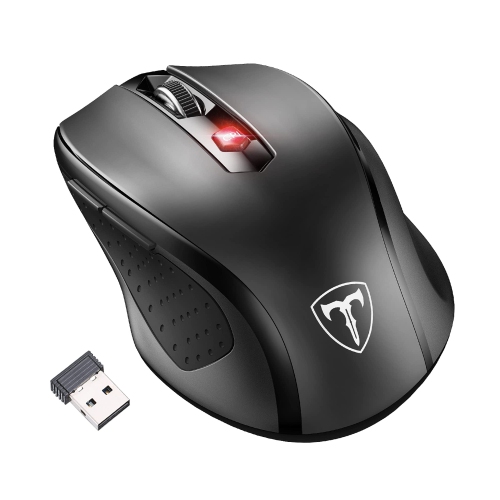
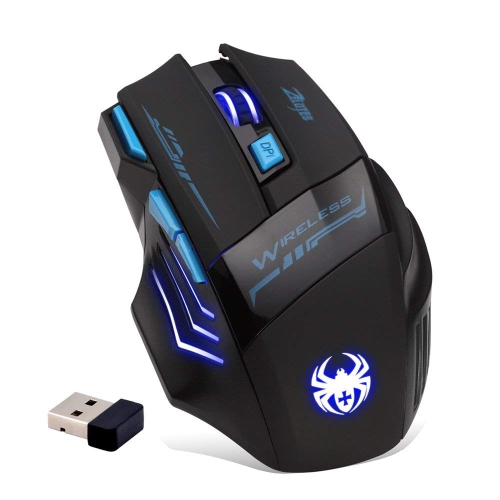
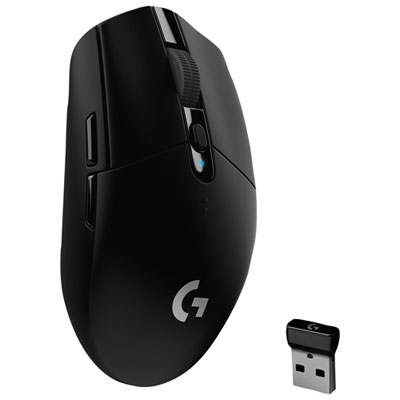
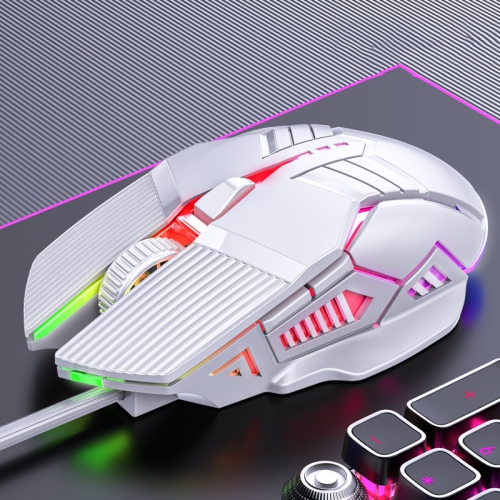
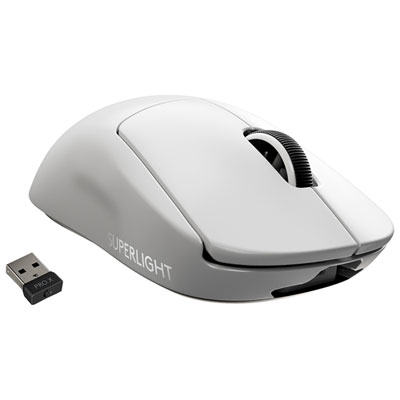
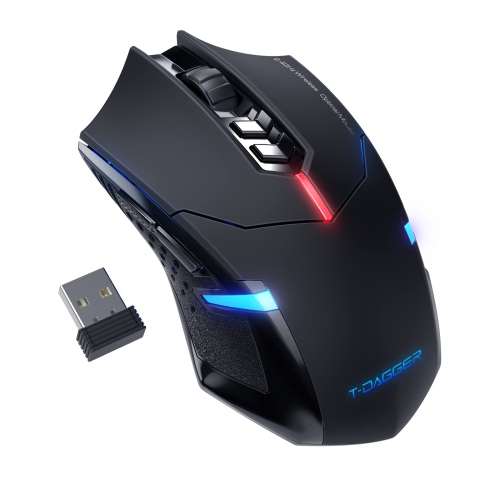

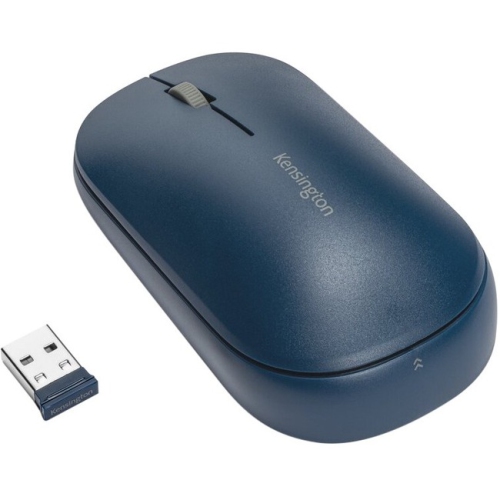
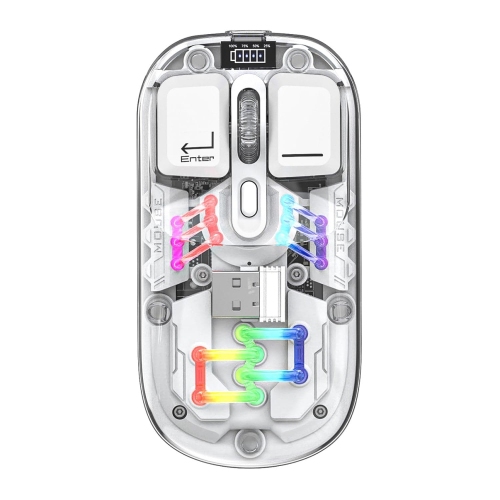
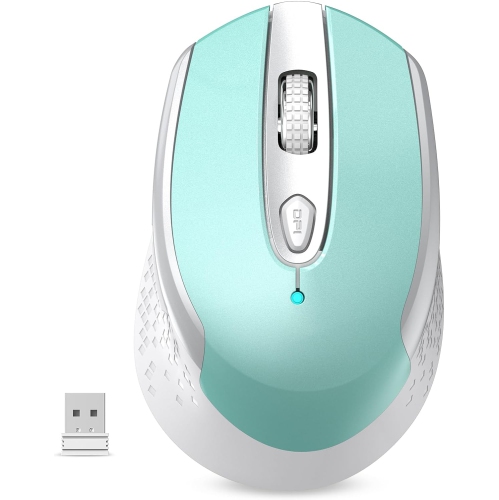
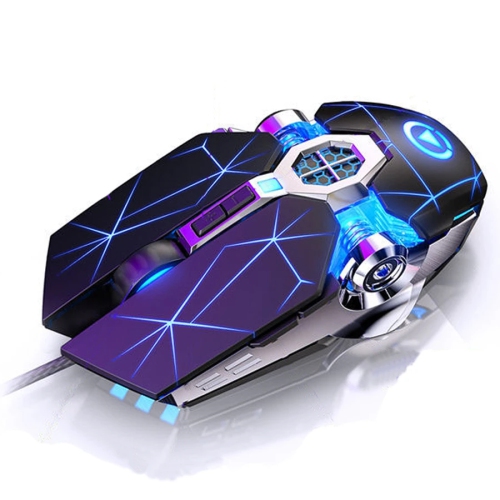
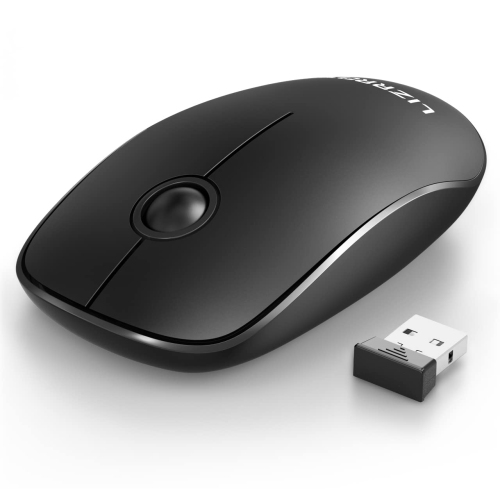
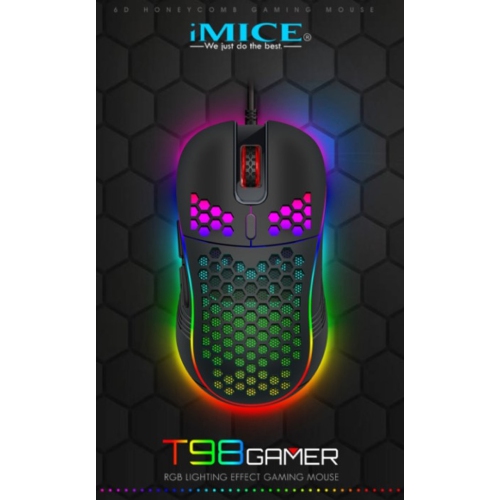
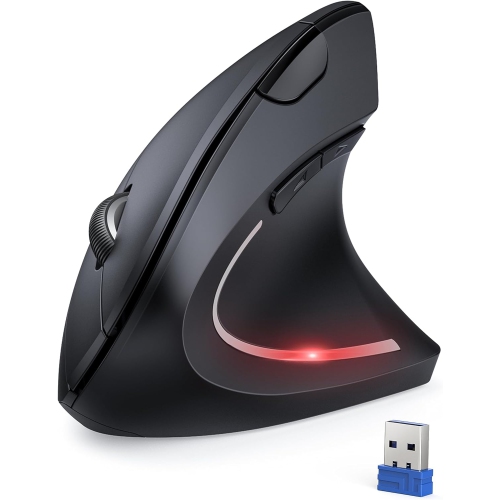
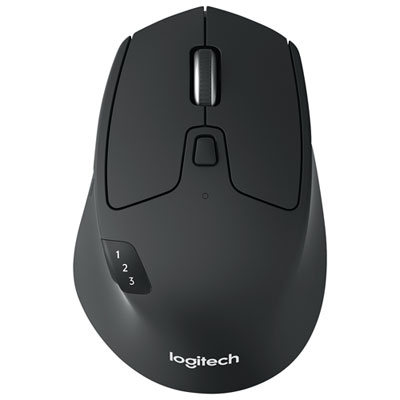
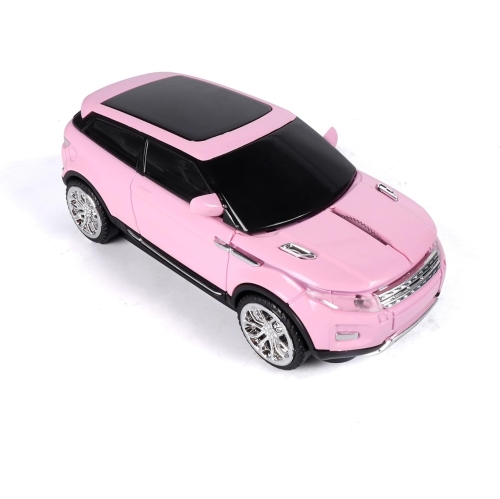
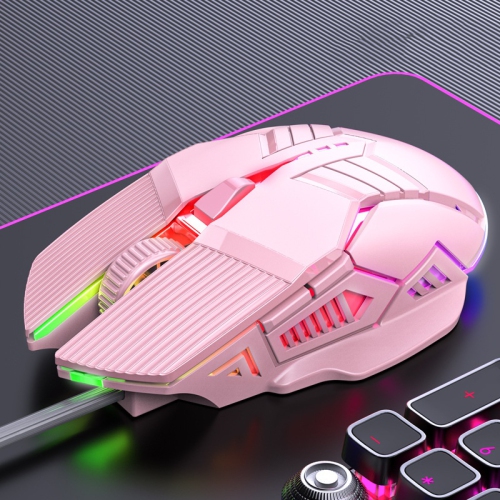
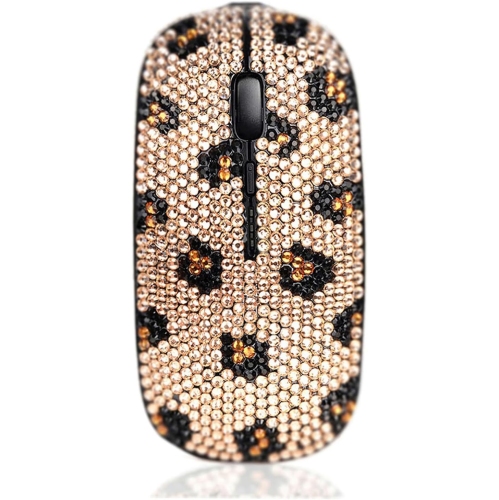
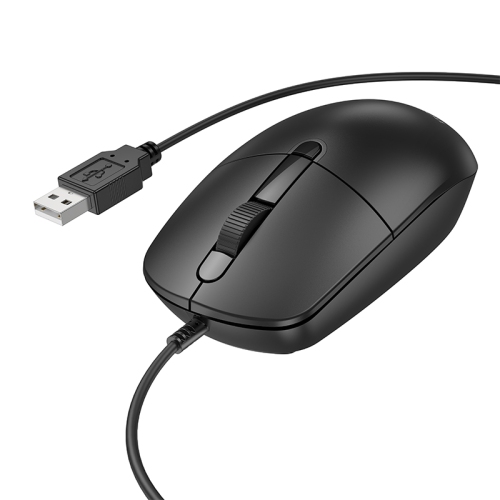
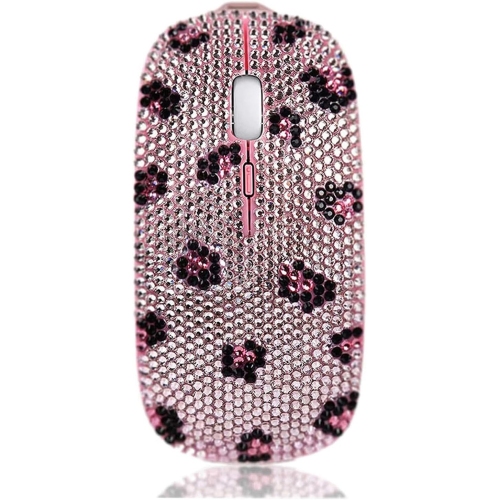
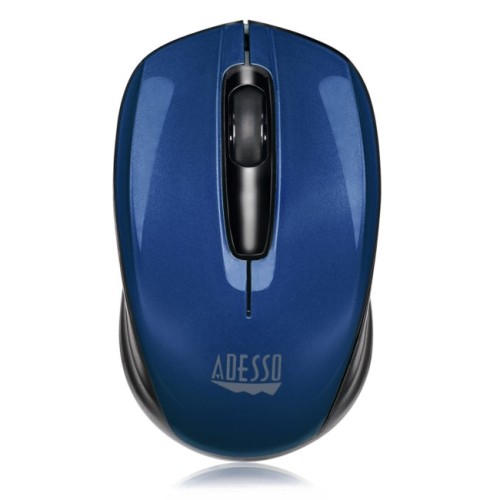
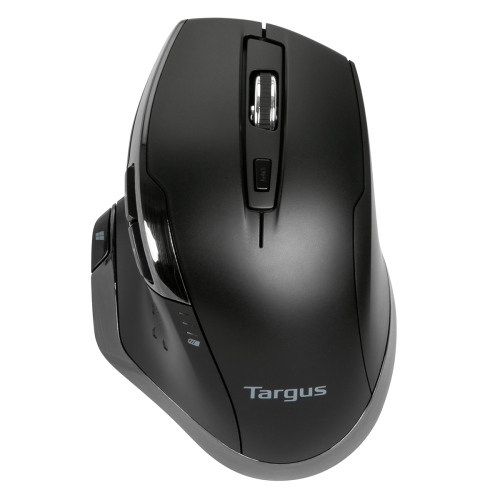
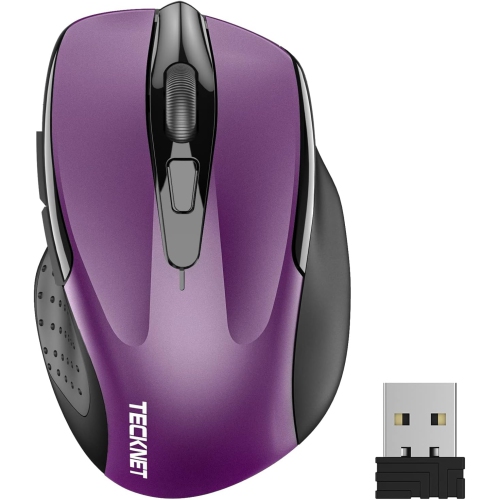
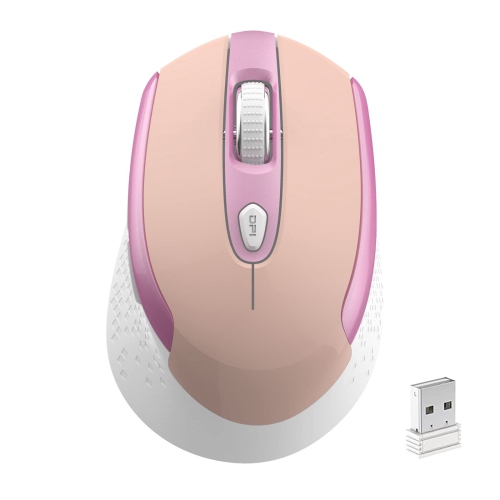
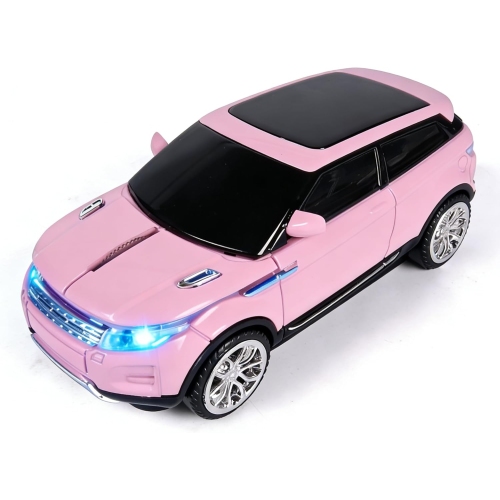
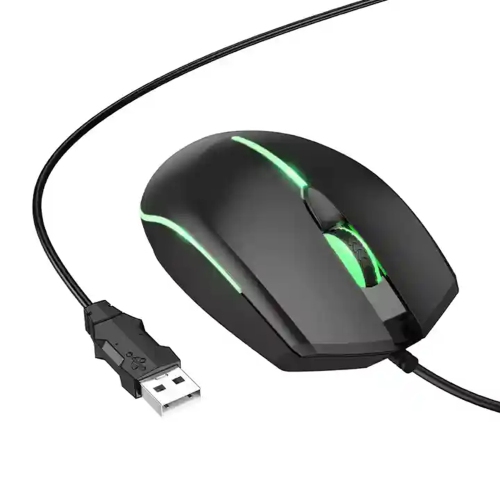
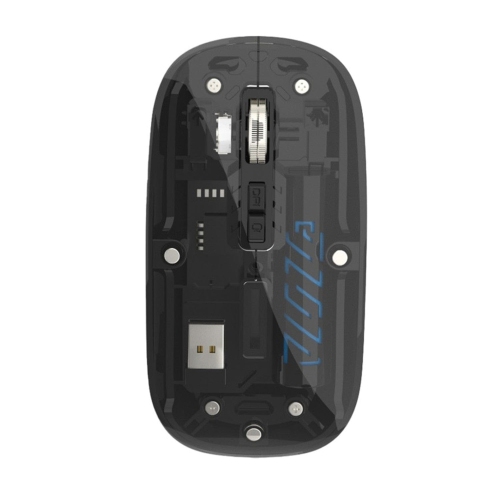
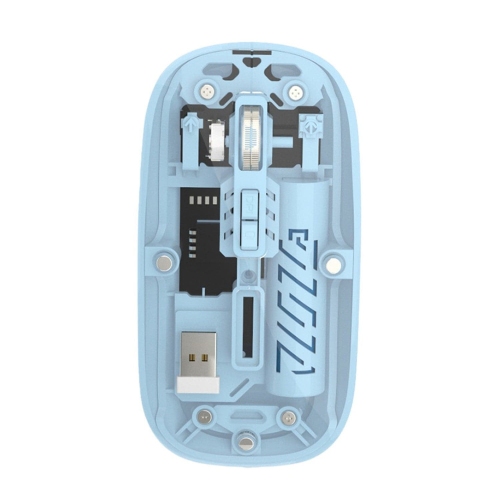
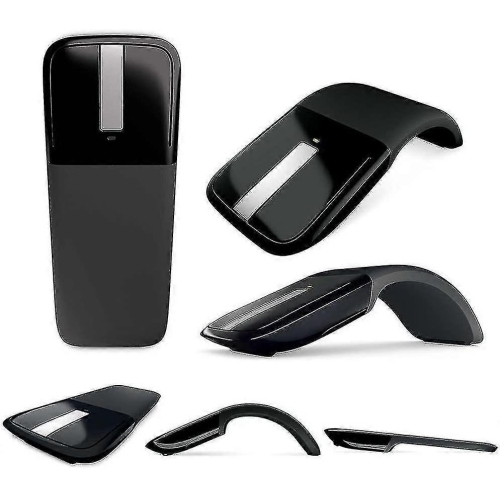
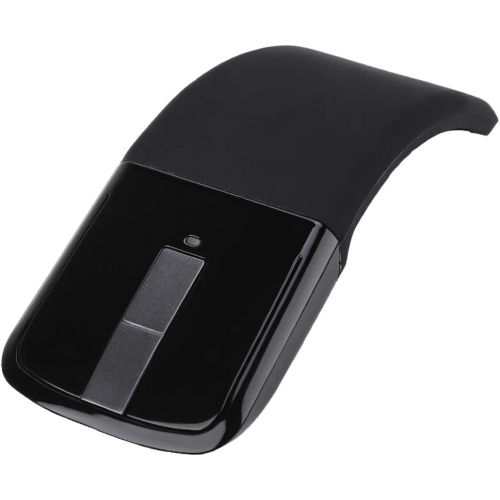
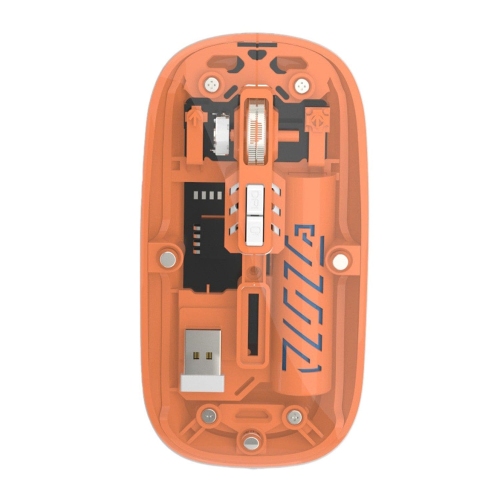
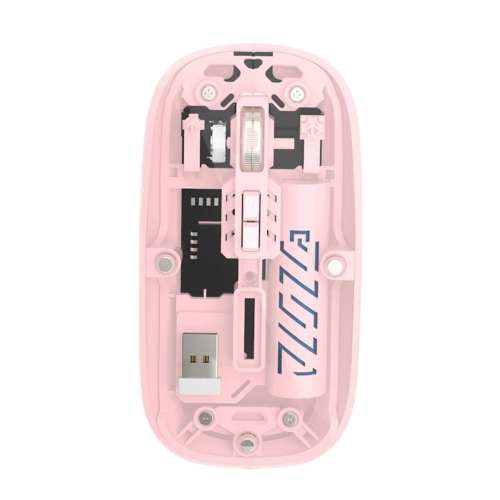
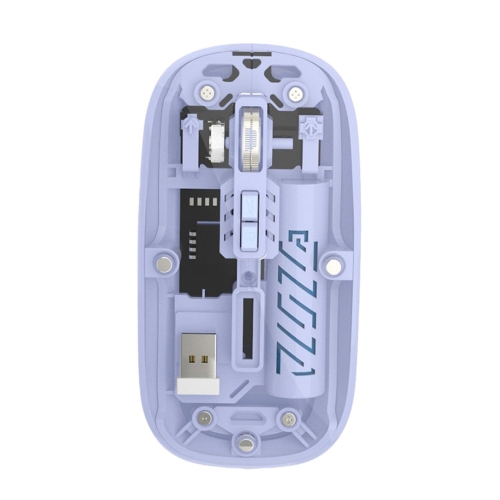
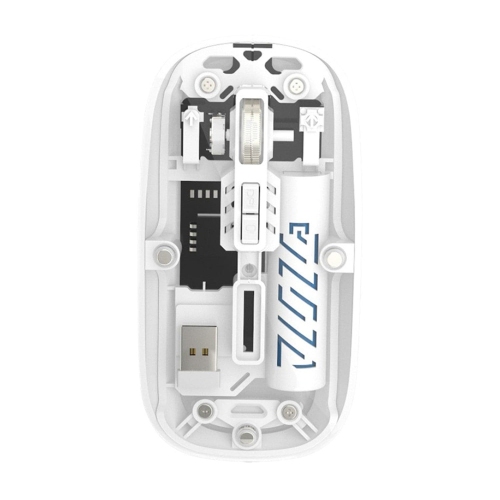
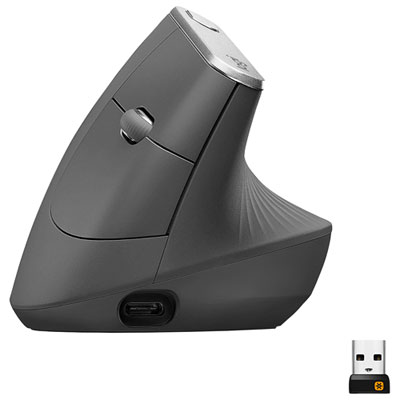
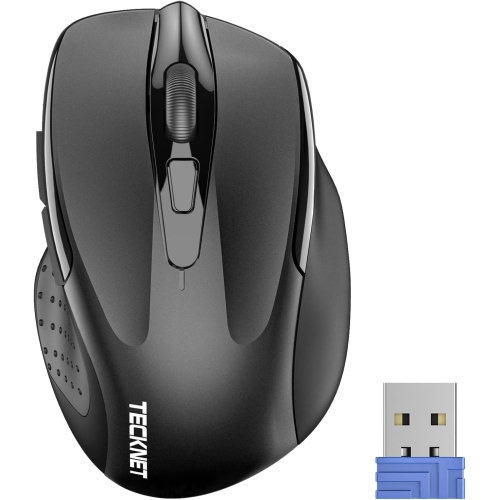
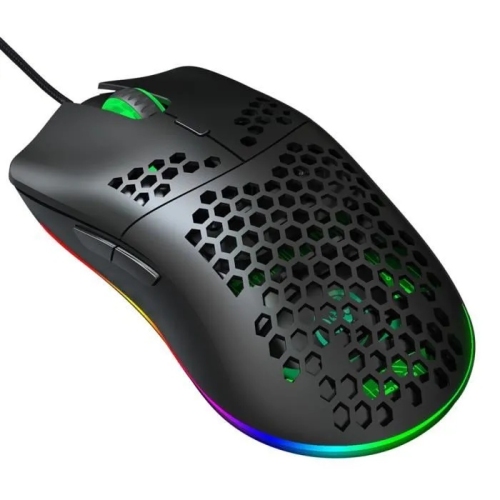
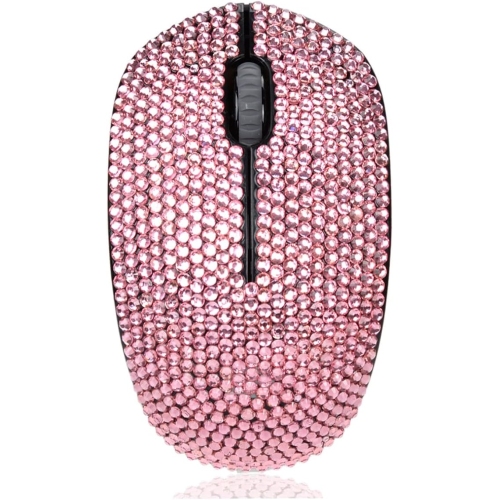
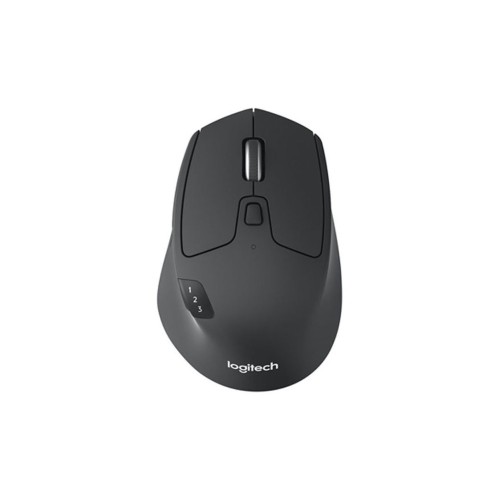
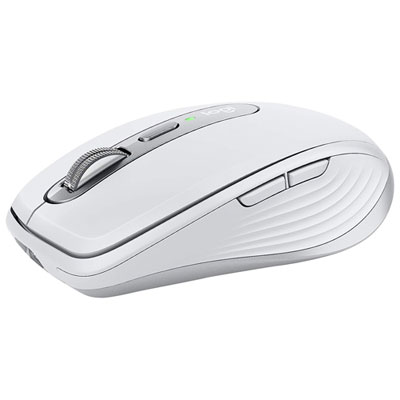
Standout mouse designs balance personality with everyday comfort
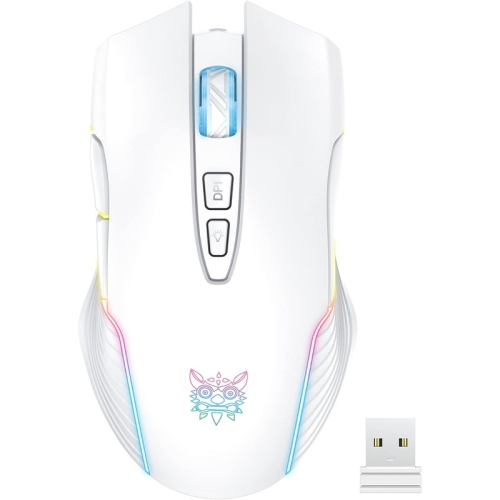
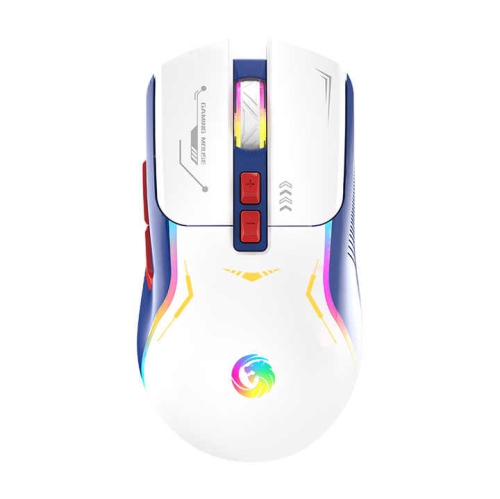
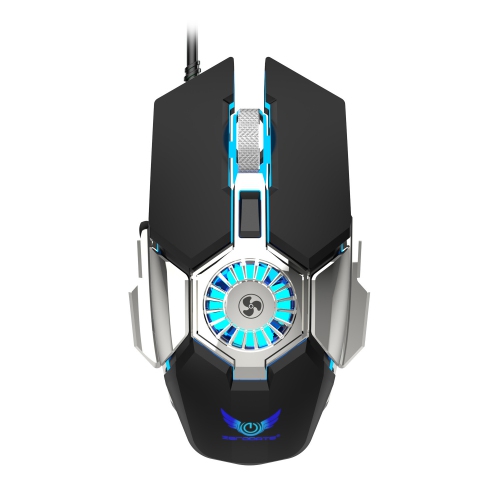
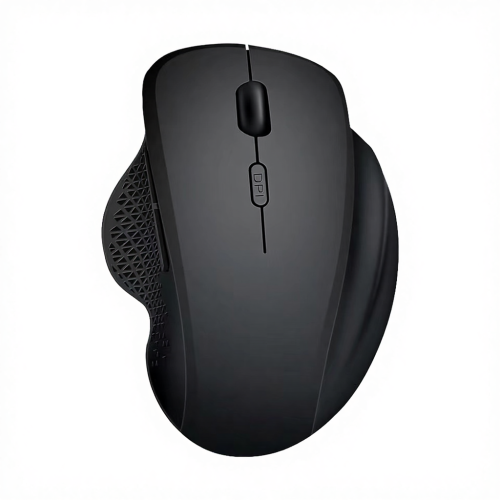
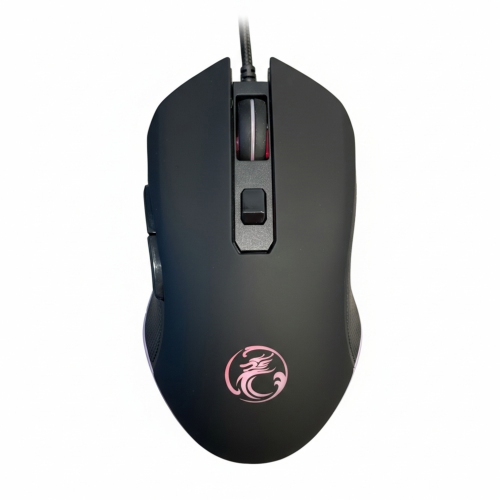
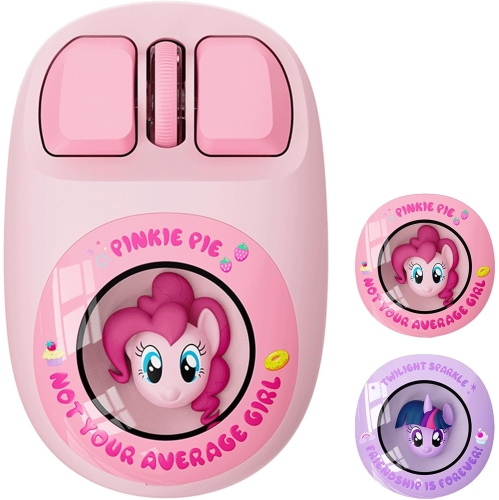
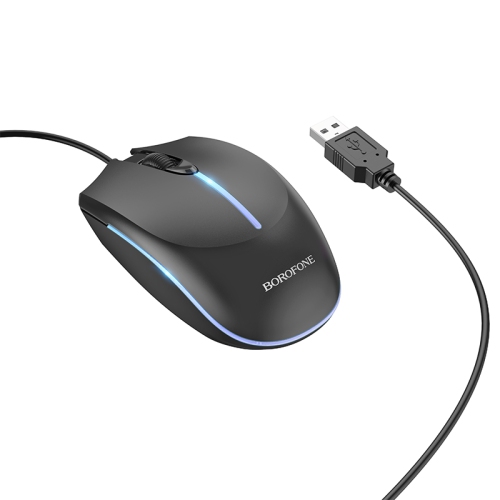
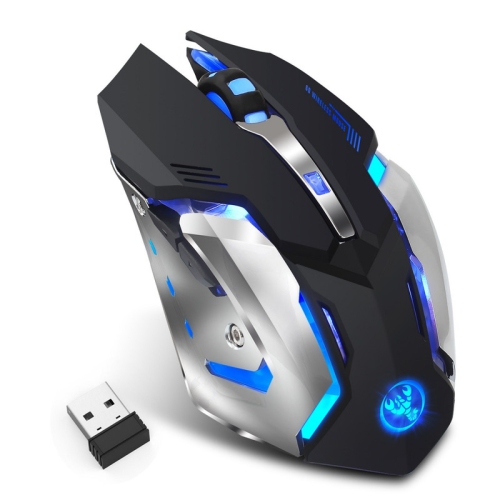
Cool computer mice combine distinctive looks with features that make everyday computing feel more personal. That might mean a sculpted silhouette beside a minimalist keyboard, a translucent shell that reveals internal details, or adjustable RGB lighting that adds a ribbon of colour to a gaming desk. Bold patterns, soft pastel finishes, metallic accents, and unusual shapes offer different ways to express a style without changing an entire setup. Lighting can be subtle rather than showy: a softly illuminated scroll wheel creates a different effect from a bright outline around the base. Where customization is supported, lighting profiles may coordinate with other peripherals or switch off for a distraction-free workspace. A mouse can also stand out through how it feels and responds. Textured side grips, a satisfying scroll wheel, quiet clicks, and thoughtfully placed buttons can be just as appealing as an eye-catching finish. Some specialty designs add haptic feedback for tactile cues during supported actions, while others use openings in the shell to reduce weight. A vented shell is not the same as active cooling; a built-in fan is a separate feature rather than something to expect from every perforated design. Materials influence the overall character, too. Smooth moulded plastic is common, rubberized contact areas can add grip, and metal accents can provide a distinctive visual contrast. Each finish feels different under the fingers, particularly during longer sessions. Shoppers drawn to cheerful colours and playful shapes may also enjoy Cute Computer Mice. Whether the look is understated, futuristic, or whimsical, the most satisfying combination is a design that suits both the desk and the person using it, with controls that remain easy to reach once the novelty becomes part of the daily routine.
Shape and size have a direct effect on how a mouse handles, so visual appeal works best alongside a comfortable fit. A broad, gently raised body can suit someone who rests much of their palm on the shell, while a shorter or lower-profile shape may feel more natural for fingertip control. Claw-style grips, where the fingers arch over the buttons, place different demands on the rear curve and button position. Hand size matters as much as the grip itself: a compact travel mouse can feel cramped during a full workday, while a large body may leave smaller hands stretching for side buttons. Right-handed contours often include a thumb rest, whereas more symmetrical shapes can offer greater flexibility. Symmetry alone does not guarantee equal access for both hands, since side-button placement can still favour one side. Weight also changes the experience. A lightweight gaming mouse can feel nimble during repeated sweeps across a large mouse pad; a heavier design may feel more settled during deliberate desktop movements. For gaming, sensor tracking, button response, and a shape that stays secure during quick direction changes matter more than dramatic styling alone. Adjustable sensitivity allows different pointer speeds, but a higher maximum DPI does not automatically make a mouse more accurate. Higher polling rates can shorten the interval between movement reports, although their practical value depends on the computer, software, and task. For office work, study, and creative projects, useful details may include programmable shortcuts, horizontal scrolling, or a wheel that moves efficiently through long documents. A spreadsheet user might value sideways navigation, while someone editing a timeline may appreciate accessible shortcut buttons. Quiet switches can make shared workspaces less distracting, although quieter clicks do not necessarily mean a silent scroll wheel. Custom button assignments and advanced effects may require compatible software, making operating-system support an important part of the overall fit.
Connection style shapes how easily a mouse fits into everyday routines. A wired mouse keeps a continuous connection without a separate charging routine, though its cable needs enough room to move freely around a keyboard and monitor stand. Wireless designs reduce cable clutter and can make a desk easier to rearrange. Bluetooth can be convenient for a laptop with limited ports, while a dedicated USB receiver requires a compatible connection and somewhere safe to keep it between trips. Multi-device support, where included, can help someone move between a work computer and a personal laptop without replacing the mouse on the desk. Rechargeable designs need occasional charging, and operation while plugged in depends on the model; replaceable-battery designs have their own battery requirements. Lighting settings and usage patterns can affect wireless battery life, so a brightly illuminated setup may need a different charging routine from an unlit one. Daily durability depends on more than the outer shell. Consistent switches, a secure scroll wheel, well-fitted panels, and smooth glide feet all contribute to a dependable feel. A suitable mouse pad helps protect the feet from rough surfaces and can provide more predictable tracking, especially when the desk is glossy or transparent. Care is usually straightforward: disconnect the mouse or switch it off, remove loose dust with a soft brush, and wipe contact surfaces with a soft cloth according to the manufacturer’s directions. Spraying liquid directly into buttons, wheel openings, or shell perforations can damage internal parts. Textured grips and open-shell designs benefit from regular attention because dust and skin oils can collect in small recesses. For travel, a protective pouch can prevent scratches and keep a receiver from disappearing into a bag. As a gift for a student, gamer, home-office worker, or design enthusiast, a distinctive mouse feels especially thoughtful when its size, connection type, and style match the recipient’s habits. A striking finish makes the first impression, but comfortable handling and dependable everyday operation give it lasting appeal.
Top selling and popular products
-
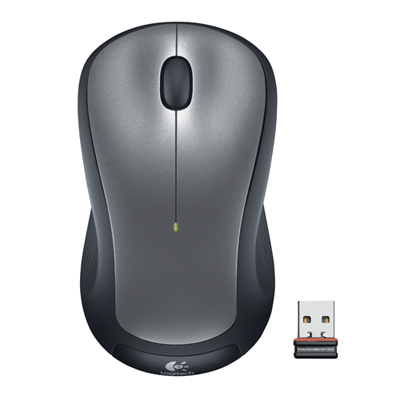 Your price for this item is $29.99
-
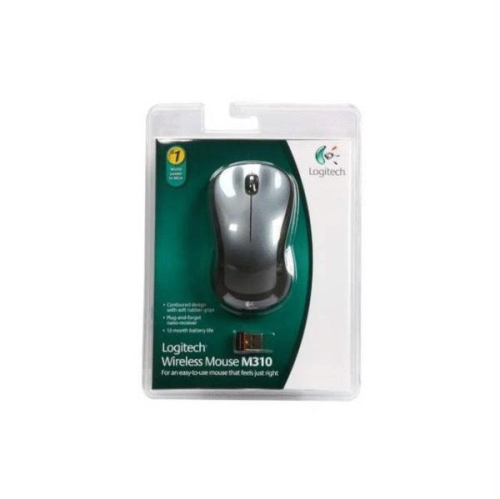 Your price for this item is $50.44
-
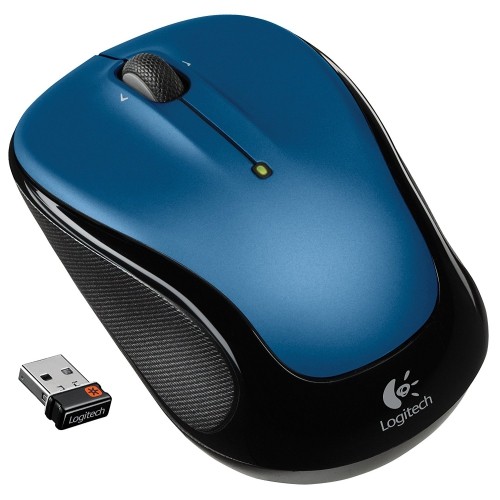 Your price for this item is $39.99
-
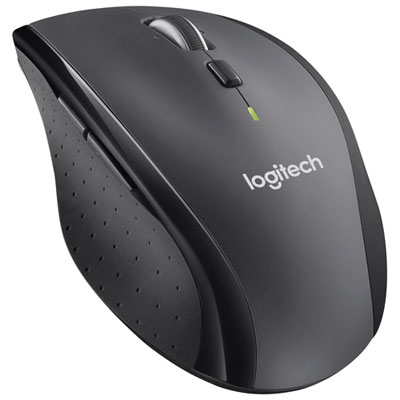 Your price for this item is $49.99
-
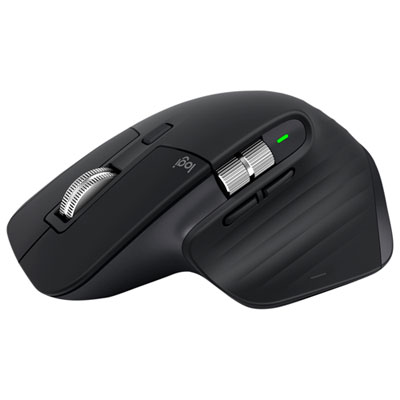 Your price for this item is $159.97
-
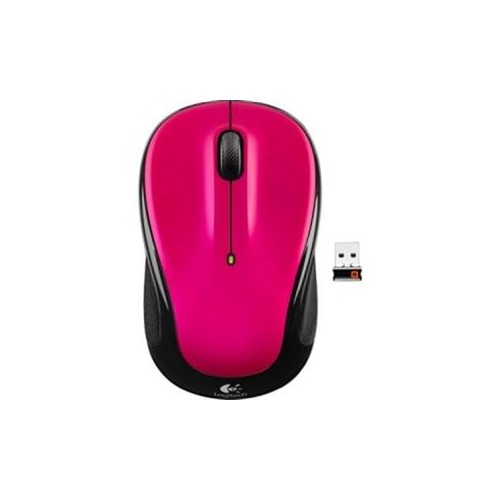 Your price for this item is $64.68
-
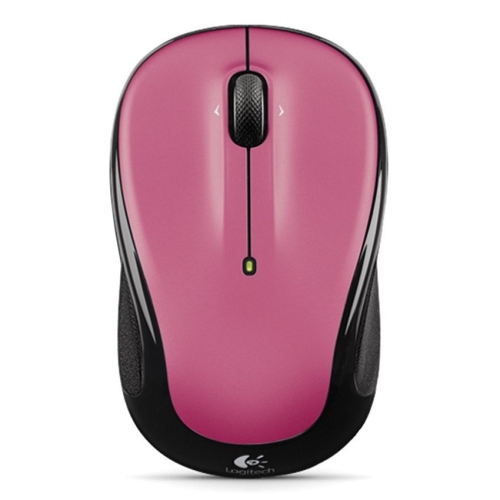 Your price for this item is $48.68
-
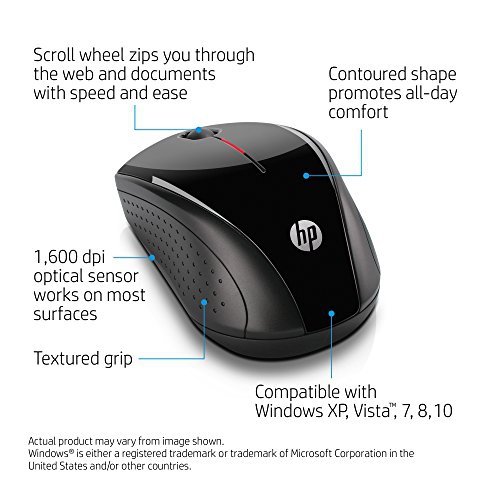 Your price for this item is $31
Discover more categories related to Cool Computer Mice
Top Collections:
Best Black Friday Deals This Year, Best Black Friday Deals On Electronics, Kindle Devices, Pokemon Centers, Best Black Friday Deals On Apple Products, Best Cameras for Sports Photography, Dyson Airwrap, Pokémon 30th Celebration Cards, Apple iPhone 17 Pro, Canon G7X Cameras
Some products may be subject to Environmental Handling Fees
(EHF) depending on your province.
Learn more about EHFs.