Cool Keyboards
Cool Keyboards are the perfect way to upgrade any workspace, gaming setup, or home office. With a wide variety of designs and styles, finding the right keyboard to match your needs and personality is easy. Whether you’re looking for something sleek and modern or bold and colorful, Cool Keyboards offer options that combine functionality with eye-catching looks. Explore the collection to discover keyboards that help make every keystroke enjoyable.
Sort
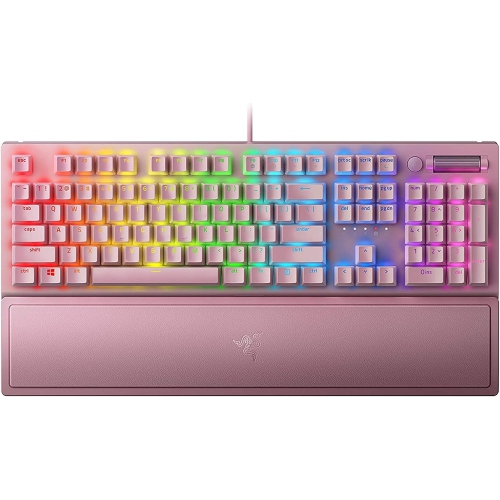

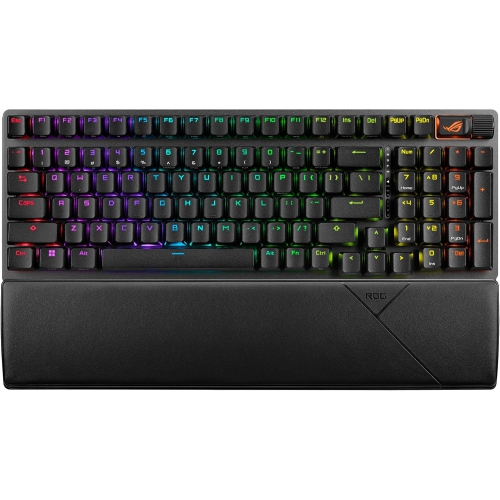
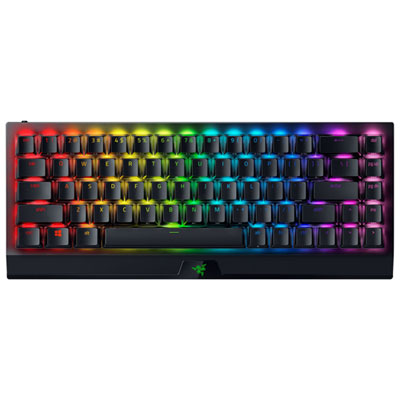
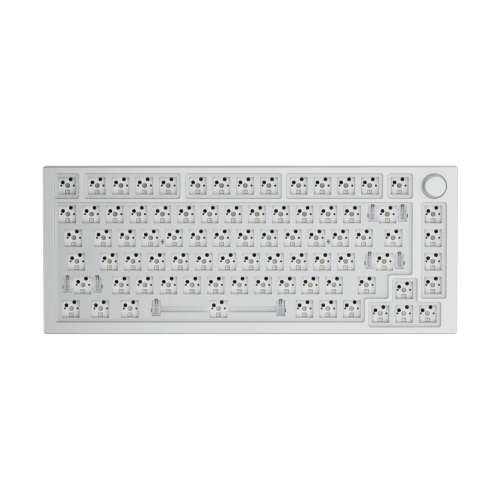
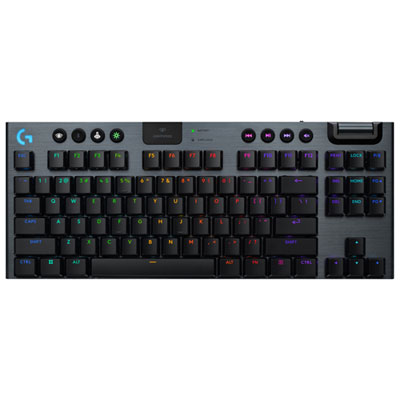
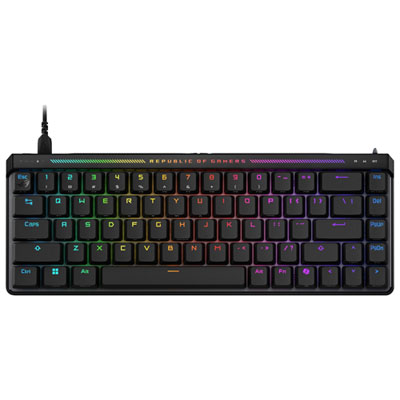
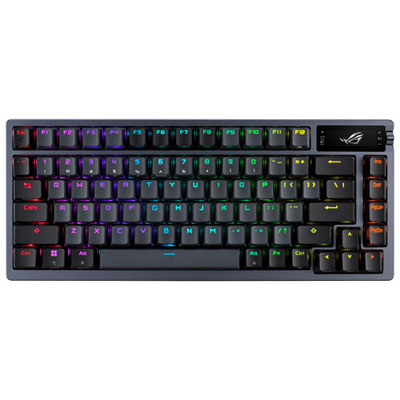
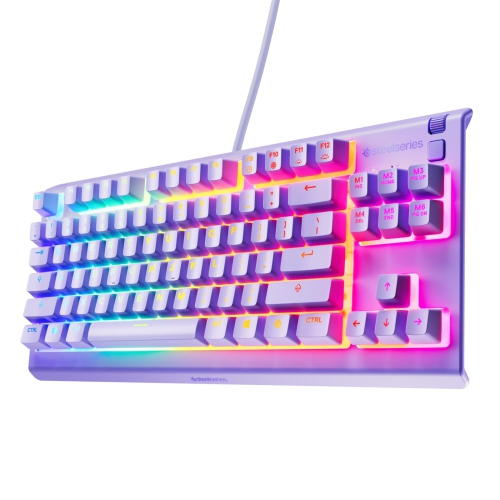
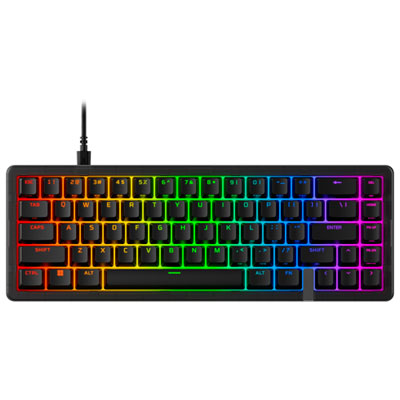
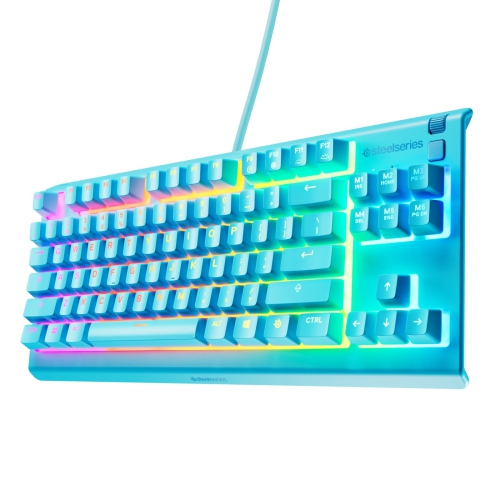
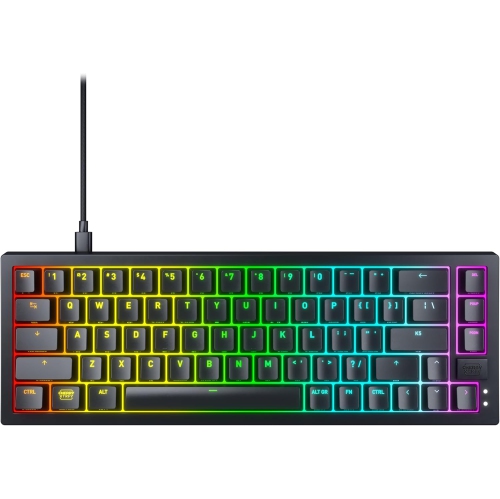
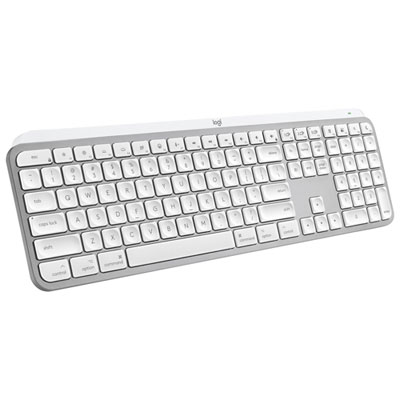
Keyboard personality goes beyond colour and backlighting
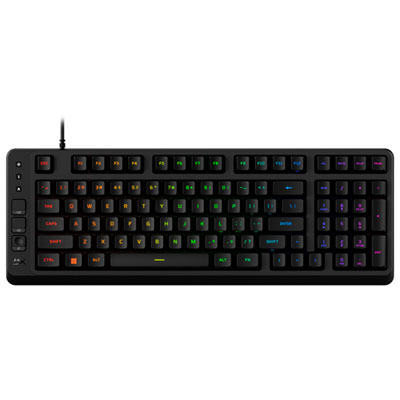
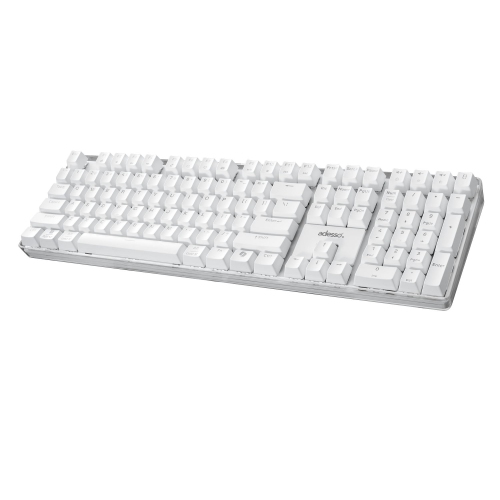
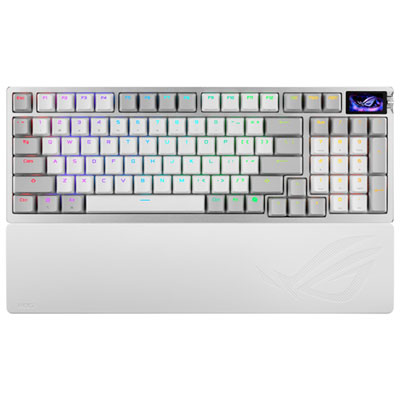
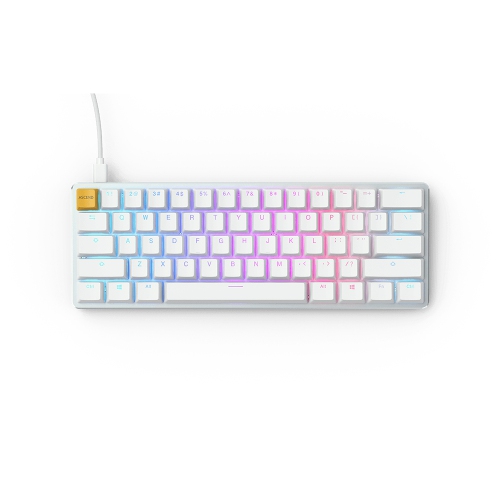
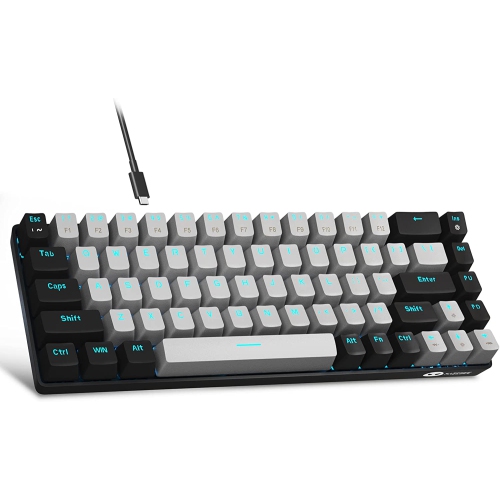
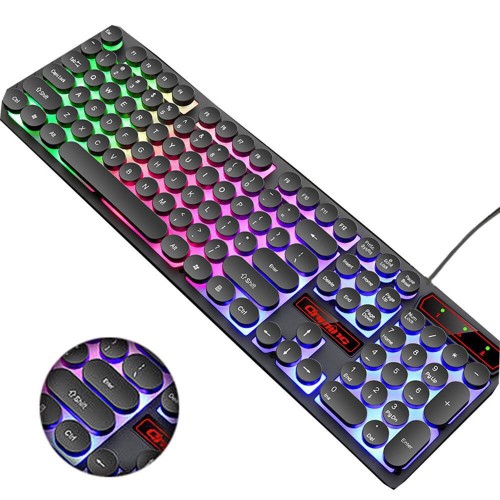
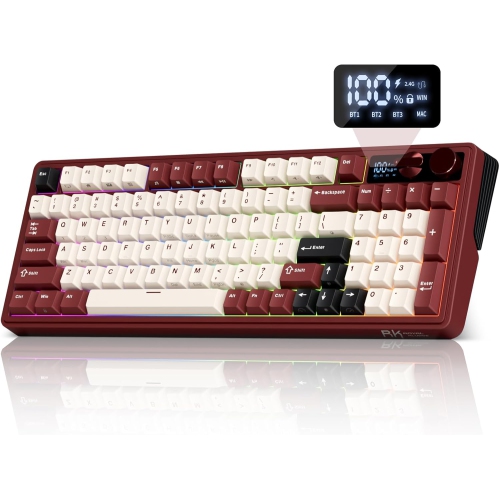
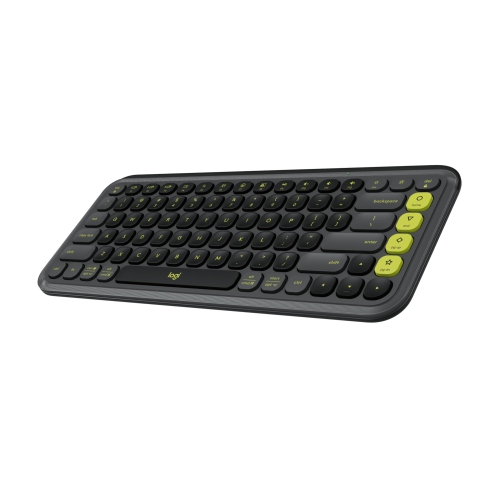
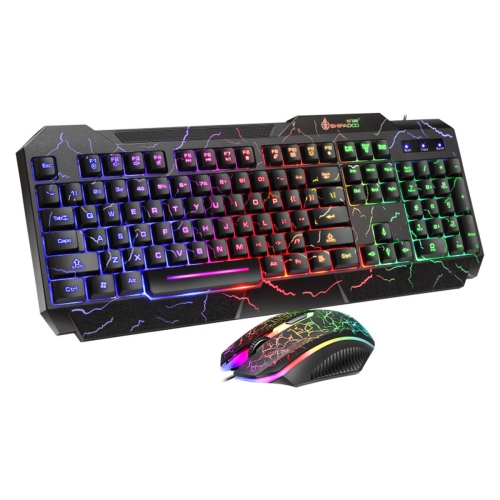
Cool keyboards bring personality to one of the most frequently used parts of a computer setup. Colourful keycaps, softly glowing backlighting, crisp geometric shapes, and distinctive finishes can turn an ordinary desk into a space that feels deliberately put together. Some designs lean towards a clean, understated look, with slim profiles and muted colours that sit comfortably beside a monitor and notebook. Others make the keyboard a focal point through bold colour blocking, translucent cases, rounded keys, or lighting that shines between and through the keycaps. These details are more than decoration: contrasting key colours can make certain groups easier to spot, while readable legends and adjustable illumination can help keep lettering visible in a dim room. A keyboard’s character also comes through in its sound and feel. Mechanical switches provide a separate mechanism beneath each key, with options that feel smooth throughout the press, offer a noticeable tactile bump, or add an audible click. Membrane designs often have a softer, cushioned feel, while low-profile keyboards keep finger movement closer to the desk. Neither a striking appearance nor a particular switch type guarantees a comfortable fit; the best match depends on how someone types, the space they have, and how much sound is welcome around them. A shared home office may call for a quieter keyboard, whereas someone with a dedicated gaming desk might enjoy a more pronounced typing sound. Even within the same switch category, the case, keycaps, and internal construction affect what each keystroke sounds like. For a setup built around self-expression, Creative Keyboards offer another way to explore distinctive styling. Whether the goal is a coordinated workspace, a playful study corner, or a visually striking gaming station, a keyboard can tie the surrounding accessories together without making everyday typing feel like an afterthought.
Size and layout shape how naturally a keyboard fits into daily routines. A full-size layout includes a dedicated number pad, which can be useful for spreadsheets, bookkeeping, or entering long strings of figures. A tenkeyless layout removes that section while retaining familiar navigation and function keys, leaving more room for a mouse. More compact layouts shorten the keyboard further, although some commands then require a function-key combination rather than a dedicated key. That trade-off matters when moving between writing, gaming, and detailed work: a smaller board may suit a narrow desk, but frequent use of arrow keys or shortcuts can make their placement especially important. Leaving adequate mouse space can also help avoid reaching too far to one side. Key spacing, the height of the front edge, and the angle of the typing surface all influence comfort. Adjustable feet change the tilt, but a steeper angle is not automatically better; a position that allows relaxed shoulders and relatively straight wrists is often more useful than maximum elevation. A suitably sized palm rest can provide support during pauses, particularly beside a taller keyboard. Connection options are another practical consideration. A wired keyboard avoids battery management, while Bluetooth or a compatible wireless receiver can reduce cable clutter. Multi-device pairing, where supported, is useful for switching between a desktop, laptop, and tablet without moving a cable each time. Compatibility still deserves attention, especially for operating-system shortcuts, wireless connections, and software-controlled features. Canadian English and bilingual users may also have different preferences for key legends and physical layouts, so familiar punctuation placement can matter as much as appearance. For gaming, reliable simultaneous key registration and conveniently placed controls can support quick inputs. For writing or study, consistent key feel and clear lettering may matter more. Media keys, volume dials, and programmable shortcuts can make common actions easier, provided their placement suits the way the keyboard will actually be used.
Materials and construction help determine how a keyboard holds up after the initial appeal of its design. Plastic cases can be lightweight and easy to move, while metal top plates or housings often add weight and a firmer feel on the desk. Rubber feet help prevent sliding, and a sturdy frame can reduce flex during enthusiastic typing. Keycaps commonly use ABS or PBT plastic, each with a different surface feel depending on its finish and manufacture. PBT often resists developing a smooth, shiny surface longer, though overall durability also depends on construction and use. Lettering methods matter too: double-shot legends are formed from separate pieces of plastic, while printed legends can wear differently depending on their coating. Those details are useful for someone who spends hours writing assignments, chatting with friends, or working through documents. Customization can extend the appeal of a keyboard, from changing compatible keycaps to adjusting lighting brightness or saving shortcut assignments. Hot-swappable mechanical designs allow compatible switches to be replaced without soldering, but switch sockets, keycap stems, and layout sizes must match; customization is not universal. Routine care is usually straightforward. Disconnect or switch off the keyboard before cleaning, remove loose dust gently, and wipe accessible surfaces with a soft cloth lightly dampened according to the manufacturer’s directions. Spraying liquid directly onto the keys can allow moisture inside, and keycaps should only be removed when the design and care instructions permit it. Keeping drinks away from the typing area and avoiding strain on the cable or charging port can help prevent everyday damage. For gifting, keyboards suit students, gamers, writers, and anyone who enjoys personalizing a desk, but a thoughtful match goes beyond a favourite colour. A recipient who works beside others may appreciate restrained sound, someone who carries a keyboard between locations may value a smaller footprint, and a frequent spreadsheet user may prefer a number pad. The most satisfying cool keyboards combine an appealing look with details that continue to feel useful every time the computer comes on.
Size and layout shape how naturally a keyboard fits into daily routines. A full-size layout includes a dedicated number pad, which can be useful for spreadsheets, bookkeeping, or entering long strings of figures. A tenkeyless layout removes that section while retaining familiar navigation and function keys, leaving more room for a mouse. More compact layouts shorten the keyboard further, although some commands then require a function-key combination rather than a dedicated key. That trade-off matters when moving between writing, gaming, and detailed work: a smaller board may suit a narrow desk, but frequent use of arrow keys or shortcuts can make their placement especially important. Leaving adequate mouse space can also help avoid reaching too far to one side. Key spacing, the height of the front edge, and the angle of the typing surface all influence comfort. Adjustable feet change the tilt, but a steeper angle is not automatically better; a position that allows relaxed shoulders and relatively straight wrists is often more useful than maximum elevation. A suitably sized palm rest can provide support during pauses, particularly beside a taller keyboard. Connection options are another practical consideration. A wired keyboard avoids battery management, while Bluetooth or a compatible wireless receiver can reduce cable clutter. Multi-device pairing, where supported, is useful for switching between a desktop, laptop, and tablet without moving a cable each time. Compatibility still deserves attention, especially for operating-system shortcuts, wireless connections, and software-controlled features. Canadian English and bilingual users may also have different preferences for key legends and physical layouts, so familiar punctuation placement can matter as much as appearance. For gaming, reliable simultaneous key registration and conveniently placed controls can support quick inputs. For writing or study, consistent key feel and clear lettering may matter more. Media keys, volume dials, and programmable shortcuts can make common actions easier, provided their placement suits the way the keyboard will actually be used.
Materials and construction help determine how a keyboard holds up after the initial appeal of its design. Plastic cases can be lightweight and easy to move, while metal top plates or housings often add weight and a firmer feel on the desk. Rubber feet help prevent sliding, and a sturdy frame can reduce flex during enthusiastic typing. Keycaps commonly use ABS or PBT plastic, each with a different surface feel depending on its finish and manufacture. PBT often resists developing a smooth, shiny surface longer, though overall durability also depends on construction and use. Lettering methods matter too: double-shot legends are formed from separate pieces of plastic, while printed legends can wear differently depending on their coating. Those details are useful for someone who spends hours writing assignments, chatting with friends, or working through documents. Customization can extend the appeal of a keyboard, from changing compatible keycaps to adjusting lighting brightness or saving shortcut assignments. Hot-swappable mechanical designs allow compatible switches to be replaced without soldering, but switch sockets, keycap stems, and layout sizes must match; customization is not universal. Routine care is usually straightforward. Disconnect or switch off the keyboard before cleaning, remove loose dust gently, and wipe accessible surfaces with a soft cloth lightly dampened according to the manufacturer’s directions. Spraying liquid directly onto the keys can allow moisture inside, and keycaps should only be removed when the design and care instructions permit it. Keeping drinks away from the typing area and avoiding strain on the cable or charging port can help prevent everyday damage. For gifting, keyboards suit students, gamers, writers, and anyone who enjoys personalizing a desk, but a thoughtful match goes beyond a favourite colour. A recipient who works beside others may appreciate restrained sound, someone who carries a keyboard between locations may value a smaller footprint, and a frequent spreadsheet user may prefer a number pad. The most satisfying cool keyboards combine an appealing look with details that continue to feel useful every time the computer comes on.
Top selling and popular products
-
 Your price for this item is $39.99
 -
 Your price for this item is $76.98
 -
 Your price for this item is $94.99
 -
 Your price for this item is $319.99
 -
 Your price for this item is $364.99
 -
 Your price for this item is $149.99
 -
 Your price for this item is $124
 -
 Your price for this item is $94.99
Discover more categories related to Cool Keyboards
Top Collections:
Pokemon Centers, Kindle Devices, Best Budget Office Chairs, Apple iPhones 16, Best Laptops for Writers, iPhone 15 Apple, Canon G7X Cameras, Refurbished Apple Laptops, Alarm Clock, Motorola Razr Phones
Some products may be subject to Environmental Handling Fees
(EHF) depending on your province.
Learn more about EHFs.