Corsair DDR4
Upgrade your PC’s performance with Corsair DDR4 memory, designed to deliver reliable speed and efficiency for a wide range of computing needs. Whether you’re building a new system or enhancing your current setup, Corsair DDR4 offers options to suit gaming, creative projects, and everyday multitasking. Explore a variety of capacities and configurations to find the perfect fit for your desktop or workstation. Discover how Corsair DDR4 can help you achieve smoother operation and improved responsiveness.
Sort


How RAM capacity and compatibility affect everyday performance
DDR4 RAM provides the temporary working space a compatible computer uses to keep applications, files, and active tasks close at hand. It is different from storage: an SSD holds documents and installed software when the computer is switched off, while RAM holds data that the processor needs during use. For someone moving between a video call, a spreadsheet, and a browser full of tabs, sufficient memory can help the system stay responsive without relying as heavily on slower storage-based virtual memory. Gaming, photo editing, software development, and working with large documents can also place substantial demands on RAM, although adding capacity beyond what a workload needs does not automatically make the computer faster. Capacity is measured in gigabytes, and the useful amount depends on the applications running together. An 8GB configuration may suit lighter tasks, while 16GB offers more room for everyday multitasking and many games. A 32GB configuration can be useful for heavier creative work, larger projects, or running several demanding applications at once. Higher capacities have a place in workloads such as virtual machines and complex media production, provided the computer supports them. System RAM also serves a different purpose from the dedicated video memory on a graphics card, so increasing one does not directly increase the other. Integrated graphics may share system memory, making capacity and memory configuration particularly relevant on those computers. When comparing DDR4 memory, the distinction between total kit capacity and capacity per module matters: a 32GB kit containing two modules provides 32GB altogether, not 32GB in each slot. The number of occupied slots also affects room for future expansion. A computer with two memory sockets has different upgrade possibilities from one with four, and some laptops have part or all of their memory soldered in place. The most suitable configuration reflects both the tasks the computer handles and the limits of its existing hardware, rather than simply the largest capacity shown on a label.
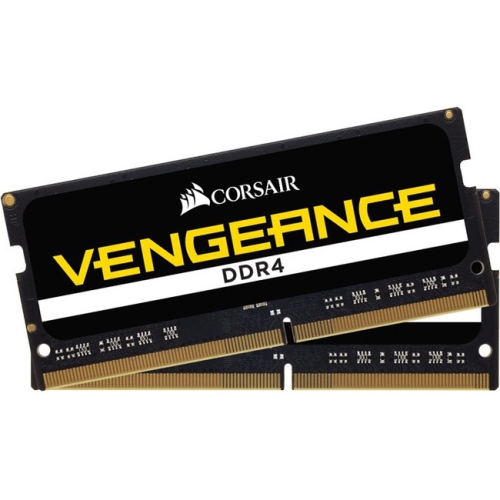
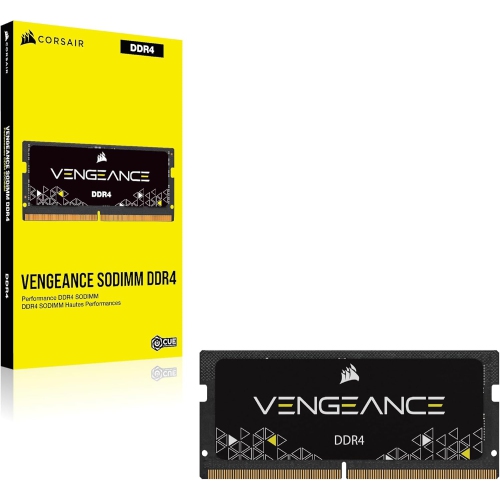
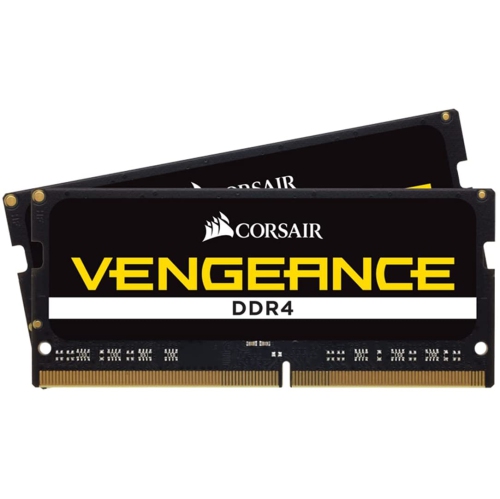
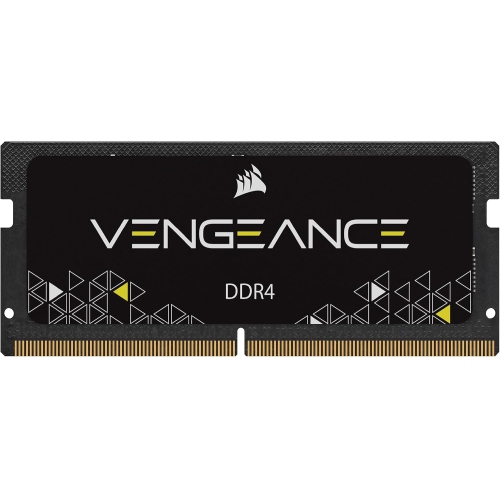
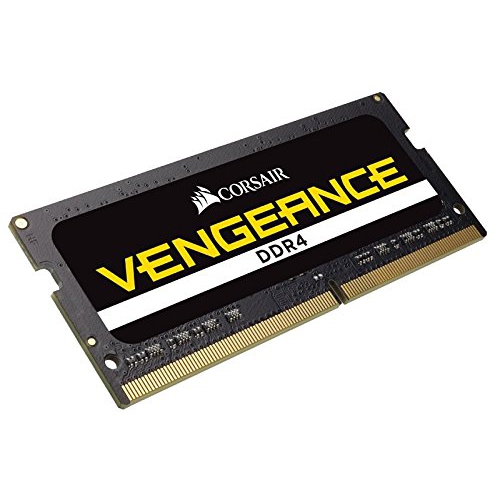
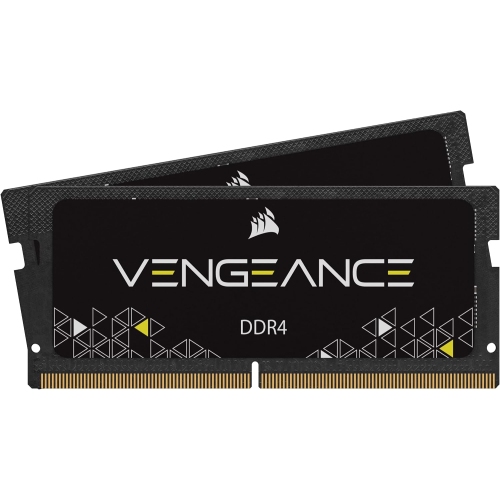
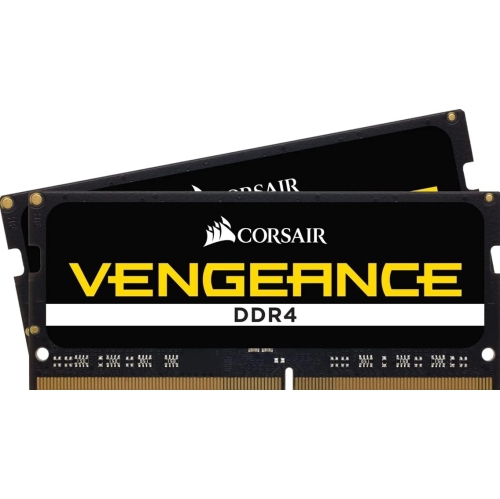
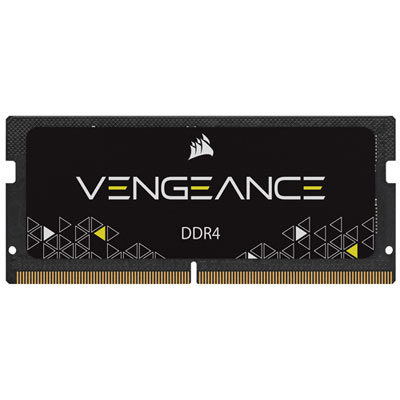
Compatibility is the starting point for DDR4 memory, because matching the generation alone is not enough. Desktop systems generally use full-size DIMMs, while laptops and some compact computers use shorter SO-DIMMs. Standard DDR4 desktop DIMMs have 288 pins, and DDR4 SO-DIMMs have 260 pins; these formats are not interchangeable. The motherboard or computer specifications establish the supported memory type, maximum total capacity, capacity per slot, and supported configurations. Features such as error correction and registered memory also require specific platform support, so memory intended for a server is not necessarily suitable for a home desktop. Speed is another consideration, but it works alongside capacity, timings, and the capabilities of the processor and motherboard. A designation such as DDR4-3200 describes a data transfer rate of 3,200 megatransfers per second, or MT/s, rather than a capacity measurement. Memory timings describe delays involved in accessing data, and a lower timing number is not, by itself, proof that one configuration will outperform another at a different transfer rate. Actual operating settings depend on the complete system. Some desktop memory supports performance profiles that can apply tested speed, timing, and voltage settings through compatible motherboard firmware; reaching those settings is not guaranteed on every computer. Laptop systems often provide fewer memory adjustment options. Matched multi-module kits are tested to work together at their specified settings, whereas combining separately purchased modules can lead to reduced speeds or compatibility issues, even when their headline specifications appear similar. On platforms that support dual-channel operation, an appropriate matched configuration can increase memory bandwidth compared with a single-channel arrangement. The benefit varies by application and can be especially relevant when integrated graphics shares system memory. DDR4 and DDR5 are separate generations with different electrical requirements and slot keying, so Corsair RAM DDR5 belongs with systems designed for DDR5 rather than serving as a drop-in replacement for DDR4. A newer generation is not an upgrade option unless the supporting hardware is compatible.
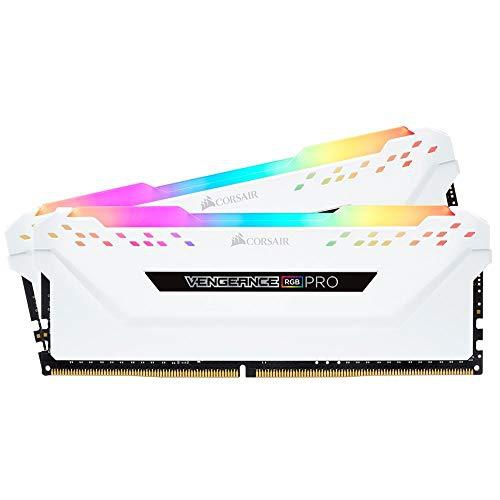
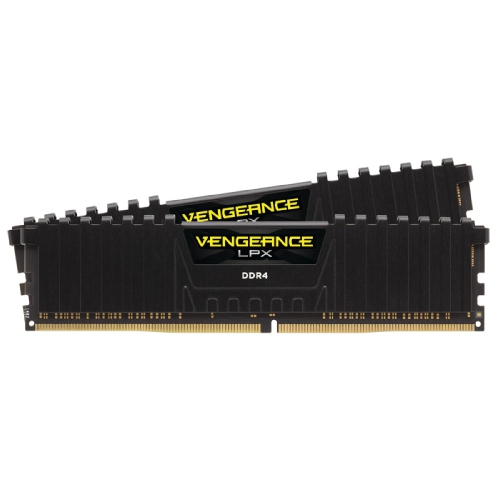
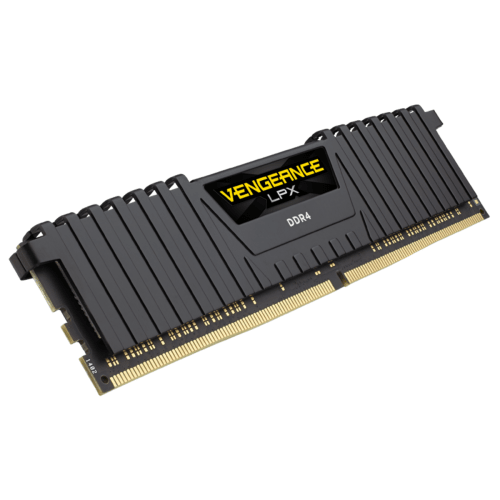
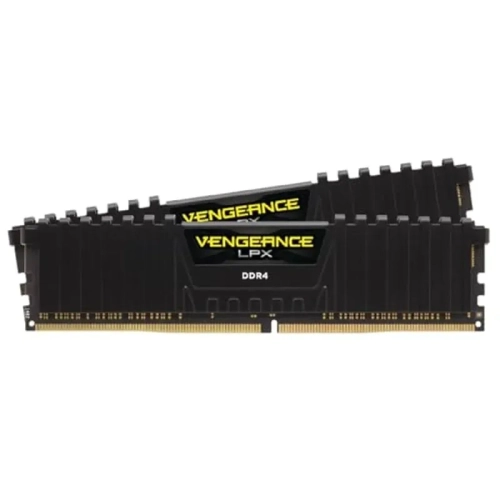
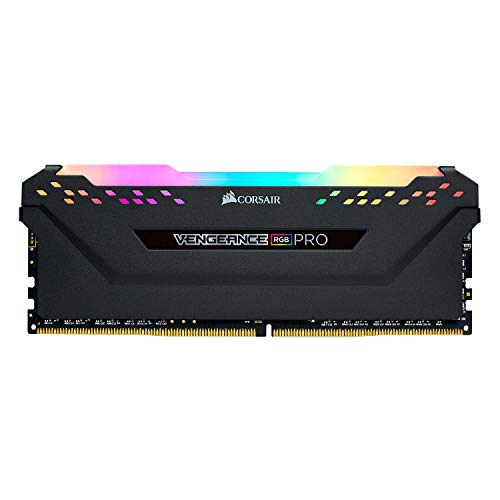
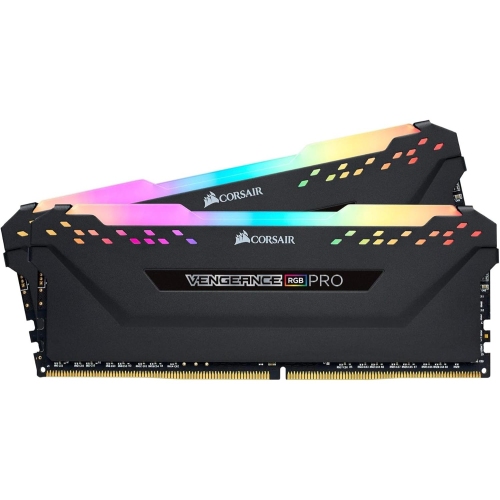
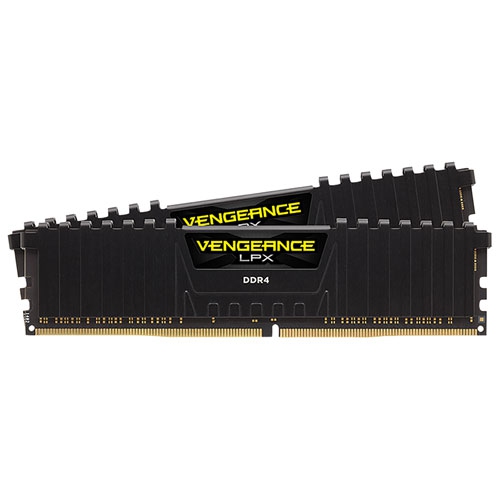
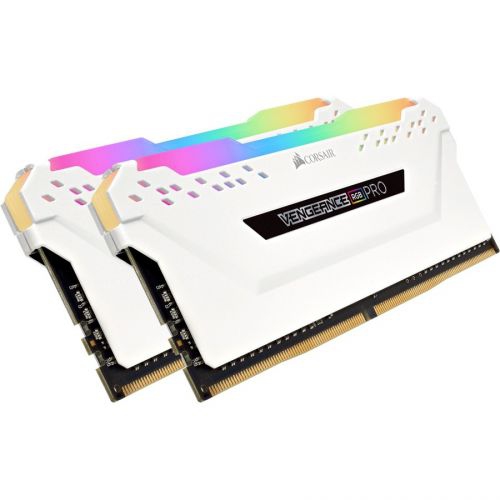
Physical design matters most where space is tight or the inside of a desktop is visible. A memory module combines semiconductor chips, a circuit board, and metal contacts; some desktop designs add aluminum heat spreaders that help distribute heat away from the chips. Low-profile modules can provide useful clearance beneath a large processor air cooler, while taller heat spreaders or lighting assemblies may interfere with nearby components. The relevant measurement is the complete module height, not just the circuit board, and clearance can depend on which memory slots sit beneath the cooler. Laptop memory has its own space constraints and typically uses a more compact construction. Decorative lighting and colour choices can help a desktop build look coordinated through a side window, but they do not determine capacity or application performance. Lighting control may also depend on compatible software and connections, so appearance and function are separate considerations. In everyday use, RAM usually needs little direct maintenance. Reliable seating, suitable case airflow, and protection from physical damage matter more than frequent handling. Exposed contacts should remain free of fingerprints, and unnecessary removal increases the chance of accidental damage to a module or its slot. Installation involves electrostatic-sensitive components, making careful handling and the computer manufacturer’s service guidance important, particularly for tightly assembled laptops. Memory can be a practical gift for someone maintaining a gaming desktop, refreshing a study computer, or building a workstation, but it is a component where exact compatibility matters more than a surprise selection. Knowing the computer model or motherboard, existing memory configuration, and intended workload helps distinguish a genuinely useful addition from a module that cannot be installed. For a student juggling research and presentations, the priority may be enough capacity for simultaneous applications; for a creator working with layered images or video projects, larger supported configurations may be more relevant. Across these uses, the best fit balances capacity, supported performance, physical clearance, and dependable operation within the computer that will actually use it.
Top selling and popular products
-
 Your price for this item is $307.68
-
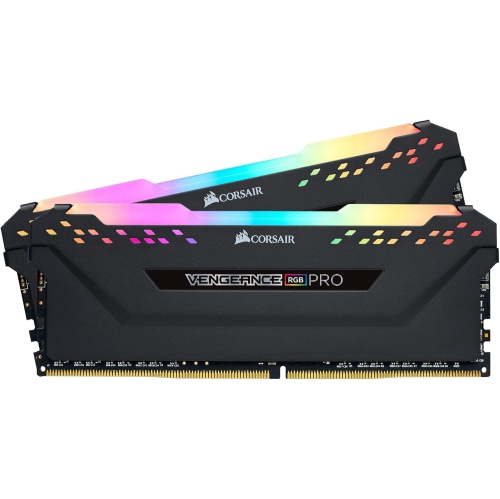 Your price for this item is $389.99
-
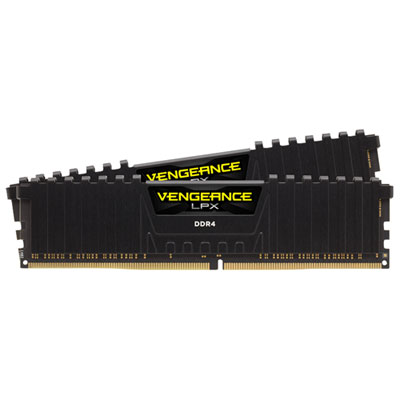 Your price for this item is $431.98
-
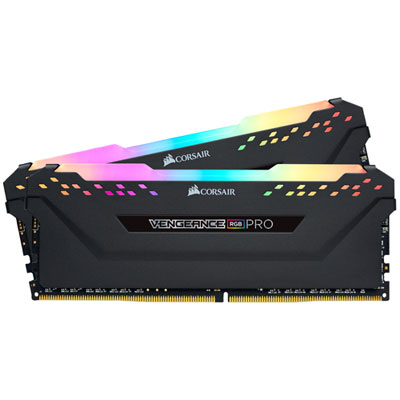 Your price for this item is $450.98
-
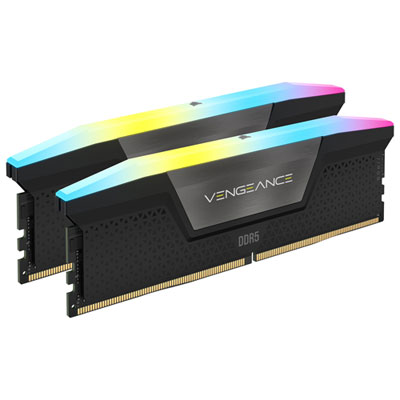 Your price for this item is $844.99
-
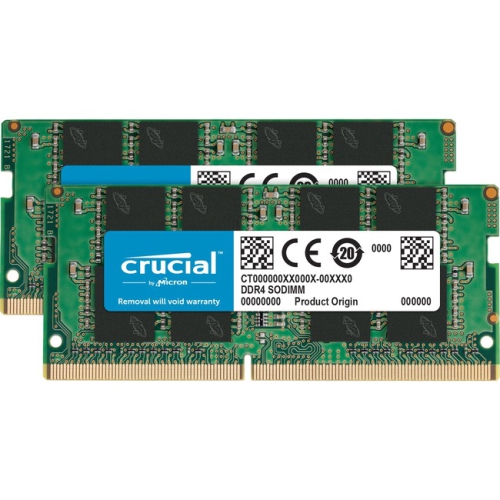 Your price for this item is $388.88
-
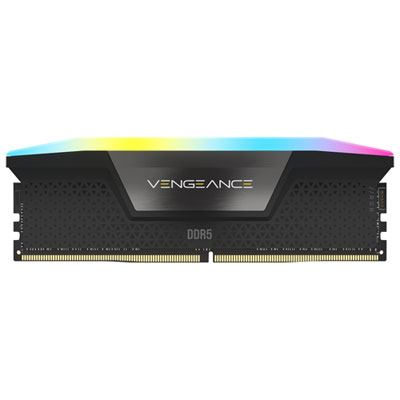 Your price for this item is $1853.99
-
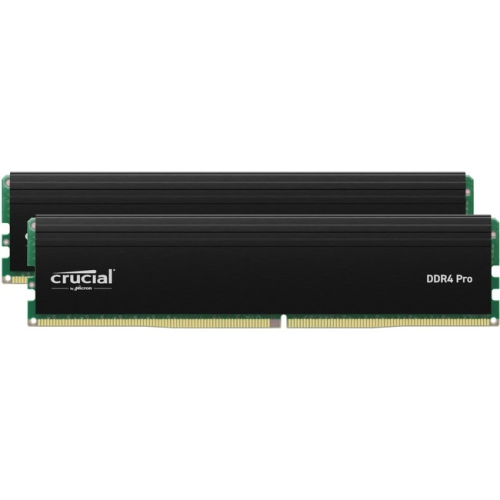 Your price for this item is $975.68
Discover more categories related to Corsair DDR4
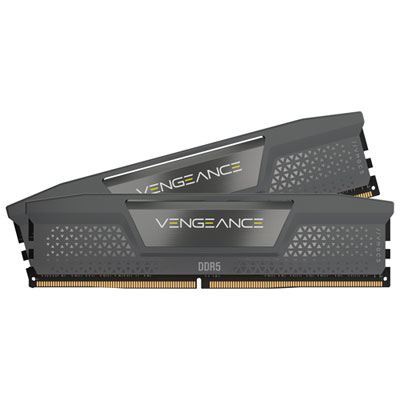
Top Collections:
Best Black Friday Deals This Year, Best Black Friday Deals On Electronics, Kindle Devices, Pokemon Centers, Best Black Friday Deals On Apple Products, Best Cameras for Sports Photography, Dyson Airwrap, Pokémon 30th Celebration Cards, Apple iPhone 17 Pro, Canon G7X Cameras
Some products may be subject to Environmental Handling Fees
(EHF) depending on your province.
Learn more about EHFs.