Corsair RAM
Corsair RAM delivers reliable performance for a wide range of computing needs, making it a popular choice among PC enthusiasts and professionals alike. Whether you’re looking to upgrade your desktop for smoother multitasking or enhance your gaming experience, Corsair RAM offers options to suit various system requirements. Explore the selection of Corsair RAM to find the right fit for your setup and enjoy improved responsiveness and efficiency in your daily tasks.
Sort
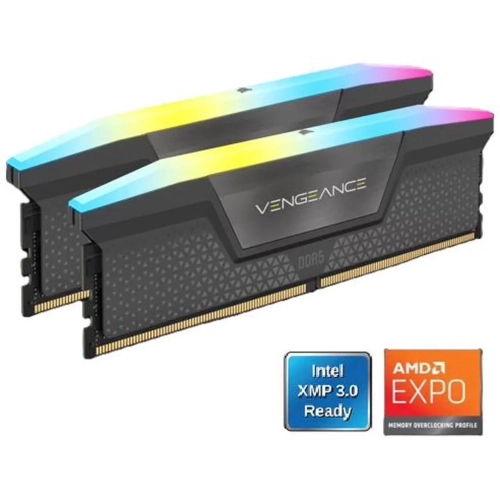
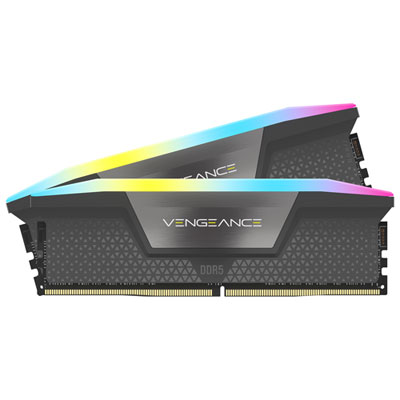

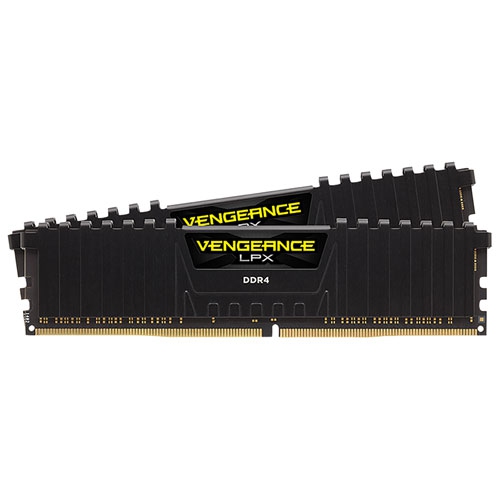
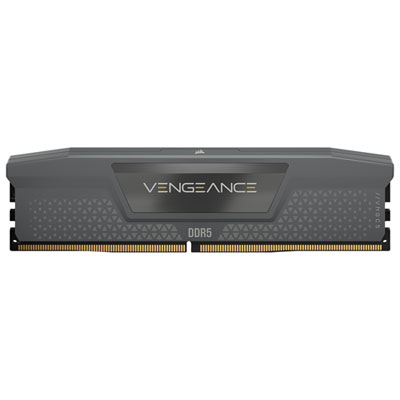
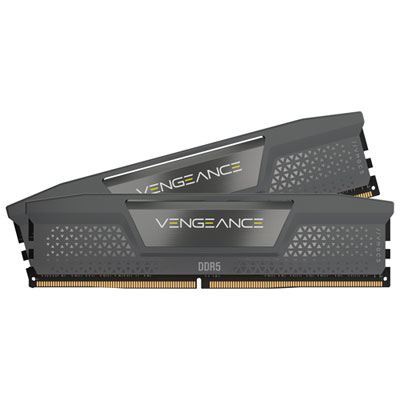
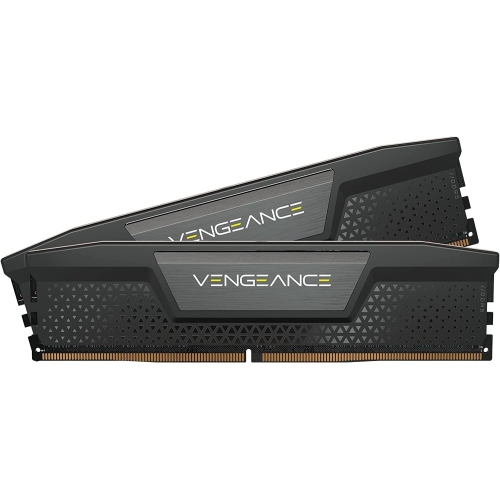
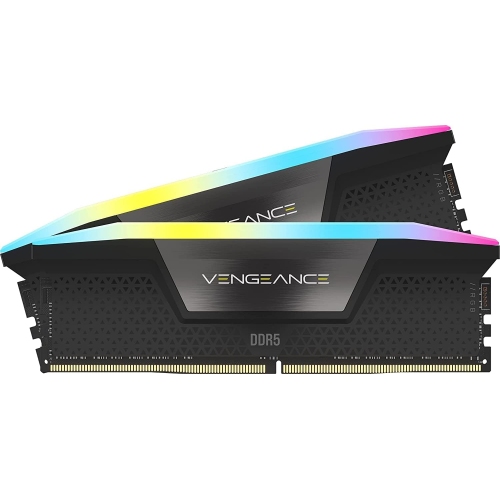
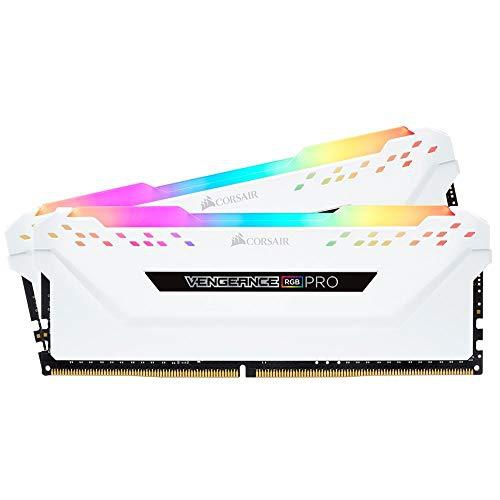

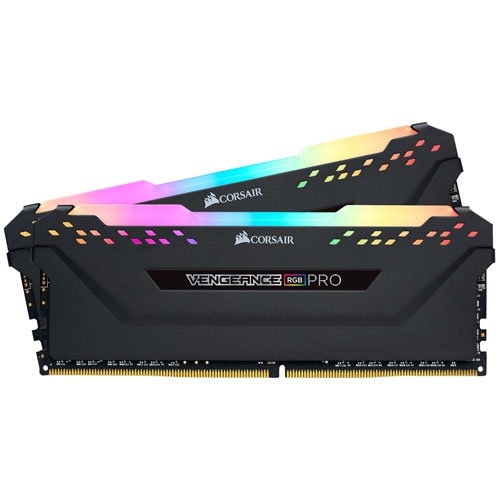
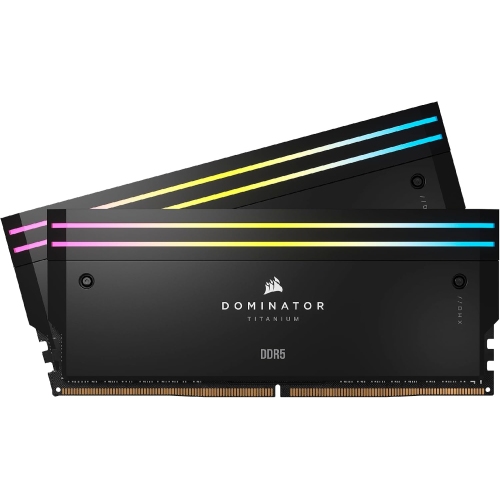
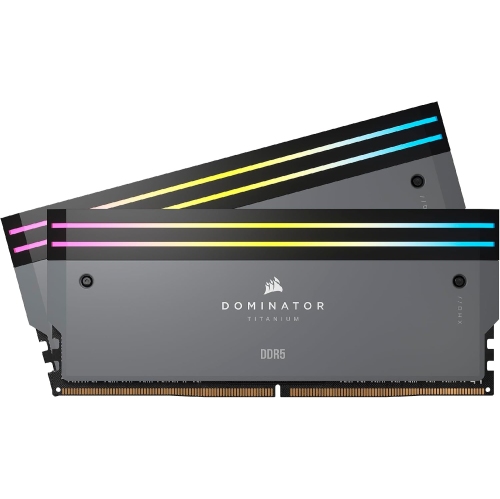
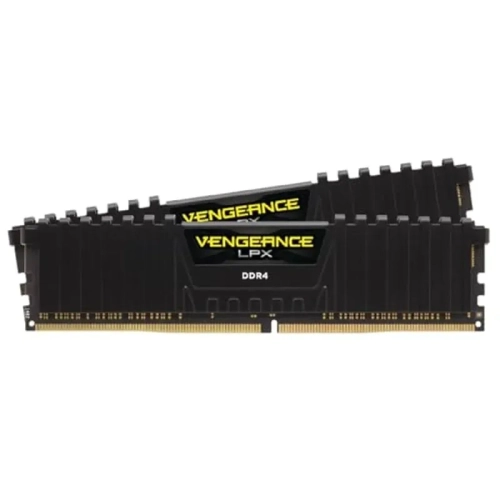

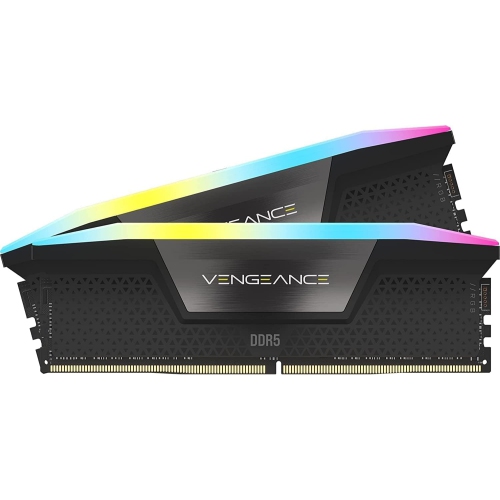
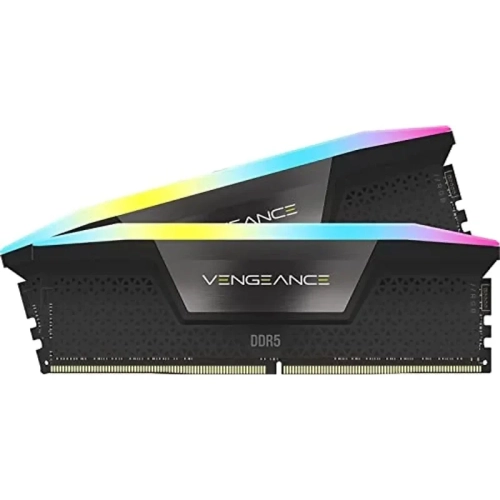
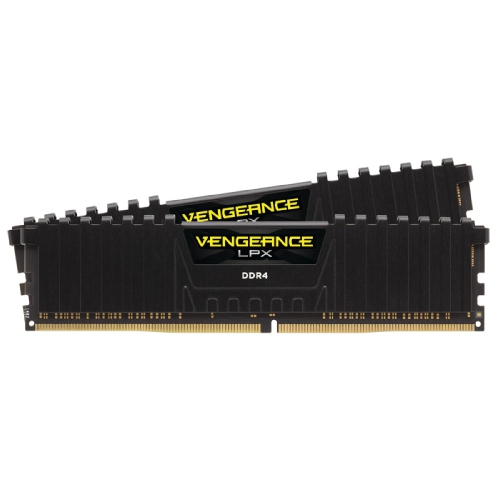
Why memory capacity and compatibility matter for your computer
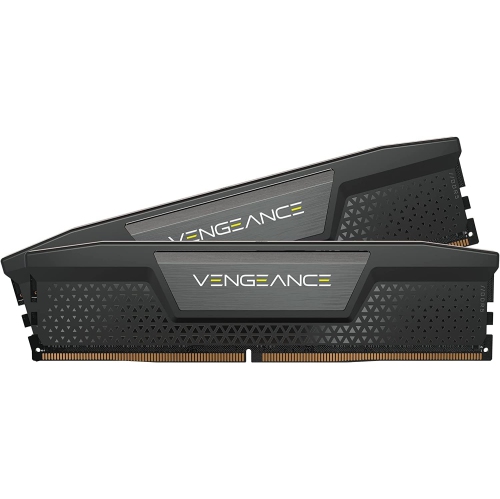
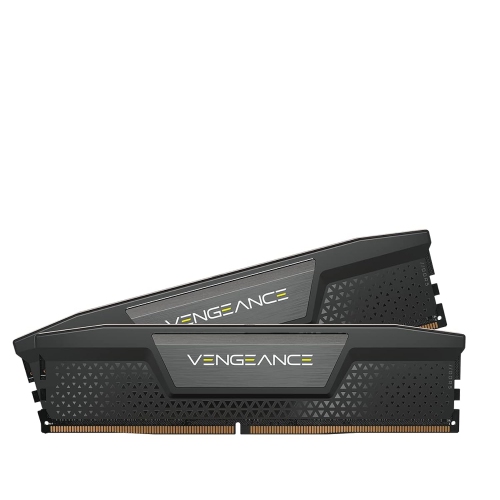
RAM, or random-access memory, provides the short-term workspace a computer uses to keep applications, game data and active projects close to the processor. DDR4 and DDR5 memory serve desktop and laptop systems built for their respective standards, with configurations suited to everyday computing, gaming, content creation and demanding professional workloads. Unlike an SSD or hard drive, RAM does not retain files when the power is off; its role is to hold information while the computer is working. Sufficient capacity helps a system move between tasks without relying as heavily on slower temporary storage. That difference can become noticeable when a video call, a large spreadsheet and dozens of browser tabs are open together, or when a game runs alongside voice chat and recording software. For many everyday uses and gaming setups, 16GB provides a practical starting point, while 32GB offers more room for multitasking and larger projects. Video editing, complex design work, virtual machines and substantial media libraries can justify 64GB or more, depending on the software and workload. Extra capacity alone does not make every application faster, however, and adding memory beyond what a task uses may bring little benefit. Memory performance also involves data rate, timings and the capabilities of the processor and motherboard. Data rates are commonly expressed in megatransfers per second, or MT/s, while timings describe delays involved in accessing data. These specifications work together, so a higher advertised data rate is not a complete measure of performance. A balanced configuration matches the computer’s supported memory standard and the demands of its regular tasks. For someone moving between a game, a streaming application and a busy desktop, capacity and stability may matter more than chasing the highest specification. For a workstation handling large files all day, enough memory to keep the active project in RAM can be particularly valuable. The most useful configuration is one that supports the way the computer is actually used, rather than simply filling every available slot.
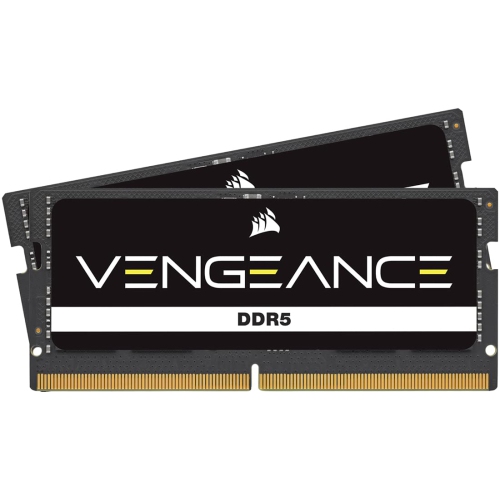
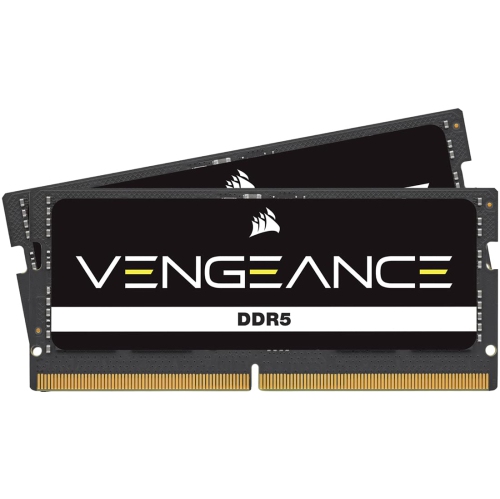
Compatibility determines which memory belongs in a particular system. DDR4 and DDR5 use different electrical designs and slot layouts, so they cannot be substituted for one another, even when two modules appear similar at a glance. A motherboard supports the memory generation specified for that board, and its processor, firmware and layout also influence supported capacities and operating speeds. The Corsair DDR4 selection is relevant to computers that specifically require DDR4, while systems designed for DDR5 need the corresponding generation. Desktop computers typically use full-size DIMMs, whereas upgradeable laptops and some compact computers use shorter SO-DIMMs. Many thin laptops have memory soldered directly to the main board, leaving no socket for a conventional upgrade. Even within the correct generation and form factor, details such as unbuffered versus registered memory and support for error correction can affect compatibility. Capacity descriptions also deserve attention: a 32GB kit might contain two 16GB modules rather than a single 32GB module. A matched kit is intended to operate together at its stated specifications, subject to platform support, and can suit a motherboard’s multi-channel memory configuration when installed in the appropriate slots. Combining separate kits, including kits with similar labels, does not guarantee the same result. Advertised performance settings may require a supported memory profile to be enabled in firmware, and the achievable setting can vary with the processor, motherboard and number of installed modules. Physical clearance matters as well. Tall heat spreaders or lighting bars may sit close to a large processor cooler, particularly in a compact case. Lower-profile modules can leave more room around crowded sockets without changing the capacity needed for the workload. Module height, available slots and the computer manufacturer’s memory specifications are therefore as relevant as the headline speed. These details help distinguish a straightforward capacity upgrade from a configuration that needs closer attention to platform support, especially in prebuilt desktops and small-form-factor systems with limited internal space.
Memory modules combine small DRAM chips, a printed circuit board and precisely positioned contacts, with some designs adding aluminium heat spreaders or decorative lighting. The circuit board and contacts provide the connection to the system, while a heat spreader helps move heat away from the chips. Lighting changes the appearance of a visible build rather than increasing memory capacity, and its effects may depend on compatible control software. A clear side panel can make coordinated colours an appealing finishing touch; a closed office tower may place more emphasis on fit and understated construction. Either approach can suit a durable, dependable setup when the memory is compatible and handled properly. RAM has no moving parts and generally requires little routine care once installed, but exposed contacts and small components remain vulnerable to static discharge, moisture and physical damage. Handling modules by their edges, keeping the contacts clean and avoiding abrasive cleaning methods helps protect them. Protective packaging is useful when memory is stored or transported, and unobstructed case airflow supports the system as a whole. For gamers, the practical goal is enough working space for the game and its supporting applications, without expecting RAM alone to overcome limits elsewhere in the computer. Systems using integrated graphics may also share system memory with the graphics processor, making capacity and memory configuration especially relevant. Photographers working through large image batches, students running development tools and creators assembling layered projects can all have different requirements despite using similar-looking computers. Someone who mainly writes documents and streams video may need far less memory than a person running several virtual machines. RAM can also make a thoughtful gift for a PC-building enthusiast, provided the recipient’s exact system requirements are known; generation, form factor, supported capacity and cooler clearance all affect whether it will fit. For an existing computer, additional memory is most useful when the present capacity is regularly stretched. For a new build, a suitable matched kit can establish a consistent foundation for everyday responsiveness, demanding applications and the tasks the owner expects to take on.
Top selling and popular products
-
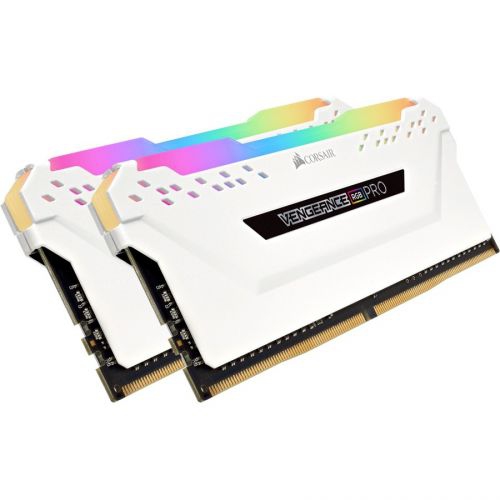 Your price for this item is $307.68
-
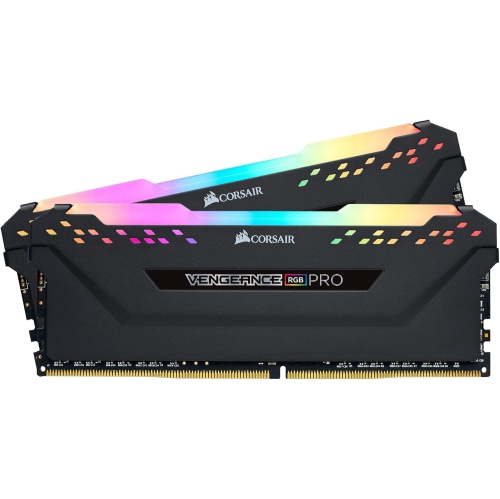 Your price for this item is $389.99
-
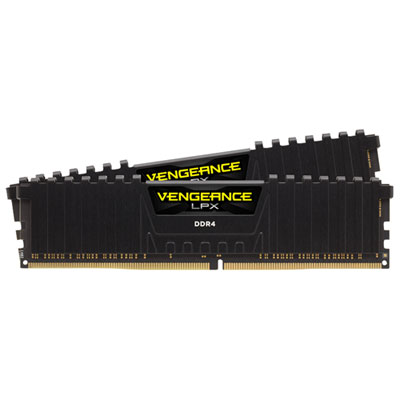 Your price for this item is $431.98
-
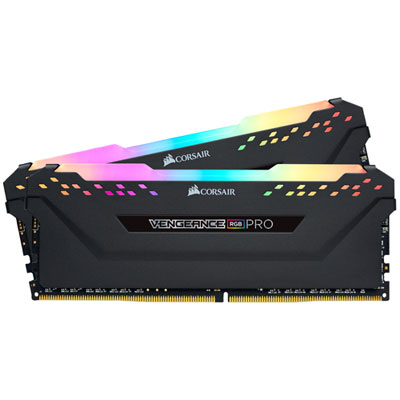 Your price for this item is $450.98
-
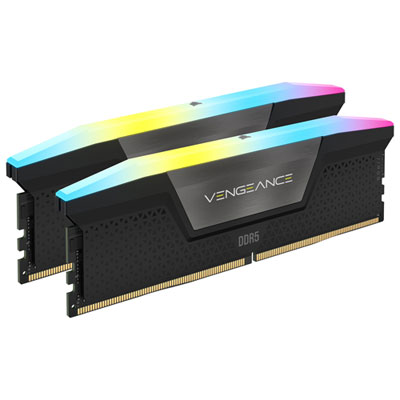 Your price for this item is $844.99
-
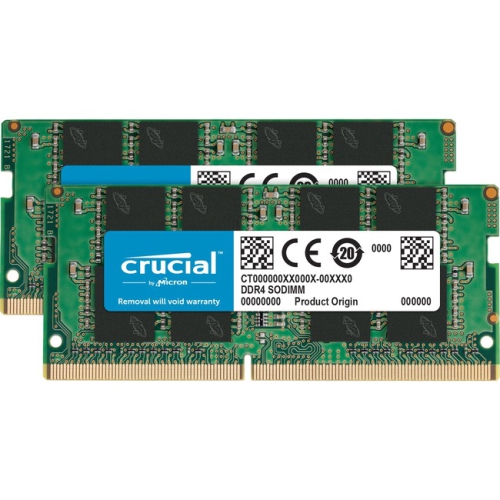 Your price for this item is $388.88
-
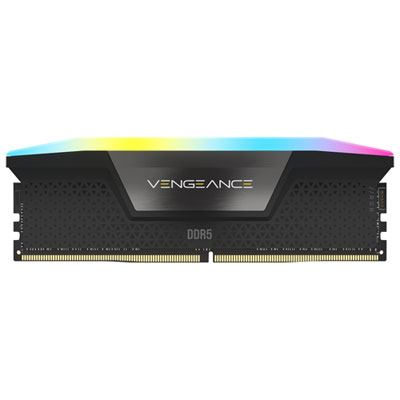 Your price for this item is $1853.99
-
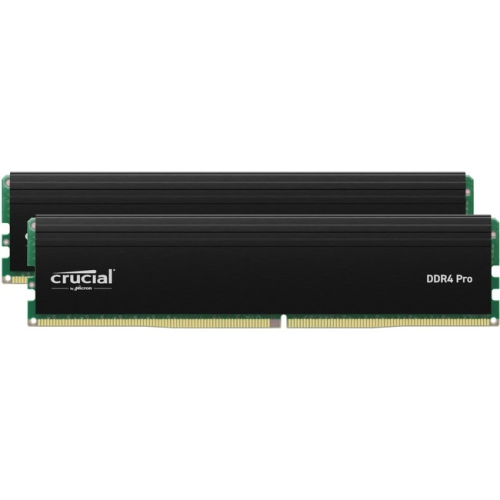 Your price for this item is $975.68
Discover more categories related to Corsair RAM
Top Collections:
Best Black Friday Deals This Year, Best Black Friday Deals On Electronics, Kindle Devices, Pokemon Centers, Best Black Friday Deals On Apple Products, Best Cameras for Sports Photography, Dyson Airwrap, Pokémon 30th Celebration Cards, Apple iPhone 17 Pro, Canon G7X Cameras
Some products may be subject to Environmental Handling Fees
(EHF) depending on your province.
Learn more about EHFs.