Corsair Vengeance DDR5 RAM
Upgrade your system’s performance with Corsair Vengeance DDR5 RAM, designed for users who demand speed and reliability from their memory modules. Whether you’re building a new PC or enhancing your current setup, these RAM options offer advanced technology to support multitasking, gaming, and creative projects. Explore the selection of Corsair Vengeance DDR5 RAM to find the right fit for your computing needs and experience smoother workflow and responsive applications.
Sort



Why more RAM does not always mean better performance
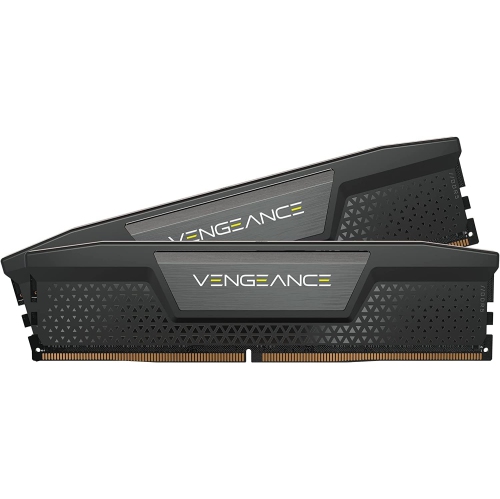
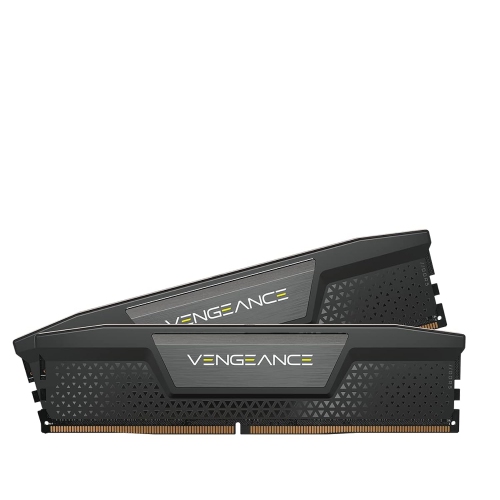
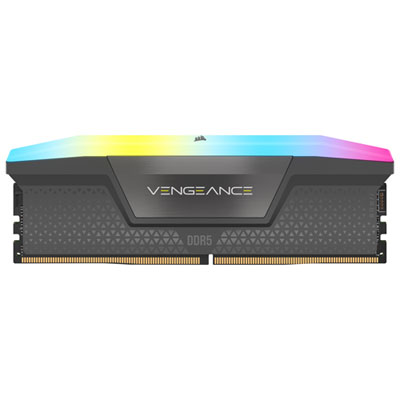
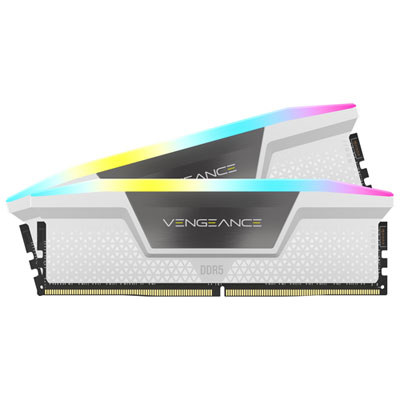
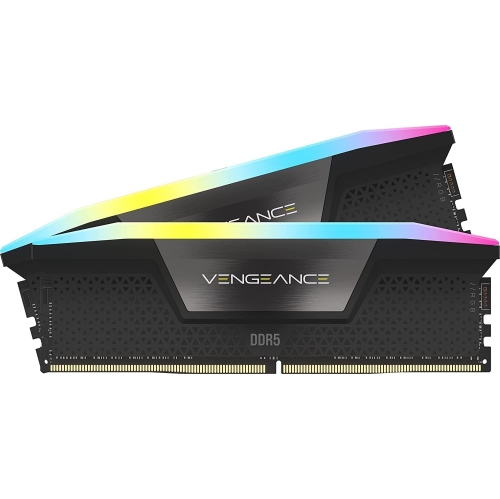
DDR5 desktop RAM provides working memory for compatible computers, holding the information that games, applications, and background tasks need while they run. It is different from storage: an SSD keeps files after the computer is shut down, while RAM supplies temporary space for active work. Compared with earlier memory generations, DDR5 supports higher data transfer rates and greater capacity per module, although the benefit depends on the processor, motherboard, and software. For a gaming desktop, enough memory helps accommodate the game alongside voice chat, a browser, and recording software. For creative work, additional capacity can give large photo libraries, layered image files, video projects, and virtual machines more room to operate without relying as heavily on slower storage. Common capacity configurations include 16GB, 32GB, and 64GB, with matched pairs such as two 16GB modules or two 32GB modules providing 32GB or 64GB in total. A 16GB configuration can suit everyday productivity and many games, while 32GB offers more headroom for multitasking and demanding applications. A 64GB configuration is more relevant to memory-intensive workloads than to basic browsing or document editing. Capacity alone does not determine speed, and adding more RAM than a workload uses will not necessarily make it run faster. System RAM also serves a different purpose from the dedicated video memory on a graphics card, so increasing desktop memory does not directly replace a graphics upgrade. The most useful capacity is the one that fits actual habits: a student working across research tabs and presentation software has different needs from someone editing footage while generating previews in another application. A matched two-module kit can also make it easier to populate the motherboard’s memory channels as intended, provided the modules occupy the slots specified in the motherboard documentation. That combination of suitable capacity and correct configuration matters more than choosing a large number without considering the rest of the computer.
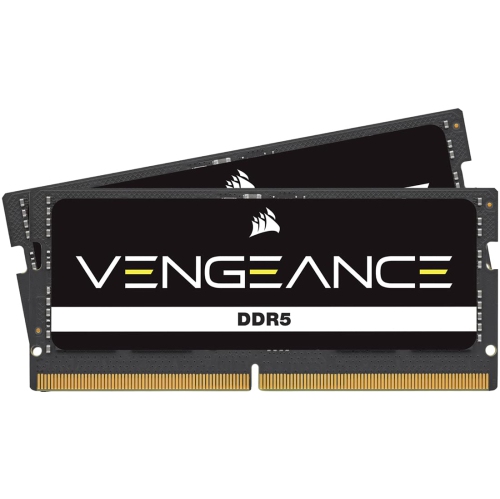
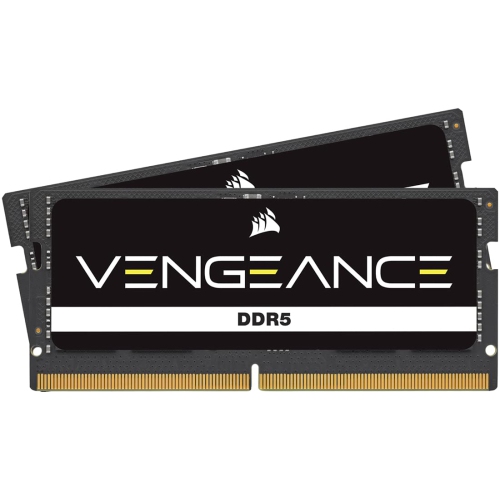
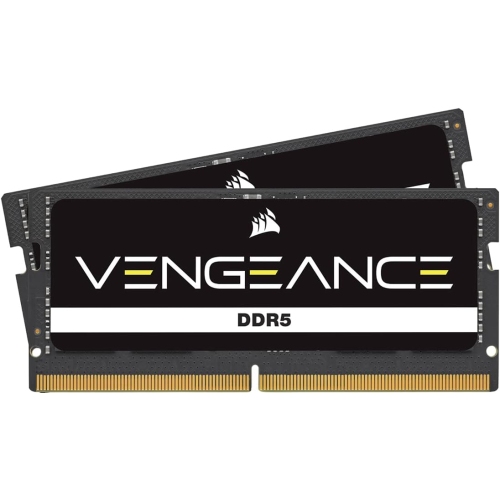
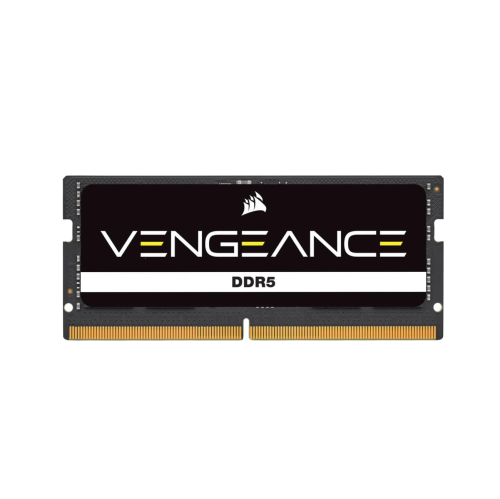
Compatibility starts with the memory generation supported by both the motherboard and processor. DDR5 and DDR4 desktop modules are not interchangeable, even when their overall dimensions look similar; their electrical requirements and slot keying differ. Computers built for the earlier generation need compatible DDR4 memory, making DDR4 RAM Corsair Vengeance a relevant alternative for those systems rather than a substitute for a DDR5-only build. Desktop DIMMs also differ from the compact SO-DIMMs used in many laptops and small computers. Within a compatible DDR5 platform, supported capacity, module count, and transfer rate still vary. DDR5 speeds are expressed in megatransfers per second, written as MT/s; figures such as 4800 MT/s, 6000 MT/s, or 6800 MT/s describe transfer rates rather than directly stating application performance. Higher-rated memory can provide more bandwidth, but the processor’s memory controller and the motherboard must support a stable configuration. Latency is another part of the specification. Labels such as CL30 and CL36 describe CAS latency in clock cycles, so a lower CL number is not enough on its own to compare memory running at different speeds. Transfer rate and timings need to be considered together. Some memory supports XMP 3.0 or EXPO profiles that allow a compatible motherboard to apply a defined set of speed, timing, and voltage settings. Profile support varies by kit and platform, and the advertised profile speed may require selection in the BIOS rather than taking effect automatically. These profiles are a form of memory overclocking, not a guarantee that every compatible-looking system will achieve the same result. Motherboard specifications and memory compatibility lists provide useful reference points, particularly for higher transfer rates or larger capacities. Filling four slots can place more demand on the memory controller than using two, sometimes requiring a lower operating speed. Separately purchased kits may also behave differently together, even when their headline specifications match, which makes a single matched kit a more predictable starting point for a planned capacity.
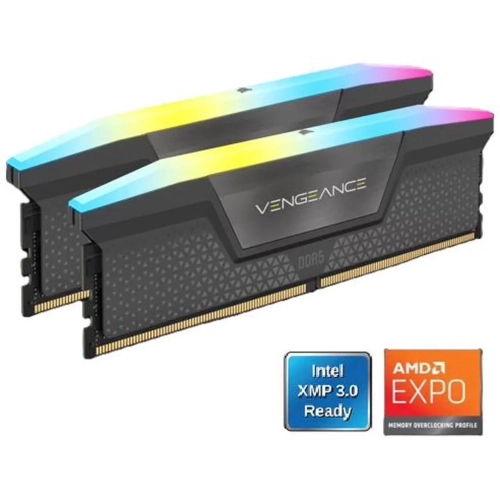
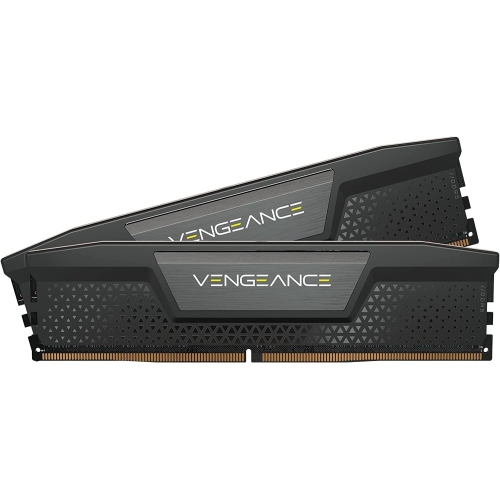
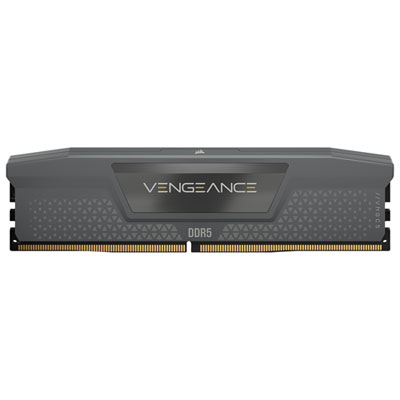
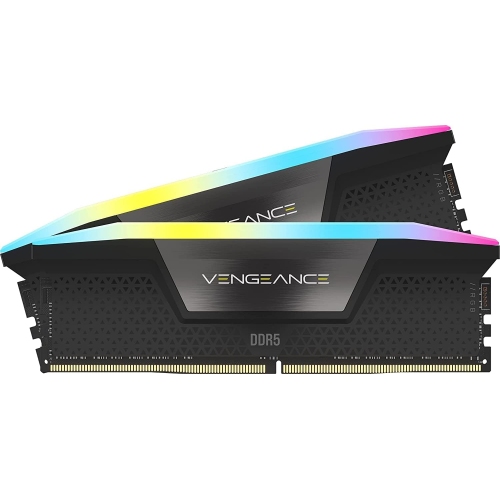
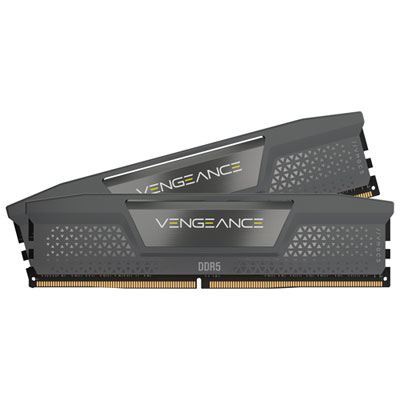
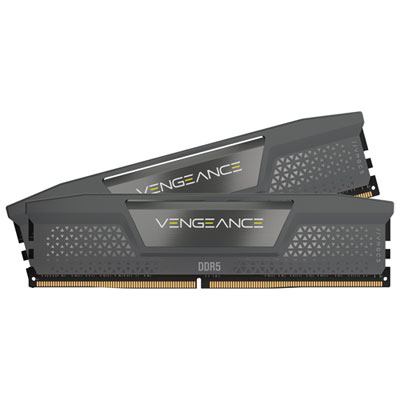
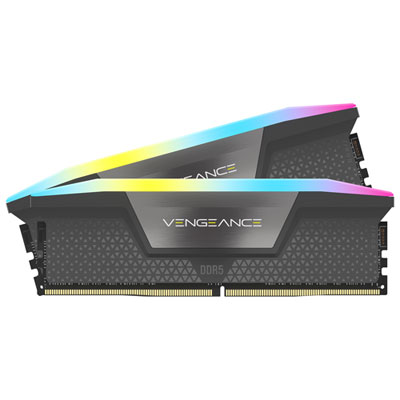
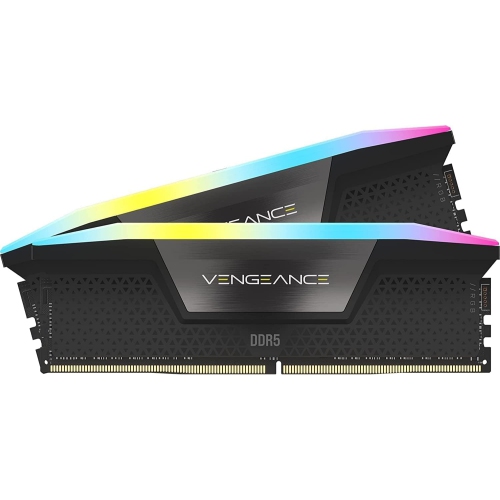
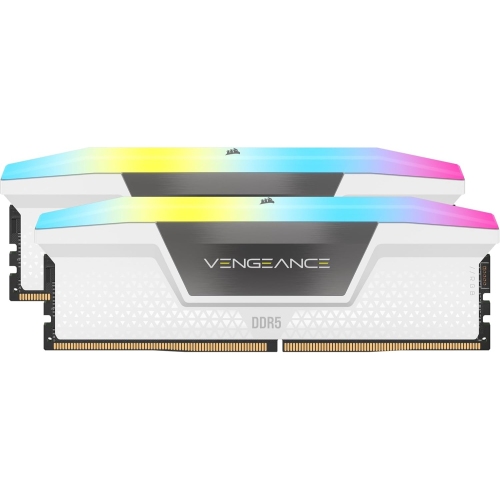
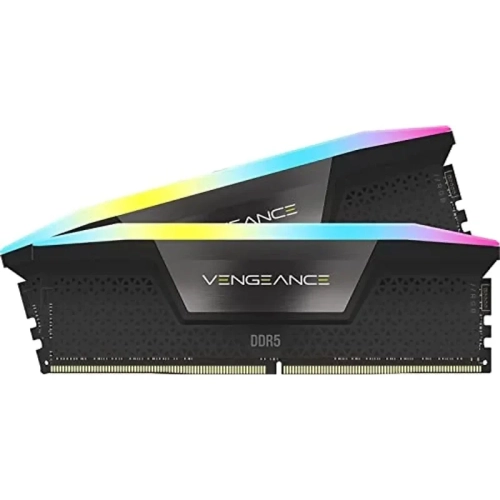
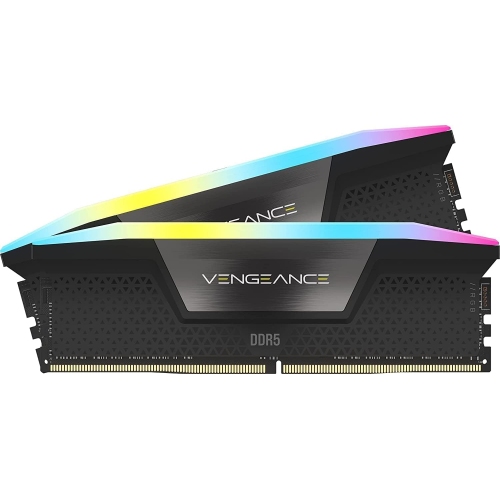
Physical fit and finish deserve attention alongside the performance figures. Many DDR5 desktop modules use aluminum heat spreaders to help move heat away from the memory components, with shapes ranging from understated, low-profile designs to taller assemblies with RGB lighting. Lower-profile modules can leave more clearance beneath a large air cooler, while taller designs need enough space between the memory slots and the cooler’s fins or fan. Overall module height matters more than appearance in a compact build, and clearance is worth confirming before choosing a design. RGB lighting can add a strip of colour beside the processor socket in a windowed case, but lighting control depends on the module’s supported software and the rest of the system. Non-RGB memory suits a quieter visual style without making lighting a consideration. Neither lighting nor a substantial heat spreader, by itself, establishes how fast a module will perform. The specification and platform compatibility remain the practical measures. For long-term use, RAM benefits from secure installation, sensible case airflow, and careful handling rather than regular physical maintenance. With the computer shut down and disconnected from power, modules should be handled by their edges, with appropriate protection against static discharge and no contact with the exposed electrical connectors. Routine dust removal around the case and cooler helps maintain airflow; liquids and household cleaners do not belong on memory modules. For someone assembling a first desktop, refreshing a compatible gaming system, or building a workstation for design projects, a well-matched memory kit can be a useful component with a clear everyday purpose. It can also make a thoughtful gift for a PC enthusiast when the recipient’s exact motherboard, processor, existing memory, and clearance requirements are known. Those details distinguish a welcome addition from a component that cannot be fitted or used as intended, while leaving room to choose a capacity, finish, and lighting style that suits the build.
Top selling and popular products
-
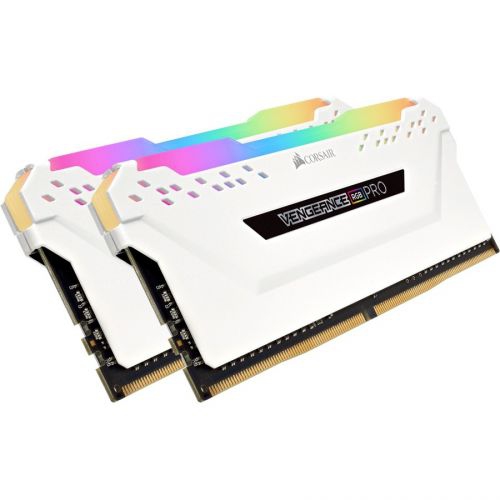 Your price for this item is $307.68
-
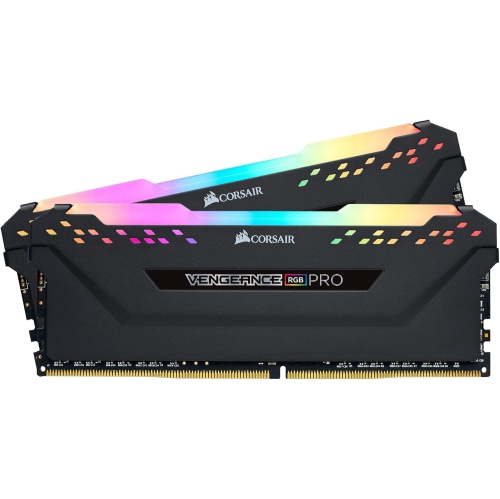 Your price for this item is $389.99
-
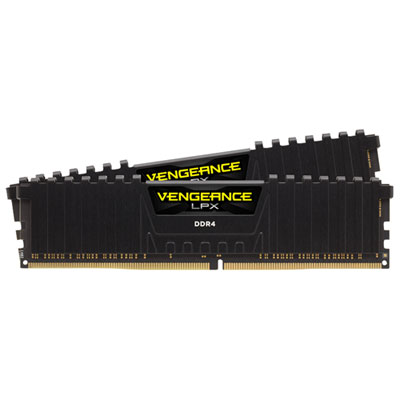 Your price for this item is $431.98
-
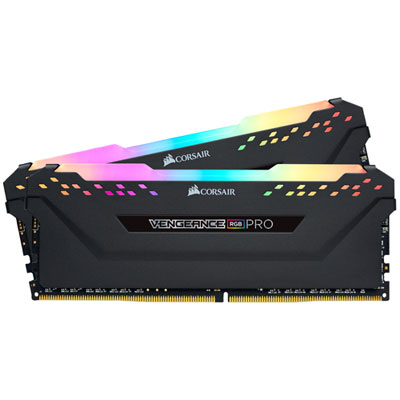 Your price for this item is $450.98
-
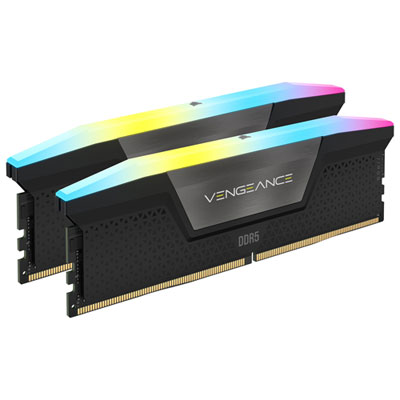 Your price for this item is $844.99
-
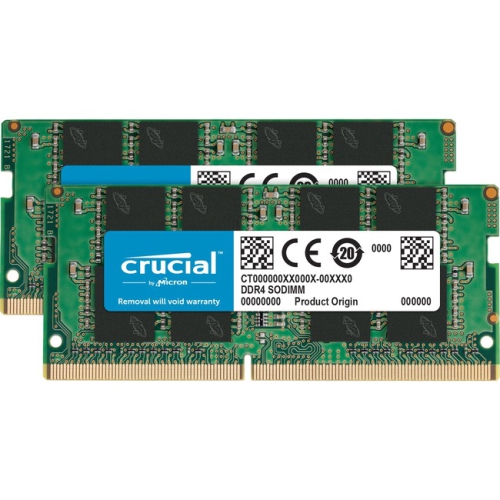 Your price for this item is $388.88
-
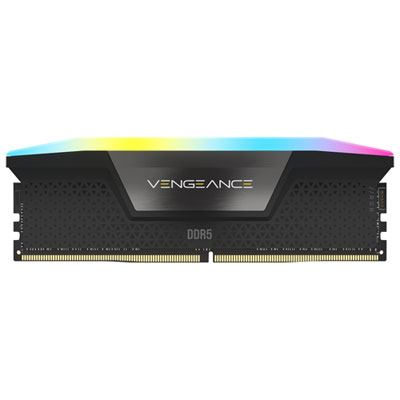 Your price for this item is $1853.99
-
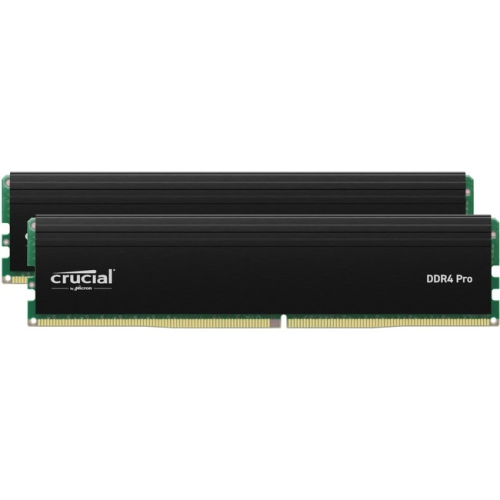 Your price for this item is $975.68
Discover more categories related to Corsair Vengeance DDR5 RAM
Top Collections:
Best Black Friday Deals This Year, Best Black Friday Deals On Electronics, Kindle Devices, Pokemon Centers, Best Black Friday Deals On Apple Products, Best Cameras for Sports Photography, Dyson Airwrap, Pokémon 30th Celebration Cards, Apple iPhone 17 Pro, Canon G7X Cameras
Some products may be subject to Environmental Handling Fees
(EHF) depending on your province.
Learn more about EHFs.