Crucial DDR4
Crucial DDR4 offers a reliable solution for boosting your computer’s performance and efficiency. Whether you’re upgrading your current system or building a new one, Crucial DDR4 memory provides the support needed for seamless multitasking and smooth everyday computing. Explore a range of options designed to fit various needs and enjoy enhanced responsiveness with Crucial DDR4.
Sort

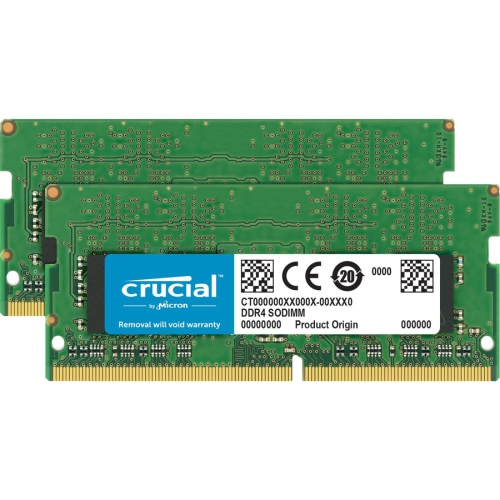
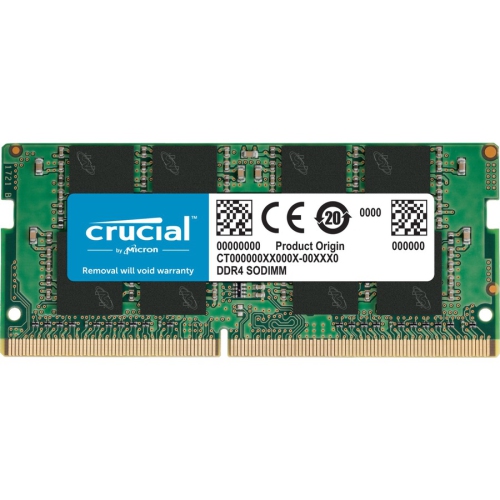
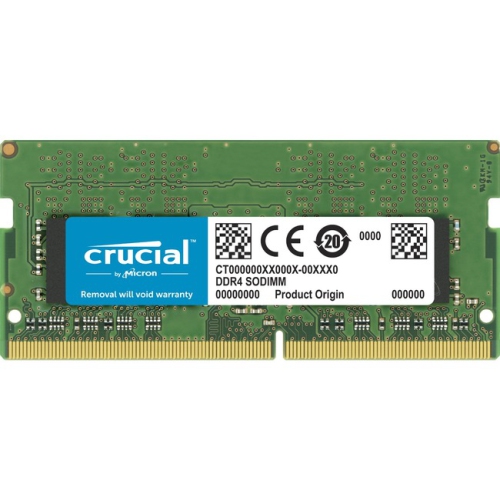

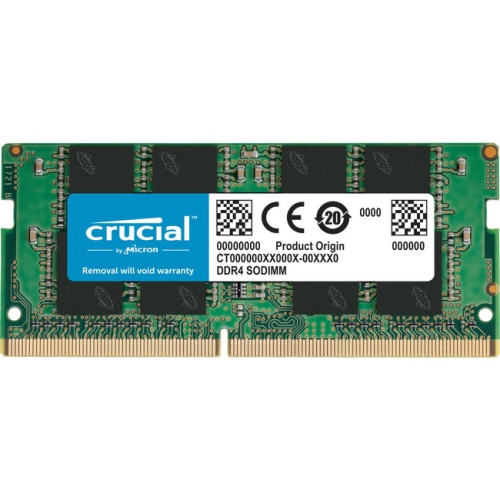

Why memory upgrades depend on more than capacity
DDR4 memory provides the working space a compatible computer uses to keep applications, documents, and other active tasks close at hand. Unlike the storage drive that holds files after shutdown, RAM keeps data available while the system is running and clears its contents when power is removed. That distinction matters when a computer feels crowded during everyday use: a spreadsheet, several browser tabs, a video call, and a photo editor can all compete for memory at the same time. Additional capacity can help a system handle those overlapping demands with less reliance on its storage drive for temporary working space, provided insufficient RAM is the cause of the slowdown. DDR4 memory is suited to desktops and laptops built for this generation of hardware, including many home, office, and gaming computers. Its usefulness depends on the computer around it rather than capacity alone. A student moving between research articles and presentation software may have different needs from someone editing large image files or running virtual machines. For lighter tasks, such as email, streaming, and document editing, modest capacity may be sufficient; more demanding workloads can benefit from additional room. Common capacity considerations include 8GB for relatively light use, 16GB for broader everyday multitasking, and 32GB or more for workloads that can make effective use of it. Those figures are starting points rather than promises of performance, since software requirements and the rest of the system also matter. A memory upgrade will not replace a faster processor, improve an internet connection, or give a graphics card more dedicated video memory. What it can do is address a specific limitation, helping a compatible computer keep more active work accessible. For households sharing a desktop, remote workers juggling several applications, or hobbyists extending the usefulness of familiar hardware, DDR4 can be a practical component of a system that still meets their needs.
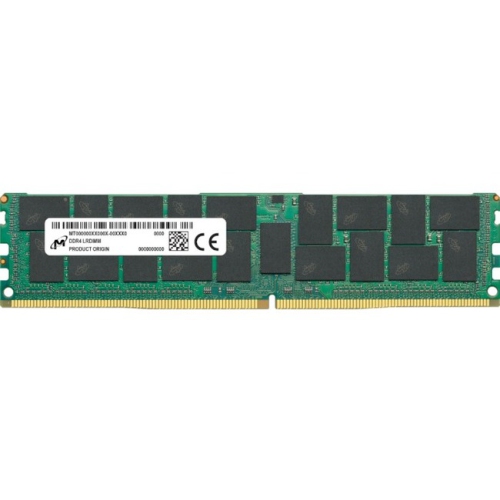
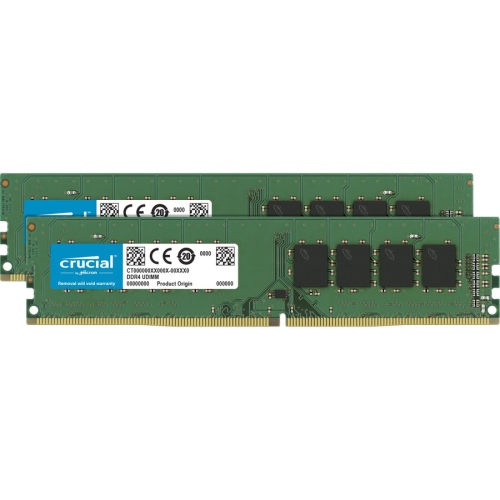
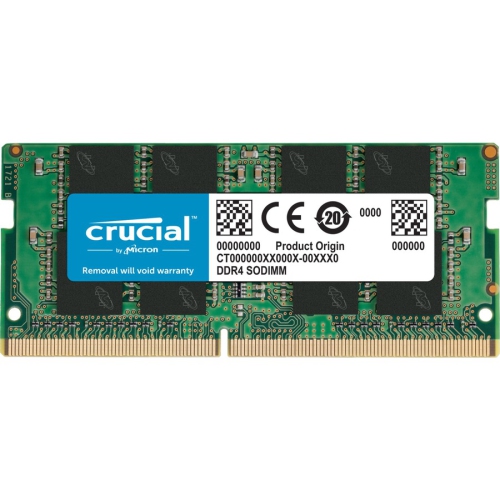
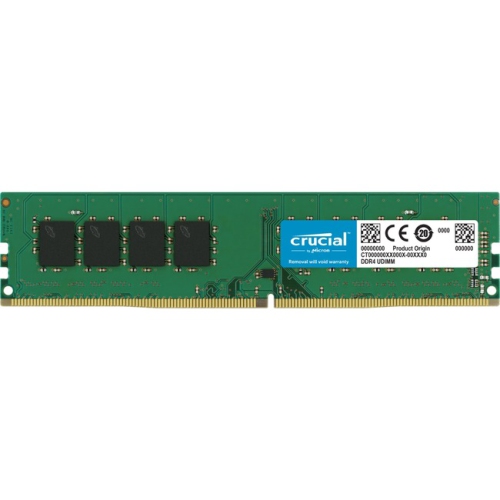
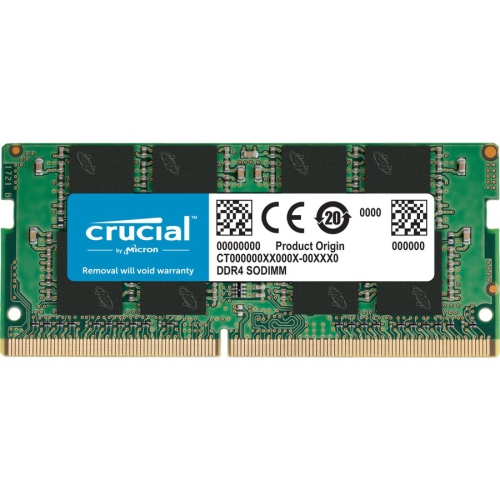
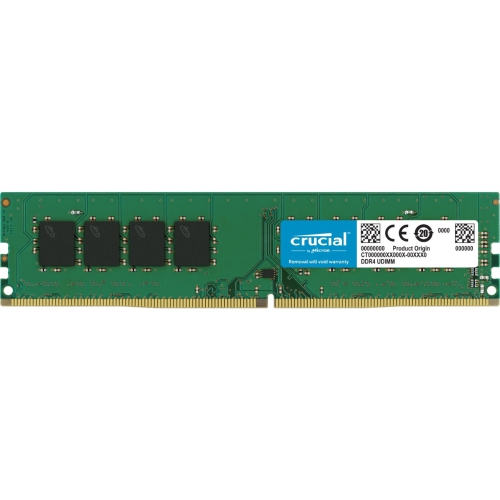
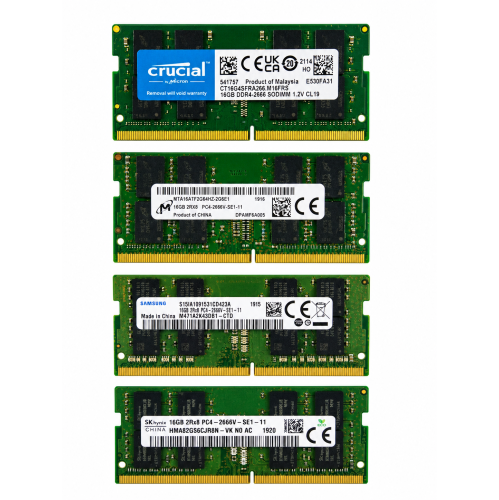
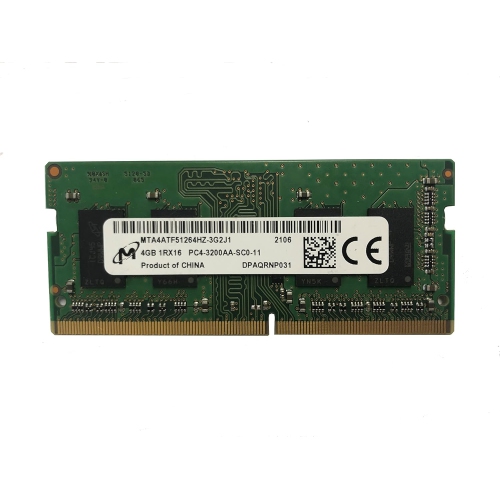
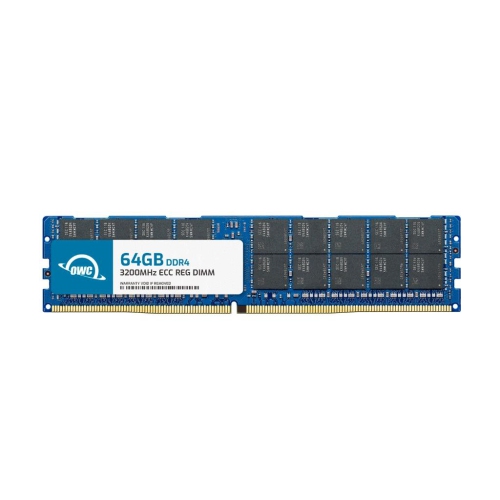
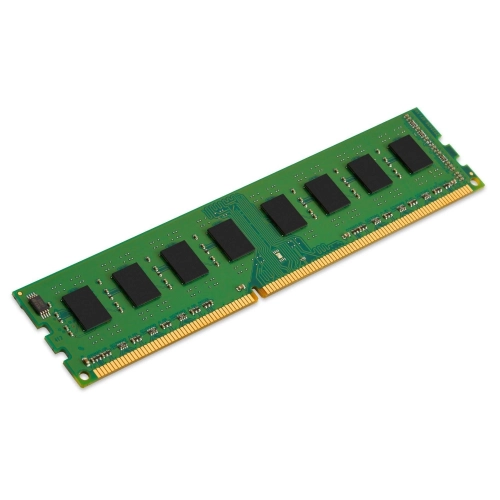
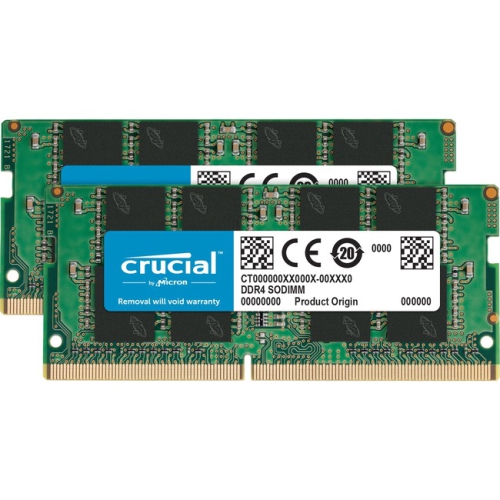
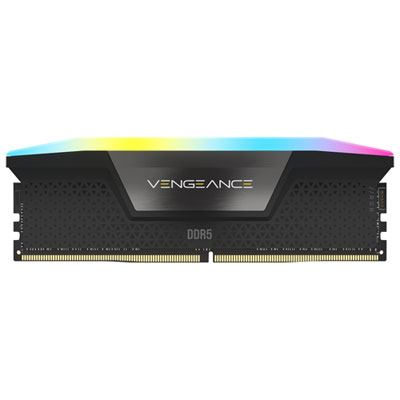
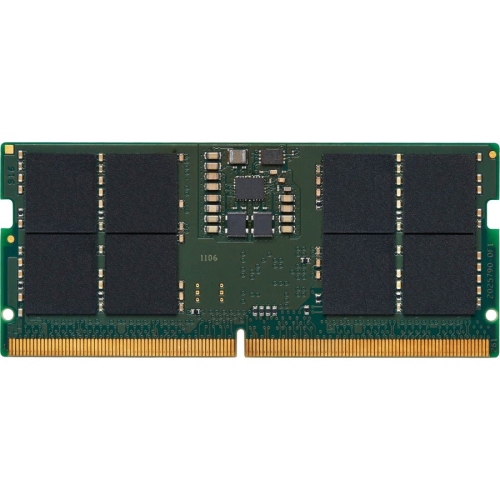
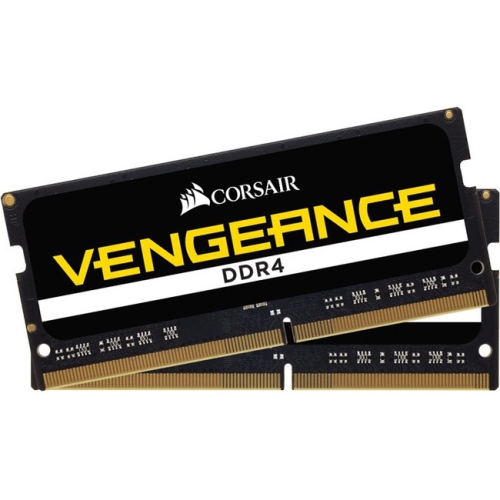
Physical fit is one of the most important distinctions within DDR4 memory. Full-size desktop DIMMs and compact laptop SO-DIMMs are different shapes, with different pin counts, and cannot be substituted for one another. Most standard desktop DDR4 DIMMs have 288 pins, while DDR4 SO-DIMMs have 260 pins, but the computer’s specifications remain the best reference for the required format. Some small desktop computers also use SO-DIMMs, and some laptops have memory soldered to the motherboard with no replaceable module at all. The number of accessible slots, the maximum supported capacity, and any capacity limit per slot determine which configurations can work. Memory generation is equally important: DDR4 is not interchangeable with DDR3 or DDR5, even when the modules look broadly similar. Their electrical requirements and notch positions differ. For computers designed for the newer generation, Crucial 16GB DDR5 is a separate memory category, not a substitute for a DDR4 slot. Within compatible DDR4 configurations, capacity, transfer rate, and timings all contribute to how memory behaves. Transfer rates are commonly expressed in megatransfers per second, or MT/s, while latency figures describe aspects of the delay involved in accessing data. Neither figure should be viewed in isolation, and the processor and motherboard may limit the speed that a module can use. Some advertised performance settings require a supported memory profile rather than running automatically at the highest listed rate. Matched modules can simplify compatibility and help supported systems use multiple memory channels, although the correct slot arrangement depends on the motherboard. Adding a second module to an existing one also calls for attention to capacity, speed, voltage, and other specifications; mixed memory may run at shared settings rather than each module’s individual maximum. Standard consumer memory, registered memory, and error-correcting memory are not universally interchangeable. A workstation or server with particular requirements needs memory that matches those requirements, even if a different module has the same capacity and generation.
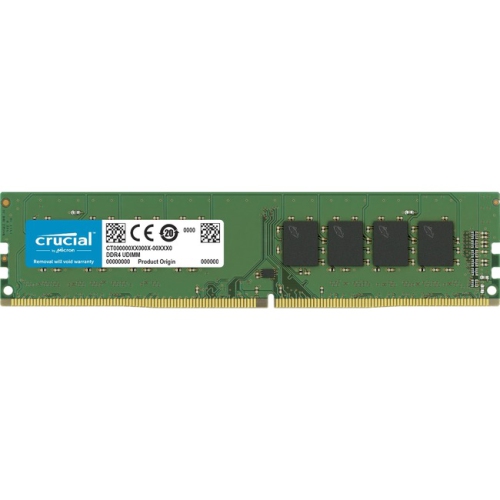
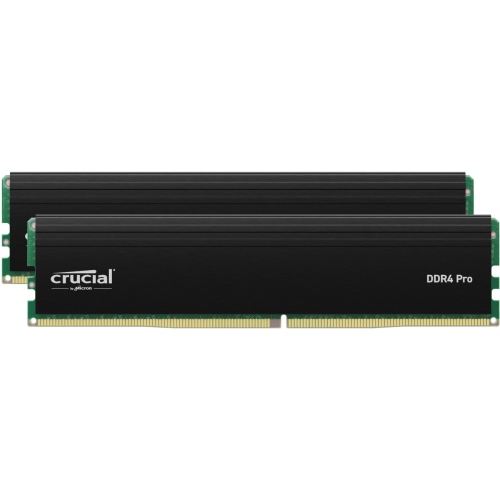
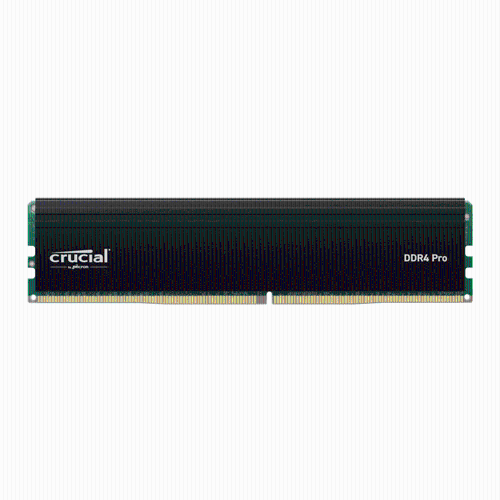
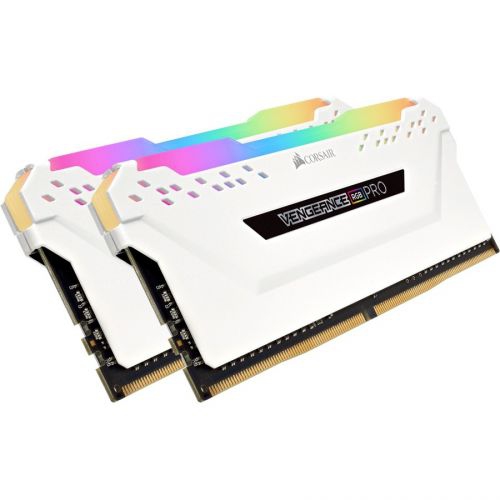
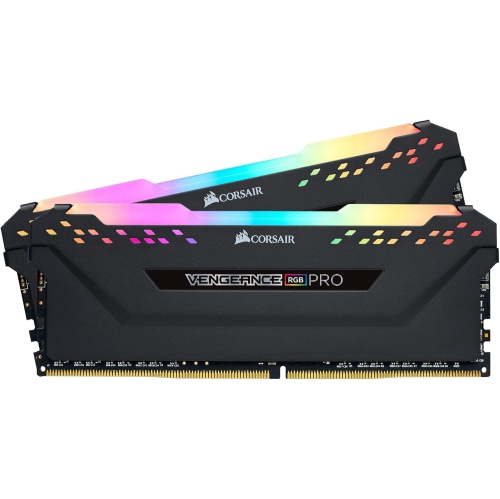
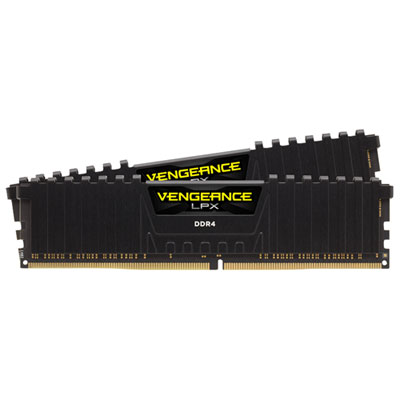
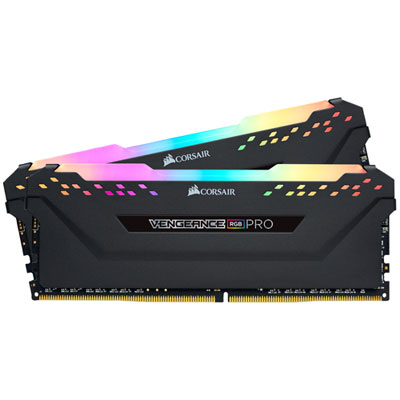
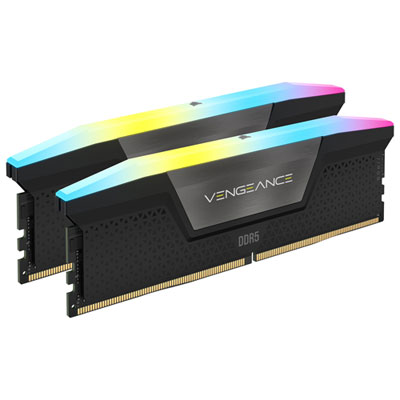
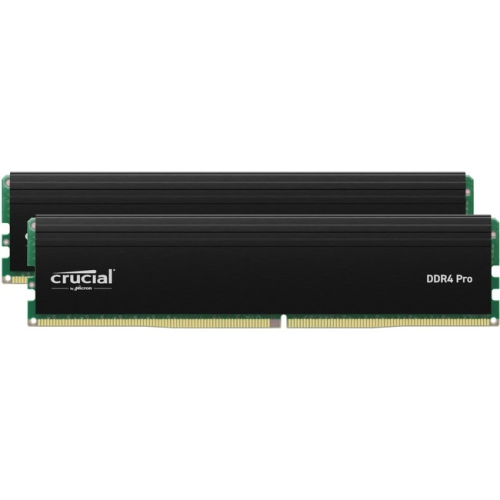
The construction of a memory module is compact but carefully arranged: small memory chips sit on a printed circuit board, with metal contacts along the edge providing the connection to the computer. Some modules have exposed chips, while others include a metal heat spreader that covers much of the board. Appearance does not establish compatibility or performance, and a taller heat spreader can affect clearance beneath a large processor cooler in a desktop case. Low-profile designs may suit tighter builds, while visible modules can also be part of the look of a computer with a windowed case. Practical details still take priority over colour or styling. Memory is designed to remain installed through regular use, and its durability depends partly on careful handling, a secure connection, and the condition of the surrounding computer. The contacts and components are best protected from unnecessary touching, moisture, static discharge, and physical stress. Cleaning the module itself is not normally part of routine care; keeping the computer’s ventilation paths clear and avoiding dust buildup around internal components is more relevant to everyday upkeep. For someone upgrading a family computer or assembling a desktop, memory can be a thoughtful gift, but it is a component that needs an exact match rather than a guess based on the computer’s size or age. The system model, motherboard specifications, existing memory configuration, and intended workload provide useful context before choosing capacity or format. Someone who mainly writes documents may value enough room for smooth multitasking, while a person working with complex creative projects may need substantially more. Gamers may benefit when a system lacks adequate memory, but extra capacity beyond what their games and background applications use does not automatically increase frame rates. The most satisfying DDR4 choice is one that fits the hardware, supports the way the computer is used, and leaves an appropriate amount of working space for everyday tasks without treating the largest capacity or highest speed as the right answer for every system.
Top selling and popular products
-
 Your price for this item is $307.68
-
 Your price for this item is $389.99
-
 Your price for this item is $431.98
-
 Your price for this item is $450.98
-
 Your price for this item is $844.99
-
 Your price for this item is $388.88
-
 Your price for this item is $1853.99
-
 Your price for this item is $975.68
Discover more categories related to Crucial DDR4
Top Collections:
Best Black Friday Deals This Year, Best Black Friday Deals On Electronics, Kindle Devices, Pokemon Centers, Best Black Friday Deals On Apple Products, Best Cameras for Sports Photography, Dyson Airwrap, Pokémon 30th Celebration Cards, Apple iPhone 17 Pro, Canon G7X Cameras
Some products may be subject to Environmental Handling Fees
(EHF) depending on your province.
Learn more about EHFs.