Curved Monitors for Movies
Curved Monitor for Movies offers an immersive viewing experience that enhances every scene, making your favorite films come to life. With a design that wraps around your field of vision, these monitors create a cinematic feel right at home. Whether you’re enjoying the latest blockbuster or revisiting classic favorites, a curved monitor helps you get closer to the action. Find the perfect Curved Monitor for Movies to upgrade your entertainment setup and enjoy stunning visuals from the comfort of your living room or home theater.
Sort
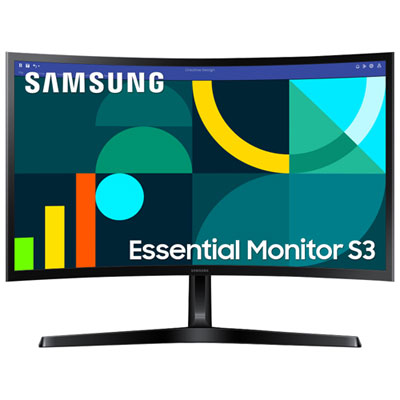
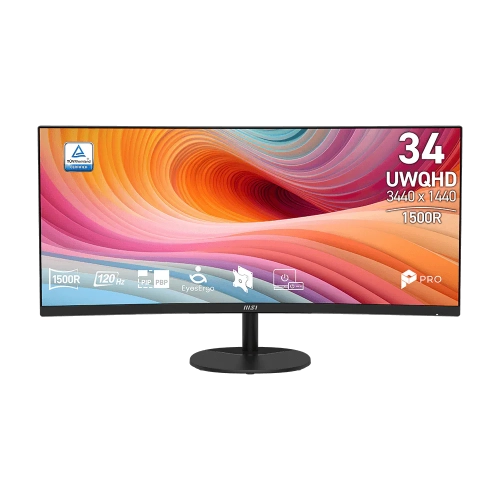
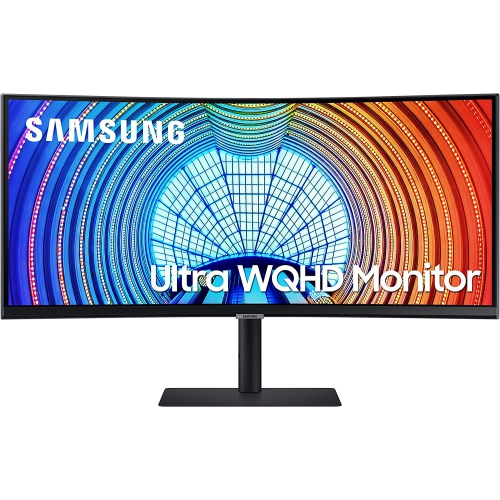
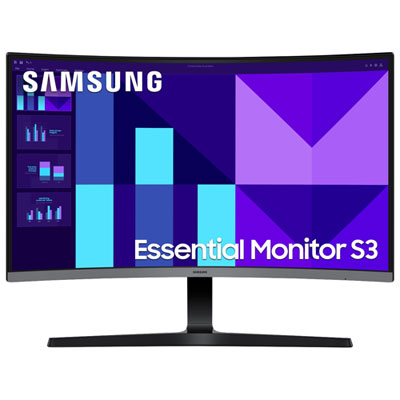
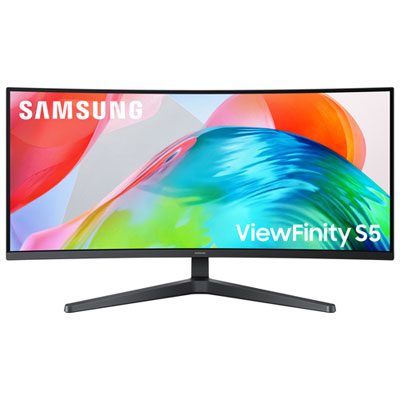
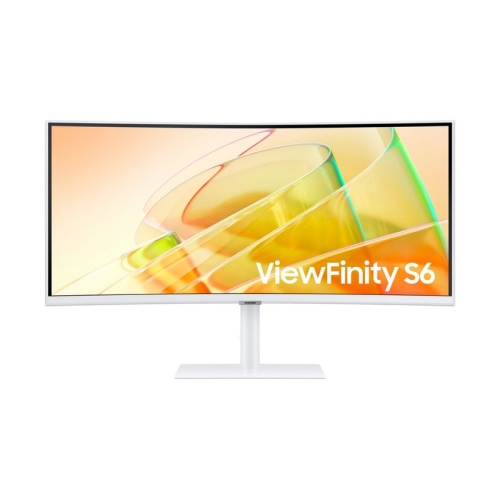
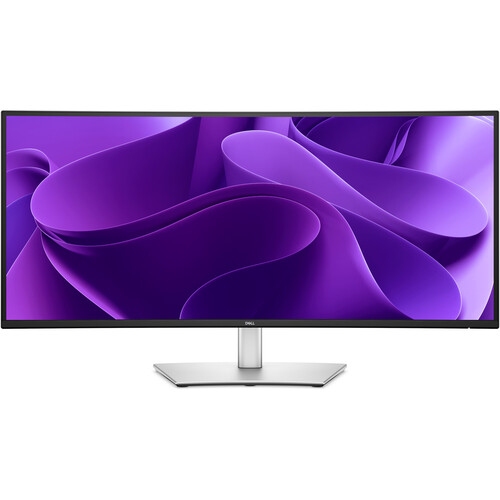
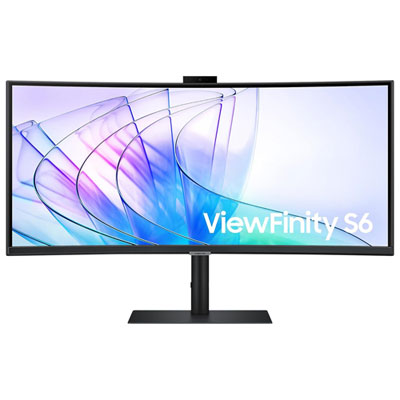
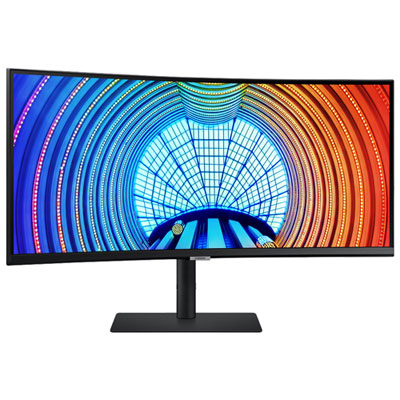
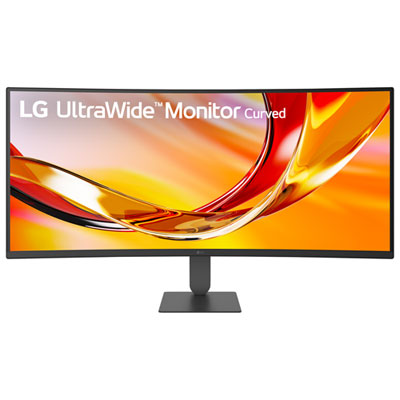
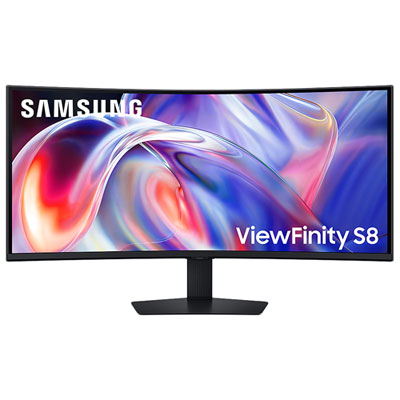

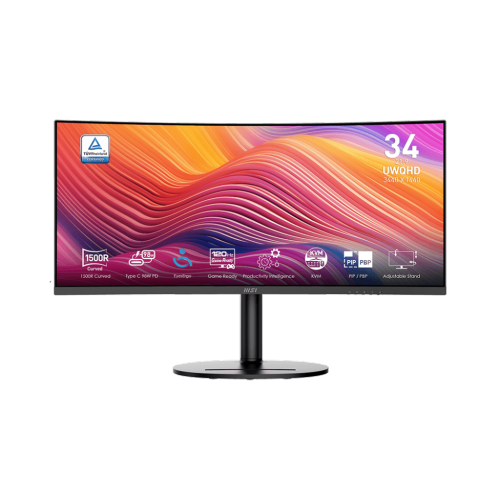
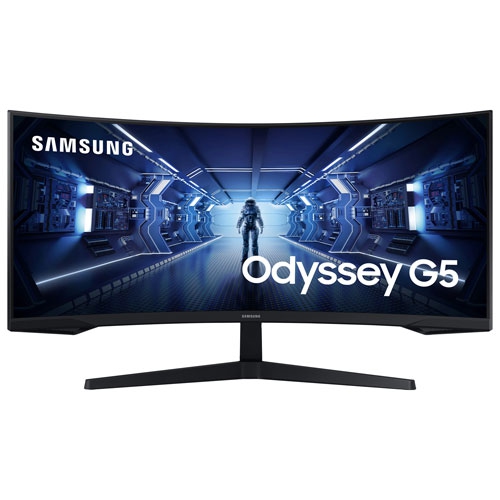
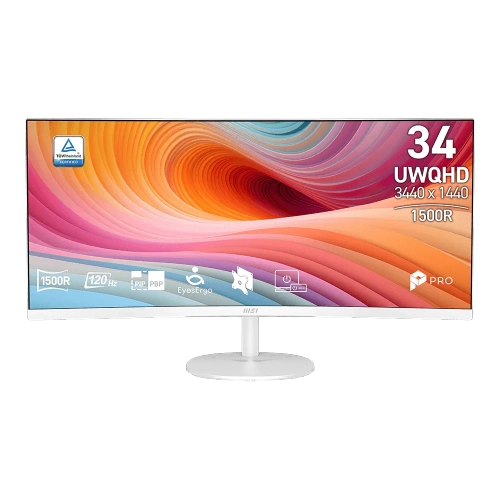
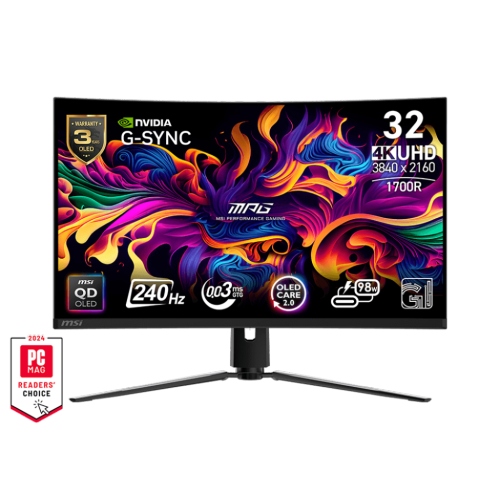
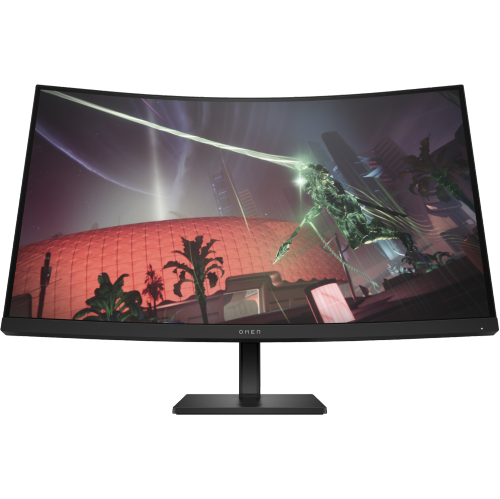
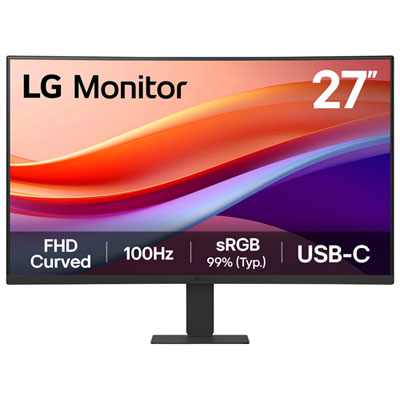
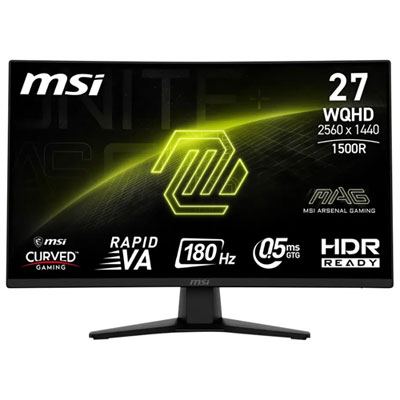
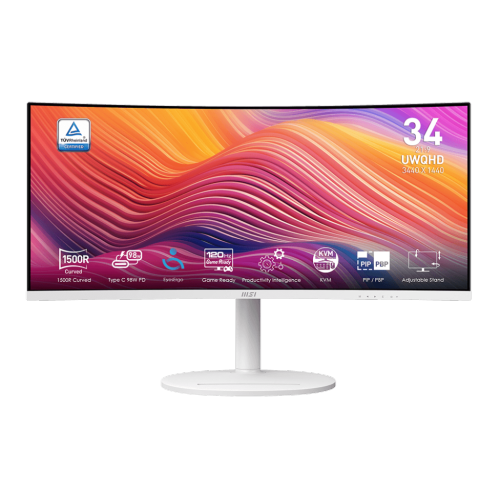
How the curve changes movie night at your desk
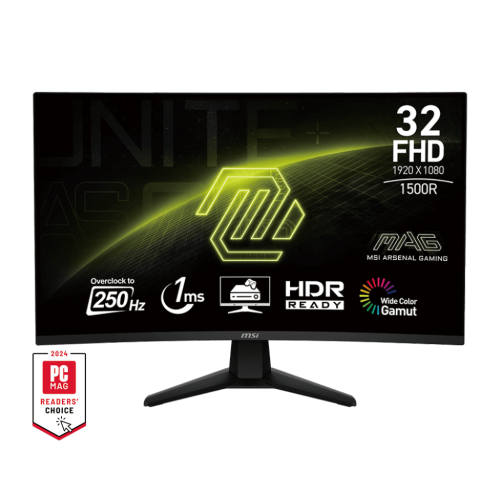
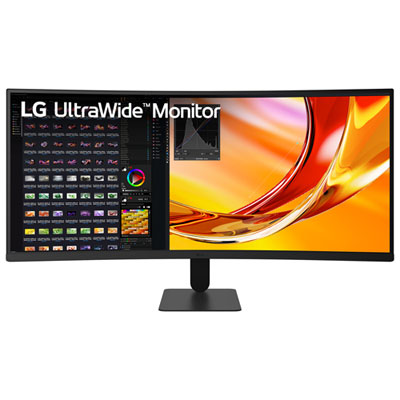
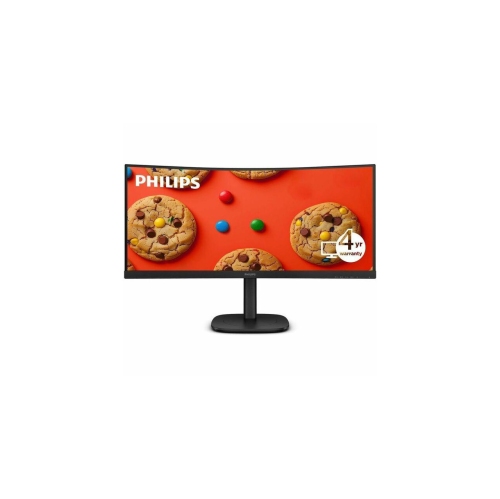
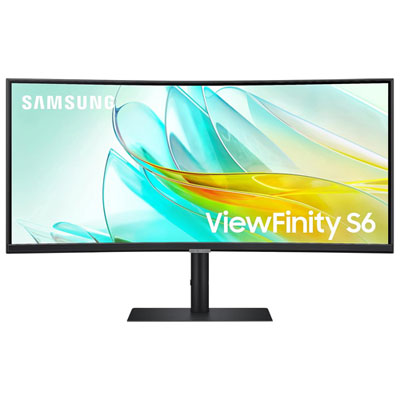
Curved monitors for movies are well suited to desktops and compact viewing spaces, where the main seat is close to the screen and centred in front of it. The curve brings the sides of a wide display a little closer and turns them slightly toward the viewer. On a broad landscape shot, that can make the whole frame feel easier to take in. A centred viewer also sees the edges at less of an angle than on a comparable flat screen, although how well colour and contrast hold up from the side still depends on the panel. Curvature is expressed as a radius: a 1500R screen has a tighter bend than an 1800R screen. The tighter bend is more noticeable from a nearby desk chair, while the gentler curve can feel less pronounced with the chair pushed back. For two people watching from different seats, the picture from either side matters more than the view from the centre alone. Screen proportions make a difference, too. A wide feature film may fill more of a 21:9 ultrawide screen than a 16:9 screen, with smaller black bars above and below the picture, provided the video player displays the film in its original proportions and uses the full width. Some streaming services deliver widescreen films inside a 16:9 frame, so those bars may remain even on an ultrawide monitor. The reverse is common with TV series: a show framed for 16:9 typically has space on either side on a 21:9 display. Leaving those bars in place preserves the composition without stretching faces or cutting off details at the edge of the frame. A 34-inch ultrawide can give a sweeping landscape plenty of room, but a 16:9 screen with the same diagonal measurement is taller. That extra height may be more useful for a mix of television, older films and other content that doesn’t use the full width of an ultrawide.
Picture quality depends on what the panel can do as much as it does on the shape of the screen. A resolution of 3440 × 1440 is common on 21:9 monitors and can render fine textures and crisp subtitles at desktop distances, but a low-quality stream won’t gain detail just because it’s playing on a sharper display. Contrast is particularly noticeable in movies. In a scene set inside a dimly lit car, good contrast helps faces and interior details stay distinct instead of blending into a grey background. OLED panels can switch individual pixels off for deep blacks, while the black levels and backlight performance of LCD monitors vary by panel and design. Support for a format such as HDR10 means the monitor can accept that signal; it doesn’t tell the whole story about how bright a reflection will look or how much detail will remain visible in the shadows. The playback device, app and connection also have a role in determining which resolutions and picture formats reach the display. Refresh rate is another number worth putting in context. Many films are made at 24 frames per second, and a compatible 120 Hz playback setup can show each frame five times at even intervals. That can help slow camera pans look more even without turning the film into high-frame-rate video. A matte finish can soften reflections from a lamp or nearby window, while a glossy finish makes the placement of those light sources more noticeable. Sound is easy to overlook in a desktop setup: built-in speakers can keep the work surface clear, but headphones or separate speakers may make quiet dialogue easier to hear. When a laptop or media player supplies the picture, it helps to check where the audio comes out before assuming a single connection handles both as intended.
The best fit often comes down to how the screen sits on the furniture already in the room. A wide monitor may fit between shelves yet still have a stand that reaches far enough forward to crowd the keyboard or push the screen too close to the chair. Stand depth and the space behind the display for cables are worth measuring alongside the width of the panel. Raising or tilting the screen can help keep the picture in view without having to lift the chin during a long film. A compatible monitor arm can free up desktop space, provided the mounting pattern matches and the arm can support the display’s size and weight. Monitor housings commonly use moulded plastic, while stands may use plastic, metal or a combination of the two. A rigid stand with a broad footing can help keep the picture steady on a work surface that also sees typing or other everyday use. For care, a soft, dry microfibre cloth is usually enough to lift dust from the screen. Follow the manufacturer’s cleaning directions for marks that remain, avoid spraying liquid directly onto the panel and support the display from underneath when moving it rather than pressing on the curved surface. A curved monitor can be a thoughtful gift for a film buff who tends to watch from a desk, especially when the desk dimensions and playback connections are known. For a setup that doubles as a place to watch films, play games or edit video, Curved Monitors for Immersive Viewing offers another way to explore displays for those uses. The most comfortable setup is one that leaves room for the usual workday essentials and still lets the viewer settle into a favourite film without leaning forward to read the subtitles or shifting the chair to avoid a reflection.
Top selling and popular products
-
 Your price for this item is $2237.68
-
 Your price for this item is $320.68
-
 Your price for this item is $469
-
 Your price for this item is $149.99
-
 Your price for this item is $265.99
-
 Your price for this item is $229.99
-
 Your price for this item is $1138.68
-
 Your price for this item is $355.68
Discover more categories related to Curved Monitors for Movies
Top Collections:
Best Black Friday Deals This Year, Best Black Friday Deals On Electronics, Kindle Devices, Pokemon Centers, Best Black Friday Deals On Apple Products, Best Cameras for Sports Photography, Dyson Airwrap, Pokémon 30th Celebration Cards, Apple iPhone 17 Pro, Canon G7X Cameras
Some products may be subject to Environmental Handling Fees
(EHF) depending on your province.
Learn more about EHFs.