DDR3L RAM
DDR3L RAM offers a reliable solution for enhancing your computer’s memory performance. Perfect for both upgrades and replacements, DDR3L RAM supports smooth multitasking and efficient data handling across a range of devices. Whether you’re looking to boost your system’s responsiveness or ensure compatibility with various applications, DDR3L RAM provides the flexibility needed for everyday computing tasks. Explore a variety of options to find the right fit for your setup and enjoy improved productivity with dependable memory support.
Sort

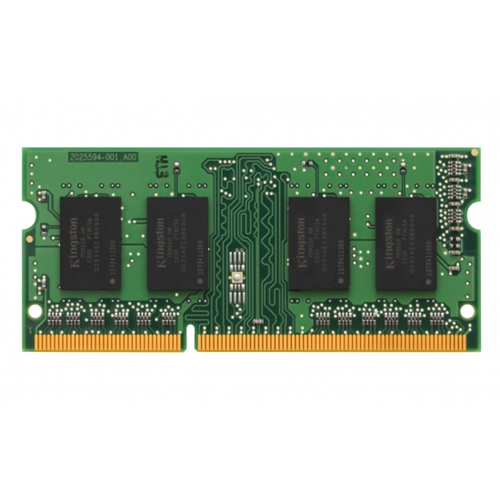
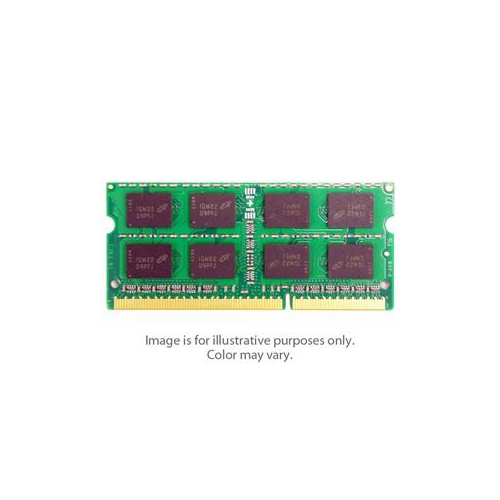


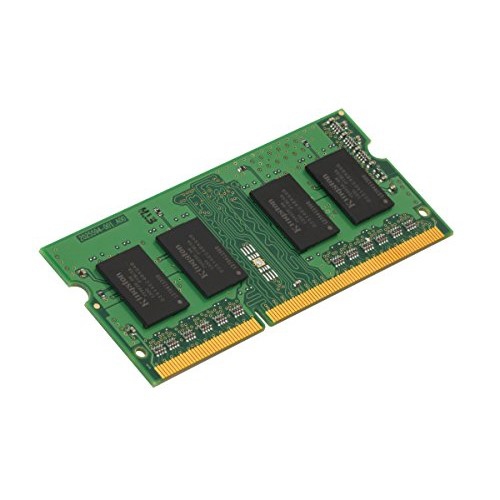

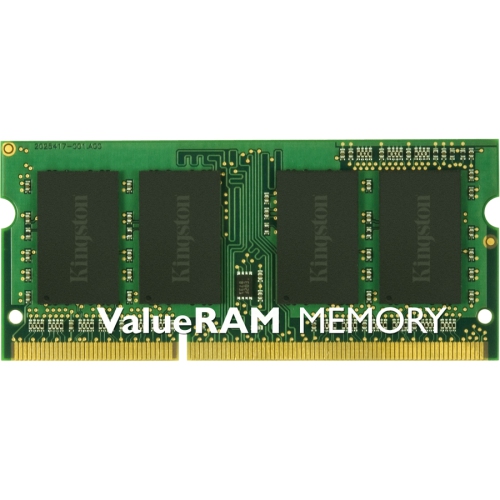

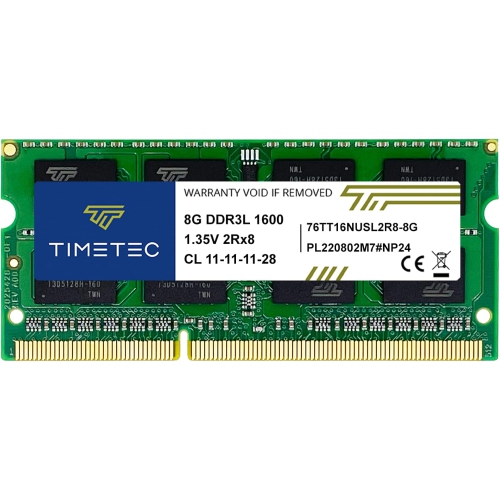
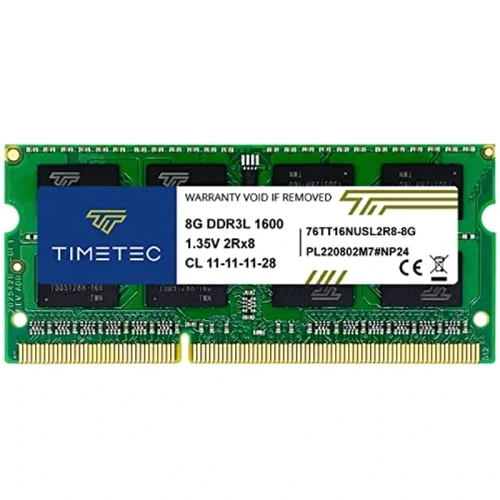

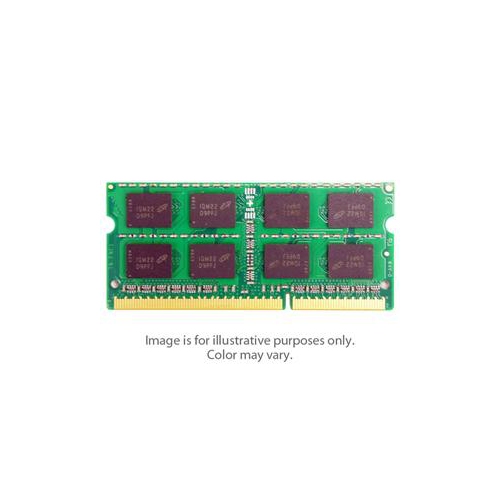
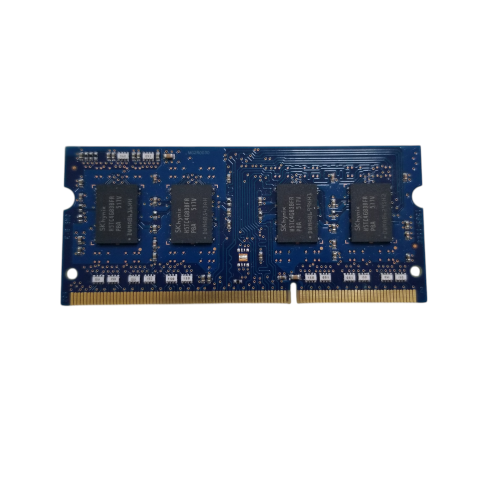
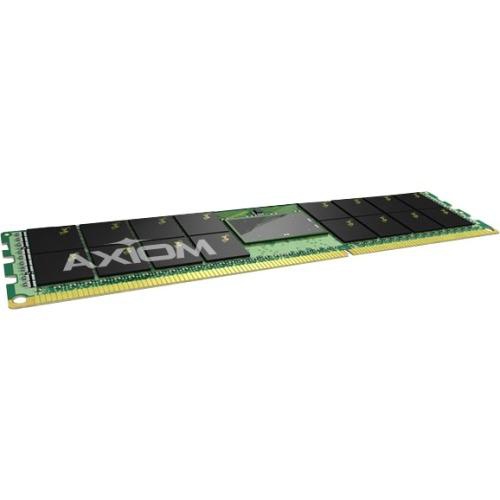
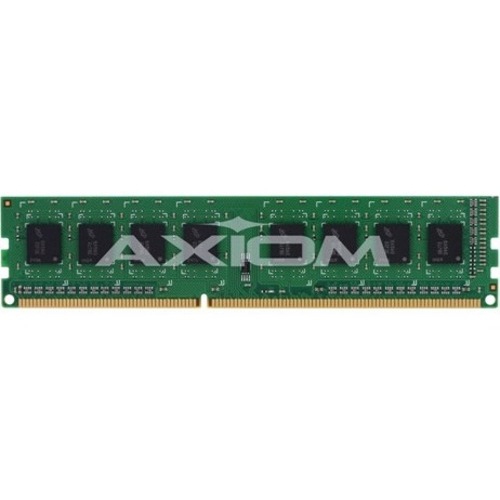
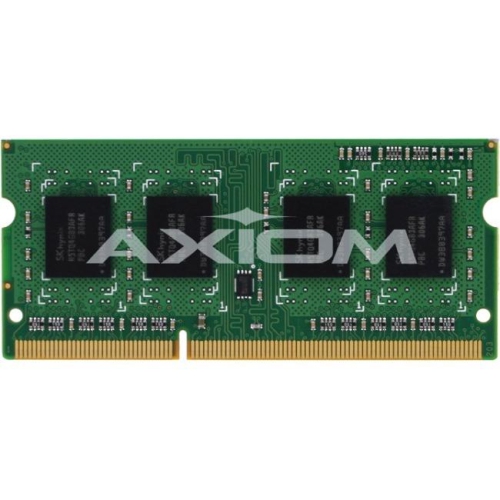

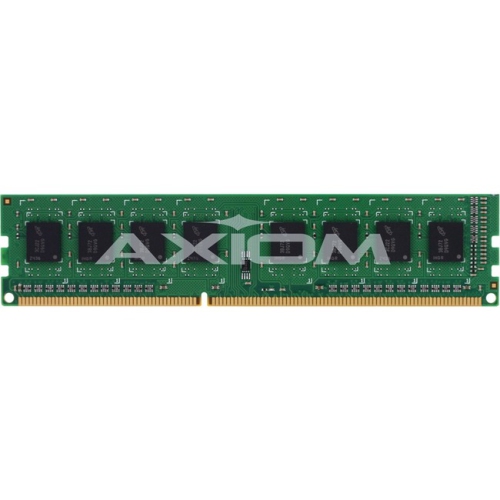
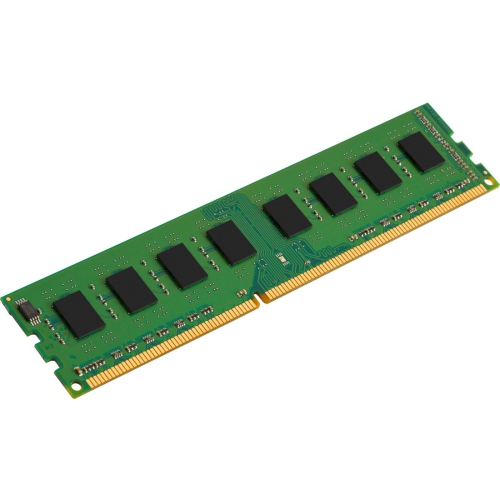

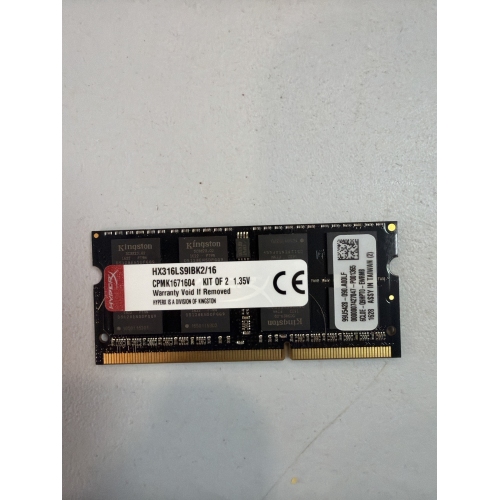
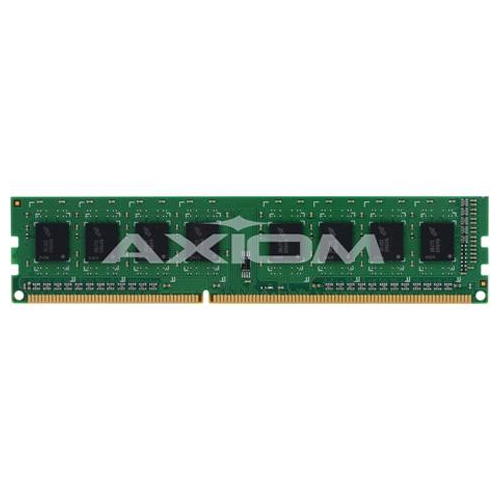
Low-voltage memory upgrades start with the right fit
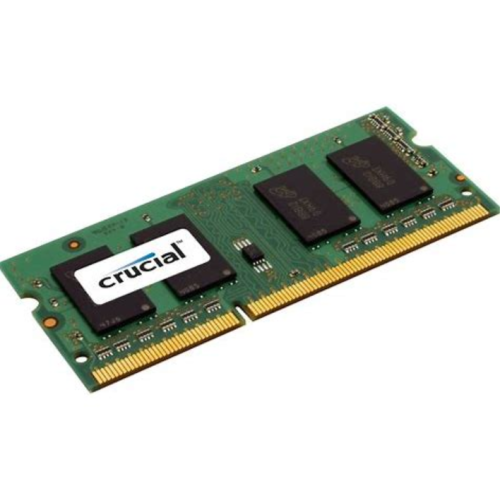
DDR3L RAM is a low-voltage form of DDR3 computer memory that operates at 1.35 volts, compared with the 1.5 volts used by standard DDR3 RAM. The “L” stands for “low voltage,” and modules are often identified by a PC3L marking on their labels. This memory provides temporary working space for the operating system, applications, and files a computer is actively using. Unlike a hard drive or solid-state drive, RAM does not retain its contents when the computer is switched off. DDR3L memory is used in compatible laptops, desktop computers, and compact PCs, particularly systems designed around this generation of memory technology. It can be a practical replacement for a faulty module or an upgrade for a computer that struggles with its everyday workload because it has too little RAM. A student moving between research tabs, a document, and a video call, for example, may benefit from additional memory if the existing capacity is consistently being filled. The same applies to a home office computer handling email, spreadsheets, browser-based tools, and several open documents. When RAM runs short, a computer may move some working data to its storage drive, which can make switching between applications feel slower. Increasing memory capacity can ease that particular bottleneck, though it will not resolve every cause of slow performance. Processor capability, storage speed, software requirements, and the condition of the system still matter. The low-voltage designation does not mean DDR3L is inherently slower than standard DDR3; capacity, transfer rate, memory timings, and the computer’s supported settings determine how it performs. For a machine that otherwise meets its owner’s needs, a compatible memory upgrade can help it handle familiar tasks more comfortably without changing the way the computer is used.
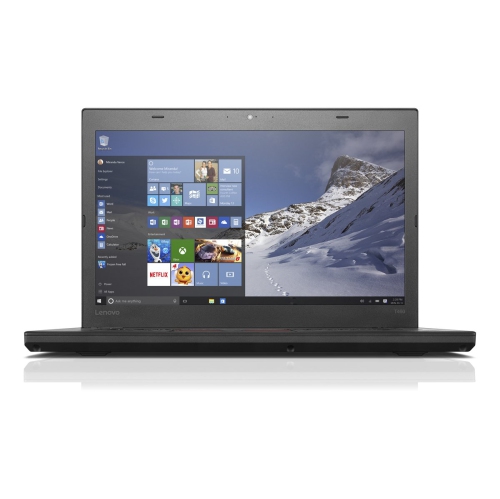
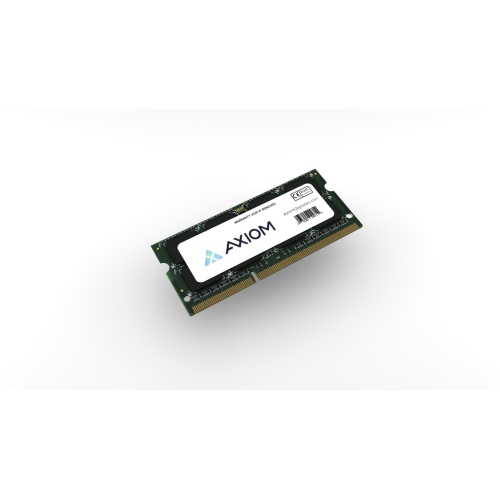
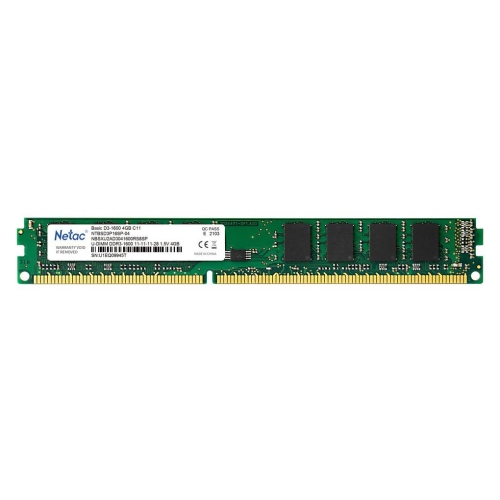
Compatibility is the central consideration with DDR3L RAM, because matching the memory generation alone is not enough. Laptop modules generally use the compact 204-pin SO-DIMM format, while desktop modules generally use the longer 240-pin DIMM format. These shapes are not interchangeable, even when their capacity and speed ratings look similar. Compact desktop computers can also use SO-DIMMs, so the computer’s specifications are more useful than assumptions based on its size. DDR3L modules do not fit DDR4 or DDR5 memory slots, and the position of the notch helps prevent insertion into the wrong slot. For shoppers comparing DDR3 Laptops, the laptop’s exact memory requirements remain important: a broad DDR3 description does not establish whether a particular model accepts DDR3L, which capacities it supports, or whether its memory can be replaced. Some computers have accessible memory slots, while others have memory soldered to the motherboard or combine soldered memory with an expansion slot. Many DDR3L modules support operation at both 1.35 volts and 1.5 volts, but that capability should be confirmed in the module specifications rather than assumed. Standard 1.5-volt DDR3 should not be substituted in a system that requires 1.35-volt memory unless the computer manufacturer explicitly supports it. Maximum total capacity, the limit for each slot, and the number of usable slots also affect the fit. An existing module’s label can help identify its specifications, but the computer’s service documentation provides the broader requirements. Chip density and rank configuration can matter on older platforms, even when two modules share the same capacity and advertised speed. Error-correcting memory, known as ECC memory, and registered memory also require specific platform support; they are not general substitutes for the unbuffered, non-ECC memory used by most consumer computers. These distinctions explain why two physically similar modules may not work in the same machine.
Capacity and speed are most useful when considered alongside the intended workload. Light document editing and a few browser tabs place different demands on memory than large spreadsheets, photo editing, virtual machines, or several applications running together. More capacity helps when a workload exceeds the RAM already installed, but unused extra capacity does not automatically make every task faster. The operating system also has limits: a 32-bit operating system generally cannot make full use of 4 GB or more of installed memory, and some memory may be reserved for hardware. Speed labels need a little context as well. DDR3L-1600 describes a transfer rate of 1600 megatransfers per second, although retail specifications often express this as 1600 MHz. The computer’s memory controller determines the supported operating speed, so a higher-rated module does not guarantee a higher running speed. Memory timings describe another part of performance and are best compared at the same transfer rate. In systems that support dual-channel operation, a suitable matched pair can provide greater memory bandwidth than a single module, though the benefit depends on the application and system design. Mixed modules may run at shared compatible settings, but matching their specifications reduces uncertainty. Physical care matters too. A memory module consists of a printed circuit board, memory chips, and exposed metal contacts; it has no moving parts, but it is still vulnerable to static discharge, bending, and damage from incorrect installation. Handling modules by their edges, keeping fingers off the contacts, and following the computer’s service procedure help protect both the memory and the slot. Power should be disconnected and battery precautions followed before internal components are handled. A correctly aligned module should seat using the method specified for that computer, never by forcing it past resistance. Routine RAM care is minimal once installed, and cleaning sprays are not needed on the module itself. Confirming that the computer detects the expected capacity and passes a memory diagnostic can help establish that a replacement or upgrade is working properly.
Top selling and popular products
-
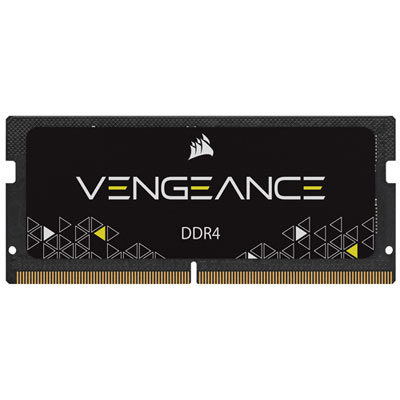 Your price for this item is $169.98
-
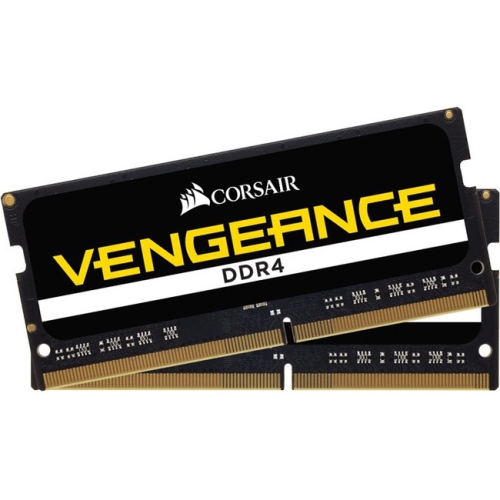 Your price for this item is $750.68
-
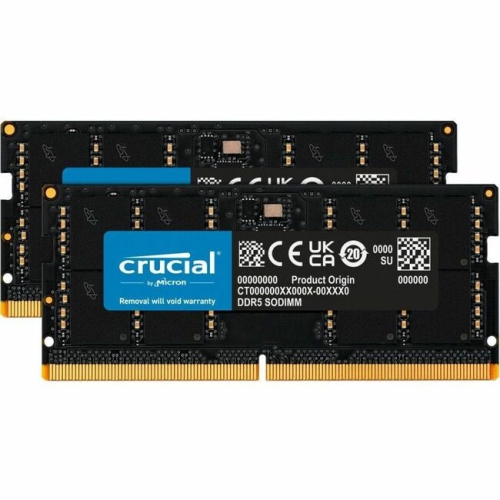 Your price for this item is $2154.68
-
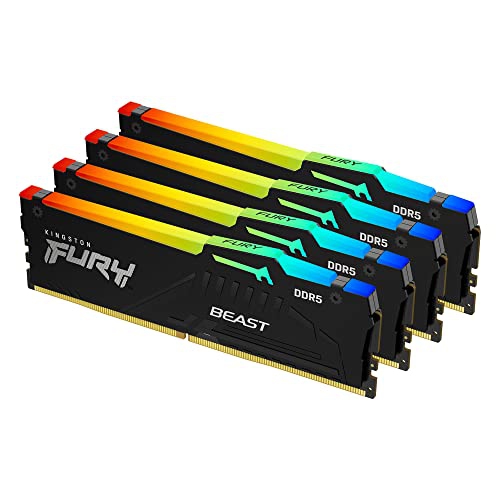 Your price for this item is $1614.05
-
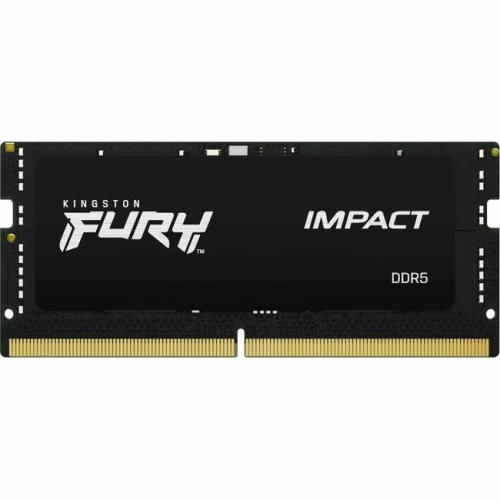 Your price for this item is $661.68
-
 Your price for this item is $2672.97
-
 Your price for this item is $242.68
-
 Your price for this item is $437.68
Discover more categories related to DDR3L RAM
Top Collections:
Best Black Friday Deals This Year, Best Black Friday Deals On Electronics, Kindle Devices, Pokemon Centers, Best Black Friday Deals On Apple Products, Best Cameras for Sports Photography, Dyson Airwrap, Pokémon 30th Celebration Cards, Apple iPhone 17 Pro, Canon G7X Cameras
Some products may be subject to Environmental Handling Fees
(EHF) depending on your province.
Learn more about EHFs.