Dell Business Computers
Dell Business Computers offer reliable solutions designed to keep your workplace running smoothly. Explore a wide range of options tailored for productivity, efficiency, and seamless multitasking. Whether outfitting a small office or upgrading an entire enterprise, Dell Business Computers provide the performance and versatility needed to support your business goals. Discover models suited for various professional demands and find the ideal fit for your team’s workflow.
Sort


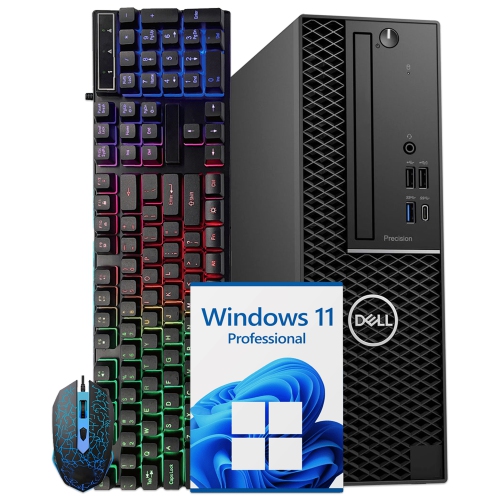
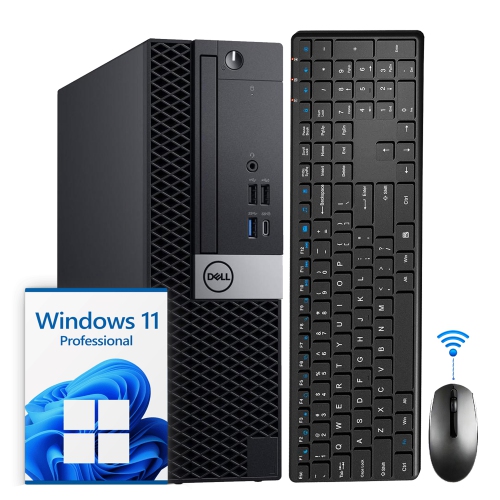
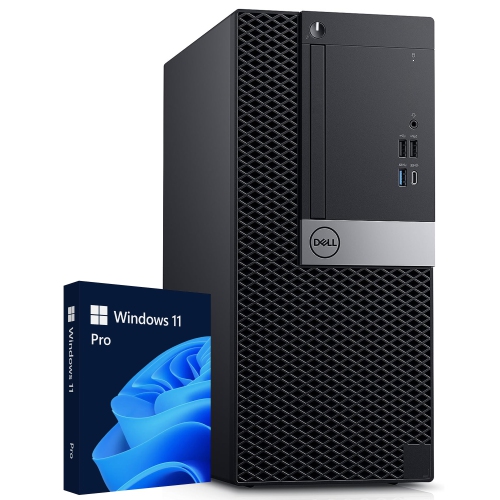
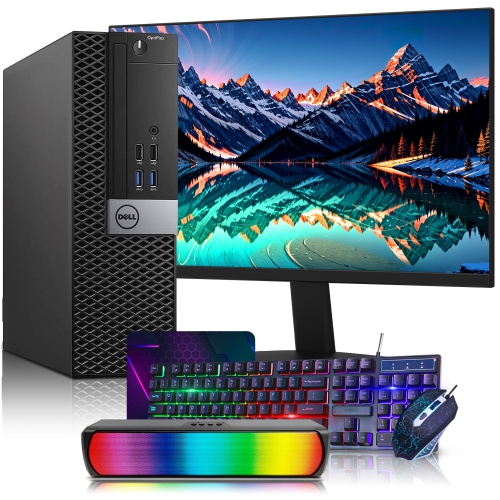

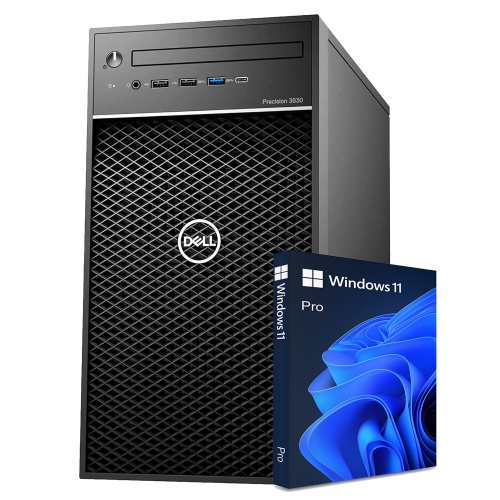
How your workday shapes the computer you need
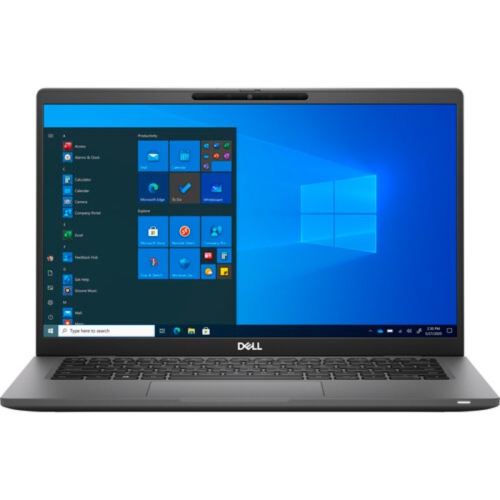
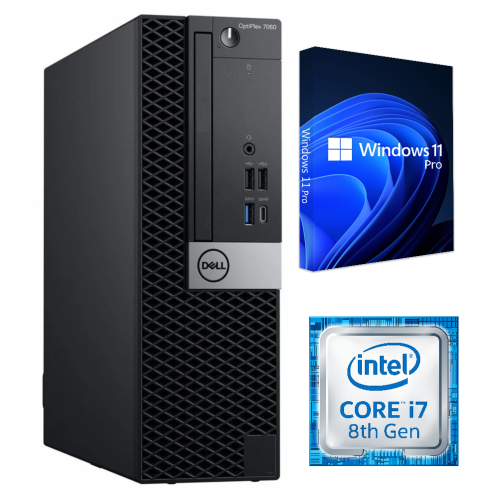
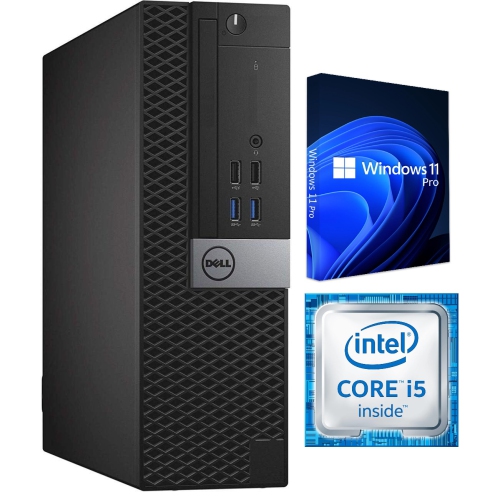
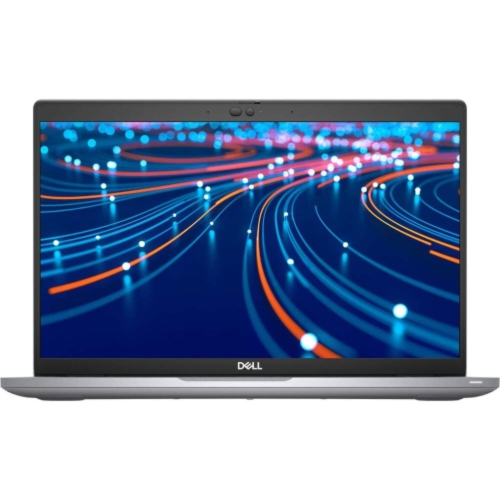
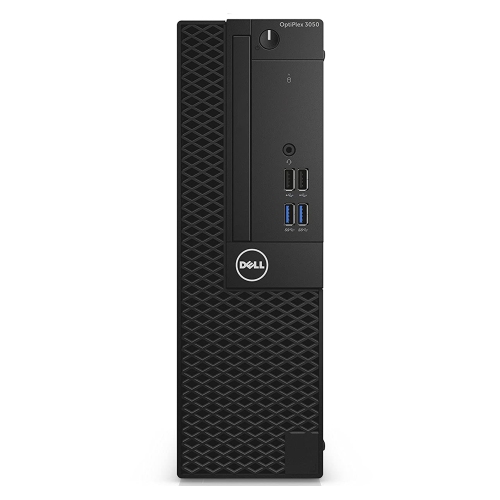
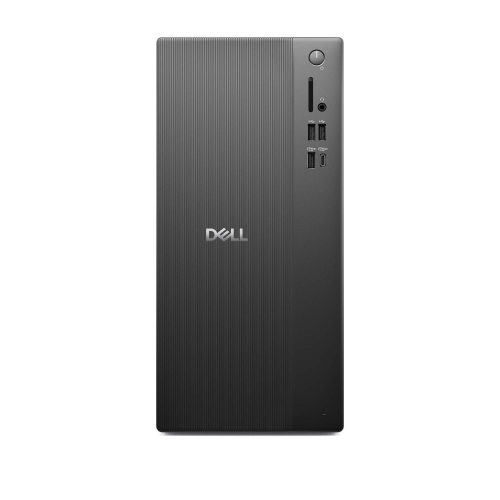
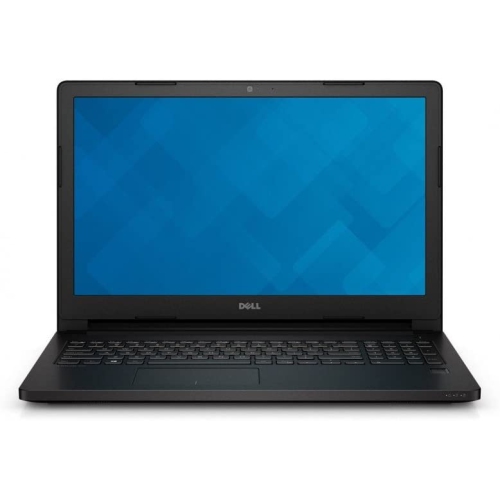
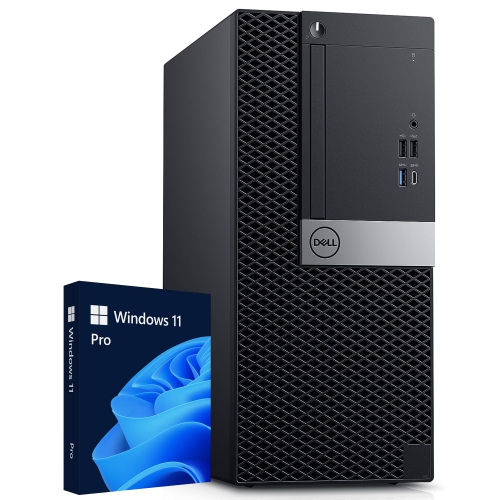
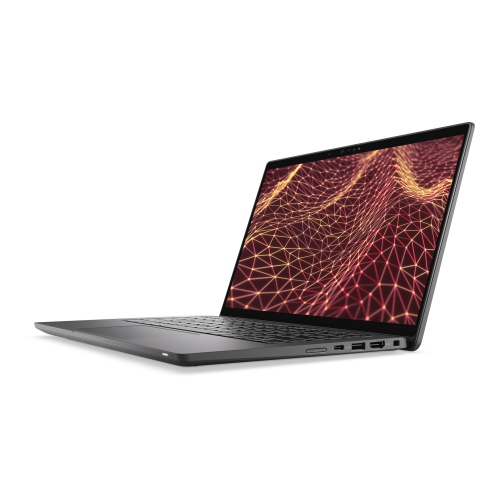
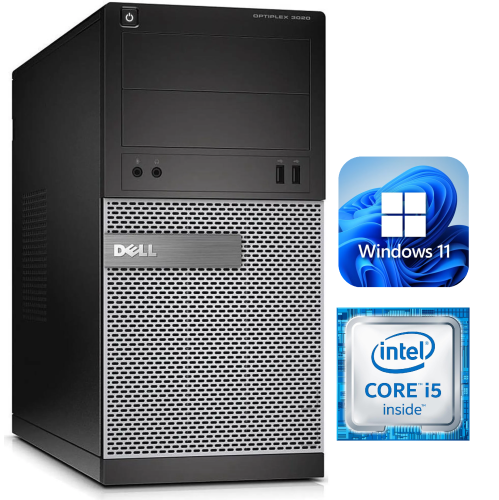
Business computers support the daily work of running an organization, from answering client emails and preparing invoices to managing large spreadsheets, joining video meetings, and working with specialized software. The most useful format depends on where that work happens. A desktop suits a permanent workstation, while a business laptop makes it easier to move between a home office, meeting room, and client location. Compact desktops leave more room on a crowded work surface, and tower designs may provide additional space for internal components and future upgrades, depending on their construction. All-in-one computers combine the display and computer in a single unit, reducing the number of separate pieces on a reception desk or shared counter. A dedicated workspace built around Dell Desktops can accommodate a full-size keyboard, a comfortable monitor arrangement, and wired connections that stay in place throughout the workday. For accountants, administrators, consultants, and small business owners, these practical details often matter as much as the computer’s appearance. Physical fit deserves attention: a tower needs clearance around its air vents, a compact unit needs accessible ports, and an all-in-one requires enough desk depth for comfortable viewing. With laptops, chassis materials, hinge construction, weight, and keyboard layout affect how the machine feels during repeated use and travel. Metal and reinforced plastic housings each have different characteristics, but material alone does not establish durability. Construction, handling, and the demands of the job all play a part. Someone who spends hours entering figures may value a dedicated numeric keypad, while a frequent traveller may prefer a lighter computer that fits securely inside a padded bag. In a shared office, a thoughtfully placed computer also keeps cables clear of walkways and leaves room for notebooks, documents, and other essentials. Those everyday considerations help a business computer fit the person and the workspace rather than forcing either to adapt around it.
Performance requirements vary considerably between business tasks, so specifications are most useful when connected to actual work. Email, document editing, browser-based applications, and routine bookkeeping have different demands from video production, engineering drawings, software development, or large datasets. A processor influences how quickly a computer handles calculations and active tasks, while memory gives applications room to work. Someone moving between a customer database, a video call, and several detailed spreadsheets benefits from enough memory to keep those applications responsive together. Solid-state storage supports quick startup and file access, but storage capacity should also account for project folders, downloaded files, and applications that grow over time. A computer used mainly with centrally stored documents may have different local storage needs from one holding extensive media files. Dedicated graphics can be important for certain design, visualization, and technical workloads, although routine office work does not automatically require a separate graphics processor. Workstations are intended for more demanding professional tasks, but the right configuration still depends on the software being used. For applications with specific hardware requirements, software compatibility and any relevant certifications deserve attention before choosing a system. The same applies to AI features: some applications use local processing hardware, while others rely on online services, so an AI-related label alone does not explain how a computer will support a particular workflow. Connections are equally important. Check the number and type of USB ports, display outputs, and networking connections against the equipment used each day. Two monitors can make it easier to compare a purchase order with an invoice, but the computer, dock, cables, and displays must support the intended arrangement. A USB-C connector does not necessarily provide charging, video output, and the same data speeds on every computer. For mobile work, battery endurance varies with screen brightness, calls, applications, and connected accessories. A charger that suits the computer’s power requirements remains an important part of a reliable work setup, even when most of the day is spent away from a desk.
Security, maintenance, and support are part of choosing a business computer, not simply details to address after setup. Depending on the configuration, business-focused systems may include hardware-backed security, biometric sign-in, drive encryption support, or management features that help an IT team apply settings across multiple computers. These capabilities differ by model, operating system, and licensing, and they work best alongside sensible account permissions, regular updates, and dependable backups. A fingerprint reader can make sign-in convenient, for example, but it does not replace a backup plan for important records. For remote and hybrid workers, a clear webcam, usable microphone, comfortable keyboard, and reliable Wi-Fi connection can have an immediate effect on everyday communication. A wired network connection may suit a fixed desk handling large file transfers, while wireless connectivity provides flexibility when moving between work areas. Offices supporting several employees may also value consistent port layouts, compatible docks, and straightforward access to service information. Repair access and upgrade options vary: some desktops allow relatively simple component changes, while compact systems, all-in-ones, and laptops can have tighter limits. Check the specific documentation rather than assuming that memory, storage, or other parts can be replaced later. Warranty terms and service arrangements also differ, especially between new and refurbished computers, so their scope matters for a machine used to keep a business operating. Routine care is straightforward but worthwhile. Keep ventilation openings unobstructed, avoid placing drinks beside the keyboard, and follow the manufacturer’s cleaning instructions for screens and exterior surfaces. Before cleaning, shut down the computer and disconnect power as directed; apply approved cleaning solutions to a suitable cloth rather than spraying the device directly. For transport, use a properly fitted bag and protect the screen from pressure. Matching these practical ownership details with the demands of the job helps create a dependable workstation for a sole proprietor, a growing team, or an established office, with the right balance of portability, workspace fit, performance, and day-to-day usability.
Top selling and popular products
-
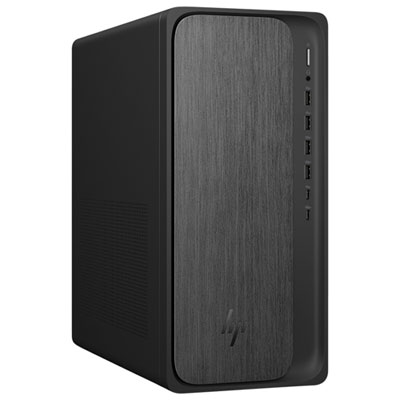 Your price for this item is $1399.99
-
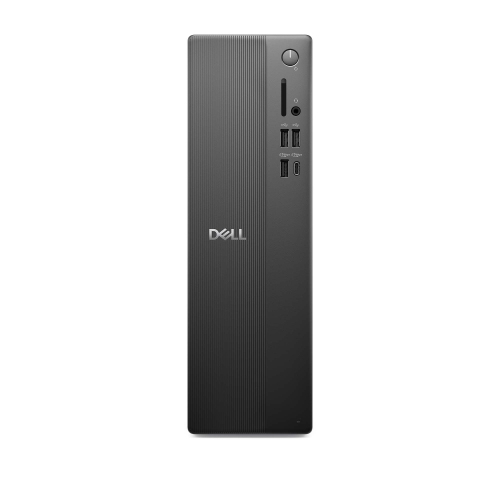 Your price for this item is $1629.79
-
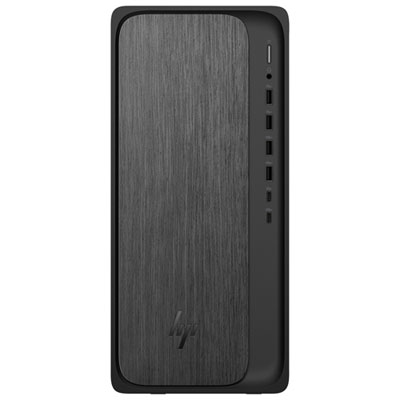 Your price for this item is $2299.99
-
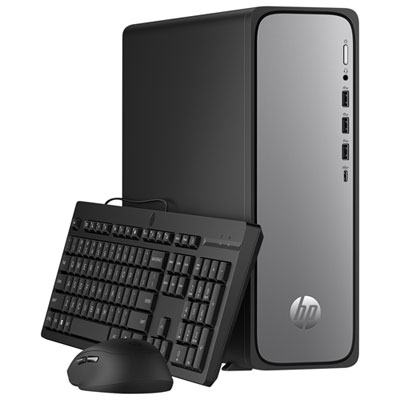 Your price for this item is $1469.99
-
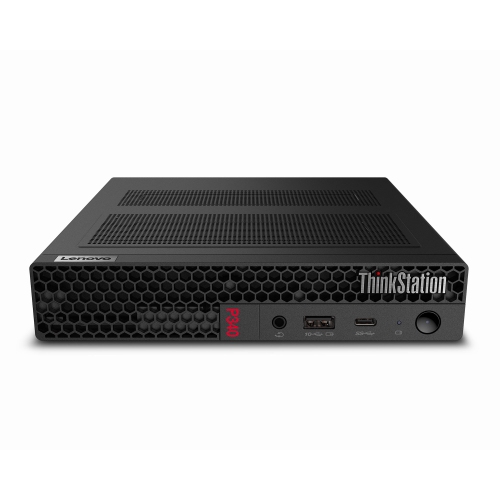 Your price for this item is $699.79
-
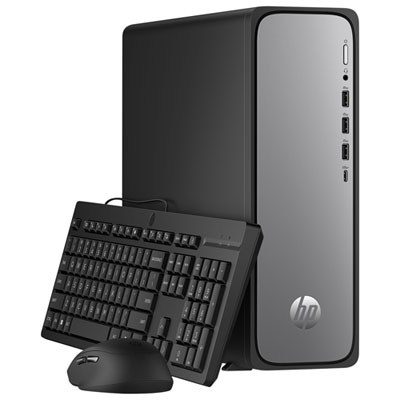 Your price for this item is $1759.99
-
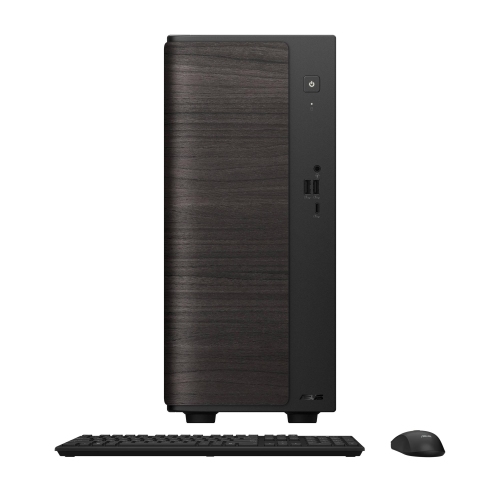 Your price for this item is $3149
-
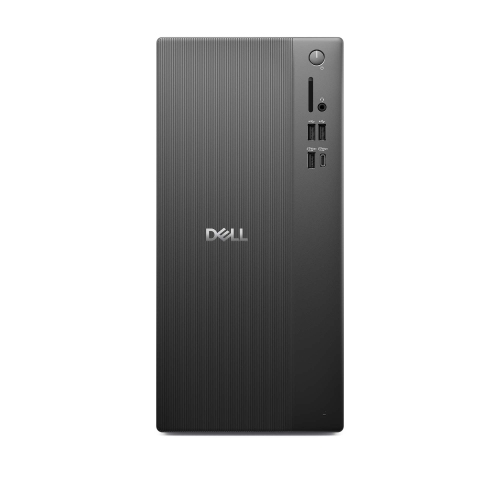 Your price for this item is $2628.79
Discover more categories related to Dell Business Computers
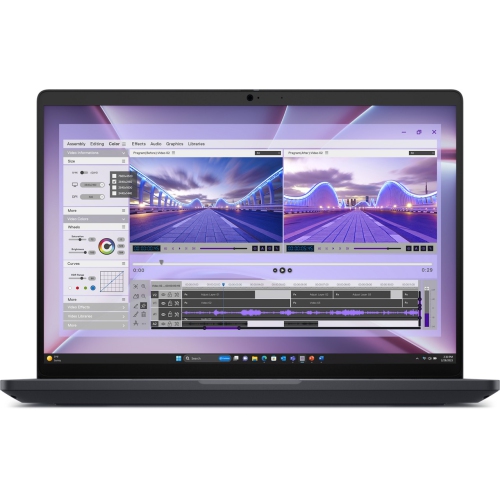
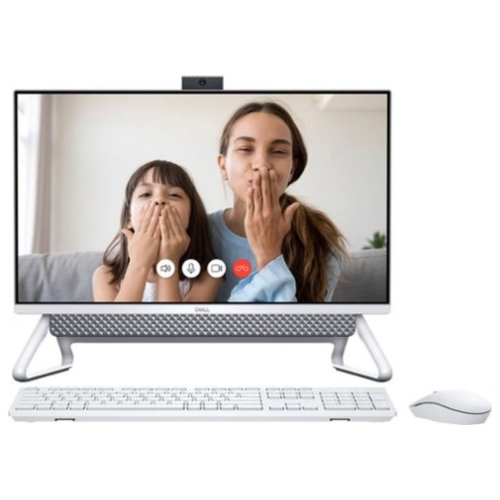
Top Collections:
Best Black Friday Deals This Year, Best Black Friday Deals On Electronics, Kindle Devices, Pokemon Centers, Best Black Friday Deals On Apple Products, Best Cameras for Sports Photography, Dyson Airwrap, Pokémon 30th Celebration Cards, Apple iPhone 17 Pro, Canon G7X Cameras
Some products may be subject to Environmental Handling Fees
(EHF) depending on your province.
Learn more about EHFs.