Dell Electronics
Explore the latest in technology and innovation with Dell Electronics. Whether you're upgrading your home office, enhancing your entertainment setup, or searching for reliable devices for everyday use, Dell Electronics offers a wide range of solutions to meet your needs. Find laptops, desktops, monitors, and accessories designed to help you stay productive and connected. Discover how Dell Electronics can elevate your digital experience at home or on the go.
Sort
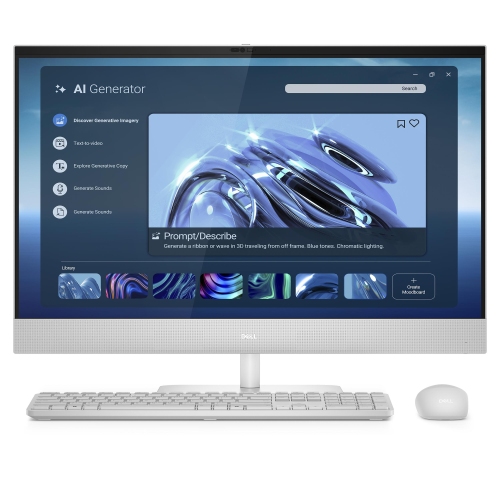
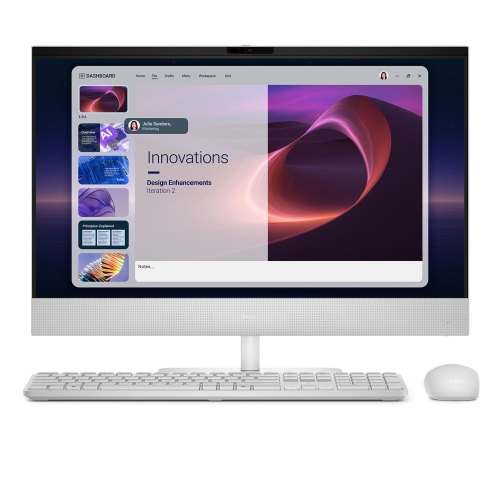
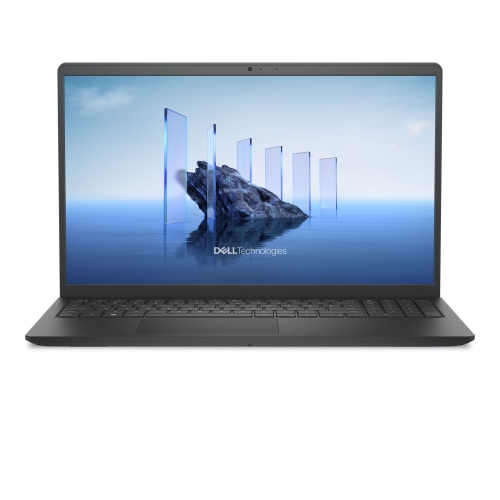

How your daily tasks shape your computer setup
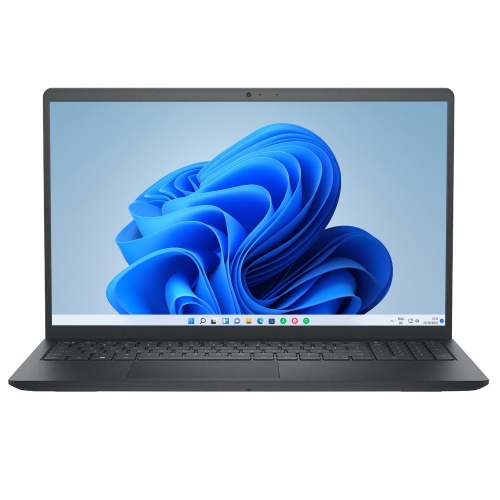
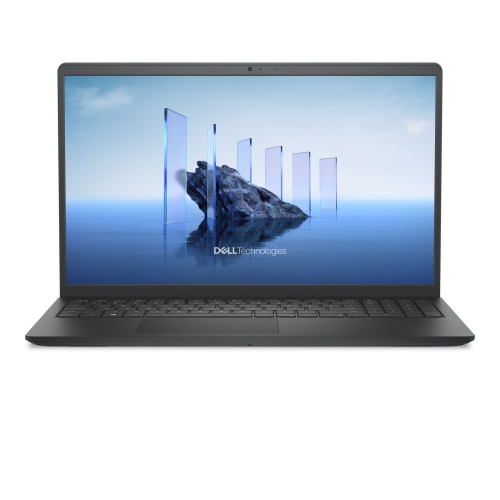
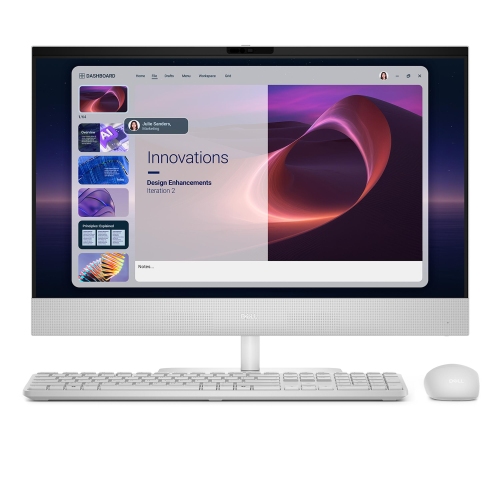
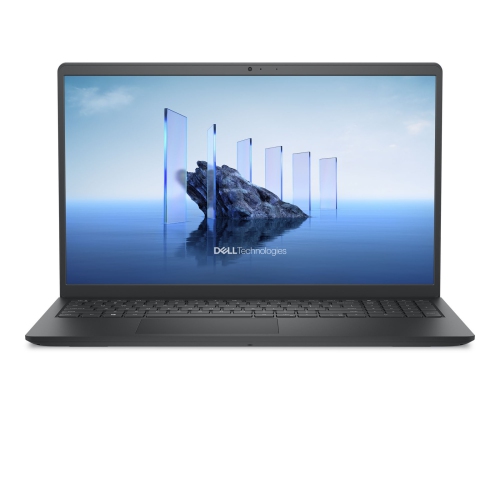
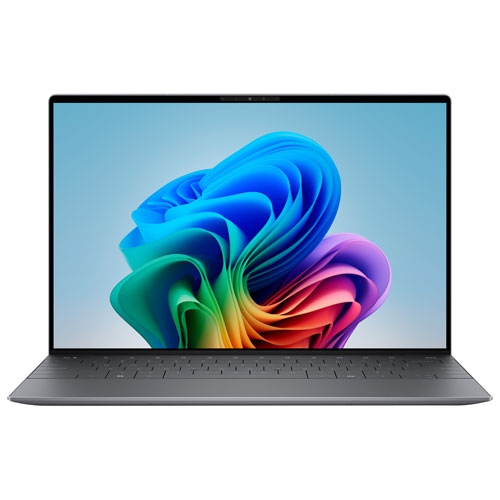
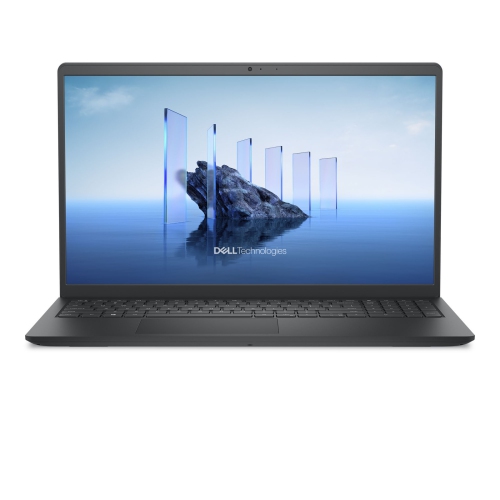
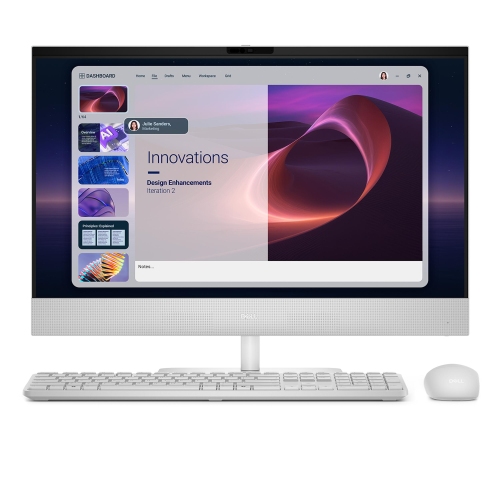
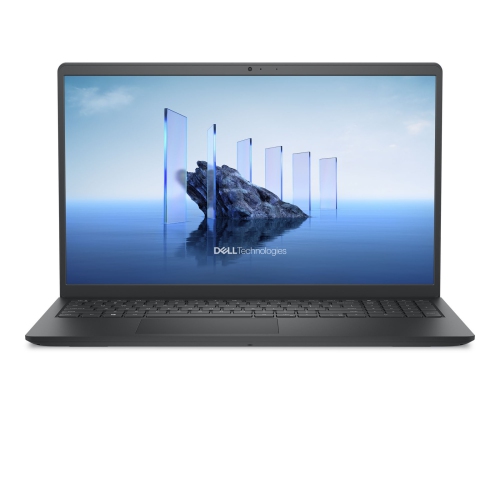
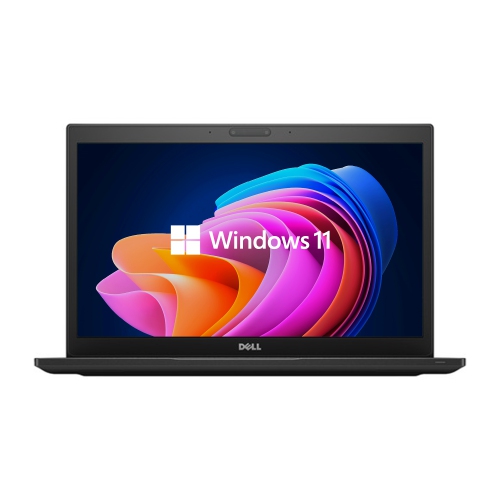
Personal and business electronics include laptops, desktop computers, monitors, and accessories that support work, study, communication, and entertainment. Each category serves a different part of a connected setup, from the computer that runs everyday applications to the display that makes a spreadsheet, video call, or creative project easier to see. Laptops suit people who move between a kitchen table, a classroom, and an office, while desktops provide a fixed workstation with room for separate peripherals and, depending on the design, future hardware upgrades. Compact computers can keep a small work surface uncluttered, and larger towers may offer more space for internal components and cooling. The most useful features depend on what happens during a typical day. Writing assignments, managing household documents, and browsing generally place different demands on a computer than editing high-resolution video, working with complex design files, or playing graphically demanding games. Processor capability, memory, graphics hardware, and storage all contribute to that experience. Memory helps keep several applications responsive at once, while a solid-state drive supports quick access to the operating system, software, and saved files. Storage capacity matters for anyone keeping large photo libraries or project folders locally, although important files still need a separate backup. For portable computers, physical fit deserves as much attention as technical specifications. A screen that feels comfortable for extended writing also needs to fit the bag used for commuting, and the weight of the charger adds to the total carried between locations. Keyboard spacing, trackpad response, hinge movement, and the placement of connections affect everyday comfort. Materials such as aluminium and reinforced plastics can influence weight, rigidity, and feel, but construction quality and careful handling remain important regardless of the finish. Battery performance varies with screen brightness, software, wireless activity, and workload, making intended use more meaningful than a single runtime claim. For students, remote workers, and family members sharing a computer, the right balance is one that accommodates familiar tasks without making the device awkward to carry, connect, or use.
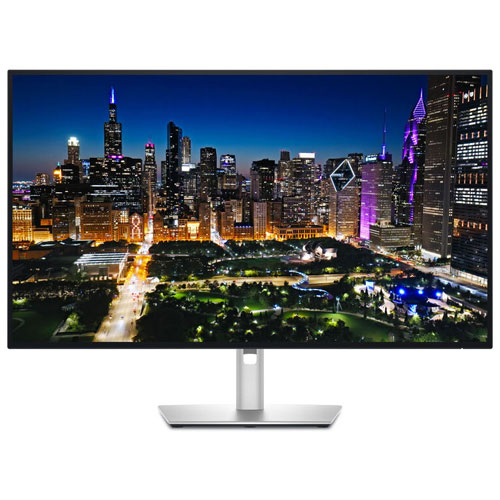
Monitors shape how comfortably a computer fits into daily routines, particularly when several windows need to stay visible together. A larger screen can give a document and its reference material room to sit side by side, while a compact display may better suit a shallow desk or a shared room. Screen size alone does not determine how much useful detail appears: resolution, text scaling, and viewing distance work together to affect readability. A high-resolution display can make fine text and detailed images look sharper, but comfortable scaling is still important when menus or labels appear too small. Colour consistency and viewing angles matter for photography, design, and sharing a screen with another person, while refresh rate and response characteristics become more relevant for fast-moving games and video. Matte screen surfaces can help reduce distracting reflections, although placement relative to windows and overhead lighting remains useful. An adjustable stand makes it easier to position the screen at a comfortable height, and compatible mounting hardware can free up desktop space. Connections deserve equal attention because a port’s shape does not always indicate every function it supports. USB-C connections, for example, can differ in their support for video, data transfer, and charging, so the computer, cable, and connected device need to support the intended task. A docking station can bring a monitor, keyboard, mouse, and network connection together through fewer cables, but its display limits and power delivery must match the computer’s requirements. This is particularly helpful when a laptop moves between a travel bag and a regular workstation. Wi-Fi supports flexible placement around a home or office, while a wired network connection may suit a fixed desk where consistent connectivity is important. Webcams, microphones, and headsets complete the setup for online meetings, remote lessons, or conversations with family, with microphone placement and room noise often making as much difference as the camera image.
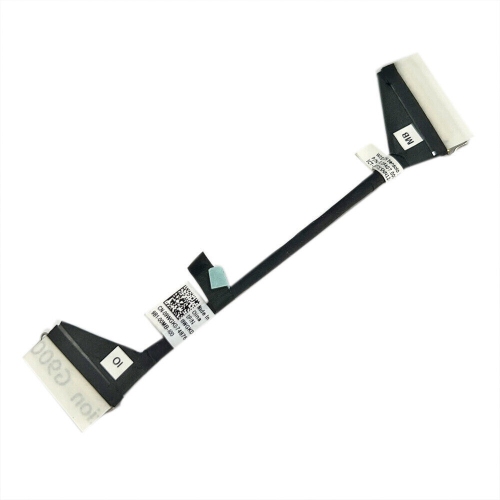
Keyboards, mice, chargers, cables, and replacement components help adapt a computer to the person using it rather than forcing every task onto the same built-in controls. A separate keyboard and mouse can make a laptop-based workstation more comfortable, especially when the screen is raised on a stand. Keyboard layout, key travel, mouse size, and hand position are practical considerations for anyone who types or navigates for long stretches. Shared spaces may benefit from quieter controls, while a headset can keep a meeting or lecture from filling the room. Accessories can also make thoughtful gifts for a student, someone starting a new job, or a family member improving a home workspace, provided the connections and physical fit match the equipment already in use. Replacement parts require more precise matching than many external accessories. When exploring Dell Laptop Parts, the computer’s exact model and the component’s specifications matter more than a similar appearance. Memory type, storage interface, connector design, physical dimensions, and power requirements can differ between systems, and some internal components are not user-replaceable. Manufacturer documentation helps establish compatibility and whether installation calls for professional service. Routine care also contributes to dependable use: unobstructed ventilation, a stable work surface, and protection from spills help prevent avoidable damage. A padded sleeve or fitted compartment reduces knocks during travel, while carrying a laptop by its base rather than its screen places less strain on the display assembly. Cleaning should follow the manufacturer’s directions, with power disconnected and moisture kept away from ports and openings. Software updates, supported security tools, and regular backups address a different side of upkeep by helping protect access to applications and personal files. Together, compatible accessories, considerate handling, and appropriate maintenance help a computing setup remain useful as assignments, work responsibilities, and personal projects change.
Top selling and popular products
-
 Your price for this item is $449
-
 Your price for this item is $3099
-
 Your price for this item is $1800.68
-
 Your price for this item is $664.05
-
 Your price for this item is $869.99
-
 Your price for this item is $2960.48
-
 Your price for this item is $499.68
-
 Your price for this item is $1951.79
Discover more categories related to Dell Electronics
Top Collections:
Best Black Friday Deals This Year, Best Black Friday Deals On Electronics, Kindle Devices, Pokemon Centers, Best Black Friday Deals On Apple Products, Best Cameras for Sports Photography, Dyson Airwrap, Pokémon 30th Celebration Cards, Apple iPhone 17 Pro, Canon G7X Cameras
Some products may be subject to Environmental Handling Fees
(EHF) depending on your province.
Learn more about EHFs.