Dell Monitors for Video Editing
Video editing is a processor-intensive task, and the more powerful your computer, the better your editing experience will be. But if you want to get the most out of your computer for video editing, you'll need a monitor that can keep up with the workload. Here are some of the best monitors from Dell.
Sort
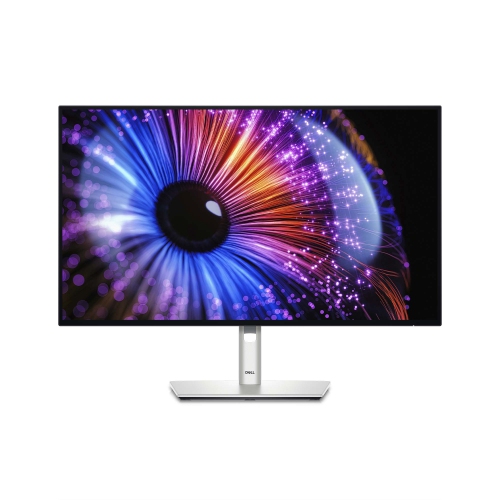
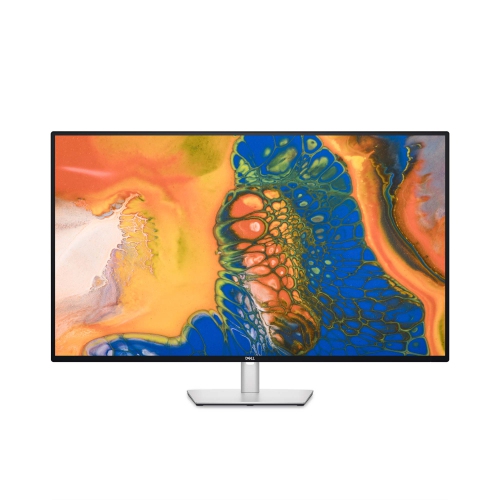
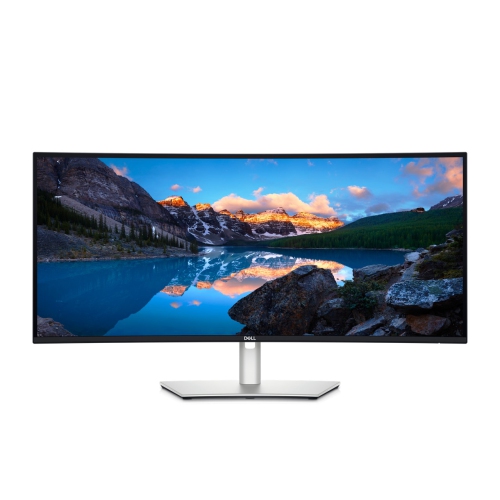
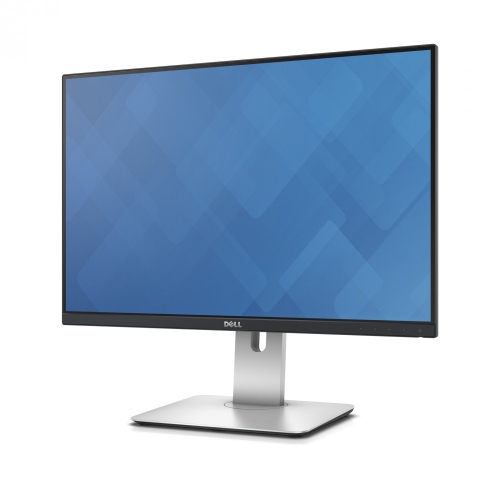
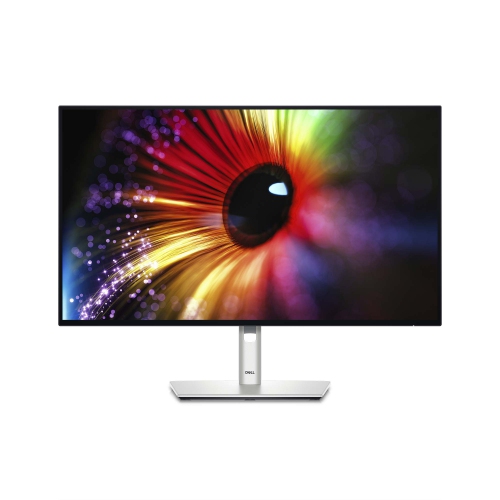
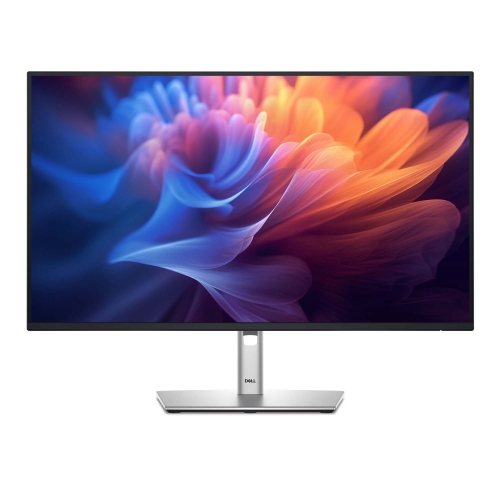
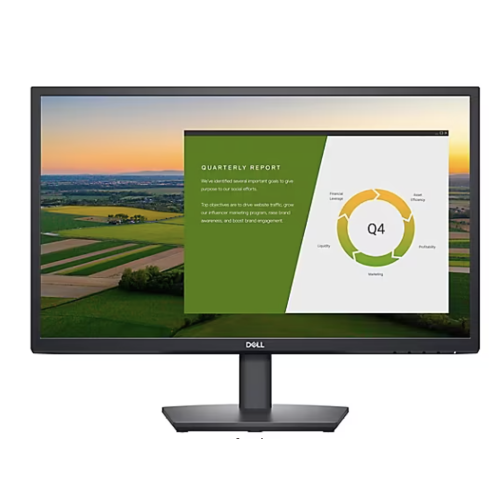
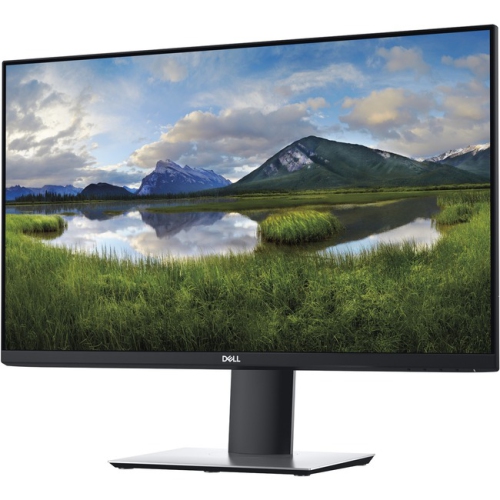
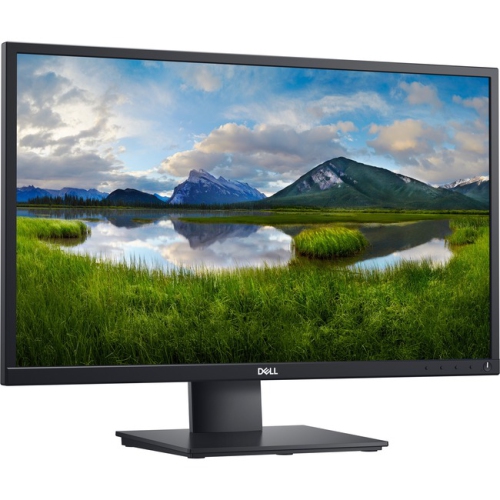
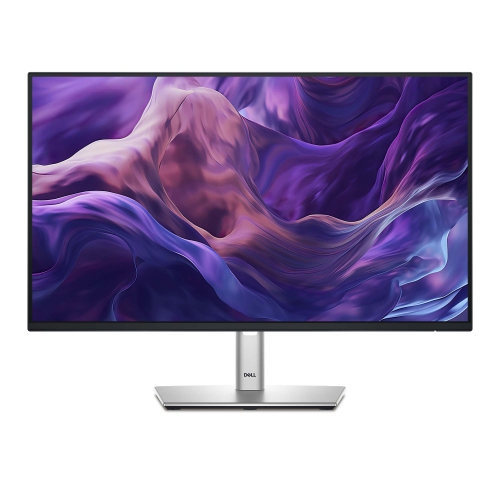
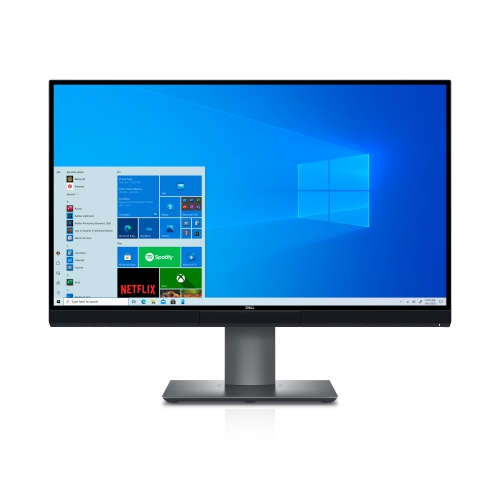
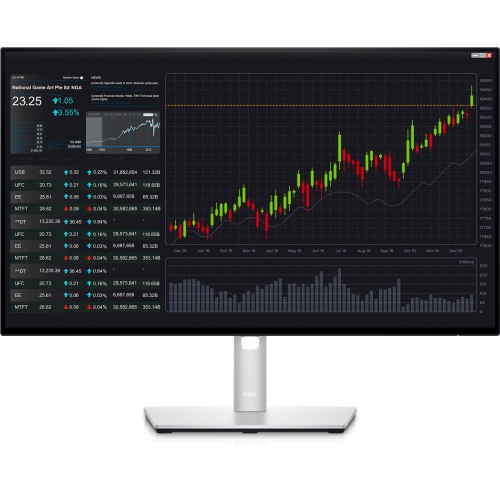
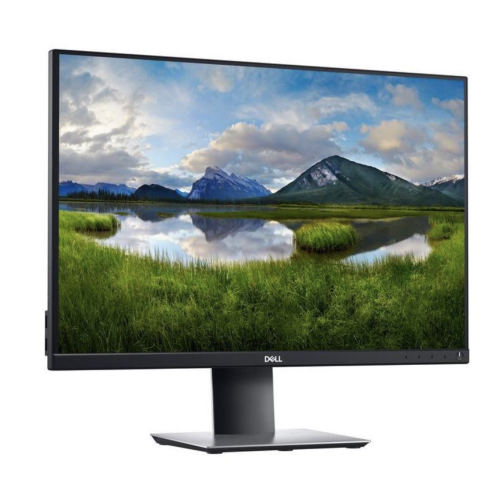
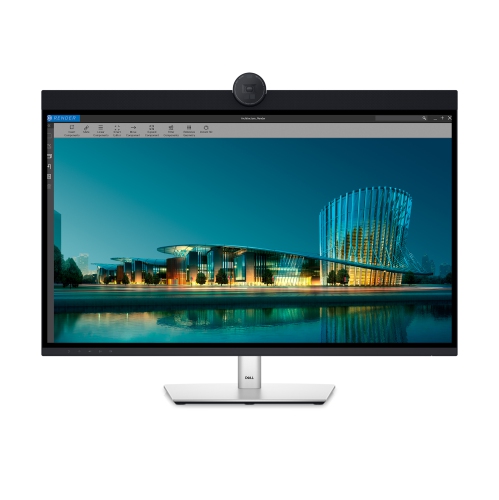
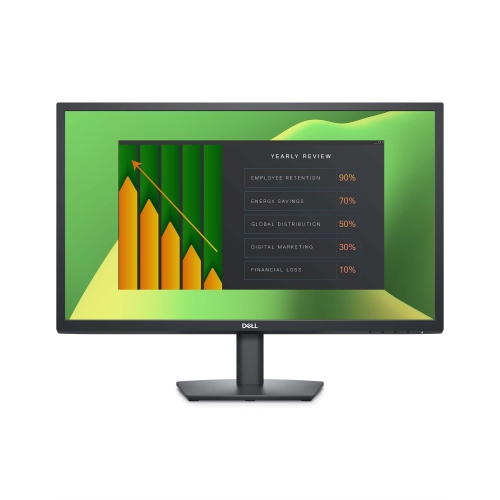
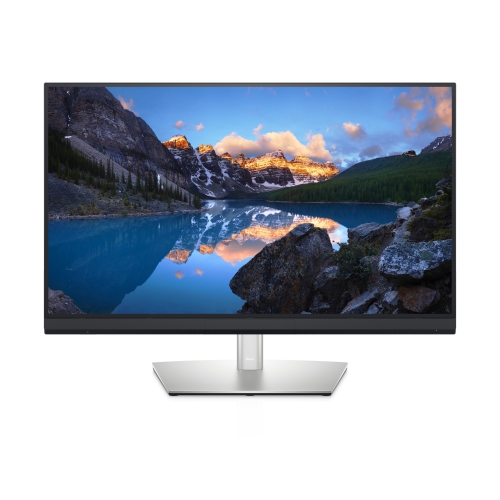
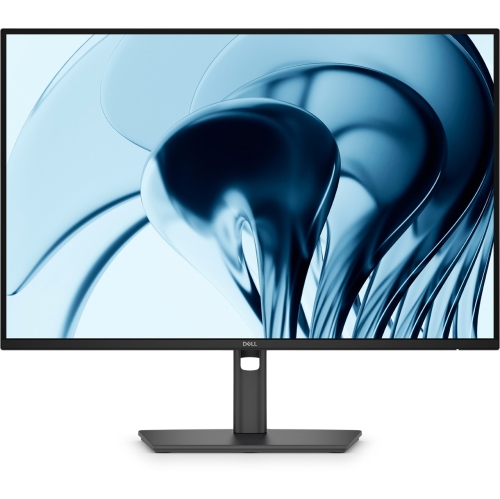
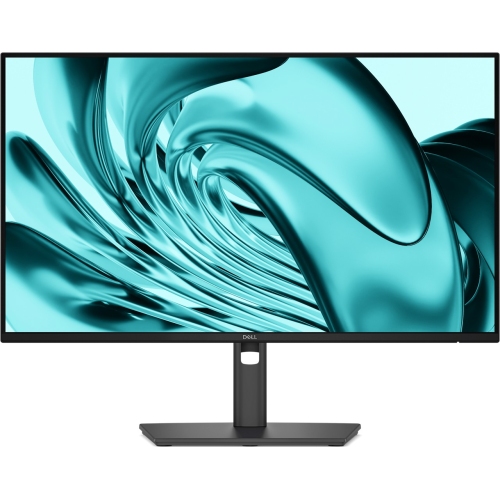
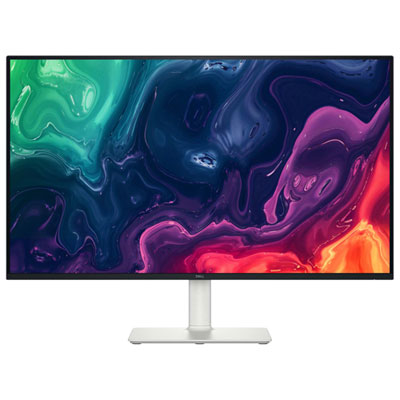
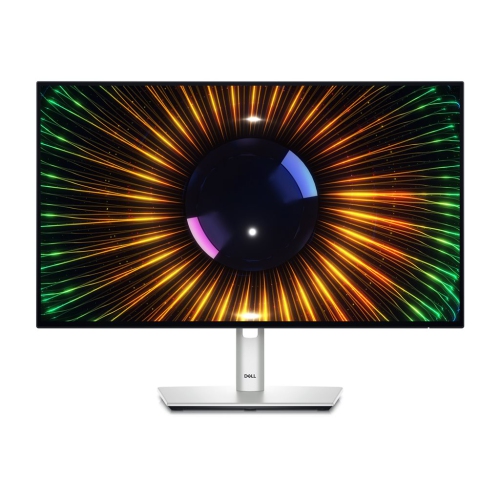
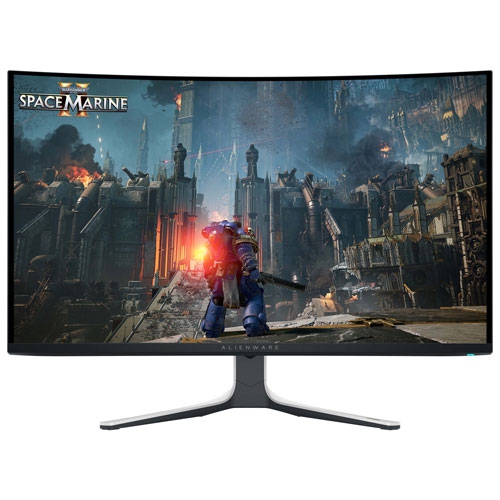
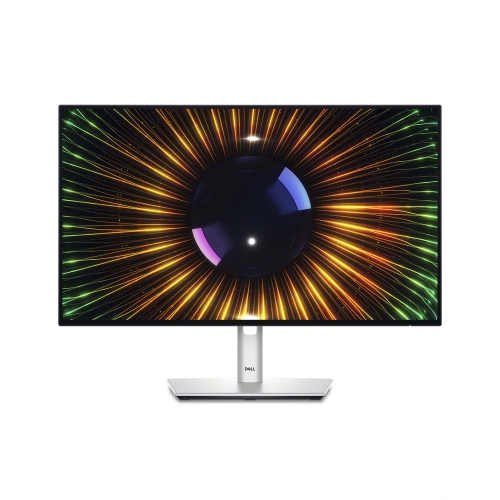
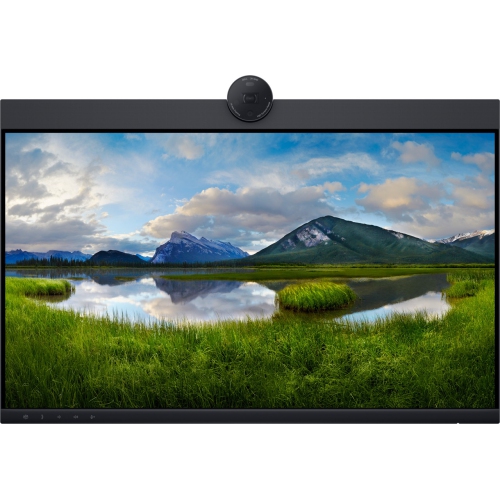
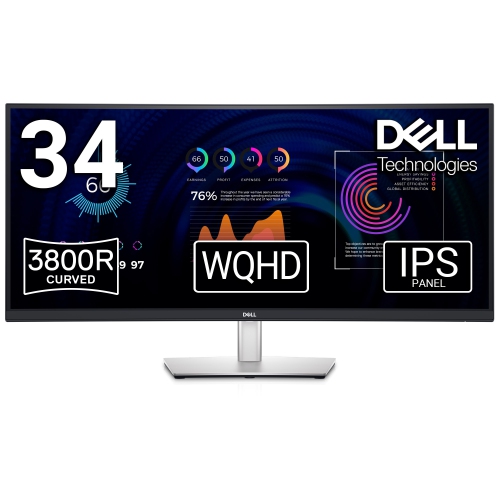
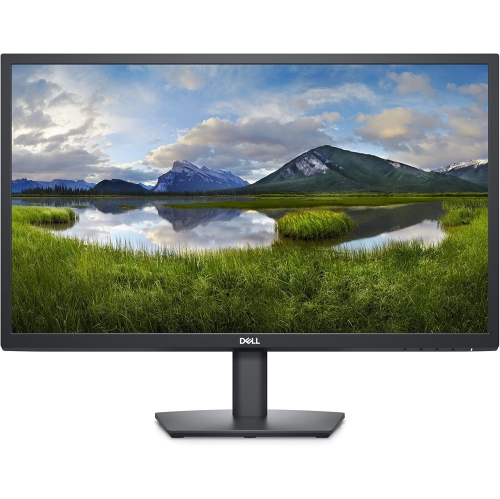
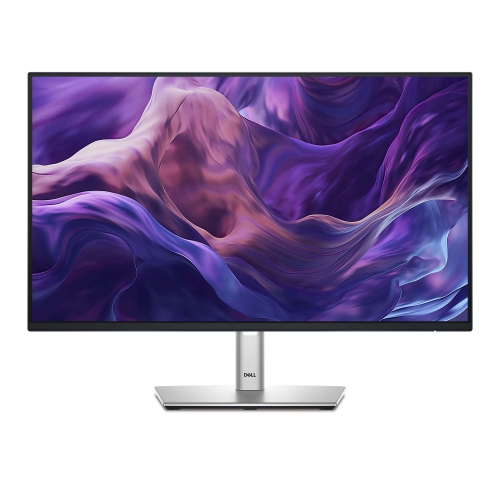
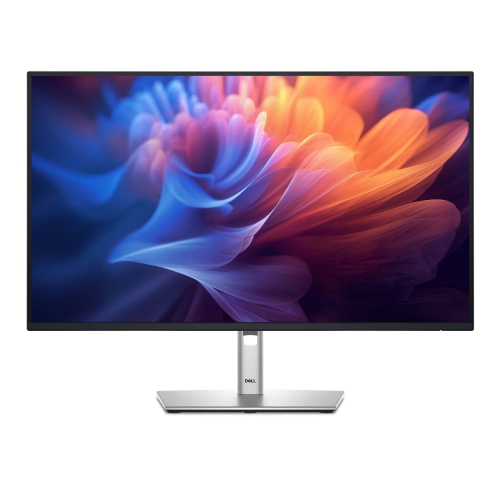
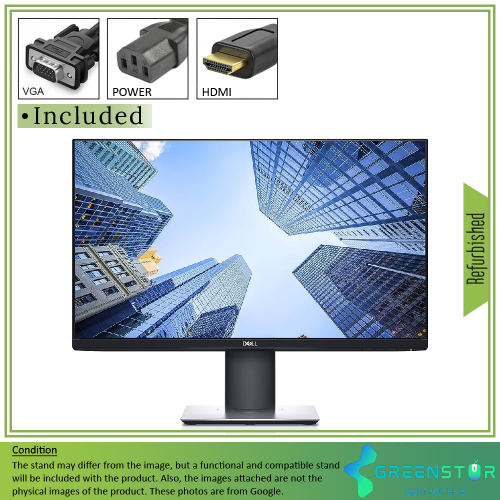
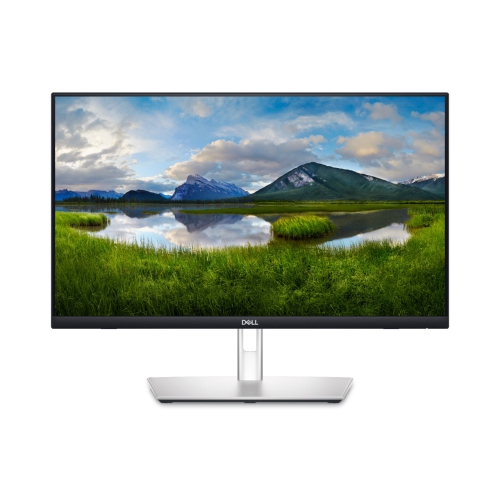
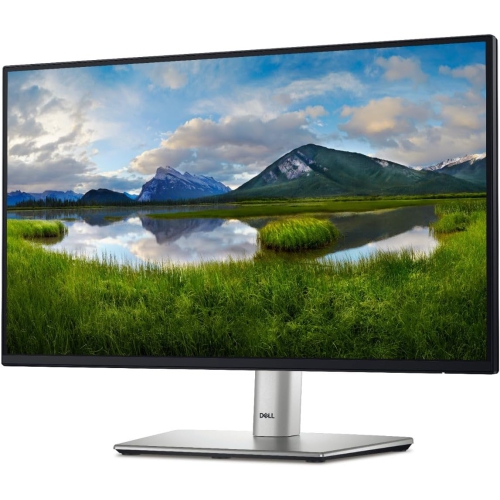
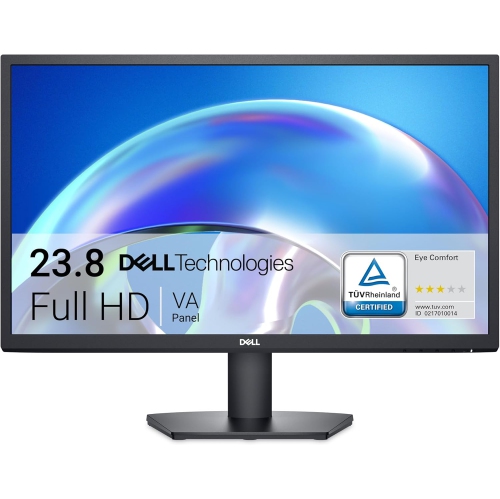
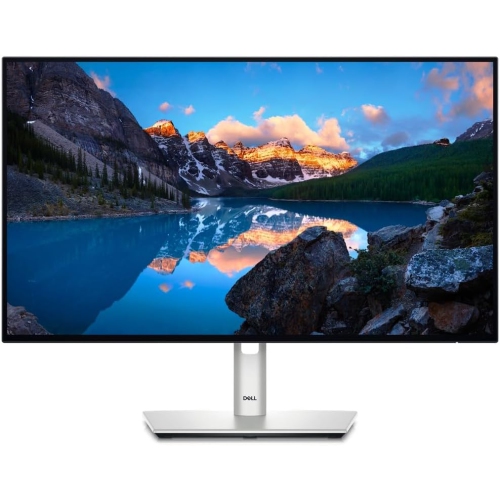
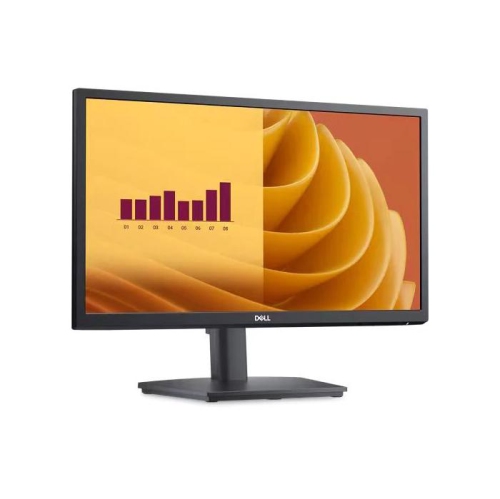
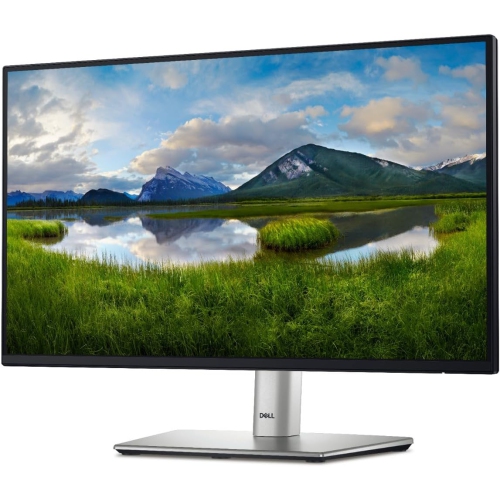
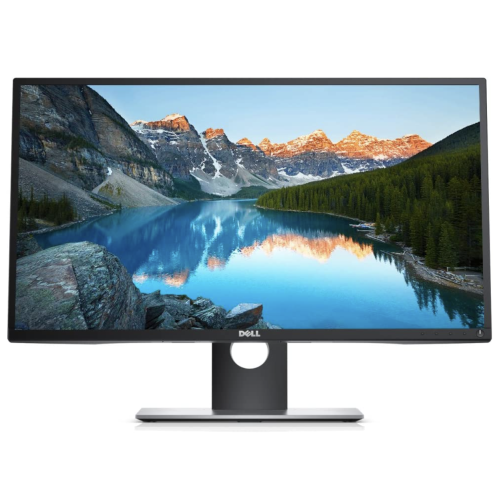
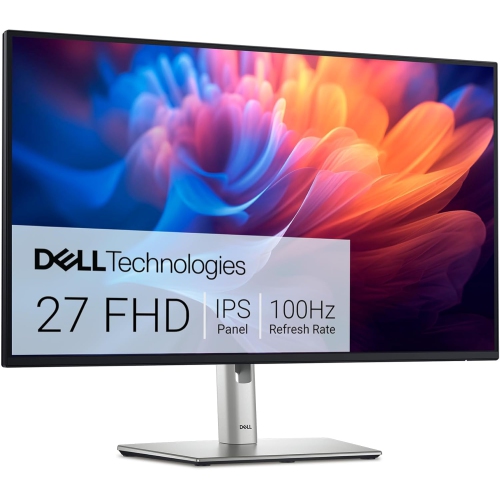
How screen space and colour shape editing decisions
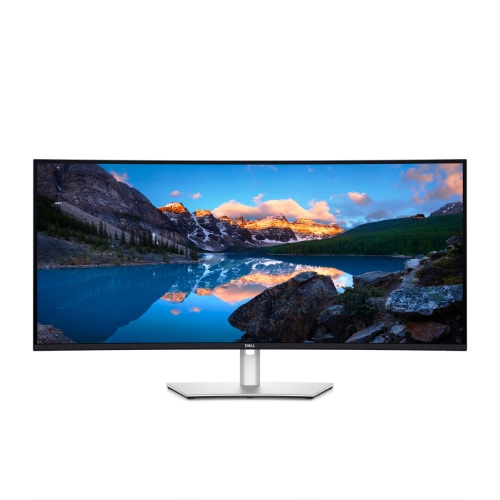
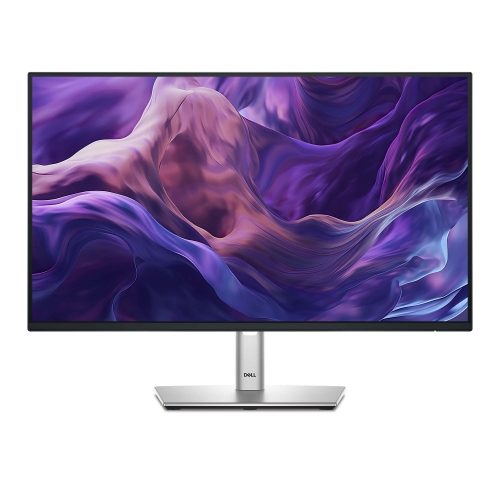
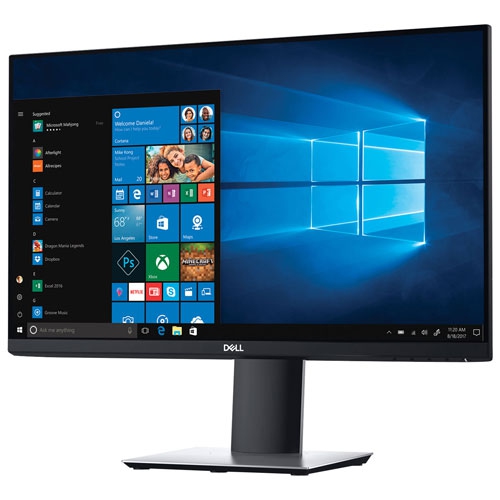
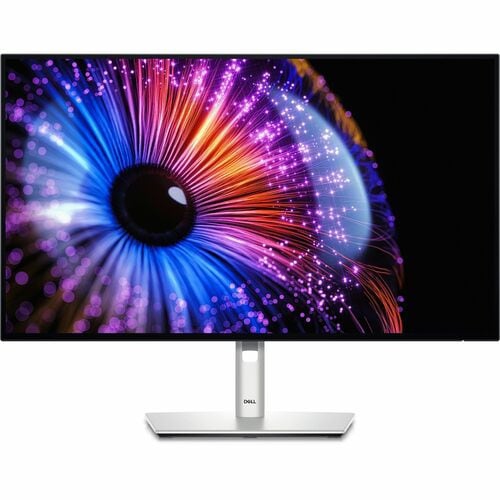
Monitors for video editing give footage, timelines, and colour controls room to sit side by side, making it easier to judge an image while keeping a project organized. For filmmakers, freelance editors, students, and creators producing everything from interviews to product demonstrations, a useful display combines clear detail with consistent colour and a comfortable working size. Resolution determines how much image information a screen can show: 4K UHD provides 3840 × 2160 pixels, which can reveal fine textures, focus errors, and distracting objects that are harder to spot in a smaller preview. A 27-inch 4K monitor offers a compact workspace with crisp text, while a 32-inch screen presents the same resolution across a larger surface. Interface scaling affects how much room remains for editing tools, so screen size and resolution are best considered together. A full-resolution 4K preview occupies an entire 4K screen; keeping that preview visible alongside substantial tool panels requires a higher-resolution display or a separate monitor. Ultrawide formats offer a different advantage, spreading a long timeline across the desk so that dialogue, music, captions, and layered clips are easier to follow. Not every ultrawide monitor has enough vertical pixels to show a full-resolution 4K image, making the actual pixel dimensions more useful than the format name alone. A dual-monitor setup can separate the preview from bins, scopes, and audio controls, while a single large display avoids a bezel between work areas. Flat screens provide a familiar surface for judging framing and straight lines; curved screens can make the edges of a wide workspace easier to view from a central seat. The right fit depends on viewing distance, desk depth, and the way projects are arranged. An editor cutting short social videos may value space for vertical previews and captions, whereas someone assembling a documentary may need a broad view of multiple audio tracks and a growing library of source clips.
Colour performance matters just as much as workspace when a project moves from rough cut to finishing. IPS panels are often useful for editing because their wide viewing angles help colours and contrast remain more consistent when the viewer shifts position or a collaborator sits beside the desk. Panel technology alone does not establish accuracy, however. Colour gamut describes the range of colours a display can reproduce, while colour accuracy describes how closely those colours match their intended values. Strong sRGB coverage is useful for web-focused work, and Rec. 709 remains an important reference for standard dynamic range video. These colour spaces share primary chromaticities, but their viewing and transfer-function requirements are not interchangeable. Wider gamut support, including DCI-P3 coverage, can be relevant to certain cinema and HDR workflows, provided the monitor’s modes, editing software, and delivery settings are matched appropriately. Factory calibration can provide a useful starting point, but a stated accuracy figure should be read alongside the colour mode and test conditions. Periodic checks with a compatible calibration device help maintain consistency as a display ages. Uniformity also deserves attention: a noticeable change in brightness or colour from the centre to the corners can complicate decisions about an evenly lit background or a subtle skin tone. For HDR editing, accepting an HDR signal is not the same as accurately displaying its full range. Peak brightness, sustained brightness, black levels, local dimming, and colour performance all influence whether bright highlights and shadow detail can be assessed meaningfully. A general-purpose HDR display should not automatically be treated as a mastering reference. Smooth gradients are another consideration, particularly in skies, studio backdrops, and graphics, although the result depends on the full signal path as well as the panel. For a broader look at display characteristics across this category, Best Monitors for Video Editing offers a related place to explore. A well-matched editing display supports repeatable decisions rather than simply making every clip look brighter or more saturated.
Connections, ergonomics, and everyday construction determine how comfortably a monitor fits into an editing workstation. HDMI and DisplayPort connections need to support the intended combination of resolution, refresh rate, and colour depth, with sufficient capability at the computer, cable, and display. USB-C can simplify a laptop setup by carrying video, data, and charging through one cable when all connected components support those functions. The connector shape alone does not guarantee video support or sufficient charging power, particularly for a laptop handling demanding exports. A built-in USB hub can keep a keyboard, mouse, and other accessories close at hand; storage performance still depends on the hub’s bandwidth and how that bandwidth is shared. For editors switching between two computers, a supported KVM function can reduce peripheral swapping. Higher refresh rates make scrolling and interface movement feel smoother, but they do not add frames to source footage. Motion assessment is most useful when playback settings and the display’s refresh behaviour suit the footage, especially when reviewing pans or quick movement. Physical adjustments matter during longer sessions: height, tilt, and swivel controls help place the image at a comfortable angle without forcing an awkward seating position. Portrait rotation can be helpful for dedicated vertical-video work, provided there is enough clearance above the desk. Monitor-arm compatibility is worth checking against both the mounting pattern and the display’s weight, and a deep stand needs enough desk space to remain stable without crowding the keyboard. Housings commonly combine plastic with metal stand components, but hinge stability, base design, and secure connections are more informative than material names alone. Anti-glare finishes can soften reflections, though positioning the screen away from direct light remains important when judging dark footage. For routine care, follow the manufacturer’s cleaning directions, use a clean microfibre cloth, and avoid spraying liquid directly onto the panel or pressing firmly against it. Clear ventilation openings, gently routed cables, and careful handling during adjustments help protect the display. These practical details make a monitor easier to live with, whether it supports a student’s first short film, a creator’s regular uploads, or a professional editor’s daily client work.
Colour performance matters just as much as workspace when a project moves from rough cut to finishing. IPS panels are often useful for editing because their wide viewing angles help colours and contrast remain more consistent when the viewer shifts position or a collaborator sits beside the desk. Panel technology alone does not establish accuracy, however. Colour gamut describes the range of colours a display can reproduce, while colour accuracy describes how closely those colours match their intended values. Strong sRGB coverage is useful for web-focused work, and Rec. 709 remains an important reference for standard dynamic range video. These colour spaces share primary chromaticities, but their viewing and transfer-function requirements are not interchangeable. Wider gamut support, including DCI-P3 coverage, can be relevant to certain cinema and HDR workflows, provided the monitor’s modes, editing software, and delivery settings are matched appropriately. Factory calibration can provide a useful starting point, but a stated accuracy figure should be read alongside the colour mode and test conditions. Periodic checks with a compatible calibration device help maintain consistency as a display ages. Uniformity also deserves attention: a noticeable change in brightness or colour from the centre to the corners can complicate decisions about an evenly lit background or a subtle skin tone. For HDR editing, accepting an HDR signal is not the same as accurately displaying its full range. Peak brightness, sustained brightness, black levels, local dimming, and colour performance all influence whether bright highlights and shadow detail can be assessed meaningfully. A general-purpose HDR display should not automatically be treated as a mastering reference. Smooth gradients are another consideration, particularly in skies, studio backdrops, and graphics, although the result depends on the full signal path as well as the panel. For a broader look at display characteristics across this category, Best Monitors for Video Editing offers a related place to explore. A well-matched editing display supports repeatable decisions rather than simply making every clip look brighter or more saturated.
Connections, ergonomics, and everyday construction determine how comfortably a monitor fits into an editing workstation. HDMI and DisplayPort connections need to support the intended combination of resolution, refresh rate, and colour depth, with sufficient capability at the computer, cable, and display. USB-C can simplify a laptop setup by carrying video, data, and charging through one cable when all connected components support those functions. The connector shape alone does not guarantee video support or sufficient charging power, particularly for a laptop handling demanding exports. A built-in USB hub can keep a keyboard, mouse, and other accessories close at hand; storage performance still depends on the hub’s bandwidth and how that bandwidth is shared. For editors switching between two computers, a supported KVM function can reduce peripheral swapping. Higher refresh rates make scrolling and interface movement feel smoother, but they do not add frames to source footage. Motion assessment is most useful when playback settings and the display’s refresh behaviour suit the footage, especially when reviewing pans or quick movement. Physical adjustments matter during longer sessions: height, tilt, and swivel controls help place the image at a comfortable angle without forcing an awkward seating position. Portrait rotation can be helpful for dedicated vertical-video work, provided there is enough clearance above the desk. Monitor-arm compatibility is worth checking against both the mounting pattern and the display’s weight, and a deep stand needs enough desk space to remain stable without crowding the keyboard. Housings commonly combine plastic with metal stand components, but hinge stability, base design, and secure connections are more informative than material names alone. Anti-glare finishes can soften reflections, though positioning the screen away from direct light remains important when judging dark footage. For routine care, follow the manufacturer’s cleaning directions, use a clean microfibre cloth, and avoid spraying liquid directly onto the panel or pressing firmly against it. Clear ventilation openings, gently routed cables, and careful handling during adjustments help protect the display. These practical details make a monitor easier to live with, whether it supports a student’s first short film, a creator’s regular uploads, or a professional editor’s daily client work.
Top selling and popular products
-
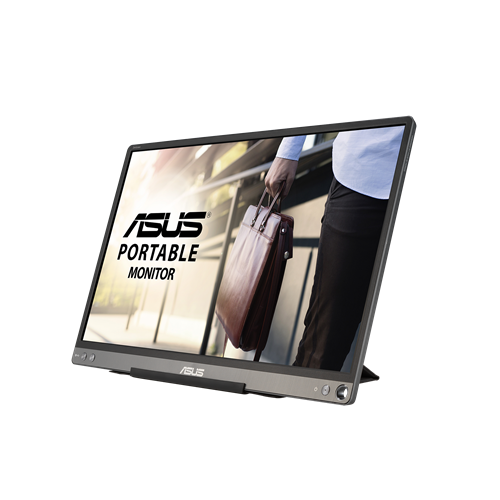 Your price for this item is $299
 -
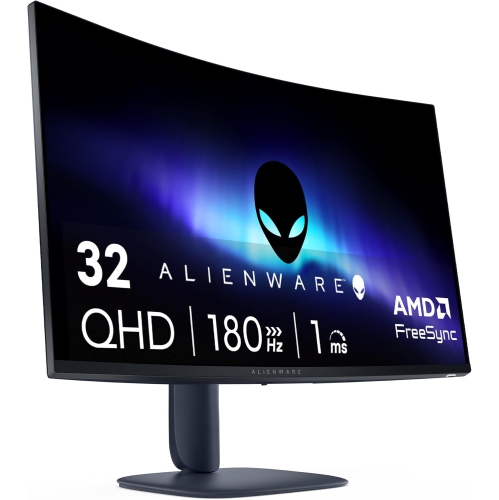 Your price for this item is $599
 -
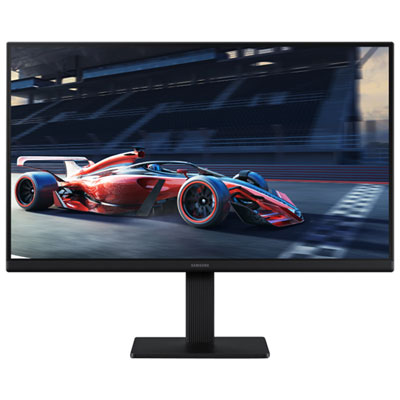 Your price for this item is $94.99
 -
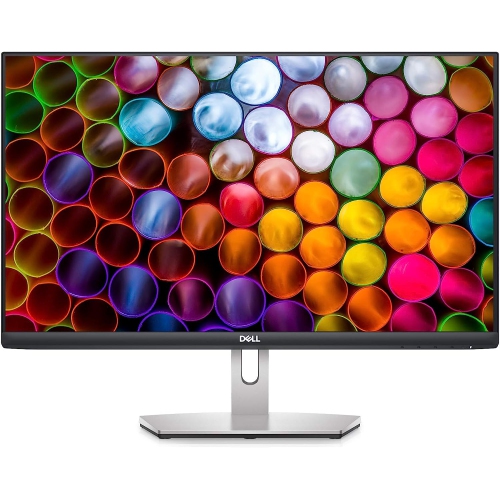 Your price for this item is $329.99
 -
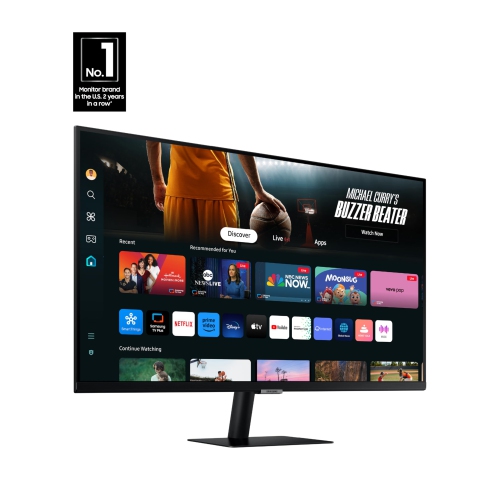 Your price for this item is $499
 -
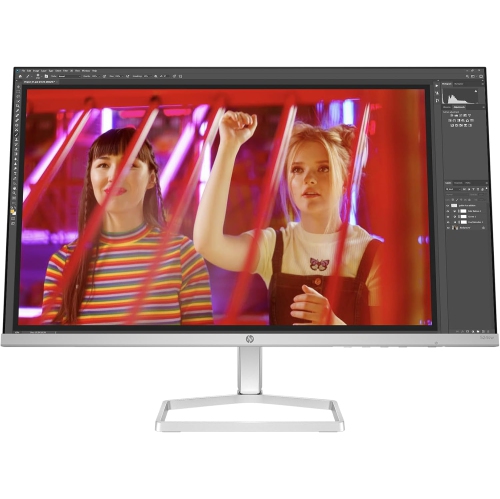 Your price for this item is $265.99
 -
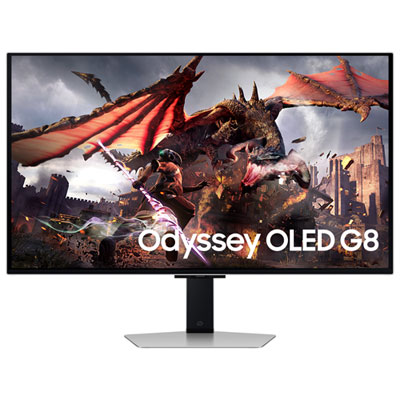 Your price for this item is $1299.97
 -
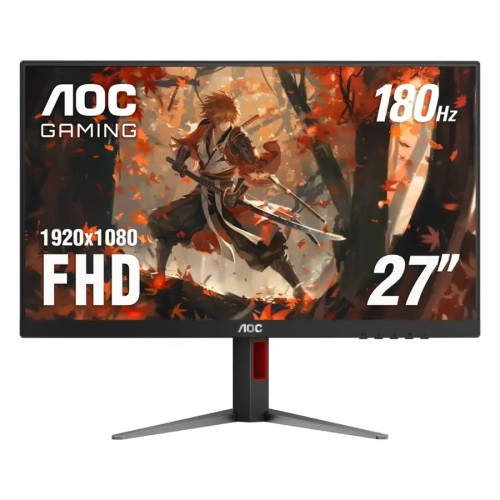 Your price for this item is $249.99
Discover more categories related to Dell Monitors for Video Editing

Top Collections:
Pokemon Centers, Kindle Devices, Best Budget Office Chairs, Apple iPhones 16, Best Laptops for Writers, iPhone 15 Apple, Canon G7X Cameras, Refurbished Apple Laptops, Alarm Clock, Motorola Razr Phones
Some products may be subject to Environmental Handling Fees
(EHF) depending on your province.
Learn more about EHFs.