Dell Precision 7540
Discover the Dell Precision 7540, designed to deliver reliable performance for demanding tasks. Explore a range of options tailored to support productivity in professional environments. Whether you're upgrading your workspace or seeking a dependable device for complex projects, the Dell Precision 7540 offers flexibility and efficiency to help you achieve your goals. Find the perfect model to match your needs and elevate your workflow with advanced capabilities.
Sort


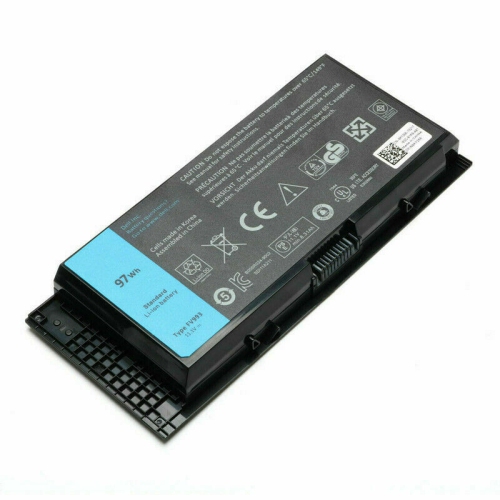
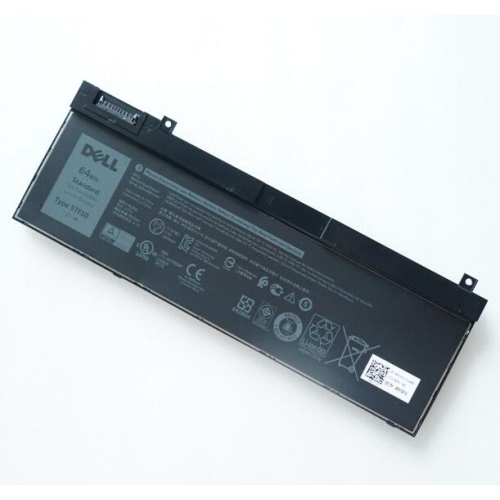
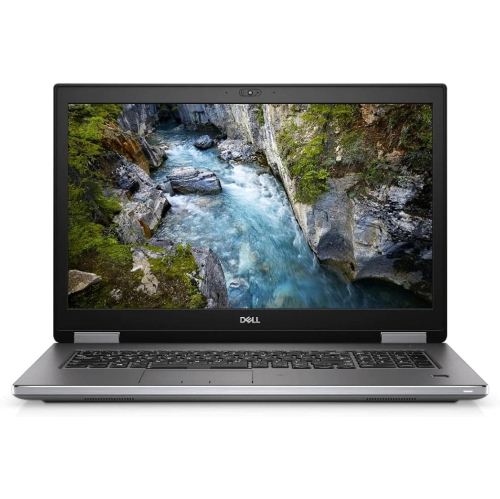
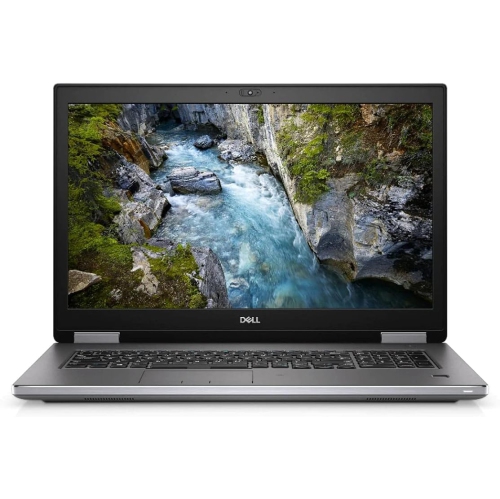

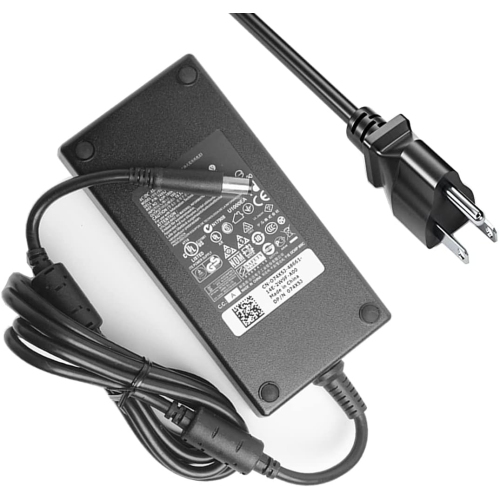
Mobile workstation capabilities for demanding professional workloads
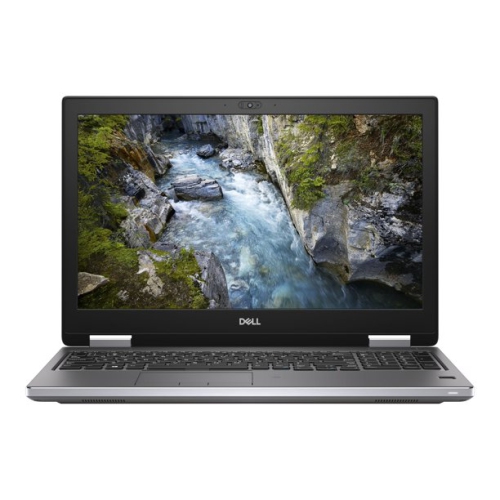
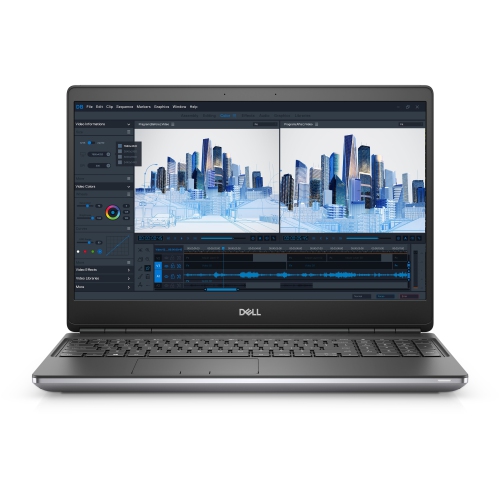
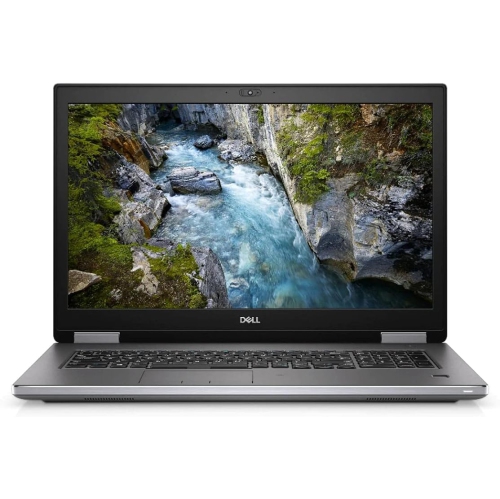
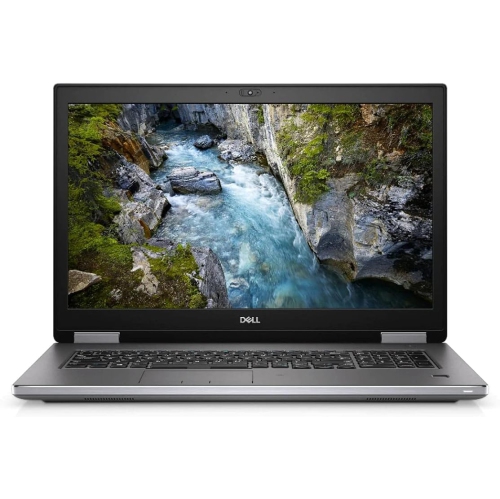
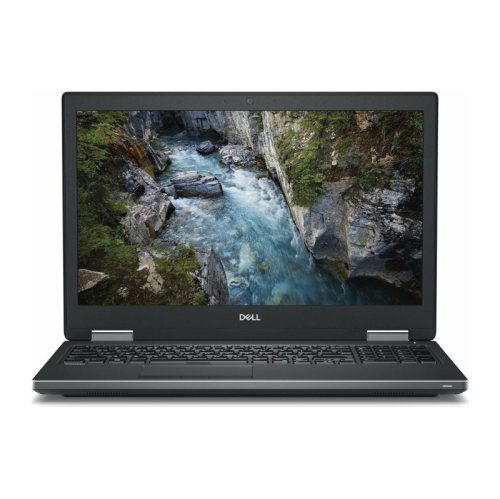
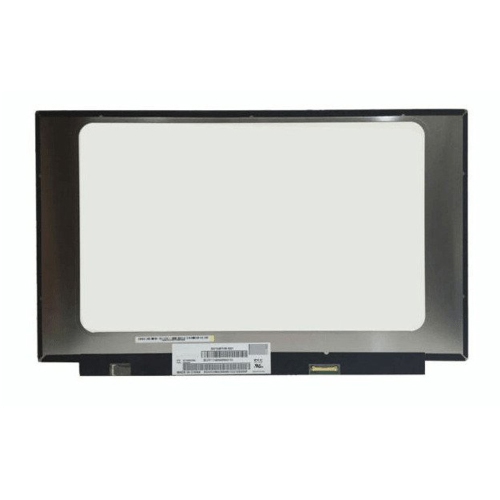
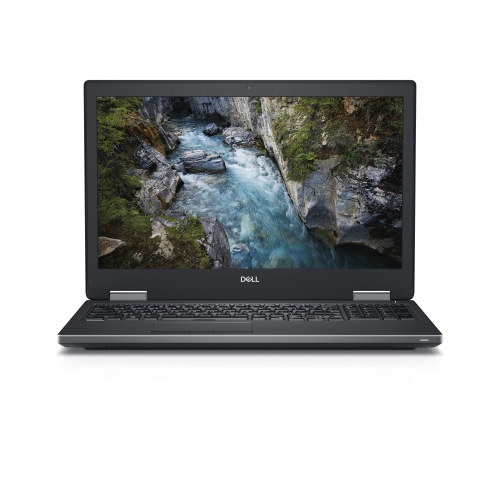
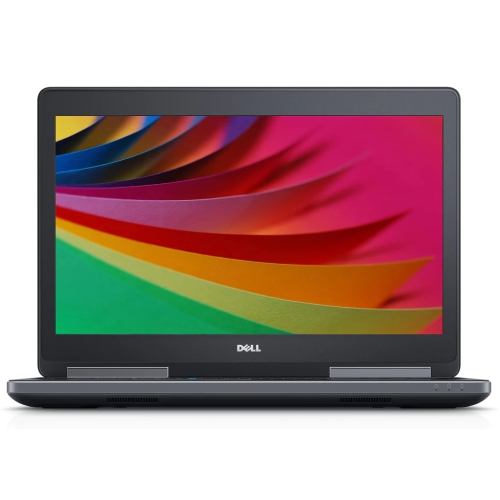
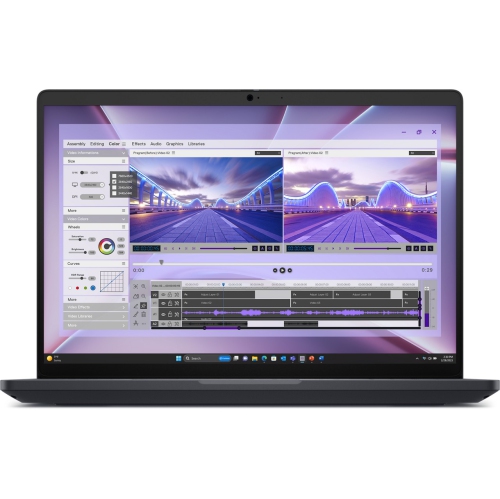
A 15.6-inch mobile workstation is designed for people who need considerably more capability than a typical everyday laptop can provide. These systems are suited to engineering, architecture, product design, data analysis, professional photography, video production, software development, and other demanding work that can involve large files, complex calculations, or specialised applications. A strong configuration may include a high-performance Intel Core i9 or Intel Xeon processor, professional NVIDIA Quadro RTX or AMD Radeon Pro graphics, and up to 128GB of DDR4 memory across four SODIMM slots. That combination helps support responsive multitasking when several applications are open at once, such as computer-aided design software, a browser with numerous research tabs, a spreadsheet, and a video conference. Multiple M.2 NVMe solid-state drive slots can provide fast storage for project files, applications, and media libraries, with support for substantial total capacity. For visual work, available display options may include a Full HD panel for practical everyday use or a sharper 4K IGZO screen for detailed drawings, high-resolution imagery, and precise editing. The choice between screen resolutions depends on the type of work, preferred battery usage, and whether the computer will usually be connected to an external monitor. A mobile workstation can be especially useful for an engineer reviewing a three-dimensional model at a job site, a designer moving between a studio and a client presentation, or a student learning rendering and simulation software in a home office. It can also suit a small business that needs one flexible computer for both office productivity and specialised professional programs. Because these computers are built for heavier workloads, they may be larger and heavier than ultraportable notebooks, with a starting weight of roughly 5.57 lb (2.52 kg). That added size can make room for stronger cooling, more memory, additional storage, and a wider selection of connection options, while a sturdy aluminium and carbon-fibre or magnesium-alloy chassis can provide a reassuring feel when the computer is carried between workspaces. People comparing workstation configurations may also wish to explore the related Dell Precision 7520 to understand how different generations, screen options, and internal components may suit their requirements.
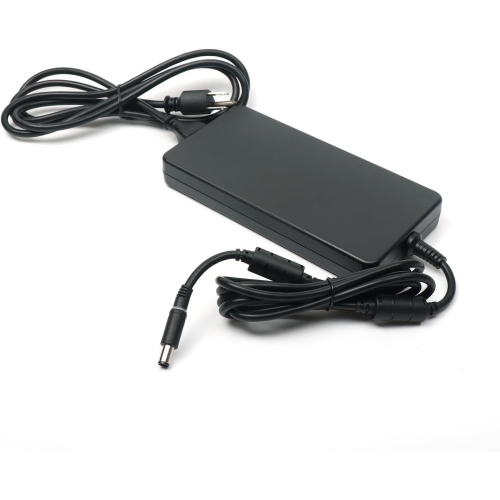
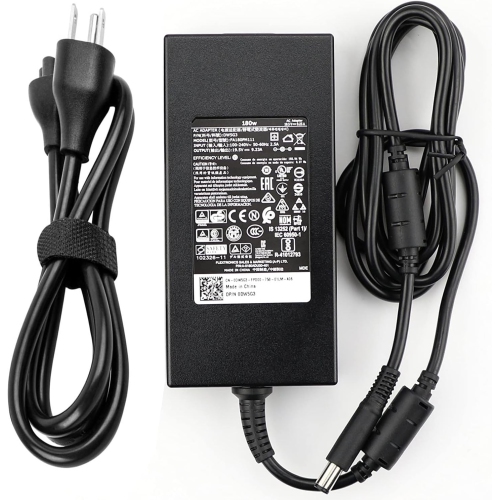
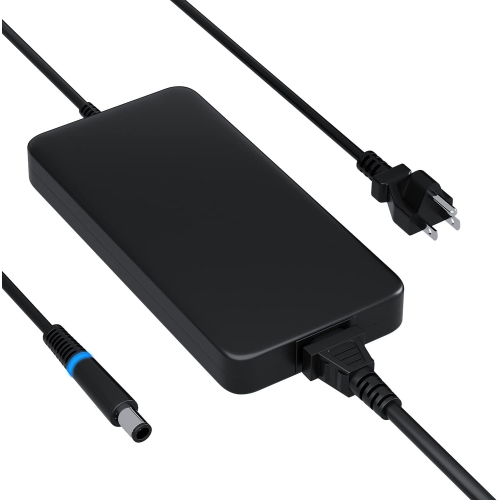
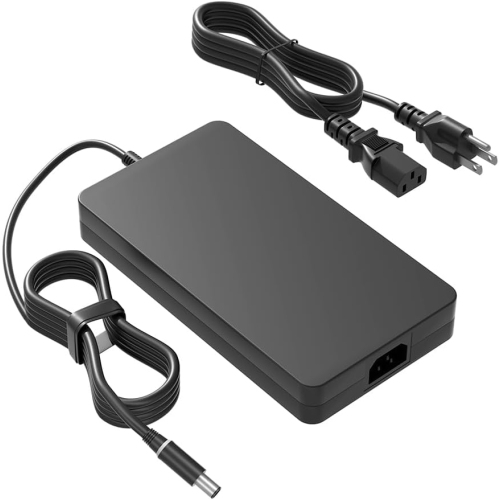
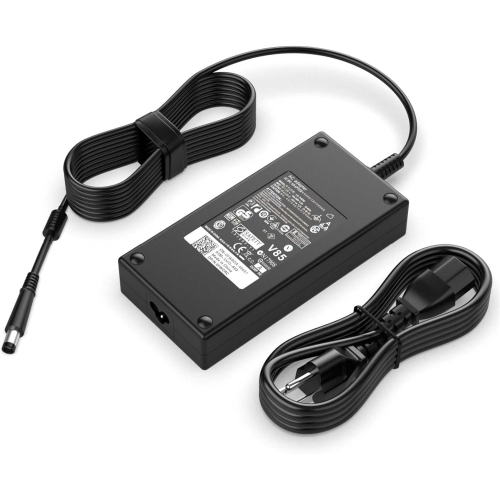
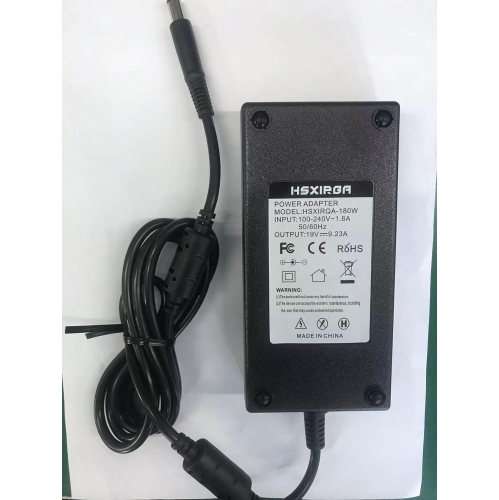
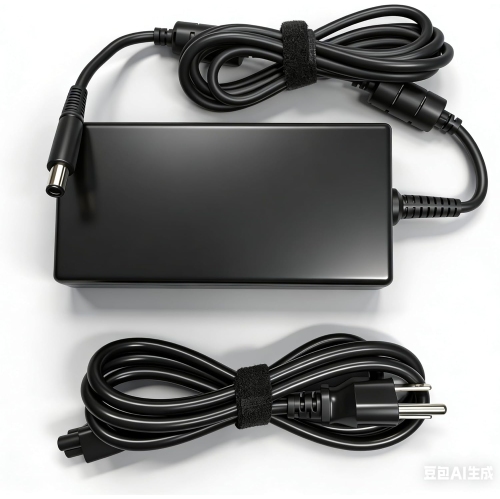
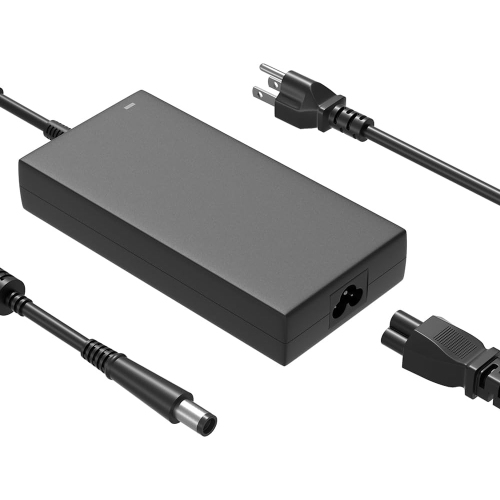
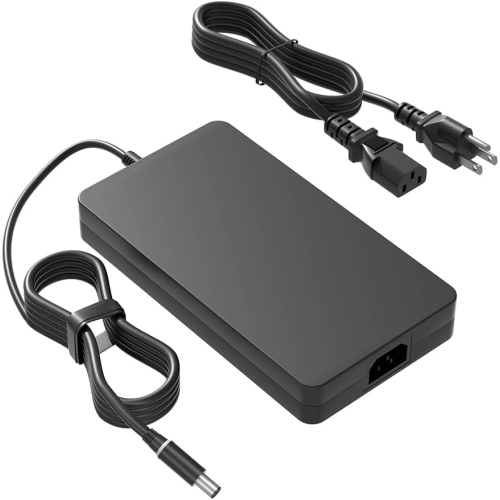
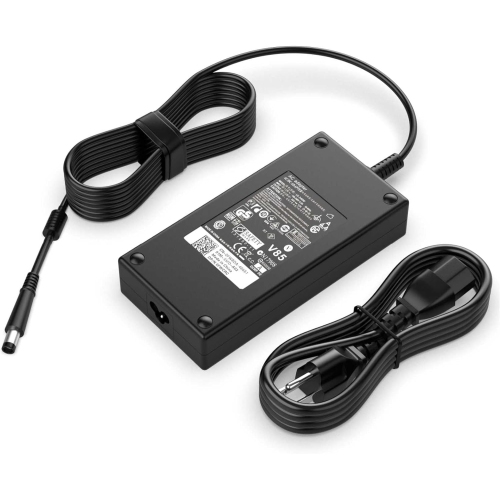
When choosing a mobile workstation, start with the software and files that matter most rather than selecting specifications in isolation. CAD, 3D modelling, rendering, video editing, geographic information systems, and scientific applications can place different demands on the processor, graphics card, memory, and storage. A processor with more cores can be valuable for rendering, compiling, and other tasks that run several calculations at once, while a capable professional graphics processor can help with viewport performance, visualisation, and certified application support. More memory is helpful when working with large assemblies, high-resolution footage, virtual machines, or multiple professional applications simultaneously; for general office work, a more modest amount may be sufficient. Fast solid-state storage can shorten startup and load times, but project-based users should also consider how much space is needed for source footage, CAD libraries, raw photographs, archived documents, and local backups. Connectivity is another practical advantage. Two Thunderbolt 3 USB-C ports can support high-speed accessories, displays, docks, and compatible storage, while USB ports remain useful for familiar peripherals. HDMI 2.0 and Mini DisplayPort 1.4 can make it easier to connect one or more external screens, and an RJ-45 Ethernet port can provide a dependable wired connection in an office, classroom, studio, or workshop. An SD card reader is convenient for photographers and videographers transferring files without carrying an extra adapter. Before purchasing, check the condition and warranty of any refurbished or previously owned unit, confirm that the power adapter is included, and review the battery health if the computer will be used away from a desk. It is also worth verifying compatibility with required operating systems, drivers, docking stations, monitors, and software licences. Since mobile workstations can be upgraded or configured in different ways, confirm the installed processor, graphics, memory, display, storage, keyboard layout, and wireless capabilities instead of relying only on the model family. These details make a meaningful difference to daily use. A professional may appreciate the ability to connect to a large monitor and full-size keyboard at a permanent desk, then pack the same computer for travel, field visits, training sessions, or work during the cooler months. With the right configuration, a workstation-class laptop can provide the processing headroom, display clarity, ports, and expansion potential needed to keep demanding projects moving without being tied to a single room.
When choosing a mobile workstation, start with the software and files that matter most rather than selecting specifications in isolation. CAD, 3D modelling, rendering, video editing, geographic information systems, and scientific applications can place different demands on the processor, graphics card, memory, and storage. A processor with more cores can be valuable for rendering, compiling, and other tasks that run several calculations at once, while a capable professional graphics processor can help with viewport performance, visualisation, and certified application support. More memory is helpful when working with large assemblies, high-resolution footage, virtual machines, or multiple professional applications simultaneously; for general office work, a more modest amount may be sufficient. Fast solid-state storage can shorten startup and load times, but project-based users should also consider how much space is needed for source footage, CAD libraries, raw photographs, archived documents, and local backups. Connectivity is another practical advantage. Two Thunderbolt 3 USB-C ports can support high-speed accessories, displays, docks, and compatible storage, while USB ports remain useful for familiar peripherals. HDMI 2.0 and Mini DisplayPort 1.4 can make it easier to connect one or more external screens, and an RJ-45 Ethernet port can provide a dependable wired connection in an office, classroom, studio, or workshop. An SD card reader is convenient for photographers and videographers transferring files without carrying an extra adapter. Before purchasing, check the condition and warranty of any refurbished or previously owned unit, confirm that the power adapter is included, and review the battery health if the computer will be used away from a desk. It is also worth verifying compatibility with required operating systems, drivers, docking stations, monitors, and software licences. Since mobile workstations can be upgraded or configured in different ways, confirm the installed processor, graphics, memory, display, storage, keyboard layout, and wireless capabilities instead of relying only on the model family. These details make a meaningful difference to daily use. A professional may appreciate the ability to connect to a large monitor and full-size keyboard at a permanent desk, then pack the same computer for travel, field visits, training sessions, or work during the cooler months. With the right configuration, a workstation-class laptop can provide the processing headroom, display clarity, ports, and expansion potential needed to keep demanding projects moving without being tied to a single room.
Top selling and popular products
-
 Your price for this item is $449
 -
 Your price for this item is $3099
 -
 Your price for this item is $299.95
 -
 Your price for this item is $664.05
 -
 Your price for this item is $599.68
 -
 Your price for this item is $869.99
 -
 Your price for this item is $259
 -
 Your price for this item is $418.98
Discover more categories related to Dell Precision 7540
Top Collections:
Pokemon Centers, Kindle Devices, Best Budget Office Chairs, Apple iPhones 16, Best Laptops for Writers, iPhone 15 Apple, Canon G7X Cameras, Refurbished Apple Laptops, Alarm Clock, Motorola Razr Phones
Some products may be subject to Environmental Handling Fees
(EHF) depending on your province.
Learn more about EHFs.