Dell Precision 3551
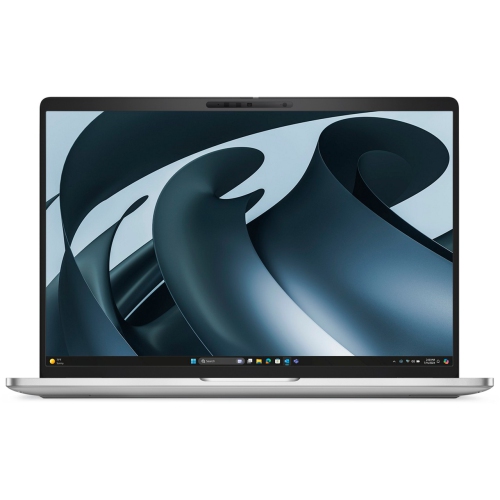
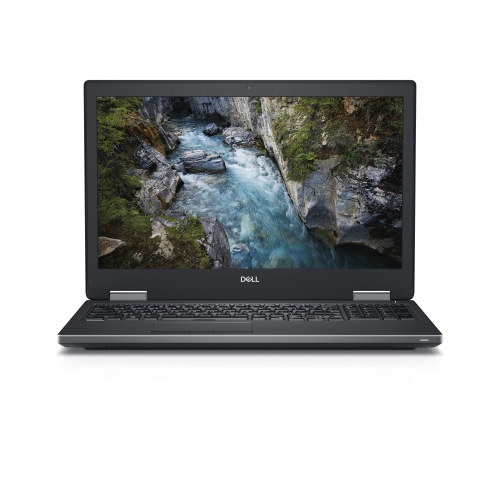
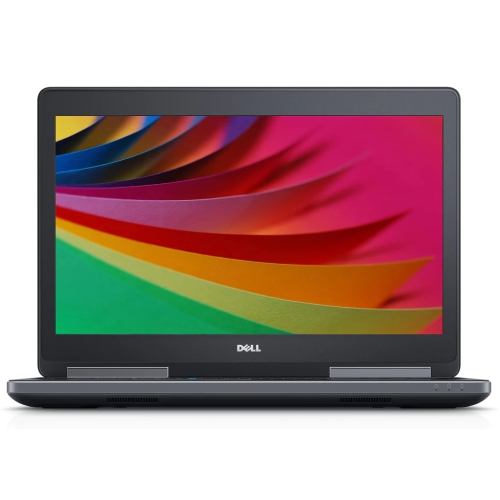
Discover the Dell Precision 3551, designed to meet the demands of professionals seeking performance and reliability. Perfect for a range of tasks from creative projects to business applications, the Dell Precision 3551 delivers versatility and efficiency. Explore options that suit your workflow and find the ideal fit for your needs with the Dell Precision 3551 lineup.
Sort

Why workstation performance depends on more than the label
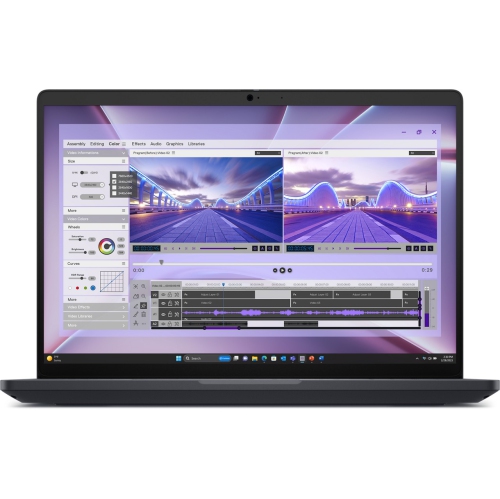
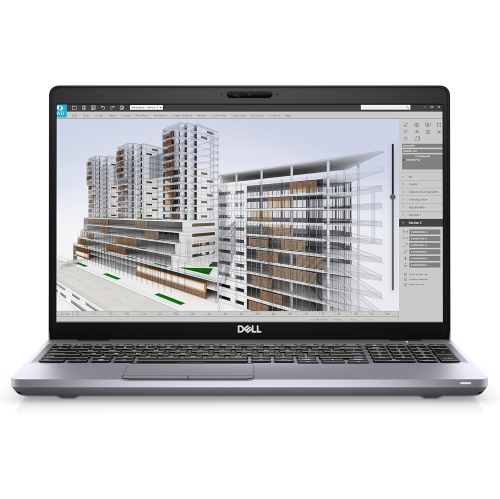
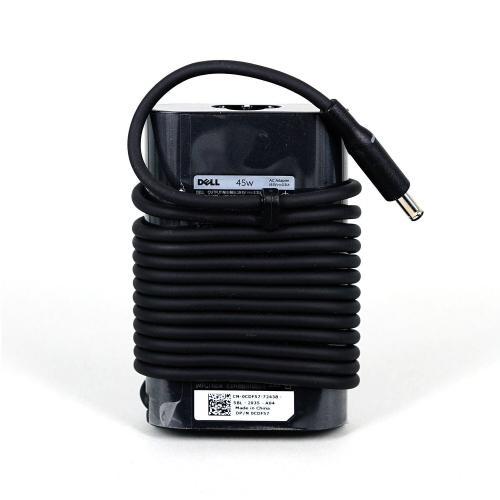
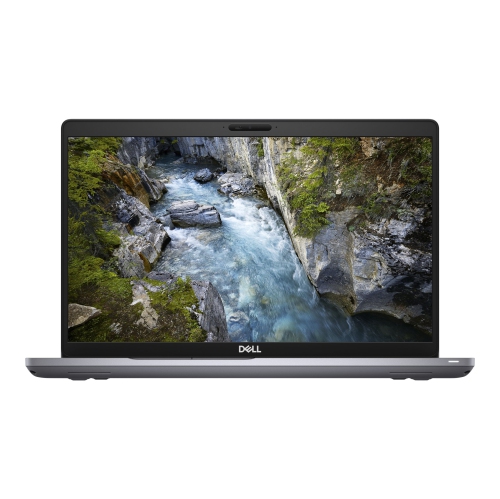
A 15.6-inch mobile workstation brings a practical balance of screen space, professional computing capability, and portability to work that extends beyond email and everyday browsing. This category of laptop suits technical drawing, large spreadsheets, business applications, software development, and some design workflows, with performance shaped by the processor, graphics hardware, memory, and storage in each configuration. For someone moving between a desk, a meeting room, and a home office, the appeal is having project files and familiar software on one machine rather than maintaining separate setups. Engineering students can use this type of computer for coursework and supported computer-aided design applications, while technicians, estimators, and small-business owners may value a portable system that handles drawings, reports, and multiple open applications together. A workstation designation does not mean every configuration is equally suited to every professional task. Detailed 2D drafting and modest 3D models place different demands on hardware than complex assemblies, high-resolution video projects, or lengthy rendering jobs. Professional graphics can offer application-specific benefits, but compatibility depends on the particular graphics processor, driver, and software version. Software certification, where documented, applies to a defined combination of hardware and applications rather than every program someone might install. Processor specifications also deserve context: core count can matter for parallel workloads, while the responsiveness of some design tools depends more heavily on performance within a single task. Cooling and power settings influence how consistently that performance holds up during extended work. For a student opening a floor plan beside assignment notes, or an analyst working through a workbook while attending a video call, a balanced configuration often matters more than a single headline specification. An older professional laptop can still serve clearly defined workloads when its hardware meets the application's requirements and its operating system remains supported. Its suitability comes from the match between the machine and the work, not simply the workstation label. That makes the exact configuration especially important when comparing computers that share a similar chassis or screen size.
Memory, storage, and display characteristics have a noticeable effect on everyday comfort with a mobile workstation. More memory gives demanding applications additional room to keep active data close at hand, which can help when switching between a drawing, a browser full of reference material, and a presentation. The amount required depends on project size and software, and installed memory is not necessarily the same as the maximum capacity a system supports. Memory type, slot layout, and module compatibility also determine whether a later upgrade is possible. A solid-state drive contributes to responsive startup, file access, and application loading, while capacity determines how much space remains for local project folders, software libraries, and working files. Larger technical projects can occupy substantial storage, particularly when multiple revisions and exported files are kept together. External storage or a network location can support a file-management routine, although a separate backup remains important for work that would be difficult to replace. On a 15.6-inch screen, Full HD resolution provides useful space for documents, toolbars, and drawings without requiring an unusually large laptop bag. Resolution alone does not describe the whole viewing experience: brightness, panel quality, viewing angles, and colour coverage can differ between configurations. Someone reviewing spreadsheets indoors has different display needs from a photographer assessing subtle colour variations. A matte surface can reduce distracting reflections, but it does not guarantee comfortable visibility in bright daylight. At a desk, an external monitor can make side-by-side documents and detailed plans easier to view. The available video connections, supported output resolutions, and docking capabilities determine how that setup works. USB ports accommodate everyday peripherals, wired Ethernet can provide a direct office network connection, and a compatible card reader may simplify certain file transfers. A USB-C connector does not automatically support every charging, display, or high-speed data function, so the documented capabilities matter. Those details become tangible when a laptop needs to connect to a meeting-room display, a wired keyboard, an external drive, and office networking without a collection of incompatible adapters.
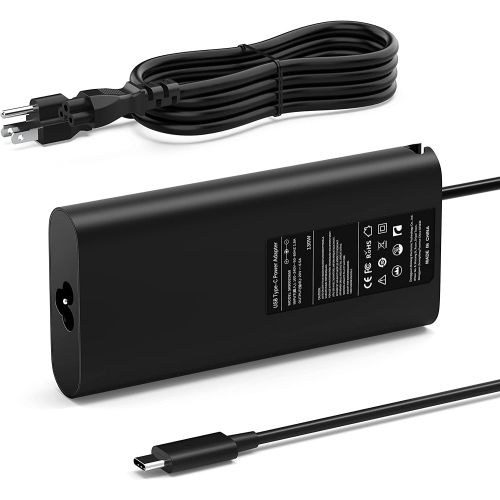
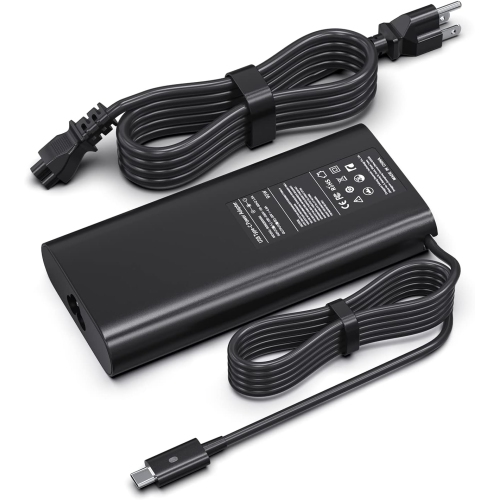
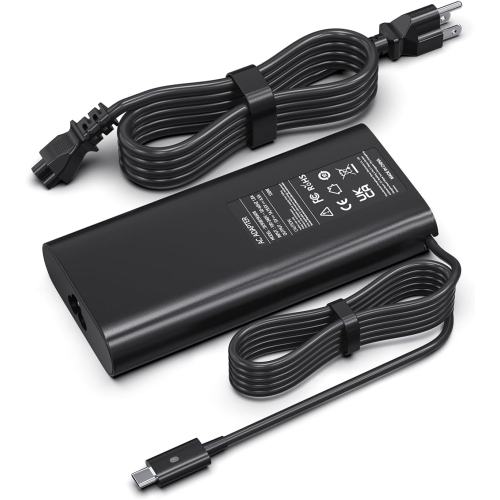
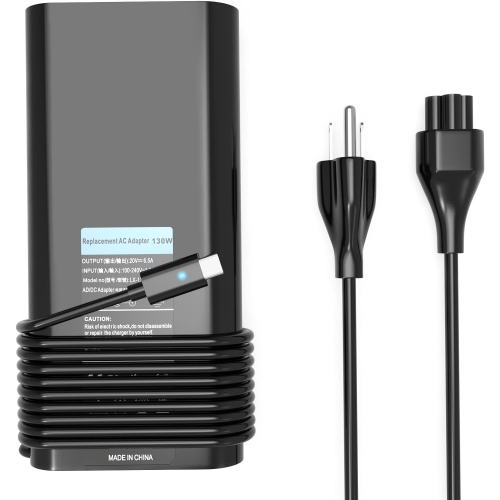
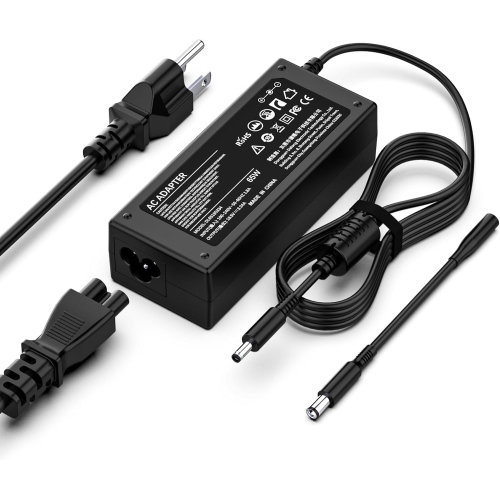
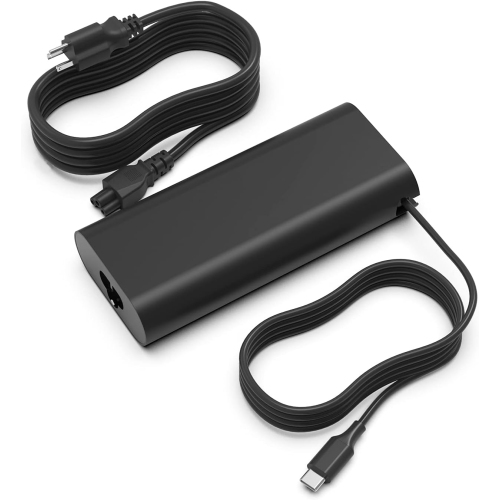
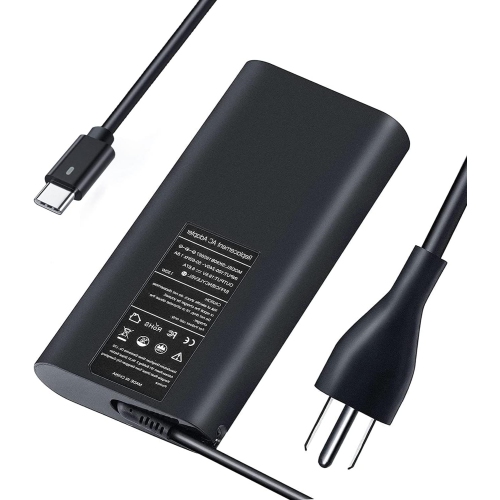
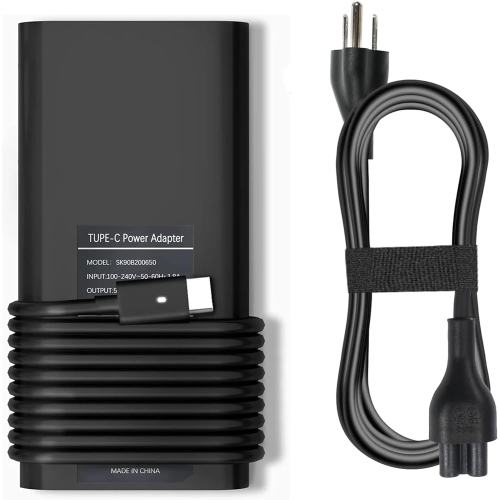
Build, condition, and physical fit are just as relevant as computing specifications for a machine carried through a regular working week. Mobile workstation chassis may combine moulded plastics, metal components, and internal reinforcement, with the particular construction affecting weight, rigidity, and how the surfaces wear. A firm keyboard deck, smoothly operating hinges, and securely fitting ports contribute to everyday usability, especially when the screen is opened repeatedly between appointments. Keyboard layout also matters for practical reasons: a numeric keypad can be useful for estimates and data entry, while well-spaced keys and a comfortable pointing device help during long stretches of writing or drawing revisions. Overall dimensions are a better measure of bag fit than screen size alone, and the power adapter adds to the weight carried between locations. A padded compartment protects against minor knocks and keeps the lid away from loose cables and other objects. Clear ventilation openings and a hard, flat working surface help the cooling system move air as intended; soft furnishings can obstruct airflow during heavier tasks. Routine care generally involves gentle cleaning with suitable materials, keeping liquids away from openings, and following the manufacturer's instructions for the screen and exterior finish. With previously owned or refurbished laptops, cosmetic condition, battery health, included accessories, and warranty terms are separate considerations. A clean exterior does not establish remaining battery capacity, and battery life varies with wear, screen brightness, wireless use, and processing demands. The appropriate power adapter is particularly important for a workstation, since an unsuitable adapter may limit charging or performance. Repair and upgrade options depend on the internal design, compatible parts, and service requirements rather than the appearance of accessible screws or removable panels. For shoppers comparing different workstation sizes and configurations, the Dell Precision 7540 page offers another relevant point of comparison. A well-matched mobile workstation supports a straightforward routine: opening the applications needed for the day, connecting to the desk setup, and carrying the same work to the next location with fewer interruptions.
Memory, storage, and display characteristics have a noticeable effect on everyday comfort with a mobile workstation. More memory gives demanding applications additional room to keep active data close at hand, which can help when switching between a drawing, a browser full of reference material, and a presentation. The amount required depends on project size and software, and installed memory is not necessarily the same as the maximum capacity a system supports. Memory type, slot layout, and module compatibility also determine whether a later upgrade is possible. A solid-state drive contributes to responsive startup, file access, and application loading, while capacity determines how much space remains for local project folders, software libraries, and working files. Larger technical projects can occupy substantial storage, particularly when multiple revisions and exported files are kept together. External storage or a network location can support a file-management routine, although a separate backup remains important for work that would be difficult to replace. On a 15.6-inch screen, Full HD resolution provides useful space for documents, toolbars, and drawings without requiring an unusually large laptop bag. Resolution alone does not describe the whole viewing experience: brightness, panel quality, viewing angles, and colour coverage can differ between configurations. Someone reviewing spreadsheets indoors has different display needs from a photographer assessing subtle colour variations. A matte surface can reduce distracting reflections, but it does not guarantee comfortable visibility in bright daylight. At a desk, an external monitor can make side-by-side documents and detailed plans easier to view. The available video connections, supported output resolutions, and docking capabilities determine how that setup works. USB ports accommodate everyday peripherals, wired Ethernet can provide a direct office network connection, and a compatible card reader may simplify certain file transfers. A USB-C connector does not automatically support every charging, display, or high-speed data function, so the documented capabilities matter. Those details become tangible when a laptop needs to connect to a meeting-room display, a wired keyboard, an external drive, and office networking without a collection of incompatible adapters.
Build, condition, and physical fit are just as relevant as computing specifications for a machine carried through a regular working week. Mobile workstation chassis may combine moulded plastics, metal components, and internal reinforcement, with the particular construction affecting weight, rigidity, and how the surfaces wear. A firm keyboard deck, smoothly operating hinges, and securely fitting ports contribute to everyday usability, especially when the screen is opened repeatedly between appointments. Keyboard layout also matters for practical reasons: a numeric keypad can be useful for estimates and data entry, while well-spaced keys and a comfortable pointing device help during long stretches of writing or drawing revisions. Overall dimensions are a better measure of bag fit than screen size alone, and the power adapter adds to the weight carried between locations. A padded compartment protects against minor knocks and keeps the lid away from loose cables and other objects. Clear ventilation openings and a hard, flat working surface help the cooling system move air as intended; soft furnishings can obstruct airflow during heavier tasks. Routine care generally involves gentle cleaning with suitable materials, keeping liquids away from openings, and following the manufacturer's instructions for the screen and exterior finish. With previously owned or refurbished laptops, cosmetic condition, battery health, included accessories, and warranty terms are separate considerations. A clean exterior does not establish remaining battery capacity, and battery life varies with wear, screen brightness, wireless use, and processing demands. The appropriate power adapter is particularly important for a workstation, since an unsuitable adapter may limit charging or performance. Repair and upgrade options depend on the internal design, compatible parts, and service requirements rather than the appearance of accessible screws or removable panels. For shoppers comparing different workstation sizes and configurations, the Dell Precision 7540 page offers another relevant point of comparison. A well-matched mobile workstation supports a straightforward routine: opening the applications needed for the day, connecting to the desk setup, and carrying the same work to the next location with fewer interruptions.
Top selling and popular products
-
 Your price for this item is $19.99
 -
 Your price for this item is $94.99
 -
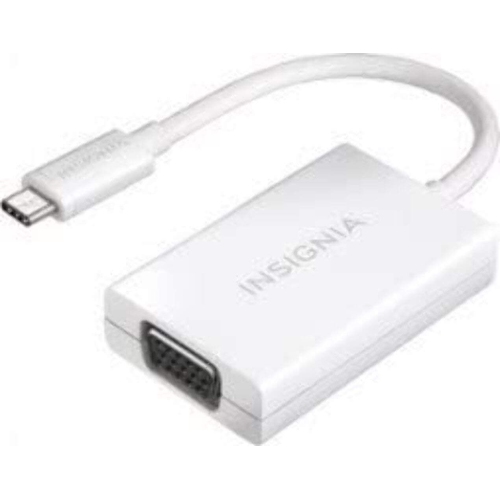 Your price for this item is $13.99
 -
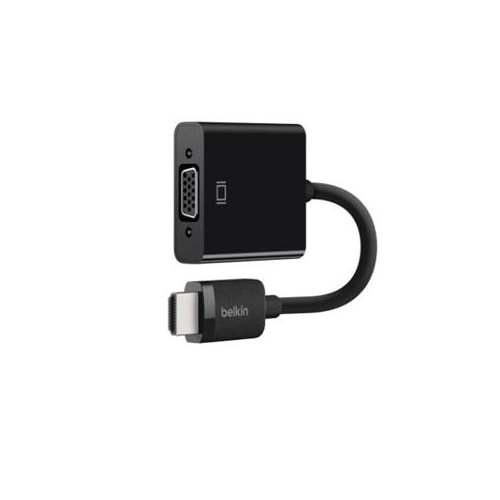 Your price for this item is $48.68
 -
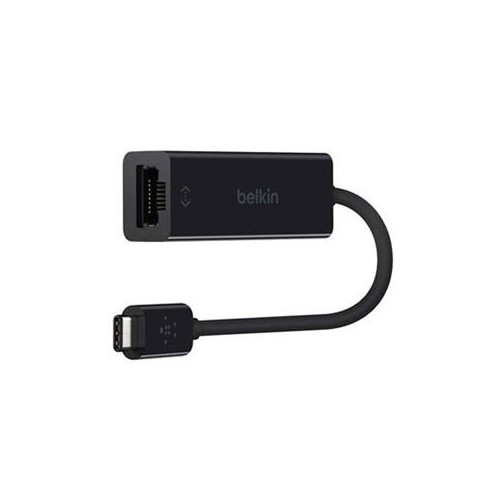 Your price for this item is $49.68
 -
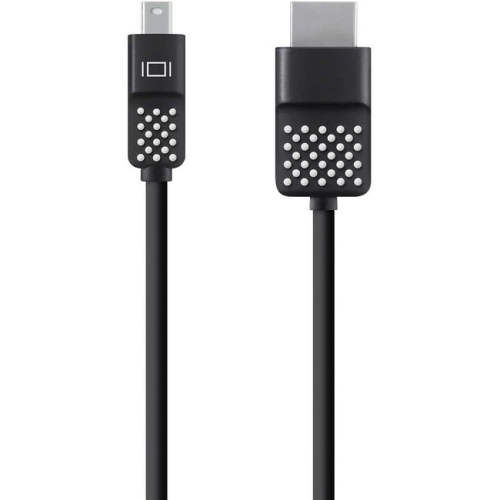 Your price for this item is $29.68
 -
 Your price for this item is $29.95
 -
 Your price for this item is $49.99
Discover more categories related to Dell Precision 3551
Top Collections:
Pokemon Centers, Kindle Devices, Best Budget Office Chairs, Apple iPhones 16, Best Laptops for Writers, iPhone 15 Apple, Canon G7X Cameras, Refurbished Apple Laptops, Alarm Clock, Motorola Razr Phones
Some products may be subject to Environmental Handling Fees
(EHF) depending on your province.
Learn more about EHFs.