Desktop Computers for Homeschooling
Desktop computers for homeschooling provide a reliable and versatile solution for students learning from home. With ample power to handle educational software, online classes, and research projects, these desktops create an efficient workspace for every grade level. Explore a wide selection designed to support daily assignments, creative projects, and interactive learning experiences. Find the ideal desktop computers for homeschooling that fit your family’s needs and help keep your student organized and productive throughout the school year.
Sort
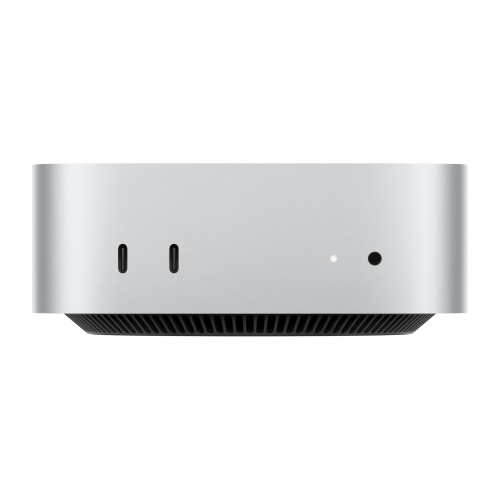
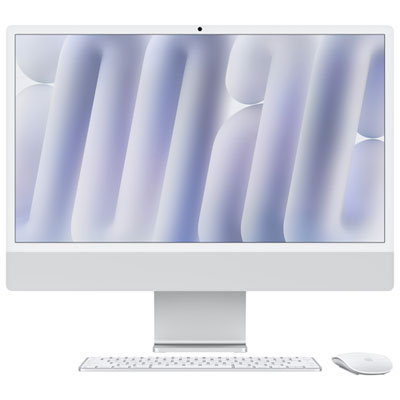
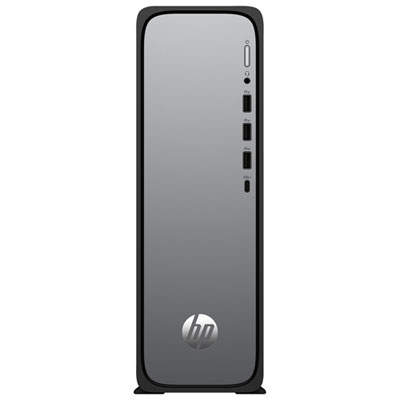
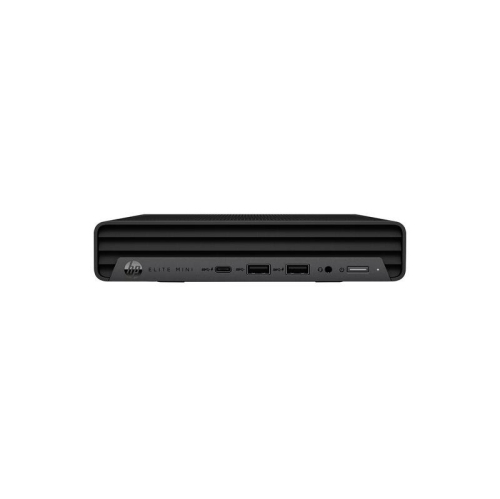
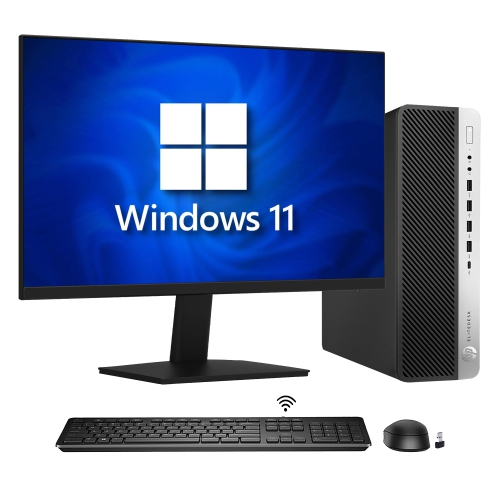
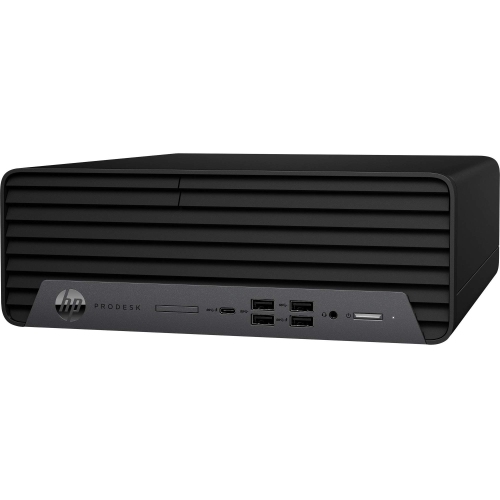
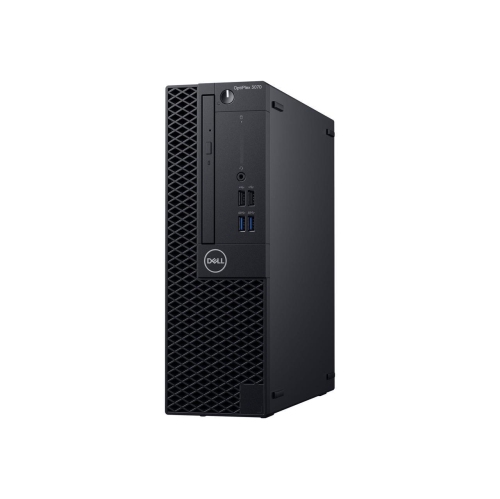
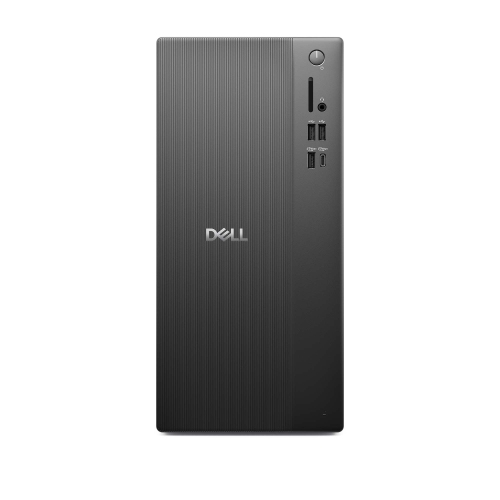
A dependable home base for lessons, projects, and research
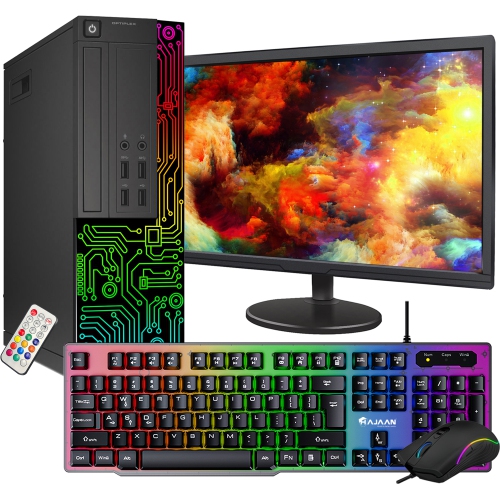
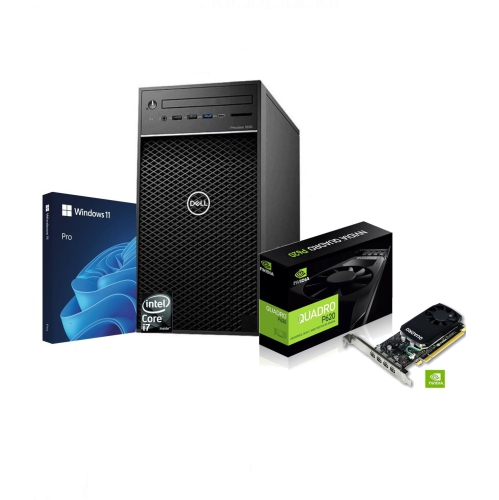
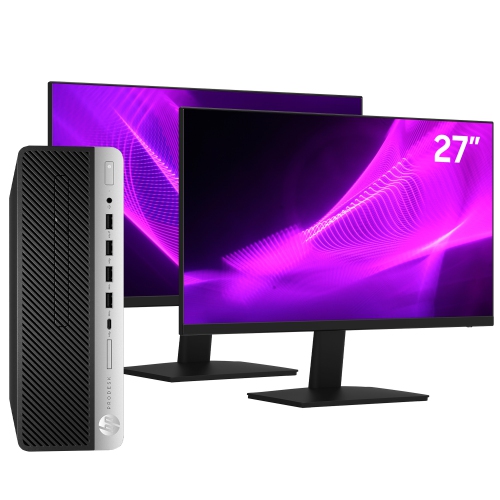
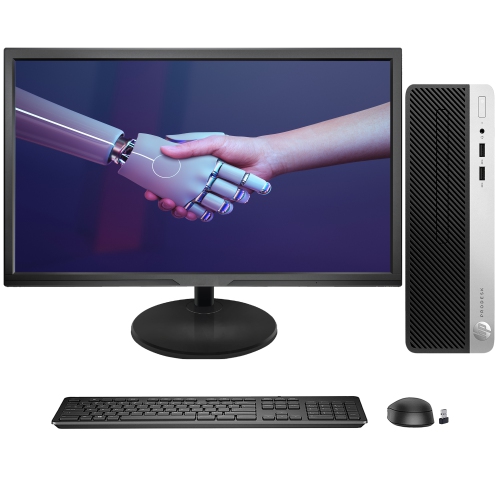
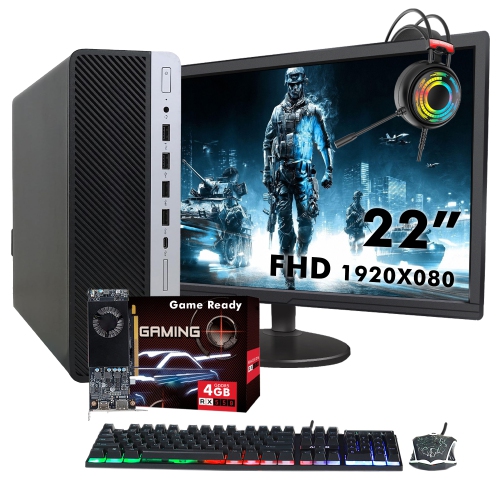
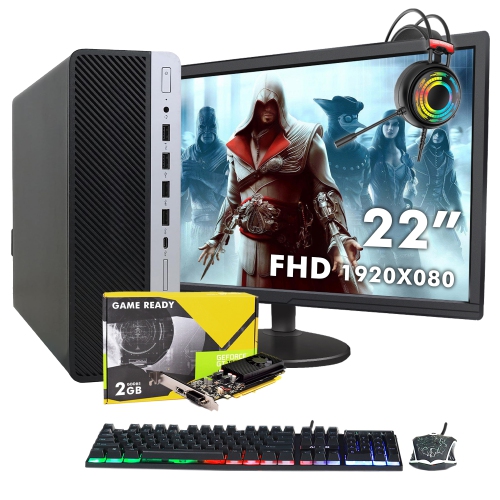
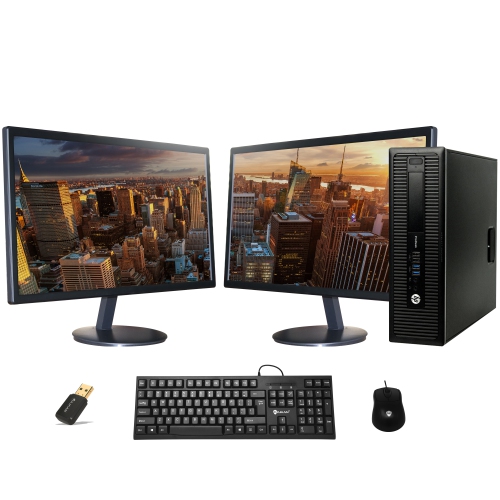
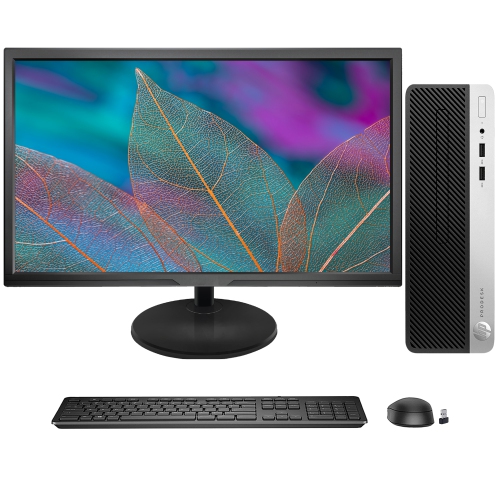
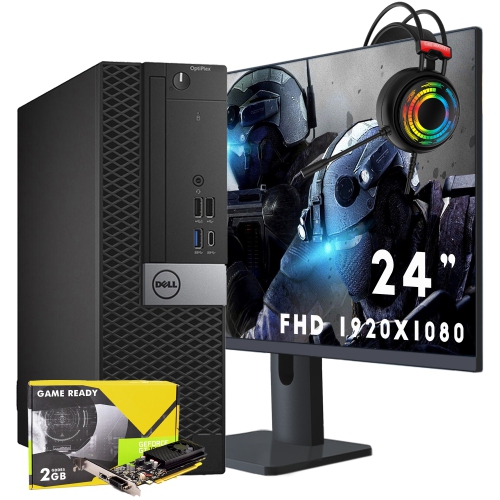
Desktop computers for homeschooling can provide a dependable, comfortable workspace for daily lessons, research, creative assignments, online classes, and family administration. Unlike a portable computer, a desktop setup typically stays in one place, making it easier to create a consistent learning area with a properly positioned screen, full-size keyboard, mouse, speakers, and other useful accessories. This arrangement can be especially helpful for students who spend several hours reading digital textbooks, watching instructional videos, joining virtual classrooms, or working through interactive assignments. A desktop computer may suit a single student with a dedicated study area, siblings who share a workstation, or parents who want a reliable household computer for lesson planning, printing, record keeping, and communication with educators. It can also make a thoughtful gift for a student beginning a new school year, moving into higher grades, or developing interests in coding, digital art, music, photography, or video production. For families that need a computer that can move between rooms, a laptop may be a better fit; explore Best Laptops for Homeschool for a portable alternative. When selecting desktop computers for homeschooling, start by considering the number of people who will use the computer and the kinds of schoolwork they complete. Web browsing, word processing, presentations, video calls, and cloud-based learning platforms generally require less power than advanced photo editing, animation, software development, or video production. Choosing a system with a little extra performance can help it remain useful as students progress through more demanding coursework, while avoiding unnecessary features can keep the setup within a practical household budget.
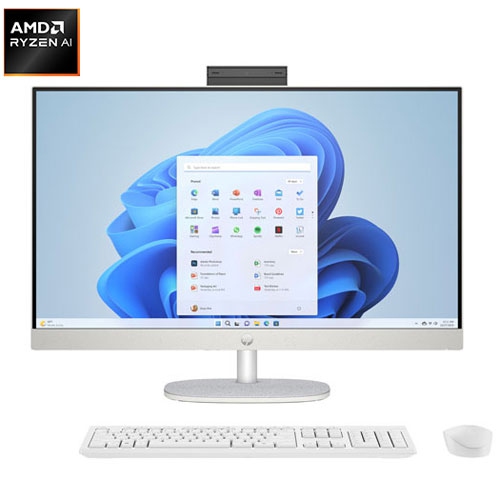
Processor performance, memory, and storage are three of the most important specifications to compare. A modern multi-core processor helps a computer handle browser tabs, video lessons, document editing, and other everyday tasks without feeling sluggish. Memory, often listed as RAM, affects how smoothly several programs can run at the same time; a system with more memory can be useful in a busy homeschool environment where a student may move between a video conference, digital workbook, research pages, and a note-taking application. Storage capacity determines how many documents, photographs, downloaded lessons, projects, and applications can be kept on the computer. A solid-state drive, or SSD, generally provides quicker start-up and file-loading times than older mechanical storage, which can make a noticeable difference during a morning routine when students are moving from one lesson to the next. Families should also check whether the computer includes the operating system and software needed for their learning platforms, along with enough available connections for a printer, external storage, headphones, a webcam, or a second display. An all-in-one desktop can be appealing when desk space is limited because the computer components are built into the display, creating a clean arrangement with fewer cables. A traditional tower or compact desktop may offer more flexibility for adding storage, memory, or other components over time, depending on its design. Display size and resolution deserve attention as well: a larger, clear screen can make small text, detailed diagrams, maps, and spreadsheets easier to view, while adjustable screen height and a comfortable viewing distance can help support better study habits. If more than one student will use the computer, consider a separate keyboard and mouse that fit different hand sizes, as well as a display that can be adjusted for each person.
A complete homeschool computer setup involves more than the desktop itself. A stable internet connection is important for live instruction, online testing, video streaming, and cloud-based assignments, so the computer’s networking capabilities should match the home network. A built-in or compatible webcam and microphone can simplify participation in virtual classes, while a headset may help students concentrate when other family members are working nearby. A printer can be useful for worksheets, reading plans, art projects, and forms, although families that rely mainly on digital materials may prefer to keep the desk more streamlined. Look for security features such as regular operating system updates, privacy controls, password protection, and family settings that help parents manage accounts and screen access. Separate user profiles can keep one student’s files and browser settings distinct from another’s, while routine backups can protect long-term projects from accidental deletion or hardware problems. Desktop computers for homeschooling are often placed in a shared family room, dining area, home office, or bedroom, so think about lighting, noise, cable placement, and the amount of space available before choosing a form factor. A compact computer can leave room for textbooks and notebooks, while a tower may be better suited to a larger desk and future expansion. During the cooler months, when more lessons and activities take place indoors, a well-organized workstation can become a familiar anchor for the school day: a place for morning reading, virtual instruction, afternoon research, and creative work. With the right balance of performance, storage, display comfort, connectivity, and straightforward maintenance, a desktop computer can support a wide range of homeschool routines and adapt as students’ skills, subjects, and learning needs change.
Processor performance, memory, and storage are three of the most important specifications to compare. A modern multi-core processor helps a computer handle browser tabs, video lessons, document editing, and other everyday tasks without feeling sluggish. Memory, often listed as RAM, affects how smoothly several programs can run at the same time; a system with more memory can be useful in a busy homeschool environment where a student may move between a video conference, digital workbook, research pages, and a note-taking application. Storage capacity determines how many documents, photographs, downloaded lessons, projects, and applications can be kept on the computer. A solid-state drive, or SSD, generally provides quicker start-up and file-loading times than older mechanical storage, which can make a noticeable difference during a morning routine when students are moving from one lesson to the next. Families should also check whether the computer includes the operating system and software needed for their learning platforms, along with enough available connections for a printer, external storage, headphones, a webcam, or a second display. An all-in-one desktop can be appealing when desk space is limited because the computer components are built into the display, creating a clean arrangement with fewer cables. A traditional tower or compact desktop may offer more flexibility for adding storage, memory, or other components over time, depending on its design. Display size and resolution deserve attention as well: a larger, clear screen can make small text, detailed diagrams, maps, and spreadsheets easier to view, while adjustable screen height and a comfortable viewing distance can help support better study habits. If more than one student will use the computer, consider a separate keyboard and mouse that fit different hand sizes, as well as a display that can be adjusted for each person.
A complete homeschool computer setup involves more than the desktop itself. A stable internet connection is important for live instruction, online testing, video streaming, and cloud-based assignments, so the computer’s networking capabilities should match the home network. A built-in or compatible webcam and microphone can simplify participation in virtual classes, while a headset may help students concentrate when other family members are working nearby. A printer can be useful for worksheets, reading plans, art projects, and forms, although families that rely mainly on digital materials may prefer to keep the desk more streamlined. Look for security features such as regular operating system updates, privacy controls, password protection, and family settings that help parents manage accounts and screen access. Separate user profiles can keep one student’s files and browser settings distinct from another’s, while routine backups can protect long-term projects from accidental deletion or hardware problems. Desktop computers for homeschooling are often placed in a shared family room, dining area, home office, or bedroom, so think about lighting, noise, cable placement, and the amount of space available before choosing a form factor. A compact computer can leave room for textbooks and notebooks, while a tower may be better suited to a larger desk and future expansion. During the cooler months, when more lessons and activities take place indoors, a well-organized workstation can become a familiar anchor for the school day: a place for morning reading, virtual instruction, afternoon research, and creative work. With the right balance of performance, storage, display comfort, connectivity, and straightforward maintenance, a desktop computer can support a wide range of homeschool routines and adapt as students’ skills, subjects, and learning needs change.
Top selling and popular products
-
 Your price for this item is $1599
 -
 Your price for this item is $1629.79
 -
 Your price for this item is $1459.79
 -
 Your price for this item is $879
 -
 Your price for this item is $1249.99
 -
 Your price for this item is $1839
 -
 Your price for this item is $879
 -
 Your price for this item is $1259
Discover more categories related to Desktop Computers for Homeschooling


Top Collections:
Pokemon Centers, Budget 4K TVs, Best Budget Office Chairs, Kindle Devices, Canon G7X Cameras, Apple iPhones 16, iPhone 15 Apple, Laptops for Business Work, Xiaomi Phones, Flip Phones
Some products may be subject to Environmental Handling Fees
(EHF) depending on your province.
Learn more about EHFs.