Laptops for Homeschool
The laptop has become a staple in the homeschooling world. These laptops are portable and can be used for everything from taking notes to streaming videos and playing games. And it's easy to use, so your child can even learn how to use it without having to ask. Here are some of the best laptops for homeschoolers.
Sort
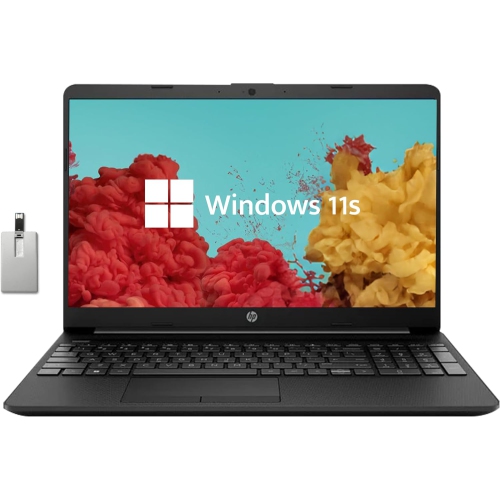

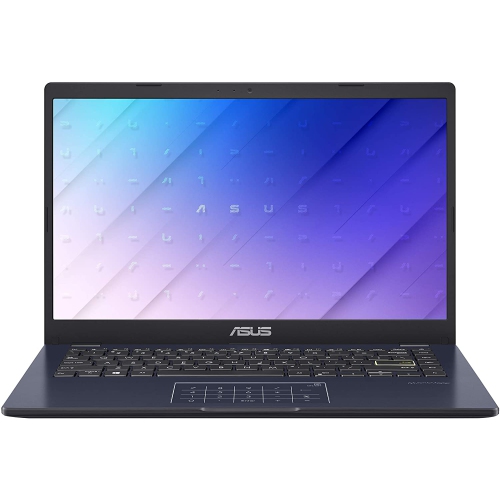
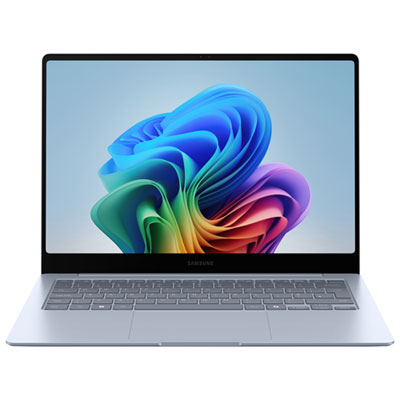

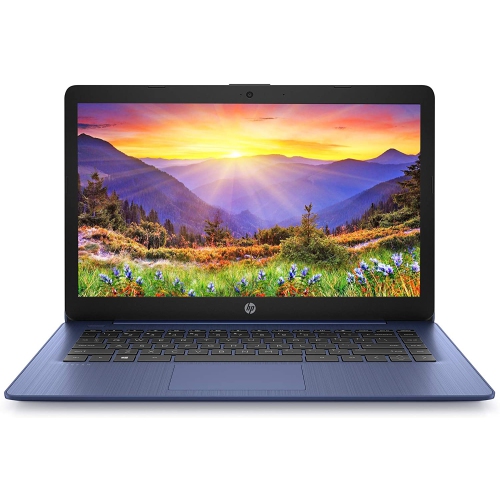
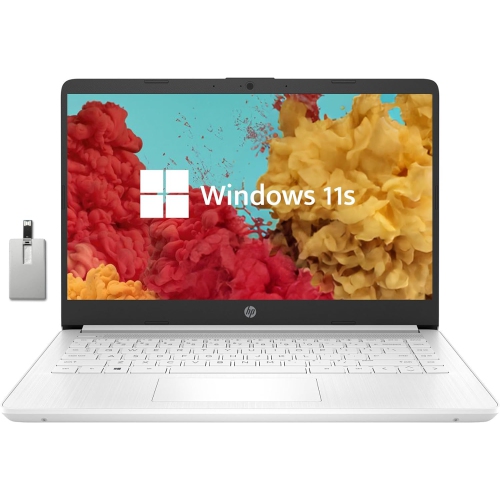
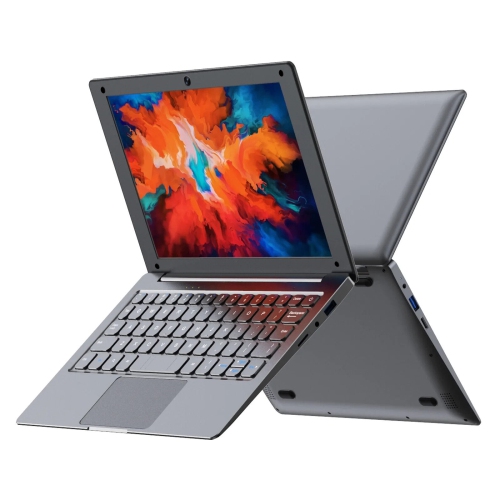
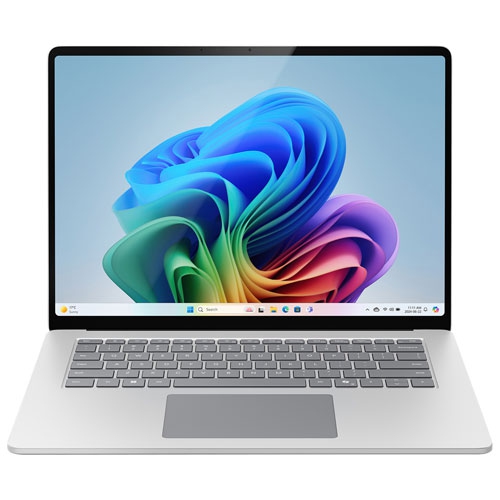
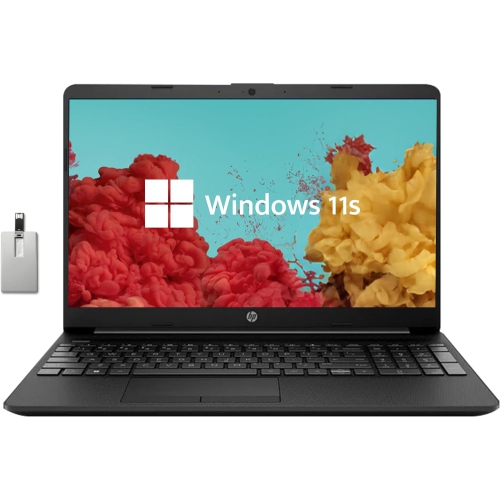
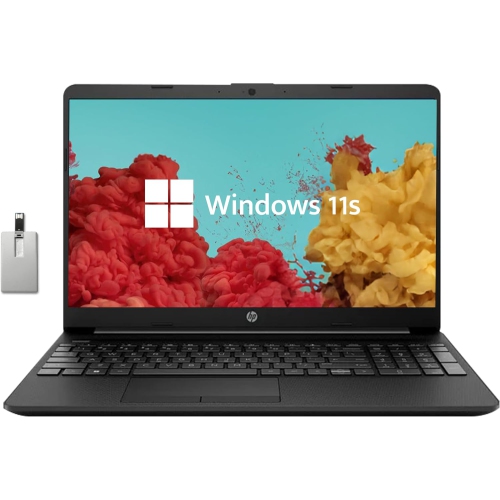
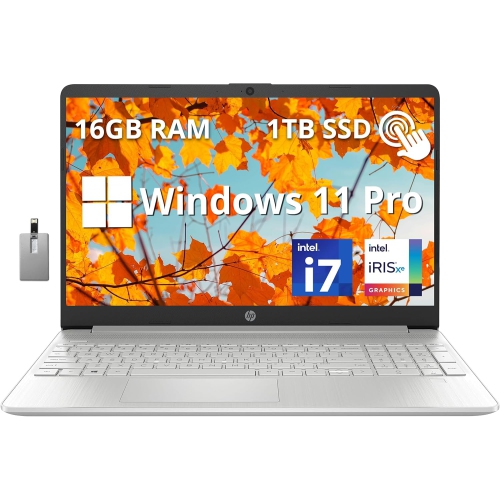
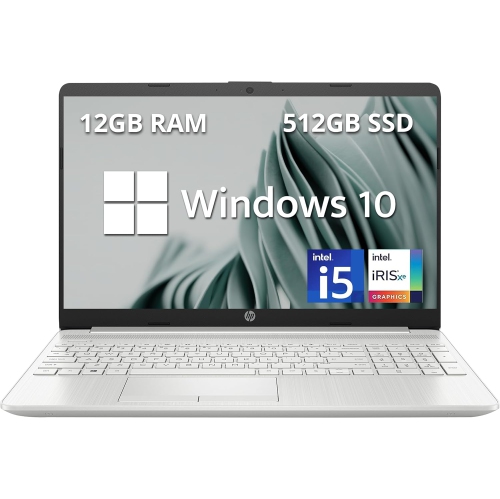
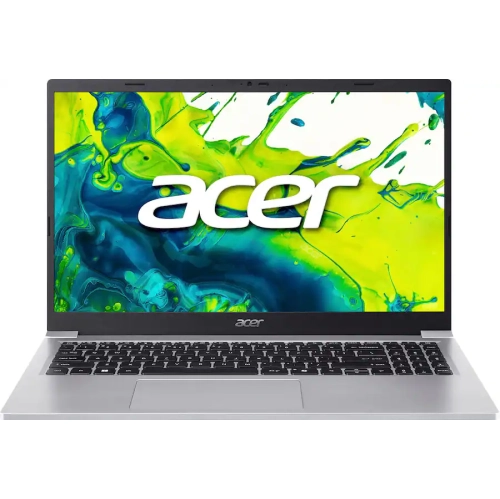
The right laptop starts with your student’s curriculum
Laptops for homeschool bring reading, writing, research, and live lessons together on a device that can move from a dedicated desk to the kitchen table. The right fit depends on a student’s age, the programs used in their curriculum, and how much of the school day happens online. For everyday assignments, a modern processor and at least 8GB of RAM provide a practical starting point for working with documents, browsing educational websites, and joining video calls. Students who keep several research tabs open while editing a presentation or attending a lesson may benefit from 16GB of RAM, while more demanding creative or technical coursework can call for additional processing power. A solid-state drive helps applications open promptly and makes it easier to move between tasks without interrupting the flow of a lesson. Storage needs vary: browser-based coursework may require relatively little local space, whereas downloaded textbooks, recorded presentations, photographs, and video projects can fill a drive over time. Compatibility matters just as much as specifications. Some curricula run almost entirely in a web browser, while others require a particular operating system, desktop application, or testing tool. Laptops with a desktop operating system suit families whose lessons depend on locally installed software, while Chromebooks can be a good match for web-based assignments, shared documents, and online learning portals. The Best Chromebooks for Homeschool collection offers a more focused starting point for families whose coursework centres on browser-based learning. Offline access varies by application, so downloaded assignments and supported offline tools can be useful when studying away from a reliable connection. For older students exploring coding, digital illustration, video editing, or three-dimensional design, the software’s published system requirements help clarify whether integrated graphics will be sufficient or whether dedicated graphics and more memory are appropriate. A laptop that matches the actual curriculum is more useful than one chosen for specifications that everyday lessons will rarely put to work.
Comfort and portability shape how well a homeschool laptop fits into the daily routine. A 13-inch to 15-inch display often balances readable workspace with a size that is manageable to carry between rooms or take to a library study session. Full HD resolution, typically 1920 × 1080, gives text and diagrams clear definition, though comfortable reading also depends on text scaling, screen brightness, lighting, and viewing distance. A larger display can make it easier to place a lesson beside a worksheet, while a smaller, lighter laptop may be easier for a younger learner to handle. An anti-glare screen can help reduce distracting reflections near a window, and a display with adjustable brightness suits spaces where the light changes throughout the day. Keyboard layout is worth considering for students learning to type or writing longer essays: clearly marked keys, comfortable spacing, and a responsive touchpad support routine schoolwork. A touchscreen can make dragging shapes, marking up a passage, or navigating an interactive lesson feel more direct. Convertible laptops with attached keyboards offer additional flexibility for reading and drawing, although pen support varies and a compatible stylus may be sold separately. Battery life is another practical consideration when lessons move around the home. An advertised range of 8 to 12 hours can be a useful comparison point, but actual runtime depends on screen brightness, video calls, applications, and power settings. A long online lesson generally uses more power than reading a downloaded chapter. Clear webcam footage and an effective microphone help students participate in tutoring sessions, language practice, and group discussions, while a headset connection can keep spoken lessons from competing with a sibling’s work nearby. Reliable Wi-Fi supports those activities, although connection quality also depends on the home network and signal strength. For a desk-based setup, suitable display and peripheral connections allow a laptop to work with a larger monitor, mouse, or external keyboard without making portability any less useful.
Durability becomes especially important when a laptop shares space with pencils, craft supplies, and the occasional hurried snack. Plastic housings can keep weight manageable, while metal housings may offer a firmer feel; neither material alone determines how well a laptop will withstand daily use. Hinge construction, chassis rigidity, and the quality of the keyboard and ports all contribute to a dependable school-day companion. A spill-resistant keyboard, where specified, offers some protection against minor accidents but does not make a device waterproof. A padded sleeve helps protect the finish during trips, and a bag compartment sized to the laptop keeps it from shifting against books or a lunch container. Younger learners may find a lightweight device with an easy-to-open lid more manageable, while secondary students may prefer a larger keyboard and enough performance for extended writing, research, and project work. At home, a stable surface with clear ventilation helps the laptop release heat; blankets, cushions, and soft upholstery can obstruct its vents. Routine care is straightforward: a soft, lint-free cloth suitable for the display, cleaning methods approved by the manufacturer, and careful handling of charging cables help preserve everyday usability. Keeping drinks separate from the work area and carrying the laptop closed can also reduce avoidable damage. For families sharing a device, separate user accounts help keep assignments, bookmarks, and settings distinct, while age-appropriate controls can support supervised access to online material. Regular software updates and a consistent backup routine help protect schoolwork, whether files are saved to an external drive or a suitable online service. Account access and file-sharing permissions deserve attention when students submit projects or collaborate with others. A laptop can also be a thoughtful gift for a learner beginning more independent coursework, provided it supports the programs and accessibility features they need. Adjustable text size, speech input, captions, and compatibility with assistive tools can make everyday tasks more approachable. From a first typed story to a carefully assembled science presentation, a well-matched homeschool laptop supports the practical work of learning without adding unnecessary complexity to the day.
Comfort and portability shape how well a homeschool laptop fits into the daily routine. A 13-inch to 15-inch display often balances readable workspace with a size that is manageable to carry between rooms or take to a library study session. Full HD resolution, typically 1920 × 1080, gives text and diagrams clear definition, though comfortable reading also depends on text scaling, screen brightness, lighting, and viewing distance. A larger display can make it easier to place a lesson beside a worksheet, while a smaller, lighter laptop may be easier for a younger learner to handle. An anti-glare screen can help reduce distracting reflections near a window, and a display with adjustable brightness suits spaces where the light changes throughout the day. Keyboard layout is worth considering for students learning to type or writing longer essays: clearly marked keys, comfortable spacing, and a responsive touchpad support routine schoolwork. A touchscreen can make dragging shapes, marking up a passage, or navigating an interactive lesson feel more direct. Convertible laptops with attached keyboards offer additional flexibility for reading and drawing, although pen support varies and a compatible stylus may be sold separately. Battery life is another practical consideration when lessons move around the home. An advertised range of 8 to 12 hours can be a useful comparison point, but actual runtime depends on screen brightness, video calls, applications, and power settings. A long online lesson generally uses more power than reading a downloaded chapter. Clear webcam footage and an effective microphone help students participate in tutoring sessions, language practice, and group discussions, while a headset connection can keep spoken lessons from competing with a sibling’s work nearby. Reliable Wi-Fi supports those activities, although connection quality also depends on the home network and signal strength. For a desk-based setup, suitable display and peripheral connections allow a laptop to work with a larger monitor, mouse, or external keyboard without making portability any less useful.
Durability becomes especially important when a laptop shares space with pencils, craft supplies, and the occasional hurried snack. Plastic housings can keep weight manageable, while metal housings may offer a firmer feel; neither material alone determines how well a laptop will withstand daily use. Hinge construction, chassis rigidity, and the quality of the keyboard and ports all contribute to a dependable school-day companion. A spill-resistant keyboard, where specified, offers some protection against minor accidents but does not make a device waterproof. A padded sleeve helps protect the finish during trips, and a bag compartment sized to the laptop keeps it from shifting against books or a lunch container. Younger learners may find a lightweight device with an easy-to-open lid more manageable, while secondary students may prefer a larger keyboard and enough performance for extended writing, research, and project work. At home, a stable surface with clear ventilation helps the laptop release heat; blankets, cushions, and soft upholstery can obstruct its vents. Routine care is straightforward: a soft, lint-free cloth suitable for the display, cleaning methods approved by the manufacturer, and careful handling of charging cables help preserve everyday usability. Keeping drinks separate from the work area and carrying the laptop closed can also reduce avoidable damage. For families sharing a device, separate user accounts help keep assignments, bookmarks, and settings distinct, while age-appropriate controls can support supervised access to online material. Regular software updates and a consistent backup routine help protect schoolwork, whether files are saved to an external drive or a suitable online service. Account access and file-sharing permissions deserve attention when students submit projects or collaborate with others. A laptop can also be a thoughtful gift for a learner beginning more independent coursework, provided it supports the programs and accessibility features they need. Adjustable text size, speech input, captions, and compatibility with assistive tools can make everyday tasks more approachable. From a first typed story to a carefully assembled science presentation, a well-matched homeschool laptop supports the practical work of learning without adding unnecessary complexity to the day.
Top selling and popular products
-
 Your price for this item is $449
 -
 Your price for this item is $3099
 -
 Your price for this item is $664.05
 -
 Your price for this item is $599.68
 -
 Your price for this item is $259
 -
 Your price for this item is $418.98
 -
 Your price for this item is $999.95
 -
 Your price for this item is $489
Discover more categories related to Laptops for Homeschool


Top Collections:
Pokemon Centers, Budget 4K TVs, Best Budget Office Chairs, Kindle Devices, Canon G7X Cameras, Apple iPhones 16, iPhone 15 Apple, Laptops for Business Work, Xiaomi Phones, Flip Phones
Some products may be subject to Environmental Handling Fees
(EHF) depending on your province.
Learn more about EHFs.