Desktop Laptop Stands For Ergonomic Home Office Setups
Desktop laptop stands for ergonomic home office setups help raise your screen for a more comfortable viewing position and free up desk space. Explore laptop risers and stands, comparing height, footprint, and compatibility with your laptop to find a fit for your workspace. Pair your stand with a separate keyboard and mouse to keep typing and navigation within easy reach.


FAQ
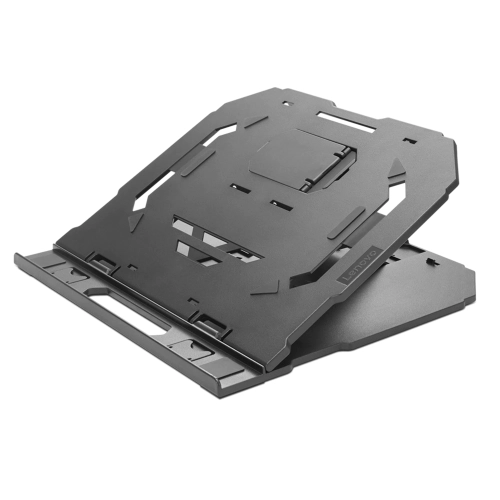
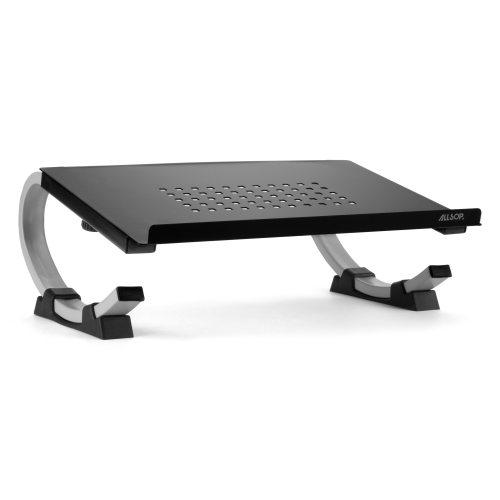
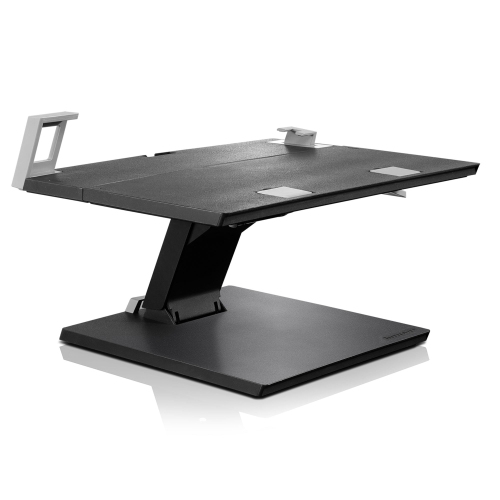
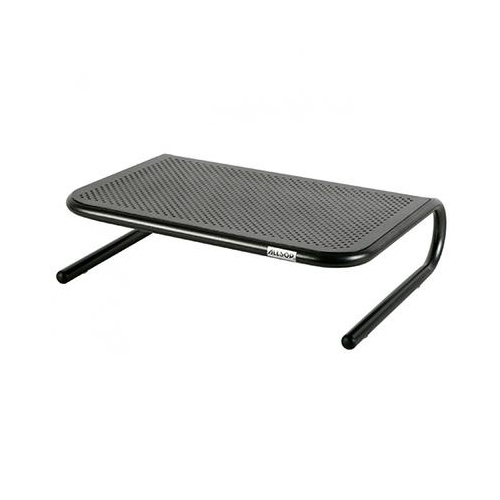
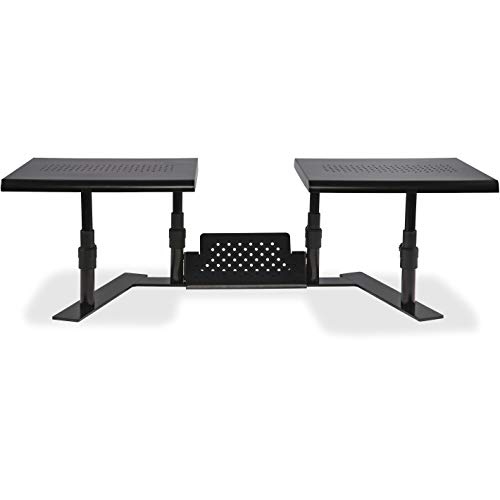
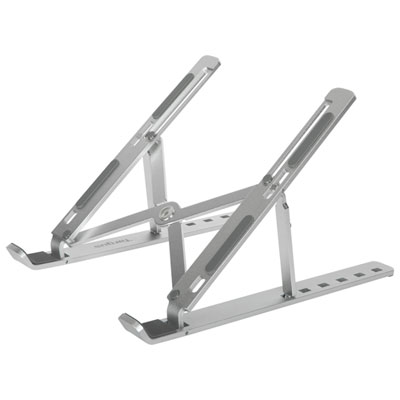
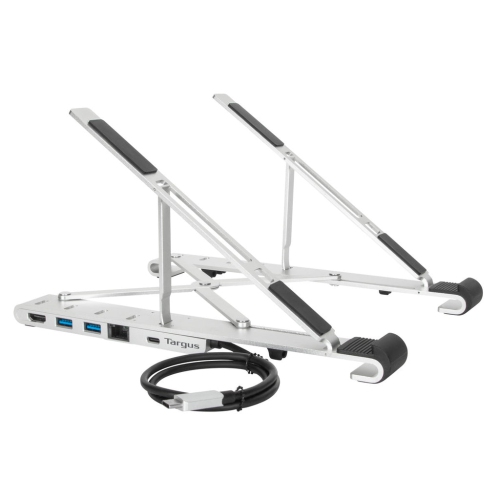
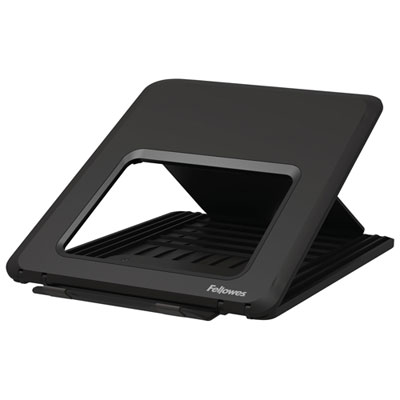
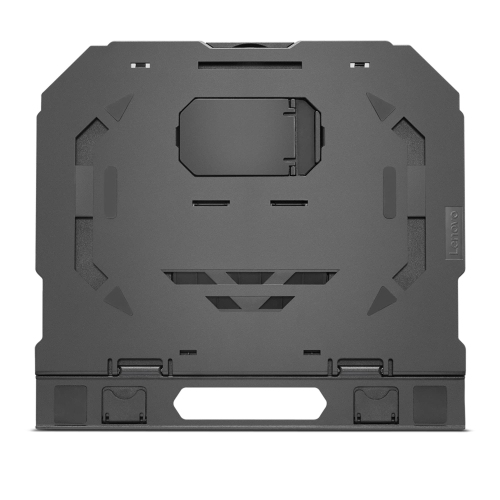
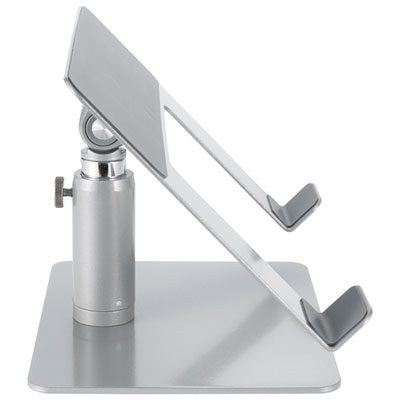
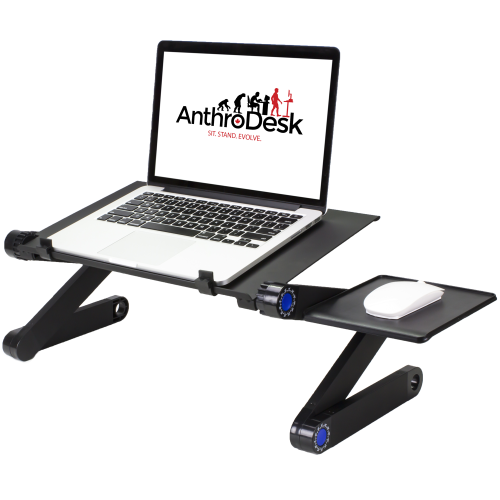
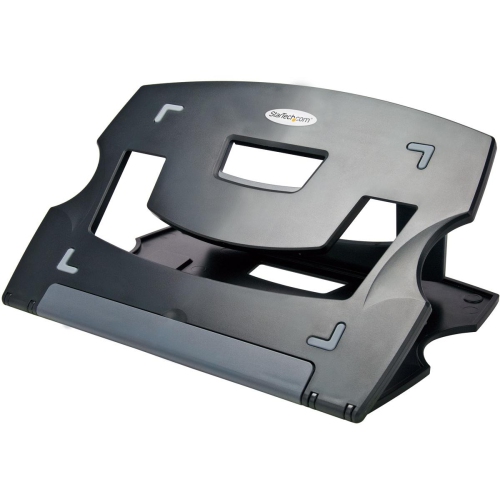
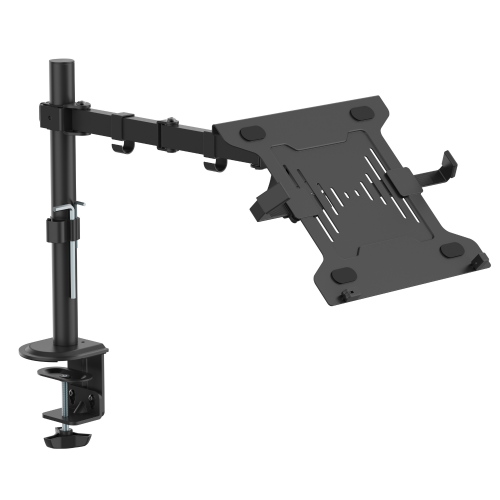
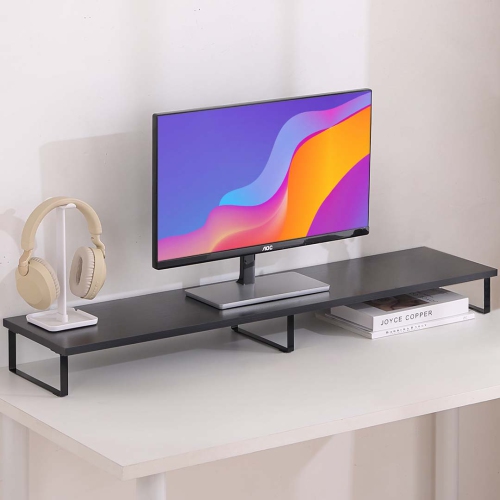
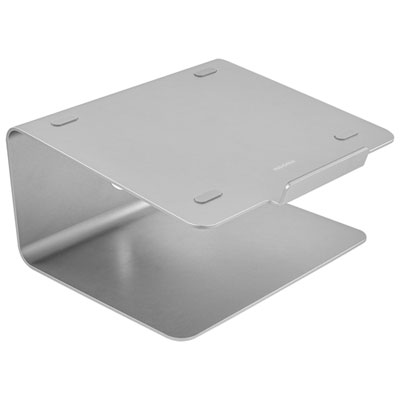
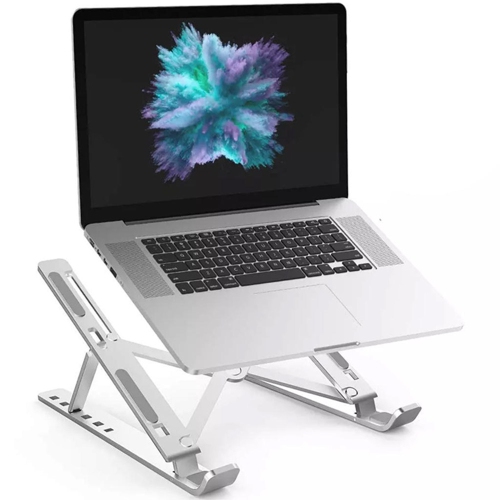
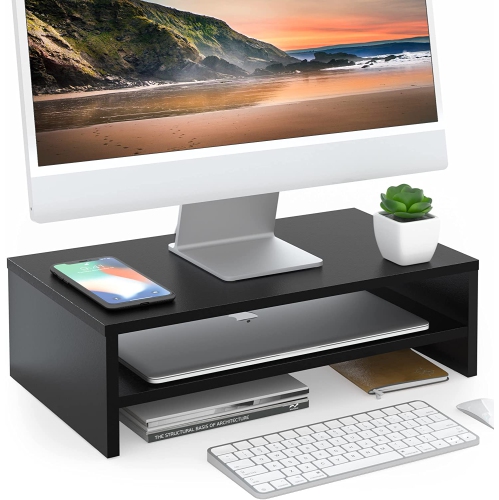
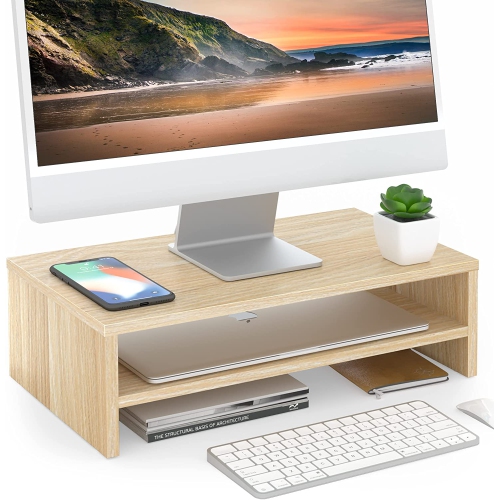
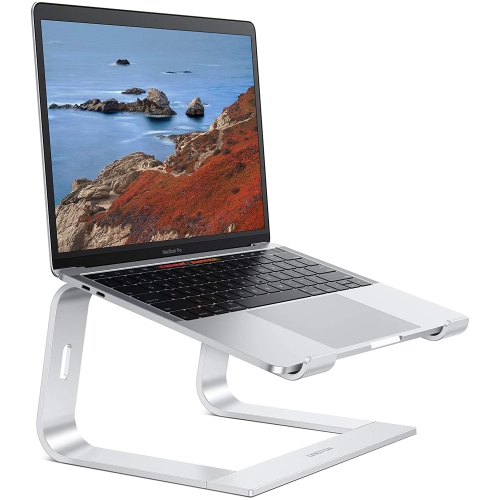
Common types include fixed risers, adjustable stands, folding stands, and vertical holders. Fixed risers provide a stationary platform, while adjustable stands let you change the laptop’s position. Folding stands pack away between uses, and vertical holders store a closed laptop when it is connected to an external display and peripherals.
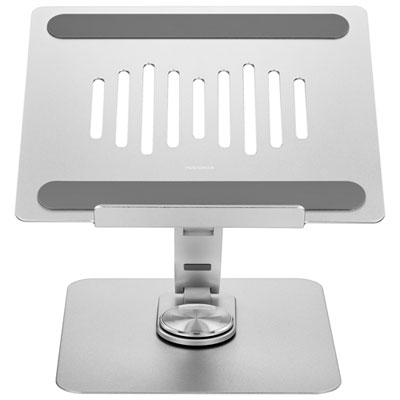
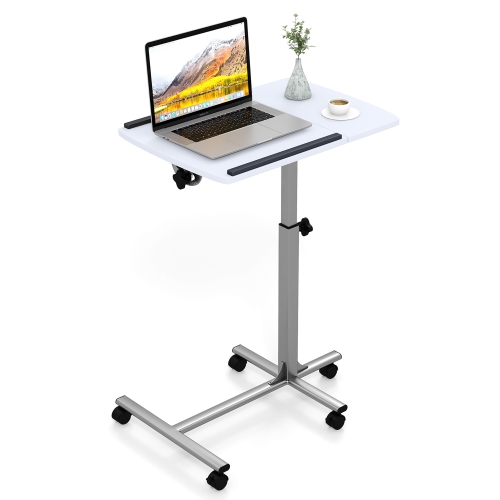
Depending on the design, a laptop stand may offer height adjustment, platform tilt, or a swivel base. Some use preset positions, while others have hinges that allow a continuous range of movement. These features let you customise the placement of your laptop within your home office setup.
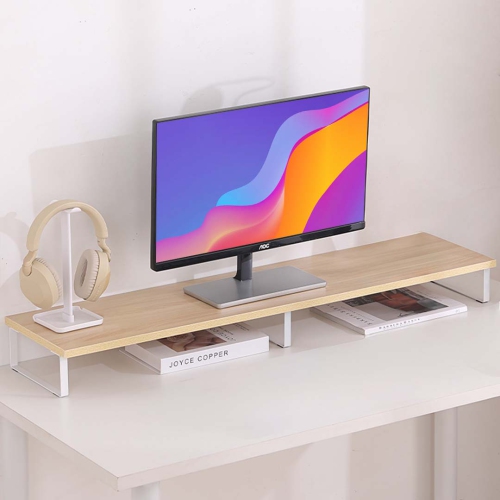
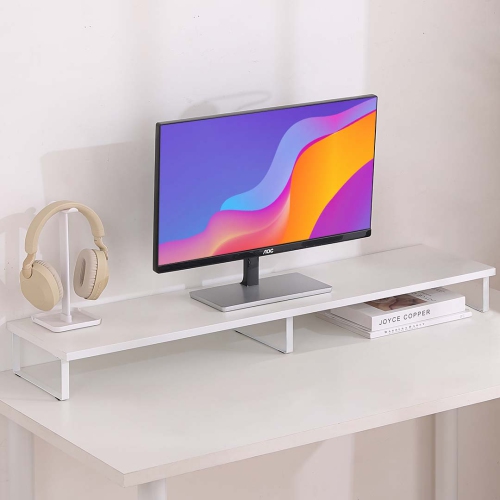
Desktop laptop stands are commonly made from aluminium, steel, plastic, or wood. Designs may also include silicone or rubber contact pads where the laptop rests. Material, colour, and finish can complement other desk accessories and home office furniture.
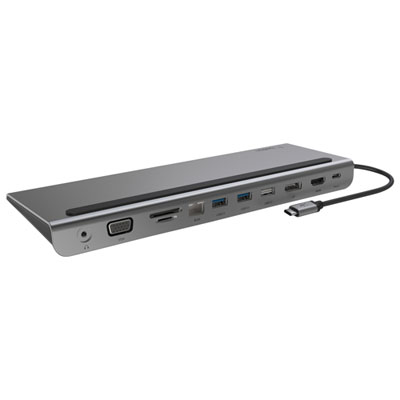
Common accessories include an external keyboard, mouse, monitor, and docking station. A docking station can connect compatible displays and peripherals through a single connection to the laptop. Check your laptop’s ports and display support when choosing accessories.
Some stands include cable openings, routing channels, or clips for power and peripheral cables. Open-base designs may also provide a path for cables beneath the platform. Check where your laptop’s ports are located when choosing a stand with cable management features.
Top selling and popular products
Discover more categories related to Desktop Laptop Stands For Ergonomic Home Office Setups
Some products may be subject to Environmental Handling Fees (EHF) depending on your province. Learn more about EHFs.