Laptop Stands for Home Office
Enhance your workspace with laptop stands for home office that help create a comfortable and organized setup. Whether you’re working remotely, attending virtual meetings, or managing daily tasks, the right laptop stand can support your setup and make a difference in your productivity. Explore a variety of options designed to fit different desks and preferences, making it easy to find the perfect solution for your home office needs.

There’s more to laptop comfort than screen height
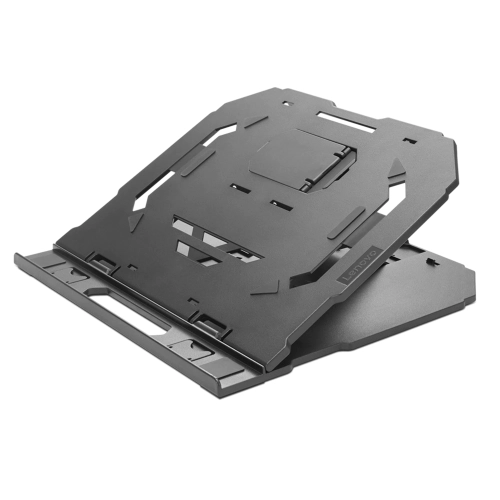
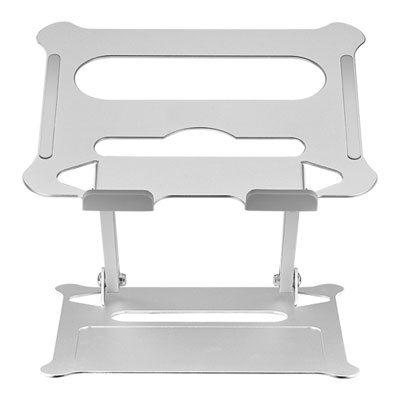
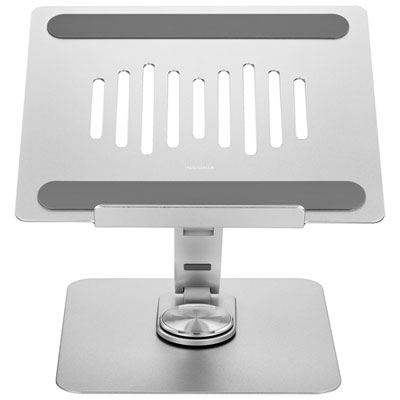
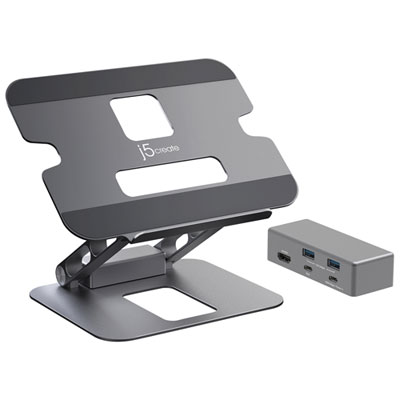
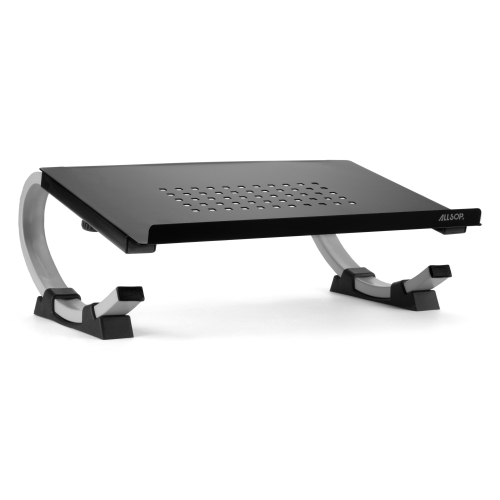
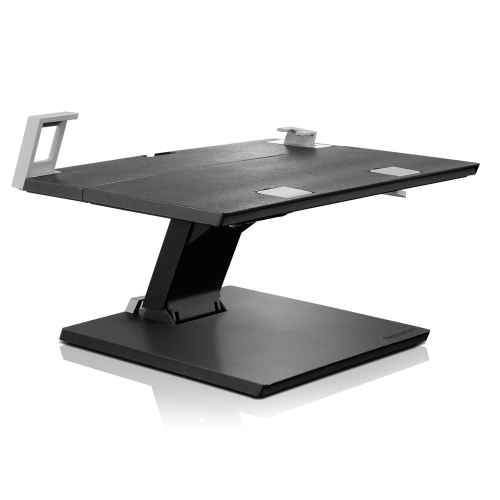
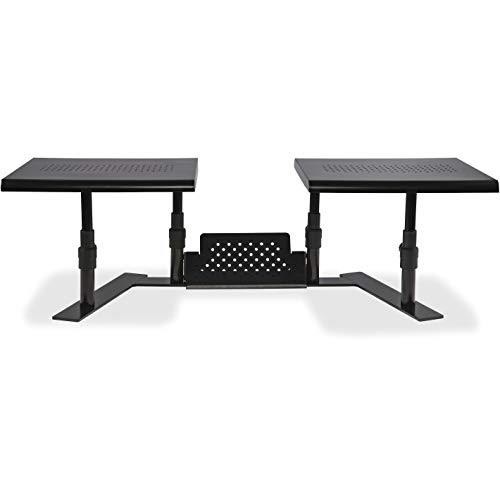
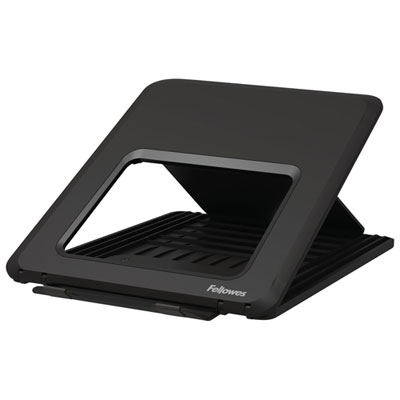
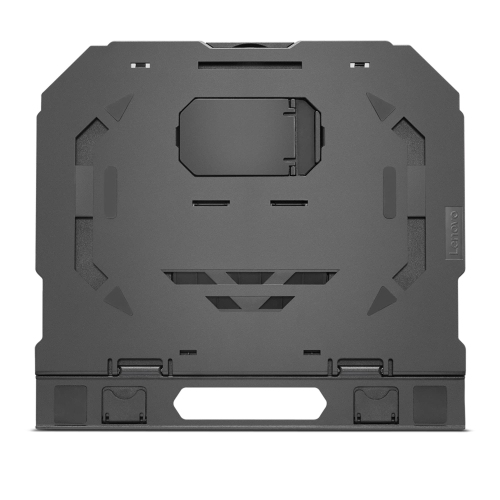
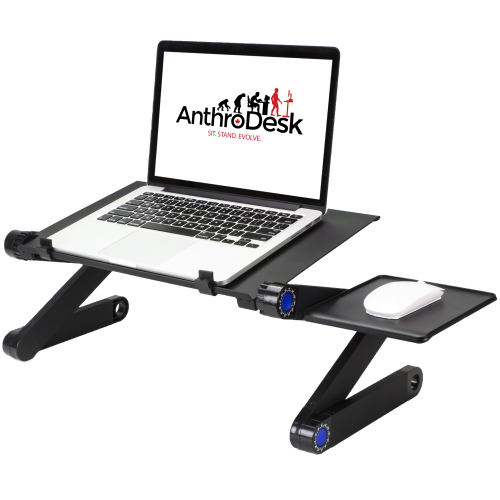
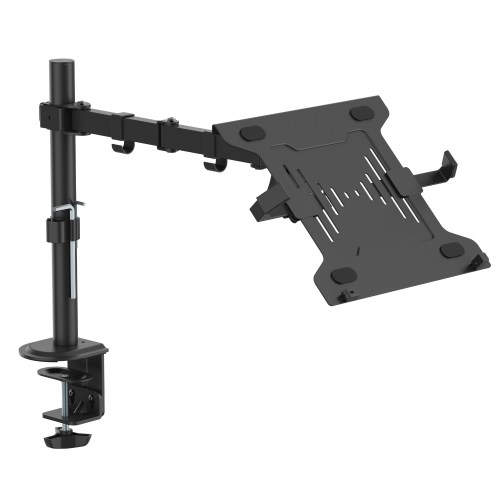
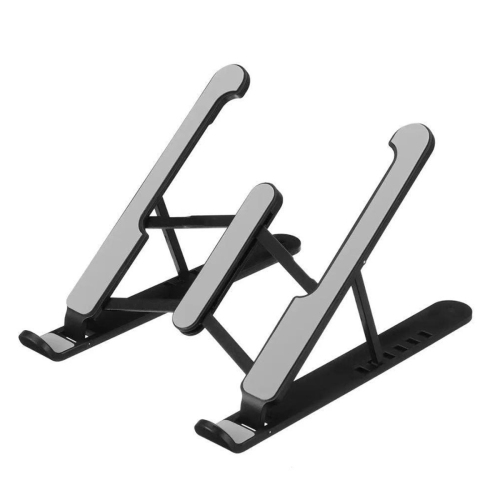
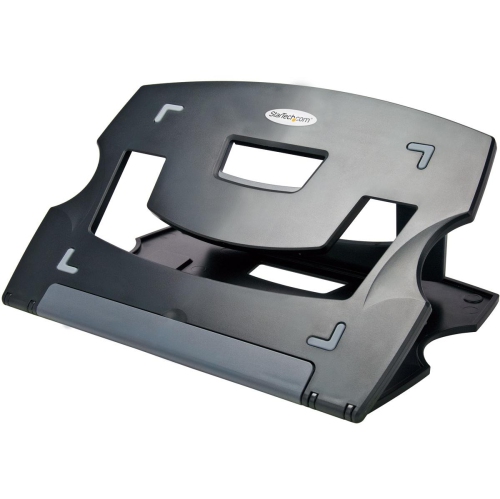
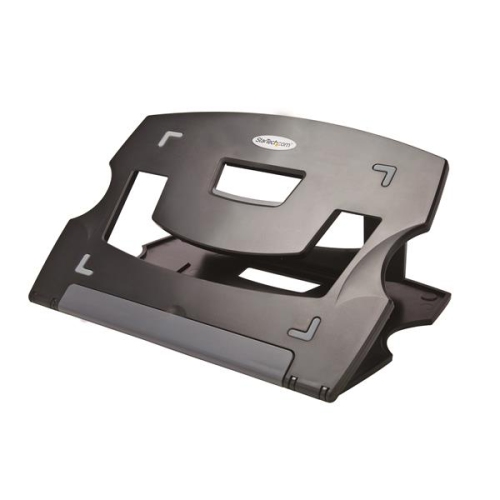
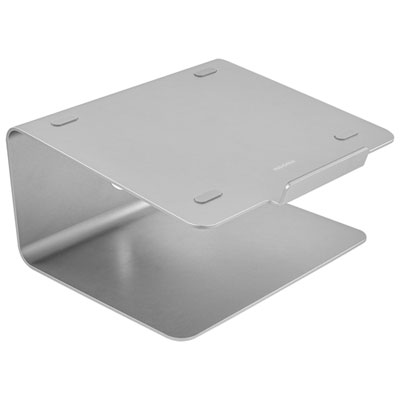
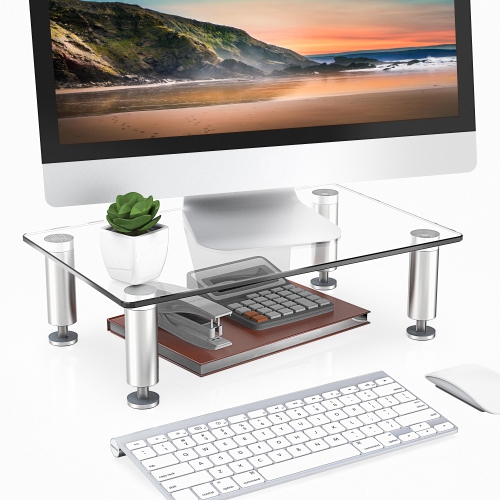
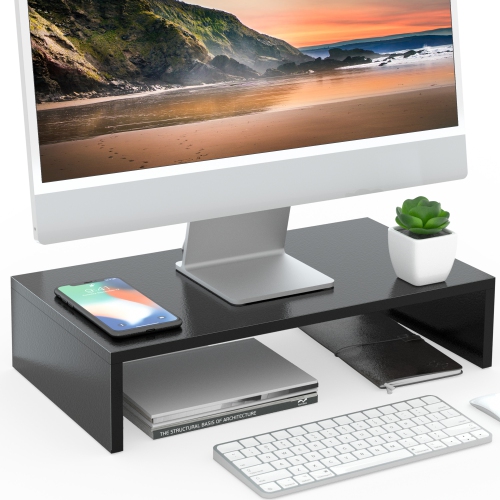
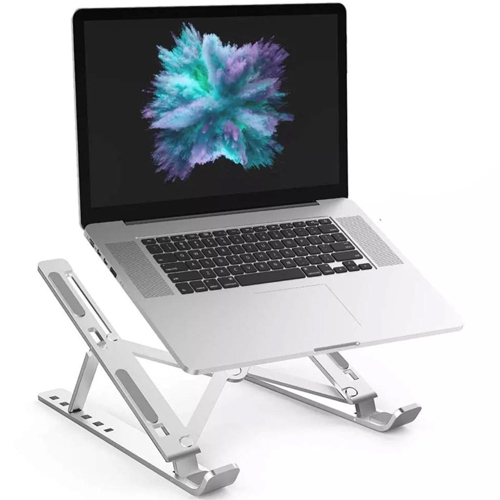
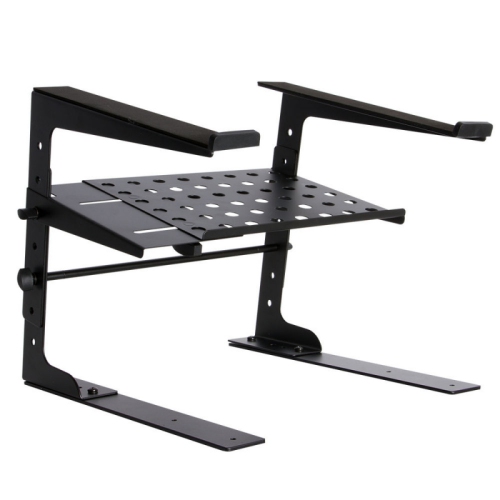
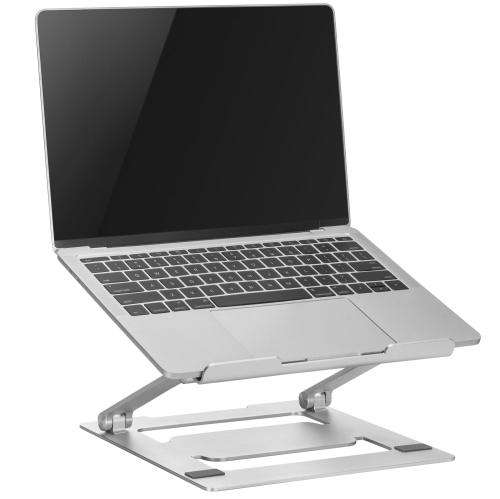
Fit involves more than matching a laptop’s advertised screen size. Two computers with the same screen measurement can have different widths, depths, thicknesses, and weights, particularly when one has a slim chassis and another has a larger cooling system. Compatibility depends on the stand’s stated dimensions and load rating, as well as the position of its support arms, retaining lips, and contact pads. The laptop should sit securely without a front lip pressing into the wrists or blocking access to the trackpad. Side supports also need to leave charging connections, accessory ports, and ventilation openings accessible. Open-frame stands expose much of the underside, while platforms with cut-outs provide airflow through selected areas; neither design should cover the computer’s intake or exhaust vents. Extra clearance can support ventilation, but a stand does not replace the laptop’s cooling system or guarantee lower operating temperatures. Materials influence both the feel and practicality of a stand. Aluminum is common in rigid desktop designs and can offer a useful balance of strength and weight. Steel can provide a substantial base, while plastic construction may keep a portable stand lighter. Wood and bamboo designs bring a different texture to a desk, with durability depending on construction, finish, and appropriate care. Silicone or rubber contact pads help limit sliding and protect contact points, though trapped grit can still mark a laptop or desktop. For adjustable designs, firm hinges and locking mechanisms matter because the platform needs to hold its position under the computer’s weight. A wide, stable base is especially useful when the screen is elevated, where movement can become more noticeable. Weight capacity alone does not describe how steady a stand will feel during typing. Anyone planning to use the built-in keyboard while the laptop is raised should look closely at the intended use, platform angle, and support structure, since some designs are better suited to viewing with a separate keyboard.
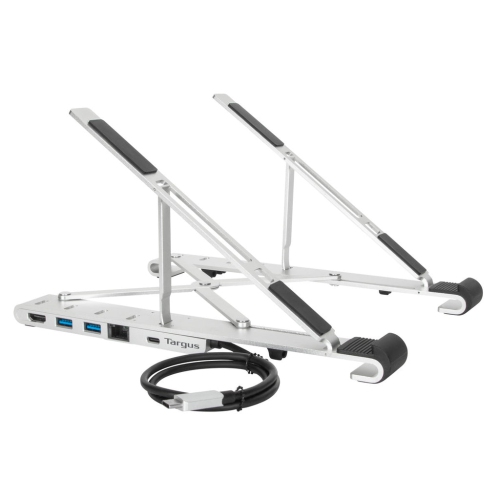
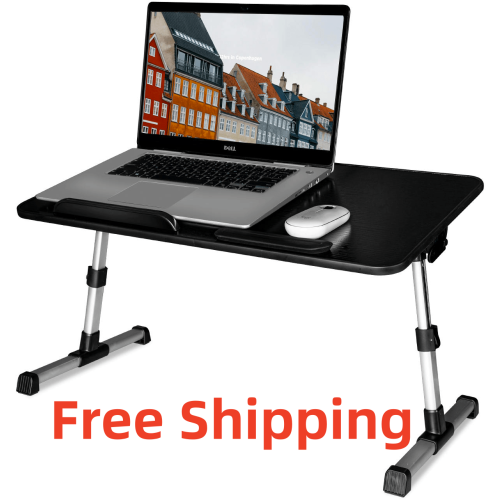
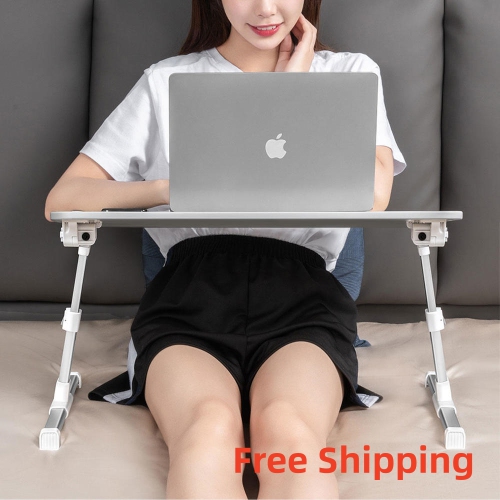
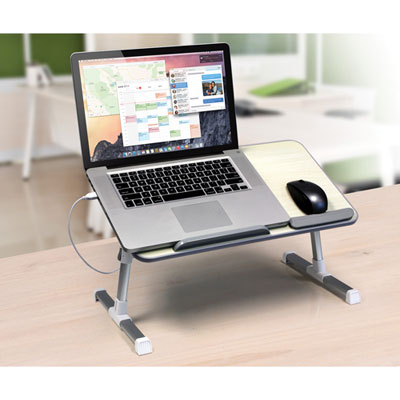
Different working routines call for different levels of flexibility. A folding laptop stand can move between a dedicated desk and a shared work surface, then tuck into a drawer or laptop bag once the computer has been removed. Its folded dimensions, weight, and hinge design affect how convenient that routine feels. A fixed stand may be a better fit for a permanent workstation where the laptop connects to a monitor, keyboard, and mouse each day. Vertical laptop holders serve another purpose: they hold a closed computer upright to free desktop space, rather than raising an open screen for viewing. That arrangement requires a laptop that supports closed-display operation with the necessary connected equipment and power settings. Floor-standing or mobile laptop supports can offer placement flexibility beside a chair, but their base clearance, adjustment range, and stability need to suit the furniture and floor surface. Where casters are fitted, locks help keep the support in place during use. In any setup, cables need enough slack for height adjustments without pulling on ports, and routing them away from walkways helps keep the area clear. Visual details can matter too, particularly when the home office shares a room with other activities. Slim profiles, simple finishes, and concealed cable routes can reduce visual clutter; laptop stands for minimalist home office spaces suit layouts where a tidy, unobtrusive footprint is a priority. Routine care is usually straightforward: remove the laptop before cleaning or repositioning the stand, follow the manufacturer’s care directions, and let cleaned surfaces dry before replacing equipment. Dust around hinges, worn pads, and loose fasteners are worth checking periodically, especially on stands that are folded or adjusted often. For students, remote workers, or someone setting up a first home office, a laptop stand can also be a practical gift when the computer’s dimensions and the recipient’s working habits are known. The most useful choice fits not just the laptop, but the space and the way it is used.
FAQ
What are the benefits of using a laptop stand in a home office?
Using a laptop stand in your home office can help improve posture, reduce neck and back strain, and create a more ergonomic workspace. It also helps with better airflow around your laptop, which can prevent overheating.
Can laptop stands be adjusted for different viewing angles?
Many laptop stands feature adjustable heights and angles, allowing you to customize the position of your laptop for optimal comfort and productivity while working from home.
Are there laptop stands designed for portability?
Yes, some laptop stands are lightweight and foldable, making them easy to move between rooms or take with you if you work in multiple locations within your home.
Do laptop stands accommodate external keyboards and mice?
Most laptop stands are designed to provide space underneath for an external keyboard and mouse, helping you maintain an organized and efficient workspace.
What materials are commonly used in laptop stands for home offices?
Laptop stands are typically made from materials such as aluminum, plastic, wood, or steel. Each material offers different aesthetics and levels of durability to suit various preferences and home office setups.
Top selling and popular products
-
 Your price for this item is $149.99
-
 Your price for this item is $69.99
-
 Your price for this item is $87.99
-
 Your price for this item is $59.99
-
 Your price for this item is $96.16
-
 Your price for this item is $179.99
-
 Your price for this item is $214.99
-
 Your price for this item is $89.99