Desktop Laptop Stands
Enhance your productivity and comfort while working or studying with our selection of desktop laptop stands. These versatile accessories provide the perfect solution for elevating your laptop to a more ergonomic viewing angle, reducing strain on your neck and back. Whether you're a student, professional, or simply someone who spends long hours in front of a screen, our range of desktop laptop stands offers a variety of options to suit your needs. From adjustable heights and angles to sleek designs that seamlessly blend with any workspace, find the ideal stand to optimize your computing experience.
Sort
![DURAMEX (Tm) Vertical Laptop Stand [Adjustable Size], Desktop Aluminum Stand w Adjustable Dock, for All Macbook, Surface, Chromebook And Gaming](https://multimedia.bbycastatic.ca/multimedia/products/500x500/152/15299/15299632.jpg)
A comfortable workspace starts with better laptop screen height
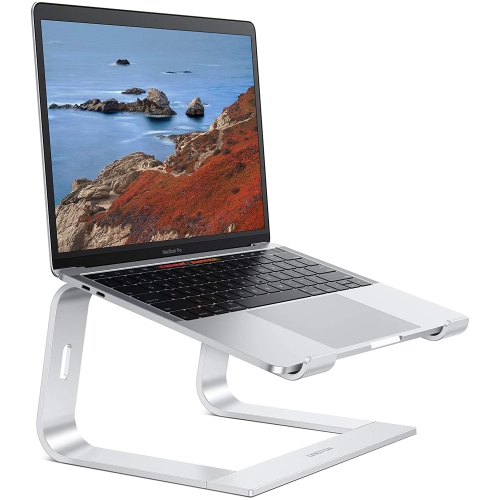
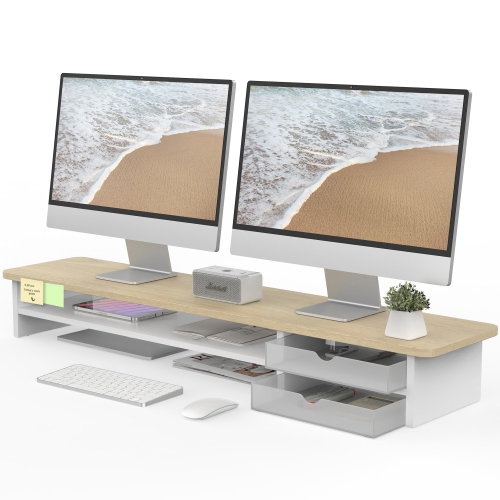
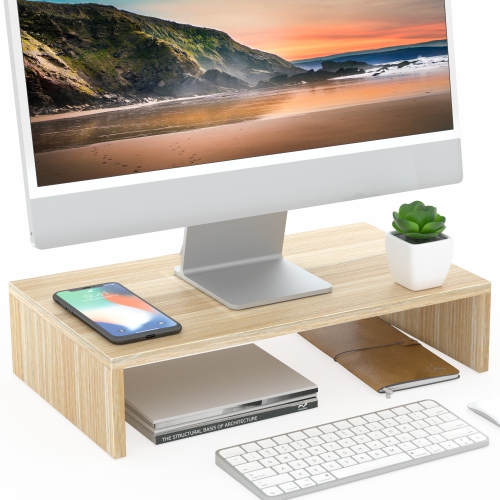
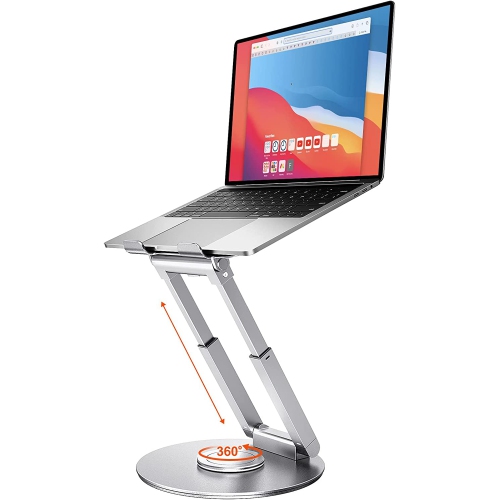
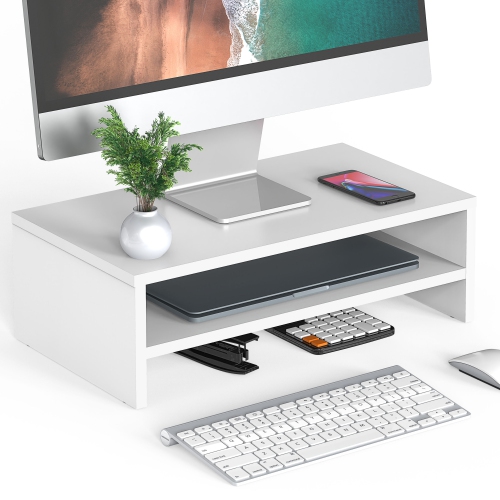
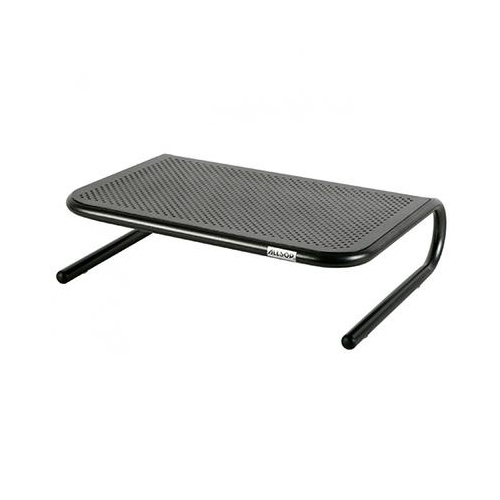
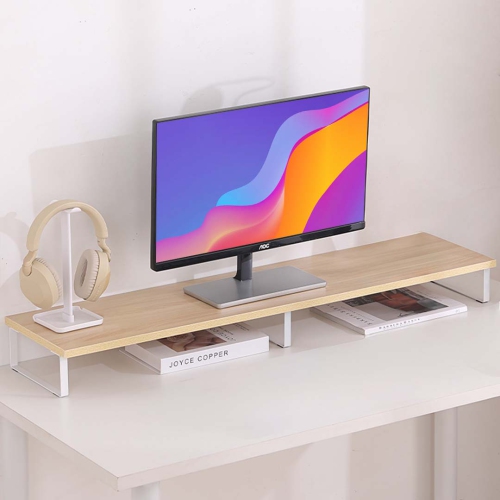
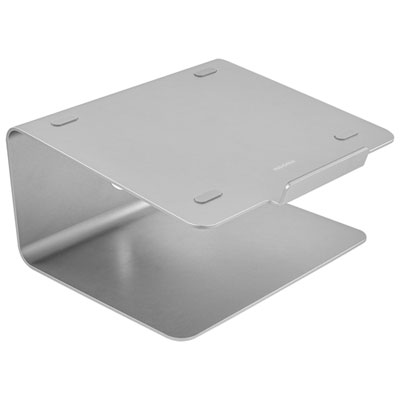
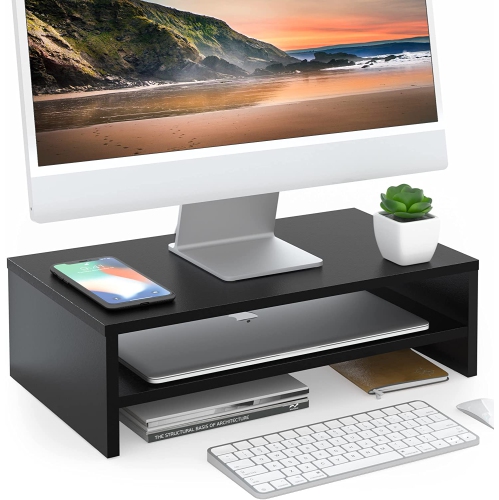
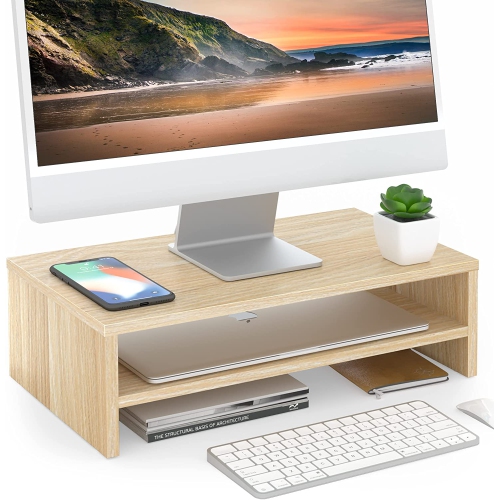
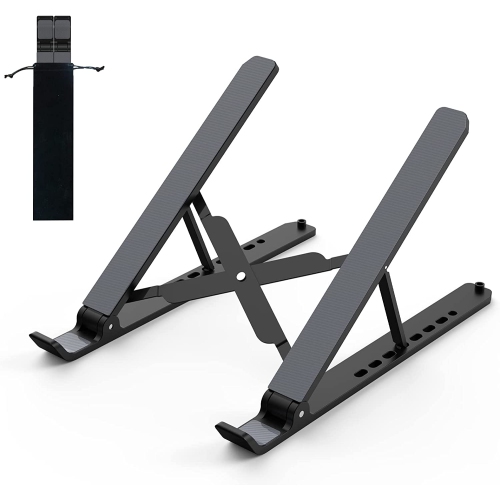
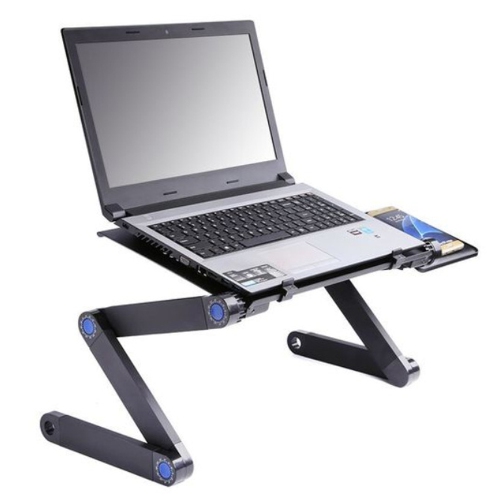
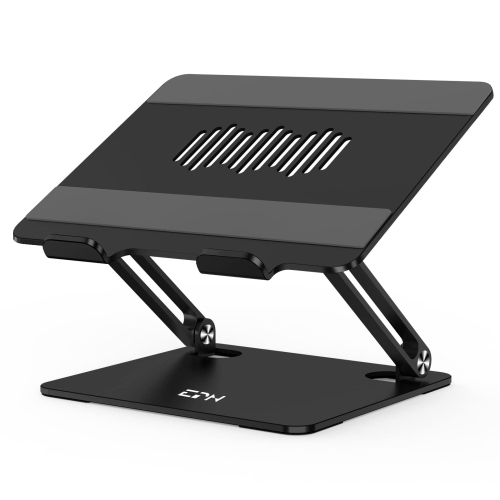
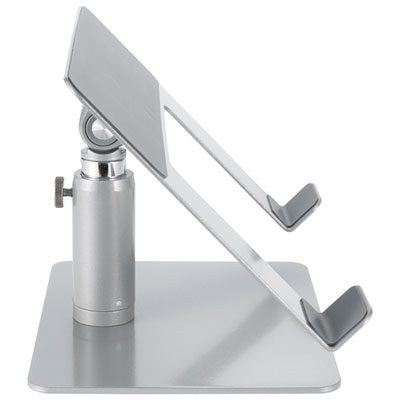
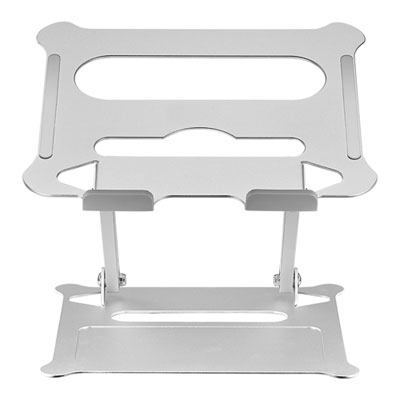
Desktop laptop stands are a practical way to create a more comfortable, organised workspace without replacing your computer or desk. By raising a laptop screen closer to eye level, a stand can help reduce the tendency to bend your neck and shoulders forward during long stretches of work, study, browsing, video calls, or creative projects. For many people, the most comfortable setup places the top third of the screen roughly at eye level when sitting upright, with the display at a suitable viewing distance and the keyboard positioned so wrists can remain relaxed. A fixed-height stand can provide a dependable everyday arrangement, while an adjustable model allows the screen to move higher or lower as you change between a seated desk, a counter, or a standing workstation. The angle of the platform also matters, particularly when a laptop is used for reading, streaming, or presenting information. A gently tilted surface can improve visibility and make it easier to view the display without leaning in. Stands with open frames, ventilation gaps, or mesh platforms can also leave more space around the underside of a laptop, helping air circulate during demanding activities such as photo editing, video calls, gaming, or running several applications at once. When browsing desktop laptop stands, check the dimensions of the platform and the maximum supported weight against the size and build of your computer. A compact stand may suit a lightweight notebook, whereas a wider, sturdier design may be better for a larger laptop or a workstation that includes accessories. Protective pads or raised edges can help keep the computer in place while protecting the surface from unnecessary contact, and a broad base can add stability when you are typing directly on the laptop.
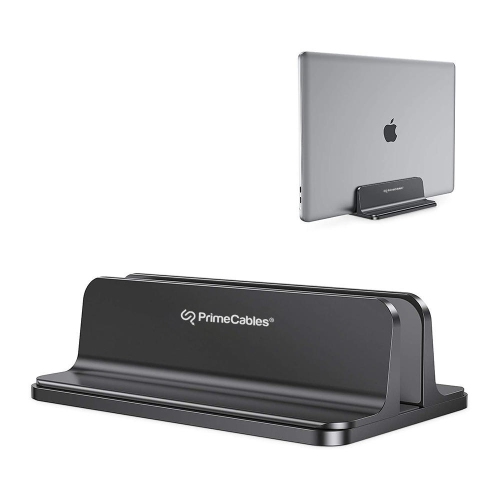
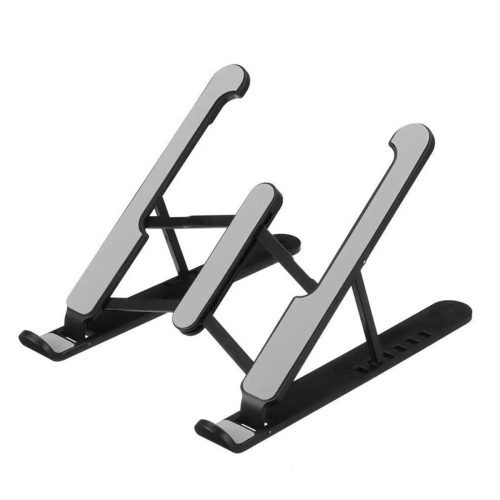
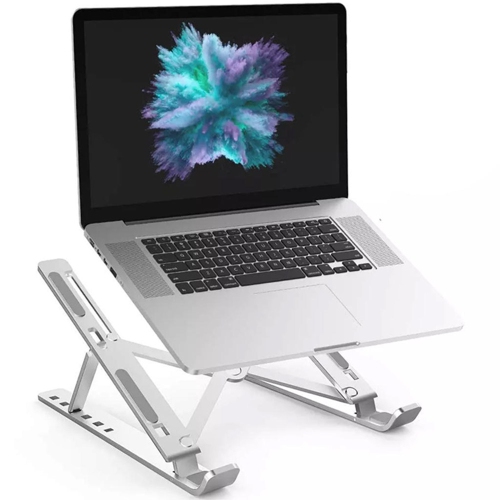
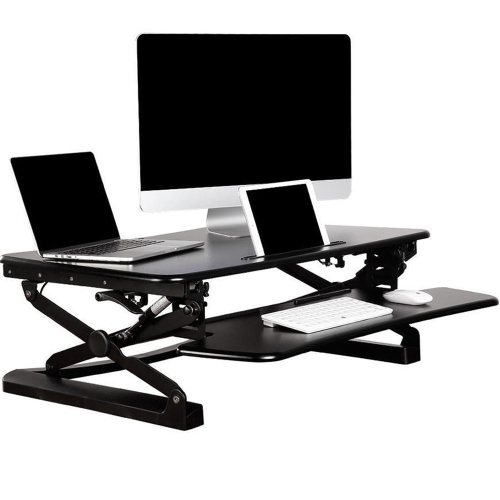
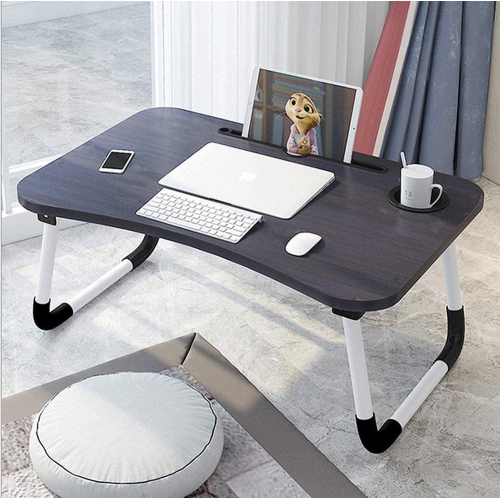
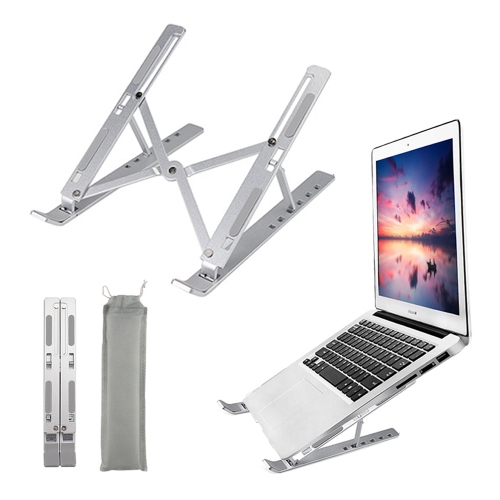
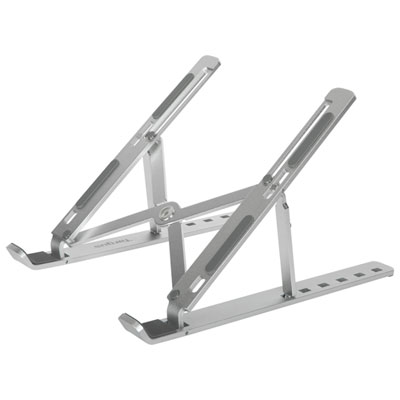
The best stand style depends on how your desk is used throughout the day. Fixed risers are often a strong choice for a permanent home office, study area, or shared family workstation because they provide a consistent viewing height and do not require frequent adjustment. Their solid construction can feel reassuring when the laptop remains in place for hours, especially when the stand is paired with an external keyboard and mouse. Adjustable stands offer more flexibility for people who alternate between sitting and standing, move between rooms, or share a work surface with another person. Look for secure hinges, firm locking points, and a base that remains steady at the chosen height; a stand that adjusts impressively high is less useful if it wobbles when touched. Foldable designs are convenient for commuters, students, and anyone who works in more than one location, although portability usually involves a balance between low weight and maximum rigidity. If the stand will travel in a backpack or laptop bag, consider its folded dimensions, material, and whether it can be set up without tools. A vertical laptop stand can free up valuable desk space when a notebook is being used with a separate monitor, keyboard, and mouse, keeping the computer upright rather than flat on the work surface. Dual-purpose designs may also provide an angled platform for everyday use, making them useful in compact apartments, dorm rooms, reception areas, and home offices where every centimetre of room counts. Cable access is another small detail with a noticeable effect: an opening at the rear or below the platform can make it easier to connect a charger, display cable, dock, headphones, or other peripherals without forcing cords into sharp bends. For additional options that prioritise easy transport and quick setup, browse Portable Laptop Stands.
A desktop laptop stand can also make a thoughtful and useful gift for a student preparing a study space, a remote worker refining a home office, or a family member who spends time on video calls and online courses. It is especially helpful for someone who has gradually built a workstation around a laptop but still uses the computer flat on the desk, where the screen can encourage a hunched posture and take up more room than necessary. For a gift, an adjustable model is generally versatile because it can accommodate different chairs, desks, and laptops, while a stable fixed riser can suit someone who has a dedicated setup and values a clean, uncomplicated arrangement. People who enjoy cooking from a laptop or following instructions at a kitchen island may appreciate a stand that keeps the display elevated and visible, though the computer should always be kept away from spills, heat, steam, and unstable edges. In a creative workspace, raising the screen can leave more room for notebooks, drawing materials, audio equipment, or a tablet. During the warmer part of the year, a stand can help maintain airflow around a laptop on a busy desk, while during the cooler months it can make a home office feel more deliberately arranged as work, study, and entertainment move indoors. Before choosing, measure the available desk area, note the laptop’s width and weight, and decide whether the computer will be typed on directly or used with a separate keyboard. Also consider the screen height, the stand’s footprint, the range of adjustment, the material, and the way it stores when not in use. A well-matched stand should support the computer securely, improve the viewing position, leave room for essential accessories, and fit naturally into the daily rhythm of the person using it.
The best stand style depends on how your desk is used throughout the day. Fixed risers are often a strong choice for a permanent home office, study area, or shared family workstation because they provide a consistent viewing height and do not require frequent adjustment. Their solid construction can feel reassuring when the laptop remains in place for hours, especially when the stand is paired with an external keyboard and mouse. Adjustable stands offer more flexibility for people who alternate between sitting and standing, move between rooms, or share a work surface with another person. Look for secure hinges, firm locking points, and a base that remains steady at the chosen height; a stand that adjusts impressively high is less useful if it wobbles when touched. Foldable designs are convenient for commuters, students, and anyone who works in more than one location, although portability usually involves a balance between low weight and maximum rigidity. If the stand will travel in a backpack or laptop bag, consider its folded dimensions, material, and whether it can be set up without tools. A vertical laptop stand can free up valuable desk space when a notebook is being used with a separate monitor, keyboard, and mouse, keeping the computer upright rather than flat on the work surface. Dual-purpose designs may also provide an angled platform for everyday use, making them useful in compact apartments, dorm rooms, reception areas, and home offices where every centimetre of room counts. Cable access is another small detail with a noticeable effect: an opening at the rear or below the platform can make it easier to connect a charger, display cable, dock, headphones, or other peripherals without forcing cords into sharp bends. For additional options that prioritise easy transport and quick setup, browse Portable Laptop Stands.
A desktop laptop stand can also make a thoughtful and useful gift for a student preparing a study space, a remote worker refining a home office, or a family member who spends time on video calls and online courses. It is especially helpful for someone who has gradually built a workstation around a laptop but still uses the computer flat on the desk, where the screen can encourage a hunched posture and take up more room than necessary. For a gift, an adjustable model is generally versatile because it can accommodate different chairs, desks, and laptops, while a stable fixed riser can suit someone who has a dedicated setup and values a clean, uncomplicated arrangement. People who enjoy cooking from a laptop or following instructions at a kitchen island may appreciate a stand that keeps the display elevated and visible, though the computer should always be kept away from spills, heat, steam, and unstable edges. In a creative workspace, raising the screen can leave more room for notebooks, drawing materials, audio equipment, or a tablet. During the warmer part of the year, a stand can help maintain airflow around a laptop on a busy desk, while during the cooler months it can make a home office feel more deliberately arranged as work, study, and entertainment move indoors. Before choosing, measure the available desk area, note the laptop’s width and weight, and decide whether the computer will be typed on directly or used with a separate keyboard. Also consider the screen height, the stand’s footprint, the range of adjustment, the material, and the way it stores when not in use. A well-matched stand should support the computer securely, improve the viewing position, leave room for essential accessories, and fit naturally into the daily rhythm of the person using it.
Top selling and popular products
-
 Your price for this item is $149.99
 -
 Your price for this item is $69.99
 -
 Your price for this item is $35
 -
 Your price for this item is $59.99
 -
 Your price for this item is $179.99
 -
 Your price for this item is $209.99
 -
 Your price for this item is $89.99
 -
 Your price for this item is $154.99
Discover more categories related to Desktop Laptop Stands
Top Collections:
Pokemon Centers, Kindle Devices, Best Budget Office Chairs, Apple iPhones 16, Best Laptops for Writers, iPhone 15 Apple, Canon G7X Cameras, Refurbished Apple Laptops, Alarm Clock, Motorola Razr Phones
Some products may be subject to Environmental Handling Fees
(EHF) depending on your province.
Learn more about EHFs.