Docking Stations for Chromebooks
Docking Stations for Chromebooks make it easy to expand your workspace and boost productivity. Whether you're working from home, at the office, or on the go, these docking stations offer seamless connectivity solutions for your Chromebook setup. Browse a wide selection designed to help you connect monitors, keyboards, and other essential devices with ease. Find the right Docking Stations for Chromebooks to create a more efficient and organized workstation.
Sort
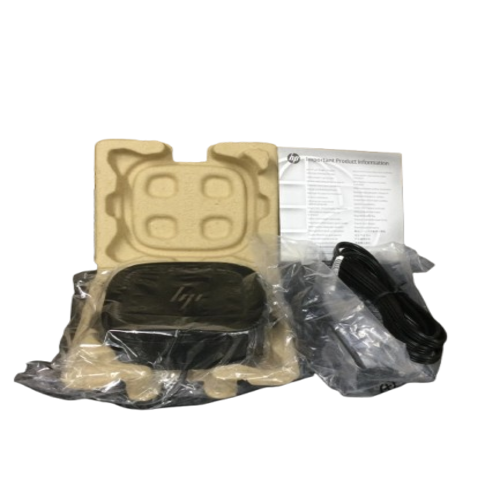
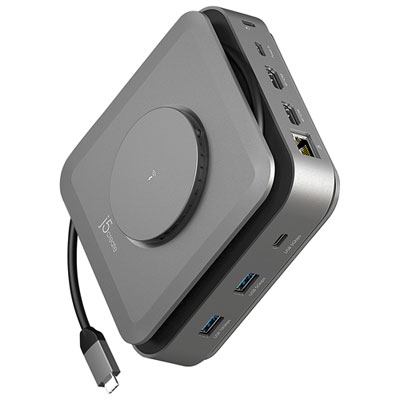
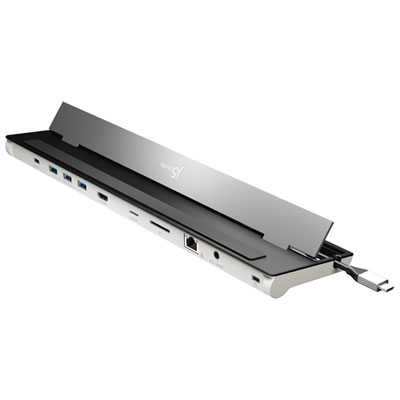
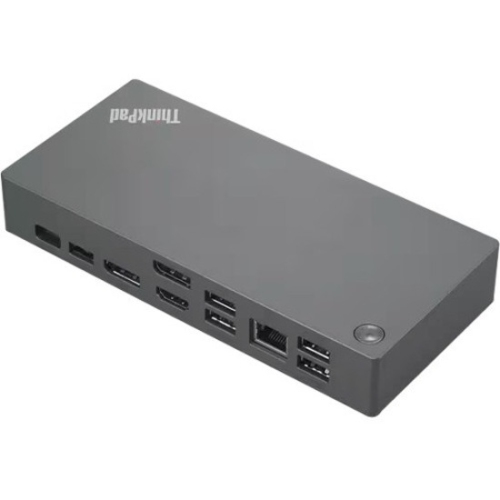
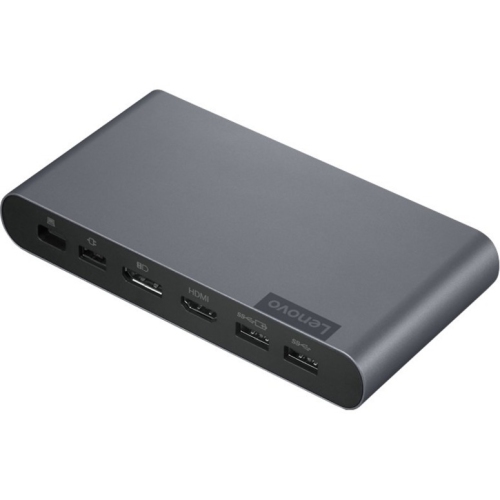
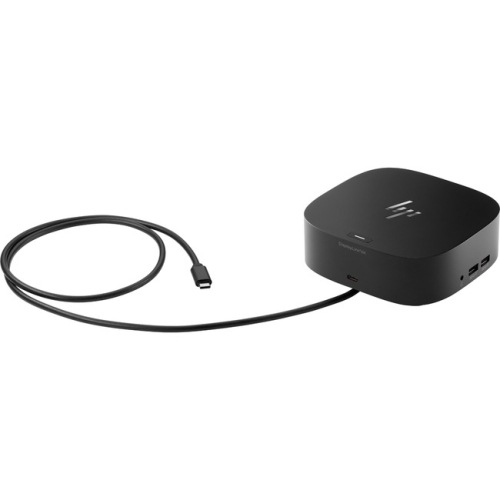
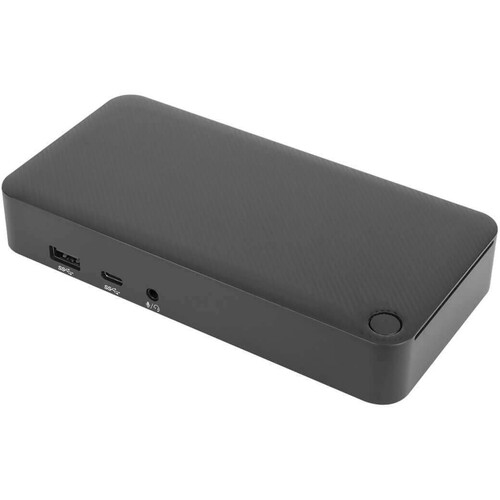
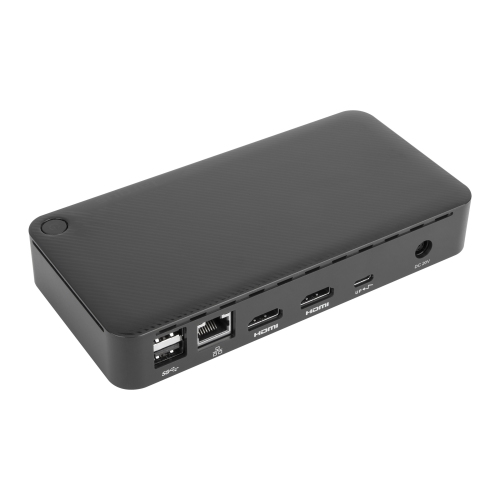
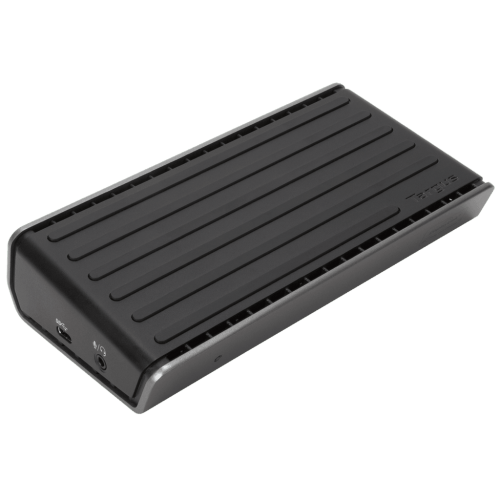
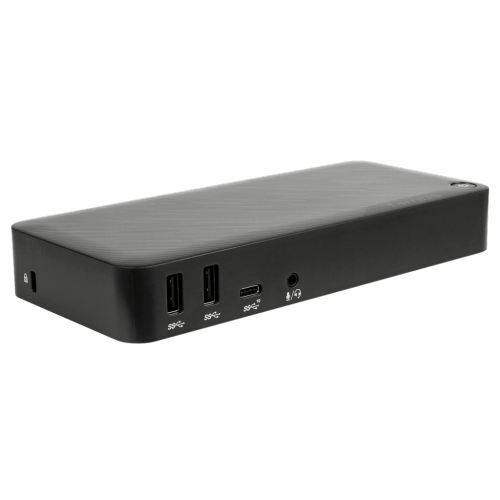
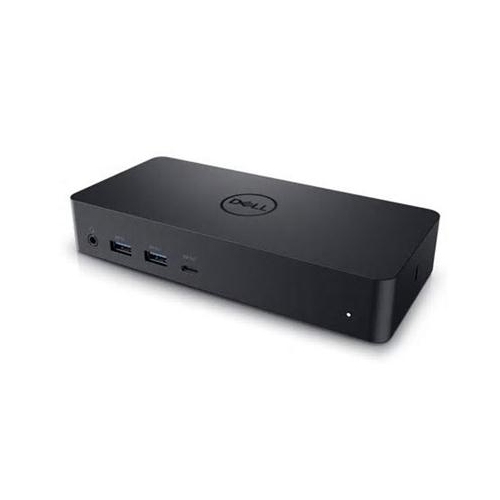
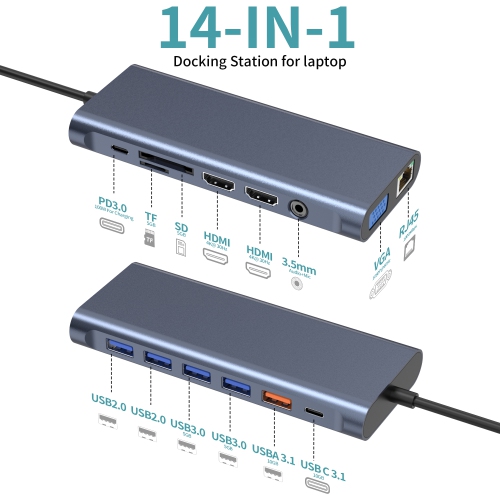
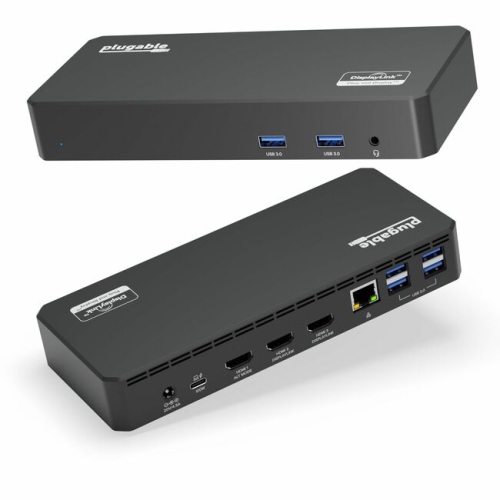
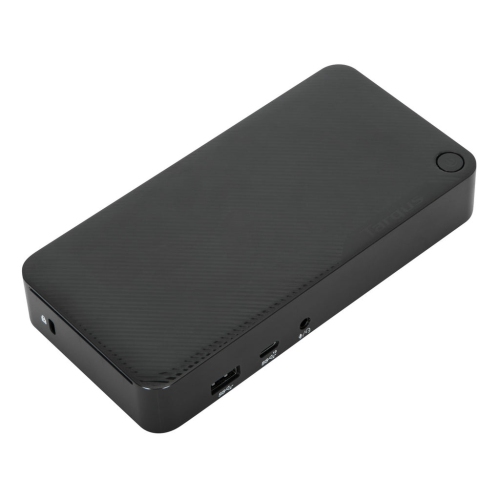
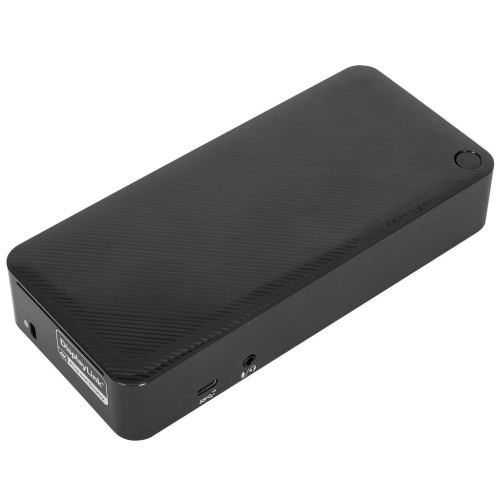
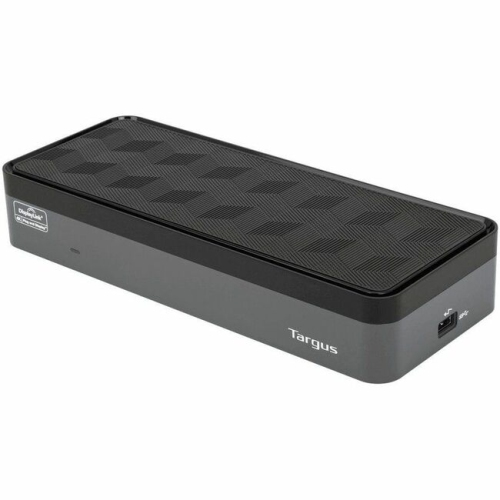
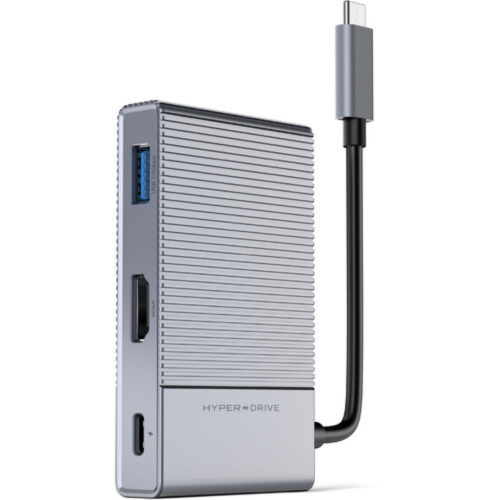
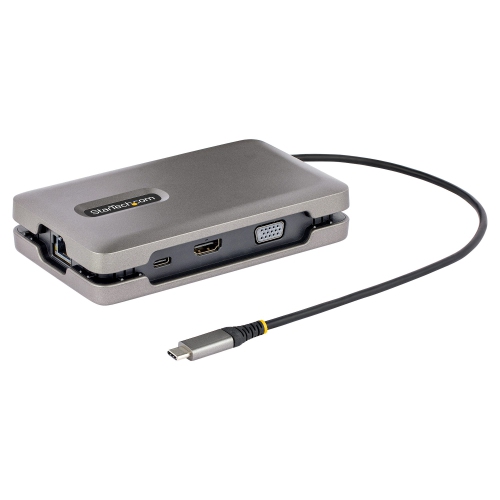
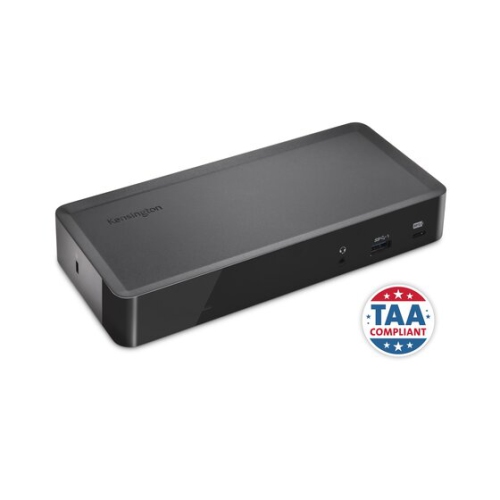
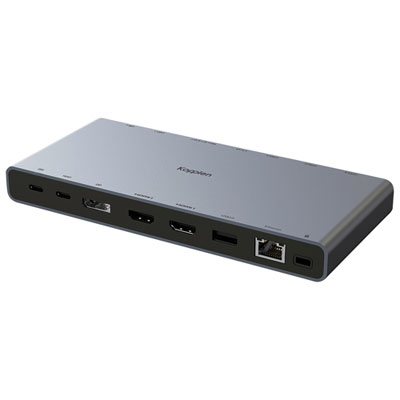
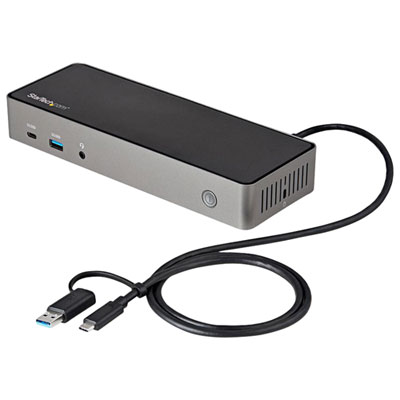
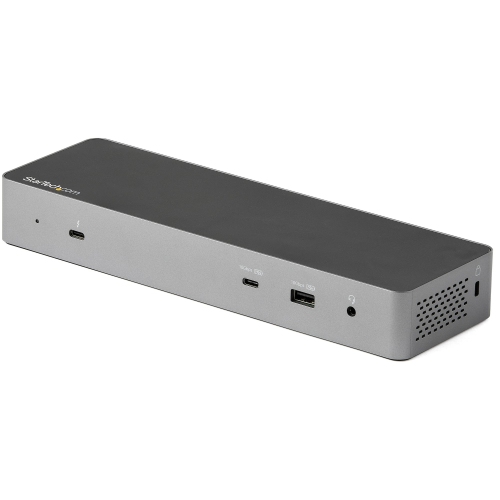
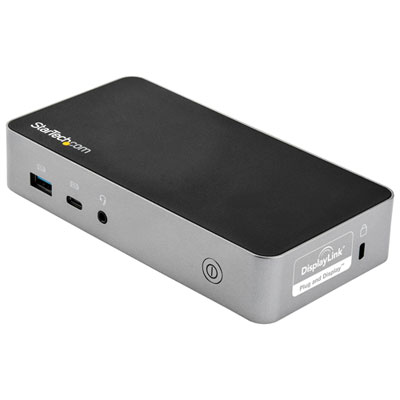

Docking Stations for Chromebooks
Docking stations for Chromebooks have become an essential accessory for anyone looking to maximize productivity and streamline their workspace, whether at home, in the office, or on campus. With the increasing reliance on Chromebooks for remote work, virtual learning, and everyday multitasking, a docking station can transform a simple laptop into a full-fledged workstation. These versatile devices allow users to connect multiple monitors, external keyboards, mice, and other peripherals through a single USB-C connection, reducing cable clutter and creating a more organized desk environment. For professionals who need to toggle between spreadsheets, video calls, and presentations, the ability to support dual or even triple 4K monitors is a game changer, making it easier to manage multiple tasks simultaneously. Students can benefit from the expanded connectivity for group projects, research, and content creation, while educators can set up efficient teaching stations with quick access to all their digital resources. Even during the winter months, when working from cozy indoor spaces is the norm, a docking station ensures that your Chromebook remains charged, connected, and ready for whatever the day brings.
When choosing a docking station for a Chromebook, there are several important considerations to keep in mind to ensure seamless compatibility and optimal performance. Look for docking stations that carry the “Works With Chromebook” (WWCB) certification, as these models are specifically tested for ChromeOS compatibility, offering driverless installation and automatic firmware updates for worry-free use. Power delivery is another key feature—select a dock that provides at least 60W of charging power to keep your Chromebook powered up even during intensive tasks. The selection of ports is equally crucial; a mix of USB-A and USB-C ports allows you to connect a wide range of devices, from external hard drives to webcams and printers. If you’re setting up a multi-monitor workstation, check the video output capabilities—some docks support single, dual, or triple 4K displays via HDMI or DisplayPort, but it’s important to ensure your Chromebook’s hardware can handle the desired resolution. Cable length can also impact the flexibility of your setup, so consider whether the included USB-C cable meets your needs or if a longer, high-quality cable would be beneficial. These thoughtful details make docking stations a practical gift for students heading off to university, professionals upgrading their home office, or anyone who appreciates a tech upgrade that simplifies their digital life.
Docking stations for Chromebooks are not just for tech enthusiasts—they’re an ideal solution for anyone who values efficiency and adaptability in their daily routine. Whether you’re preparing for a busy season of virtual meetings, collaborative projects, or creative endeavours, the right docking station can make all the difference. They also make a thoughtful gift for anyone upgrading their workspace, from teachers setting up digital classrooms to family members looking to enhance their home computing experience. If you’re interested in exploring docking solutions for other devices, take a look at our selection of Docking Stations For HP Laptops for even more ways to expand your tech setup. With the right docking station, your Chromebook becomes the centrepiece of a powerful, connected workspace, ready to support your productivity through every season.
When choosing a docking station for a Chromebook, there are several important considerations to keep in mind to ensure seamless compatibility and optimal performance. Look for docking stations that carry the “Works With Chromebook” (WWCB) certification, as these models are specifically tested for ChromeOS compatibility, offering driverless installation and automatic firmware updates for worry-free use. Power delivery is another key feature—select a dock that provides at least 60W of charging power to keep your Chromebook powered up even during intensive tasks. The selection of ports is equally crucial; a mix of USB-A and USB-C ports allows you to connect a wide range of devices, from external hard drives to webcams and printers. If you’re setting up a multi-monitor workstation, check the video output capabilities—some docks support single, dual, or triple 4K displays via HDMI or DisplayPort, but it’s important to ensure your Chromebook’s hardware can handle the desired resolution. Cable length can also impact the flexibility of your setup, so consider whether the included USB-C cable meets your needs or if a longer, high-quality cable would be beneficial. These thoughtful details make docking stations a practical gift for students heading off to university, professionals upgrading their home office, or anyone who appreciates a tech upgrade that simplifies their digital life.
Docking stations for Chromebooks are not just for tech enthusiasts—they’re an ideal solution for anyone who values efficiency and adaptability in their daily routine. Whether you’re preparing for a busy season of virtual meetings, collaborative projects, or creative endeavours, the right docking station can make all the difference. They also make a thoughtful gift for anyone upgrading their workspace, from teachers setting up digital classrooms to family members looking to enhance their home computing experience. If you’re interested in exploring docking solutions for other devices, take a look at our selection of Docking Stations For HP Laptops for even more ways to expand your tech setup. With the right docking station, your Chromebook becomes the centrepiece of a powerful, connected workspace, ready to support your productivity through every season.
Top selling and popular products
-
 Your price for this item is $149.99
 -
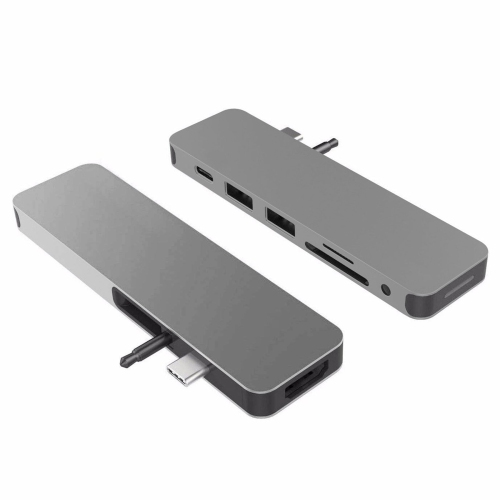 Your price for this item is $44.99
 -
 Your price for this item is $49.99
 -
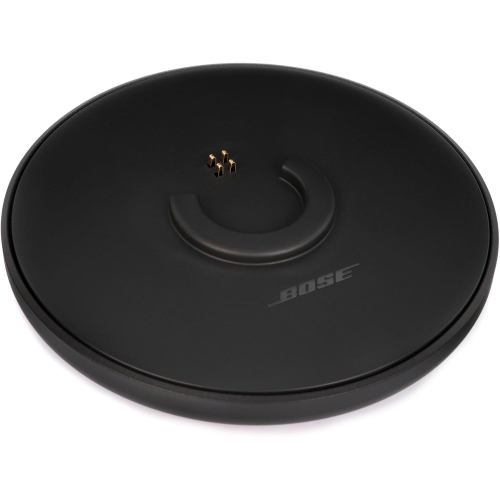 Your price for this item is $44.99
 -
 Your price for this item is $59.99
 -
 Your price for this item is $179.99
 -
 Your price for this item is $209.99
 -
 Your price for this item is $89.99
Discover more categories related to Docking Stations for Chromebooks

Top Collections:
Best Cell Phones Under $500, Kindle Devices, Apple iPhones 16, Dyson Airwrap, Canon G7X Cameras, iPhone 15 Apple, Wireless Earbuds Under $200, Fire Stick TVs, iPhone 14 256GB, Dyson Hair Dryer Gifts
Some products may be subject to Environmental Handling Fees
(EHF) depending on your province.
Learn more about EHFs.