Docking Stations for Ultrabooks
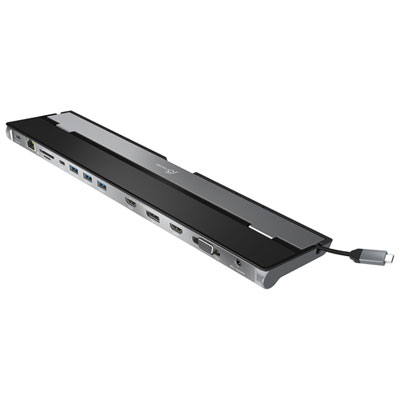
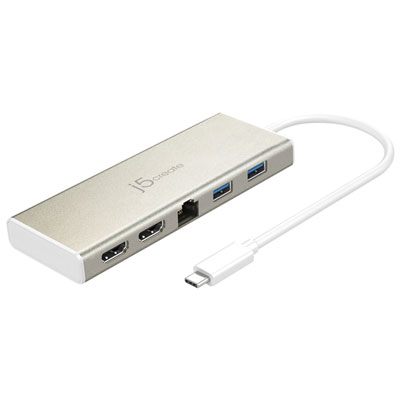
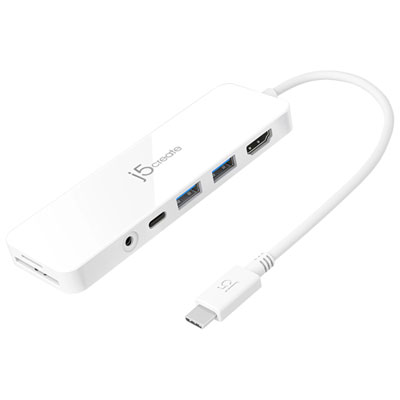
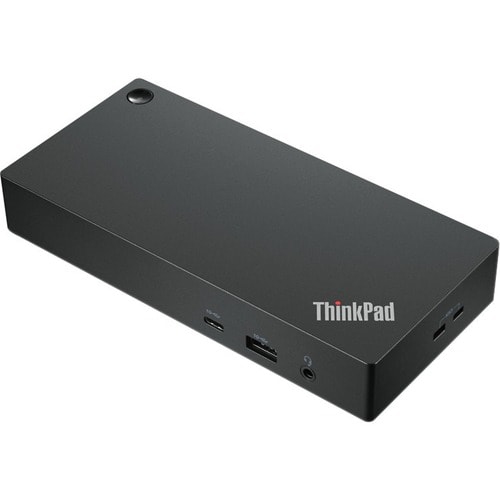
Docking Stations for Ultrabooks offer a convenient way to expand your laptop’s capabilities and streamline your workspace. Whether you’re looking to connect multiple monitors, transfer data, or enhance your charging options, these docking solutions are designed to help you stay productive and organized. Explore a wide selection of Docking Stations for Ultrabooks to find the perfect fit for your setup and enjoy seamless connectivity at home or in the office.
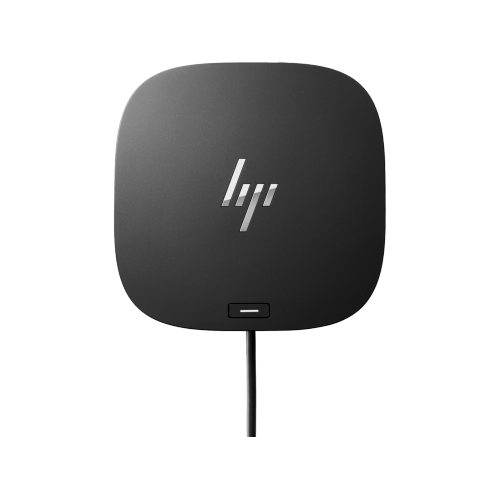
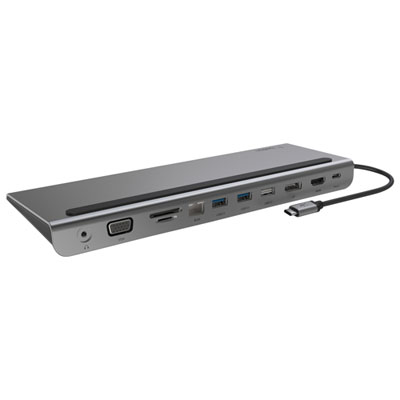


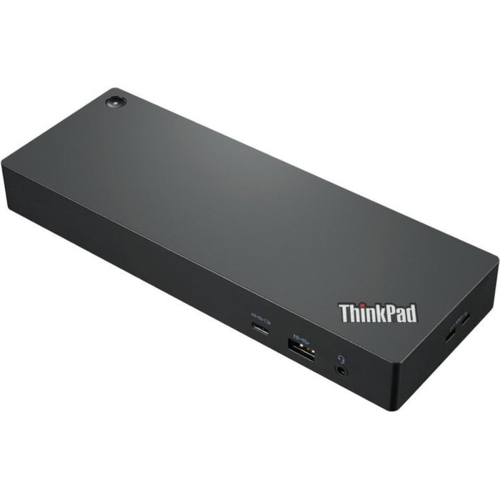

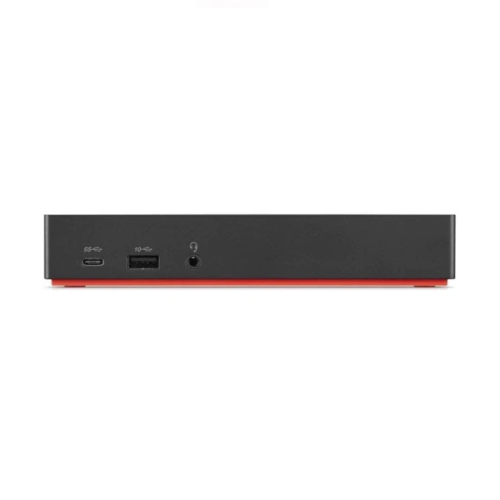
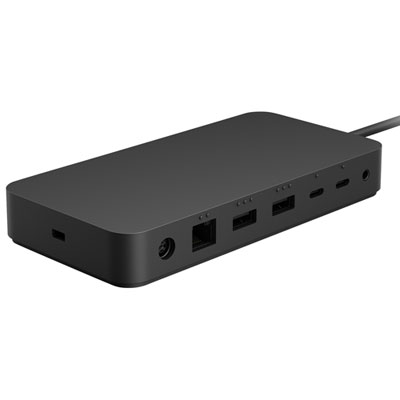
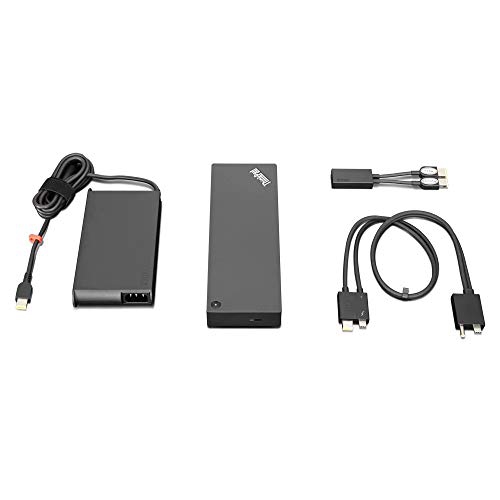
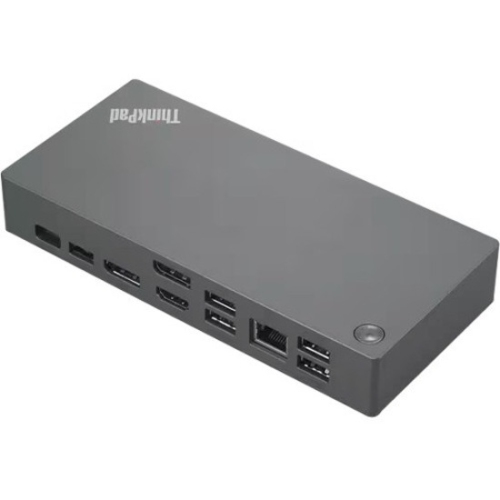
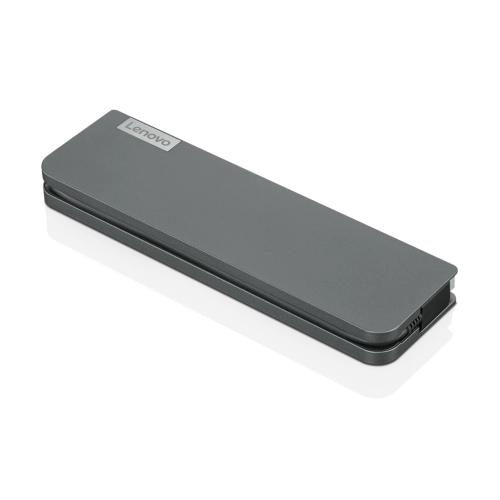
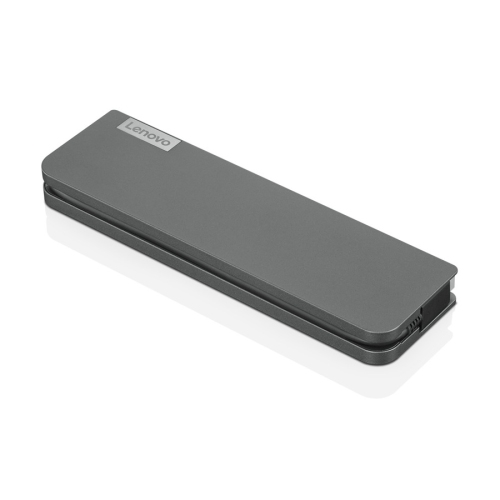

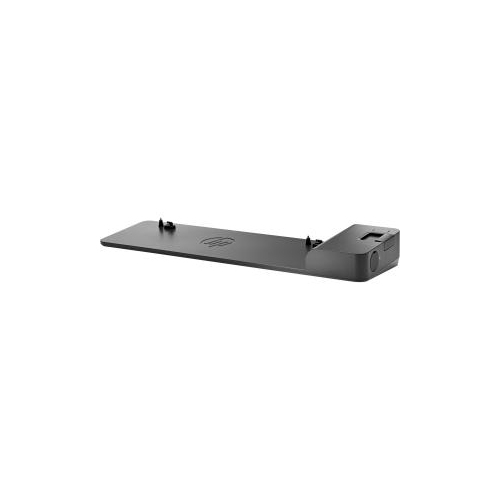
Docking Stations for Ultrabooks
When choosing a docking station for your ultrabook, there are a few key considerations to keep in mind. First, think about the ports you need. Many ultrabooks rely on Thunderbolt 4 or USB-C connections, so it’s important to select a dock that matches your laptop’s compatibility and offers enough ports for your devices. If you work with high-resolution monitors or need to run dual displays, look for a docking station that supports 4K output at 60Hz or higher. Power delivery is another crucial feature—some docks can charge your ultrabook while you work, eliminating the need for extra cables and adapters. This is especially helpful for those who want a clean, efficient workspace or for anyone who’s always on the move. For busy professionals, a robust docking station can support everything from video calls and file transfers to editing large media files, all while keeping your device powered and connected. Students and remote workers often appreciate the flexibility to switch between home and campus or office environments without the hassle of plugging and unplugging multiple devices. Docking stations also make thoughtful gifts for recent graduates, new hires, or anyone setting up a home office for the first time, as they provide instant productivity and organization benefits.
As technology continues to evolve, docking stations have kept pace, offering advanced features like high-speed data transfer, integrated SD card readers, and support for a wide range of peripherals. Many models are compact enough to toss in a laptop bag, making them ideal for travel or hybrid work arrangements. If you’re looking to create a seamless, efficient workspace this spring, a well-chosen docking station can help you make the most of your ultrabook’s capabilities. And if you’re interested in options tailored to specific laptop brands, you can explore a dedicated selection of Docking Stations For HP Laptops to find the right fit for your setup. With the right docking station, you can enjoy the freedom of a lightweight ultrabook without sacrificing the connectivity and performance you need for your daily tasks.
Discover more categories related to Docking Stations for Ultrabooks
-
Dock Station For Computer
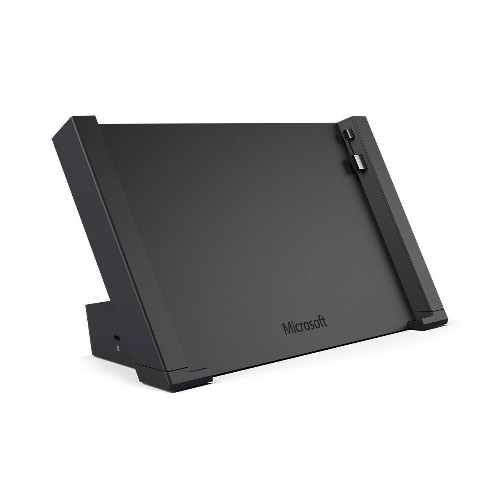
"Great pc. Love the versatility and size. Would recommend this computer to anyone"
-
Docking Station for 3 Monitors
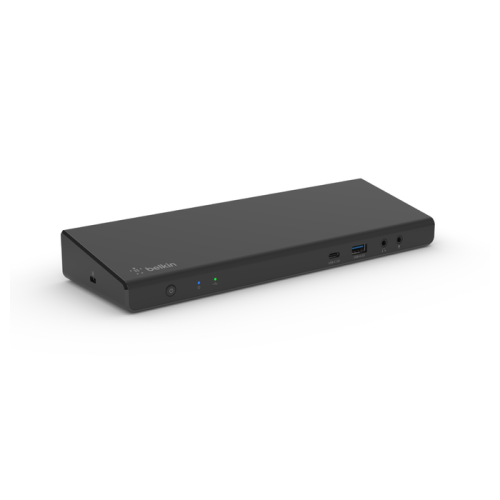
"It makes life so much easier with it now and it’s just great quality! I love it"
-
Best USB C Dock
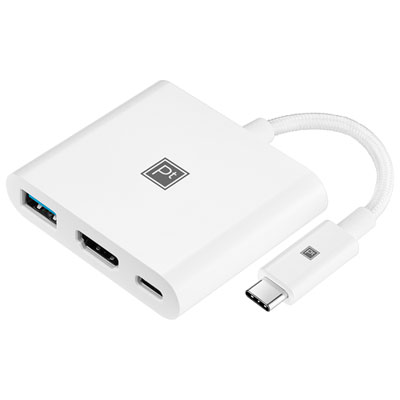
"I love being able to plug up to 3 devices, makes everything so much easy"
-
Best Docking Station For Multiple Monitors
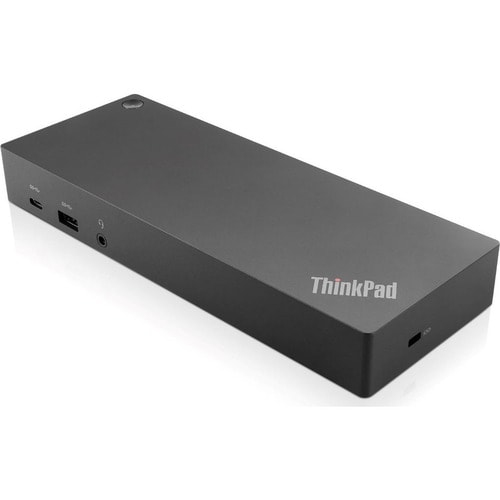
"I love this docking station. It’s great for working from home. Easy to connect"