Double Ear Headsets
Double Ear Headsets offer a comfortable and immersive audio experience, making them an ideal choice for work, gaming, or enjoying your favorite music. With both ears covered, these headsets provide clear sound and help you stay focused whether you're at home, in the office, or on the go. Explore a wide selection of Double Ear Headsets designed to suit various needs and preferences, ensuring you find the perfect fit for your lifestyle.
Sort






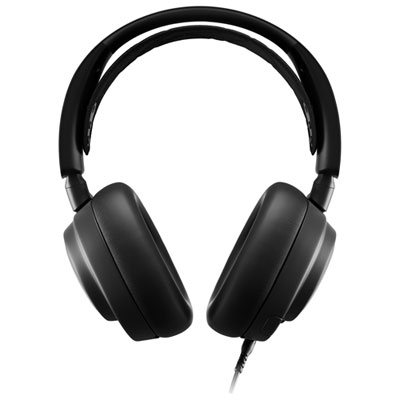

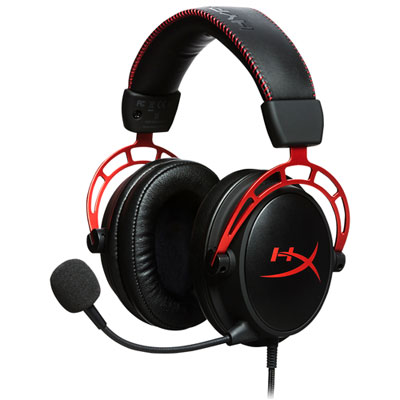


Why headset comfort matters as much as call clarity
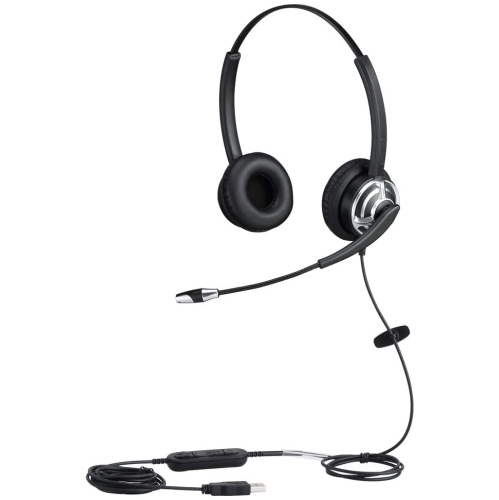
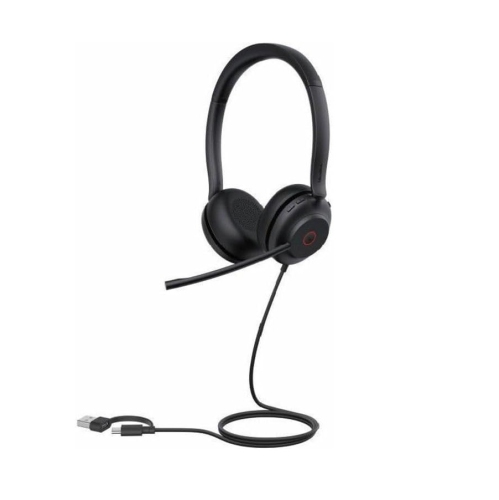
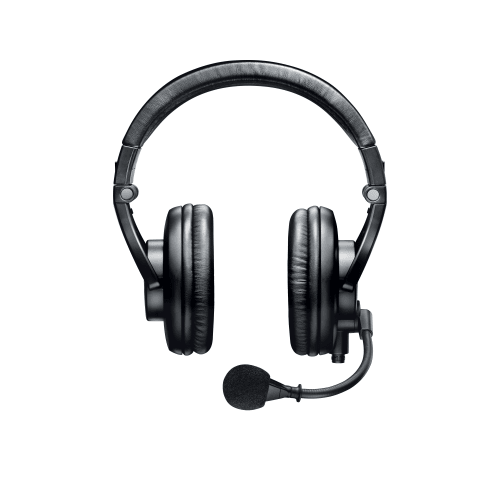
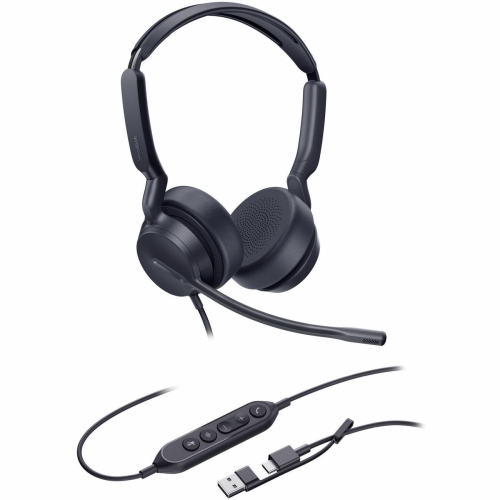
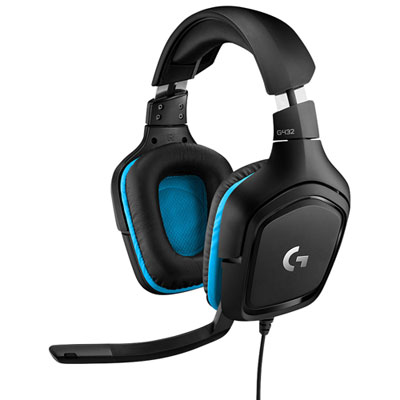
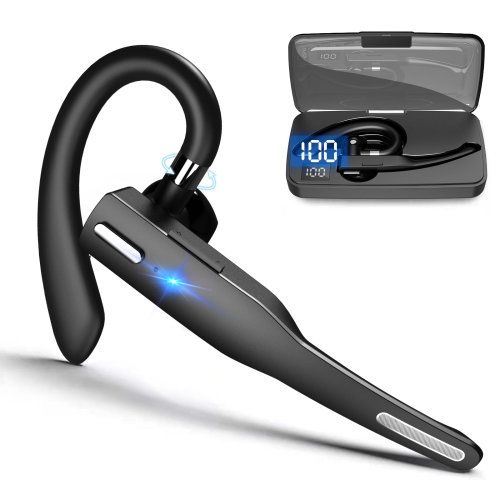
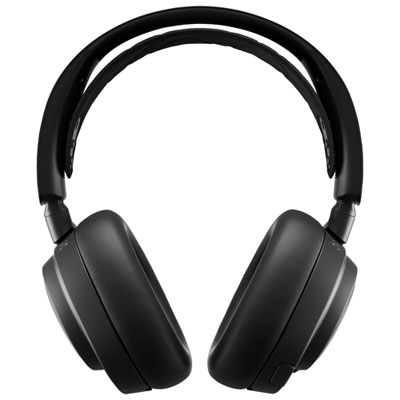
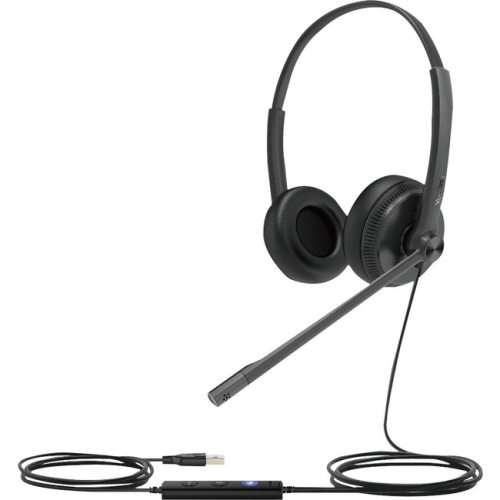
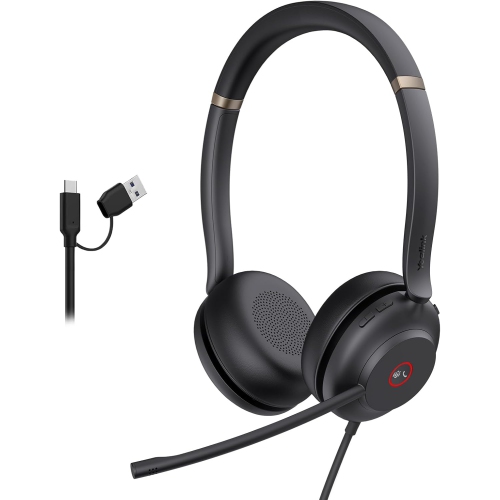
Double ear headsets combine an earpiece for each ear with a microphone for two-way communication. Also called dual-ear or duo headsets, they deliver call audio to both ears and can help listeners concentrate on a conversation, meeting, lesson, or game. Many support stereo playback for music and other media, although separate left and right channels depend on the headset and audio source. Covering both ears can make speech easier to follow when nearby conversations or household activity compete for attention, but the amount of sound blocked varies with the design and fit. Over-ear cushions surround the ears, while on-ear cushions rest against them; neither design automatically includes active noise cancellation. Passive isolation comes from the physical barrier of the ear cushions, whereas active noise cancellation uses microphones and processing to reduce certain background sounds heard by the wearer. Microphone noise reduction serves a different purpose: it helps reduce unwanted sound transmitted to the person at the other end of the call. That distinction matters in a shared office, where clearer outgoing speech may be just as useful as quieter listening. A boom microphone can sit close to the mouth for consistent voice pickup, and an adjustable or rotating boom makes it easier to position without brushing the cheek. Some headsets instead use built-in microphones for a less prominent appearance. For customer service representatives, remote workers, students, and people who spend time on video calls, clear speech and a comfortable fit often matter more than an extensive list of audio settings. For gaming or watching videos between calls, stereo separation and balanced playback can add versatility. A double ear headset can therefore serve several purposes at the same desk, provided its microphone, connection, and controls work with the devices and applications used throughout the day. Keeping listening volume moderate remains important even when outside noise makes turning it up tempting.
Comfort becomes especially noticeable when a short call turns into a full afternoon of meetings. Headband adjustment, cushion shape, overall weight, and clamping pressure all affect how a double ear headset feels over time. A padded headband spreads contact across the top of the head, while swivelling ear cups can help the cushions sit evenly rather than pressing harder along one edge. People who wear glasses may prefer softer cushions and a gentler grip around the temple arms, although comfort depends on the combination of frame shape and headset fit. On-ear designs are often compact, but their cushions place pressure directly on the ears. Over-ear designs provide space around the ears, though their larger cups may feel bulkier. Cushion openings should be roomy enough to avoid folding or pinching the ears. Materials also influence daily comfort and upkeep. Fabric coverings can feel soft and allow more airflow, while leatherette surfaces are generally easier to wipe clean; either material can show wear with regular use. Foam density affects how much the cushions compress, and replaceable ear pads can be useful when padding flattens or coverings begin to peel. Durability involves more than the headband material alone. Hinges, adjustment sliders, microphone joints, cable entry points, and charging ports all receive repeated handling. Reinforced cable connections and a boom that moves smoothly can be practical features for frequent use. For care, follow the manufacturer’s cleaning directions, disconnect cables before cleaning, and avoid soaking cushions or allowing liquid into microphone openings and ports. A soft, lightly dampened cloth may be suitable for exterior surfaces when permitted by those directions. Storing the headset on a stand or in a protective case keeps the cushions from being crushed beneath other belongings. Loosely coiling a cable rather than wrapping it tightly around the ear cups also reduces strain, especially when the headset travels between a desk, backpack, and meeting room.
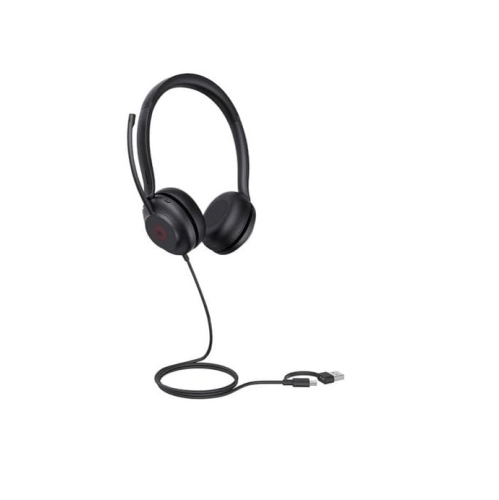
Connection type helps determine how easily a headset fits into an existing setup. Wired double ear headsets can provide straightforward audio without a battery to recharge, but the connector still needs to match the device. USB-A, USB-C, and 3.5 mm connections are not interchangeable, and some computers have separate headphone and microphone sockets rather than a combined headset socket. An adapter may be necessary, and it must support microphone input as well as headphone output when both functions are needed. Wireless headsets offer more freedom to stand, stretch, or move a short distance from the desk, subject to their supported range and nearby interference. Bluetooth connections can suit phones and compatible computers, while some wireless designs use a dedicated USB receiver. Multiple-device pairing and multipoint connectivity are different features: a headset may remember several devices without maintaining active connections to two at once. For someone moving between computer meetings and phone calls, that distinction can affect how much manual switching is involved. Battery life, charging time, and whether the headset can operate while charging also matter during longer workdays. Accessible volume controls and a clearly indicated microphone mute function help with everyday moments, such as silencing the microphone before speaking to someone nearby. Call-answer buttons and application controls may depend on software support, so compatibility includes more than simply hearing audio. Gaming use brings additional considerations, including console support, microphone connection requirements, and audio delay; a wireless connection suitable for conversation may not perform equally well for timing-sensitive play. Double ear designs are particularly useful when attention is directed towards the call or screen, while Single Ear Headphones offer an alternative for people who prefer to leave one ear uncovered. For a practical gift, the recipient’s usual device, preferred wearing style, and need for a microphone are more useful starting points than appearance alone. Whether the headset is used for online coursework, team conversations, accessibility software, or catching up with family, the strongest match combines intelligible speech, manageable controls, dependable connectivity, and comfort that lasts through the intended session.
Comfort becomes especially noticeable when a short call turns into a full afternoon of meetings. Headband adjustment, cushion shape, overall weight, and clamping pressure all affect how a double ear headset feels over time. A padded headband spreads contact across the top of the head, while swivelling ear cups can help the cushions sit evenly rather than pressing harder along one edge. People who wear glasses may prefer softer cushions and a gentler grip around the temple arms, although comfort depends on the combination of frame shape and headset fit. On-ear designs are often compact, but their cushions place pressure directly on the ears. Over-ear designs provide space around the ears, though their larger cups may feel bulkier. Cushion openings should be roomy enough to avoid folding or pinching the ears. Materials also influence daily comfort and upkeep. Fabric coverings can feel soft and allow more airflow, while leatherette surfaces are generally easier to wipe clean; either material can show wear with regular use. Foam density affects how much the cushions compress, and replaceable ear pads can be useful when padding flattens or coverings begin to peel. Durability involves more than the headband material alone. Hinges, adjustment sliders, microphone joints, cable entry points, and charging ports all receive repeated handling. Reinforced cable connections and a boom that moves smoothly can be practical features for frequent use. For care, follow the manufacturer’s cleaning directions, disconnect cables before cleaning, and avoid soaking cushions or allowing liquid into microphone openings and ports. A soft, lightly dampened cloth may be suitable for exterior surfaces when permitted by those directions. Storing the headset on a stand or in a protective case keeps the cushions from being crushed beneath other belongings. Loosely coiling a cable rather than wrapping it tightly around the ear cups also reduces strain, especially when the headset travels between a desk, backpack, and meeting room.
Connection type helps determine how easily a headset fits into an existing setup. Wired double ear headsets can provide straightforward audio without a battery to recharge, but the connector still needs to match the device. USB-A, USB-C, and 3.5 mm connections are not interchangeable, and some computers have separate headphone and microphone sockets rather than a combined headset socket. An adapter may be necessary, and it must support microphone input as well as headphone output when both functions are needed. Wireless headsets offer more freedom to stand, stretch, or move a short distance from the desk, subject to their supported range and nearby interference. Bluetooth connections can suit phones and compatible computers, while some wireless designs use a dedicated USB receiver. Multiple-device pairing and multipoint connectivity are different features: a headset may remember several devices without maintaining active connections to two at once. For someone moving between computer meetings and phone calls, that distinction can affect how much manual switching is involved. Battery life, charging time, and whether the headset can operate while charging also matter during longer workdays. Accessible volume controls and a clearly indicated microphone mute function help with everyday moments, such as silencing the microphone before speaking to someone nearby. Call-answer buttons and application controls may depend on software support, so compatibility includes more than simply hearing audio. Gaming use brings additional considerations, including console support, microphone connection requirements, and audio delay; a wireless connection suitable for conversation may not perform equally well for timing-sensitive play. Double ear designs are particularly useful when attention is directed towards the call or screen, while Single Ear Headphones offer an alternative for people who prefer to leave one ear uncovered. For a practical gift, the recipient’s usual device, preferred wearing style, and need for a microphone are more useful starting points than appearance alone. Whether the headset is used for online coursework, team conversations, accessibility software, or catching up with family, the strongest match combines intelligible speech, manageable controls, dependable connectivity, and comfort that lasts through the intended session.
Top selling and popular products
-
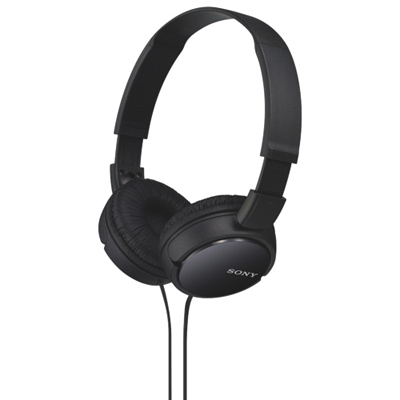 Your price for this item is $24.99
-
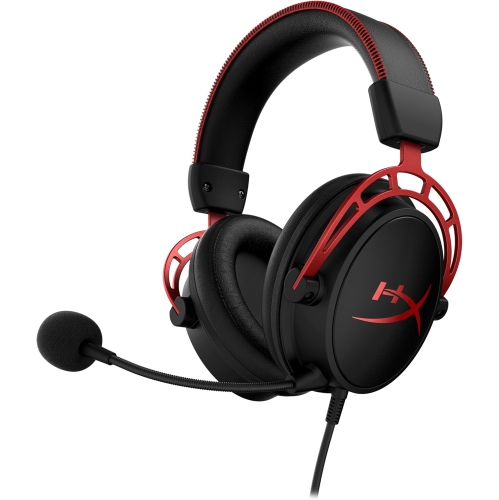 Your price for this item is $124.99
-
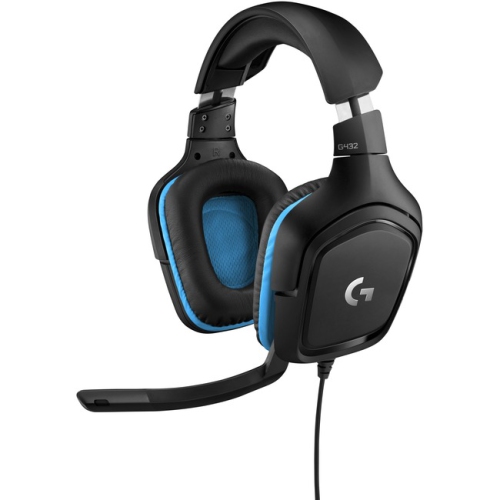 Your price for this item is $111.98
-
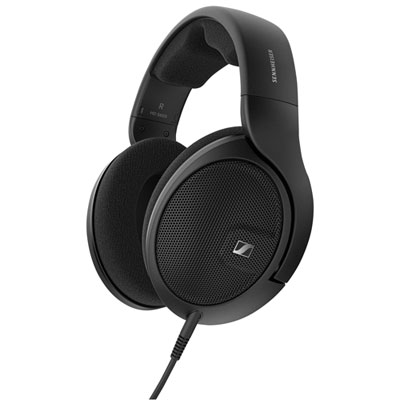 Your price for this item is $279.99
-
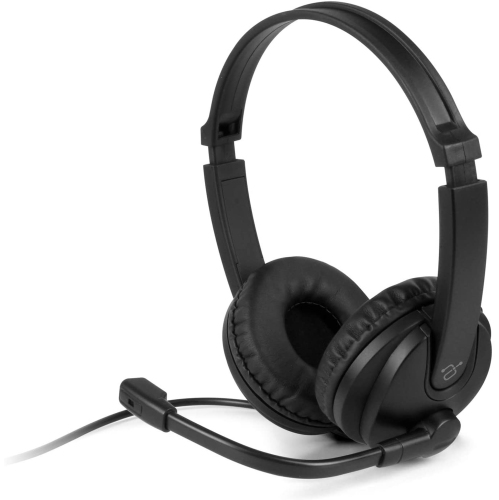 Your price for this item is $63.74
-
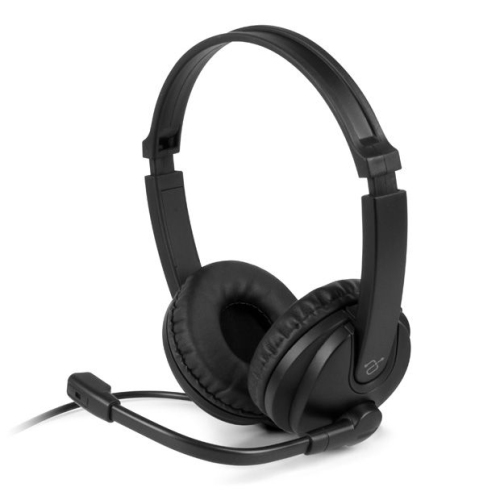 Your price for this item is $46.99
-
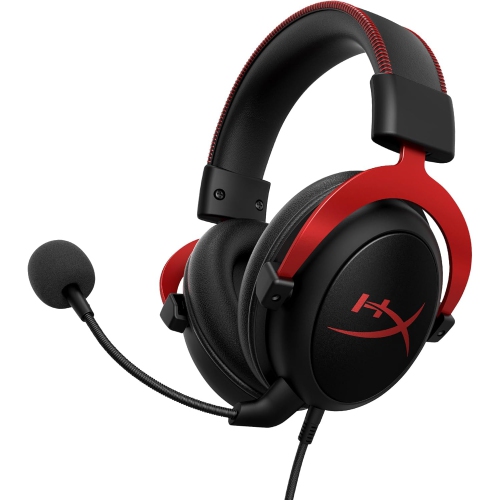 Your price for this item is $143.39
-
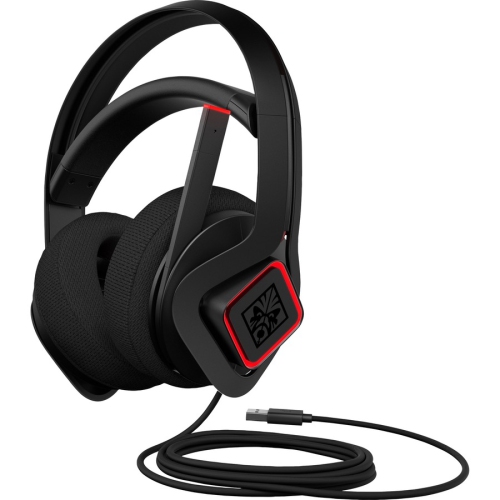 Your price for this item is $105.89
Discover more categories related to Double Ear Headsets


Top Collections:
Best Black Friday Deals This Year, Best Black Friday Deals On Electronics, Kindle Devices, Pokemon Centers, Best Black Friday Deals On Apple Products, Best Cameras for Sports Photography, Dyson Airwrap, Pokémon 30th Celebration Cards, Apple iPhone 17 Pro, Canon G7X Cameras
Some products may be subject to Environmental Handling Fees
(EHF) depending on your province.
Learn more about EHFs.