Drawing Tablets for Chromebook
Enhance your creative potential with our collection of drawing tablets designed specifically for Chromebook users. Whether you're an aspiring artist, a professional designer, or simply enjoy doodling during your free time, these tablets offer a seamless and intuitive digital drawing experience. With their compatibility and functionality optimized for Chromebook devices, you can bring your artistic visions to life with ease. Shop from our range of drawing tablets and unleash your imagination like never before.
Sort
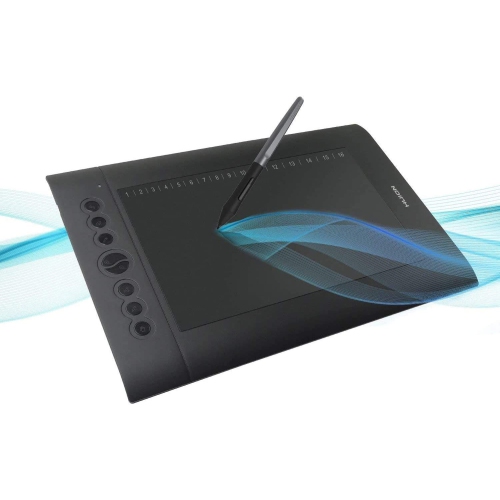
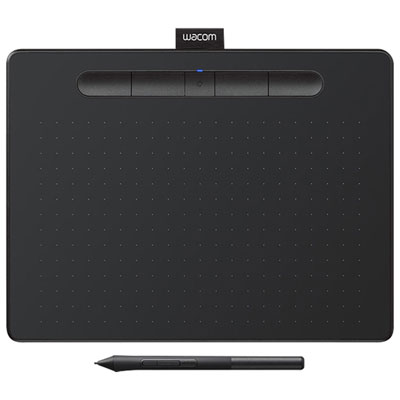
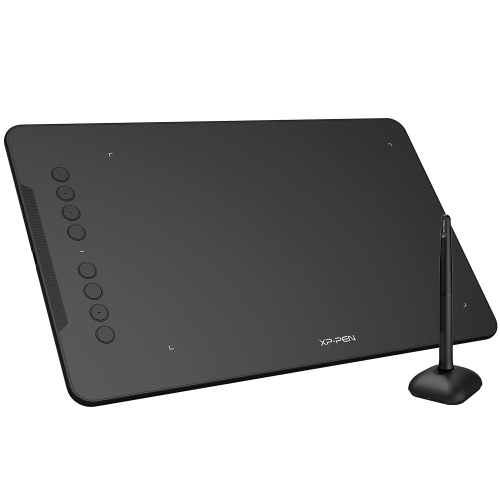
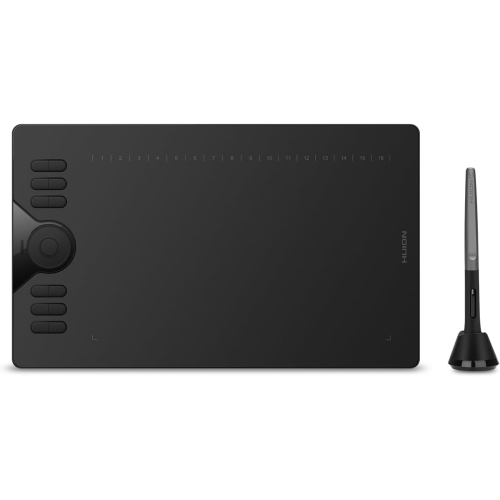
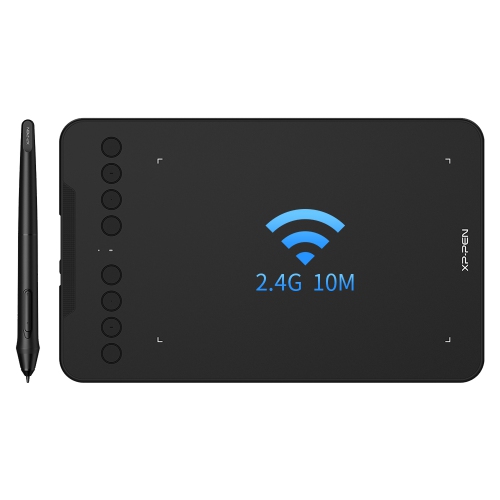
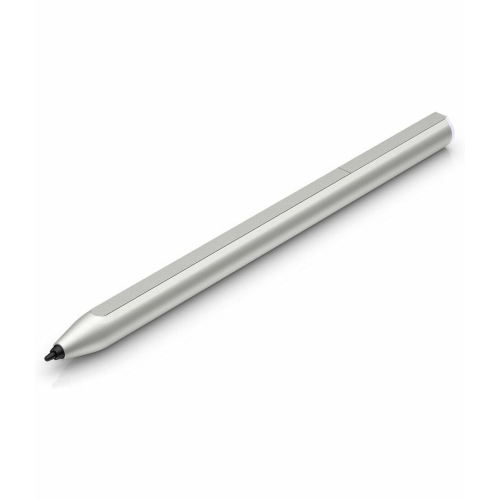
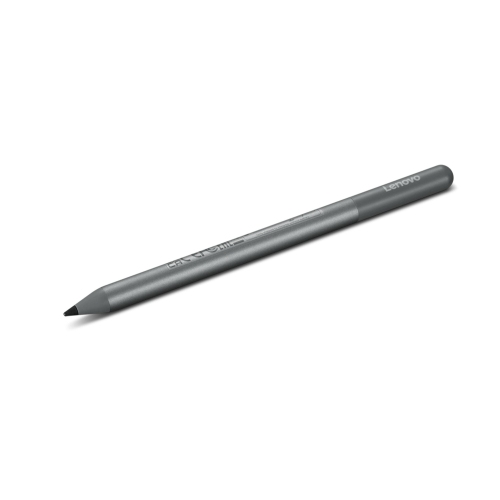
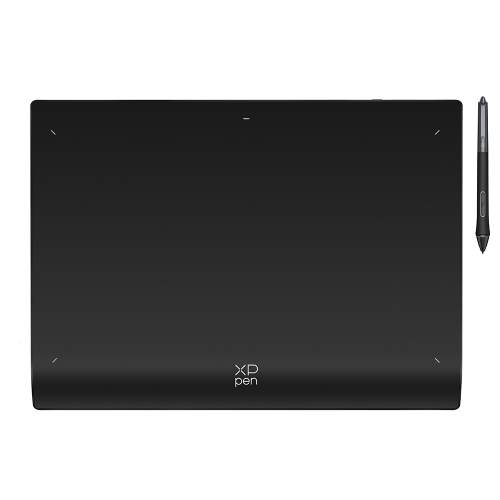
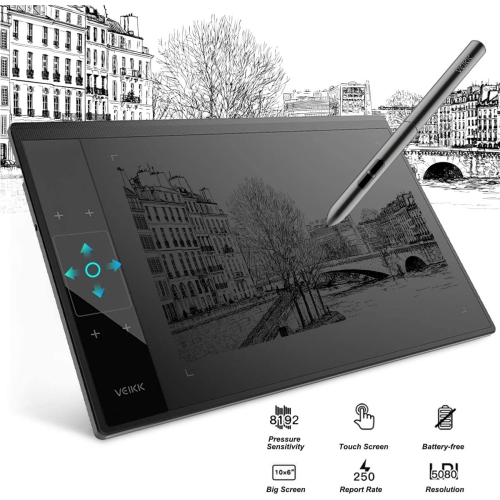

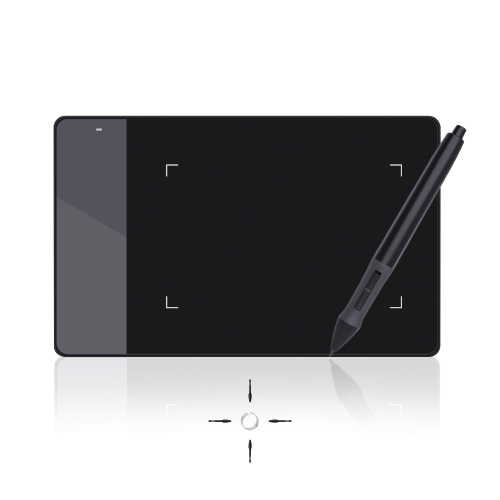
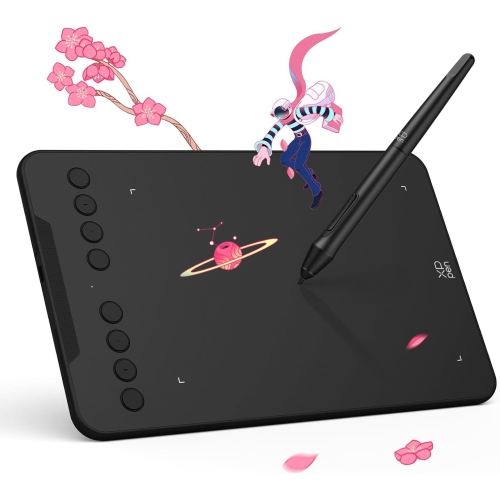
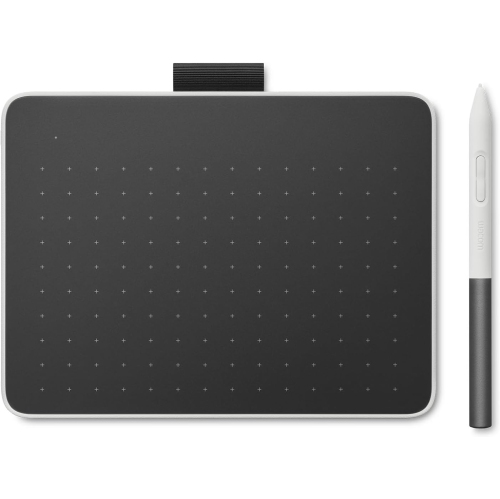

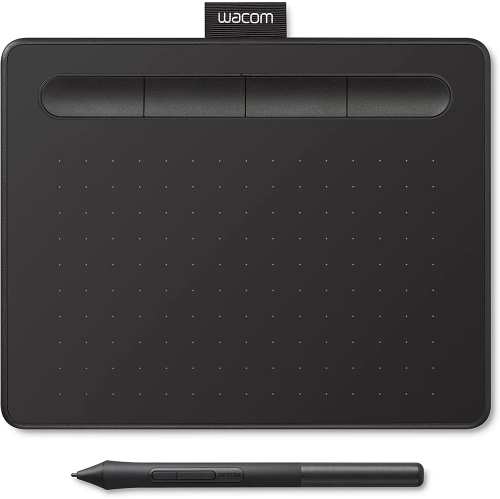

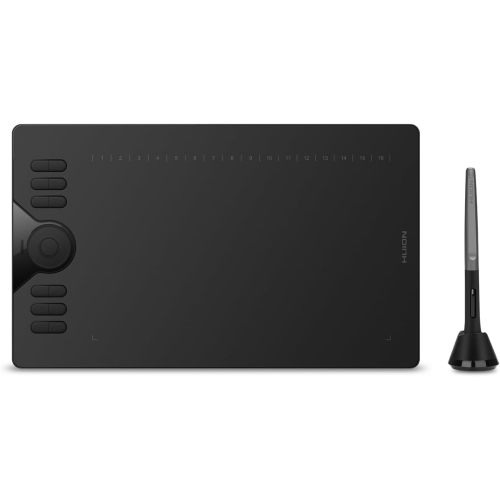
From screenless sketching to pressure-sensitive digital notes
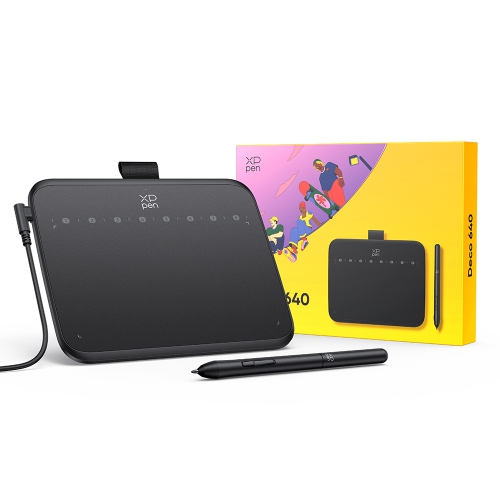
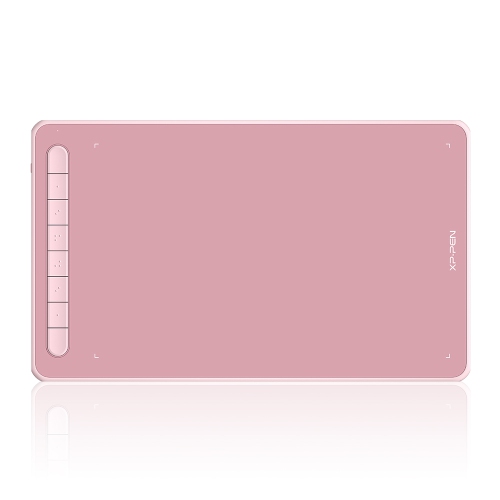
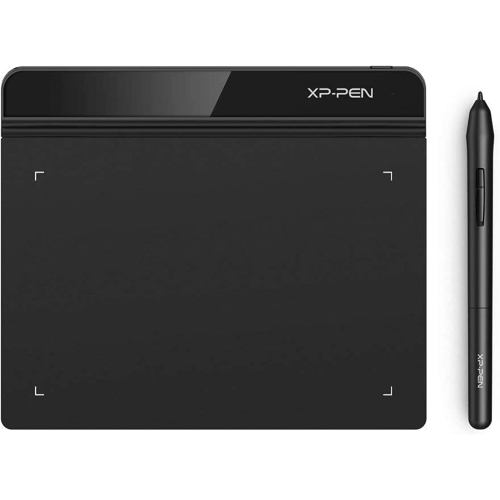
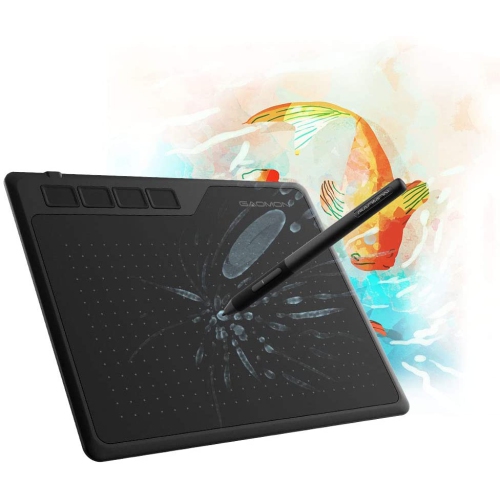
Drawing tablets for Chromebook have become an essential tool for creative minds, students, and professionals alike, bringing digital art and note-taking to life with intuitive, hands-on control. Whether you’re a budding artist sketching your latest masterpiece, a student annotating lecture notes, or a graphic designer working on intricate edits, these tablets offer a seamless way to interact with your Chromebook. Many models are designed with compatibility in mind, ensuring a smooth plug-and-play experience via USB or Bluetooth. This makes them especially appealing for classrooms and home offices, where quick setup and reliability are key. With pressure-sensitive pens, you can achieve the nuanced lines and shading that traditional pencils and brushes provide, but with the added convenience of digital tools. As March brings longer days and the first hints of spring, it’s the perfect time to dive into new creative projects or refresh your workspace with a device that inspires productivity and imagination.
Selecting the right drawing tablet compatible with Chromebook involves considering several factors to match your workflow and preferences. Screenless tablets are a popular choice, offering a lightweight and portable option that lets you draw directly onto the tablet while viewing your work on your Chromebook’s display. This setup is ideal for both casual doodling and professional illustration, providing exceptional control and comfort during extended sessions. For families, a childs drawing tablet or drawing tablet for kids can be a thoughtful gift, sparking creativity in young users and supporting their learning with interactive educational apps. These devices are often durable, easy to use, and come with features tailored for smaller hands, making them a favourite for school assignments or weekend art sessions at the kitchen table. Meanwhile, more advanced users may appreciate tablets with customizable shortcut keys, higher pressure sensitivity, and larger active areas, allowing for greater precision and efficiency in digital art, photo editing, and design.
Drawing tablets for kids and adults alike are versatile additions to any tech setup, supporting a range of creative and practical tasks. They pair well with popular Chromebook-compatible apps for sketching, painting, and note-taking, and their intuitive interfaces make them accessible even for beginners. The best buy art tablets on the market are designed to be both functional and inspiring, whether you’re capturing the vibrant colours of a spring landscape or organizing your thoughts with digital handwritten notes. If you’re exploring options for other operating systems, you might also be interested in the Drawing Tablet for Mac page, which highlights compatible choices for Apple users. No matter how you use your Chromebook, a quality drawing tablet can open up new possibilities for creativity, collaboration, and productivity, making it a valuable investment for artists, students, families, and professionals looking to make the most of their digital workspace.
Selecting the right drawing tablet compatible with Chromebook involves considering several factors to match your workflow and preferences. Screenless tablets are a popular choice, offering a lightweight and portable option that lets you draw directly onto the tablet while viewing your work on your Chromebook’s display. This setup is ideal for both casual doodling and professional illustration, providing exceptional control and comfort during extended sessions. For families, a childs drawing tablet or drawing tablet for kids can be a thoughtful gift, sparking creativity in young users and supporting their learning with interactive educational apps. These devices are often durable, easy to use, and come with features tailored for smaller hands, making them a favourite for school assignments or weekend art sessions at the kitchen table. Meanwhile, more advanced users may appreciate tablets with customizable shortcut keys, higher pressure sensitivity, and larger active areas, allowing for greater precision and efficiency in digital art, photo editing, and design.
Drawing tablets for kids and adults alike are versatile additions to any tech setup, supporting a range of creative and practical tasks. They pair well with popular Chromebook-compatible apps for sketching, painting, and note-taking, and their intuitive interfaces make them accessible even for beginners. The best buy art tablets on the market are designed to be both functional and inspiring, whether you’re capturing the vibrant colours of a spring landscape or organizing your thoughts with digital handwritten notes. If you’re exploring options for other operating systems, you might also be interested in the Drawing Tablet for Mac page, which highlights compatible choices for Apple users. No matter how you use your Chromebook, a quality drawing tablet can open up new possibilities for creativity, collaboration, and productivity, making it a valuable investment for artists, students, families, and professionals looking to make the most of their digital workspace.
Top selling and popular products
-
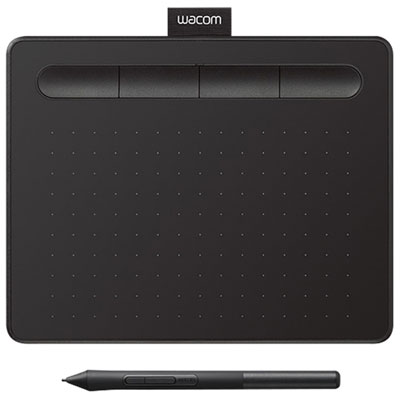 Your price for this item is $49.99
 -
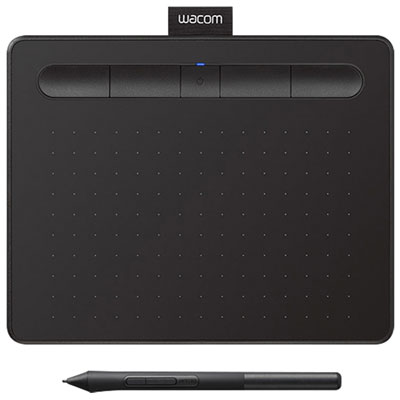 Your price for this item is $139.99
 -
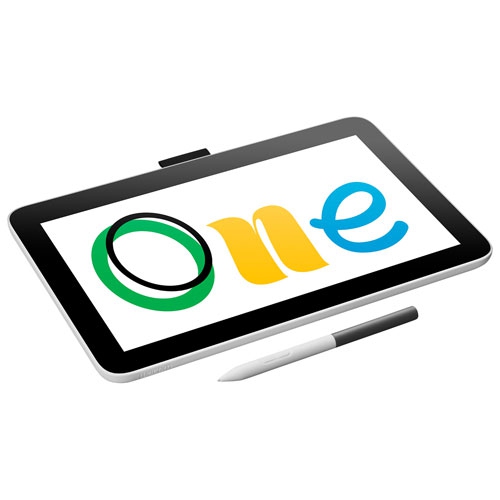 Your price for this item is $409.99
 -
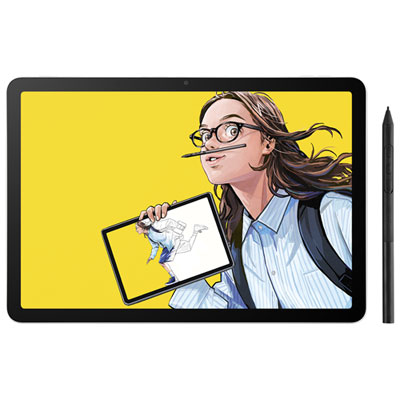 Your price for this item is $699.99
 -
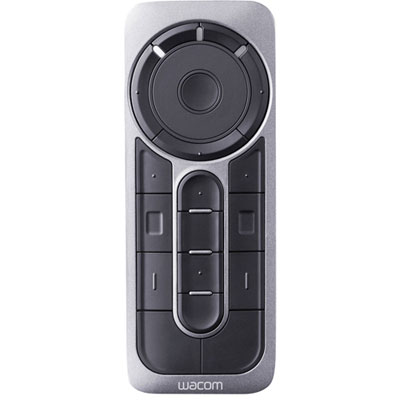 Your price for this item is $139.99
 -
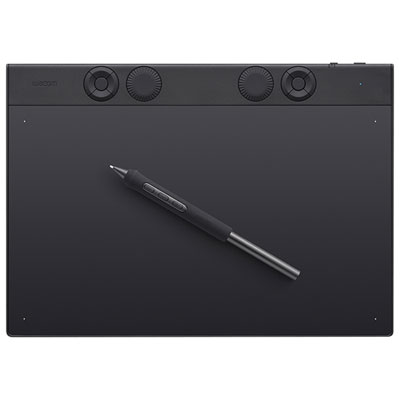 Your price for this item is $439.99
 -
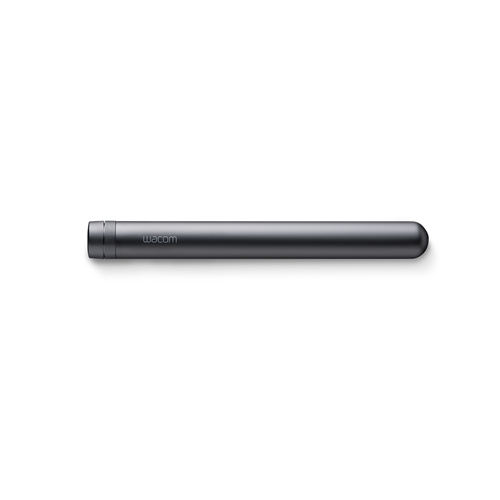 Your price for this item is $120
 -
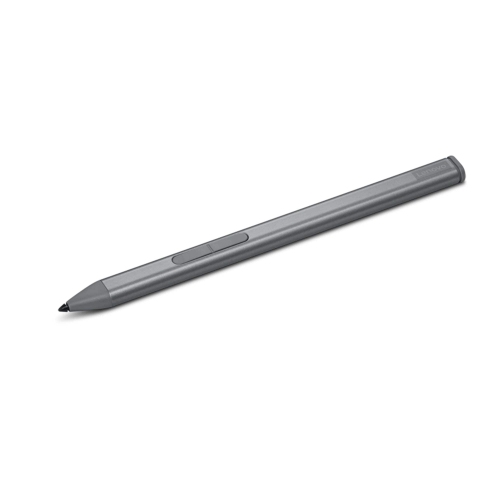 Your price for this item is $64.99
Discover more categories related to Drawing Tablets for Chromebook
Top Collections:
Pokemon Centers, Kindle Devices, Best Budget Office Chairs, Apple iPhones 16, Best Laptops for Writers, iPhone 15 Apple, Canon G7X Cameras, Refurbished Apple Laptops, Alarm Clock, Motorola Razr Phones
Some products may be subject to Environmental Handling Fees
(EHF) depending on your province.
Learn more about EHFs.