Dual Monitor Gaming Desks
Enhance your gaming experience with these ultimate dual-monitor gaming desks. Whether you're a casual gamer or a professional streamer, these gaming desks offer the perfect blend of style, durability, and versatility to enhance your gameplay. Elevate your gaming sessions with the perfect gaming desk for your setup.
Sort
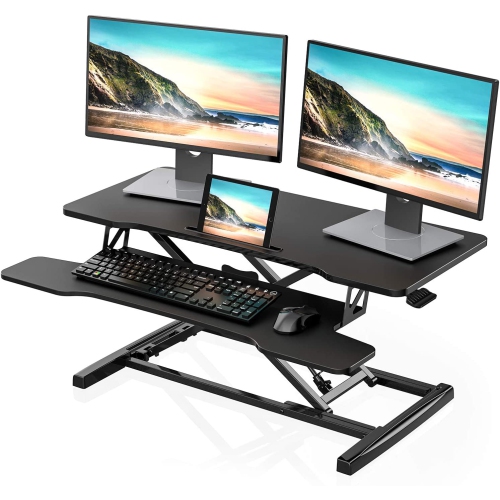
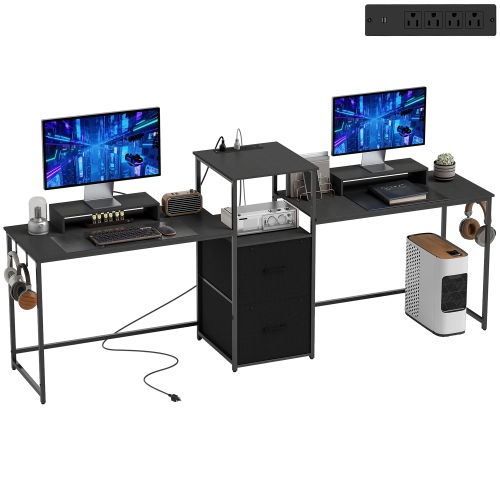
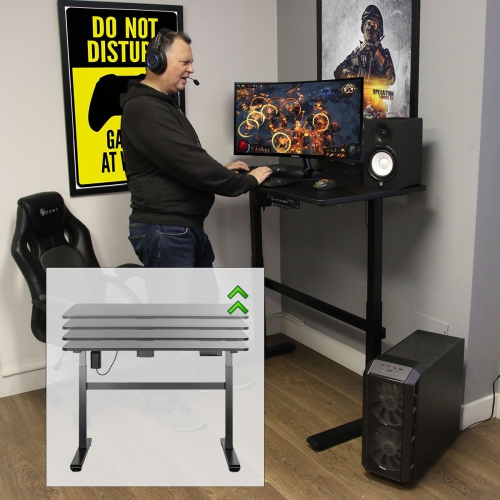
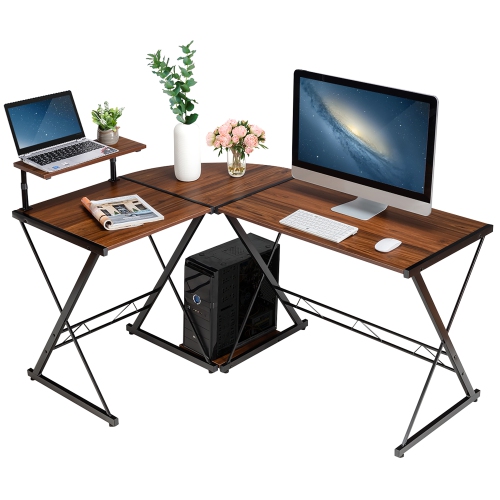

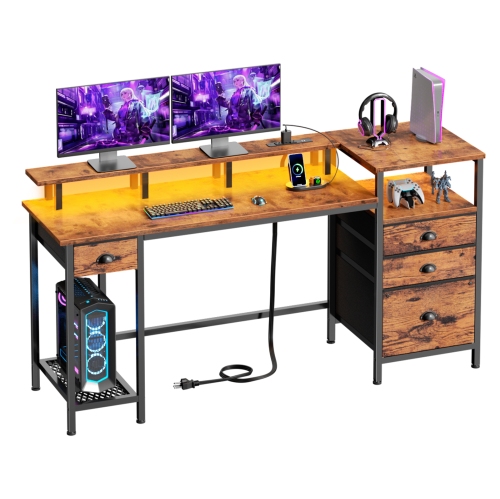
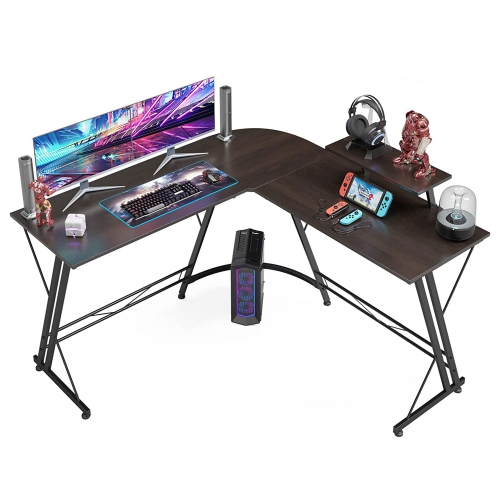

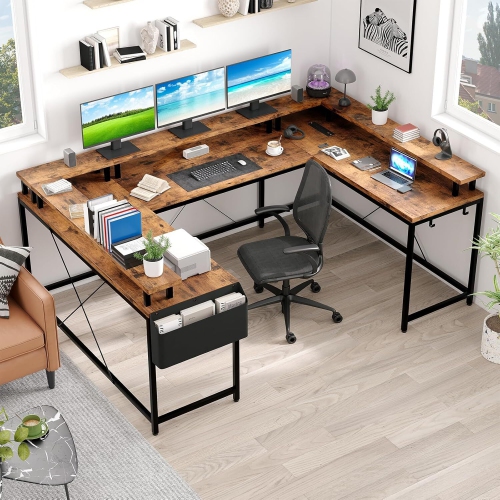

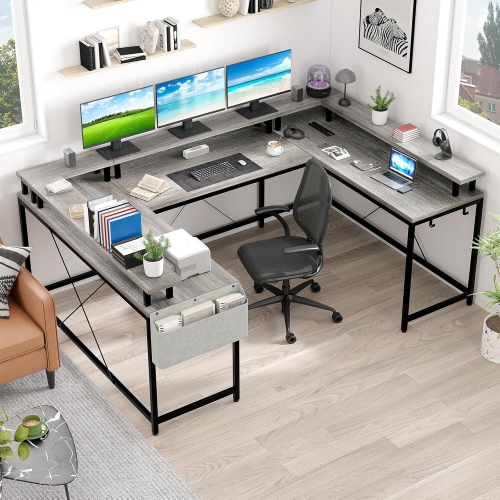
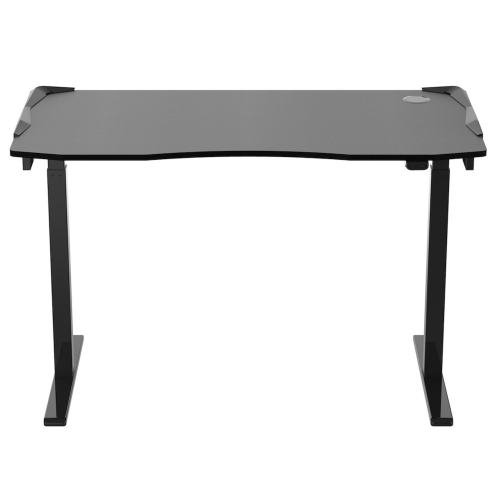
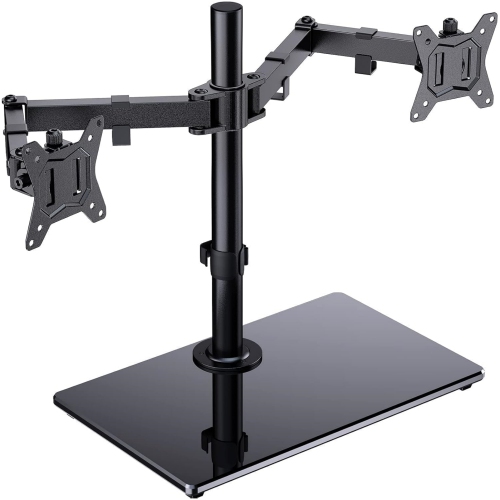

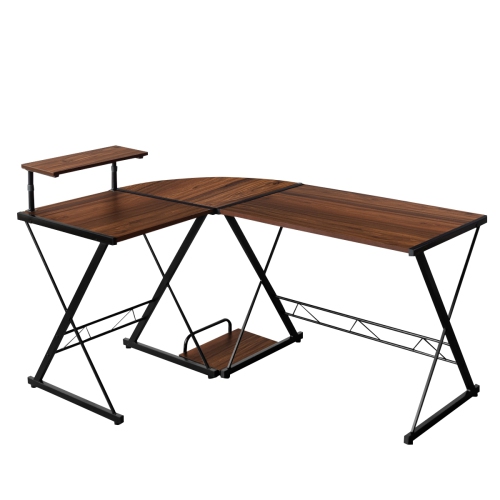
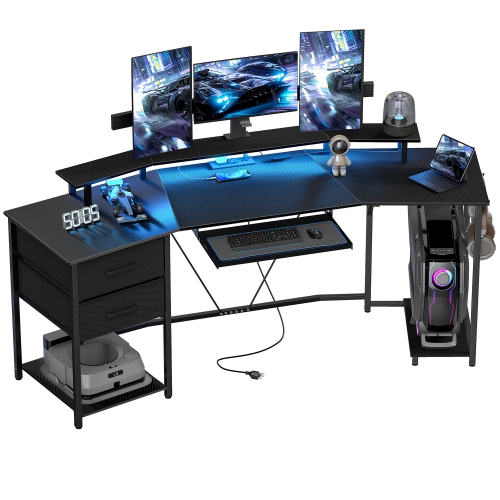
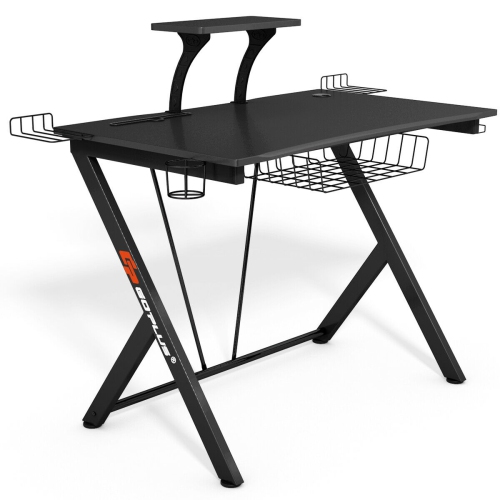
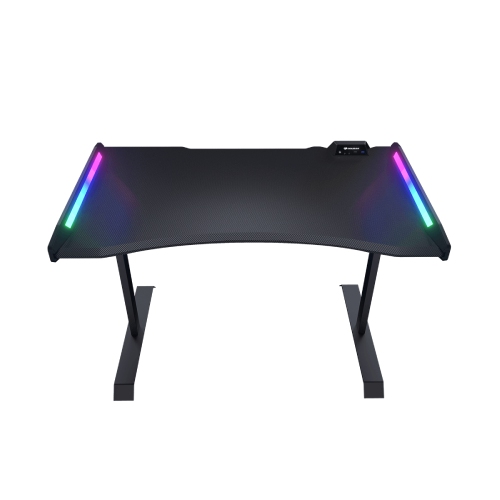
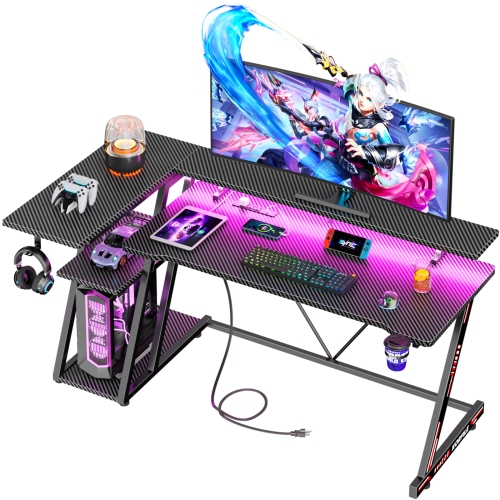
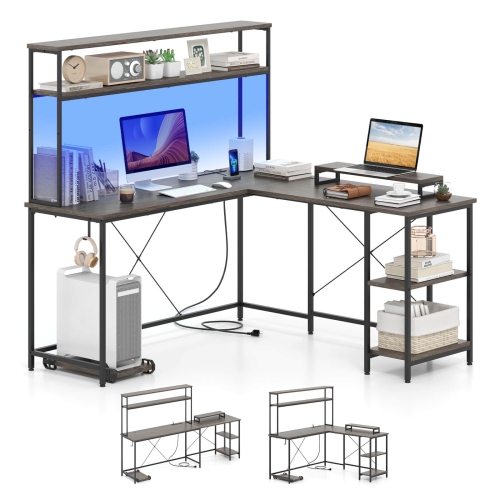
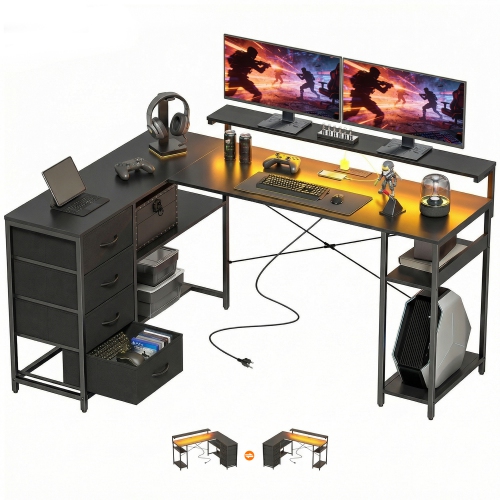
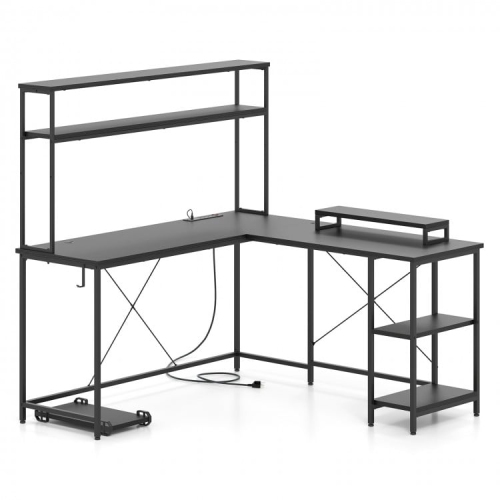
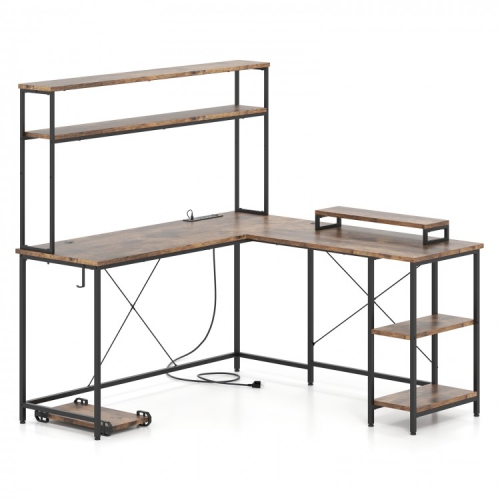
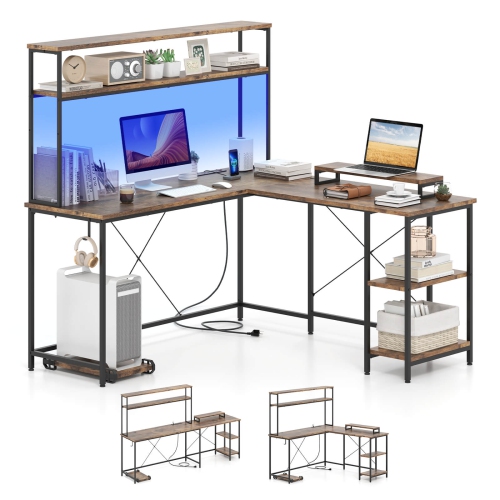
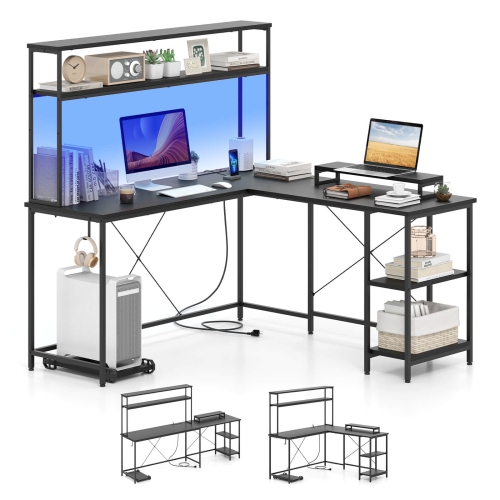
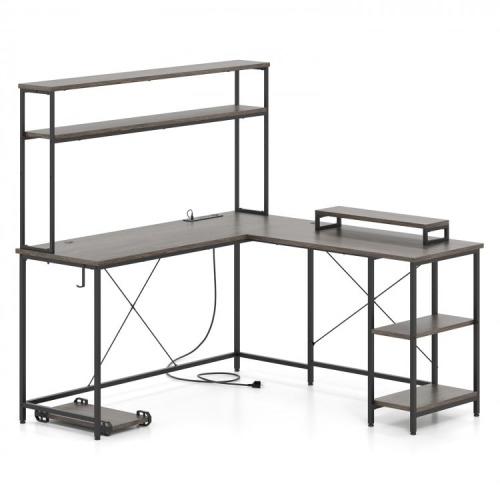
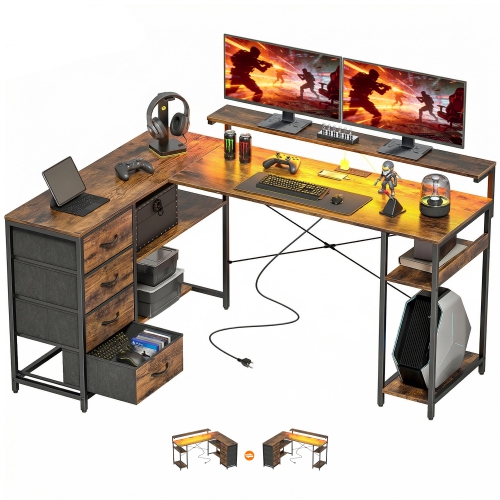
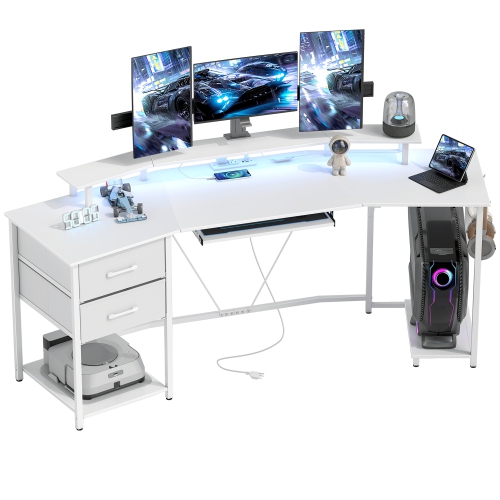
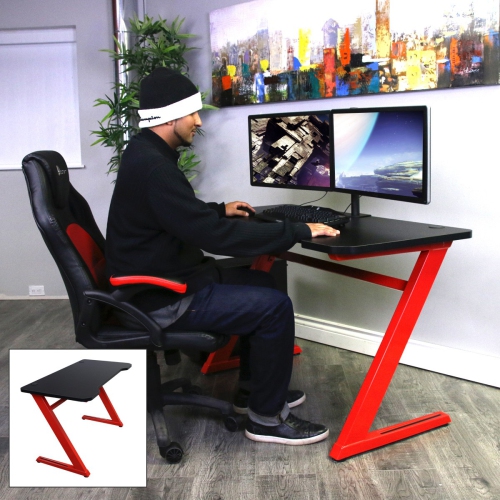
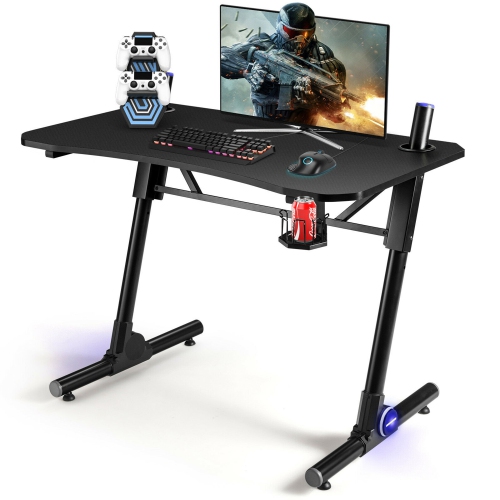
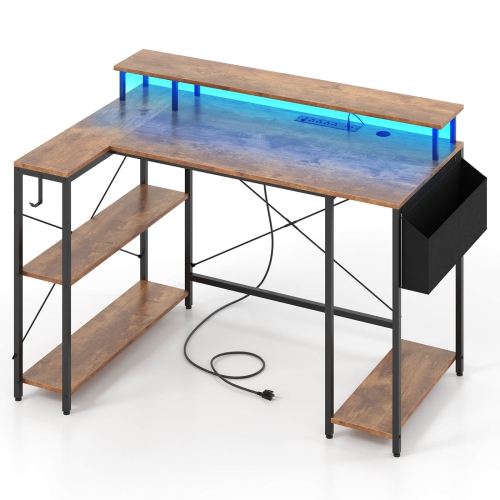
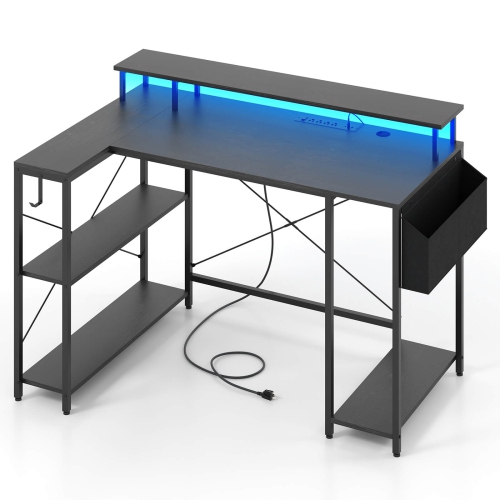
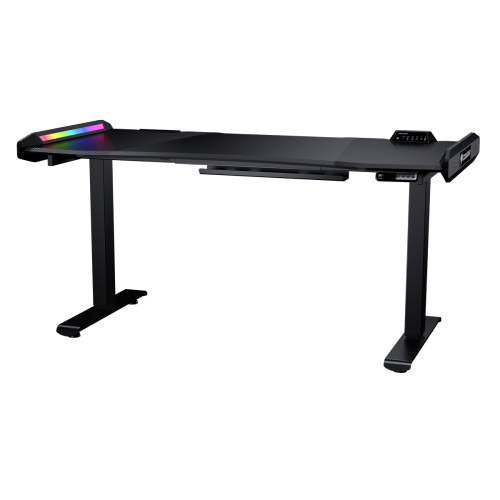
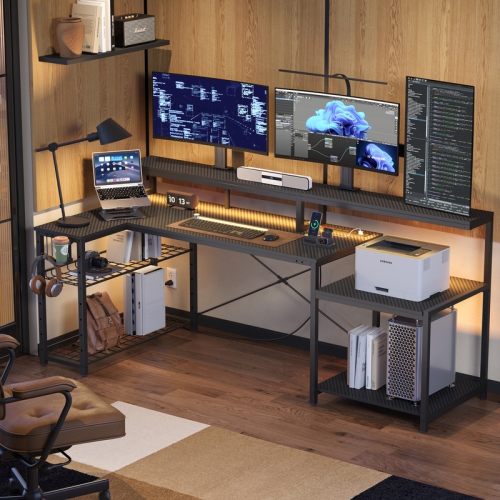
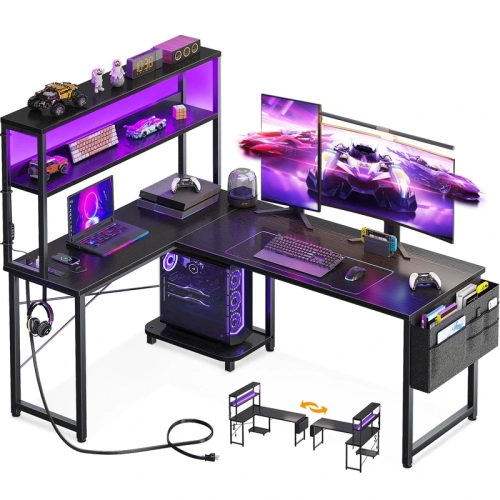
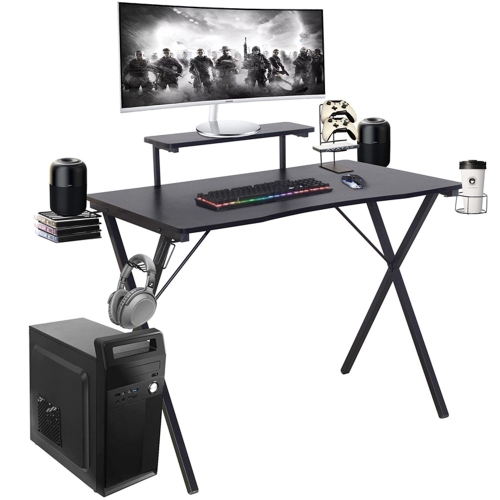
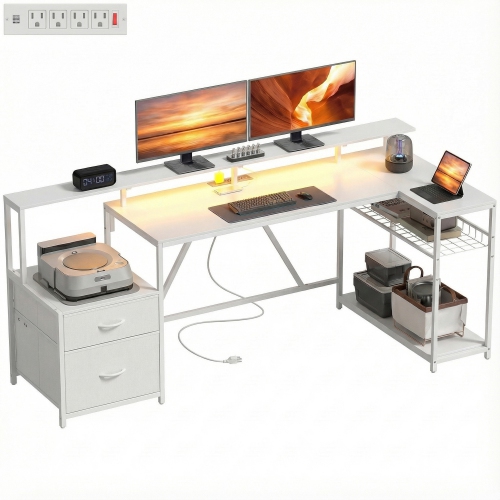
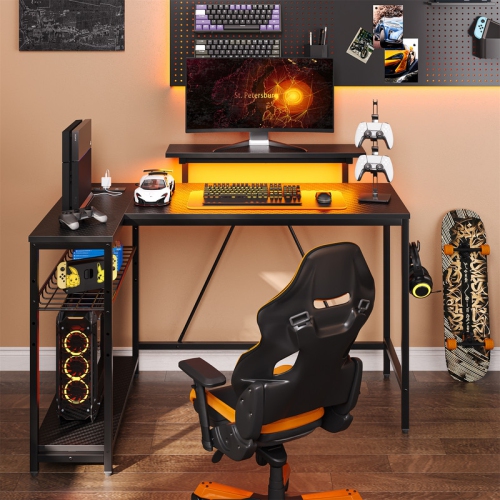
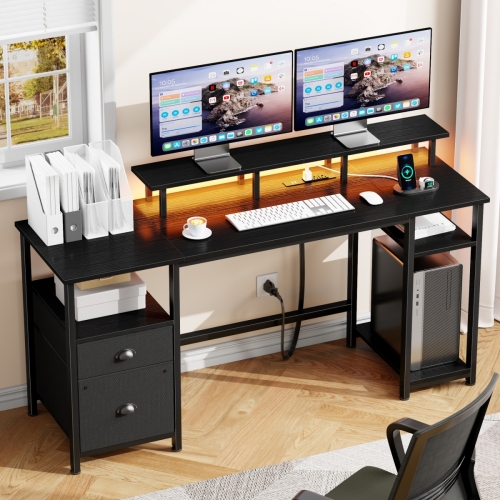
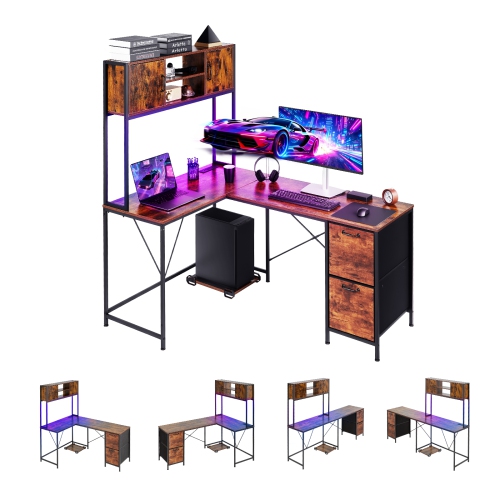
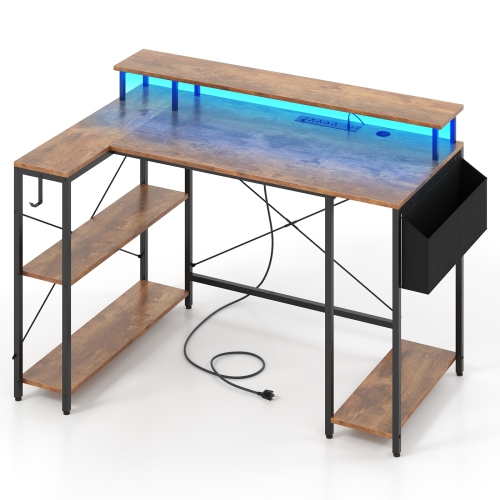
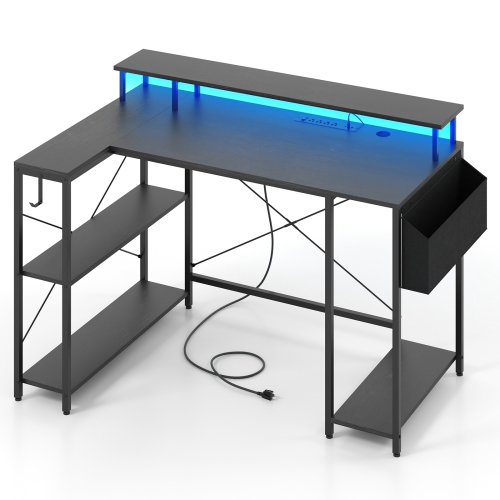
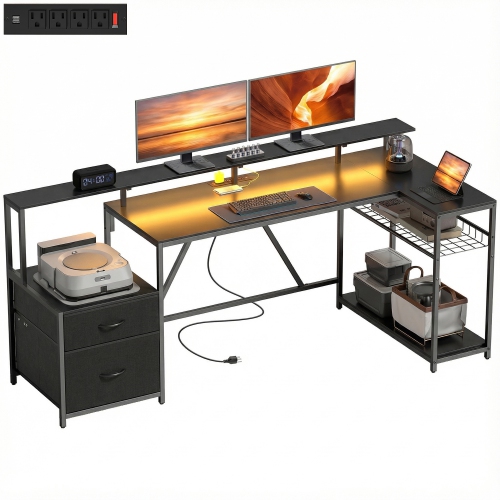
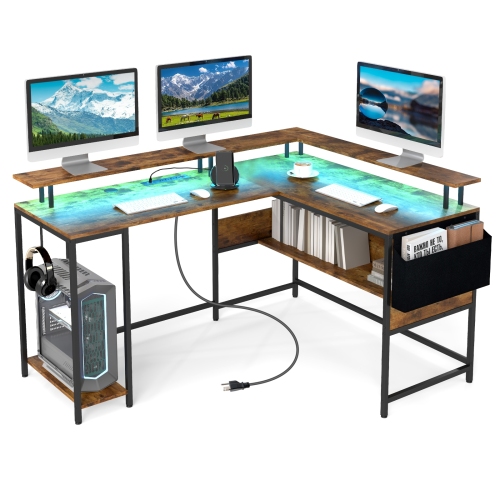
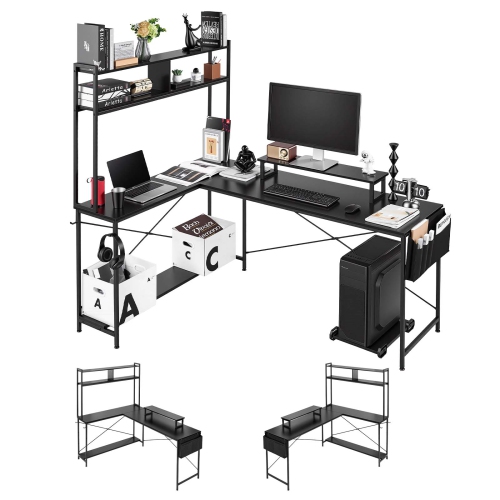
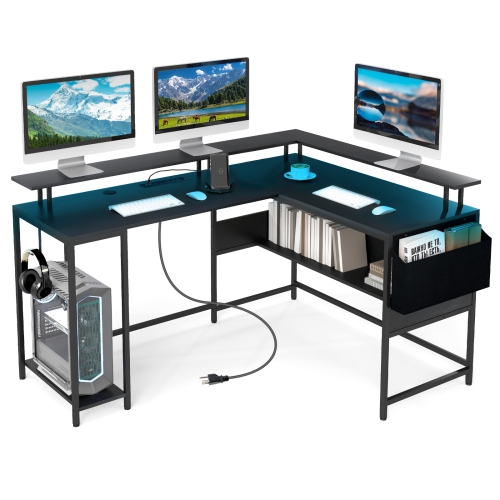
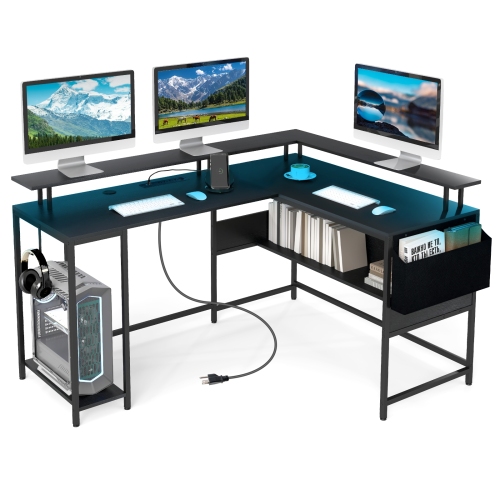
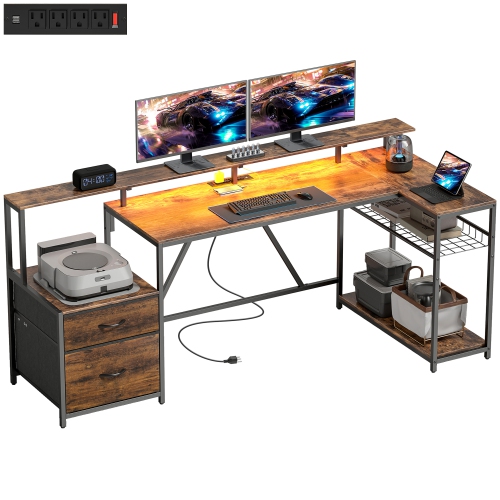
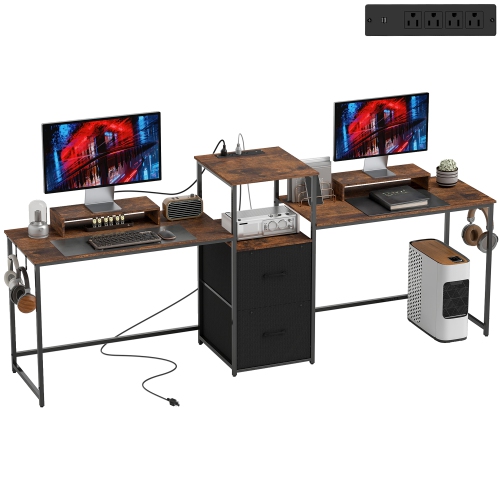
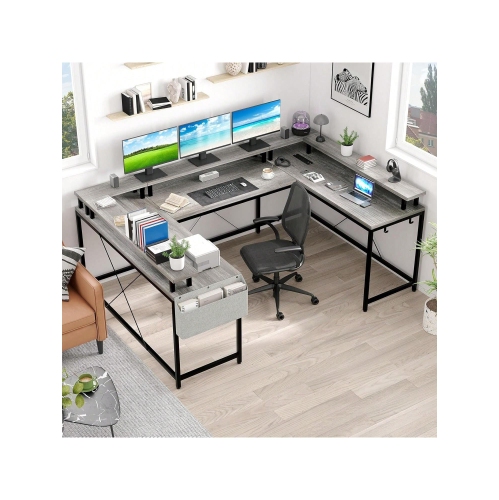
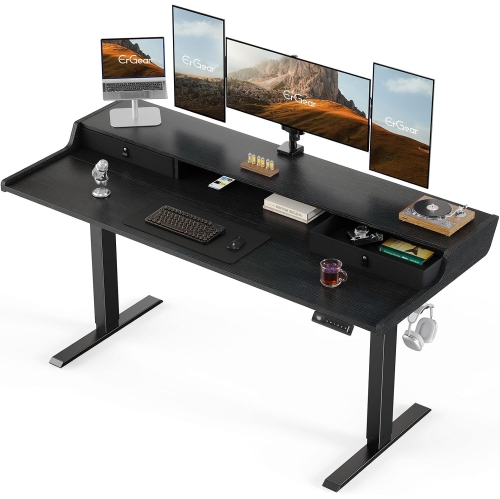
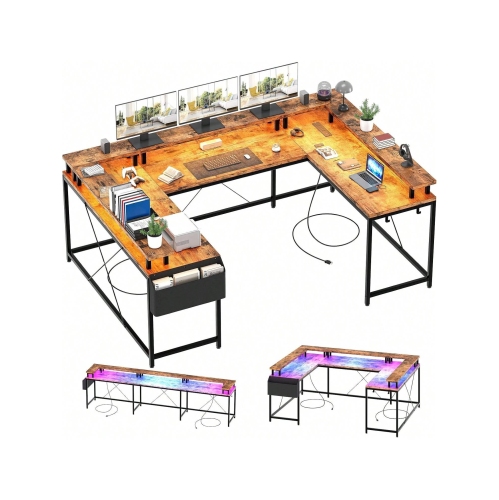
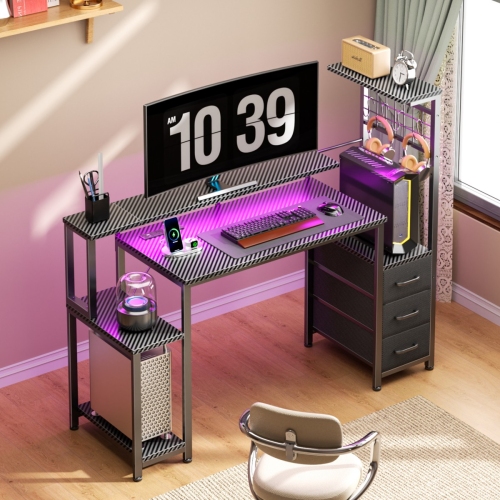
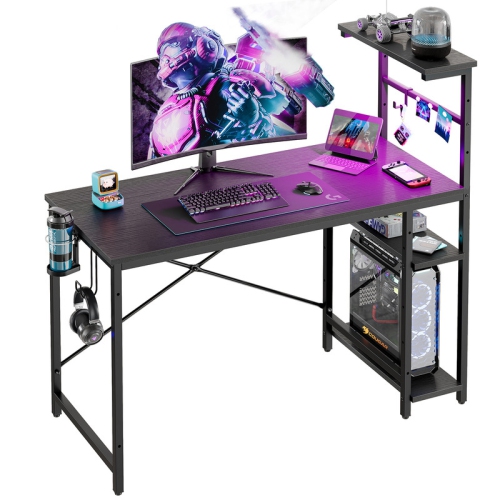
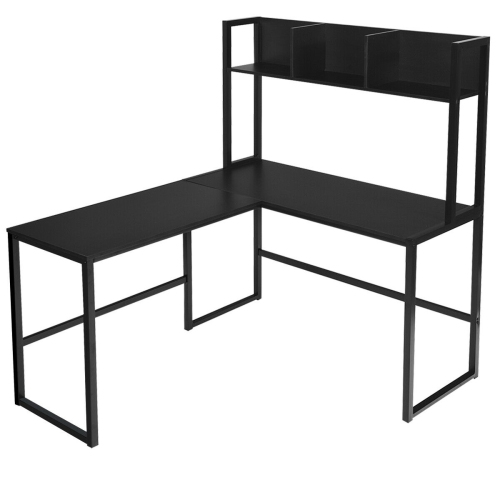
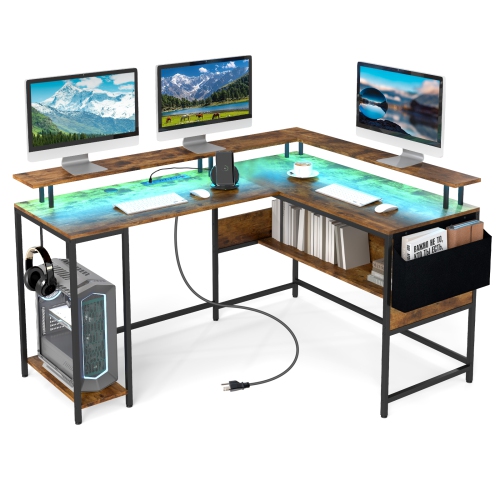
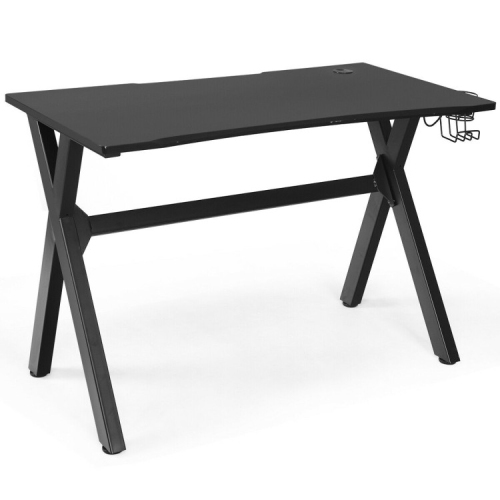
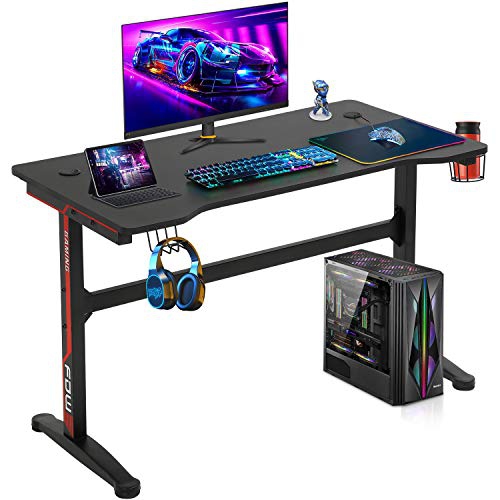

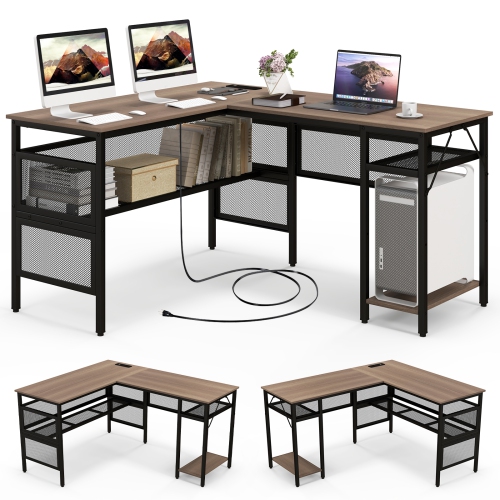
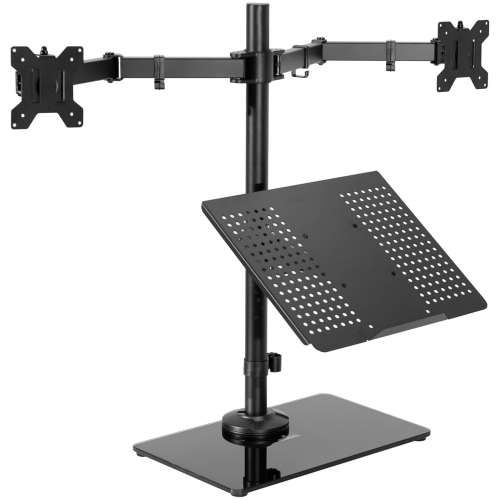

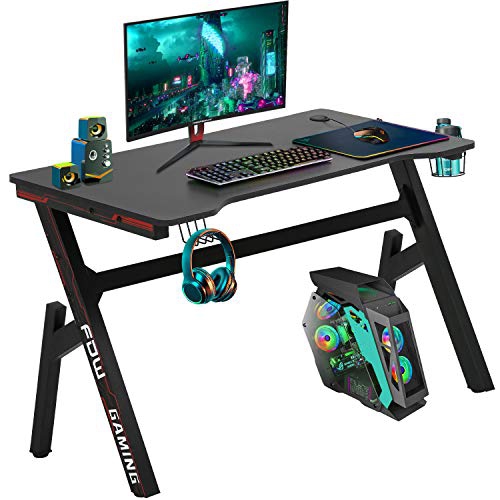
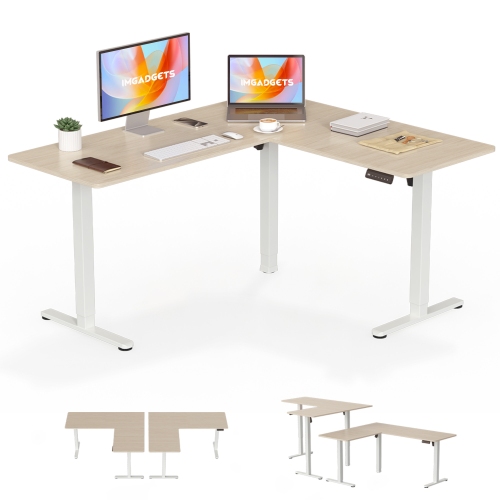
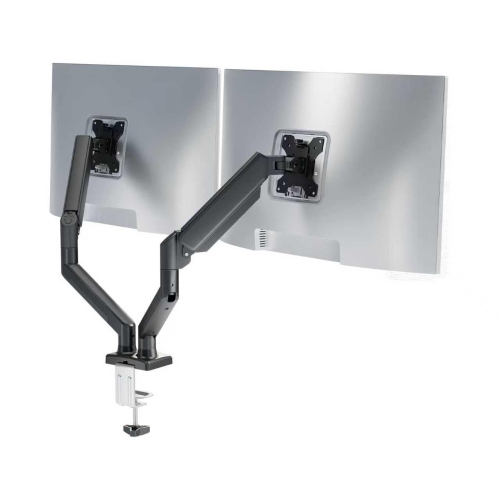

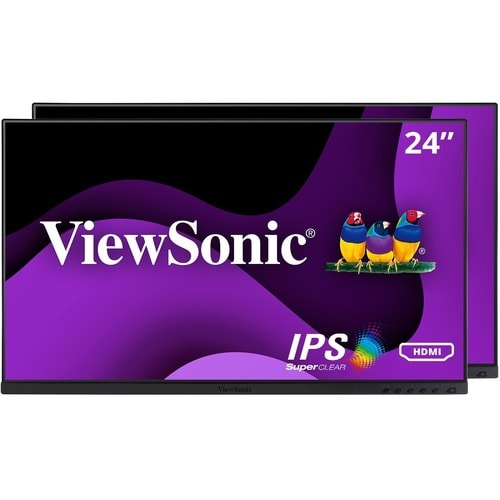

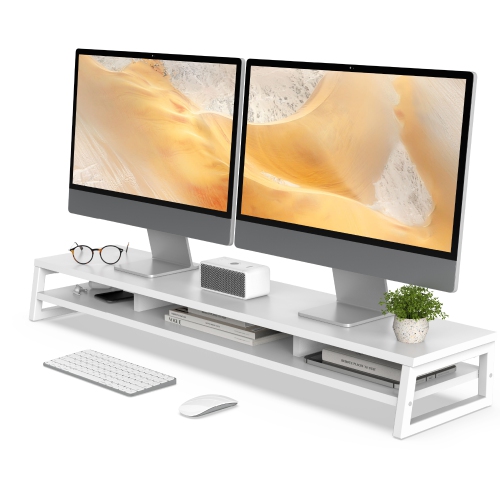
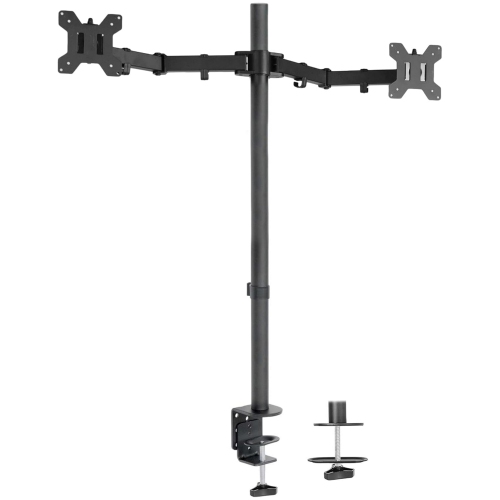
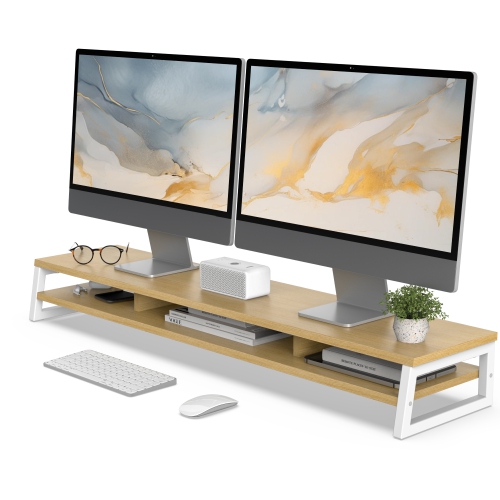
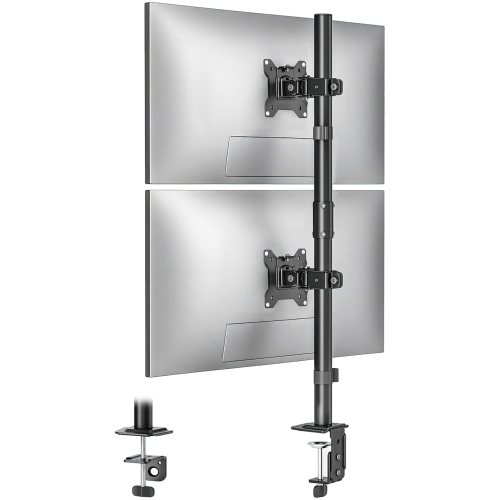
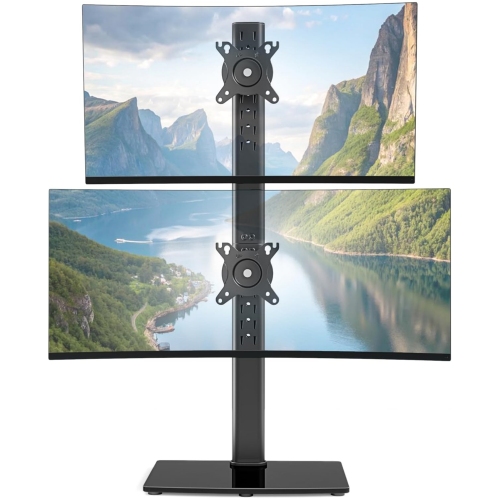
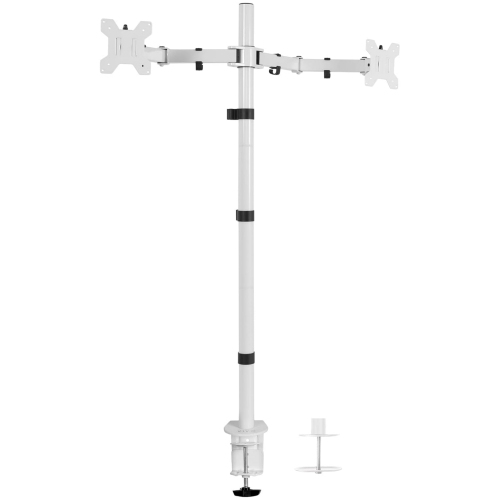
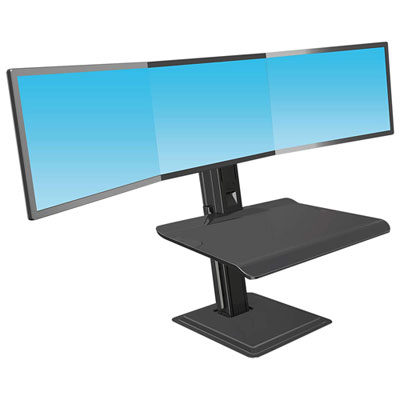
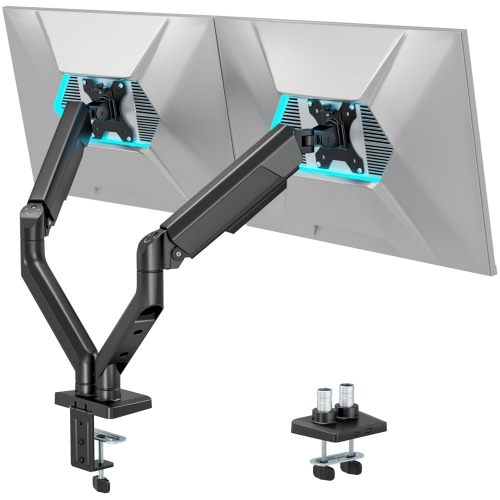
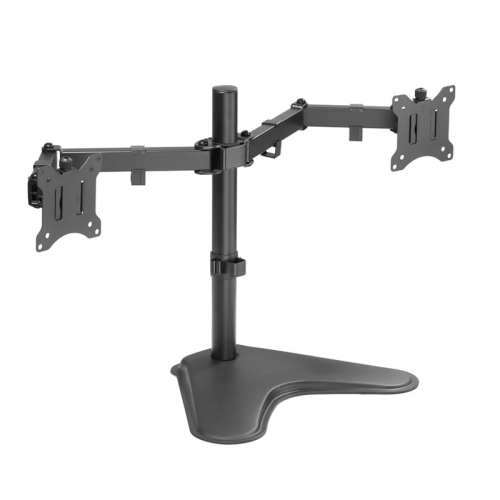
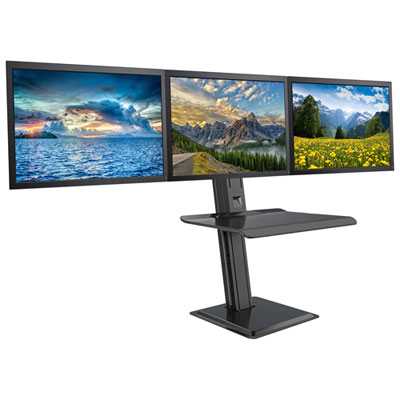
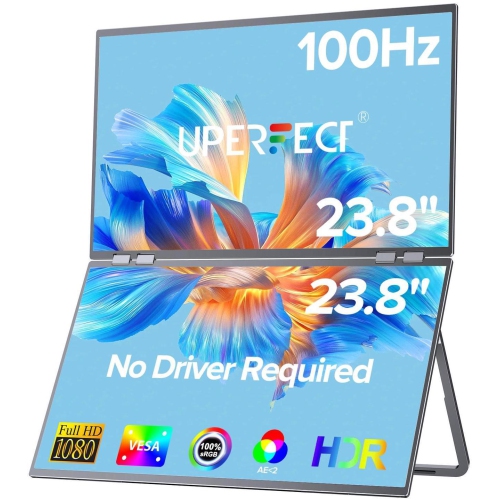
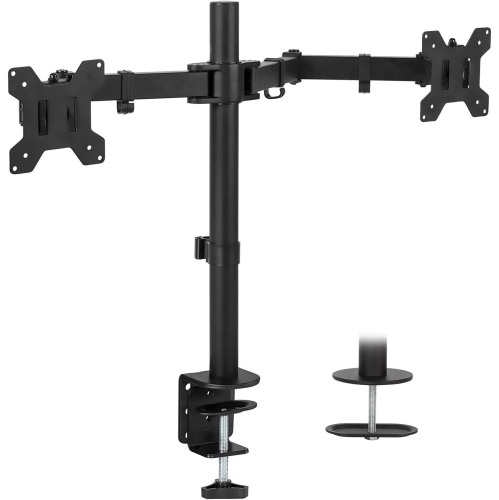
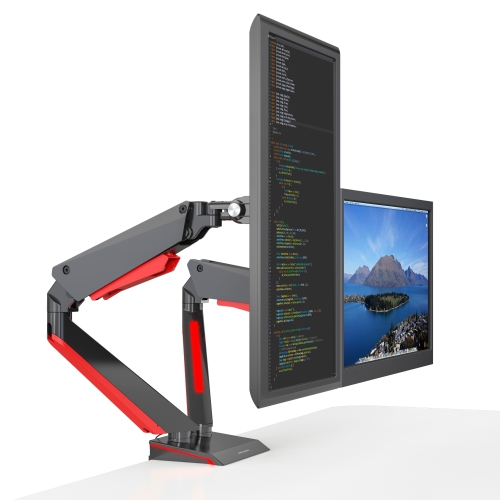
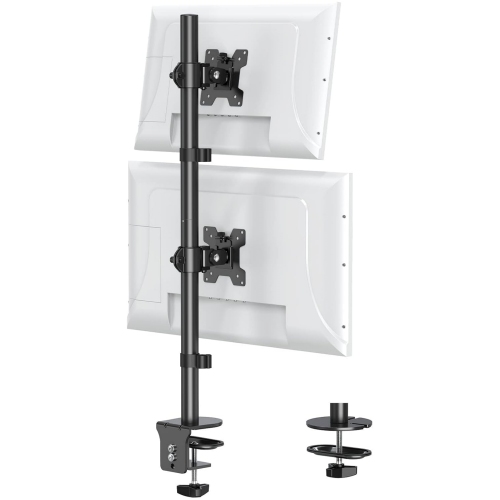
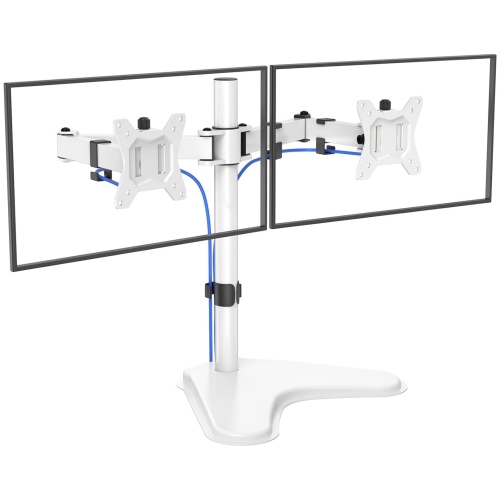
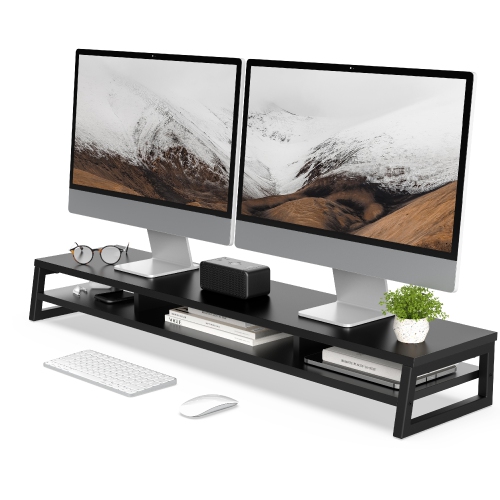
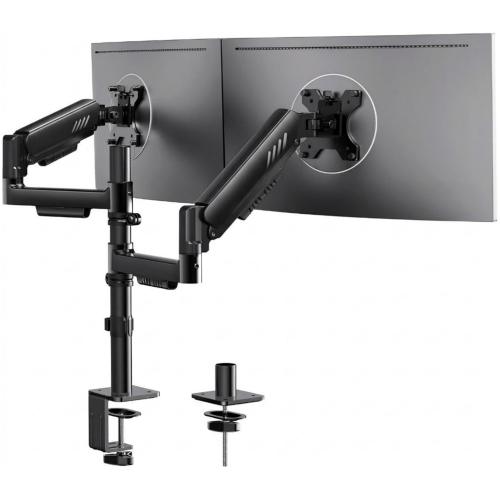
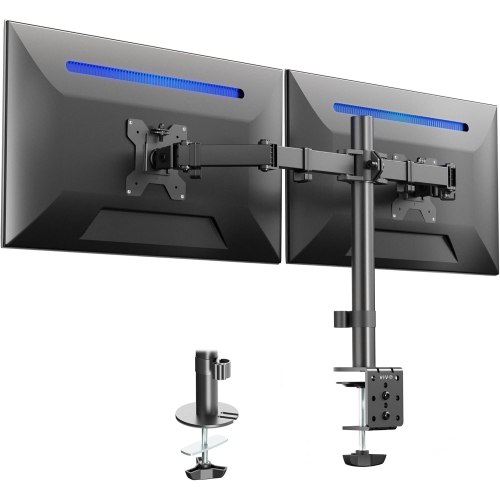
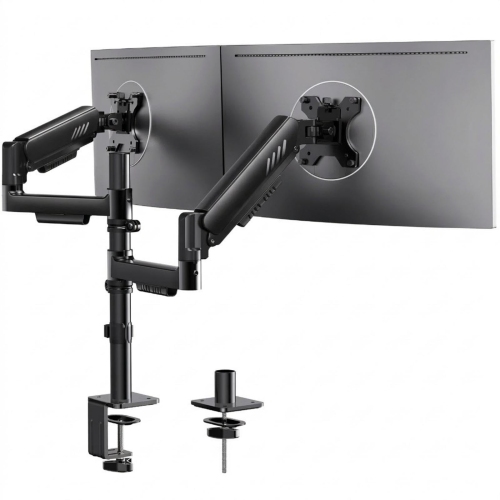
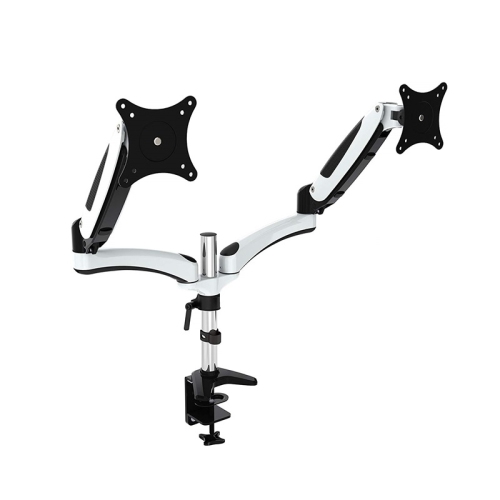
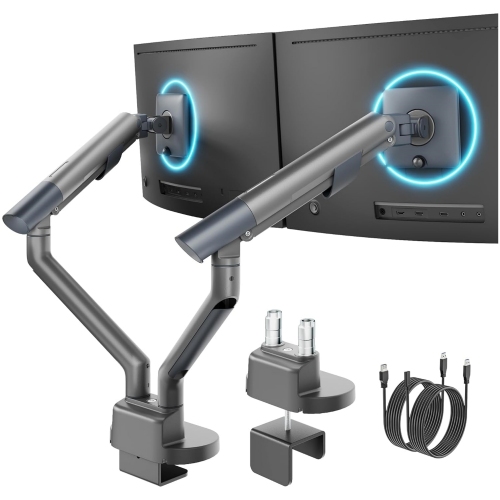
Two screens need more than a wide desktop
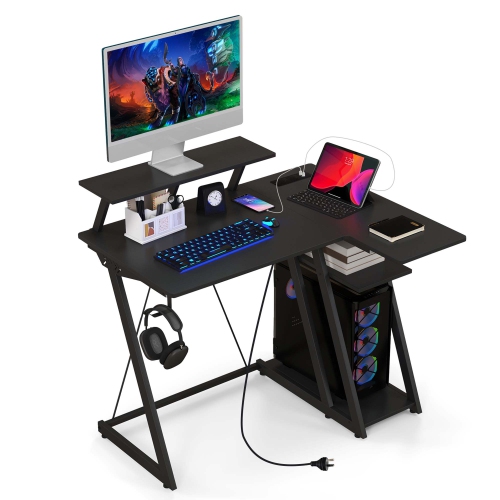
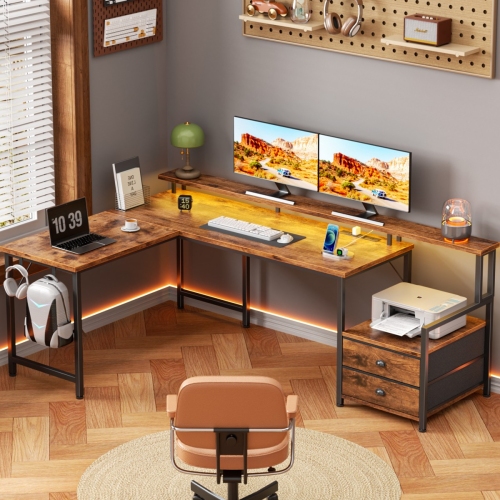
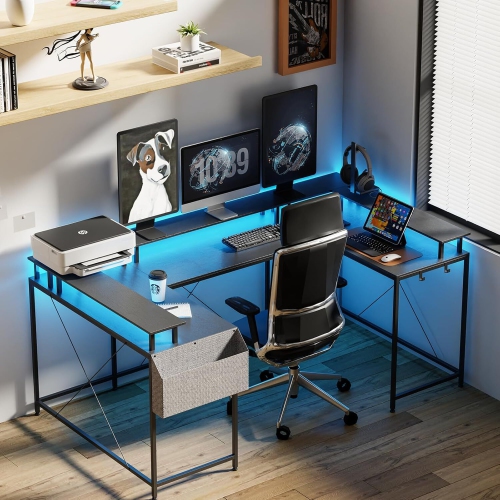
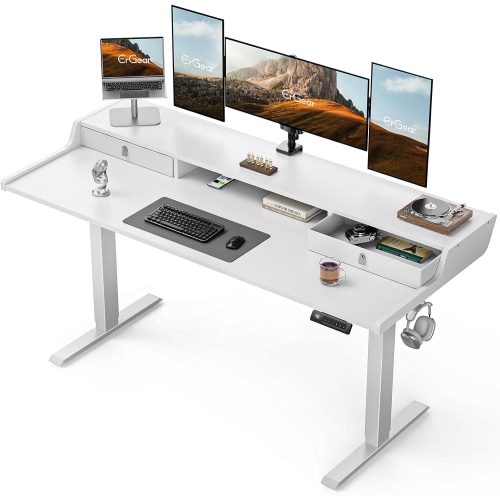
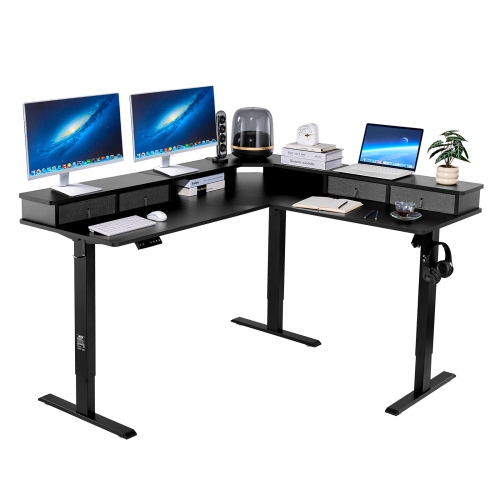
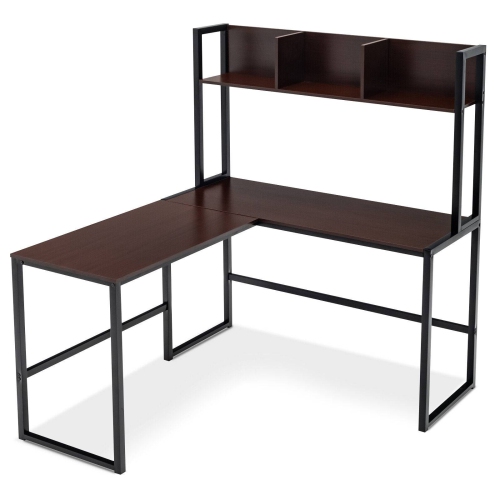
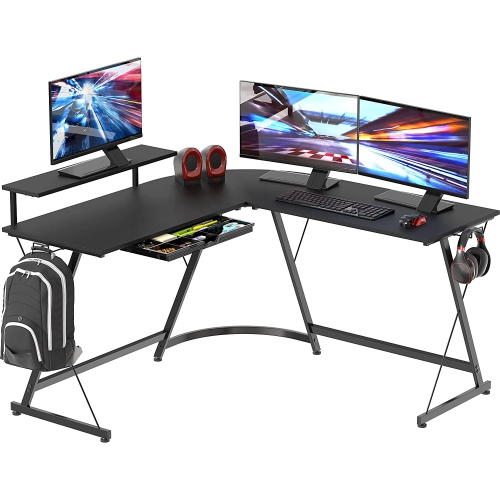
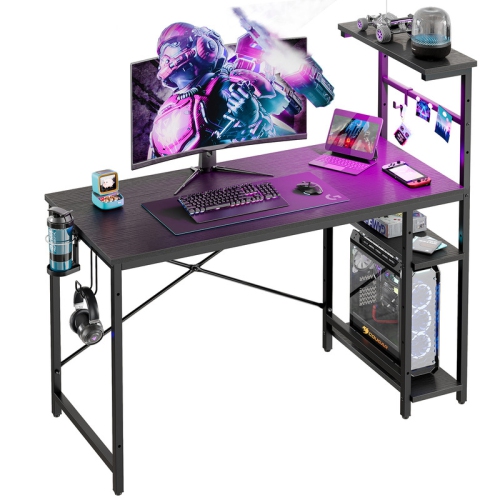
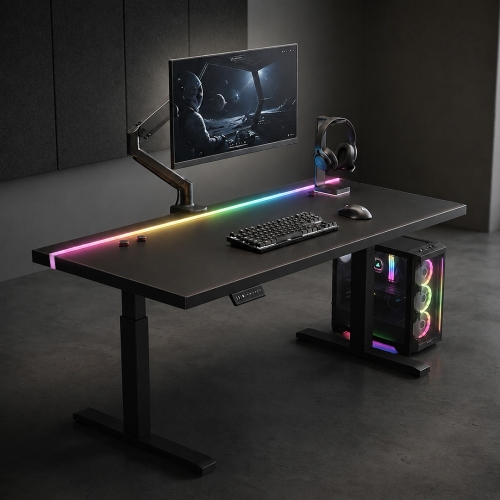
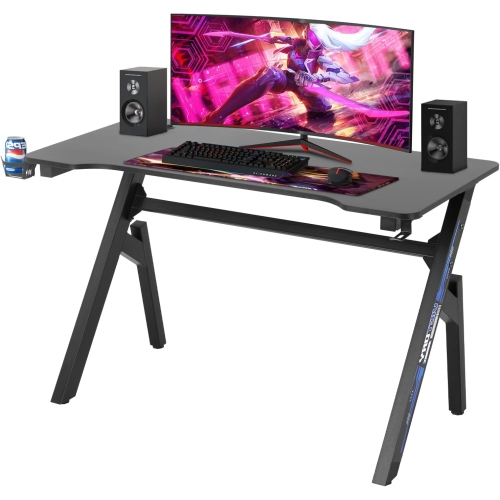
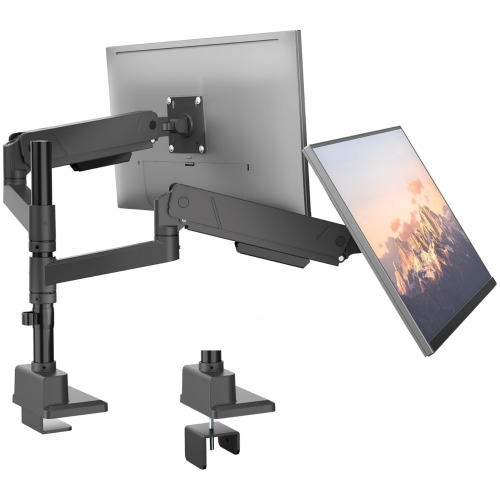
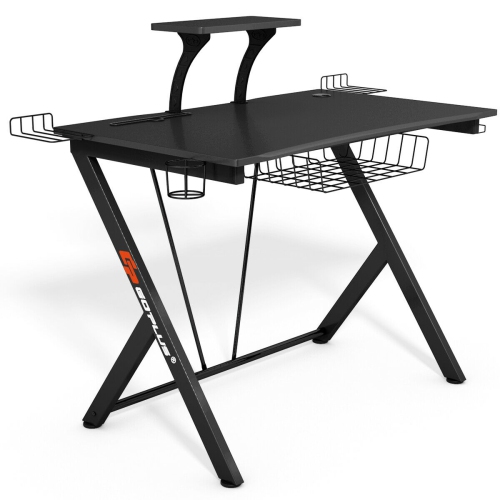
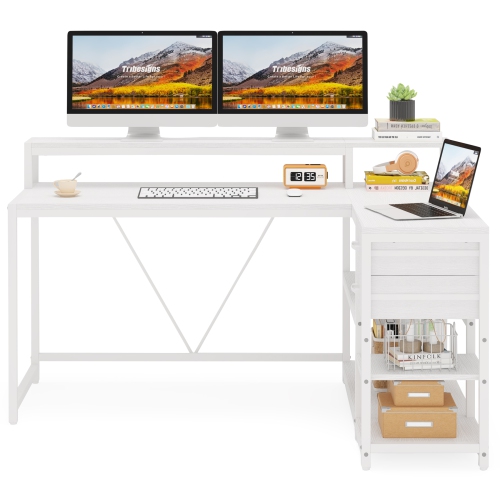
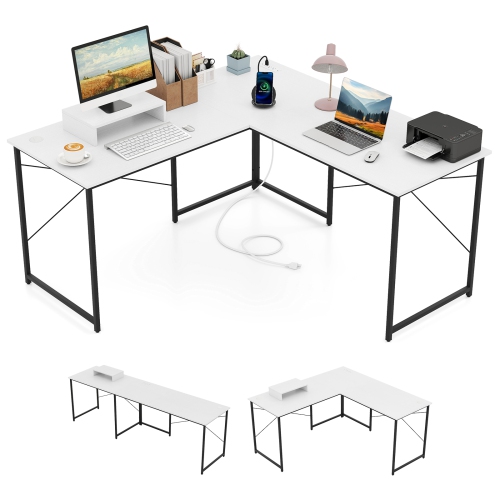
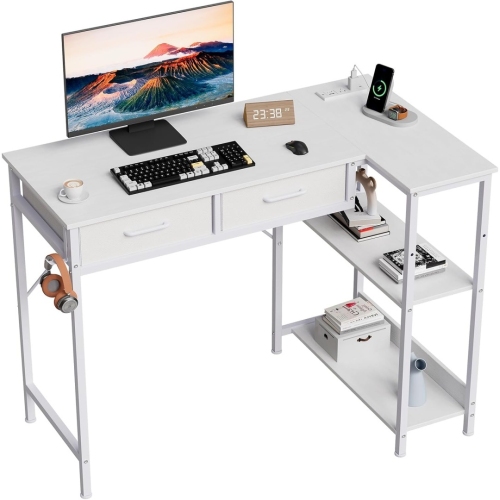
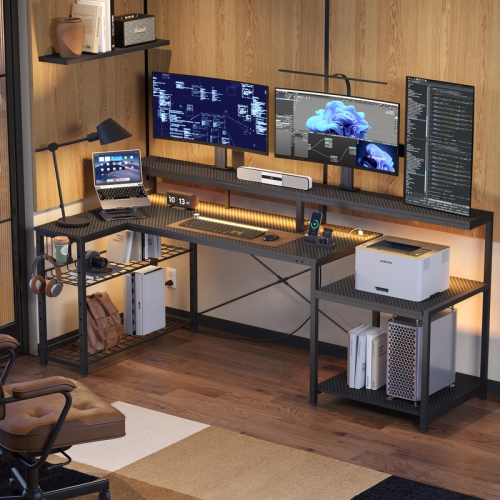
Dual monitor gaming desks give two screens a stable home while leaving usable space for the keyboard, mouse, and equipment that make a gaming setup feel complete. One display might hold the game while the other keeps voice chat, streaming controls, maps, or a walkthrough within sight. For many setups with two 27-inch monitors, a desktop around 60 to 72 inches wide provides a practical starting point, although the right fit depends on the actual width of each screen, the shape of its stand, and the space needed beside it. Smaller desks can work with compact displays or compatible monitor arms, but screen size alone does not tell the whole story: diagonal measurements do not describe how much desktop space a monitor occupies. Depth matters just as much as width. A surface around 24 to 30 inches deep can provide room to position the screens behind the keyboard, with the deeper end offering more flexibility for large monitor bases and comfortable viewing distances. A broad mouse pad, speakers, and a microphone stand all add to the footprint. Straight gaming desks suit an open wall and keep both displays arranged across one continuous surface. L-shaped gaming desks extend the workspace into a corner, creating a separate area for a computer tower, console, or notebook without crowding the main keyboard position. The usable inside corner, return direction, and leg placement affect how naturally a chair moves between the two sections. In a smaller bedroom or home office, clear space behind the chair and access to drawers can be more valuable than a few extra inches of desktop. A generous surface is most useful when the seating position lines up with the main display and leaves enough room for relaxed mouse movements rather than forcing the keyboard against the front edge.
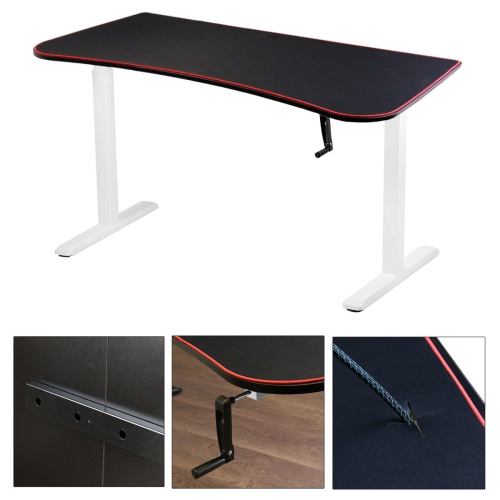
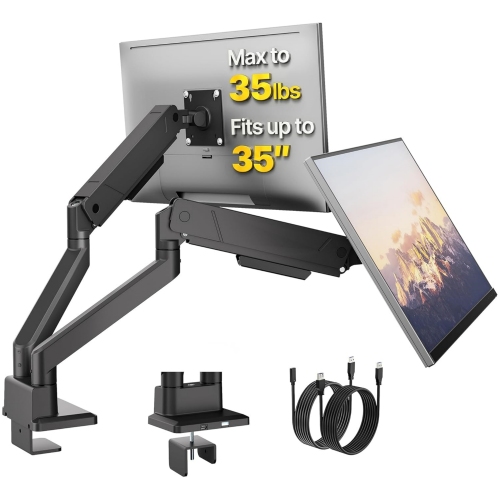
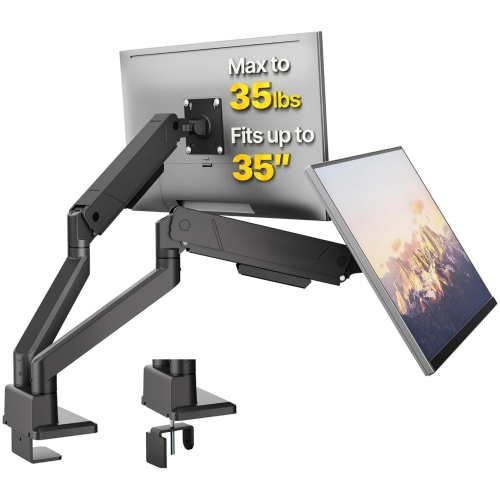
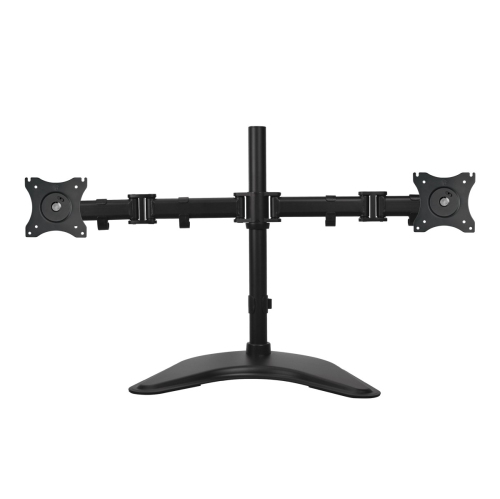
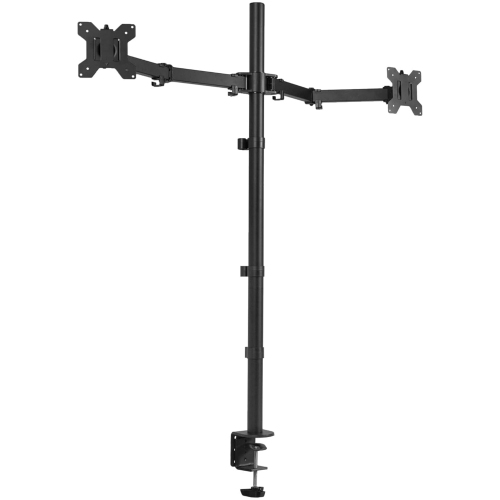
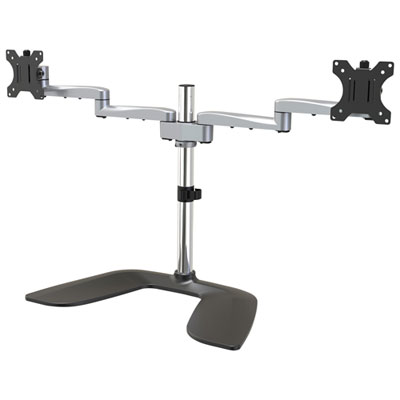
Construction makes a noticeable difference when two monitors share a desk with a full gaming setup. Steel frames can provide firm support, while cross-bracing, secure joints, and adjustable levelling feet help limit movement on uneven floors. A stated weight capacity needs to account for the combined load of both displays, their stands or arms, and any other equipment supported by the desk. Overall capacity does not necessarily indicate how much pressure a desktop can tolerate at a single mounting point. Dual monitor arms concentrate force around a clamp or grommet mount, so desktop thickness, material, edge clearance, and the desk manufacturer's mounting guidance all matter. A rear support rail or shallow overhang may interfere with a clamp even when the top appears wide enough. Solid wood, engineered wood, and metal surfaces each bring different characteristics to the workspace. Solid wood has natural variation and may require finish-specific care; laminated engineered wood offers a consistent surface, with edge quality and protection from spills contributing to its longevity. Matte finishes can soften distracting reflections, while a smooth, even top supports a large desk mat without awkward ridges beneath the keyboard. Raised monitor shelves free space underneath, but their depth, load rating, and height need to suit both displays without placing the screens too high. Cable trays, routing holes, and headset hooks help keep everyday accessories away from the mouse area. Built-in power outlets and USB ports, where included, can make connections easier to reach, although connector type and charging output determine their usefulness for different devices. Neither replaces checking the electrical rating or leaving accessible connections for equipment changes. Height-adjustable gaming desks add flexibility for alternating between seated and standing sessions, with enough cable slack needed throughout the full travel range. Stability at standing height, clearance beneath the desktop, and the combined equipment weight are particularly relevant for a two-screen arrangement.
A dual monitor gaming desk can also support study, creative projects, and remote work, making the layout useful well beyond a gaming session. Students can keep research beside an assignment, streamers can separate gameplay from broadcast controls, and people editing video or photos can spread tools and previews across two displays. For a room that serves several purposes, Desks for Two Monitors offers a related category for considering the same two-screen layout in a broader workspace context. The most comfortable arrangement often places the main screen directly ahead, with the secondary display angled inward; when both screens receive equal attention, a more balanced arrangement may make sense. Screen height and distance should allow a relaxed posture without leaning forward or repeatedly turning the neck through a wide angle. Space beneath the desk deserves equal attention, especially when a storage pedestal, support bar, or computer tower could restrict knee room. Open shelving can keep controllers and small accessories close at hand, while drawers provide a place for charging cables and spare peripherals. A tower needs clearance around its vents rather than a tight enclosure, and cables should stay clear of chair wheels and moving desk parts. Routine care is straightforward when it follows the surface manufacturer's directions: a soft cloth removes dust, spills are wiped up promptly, and excess moisture is kept away from seams and electrical fittings. A desk mat can protect the busiest area from repeated movement, while periodically checking fasteners helps maintain a secure feel. Colour and finish can make a large desk blend into shared living space or give a dedicated gaming room a more defined appearance, without making lighting effects the centre of the setup. As a gift for a gamer, student, or content creator, a dual monitor desk is most useful when its dimensions, mounting options, and storage layout match the recipient's room and existing equipment.
Top selling and popular products
-
 Your price for this item is $209.99
-
 Your price for this item is $139.99
-
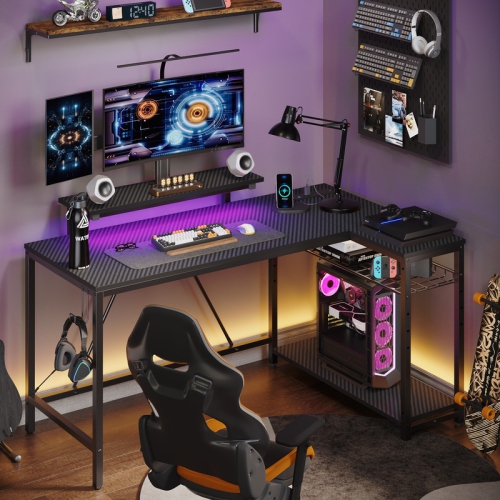 Your price for this item is $149.99
-
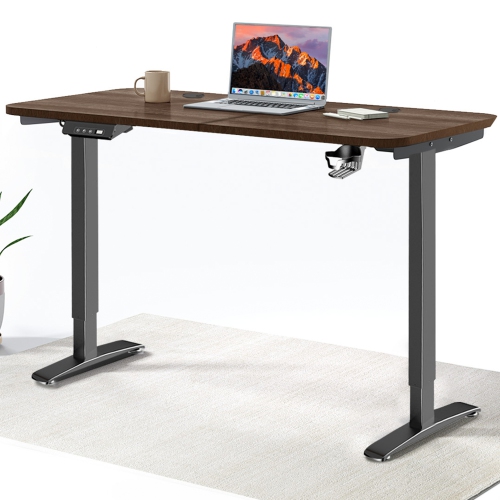 Your price for this item is $349.99
-
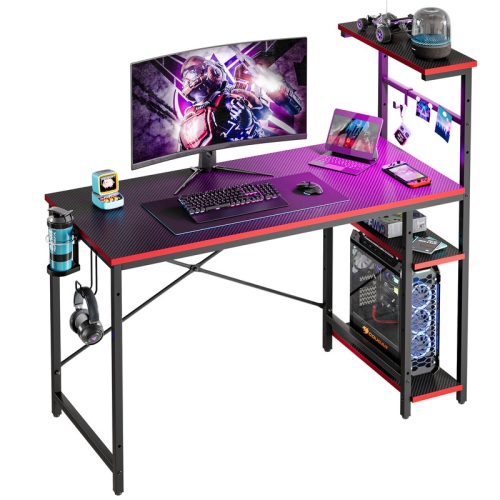 Your price for this item is $149.99
-
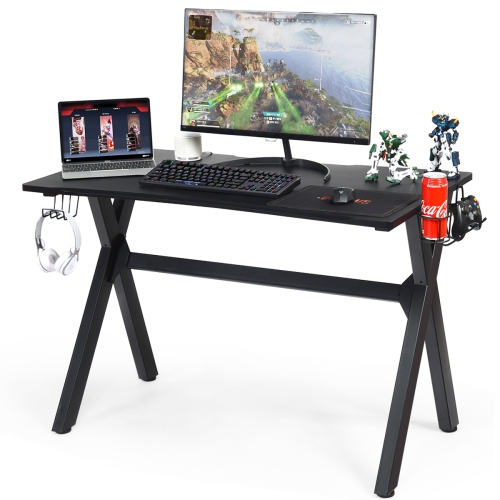 Your price for this item is $225.99
-
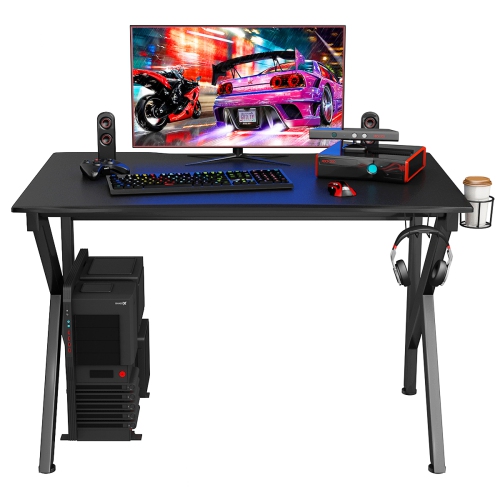 Your price for this item is $246.99
-
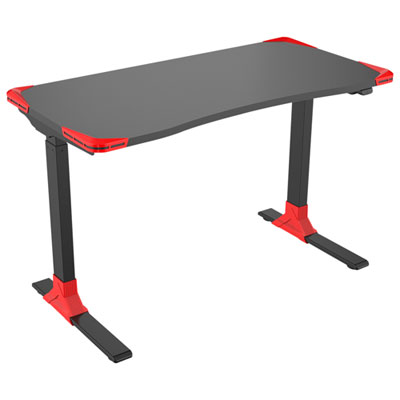 Your price for this item is $579.99
Discover more categories related to Dual Monitor Gaming Desks

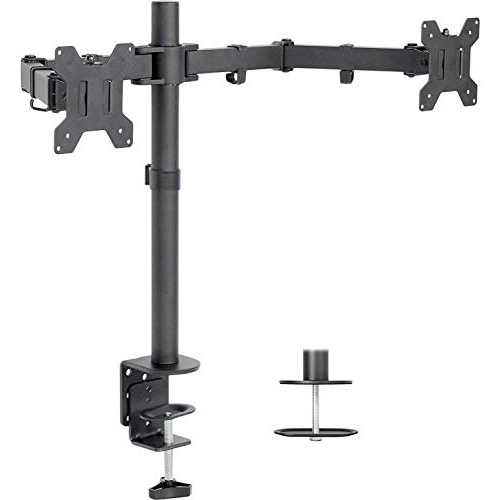
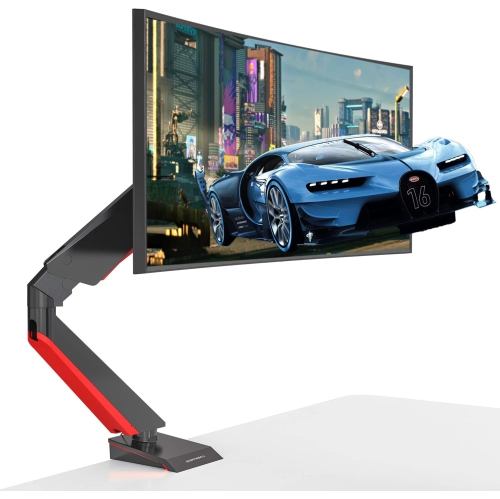
Top Collections:
Best Black Friday Deals This Year, Best Black Friday Deals On Electronics, Kindle Devices, Pokemon Centers, Best Black Friday Deals On Apple Products, Best Cameras for Sports Photography, Dyson Airwrap, Pokémon 30th Celebration Cards, Apple iPhone 17 Pro, Canon G7X Cameras
Some products may be subject to Environmental Handling Fees
(EHF) depending on your province.
Learn more about EHFs.