Dual Monitor Desks
Upgrade your workspace with a Dual Monitor Desk, designed to help you maximize productivity and comfort. Whether you're working from home, gaming, or managing multiple projects, these desks provide the ideal setup for efficient multitasking. Discover a variety of styles and configurations to suit your space and needs, making it easy to create an organized and functional workstation. Find the perfect Dual Monitor Desk to enhance your daily workflow and support your technology essentials.
Sort

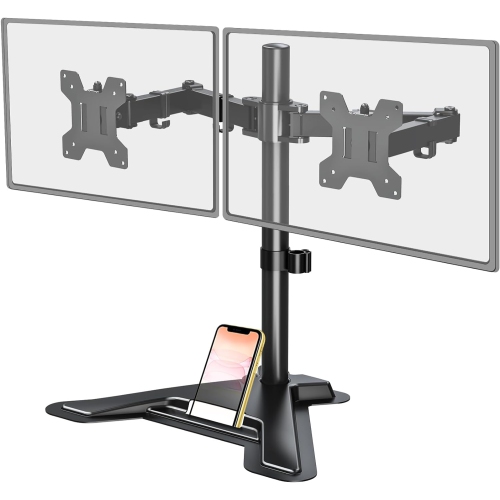
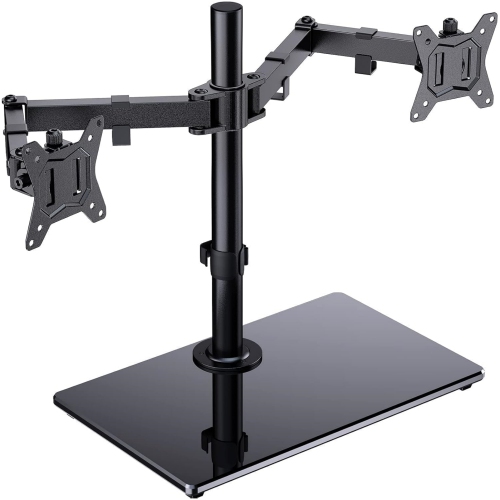
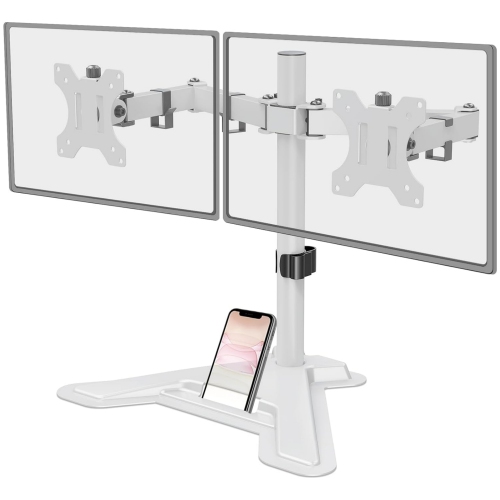
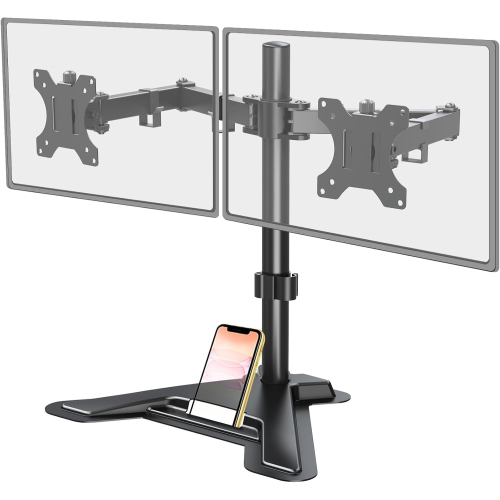
Two screens need more than a wide desktop
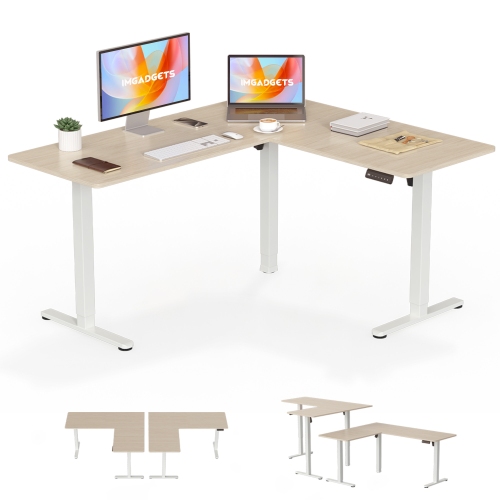
Dual monitor desks provide room for two screens without crowding out the keyboard, mouse, and everyday tools that make a workspace comfortable to use. They suit everything from a home office with spreadsheets open beside email to a study space where research stays visible alongside an assignment. For many side-by-side setups, a desktop measuring 60 to 72 inches wide and 24 to 30 inches deep is a useful starting point, rather than a fixed requirement. The right dimensions depend on the actual width of each monitor, the size of its stand, and whether the screens sit straight across or angle inward. Screen sizes are measured diagonally, so two monitors with the same advertised size may still have different footprints. A deeper surface leaves more flexibility to position displays at a comfortable viewing distance while keeping the keyboard and mouse within easy reach. Monitor arms can free up space beneath the screens, but the desk still needs enough width for both displays and enough depth for comfortable working posture. When comparing layouts in the Desks for Two Monitors category, usable desktop space matters more than overall dimensions alone. A raised shelf, built-in cabinet, or curved desktop edge can change how much room remains for equipment. Rectangular desks fit naturally against a wall, while L-shaped desks offer a separate return for paperwork, a drawing tablet, or a laptop. The corner section needs to remain easy to reach rather than becoming a place where frequently used equipment sits too far away. In a shared room, the desk’s footprint also needs to leave room for the chair to move back and for other people to pass. A setup that looks spacious on the desktop can still feel cramped if drawers restrict legroom or the chair cannot slide comfortably underneath. These details matter for remote workers, students, designers, programmers, and anyone who regularly moves information between two screens.
Materials and construction affect how a dual monitor desk feels during daily use, especially when it carries two displays and their supporting hardware. Solid wood offers distinctive grain and can develop marks with use; its care requirements depend on the finish. Engineered wood with a laminate or melamine surface often provides a uniform appearance and a practical surface for routine cleaning, although exposed edges and damaged seams need protection from moisture. Metal frames can provide a firm foundation, but stability also depends on frame design, joints, hardware, and correct assembly. A substantial-looking desktop is not, by itself, proof that a desk will support a particular setup. The stated weight capacity needs to account for both monitors, stands or arms, a computer placed on the surface, and any other equipment. Mounting compatibility deserves particular attention when the displays will be attached to a clamp or grommet mount. The desktop’s thickness, material, edge profile, and clear space underneath must meet the mount manufacturer’s requirements. A rear support rail or cable tray may obstruct a clamp even when the top appears suitable from above. Glass desktops require particular caution: a monitor mount should only be used when both the desk and mount manufacturers explicitly permit that installation. A purpose-built reinforcement plate may help distribute pressure on compatible desktops, but it does not make an unsuitable surface safe for mounting. For height-adjustable desks, the lifting capacity must suit the complete setup, and stability matters at standing height as well as seated height. Two screens can make movement more noticeable when typing or adjusting a display. Adjustable feet can help a desk sit evenly on an uneven floor, while properly tightened connections help reduce avoidable movement. Durable edges and a finish suited to regular use are worthwhile details in a workspace where chairs, bags, and accessories repeatedly brush against the furniture.
The most useful features are often the ones that make ordinary tasks less awkward. Cable openings and under-desk trays help route monitor leads, charging cables, and power cords away from the keyboard area and the space around the chair. Enough cable slack is essential for a sit-stand desk, allowing the surface to travel through its full height range without pulling on connections. Cords should also remain clear of moving parts. Built-in power connections can reduce the need to reach behind furniture, provided their ratings and use instructions suit the connected equipment. Storage works best when it matches what actually stays at the desk: a shallow drawer for stationery, a shelf for reference books, or an open section that keeps a computer tower off the main work surface without restricting ventilation. Raised monitor shelves may create useful space underneath, but a fixed shelf height will not suit every person or screen. A comfortable arrangement keeps frequently used controls close and allows the shoulders to stay relaxed. When one display handles most tasks, placing it directly ahead and the other beside it can reduce repeated turning; when both are used equally, a balanced arrangement may feel more natural. Desk height, chair adjustment, and monitor positioning all contribute to that fit, rather than any single feature doing the work alone. Care is usually straightforward but should follow the desk’s finish and material instructions. A soft cloth, prompt attention to spills, and suitable protection beneath drinks help preserve the surface. Harsh cleaners and abrasive pads can damage finishes, while water left around seams can affect some engineered wood surfaces. Periodic checks of fasteners and mounting hardware are useful, especially after moving the desk. With room for the equipment used every day and a layout that leaves hands, feet, and cables unobstructed, a dual monitor desk becomes a dependable place for focused work, creative projects, study, and gaming without requiring the entire room to revolve around the screens.
Top selling and popular products
-
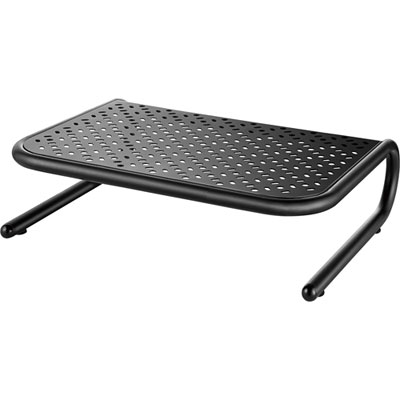 Your price for this item is $34.95
-
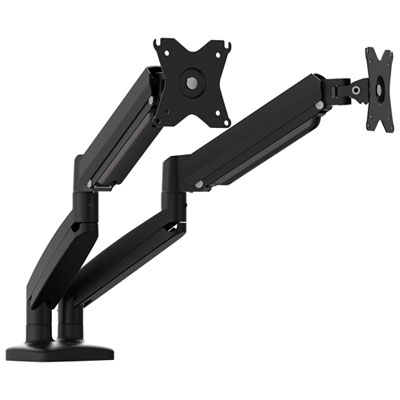 Your price for this item is $149.99
-
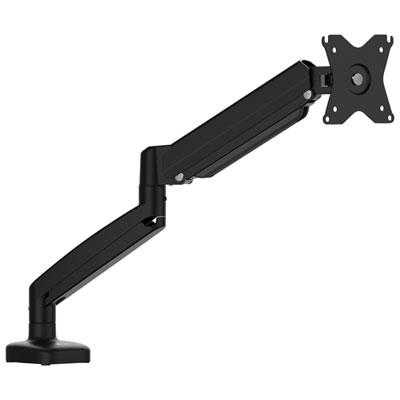 Your price for this item is $79.99
-
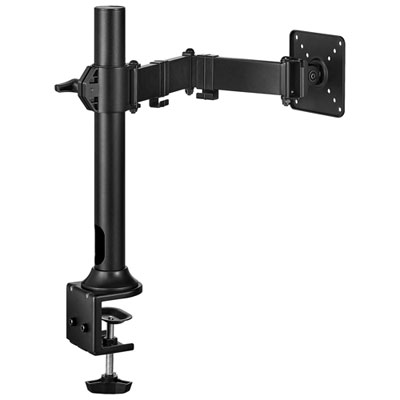 Your price for this item is $69.99
-
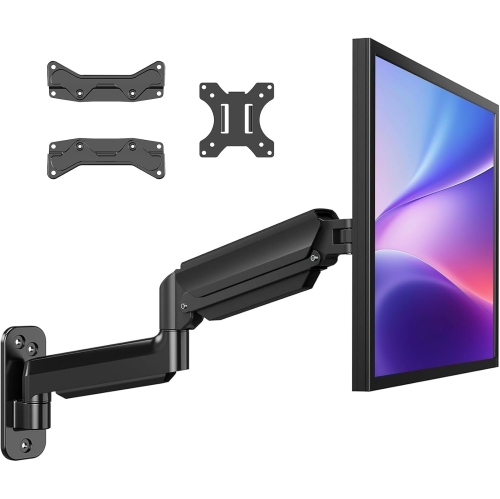 Your price for this item is $71.99
-
 Your price for this item is $79.99
-
 Your price for this item is $99.99
-
 Your price for this item is $238.99
Discover more categories related to Dual Monitor Desks

Top Collections:
Best Black Friday Deals This Year, Best Black Friday Deals On Electronics, Kindle Devices, Pokemon Centers, Best Black Friday Deals On Apple Products, Best Cameras for Sports Photography, Dyson Airwrap, Pokémon 30th Celebration Cards, Apple iPhone 17 Pro, Canon G7X Cameras
Some products may be subject to Environmental Handling Fees
(EHF) depending on your province.
Learn more about EHFs.