Dual Monitor Risers
Maximize your workspace and enhance productivity with a dual monitor riser. Designed to help organize your desk and create an efficient setup, a dual monitor riser offers a practical solution for anyone looking to streamline their workflow. Whether you're working from home, gaming, or managing multiple tasks at once, these versatile accessories make it easy to keep your monitors at the ideal height and position. Explore a range of options to find the right fit for your needs and elevate your workstation experience.
Sort
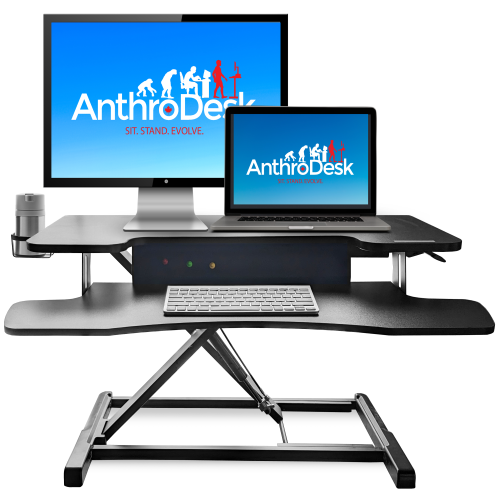

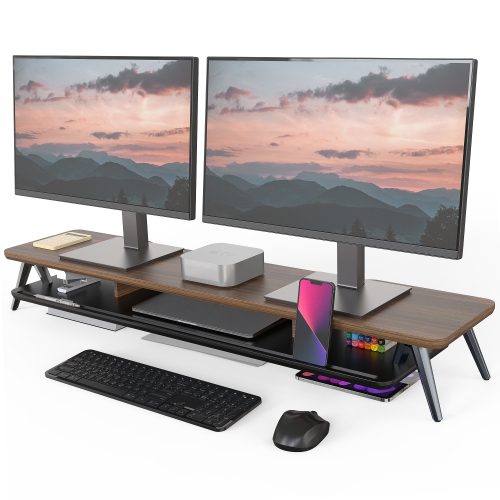
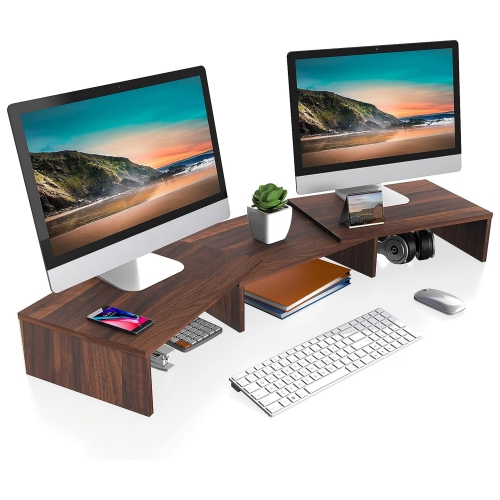

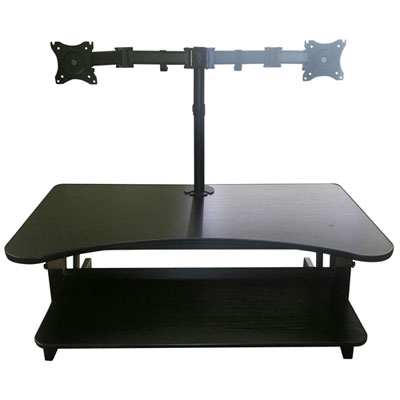
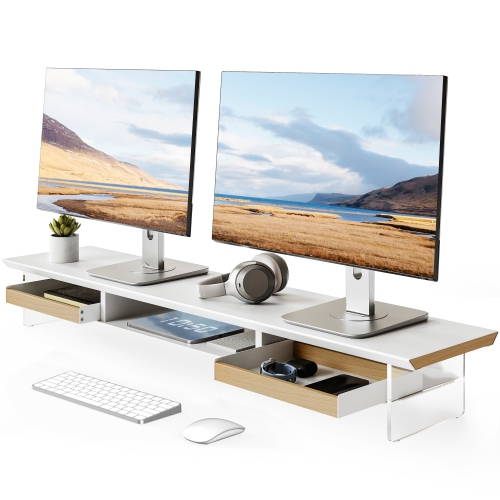
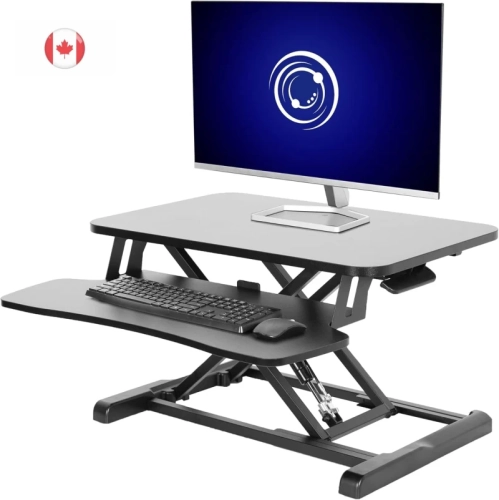
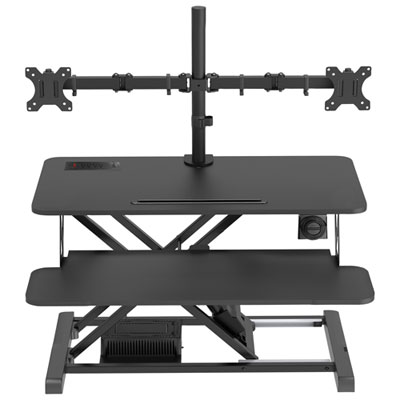
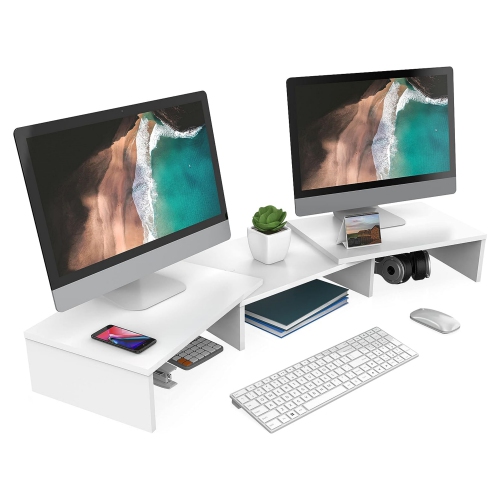
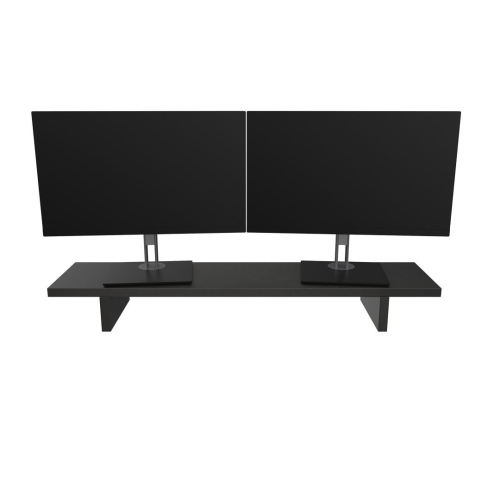
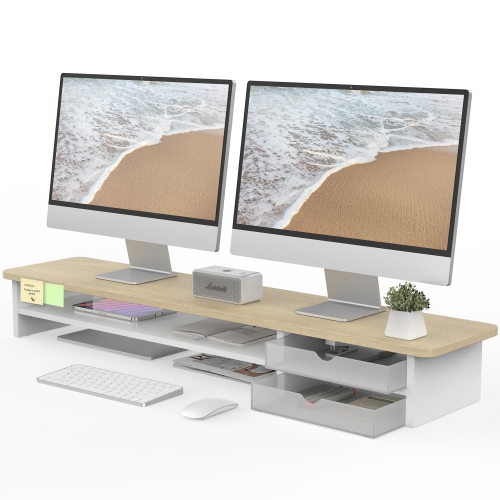
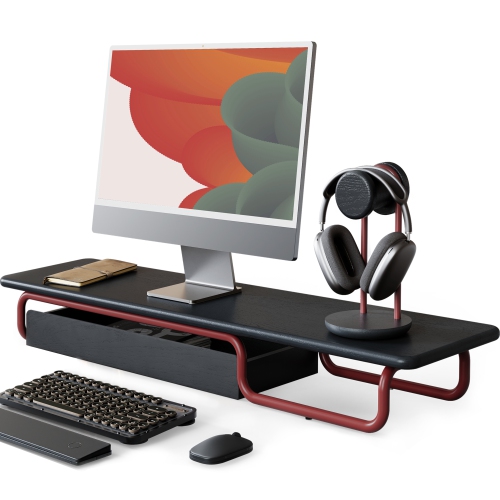
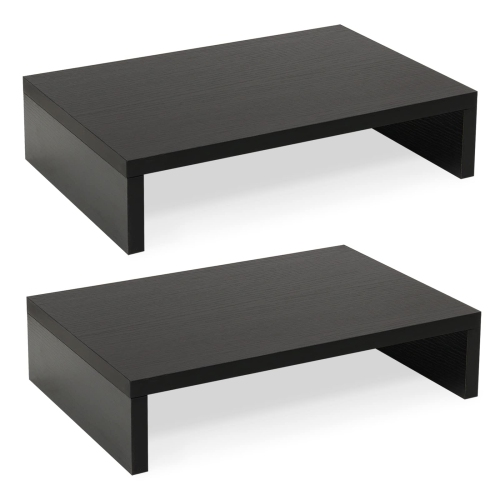
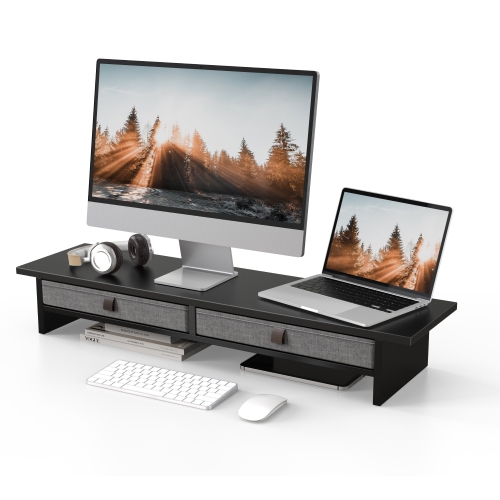
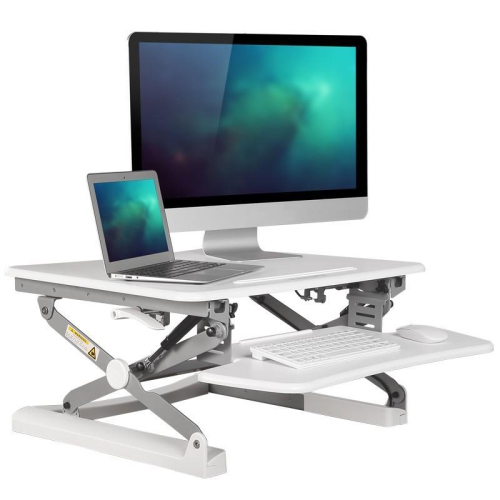
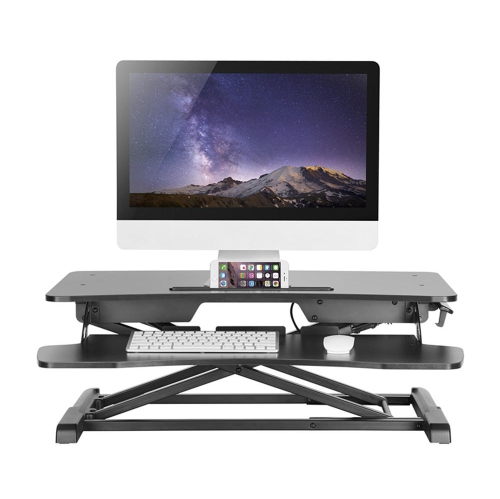
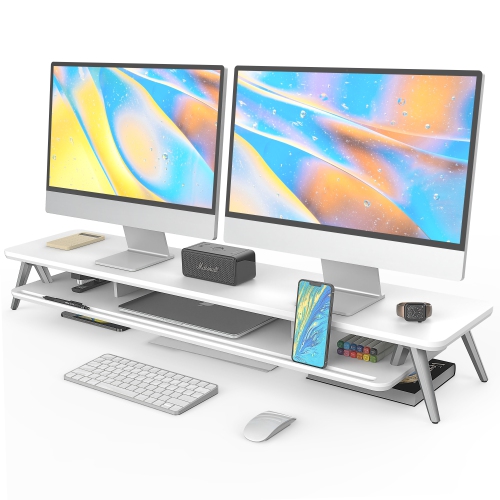
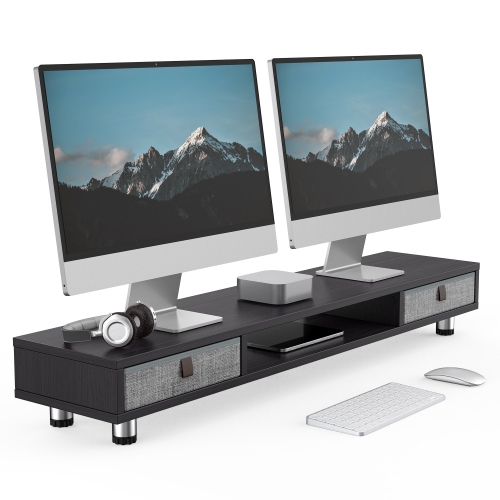
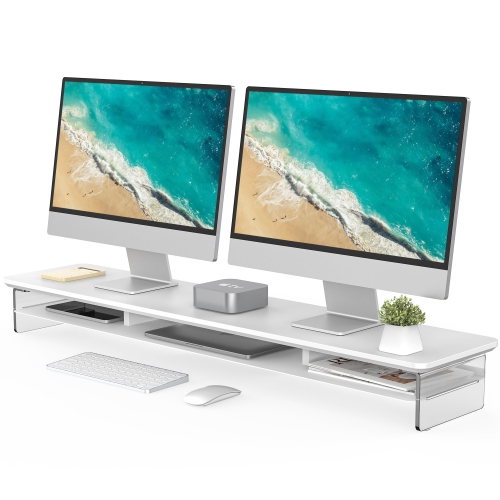
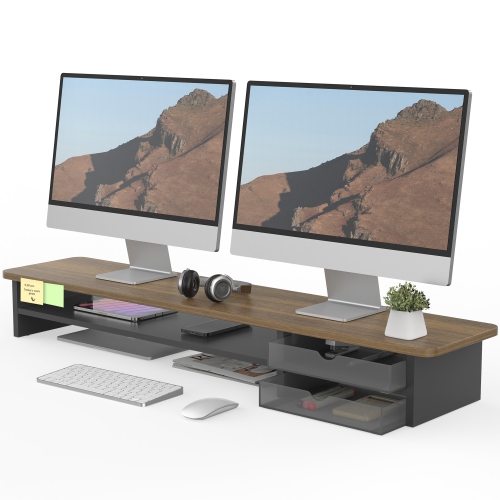
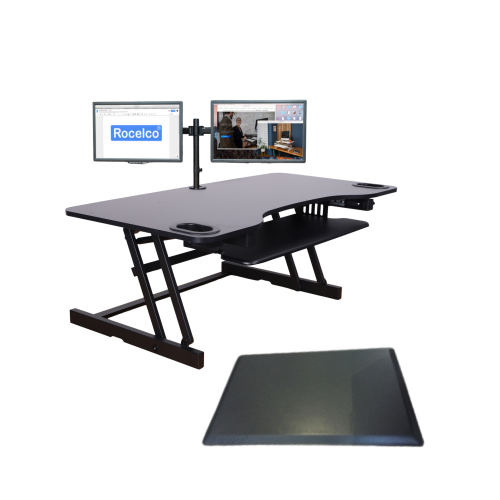
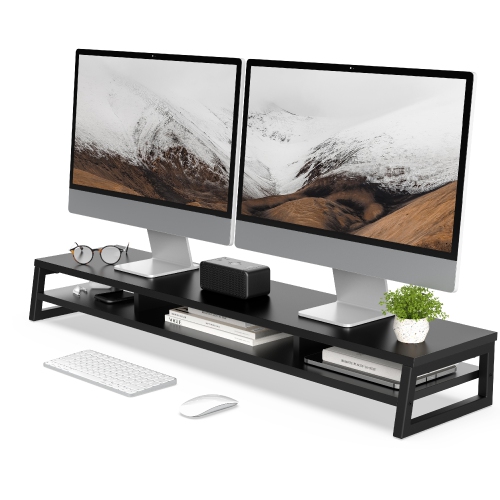
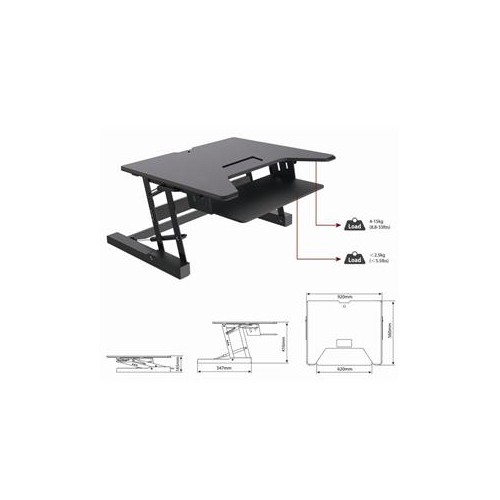
Higher screens and more space for desk essentials
Dual monitor risers are desktop platforms designed to support two monitors side by side, lift their screens to a more suitable viewing height, and create usable storage space beneath them. Unlike monitor arms, which typically attach directly to compatible screens, a riser usually supports the monitors on their existing bases. That makes the category relevant to many two-screen setups, including home offices, study desks, creative workstations, and shared workspaces. A raised platform can give a keyboard somewhere to slide when the workday ends, leave a notebook within easy reach, or keep a small collection of desk accessories from spreading across the main work surface. For someone comparing spreadsheets on one screen while answering messages on another, the benefit is both visual organization and a clearer place to work. Designs range from a single wide shelf to separate or connected platforms that allow more flexibility in screen placement. Some have fixed dimensions, while others offer adjustable height, width, or angles between sections. These differences matter when one monitor sits straight ahead and the other turns inward, or when a portrait-oriented screen needs to sit beside a landscape display. A comfortable arrangement generally places the primary screen directly in front of the user, with its upper edge around eye level or slightly below, depending on seating position and individual needs. Raising both displays by the same amount does not necessarily align their screen edges, since monitor bases and built-in height adjustments vary. The riser’s height works together with the chair, desk, and monitor settings rather than replacing those adjustments. People who need additional lift may also find Tall Monitor Risers relevant, provided the resulting screen position remains comfortable. Enough room between the chair and desk to sit naturally, without leaning forward to read small text, remains just as important as the height of the platform itself.
The fit of a dual monitor riser depends on more than the diagonal size of the screens. Monitor bases can be surprisingly deep, particularly when they use wide V-shaped feet, and every contact point needs to rest securely on the platform. A broad shelf may accommodate two compact bases comfortably but offer less flexibility for larger stands or displays positioned at an angle. Overall width, platform depth, and the distance between supporting legs all affect how the riser works on a particular desk. The desktop also needs enough space in front for the keyboard and mouse, plus clearance behind the monitors for plugs and cables. Weight capacity is another important distinction: a stated limit may apply to the entire structure or to each section, so the combined weight of both monitors and anything stored on top needs to match the applicable rating. Materials influence appearance, weight, and everyday durability. Solid wood brings natural grain and a furniture-like presence, while engineered wood can provide a smooth, consistent finish that coordinates with shelving or cabinetry. Steel and aluminium designs often suit a more streamlined workstation, with the construction and support layout determining how stable the platform feels. Glass surfaces can make a desk look visually lighter, though their stated load limits and handling requirements still matter. Rounded edges, neatly finished corners, secure fasteners, and non-slip feet are useful details where hands move frequently and equipment stays in place for long periods. A finish that tolerates routine wiping is practical on a busy desk, while resistance to scuffs matters when keyboards or notebooks slide beneath the shelf each day. For a sit-stand desk, a rigid structure and secure footing are especially relevant as the work surface moves. Neither a riser nor a monitor base should hang beyond the edge of the desk, and the arrangement should remain stable when typing or making normal screen adjustments.
Storage beneath a dual monitor stand is most useful when its dimensions match the accessories that actually live on the desk. A full-size keyboard needs more uninterrupted width than a compact model, and a keyboard with a raised palm rest may need extra vertical clearance. Drawers can keep pens, sticky notes, and charging cables out of sight, while open compartments make frequently used essentials easier to reach. Built-in dividers offer structure, but an open shelf can be more flexible for someone who alternates between a notebook, graphics tablet, and paper documents. Cable openings or channels can help route display and power leads toward the back of the desk without trapping them under the riser’s feet. Cables still need enough slack for monitor adjustments and, on a height-adjustable desk, the full range of movement. Any laptop, docking station, or other electronic device stored beneath the platform needs the ventilation clearance specified by its manufacturer; a tidy arrangement should not cover vents or crowd warm equipment together. Routine care is usually straightforward, with a soft cloth and cleaning methods suited to the surface helping preserve the finish. Wood-based platforms benefit from prompt attention to spills, metal joints need occasional checks for loosened fasteners, and glass requires careful handling around its edges. Heavy displays should be removed before moving or reconfiguring the riser. Beyond office work, these platforms can suit students working between research and written assignments, designers keeping reference material beside a project, and gamers using another display for chat or streaming controls. They can also make a practical gift for someone setting up a dedicated workspace, especially when the desk measurements and monitor arrangement are already known. The most useful design leaves room for the person’s daily habits: a place to write, clear mouse movement, accessible controls, and two screens positioned where they can be read without repeatedly twisting or leaning.
Top selling and popular products
-
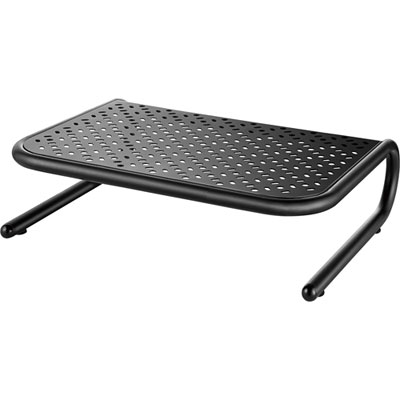 Your price for this item is $34.95
-
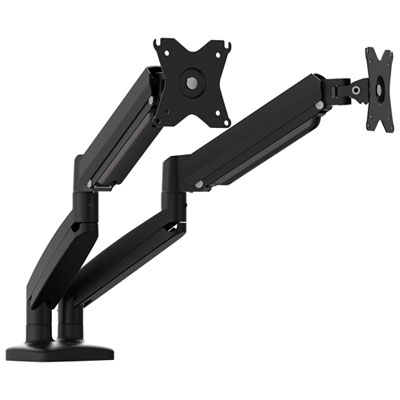 Your price for this item is $149.99
-
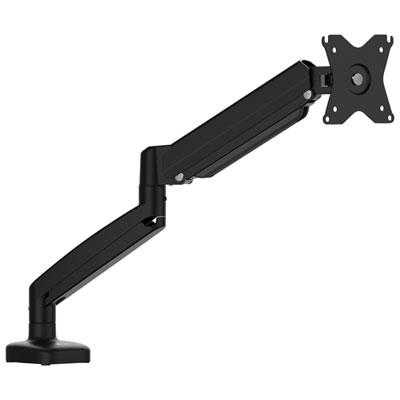 Your price for this item is $79.99
-
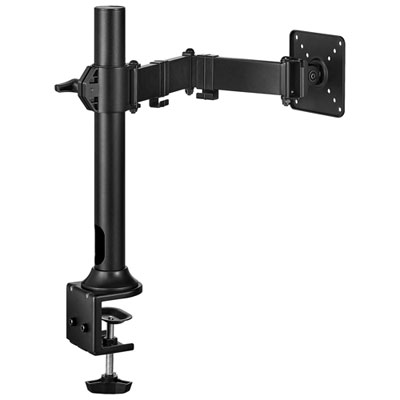 Your price for this item is $69.99
-
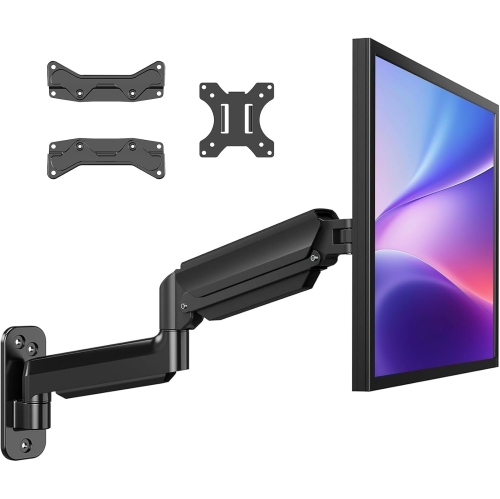 Your price for this item is $71.99
-
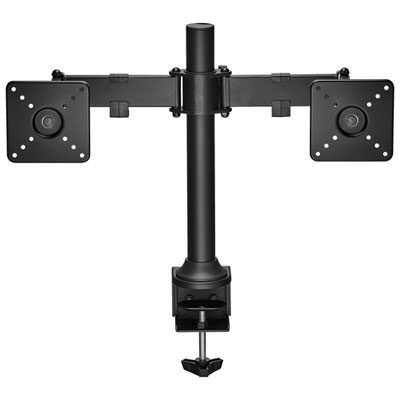 Your price for this item is $79.99
-
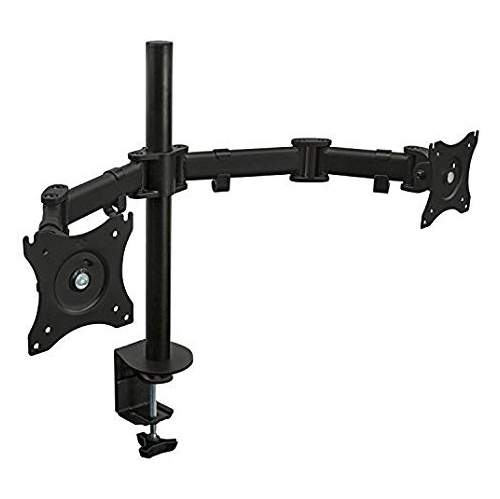 Your price for this item is $99.99
-
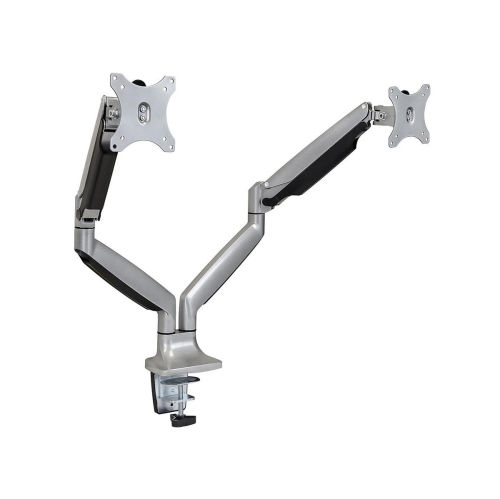 Your price for this item is $238.99
Discover more categories related to Dual Monitor Risers

Top Collections:
Best Black Friday Deals This Year, Best Black Friday Deals On Electronics, Kindle Devices, Pokemon Centers, Best Black Friday Deals On Apple Products, Best Cameras for Sports Photography, Dyson Airwrap, Pokémon 30th Celebration Cards, Apple iPhone 17 Pro, Canon G7X Cameras
Some products may be subject to Environmental Handling Fees
(EHF) depending on your province.
Learn more about EHFs.