USB Microphones for Streaming
USB Microphones For Streaming are essential for anyone looking to enhance their online broadcasts with clear, professional-quality sound. Whether you're a gaming enthusiast, a podcaster, or someone who loves connecting with an audience, the right USB microphone makes a noticeable difference in your streaming experience. Explore a wide selection of USB microphones designed to deliver reliable performance and easy connectivity, so you can focus on engaging your viewers and creating standout content. Find the perfect fit for your setup and take your streaming to the next level.
Sort
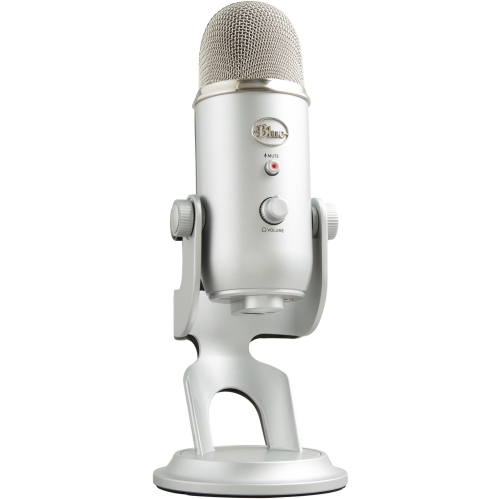
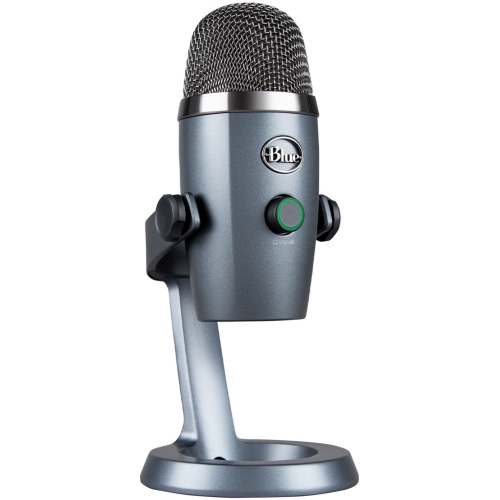
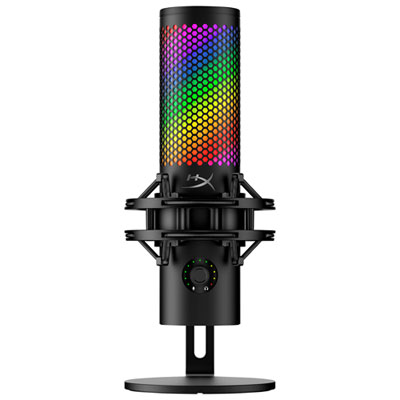
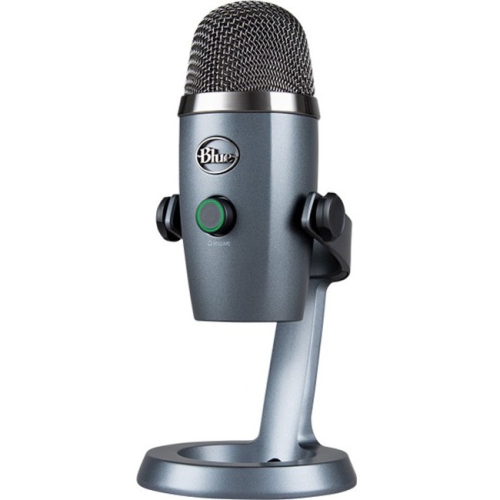
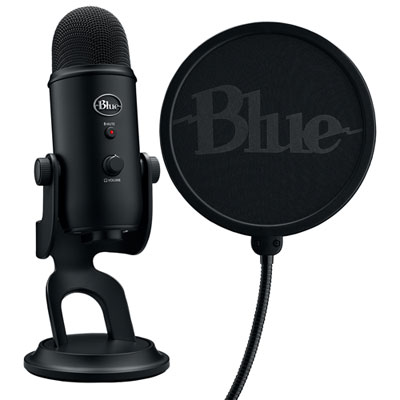
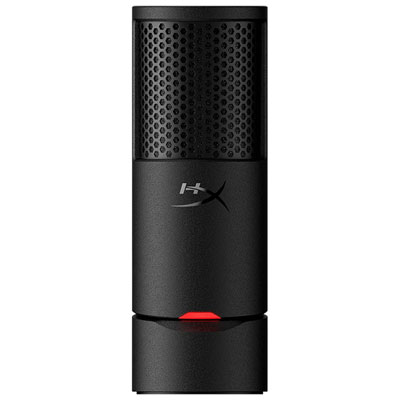
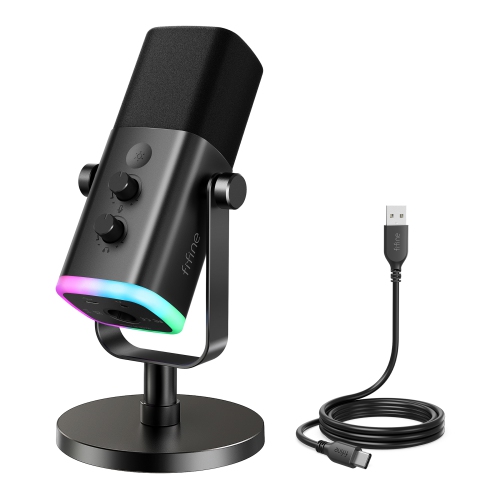
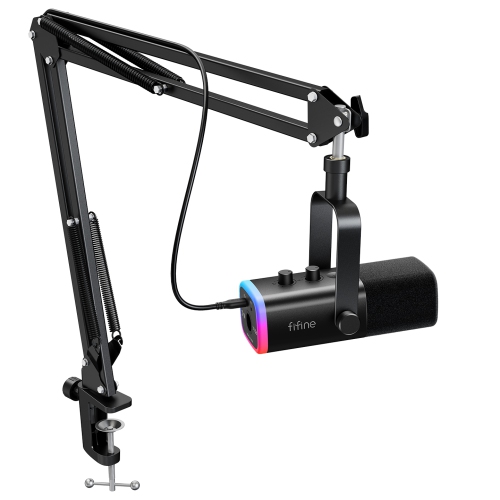
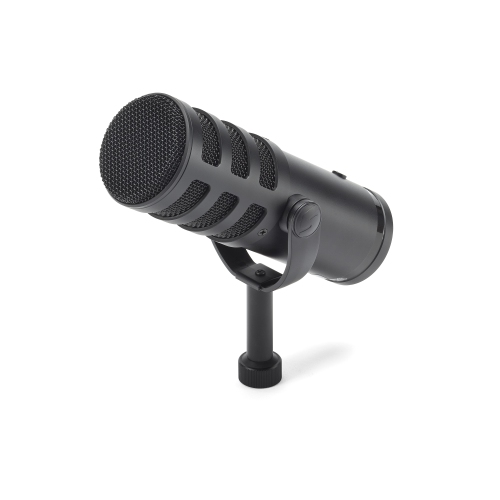
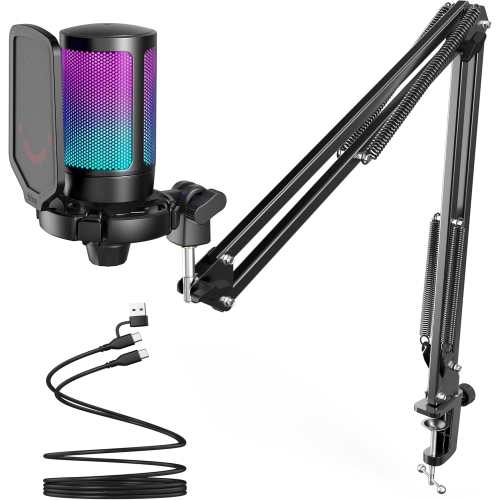
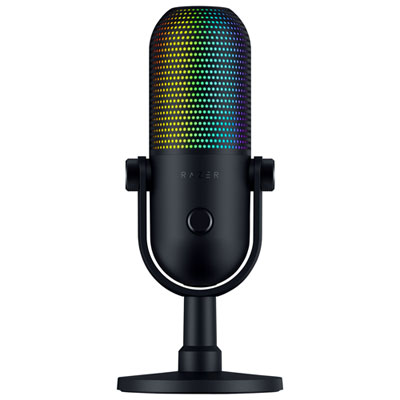
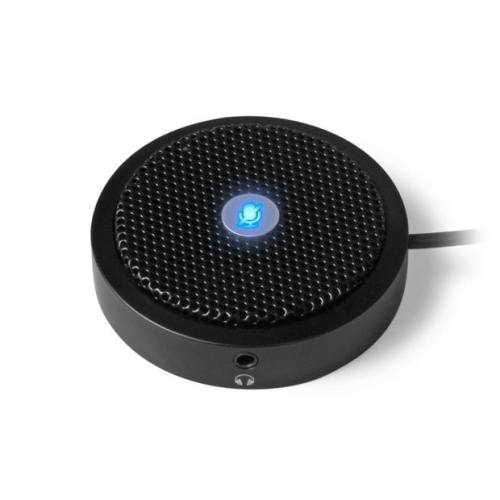
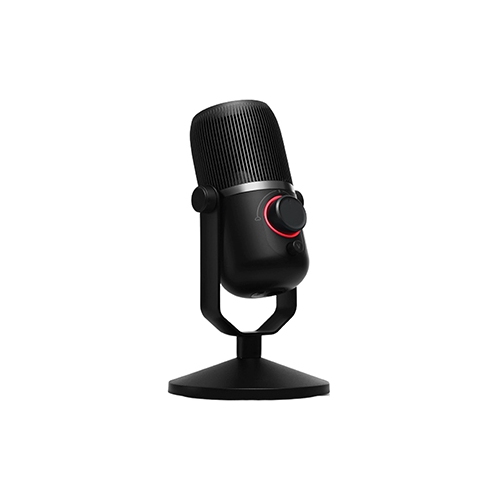
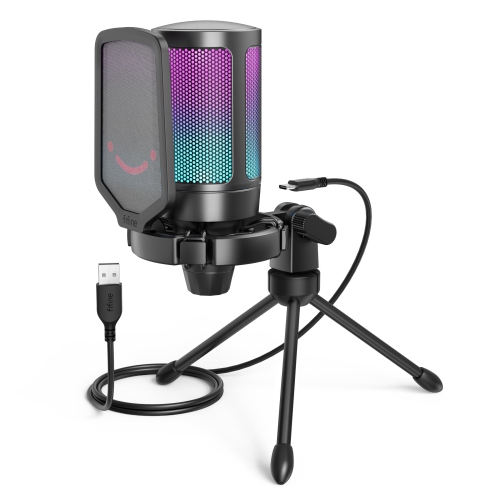
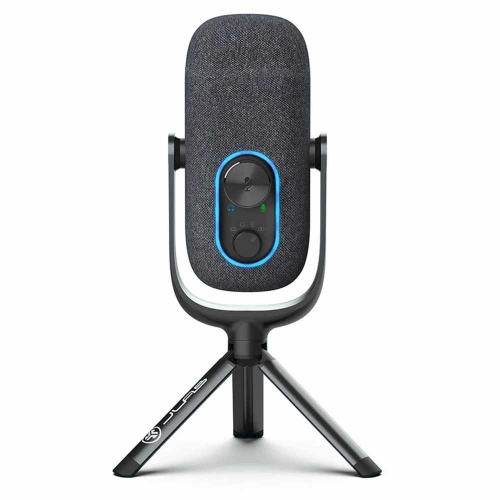
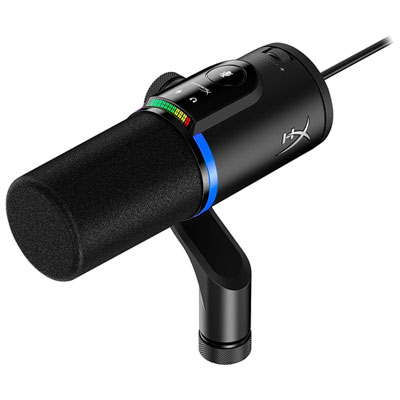
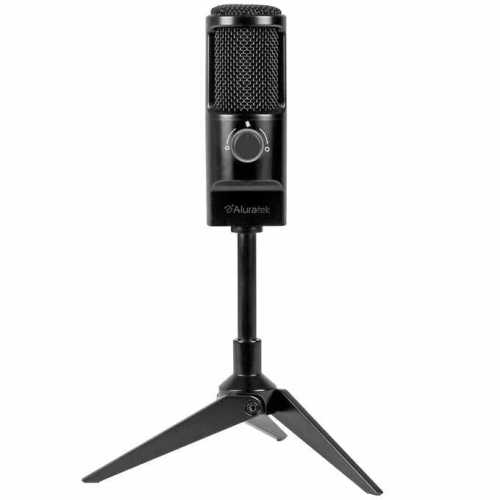

Clearer stream audio starts with placement and control
USB microphones for streaming bring voice capture and digital connectivity into a single device, making them a practical choice for live gaming, chat streams, online performances, and recorded commentary. A USB microphone typically combines a microphone capsule, preamp, and analogue-to-digital converter, so a compatible computer can receive audio without a separate audio interface. The most useful differences are often the pickup pattern, microphone type, onboard controls, and monitoring options rather than appearance alone. A cardioid pickup pattern captures sound mainly from the front while reducing sensitivity at the rear, helping keep a streamer’s voice prominent when a keyboard, computer fan, or other household activity is nearby. It does not eliminate background noise, and placement still matters: a microphone positioned close to the speaker generally captures a stronger voice relative to the room than one sitting across the desk. Condenser USB microphones can capture fine vocal detail and subtle changes in expression, while dynamic USB microphones often suit close-speaking setups where room sound needs to remain less prominent. Neither type automatically fixes a noisy space; pickup pattern, working distance, gain, and room acoustics all influence the result. For spoken streams, clear consonants and a natural vocal tone are more useful than exaggerated bass that makes words harder to follow. A pop filter or foam windscreen can soften bursts of air from sounds such as “p” and “b”, while a shock mount can reduce vibrations travelling through a desk or microphone arm. Digital specifications provide another point of comparison. Support for 24-bit audio offers useful headroom during capture, and 48 kHz is a common sample rate for video production. Higher supported sample rates, including 96 kHz, may suit some recording workflows, but they do not automatically make a live voice stream clearer. A well-positioned microphone with sensible gain usually contributes more to intelligibility than a larger specification on its own.
The everyday appeal of USB microphones for streaming also comes from controls that are easy to reach without interrupting a broadcast. An onboard gain dial adjusts the microphone’s input level, while a separate headphone volume control changes listening loudness; these controls serve different purposes. A clearly marked mute button or tap-to-mute surface is useful when someone enters the room or a conversation needs to stay off the stream. Visible mute status can make that control easier to trust, especially when attention is divided between a game, chat window, and streaming software. Built-in headphone monitoring is another valuable feature. Direct monitoring lets the speaker hear the microphone signal without the delay introduced by a round trip through computer software, although the available mix of microphone and computer audio varies by model. This can make it easier to notice an awkward speaking distance, a rubbing cable, or an unexpectedly loud breath before it becomes a distraction. Some USB microphones include digital signal processing, automatic level adjustment, noise reduction, or software tools for compression and equalization. These features can help maintain a steadier voice level or shape the sound, but aggressive settings may clip the beginnings of words, flatten expression, or introduce audible processing. Reliable results depend on how those tools respond to the individual voice and surrounding sounds. Connection details matter just as much as audio features. USB-C describes a connector, not a guarantee of compatibility with every computer, phone, tablet, or gaming console. Operating system support, cable type, power requirements, and access to companion software can all affect which functions work. A microphone may support basic plug-and-play audio while reserving advanced settings for particular desktop software. Hybrid USB and XLR microphones offer another option for creators who want a straightforward computer connection today and the possibility of using an audio interface later. For live use, compatibility with the intended streaming application and a dependable audio connection are more valuable than features that remain unused.
Physical fit helps determine whether a streaming microphone becomes an easy part of the setup or an obstacle between the screen and keyboard. A compact desktop stand can suit a small workspace, but it needs enough height and stability to keep the capsule near the speaker without blocking the display. A boom arm can free desk space and bring the microphone closer, provided its weight capacity, mounting thread, and clamp opening match the microphone and furniture. Side-address microphones receive speech through the side of the grille, while end-address designs are spoken into at the end; knowing the intended speaking direction helps avoid a thin or distant sound. Metal housings, sturdy grilles, secure sockets, and well-supported stand joints can contribute to durability, although careful handling remains important around the capsule and connection points. Cable routing deserves attention where an arm moves frequently, since a cable pulled tight can strain a connector or transfer movement noise. For a shared room, a microphone that moves aside easily may be more practical than a larger arrangement that stays in the way. RGB lighting can complement a camera-facing setup, while adjustable or switchable lighting offers flexibility when a simpler appearance is preferred. Related Gaming Microphones for Streaming can also suit setups where voice chat and audience commentary share the same desk. Routine care is straightforward: disconnect the microphone before cleaning, wipe the exterior gently with a dry, soft cloth, and keep liquid away from openings and controls. Removable windscreens and pop filters need care appropriate to their materials, and any washed accessory should be fully dry before reattachment. USB streaming microphones can make thoughtful gifts for aspiring streamers, remote collaborators, podcasters, or musicians who record at a computer. Matching the connection, desk space, and intended use makes the gift more personal than choosing by looks alone. The right fit supports a comfortable speaking position and a voice that stays clear through quiet explanations, quick reactions, and longer conversations.
Top selling and popular products
-
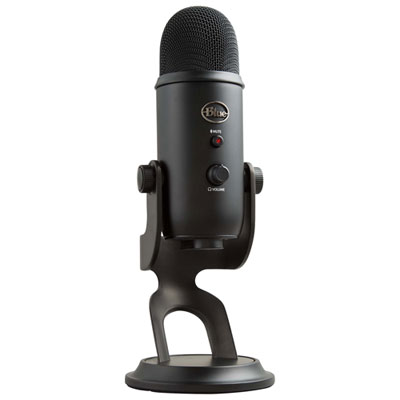 Your price for this item is $129.98
-
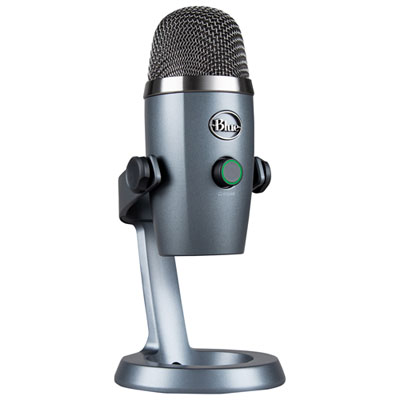 Your price for this item is $119.98
-
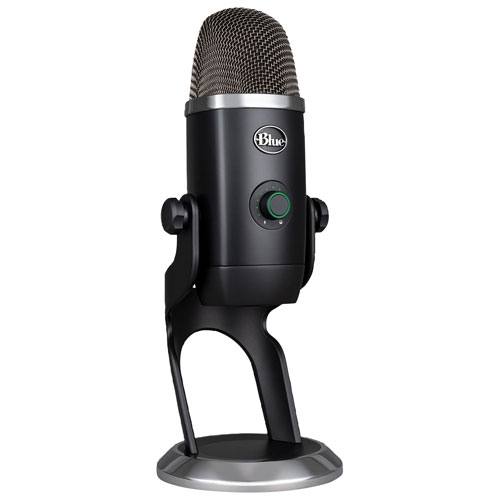 Your price for this item is $322.68
-
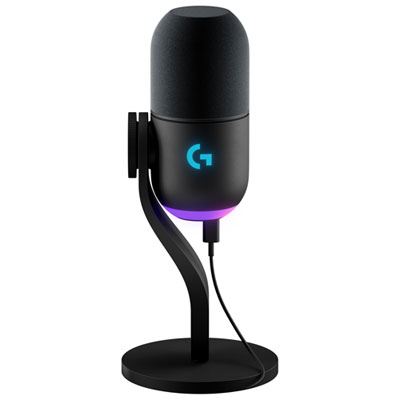 Your price for this item is $229.99
-
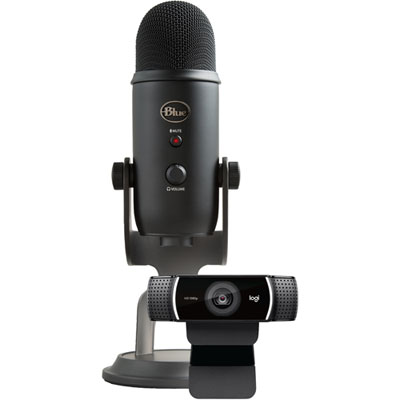 Your price for this item is $279.99
-
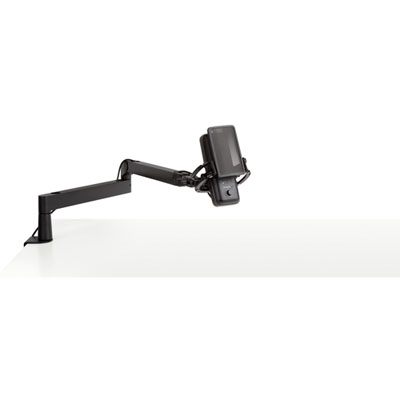 Your price for this item is $99.99
-
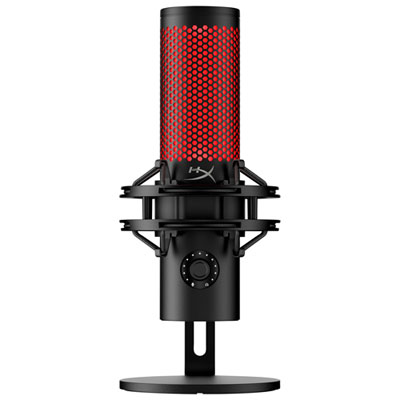 Your price for this item is $159.98
-
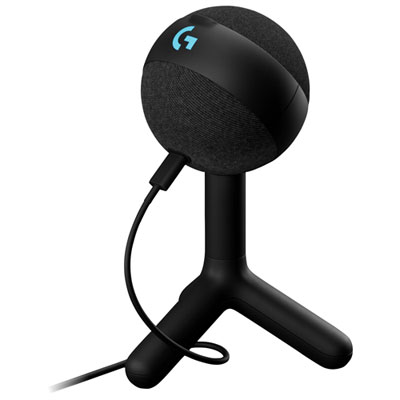 Your price for this item is $89.99
Discover more categories related to USB Microphones for Streaming
Top Collections:
Best Black Friday Deals This Year, Best Black Friday Deals On Electronics, Kindle Devices, Pokemon Centers, Best Black Friday Deals On Apple Products, Best Cameras for Sports Photography, Dyson Airwrap, Pokémon 30th Celebration Cards, Apple iPhone 17 Pro, Canon G7X Cameras
Some products may be subject to Environmental Handling Fees
(EHF) depending on your province.
Learn more about EHFs.