Elementary School Learning Tablets
Elementary School Learning Tablets provide engaging educational opportunities designed to support young learners as they build foundational skills. With a variety of options available, these tablets are tailored to help elementary students explore subjects, enhance creativity, and develop essential digital literacy. Discover Elementary School Learning Tablets that can fit seamlessly into your child’s daily routine and offer a fun way to encourage learning at home or in the classroom.
Sort
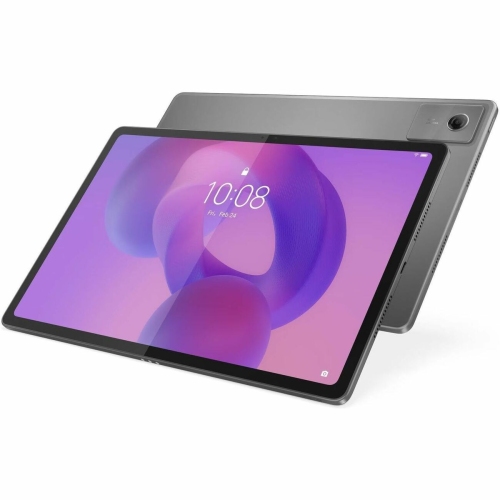
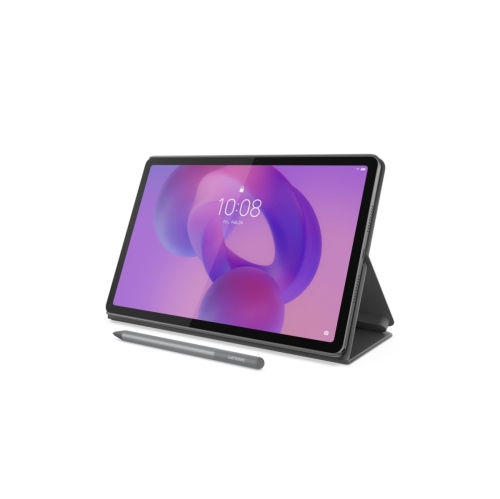


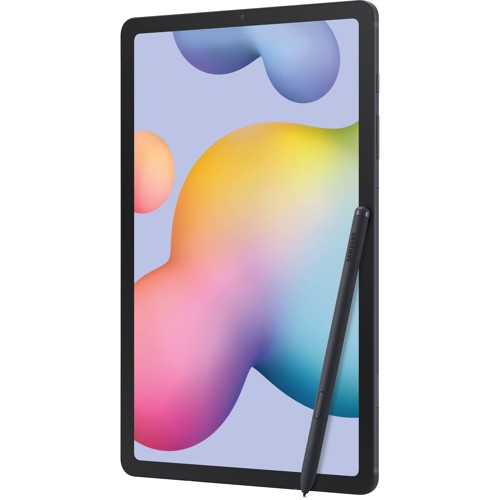

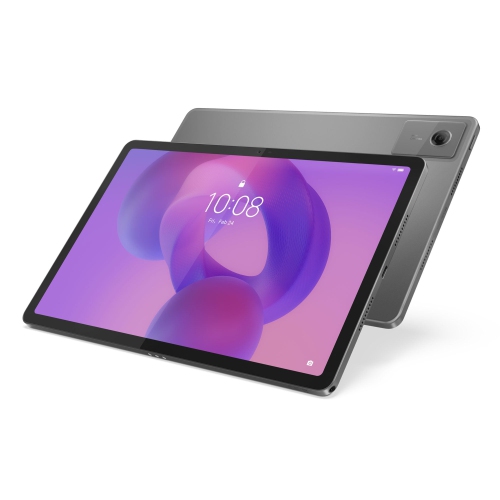





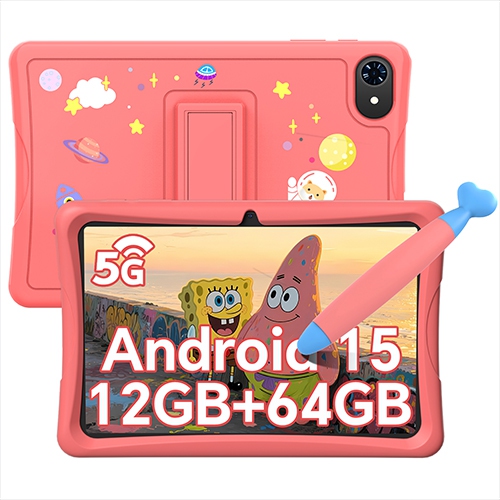
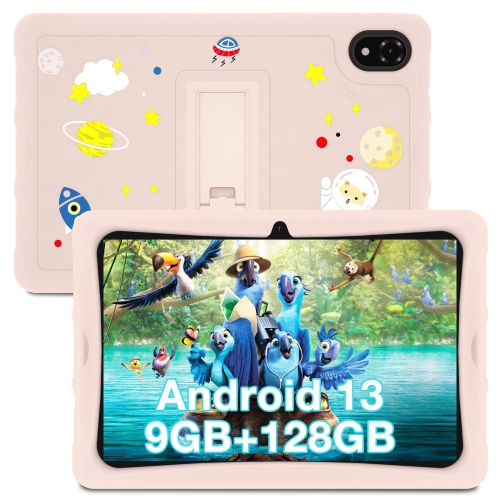
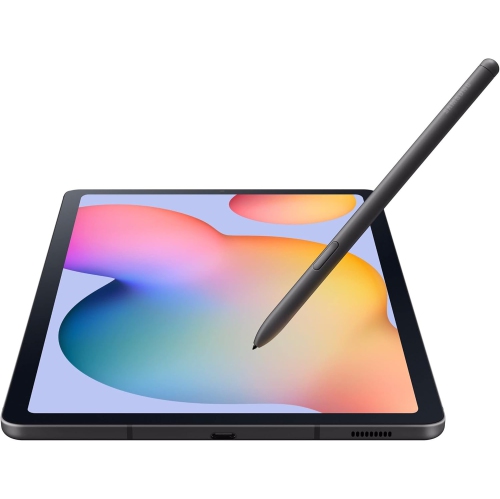


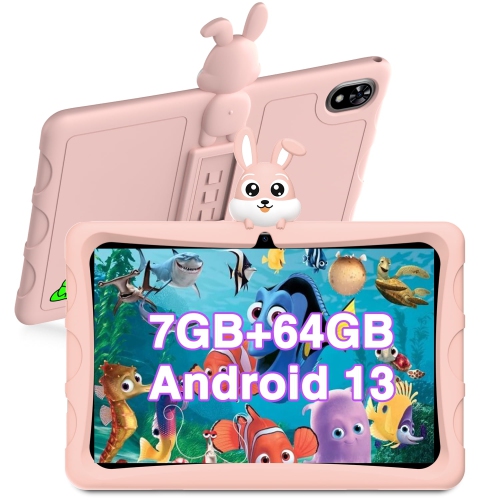
From shared story time to independent schoolwork
Elementary school learning tablets bring reading, number practice, creative projects and classroom resources together on a screen that children can use at a desk or share with an adult. Their value comes from how well the device supports a child’s everyday activities, whether that means listening to a story while following highlighted words, moving shapes to explore a maths problem or recording a short explanation of a science project. Younger learners may benefit from simple menus, large touch targets and activities that pair spoken instructions with pictures. Children working more independently often need a capable browser, clear text, room for downloaded assignments and an easy way to move between a school portal and their work. A tablet does not need to turn every activity into a game to be useful; a readable digital book, a drawing space and a reliable connection to classroom resources can be just as important. Educational content also varies considerably. Some apps focus on repeated practice, while others invite children to build a story, investigate patterns or explain how they reached an answer. Age labels provide a starting point, but reading level, attention span and a child’s interests help determine whether an activity feels approachable or frustrating. Features such as adjustable text size, text-to-speech, captions and voice input can make the same device useful to children with different learning needs. Families using more than one language at home may also appreciate language settings and access to reading material in both languages. For a child who loves drawing, a responsive touchscreen can offer space to sketch characters before writing a story; for a hesitant reader, audio support may make independent practice feel more manageable. These devices work best as part of a varied routine that still includes paper, books, conversation and hands-on play. They can also make thoughtful gifts for elementary-aged children when a parent or caregiver is involved in checking school requirements, setting up accounts and finding content that suits the child.
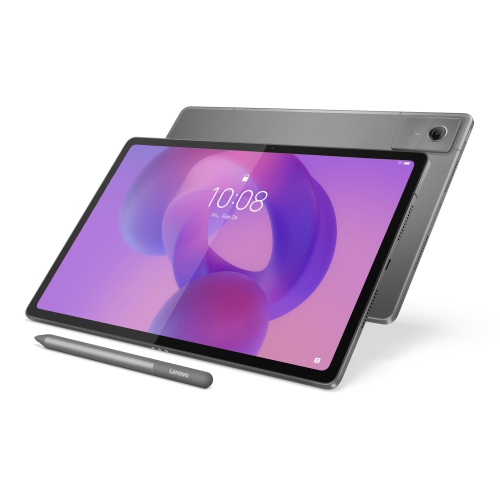
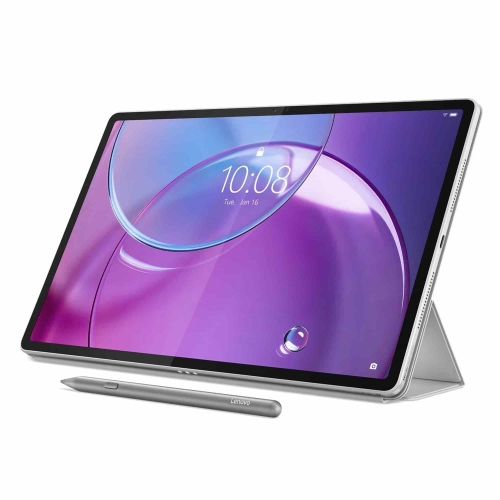
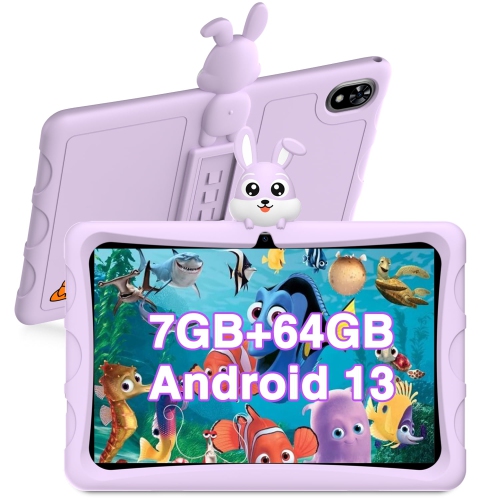
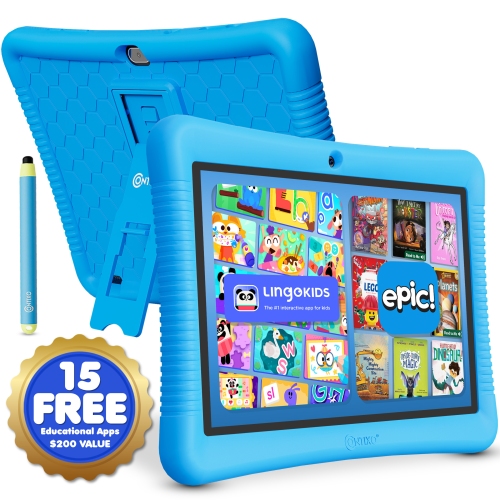
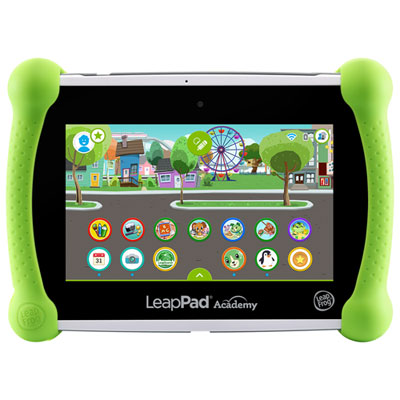
The physical design of a learning tablet matters during ordinary moments: carrying it from a backpack to a table, holding it through a reading session or sharing the screen with a sibling. Screen size is a balance between viewing space and comfortable handling. A larger display gives worksheets, illustrations and split-screen activities more room, while a smaller, lighter tablet can be easier for small hands to hold. Clear text, adjustable brightness and a screen that remains readable from different angles are useful when an adult sits beside a child to help. Device dimensions and weight matter as much as the diagonal screen measurement, particularly once a protective case is attached. Cases made with silicone, flexible plastics or layered materials can provide grip and help cushion everyday bumps, although protection varies by design and does not make a tablet damage-proof. Raised edges around the display and camera, reinforced corners and a secure fit are practical details for frequent handling. A stable stand can keep the screen upright for video lessons or reading at a table without requiring a child to hold it throughout the activity. Accessories need to match the tablet’s exact dimensions, port placement and connection requirements; similar-looking devices do not necessarily use interchangeable cases or keyboards. A stylus may be useful for drawing or handwritten work, but support for palm rejection and pressure sensitivity depends on the tablet and stylus combination. Comfortable headphones can help with listening activities in a shared room, with fit and volume settings deserving attention. Battery life is another everyday consideration, especially when a tablet moves between home and school, though actual runtime changes with brightness, video calls and app use. Care is generally straightforward: a soft, lint-free cloth, clean hands and storage away from drinks help keep the device ready for use. Cleaning methods should follow the manufacturer’s directions, particularly around ports and screen coatings. A secure place for the charger and a protective sleeve inside a school bag can also reduce avoidable wear.
Behind the screen, performance and software compatibility shape how smoothly a learning tablet fits into family routines. Basic reading and number activities may place modest demands on a device, while video lessons, larger creative projects and switching between several apps can require more processing power and memory. Storage needs grow with downloaded books, recorded presentations, photos of schoolwork and apps shared by siblings. Expandable storage, where supported, may help with some files, but it does not necessarily increase the space available for every app. Wi-Fi is important for downloading resources and accessing classroom platforms, while offline support can keep selected books and activities usable without a connection. School software deserves particular attention: an app that runs on one operating system may not run on another, and browser access does not always include every feature found in an app. Families exploring kids tablets for elementary school homework may find that teacher-provided requirements are the most useful starting point for checking compatibility. Cameras and microphones can support reading recordings, presentations and conversations with a teacher, but permissions should match the task rather than remain open unnecessarily. Parental controls may allow adults to approve downloads, limit purchases, manage access to content and set daily schedules; the exact options vary by device, account and app. Separate child profiles can help siblings keep their reading progress and projects apart, although school-managed accounts may have their own restrictions. Regular software updates and secure account settings are important parts of ongoing use. Practical setup also includes deciding where completed work is saved and how it reaches a teacher, whether through an approved classroom platform or another school-supported method. A tablet that lets a child finish a worksheet but makes submission difficult can add friction to an otherwise simple evening routine. The most suitable learning tablets support the work children actually do, leave room for growing skills and remain manageable for the adults helping them learn.
Top selling and popular products
-
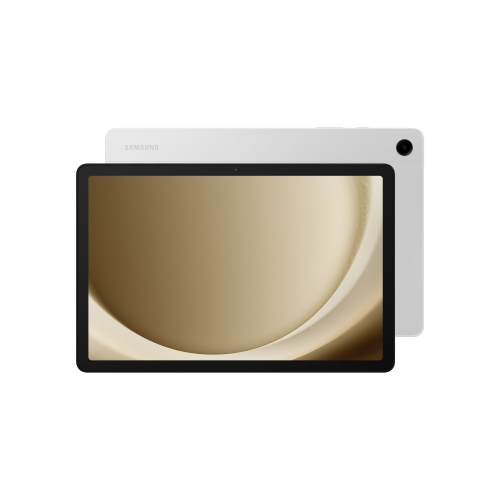 Your price for this item is $499.99
-
 Your price for this item is $350
-
 Your price for this item is $399.99
-
 Your price for this item is $979.99
-
 Your price for this item is $399.99
-
 Your price for this item is $1399.99
-
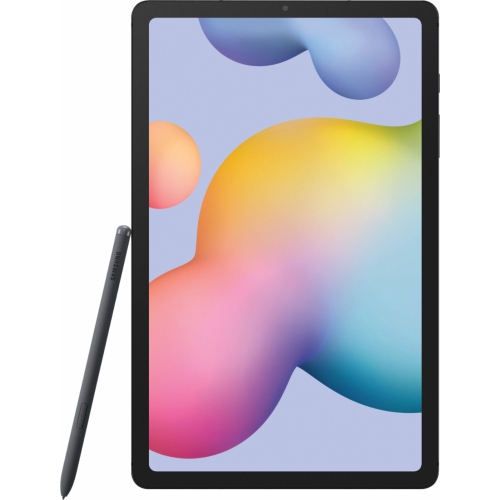 Your price for this item is $699.99
-
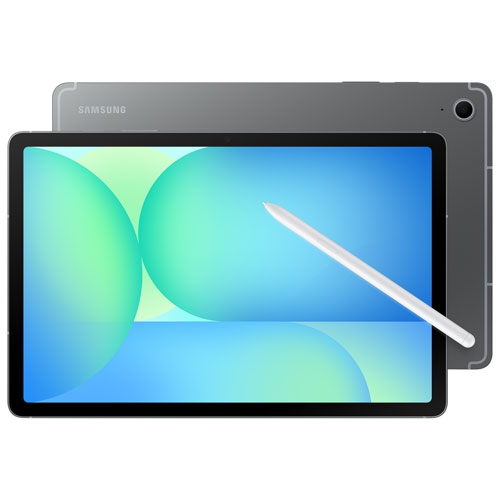 Your price for this item is $664.95
Discover more categories related to Elementary School Learning Tablets
Top Collections:
Best Black Friday Deals This Year, Best Black Friday Deals On Electronics, Kindle Devices, Pokemon Centers, Best Black Friday Deals On Apple Products, Best Cameras for Sports Photography, Dyson Airwrap, Pokémon 30th Celebration Cards, Apple iPhone 17 Pro, Canon G7X Cameras
Some products may be subject to Environmental Handling Fees
(EHF) depending on your province.
Learn more about EHFs.