Back To School Elementary School Tablets
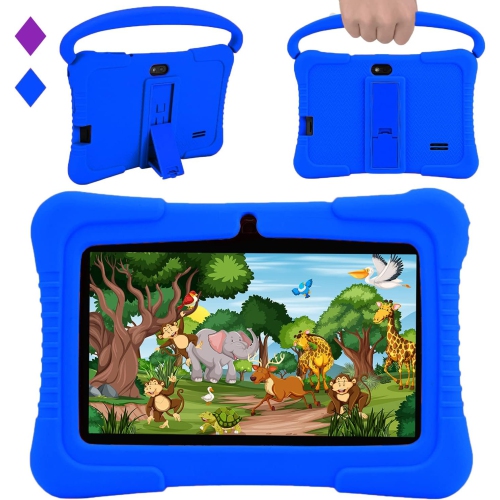
Find back-to-school tablets for elementary school students, with options for reading, learning apps, and classroom assignments. Compare screen size, storage, battery life, and parental controls to find a tablet that suits your child’s needs, and check compatibility with school-required apps before choosing.




FAQ
Look for a tablet with straightforward navigation, enough storage for school apps and assignments, and battery life suited to your child's daily routine. Wi-Fi connectivity, a built-in camera and microphone, and compatibility with the school's learning platform are also useful.
Ask the school for its required apps and learning platforms, then check their operating system requirements against the tablet's specifications. Some activities work in a web browser, while others need a dedicated app or a school-managed account.
A case, a stand and headphones can be useful for everyday schoolwork. A compatible keyboard offers an alternative to typing on the screen, while a stylus can be used for drawing and handwritten notes. Check accessory compatibility with the tablet before choosing.
Some apps let students read downloaded books, write notes or complete certain activities offline. Video calls, online submissions and cloud syncing generally require an internet connection. Check which offline features each school app supports and download any required materials before disconnecting.
Install the required school apps, sign in to school accounts and group learning tools into clearly labelled folders. Set up a simple system for naming and saving assignments, and check how files are backed up. If the tablet supports separate user profiles, a dedicated profile can keep your child's schoolwork apart from other family content.
Top selling and popular products
Discover more categories related to Back To School Elementary School Tablets
Some products may be subject to Environmental Handling Fees (EHF) depending on your province. Learn more about EHFs.