Enterprise Wireless Access Points
Enterprise Wireless Access Points are essential for organizations seeking reliable and scalable wireless connectivity across offices, campuses, and large facilities. Designed to support the demands of modern businesses, these access points help create robust networks that keep teams connected and productive. Explore a wide selection of Enterprise Wireless Access Points to find solutions that fit your company’s unique requirements and deliver seamless coverage throughout your workspace.
Sort



Reliable business Wi-Fi takes more than headline speed
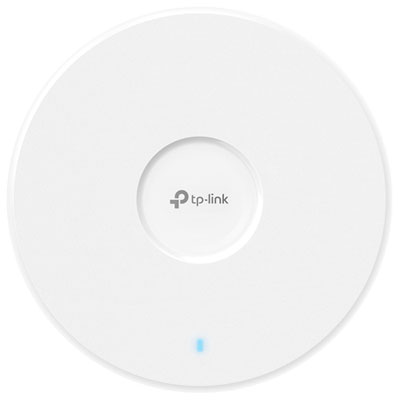
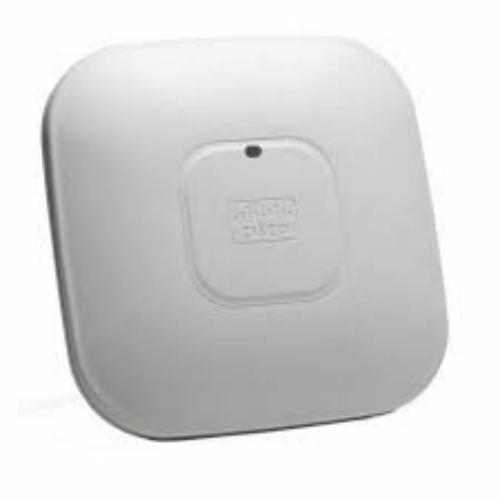
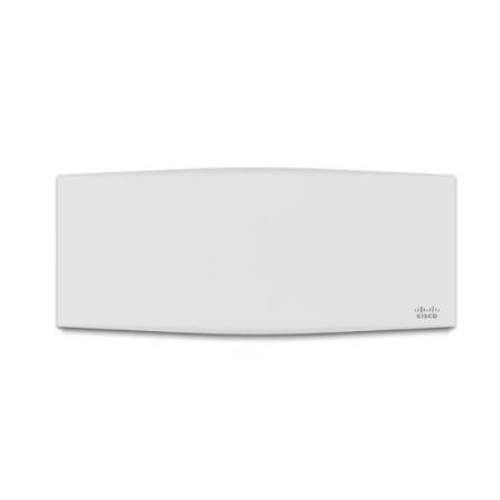
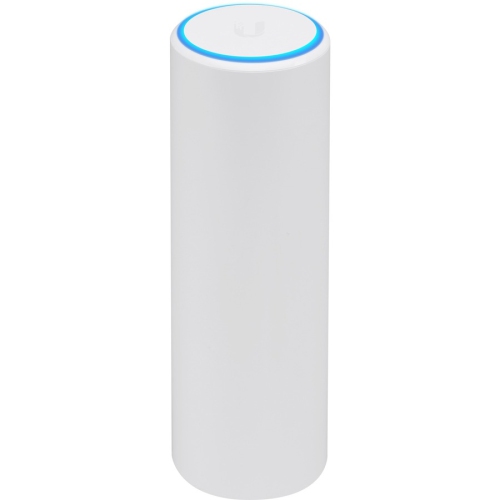
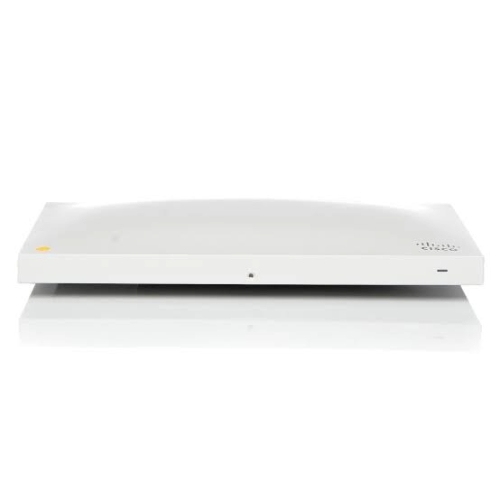
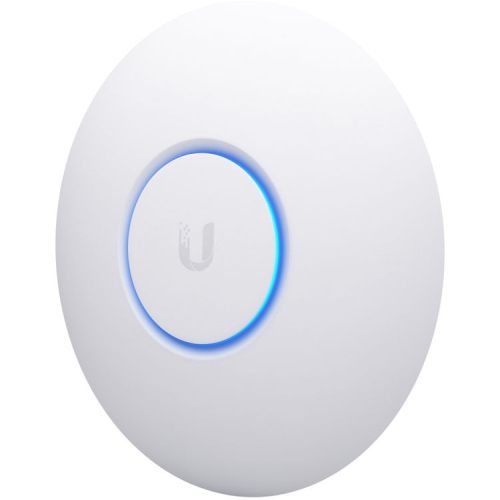
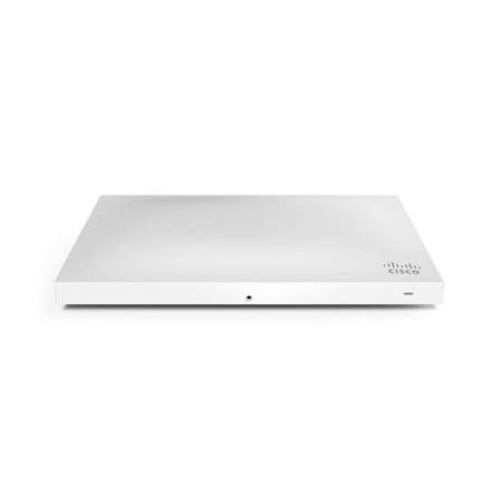
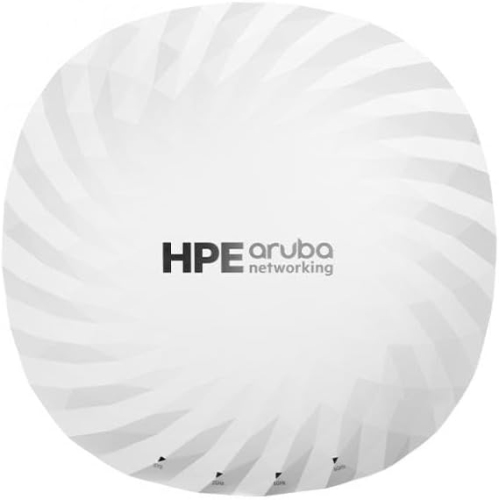
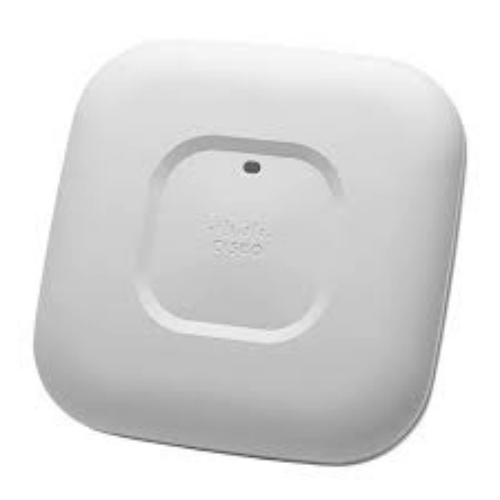
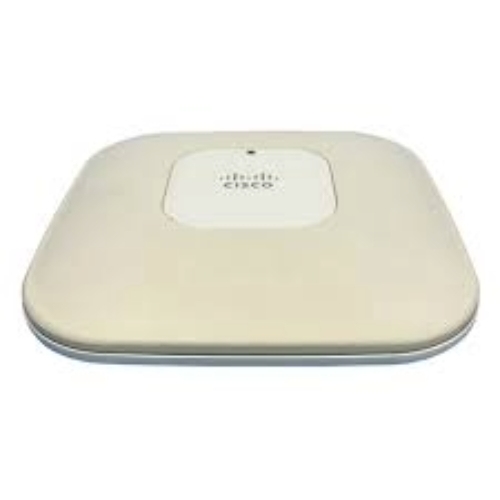
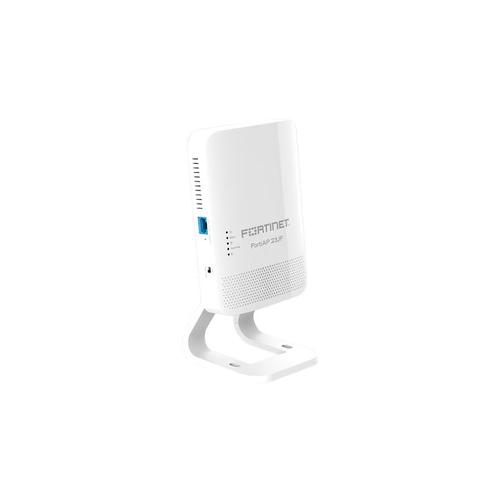
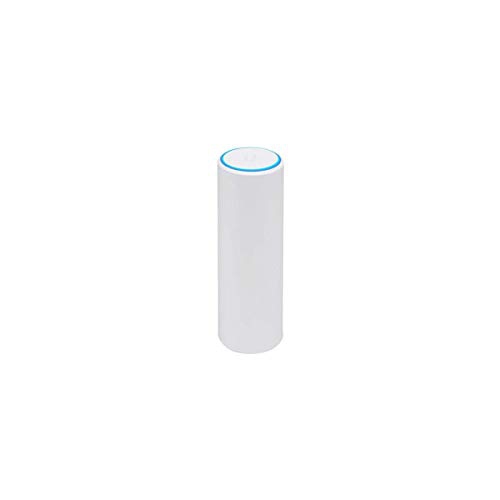
Enterprise wireless access points are networking devices that provide Wi-Fi connectivity for businesses, institutions, and other spaces where many people and devices share a network. They typically connect to a wired network and extend wireless access across offices, shops, schools, hotels, warehouses, and shared workspaces. Unlike a typical home wireless router, an enterprise access point is usually one part of a larger network that includes switches, routing equipment, and management software. Its role is to connect wireless devices reliably while supporting the security, traffic handling, and administration needs of the organization. A busy office might need dependable connections for video meetings, cloud applications, printers, and employee phones, while a retail location may need separate access for payment terminals, staff devices, and visitors. These uses place different demands on the network, so enterprise wireless access points are best understood by their capabilities rather than a single headline speed or client count. There is no universal number of connections that every enterprise access point can support effectively. A device’s stated client limit is not the same as the number of people who can comfortably run demanding applications at once. Actual performance depends on the wireless standard, radio configuration, signal conditions, connected devices, and wired connection behind the access point. For an IT administrator or business owner, the practical goal is enough usable capacity where people actually work. That could mean steady coverage around meeting-room tables, dependable connectivity beside warehouse picking stations, or guest access that does not interfere with internal applications. Ceiling-mounted units often suit open work areas, while wall-mounted designs can fit individual rooms, corridors, or locations with existing network cabling. Discreet housings help the equipment blend into finished interiors, but mounting position and antenna design matter more than appearance alone. The right fit combines the physical space, expected workload, and management needs of the organization rather than simply choosing the highest advertised wireless speed.
Coverage and capacity deserve separate attention when comparing enterprise Wi-Fi access points. Coverage describes where a usable signal reaches; capacity describes how well the network serves devices sharing that signal. A single access point may reach across an open floor yet struggle when a large group starts video calls in the same area. Several properly positioned access points can distribute that workload, provided their channels and transmit power are coordinated. Adding more units without a plan can increase interference rather than improve service. Walls, metal shelving, lift shafts, and dense building materials can weaken or redirect signals, making a site survey useful for larger or more complex premises. Wireless standards also influence suitability. Wi-Fi 6 includes features designed to use shared airtime more efficiently with compatible devices. Wi-Fi 6E extends compatible connections into the 6 GHz band, while Wi-Fi 7 can provide further improvements, including multi-link operation where supported. Those benefits depend on client capabilities and network configuration; an older handheld scanner will not gain every feature of a newer access point simply by connecting to it. The 2.4 GHz band remains useful for many legacy and connected devices, while 5 GHz and 6 GHz can provide additional capacity for compatible equipment. Wider channels can increase potential throughput, but narrower channels may be more practical in dense installations where neighbouring access points must share the available spectrum. Wired infrastructure matters just as much. A multi-gigabit Ethernet port can help prevent the uplink from limiting a capable access point, but the switch port and cabling must support the intended connection. Power over Ethernet, commonly called PoE, carries power and data through one compatible Ethernet connection, making ceiling installations tidier. Check the required PoE standard, the power delivered by each switch port, and the switch’s total power budget. Some access points may operate with reduced functionality when supplied with less power than their full configuration requires. Secure mounting hardware, suitable cable routes, and access for servicing complete the practical side of installation.
Management and security features distinguish enterprise wireless access points from equipment intended for simpler networks. Centralized administration allows an IT team to configure multiple access points, apply updates, review connection health, and investigate faults without treating every unit as a separate project. Management may be cloud-based, controller-based, or handled through another supported platform, and compatibility should be checked before expanding an existing installation. Some functions may depend on a licence or subscription, so it is important to understand which capabilities are included and which require an ongoing service. For organizations handling employee accounts or sensitive business traffic, support for WPA3-Enterprise and authentication through a compatible RADIUS service can provide more control than a shared wireless password. Separate wireless networks and VLAN assignments can help keep staff, guest, and connected-device traffic apart when the switches, router, and firewall are configured accordingly. A guest network alone does not establish complete separation from internal systems; the surrounding network needs appropriate access rules. Roaming support is another useful consideration in buildings where people move between coverage areas while using voice or video applications. Features such as 802.11k, 802.11v, and 802.11r can assist compatible clients, although the client device ultimately influences roaming behaviour. Day-to-day durability also matters. Housing quality, secure brackets, protected cable connections, and unobstructed ventilation help equipment remain dependable in its intended installation location. Care generally involves keeping the housing and vents free of dust using the manufacturer’s recommended method, avoiding cleaning sprays near openings, and arranging safe access for maintenance rather than disturbing mounted equipment. Regular firmware updates and a record of configuration changes support reliable operation over time. For businesses comparing advanced connectivity features across a broader category, High-End Wireless Access Points offers another way to explore this type of networking equipment. The most suitable enterprise setup is one that matches the building, device mix, security requirements, and available IT support, with enough room to accommodate additional users without making routine management unnecessarily complicated.
Top selling and popular products
-
 Your price for this item is $189.99
-
 Your price for this item is $189.99
-
 Your price for this item is $219
-
 Your price for this item is $899.99
-
 Your price for this item is $299.99
-
 Your price for this item is $139.99
-
 Your price for this item is $499.99
-
 Your price for this item is $349.99
Discover more categories related to Enterprise Wireless Access Points

Top Collections:
Best Black Friday Deals This Year, Best Black Friday Deals On Electronics, Kindle Devices, Pokemon Centers, Best Black Friday Deals On Apple Products, Best Cameras for Sports Photography, Dyson Airwrap, Pokémon 30th Celebration Cards, Apple iPhone 17 Pro, Canon G7X Cameras
Some products may be subject to Environmental Handling Fees
(EHF) depending on your province.
Learn more about EHFs.