Commercial Wireless Access Points
Commercial Wireless Access Points deliver the connectivity your business needs to keep operations running smoothly and efficiently. Designed for a variety of professional environments, these access points help support seamless wireless networking across offices, retail spaces, warehouses, and more. Explore Commercial Wireless Access Points that are engineered to handle demanding network usage, making it easier to connect multiple devices and maintain reliable performance throughout your workspace. Find the right solution to enhance your organization's wireless coverage and meet the demands of a modern business environment.
Sort




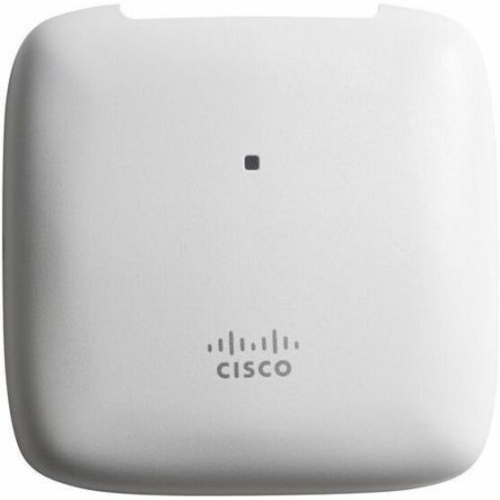


Why workplace Wi-Fi depends on more than range
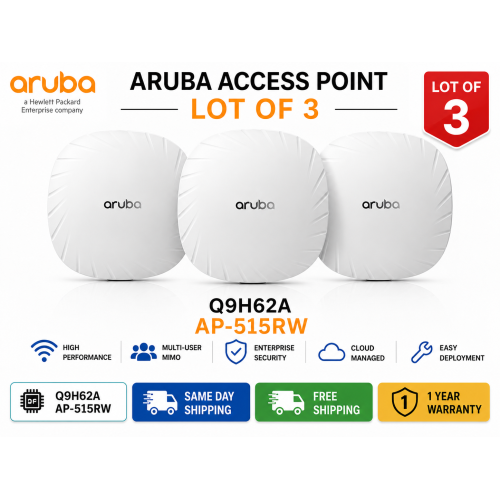
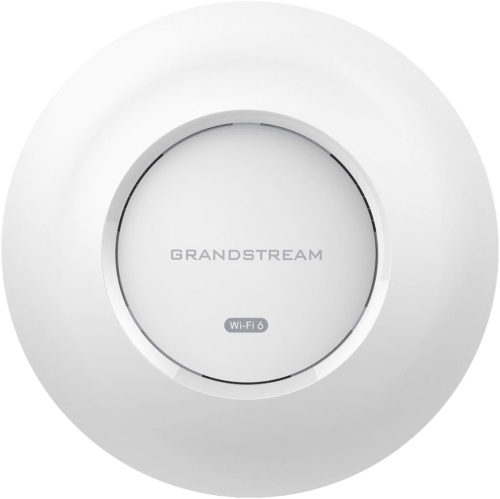
Commercial wireless access points bring Wi-Fi to the places where people work, shop, learn and meet. Unlike a wireless router, which typically combines Wi-Fi with the job of directing traffic between a local network and the internet, a dedicated access point adds wireless coverage to an existing network. That distinction matters in a business where a single router tucked beside the internet connection may be several walls away from the people using it. In a shop, one access point might serve the sales floor while another keeps handheld scanners connected in the receiving area. In a clinic, staff tablets may move between exam rooms throughout the day, while visitors tend to connect from one waiting area. Coverage is only part of the picture: an open training room with dozens of laptops on video calls can put more demand on Wi-Fi than a much larger office where most desktop computers are wired. Floor plans offer a useful starting point, but they don't always show how steel shelving, concrete walls or closed fire doors affect a signal. The frequency bands matter, too. The 2.4 GHz band generally reaches farther through walls, but it often shares airtime with neighbouring networks and other wireless equipment. The 5 GHz and 6 GHz bands can offer more room for traffic over shorter distances, provided the devices connecting to them support those bands. In a business that relies on older scanners or tablets, support for those devices can matter more than the highest speed printed on the box. And where staff take calls as they move between rooms or floors, access points with compatible roaming features can help reduce interruptions as devices switch from one access point to the next. The devices still make that decision, so placement and the amount of overlap between coverage areas matter as much as the features themselves.
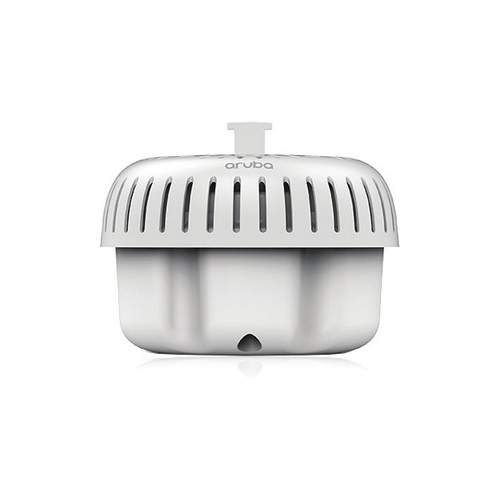
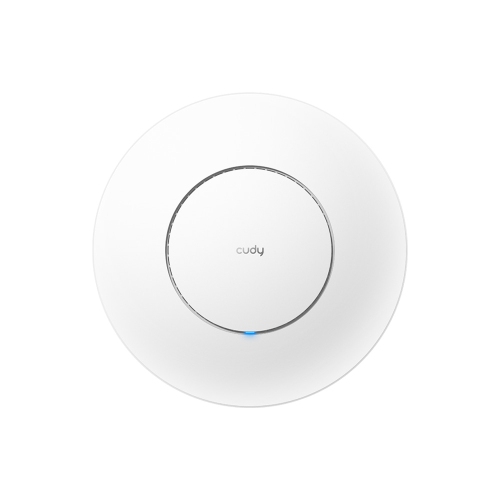
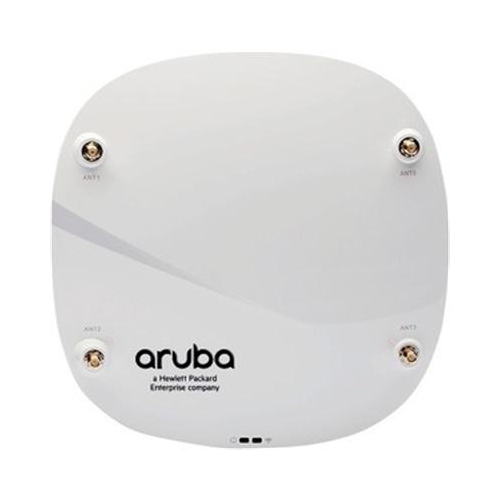
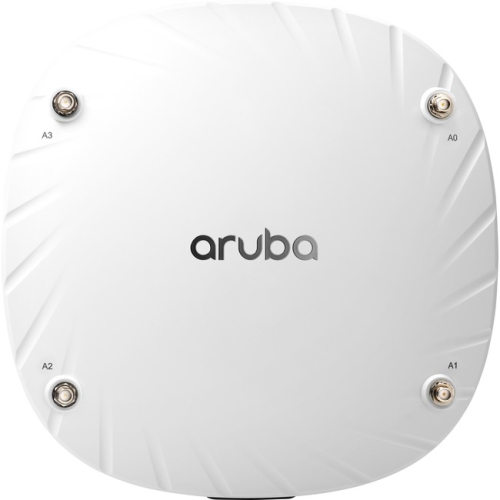
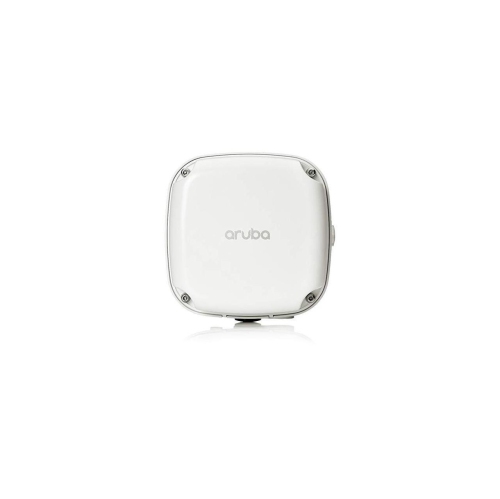
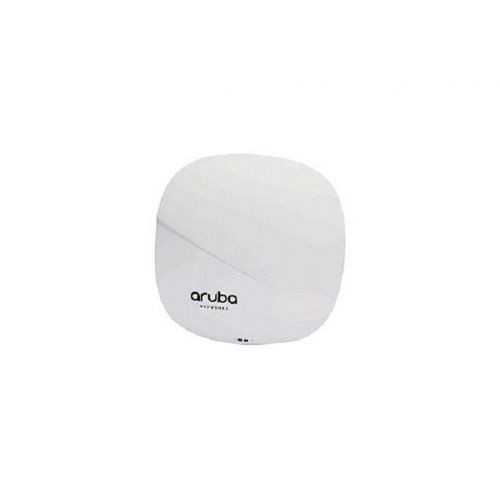
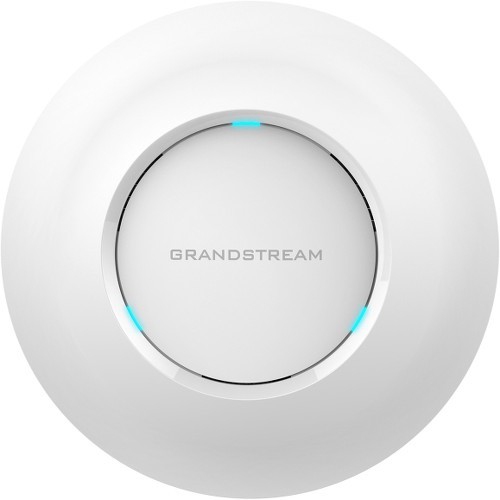
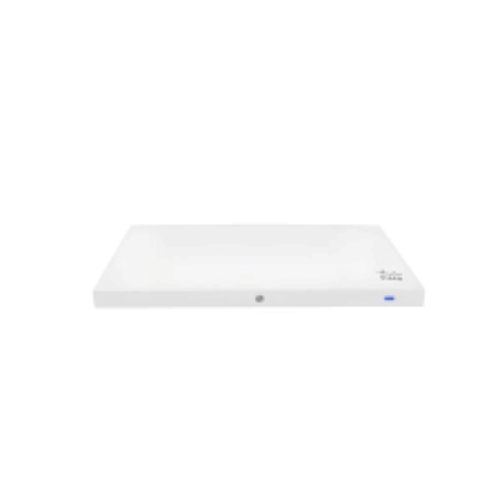
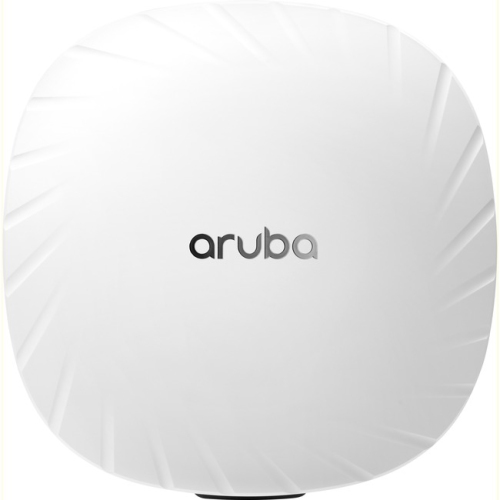
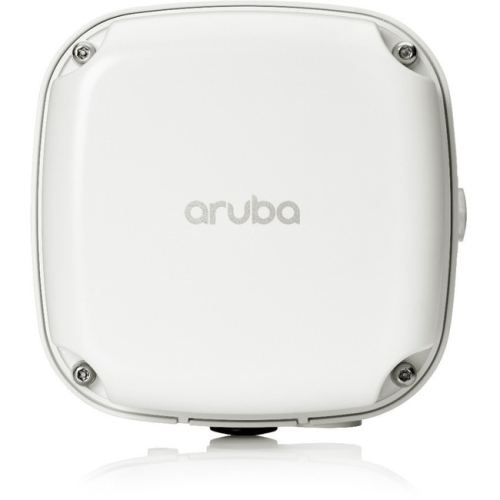
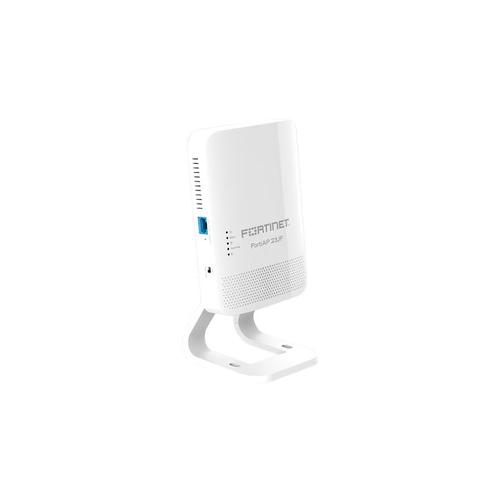
The right physical fit depends on where the access point will be mounted and how it will be connected. A low-profile unit with a plastic housing can sit neatly on a finished ceiling, while a wall-mounted design may make more sense in a space with exposed services overhead. The bracket needs to match the surface, whether that's a suspended ceiling grid or a solid wall, and the position should leave enough room to route the Ethernet cable without pulling on the connection. A spot above a hallway might be easy to cable, but it won't necessarily serve a busy meeting room on the other side of a concrete wall. Antenna design also affects placement: a broad coverage pattern can suit an open office, while a more focused pattern can be useful along a long aisle. In a workshop or a busy receiving area, a secure mount that keeps the unit clear of carts and moving equipment can do more for its working life than a rugged housing alone. Where fine dust is part of daily operations, check whether the enclosure is rated to keep it out. Power over Ethernet allows a compatible network switch or power injector to supply both data and power through one Ethernet cable, avoiding the need for an electrical outlet beside each access point. When several units share a switch, check that it can supply enough power to all of them at once, not just enough through any one port. A location that's out of the way but still reachable makes it easier to inspect a cable, read a status light or replace a unit without disrupting a work area. Labelling cable runs at both ends also helps staff identify which unit serves a room. For routine care, follow the manufacturer's cleaning directions and keep any vents clear rather than treating the housing like an ordinary surface to spray and wipe.
Management features make a difference long after installation. A small office with a few access points on one floor might need little more than a shared dashboard for network settings and firmware updates. A business with several branches may also want alerts when a unit goes offline, a way to apply the same settings at each location and permissions that let local staff check the network without changing it. Some access points are managed through a cloud dashboard, while others can be managed through a controller on the local network. It's worth checking whether a cloud-managed unit continues to provide Wi-Fi if its link to the dashboard is interrupted, as well as which management features require a separate licence. A busy café or a professional office with a waiting room may benefit from distinct networks for staff and guests. Giving each network a different name makes it easier for people to choose the right one, but separate names alone don't keep guest devices away from office computers or payment equipment. That separation depends on how the access points, switches and router are configured together. It also helps to check which security settings the business's existing devices can use before switching the whole site to a new configuration. For a campus or a group of sites managed by one IT team, Enterprise Wireless Access Points may offer more extensive tools for monitoring and configuring Wi-Fi across locations. Whatever the size of the network, a practical final check is to walk the floor with the equipment people actually use. A successful connection beside a ceiling mount says less than a scanner working at the far end of an aisle, a call staying clear between meeting rooms or a full training session running without frequent dropouts.
Top selling and popular products
-
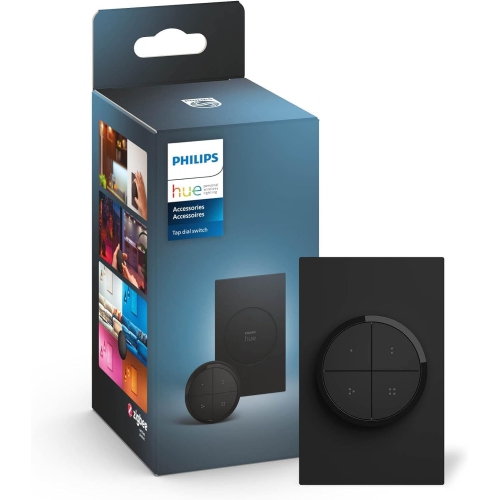 Your price for this item is $97.26
-
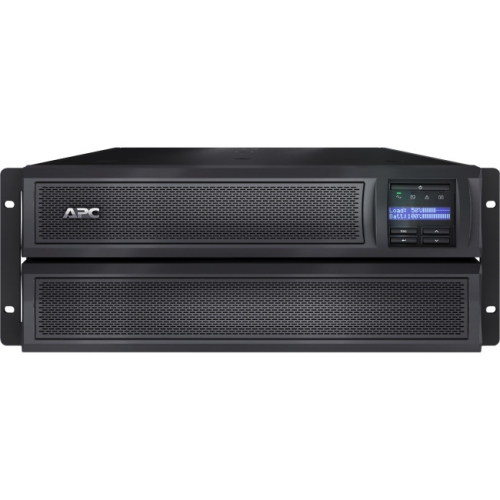 Your price for this item is $3952.99
-
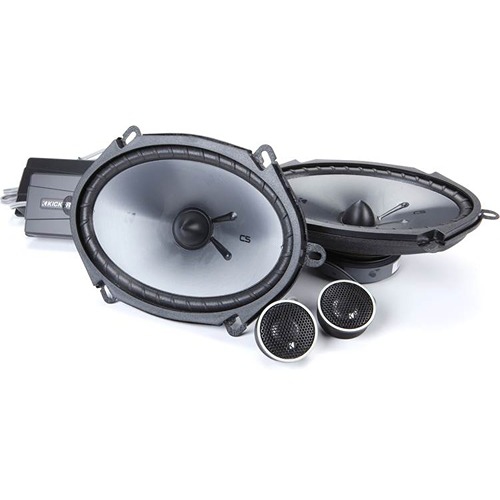 Your price for this item is $229.95
-
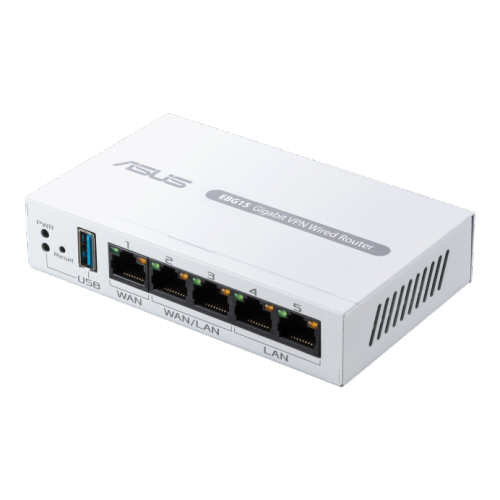 Your price for this item is $119.99
-
 Your price for this item is $281.99
-
 Your price for this item is $207.68
-
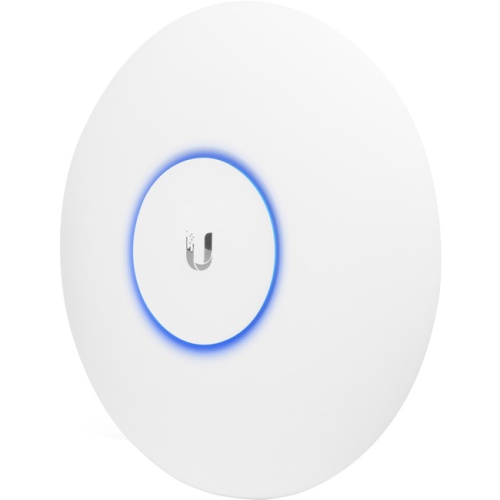 Your price for this item is $234.99
-
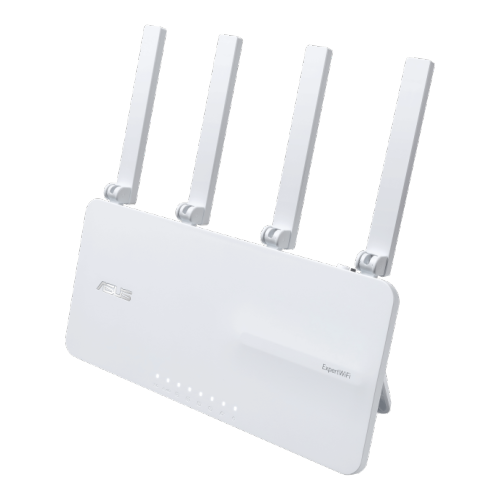 Your price for this item is $199.99
Discover more categories related to Commercial Wireless Access Points

Top Collections:
Best Black Friday Deals This Year, Best Black Friday Deals On Electronics, Kindle Devices, Best Black Friday Deals On Apple Products, Best Budget Office Chairs, Best Cameras for Sports Photography, Dyson Airwrap, Canon G7X Cameras, Best Laptops for Writers, Samsung Galaxy Phones
Some products may be subject to Environmental Handling Fees
(EHF) depending on your province.
Learn more about EHFs.