Epson Wireless Printers
Discover the seamless convenience of an Epson wireless printer, perfect for transforming your home or office into a hub of productivity. With cutting-edge technology, these printers offer the flexibility to print from virtually anywhere, eliminating the clutter and hassle of cords. Whether you're printing important documents or vibrant photos, an Epson wireless printer delivers exceptional quality and reliability. Explore our selection at Best Buy Canada to find the ideal model that fits your needs and enhances your printing experience.
Sort


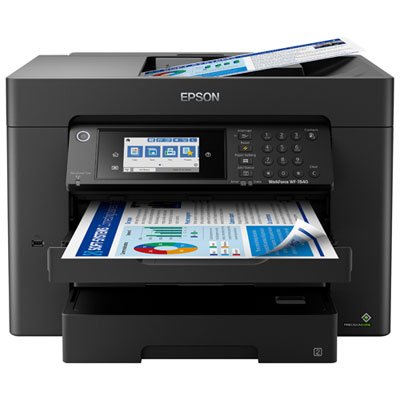
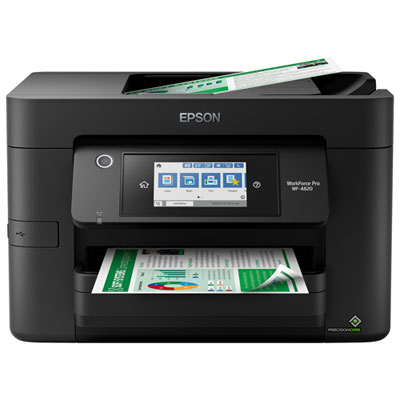
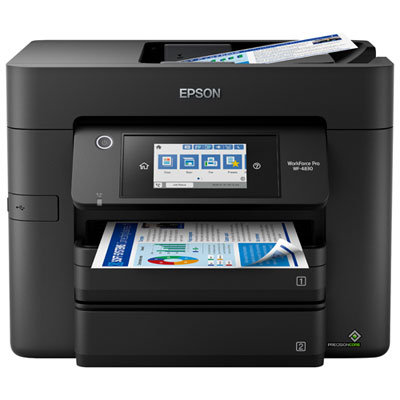
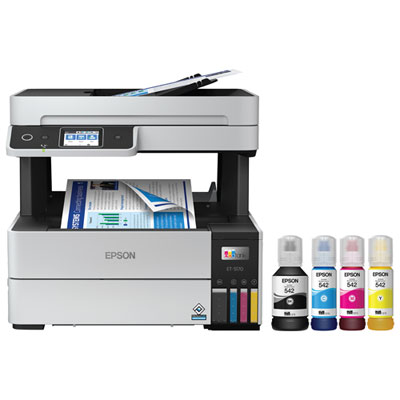
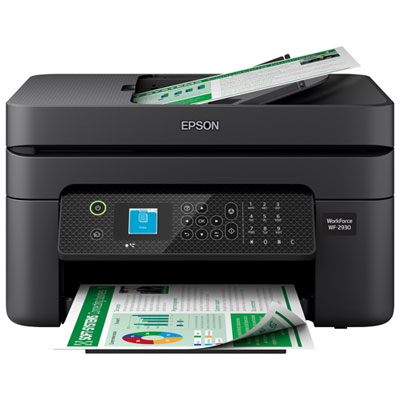
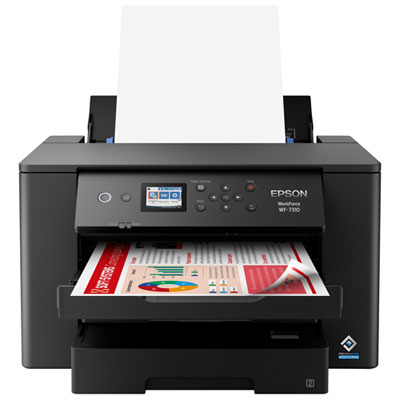
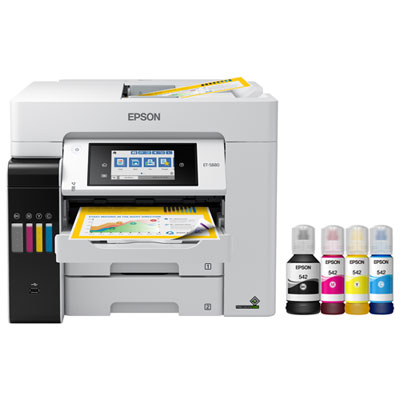
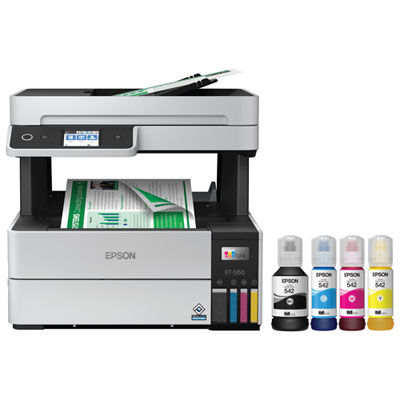
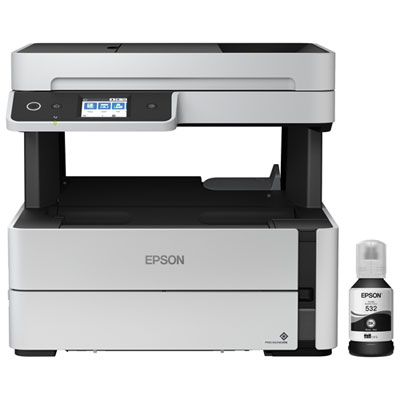
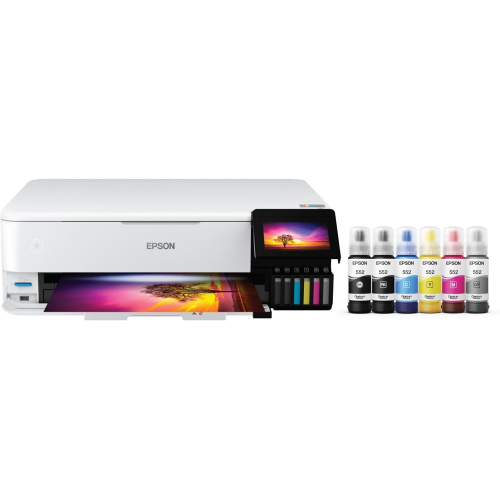
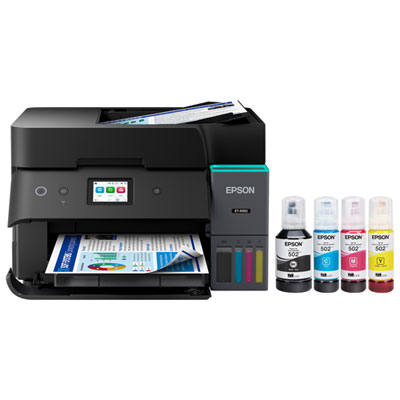
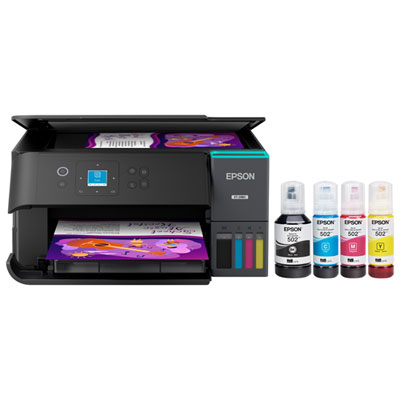
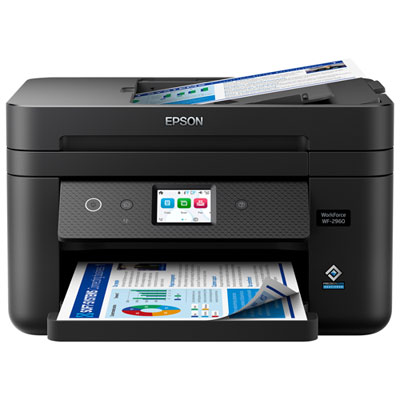
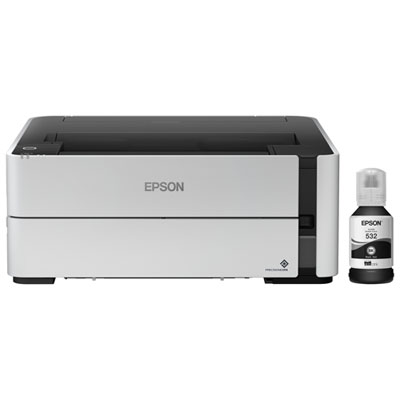
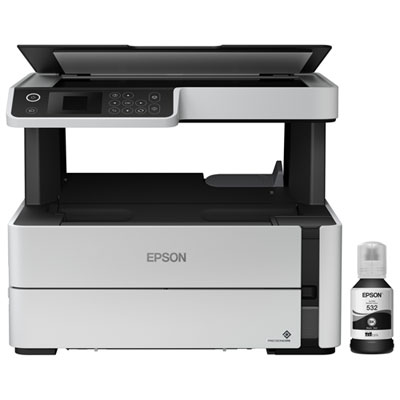
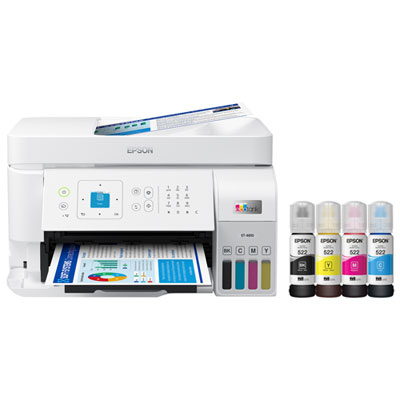
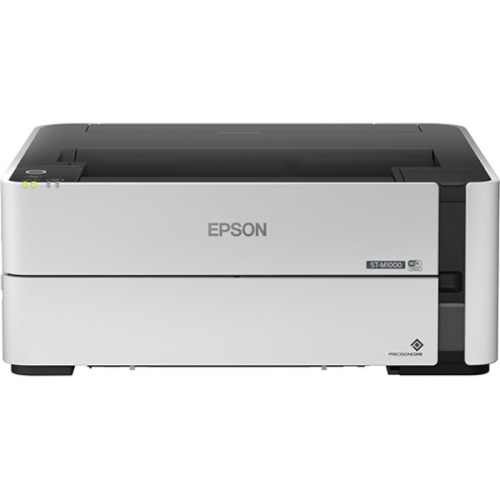
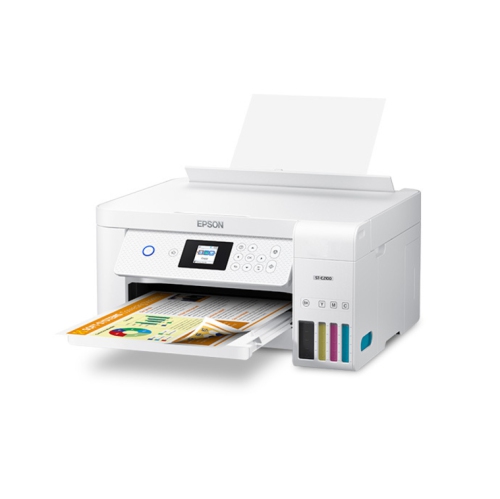
One shared printer for homework and home-office tasks
Wireless printers bring everyday document printing, photo projects, and home-office tasks within reach of a laptop, phone, or tablet, without requiring a printer cable for each device. Most connect to a home or office Wi-Fi network, allowing compatible devices on that network to send print jobs to one shared machine. That flexibility is useful in a busy household: a student can print an assignment from a bedroom, a parent can prepare paperwork at the kitchen table, and someone working from home can collect meeting notes before heading out. Wireless connectivity does not necessarily mean the printer runs without a power cord, and available mobile printing features vary by model and device. For a straightforward fit, look for compatibility with the computers and mobile devices you already use, along with support for your router’s Wi-Fi band. Some printers also offer a direct wireless connection between a compatible device and the printer, which can be handy when a shared network is unavailable. Printing while away from home is a separate capability and may require an internet connection, an account, or a supported service. Beyond connectivity, the biggest choice is often between a print-only machine and an all-in-one printer with scanning and copying. A print-only design suits someone who mainly needs finished pages, while an all-in-one can handle signed forms, copies of receipts, and digital versions of family paperwork. A flatbed scanner is useful for individual sheets, photographs, and pages from a book that fits on the glass. For a stack of loose documents, an automatic document feeder saves the repetitive work of lifting the lid and positioning each page. During the cooler months, when school assignments, indoor hobbies, and household admin tend to share the same desk, those practical differences can matter more than a long feature list. The right wireless printer should suit the pages you actually produce, whether that means a few clear text documents each week or a regular mix of colourful worksheets, photographs, and work materials.
Ink systems deserve close attention because the purchase price is only one part of owning an inkjet printer. Cartridge-based printers and refillable ink tank printers both offer wireless options, but their running costs, refill methods, and initial prices can differ considerably. A cartridge model may suit a household with modest printing needs and a preference for replacing a contained ink supply. A refillable tank model is worth considering for frequent printing, especially when comparing the price of compatible ink with its stated page yield. Manufacturer page-yield figures use standard test conditions, so actual results depend on page coverage, settings, cleaning cycles, and the kinds of documents printed. A page of short paragraphs uses ink differently from a full-colour photograph, and included ink quantities vary by model. Compare the contents of the box rather than assuming every printer arrives with the same supply. Colour inkjet printers can also use ink during maintenance, making regular use and the manufacturer’s care instructions important even when most jobs are black text. For home-office documents, prioritise readable small type, clean lines, and a print speed that suits your workload. Published speeds may refer to particular test settings; a detailed colour image or high-quality photo can take longer than a basic text page. For photographs and creative projects, look at supported paper types, borderless printing sizes, and the ink configuration. Paper choice makes a visible difference: glossy photo paper, matte presentation paper, and ordinary office paper each produce a different finish. Someone printing family snapshots for a hallway display will have different priorities from someone preparing invoices or shipping labels. Check media specifications carefully if you plan to use heavier paper, envelopes, or printable label sheets, since not every printer accepts the same materials or thicknesses. Automatic two-sided printing can keep reports and longer assignments neatly organised, but it is separate from two-sided scanning. If you routinely digitise double-sided forms, confirm whether the document feeder scans both sides automatically or requires you to turn the pages over.
Size and day-to-day handling help distinguish a printer that simply fits on a shelf from one that is comfortable to use. Measure the available space with room for paper trays, an open scanner lid, access to ink supplies, and the cables behind the machine. A compact body may still need extra clearance while printing, particularly when paper feeds from the rear or an output tray extends towards the front of a desk. For smaller workspaces, the Compact Printer Wireless selection offers another way to browse space-conscious options alongside your other requirements. Place the printer where it has a reliable Wi-Fi signal and where collecting pages does not interrupt someone else’s work. An enclosed cupboard or a distant corner may be convenient for storage but less suitable for access, ventilation, or wireless reception. Paper capacity also affects daily convenience. A smaller tray can be perfectly adequate for occasional forms, while a larger input tray reduces refilling during longer print jobs. Separate paper feeds can be useful when switching between everyday documents and photo paper, where available. Controls are another detail worth comparing: a clear display can make network setup and copying easier, while compatible mobile software may provide access to scanning, ink levels, and maintenance tools. Check which functions work from a mobile device and which need computer software, rather than assuming every feature is available everywhere. For shared households, dependable operation and easy access to replacement ink often matter more than the highest listed speed. For a student, freelancer, or family member setting up a home workspace, a wireless printer can also be a thoughtful practical gift, provided its size, device compatibility, and ongoing ink costs suit the recipient. Picture the ordinary jobs it will handle: a permission slip needed before breakfast, a signed document scanned after dinner, or a favourite photograph printed for a frame. Matching those routines with the right paper handling, ink system, and wireless features makes the printer a useful part of the room rather than another device competing for desk space.
Ink systems deserve close attention because the purchase price is only one part of owning an inkjet printer. Cartridge-based printers and refillable ink tank printers both offer wireless options, but their running costs, refill methods, and initial prices can differ considerably. A cartridge model may suit a household with modest printing needs and a preference for replacing a contained ink supply. A refillable tank model is worth considering for frequent printing, especially when comparing the price of compatible ink with its stated page yield. Manufacturer page-yield figures use standard test conditions, so actual results depend on page coverage, settings, cleaning cycles, and the kinds of documents printed. A page of short paragraphs uses ink differently from a full-colour photograph, and included ink quantities vary by model. Compare the contents of the box rather than assuming every printer arrives with the same supply. Colour inkjet printers can also use ink during maintenance, making regular use and the manufacturer’s care instructions important even when most jobs are black text. For home-office documents, prioritise readable small type, clean lines, and a print speed that suits your workload. Published speeds may refer to particular test settings; a detailed colour image or high-quality photo can take longer than a basic text page. For photographs and creative projects, look at supported paper types, borderless printing sizes, and the ink configuration. Paper choice makes a visible difference: glossy photo paper, matte presentation paper, and ordinary office paper each produce a different finish. Someone printing family snapshots for a hallway display will have different priorities from someone preparing invoices or shipping labels. Check media specifications carefully if you plan to use heavier paper, envelopes, or printable label sheets, since not every printer accepts the same materials or thicknesses. Automatic two-sided printing can keep reports and longer assignments neatly organised, but it is separate from two-sided scanning. If you routinely digitise double-sided forms, confirm whether the document feeder scans both sides automatically or requires you to turn the pages over.
Size and day-to-day handling help distinguish a printer that simply fits on a shelf from one that is comfortable to use. Measure the available space with room for paper trays, an open scanner lid, access to ink supplies, and the cables behind the machine. A compact body may still need extra clearance while printing, particularly when paper feeds from the rear or an output tray extends towards the front of a desk. For smaller workspaces, the Compact Printer Wireless selection offers another way to browse space-conscious options alongside your other requirements. Place the printer where it has a reliable Wi-Fi signal and where collecting pages does not interrupt someone else’s work. An enclosed cupboard or a distant corner may be convenient for storage but less suitable for access, ventilation, or wireless reception. Paper capacity also affects daily convenience. A smaller tray can be perfectly adequate for occasional forms, while a larger input tray reduces refilling during longer print jobs. Separate paper feeds can be useful when switching between everyday documents and photo paper, where available. Controls are another detail worth comparing: a clear display can make network setup and copying easier, while compatible mobile software may provide access to scanning, ink levels, and maintenance tools. Check which functions work from a mobile device and which need computer software, rather than assuming every feature is available everywhere. For shared households, dependable operation and easy access to replacement ink often matter more than the highest listed speed. For a student, freelancer, or family member setting up a home workspace, a wireless printer can also be a thoughtful practical gift, provided its size, device compatibility, and ongoing ink costs suit the recipient. Picture the ordinary jobs it will handle: a permission slip needed before breakfast, a signed document scanned after dinner, or a favourite photograph printed for a frame. Matching those routines with the right paper handling, ink system, and wireless features makes the printer a useful part of the room rather than another device competing for desk space.
Top selling and popular products
-
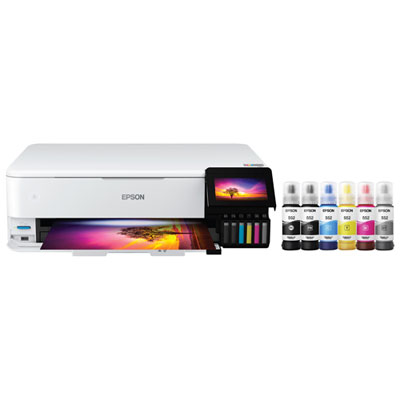 Your price for this item is $1099.99
 -
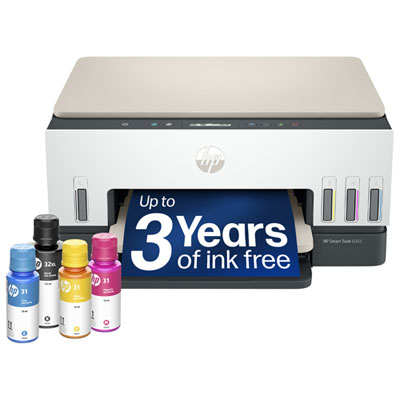 Your price for this item is $399.99
 -
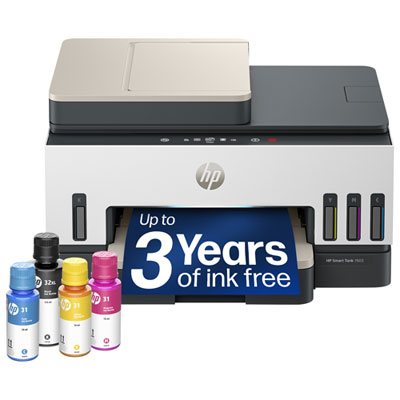 Your price for this item is $439.99
 -
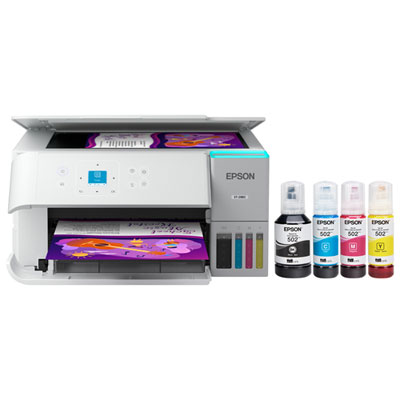 Your price for this item is $399.99
 -
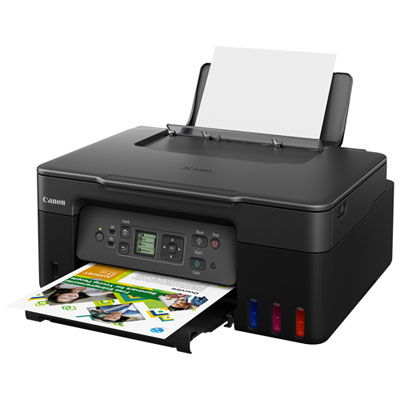 Your price for this item is $249.99
 -
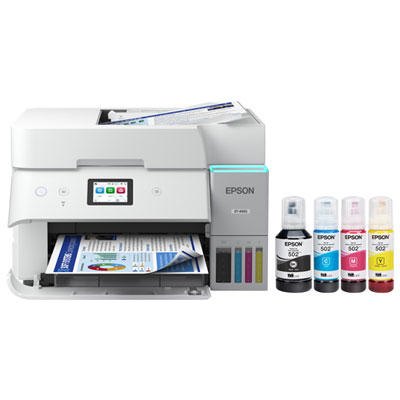 Your price for this item is $599.99
 -
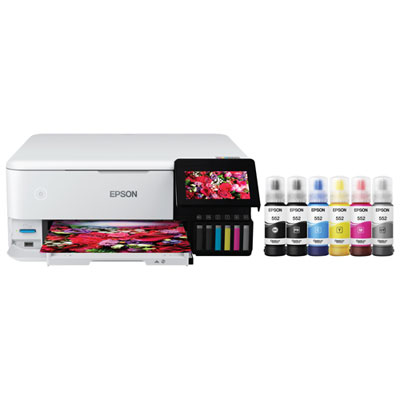 Your price for this item is $729.99
 -
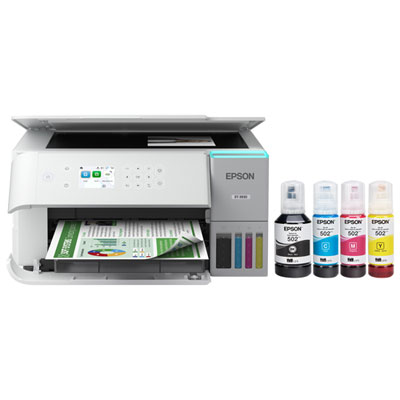 Your price for this item is $479.99
Discover more categories related to Epson Wireless Printers
Top Collections:
Pokemon Centers, Kindle Devices, Best Budget Office Chairs, Apple iPhones 16, Best Laptops for Writers, iPhone 15 Apple, Canon G7X Cameras, Refurbished Apple Laptops, Alarm Clock, Motorola Razr Phones
Some products may be subject to Environmental Handling Fees
(EHF) depending on your province.
Learn more about EHFs.