Epson ET Printers
Discover the convenience and efficiency of Epson ET Printers, designed to meet a variety of printing needs at home or in the office. Whether you're looking for reliable performance for everyday tasks or seeking advanced capabilities for high-volume projects, Epson ET Printers offer versatile solutions to help you stay productive. Explore a wide selection of models to find the perfect fit for your workspace and enjoy seamless printing experiences that keep you moving forward.
Sort
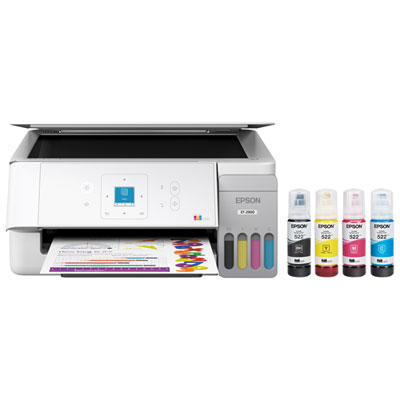

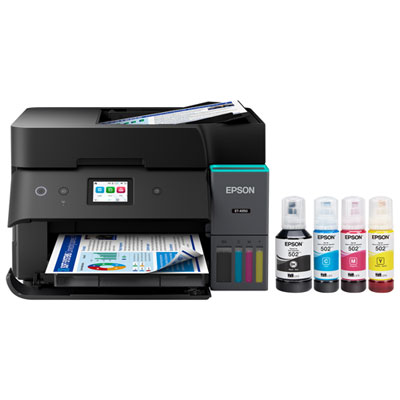
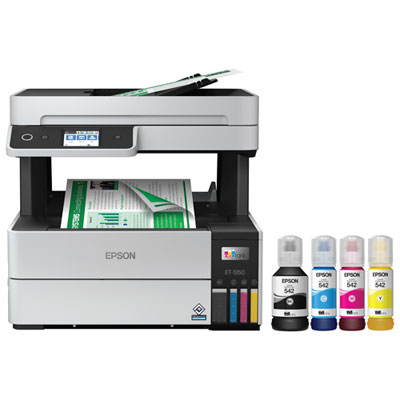
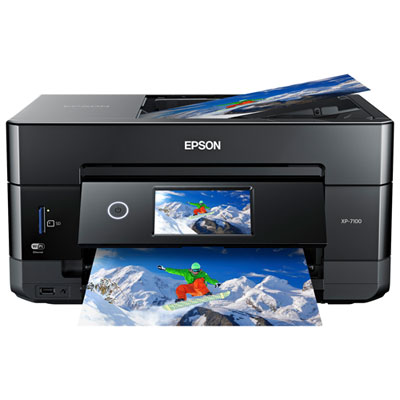
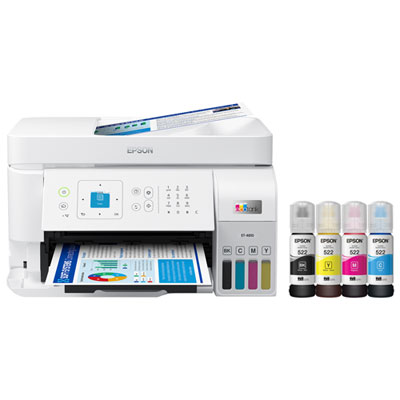
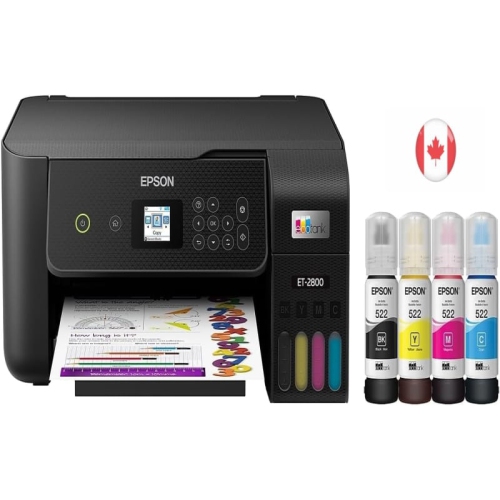
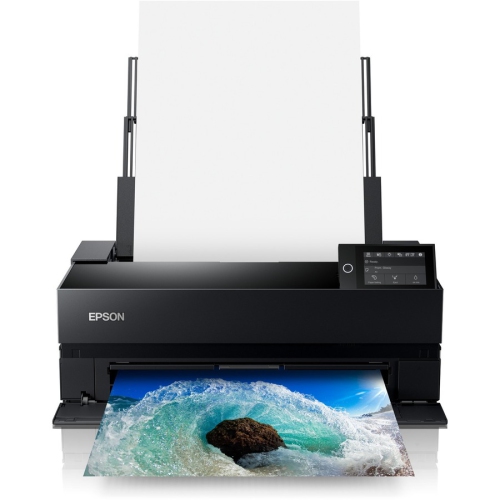
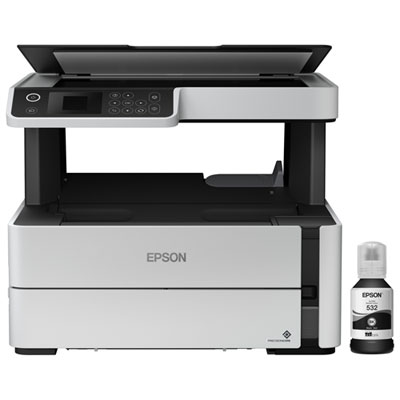
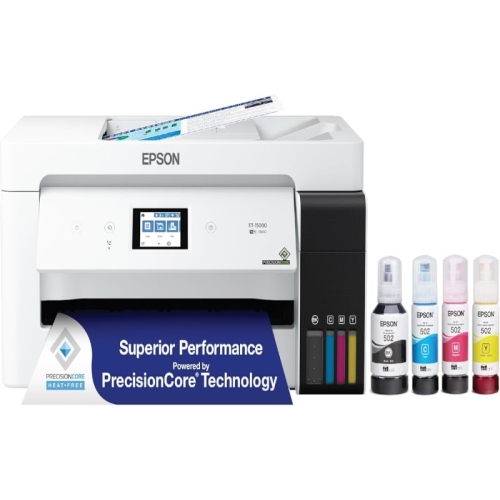
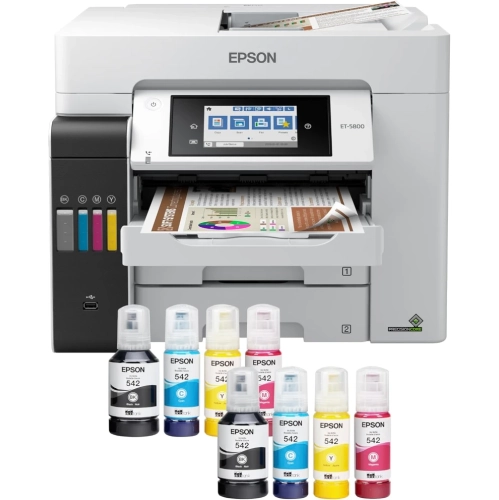
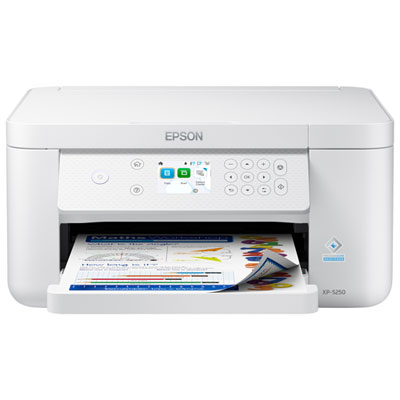
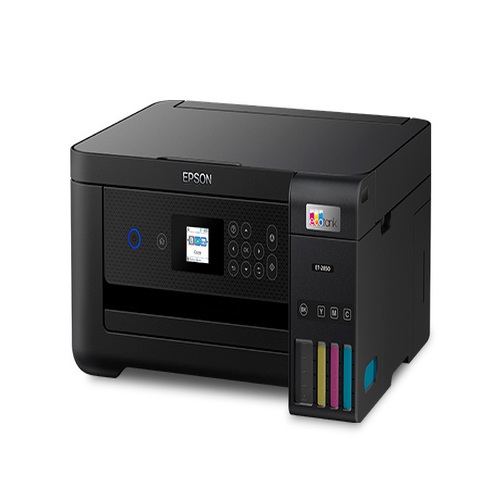
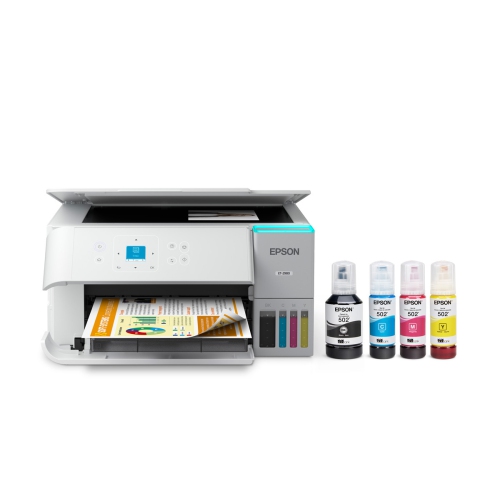
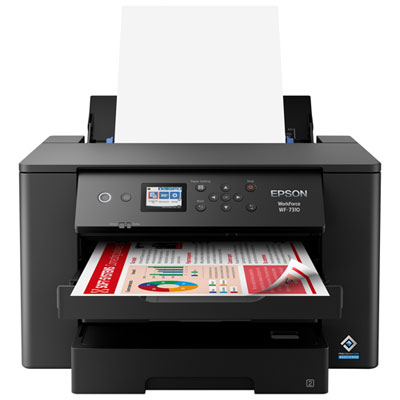
Refillable ink tanks are only part of the picture
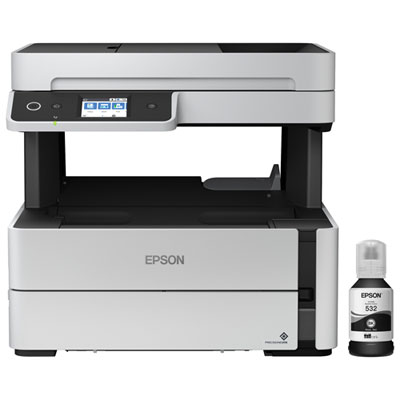
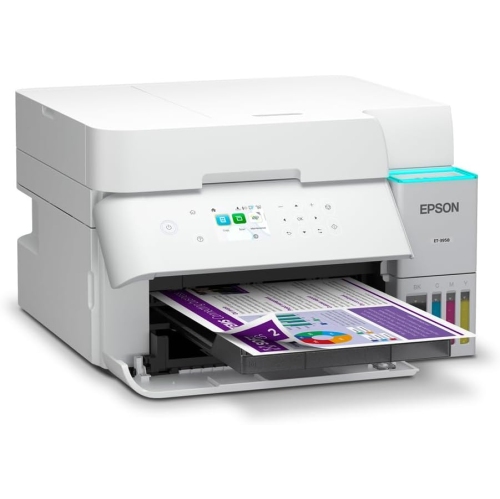
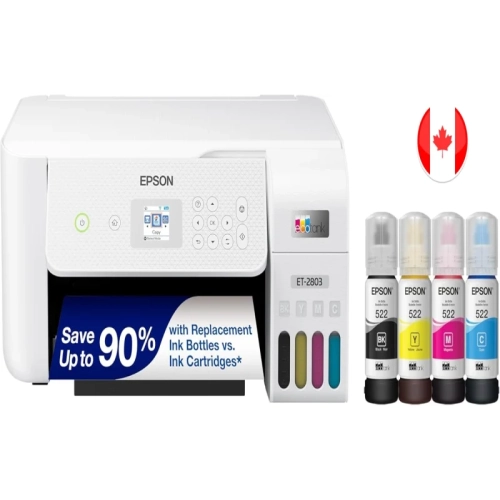
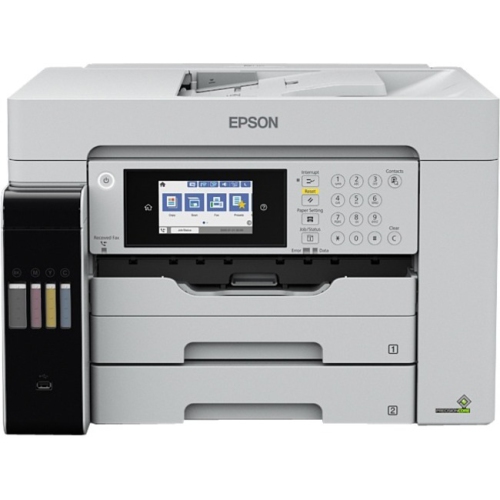
ET printers use built-in, refillable ink tanks rather than conventional replacement ink cartridges, making them a distinct type of inkjet printer for homes, shared workspaces, and small businesses. Ink is added from compatible bottles, and visible tank windows make it easier to check the remaining levels. This design suits recurring printing needs, from school assignments and household forms to meeting handouts, customer correspondence, and creative projects. The Epson Ecotank Printers range includes different configurations for everyday documents, multifunction tasks, and photo-focused work. The tank system is the common feature, but printing speed, paper handling, connectivity, and finishing options vary across the range. Colour configurations typically use separate black, cyan, magenta, and yellow inks, while some photo-oriented printers use additional inks to reproduce a broader range of tones. A page of typed notes places different demands on a printer than a full-page photograph: dense graphics and large areas of colour use more ink than a few lines of text. Published ink yields therefore describe results under specified test conditions rather than a fixed number of pages for every household. Regular document printing is a natural use for this format, particularly where several people share one printer. A student might print an annotated essay, a parent might copy a permission form, and someone working from home might produce a presentation with colour charts, all on the same device when its features support those tasks. Photo printing brings another set of priorities, including smooth skin tones, subtle shadow detail, suitable paper, and the supported print size. Everyday colour printing and dedicated photo printing are related capabilities, but they are not interchangeable. A printer intended mainly for documents can serve a different purpose from one designed around photographs, artwork, or larger-format output. That distinction matters more than the tank design alone when matching a printer to the work it will handle.
Multifunction features extend an ink tank printer’s role beyond putting text and images on paper. A flatbed scanner provides a surface for copying identification, digitizing drawings, or scanning a page from a book without feeding the original through rollers. An automatic document feeder, where included, handles a stack of loose pages and can make routine paperwork less hands-on. It is especially useful for a home office processing signed forms or a small business keeping digital copies of correspondence. An automatic document feeder does not necessarily scan both sides of a sheet automatically, however, and two-sided scanning is a separate specification from two-sided printing. Automatic duplex printing turns the paper within the printer to produce double-sided documents, which can keep reports, reading packages, and reference notes more compact. Print speed also needs context: a short black-text document and a detailed colour image may take very different amounts of time, while higher-quality settings can extend the wait. Paper capacity affects how often a tray needs attention during a longer job, and separate paper feeds can be useful when ordinary sheets and specialty media are used regularly. Connectivity determines how easily the printer fits into daily routines. Wi-Fi can allow compatible computers, phones, and tablets to send jobs across a home network without a cable running to every device. Supported mobile printing features can help with a document received by email or a photograph stored on a phone, although app, operating system, and network requirements differ. Wi-Fi Direct, USB, and Ethernet are additional connection options on certain configurations, not universal features. A wired connection may suit a fixed workstation, while network printing is useful when several people need access from different rooms. Touchscreens and onboard controls also vary, affecting how copying, maintenance, and other tasks are managed without a computer. For shared use, straightforward controls and a dependable connection can be as important as headline specifications, particularly when someone needs a clean copy of a form just before leaving home.
Paper compatibility, physical fit, and routine care all influence how well an ink tank printer works over time. Plain office paper is suitable for many text documents, while coated inkjet photo paper is designed to receive ink differently and can produce richer-looking images when paired with the correct settings. Glossy, lustre, and matte finishes give photographs distinct appearances: glossy surfaces emphasize contrast and shine, while matte paper offers a softer look with less reflection. Cardstock, envelopes, labels, and larger sheets require explicit support for their size, thickness, and feed path; a printer’s ability to handle ordinary letter-size paper does not establish compatibility with every craft material. Borderless printing is similarly tied to supported paper sizes and settings. Physical dimensions need to account for the printer in use, not just with its trays folded away. Rear paper supports, extended output trays, an open scanner lid, and access to the ink tanks can all require additional clearance. A stable, level desk or shelf helps keep paper feeding and refilling manageable, and accessible controls make shared use more comfortable. Long-term print quality depends on appropriate care as well as the printer’s construction. Inkjet nozzles can become obstructed after periods without use, so occasional printing and the manufacturer’s recommended maintenance routines help keep output consistent. A nozzle check can reveal missing lines before an important job, while cleaning cycles should follow the device’s instructions rather than being repeated unnecessarily. Refill bottles must match the printer’s specified ink type; similar-looking bottles are not automatically interchangeable. Keeping bottle caps secure, protecting unused paper from moisture and dust, and removing misfed sheets carefully can prevent avoidable interruptions. Printer durability also depends on workload, with recommended print volumes providing useful context for households or offices producing substantial batches. A device used for occasional forms has a different working pattern from one producing reports every day. The most suitable configuration brings together the necessary print quality, document functions, paper support, and workspace fit, allowing the refillable tank system to serve the tasks that recur most often.
Top selling and popular products
-
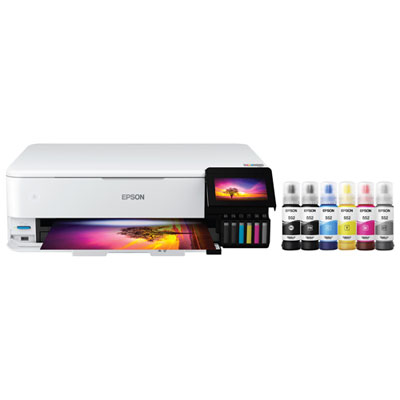 Your price for this item is $1099.99
-
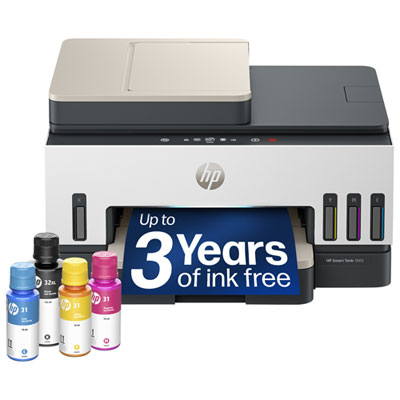 Your price for this item is $569.99
-
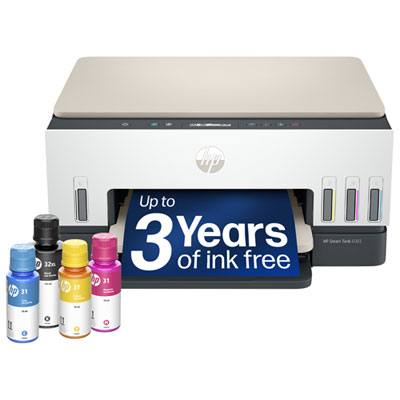 Your price for this item is $299.99
-
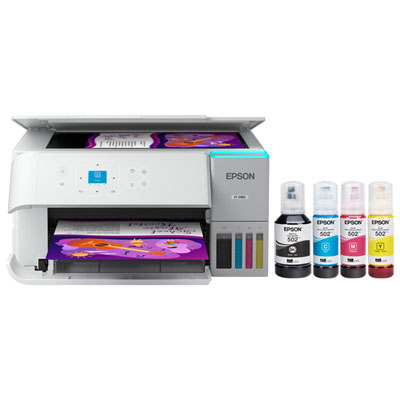 Your price for this item is $399.99
-
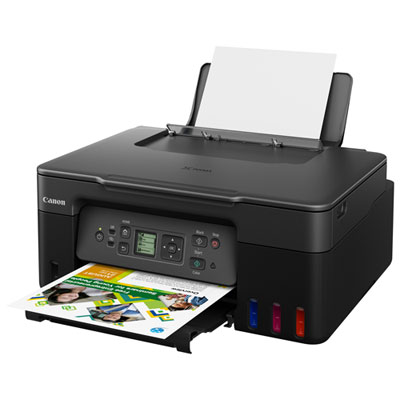 Your price for this item is $329.99
-
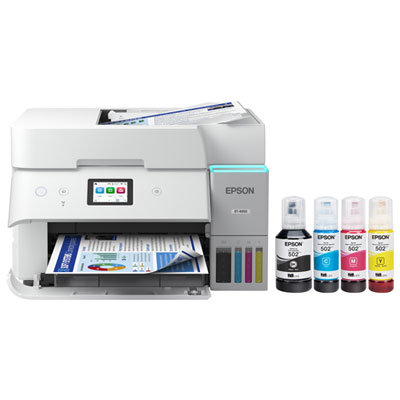 Your price for this item is $599.99
-
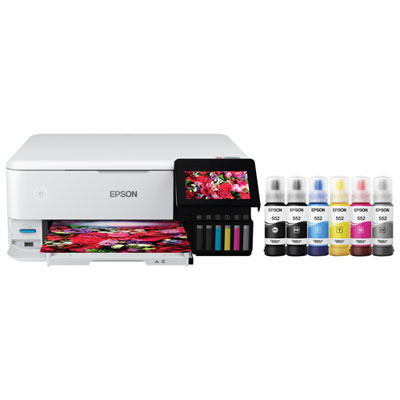 Your price for this item is $729.99
-
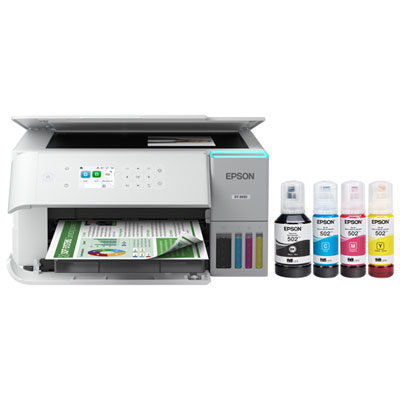 Your price for this item is $429.99
Discover more categories related to Epson ET Printers


Top Collections:
Best Black Friday Deals This Year, Best Black Friday Deals On Electronics, Kindle Devices, Pokemon Centers, Best Black Friday Deals On Apple Products, Best Cameras for Sports Photography, Dyson Airwrap, Pokémon 30th Celebration Cards, Apple iPhone 17 Pro, Canon G7X Cameras
Some products may be subject to Environmental Handling Fees
(EHF) depending on your province.
Learn more about EHFs.