Ergonomic Keyboard Trays
Enhance your workspace with our selection of ergonomic keyboard trays designed to optimize comfort and productivity. Say goodbye to discomfort and hello to improved posture as you type away with ease. Our range of adjustable trays allows you to customize the perfect setup for your unique needs, whether you're working from home or in a traditional office setting. Experience the difference a well-designed keyboard tray can make in your daily routine and upgrade your workstation today.
Sort


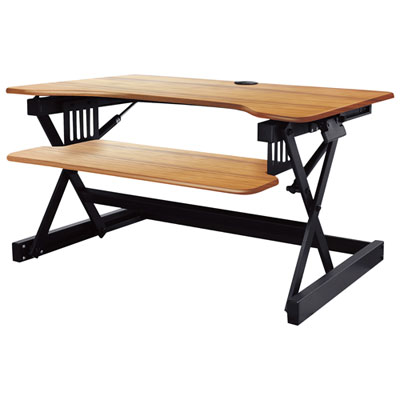
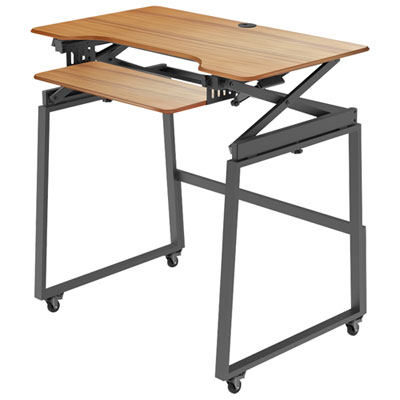
![AMER NETWORKS Height Adjustable Sit/stand Desk Computer Riser [30" Width] With Keyboard Tray](https://multimedia.bbycastatic.ca/multimedia/products/500x500/124/12421/12421869.jpeg)
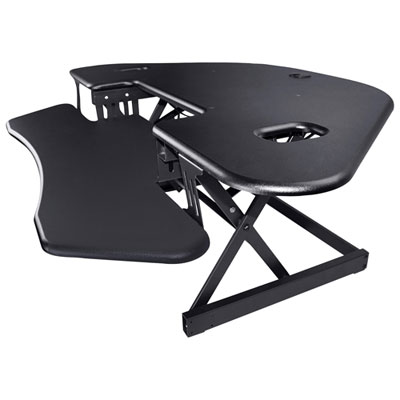
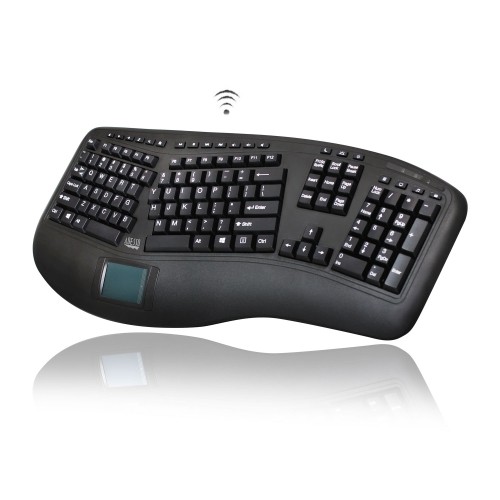
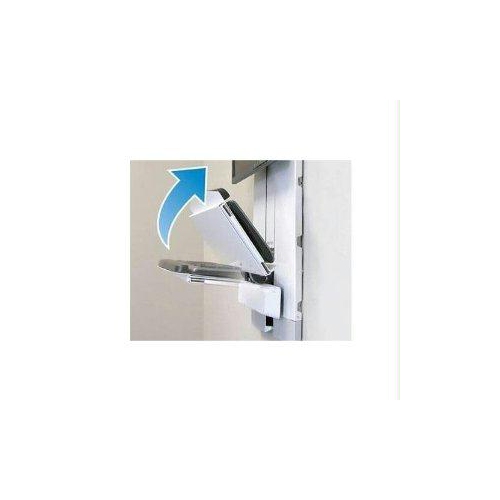
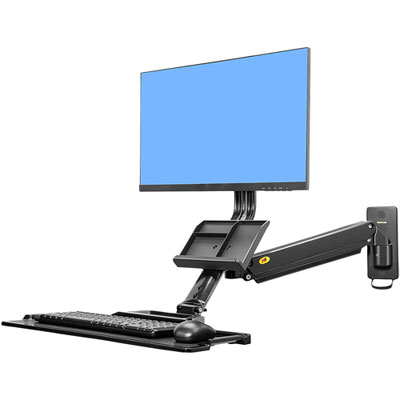
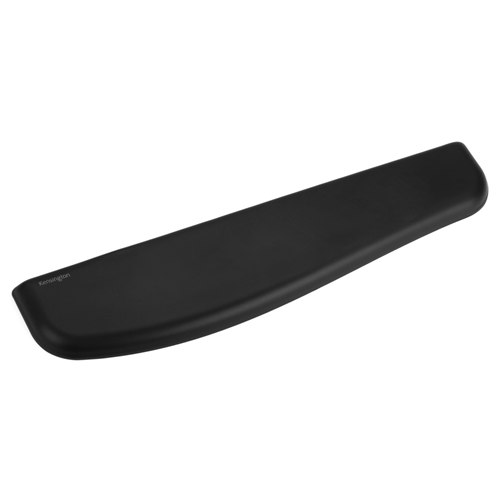
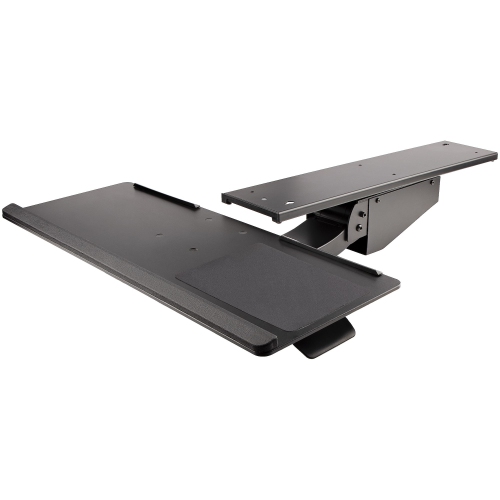
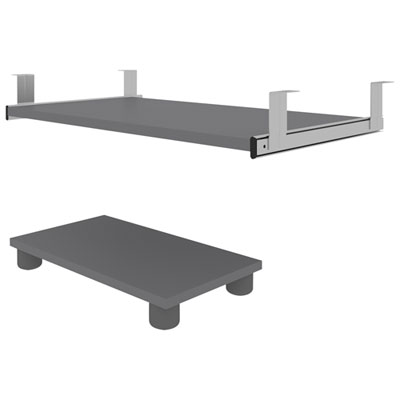
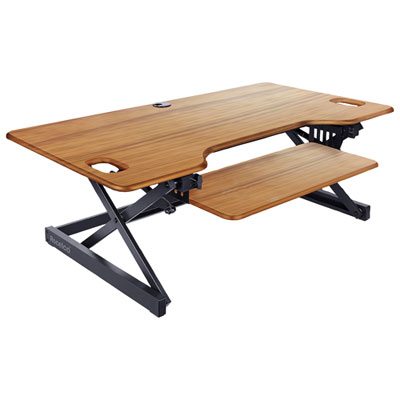

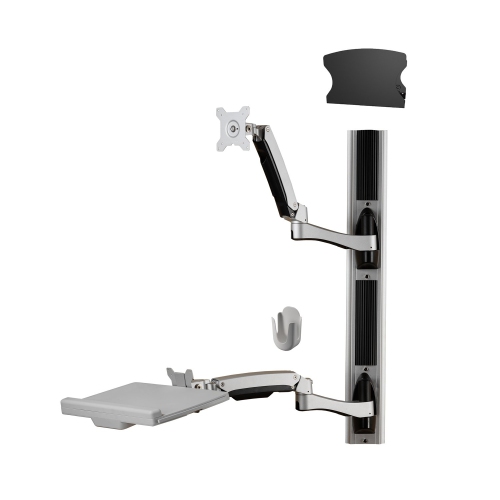
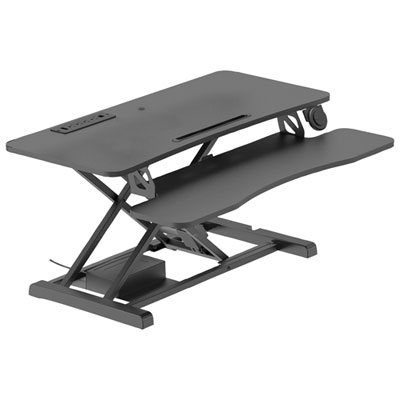
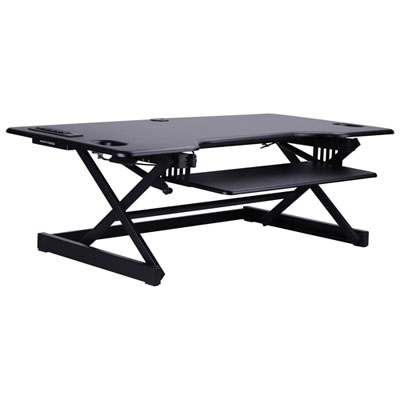
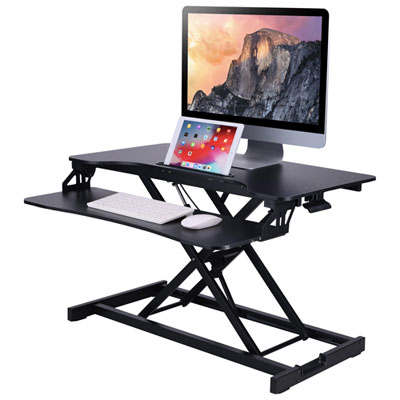

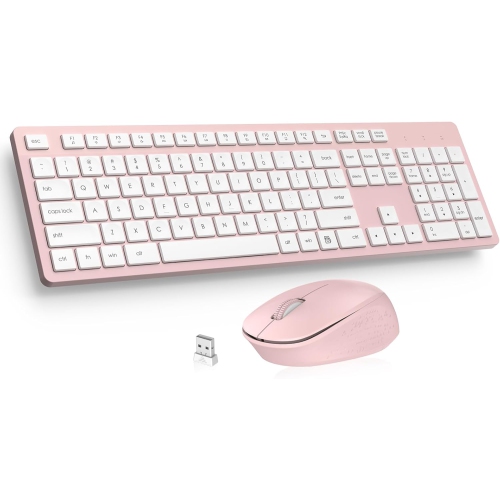
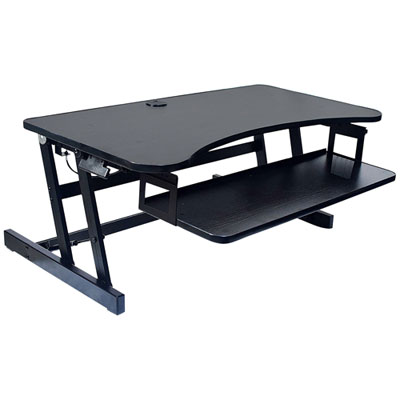
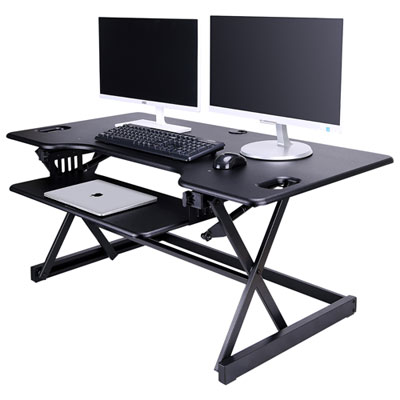
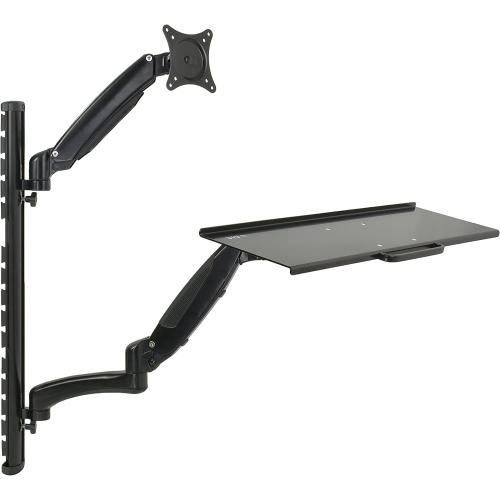
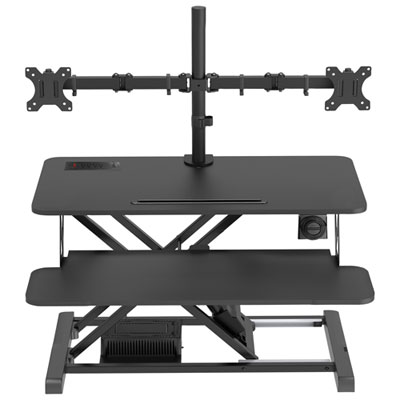
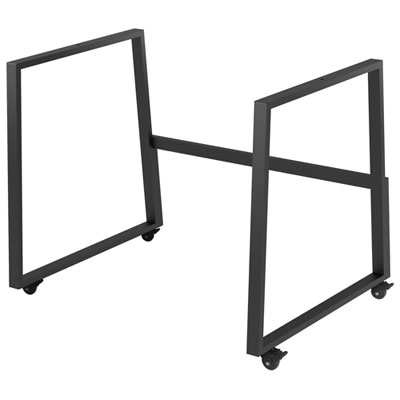
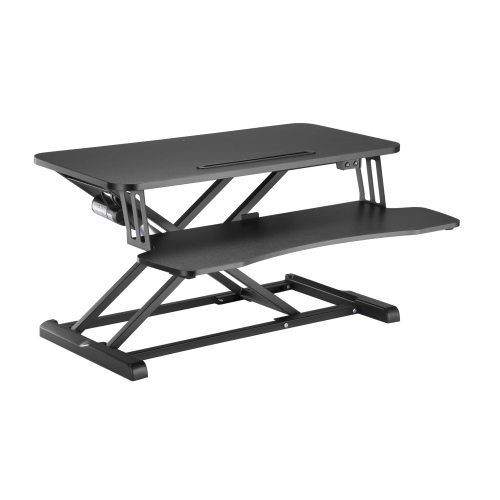

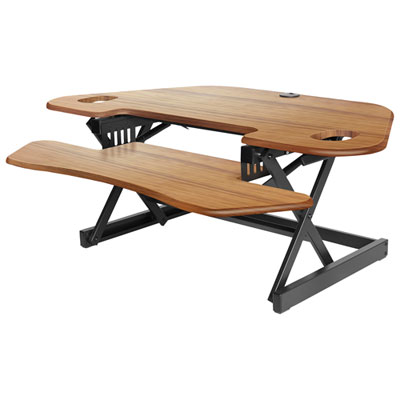
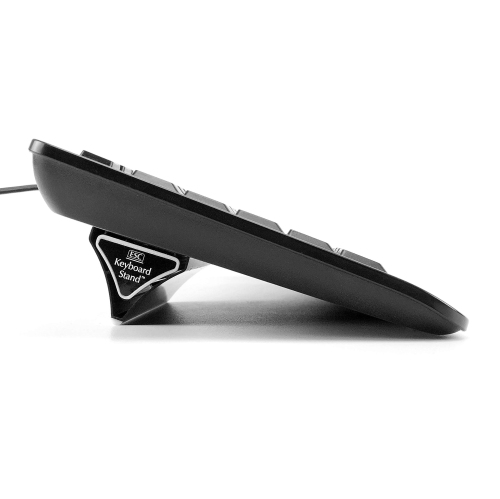


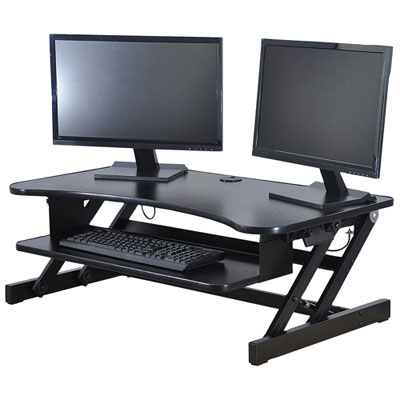
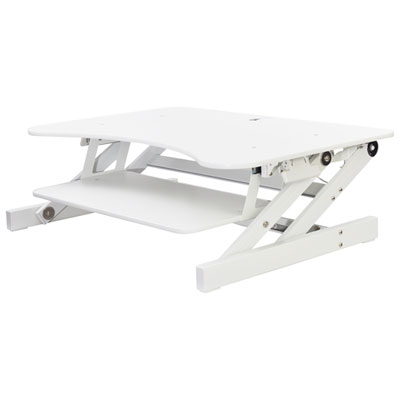
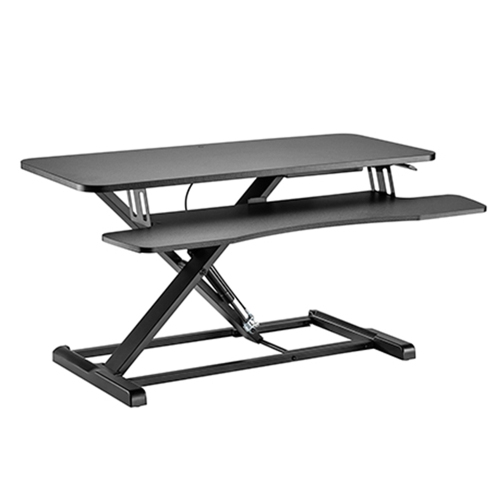
A more comfortable typing position beneath your desk
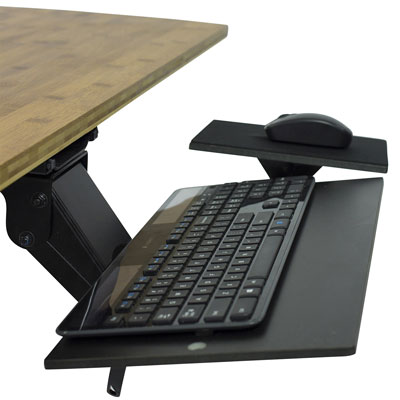
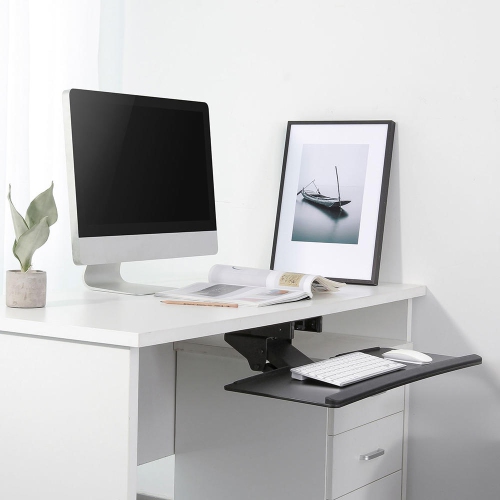
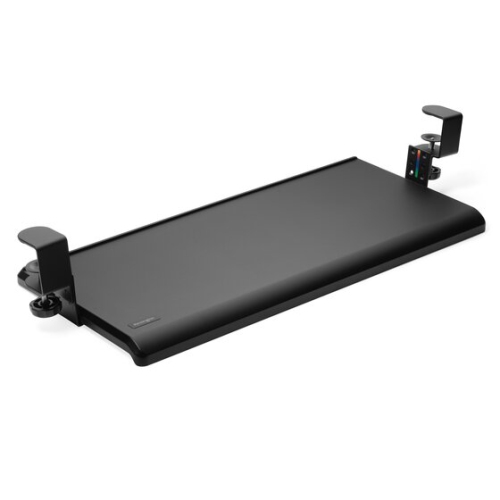
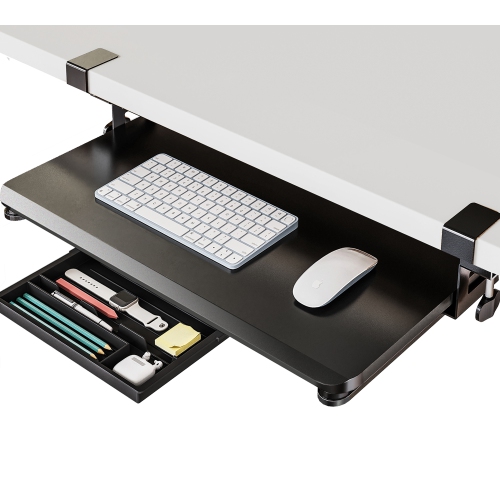
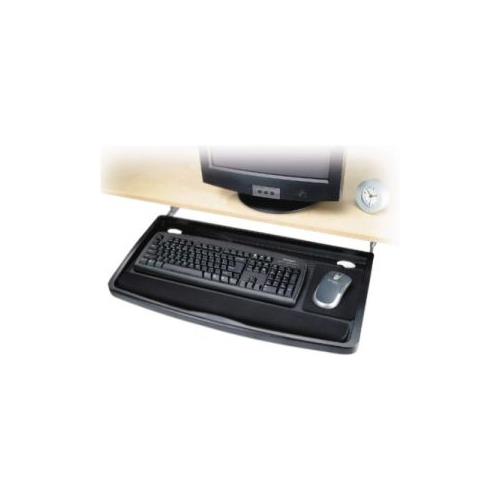
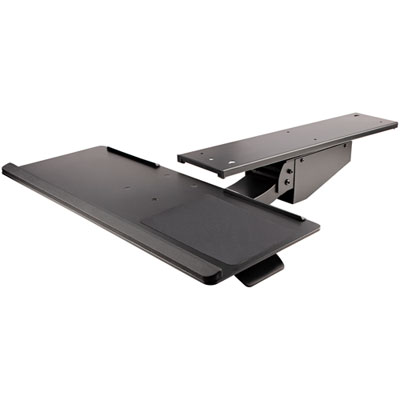
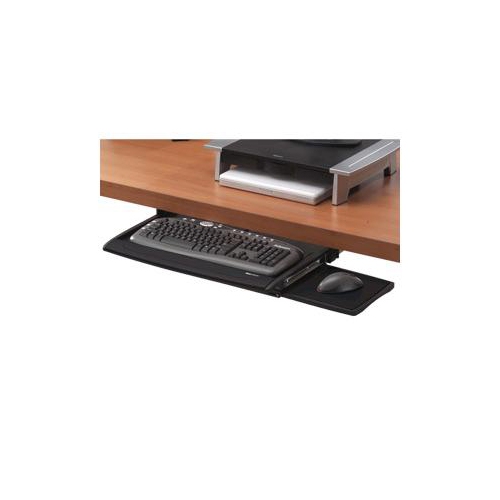
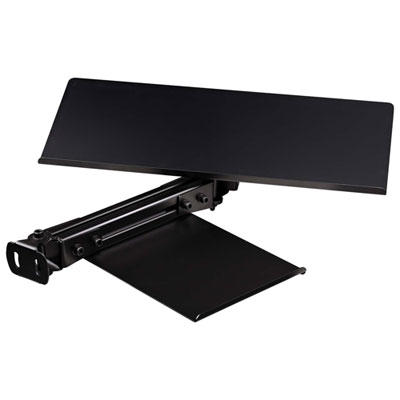
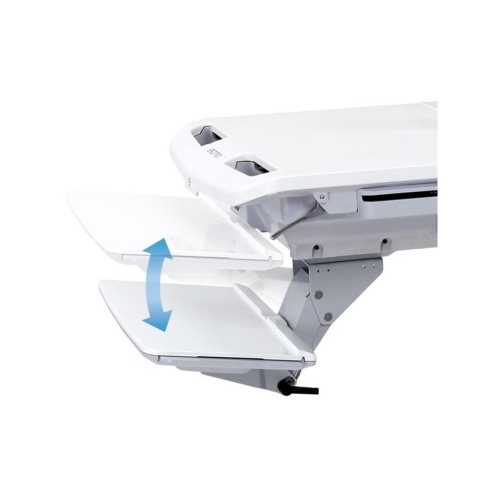
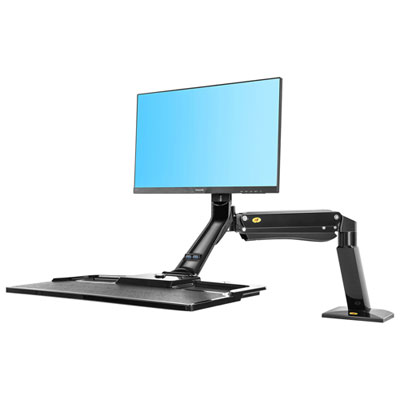
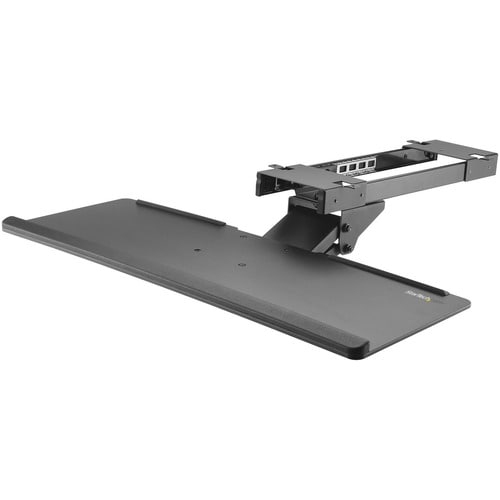
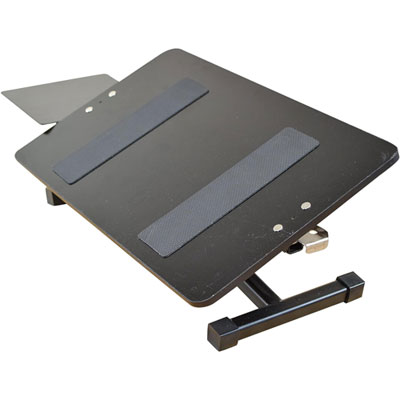
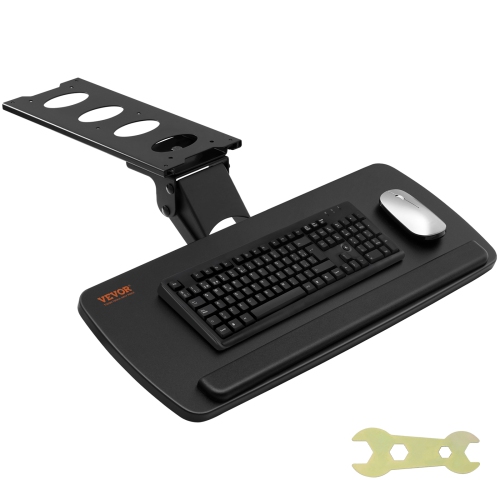
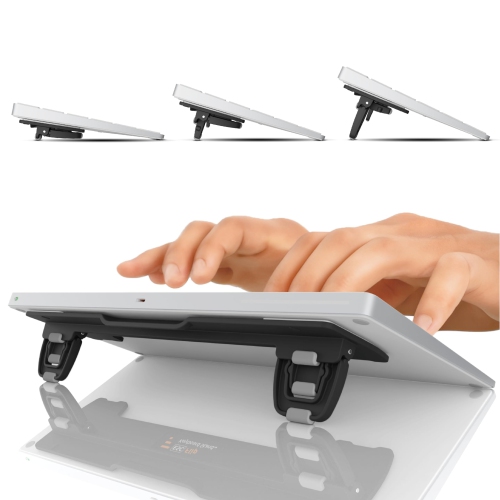
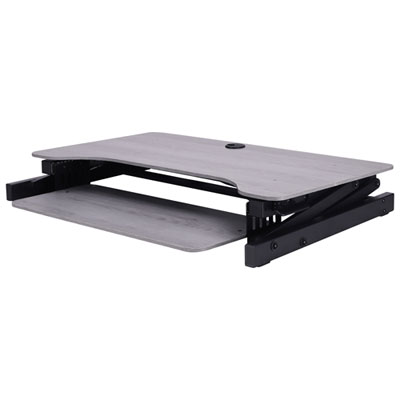
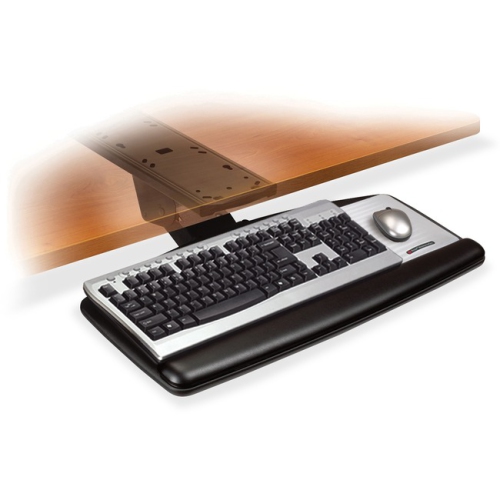
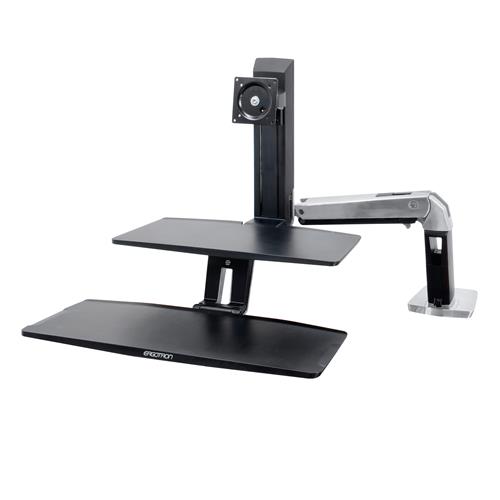
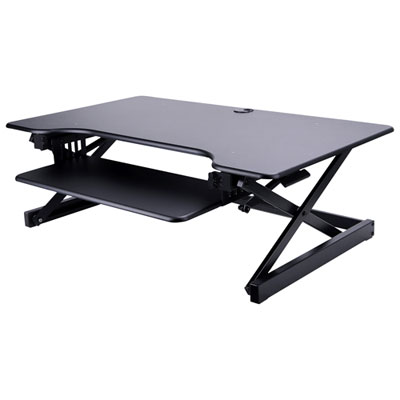
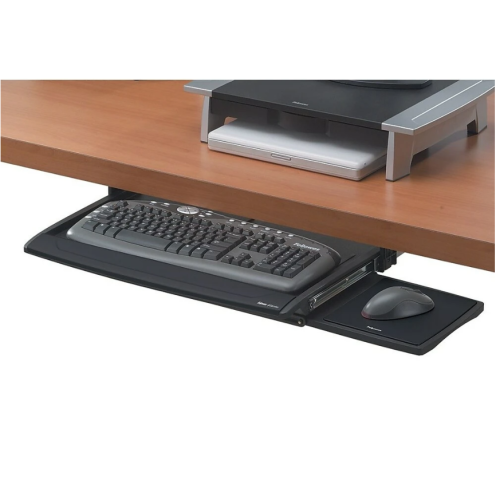
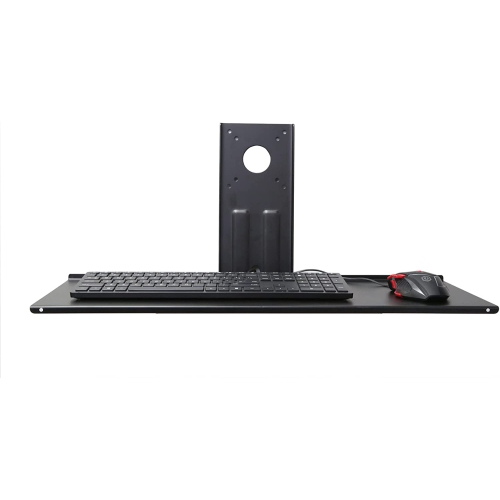
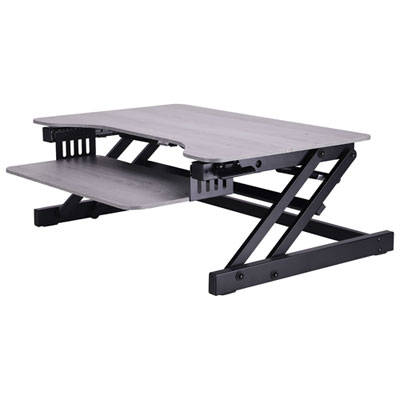
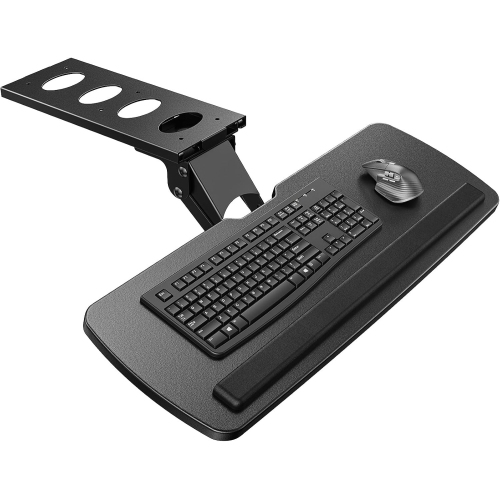
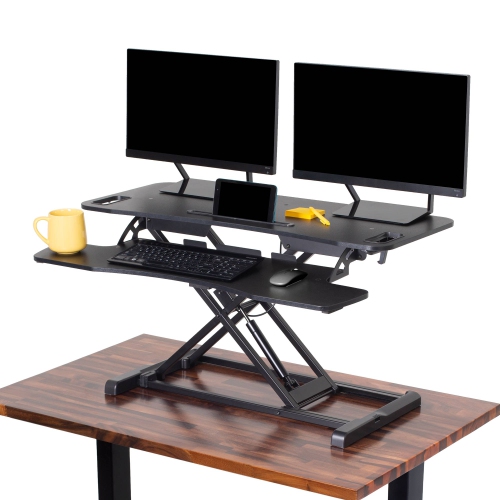
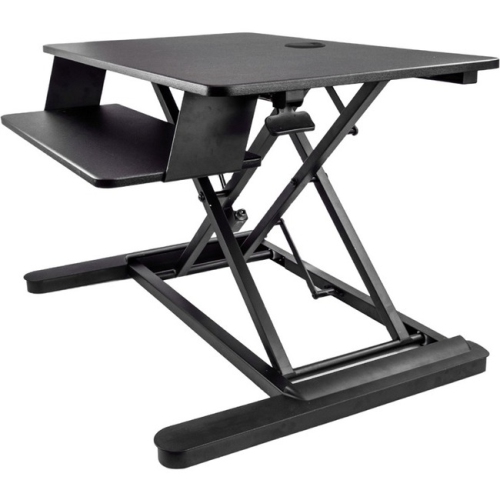
Ergonomic keyboard trays are designed to bring your keyboard and mouse into a more comfortable working position beneath your desk. By moving these accessories below the desktop, a tray can help your elbows rest closer to your sides, support a neutral wrist position, and reduce the tendency to lift your shoulders while typing. It can also clear valuable space on the desk surface for a monitor, notebook, lamp, speakers, or other everyday essentials. This is especially useful in compact home offices, shared workspaces, student study areas, reception desks, and gaming setups where every centimetre of surface area matters. Many trays slide in and out on a track, allowing you to tuck the keyboard away when you need room for writing or other tasks. Some models swivel from side to side, while others offer a broad range of height adjustment for users who alternate between different chairs or work surfaces. A negative-tilt design slopes the front edge of the keyboard downward, which may help keep the wrists flatter rather than bent upward during long typing sessions. Since comfort preferences and desk layouts vary, the best ergonomic keyboard tray is one that allows you to fine-tune height, angle, distance, and position instead of locking you into a single setup.
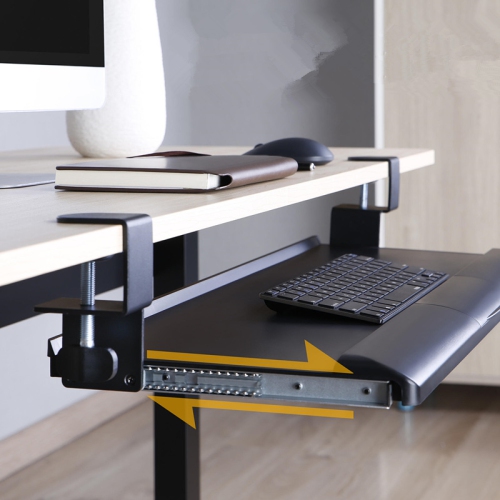
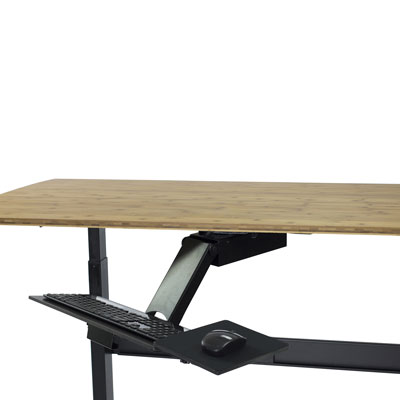
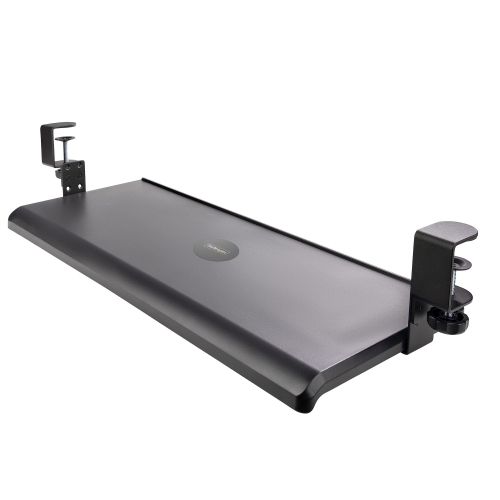
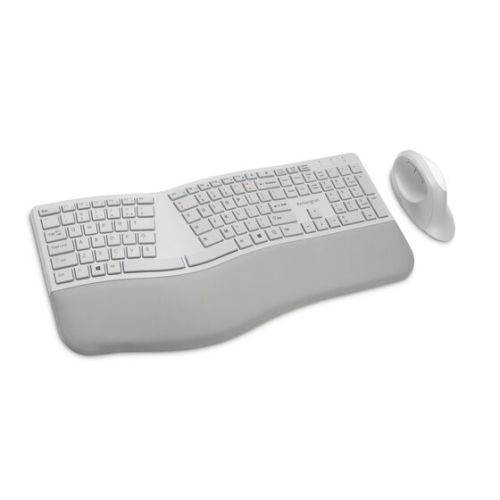
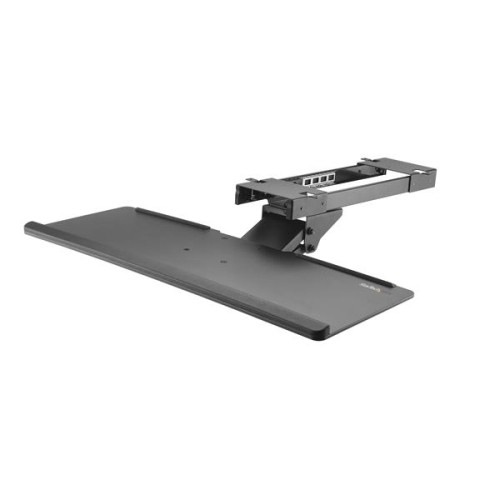
When comparing ergonomic keyboard trays, start by measuring the space beneath your desk and checking for drawers, support rails, crossbars, power strips, or other obstructions. A track-mounted tray typically attaches to the underside of the desktop and provides a stable sliding platform, but it may require drilling and enough clearance for the mounting hardware. A clamp-on tray can be a practical choice for renters, shared offices, or desks where drilling is not suitable, although the desk edge must be thick and strong enough to support the clamps. Pay attention to the tray’s width and depth, particularly if you use a full-size keyboard with a number pad, a compact mechanical keyboard, or a separate wrist rest. An integrated wrist support may add comfort, while a removable support can give you more flexibility. Mouse placement is another important consideration. A platform that is too close to the keyboard can crowd your hand, while one that sits too far away may encourage the shoulder to reach forward. Some ergonomic keyboard trays include an independent mouse platform with its own height or tilt adjustment, helping you position the mouse nearer to elbow level. Look for smooth slide action, dependable locking points, and a weight capacity that suits your keyboard, mouse, and any additional accessories. A 360-degree swivel can make it easier to move the tray aside when entering or leaving your workstation, while a tray with a generous vertical range may suit both seated and standing work. For more options designed to fit beneath a desk, browse Under Desk Keyboard Trays.
Ergonomic keyboard trays can be useful for people who spend much of the day typing, including remote workers, office professionals, students, customer service staff, programmers, designers, and gamers. They can also be a thoughtful gift for someone setting up a first home office, refreshing a study area, or moving to a sit-stand desk. In a shared household, an adjustable tray can make one workstation more accommodating for different users, especially when family members vary in height. To set one up, adjust the tray so your elbows sit near a right angle when your hands rest on the keyboard, with your shoulders relaxed and your wrists aligned comfortably rather than sharply bent. Keep the mouse close enough that you do not need to extend the arm, and use the tray’s slide or swivel function to move the keyboard out of the way during breaks. If you use a sit-stand desk, check that the tray can travel through the full range you need without striking the chair, frame, drawers, or other equipment. A sturdy tray should feel secure while typing, but it should still move smoothly when adjusted. Installation instructions, compatible desk thickness, hardware requirements, and maximum load are worth reviewing before purchase. With the right fit, an ergonomic keyboard tray can create a cleaner workstation and make everyday typing feel more natural, whether you are answering messages during a busy afternoon, completing coursework in a quiet corner, or settling into a longer work session during the cooler months.
When comparing ergonomic keyboard trays, start by measuring the space beneath your desk and checking for drawers, support rails, crossbars, power strips, or other obstructions. A track-mounted tray typically attaches to the underside of the desktop and provides a stable sliding platform, but it may require drilling and enough clearance for the mounting hardware. A clamp-on tray can be a practical choice for renters, shared offices, or desks where drilling is not suitable, although the desk edge must be thick and strong enough to support the clamps. Pay attention to the tray’s width and depth, particularly if you use a full-size keyboard with a number pad, a compact mechanical keyboard, or a separate wrist rest. An integrated wrist support may add comfort, while a removable support can give you more flexibility. Mouse placement is another important consideration. A platform that is too close to the keyboard can crowd your hand, while one that sits too far away may encourage the shoulder to reach forward. Some ergonomic keyboard trays include an independent mouse platform with its own height or tilt adjustment, helping you position the mouse nearer to elbow level. Look for smooth slide action, dependable locking points, and a weight capacity that suits your keyboard, mouse, and any additional accessories. A 360-degree swivel can make it easier to move the tray aside when entering or leaving your workstation, while a tray with a generous vertical range may suit both seated and standing work. For more options designed to fit beneath a desk, browse Under Desk Keyboard Trays.
Ergonomic keyboard trays can be useful for people who spend much of the day typing, including remote workers, office professionals, students, customer service staff, programmers, designers, and gamers. They can also be a thoughtful gift for someone setting up a first home office, refreshing a study area, or moving to a sit-stand desk. In a shared household, an adjustable tray can make one workstation more accommodating for different users, especially when family members vary in height. To set one up, adjust the tray so your elbows sit near a right angle when your hands rest on the keyboard, with your shoulders relaxed and your wrists aligned comfortably rather than sharply bent. Keep the mouse close enough that you do not need to extend the arm, and use the tray’s slide or swivel function to move the keyboard out of the way during breaks. If you use a sit-stand desk, check that the tray can travel through the full range you need without striking the chair, frame, drawers, or other equipment. A sturdy tray should feel secure while typing, but it should still move smoothly when adjusted. Installation instructions, compatible desk thickness, hardware requirements, and maximum load are worth reviewing before purchase. With the right fit, an ergonomic keyboard tray can create a cleaner workstation and make everyday typing feel more natural, whether you are answering messages during a busy afternoon, completing coursework in a quiet corner, or settling into a longer work session during the cooler months.
Top selling and popular products
-
 Your price for this item is $304.99
 -
 Your price for this item is $93.99
 -
 Your price for this item is $248.99
 -
 Your price for this item is $83.99
 -
 Your price for this item is $108.99
 -
 Your price for this item is $94.99
 -
 Your price for this item is $74.97
 -
 Your price for this item is $83.95
Discover more categories related to Ergonomic Keyboard Trays
Top Collections:
Pokemon Centers, Kindle Devices, Best Budget Office Chairs, Apple iPhones 16, Best Laptops for Writers, iPhone 15 Apple, Canon G7X Cameras, Refurbished Apple Laptops, Alarm Clock, Motorola Razr Phones
Some products may be subject to Environmental Handling Fees
(EHF) depending on your province.
Learn more about EHFs.