Keyboard Trays
Enhance your workspace and optimize your comfort with our selection of keyboard trays. Designed to provide ergonomic support, these trays are the perfect addition to any office or home setup. Say goodbye to cramped typing positions and hello to a more relaxed and efficient work experience. Whether you're a professional seeking a sleek and adjustable solution or simply looking to upgrade your current setup, our range of keyboard trays offers a variety of options to suit your needs. Explore our collection today and discover the key to a more comfortable and productive work environment.
Sort

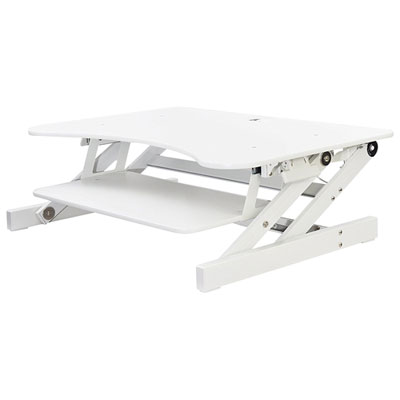
![AMER NETWORKS Height Adjustable Sit/stand Desk Computer Riser [30" Width] With Keyboard Tray](https://multimedia.bbycastatic.ca/multimedia/products/500x500/124/12421/12421869.jpeg)
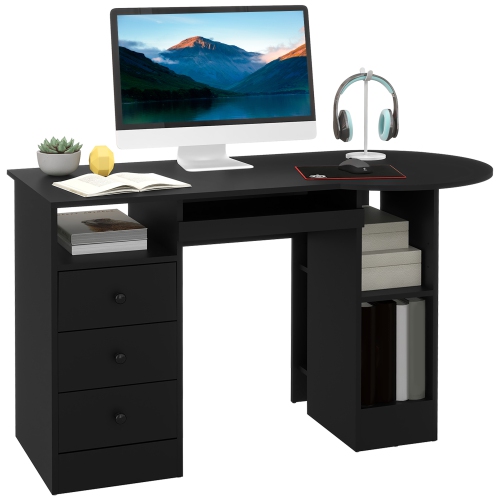
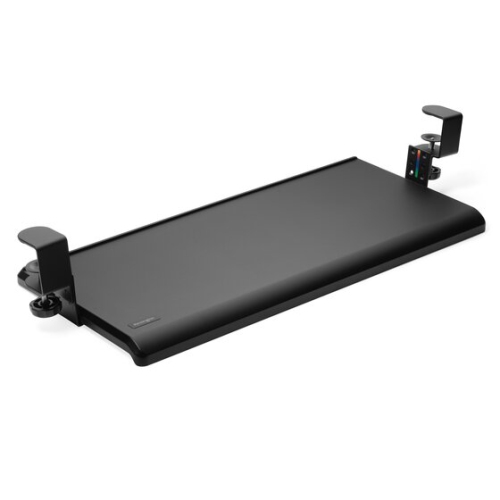
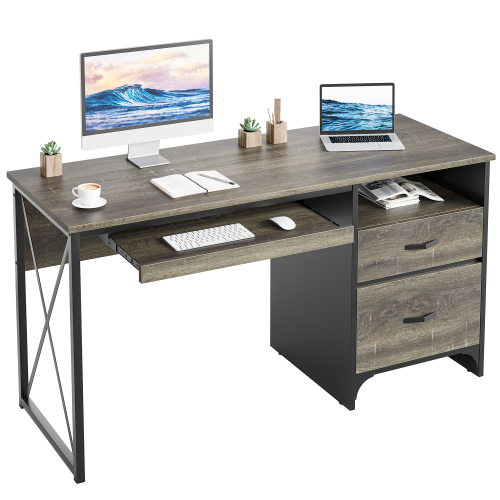
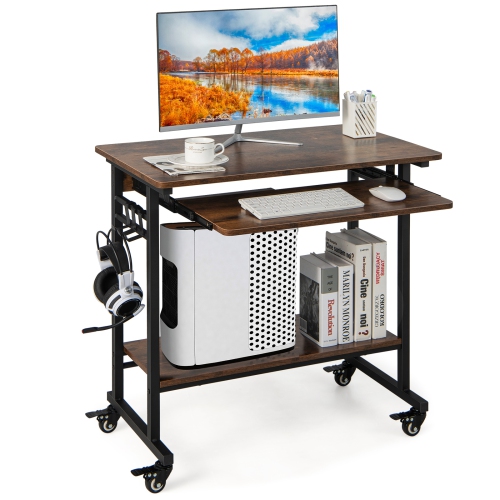
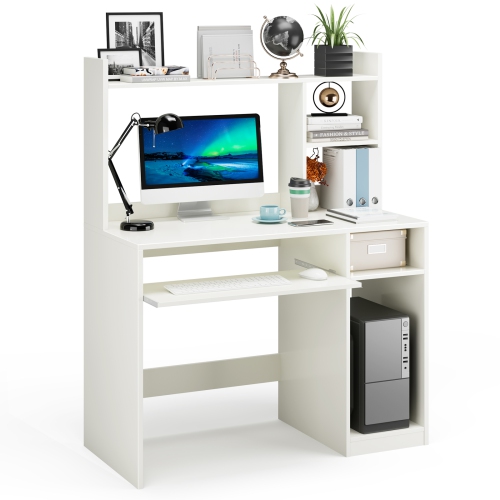
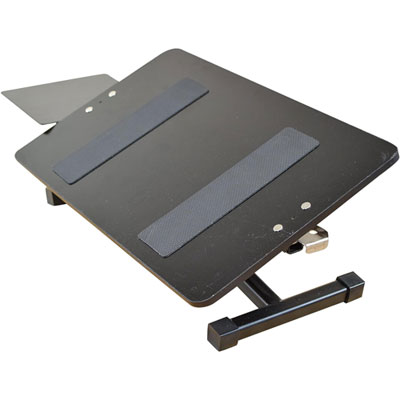
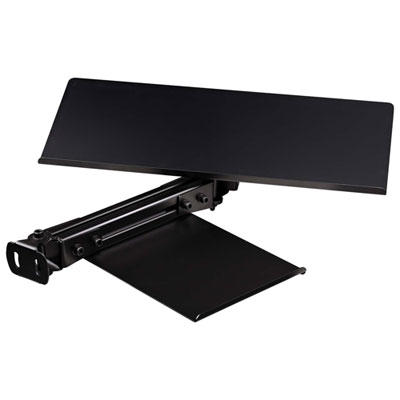
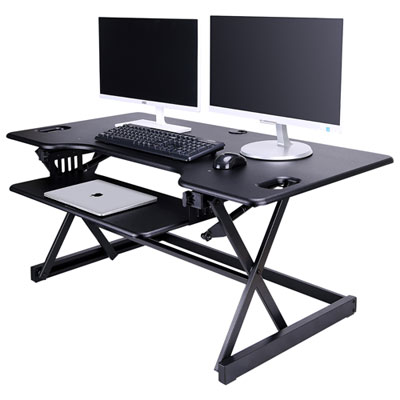
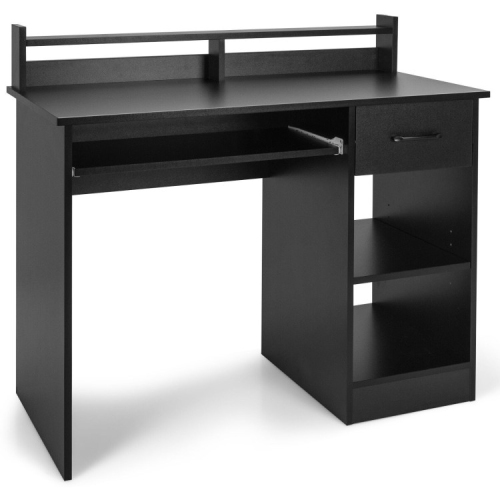
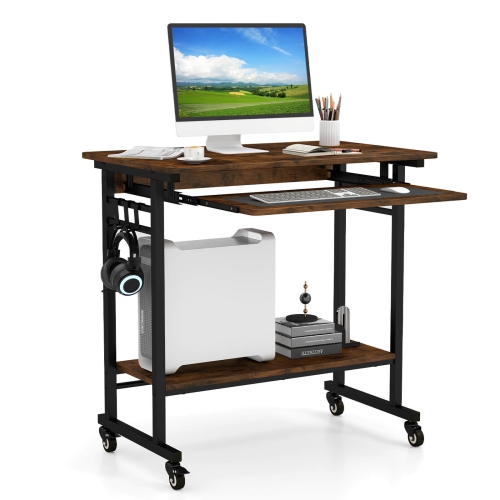
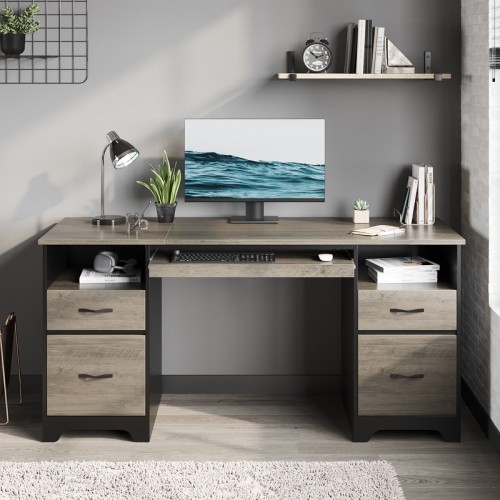
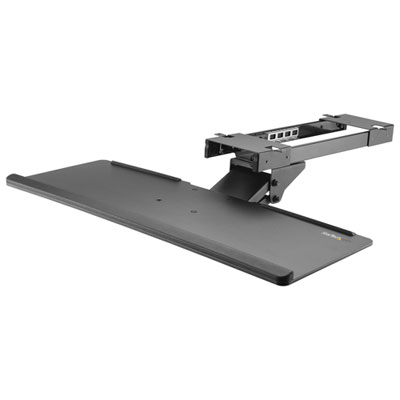
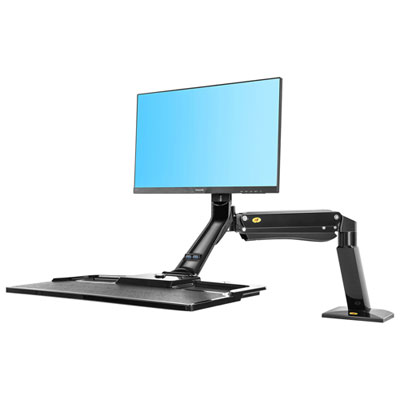
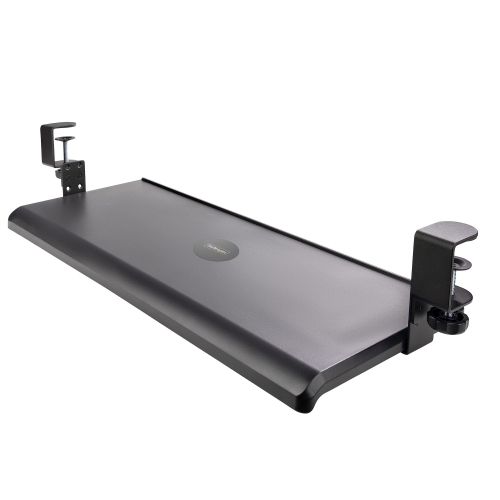
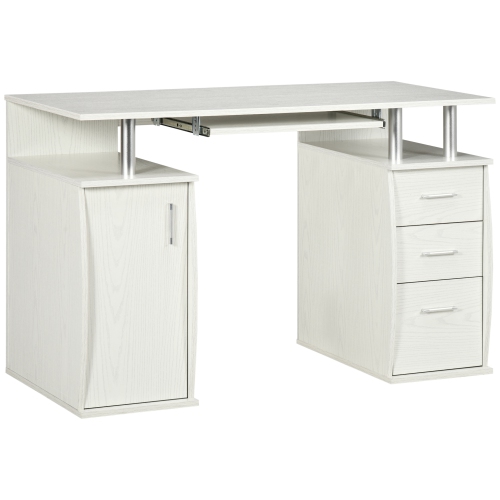
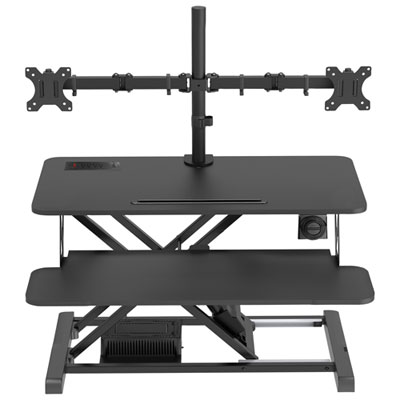
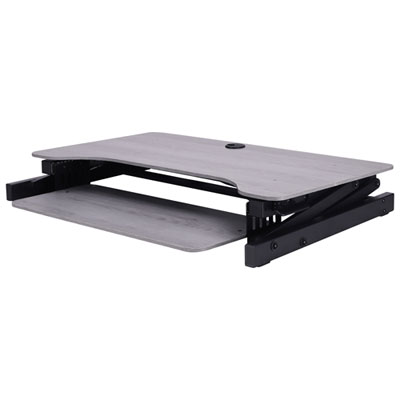
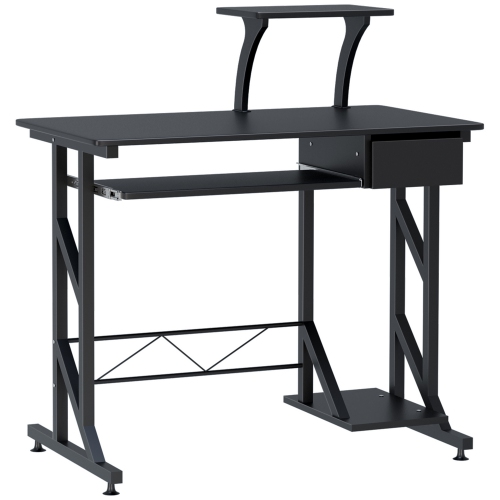


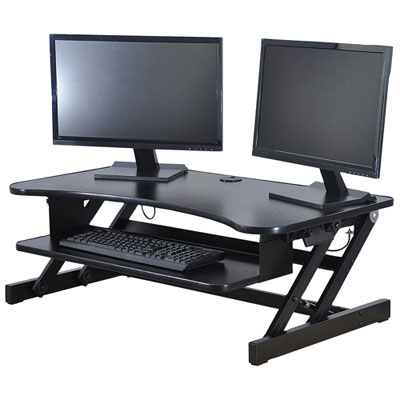
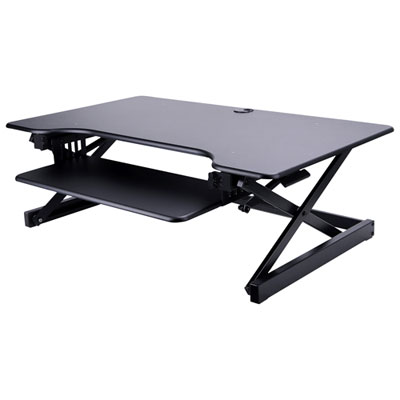
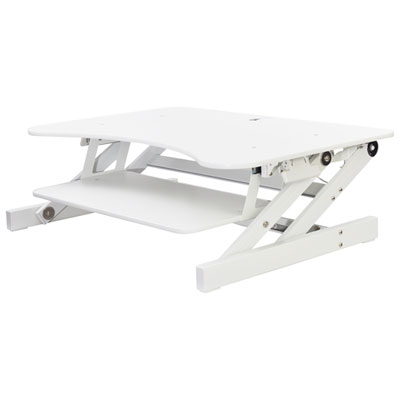
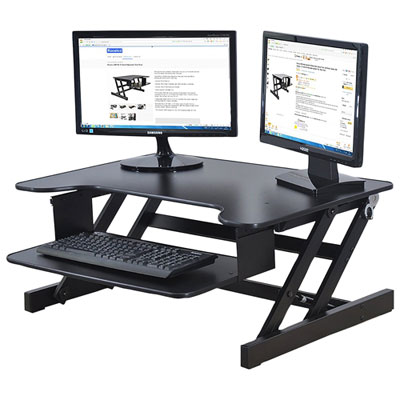
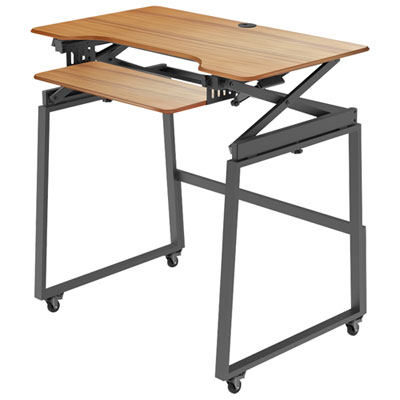
More desk space and comfortable typing start underneath
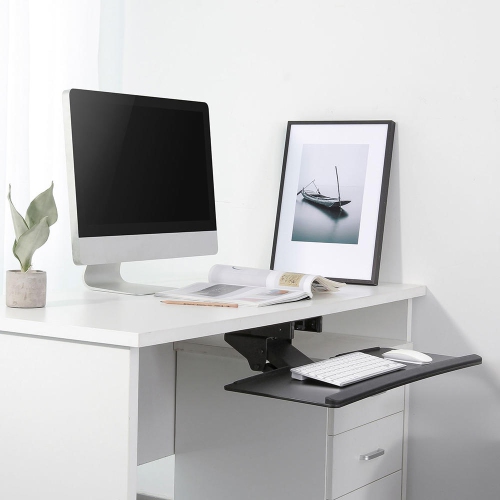
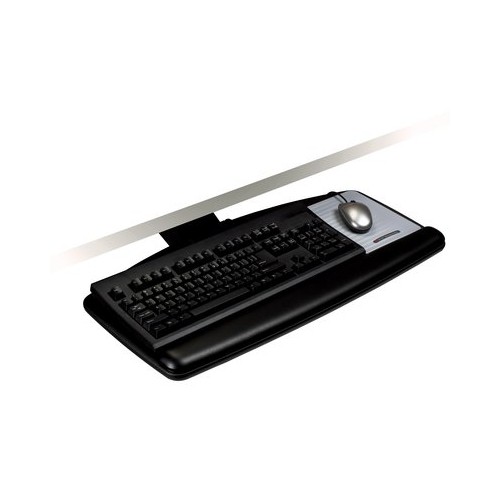
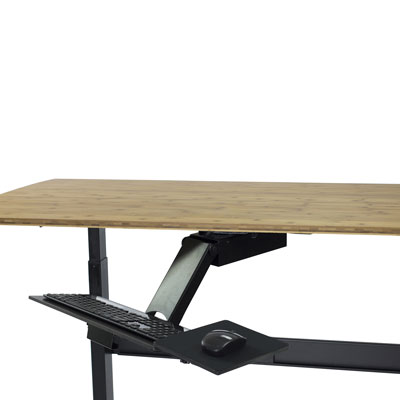
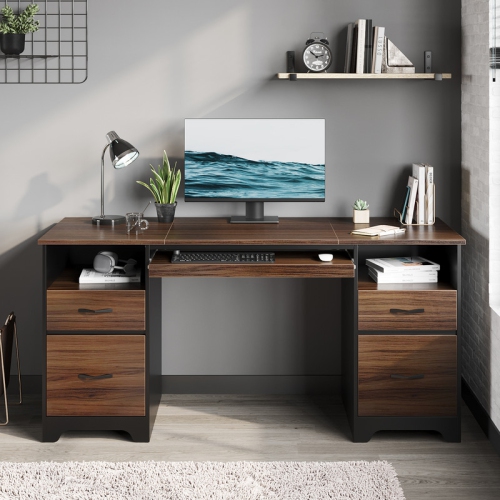
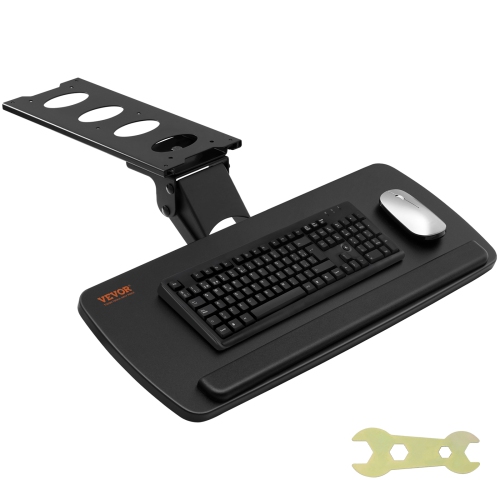
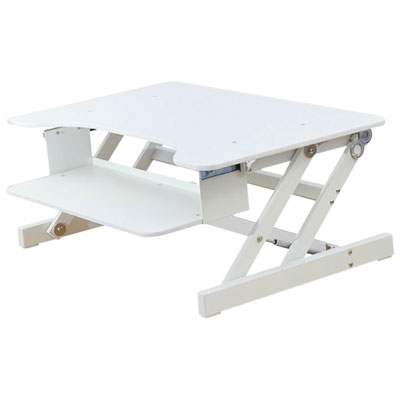
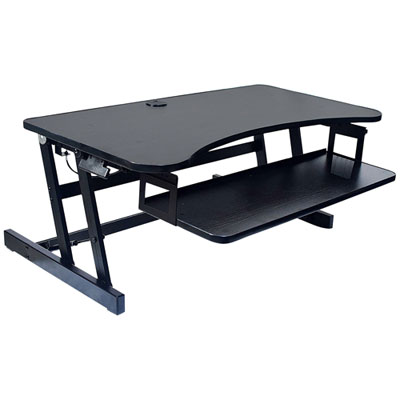
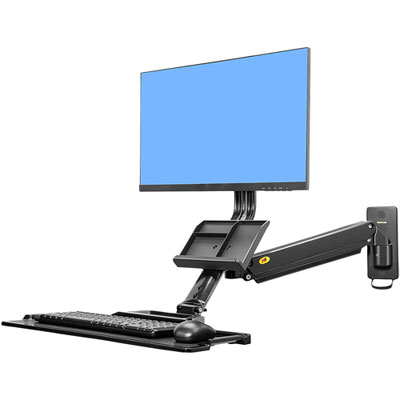
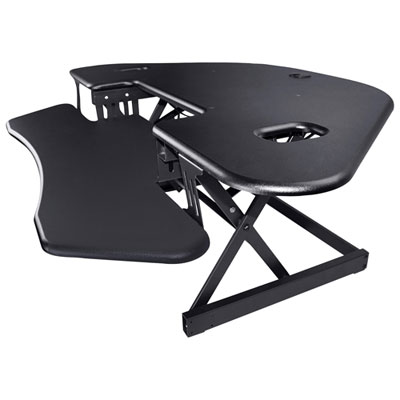
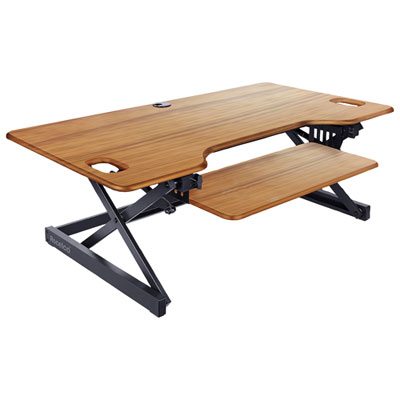
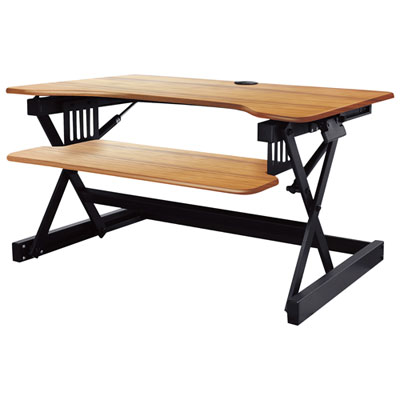
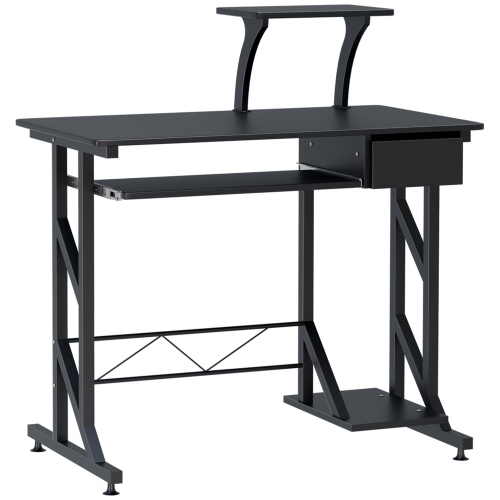
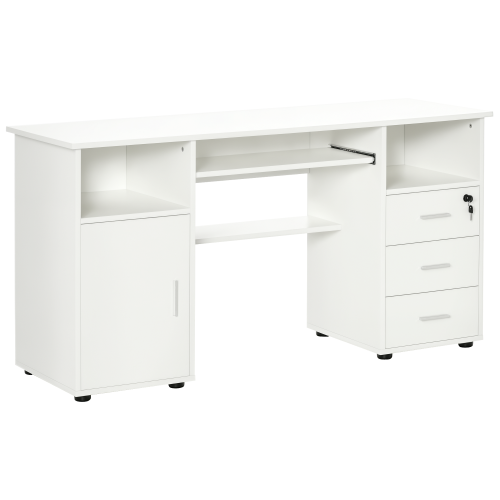
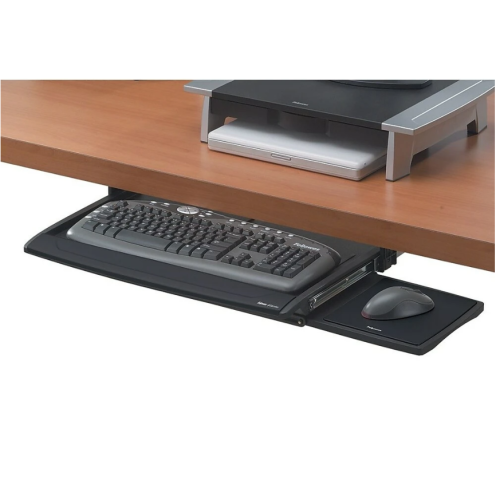
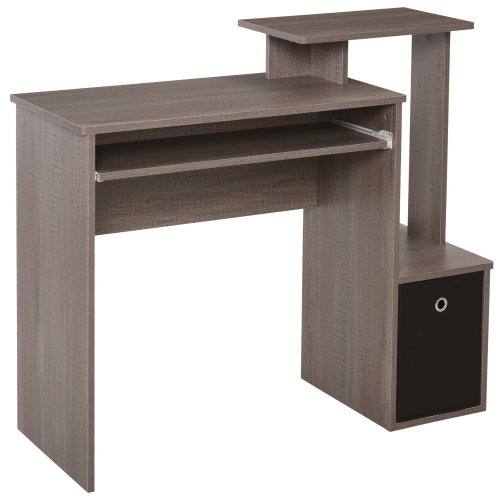
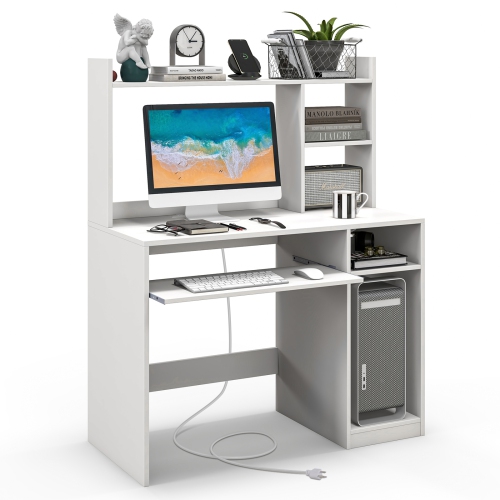
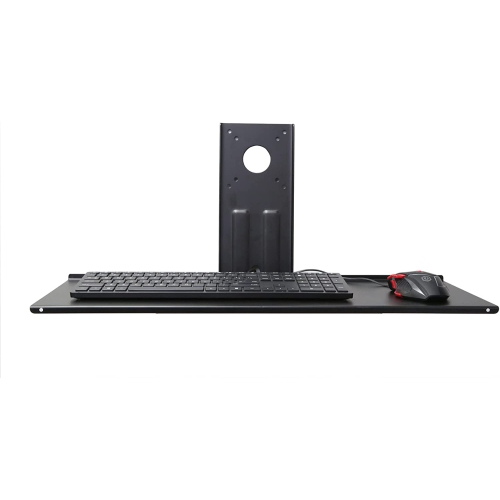
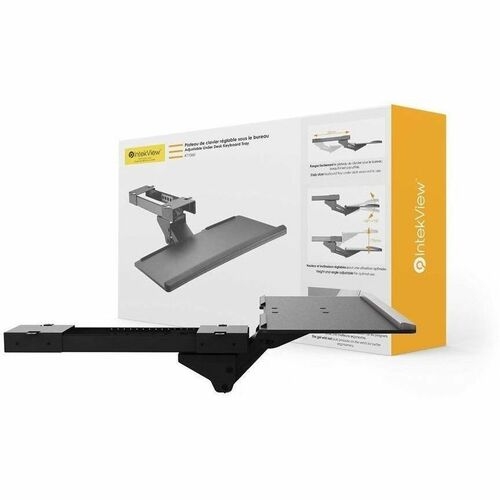
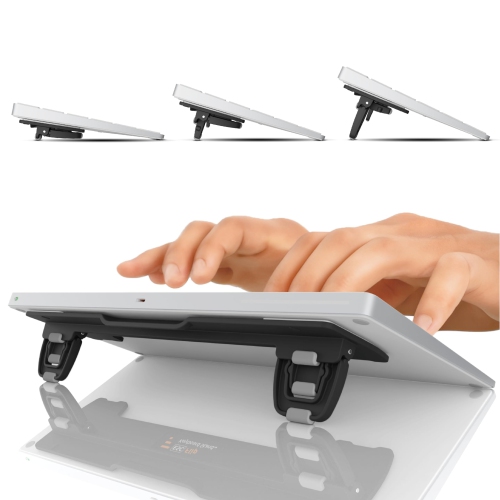
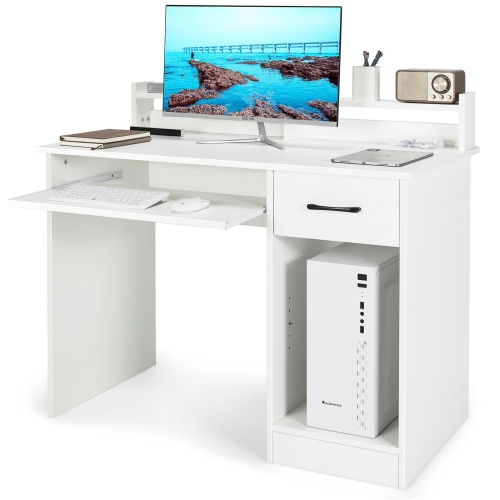
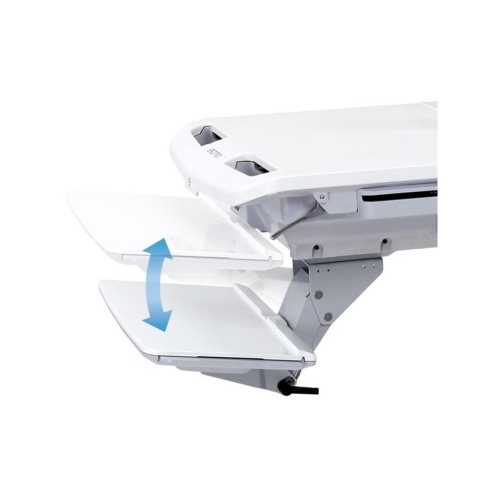
Keyboard trays are a practical way to make a desk feel more spacious, comfortable, and adaptable. By moving the keyboard and mouse below the main work surface, an under-desk tray can leave room for a notebook, reference materials, a coffee mug, or a second device without making the desktop feel crowded. This arrangement can also help create a more natural typing position, particularly when a desk is slightly too high for comfortable keyboard use. A well-positioned tray allows your elbows to rest close to your sides at approximately a 90-degree angle, with your shoulders relaxed rather than lifted and your wrists kept straight as you type. Many trays offer height, tilt, or swivel adjustments, giving you the flexibility to fine-tune the setup for long workdays, study sessions, gaming, or everyday computer use. A slight downward tilt, sometimes called a negative tilt, may help keep the hands and wrists in a neutral position, while a padded wrist rest can add support during extended periods at the keyboard. These details can make a noticeable difference in a home office, especially when the same desk is shared by different people or used for both focused work and casual browsing. Keyboard trays may also suit compact workspaces where every square inch matters. Sliding the tray away when it is not needed can make it easier to use the desk for writing, crafting, organizing paperwork, or setting up a laptop. They can be useful for students furnishing a study corner, remote workers creating a dedicated office, gamers refining their desk layout, and families looking for a simple way to improve a shared computer station. A keyboard tray can also be a thoughtful gift for someone setting up a new home office, returning to school, or spending more time at a computer during the cooler months.
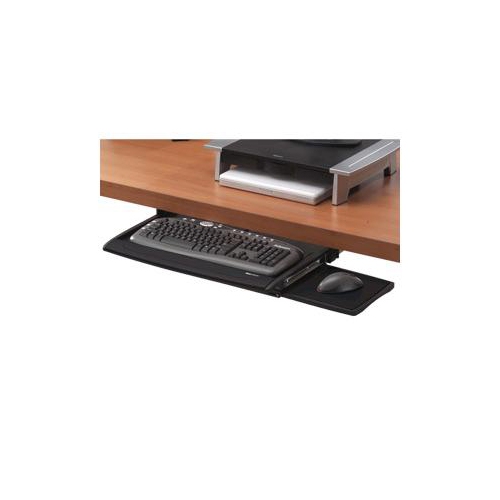
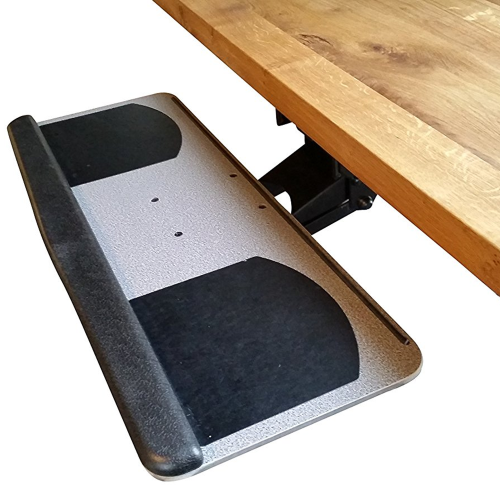
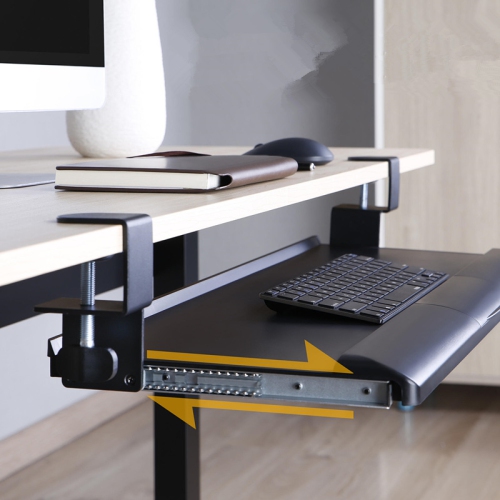
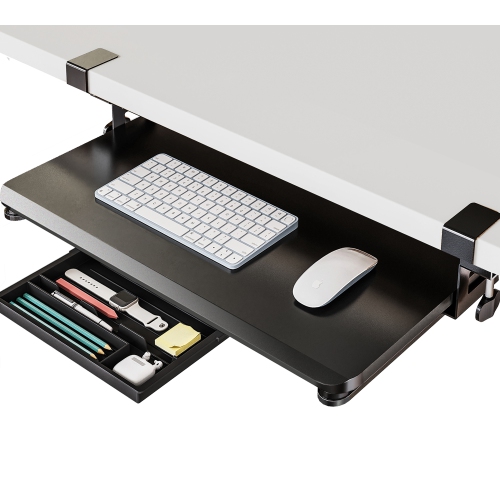
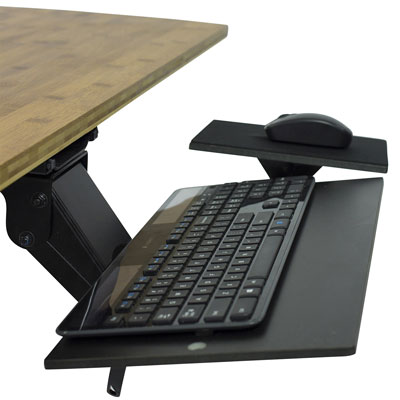
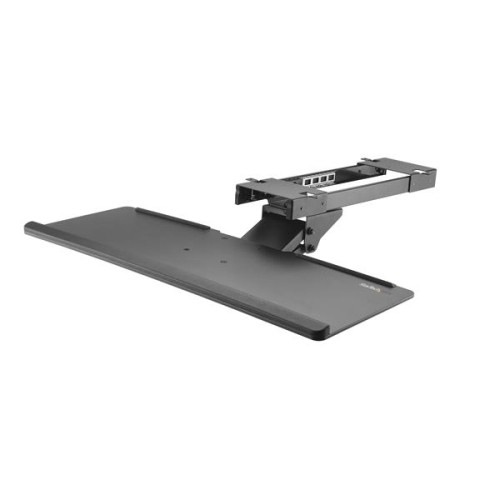
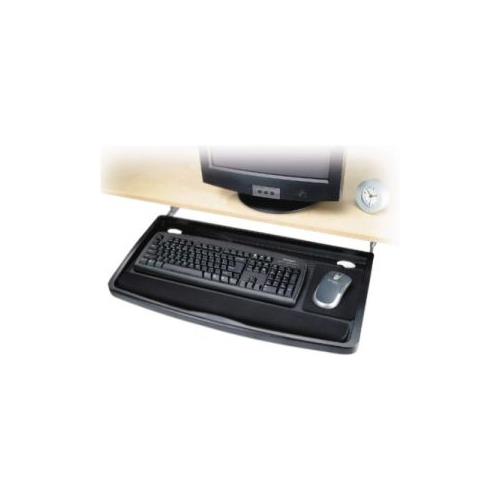
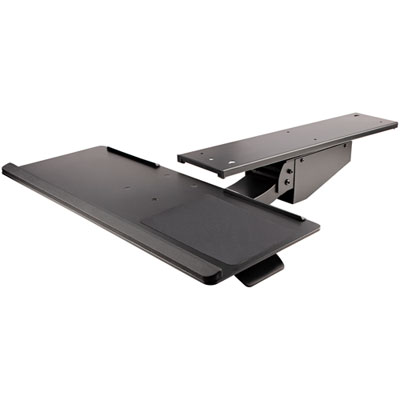
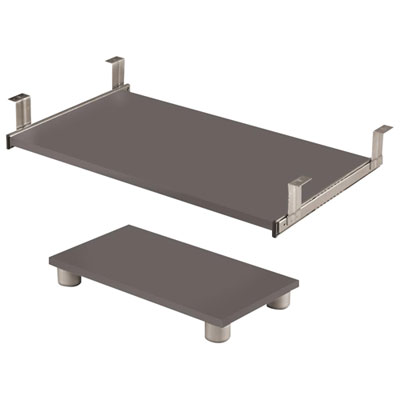
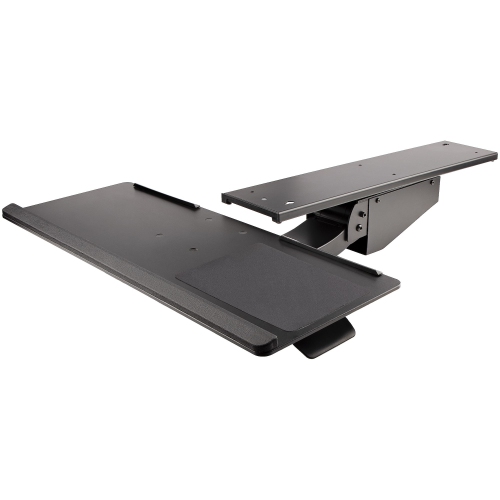
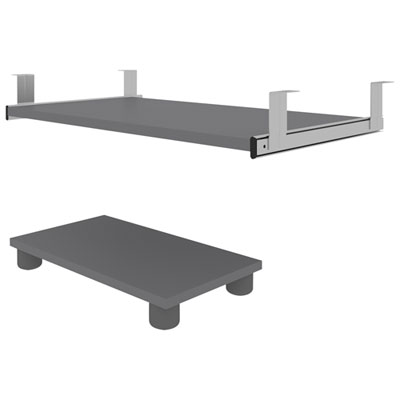
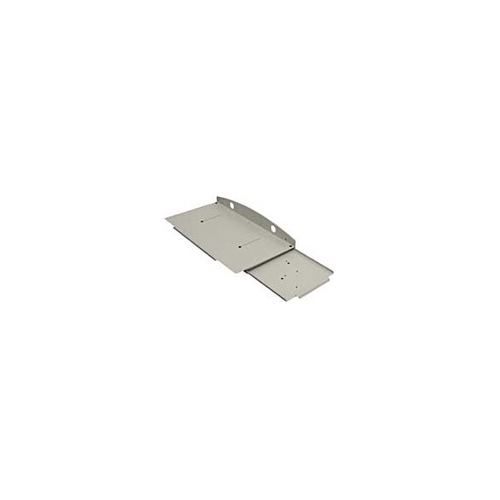
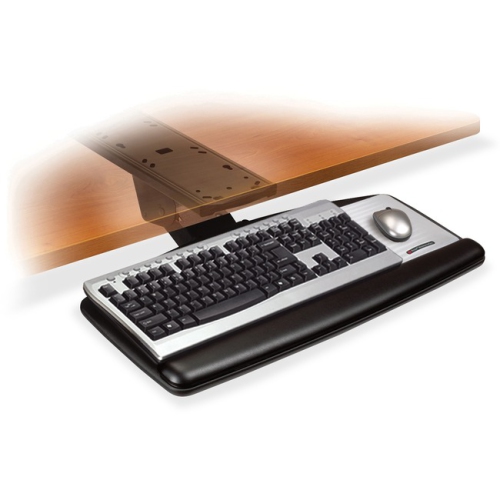
The main installation styles are clamp-on and track-mounted, and each suits a different type of desk and room. Clamp-on keyboard trays fasten to the front or sides of a desk with C-clamps, so they generally do not require drilling. This makes them appealing for renters, temporary workspaces, standing desks, and anyone who wants a straightforward installation with fewer permanent changes. They can often be removed or repositioned as a workspace develops, although the desk edge must be thick and strong enough to support the clamps securely. Track-mounted or pull-out trays attach to the underside of the desk using sliding rails. These models usually provide a stable, integrated feel and can glide smoothly beneath the work surface when not in use, but installation typically involves measuring carefully and securing hardware with screws. Before choosing either style, check the desk’s thickness, underside clearance, and construction. Crossbars, drawers, cable channels, support beams, modesty panels, and other hardware can interfere with clamps or prevent a tray from sliding fully inward. A desk with a narrow front edge may not offer enough room for a clamp, while a desk with a very thin or lightweight top may need extra care when supporting a tray, keyboard, and mouse. It is also worth measuring the available width and depth, including the space needed for mouse movement, so the tray does not feel cramped once installed. Consider whether the tray should hold a full-size keyboard with a separate number pad, a compact keyboard, or a gaming keyboard with a wider frame. Some people prefer a side-to-side mouse surface, while others need a larger platform for lower-sensitivity pointer control. Look at the tray’s weight capacity, sliding range, adjustment points, and the shape of its front edge. Rounded edges can feel more comfortable against the forearms, and a smooth slide-out mechanism can be helpful in a busy workspace where the keyboard is frequently tucked away.
The best keyboard tray is one that fits the desk, the equipment, and the way the space is used every day. Take measurements before ordering, including the distance from the desk edge to any obstruction underneath, the available mounting area, and the clearance between the tray and your legs. When installing a track-mounted model, mark the position carefully so the tray sits centred and does not pull to one side; using the correct screwdriver and checking each fastener can help maintain stability over time. For a clamp-on model, tighten the hardware firmly without forcing it, and inspect the desk edge for any movement before placing equipment on the tray. After installation, adjust the height so the forearms are roughly parallel to the floor, keep the monitor at a comfortable viewing level, and place the mouse close enough that the shoulder stays relaxed. A tray should glide smoothly, remain steady while typing, and tuck away without catching on cables or other accessories. Cable management is another useful consideration: leave enough slack for the tray to move through its full range, but keep cords clear of the sliding rails and clamps. If a separate place is needed for a keyboard when it is not in use, browse Computer Keyboard Drawers for additional storage-focused options. Whether it is added to a dedicated office, a student desk, a gaming station, or a compact corner workspace, a keyboard tray can bring order to the area while making computer use feel more natural. Careful measurements, compatible mounting hardware, and a few minutes spent adjusting the final position can turn an awkward desk into a more comfortable and flexible place to work, learn, create, or relax.
The main installation styles are clamp-on and track-mounted, and each suits a different type of desk and room. Clamp-on keyboard trays fasten to the front or sides of a desk with C-clamps, so they generally do not require drilling. This makes them appealing for renters, temporary workspaces, standing desks, and anyone who wants a straightforward installation with fewer permanent changes. They can often be removed or repositioned as a workspace develops, although the desk edge must be thick and strong enough to support the clamps securely. Track-mounted or pull-out trays attach to the underside of the desk using sliding rails. These models usually provide a stable, integrated feel and can glide smoothly beneath the work surface when not in use, but installation typically involves measuring carefully and securing hardware with screws. Before choosing either style, check the desk’s thickness, underside clearance, and construction. Crossbars, drawers, cable channels, support beams, modesty panels, and other hardware can interfere with clamps or prevent a tray from sliding fully inward. A desk with a narrow front edge may not offer enough room for a clamp, while a desk with a very thin or lightweight top may need extra care when supporting a tray, keyboard, and mouse. It is also worth measuring the available width and depth, including the space needed for mouse movement, so the tray does not feel cramped once installed. Consider whether the tray should hold a full-size keyboard with a separate number pad, a compact keyboard, or a gaming keyboard with a wider frame. Some people prefer a side-to-side mouse surface, while others need a larger platform for lower-sensitivity pointer control. Look at the tray’s weight capacity, sliding range, adjustment points, and the shape of its front edge. Rounded edges can feel more comfortable against the forearms, and a smooth slide-out mechanism can be helpful in a busy workspace where the keyboard is frequently tucked away.
The best keyboard tray is one that fits the desk, the equipment, and the way the space is used every day. Take measurements before ordering, including the distance from the desk edge to any obstruction underneath, the available mounting area, and the clearance between the tray and your legs. When installing a track-mounted model, mark the position carefully so the tray sits centred and does not pull to one side; using the correct screwdriver and checking each fastener can help maintain stability over time. For a clamp-on model, tighten the hardware firmly without forcing it, and inspect the desk edge for any movement before placing equipment on the tray. After installation, adjust the height so the forearms are roughly parallel to the floor, keep the monitor at a comfortable viewing level, and place the mouse close enough that the shoulder stays relaxed. A tray should glide smoothly, remain steady while typing, and tuck away without catching on cables or other accessories. Cable management is another useful consideration: leave enough slack for the tray to move through its full range, but keep cords clear of the sliding rails and clamps. If a separate place is needed for a keyboard when it is not in use, browse Computer Keyboard Drawers for additional storage-focused options. Whether it is added to a dedicated office, a student desk, a gaming station, or a compact corner workspace, a keyboard tray can bring order to the area while making computer use feel more natural. Careful measurements, compatible mounting hardware, and a few minutes spent adjusting the final position can turn an awkward desk into a more comfortable and flexible place to work, learn, create, or relax.
Top selling and popular products
-
 Your price for this item is $304.99
 -
 Your price for this item is $93.99
 -
 Your price for this item is $248.99
 -
 Your price for this item is $83.99
 -
 Your price for this item is $108.99
 -
 Your price for this item is $94.99
 -
 Your price for this item is $74.97
 -
 Your price for this item is $83.95
Discover more categories related to Keyboard Trays

Top Collections:
Pokemon Centers, Kindle Devices, Best Budget Office Chairs, Apple iPhones 16, Best Laptops for Writers, iPhone 15 Apple, Canon G7X Cameras, Refurbished Apple Laptops, Alarm Clock, Motorola Razr Phones
Some products may be subject to Environmental Handling Fees
(EHF) depending on your province.
Learn more about EHFs.