Under Desk Keyboard Trays
Enhance your workspace ergonomics with our selection of under-desk keyboard trays. Say goodbye to discomfort and hello to improved posture and productivity with these versatile accessories designed to create a more efficient and organized work environment. Whether you're looking to free up desk space, reduce strain on your wrists, or simply streamline your setup, our range of under-desk keyboard trays offers a solution for every need. Explore our collection today and take the first step towards a more comfortable and ergonomic work experience.
Sort


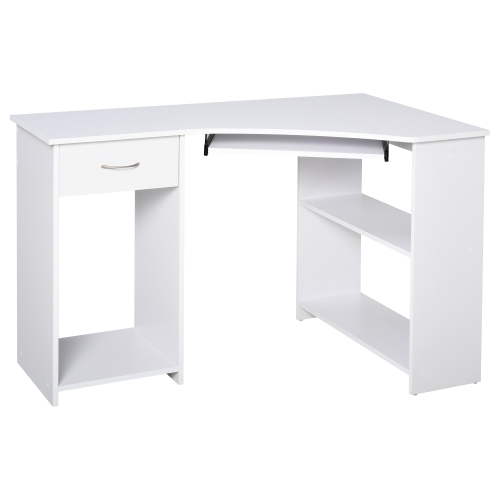
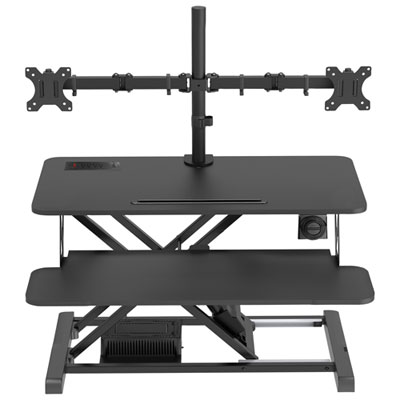
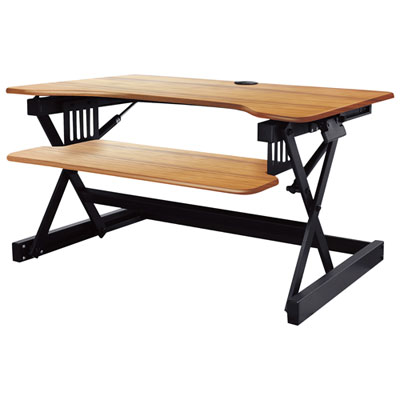
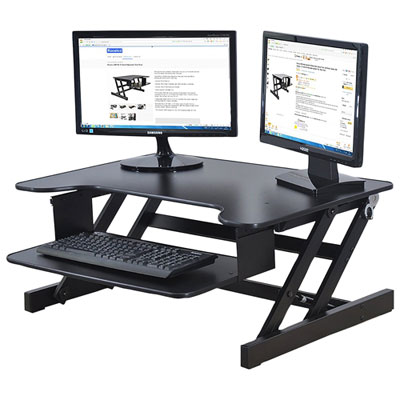
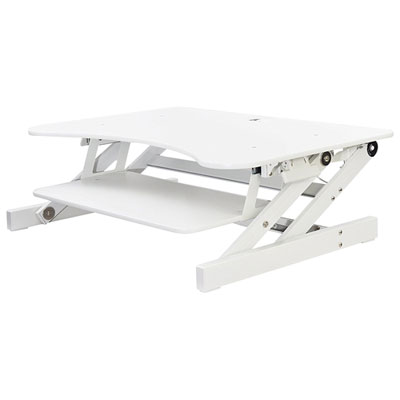
![AMER NETWORKS Height Adjustable Sit/stand Desk Computer Riser [30" Width] With Keyboard Tray](https://multimedia.bbycastatic.ca/multimedia/products/500x500/124/12421/12421869.jpeg)
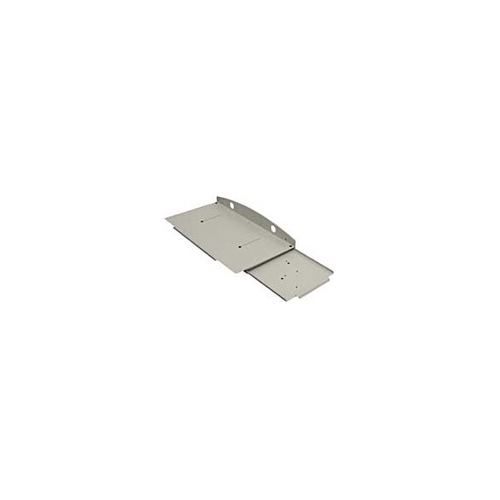
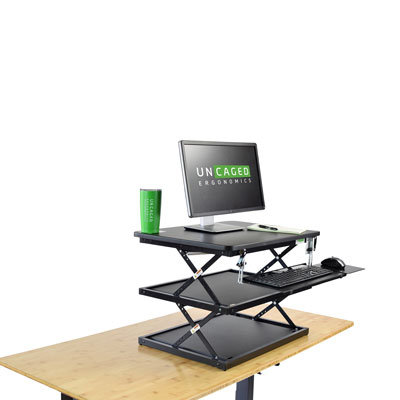

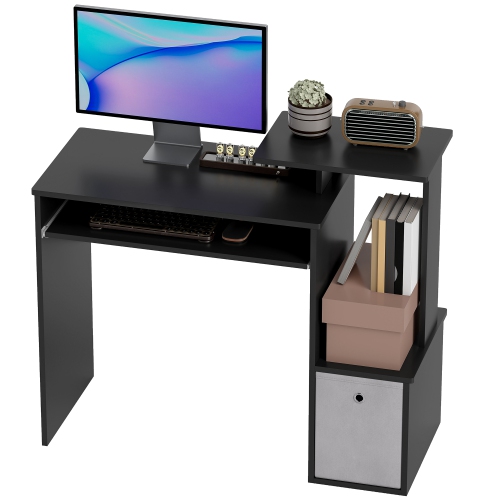
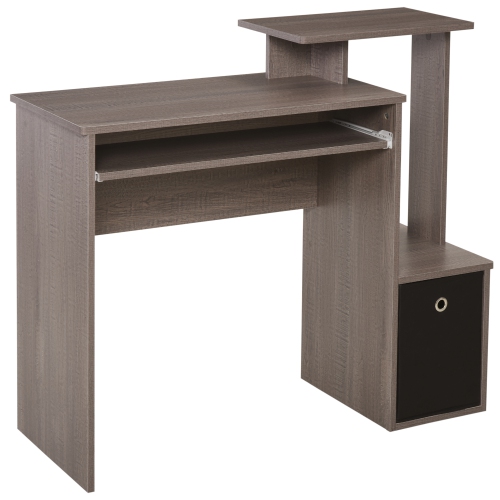
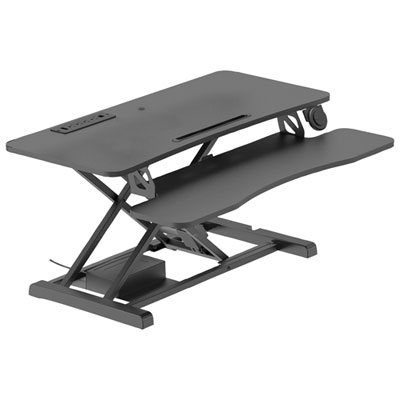
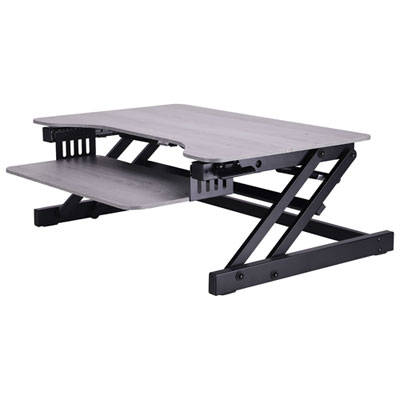
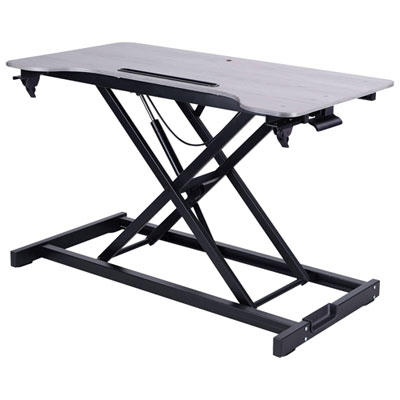
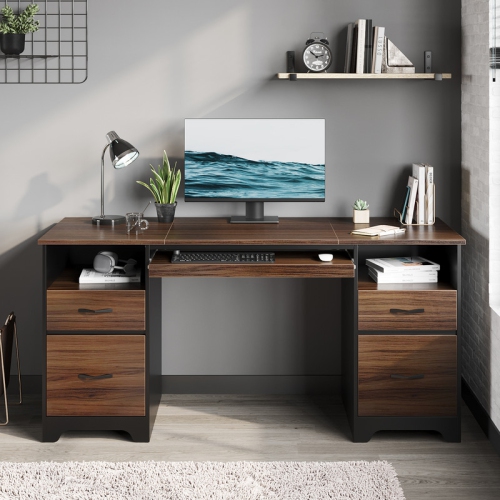
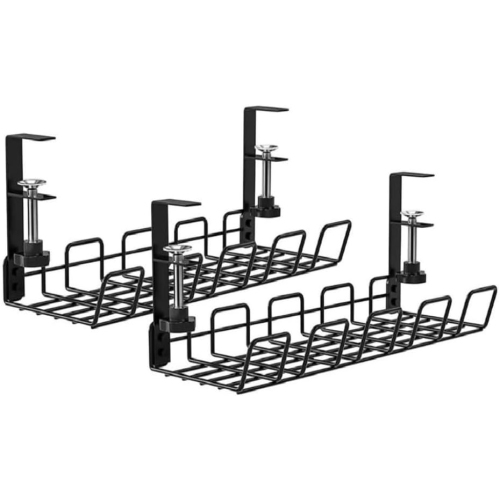
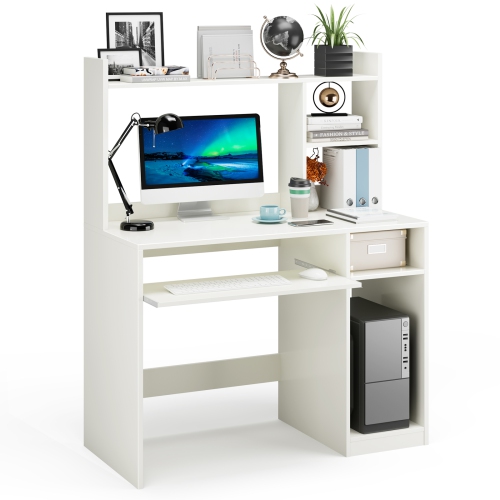
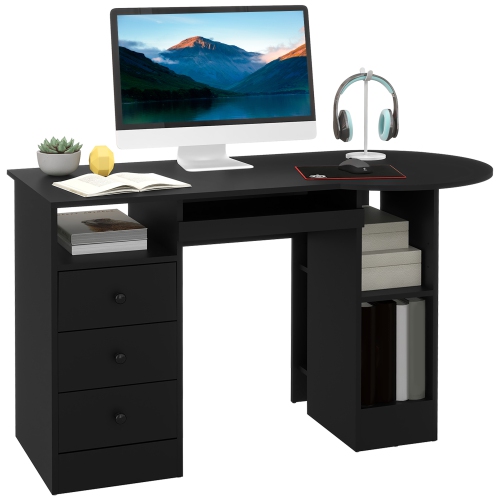
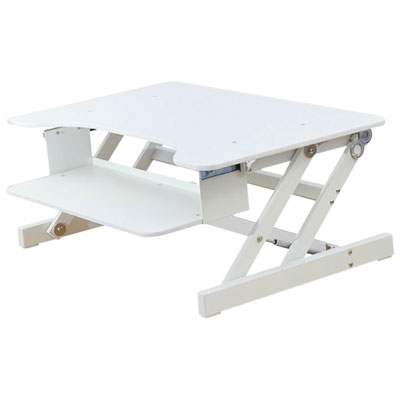
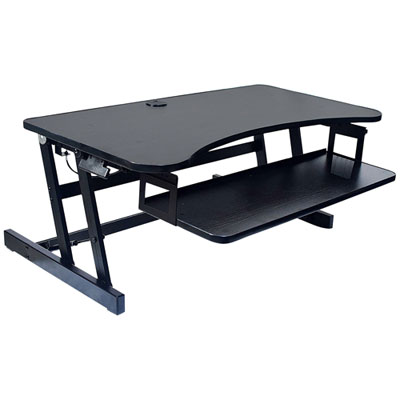
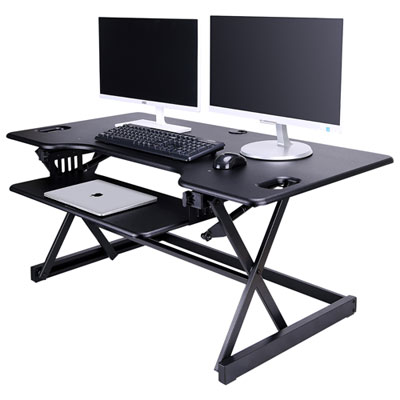
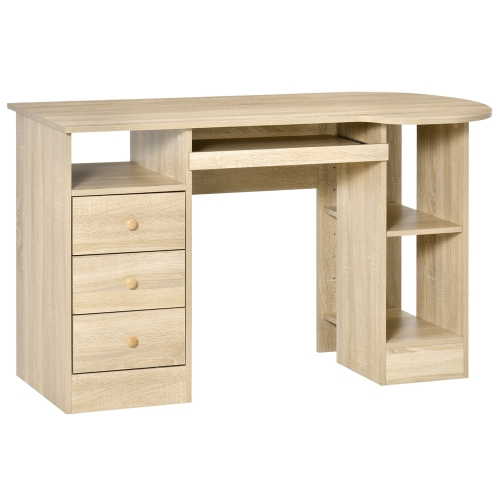
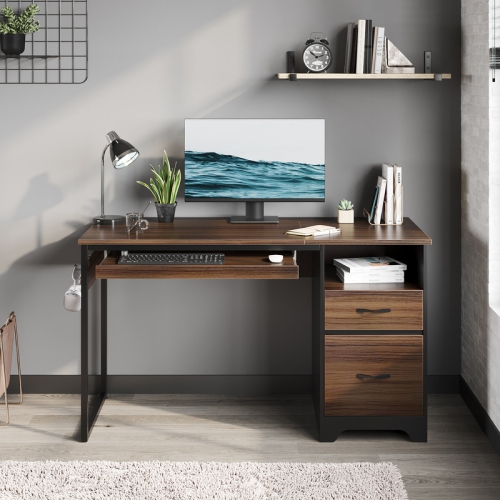


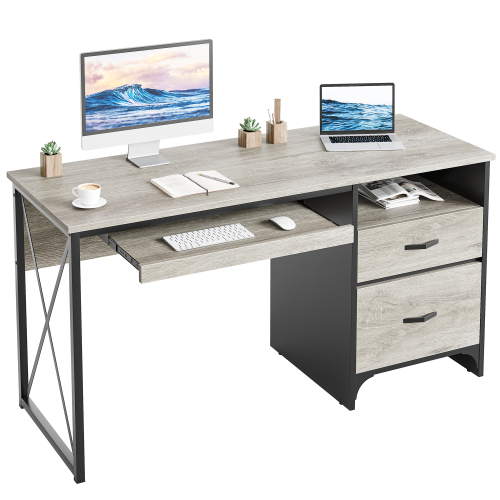
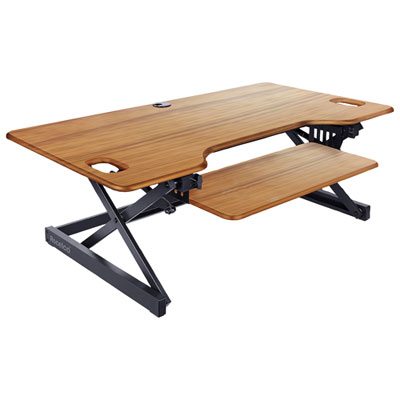
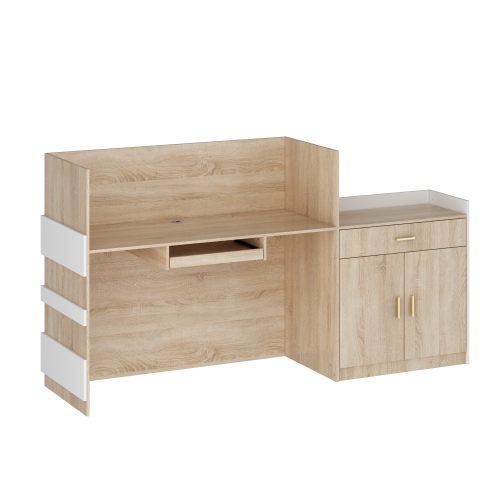
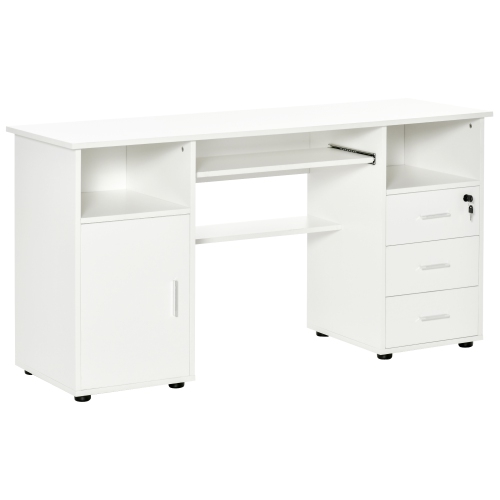
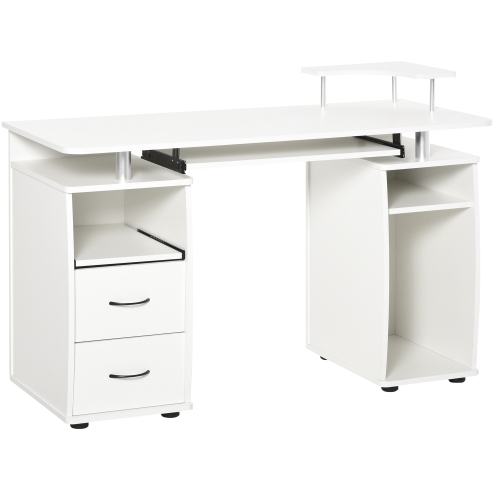
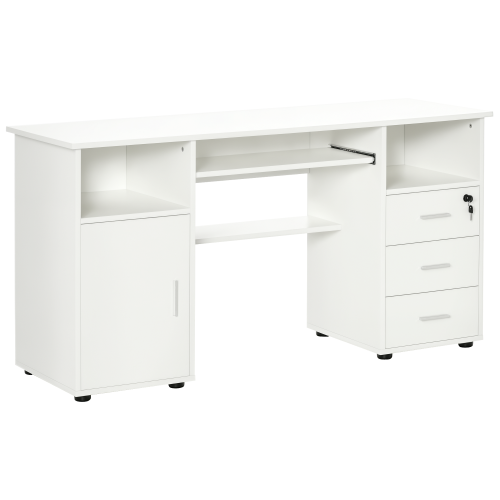
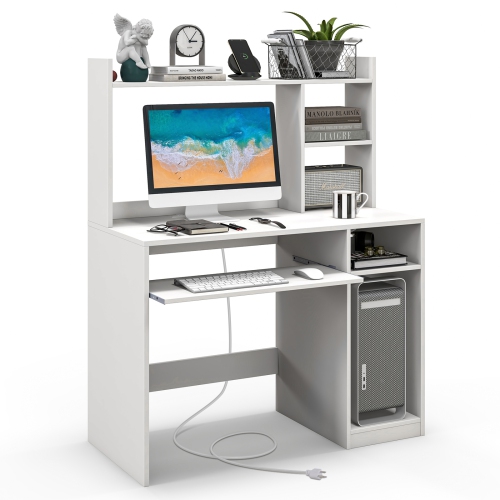
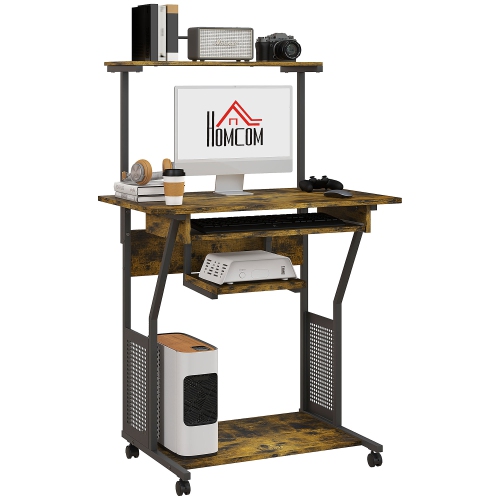
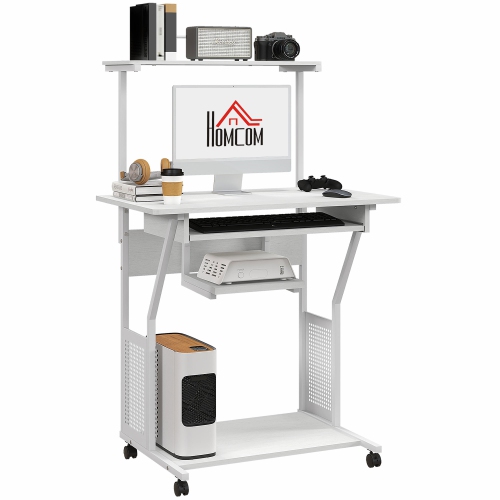
More desk space with typing comfort in reach
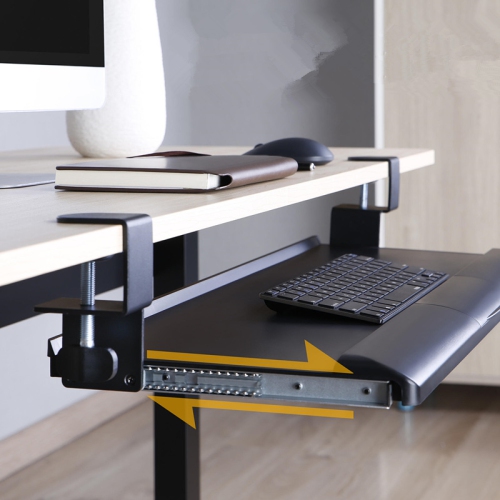
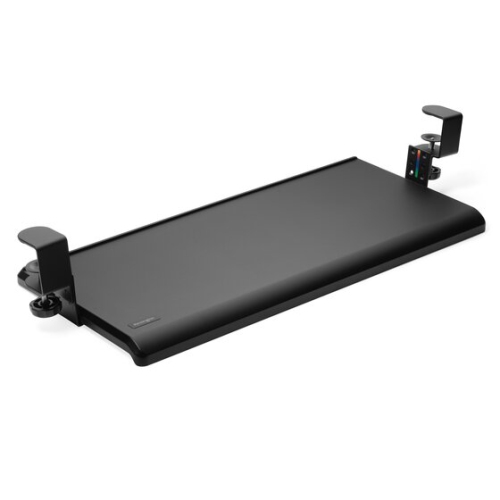
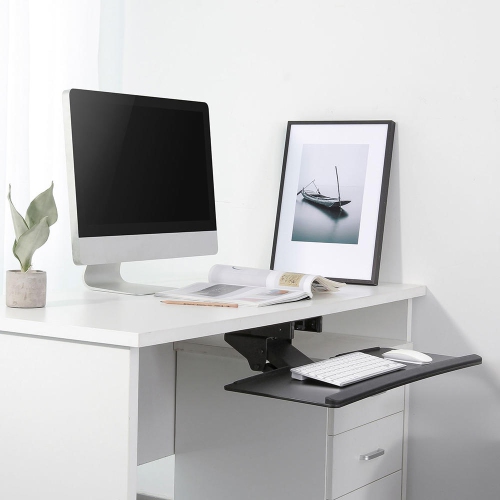
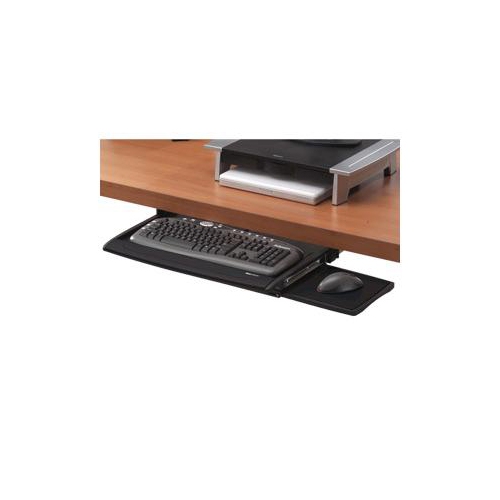
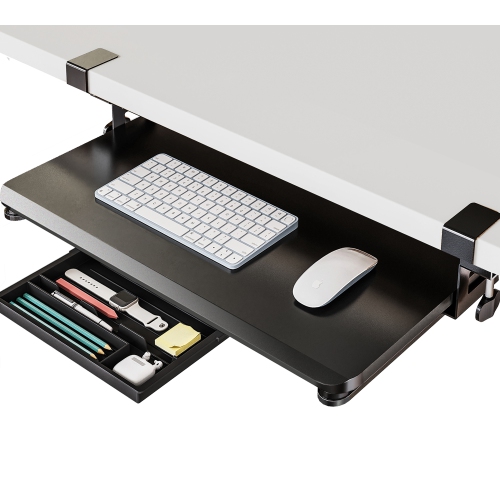
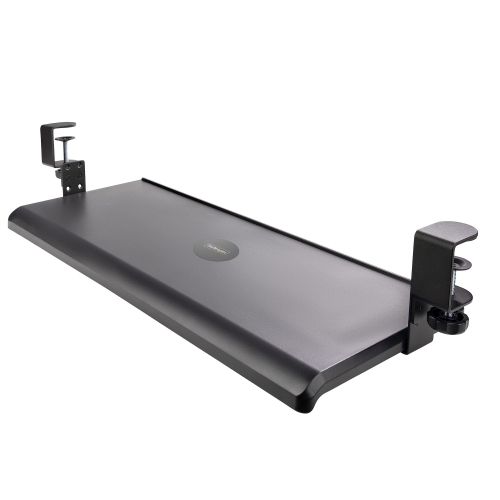
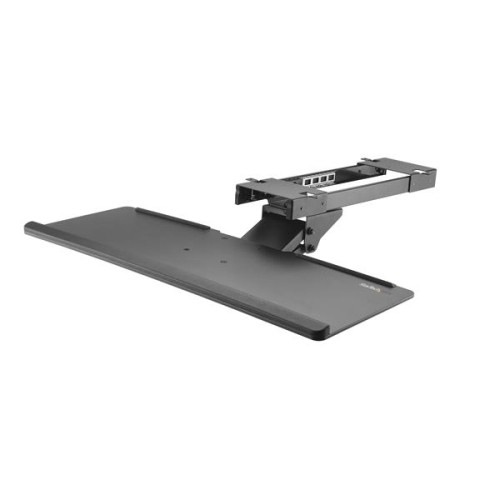
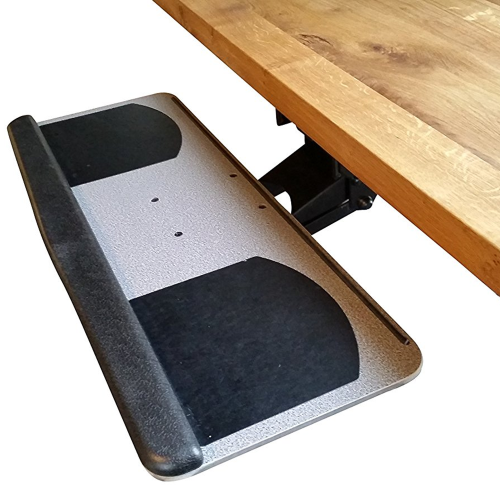
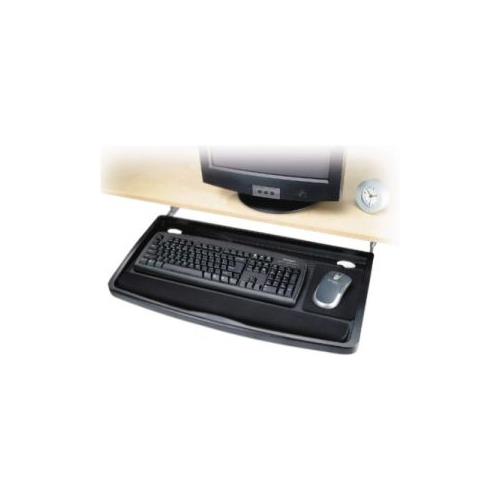
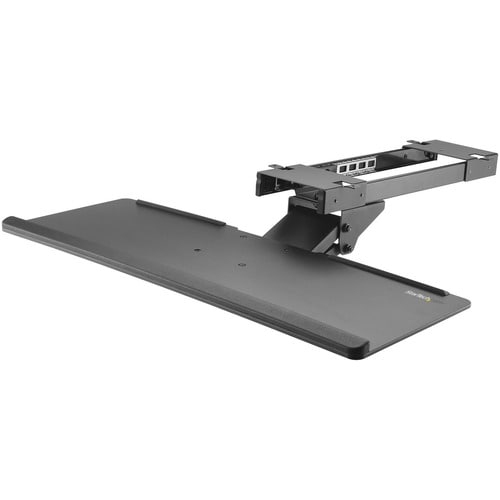
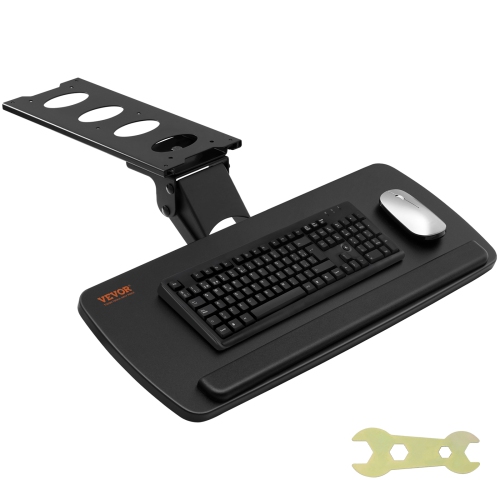
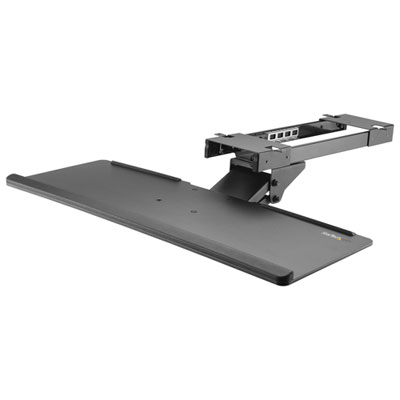
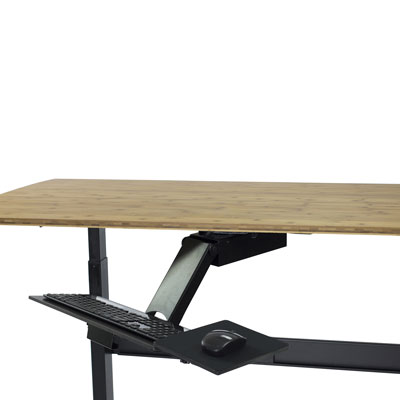
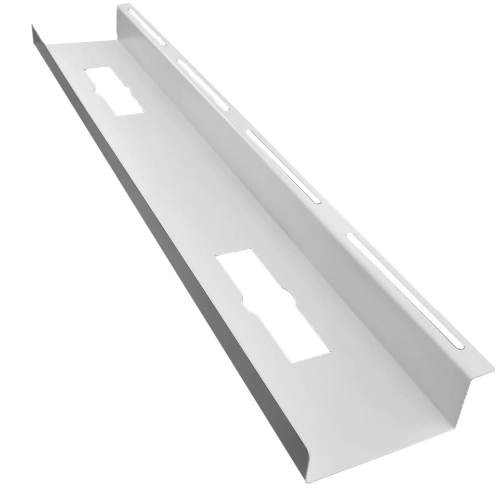
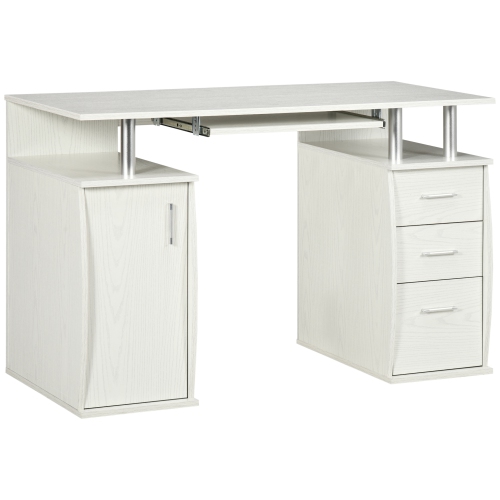
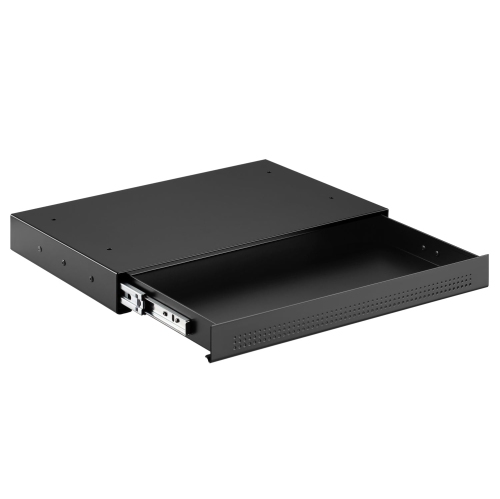
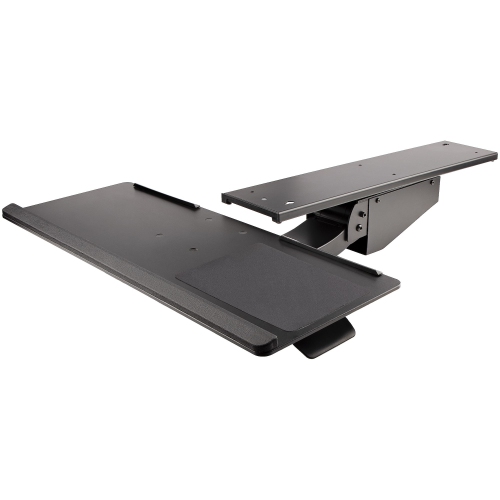
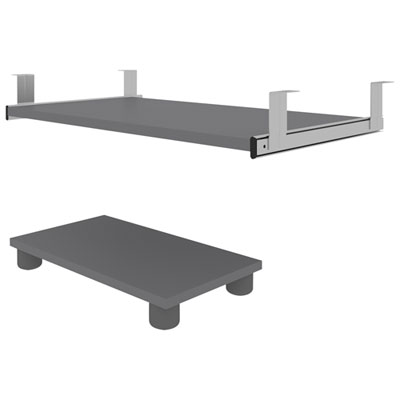
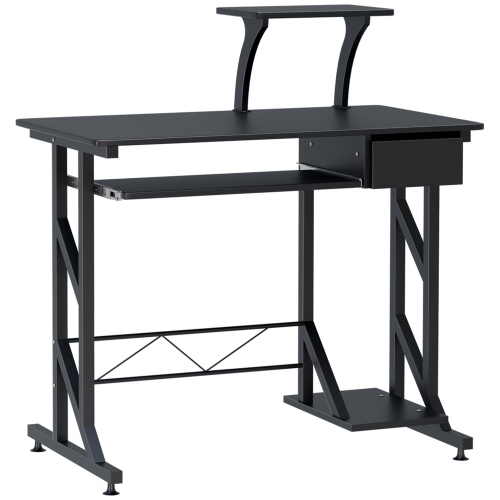
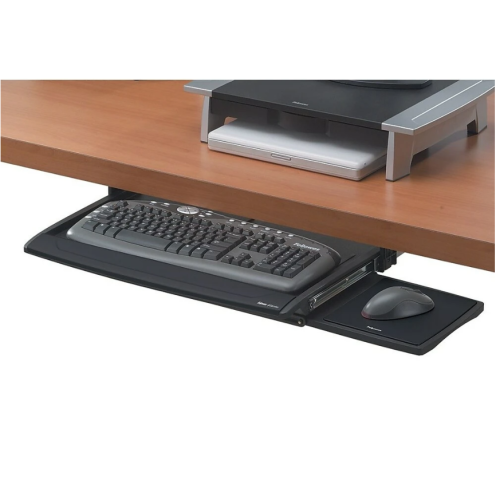
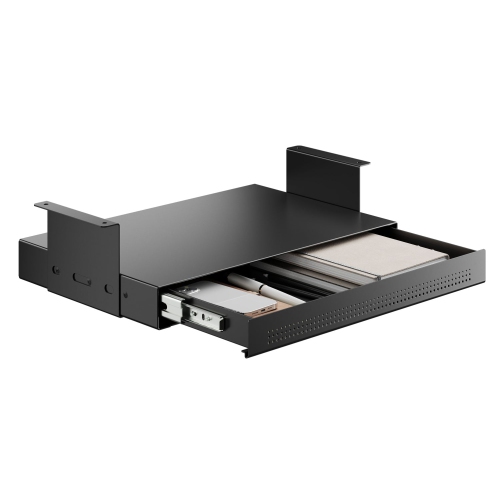
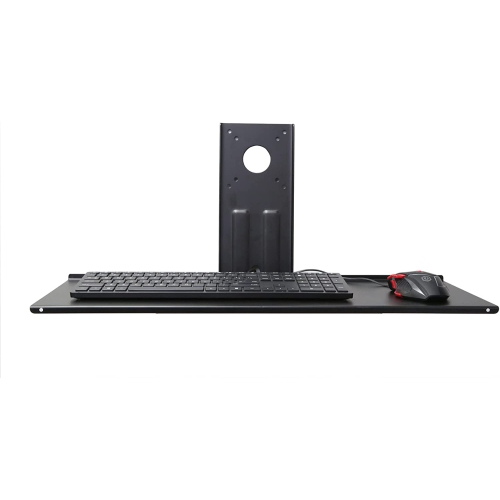
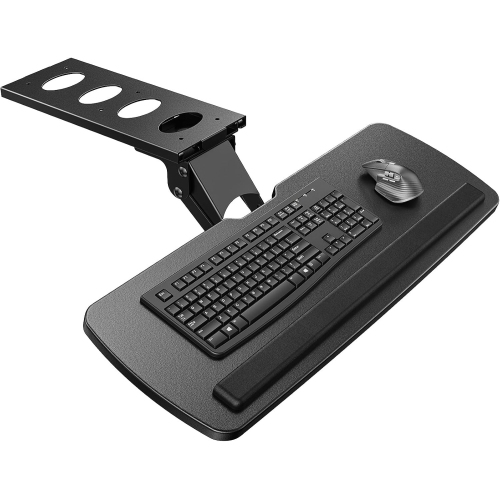
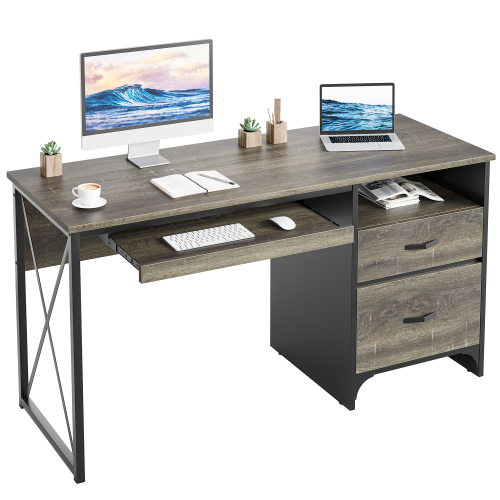
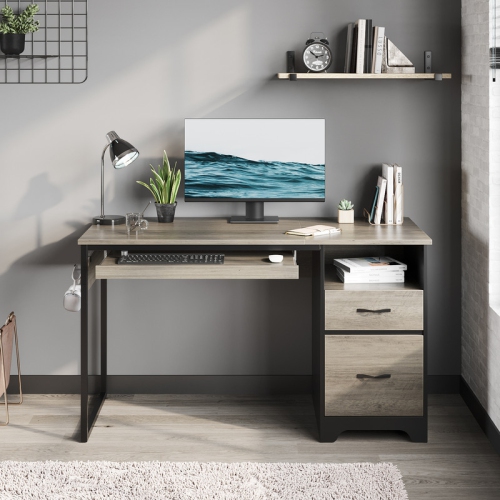
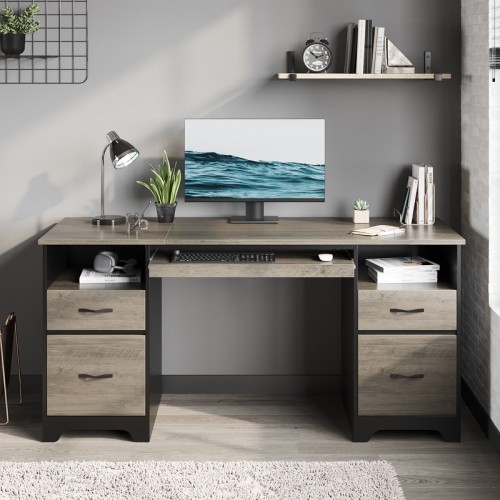
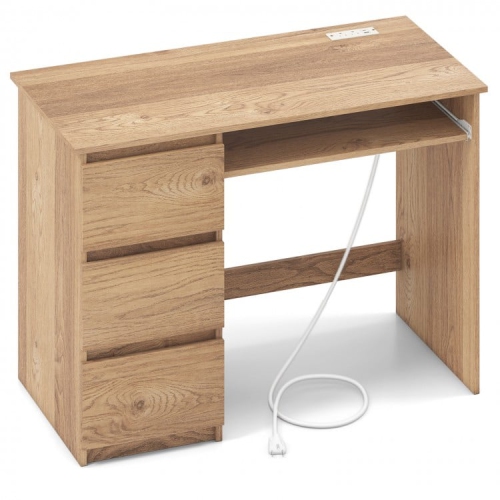
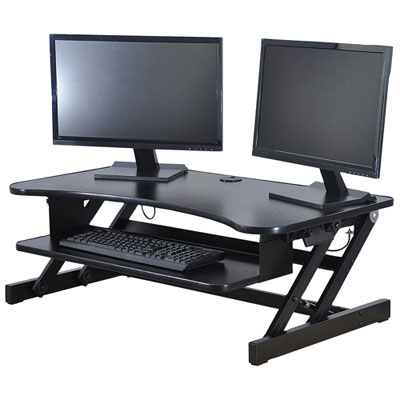
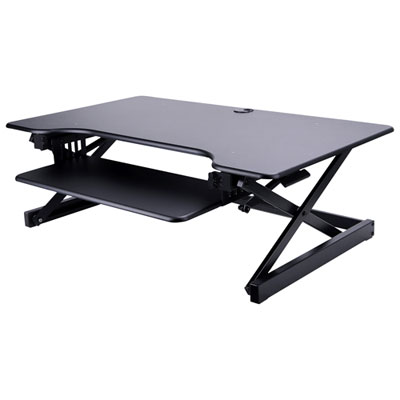
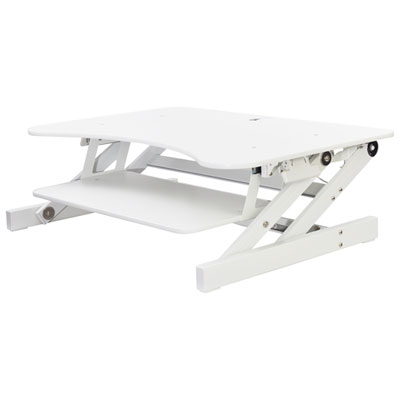
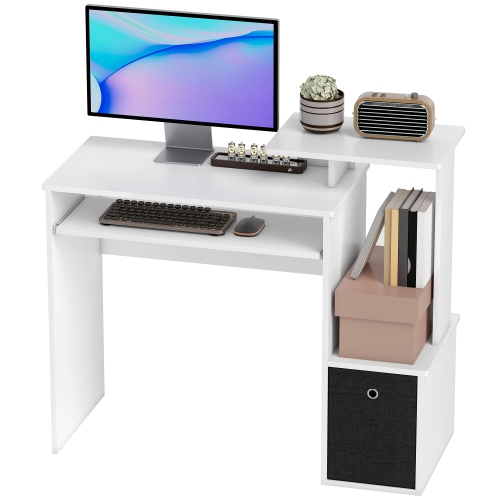
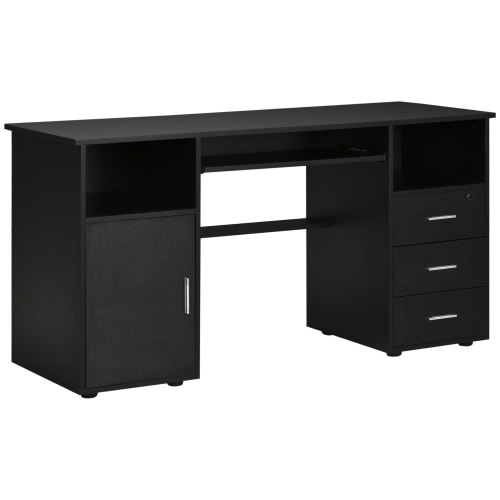
Under desk keyboard trays are platforms that mount beneath a desktop to hold a keyboard, and often a mouse, at a separate working height. They free up surface space for a monitor, notebook, or paperwork, while bringing typing controls closer to a comfortable seated position. Many slide out when needed and tuck away afterwards, making them useful for home offices, shared workstations, and smaller desks that serve more than one purpose. On a desk where a keyboard competes with handwritten notes and a coffee mug, moving it below the surface can make everyday tasks feel less cramped. The main styles include clamp-on keyboard trays, screw-mounted sliding trays, and articulating systems with adjustable positioning. Clamp-on trays attach to a compatible desk edge without drilling, which can suit a temporary workstation or furniture you would rather not alter. Their padded clamps may help protect the finish, but desk thickness, edge shape, and surface material still matter. Screw-mounted trays attach to the underside of a suitable desktop, usually through rails or a central track, and require enough solid material for secure fastening. Articulating trays offer more positioning options, such as height adjustment, tilt, or swivel, depending on the design. Choosing between them comes down to how much adjustment you need, how your desk is built, and whether you want a removable or more permanent installation. These accessories can be particularly useful for people who type for extended periods, including students, remote workers, writers, and anyone handling regular administrative tasks. They can also help someone whose desktop sits too high for comfortable typing, provided the tray offers the right placement and leaves sufficient legroom. A keyboard tray does not need to be elaborate to be useful: a stable platform at a suitable height may be all a straightforward workstation needs. For a shared desk or a setup that changes throughout the day, additional adjustment can be worth prioritizing.
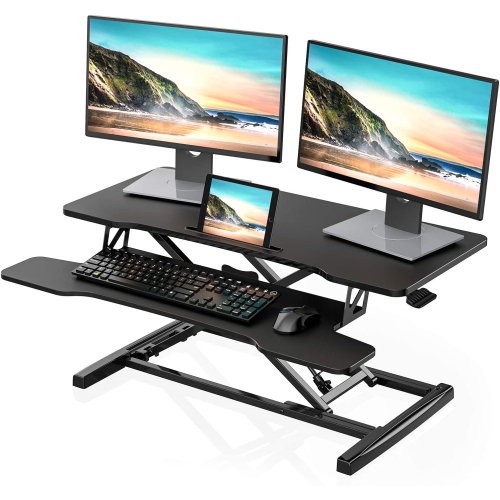
Fit is the first purchase consideration, and it involves more than measuring the width of the keyboard. Start with the usable space beneath the desktop, noting any drawers, support rails, crossbars, cable baskets, or raised edges that could obstruct the mounting hardware or sliding path. Check the full installation dimensions, including the clamps, track, and adjustment mechanism, rather than relying only on the platform size. A tray may fit across the front of a desk yet still lack the depth needed to retract completely. Clamp-on models need an accessible edge and a desktop thickness within their specified range; bevelled edges or an underside apron can prevent a secure fit. Glass, hollow-core, and other less conventional desktops require particular care, so confirm compatibility with both the desk and tray specifications before choosing a mounting style. For screw-mounted designs, the required fastener length and desktop construction matter just as much as the available space. Next, measure your keyboard and allow room for your hands and any connected cables. A full-size keyboard with a number pad takes up more width than a compact layout, leaving less space for mouse movement on the same platform. If you use a mouse alongside the keyboard, look for enough usable area to move it freely without working close to an edge. Separate mouse platforms can offer flexibility, though their height, stability, and left- or right-side placement deserve attention. Tray depth also matters if your keyboard has an integrated wrist rest or if you use a separate palm support. Finally, consider what happens below the tray. Sit in your usual chair position and check where your knees, thighs, and armrests would meet the platform or hardware. People who cross their legs or move their chair close to the desk may notice even a modest loss of clearance. At a sit-stand desk, check compatibility with the frame and make sure the tray, chair, and cables have room to move throughout the intended height range.
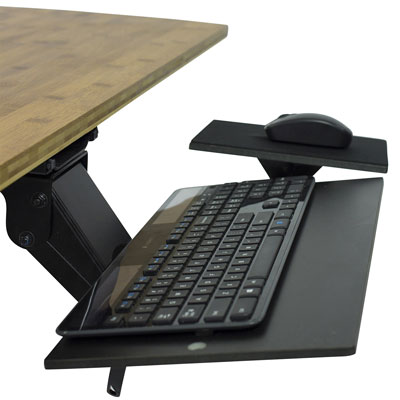
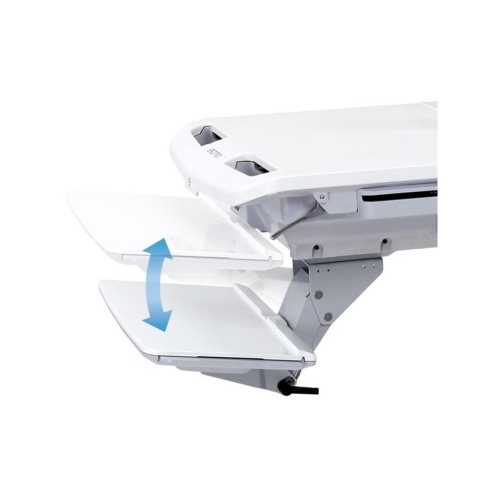
Comfort depends on where the tray places your hands, not simply on whether the product is described as ergonomic. A useful starting point is a position that lets your shoulders relax, keeps your elbows close to your sides, and allows your wrists to stay relatively straight while typing. Some people benefit from a slight negative tilt, where the edge farther from the body sits lower, but the appropriate angle depends on the chair, keyboard, and working position. The goal is to avoid bending the wrists sharply upwards or reaching forward throughout the day. For workstations that need more flexibility, Adjustable Keyboard Trays can provide options for changing platform height or angle, with the available movements varying by model. Keep the mouse close to the keyboard where possible, since an otherwise comfortable typing position can be undermined by repeatedly reaching up to the desktop for the pointer. Beyond positioning, pay attention to the details you will notice every time you sit down: smooth sliding action, a secure working position, rounded edges, and a surface that keeps the keyboard from shifting. Check the stated weight capacity against everything you plan to place on the tray, and avoid treating it as a support for leaning or pushing yourself out of the chair. A removable palm rest can be convenient, while an easy-to-clean surface is practical for a desk used for both work and hobbies. Wired keyboards and mice need enough cable slack for the tray to extend without pulling on their connections, with routing that keeps cords away from moving rails. Wireless accessories simplify that part of the setup but still need space for comfortable use. A keyboard tray can make a thoughtful gift for someone setting up a study area or home office, although checking their desk measurements and mounting preferences first helps avoid a poor fit. Whether the desk fills a dedicated room or a quiet corner of the living area, the most useful tray is one that fits securely, moves easily, and keeps everyday controls within comfortable reach.
Fit is the first purchase consideration, and it involves more than measuring the width of the keyboard. Start with the usable space beneath the desktop, noting any drawers, support rails, crossbars, cable baskets, or raised edges that could obstruct the mounting hardware or sliding path. Check the full installation dimensions, including the clamps, track, and adjustment mechanism, rather than relying only on the platform size. A tray may fit across the front of a desk yet still lack the depth needed to retract completely. Clamp-on models need an accessible edge and a desktop thickness within their specified range; bevelled edges or an underside apron can prevent a secure fit. Glass, hollow-core, and other less conventional desktops require particular care, so confirm compatibility with both the desk and tray specifications before choosing a mounting style. For screw-mounted designs, the required fastener length and desktop construction matter just as much as the available space. Next, measure your keyboard and allow room for your hands and any connected cables. A full-size keyboard with a number pad takes up more width than a compact layout, leaving less space for mouse movement on the same platform. If you use a mouse alongside the keyboard, look for enough usable area to move it freely without working close to an edge. Separate mouse platforms can offer flexibility, though their height, stability, and left- or right-side placement deserve attention. Tray depth also matters if your keyboard has an integrated wrist rest or if you use a separate palm support. Finally, consider what happens below the tray. Sit in your usual chair position and check where your knees, thighs, and armrests would meet the platform or hardware. People who cross their legs or move their chair close to the desk may notice even a modest loss of clearance. At a sit-stand desk, check compatibility with the frame and make sure the tray, chair, and cables have room to move throughout the intended height range.
Comfort depends on where the tray places your hands, not simply on whether the product is described as ergonomic. A useful starting point is a position that lets your shoulders relax, keeps your elbows close to your sides, and allows your wrists to stay relatively straight while typing. Some people benefit from a slight negative tilt, where the edge farther from the body sits lower, but the appropriate angle depends on the chair, keyboard, and working position. The goal is to avoid bending the wrists sharply upwards or reaching forward throughout the day. For workstations that need more flexibility, Adjustable Keyboard Trays can provide options for changing platform height or angle, with the available movements varying by model. Keep the mouse close to the keyboard where possible, since an otherwise comfortable typing position can be undermined by repeatedly reaching up to the desktop for the pointer. Beyond positioning, pay attention to the details you will notice every time you sit down: smooth sliding action, a secure working position, rounded edges, and a surface that keeps the keyboard from shifting. Check the stated weight capacity against everything you plan to place on the tray, and avoid treating it as a support for leaning or pushing yourself out of the chair. A removable palm rest can be convenient, while an easy-to-clean surface is practical for a desk used for both work and hobbies. Wired keyboards and mice need enough cable slack for the tray to extend without pulling on their connections, with routing that keeps cords away from moving rails. Wireless accessories simplify that part of the setup but still need space for comfortable use. A keyboard tray can make a thoughtful gift for someone setting up a study area or home office, although checking their desk measurements and mounting preferences first helps avoid a poor fit. Whether the desk fills a dedicated room or a quiet corner of the living area, the most useful tray is one that fits securely, moves easily, and keeps everyday controls within comfortable reach.
Top selling and popular products
-
 Your price for this item is $304.99
 -
 Your price for this item is $93.99
 -
 Your price for this item is $248.99
 -
 Your price for this item is $83.99
 -
 Your price for this item is $108.99
 -
 Your price for this item is $94.99
 -
 Your price for this item is $74.97
 -
 Your price for this item is $83.95
Discover more categories related to Under Desk Keyboard Trays
Top Collections:
Pokemon Centers, Kindle Devices, Best Budget Office Chairs, Apple iPhones 16, Best Laptops for Writers, iPhone 15 Apple, Canon G7X Cameras, Refurbished Apple Laptops, Alarm Clock, Motorola Razr Phones
Some products may be subject to Environmental Handling Fees
(EHF) depending on your province.
Learn more about EHFs.