Ergonomic Laptop Stands
Looking for a way to enhance your productivity and comfort while working on your laptop? Look no further than our selection of ergonomic laptop stands. These innovative accessories are designed to provide optimal support for your device, allowing you to work or play for extended periods without straining your neck, back, or wrists. Whether you're a student, a professional, or simply someone who spends a lot of time using their laptop, our range of ergonomic laptop stands offers the perfect solution to help you create a more comfortable and efficient workspace.
Sort




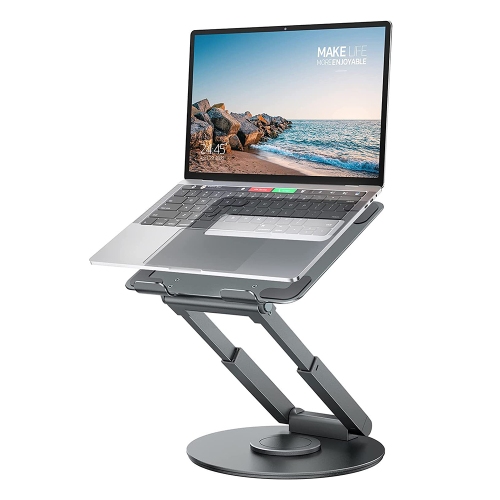
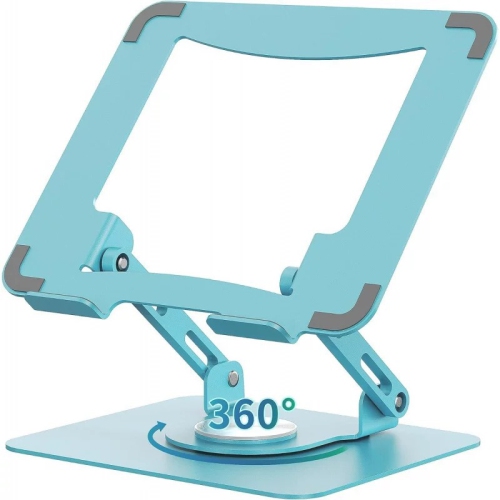
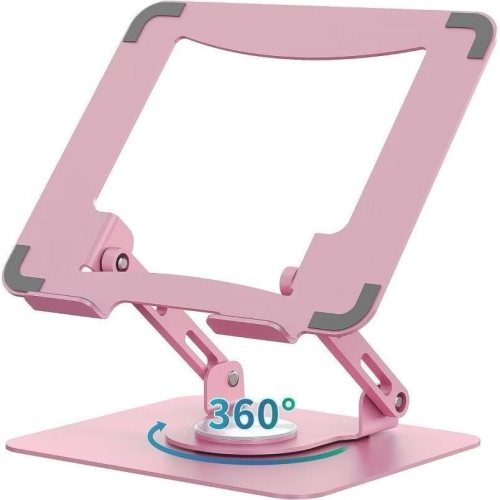
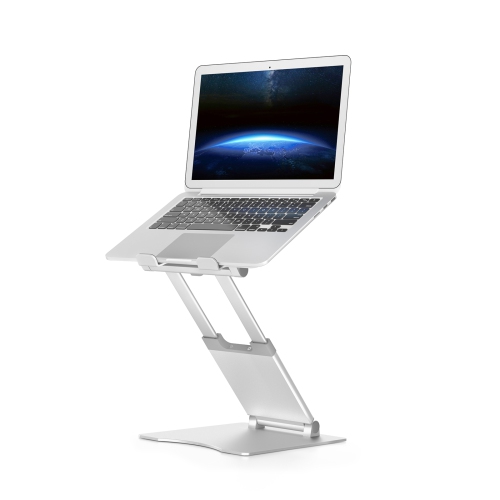








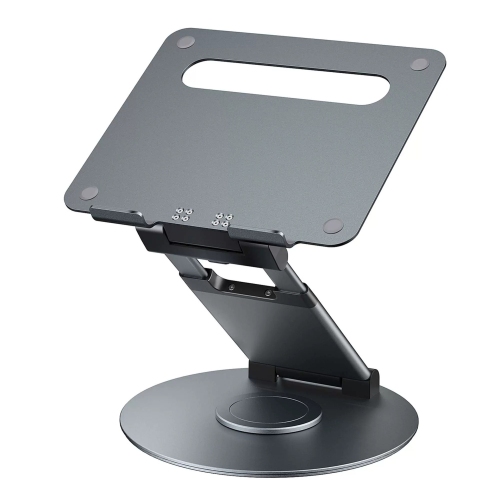
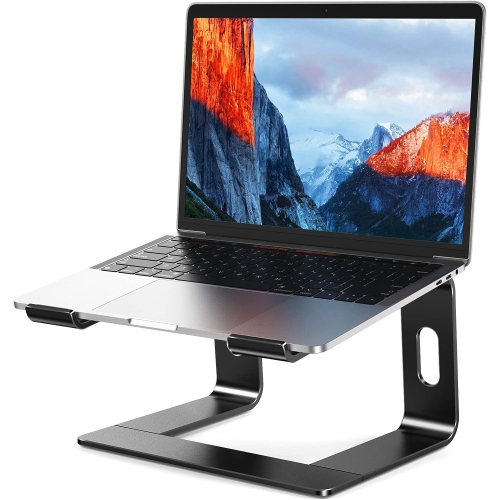
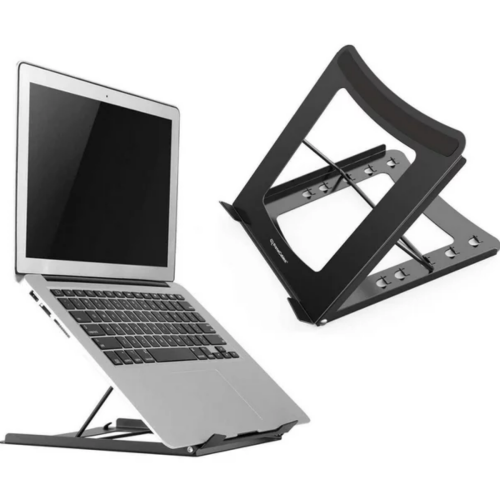
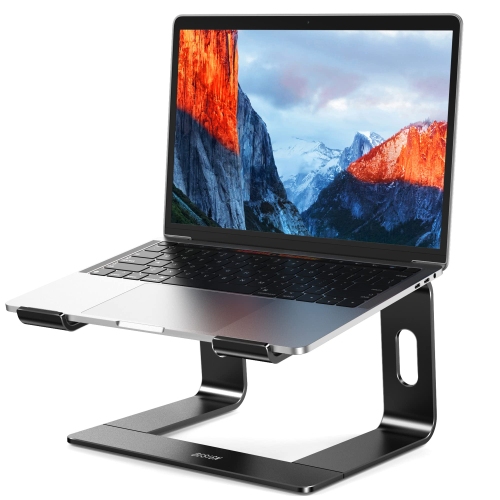
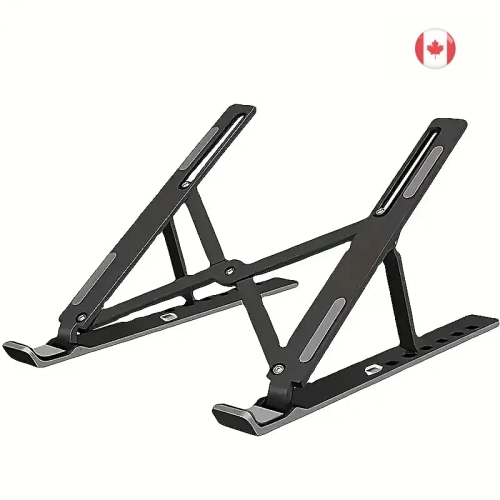
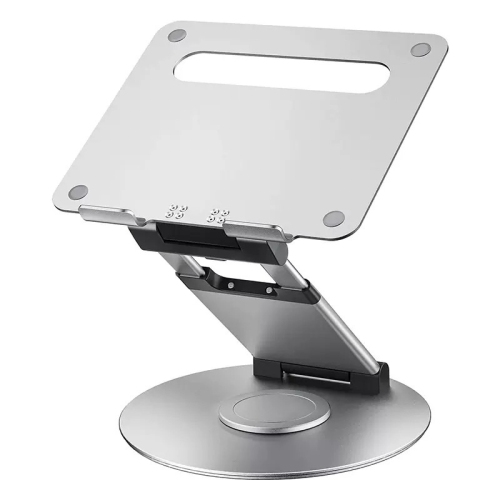
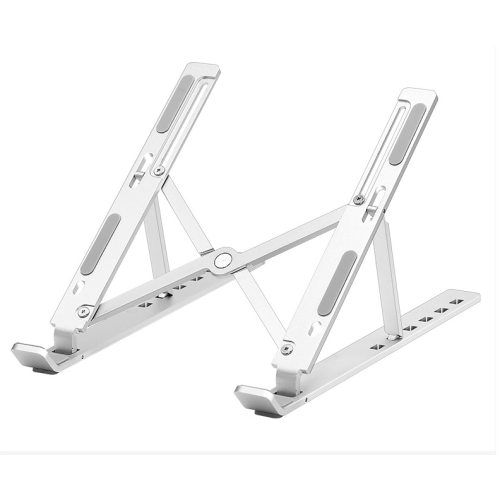
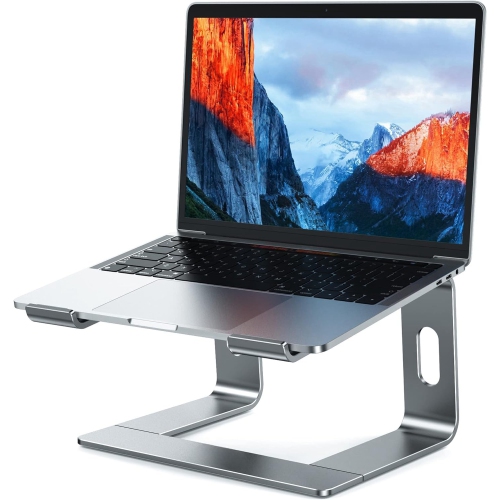
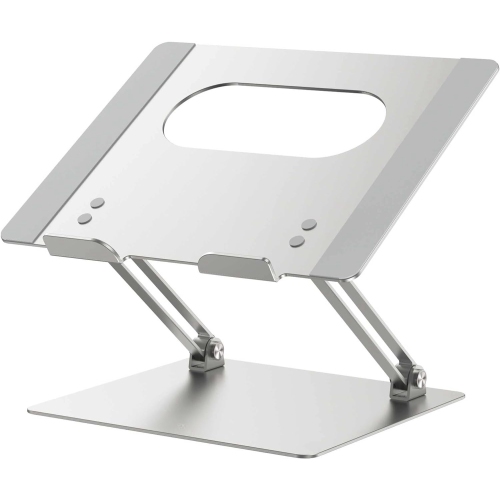
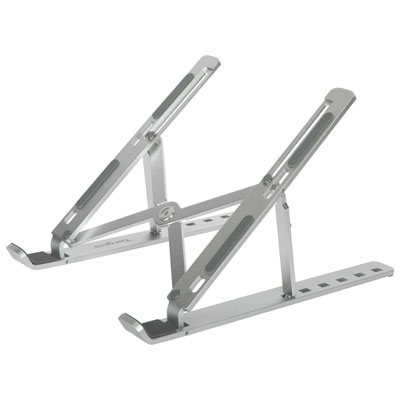


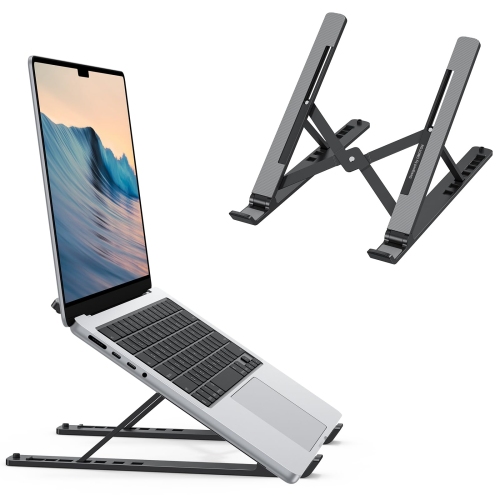

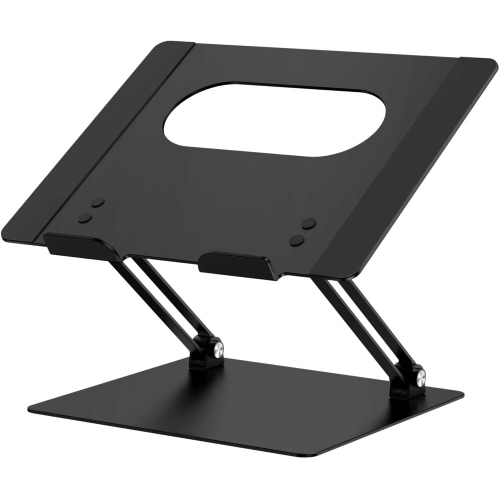


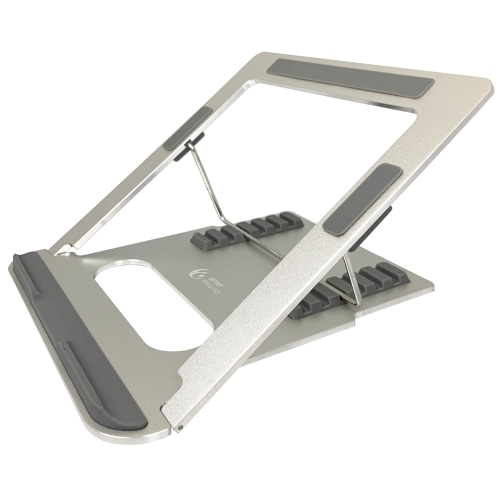
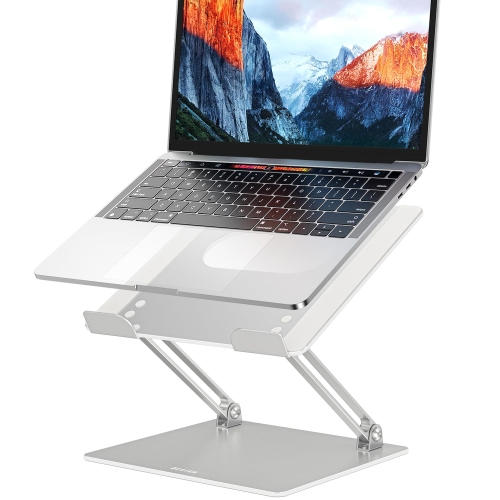
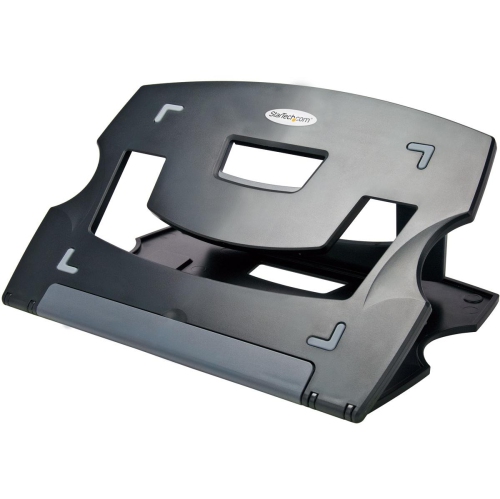


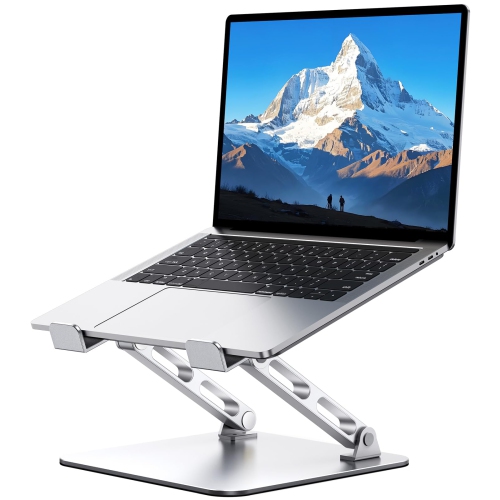






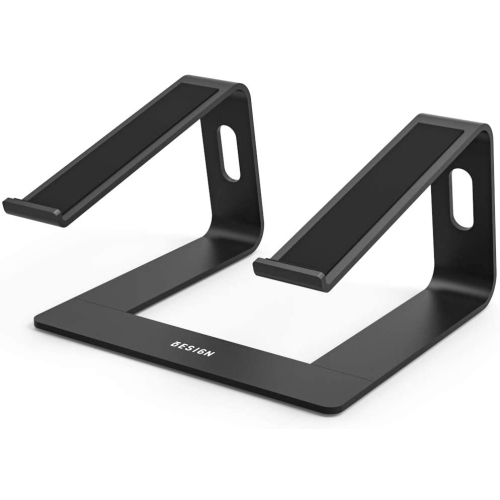
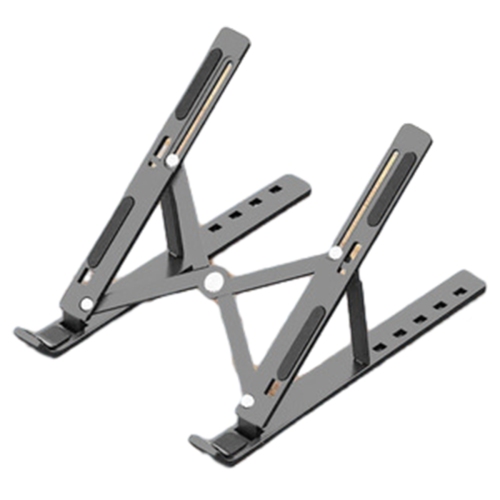


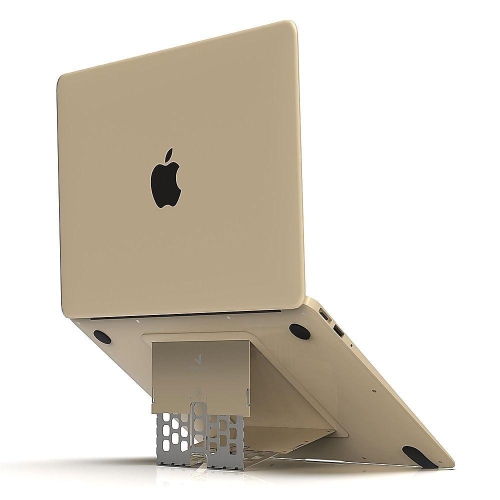
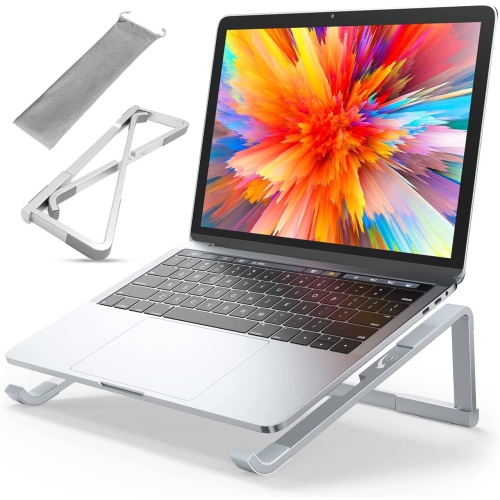



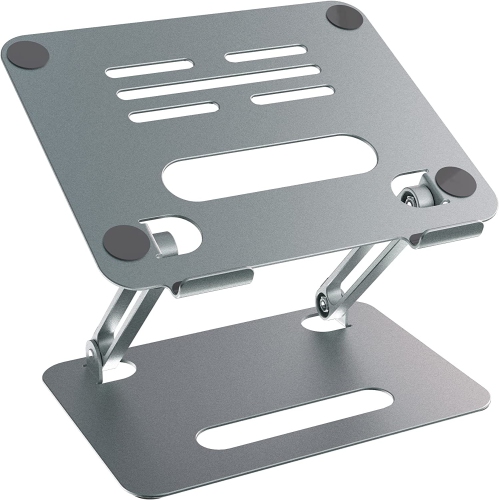

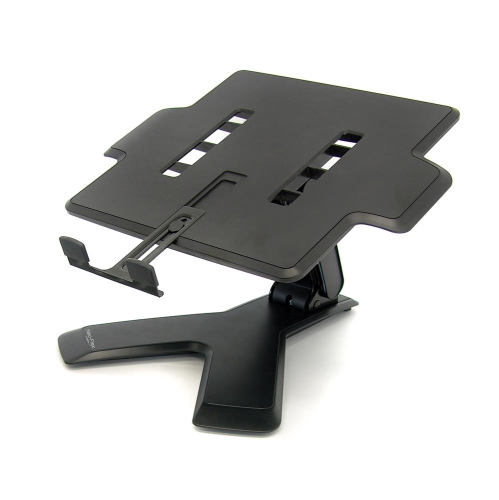
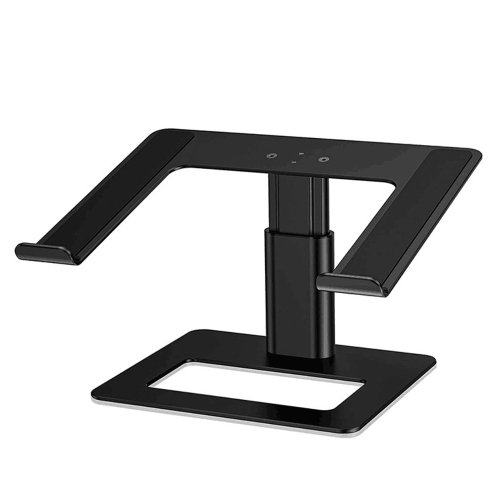
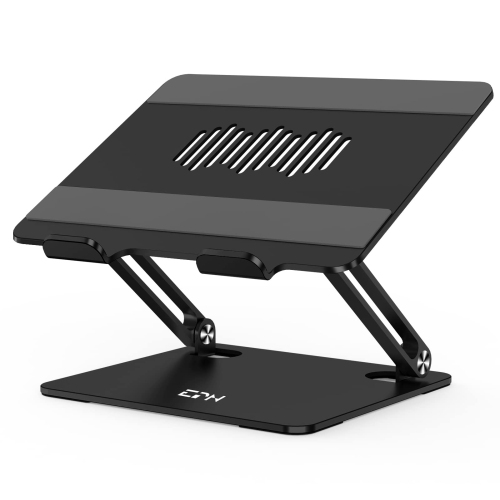
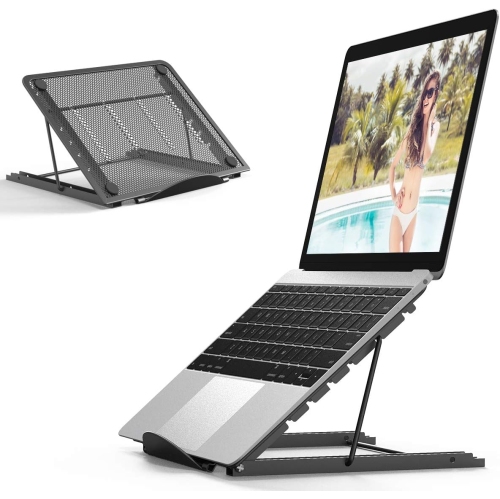

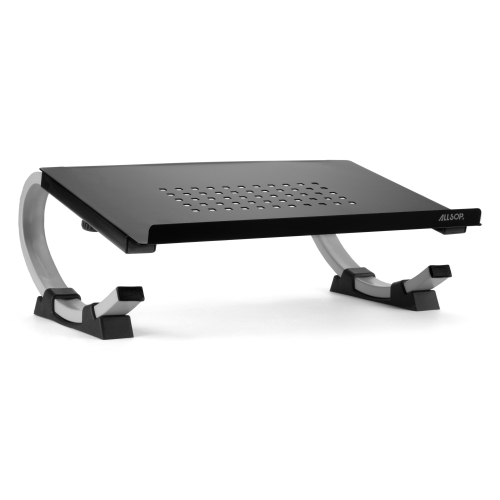

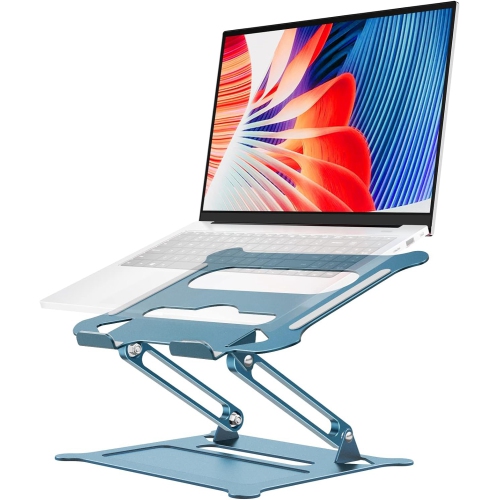

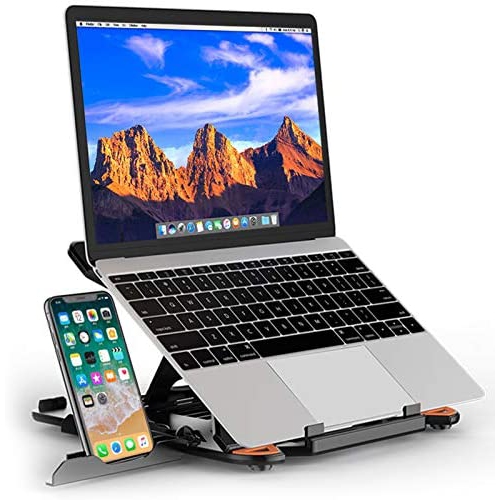
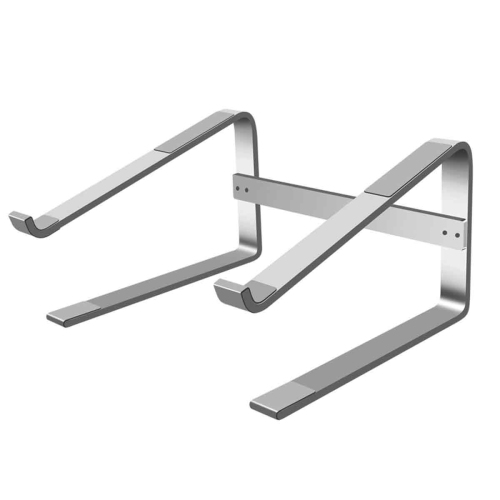
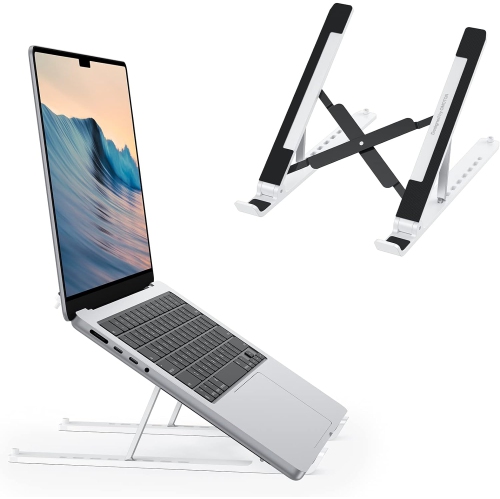
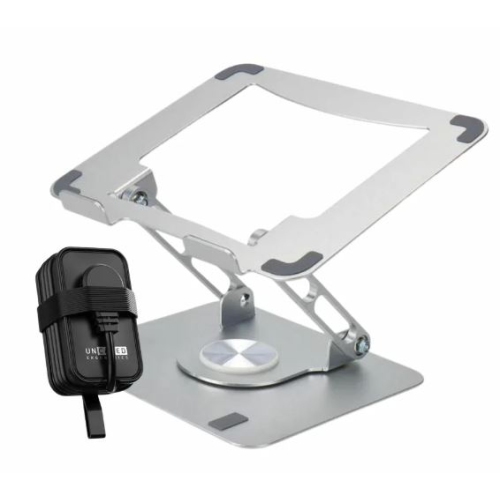
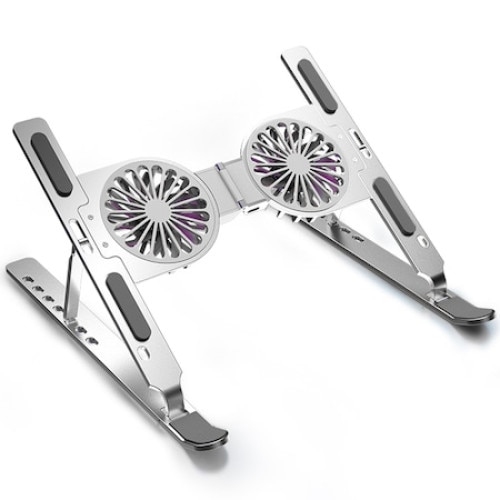







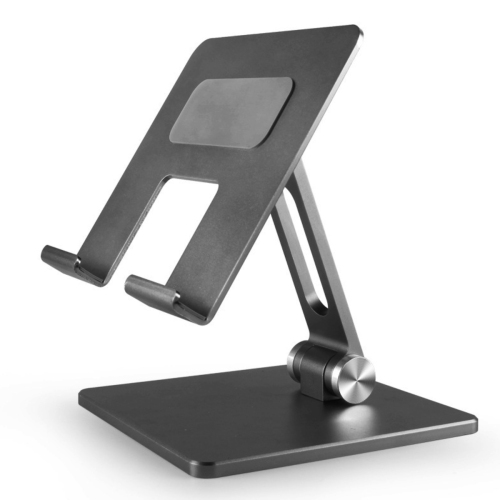
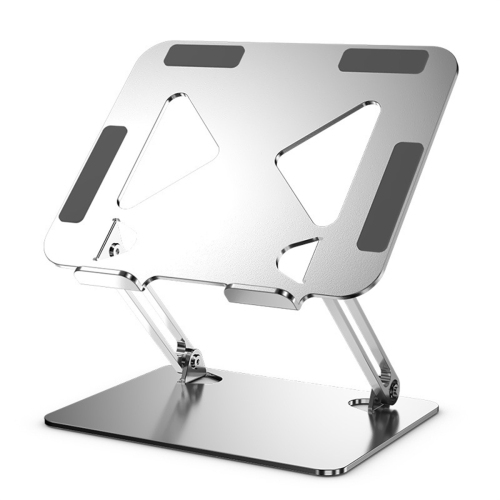
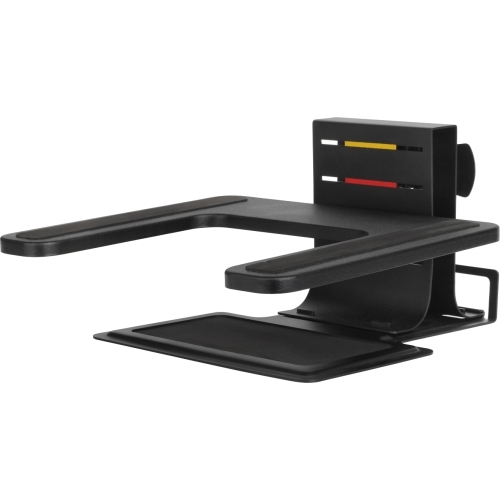
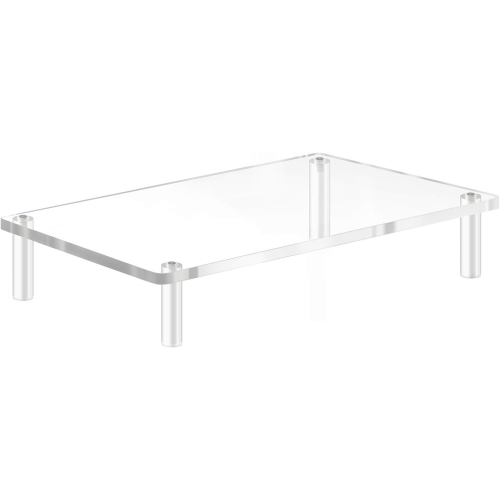

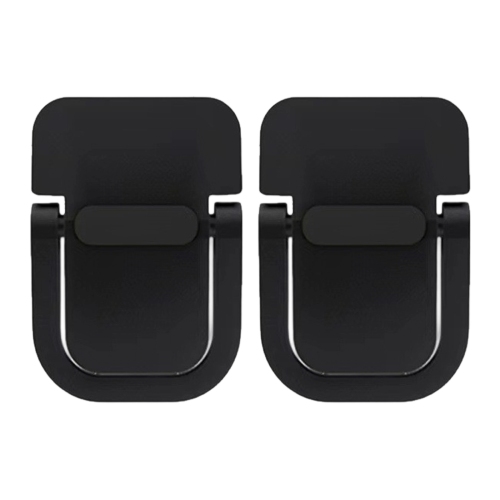

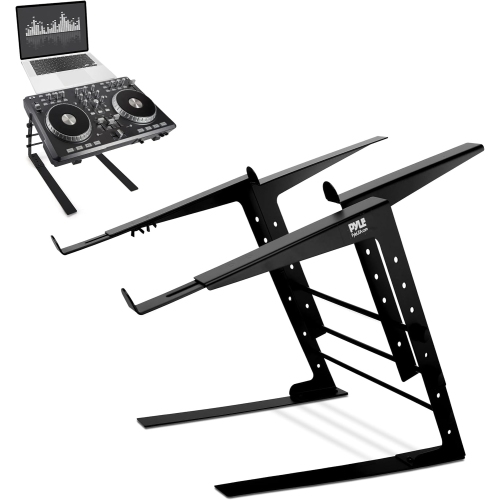
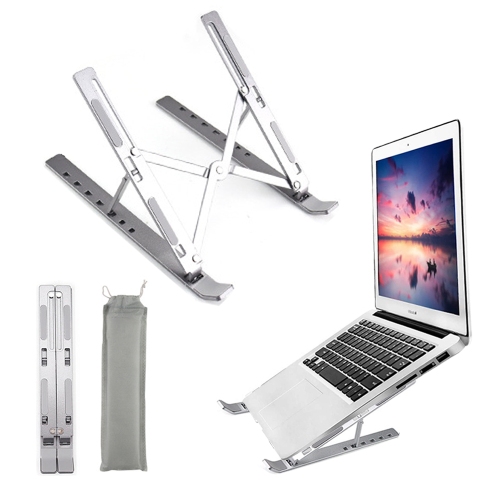


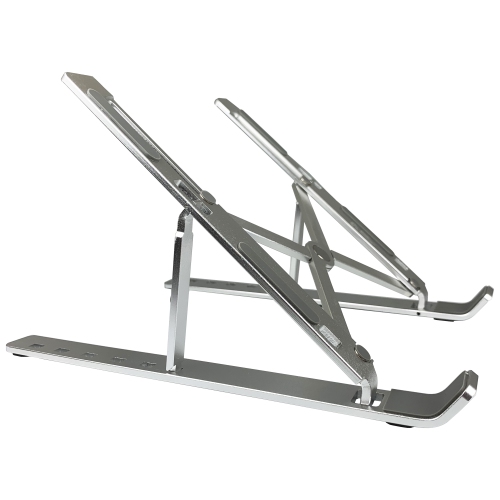


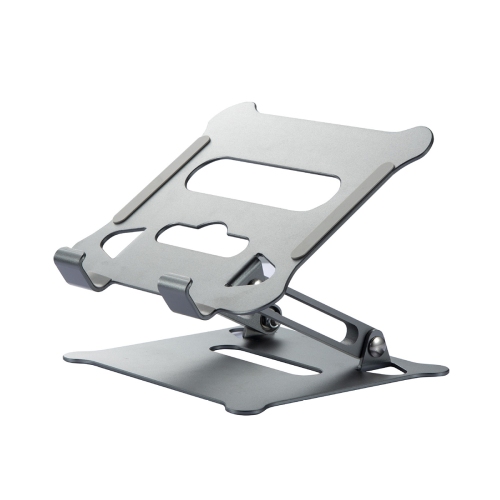


Why comfortable viewing and typing need different heights
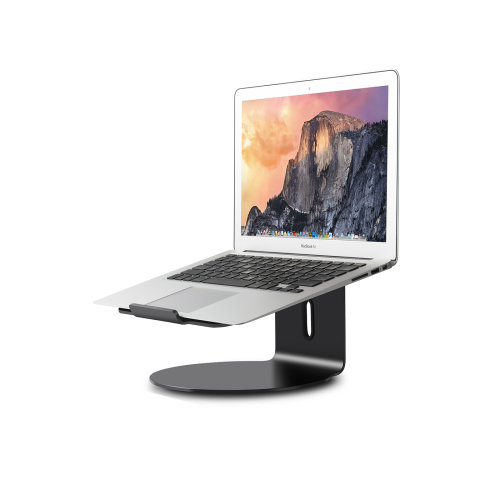
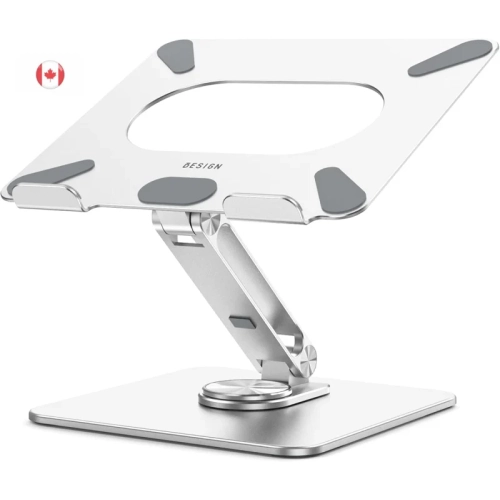
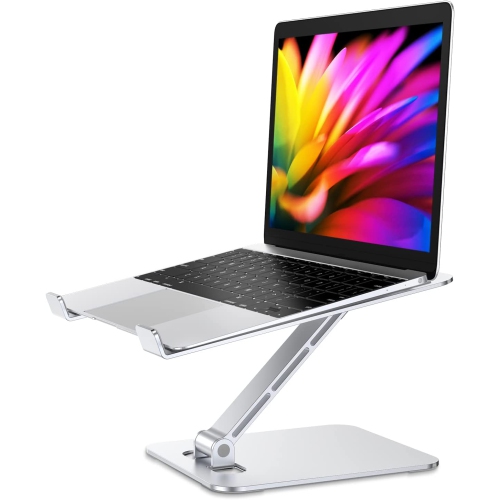
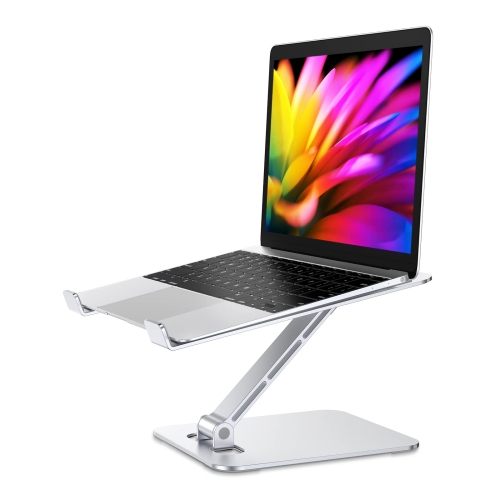
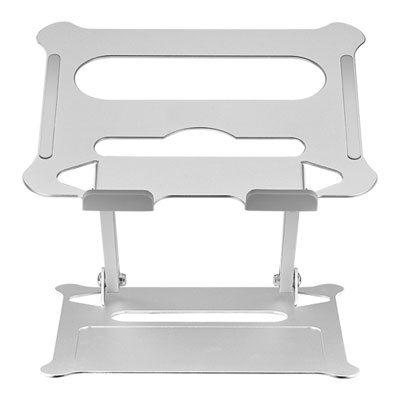
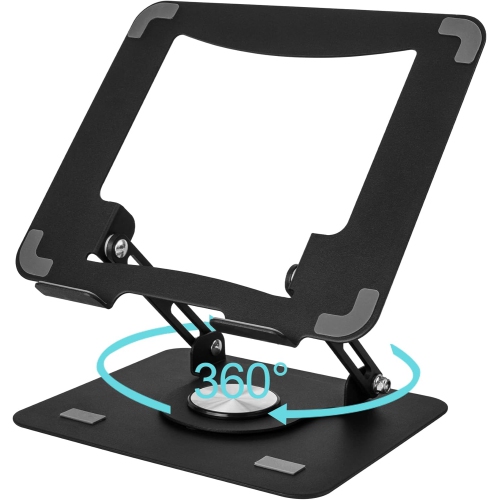
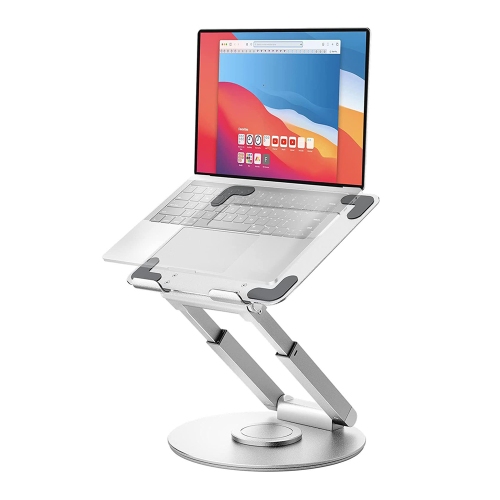
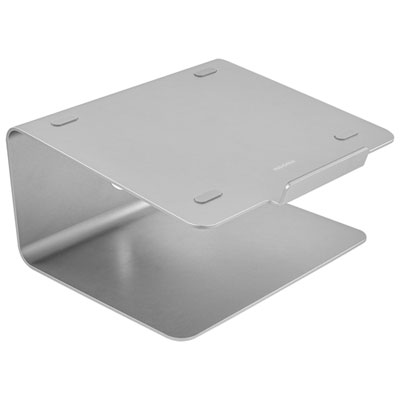
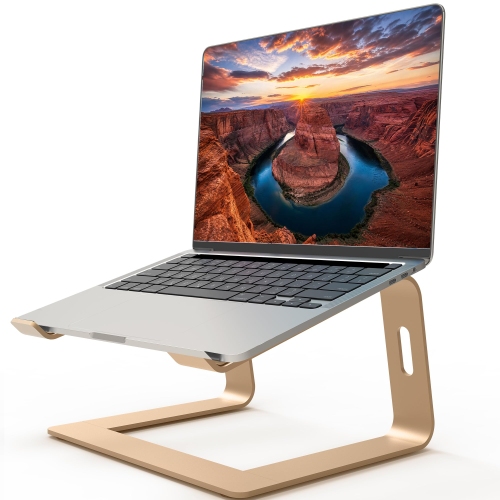
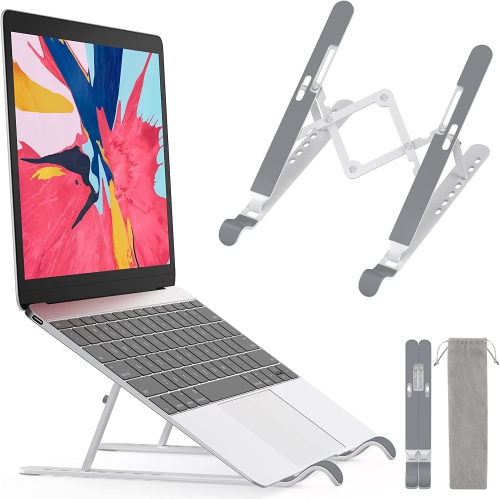
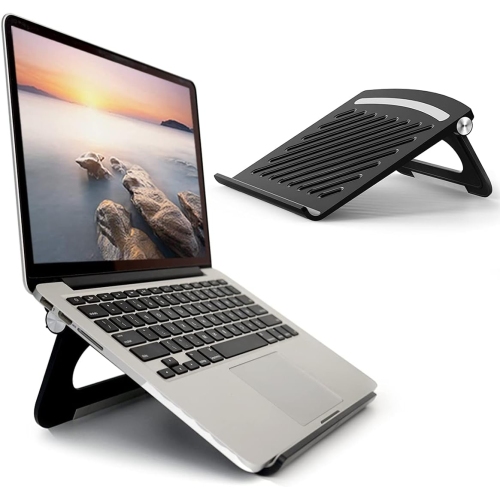
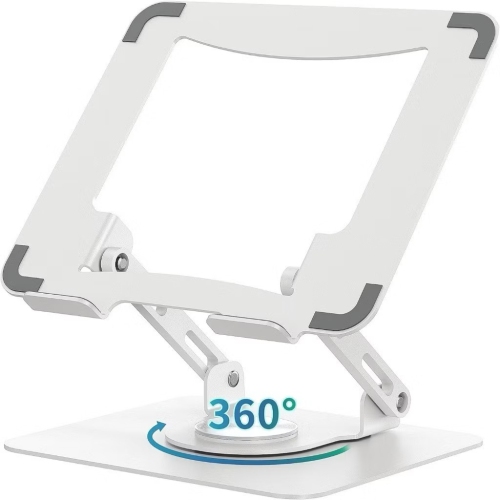
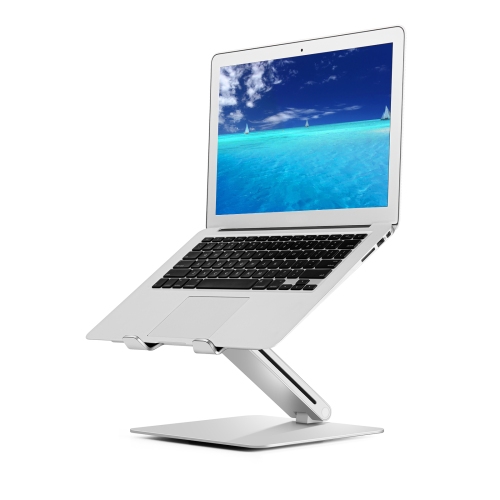
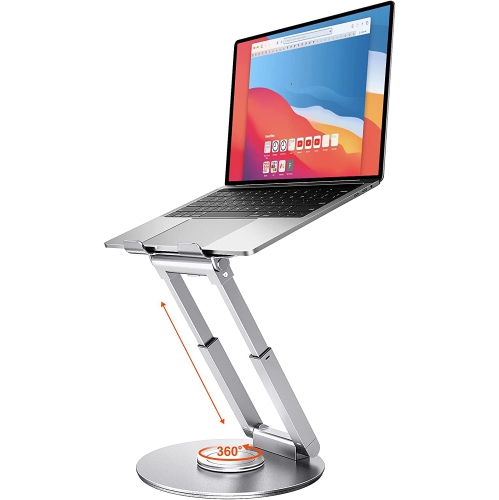
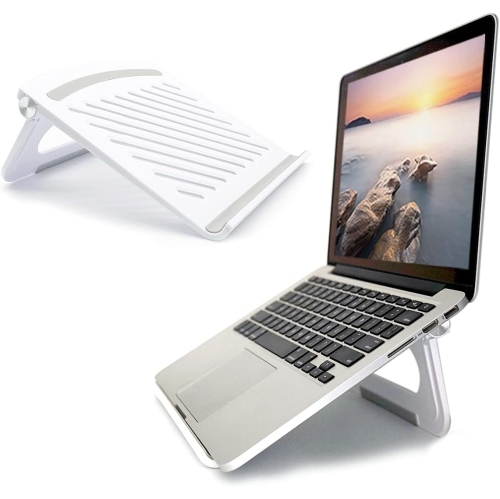
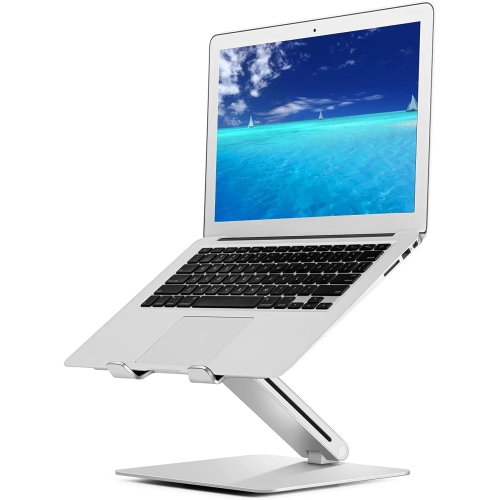
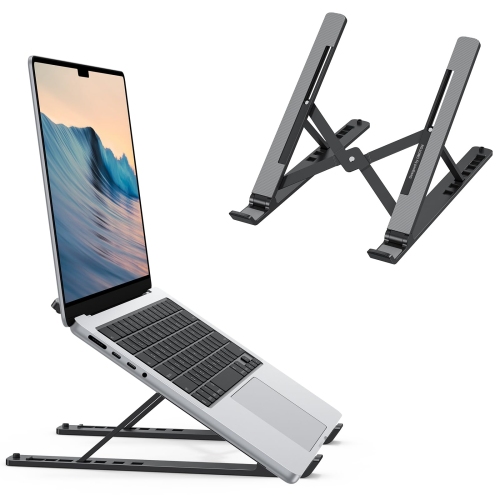
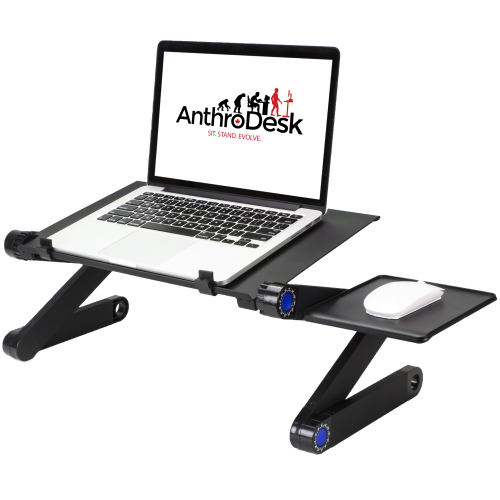
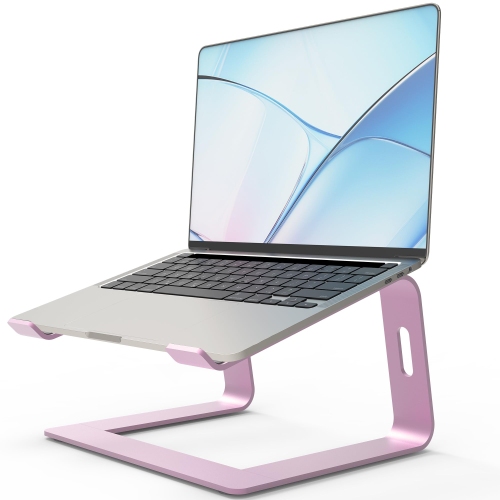
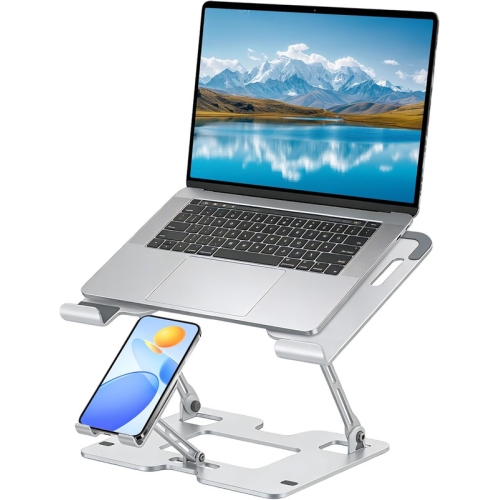
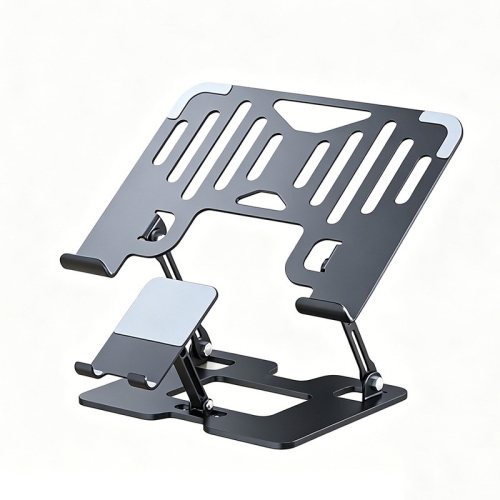
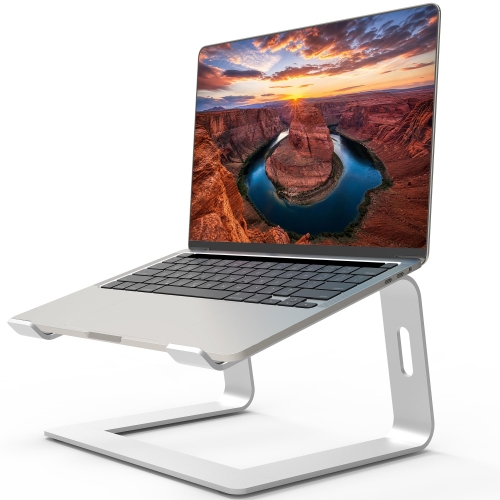
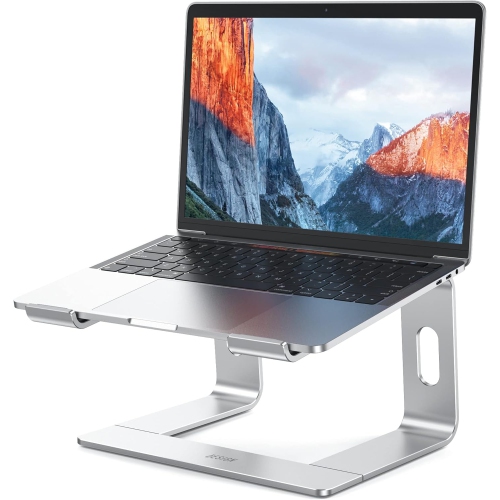
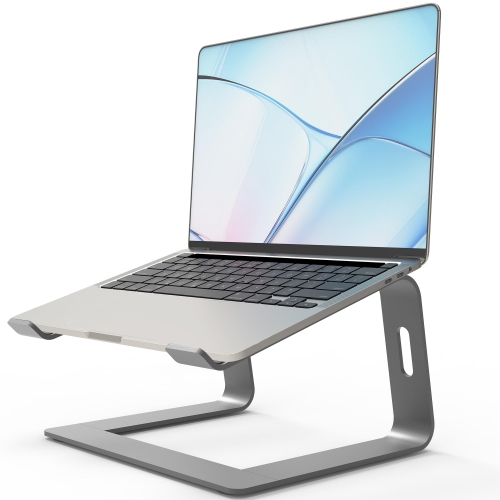
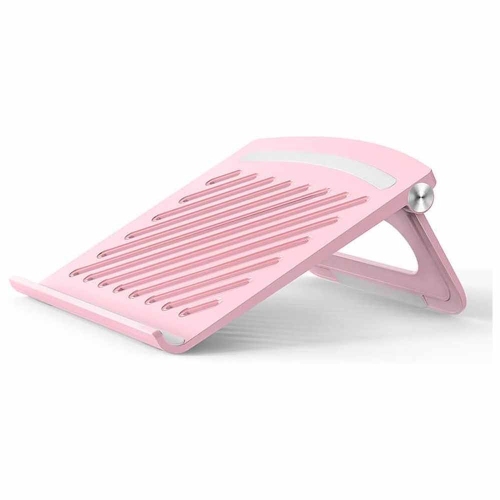
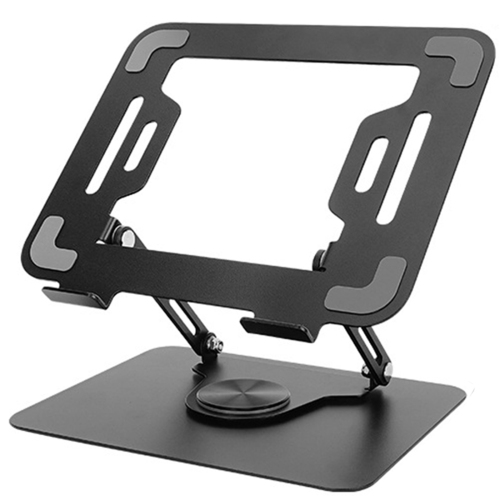
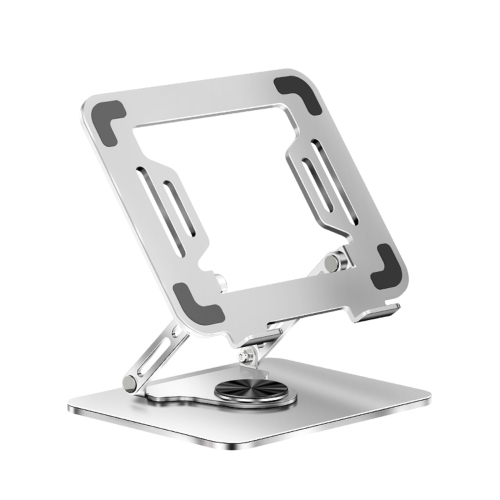
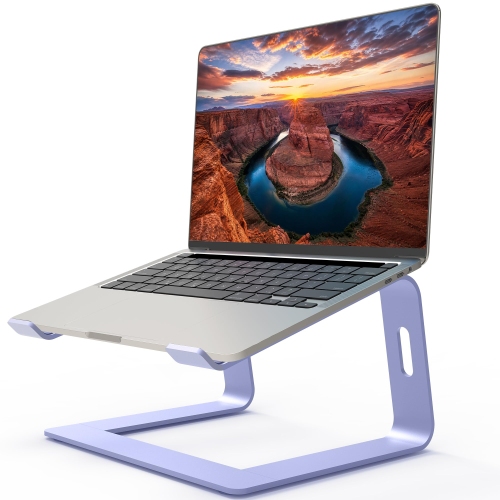
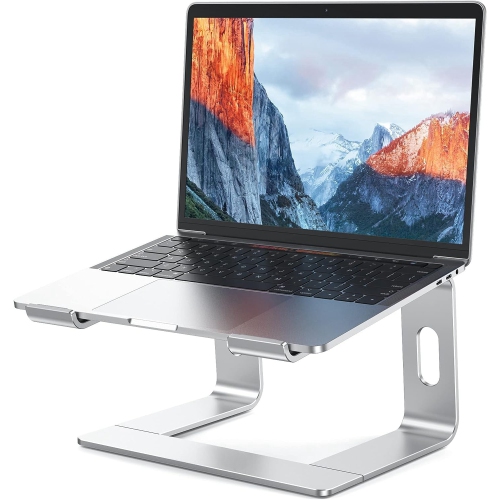
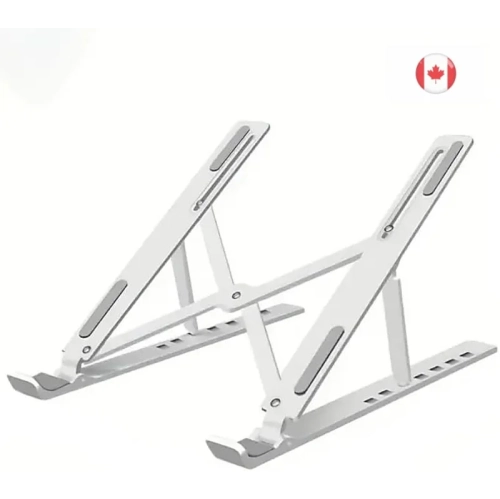
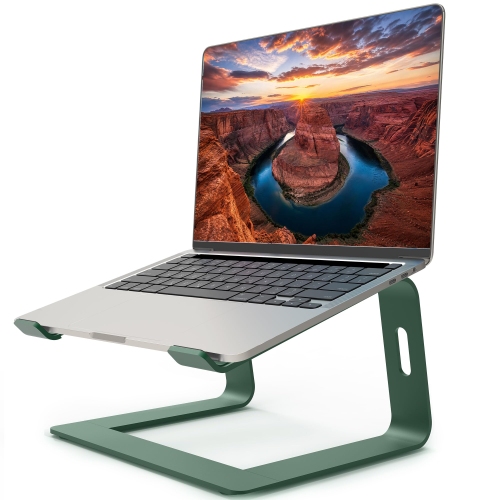
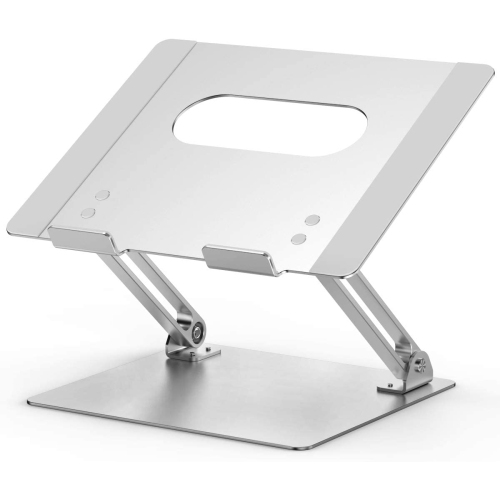
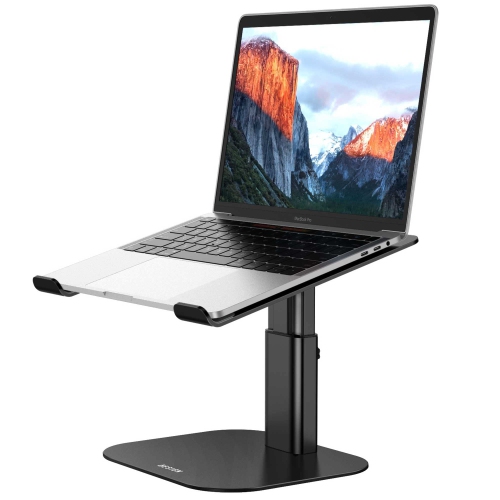
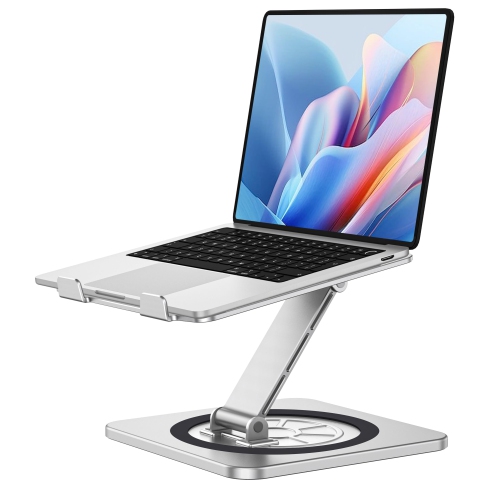
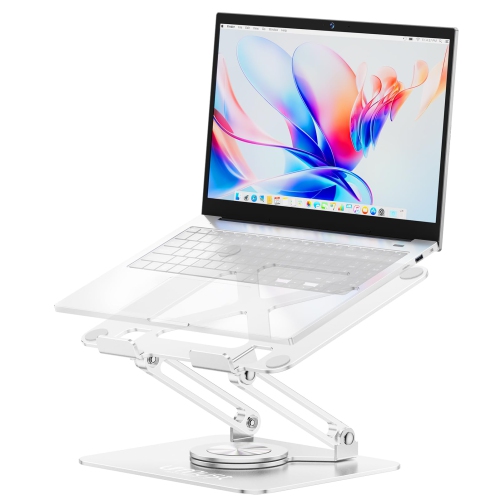
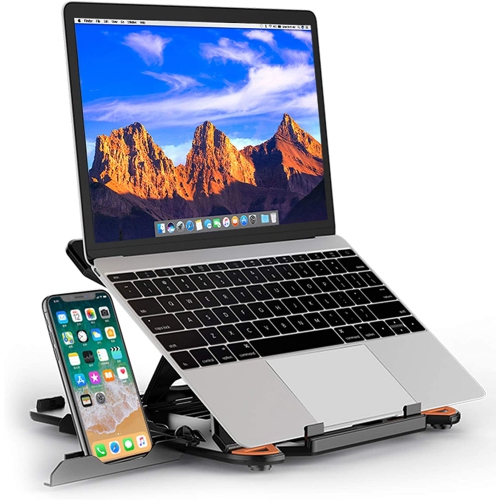
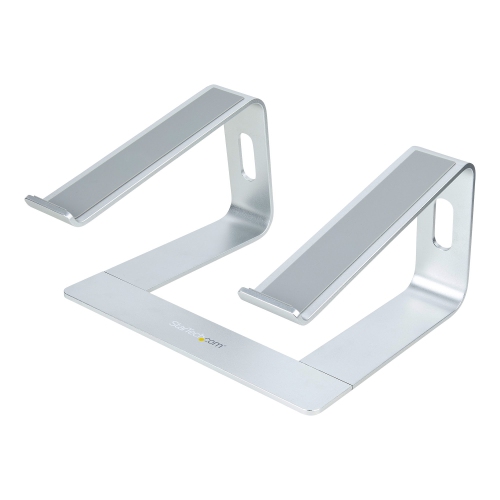
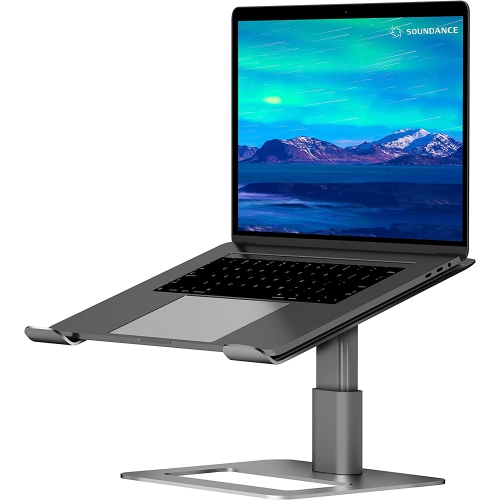
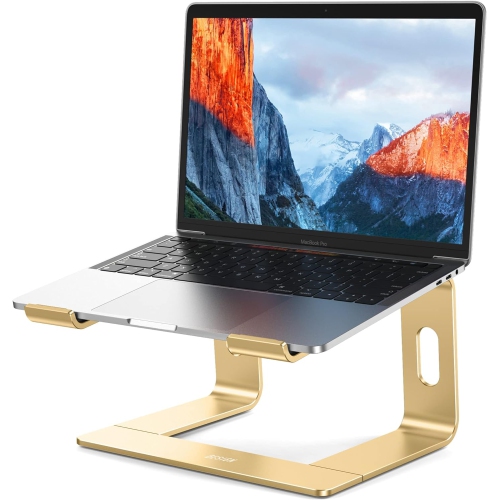
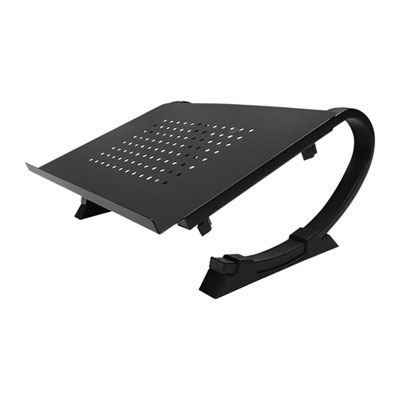
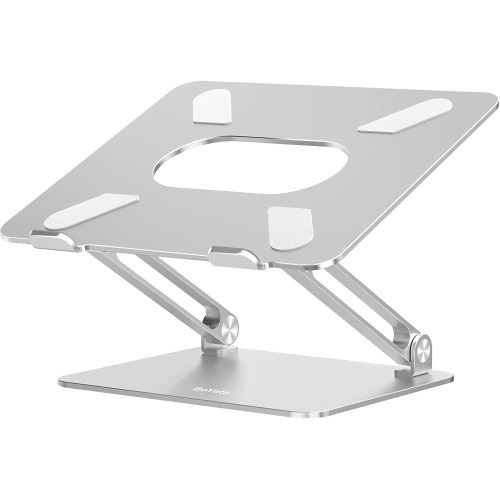
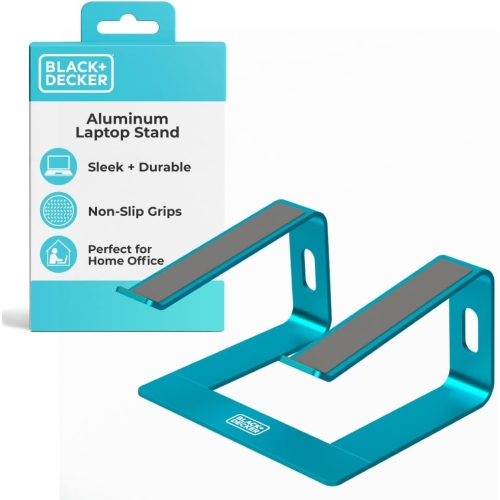
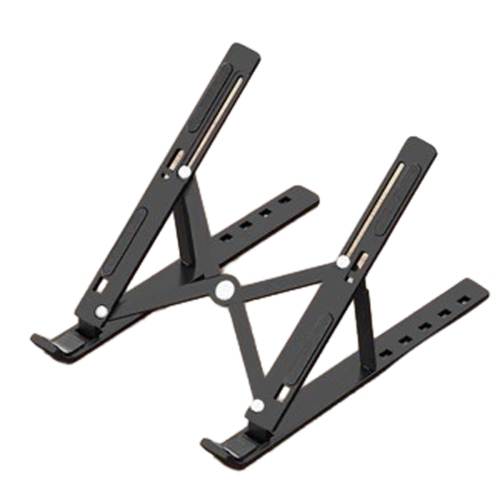
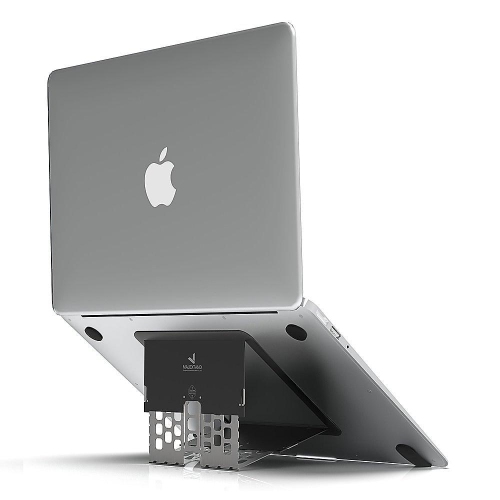
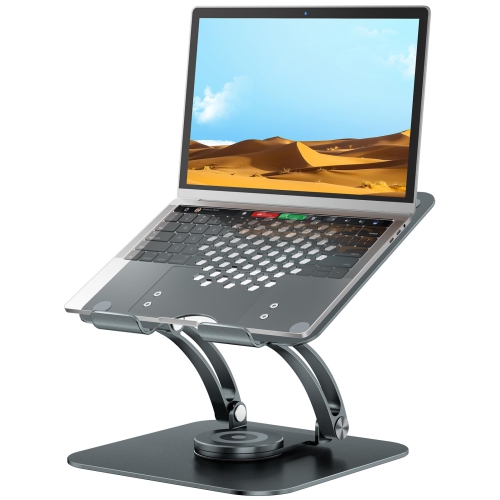
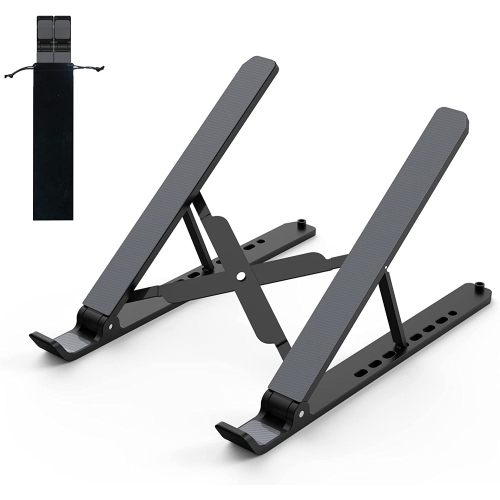
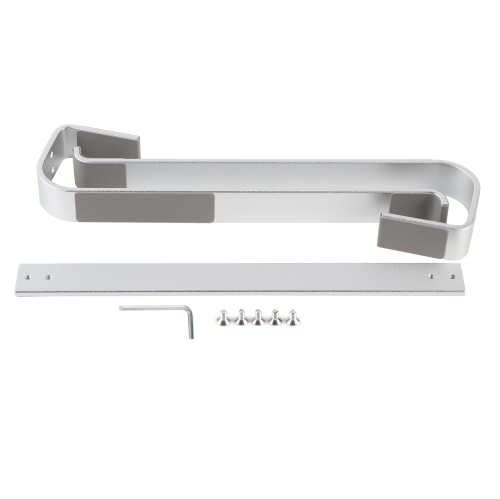
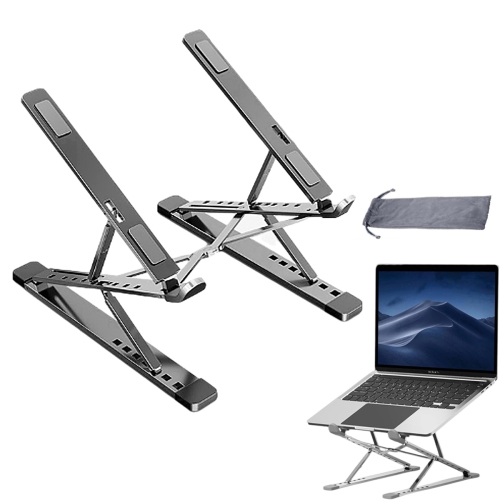
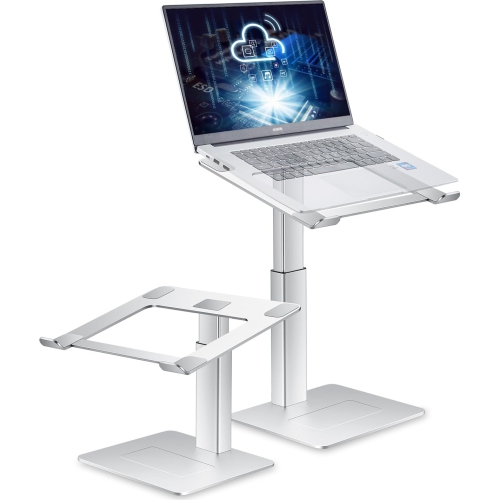
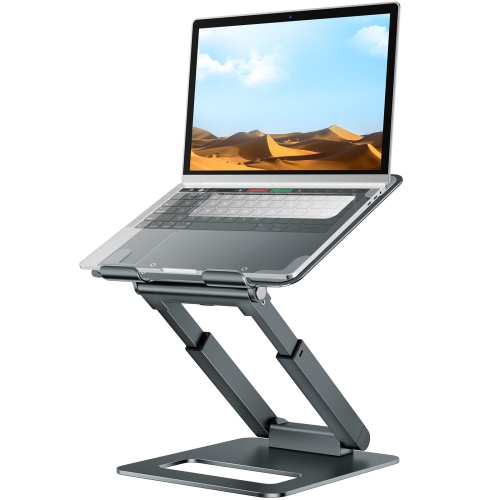
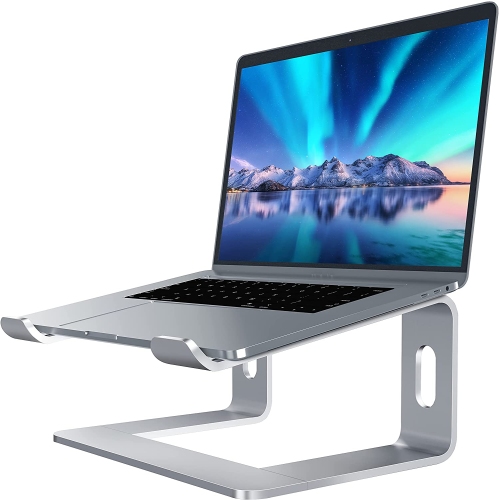
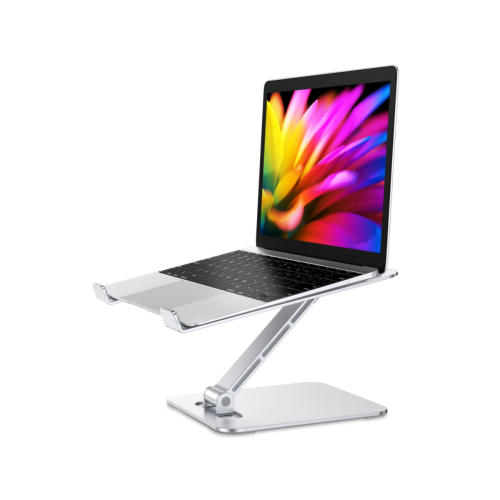
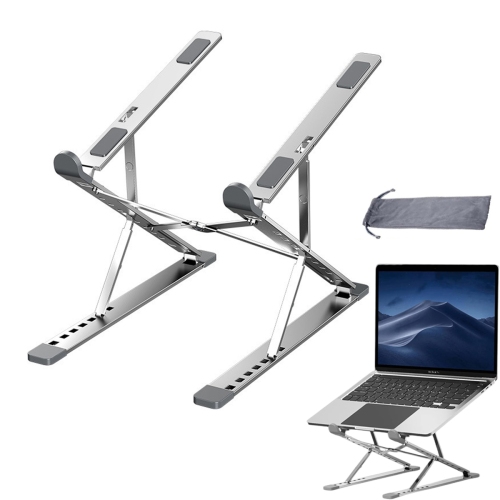
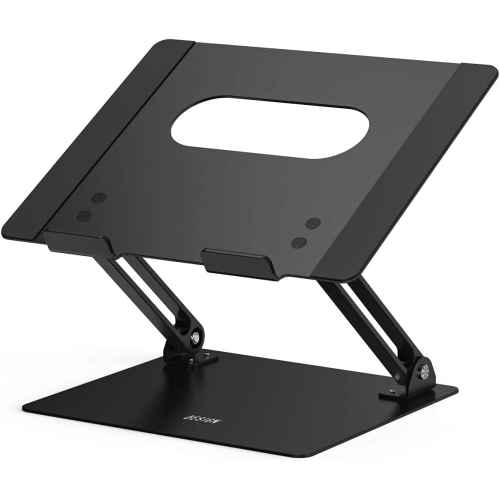
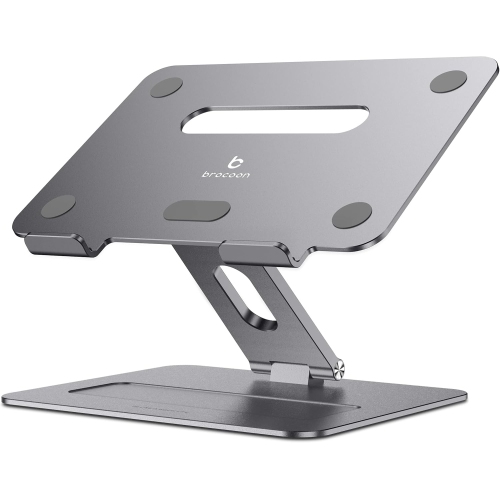
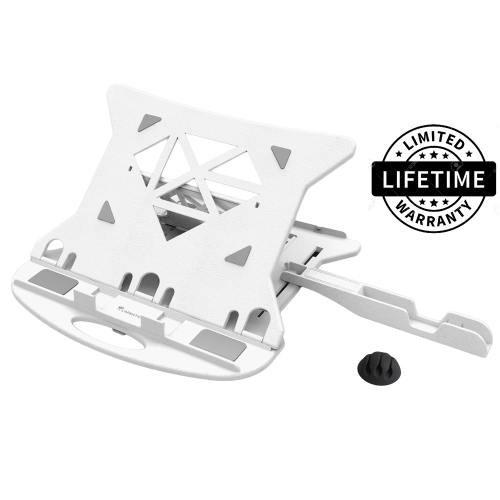
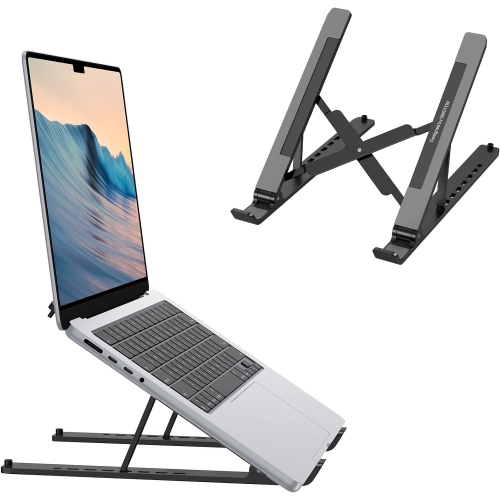
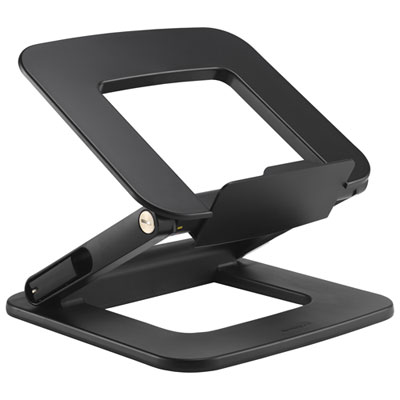
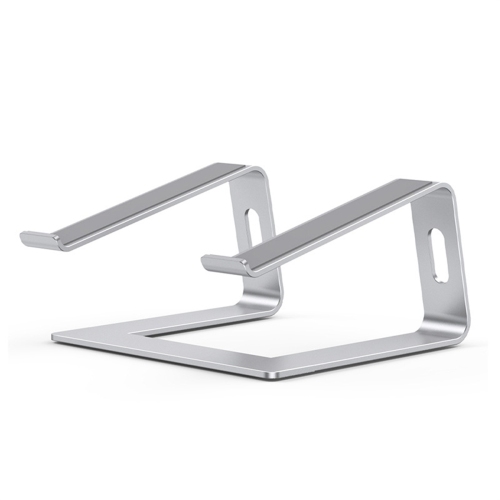
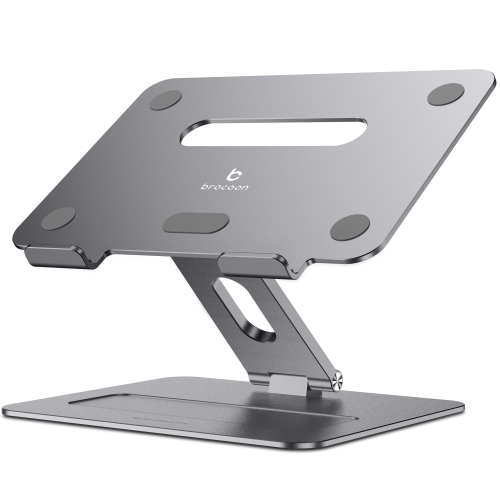
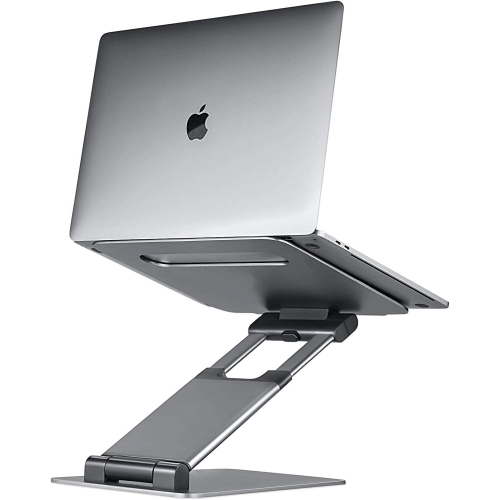
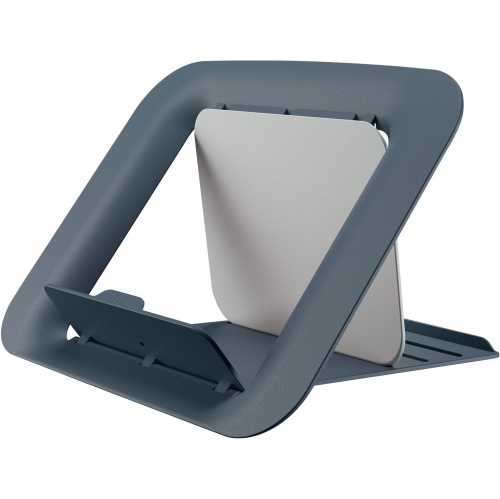
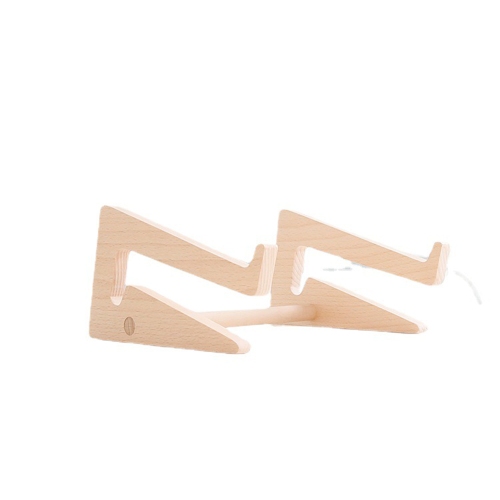
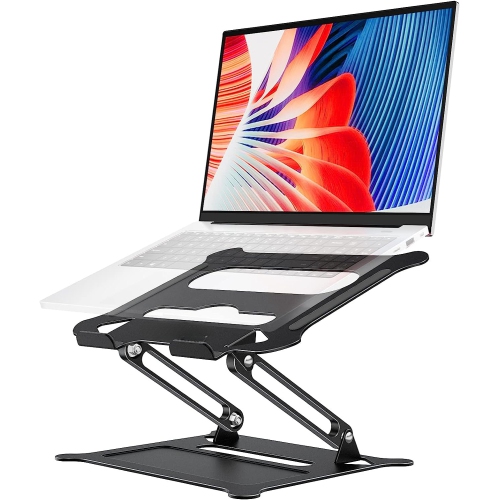
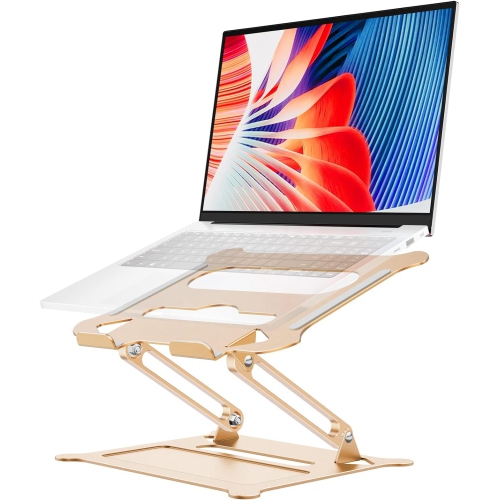
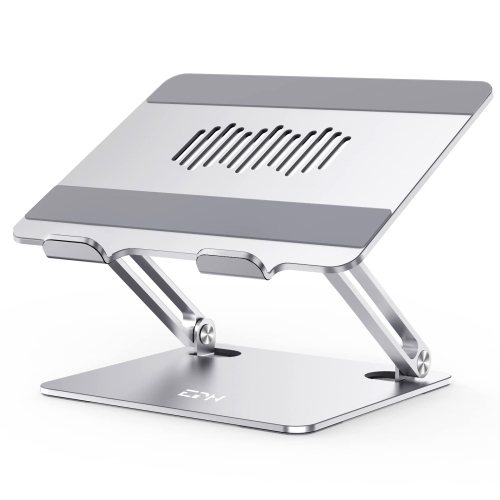
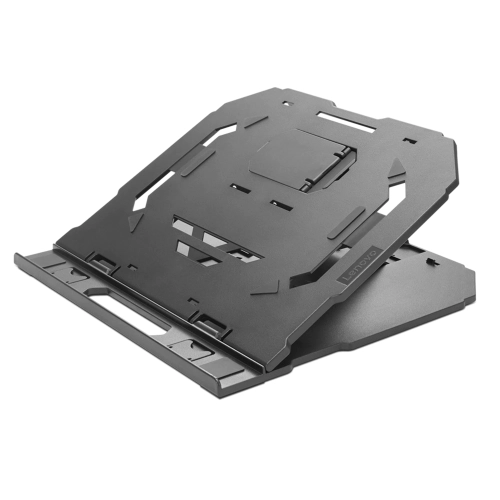
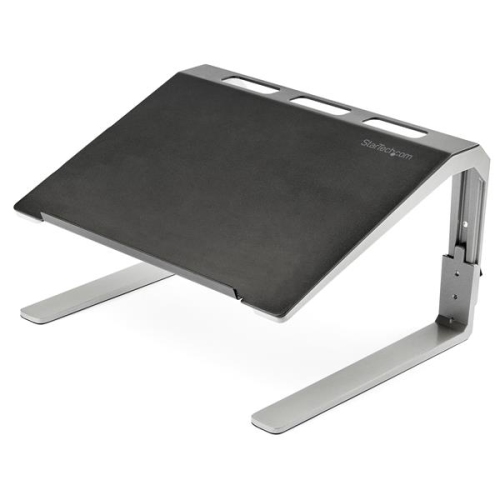
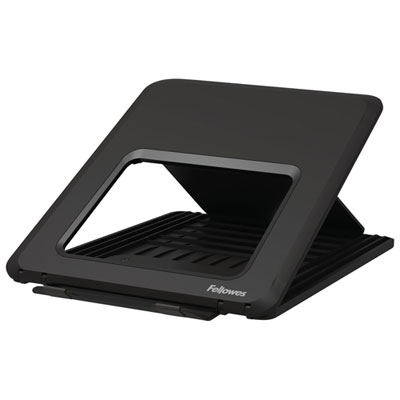
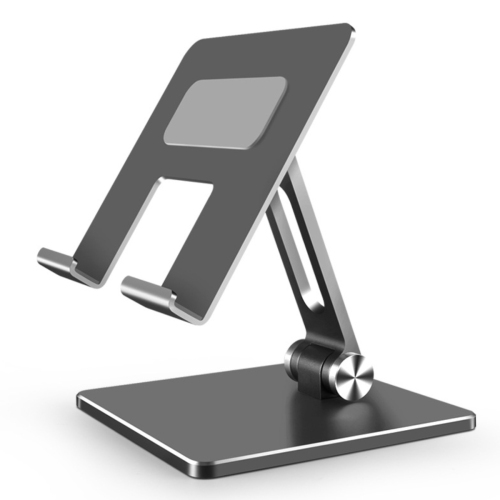
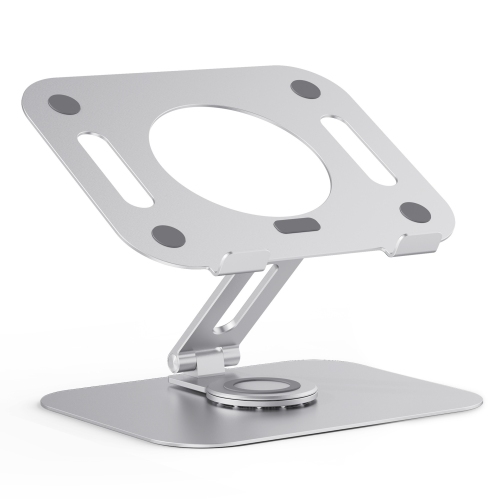
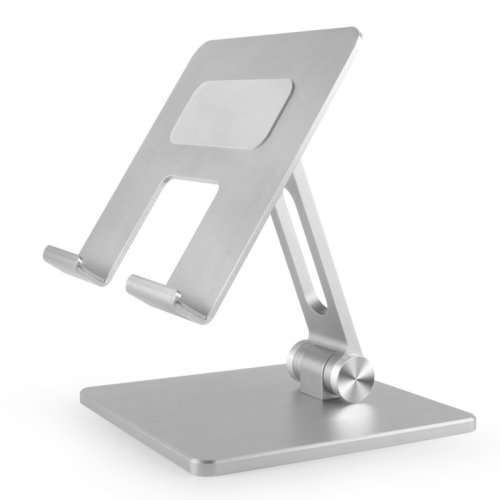
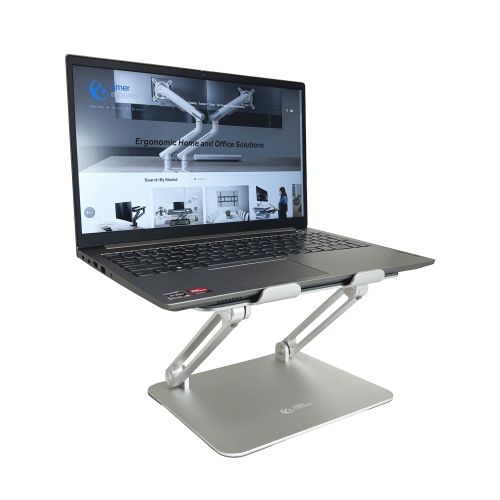
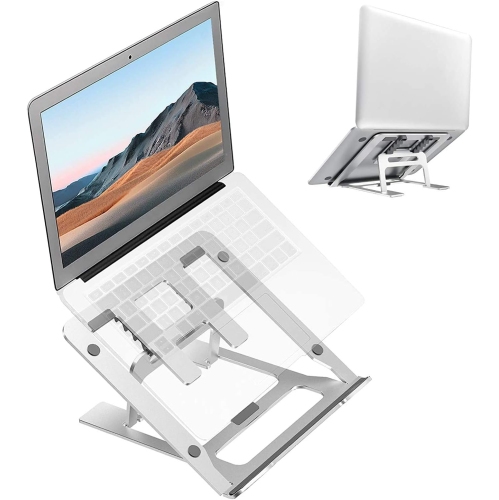
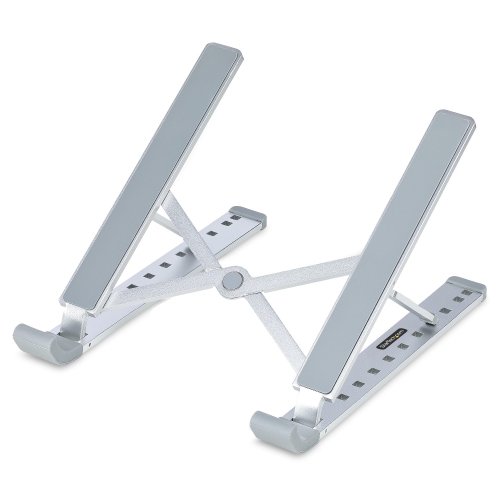
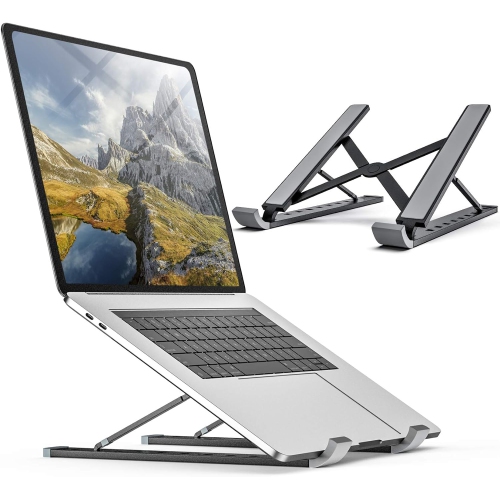
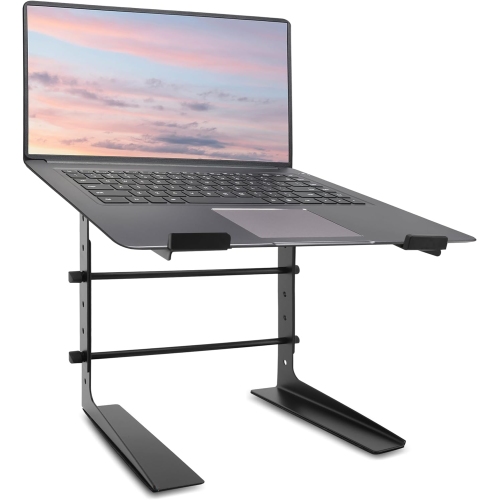
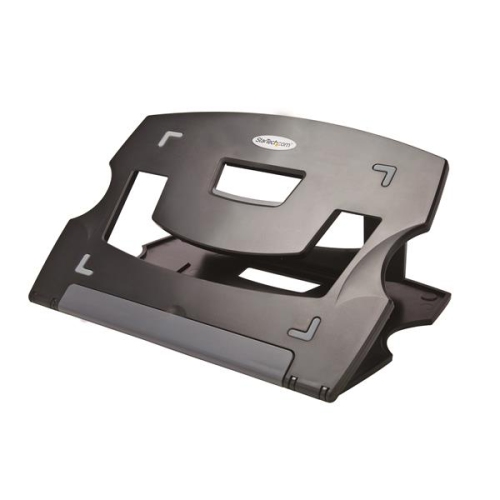
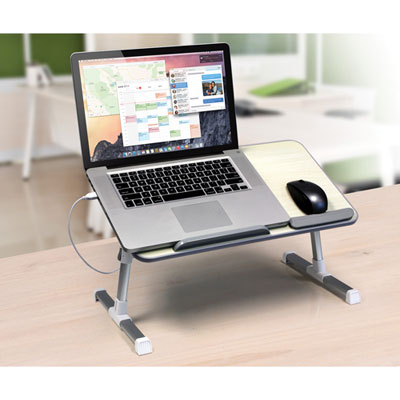
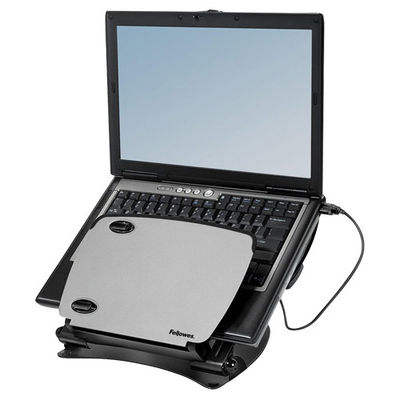
Ergonomic laptop stands elevate a laptop’s screen above the desk, making it easier to view the display without leaning forward or looking down for long stretches. They help address a limitation of laptop design: the screen and keyboard are attached, so a comfortable typing height rarely provides an equally comfortable viewing height. Raising the computer separates those needs when the stand is paired with an external keyboard and mouse. In a seated workstation, the top of the display generally sits at or slightly below eye level, with the screen roughly an arm’s length away and text large enough to read without craning forward. The appropriate lift depends on the person, chair, desk, and laptop rather than a universal measurement. A taller user at a low desk may need considerably more elevation than someone working at a higher surface. The keyboard and mouse remain on the desk at a height that lets the shoulders relax, the elbows stay close to the body, and the wrists remain relatively straight. Typing directly on a substantially elevated laptop can undo some of the benefit by requiring raised arms or bent wrists. A stand therefore works best as part of a workstation that also provides suitable seating, adequate legroom, and room to change position. Fixed-height designs provide a consistent screen position and can suit a dedicated workspace where the same person uses the same equipment each day. For shared desks or setups that change between tasks, Ergonomic Adjustable Laptop Stands offer flexibility in screen height and viewing angle. Height adjustment brings the display into a comfortable line of sight, while tilt can help manage reflections from nearby lighting. These features are useful during document editing, online classes, and video calls, where a screen that is too low can encourage a hunched position. A raised laptop can also place its built-in camera closer to eye level, creating a more natural angle for conversations.
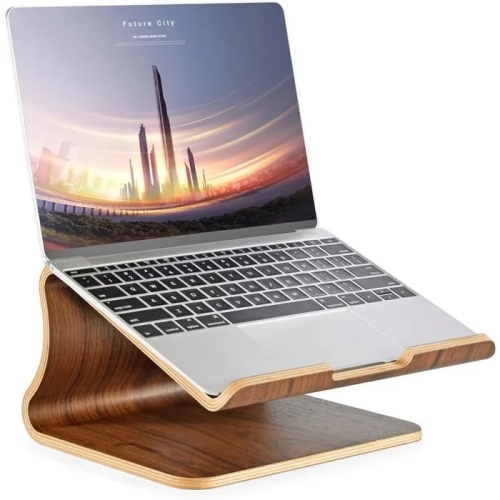
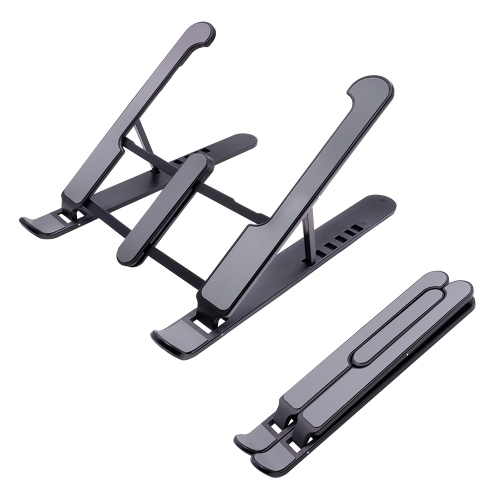
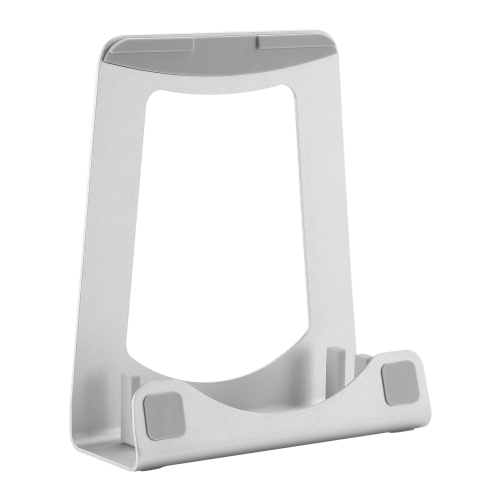
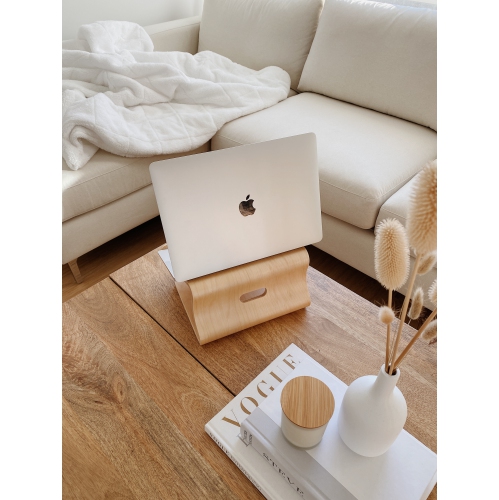
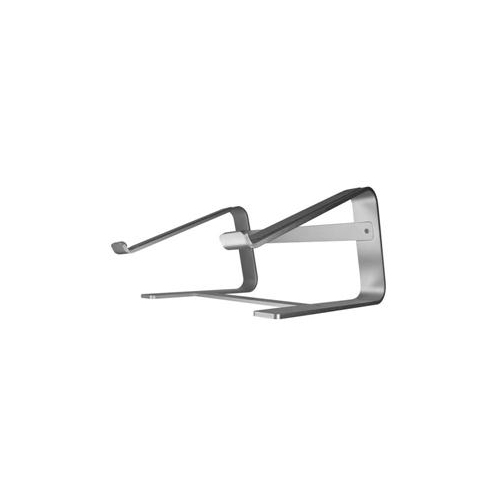
Materials and construction influence how a laptop stand feels in daily use, particularly when supporting a heavier computer or holding an elevated position for hours. Metal designs, often made from aluminum or steel, can provide a rigid platform, while plastic designs may offer a lighter option for carrying between workspaces. Wooden stands bring a different texture to a desk, though their suitability still depends on the design, joints, and stated load capacity. Material alone does not establish stability: a broad base, secure hinges, balanced support, and non-slip contact points all matter. Fit involves more than the laptop’s advertised screen size. Two computers with the same display measurement can have different widths, depths, weights, and underside layouts. Compatibility depends on the stand’s supported dimensions and weight limit, along with the position of its support arms or platform. Retaining lips help keep the computer from sliding forward, but they should not obstruct the lid, press against sensitive edges, or interfere with access to front-facing ports. Pads at the contact points can reduce slipping and protect the laptop’s finish, while feet beneath the stand help it stay put on a smooth desktop. Open platforms and spaced support arms can leave room for air to circulate around the computer, provided they do not cover intake or exhaust vents. That clearance is helpful, but it does not guarantee lower operating temperatures or replace the laptop’s own cooling system. Durability becomes noticeable in the details: adjustment joints should hold their position under the intended load, folding parts should seat securely, and the platform should remain steady during ordinary use. Care is generally straightforward, with a soft cloth for dust and cleaning methods suited to the material and manufacturer’s directions. Padding benefits from occasional inspection for wear or looseness, especially on a stand that is packed and unpacked frequently. Keeping hinges free of debris and avoiding loads beyond the stated capacity helps preserve reliable support.
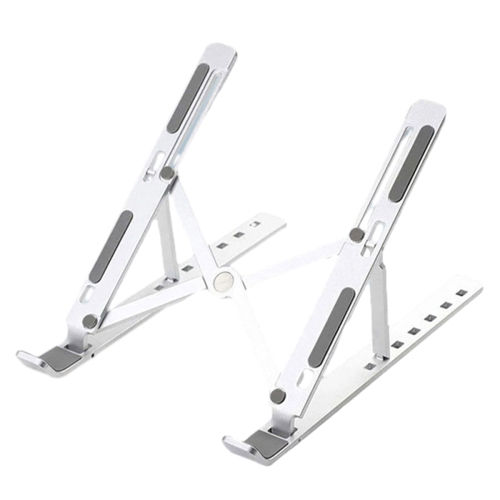
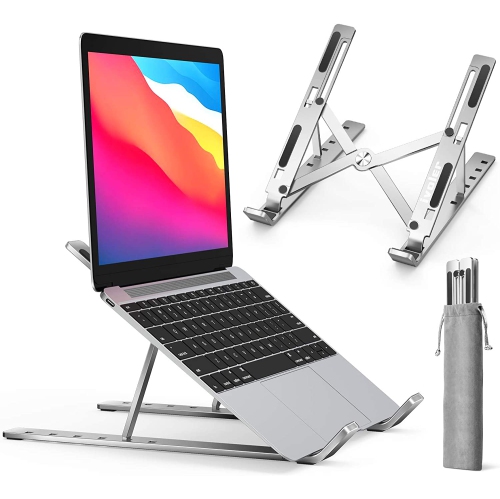
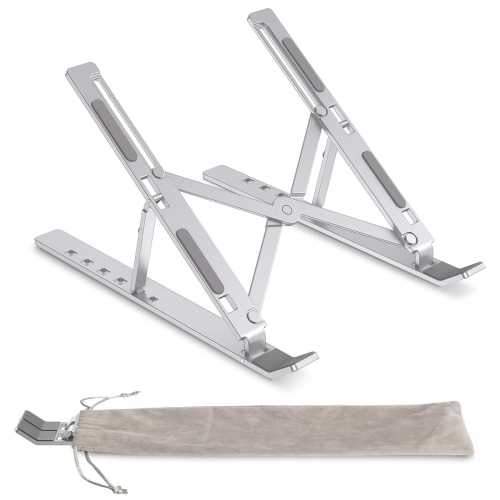
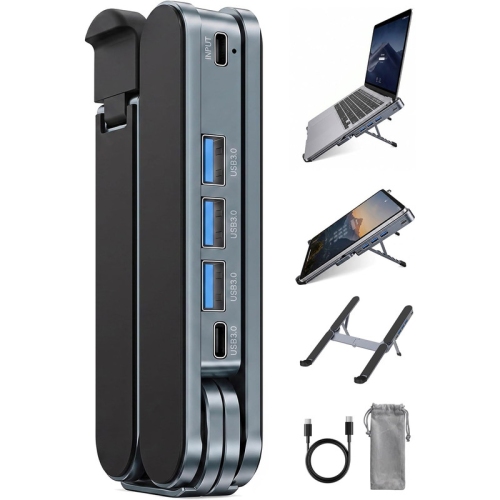
The most suitable ergonomic laptop stand reflects where the computer is used and how often that workspace changes. At a permanent home office desk, a larger base may be a practical trade-off for stability, particularly when the laptop stays connected to a keyboard, mouse, and external display. Some raised designs leave space underneath for small desk accessories, although cables still need enough slack to accommodate adjustments without pulling at the laptop’s ports. On a compact desk, the usable footprint matters as much as the stand’s height: there needs to be room for typing, mouse movement, and resting the forearms without crowding the edge. A folding stand suits someone who moves between a home workspace, an office, a library, or a study area. Packed dimensions, weight, and the way the hinges fold determine whether it fits comfortably alongside a laptop in a bag. A slim design is convenient to carry, but its value depends on how securely it supports the computer once opened. Portable stands still need a firm, level surface; a soft sofa cushion or mattress can make a conventional desktop stand unstable and may obstruct the laptop’s ventilation. A purpose-built lap desk provides a different kind of support, though prolonged work still benefits from a setup that allows comfortable screen viewing and relaxed arm positioning. Students working through readings, remote workers joining regular meetings, and people managing household paperwork can all benefit from bringing a low laptop display into a better viewing position. A stand can also make a thoughtful gift for someone setting up a study space or home office, especially when their laptop dimensions and working habits are known. For users who share a workstation, adjustment controls that are easy to reach and operate can make daily changes less cumbersome. Even a well-fitted stand does not make one posture ideal for an entire day; its role is to support a comfortable arrangement alongside movement, breaks, and adjustments as tasks change.
Materials and construction influence how a laptop stand feels in daily use, particularly when supporting a heavier computer or holding an elevated position for hours. Metal designs, often made from aluminum or steel, can provide a rigid platform, while plastic designs may offer a lighter option for carrying between workspaces. Wooden stands bring a different texture to a desk, though their suitability still depends on the design, joints, and stated load capacity. Material alone does not establish stability: a broad base, secure hinges, balanced support, and non-slip contact points all matter. Fit involves more than the laptop’s advertised screen size. Two computers with the same display measurement can have different widths, depths, weights, and underside layouts. Compatibility depends on the stand’s supported dimensions and weight limit, along with the position of its support arms or platform. Retaining lips help keep the computer from sliding forward, but they should not obstruct the lid, press against sensitive edges, or interfere with access to front-facing ports. Pads at the contact points can reduce slipping and protect the laptop’s finish, while feet beneath the stand help it stay put on a smooth desktop. Open platforms and spaced support arms can leave room for air to circulate around the computer, provided they do not cover intake or exhaust vents. That clearance is helpful, but it does not guarantee lower operating temperatures or replace the laptop’s own cooling system. Durability becomes noticeable in the details: adjustment joints should hold their position under the intended load, folding parts should seat securely, and the platform should remain steady during ordinary use. Care is generally straightforward, with a soft cloth for dust and cleaning methods suited to the material and manufacturer’s directions. Padding benefits from occasional inspection for wear or looseness, especially on a stand that is packed and unpacked frequently. Keeping hinges free of debris and avoiding loads beyond the stated capacity helps preserve reliable support.
The most suitable ergonomic laptop stand reflects where the computer is used and how often that workspace changes. At a permanent home office desk, a larger base may be a practical trade-off for stability, particularly when the laptop stays connected to a keyboard, mouse, and external display. Some raised designs leave space underneath for small desk accessories, although cables still need enough slack to accommodate adjustments without pulling at the laptop’s ports. On a compact desk, the usable footprint matters as much as the stand’s height: there needs to be room for typing, mouse movement, and resting the forearms without crowding the edge. A folding stand suits someone who moves between a home workspace, an office, a library, or a study area. Packed dimensions, weight, and the way the hinges fold determine whether it fits comfortably alongside a laptop in a bag. A slim design is convenient to carry, but its value depends on how securely it supports the computer once opened. Portable stands still need a firm, level surface; a soft sofa cushion or mattress can make a conventional desktop stand unstable and may obstruct the laptop’s ventilation. A purpose-built lap desk provides a different kind of support, though prolonged work still benefits from a setup that allows comfortable screen viewing and relaxed arm positioning. Students working through readings, remote workers joining regular meetings, and people managing household paperwork can all benefit from bringing a low laptop display into a better viewing position. A stand can also make a thoughtful gift for someone setting up a study space or home office, especially when their laptop dimensions and working habits are known. For users who share a workstation, adjustment controls that are easy to reach and operate can make daily changes less cumbersome. Even a well-fitted stand does not make one posture ideal for an entire day; its role is to support a comfortable arrangement alongside movement, breaks, and adjustments as tasks change.
Top selling and popular products
-
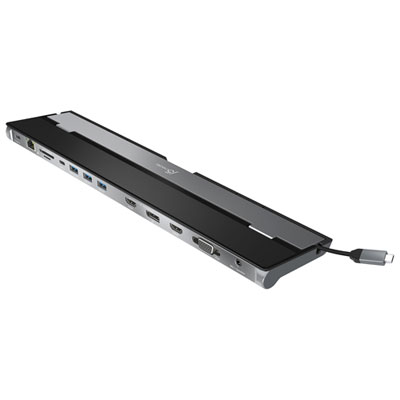 Your price for this item is $149.99
-
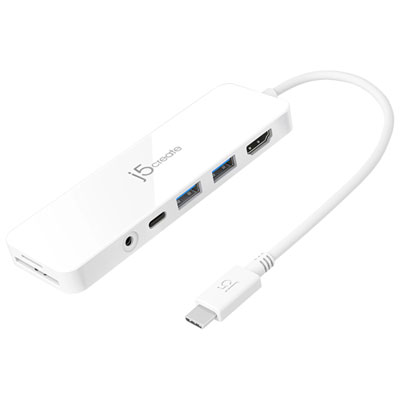 Your price for this item is $69.99
-
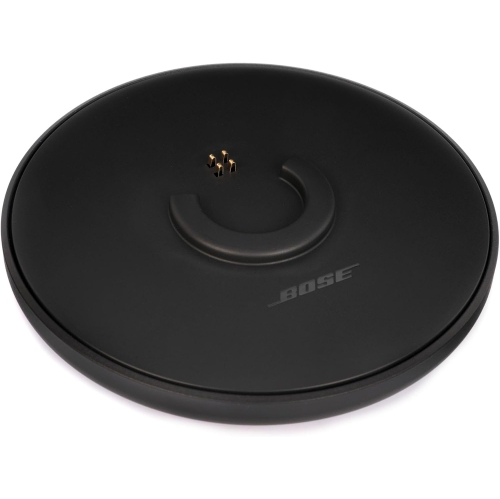 Your price for this item is $87.99
-
 Your price for this item is $59.99
-
 Your price for this item is $96.16
-
 Your price for this item is $179.99
-
 Your price for this item is $214.99
-
 Your price for this item is $89.99
Discover more categories related to Ergonomic Laptop Stands
Top Collections:
Best Black Friday Deals This Year, Best Black Friday Deals On Electronics, Kindle Devices, Pokemon Centers, Best Black Friday Deals On Apple Products, Best Cameras for Sports Photography, Dyson Airwrap, Pokémon 30th Celebration Cards, Apple iPhone 17 Pro, Canon G7X Cameras
Some products may be subject to Environmental Handling Fees
(EHF) depending on your province.
Learn more about EHFs.