Laser Wireless Optical Mice
Enhance your computing experience with a Laser Wireless Optical Mouse, designed to deliver seamless navigation and reliable performance for work, gaming, or everyday tasks. Offering the freedom of wireless connectivity and the precision of laser optical technology, these mice are an excellent choice for both home and office environments. Explore a variety of styles and ergonomically crafted designs to find the perfect fit for your setup. Discover how a Laser Wireless Optical Mouse can bring comfort and convenience to your digital routine.
Sort

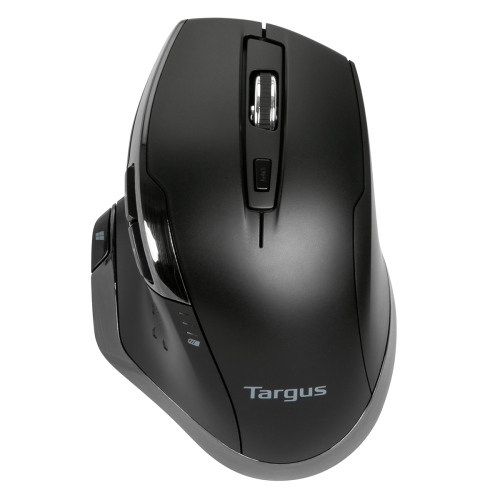
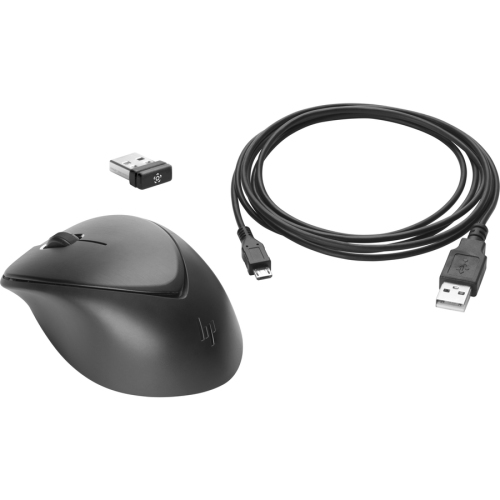
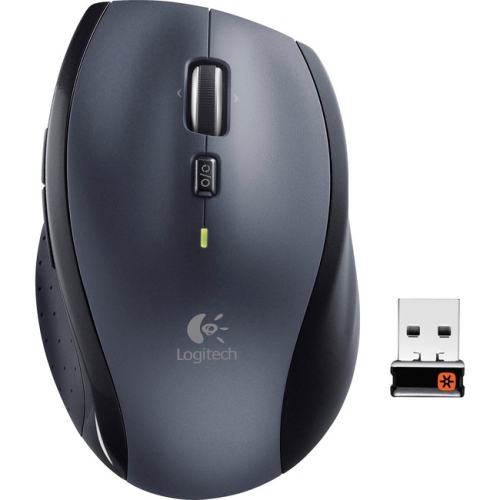
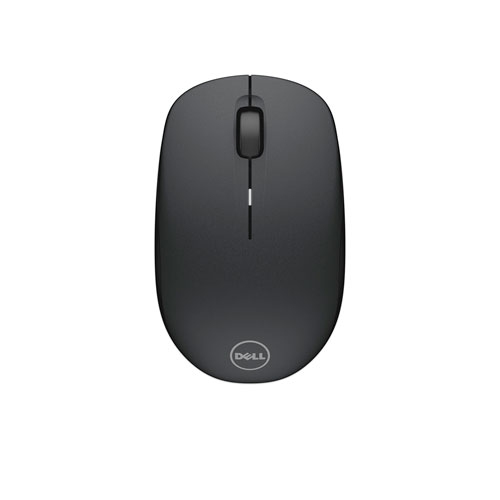
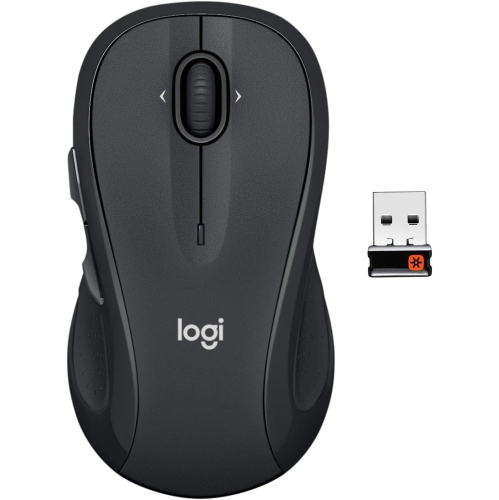

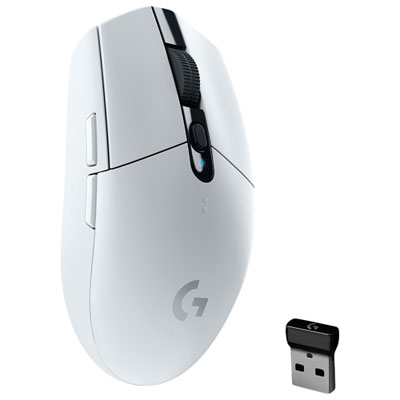
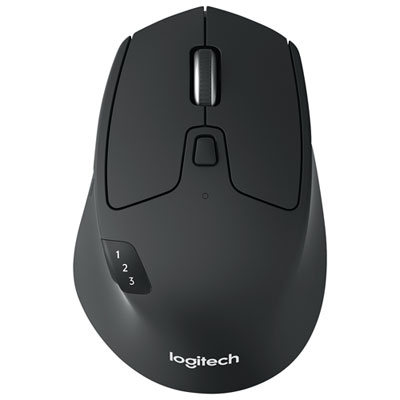
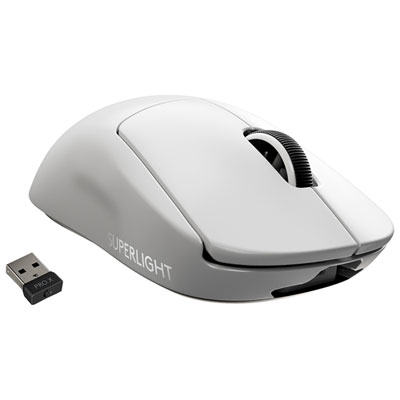
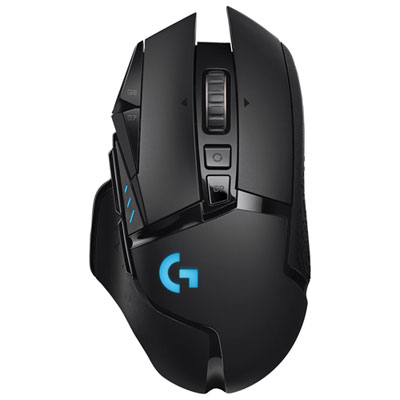
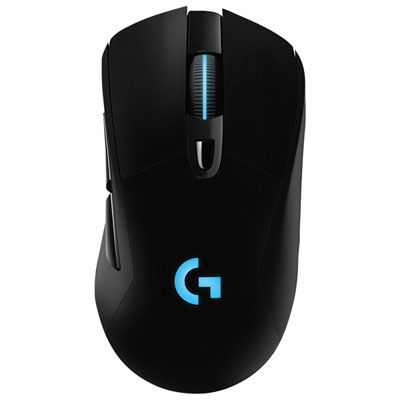
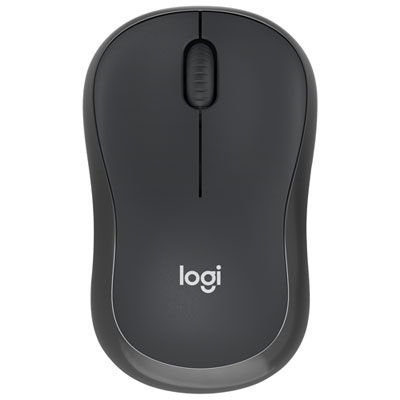
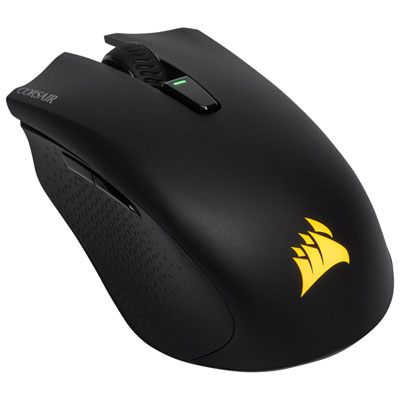

Why sensor type alone doesn’t determine mouse performance
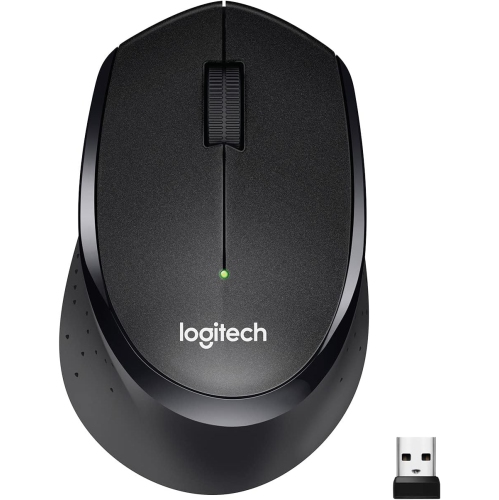
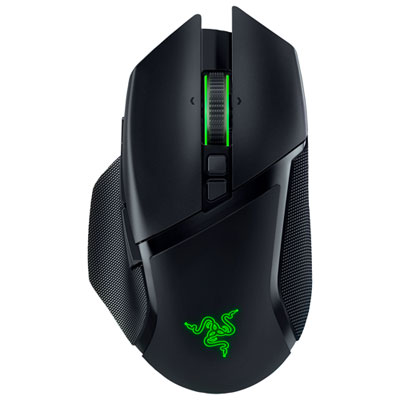
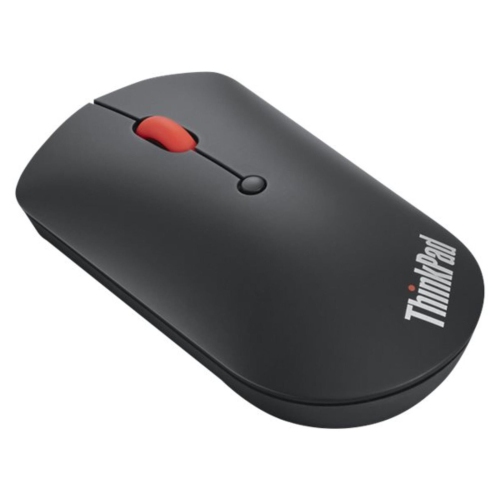
Wireless laser and optical mice give desktop and laptop users cursor control without a cable stretching across the work surface. The terms describe two separate features: wireless refers to the connection between the mouse and computer, while laser or optical describes its tracking technology. A laser mouse is a type of optical mouse, although product descriptions commonly use “optical” to distinguish LED-based sensors from laser-based sensors. Traditional optical mice illuminate the surface with an LED that may emit visible or infrared light; laser mice use a laser diode. Both detect movement by capturing surface detail and translating changes into cursor movement. Neither technology is automatically more accurate in every situation. Sensor quality, surface compatibility, sensitivity settings, and the wireless connection all contribute to how a mouse feels in use. A matte mouse pad usually provides a predictable tracking surface, whether the task is moving between spreadsheet cells, selecting text, or positioning elements in a design program. Clear glass, mirrored finishes, and highly reflective surfaces require tracking support specifically stated by the manufacturer; a laser sensor alone does not guarantee reliable operation on them. Sensitivity, often expressed in dots per inch or DPI, affects how far the pointer travels for a given hand movement. Higher sensitivity can make navigating a large display feel quicker, while lower sensitivity can make small adjustments easier to manage. A higher DPI figure does not, by itself, establish better accuracy. Adjustable sensitivity is useful when the same mouse moves between detailed work and general browsing. For gaming, tracking consistency, connection latency, and supported polling rates can matter more than whether the sensor uses an LED or laser. For office work and study, dependable movement, accessible buttons, and comfortable scrolling often make the greatest difference over a full day.
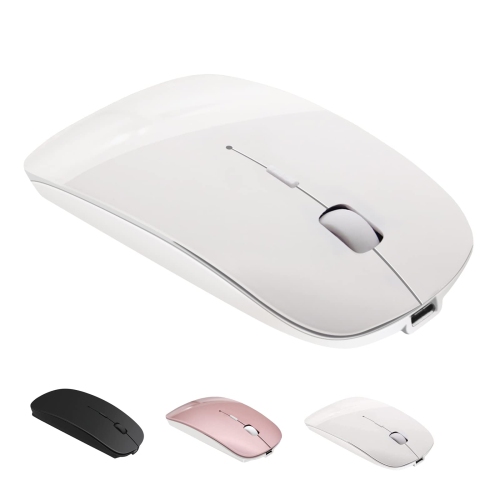
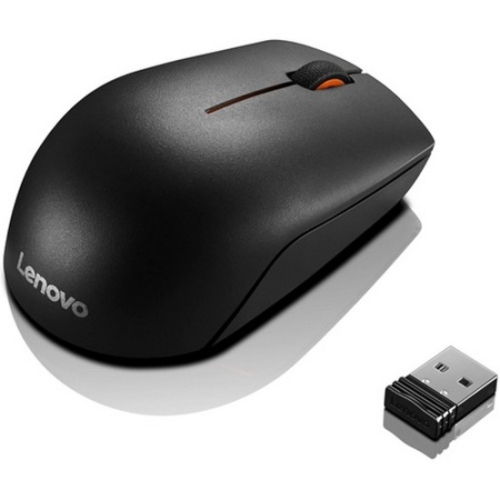
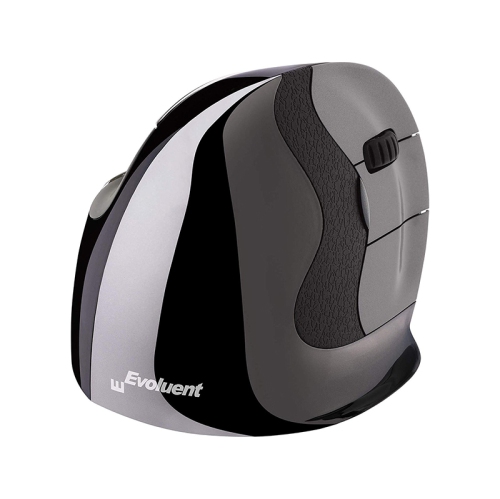
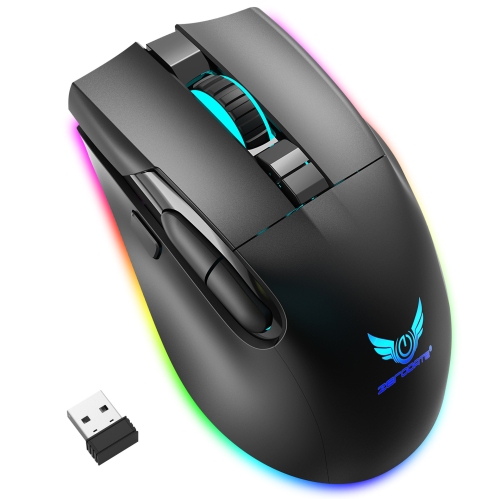
Connection options shape how conveniently a wireless mouse fits into an existing setup. Bluetooth can connect directly to a compatible computer without occupying a USB port, which is useful on a slim laptop with limited connections. A mouse that uses a USB receiver needs a compatible port or suitable adapter, and the receiver should be kept with the mouse when travelling. Some designs support both connection methods, while others support only one, so device and operating system compatibility remain important. Multi-device pairing, when included, can make it easier to move between a work computer and a personal laptop, but it does not necessarily mean the mouse can control both simultaneously. Button customization and advanced scrolling features may also depend on software that is not supported on every operating system. Physical fit deserves as much attention as connectivity. A compact shape slips into a laptop bag, yet a fuller body may provide more palm support at a permanent workstation. Hand size, finger reach, and preferred grip affect whether a low-profile, rounded, or sculpted design feels comfortable. Palm-grip users often favour broader support, while fingertip and claw grips may suit different lengths and curves. An ambidextrous outline does not always mean every side button is equally accessible from either hand; button placement and stated handedness help clarify the fit. Vertical designs offer a different hand position, though comfort varies from person to person. Smooth plastic shells are easy to wipe down, textured side panels can improve grip, and soft-touch finishes have a different feel from hard surfaces. Weight also changes the experience: a lighter mouse can feel easier to move repeatedly, while a heavier one may feel more planted. A clearly defined scroll wheel can help with line-by-line movement, whereas a free-spinning option can suit long documents. Side buttons can place frequent actions, such as moving back through browser pages, within easy thumb reach.
Power, construction, and care influence how well a wireless mouse holds up to everyday use. Rechargeable designs need access to a compatible charging cable, while models with replaceable batteries require the correct battery type and orientation. Battery life varies with usage, connection mode, lighting features, and power settings, so stated estimates are best understood alongside their test conditions. A power switch and an automatic sleep function can be useful when a mouse spends time in a bag between workspaces. Charging does not always allow continued wireless or wired operation, making that detail worth checking for a mouse used throughout the day. Durability also depends on practical details such as secure battery covers, sturdy scroll wheels, dependable buttons, and smoothly fitted feet underneath the body. Those feet glide most consistently when the work surface is clean and free of grit. For routine cleaning, switch the mouse off and follow the manufacturer’s care directions, usually starting with a soft, lint-free cloth and keeping excess moisture away from seams, buttons, and the sensor opening. Dust around the sensor or debris caught underneath can interrupt otherwise reliable tracking. During transport, a protective compartment helps keep the shell from rubbing against chargers and other accessories, while built-in receiver storage, where included, keeps a small but essential component close at hand. These details matter to students carrying a laptop between classes, professionals sharing time between home and office, and anyone who prefers a separate mouse for longer computer sessions. A wireless mouse can also be a practical gift when the recipient’s hand preference, computer connections, and usual tasks are known. Colour and finish can personalize a setup, but fit and compatibility are more useful starting points than appearance alone. The Logitech Laser Wireless Mice collection provides a brand-focused way to explore this category. Across wireless mouse designs, the most useful features are those that suit the person using them: comfortable reach, predictable tracking, convenient power, and controls that make familiar tasks feel straightforward.
Top selling and popular products
-
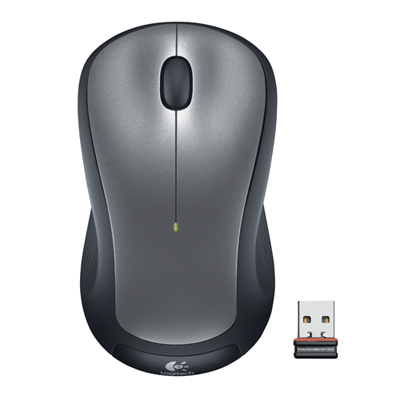 Your price for this item is $29.99
-
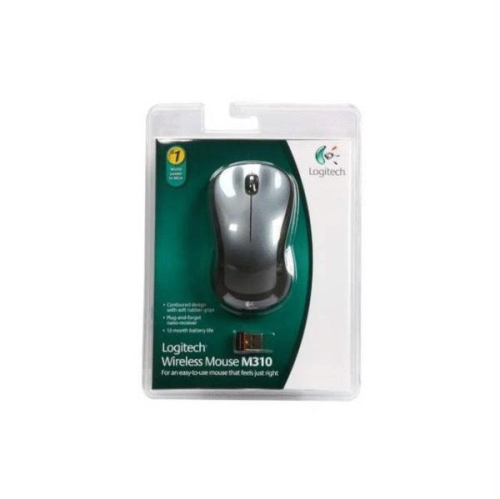 Your price for this item is $50.44
-
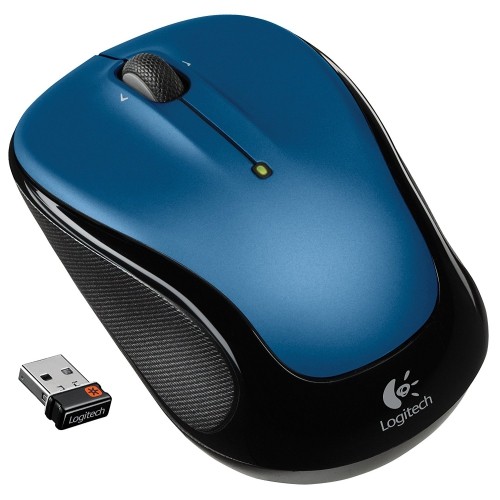 Your price for this item is $39.99
-
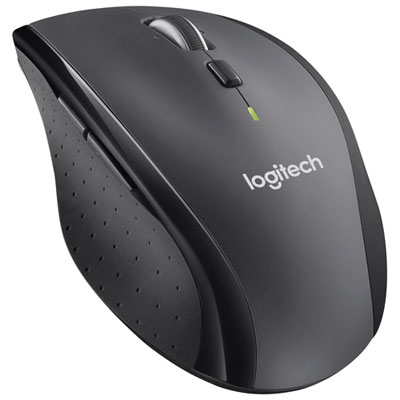 Your price for this item is $49.99
-
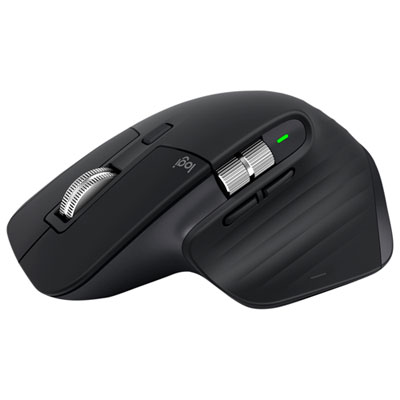 Your price for this item is $159.97
-
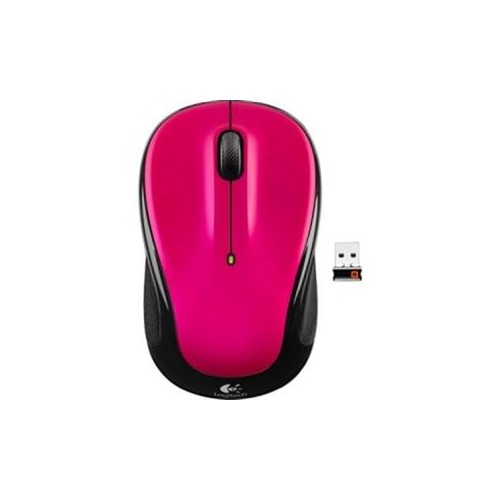 Your price for this item is $64.68
-
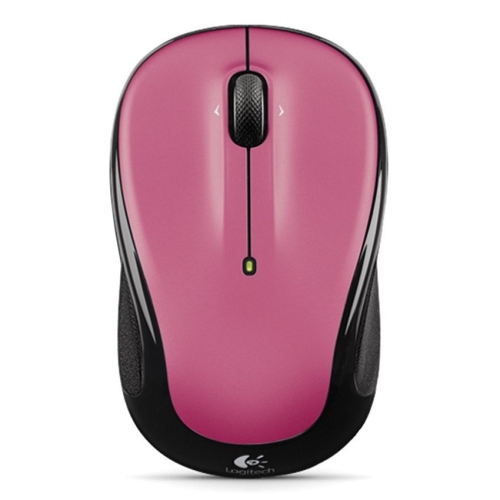 Your price for this item is $48.68
-
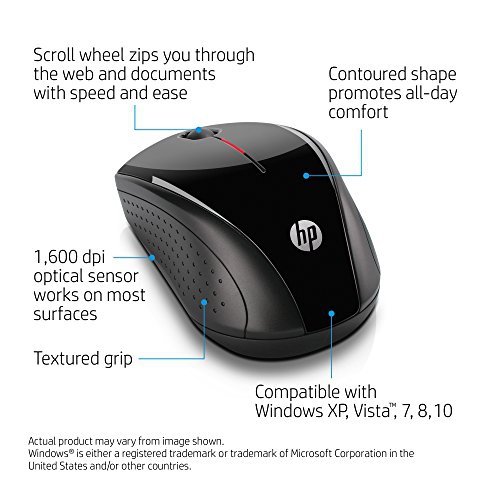 Your price for this item is $31
Discover more categories related to Laser Wireless Optical Mice
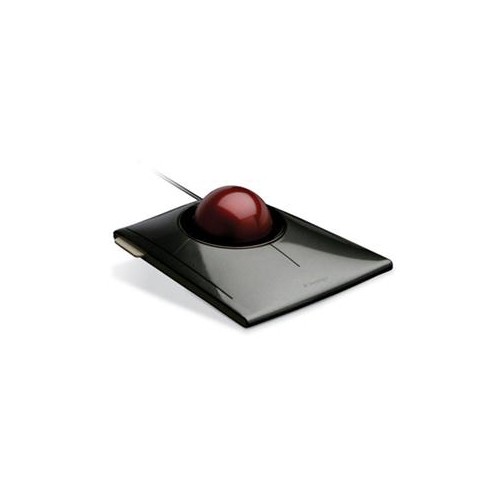
Top Collections:
Best Black Friday Deals This Year, Best Black Friday Deals On Electronics, Kindle Devices, Pokemon Centers, Best Black Friday Deals On Apple Products, Best Cameras for Sports Photography, Dyson Airwrap, Pokémon 30th Celebration Cards, Apple iPhone 17 Pro, Canon G7X Cameras
Some products may be subject to Environmental Handling Fees
(EHF) depending on your province.
Learn more about EHFs.