Ethernet Cables for Network Printer
Ethernet Cable for Network Printer solutions provide a reliable way to connect your printer to your network for seamless printing tasks. Whether you’re setting up a home office or enhancing your business workspace, these cables help ensure stable data transfer between your devices and network printer. Explore a variety of lengths and designs to find the right fit for your setup and enjoy efficient connectivity every time you print.
Sort
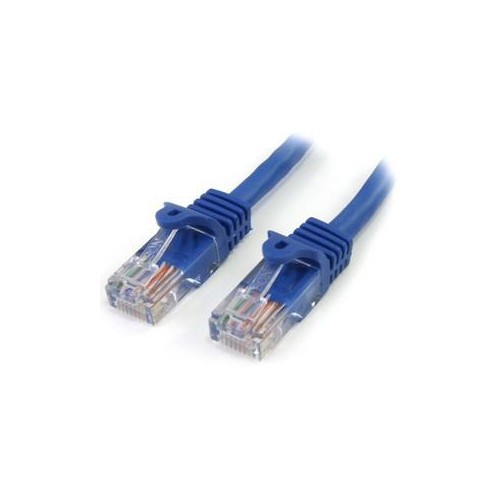
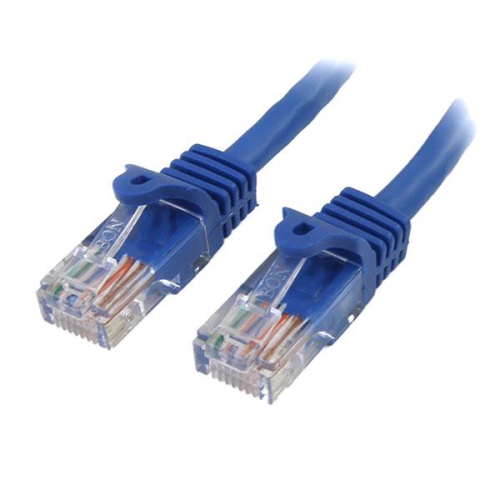
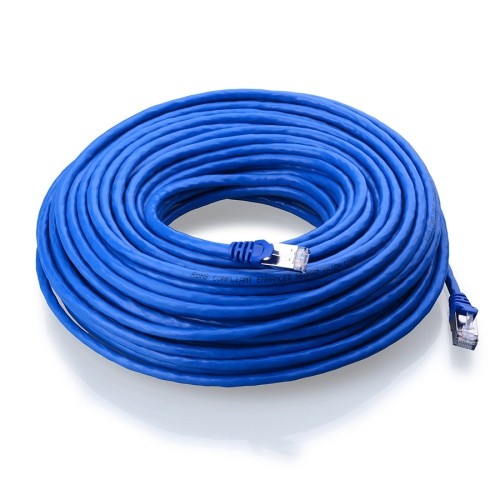
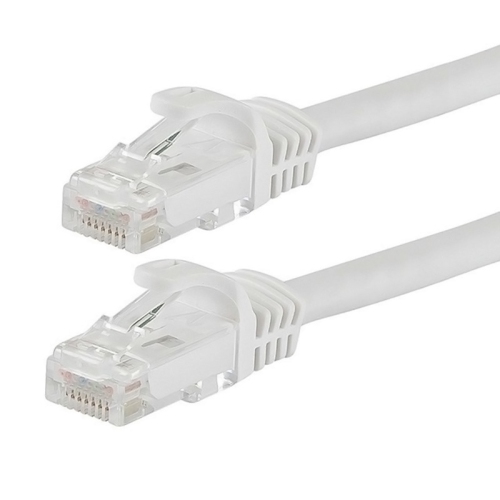
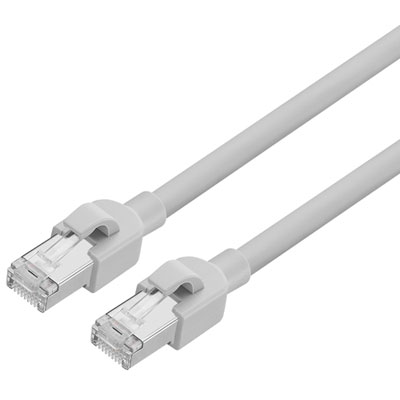
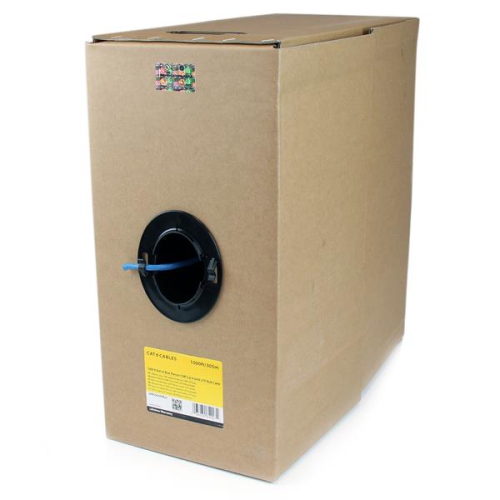
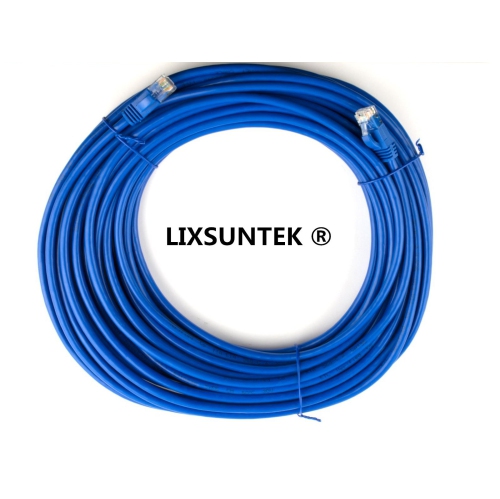
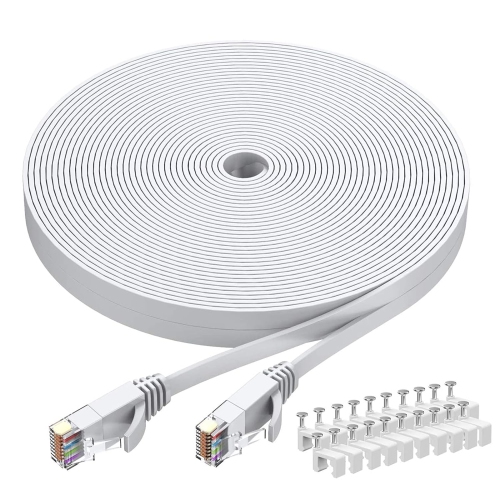
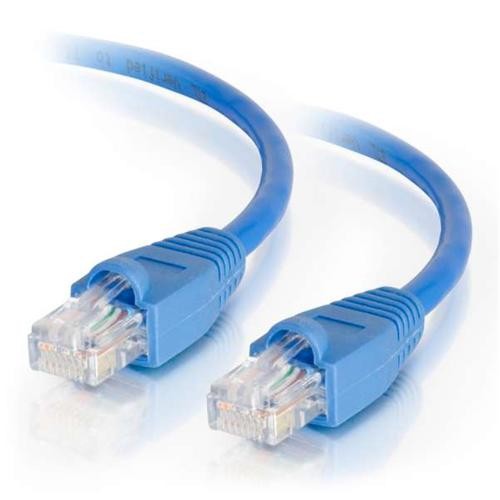
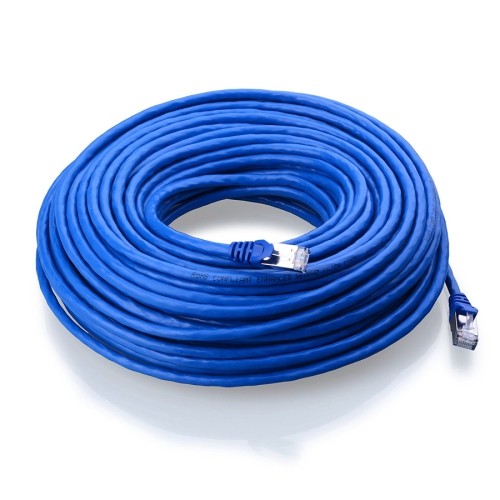
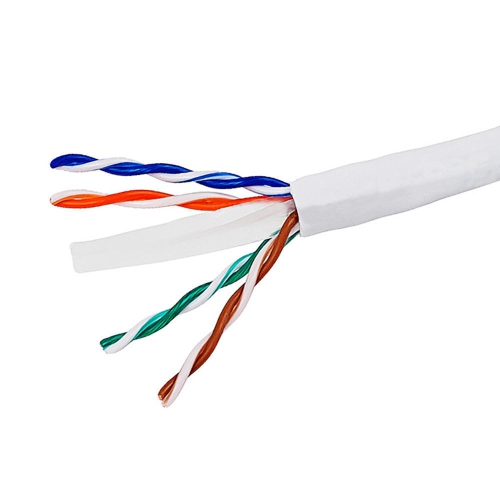
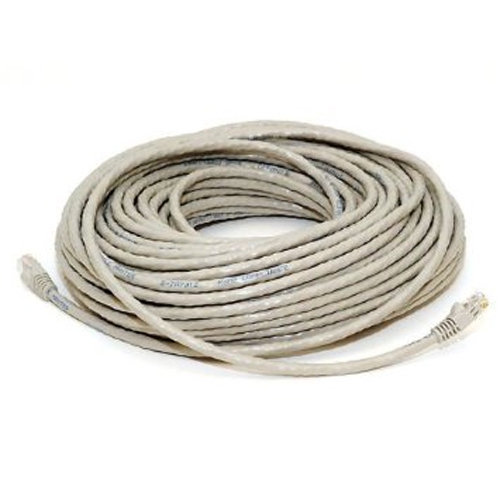
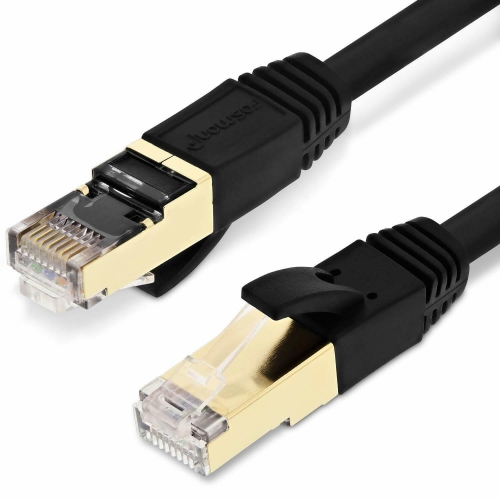
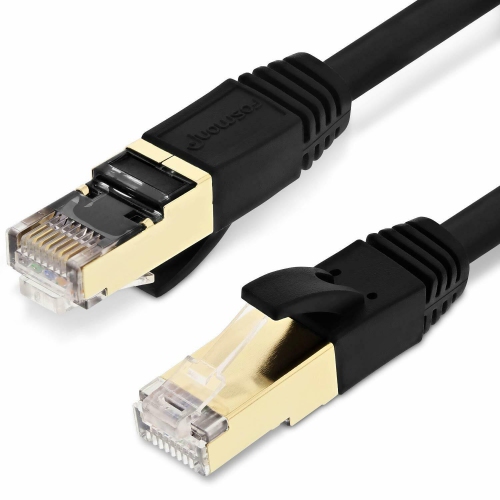
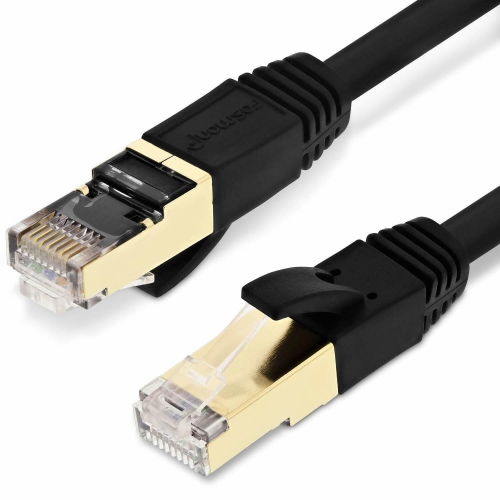
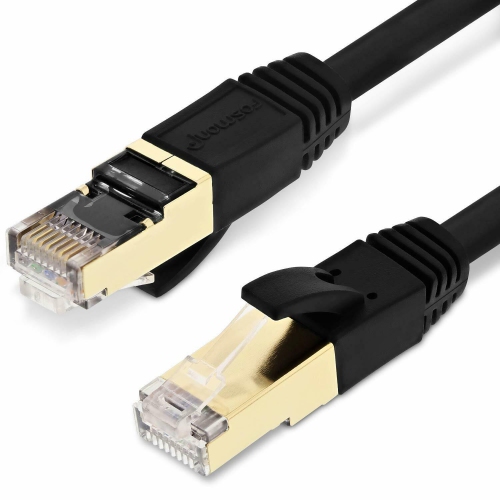
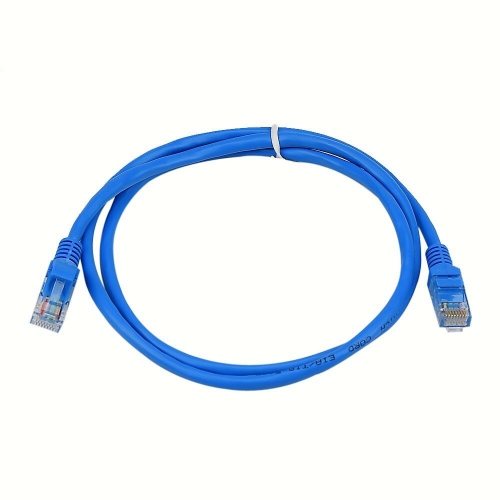
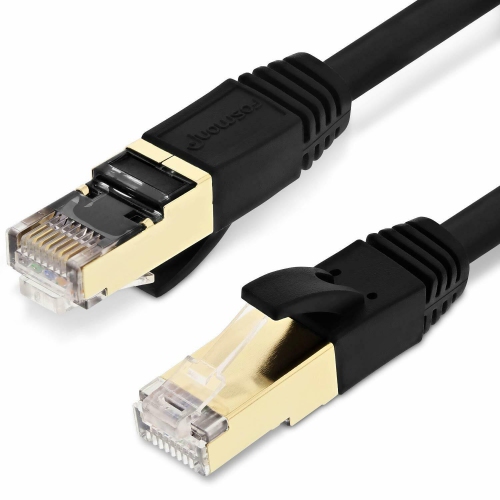
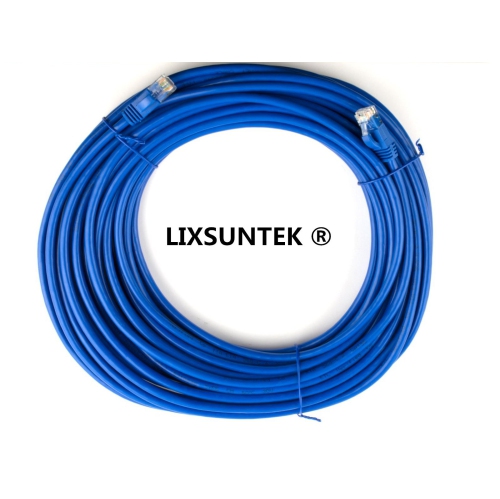
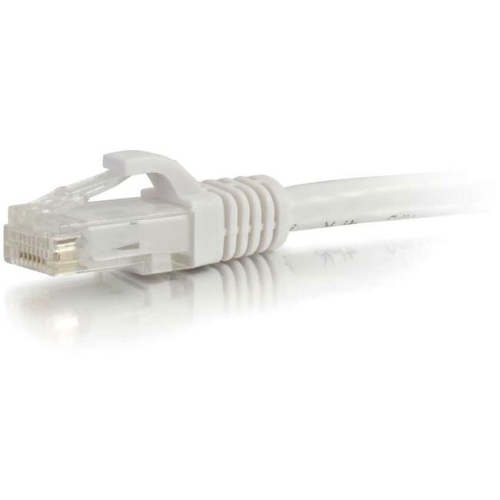
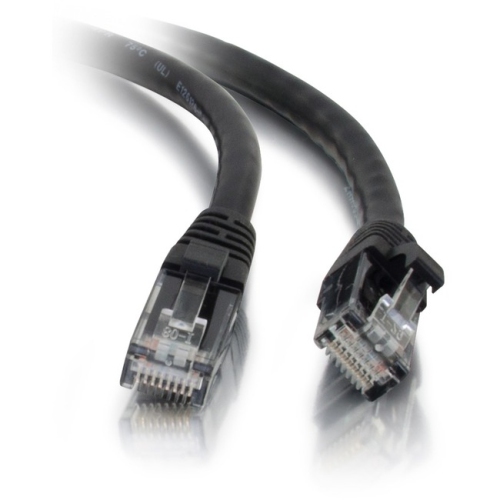
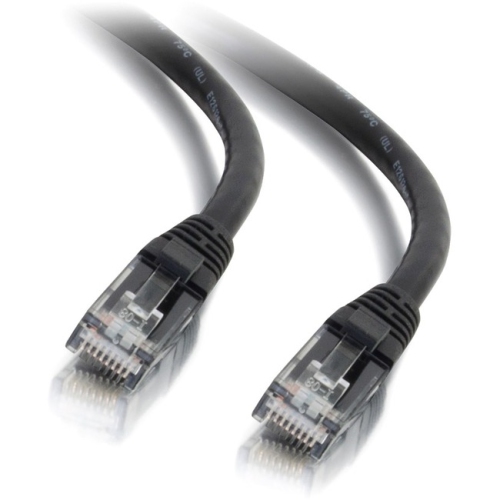
Reliable wired connections for faster, uninterrupted network printing
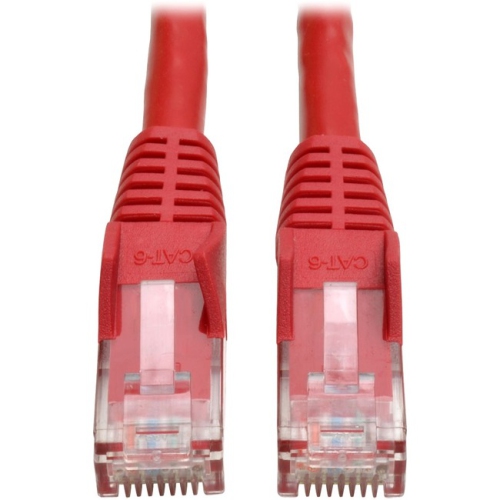
Selecting the right Ethernet cable for a network printer can make a noticeable difference in both the reliability and speed of your office or home printing setup. Whether you’re working in a busy office environment where multiple users rely on a shared network printer, or you’re setting up a home workspace as the weather warms and routines shift, a dependable wired connection ensures seamless document transfers every time you hit “print.” A standard CAT6 or CAT5e Ethernet cable with RJ45 connectors is typically the best choice for connecting your printer to a router or network switch. These cables are designed to deliver stable, high-speed data transfer, minimizing interruptions and delays that can occur with wireless connections, especially when multiple devices are competing for bandwidth. For most printer tasks, a CAT5e cable is sufficient, offering reliable performance for everyday printing needs. However, if you anticipate higher network traffic or want to future-proof your setup, a CAT6 cable supports faster speeds and greater bandwidth, making it a smart investment for modern networks.
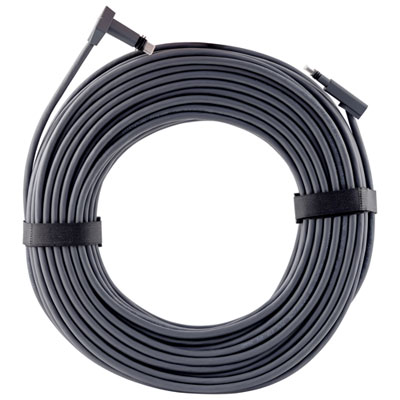
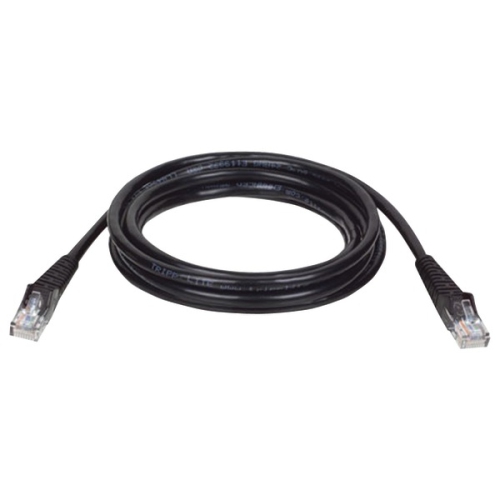
When considering a printer cable to router connection, cable length is another important factor. Shorter patch cables (1 to 5 feet) are ideal if your printer and router are close together, keeping your workspace tidy and organized. For setups where the printer is located farther away—perhaps in a different room or at the end of a long hallway—longer Ethernet cables, ranging from 25 to 100 feet, offer the flexibility to position your devices exactly where you need them without sacrificing connection quality. Installation is straightforward: simply plug one end of the Ethernet cable into the printer’s Ethernet port and the other into an available port on your router or network switch. Once connected, running the printer software on your computer will guide you through the remaining setup steps. It’s worth noting that some printers also feature a square USB B port, which is used for direct, non-network connections; for shared access and network reliability, however, the Ethernet cable for printer setups remains the gold standard.
Ethernet cables for network printers are a practical gift for anyone setting up a new home office, sending a student off to university, or helping a friend upgrade their work-from-home technology. They’re also a thoughtful addition for small business owners, teachers preparing classrooms for the new school year, or anyone who values the peace of mind that comes with a rock-solid connection. With a range of cable colours available, it’s easy to match your cable to your décor or organizational system—if you’re looking for a distinctive option, check out our selection of Yellow Ethernet Cables for an easy-to-spot solution. As the seasons transition from the warmth of summer into the cooler months, ensuring your technology is set up for reliable performance can help streamline your daily routines, whether you’re printing out important documents, family photos, or school assignments. With the right Ethernet cable, you’ll enjoy consistent, high-quality printing that keeps pace with your busy life.
When considering a printer cable to router connection, cable length is another important factor. Shorter patch cables (1 to 5 feet) are ideal if your printer and router are close together, keeping your workspace tidy and organized. For setups where the printer is located farther away—perhaps in a different room or at the end of a long hallway—longer Ethernet cables, ranging from 25 to 100 feet, offer the flexibility to position your devices exactly where you need them without sacrificing connection quality. Installation is straightforward: simply plug one end of the Ethernet cable into the printer’s Ethernet port and the other into an available port on your router or network switch. Once connected, running the printer software on your computer will guide you through the remaining setup steps. It’s worth noting that some printers also feature a square USB B port, which is used for direct, non-network connections; for shared access and network reliability, however, the Ethernet cable for printer setups remains the gold standard.
Ethernet cables for network printers are a practical gift for anyone setting up a new home office, sending a student off to university, or helping a friend upgrade their work-from-home technology. They’re also a thoughtful addition for small business owners, teachers preparing classrooms for the new school year, or anyone who values the peace of mind that comes with a rock-solid connection. With a range of cable colours available, it’s easy to match your cable to your décor or organizational system—if you’re looking for a distinctive option, check out our selection of Yellow Ethernet Cables for an easy-to-spot solution. As the seasons transition from the warmth of summer into the cooler months, ensuring your technology is set up for reliable performance can help streamline your daily routines, whether you’re printing out important documents, family photos, or school assignments. With the right Ethernet cable, you’ll enjoy consistent, high-quality printing that keeps pace with your busy life.
Top selling and popular products
-
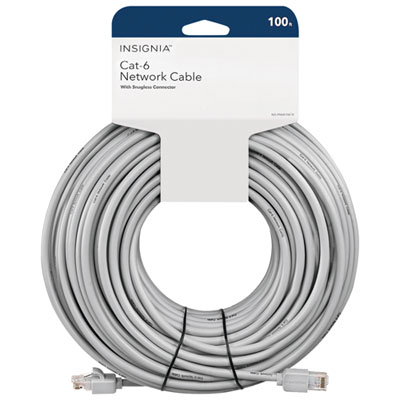 Your price for this item is $49.95
 -
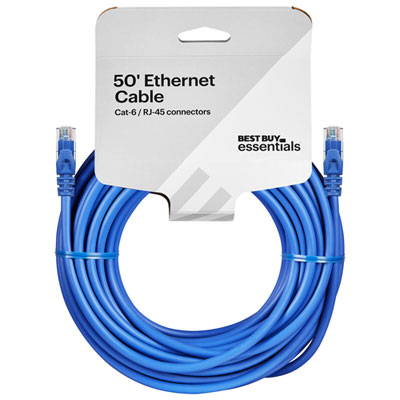 Your price for this item is $24.99
 -
 Your price for this item is $164.99
 -
 Your price for this item is $11.68
 -
 Your price for this item is $68.68
 -
 Your price for this item is $47.68
 -
 Your price for this item is $46.68
 -
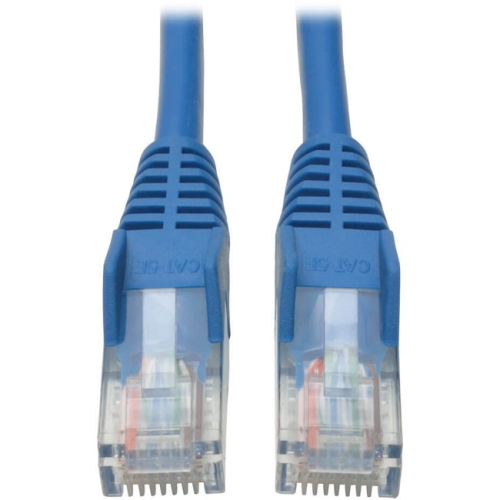 Your price for this item is $24.68
Discover more categories related to Ethernet Cables for Network Printer

Top Collections:
Pokemon Centers, Kindle Devices, Best Budget Office Chairs, Apple iPhones 16, Best Laptops for Writers, iPhone 15 Apple, Canon G7X Cameras, Refurbished Apple Laptops, Alarm Clock, Motorola Razr Phones
Some products may be subject to Environmental Handling Fees
(EHF) depending on your province.
Learn more about EHFs.