Ethernet Cables for Networking
Explore our selection of Ethernet cables designed to enhance your networking capabilities. Whether you're setting up a new connection, replacing old cables, or optimizing your existing network, we have a variety of Ethernet cables to meet your needs. From Cat5e to Cat8, our range includes different lengths and styles to ensure seamless connectivity and high-speed data transfers. Upgrade your network infrastructure with reliable Ethernet cables that deliver superior performance and stability for all your networking requirements.
Sort


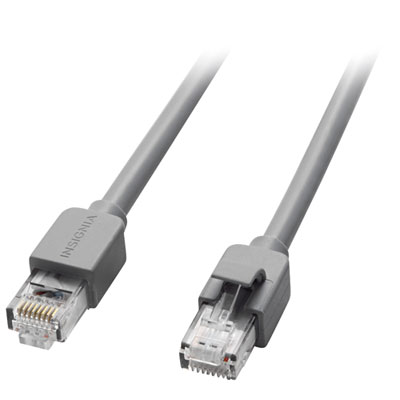
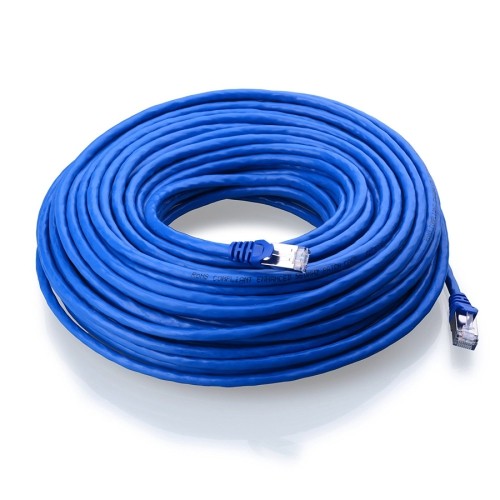
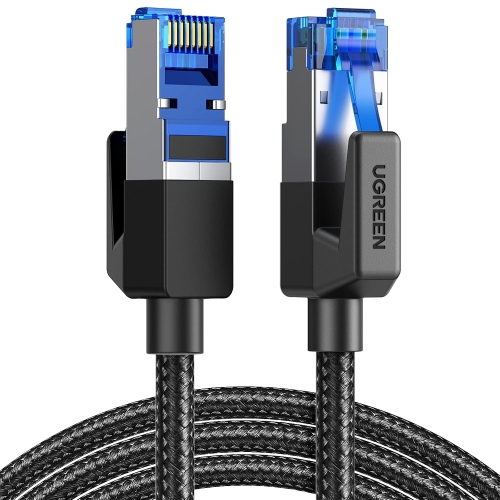
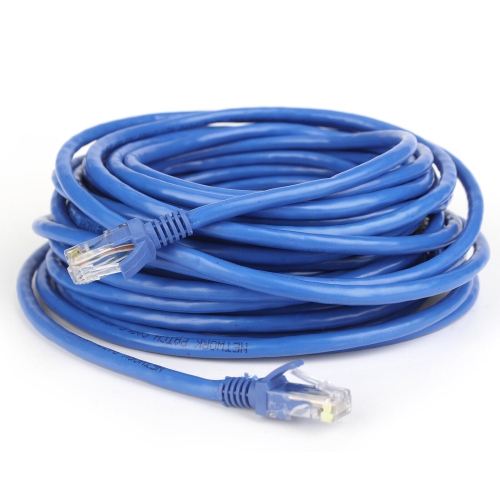
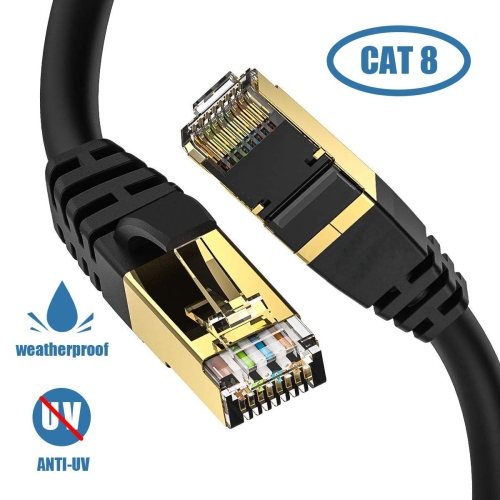
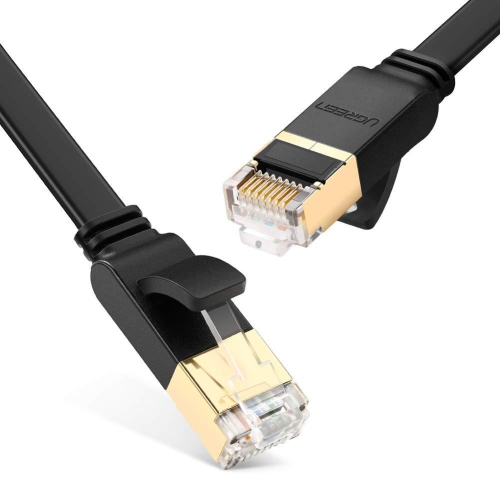
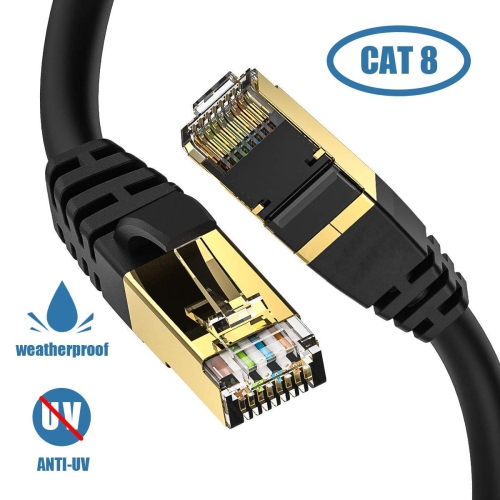
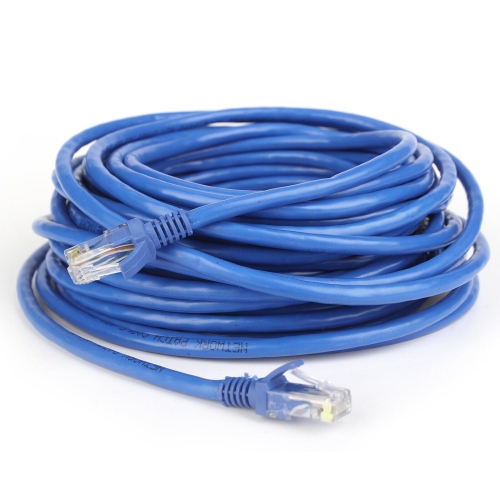
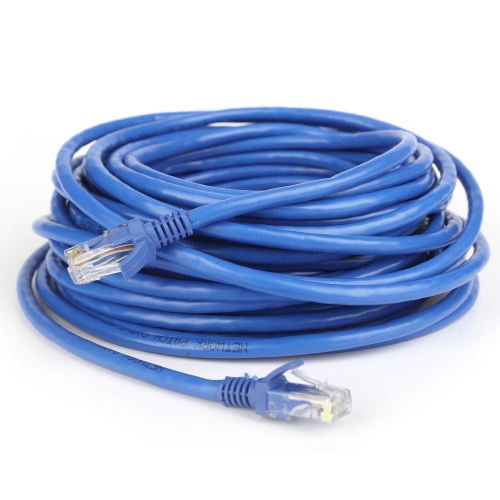
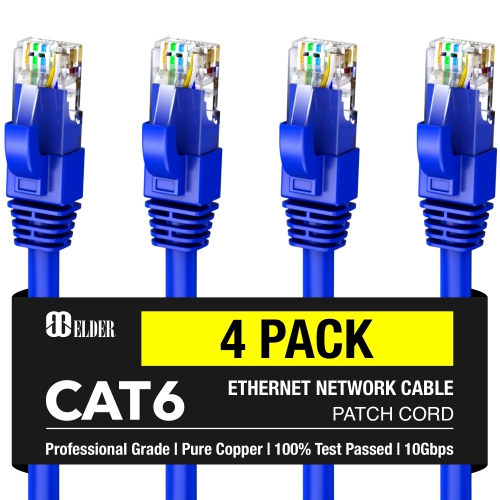
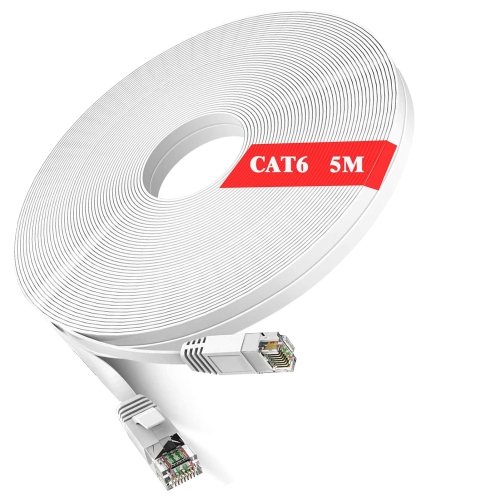
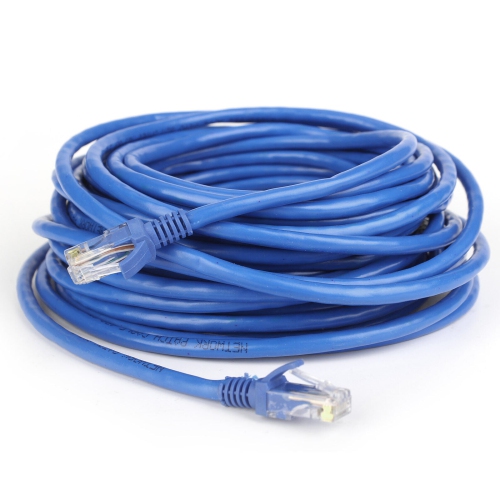
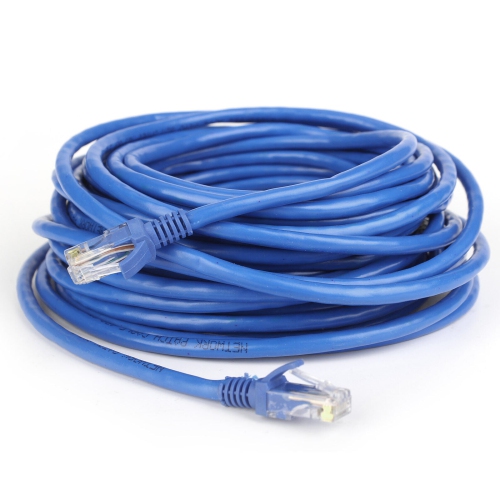
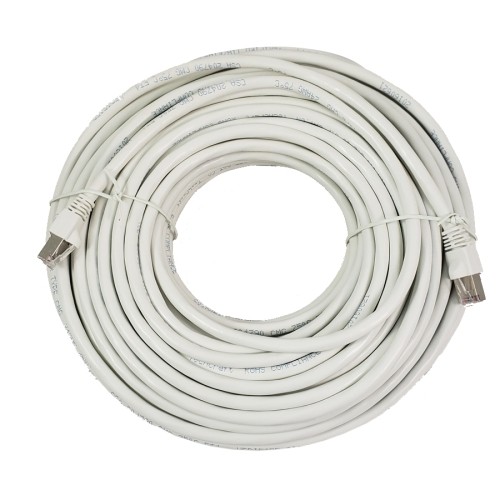
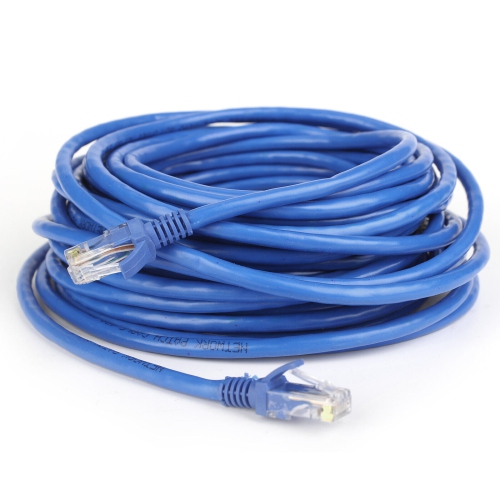
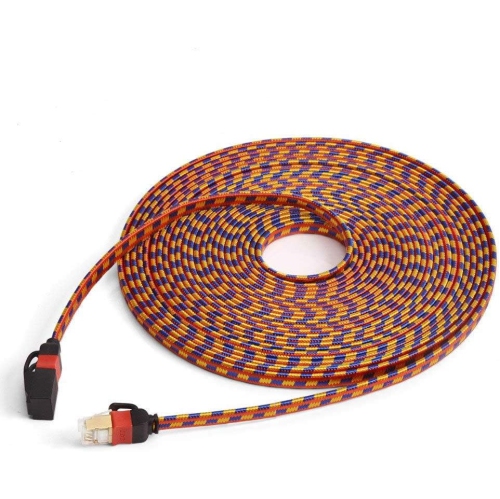








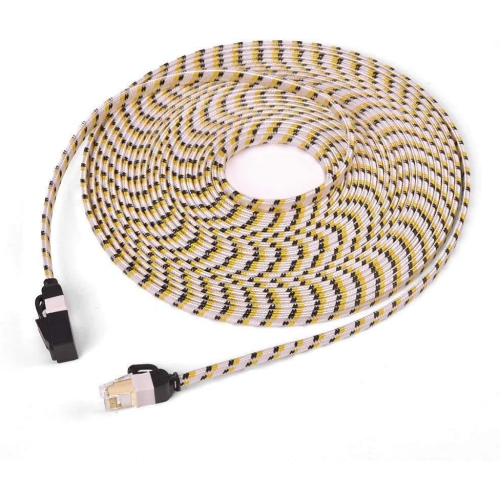
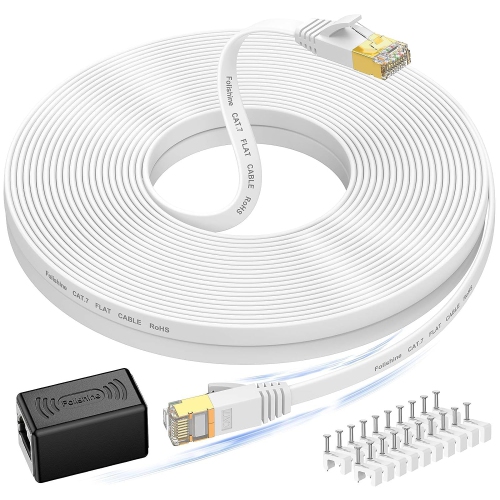
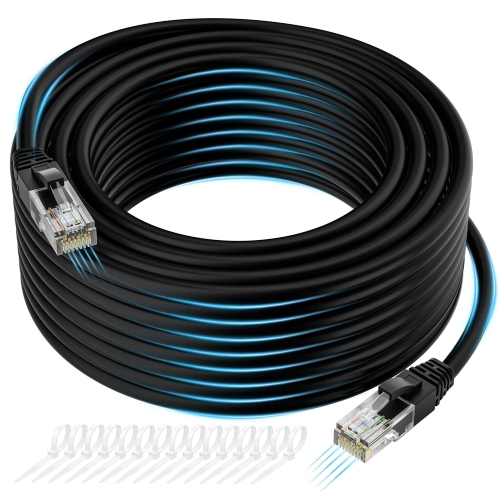


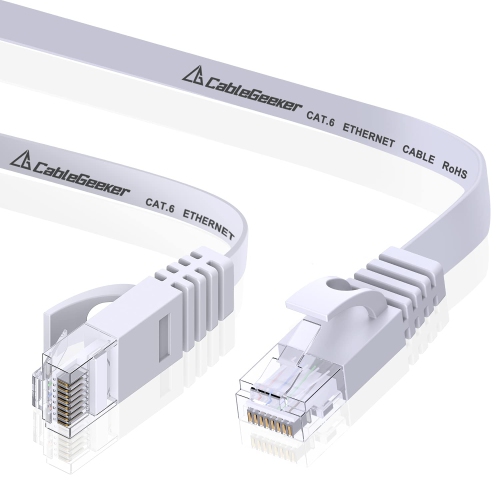
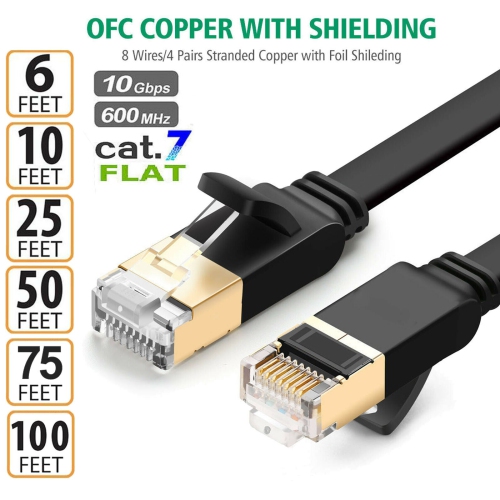
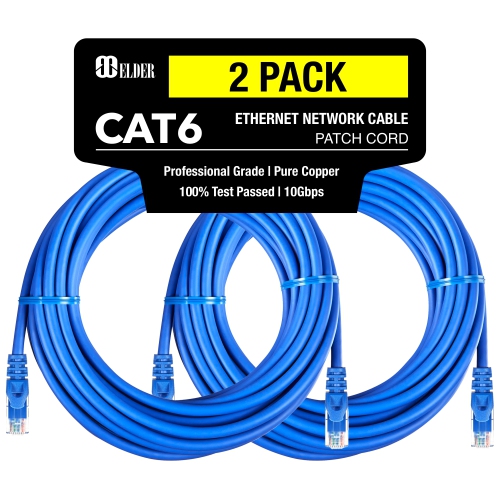
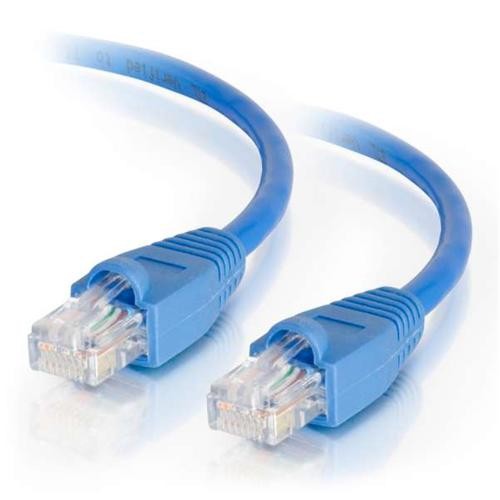
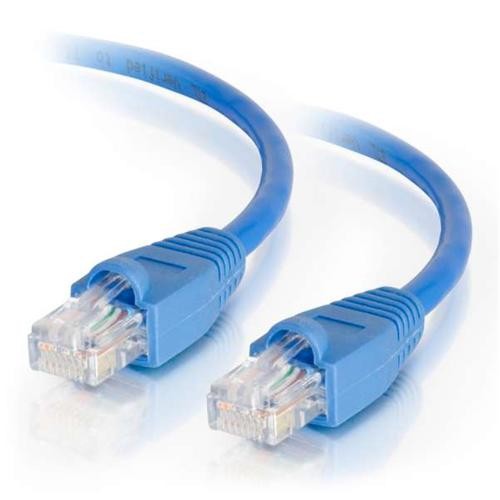
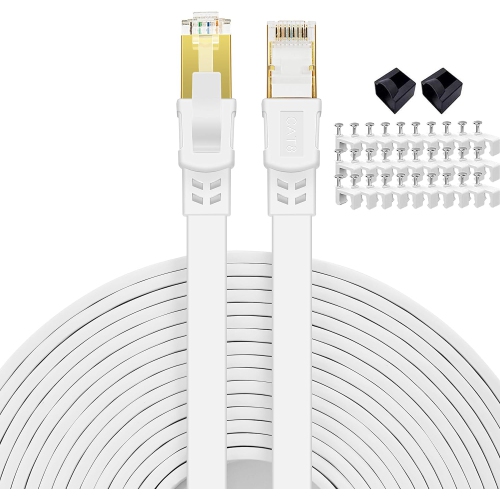
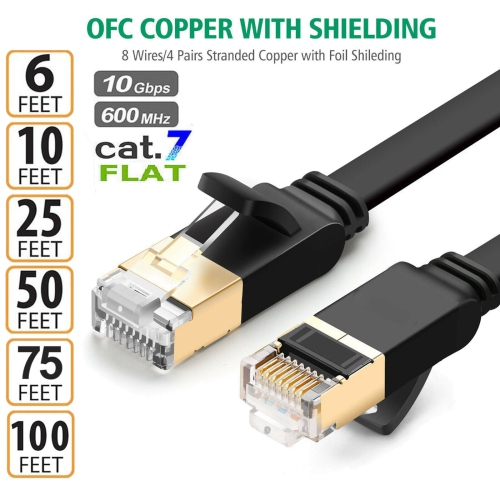
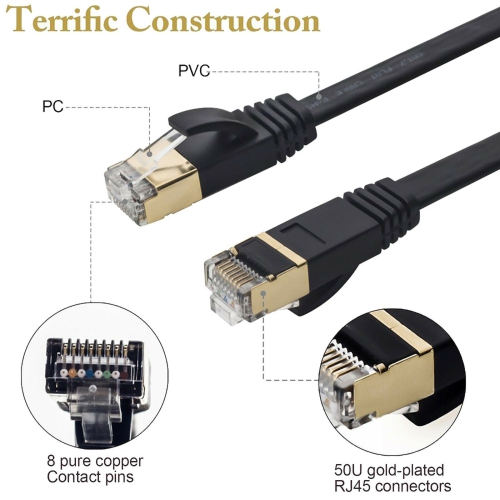
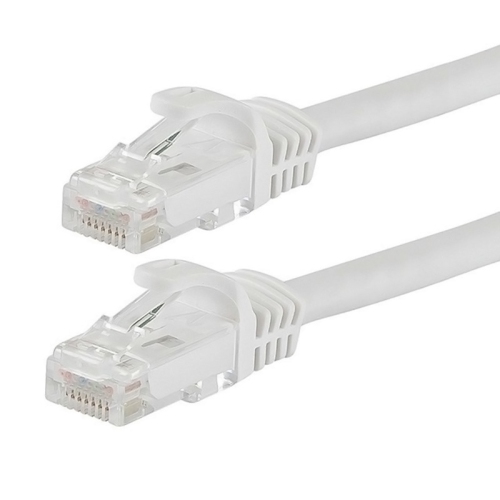
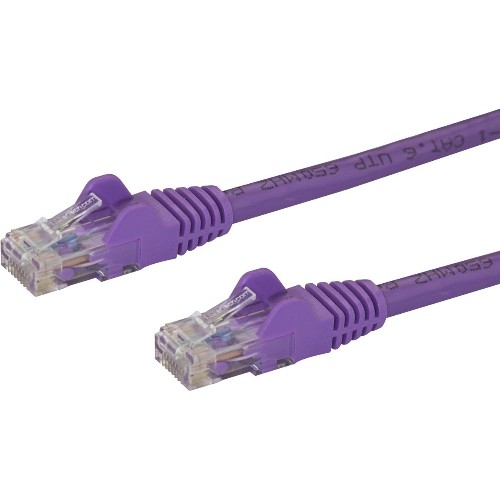

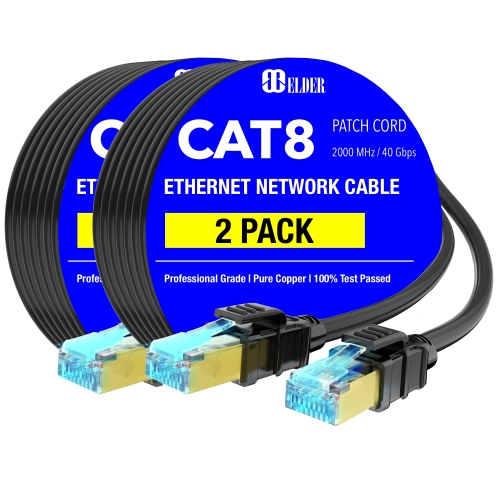
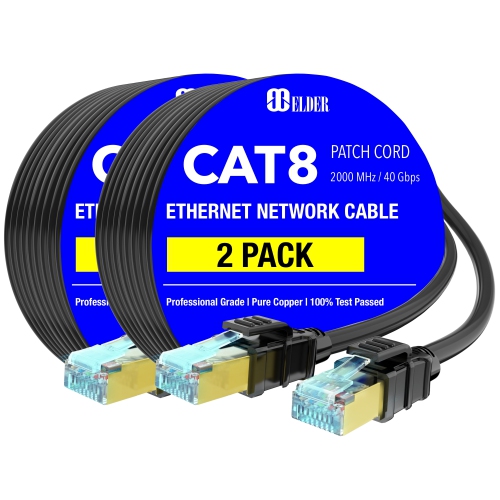
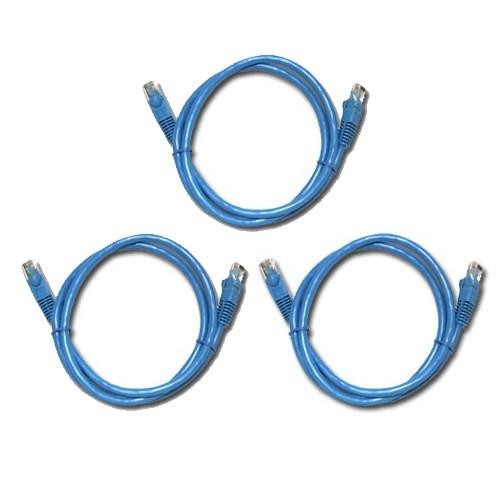

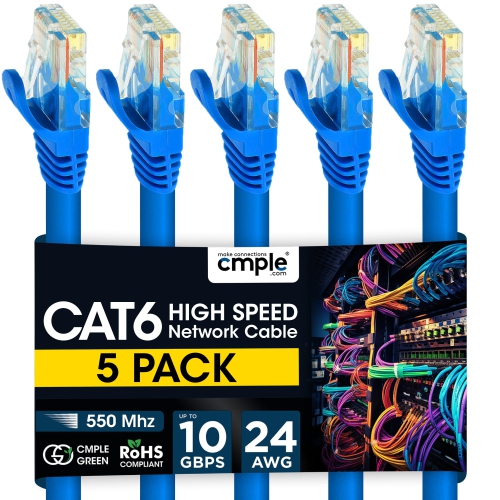

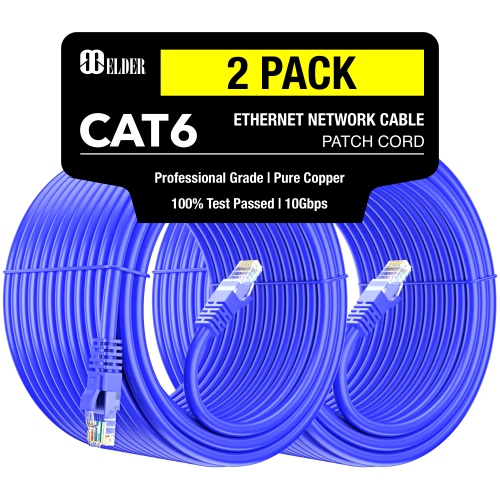

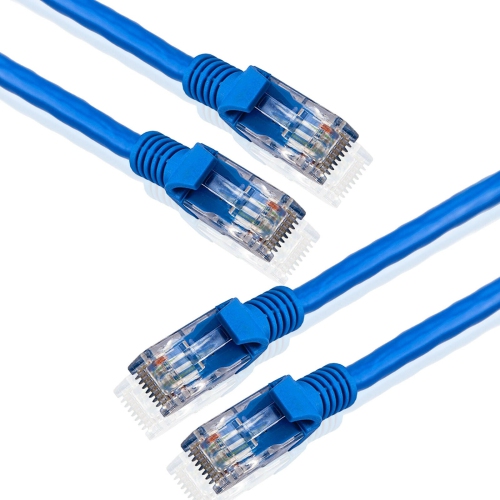
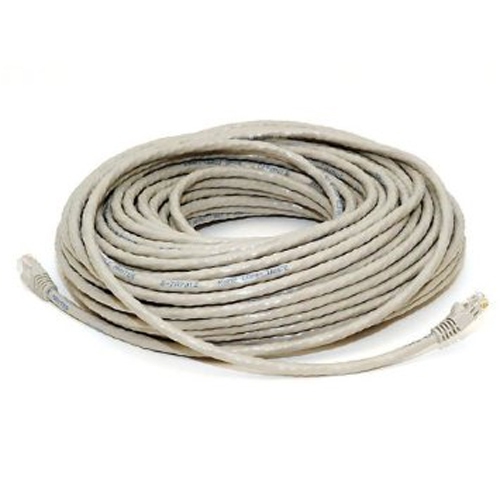
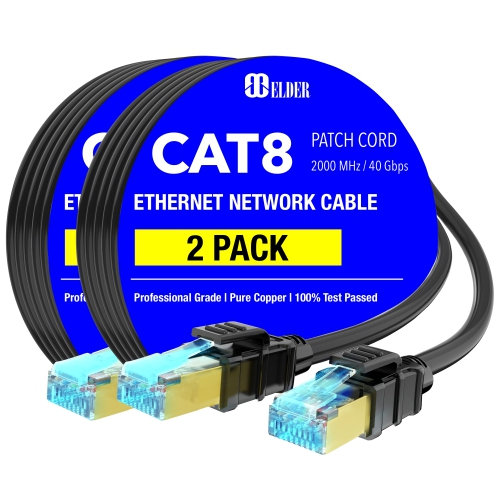


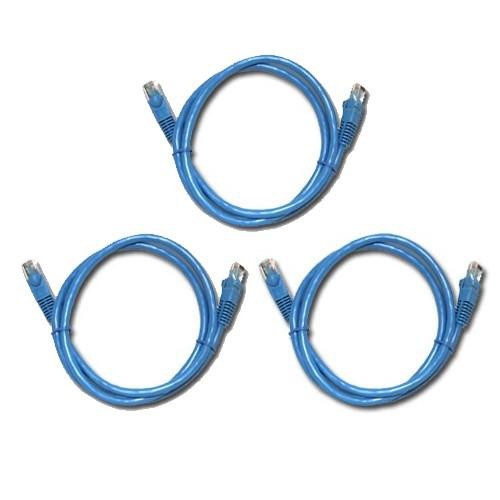

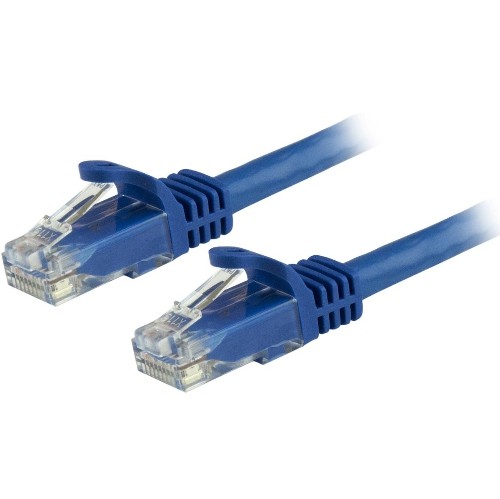
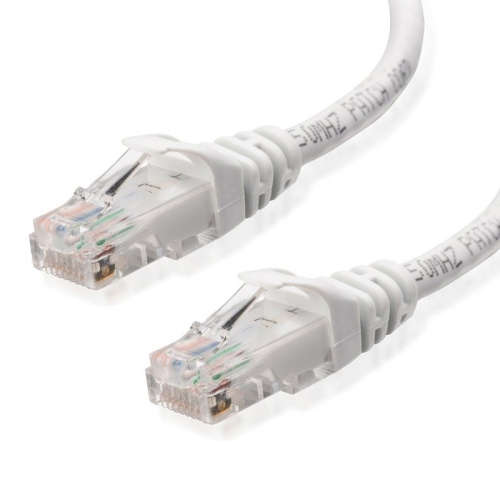
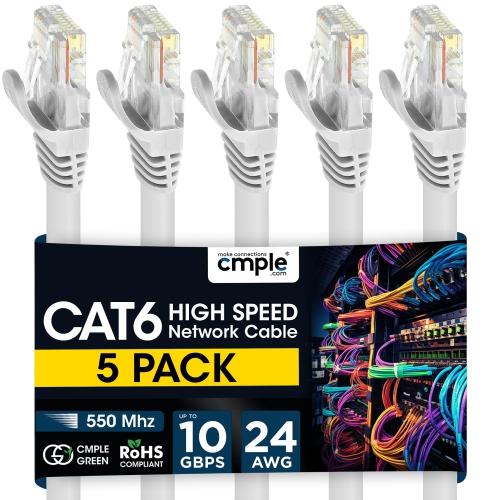
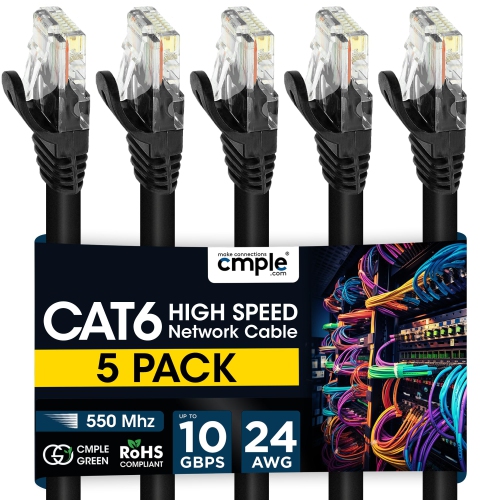
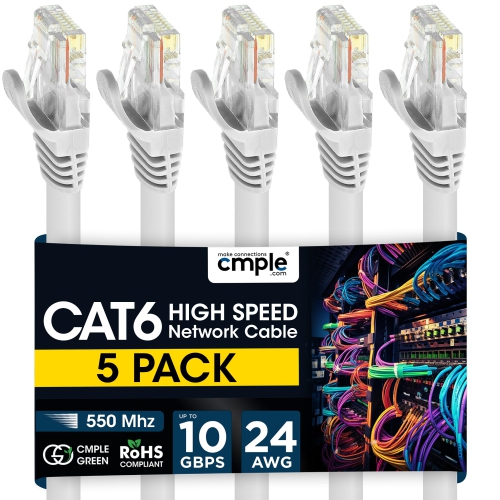

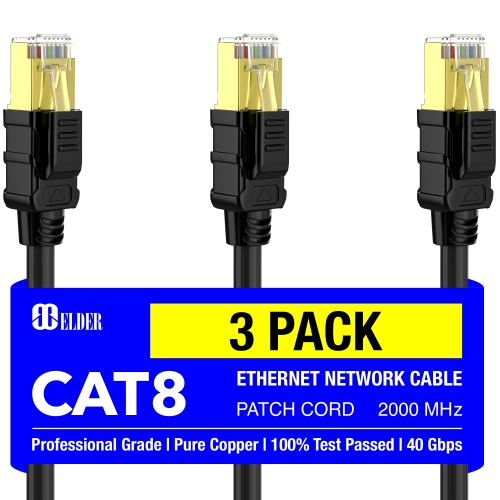
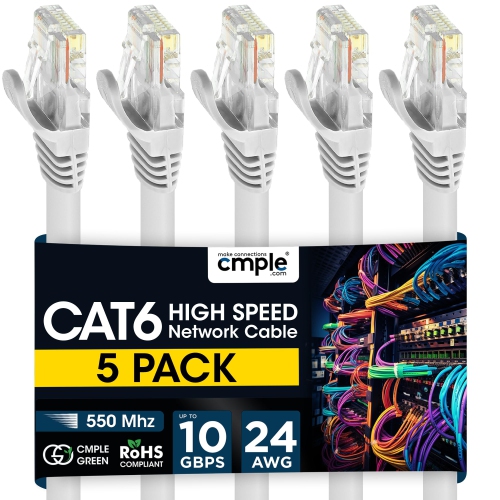
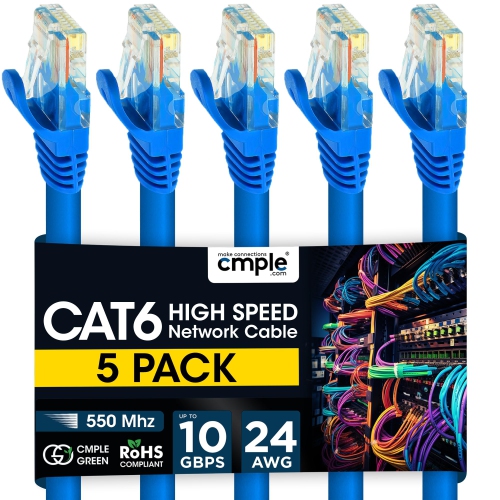


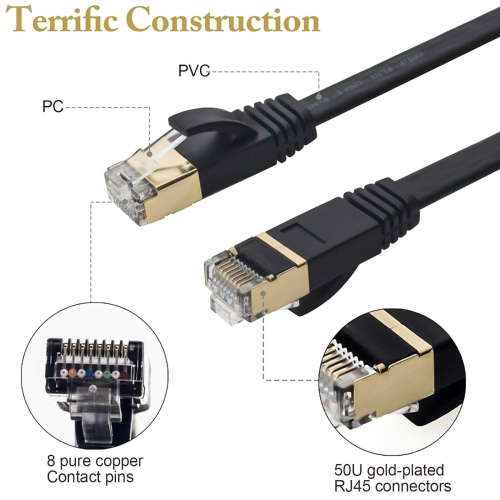
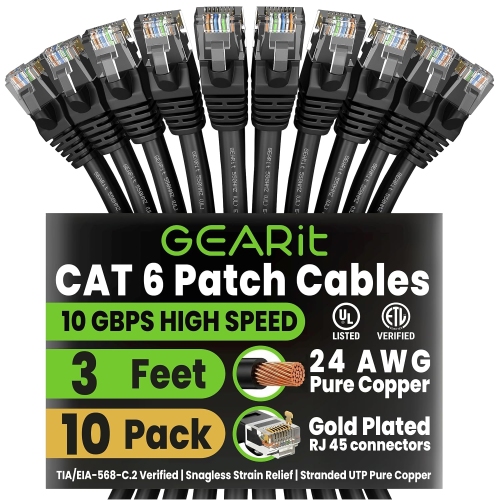


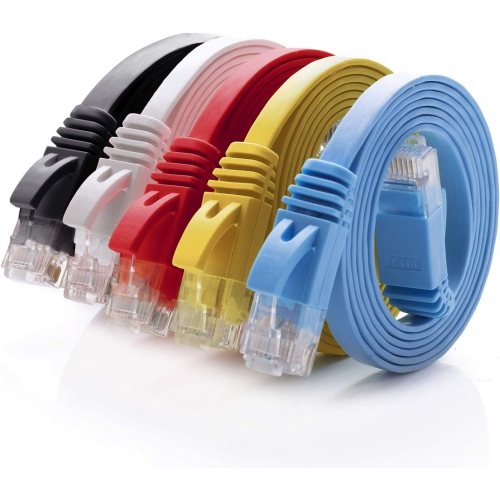
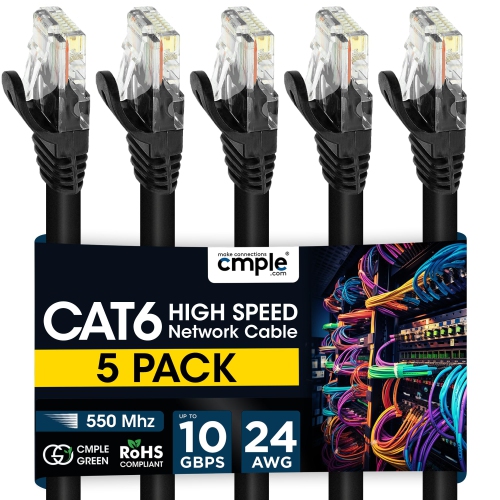

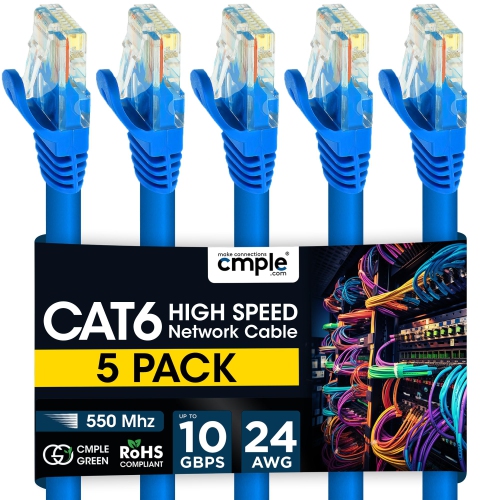
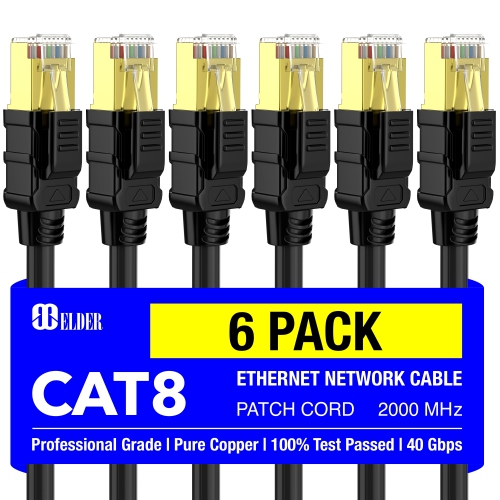

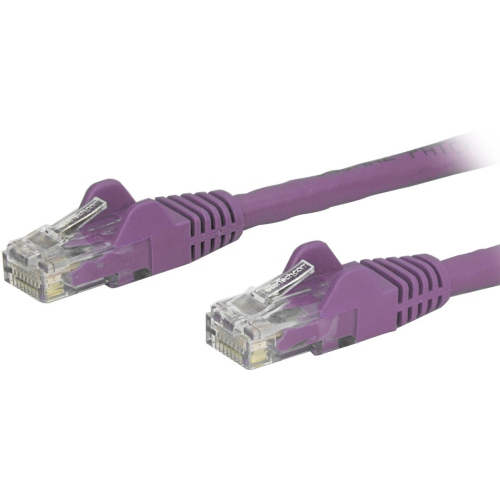
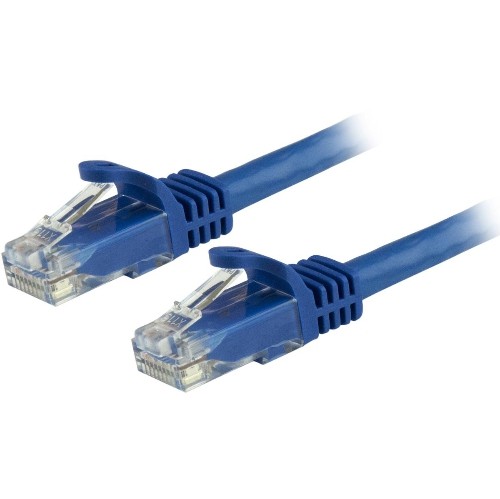


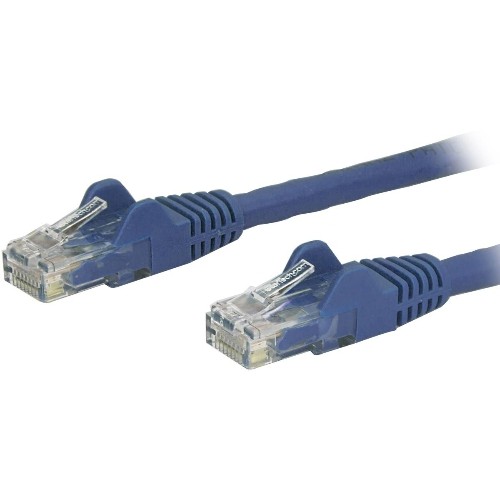
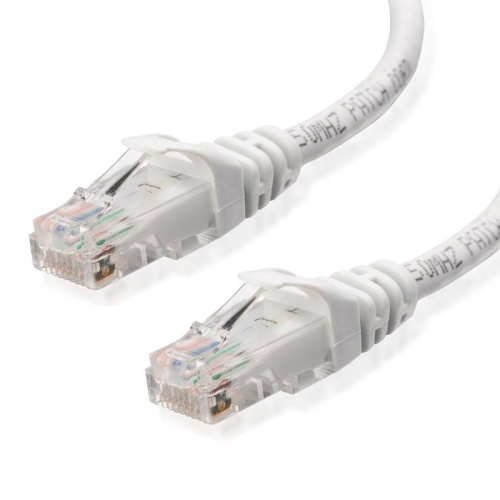
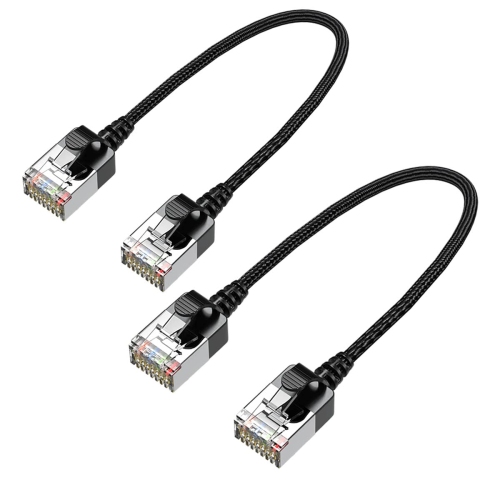
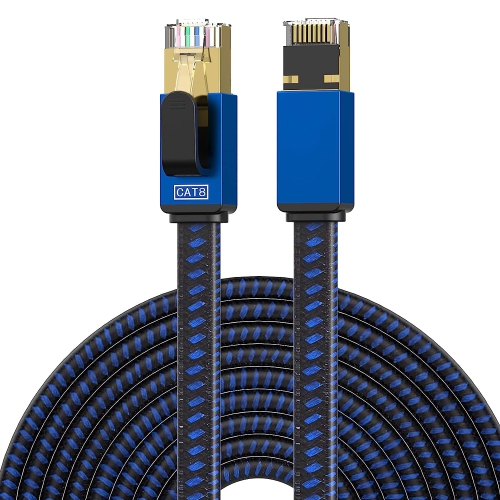
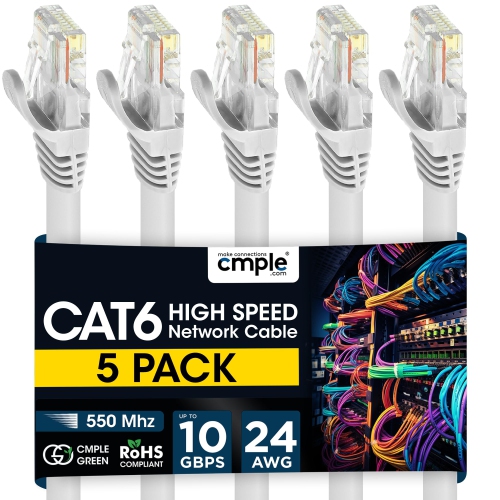

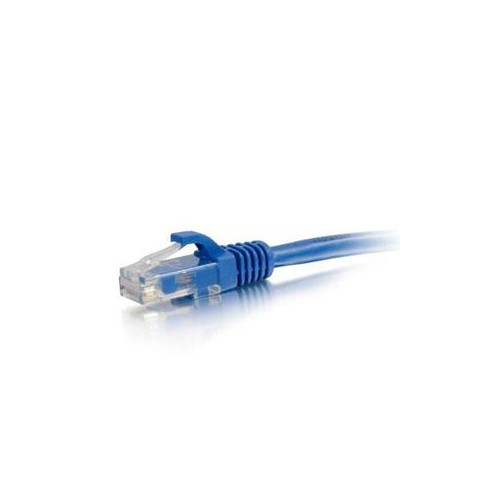
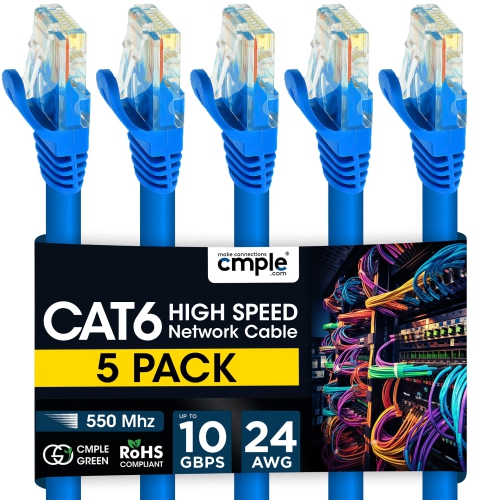

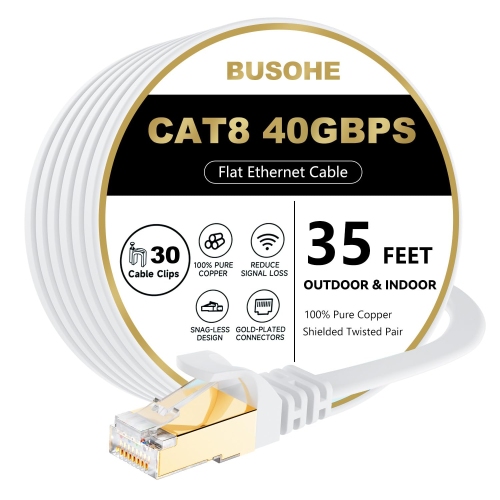
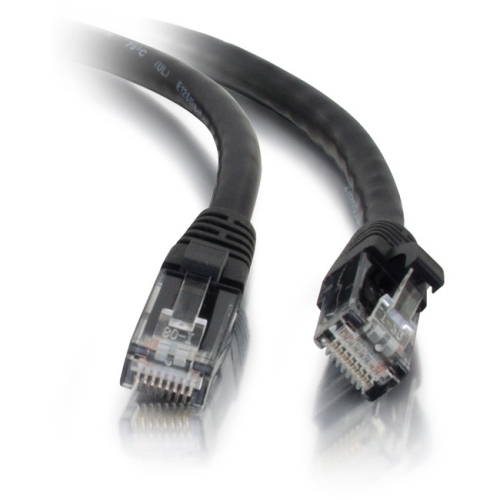
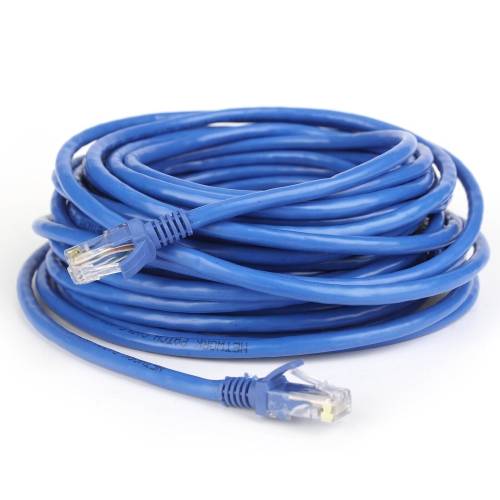

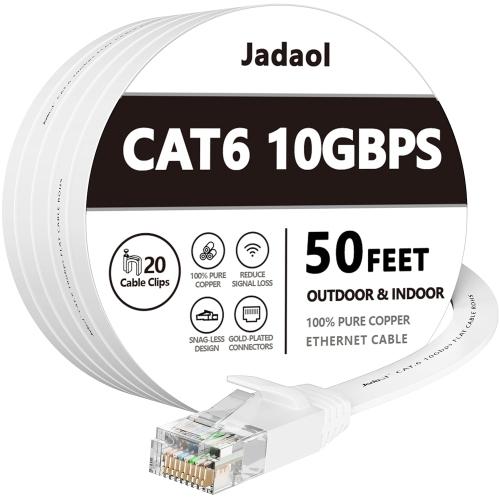
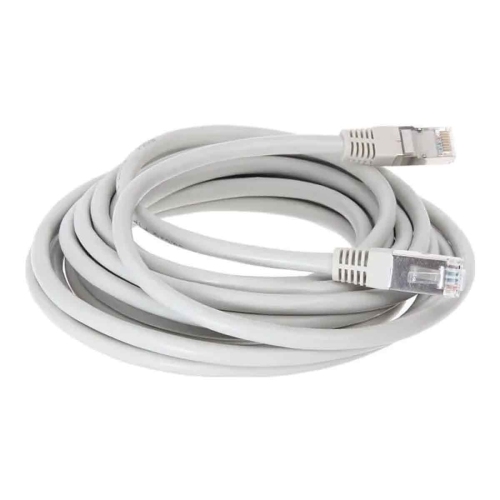


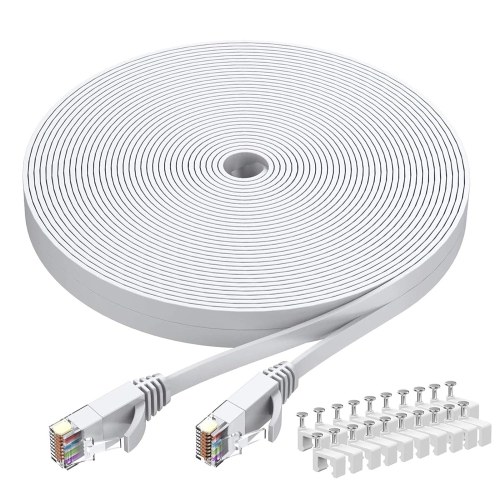
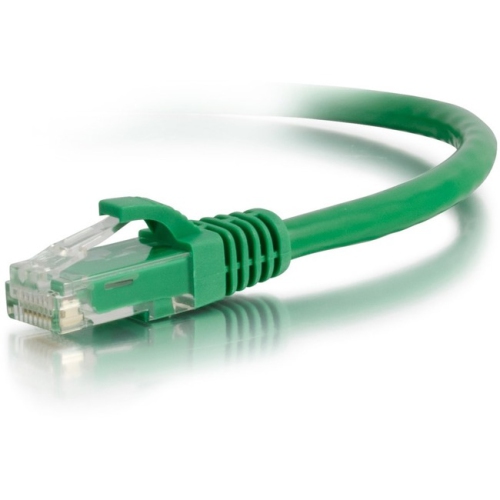


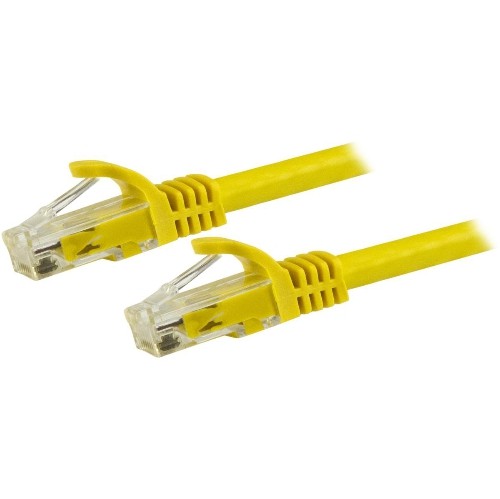


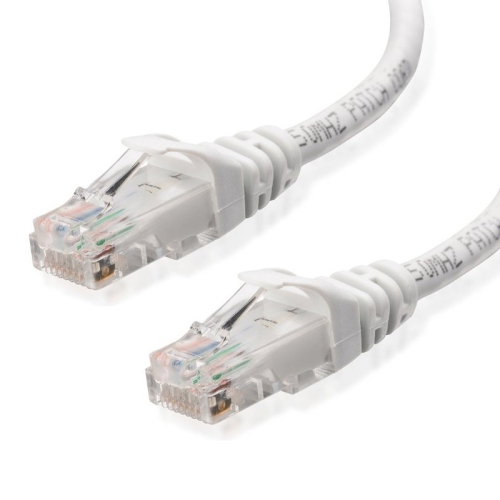
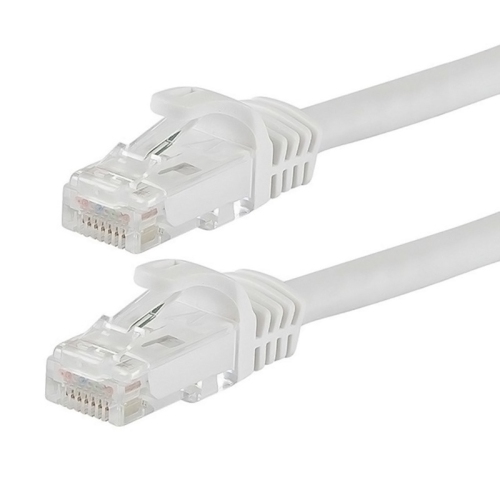
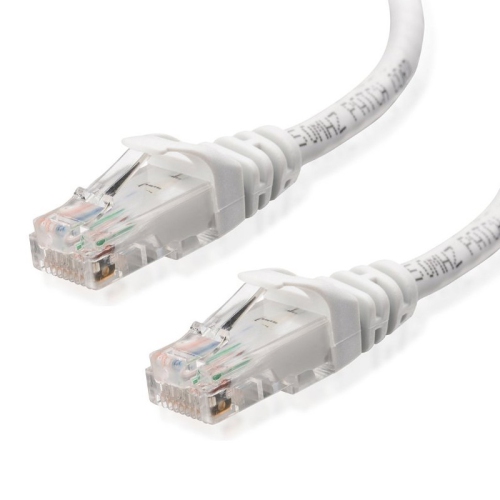
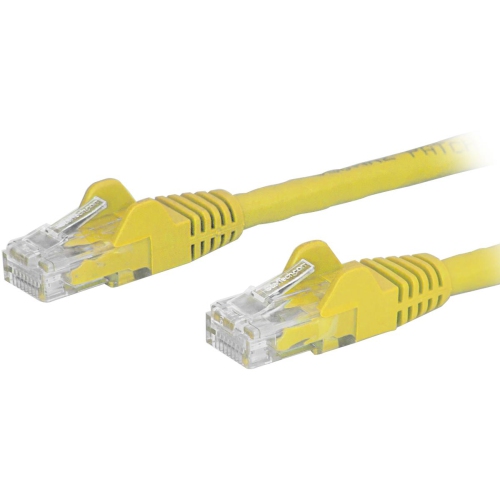

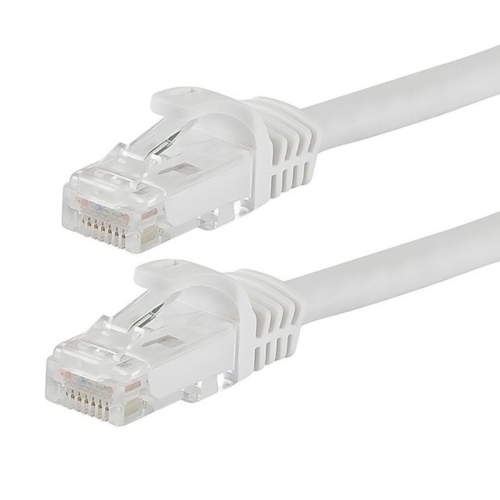


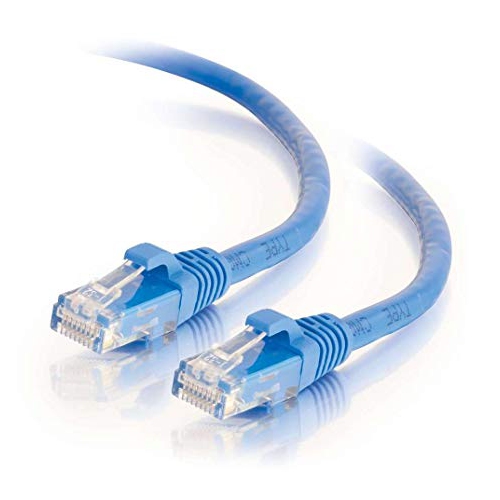
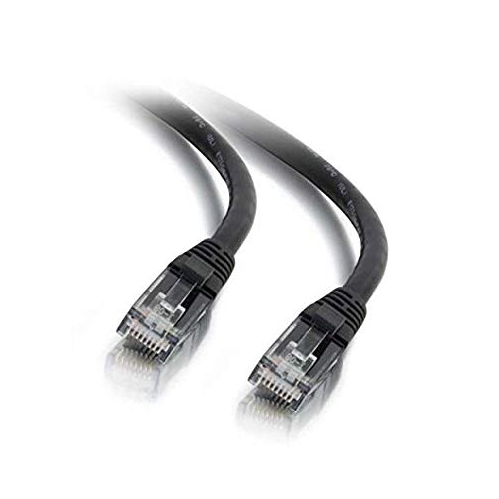
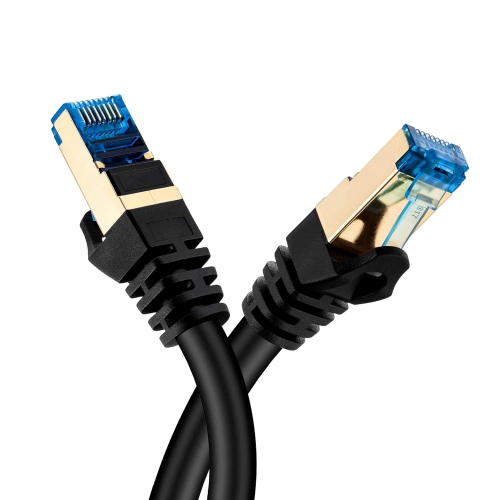
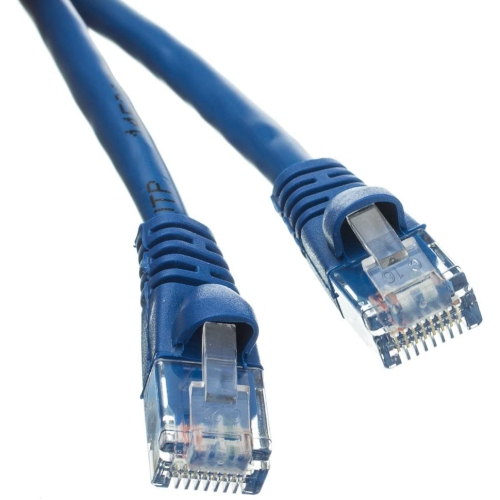

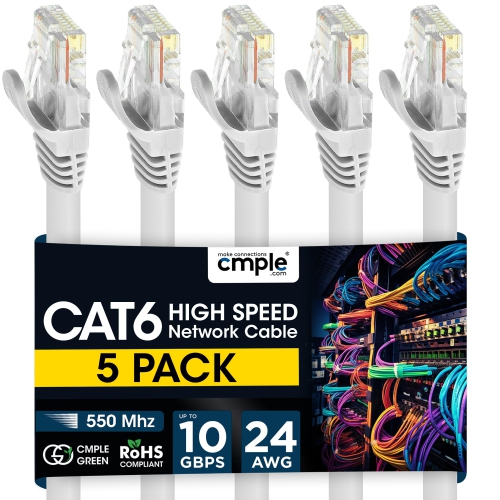




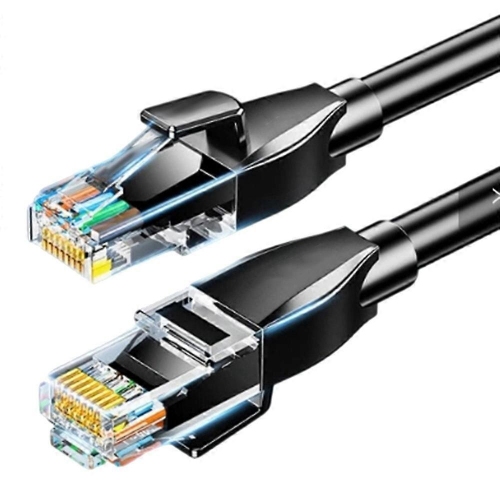
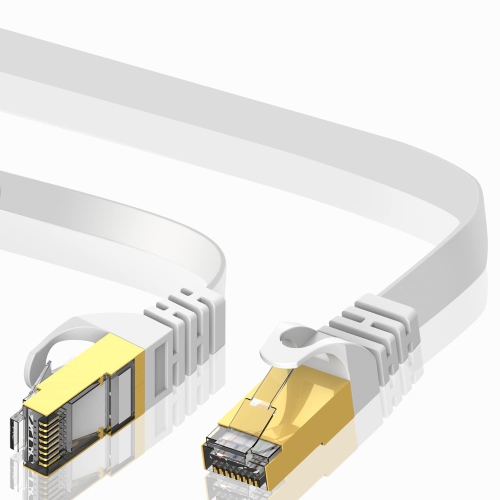

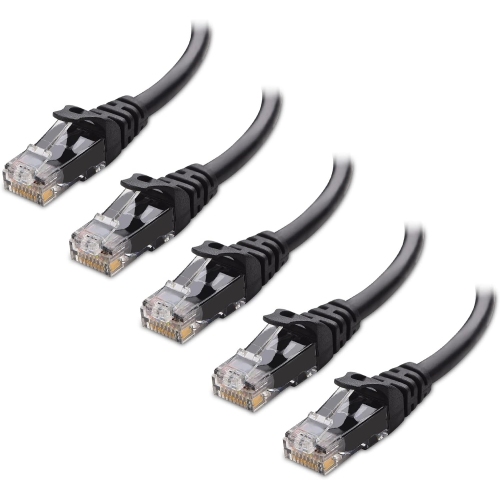
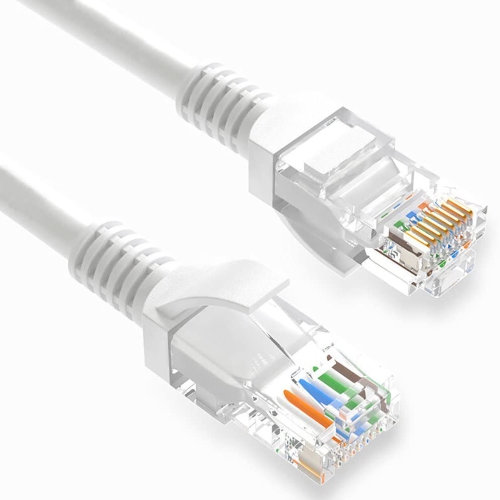

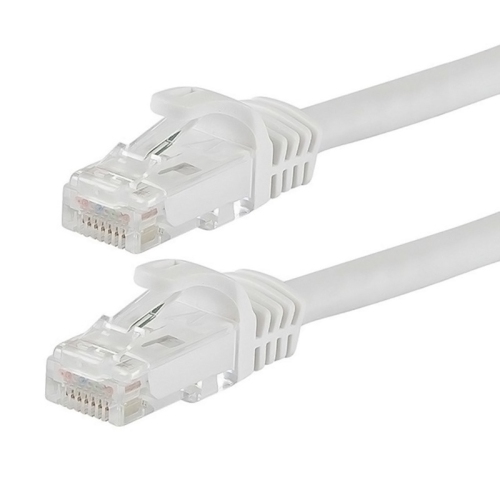

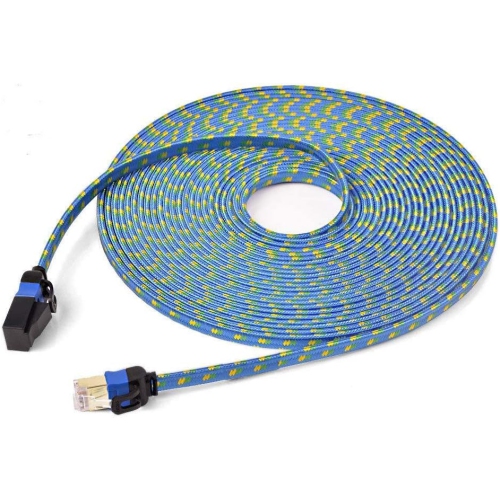
How Ethernet cables support a consistent wired connection
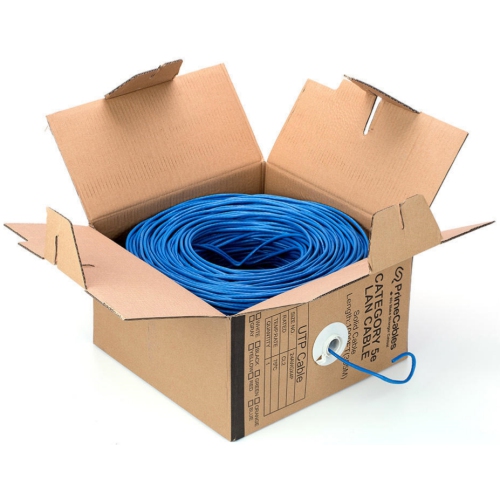
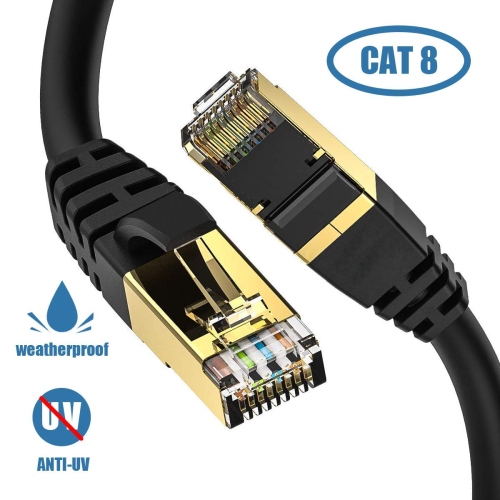
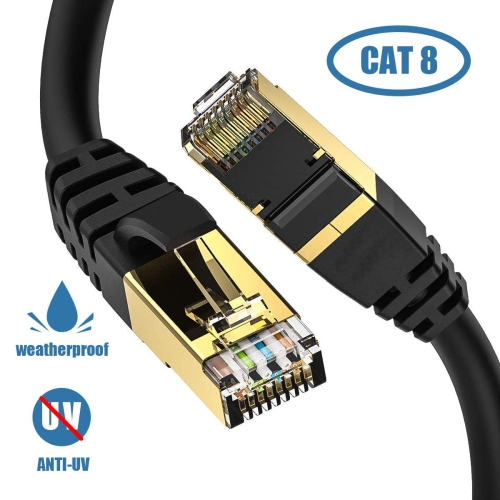
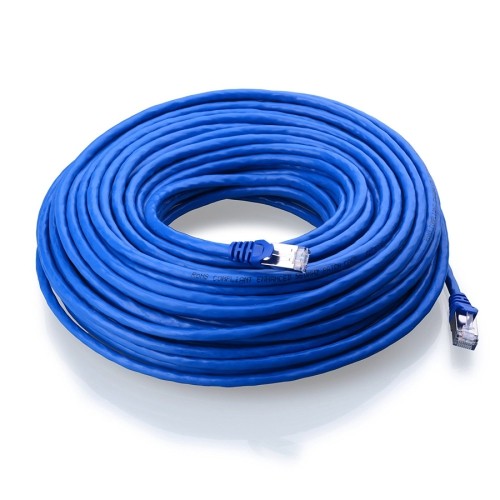
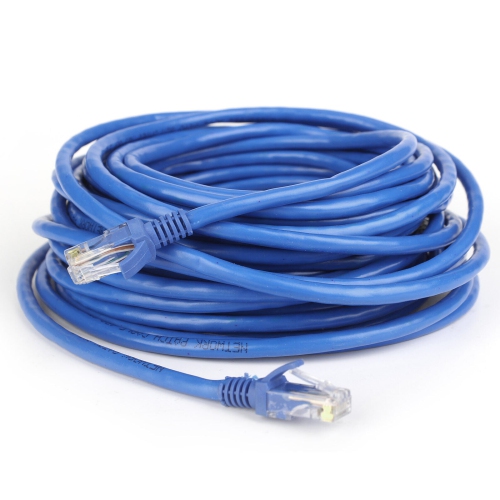
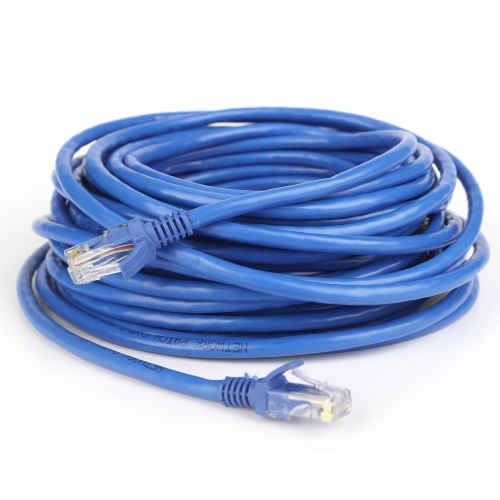
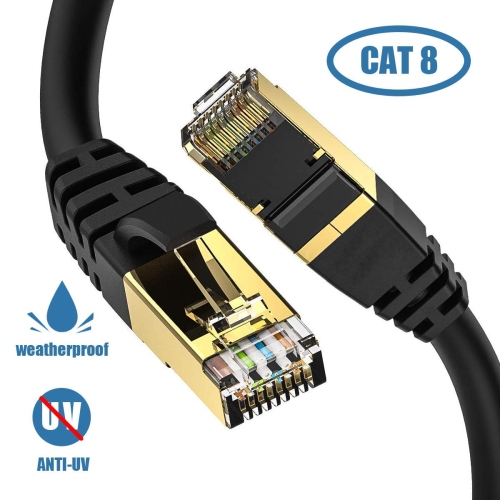
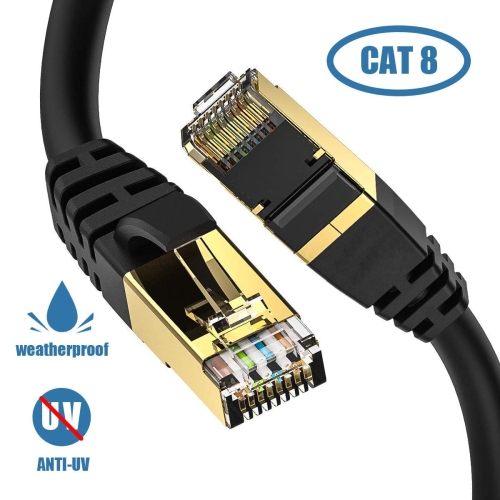
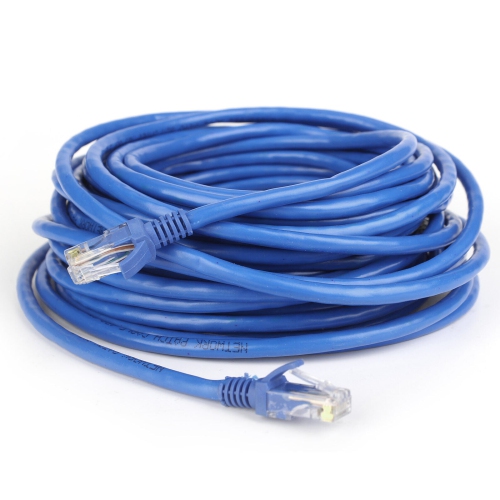
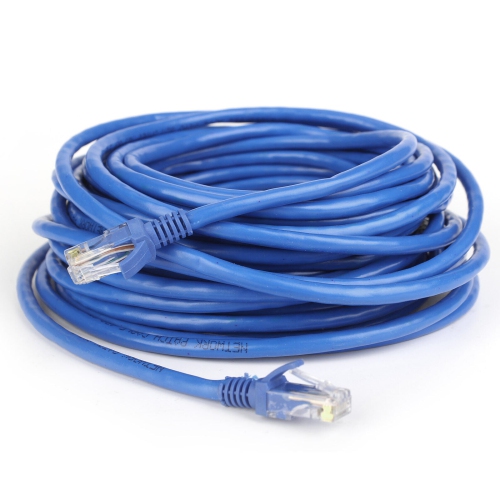
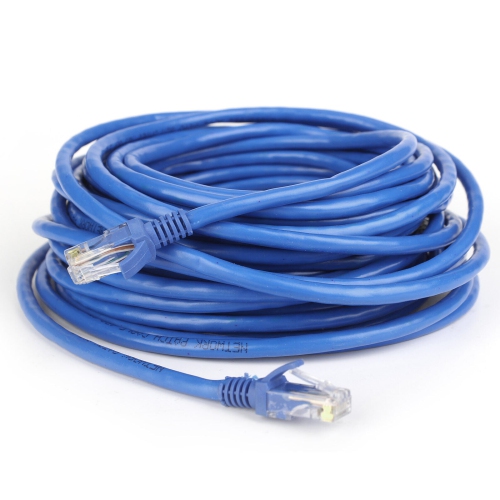
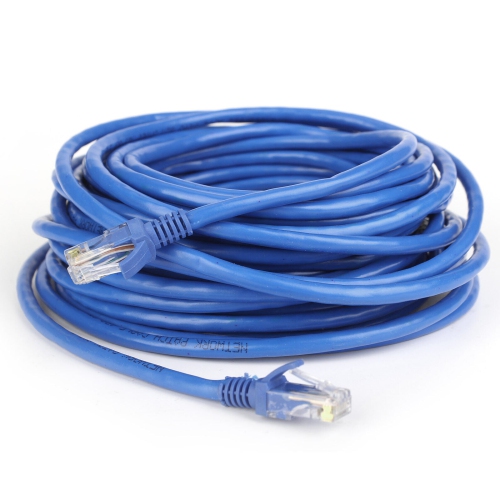
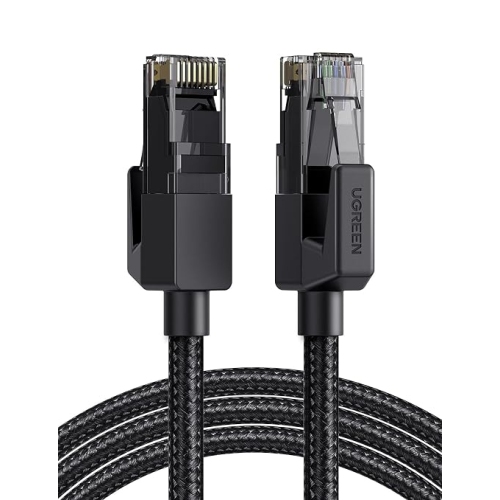
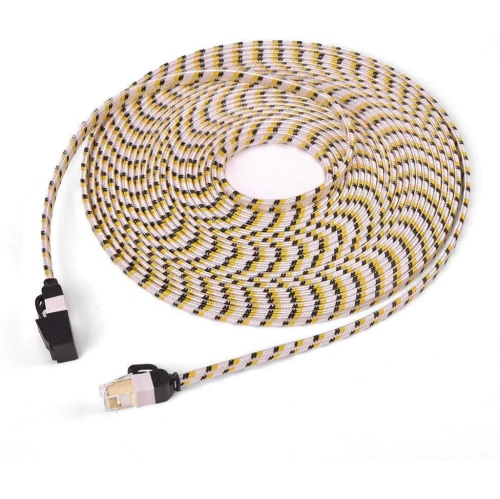
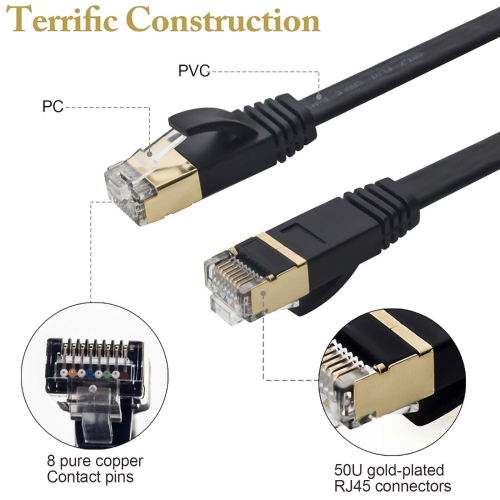
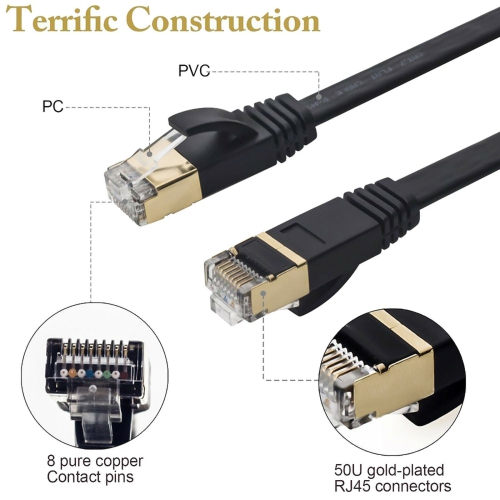
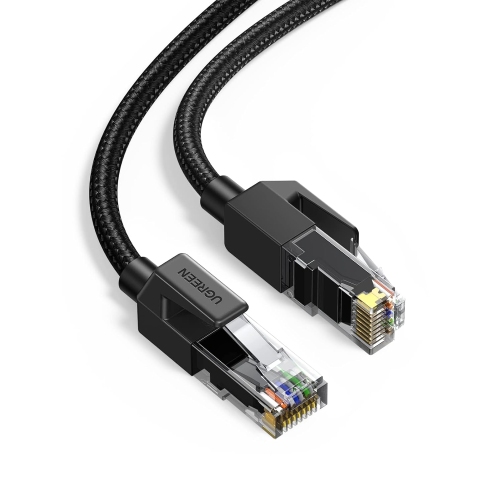
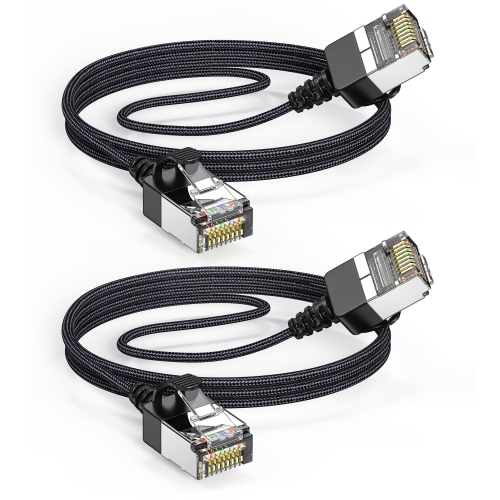
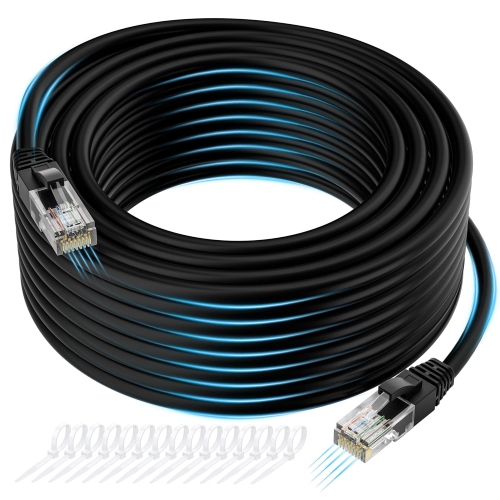
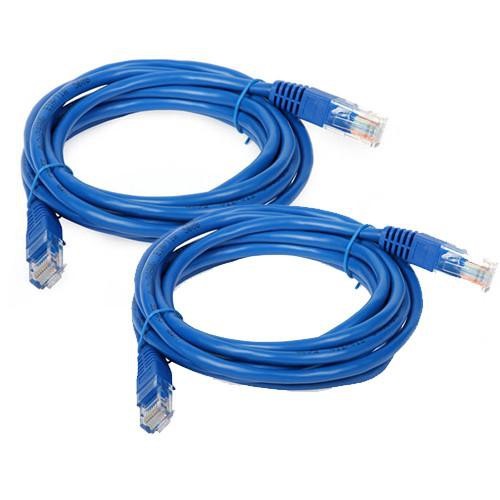
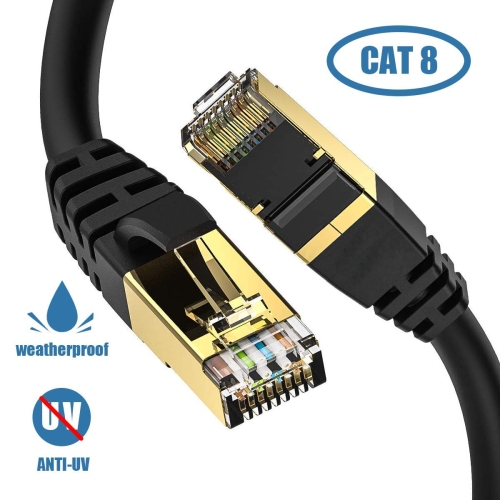
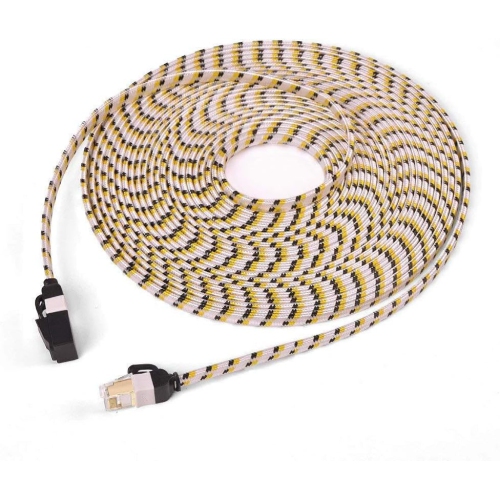
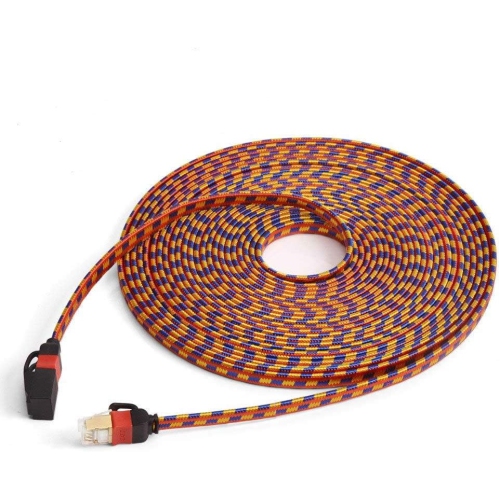
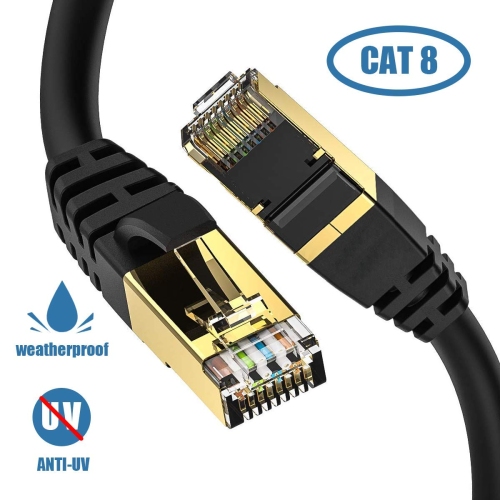
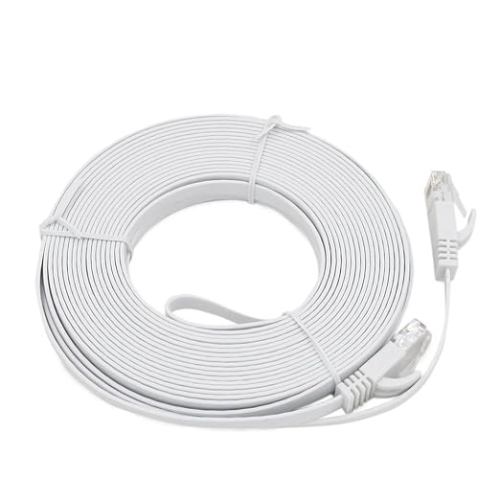
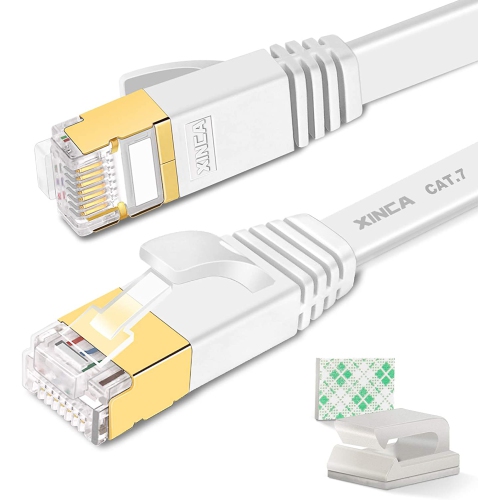
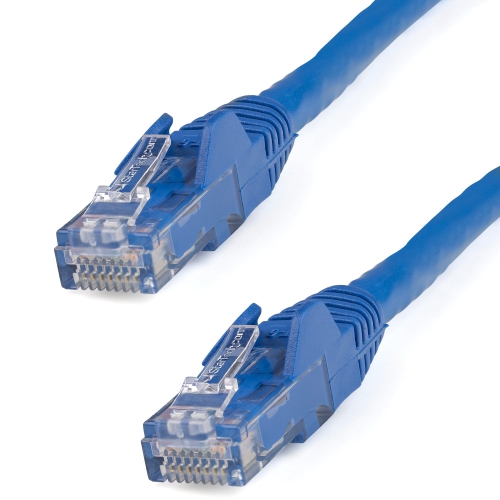
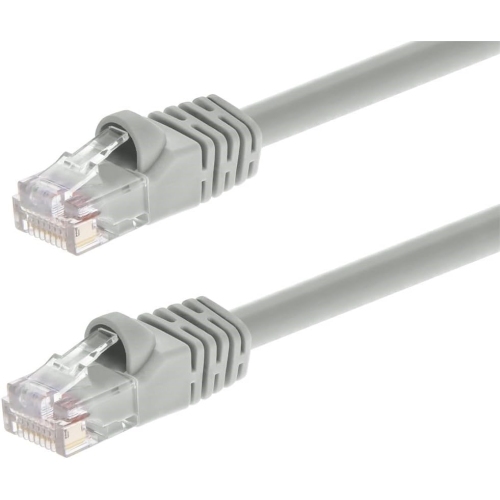
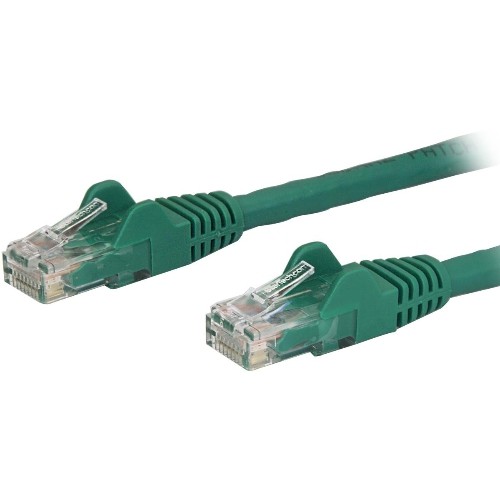
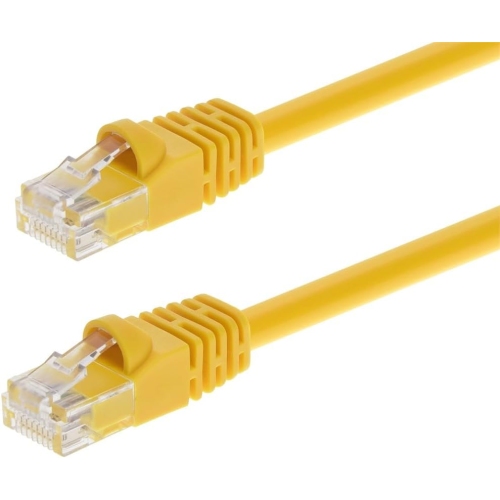
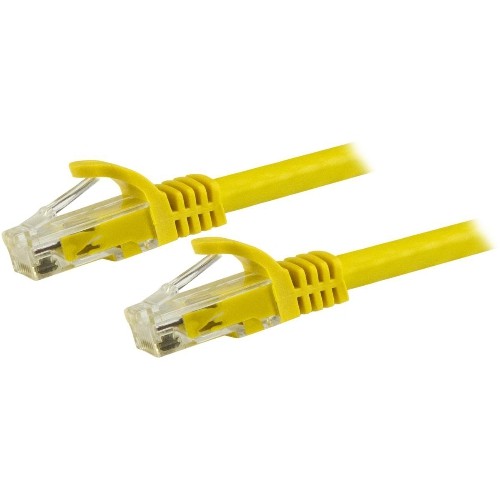
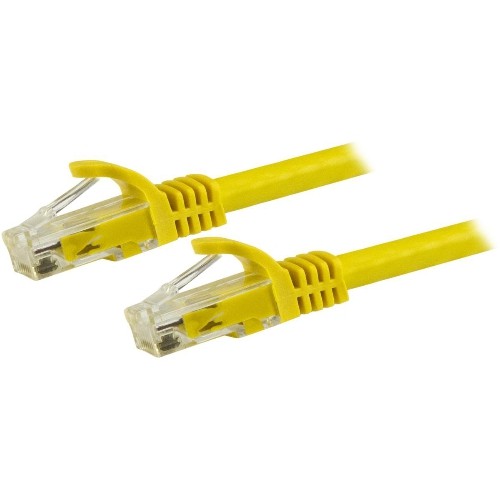
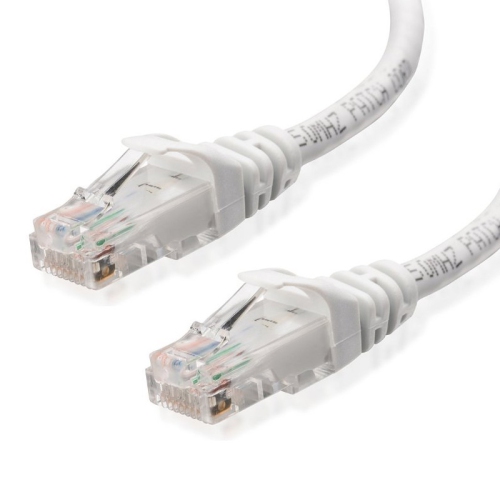
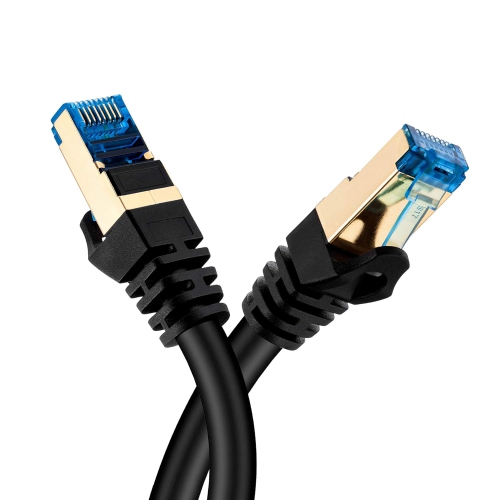
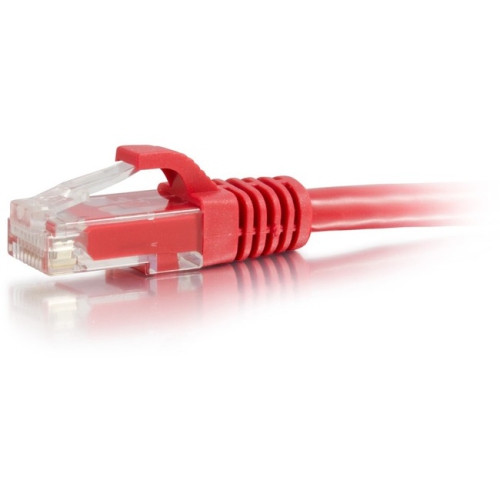
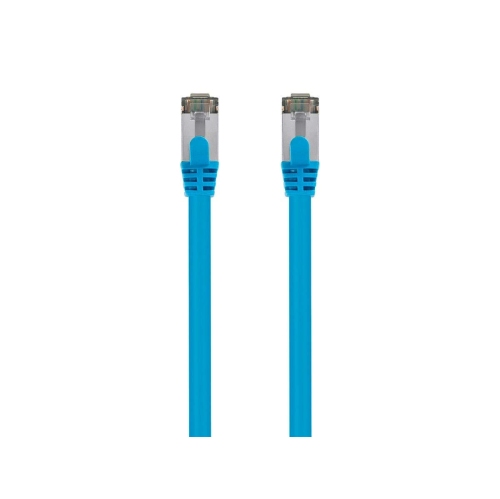
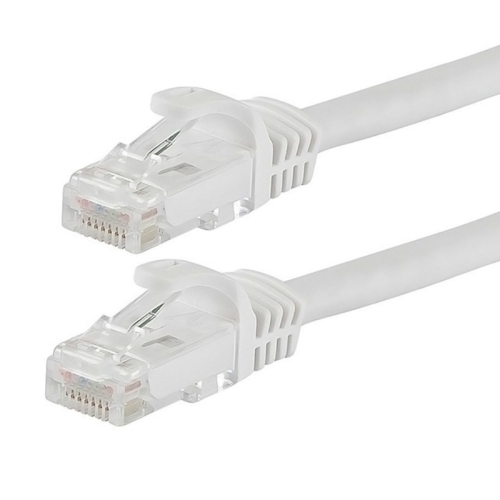
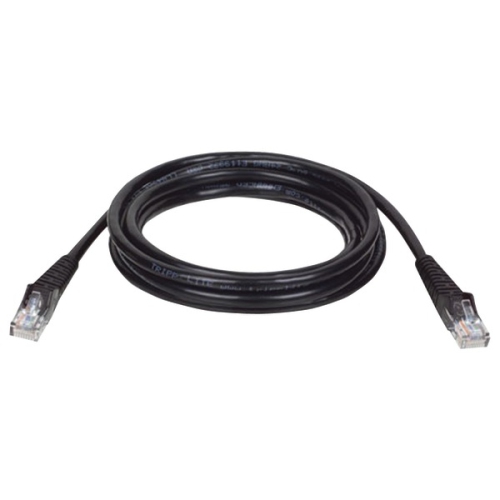
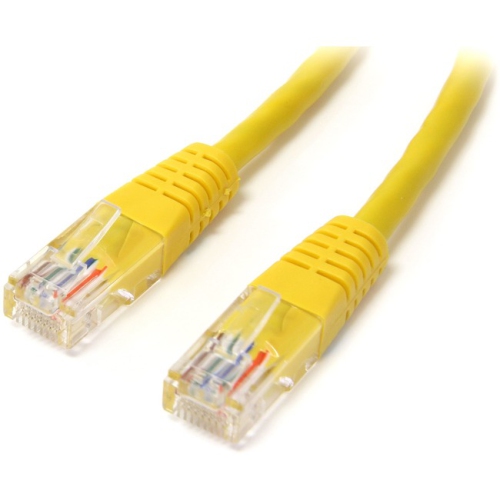
Ethernet cables are physical network cables that connect compatible devices to a local area network, or LAN, allowing data to travel over a wired connection. Common connections include a computer linked to a router, a router linked to a network switch, or a game console connected directly to a home network. Most Ethernet patch cables used in homes and offices contain twisted pairs of copper conductors and have modular plugs commonly called RJ45 connectors. These plugs fit matching Ethernet ports on equipment such as desktop computers, routers, switches, network printers, and some televisions. Unlike a wireless connection, an Ethernet connection carries data along a dedicated cable rather than over Wi-Fi, which can help provide consistent performance where wireless signals are obstructed or competing for airtime. A desktop tucked beneath a desk, a console beside an entertainment centre, and a printer shared by several workstations can all benefit from a wired connection. Ethernet is particularly useful for large file transfers, online gaming, video meetings, and streaming, although the experience still depends on the connected equipment and the wider network. A cable cannot make an internet connection faster than the service or hardware supports, and local network speed is not the same as internet download speed. Physical compatibility matters, too: a slim laptop without an Ethernet port generally needs a compatible network adapter or dock rather than a different cable connector alone. Fibre optic cabling can also carry Ethernet traffic, but it requires compatible optical connections and is not interchangeable with a standard copper patch cable. Within the broader range of Computer Networking Cables, Ethernet cables serve everyday connections between network-ready devices, from a simple home office to a workspace with multiple wired stations. Their usefulness comes from matching the connection type, performance rating, and physical length to the equipment and the space.
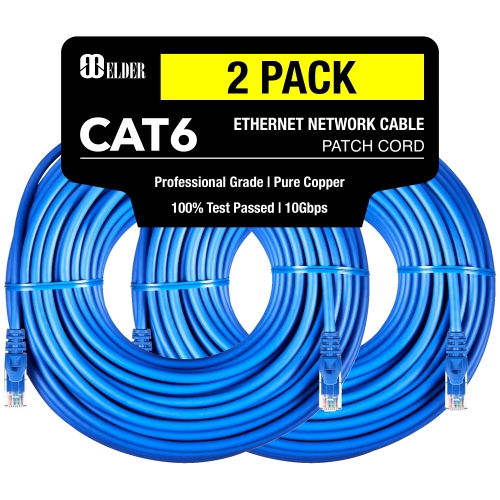
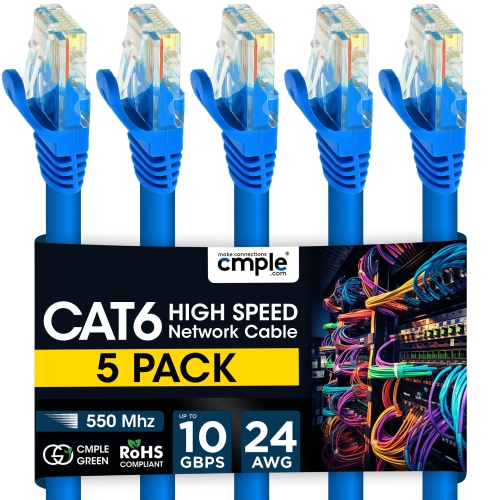
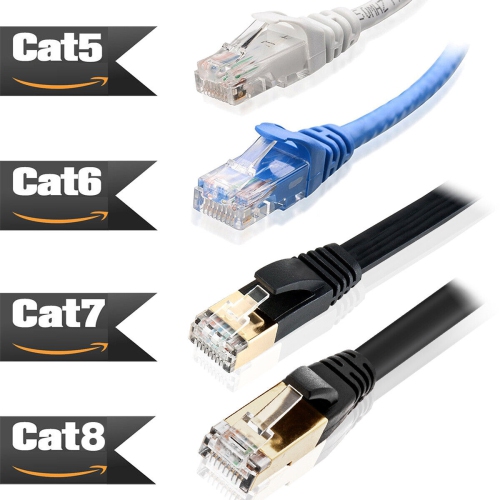
Cable categories describe different performance capabilities, making them an important part of how Ethernet cables fit into a network. Cat5e is commonly used for Gigabit Ethernet connections over channel lengths of up to 100 metres when installed to the appropriate standard. Cat6 also supports Gigabit Ethernet at that distance and can support 10 Gigabit Ethernet over shorter runs, often up to 55 metres, depending on installation conditions. Cat6a is designed to support 10 Gigabit Ethernet over a channel of up to 100 metres. These distances refer to the complete cabling channel, including patch cords and any fixed cabling between the devices, rather than an allowance for each separate cable. Higher category ratings do not automatically produce a faster connection: the network ports, switches, adapters, and other equipment must support the intended speed. For example, connecting a faster-rated cable to a device with a Gigabit Ethernet port does not turn that port into a 10 Gigabit connection. Similarly, a television or printer may have a slower network port because its intended tasks do not require the same throughput as a workstation moving large media files. Length affects fit as well as performance. A short patch cable can keep a router and nearby switch connected without a loose coil filling the shelf, while a longer cable may suit a computer across a room. Measuring the actual route around furniture and along cable-management channels gives a more useful length than measuring straight across the floor. A little slack allows equipment to move without pulling on the plugs, but unnecessary excess can become difficult to organize. Some compatible networks also use Power over Ethernet, or PoE, to carry electrical power and data to equipment such as access points, cameras, and internet phones. That capability depends on suitable cabling and compatible power-supplying and receiving equipment; an Ethernet connection by itself does not mean that power is available.
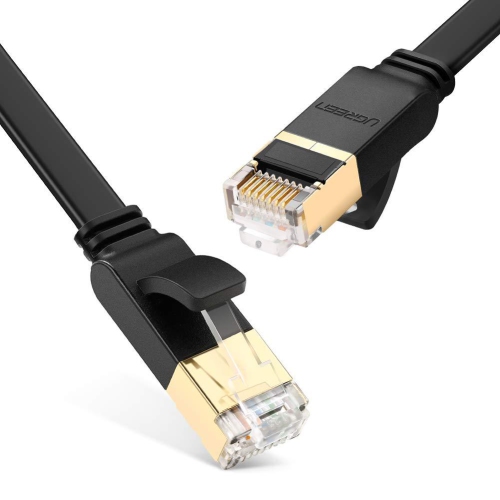
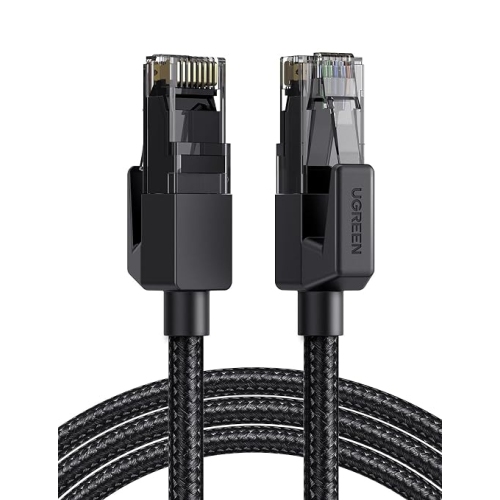
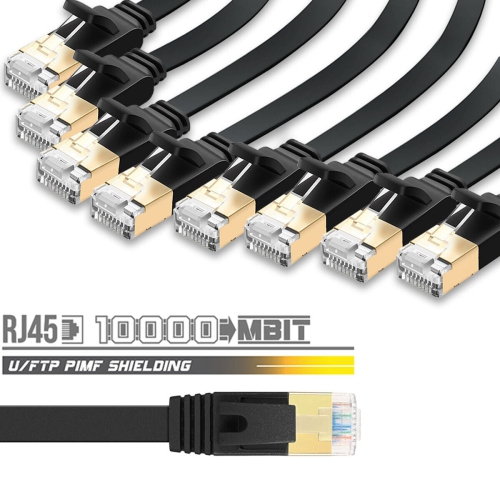
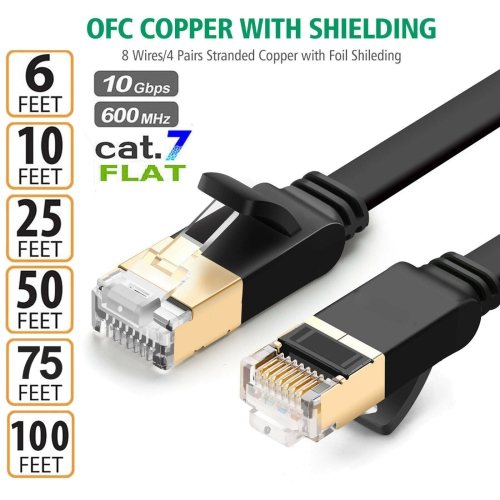
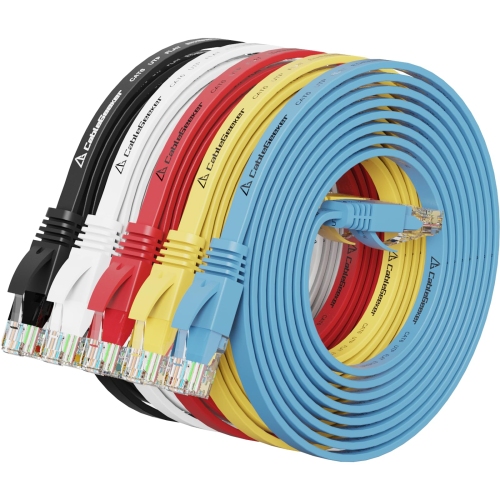
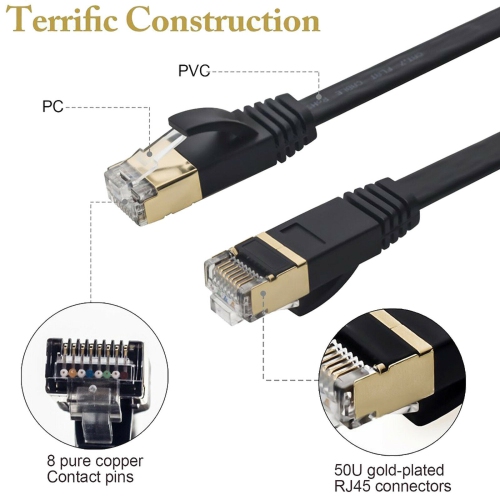
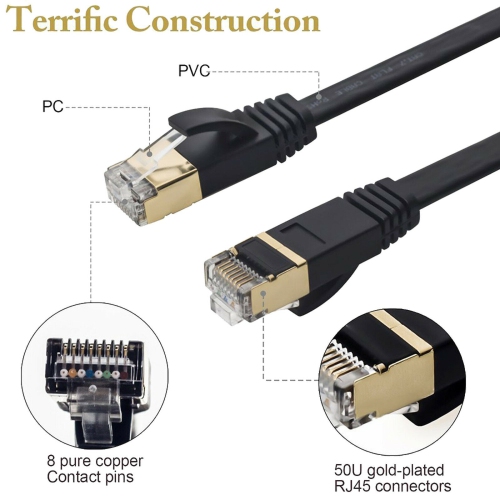
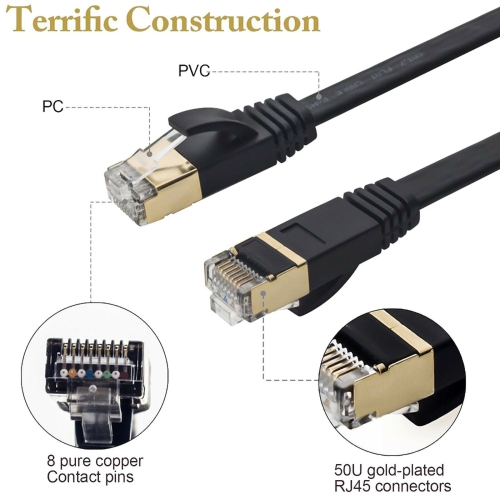
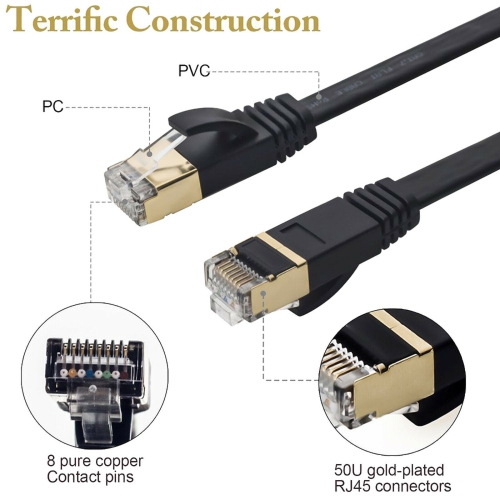
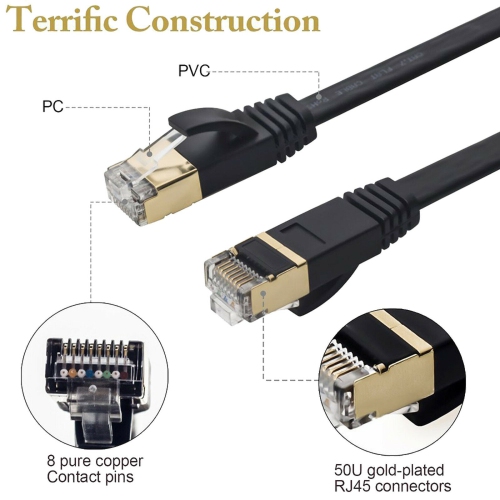
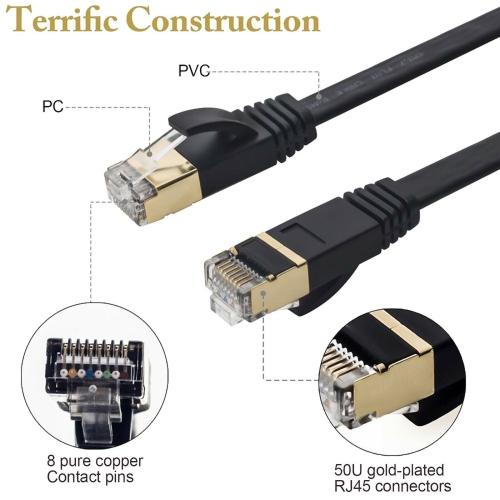
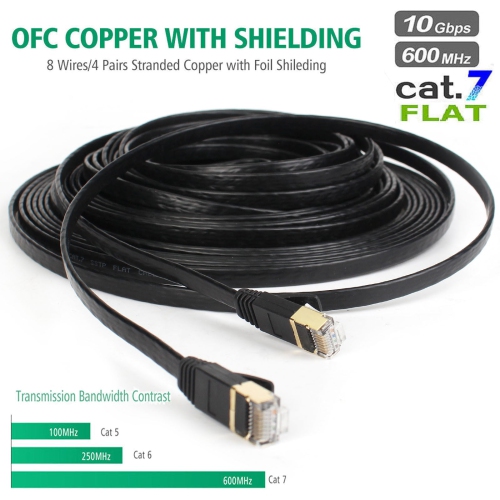
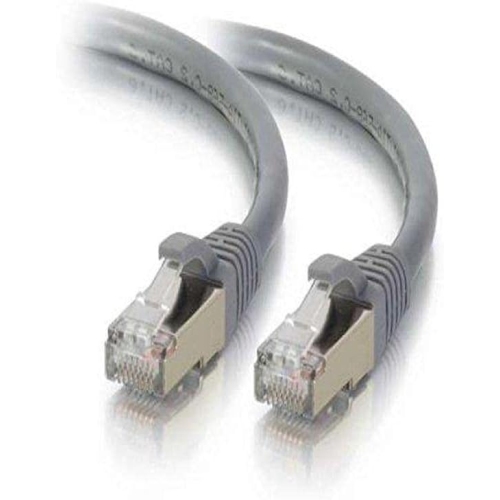
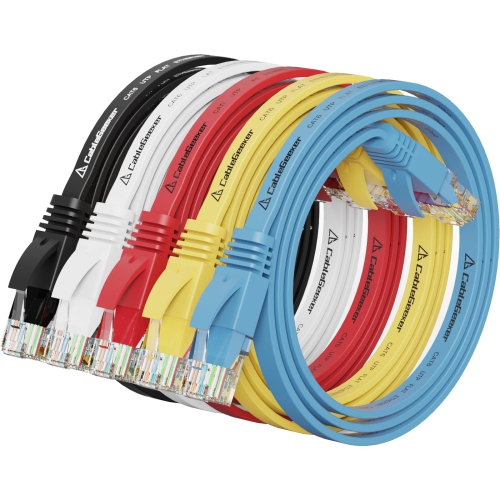
Construction and handling help determine how well an Ethernet cable suits its intended use over time. Copper conductors, the arrangement of the twisted pairs, the outer jacket, and the connector assembly all contribute to reliable performance. Stranded copper patch cables are generally flexible enough for connections around desks and equipment shelves, while solid-conductor cabling is more commonly associated with fixed installations. Copper-clad aluminium is not equivalent to solid copper and can present performance and power-delivery concerns, particularly in PoE applications. Shielding is another consideration: shielded cabling can help control electromagnetic interference in suitable installations, but it works as part of a properly designed system with compatible components and appropriate grounding. Unshielded twisted-pair cables are widely used for ordinary home and office connections. The jacket should also suit the route. A cable intended to sit behind a desk is not automatically suitable for installation inside a wall or along an exterior route; those applications call for ratings appropriate to the location and applicable building requirements. Around furniture, flexibility and connector shape can be as important as the category marking. A bulky connector boot may be awkward beside closely spaced ports, while a snag-resistant boot can help protect the locking tab when a cable is pulled through a bundle. Round and flat profiles offer different handling characteristics, but profile alone does not establish network performance. Cables last better when they are kept away from chair wheels, sharp furniture edges, staples, and tightly closed doors. Gentle curves are preferable to sharp bends, and reusable cable straps can hold a bundle without crushing it. When disconnecting a cable, releasing the locking tab and holding the plug reduces strain on the conductors and connector. Different jacket colours can also make a busy setup easier to manage, distinguishing a workstation connection from the cable feeding a wireless access point. These practical details matter whether the connection supports a student’s desk, a shared family computer, a gaming setup, or several workstations in a small office.
Cable categories describe different performance capabilities, making them an important part of how Ethernet cables fit into a network. Cat5e is commonly used for Gigabit Ethernet connections over channel lengths of up to 100 metres when installed to the appropriate standard. Cat6 also supports Gigabit Ethernet at that distance and can support 10 Gigabit Ethernet over shorter runs, often up to 55 metres, depending on installation conditions. Cat6a is designed to support 10 Gigabit Ethernet over a channel of up to 100 metres. These distances refer to the complete cabling channel, including patch cords and any fixed cabling between the devices, rather than an allowance for each separate cable. Higher category ratings do not automatically produce a faster connection: the network ports, switches, adapters, and other equipment must support the intended speed. For example, connecting a faster-rated cable to a device with a Gigabit Ethernet port does not turn that port into a 10 Gigabit connection. Similarly, a television or printer may have a slower network port because its intended tasks do not require the same throughput as a workstation moving large media files. Length affects fit as well as performance. A short patch cable can keep a router and nearby switch connected without a loose coil filling the shelf, while a longer cable may suit a computer across a room. Measuring the actual route around furniture and along cable-management channels gives a more useful length than measuring straight across the floor. A little slack allows equipment to move without pulling on the plugs, but unnecessary excess can become difficult to organize. Some compatible networks also use Power over Ethernet, or PoE, to carry electrical power and data to equipment such as access points, cameras, and internet phones. That capability depends on suitable cabling and compatible power-supplying and receiving equipment; an Ethernet connection by itself does not mean that power is available.
Construction and handling help determine how well an Ethernet cable suits its intended use over time. Copper conductors, the arrangement of the twisted pairs, the outer jacket, and the connector assembly all contribute to reliable performance. Stranded copper patch cables are generally flexible enough for connections around desks and equipment shelves, while solid-conductor cabling is more commonly associated with fixed installations. Copper-clad aluminium is not equivalent to solid copper and can present performance and power-delivery concerns, particularly in PoE applications. Shielding is another consideration: shielded cabling can help control electromagnetic interference in suitable installations, but it works as part of a properly designed system with compatible components and appropriate grounding. Unshielded twisted-pair cables are widely used for ordinary home and office connections. The jacket should also suit the route. A cable intended to sit behind a desk is not automatically suitable for installation inside a wall or along an exterior route; those applications call for ratings appropriate to the location and applicable building requirements. Around furniture, flexibility and connector shape can be as important as the category marking. A bulky connector boot may be awkward beside closely spaced ports, while a snag-resistant boot can help protect the locking tab when a cable is pulled through a bundle. Round and flat profiles offer different handling characteristics, but profile alone does not establish network performance. Cables last better when they are kept away from chair wheels, sharp furniture edges, staples, and tightly closed doors. Gentle curves are preferable to sharp bends, and reusable cable straps can hold a bundle without crushing it. When disconnecting a cable, releasing the locking tab and holding the plug reduces strain on the conductors and connector. Different jacket colours can also make a busy setup easier to manage, distinguishing a workstation connection from the cable feeding a wireless access point. These practical details matter whether the connection supports a student’s desk, a shared family computer, a gaming setup, or several workstations in a small office.
Top selling and popular products
-
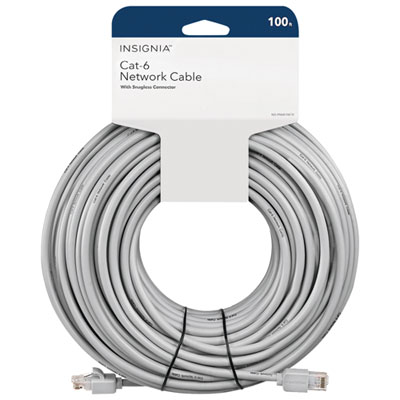 Your price for this item is $49.95
-
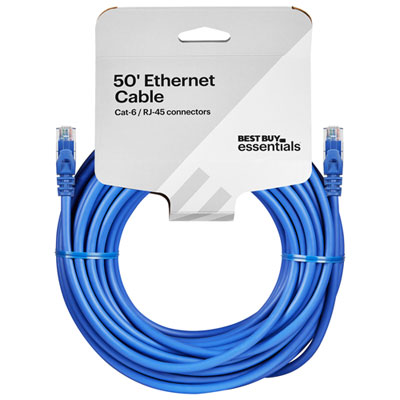 Your price for this item is $24.99
-
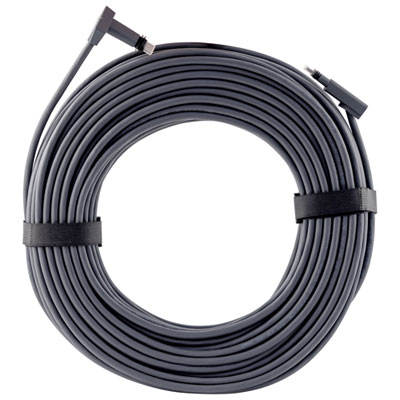 Your price for this item is $164.99
-
 Your price for this item is $31.37
-
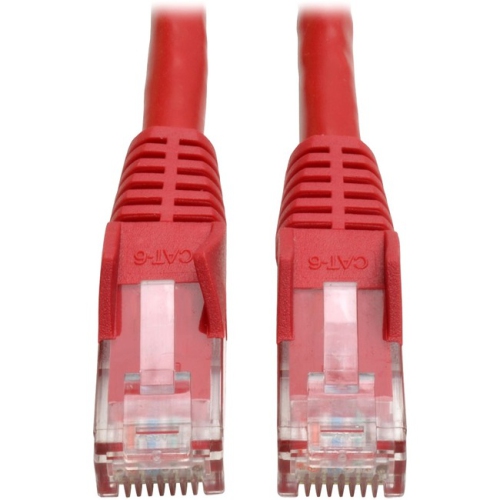 Your price for this item is $79.68
-
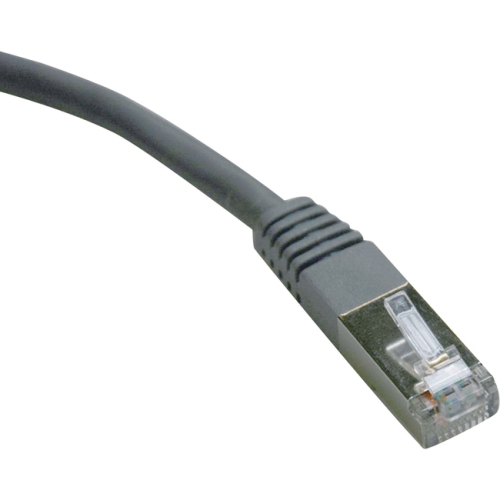 Your price for this item is $57.68
-
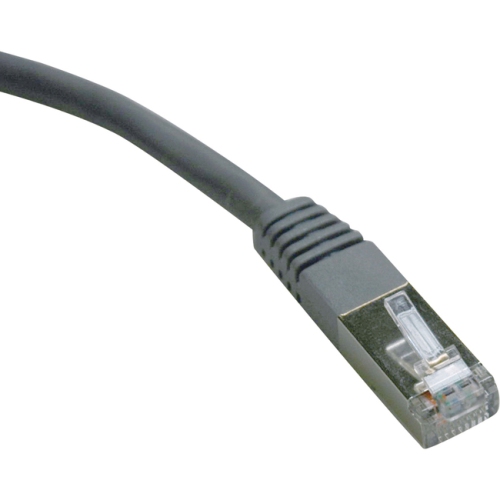 Your price for this item is $50.99
-
 Your price for this item is $57.68
Discover more categories related to Ethernet Cables for Networking
Top Collections:
Pokemon Centers, Kindle Devices, Best Cameras for Sports Photography, Pokémon 30th Celebration Cards, Apple iPhones 16, Canon G7X Cameras, iPhone 15 Apple, Flip Phones, Samsung Galaxy Phones, Alarm Clock
Some products may be subject to Environmental Handling Fees
(EHF) depending on your province.
Learn more about EHFs.