Computer Networking Cables
Looking to connect your devices seamlessly and efficiently? Look no further than our wide selection of computer networking cables. Whether you need to establish a reliable internet connection, share data between devices, or create a secure network, we have the perfect cable for your needs. From Ethernet cables to USB cables, HDMI cables to VGA cables, our collection offers high-quality options that ensure fast and stable connections. With our computer networking cables, you can enjoy smooth data transfer, optimal performance, and hassle-free networking experiences. Explore our range today and elevate your connectivity game!
Sort

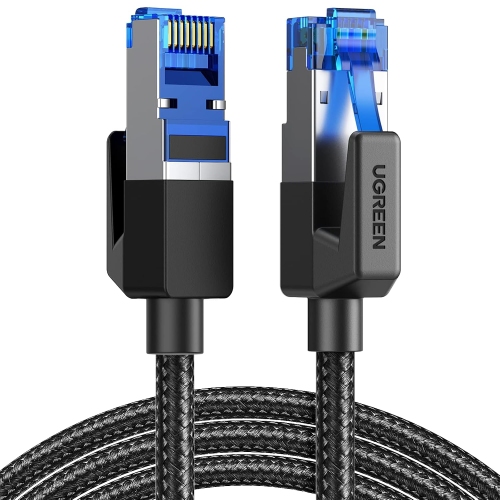
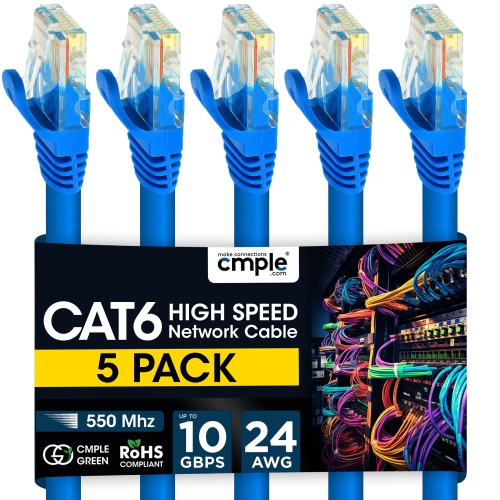
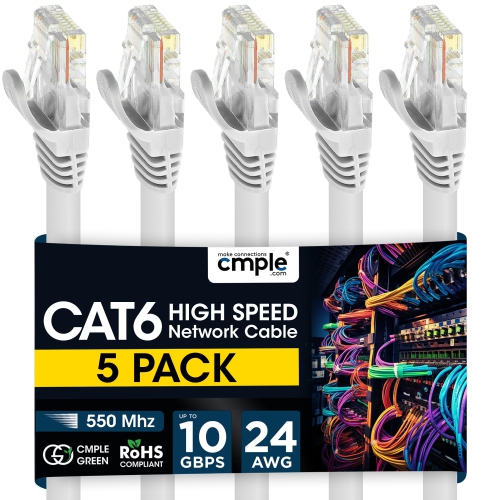
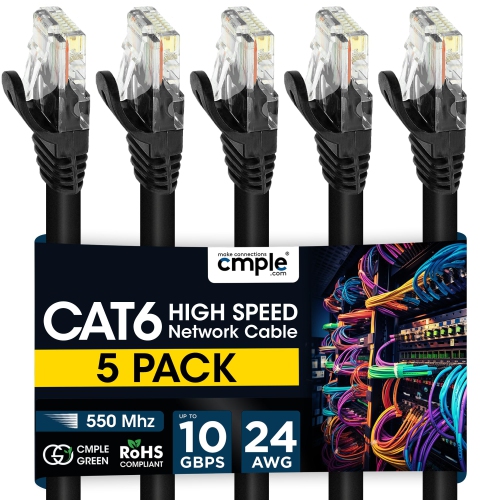
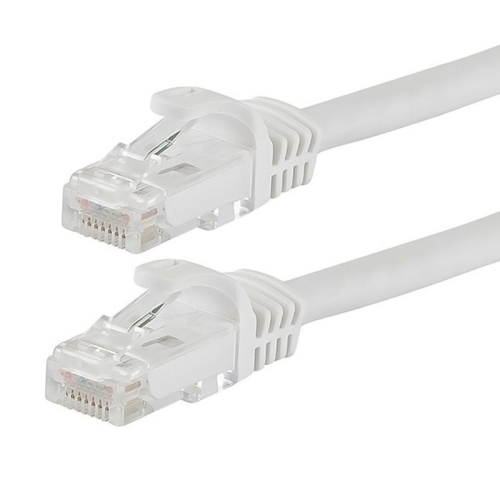
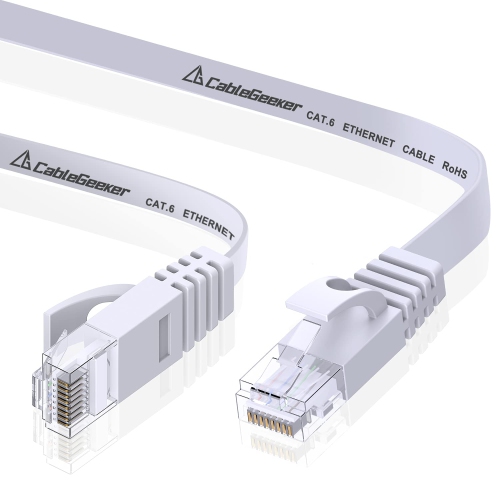

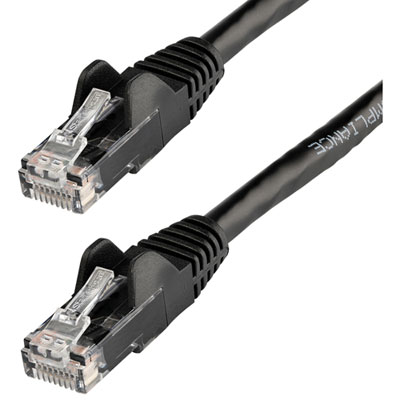
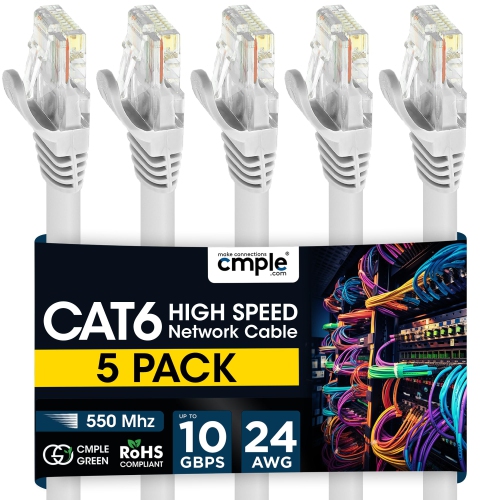
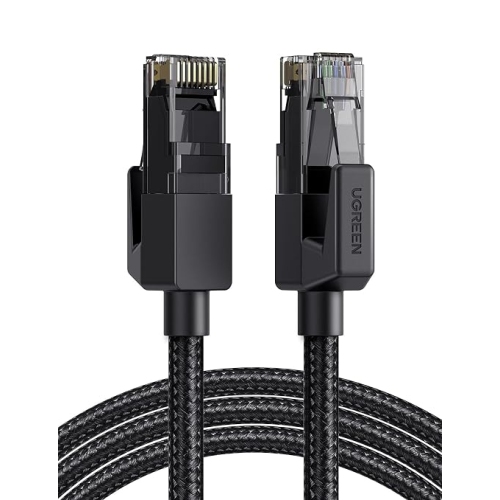







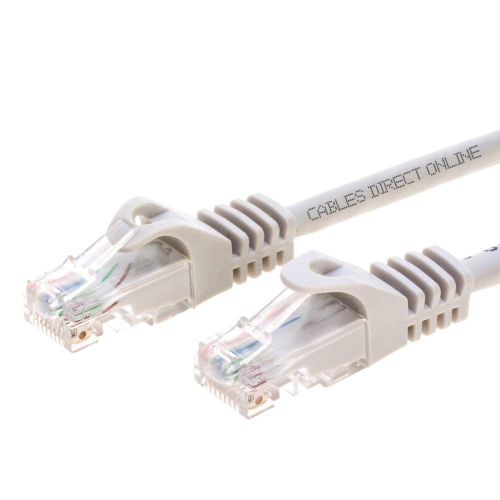
How cable categories support reliable wired connections
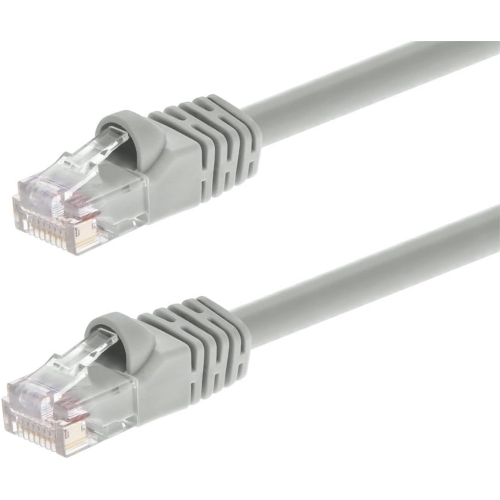
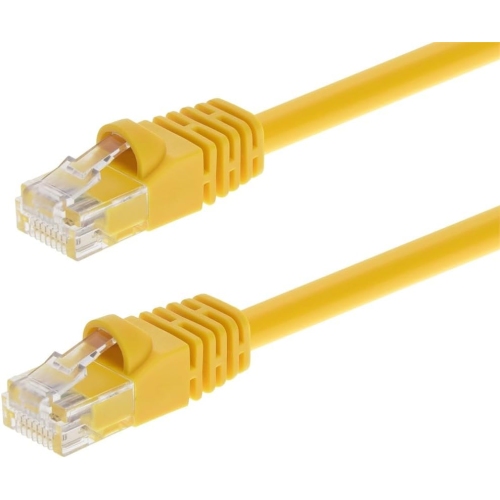
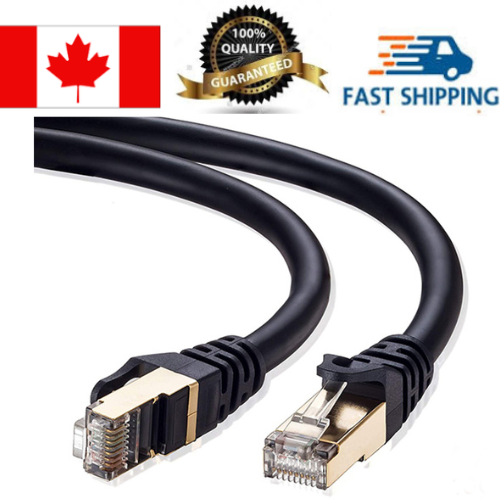
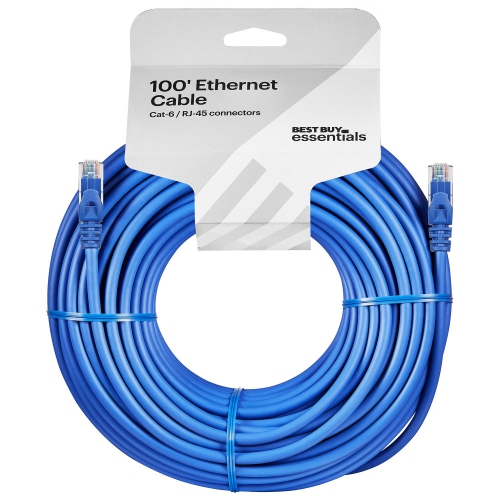
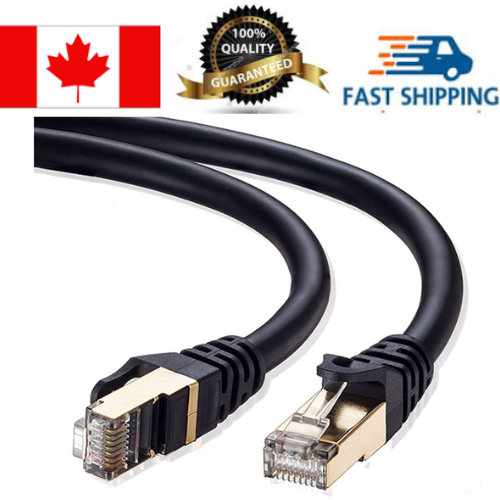
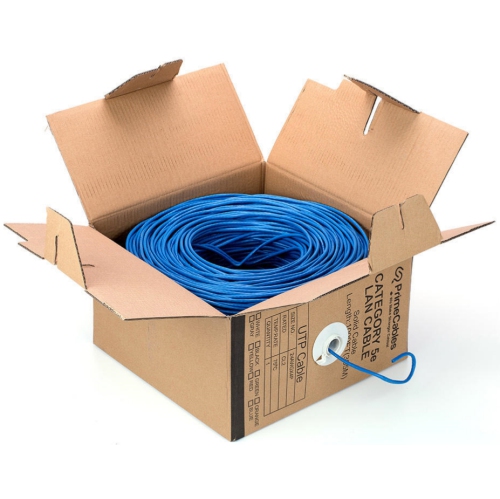
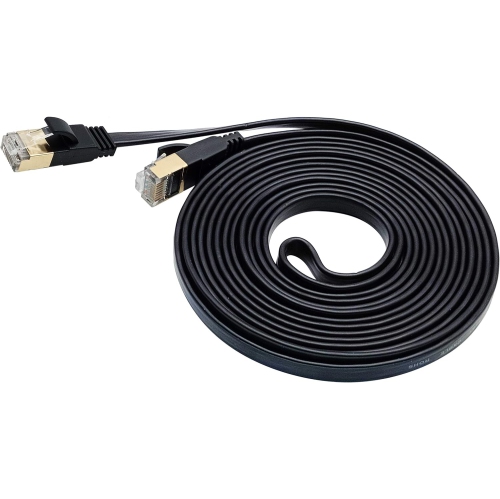
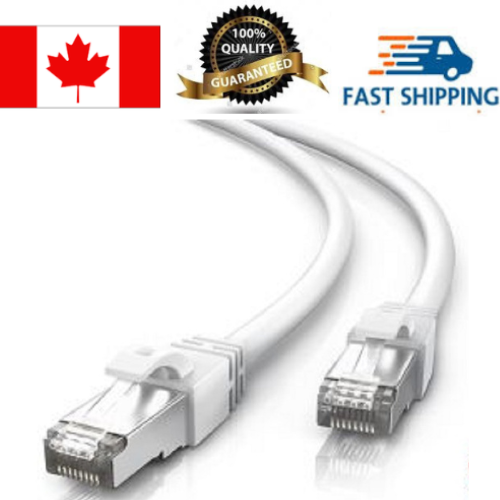
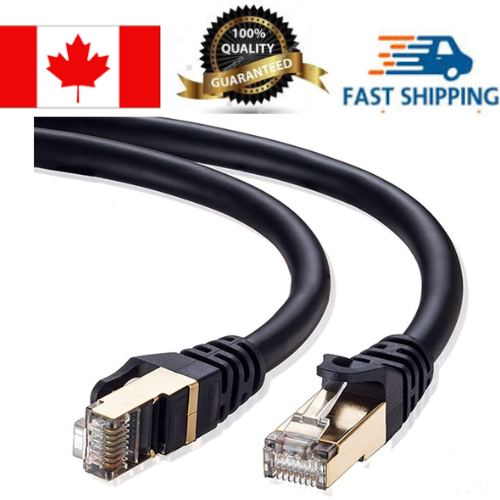
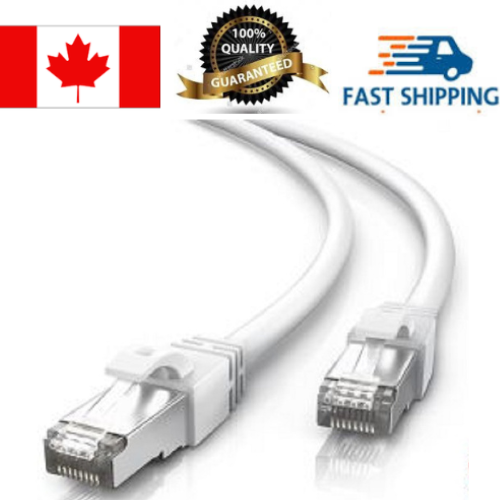
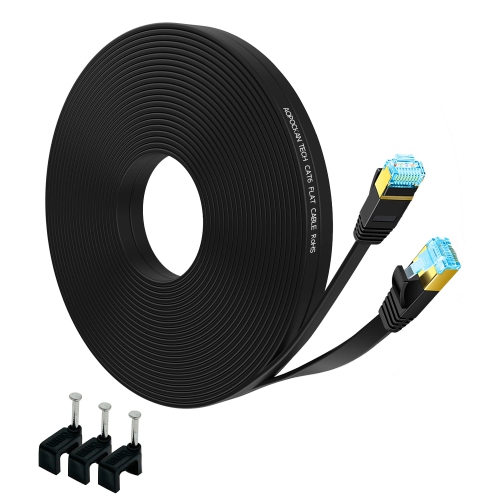
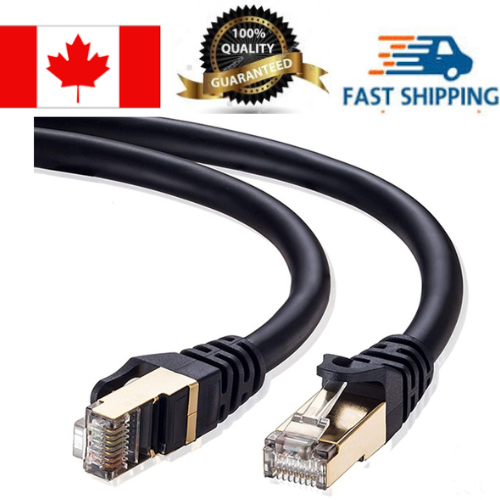
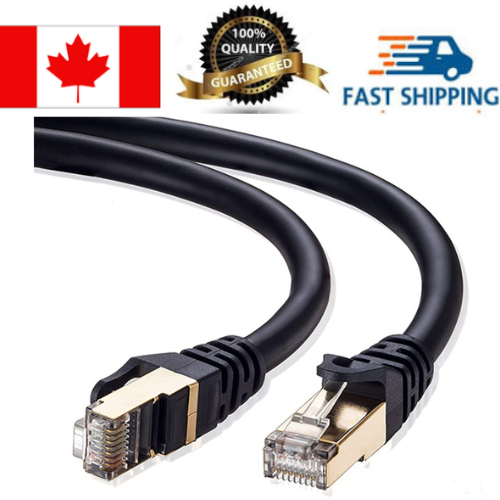
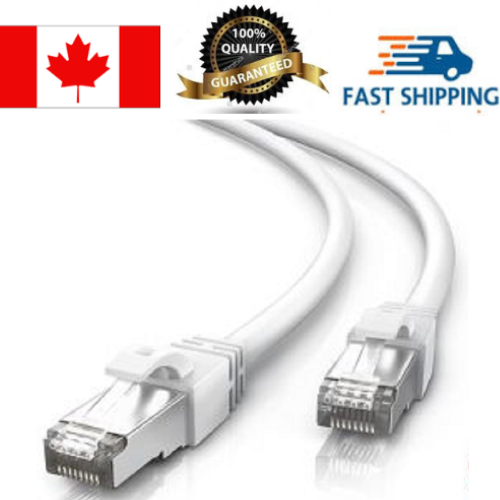
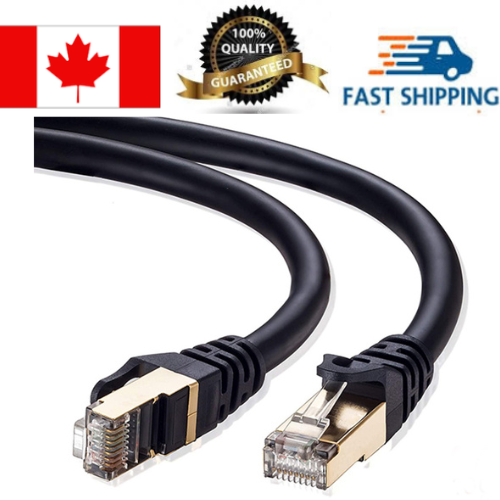
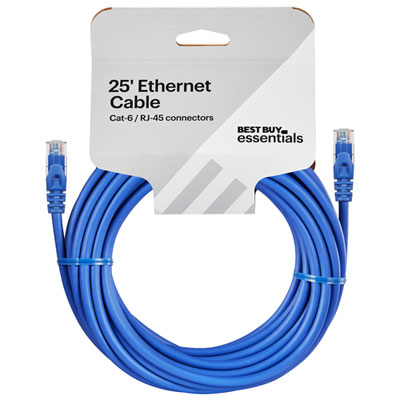
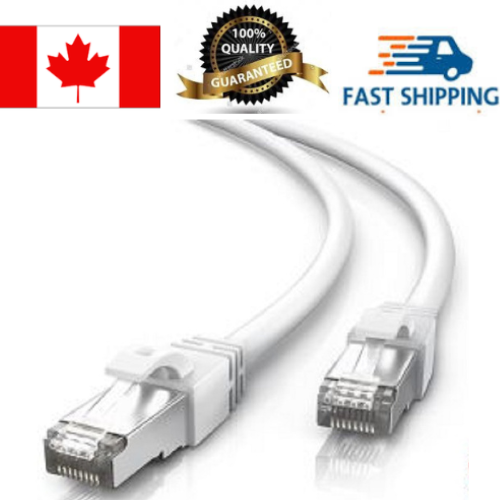
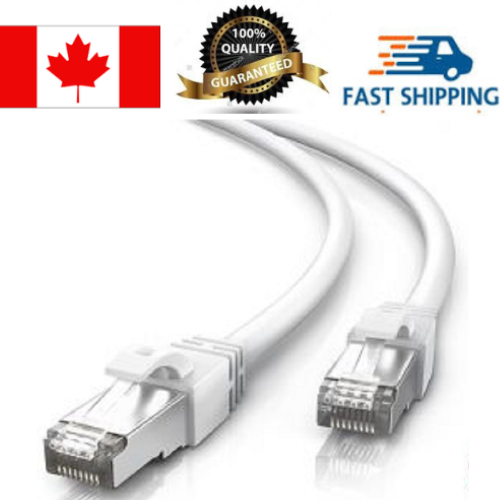
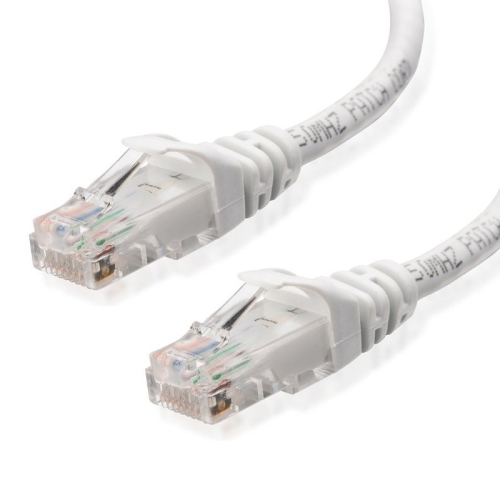
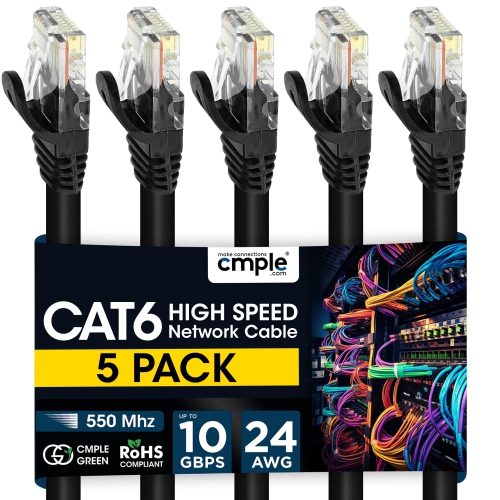
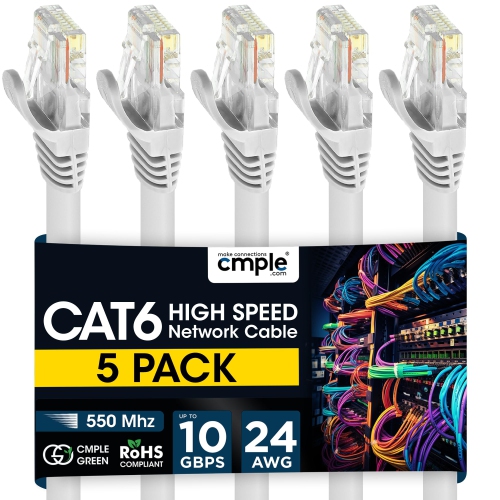
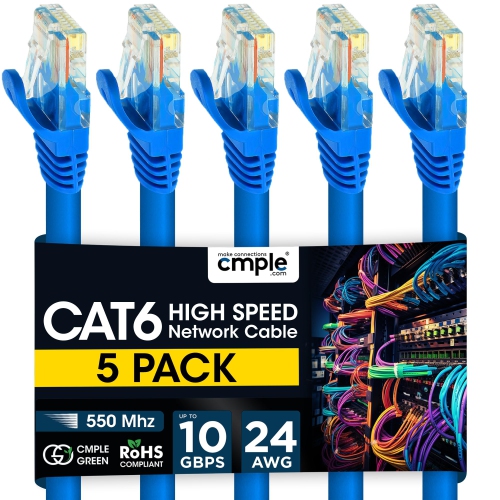
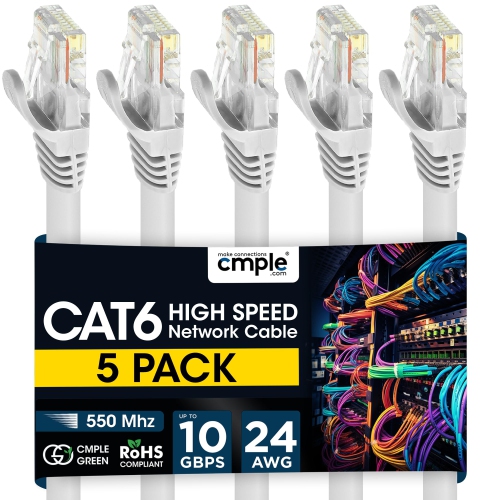
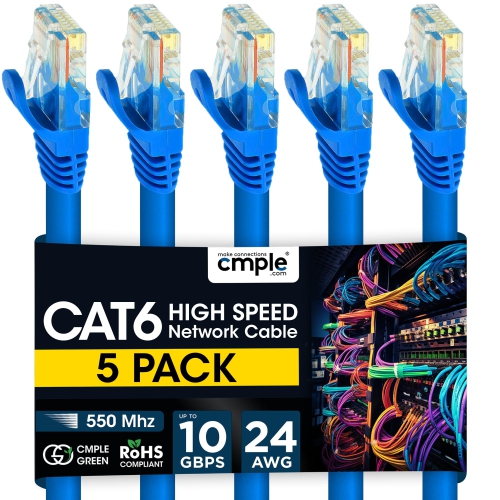
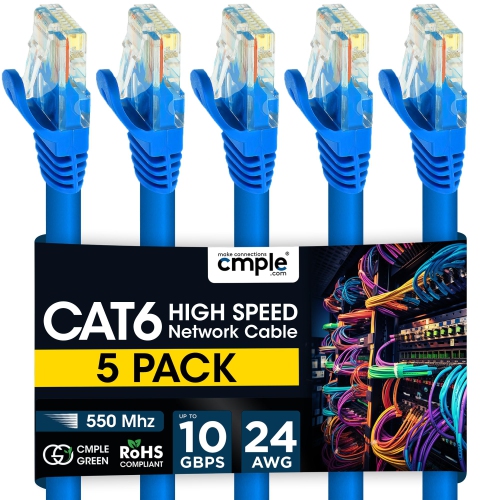
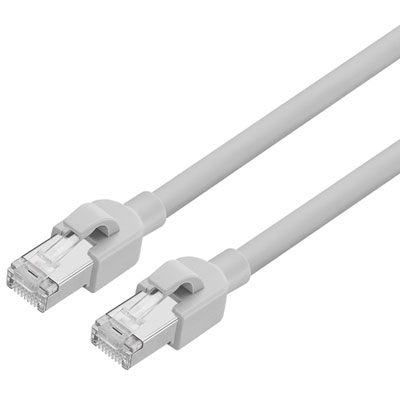
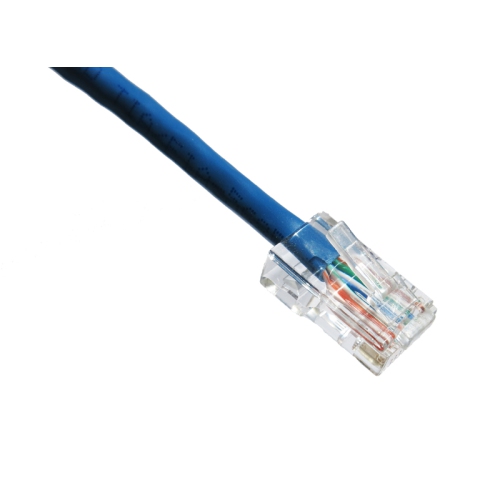
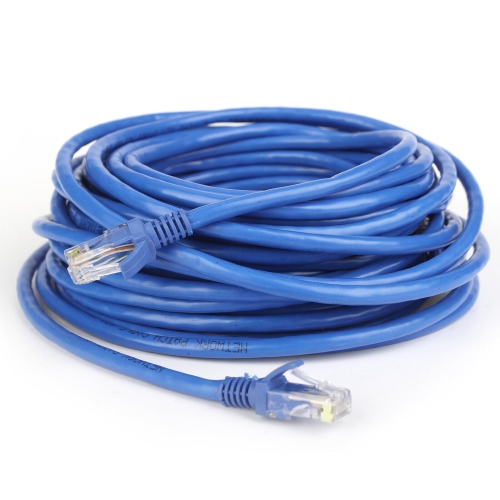
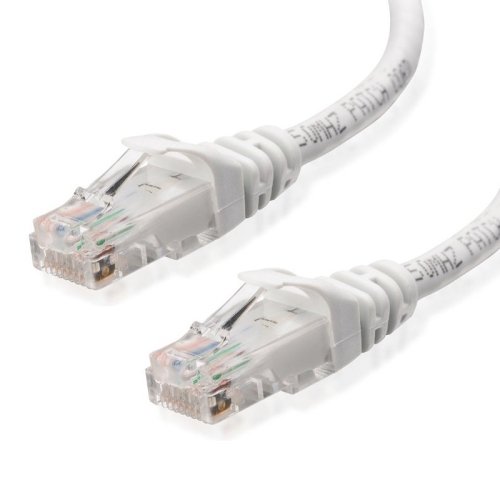
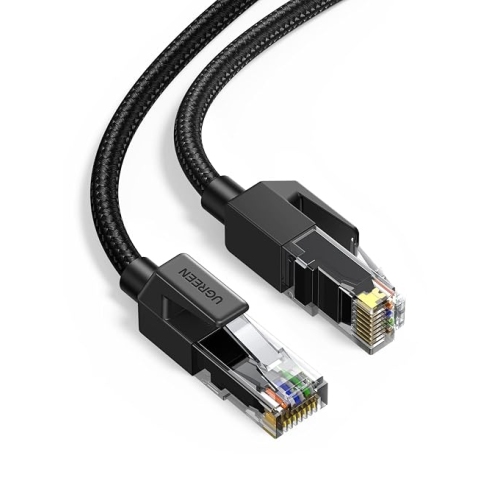
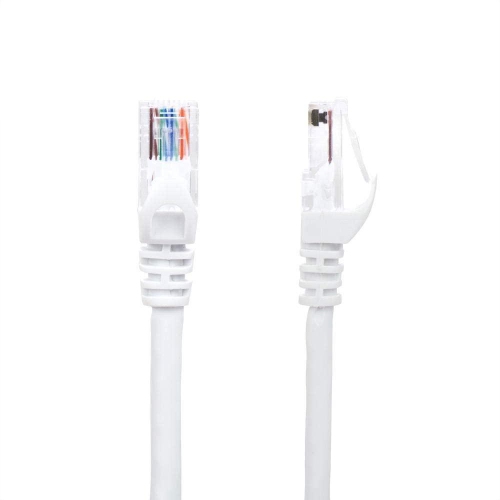
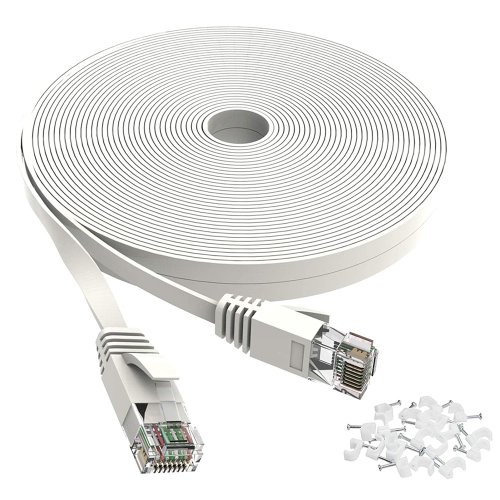
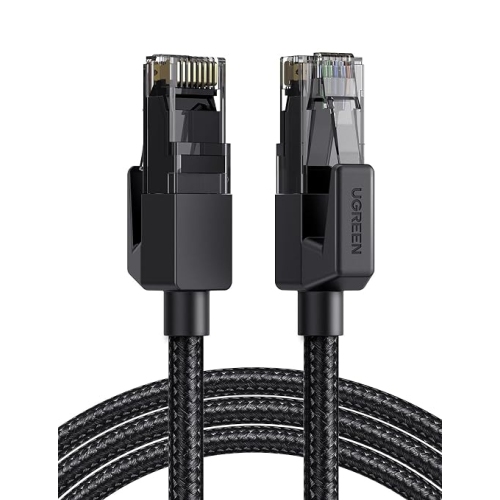
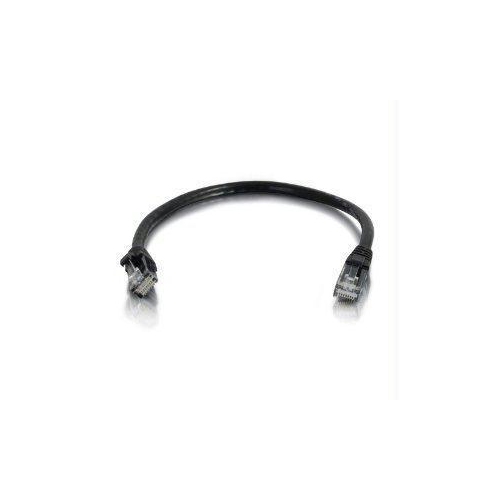
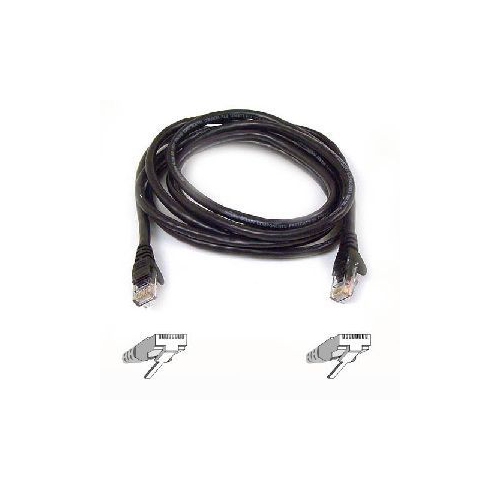
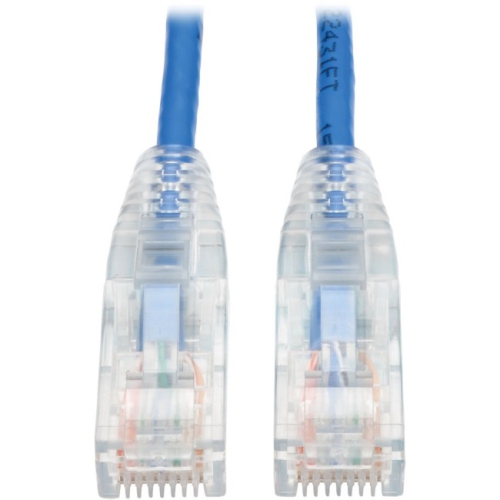
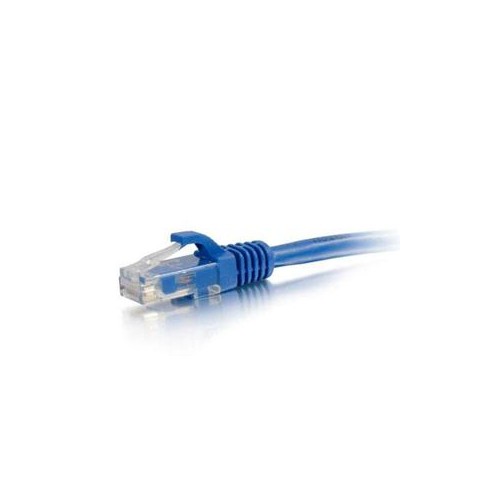
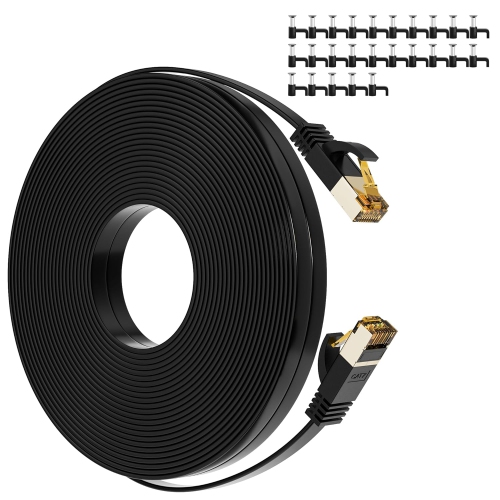
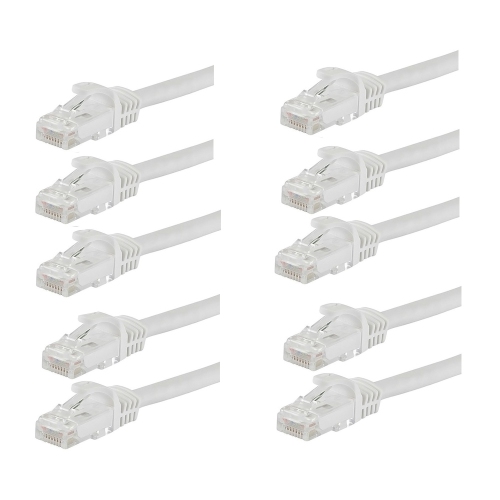
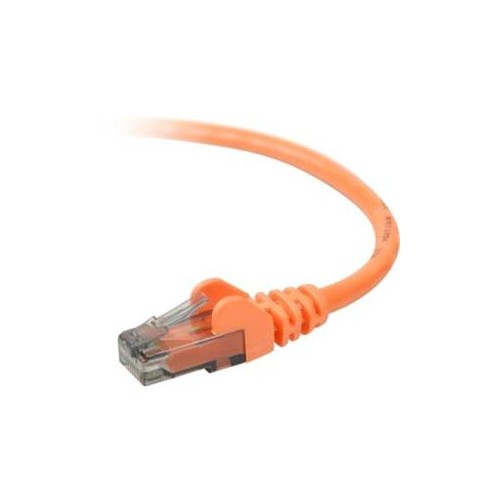
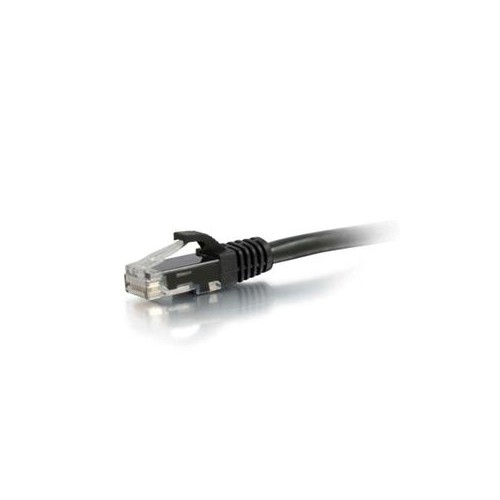
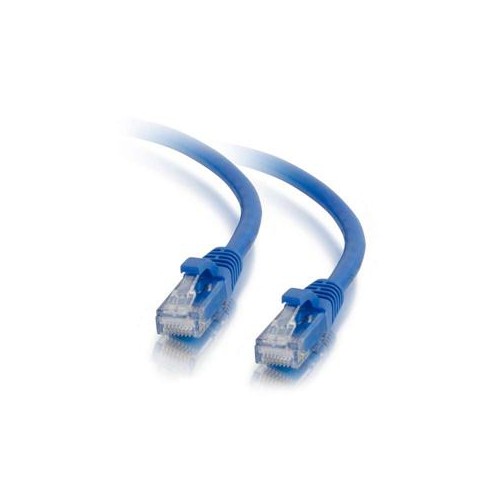
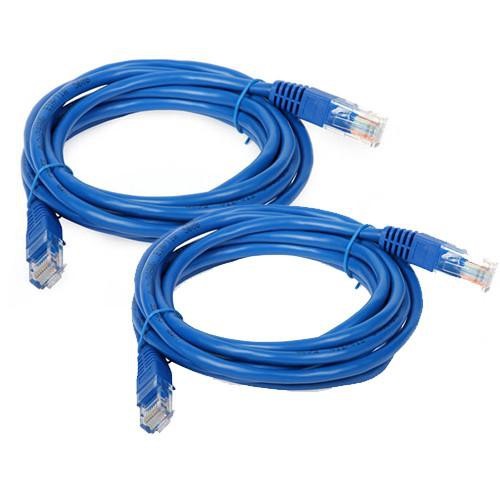
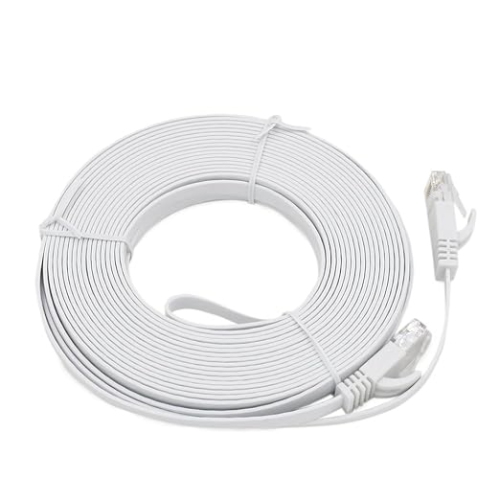
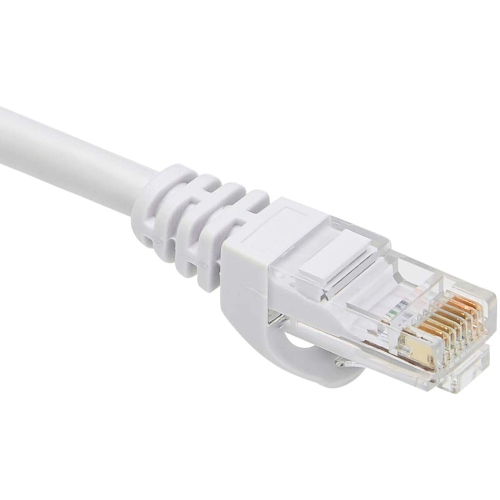
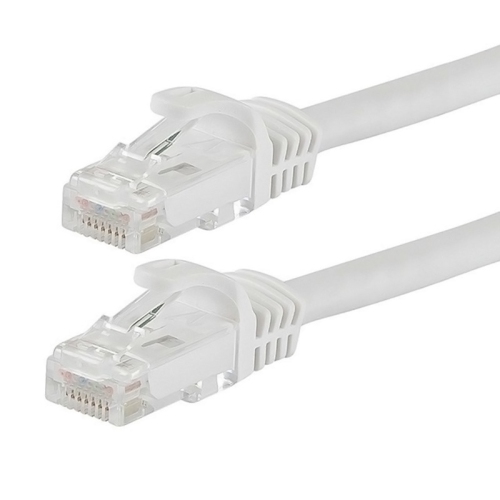
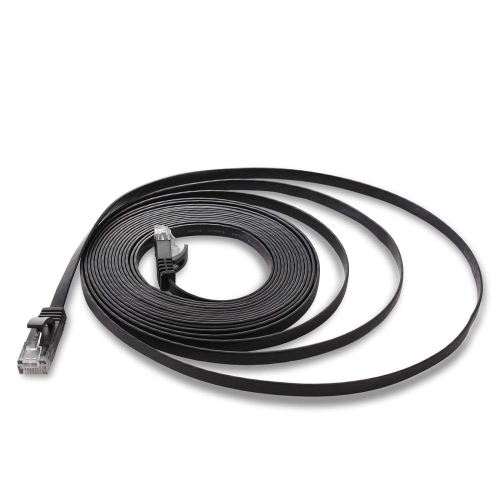
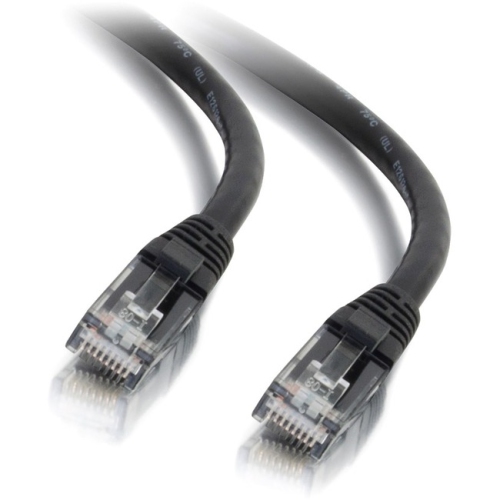
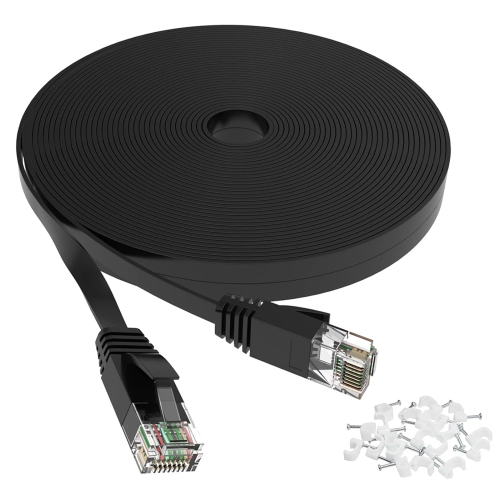
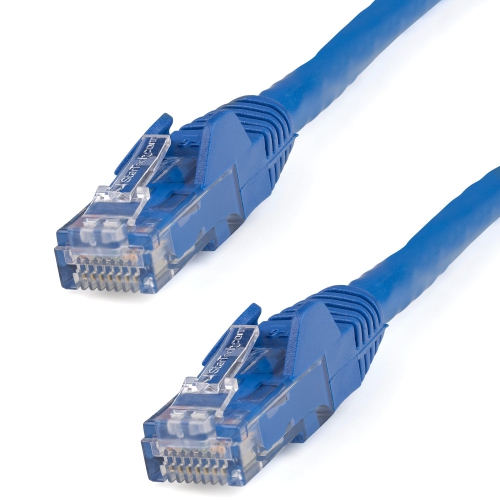
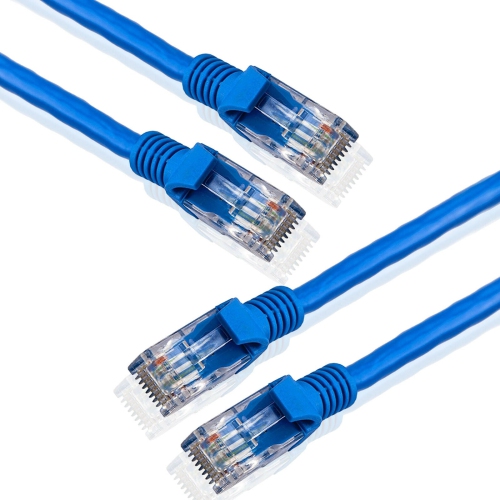
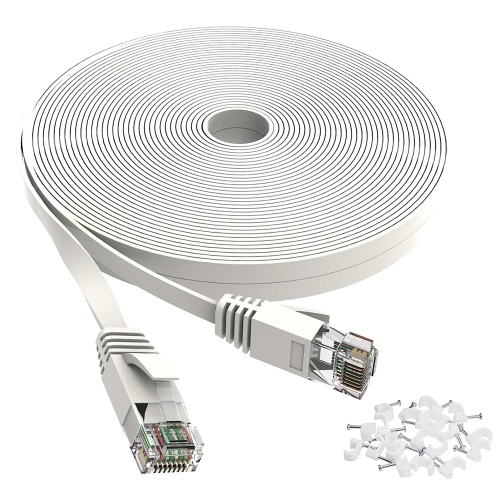
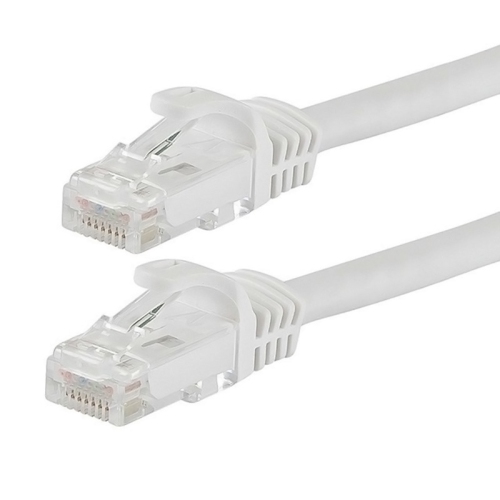
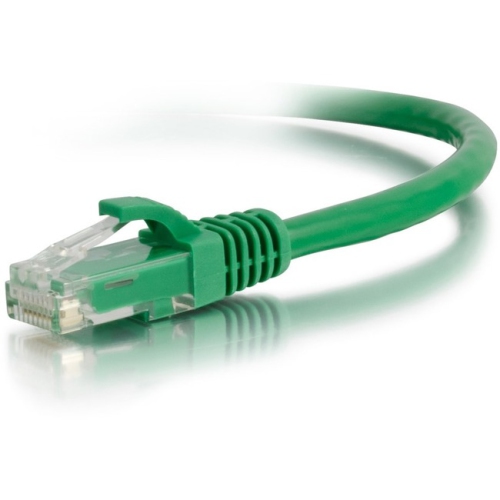
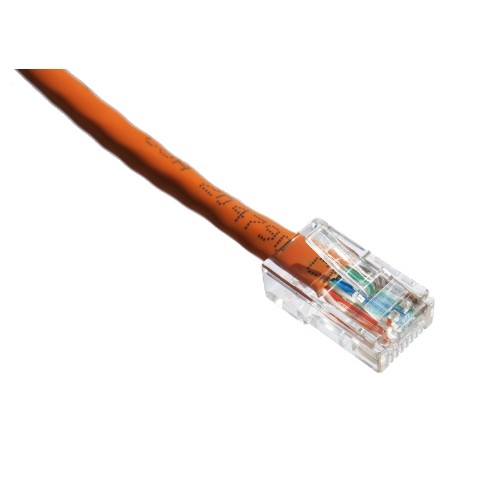
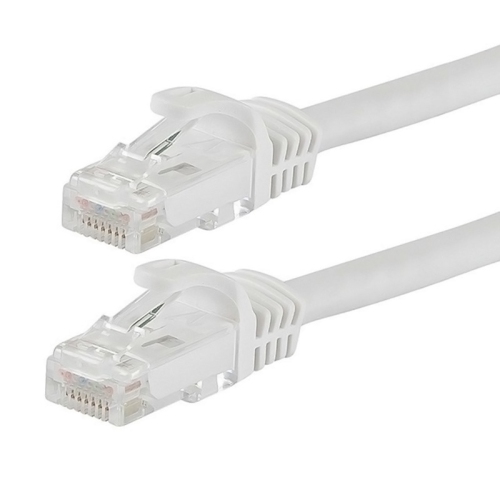
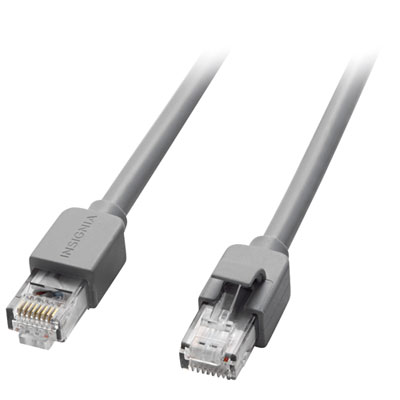
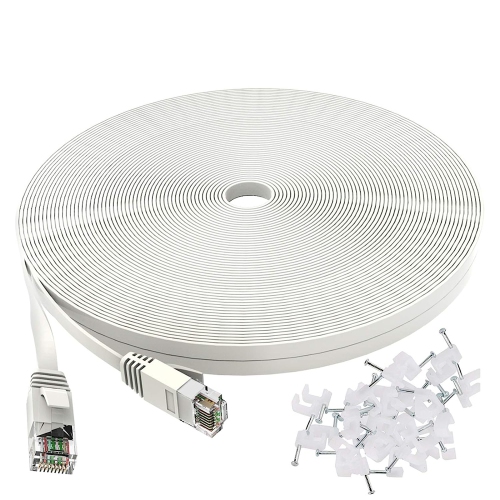
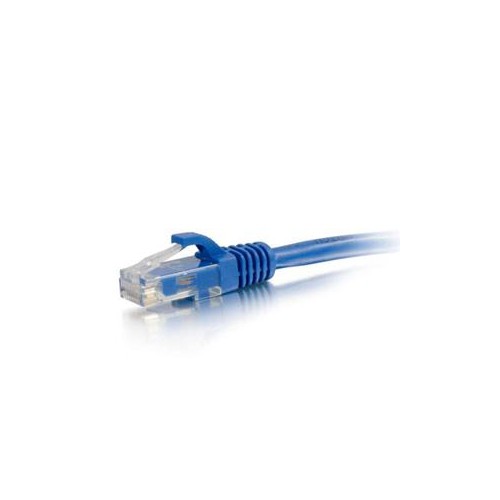
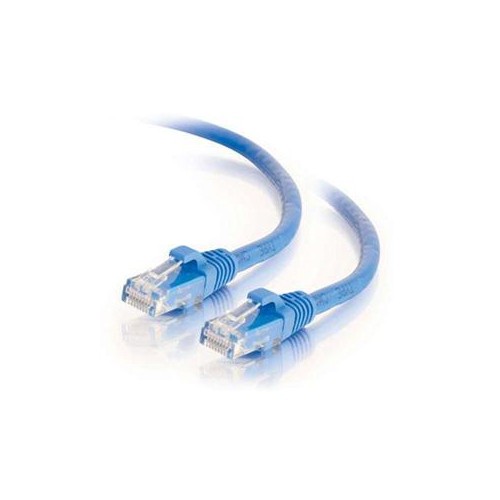
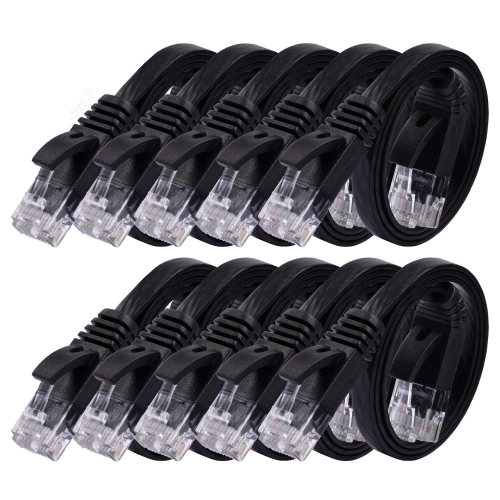
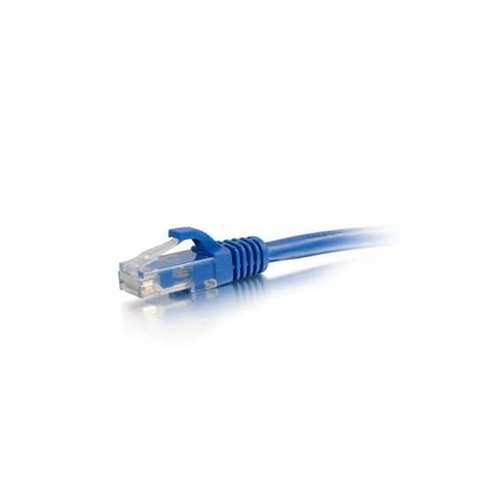
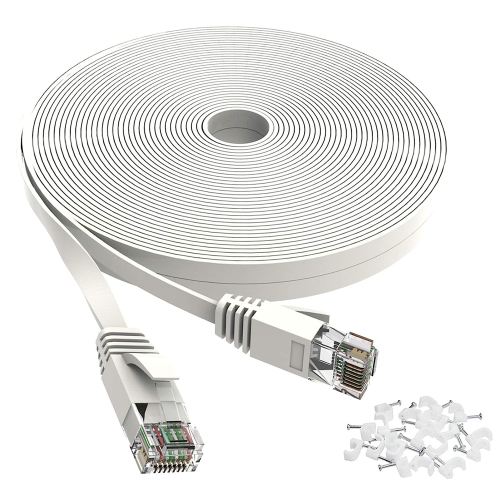
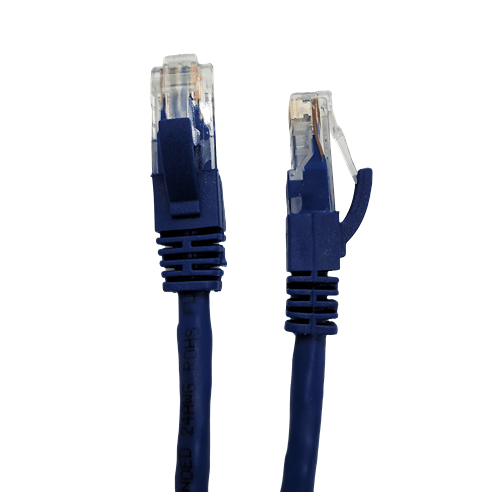
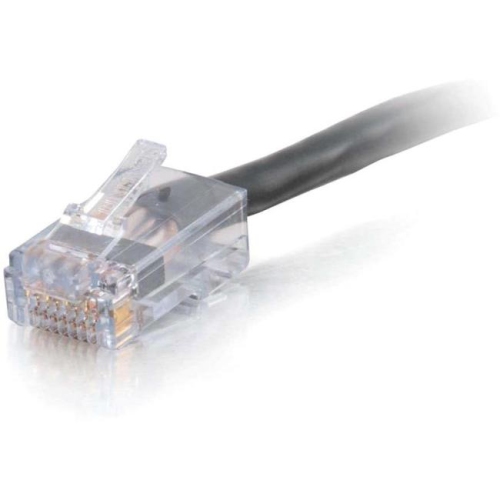
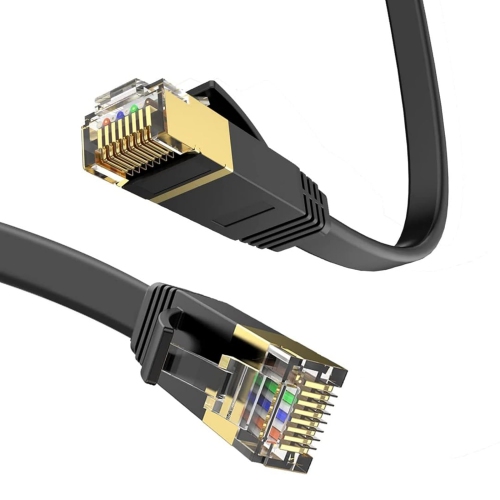
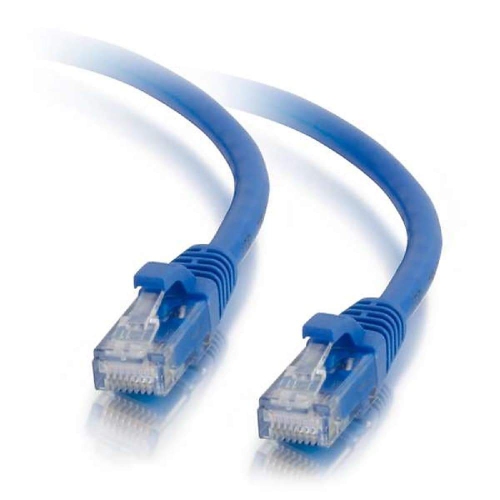
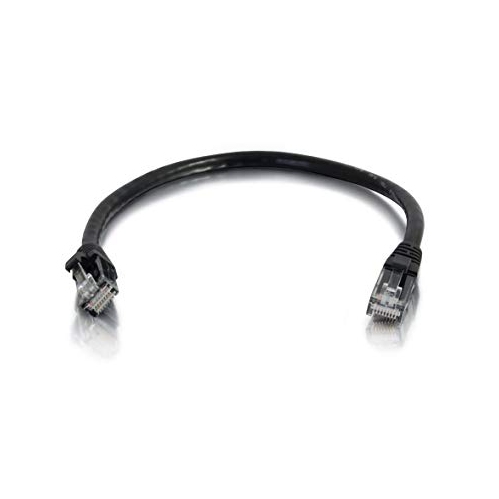
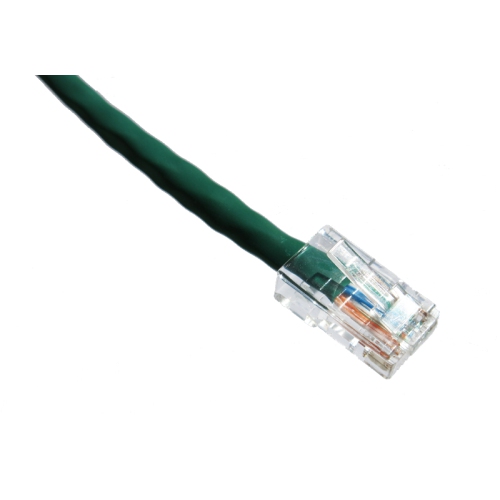
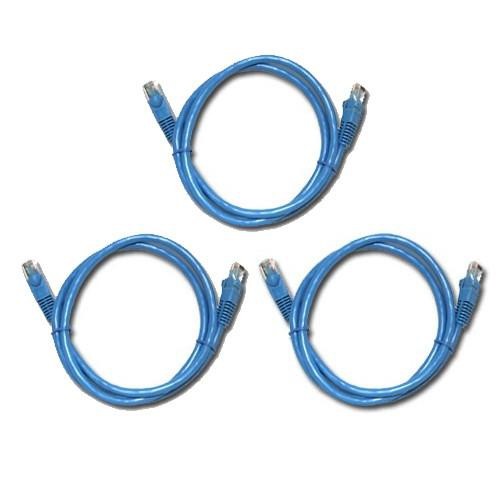
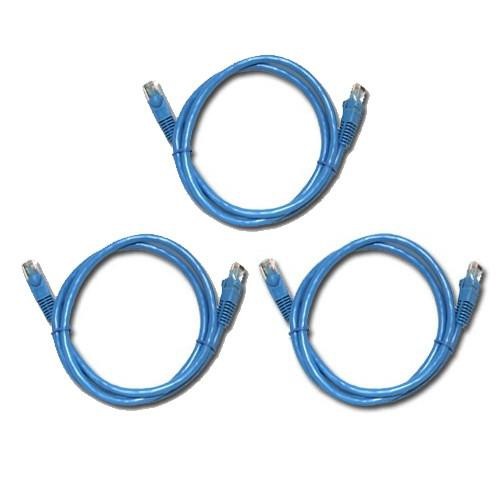
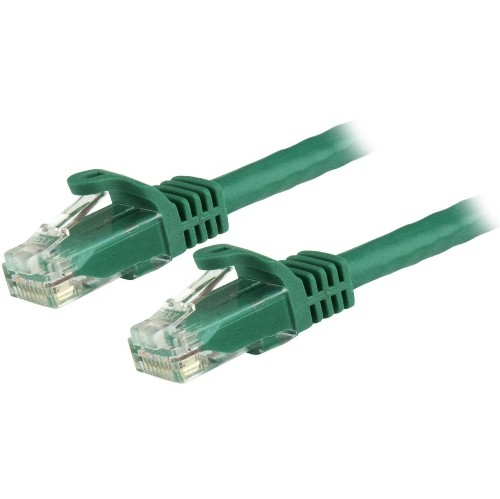
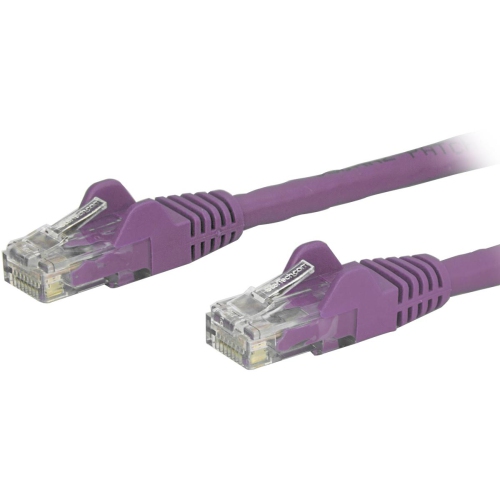
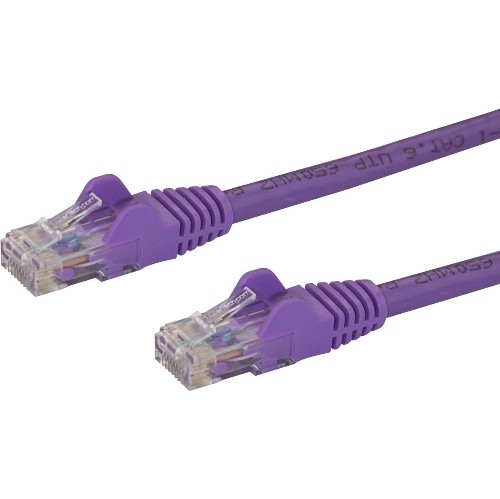
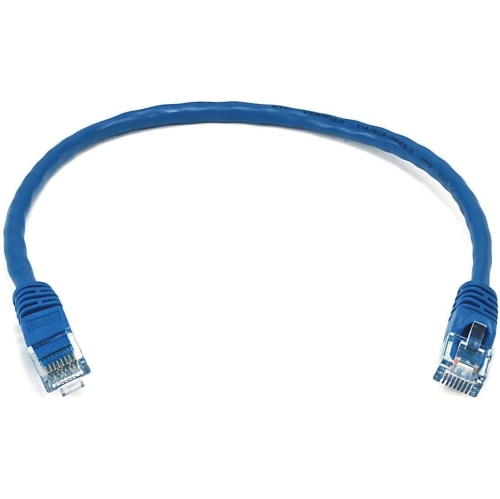
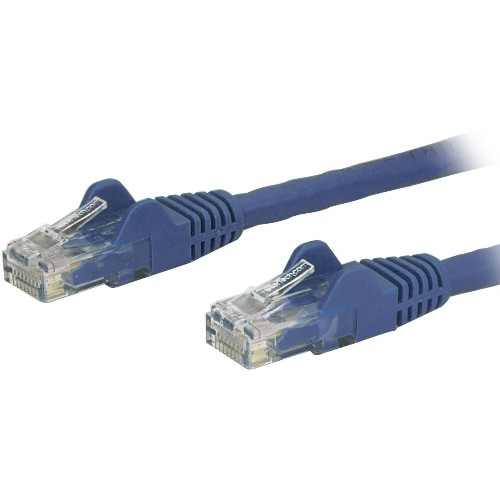
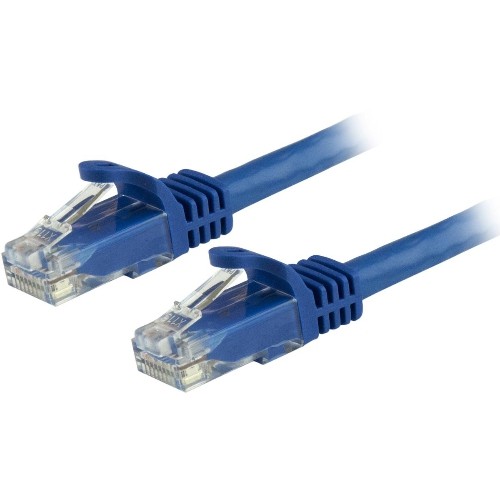
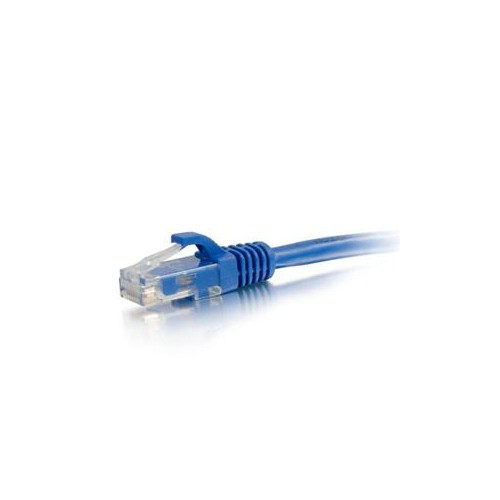
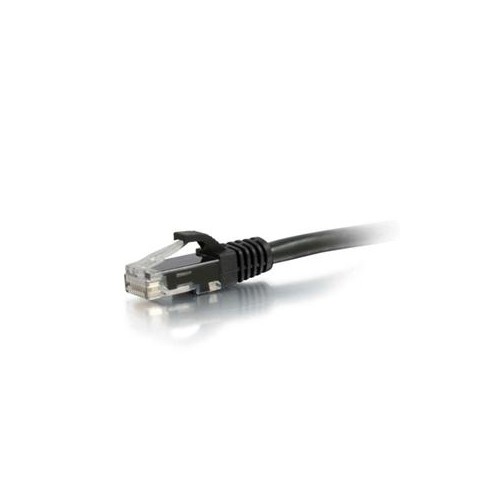
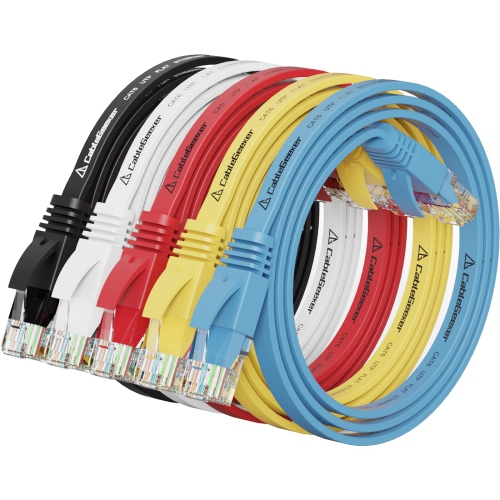
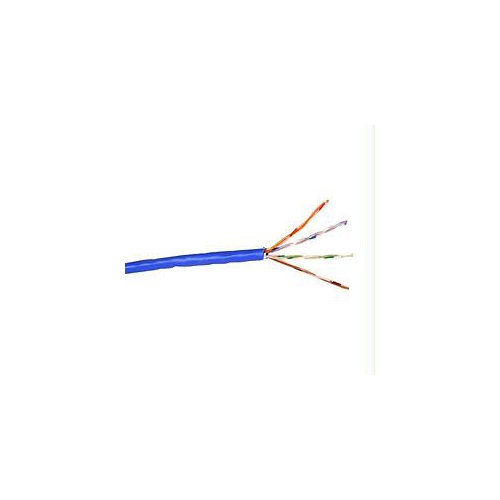
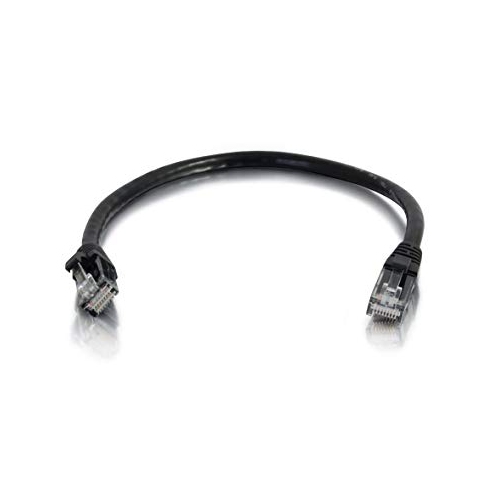
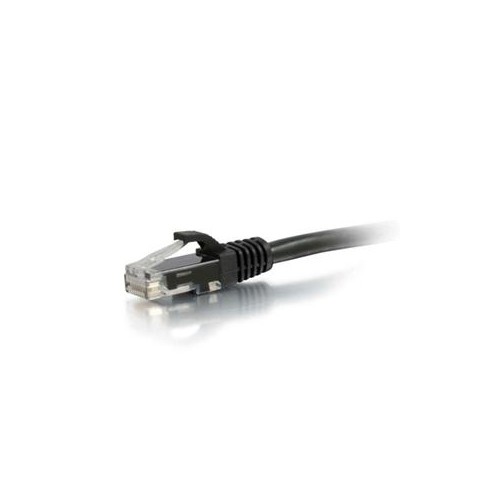
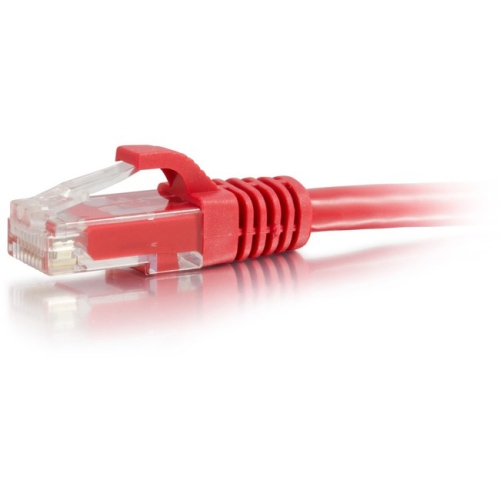
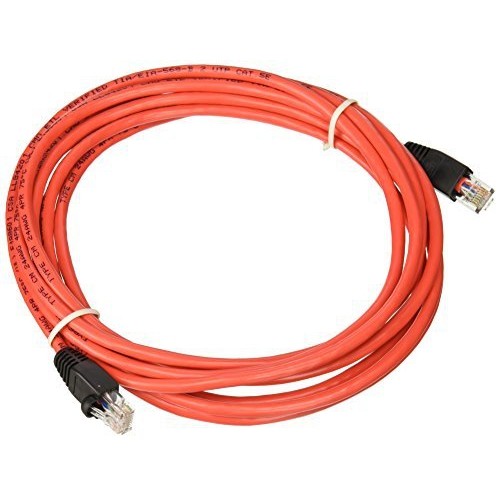
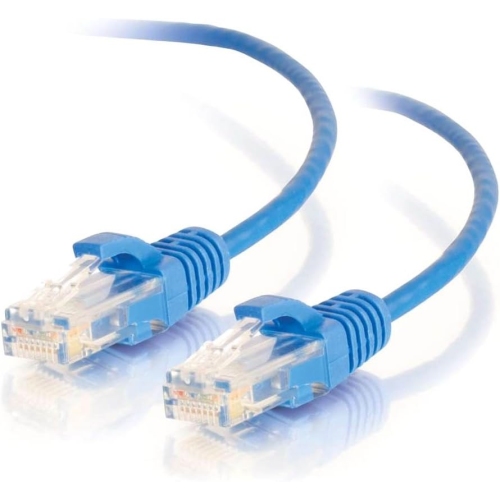
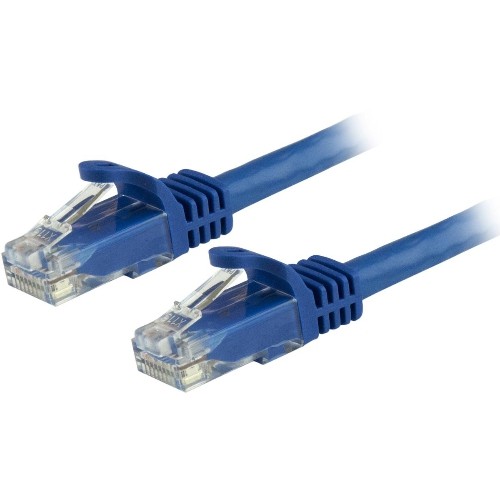
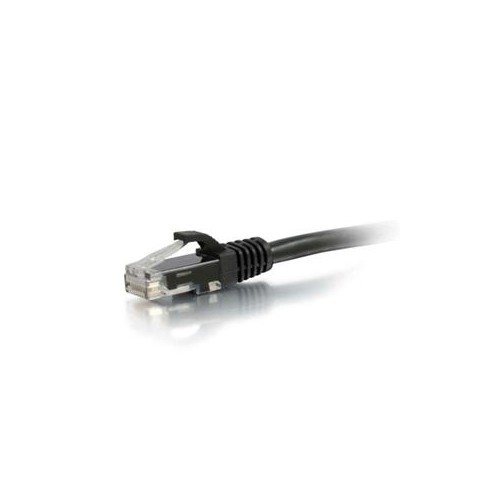
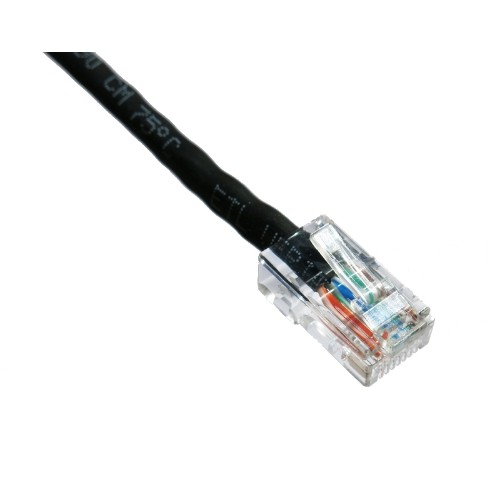
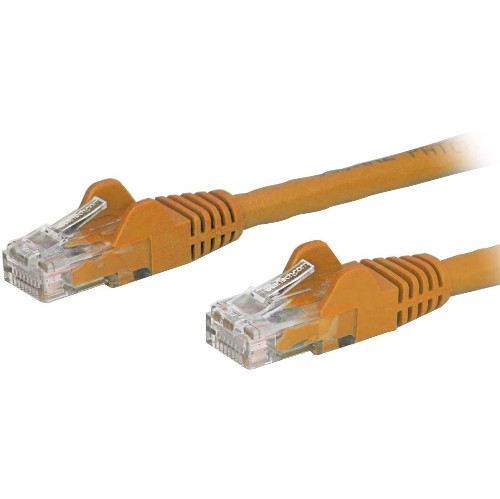
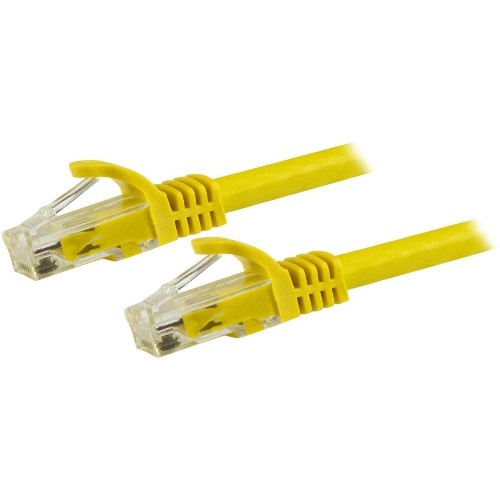
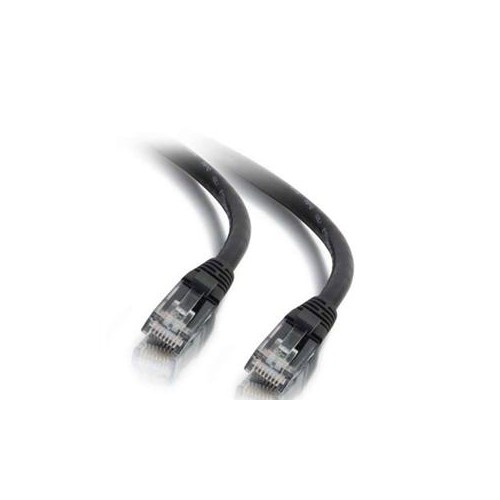
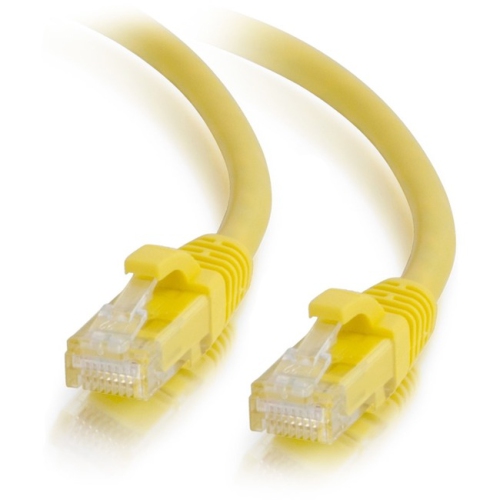
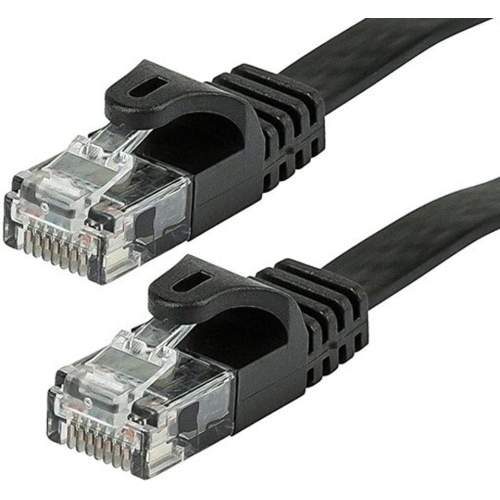
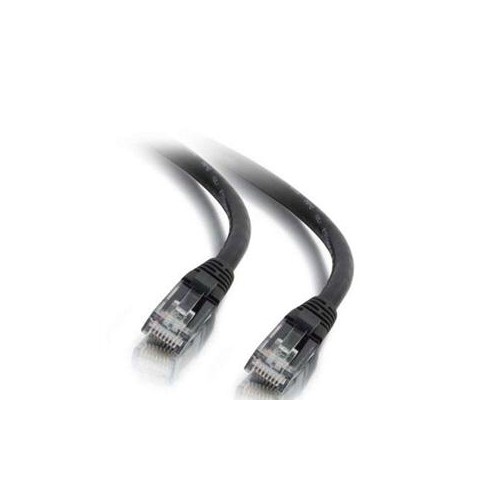
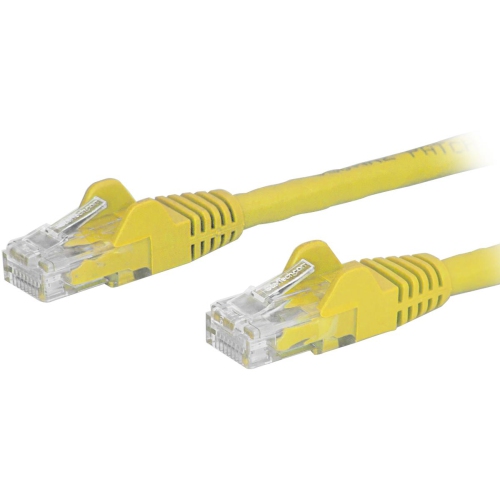
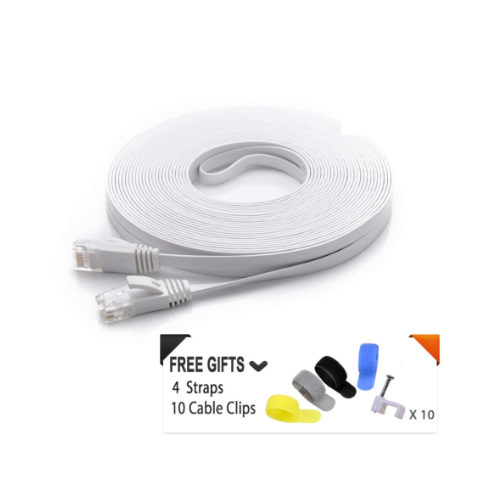
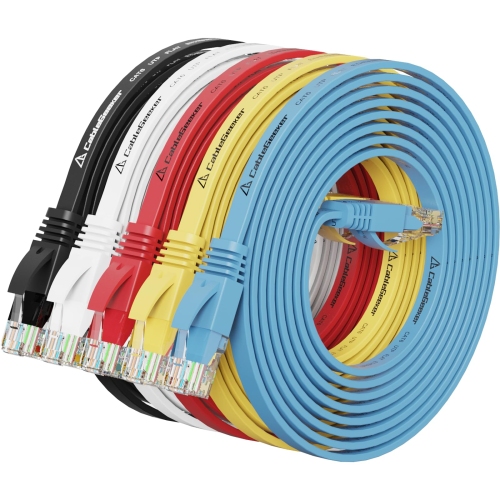
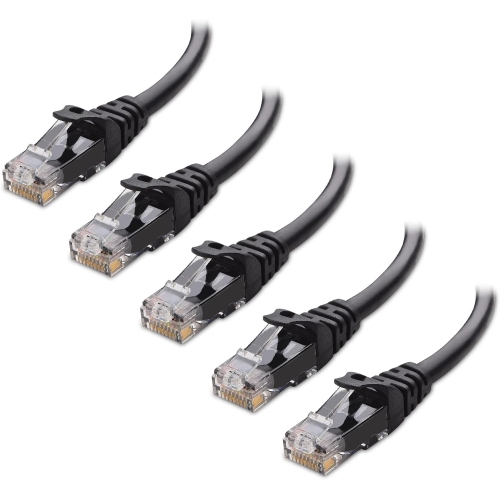
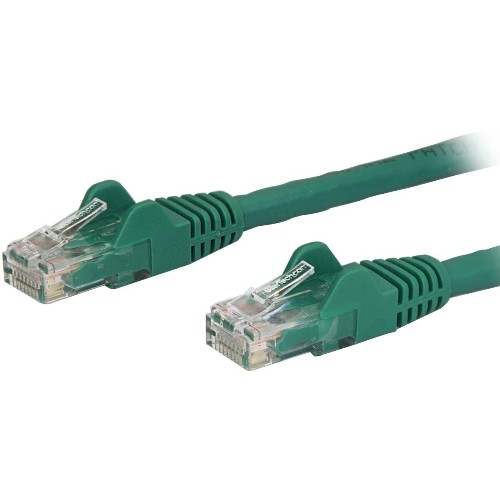
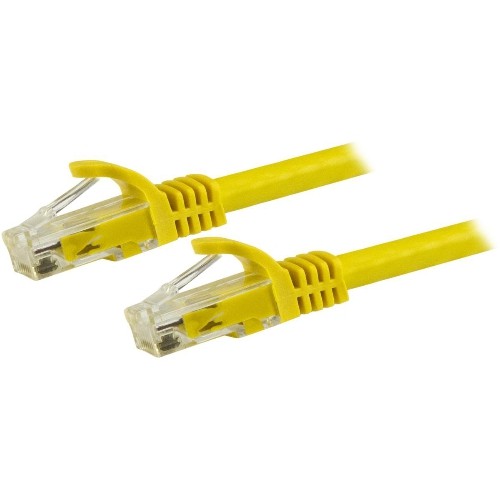
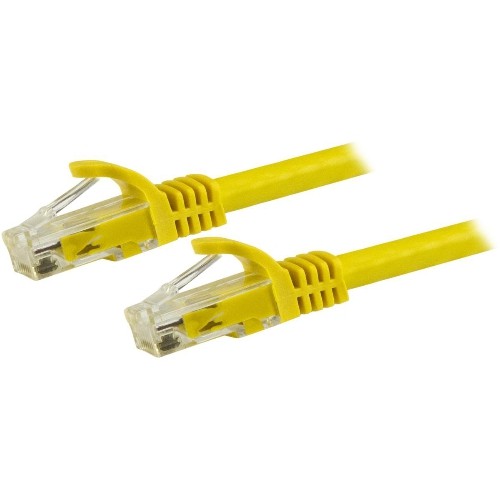
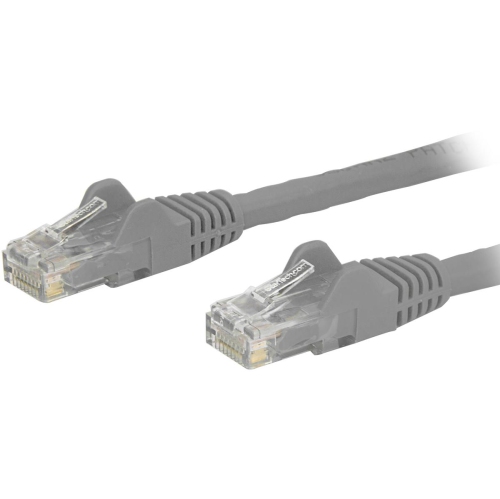
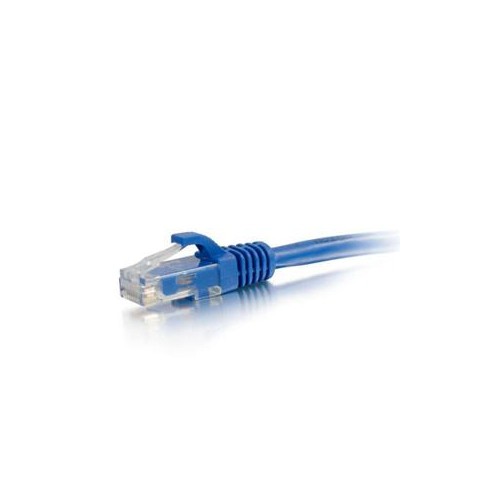
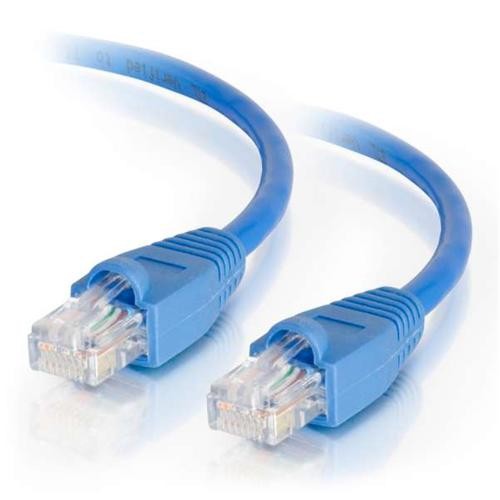
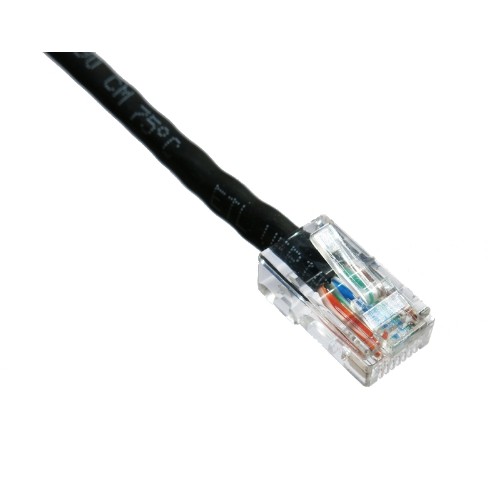
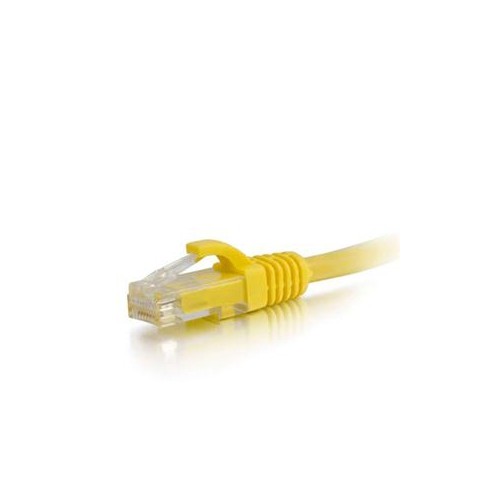
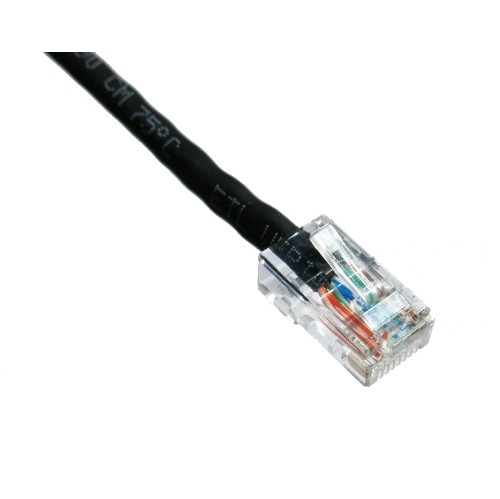
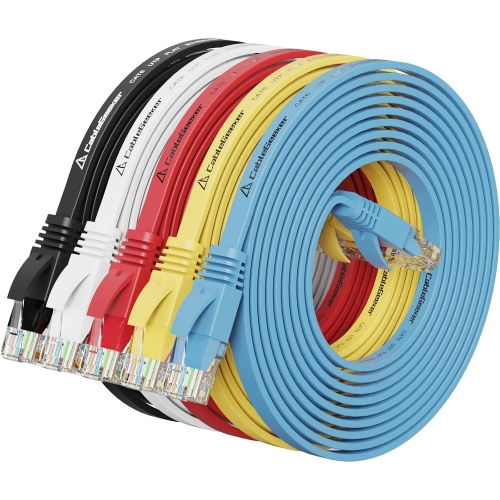
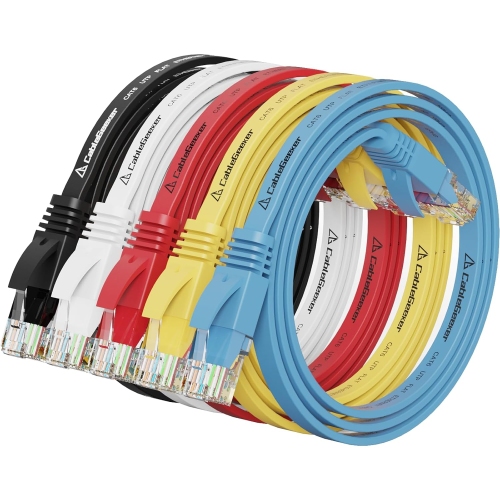
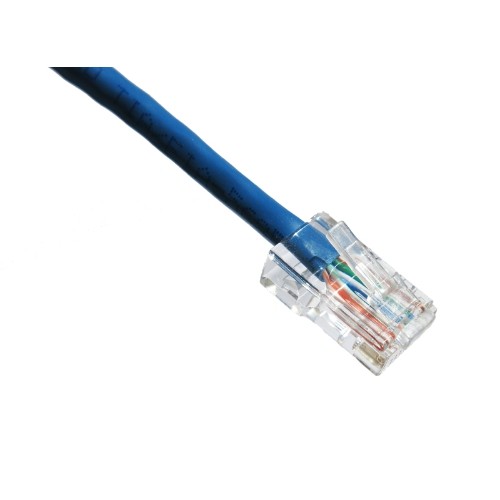
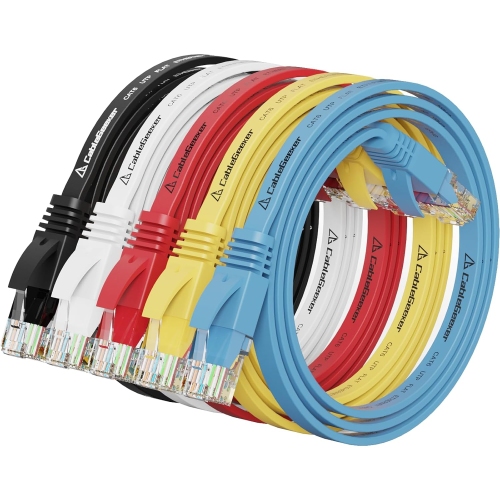
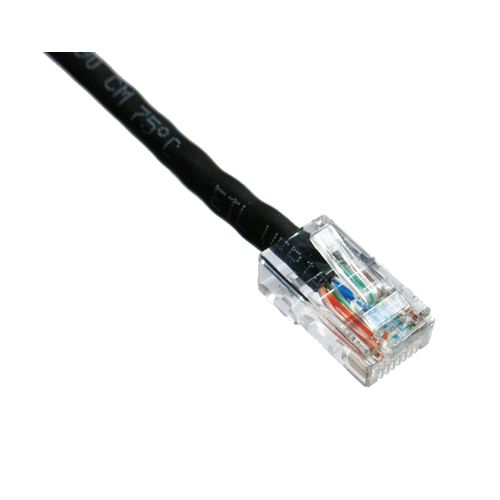
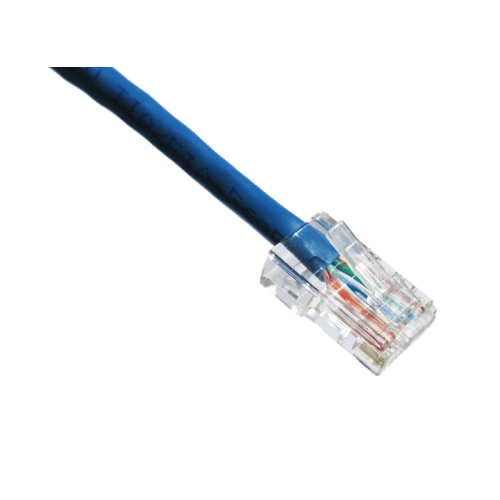
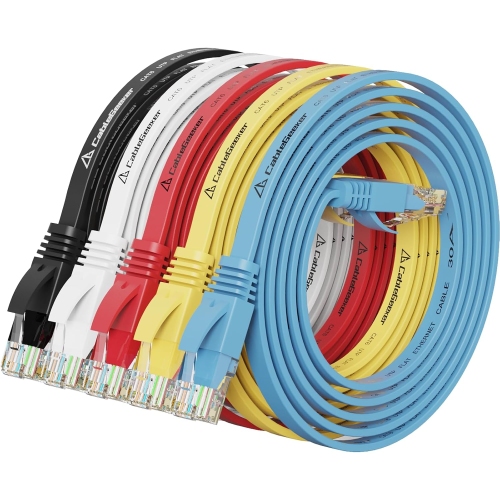
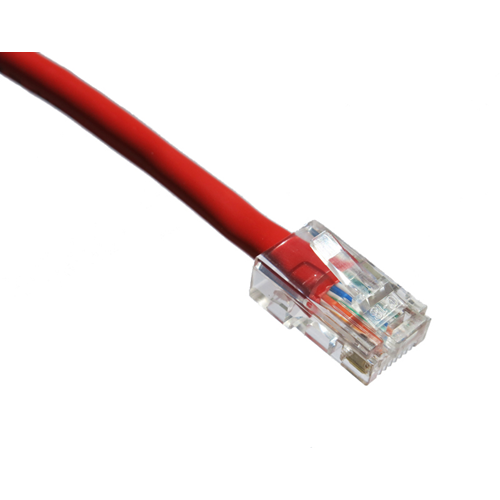
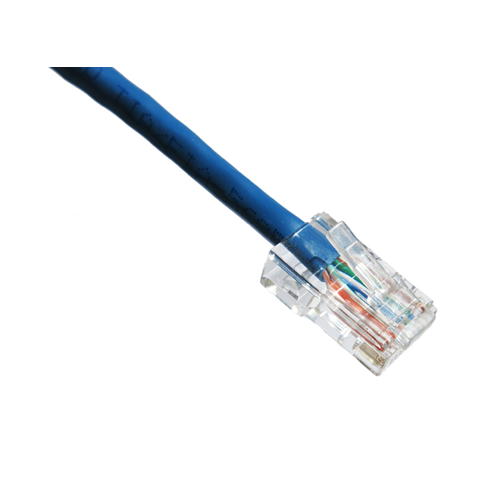
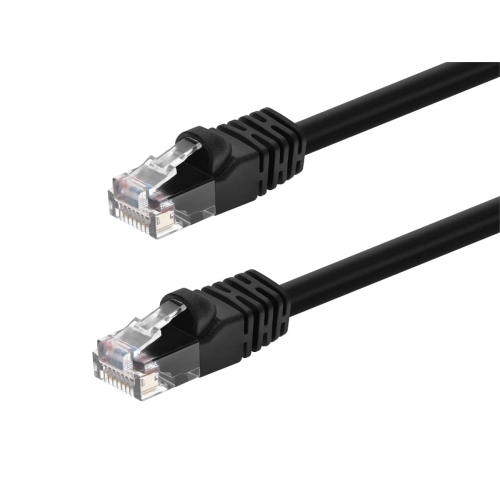
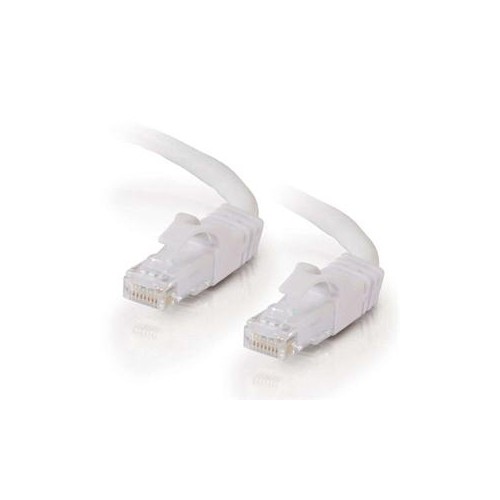
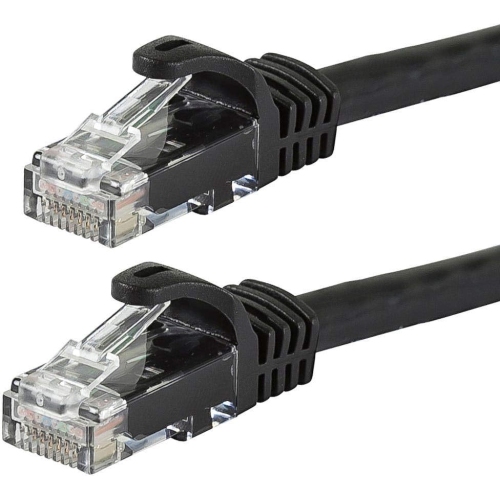
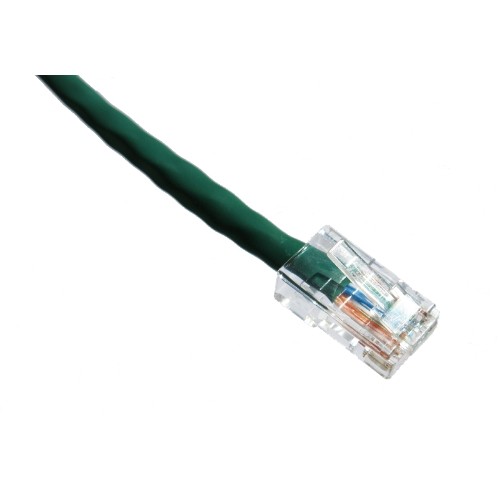
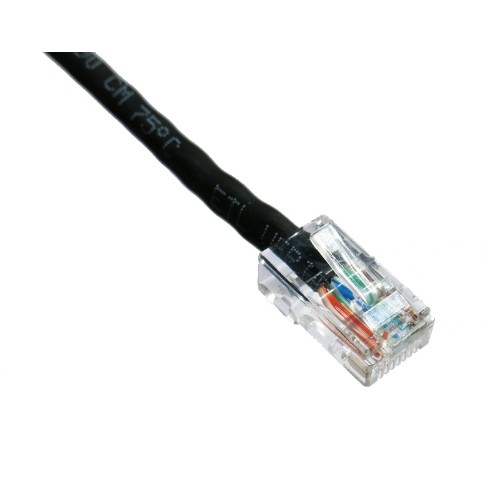
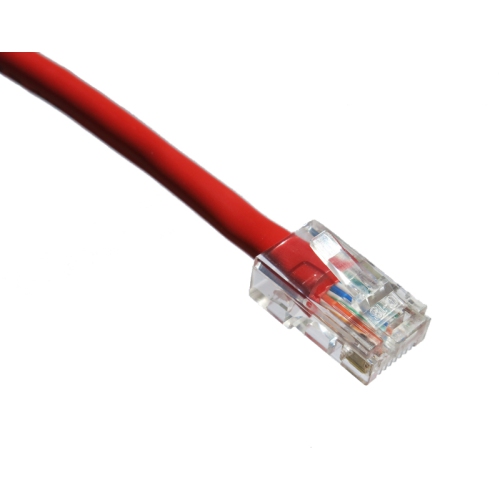
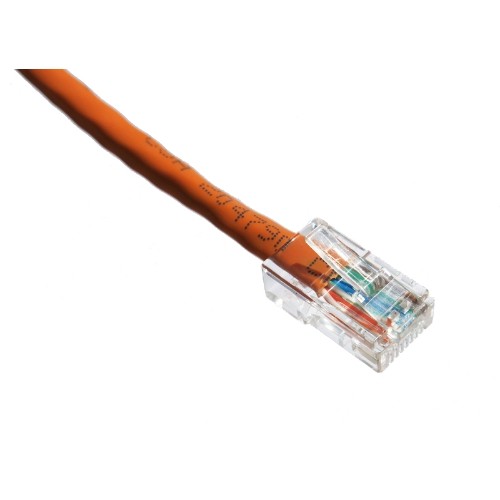
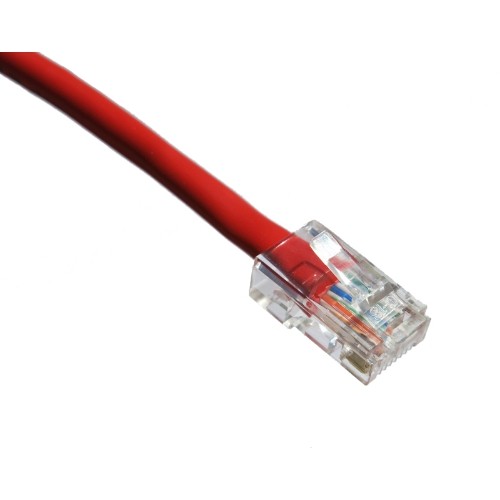
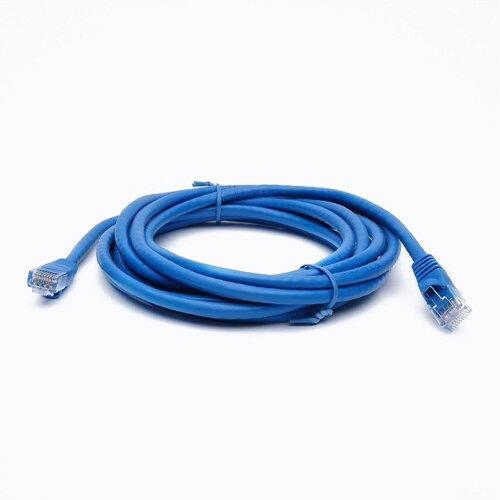
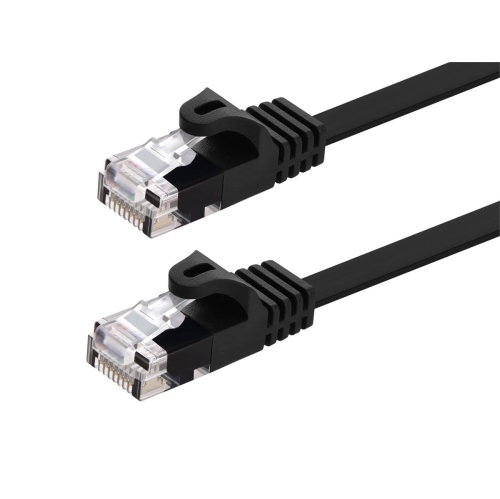
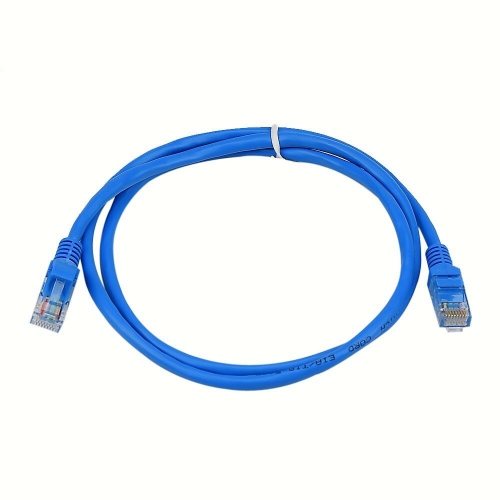
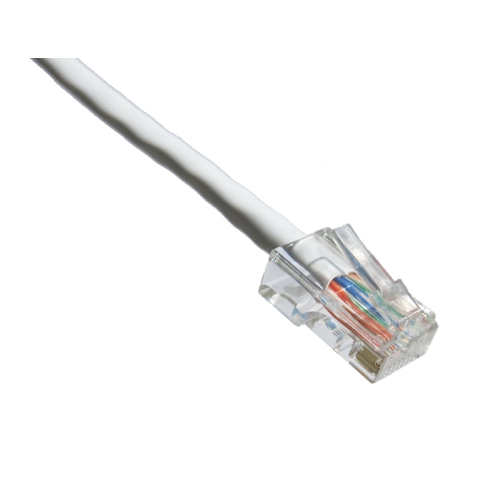
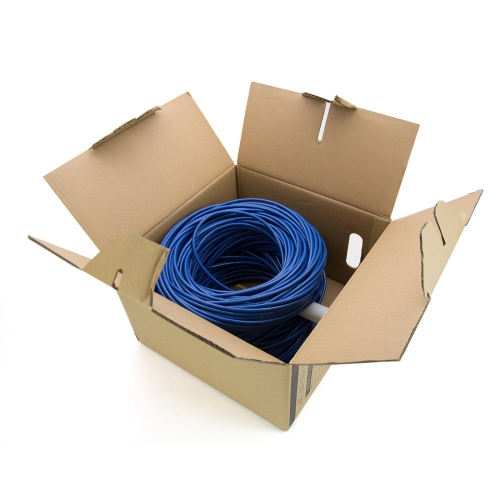
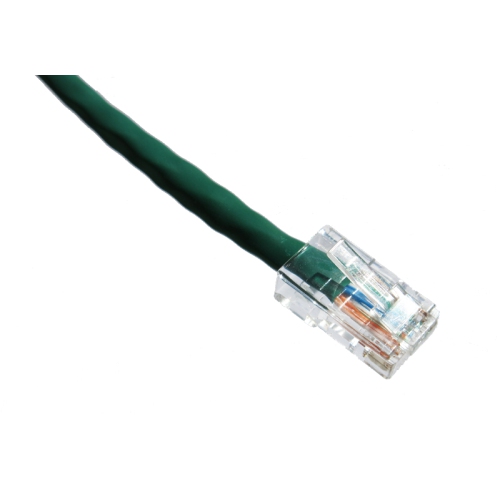
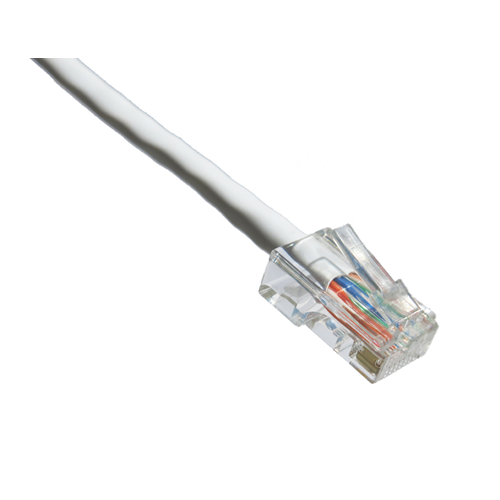
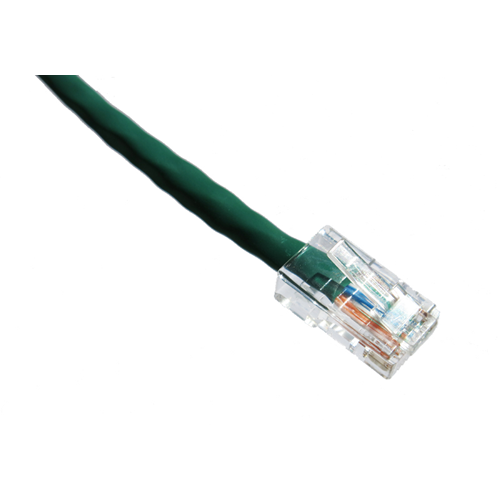
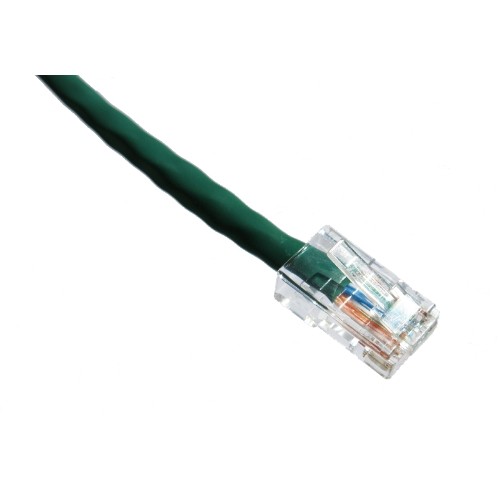
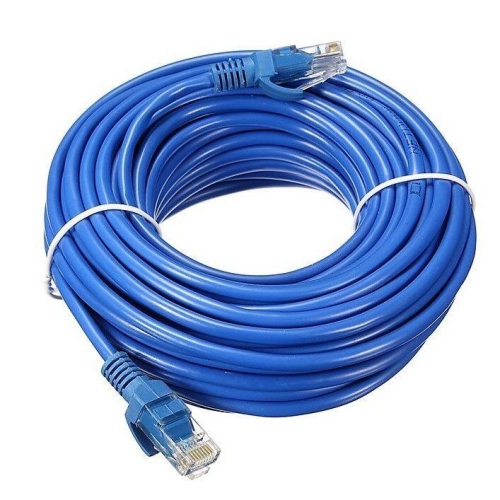
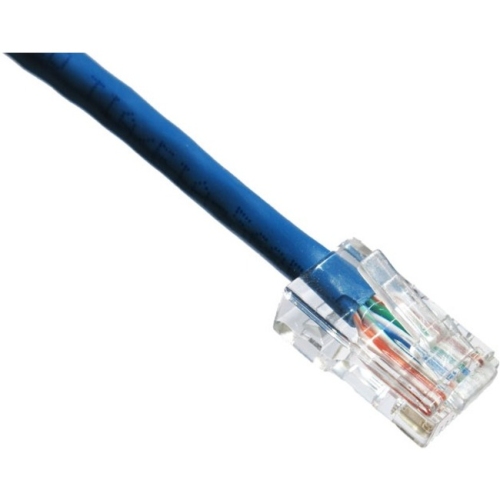
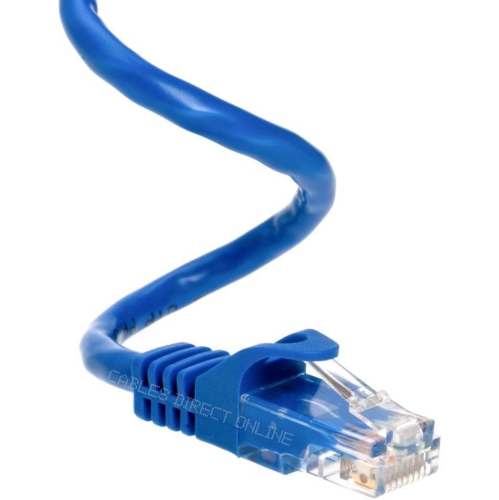
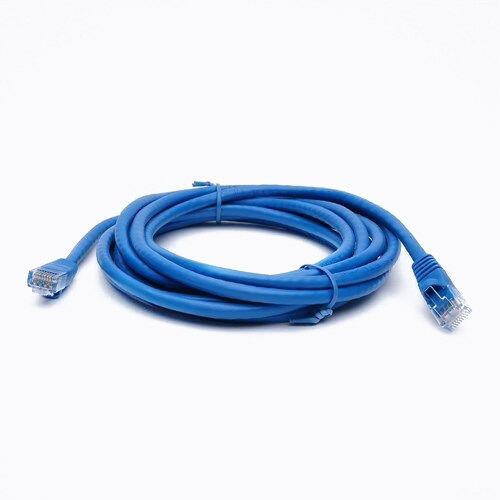
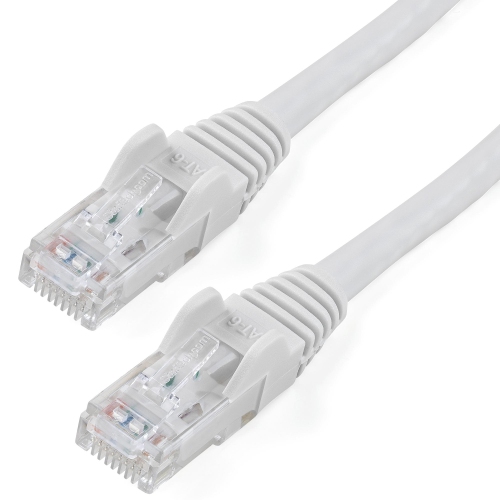
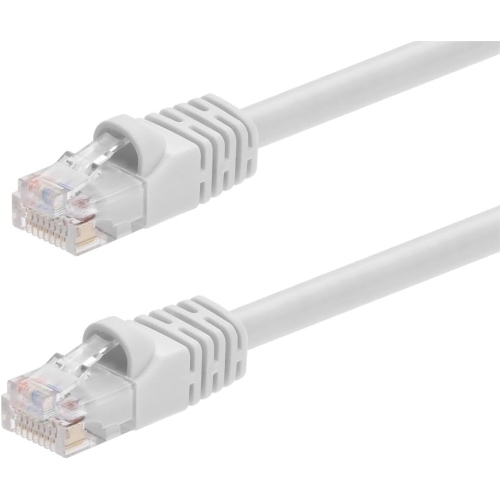
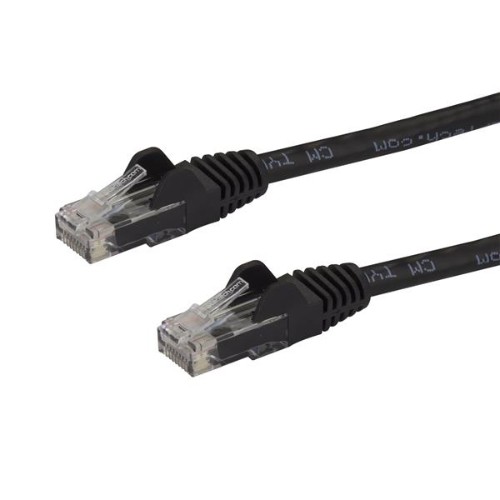
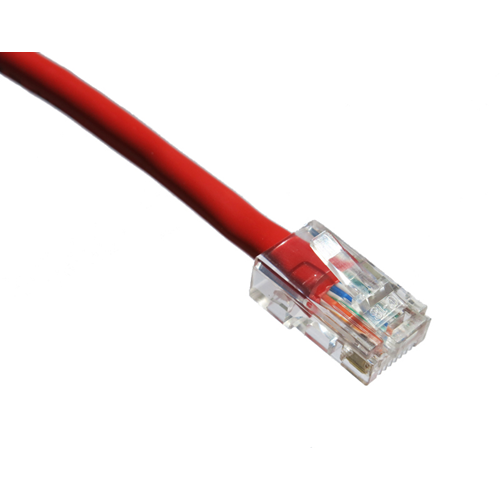
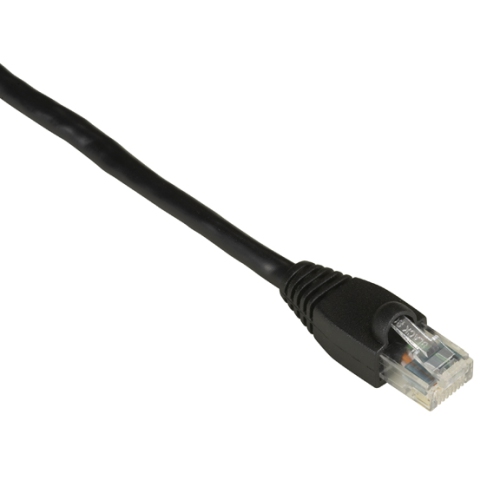
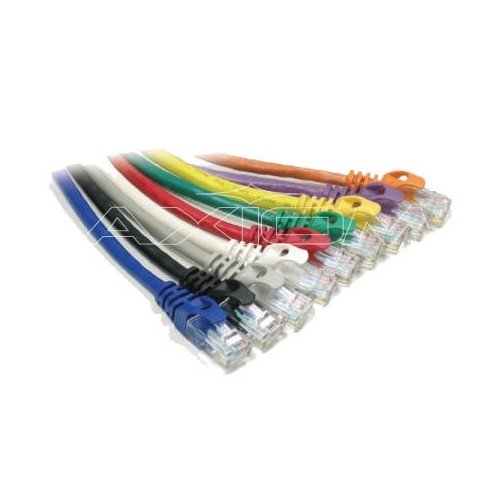
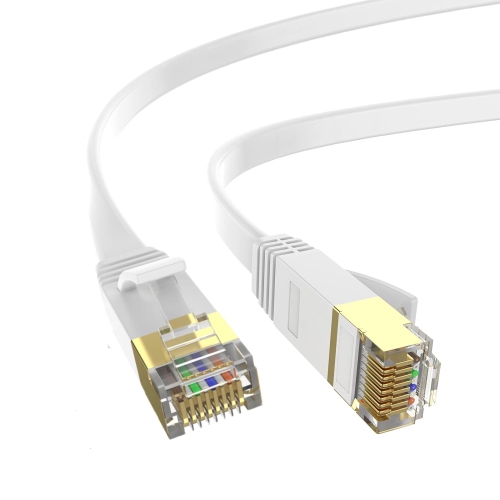
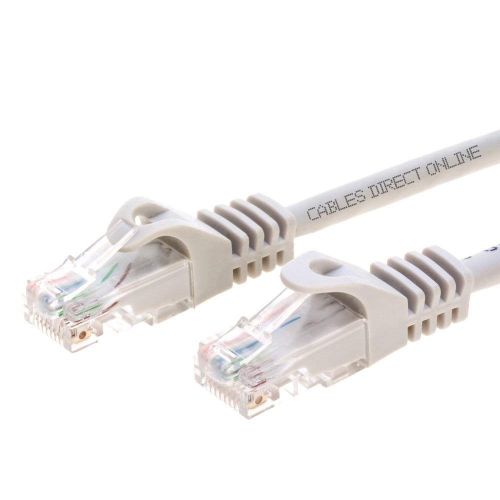
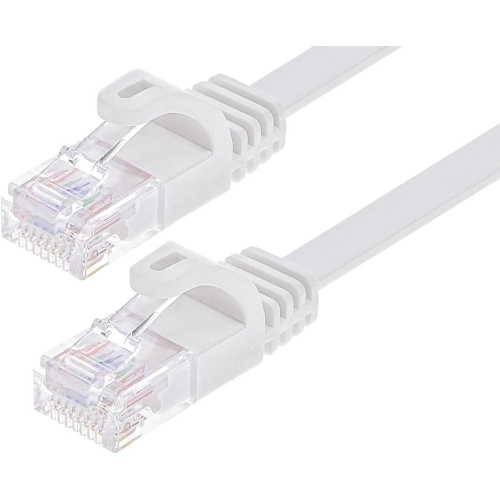
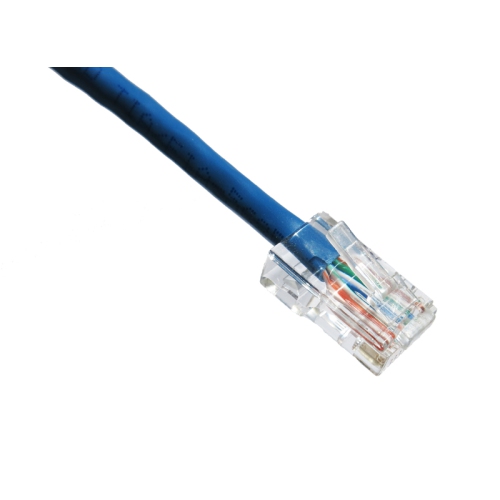
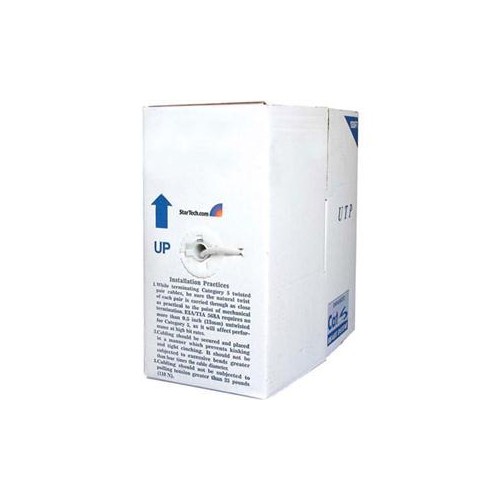
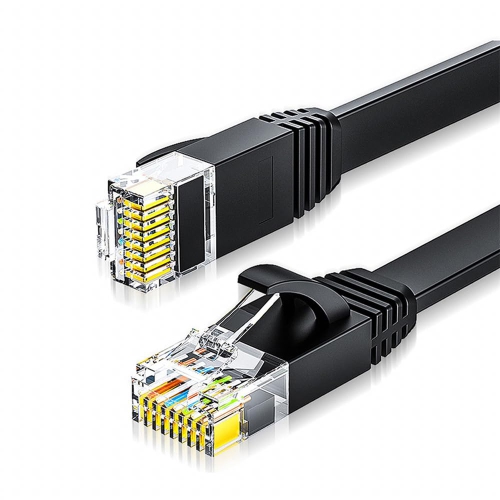
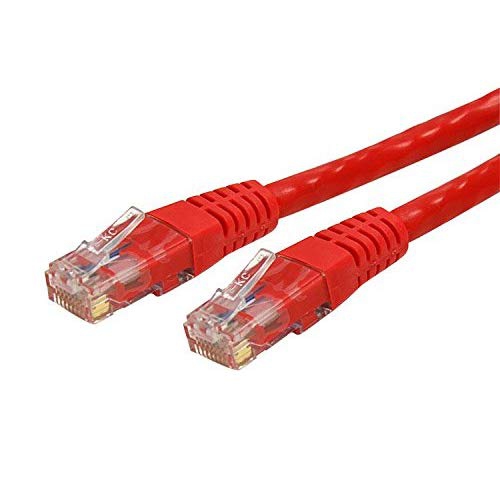
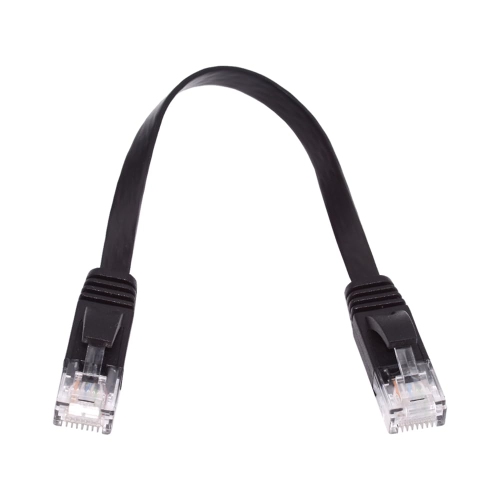
Computer networking cables provide the physical connection that allows computers, routers, modems, switches, game consoles, smart TVs, printers, access points, and other networked devices to exchange data. For many homes and small offices, twisted-pair Ethernet cables are the everyday choice: they use eight copper wires arranged as four twisted pairs to help reduce signal noise as information travels between devices. A wired connection can be especially useful for a desktop computer in a home office, a game console beside the television, or a streaming device located in a room where wireless coverage is inconsistent. It can also add stability when several people are working, learning, streaming, or gaming at the same time. Cables with RJ45-style connectors are commonly used with Ethernet ports on networking equipment, and browsing RJ45 Network Cables can help narrow the selection when a straightforward wired connection is the goal. Before choosing, check the ports on each device, measure the distance between connection points, and leave a little extra length for routing around furniture or along a wall. A cable that is just long enough may pull against the connector, while an overly long cable can leave a loop behind a desk where it collects dust or becomes a tripping hazard. Flat designs can fit neatly beneath rugs or along baseboards, while round cables may offer a more traditional fit for cable channels and server racks.
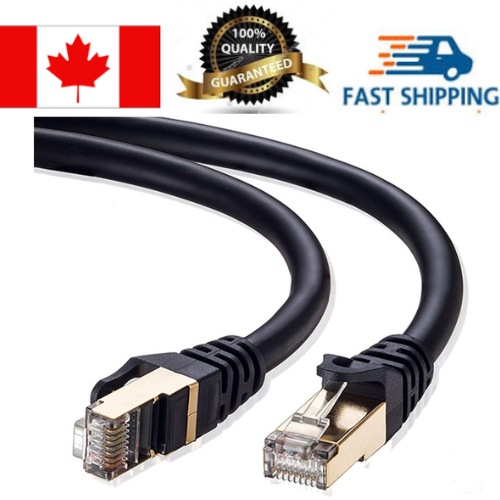
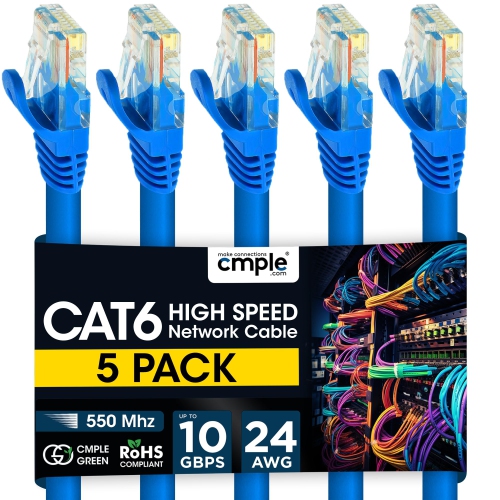
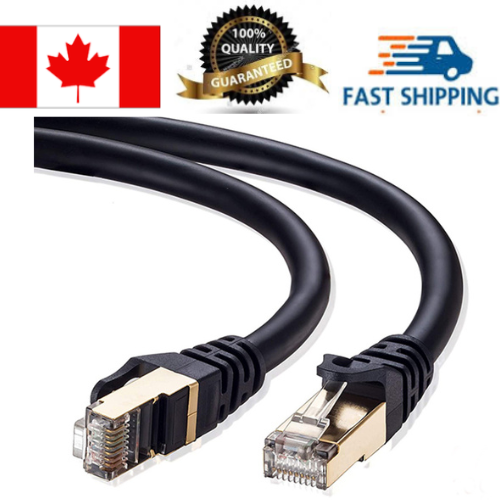
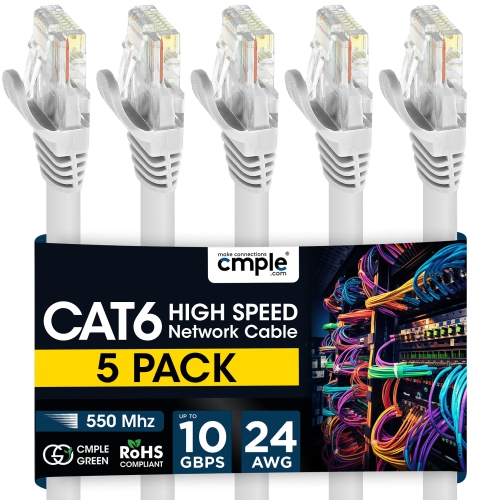
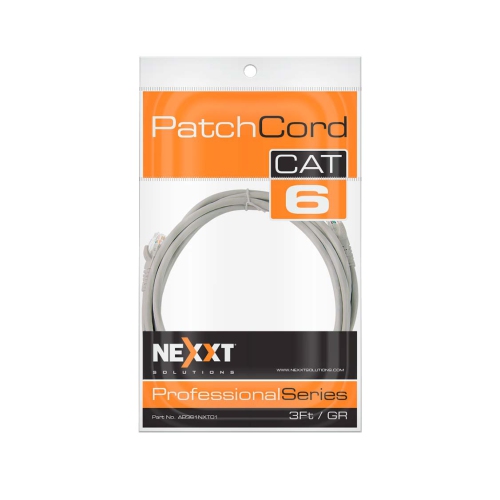
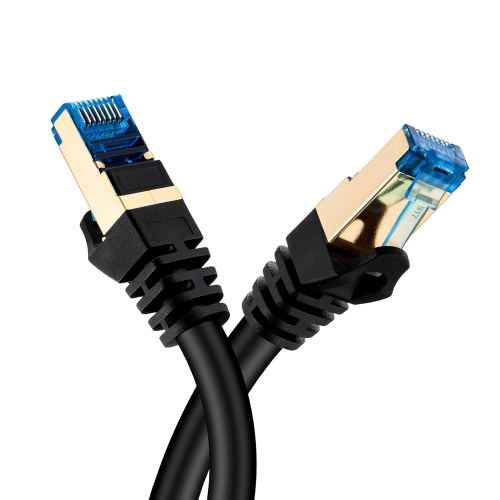
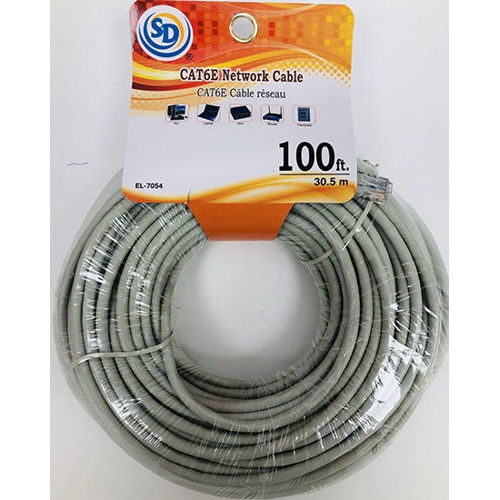
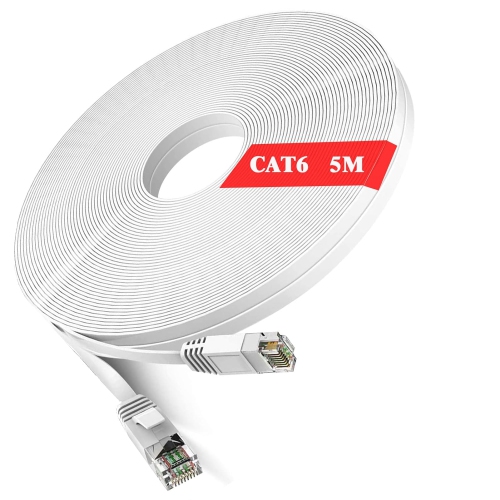
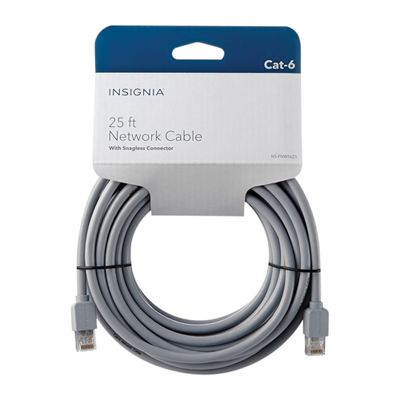
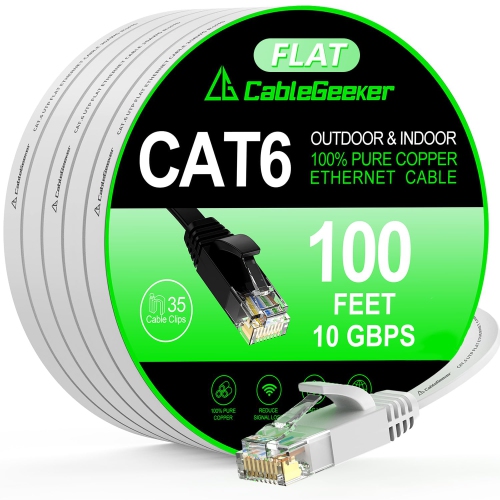
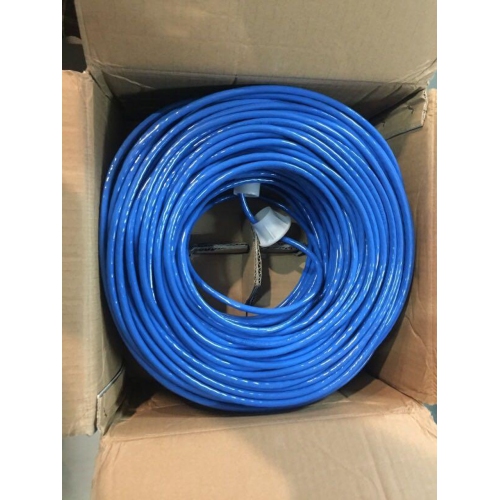
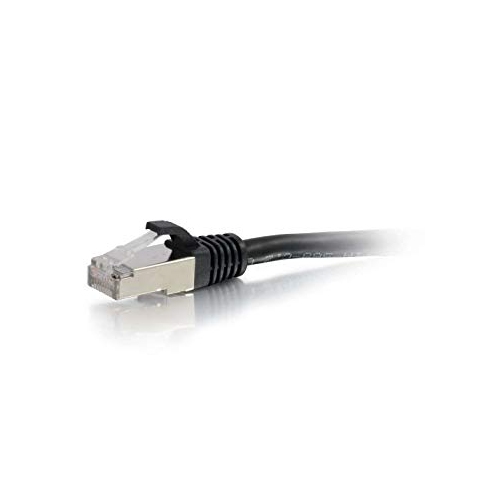
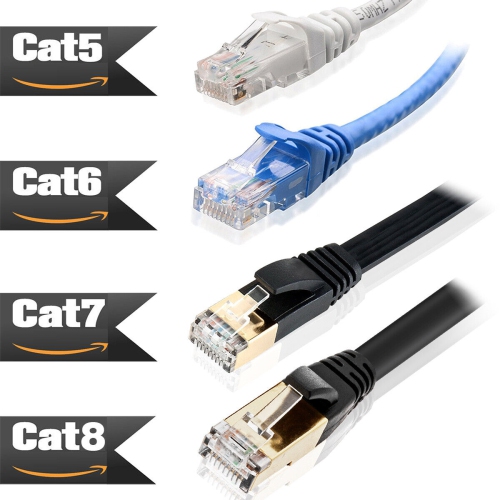
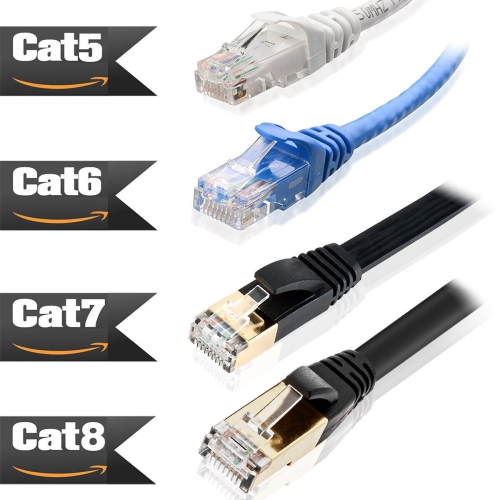
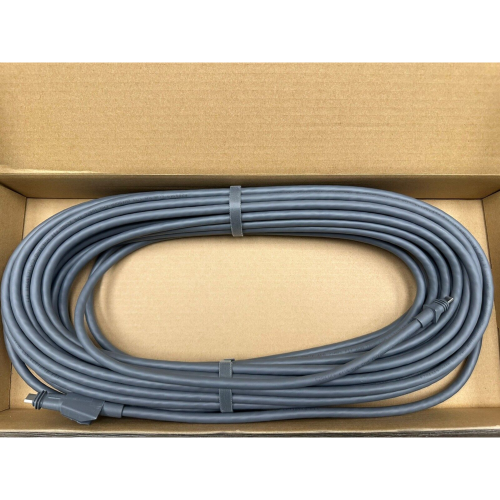
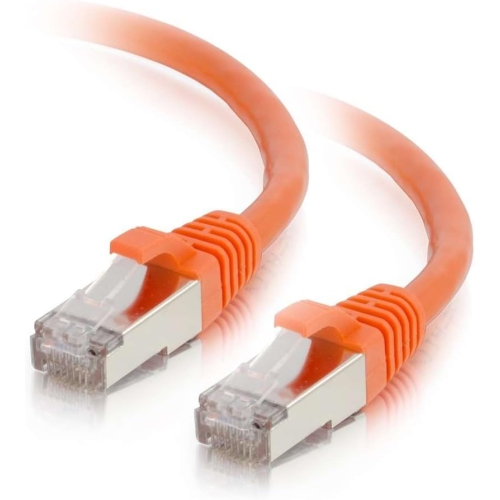
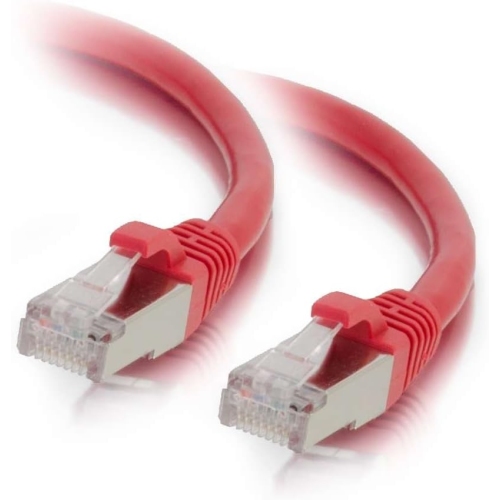
Cable category is another important consideration because it indicates the performance a cable is designed to support. Cat5e cables are suitable for many standard home networks and can support speeds of up to 1 Gbps over typical Ethernet distances when the connected equipment supports those speeds. Cat6 cables are designed with tighter performance specifications and can support faster links, including up to 10 Gbps over shorter runs under appropriate conditions. Cat6a is built for 10 Gbps connections over longer distances than Cat6 and is often considered for busy home offices, media rooms, or installations where the cable will remain in place for years. Cat8 cables are intended for very high-speed applications, including demanding data transfers and professional networking environments, but the cable alone does not increase internet speed; the modem, router, switch, computer, network card, and service plan all need to support the desired performance. Shielding can be valuable in areas with electrical interference, such as near power bars, motors, fluorescent lighting, or dense equipment cabinets, while unshielded cable is often flexible and easy to manage in a typical room. Look for clear labelling, durable connector boots, strain relief, and a jacket length that suits the installation. Short patch cables can tidy up a desk or connect nearby equipment, whereas longer lengths are useful for running a connection from a router in one room to a computer or entertainment system in another. For anyone setting up a new workspace, moving into a home, upgrading a gaming area, or preparing a technology gift, a properly sized cable is a practical addition that can make the entire setup feel more dependable and less cluttered.
Other cable types serve different parts of a network. Fibre optic cables carry data as pulses of light through thin glass or plastic cores, giving them excellent resistance to electrical interference and making them well suited to high-speed, long-distance connections. Single-mode fibre is designed for very long runs, while multi-mode fibre is generally used across shorter distances within a building, such as between network rooms or equipment racks. These cables require compatible ports or transceivers, so they are usually selected for a specific networking installation rather than as a general replacement for household Ethernet. Coaxial cables have a central copper conductor surrounded by insulation and a braided or foil shield. They are commonly used to bring cable internet service into a modem or to connect related television and broadband equipment, although they are less often used for direct connections between computers and routers. When planning a wired network, consider the location of the modem, router, switch, and primary devices, along with walls, doorways, desk legs, and areas where cables may be stepped on. Neatly routed connections can make troubleshooting easier: if a computer suddenly loses access, a visible link light and an accessible cable make it simpler to identify whether the issue lies with the device, the network equipment, or the connection itself. Networking cables can be useful for students arranging a study space, remote workers building a reliable office, families connecting entertainment devices, and anyone giving a practical housewarming or technology gift. With the right category, length, connector, and cable construction, a wired network can provide a clean path for data from one device to another through busy afternoons, late-night gaming sessions, and the cooler months when more time is spent indoors.
Cable category is another important consideration because it indicates the performance a cable is designed to support. Cat5e cables are suitable for many standard home networks and can support speeds of up to 1 Gbps over typical Ethernet distances when the connected equipment supports those speeds. Cat6 cables are designed with tighter performance specifications and can support faster links, including up to 10 Gbps over shorter runs under appropriate conditions. Cat6a is built for 10 Gbps connections over longer distances than Cat6 and is often considered for busy home offices, media rooms, or installations where the cable will remain in place for years. Cat8 cables are intended for very high-speed applications, including demanding data transfers and professional networking environments, but the cable alone does not increase internet speed; the modem, router, switch, computer, network card, and service plan all need to support the desired performance. Shielding can be valuable in areas with electrical interference, such as near power bars, motors, fluorescent lighting, or dense equipment cabinets, while unshielded cable is often flexible and easy to manage in a typical room. Look for clear labelling, durable connector boots, strain relief, and a jacket length that suits the installation. Short patch cables can tidy up a desk or connect nearby equipment, whereas longer lengths are useful for running a connection from a router in one room to a computer or entertainment system in another. For anyone setting up a new workspace, moving into a home, upgrading a gaming area, or preparing a technology gift, a properly sized cable is a practical addition that can make the entire setup feel more dependable and less cluttered.
Other cable types serve different parts of a network. Fibre optic cables carry data as pulses of light through thin glass or plastic cores, giving them excellent resistance to electrical interference and making them well suited to high-speed, long-distance connections. Single-mode fibre is designed for very long runs, while multi-mode fibre is generally used across shorter distances within a building, such as between network rooms or equipment racks. These cables require compatible ports or transceivers, so they are usually selected for a specific networking installation rather than as a general replacement for household Ethernet. Coaxial cables have a central copper conductor surrounded by insulation and a braided or foil shield. They are commonly used to bring cable internet service into a modem or to connect related television and broadband equipment, although they are less often used for direct connections between computers and routers. When planning a wired network, consider the location of the modem, router, switch, and primary devices, along with walls, doorways, desk legs, and areas where cables may be stepped on. Neatly routed connections can make troubleshooting easier: if a computer suddenly loses access, a visible link light and an accessible cable make it simpler to identify whether the issue lies with the device, the network equipment, or the connection itself. Networking cables can be useful for students arranging a study space, remote workers building a reliable office, families connecting entertainment devices, and anyone giving a practical housewarming or technology gift. With the right category, length, connector, and cable construction, a wired network can provide a clean path for data from one device to another through busy afternoons, late-night gaming sessions, and the cooler months when more time is spent indoors.
Top selling and popular products
-
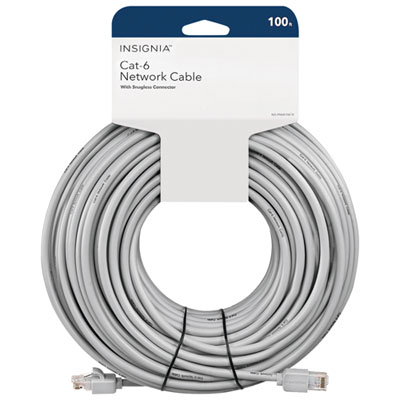 Your price for this item is $49.95
 -
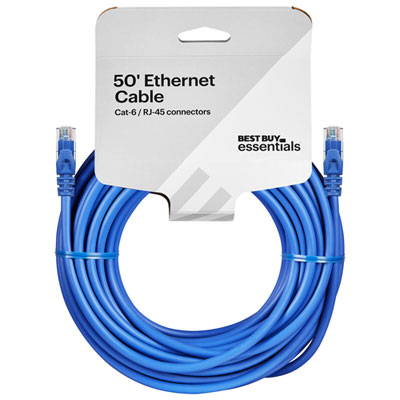 Your price for this item is $24.99
 -
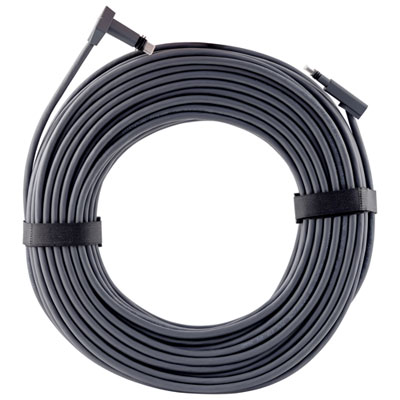 Your price for this item is $164.99
 -
 Your price for this item is $31.37
 -
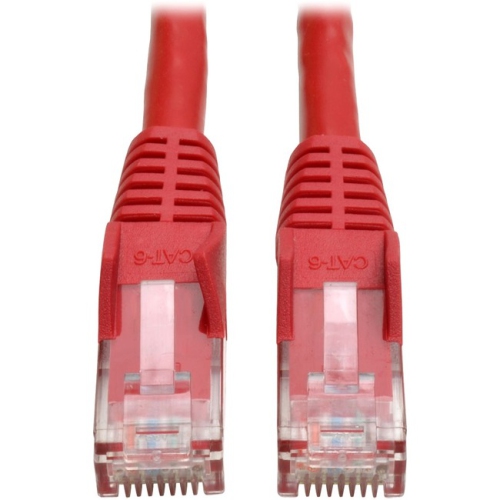 Your price for this item is $79.68
 -
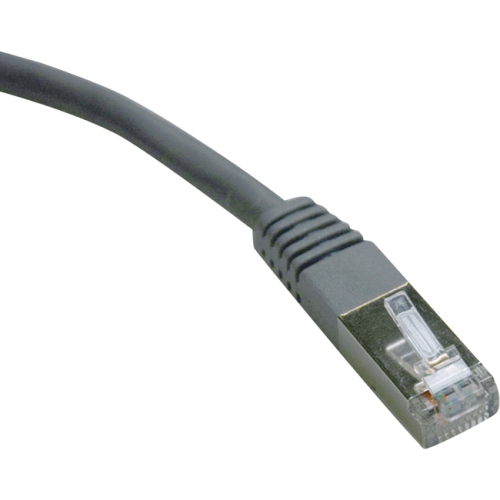 Your price for this item is $57.68
 -
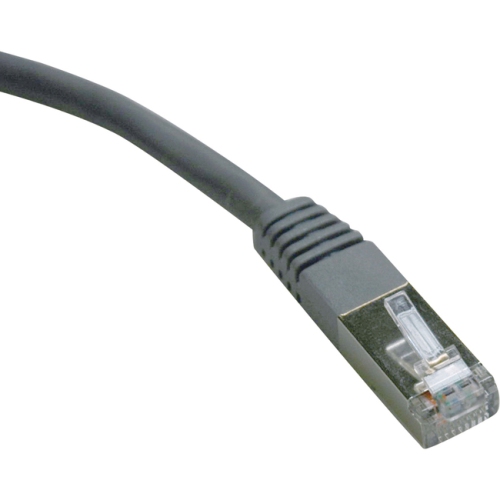 Your price for this item is $50.99
 -
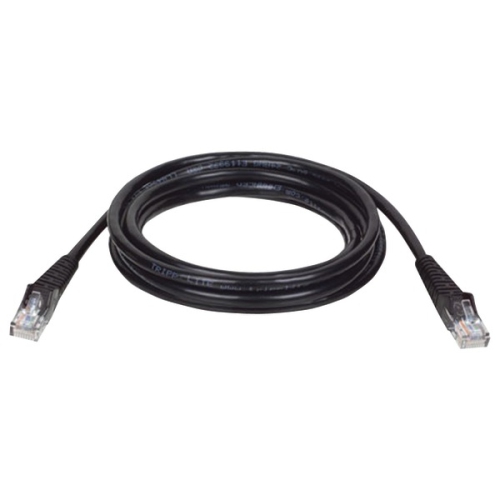 Your price for this item is $57.68
Discover more categories related to Computer Networking Cables
Top Collections:
Pokemon Centers, Kindle Devices, Best Cameras for Sports Photography, Pokémon 30th Celebration Cards, Apple iPhones 16, Canon G7X Cameras, iPhone 15 Apple, Flip Phones, Samsung Galaxy Phones, Alarm Clock
Some products may be subject to Environmental Handling Fees
(EHF) depending on your province.
Learn more about EHFs.