External Graphics Cards
Looking to take your gaming experience or graphic design work to the next level? External graphics cards are the perfect solution for boosting your computer's performance without having to replace your entire system. By simply connecting an external graphics card to your laptop or desktop, you can enjoy enhanced graphics, faster rendering speeds, and smoother gameplay. Whether you're a hardcore gamer, a creative professional, or someone in need of extra graphical power, external graphics cards offer a convenient and cost-effective way to upgrade your system's capabilities. Explore our selection of external graphics cards to find the perfect match for your needs.
Sort
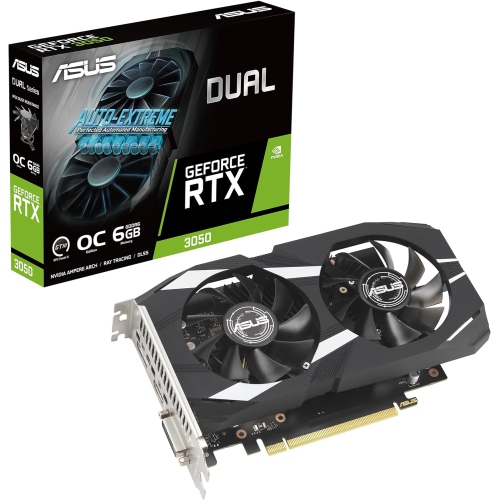
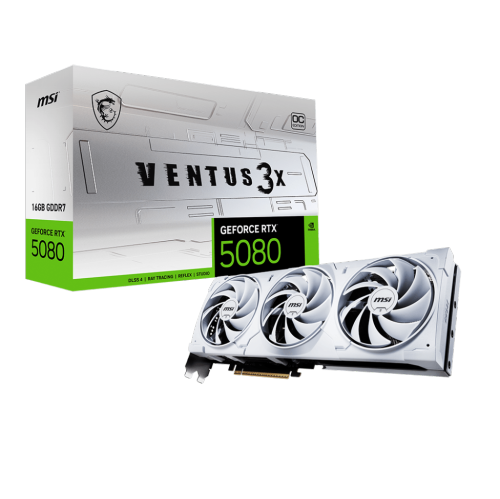
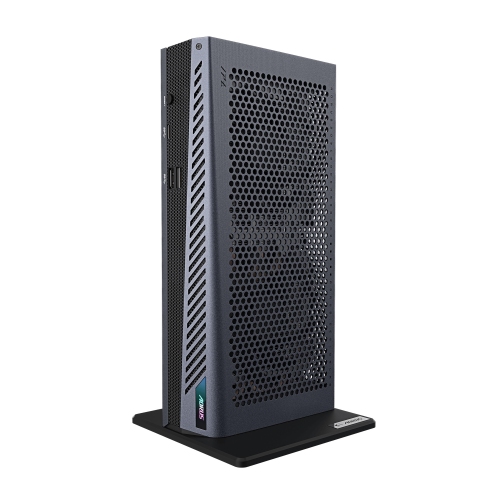

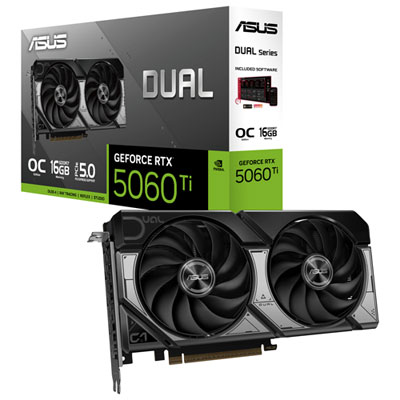
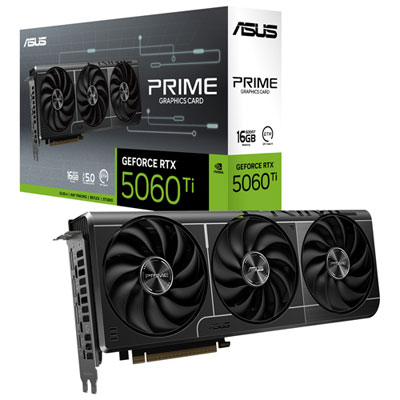
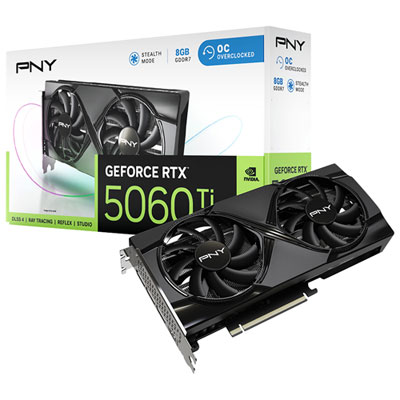
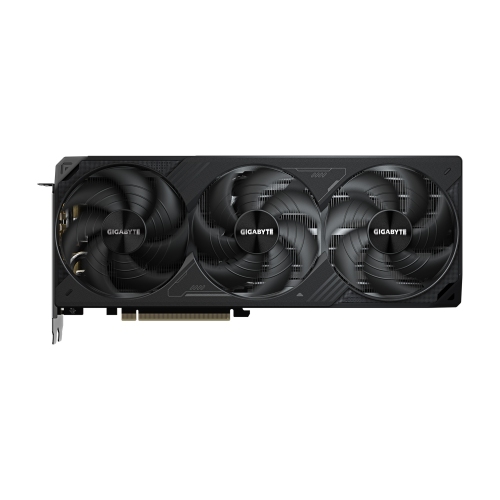
When an eGPU earns its place on your desk
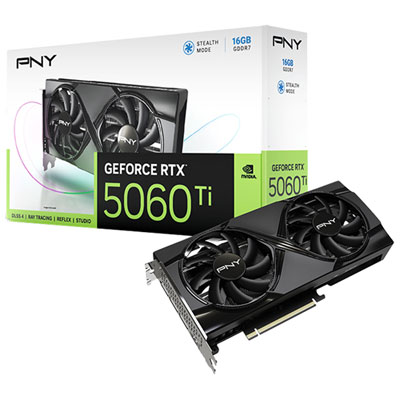
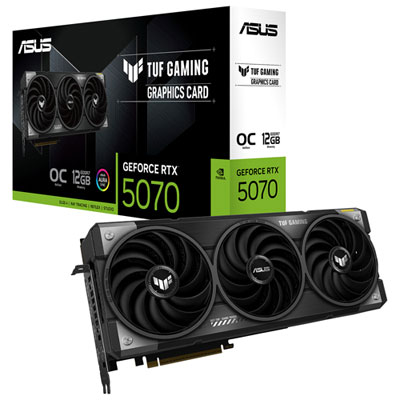
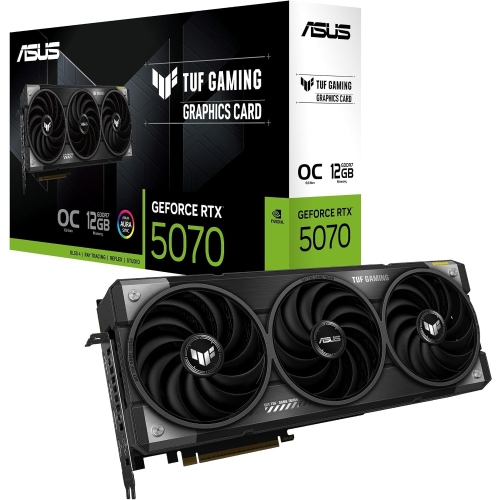
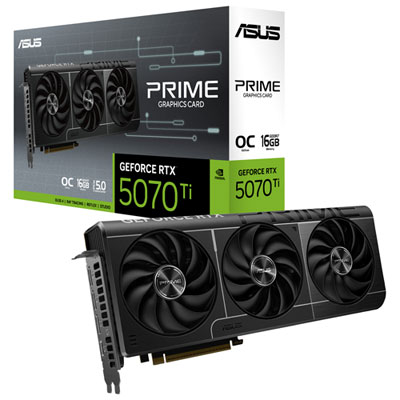
An external graphics card, often called an external GPU or eGPU, gives a compatible laptop or compact desktop access to a dedicated graphics processor without making room for a full-size card inside the computer. The term covers both units with a graphics processor built in and enclosures that accept a separate desktop graphics card. A unit with built-in graphics takes the guesswork out of matching a card to an enclosure and power supply, while an enclosure with a replaceable card leaves room for a later upgrade within its size and power limits. Either type can make sense for someone who carries a slim laptop during the day but uses it with a larger monitor for gaming, video editing or 3D work at a desk. An eGPU is different from a basic USB-to-HDMI display adapter, which can add a screen for documents or spreadsheets but does not provide the dedicated graphics processing needed for demanding games or renders. The connection matters as much as the type of unit. External graphics enclosures commonly use Thunderbolt 3, 4 or 5, or a USB4 connection that supports the required PCIe data transfer. Some compact computers support a more direct PCIe connection through OCuLink, and specialized setups may connect through an internal M.2 slot instead. A USB-C port can look identical on two laptops even when only one supports external graphics. Support depends on the computer, its operating system and drivers, as well as the port and cable. On a shared desk where the laptop gets packed away regularly, a cable-connected enclosure can be easier to live with than a setup that requires access to an internal connector. A dock that also charges the laptop or connects peripherals can reduce cable clutter, although not all models provide those features and some gaming laptops still need their own charger.
The improvement an external graphics card delivers depends on what was slowing the computer down in the first place. A player moving from integrated graphics may be able to raise visual settings or get smoother motion, while a video editor may notice the difference most when scrubbing a timeline with several layers of effects. A 3D artist rotating a detailed model can benefit from a more responsive viewport even if the final render depends on a different part of the system. Graphics memory matters when a scene contains large textures or a project uses high-resolution footage, but the application needs to support GPU acceleration, and tasks limited by the CPU or storage may see little change. A desktop graphics card in an enclosure also won’t necessarily perform like the same card installed directly in a desktop. The external connection carries less data than a full-width desktop PCIe slot, and the effect varies with the game or application, the connection and the display setup. With a supported external monitor plugged into the card’s own video output, finished frames go straight to that display. Using the laptop’s built-in screen can require those frames to travel back across the same connection, taking up some of the bandwidth the card needs. That distinction can be more noticeable in a fast-paced game than in a render that runs mostly on the card. For someone comparing desktop configurations, a setup with Dual Video Cards takes a different approach by using two cards inside the computer. Adding an eGPU does not automatically combine its processing power or memory with the computer’s existing graphics; individual applications determine which processor they can use.
Physical fit is particularly important when pairing a desktop card with an empty enclosure. A card can be short enough to fit lengthwise but still too thick to clear the side panel, or tall enough that its power cable presses against the lid. The enclosure’s limits for card length, height and slot width are all useful, along with the power supply’s supported graphics load and the type and number of power connectors it provides. For a unit with built-in graphics, the fit considerations are more about desk space, cable reach and access to the monitor outputs. Steel and aluminum housings can give an enclosure a rigid frame, while vent placement, fan design and clearance around the case have a more direct effect on airflow and noise. A unit tucked behind a monitor can keep the desk tidy, but it still needs space around its vents and enough slack in the cable that moving the laptop doesn’t tug at the connector. For a setup that gets connected and disconnected often, a stable base and easy-to-reach ports are small details that matter over time. Dust can collect on intake grilles, especially near the floor; wiping the exterior and clearing accessible vents with the unit powered off and unplugged helps keep air moving. A replaceable card can extend the useful life of an enclosure, provided a future card stays within its physical and electrical limits. External graphics can also be a practical gift for someone who wants to keep a familiar computer but needs more graphics power for a particular game or creative application. Knowing the recipient’s exact computer model and whether they work on the built-in screen or a separate monitor makes it easier to choose a setup they can put to work.
Top selling and popular products
-
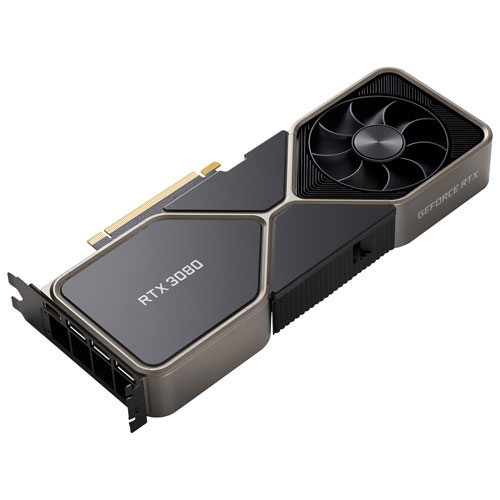 Your price for this item is $1399.99
-
 Your price for this item is $741.99
-
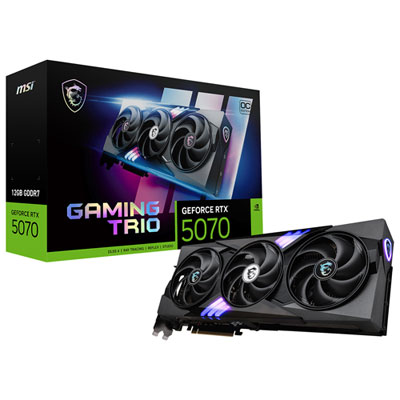 Your price for this item is $1369.99
-
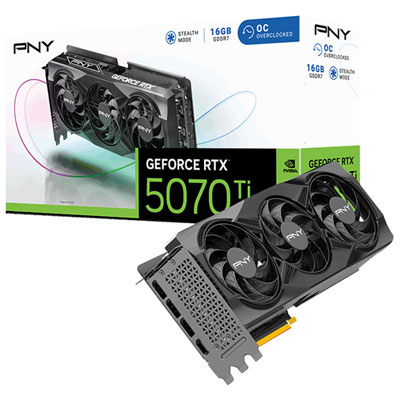 Your price for this item is $2099.98
-
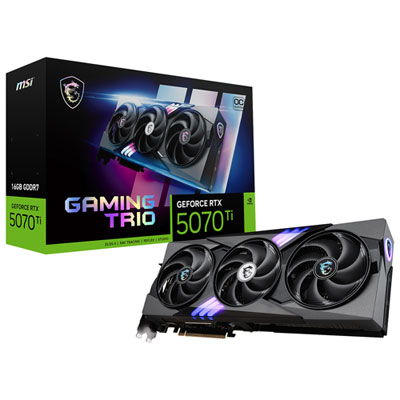 Your price for this item is $2059.99
-
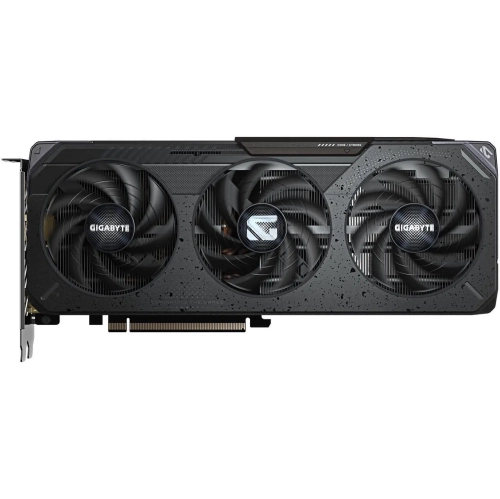 Your price for this item is $1194.48
-
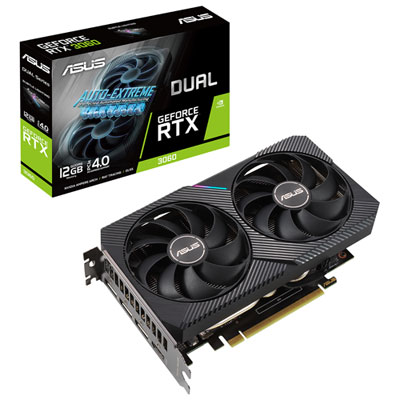 Your price for this item is $709.99
-
 Your price for this item is $5699.99
Discover more categories related to External Graphics Cards
Top Collections:
Best Black Friday Deals This Year, Best Black Friday Deals On Electronics, Kindle Devices, Dyson Airwrap, Best Cameras for Sports Photography, Best Budget Office Chairs, Canon G7X Cameras, PS5 Pro Consoles, Best Black Friday Deals On Apple Products, XBOX One S Consoles
Some products may be subject to Environmental Handling Fees
(EHF) depending on your province.
Learn more about EHFs.