Dual Video Cards
If you're looking to build a new gaming rig or just upgrading your current one, you may want to consider adding a second video card. The benefits of having two cards are that you can play different games on each screen, and you can use one card for work and one for play.
Sort
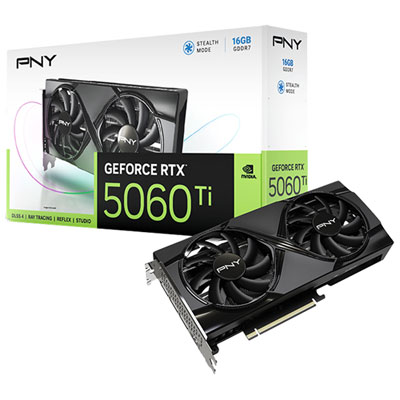
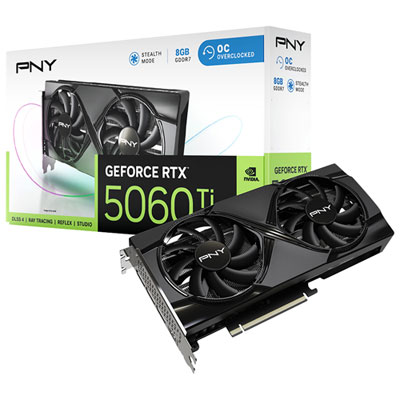
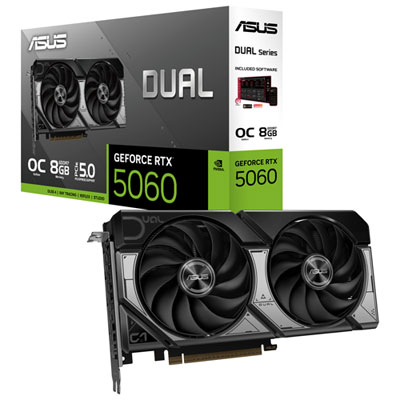
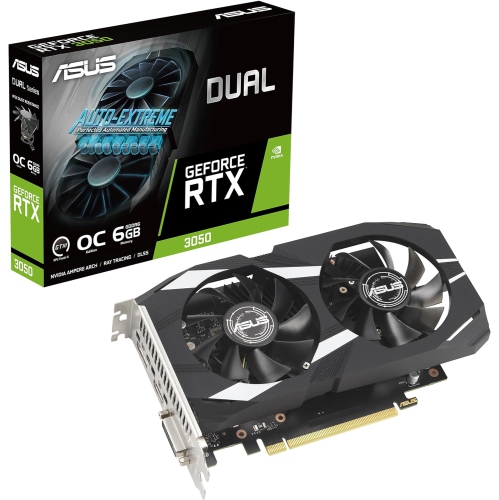
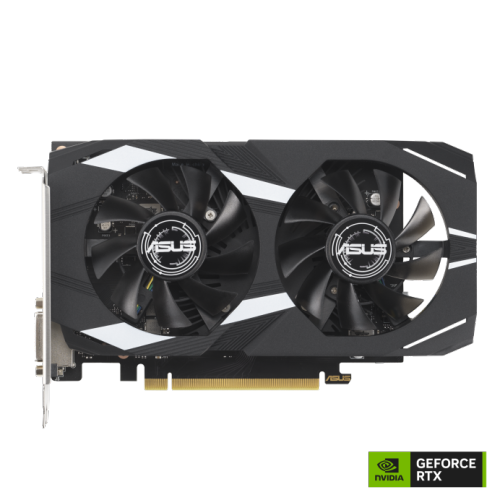
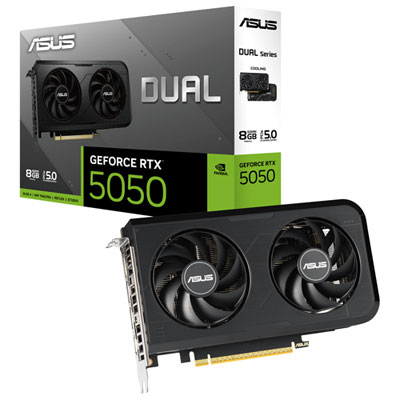

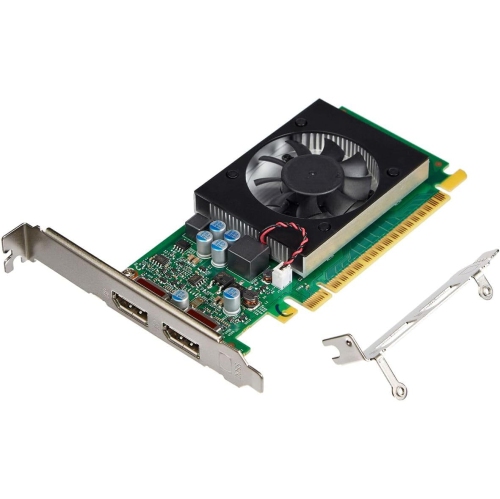
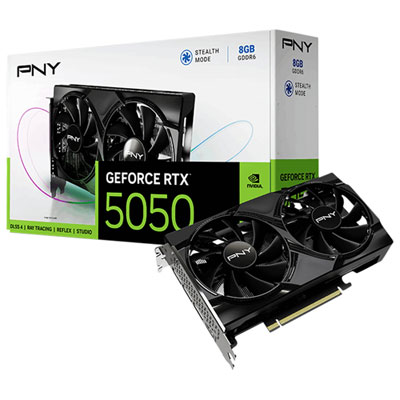
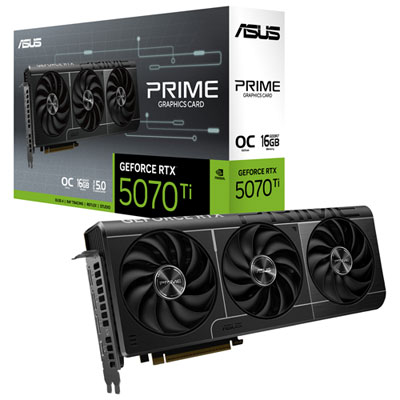
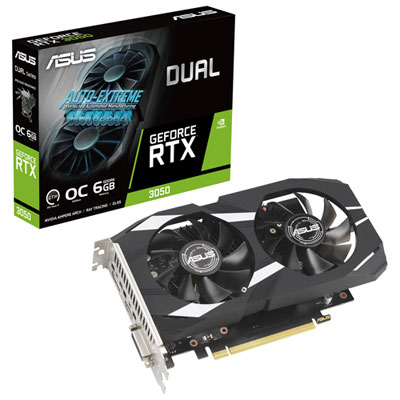
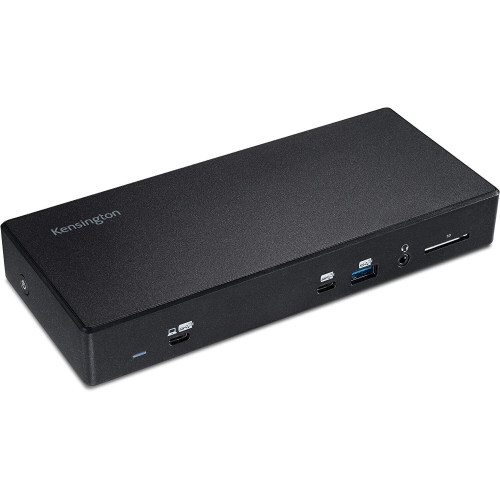
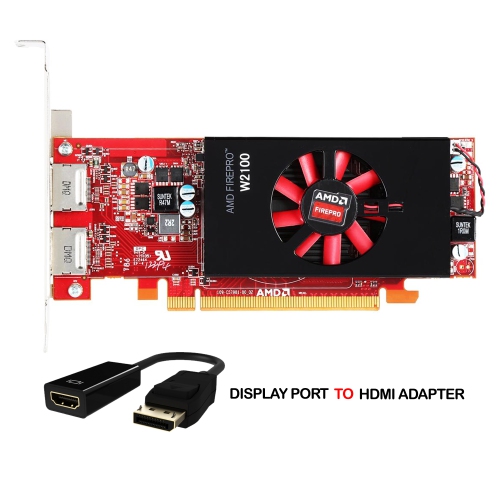
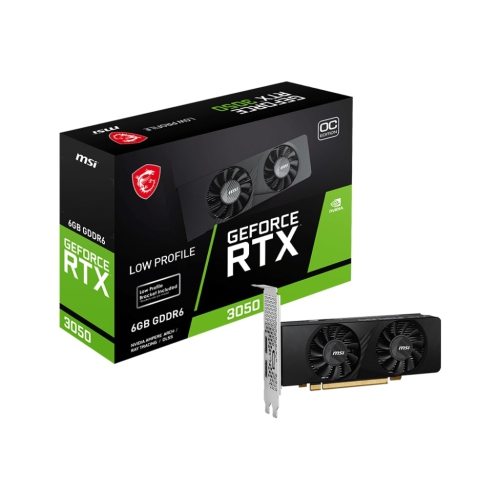
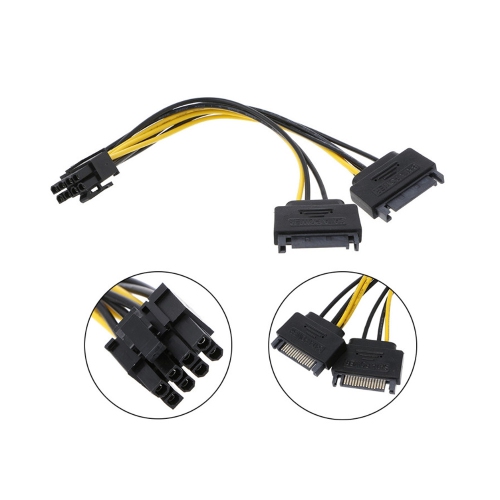
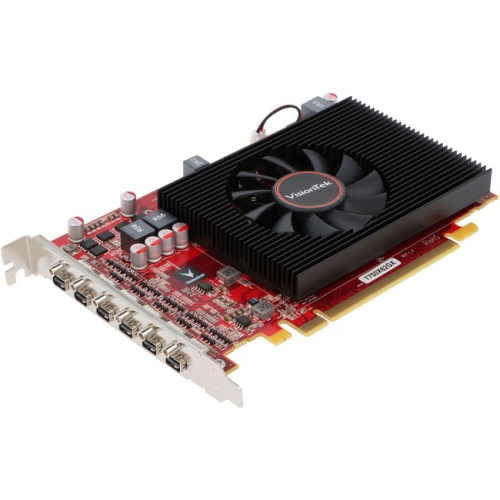
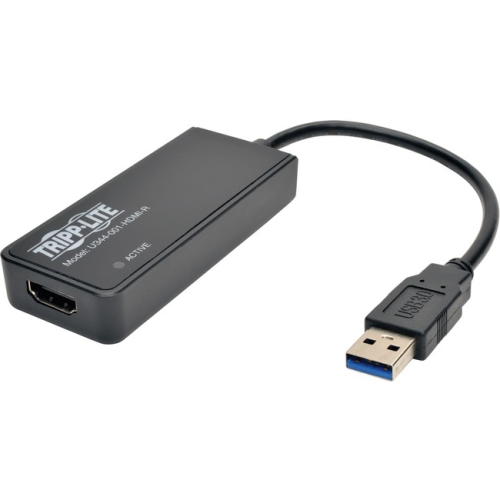
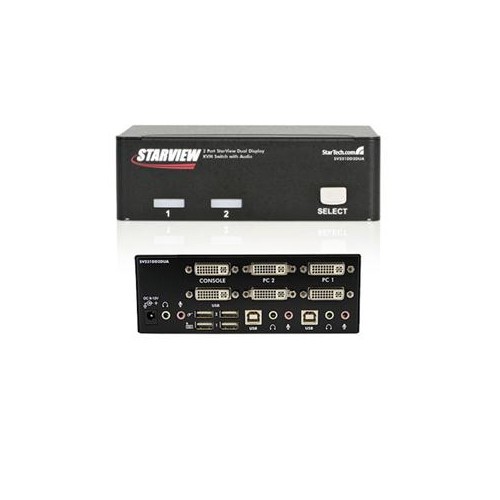
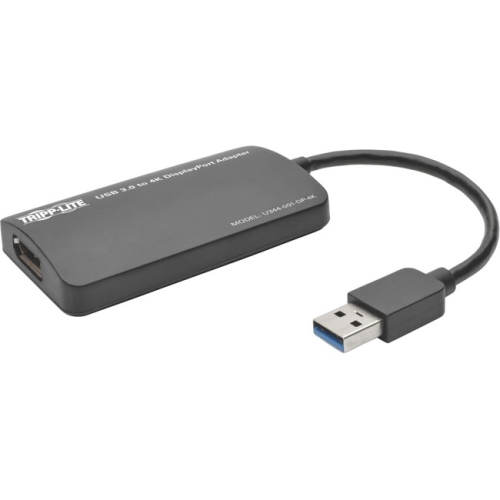
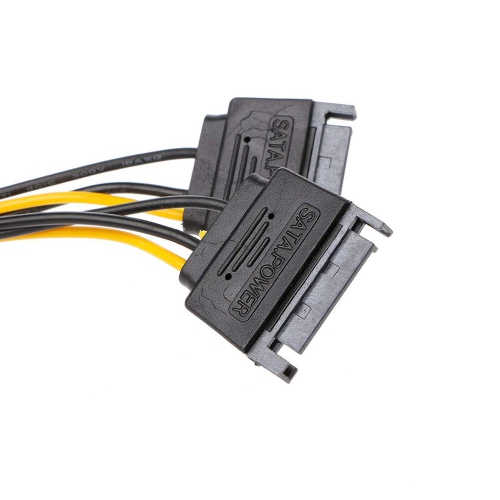
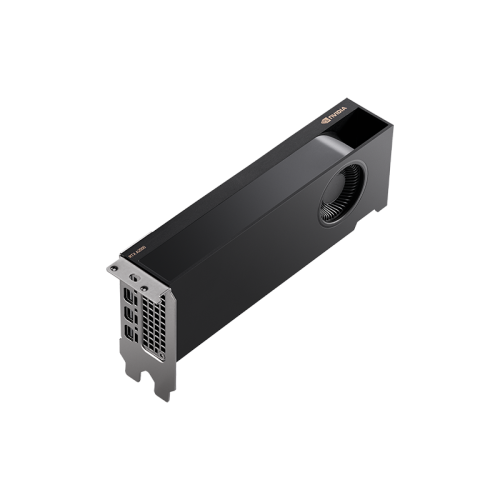
High-performance computing for demanding creative and gaming workflows
When exploring dual video cards, you’re stepping into a world where high-performance computing meets specialized versatility. Dual graphics card setups, sometimes referred to as dual GPU or dual display card configurations, are designed for users who demand more from their systems—whether for professional content creation, scientific computing, or advanced gaming. These configurations are especially valued by video editors, 3D animators, and designers working with demanding software suites like DaVinci Resolve or Premiere Pro, where the ability to delegate rendering and encoding tasks across multiple GPUs can mean the difference between waiting hours or just minutes for a complex project to finish. For those who build custom PCs, adding a second video card can unlock smoother workflows, particularly when multitasking across several ultra-high-resolution monitors or managing simultaneous encoding and live previewing. In gaming, while traditional SLI and Crossfire support has become less common, certain setups can still benefit from a secondary card—often for specialized tasks like AI-based upscaling or frame generation, letting you enjoy higher frame rates and more responsive gameplay, especially when paired with the right software tools.
Choosing the right dual video card setup involves careful consideration of your system’s compatibility and your personal goals. You’ll want to ensure your motherboard supports multiple PCIe slots and that your power supply can handle the increased load, as running two cards does increase power consumption and generates more heat. Proper airflow and cooling are essential, especially during the colder months when indoor gaming or creative work tends to pick up and your PC is running for longer stretches. It’s also important to note that dual GPUs do not combine their VRAM—for example, two 8GB cards won’t equal a single 16GB pool—so memory-intensive applications should be matched to the card with the most VRAM. For professionals, a dual video card setup can be a thoughtful gift, offering a significant upgrade for someone who edits videos, renders 3D models, or manages large datasets. For students in engineering or digital arts, or for tech enthusiasts who enjoy maximizing their system’s capabilities, dual cards provide a tangible boost in productivity and creative freedom.
Whether you’re configuring a workstation for complex tasks or building a gaming rig that can handle the latest titles with ease, dual video cards can offer a meaningful performance edge in the right scenarios. They’re also a smart way to extend the life of an older system by pairing a new card with an existing one for specialized tasks. If your goal is to expand your display setup—perhaps for immersive gaming across multiple monitors or for a panoramic editing workspace—consider complementing your dual video cards with the right accessories. You’ll find a range of options, including adapters and cables, to help you make the most of your hardware. For more solutions to connect and configure your displays, explore our selection of Dual Display Adapters to complete your setup and unlock the full potential of your system.
Choosing the right dual video card setup involves careful consideration of your system’s compatibility and your personal goals. You’ll want to ensure your motherboard supports multiple PCIe slots and that your power supply can handle the increased load, as running two cards does increase power consumption and generates more heat. Proper airflow and cooling are essential, especially during the colder months when indoor gaming or creative work tends to pick up and your PC is running for longer stretches. It’s also important to note that dual GPUs do not combine their VRAM—for example, two 8GB cards won’t equal a single 16GB pool—so memory-intensive applications should be matched to the card with the most VRAM. For professionals, a dual video card setup can be a thoughtful gift, offering a significant upgrade for someone who edits videos, renders 3D models, or manages large datasets. For students in engineering or digital arts, or for tech enthusiasts who enjoy maximizing their system’s capabilities, dual cards provide a tangible boost in productivity and creative freedom.
Whether you’re configuring a workstation for complex tasks or building a gaming rig that can handle the latest titles with ease, dual video cards can offer a meaningful performance edge in the right scenarios. They’re also a smart way to extend the life of an older system by pairing a new card with an existing one for specialized tasks. If your goal is to expand your display setup—perhaps for immersive gaming across multiple monitors or for a panoramic editing workspace—consider complementing your dual video cards with the right accessories. You’ll find a range of options, including adapters and cables, to help you make the most of your hardware. For more solutions to connect and configure your displays, explore our selection of Dual Display Adapters to complete your setup and unlock the full potential of your system.
Top selling and popular products
-
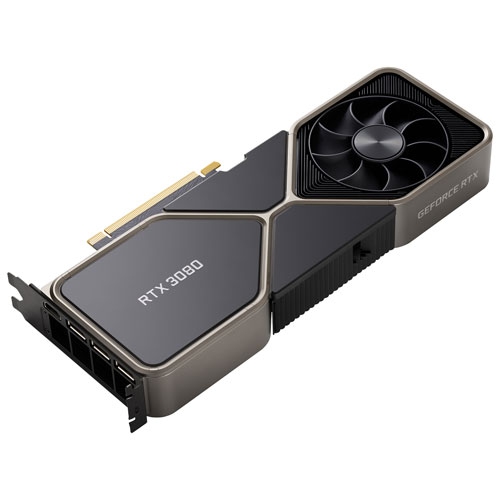 Your price for this item is $1399.99
 -
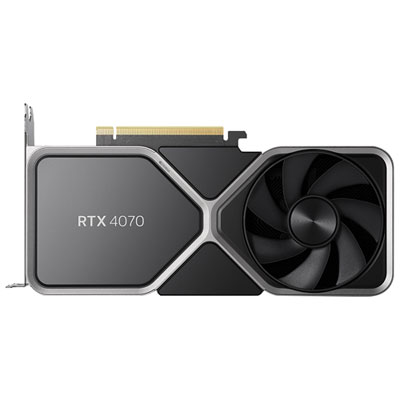 Your price for this item is $739.99
 -
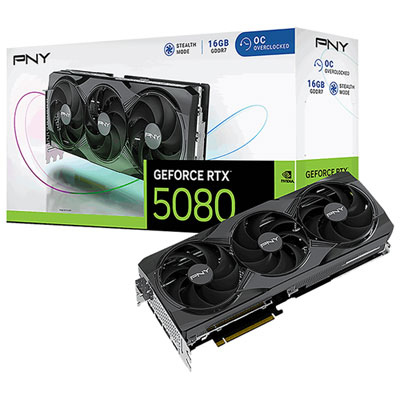 Your price for this item is $2399.99
 -
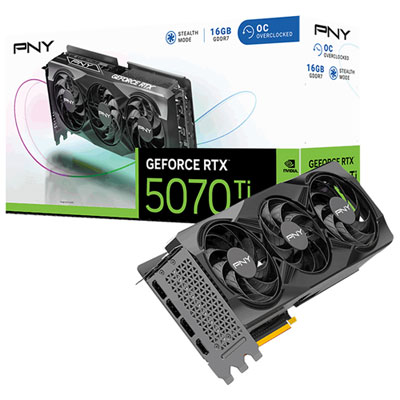 Your price for this item is $1769.99
 -
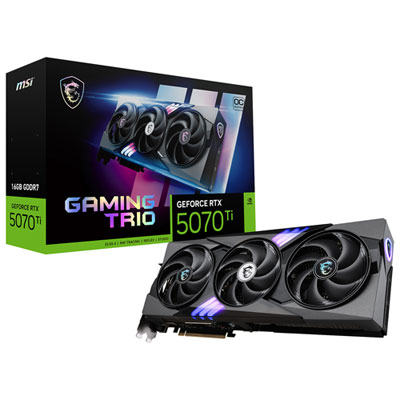 Your price for this item is $1799.99
 -
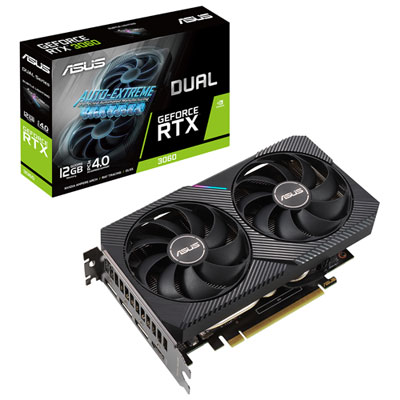 Your price for this item is $699.99
 -
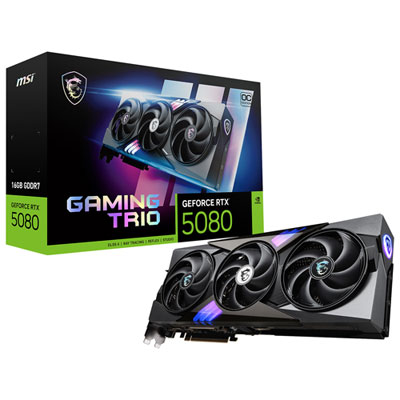 Your price for this item is $2749.99
 -
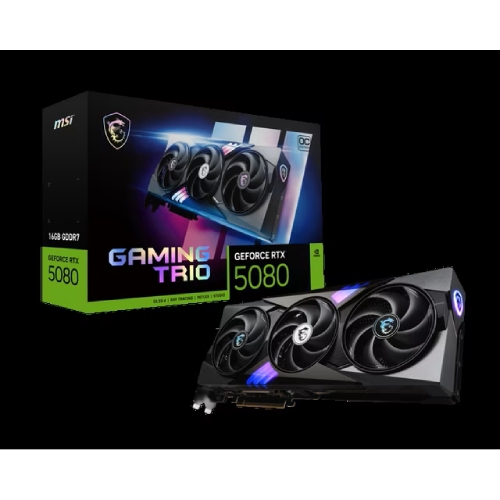 Your price for this item is $5699.99
Discover more categories related to Dual Video Cards
Top Collections:
Pokemon Centers, Kindle Devices, Best Budget Office Chairs, Apple iPhones 16, Best Laptops for Writers, iPhone 15 Apple, Canon G7X Cameras, Refurbished Apple Laptops, Alarm Clock, Motorola Razr Phones
Some products may be subject to Environmental Handling Fees
(EHF) depending on your province.
Learn more about EHFs.