Fast Ethernet Switches
Upgrade your network with fast Ethernet switches, the essential devices that allow you to expand your connectivity options and improve the speed and efficiency of your network. Whether you're a tech enthusiast, a small business owner, or simply someone looking to enhance their home network, fast Ethernet switches provide the perfect solution for connecting multiple devices and maximizing data transfer rates.
Sort

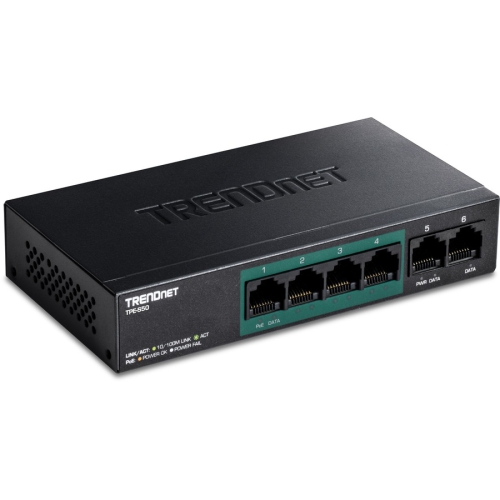
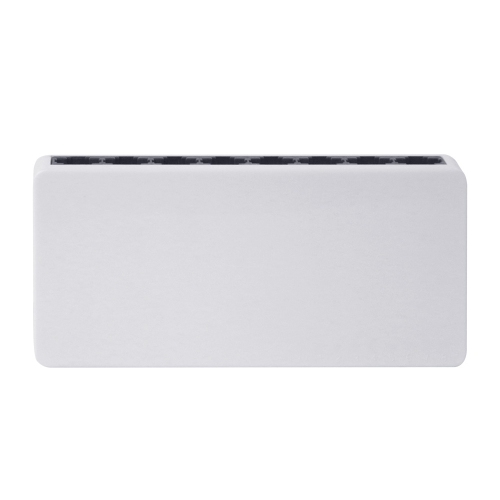
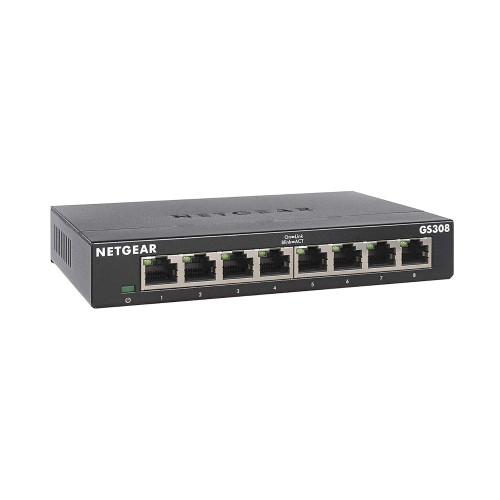
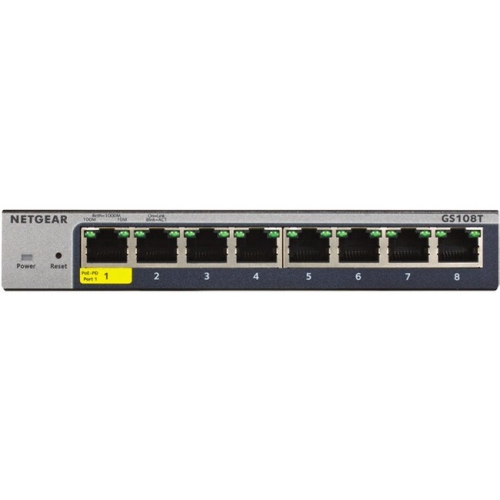
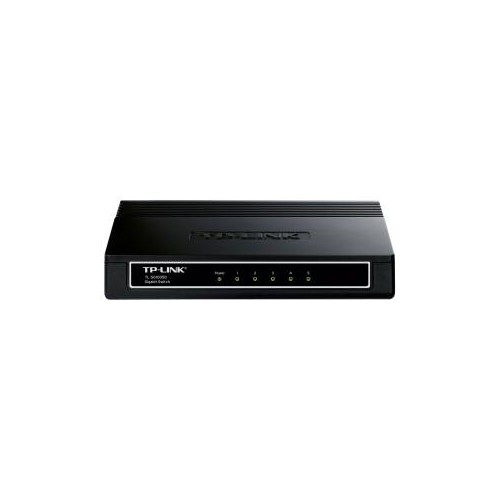
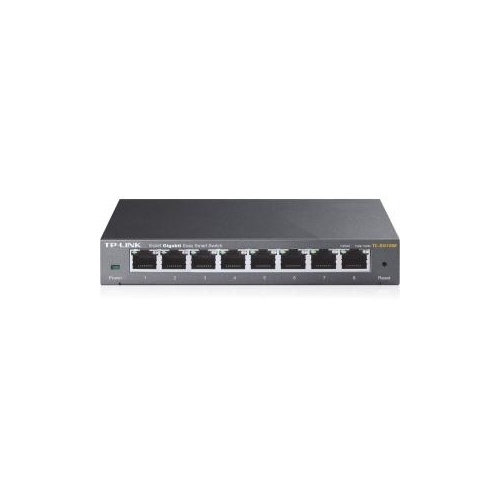
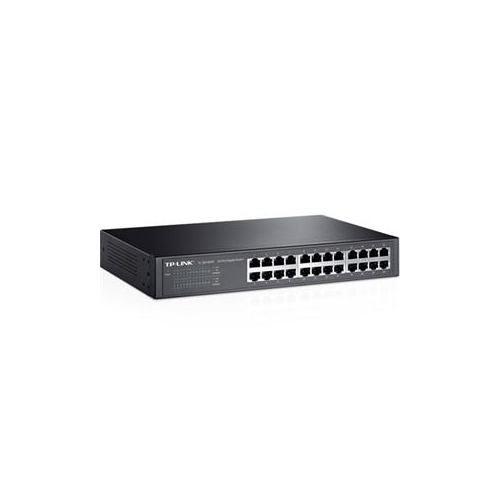
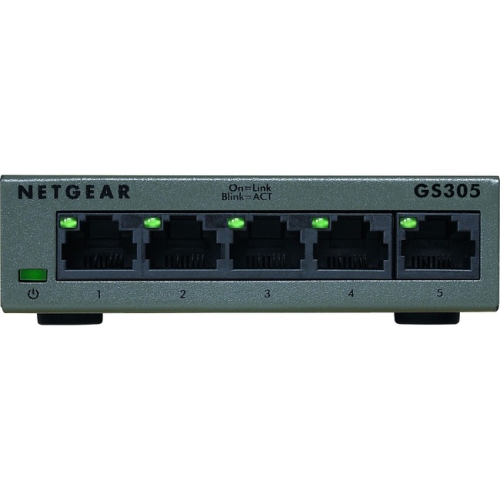
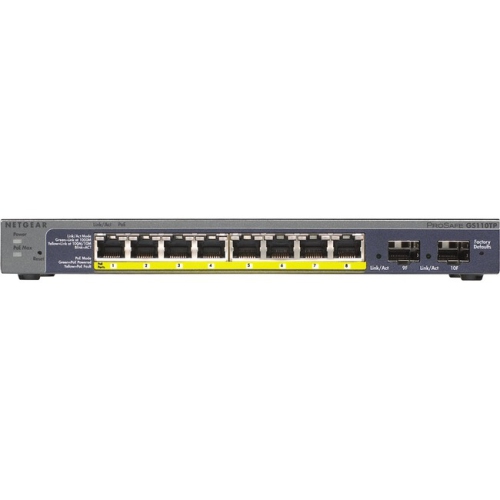
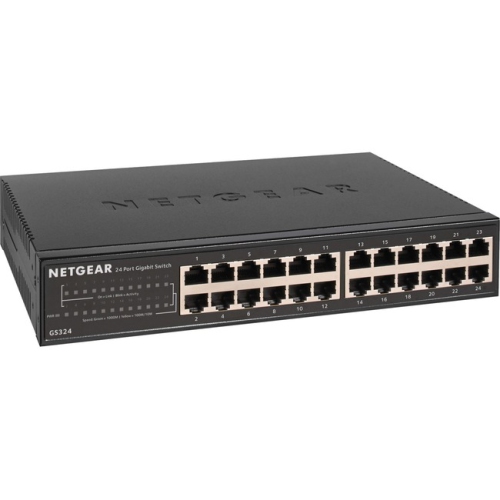
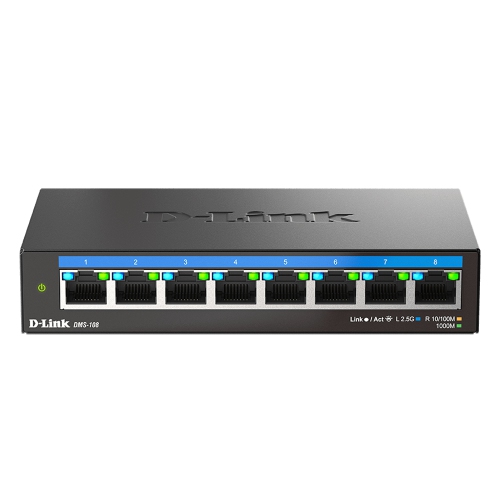
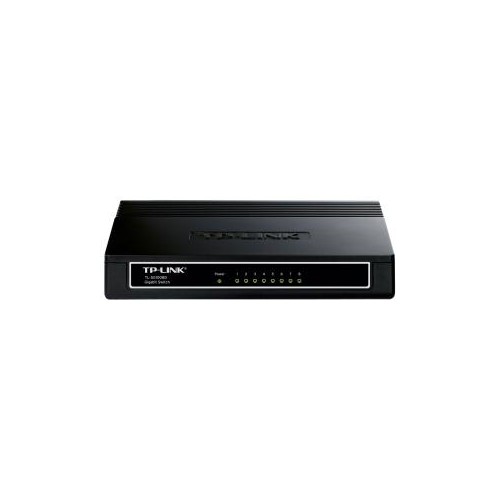
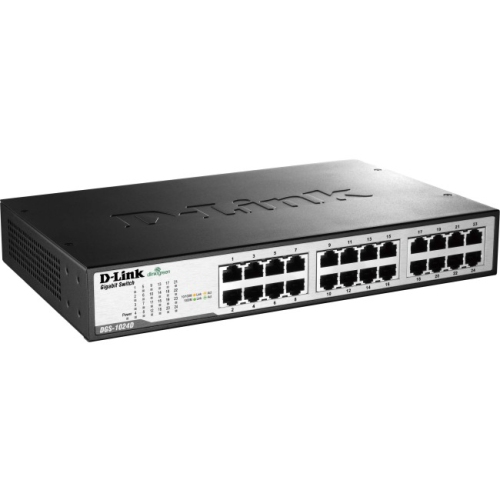
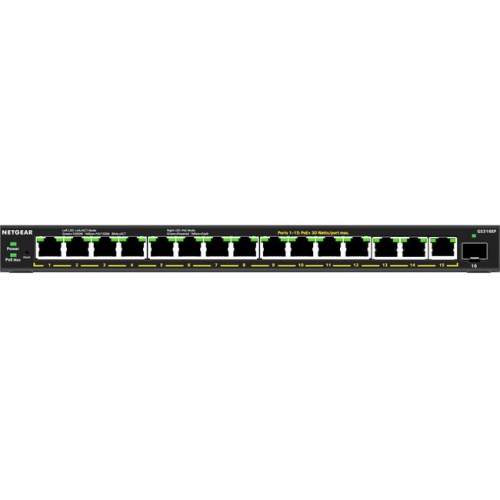
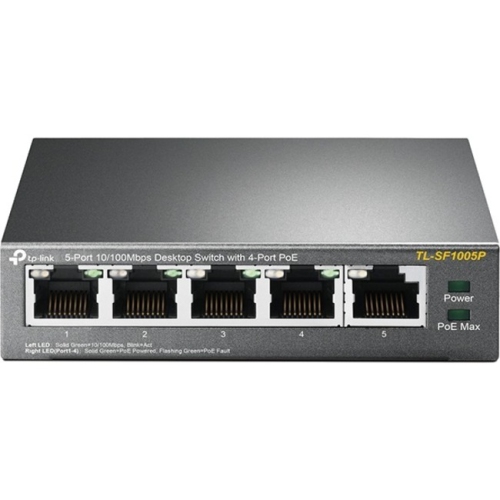
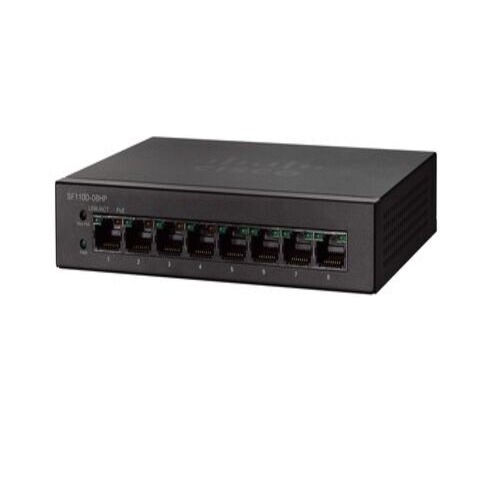

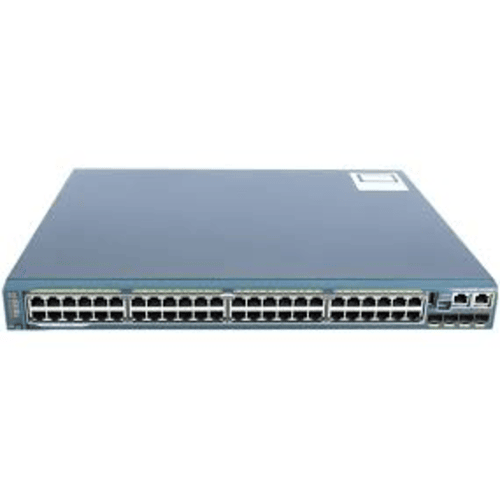
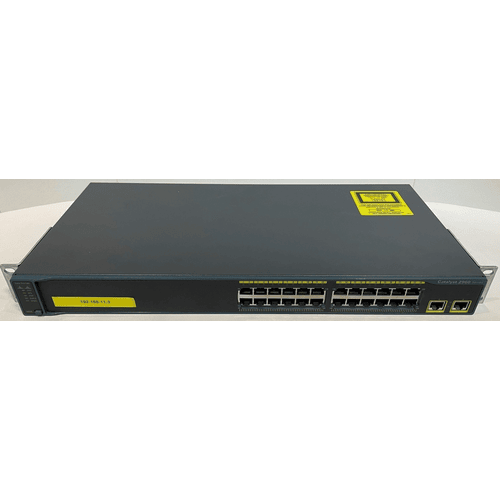
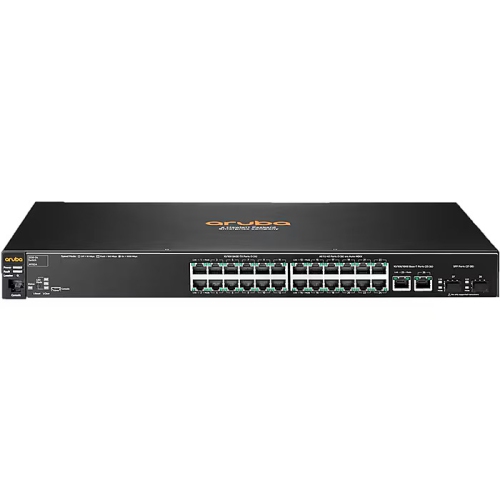


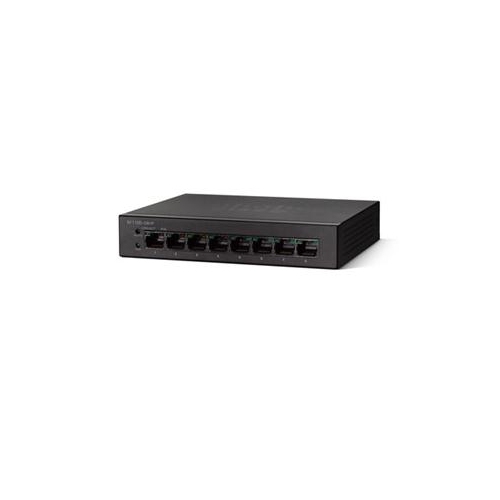
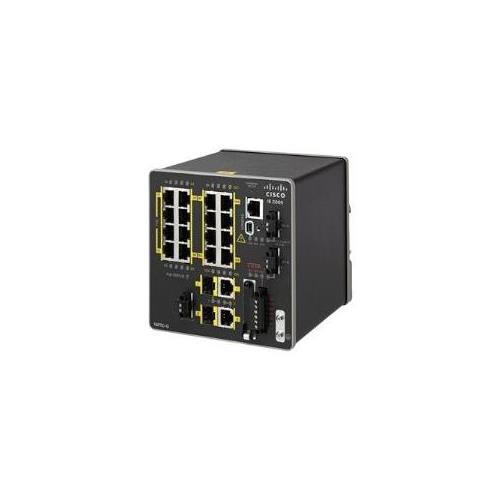
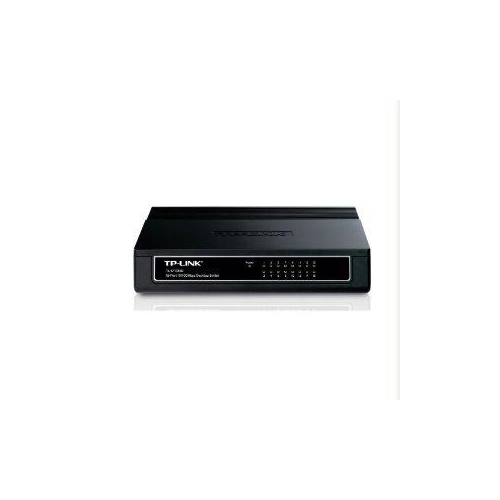
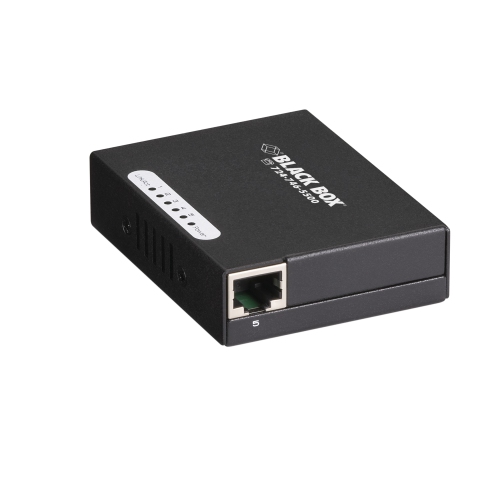
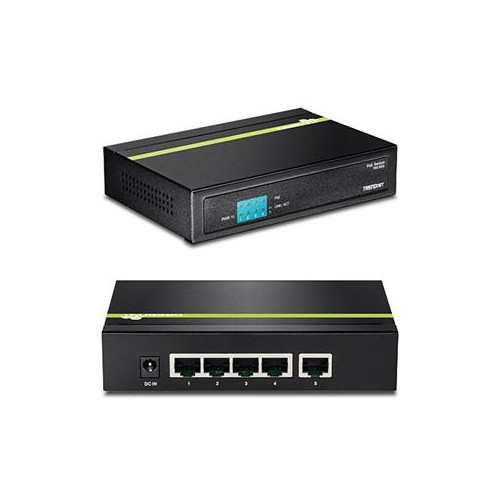
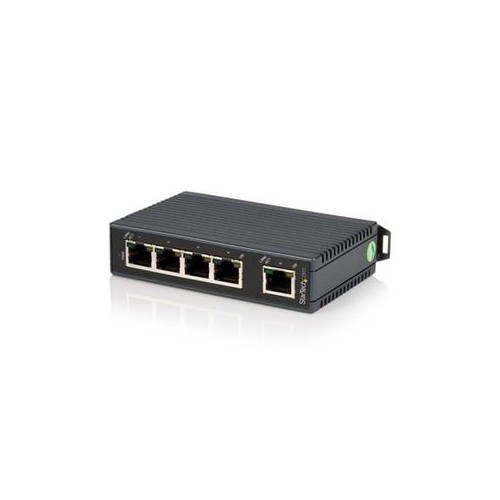
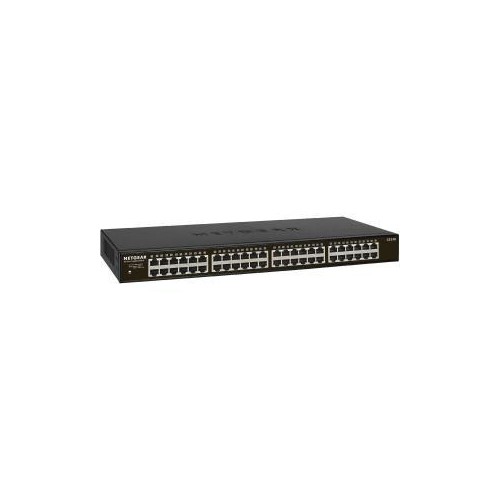
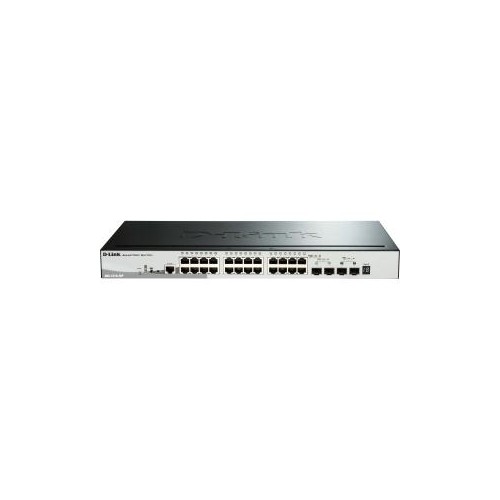
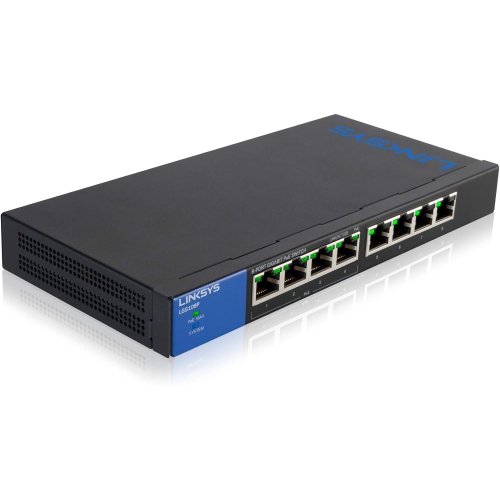

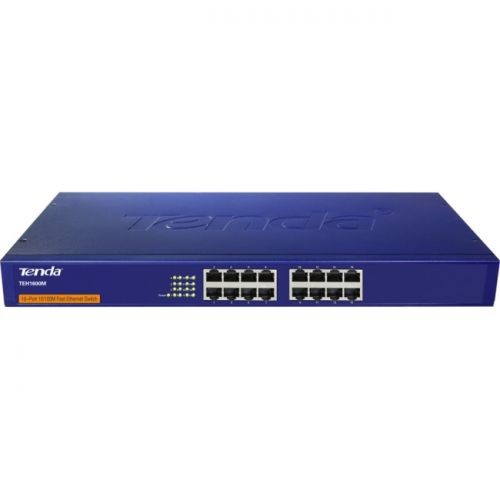
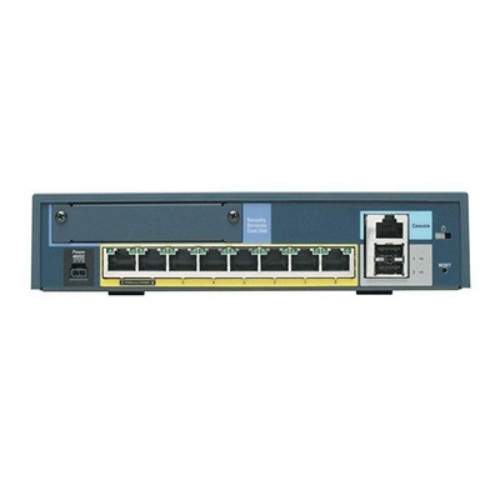
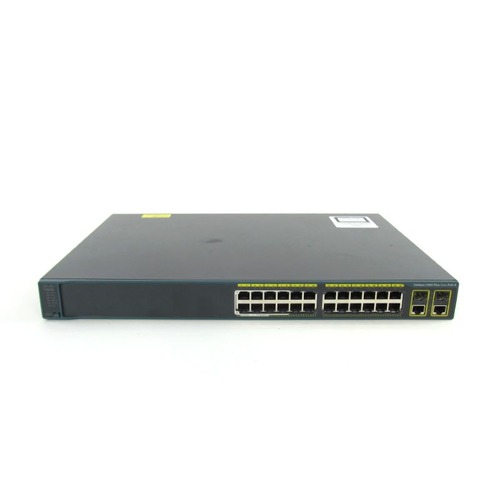
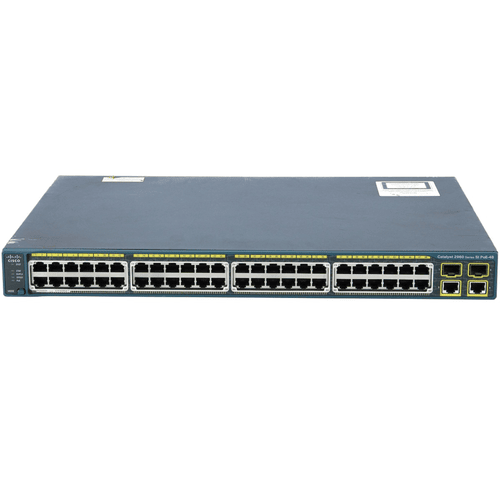
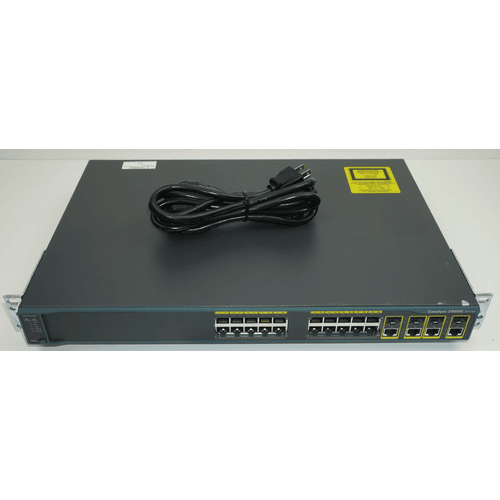
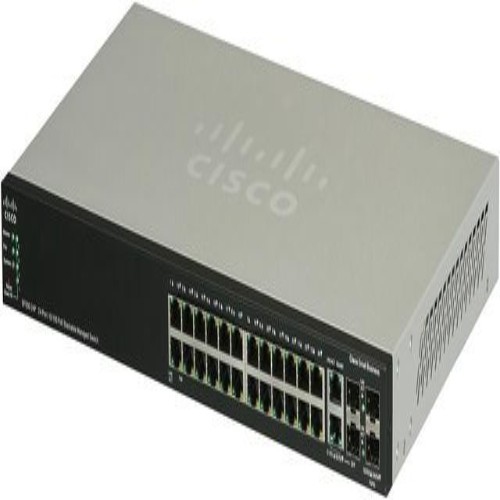
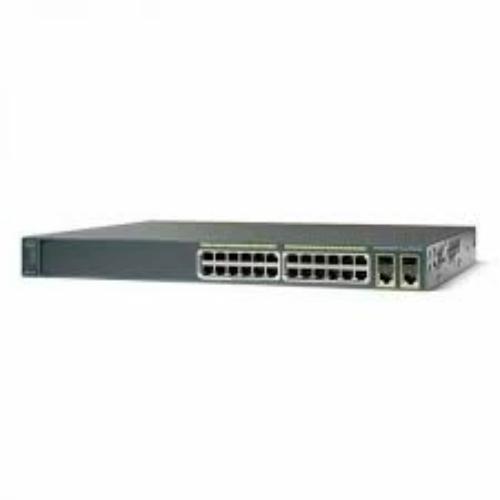
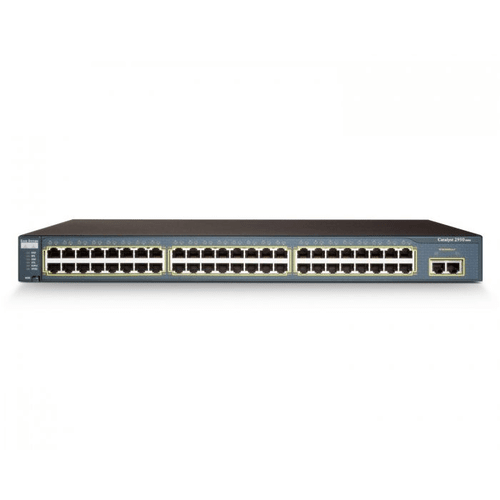
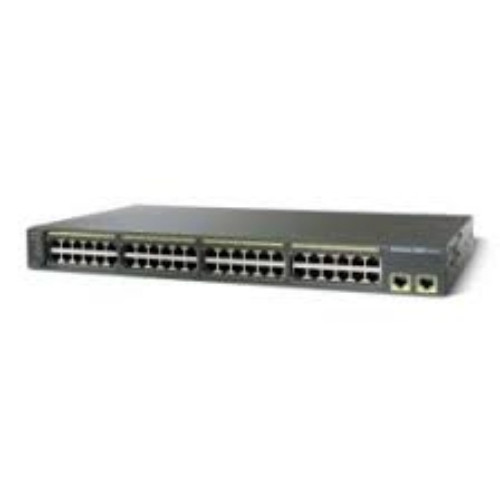
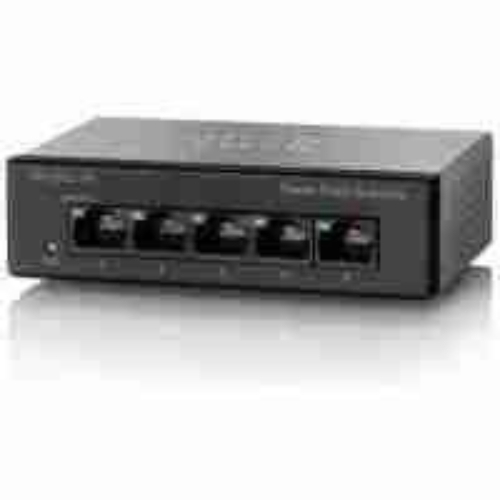
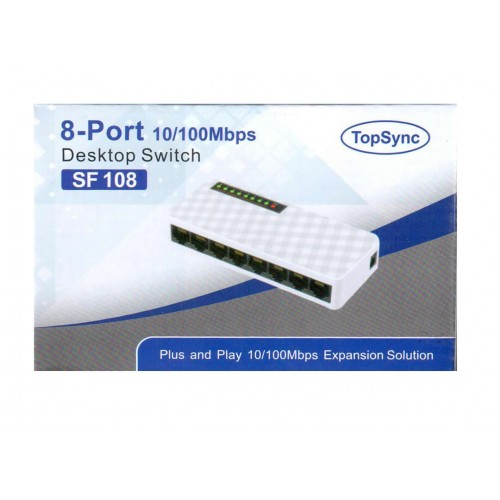

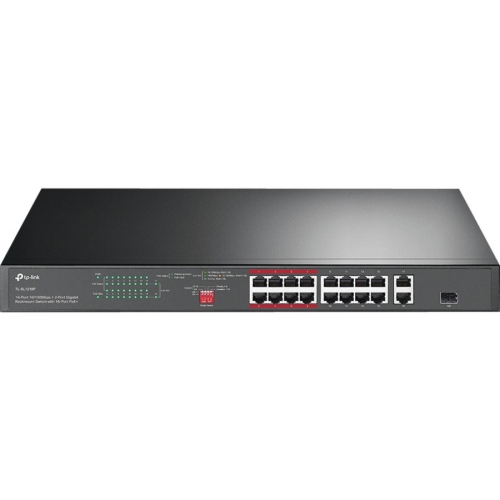
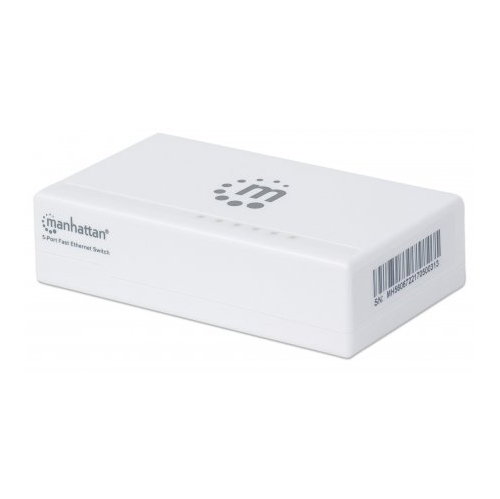
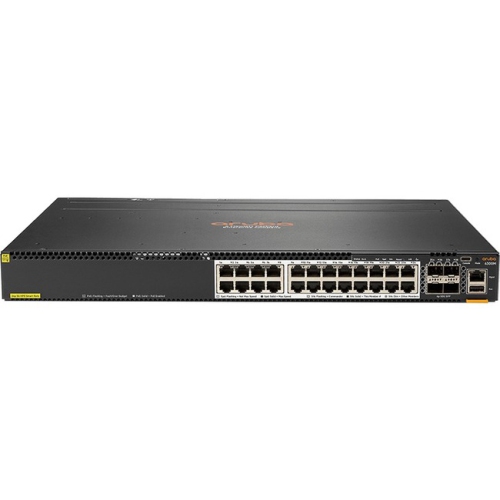
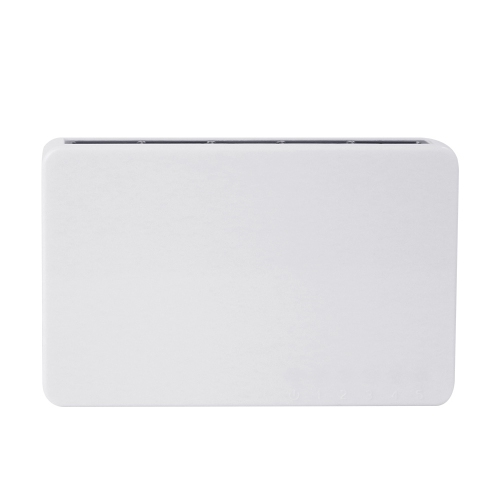
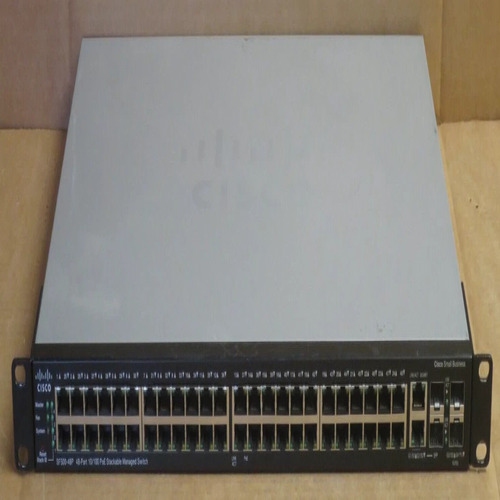
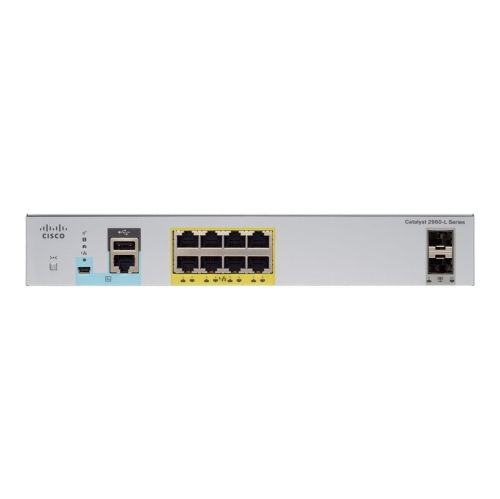

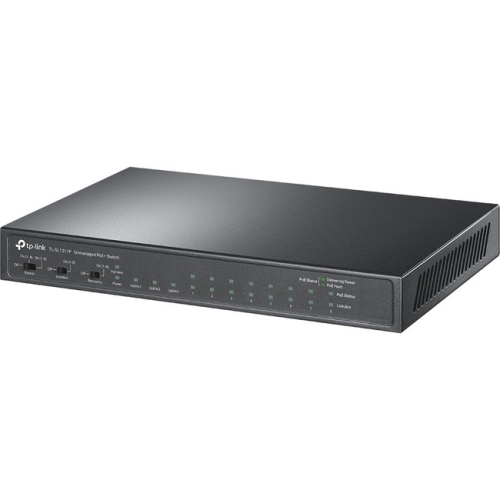
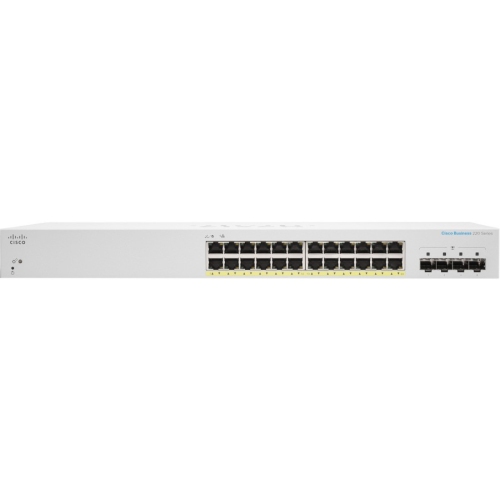
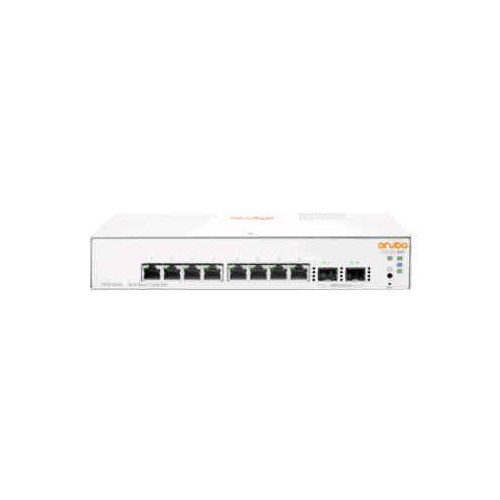
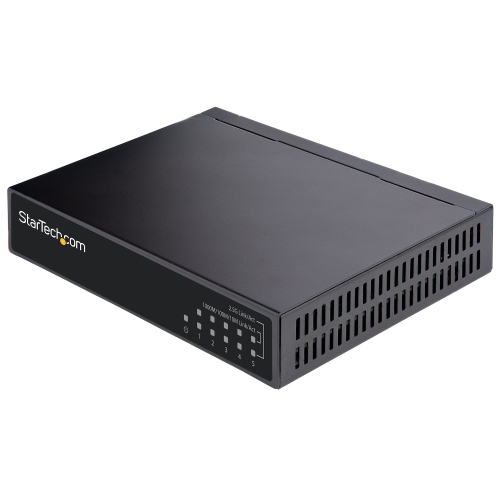

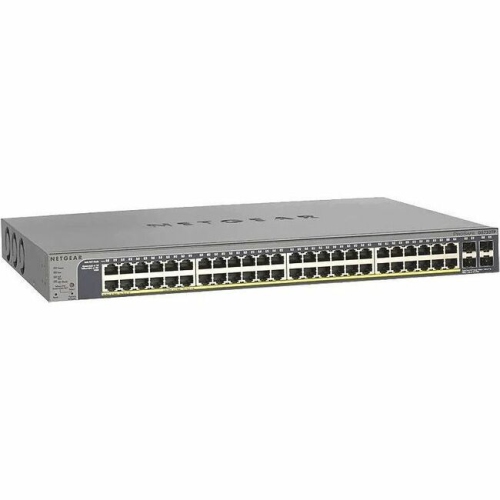


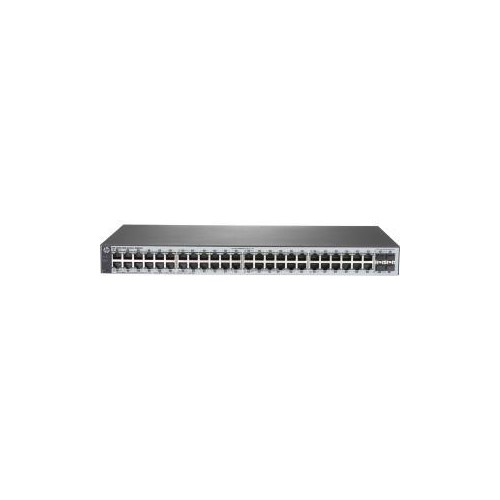
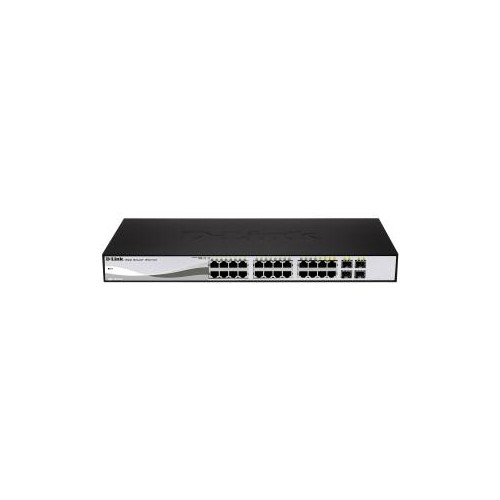
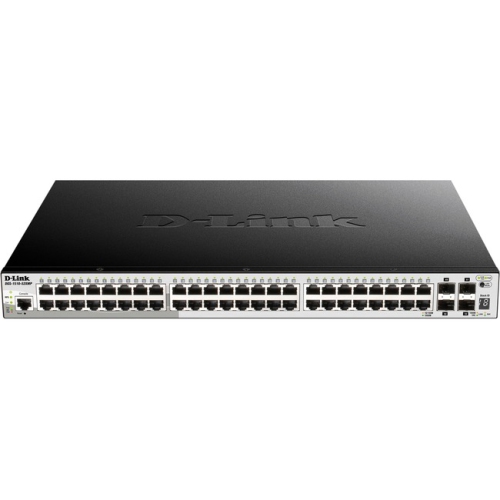
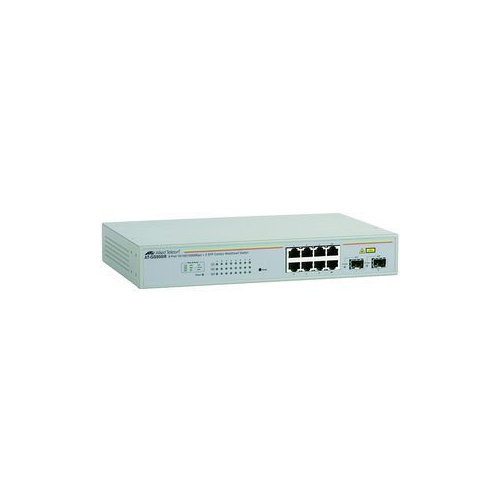
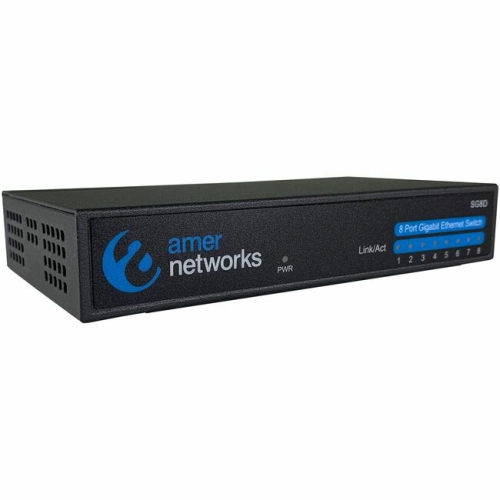
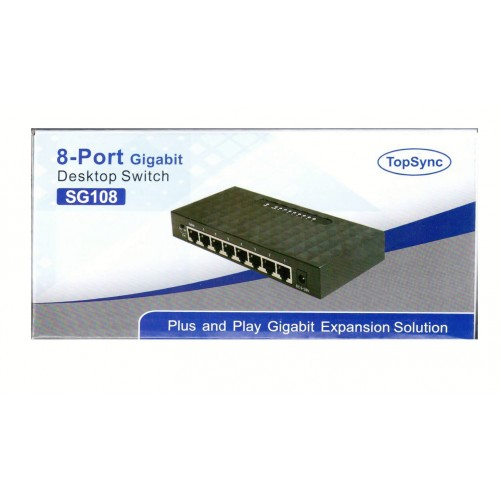
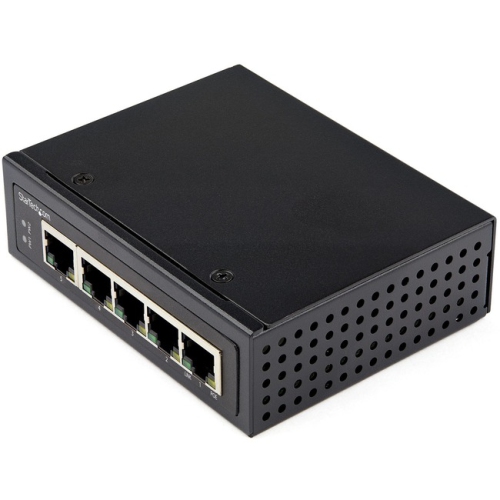
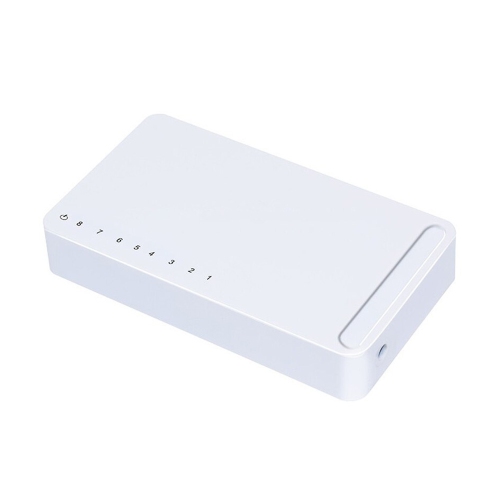
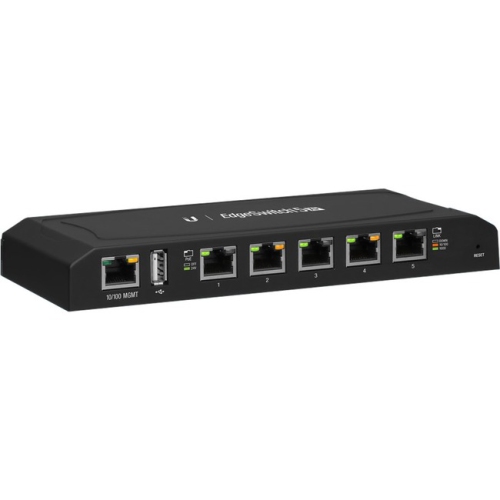

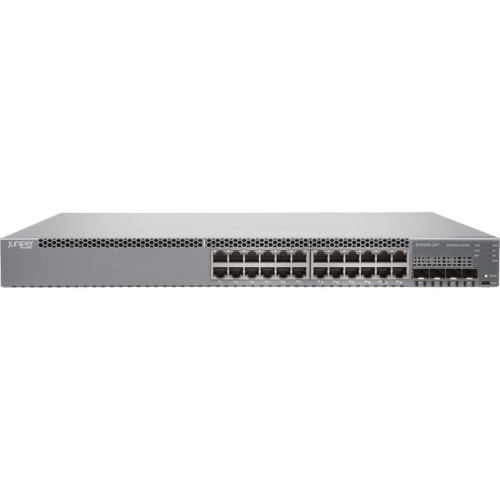
More wired connections for devices with modest bandwidth needs
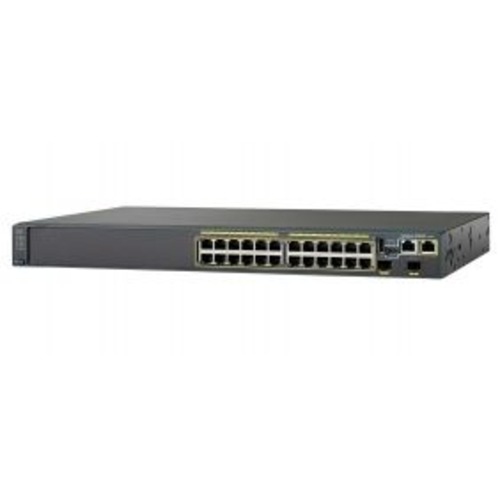
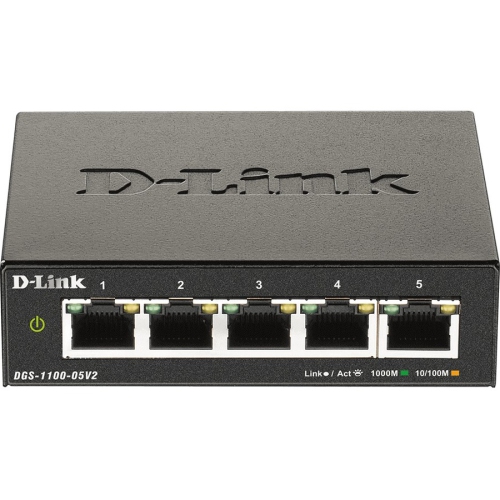
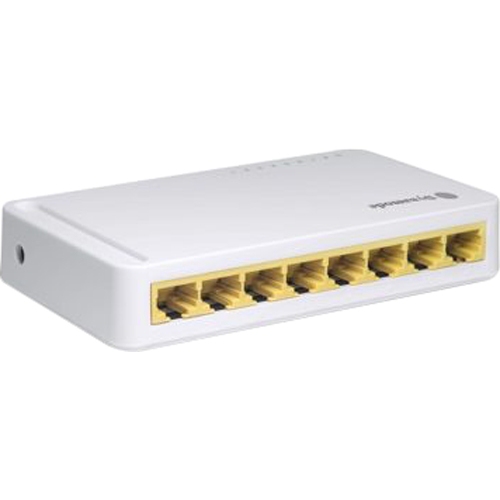
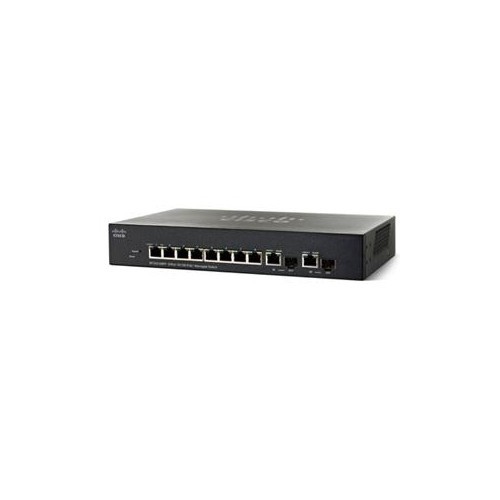
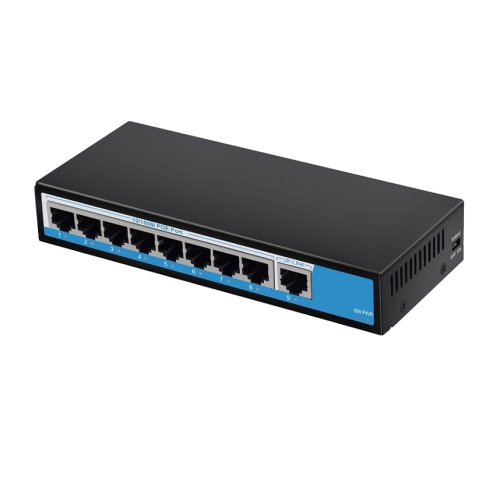
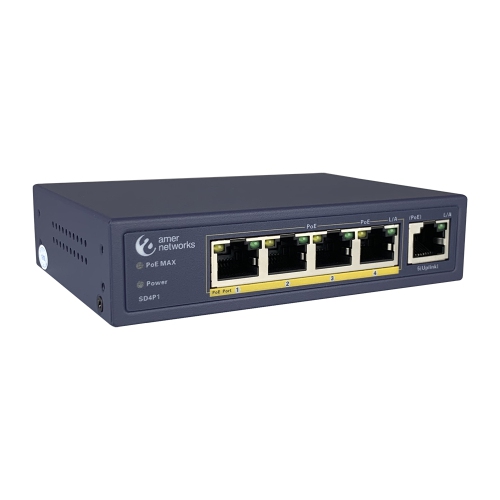
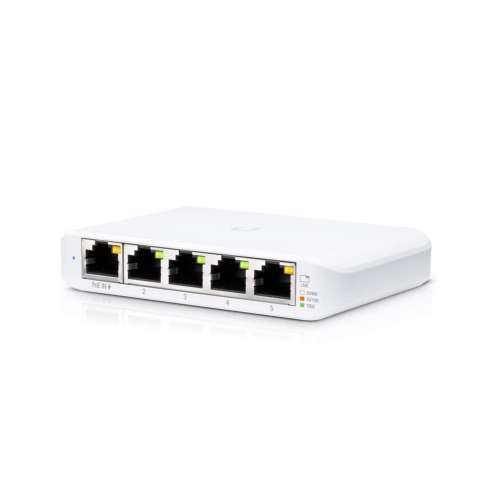
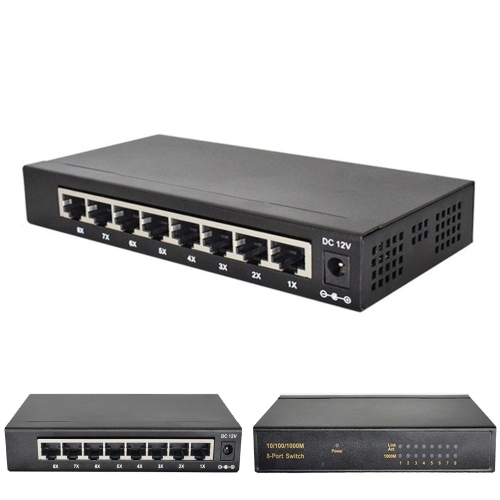
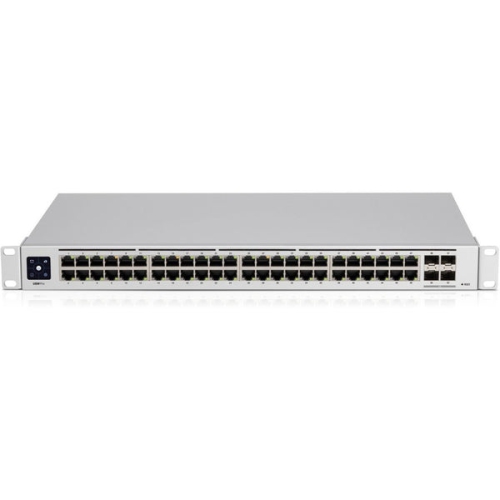
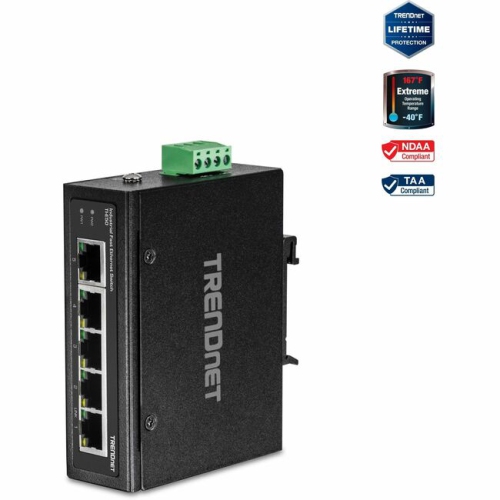
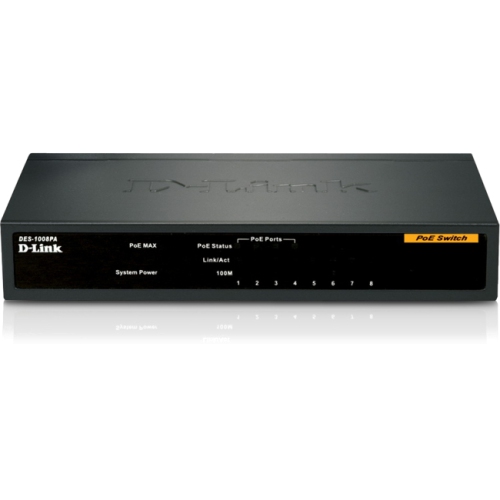
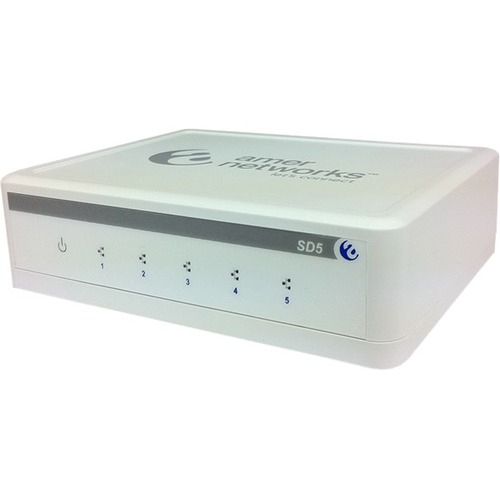
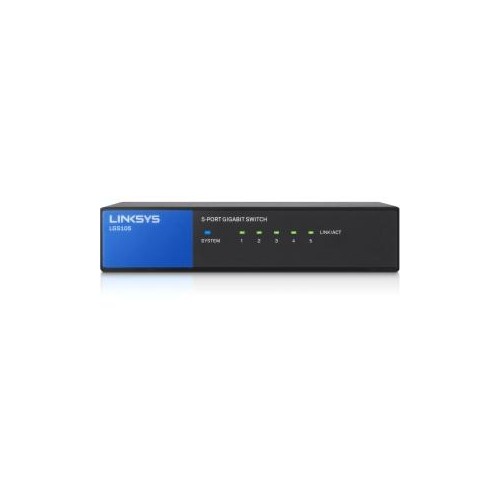
Fast Ethernet switches connect multiple wired devices on a local network, with Fast Ethernet ports supporting speeds of up to 100 Mbps. Often described as 10/100 Mbps switches, they can connect compatible computers, network printers, VoIP phones, and IP cameras through Ethernet cables. Their role is to add wired connections and direct traffic between devices; they do not replace the router that connects a home or office network to the internet. A typical setup runs one cable from a router’s LAN port to the switch, leaving the remaining ports for nearby equipment. In a small office, that might mean connecting a desktop computer, a label printer, and a desk phone without running a separate cable back to the router for each device. Fast Ethernet is an older networking standard, but it can still suit equipment with modest bandwidth requirements, particularly devices that already have 10/100 Mbps network interfaces. Sending print jobs, carrying voice calls, and exchanging small amounts of business data generally demand less bandwidth than transferring large video files or backing up several computers. The distinction matters: “Fast Ethernet” names a specific standard, not a promise that the switch delivers the fastest connection possible. Its 100 Mbps port speed is a theoretical link rate, and usable data throughput is lower because network communication includes overhead. A faster internet plan cannot make a 100 Mbps connection exceed that limit. For households moving large photo libraries, workstations accessing shared storage, or networks serving several demanding users, Gigabit Ethernet Network Switches support up to 1,000 Mbps per Gigabit port and are generally a better match. Fast Ethernet switches remain most relevant where the connected equipment and everyday tasks fit comfortably within their capacity. They can also provide a practical wired connection for compatible equipment in rooms where Wi-Fi reception is inconsistent, although a wired connection alone cannot resolve an overloaded internet service or a faulty cable.
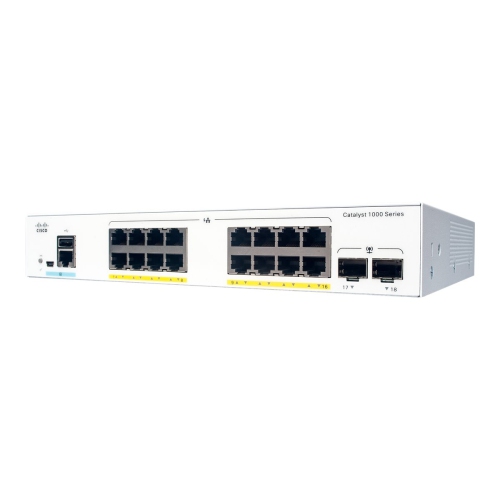
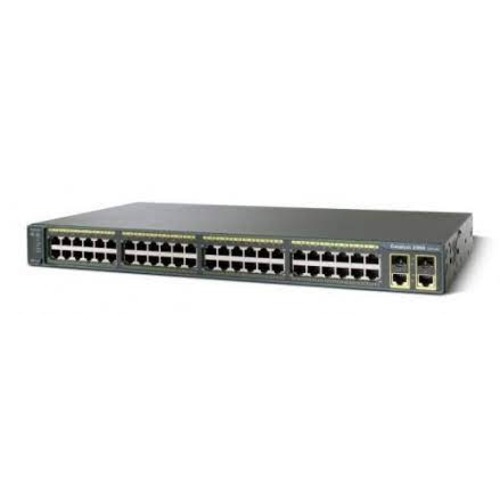
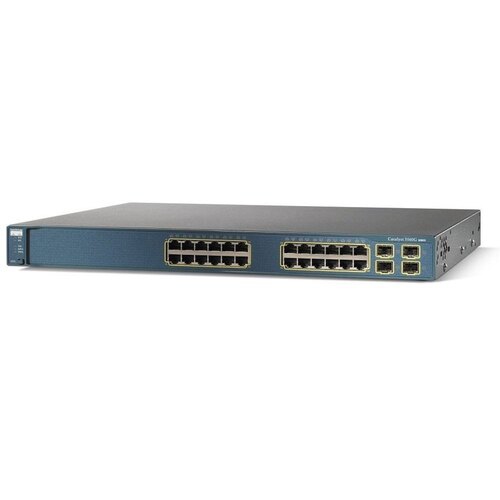
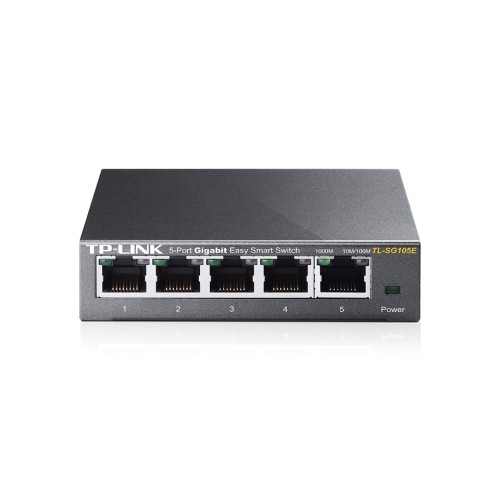
Port count and physical fit help determine how a Fast Ethernet switch works in a particular space. Compact desktop designs can sit beside a router or printer, while larger formats may suit a communications cabinet or equipment rack. Count both the devices being connected and the connection back to the router or upstream switch: on a five-port switch, using one port for that link typically leaves four for other equipment. Spare ports leave room for an additional printer, phone, or other compatible device without rearranging the whole network. Check the specifications of every port, since some switches combine 10/100 Mbps device ports with a faster uplink. Where several devices share a 100 Mbps uplink, their combined traffic across that connection is limited by its capacity, even though each device has its own cable. Most unmanaged switches require little setup beyond connecting power and Ethernet cables, making them suitable for straightforward networks that do not need detailed traffic controls. Managed designs may offer features such as virtual LANs, traffic prioritization, and monitoring, but those capabilities vary and require compatible network planning. A switch should not be assumed to include them simply because it supports Fast Ethernet. Auto-negotiation allows compatible ports to establish a supported speed and duplex setting, while Auto-MDI/MDIX, where included, reduces the need for special crossover cables. Cat 5e or Cat 6 patch cables are suitable for Fast Ethernet connections and can also serve many faster Ethernet applications. Cable condition still matters: damaged retaining clips, sharply pinched runs, and loose plugs can interrupt an otherwise dependable connection. Standard copper Ethernet channels generally support lengths up to 100 metres, including patch leads, when properly installed with suitable cabling. For a desk or shelf, shorter patch leads keep connections easier to trace and reduce tangles. Leave enough room around the ports to release their clips, and check whether the power socket and network connections face directions that suit the intended placement.
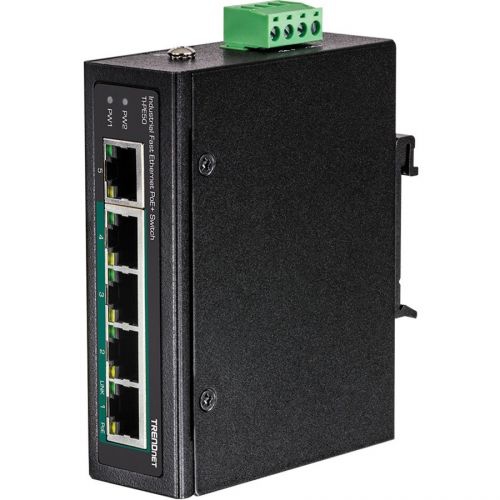
Power over Ethernet, or PoE, is another important distinction within Fast Ethernet switches. A compatible PoE switch can carry data and electrical power over the same Ethernet cable to supported devices, such as certain IP cameras and VoIP phones. This can simplify a camera installation where a nearby electrical outlet is not practical, or keep a desk phone connected without a separate power adaptor. Not every Fast Ethernet switch supplies PoE, and a PoE-equipped switch may provide it on only some ports. Compatibility depends on the powered device’s requirements, the supported PoE standard, the maximum output of each port, and the switch’s total power budget. Enough physical ports do not necessarily mean enough power for every connected device. Standardized PoE and passive power arrangements are not interchangeable, so matching the specifications is essential. Camera networks also need bandwidth planning: resolution, frame rate, compression, and the number of simultaneous streams affect how much traffic reaches a recorder or uplink. For the enclosure itself, plastic housings can be lightweight and convenient on a desktop, while metal housings often offer greater rigidity and can help dissipate heat. Neither material alone establishes durability; connector quality, ventilation, installation, and the stated operating limits all matter. Fanless designs are useful near a workstation or in a quiet room because they avoid fan noise, though they still need unobstructed airflow. Wall-mounting slots or rack-mounting hardware can free up a surface when the switch supports that installation method. Keep the enclosure dry, avoid stacking objects over vents, and follow the manufacturer’s cleaning instructions, using a dry cloth for routine exterior dusting where permitted. Visible link and activity lights make it easier to confirm that a cable has established a connection, especially when ports are labelled to match rooms or devices. For a home office, small business, or older equipment network, the most suitable Fast Ethernet switch is one whose port layout, power features, mounting options, and bandwidth match the actual workload, with enough flexibility for sensible additions.
Port count and physical fit help determine how a Fast Ethernet switch works in a particular space. Compact desktop designs can sit beside a router or printer, while larger formats may suit a communications cabinet or equipment rack. Count both the devices being connected and the connection back to the router or upstream switch: on a five-port switch, using one port for that link typically leaves four for other equipment. Spare ports leave room for an additional printer, phone, or other compatible device without rearranging the whole network. Check the specifications of every port, since some switches combine 10/100 Mbps device ports with a faster uplink. Where several devices share a 100 Mbps uplink, their combined traffic across that connection is limited by its capacity, even though each device has its own cable. Most unmanaged switches require little setup beyond connecting power and Ethernet cables, making them suitable for straightforward networks that do not need detailed traffic controls. Managed designs may offer features such as virtual LANs, traffic prioritization, and monitoring, but those capabilities vary and require compatible network planning. A switch should not be assumed to include them simply because it supports Fast Ethernet. Auto-negotiation allows compatible ports to establish a supported speed and duplex setting, while Auto-MDI/MDIX, where included, reduces the need for special crossover cables. Cat 5e or Cat 6 patch cables are suitable for Fast Ethernet connections and can also serve many faster Ethernet applications. Cable condition still matters: damaged retaining clips, sharply pinched runs, and loose plugs can interrupt an otherwise dependable connection. Standard copper Ethernet channels generally support lengths up to 100 metres, including patch leads, when properly installed with suitable cabling. For a desk or shelf, shorter patch leads keep connections easier to trace and reduce tangles. Leave enough room around the ports to release their clips, and check whether the power socket and network connections face directions that suit the intended placement.
Power over Ethernet, or PoE, is another important distinction within Fast Ethernet switches. A compatible PoE switch can carry data and electrical power over the same Ethernet cable to supported devices, such as certain IP cameras and VoIP phones. This can simplify a camera installation where a nearby electrical outlet is not practical, or keep a desk phone connected without a separate power adaptor. Not every Fast Ethernet switch supplies PoE, and a PoE-equipped switch may provide it on only some ports. Compatibility depends on the powered device’s requirements, the supported PoE standard, the maximum output of each port, and the switch’s total power budget. Enough physical ports do not necessarily mean enough power for every connected device. Standardized PoE and passive power arrangements are not interchangeable, so matching the specifications is essential. Camera networks also need bandwidth planning: resolution, frame rate, compression, and the number of simultaneous streams affect how much traffic reaches a recorder or uplink. For the enclosure itself, plastic housings can be lightweight and convenient on a desktop, while metal housings often offer greater rigidity and can help dissipate heat. Neither material alone establishes durability; connector quality, ventilation, installation, and the stated operating limits all matter. Fanless designs are useful near a workstation or in a quiet room because they avoid fan noise, though they still need unobstructed airflow. Wall-mounting slots or rack-mounting hardware can free up a surface when the switch supports that installation method. Keep the enclosure dry, avoid stacking objects over vents, and follow the manufacturer’s cleaning instructions, using a dry cloth for routine exterior dusting where permitted. Visible link and activity lights make it easier to confirm that a cable has established a connection, especially when ports are labelled to match rooms or devices. For a home office, small business, or older equipment network, the most suitable Fast Ethernet switch is one whose port layout, power features, mounting options, and bandwidth match the actual workload, with enough flexibility for sensible additions.
Top selling and popular products
-
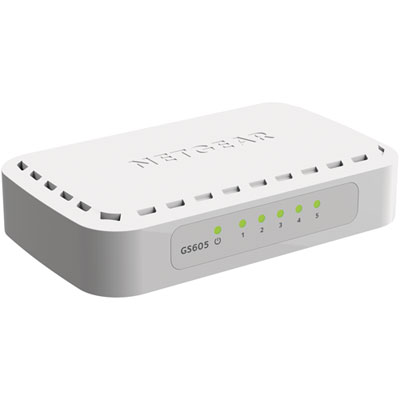 Your price for this item is $34.99
 -
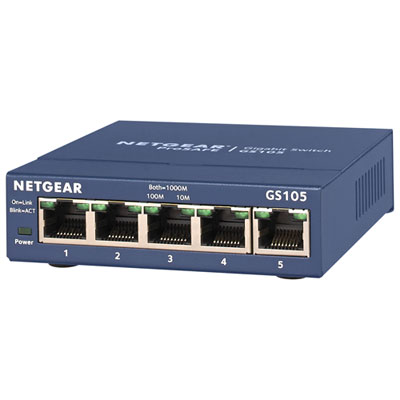 Your price for this item is $44.99
 -
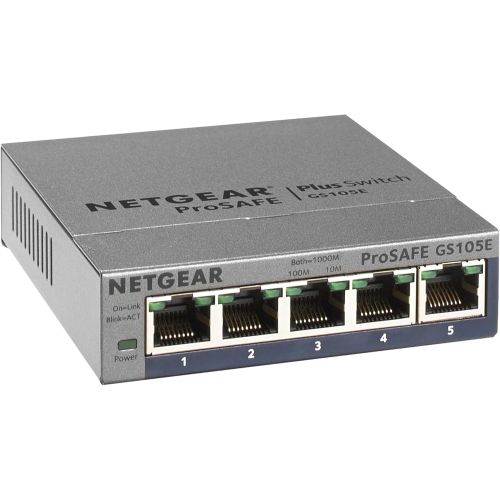 Your price for this item is $52.68
 -
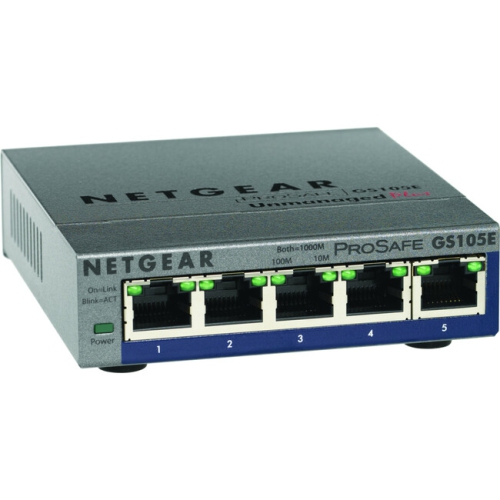 Your price for this item is $76.99
 -
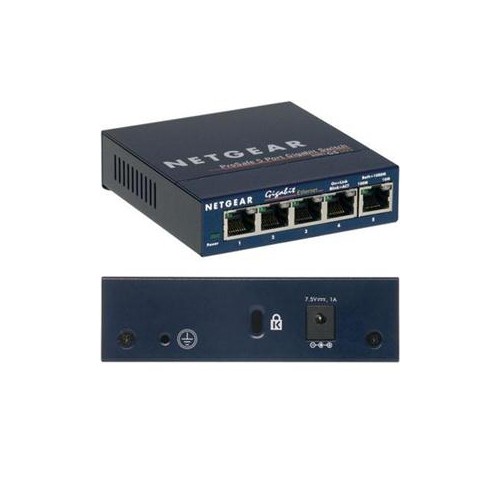 Your price for this item is $49.68
 -
 Your price for this item is $52.68
 -
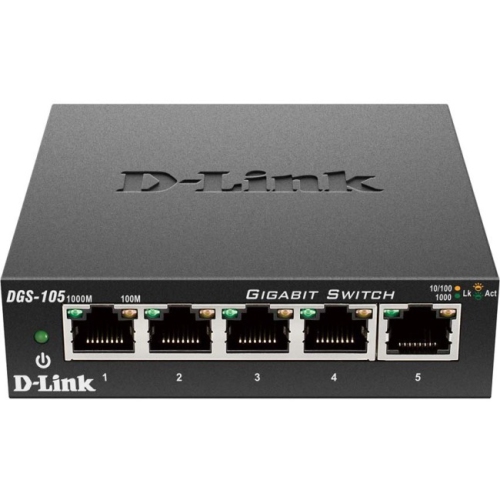 Your price for this item is $24.99
 -
 Your price for this item is $49.99
Discover more categories related to Fast Ethernet Switches
Top Collections:
Pokemon Centers, Kindle Devices, Best Budget Office Chairs, Apple iPhones 16, Best Laptops for Writers, iPhone 15 Apple, Canon G7X Cameras, Refurbished Apple Laptops, Alarm Clock, Motorola Razr Phones
Some products may be subject to Environmental Handling Fees
(EHF) depending on your province.
Learn more about EHFs.