16GB Flash Drives
Looking for a compact and convenient way to store and transfer your important files? Look no further than our selection of 16GB flash drives. With ample storage capacity, these portable devices allow you to carry your documents, photos, videos, and more wherever you go. Whether you need to backup your files, share them with colleagues, or simply free up space on your computer or smartphone, our range of 16GB flash drives offers the perfect solution. Explore our collection today and find the ideal flash drive to meet your storage needs. Also check out our selection of 2 TB Flash Drives for even more great options!
Sort
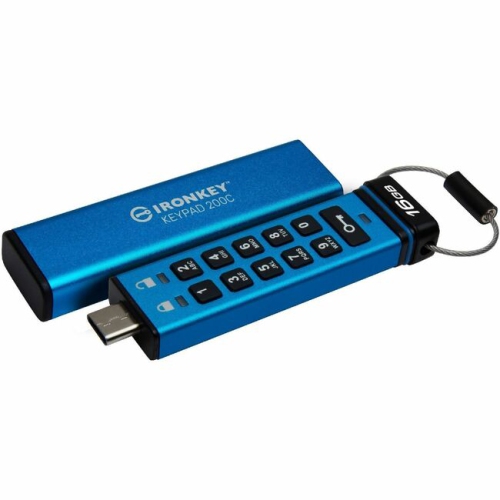
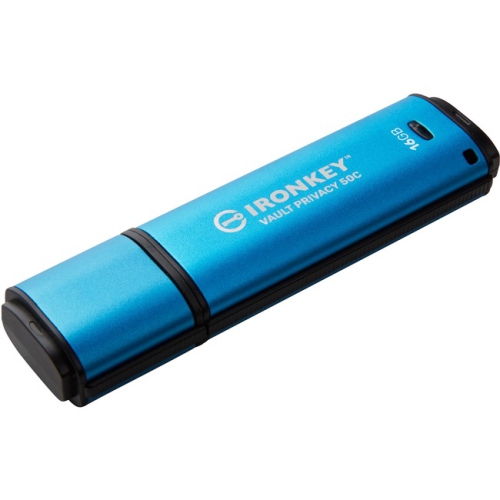
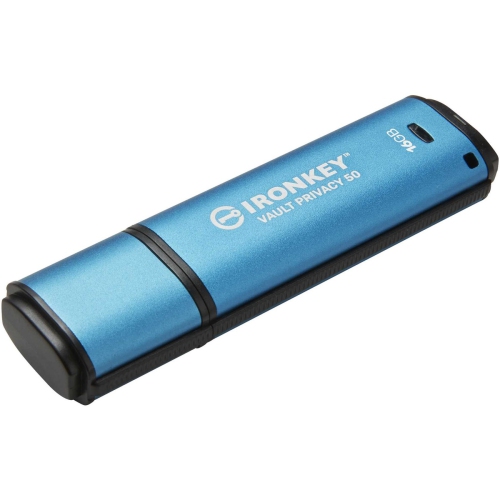
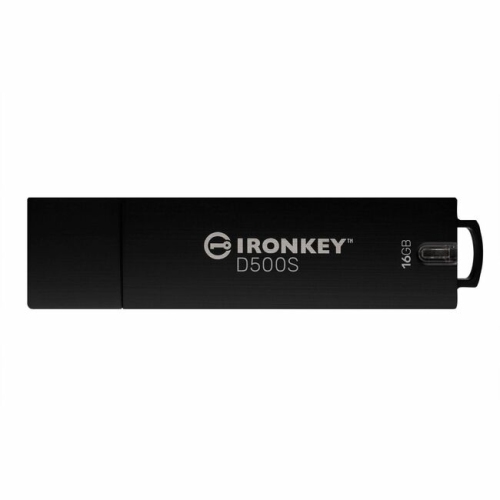
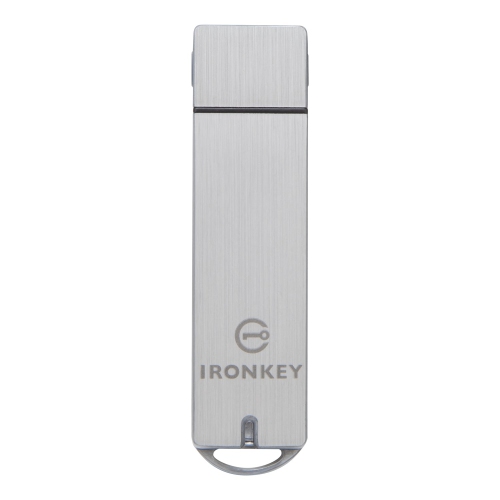

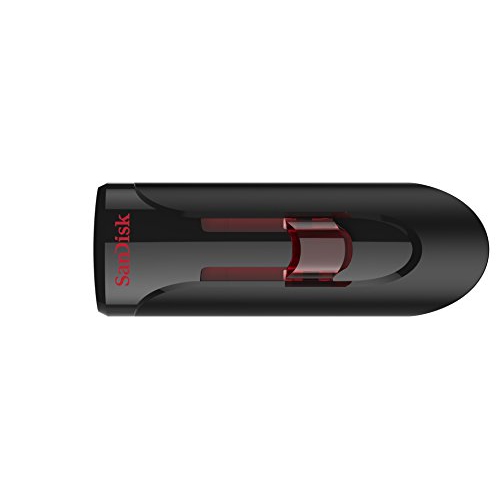
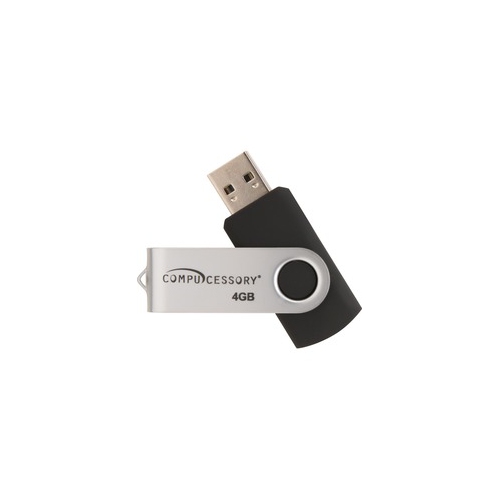
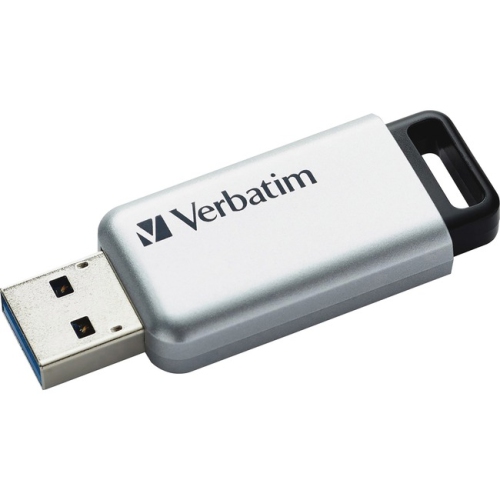
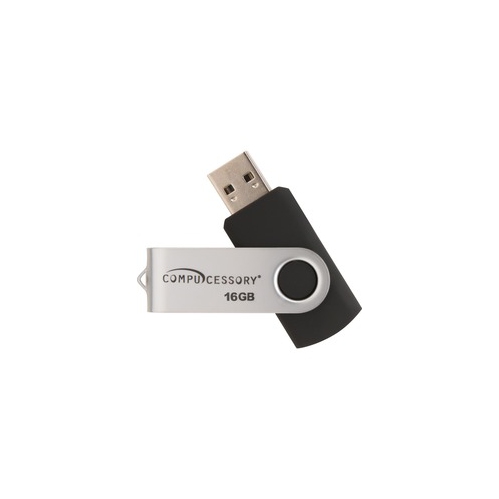
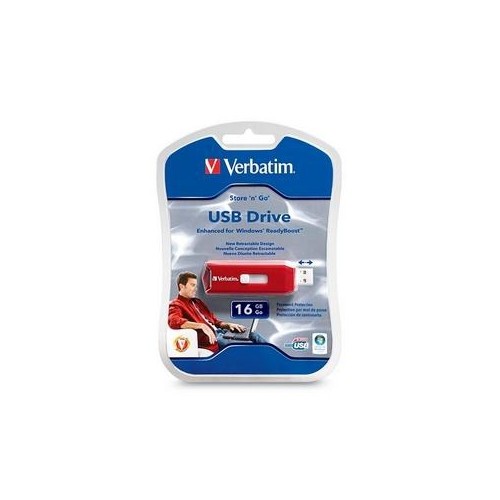
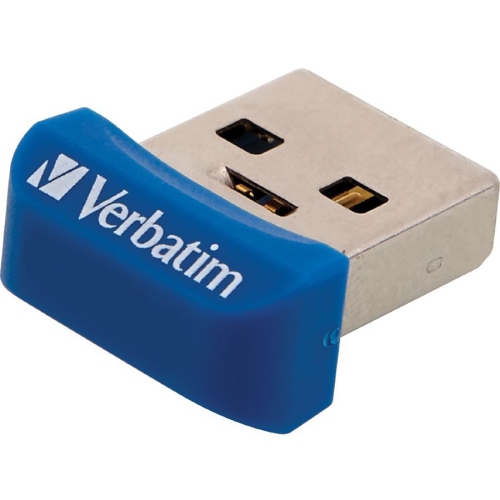
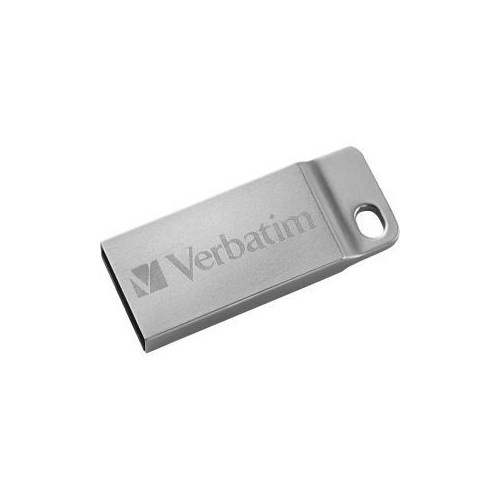
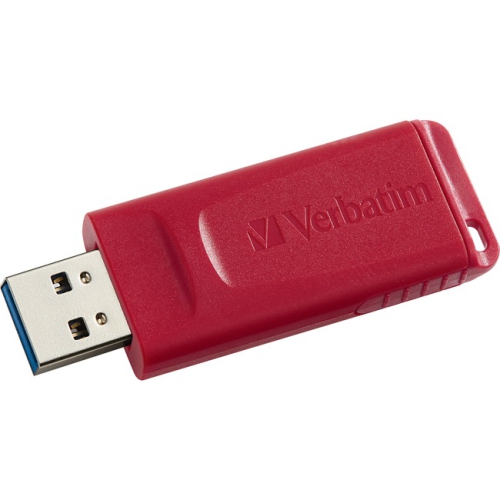
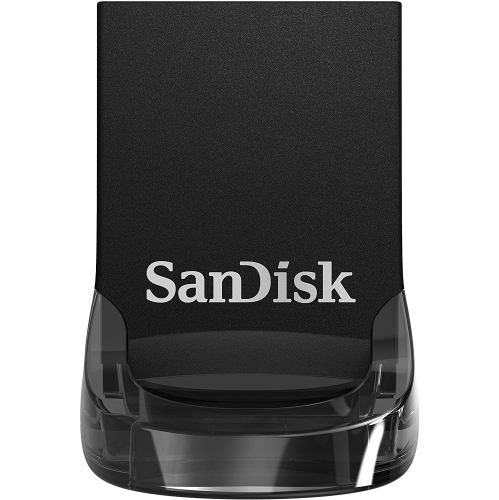
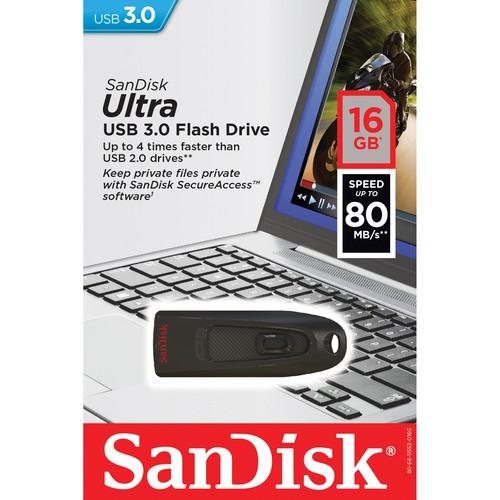
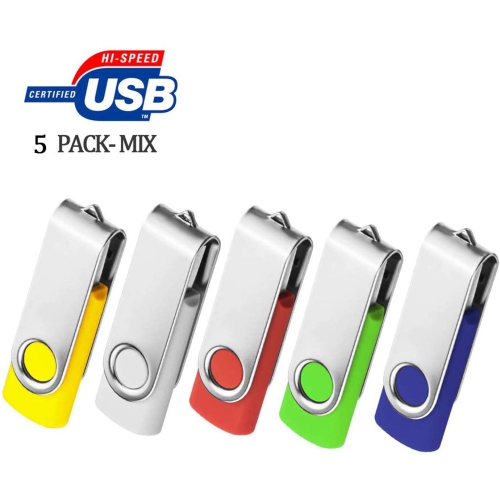
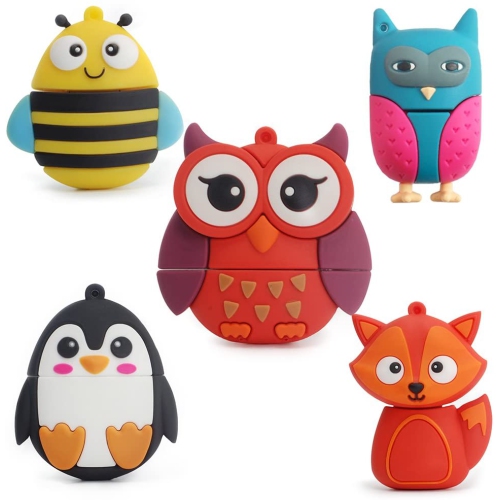
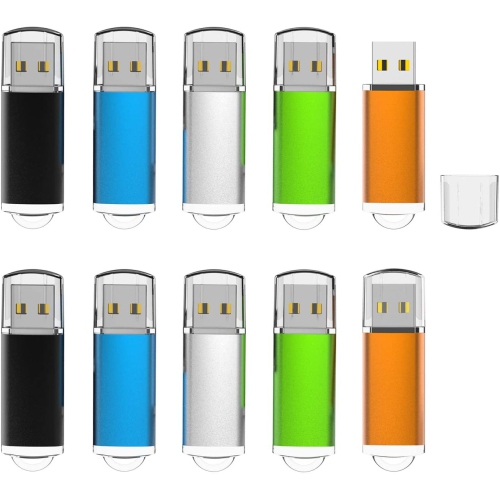
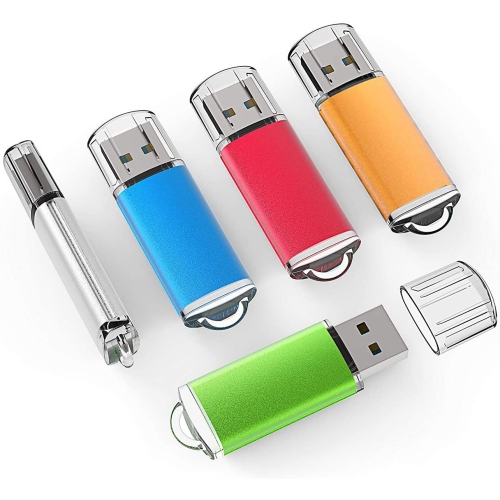
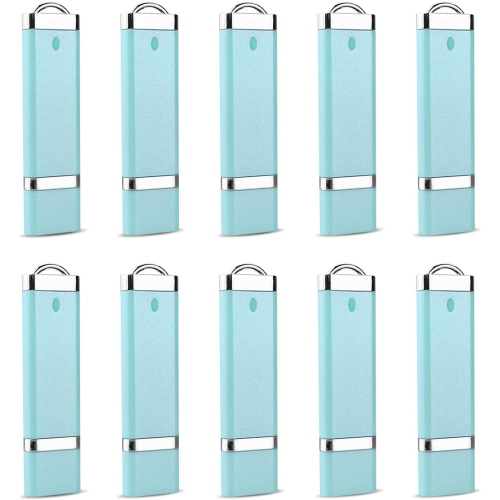

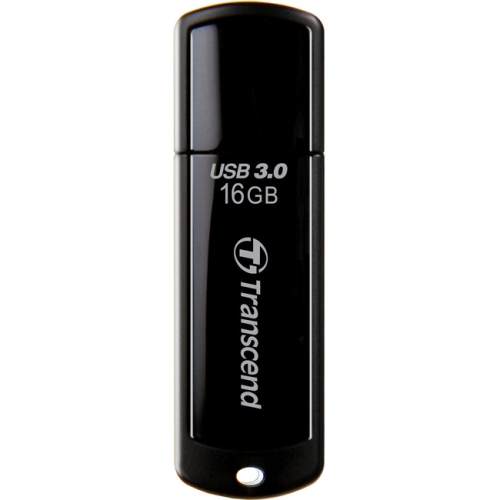
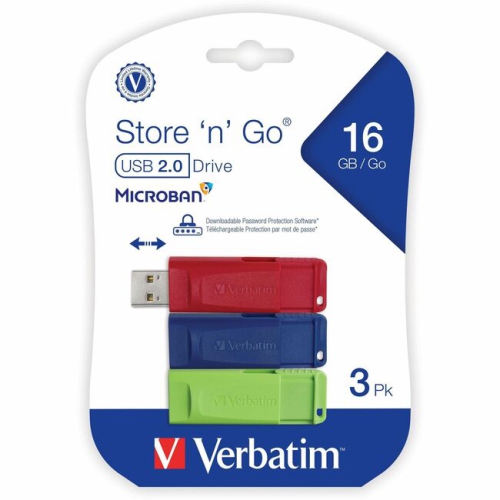
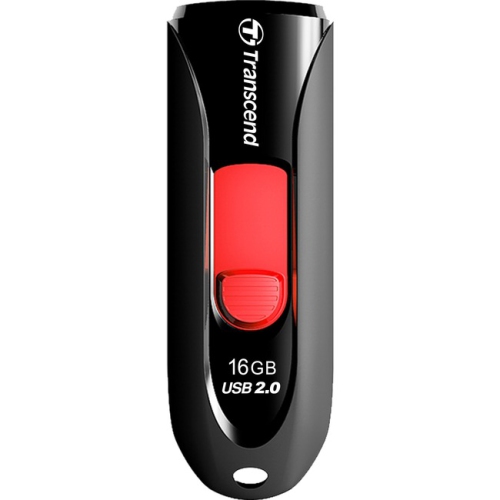
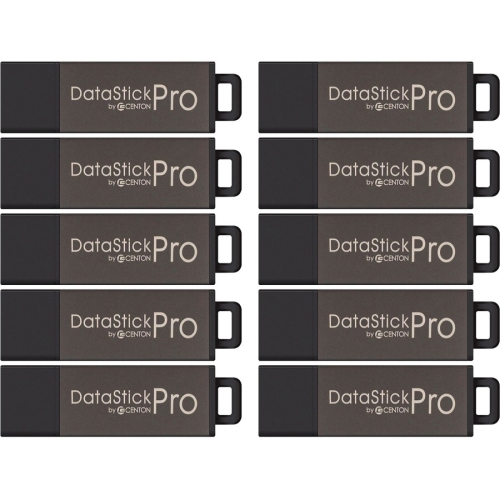
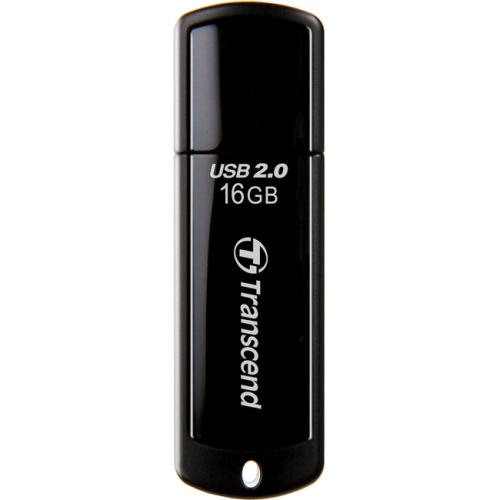
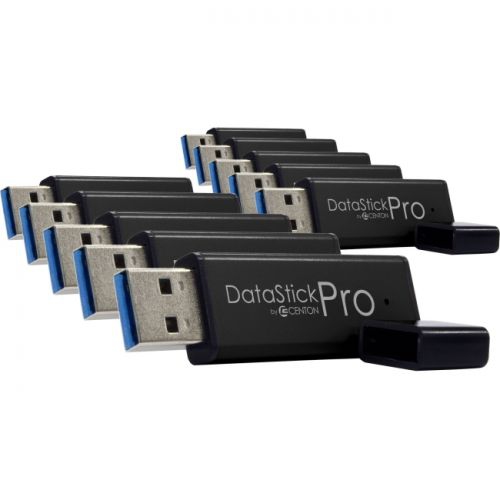
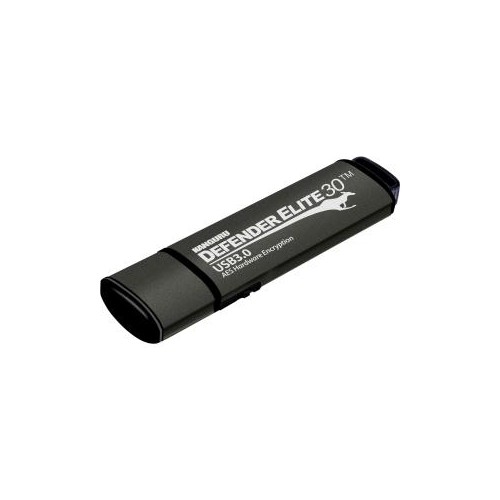
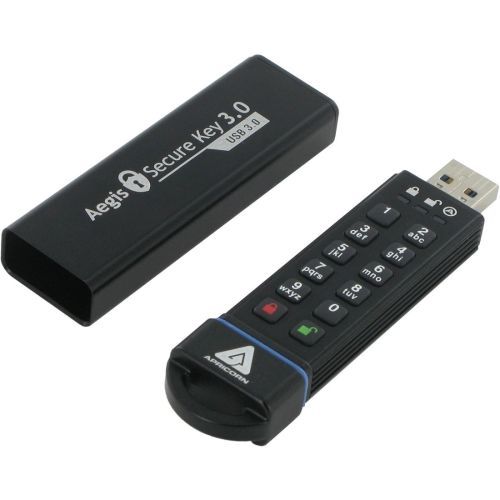
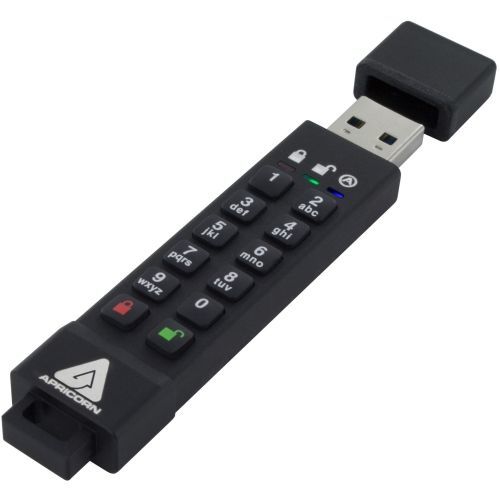

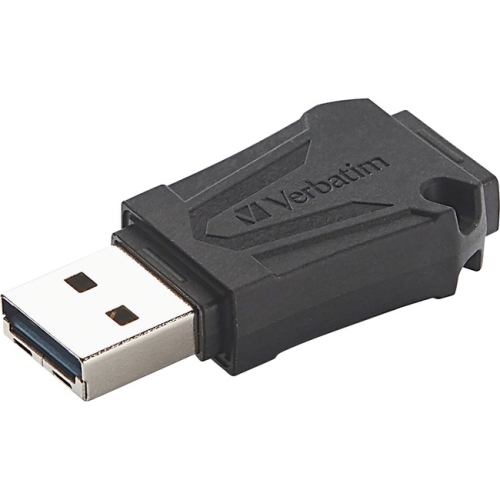
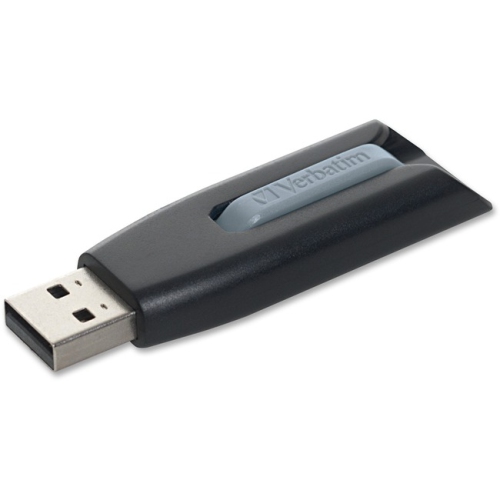
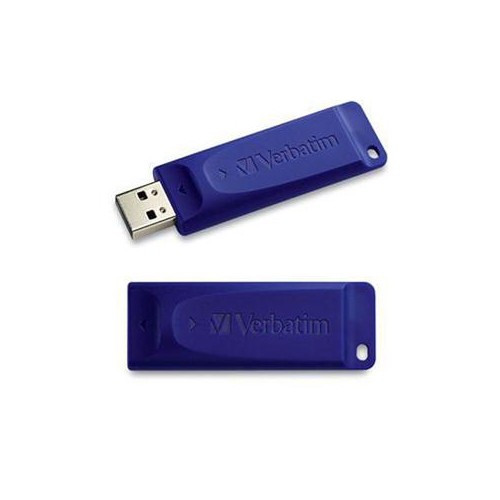
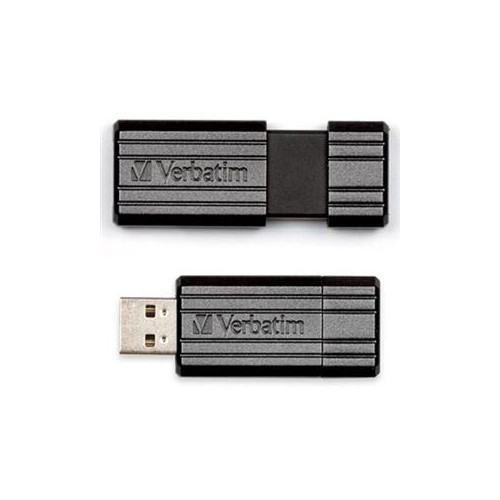
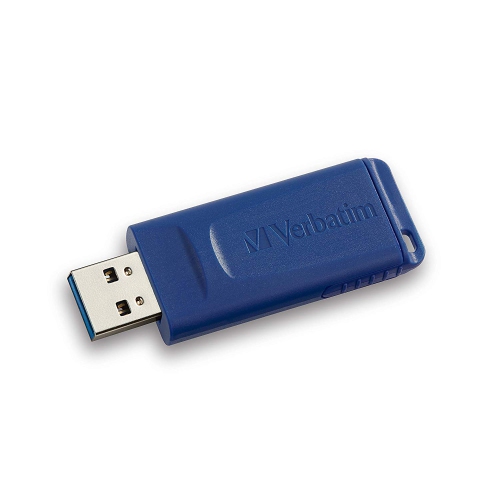
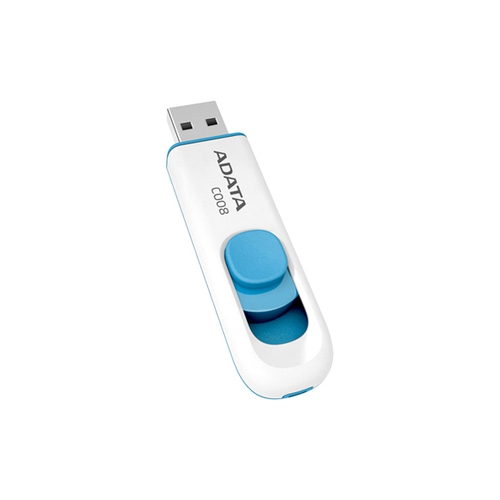
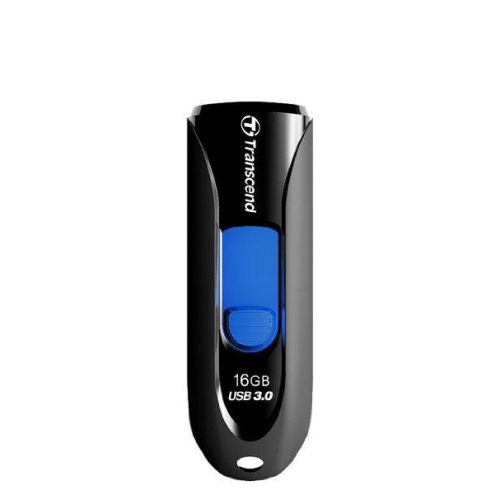
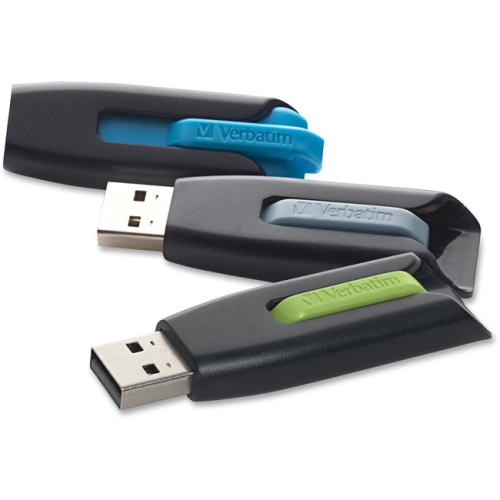
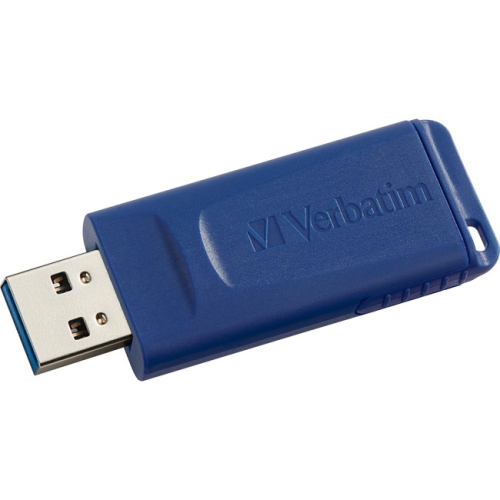
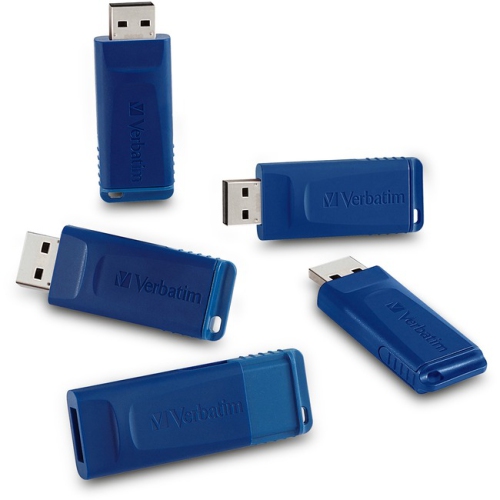
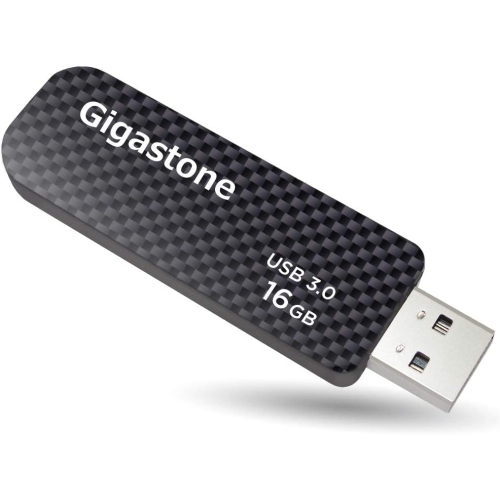
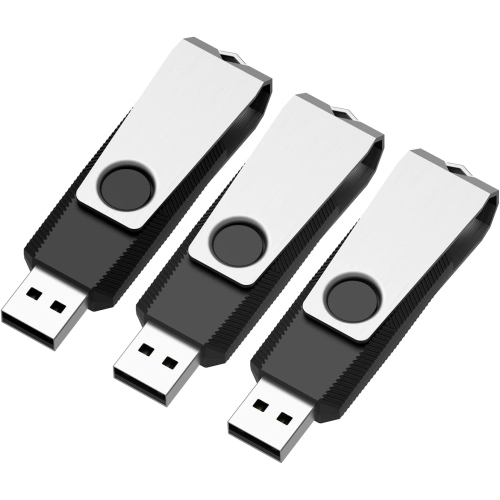
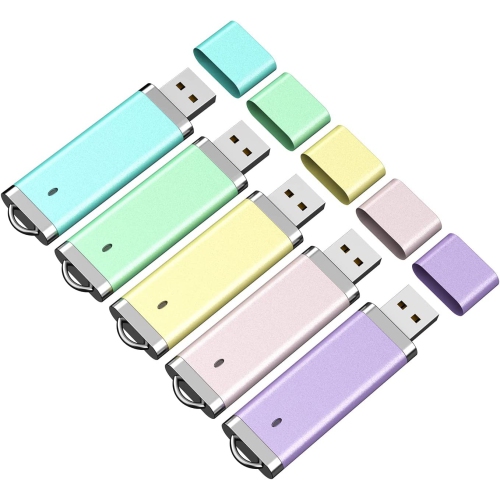
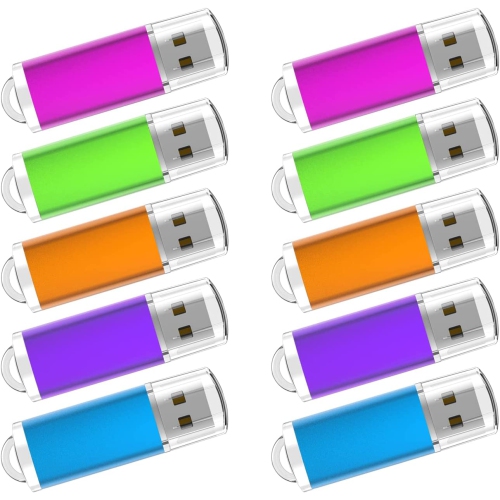
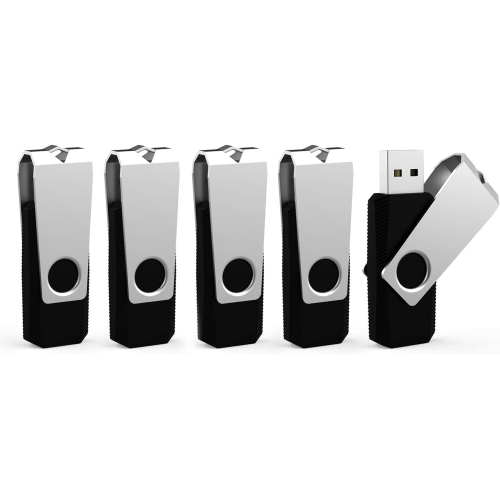
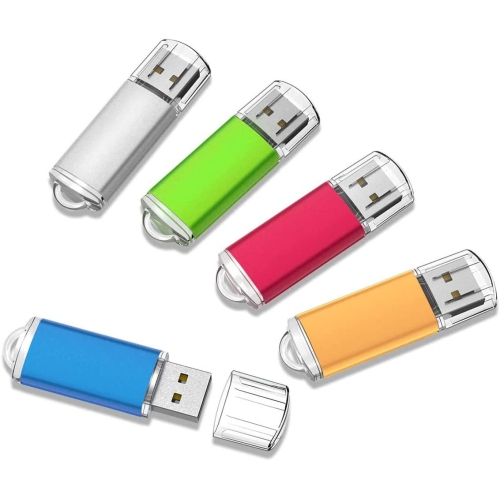
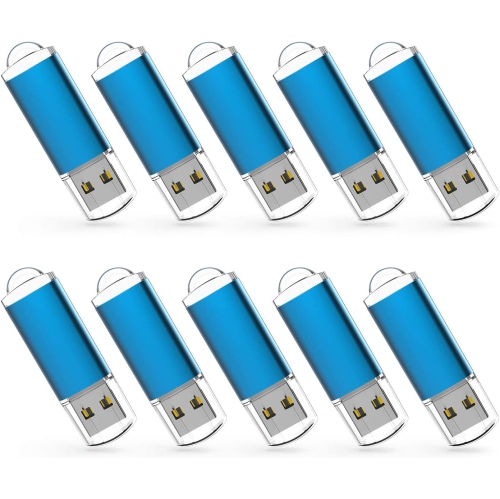
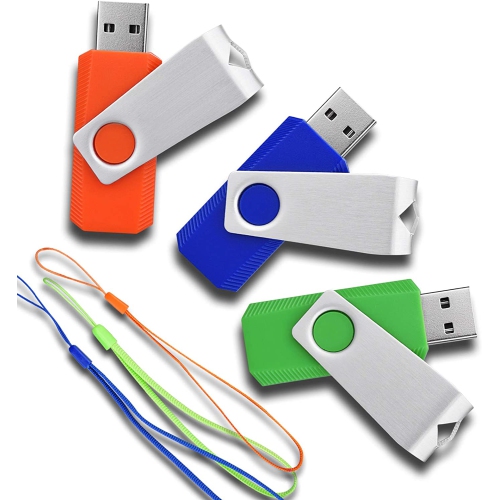
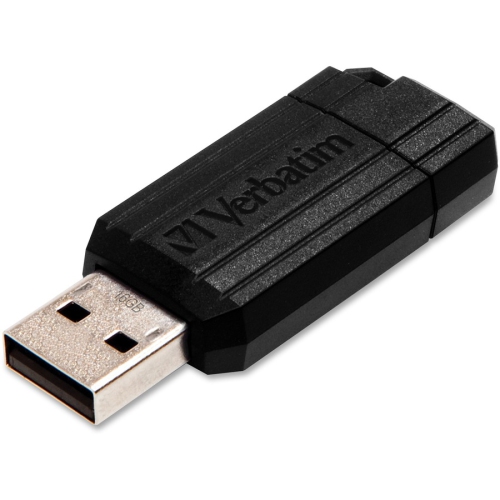
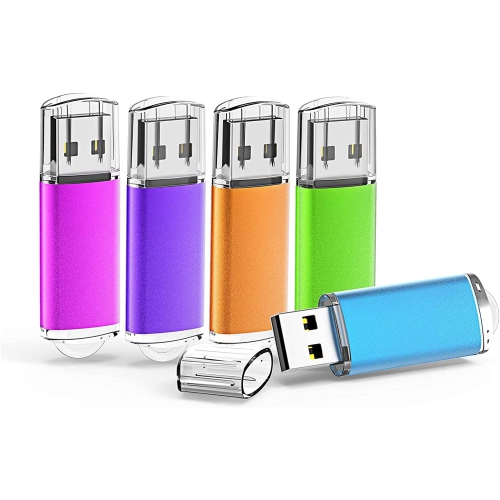
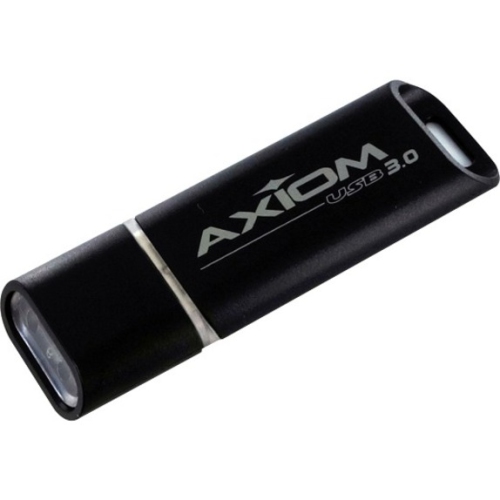
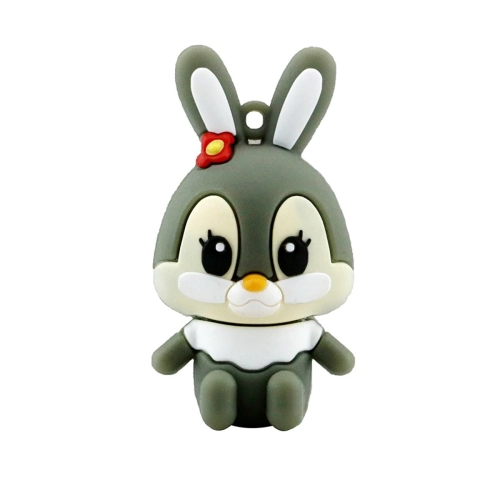
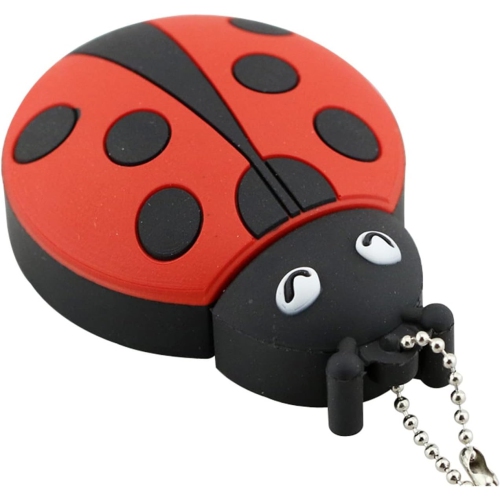
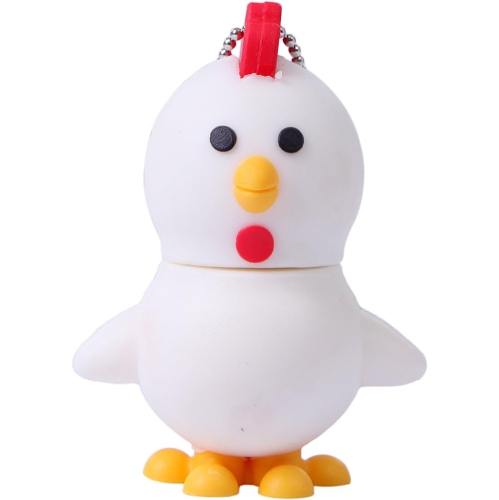
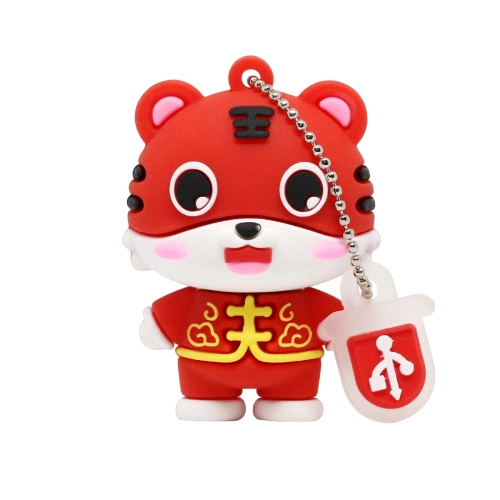
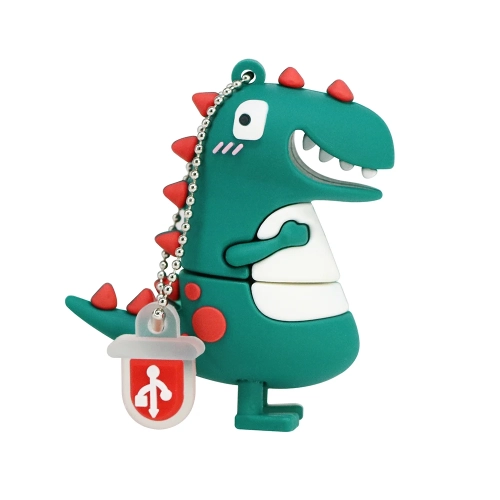
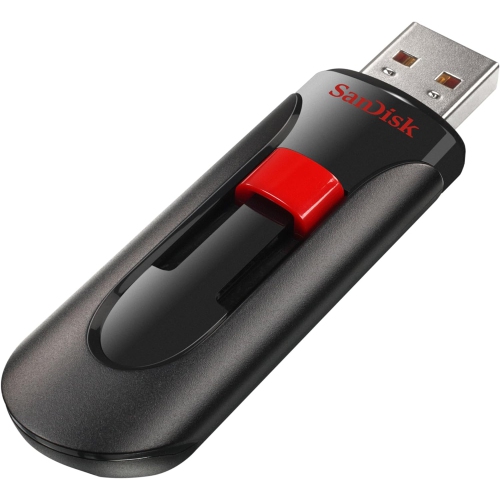
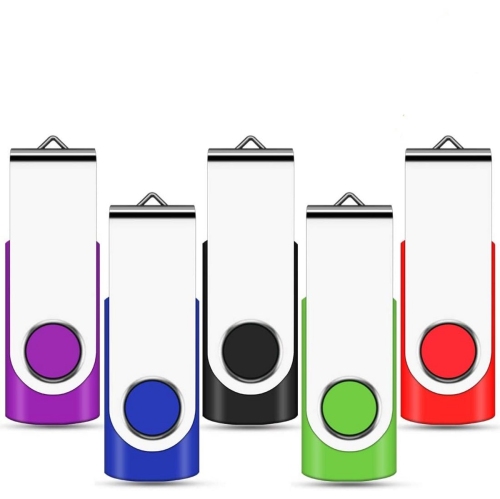
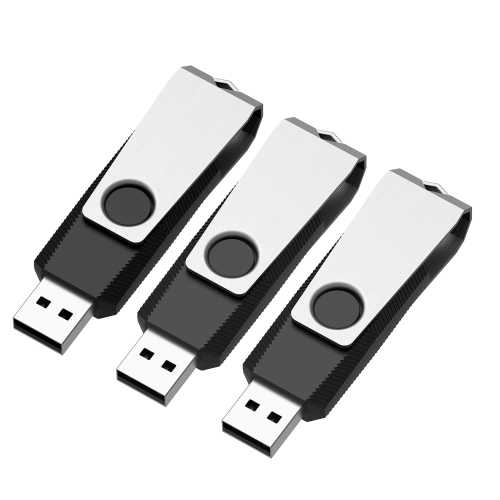
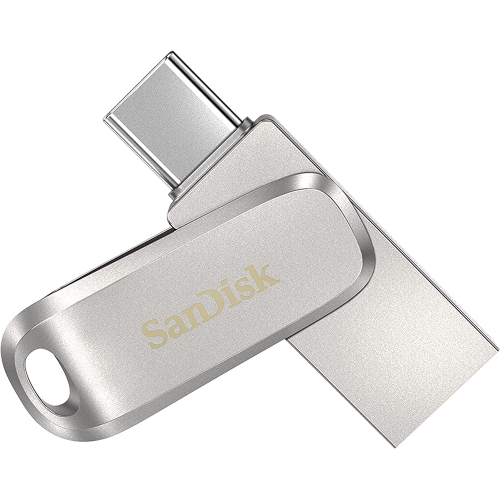
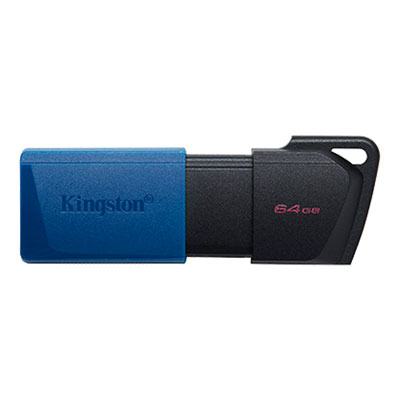
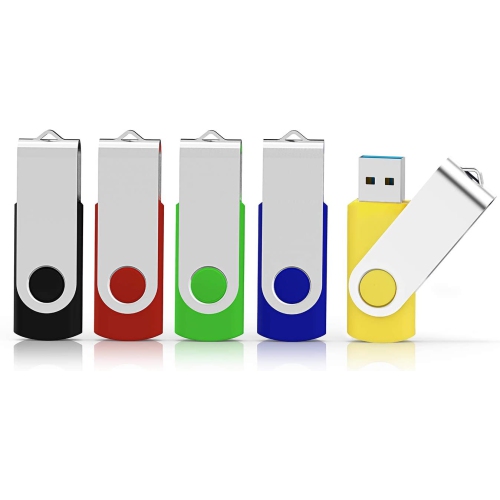
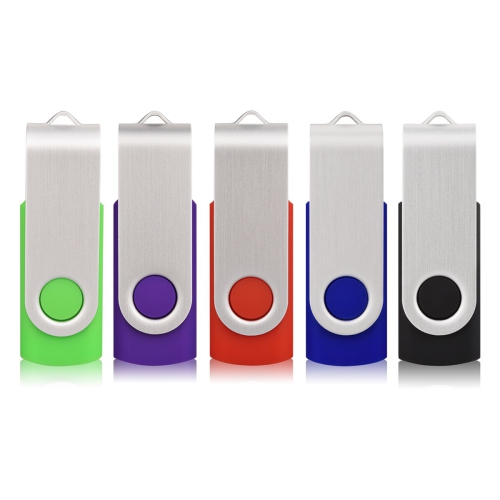
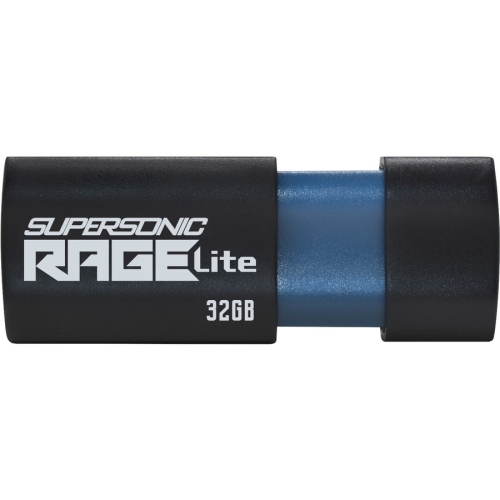
Practical portable storage for everyday files and transfers
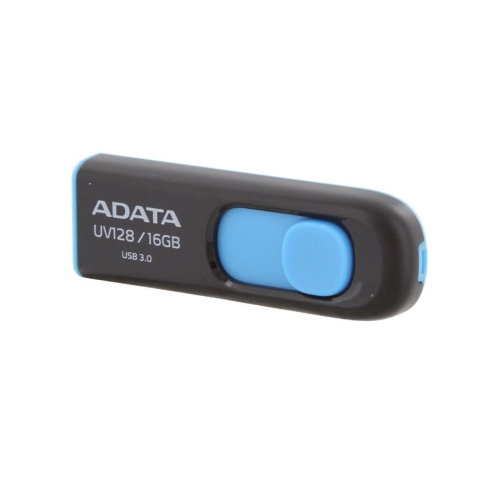
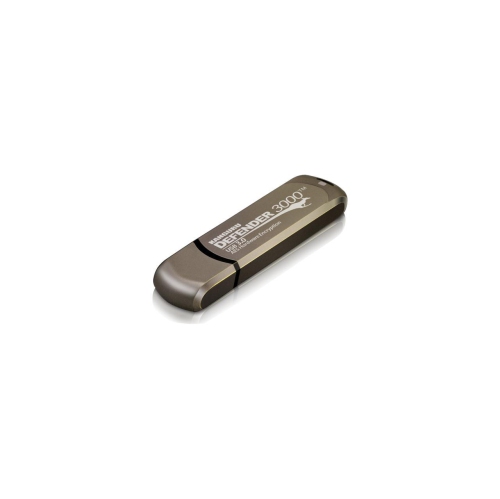
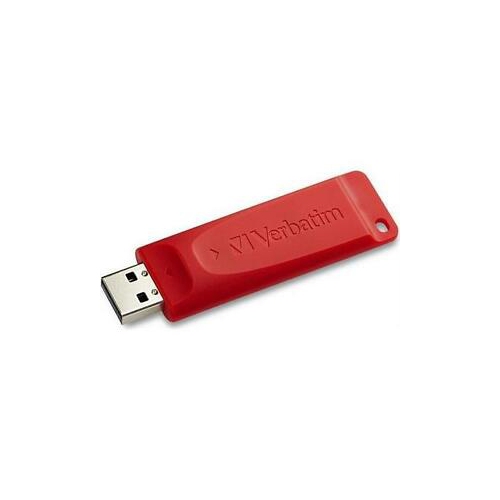
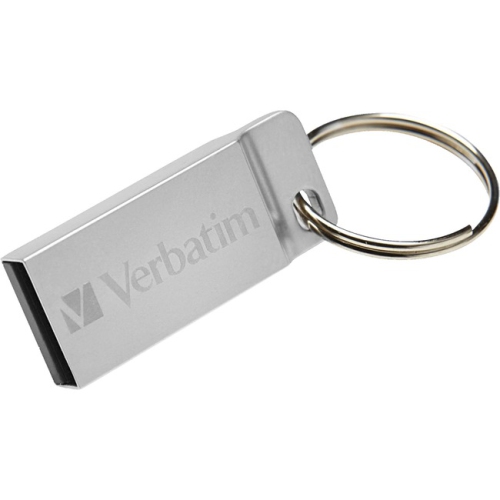
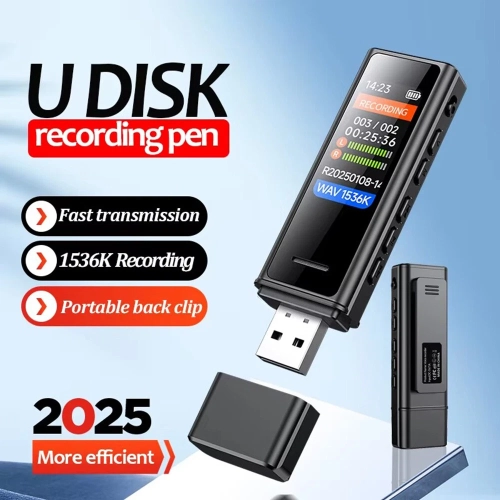
16GB flash drives offer a practical amount of portable storage for everyday files, schoolwork, office documents, photos, music and other digital essentials. A drive with 16GB of advertised capacity typically provides slightly less usable space after formatting, but it can still hold roughly 4,000 standard mobile photos, about 3,000 compressed music tracks, thousands of documents, or several hours of standard-definition video, depending on file size and format. High-resolution photos, uncompressed music, large presentations and HD or 4K video take up considerably more room, so these estimates work best as a general guide rather than a guarantee. For many people, 16GB is a comfortable middle ground: small enough to carry on a key ring or slip into a laptop bag, yet large enough for a meaningful collection of files without the extra cost or bulk of a higher-capacity storage device. It can be useful for moving a presentation between home and work, keeping a copy of important forms, sharing a folder of holiday photos, transferring music to a compatible vehicle system, or creating a bootable installer for a computer. Students may use one to carry assignments, research material and project files between classes, while remote workers can keep frequently needed templates and reference documents close at hand. Families may appreciate having a dedicated drive for scanned records, cherished photographs or school projects. For a smaller set of files, an 8GB Flash Drives page may also be worth exploring, while 16GB flash drives provide additional room for larger folders and more flexible everyday use.
Compatibility should be one of the first considerations when choosing a 16GB flash drive. Traditional USB-A connectors are still found on many desktop computers, laptops, printers, televisions and car audio systems, while USB-C is increasingly common on newer laptops, tablets and smartphones. Checking the ports on the devices used most often can help prevent an inconvenient mismatch. Some drives are available with a single connector, while dual-interface designs can make it easier to move files between newer and older hardware. An adapter may also help in some situations, although it is important to confirm that the adapter supports both data transfer and the required connector type. Transfer speed matters when copying large folders, video files or a complete photo library. USB 3.0 and newer standards can move data more quickly than older USB 2.0 connections when the computer and drive both support the faster standard; the actual speed may still be limited by the slower device, the type of files being transferred and the number of files in a folder. A single large video may copy more efficiently than thousands of small documents. A sliding cover can reduce the chance of losing a separate cap, while a capped design may provide straightforward protection for the connector. A key-ring loop, compact body and sturdy casing are useful for anyone who carries a drive between locations, especially in a crowded backpack or a desk drawer where small accessories can easily disappear. For regular travel, look for a design that feels secure in the hand and has a connector that will not be easily exposed to dust or accidental knocks.
A 16GB flash drive can also be a thoughtful, practical gift for a student, new employee, family member or anyone who regularly works across more than one computer. It is easy to pair with a card, notebook or computer accessory, and its compact size makes it suitable for a graduation, back-to-school or new-office gift without requiring knowledge of a recipient’s exact computer model. Before giving one, consider whether the person uses USB-A, USB-C or both, and whether the drive will be used mainly for occasional file sharing or frequent transfers. Features such as password protection or hardware-based encryption may be valuable for tax records, business documents, personal identification scans and other sensitive files, but software compatibility and recovery options should be reviewed before relying on them for important information. A flash drive should complement, not replace, a proper backup routine: keeping the only copy of irreplaceable photos or documents on a small portable device leaves those files vulnerable if the drive is lost, damaged or corrupted. Storing a second copy in another location or using cloud storage can provide extra reassurance. It is also wise to eject the drive properly before removing it, keep it away from excessive heat and moisture, and label it clearly when several drives are used in the same household. With the right connector, suitable transfer speed and enough room for the intended files, 16GB flash drives remain a simple way to keep digital information organised, portable and ready to use during busy school days, changing work routines and the cooler months ahead.
Compatibility should be one of the first considerations when choosing a 16GB flash drive. Traditional USB-A connectors are still found on many desktop computers, laptops, printers, televisions and car audio systems, while USB-C is increasingly common on newer laptops, tablets and smartphones. Checking the ports on the devices used most often can help prevent an inconvenient mismatch. Some drives are available with a single connector, while dual-interface designs can make it easier to move files between newer and older hardware. An adapter may also help in some situations, although it is important to confirm that the adapter supports both data transfer and the required connector type. Transfer speed matters when copying large folders, video files or a complete photo library. USB 3.0 and newer standards can move data more quickly than older USB 2.0 connections when the computer and drive both support the faster standard; the actual speed may still be limited by the slower device, the type of files being transferred and the number of files in a folder. A single large video may copy more efficiently than thousands of small documents. A sliding cover can reduce the chance of losing a separate cap, while a capped design may provide straightforward protection for the connector. A key-ring loop, compact body and sturdy casing are useful for anyone who carries a drive between locations, especially in a crowded backpack or a desk drawer where small accessories can easily disappear. For regular travel, look for a design that feels secure in the hand and has a connector that will not be easily exposed to dust or accidental knocks.
A 16GB flash drive can also be a thoughtful, practical gift for a student, new employee, family member or anyone who regularly works across more than one computer. It is easy to pair with a card, notebook or computer accessory, and its compact size makes it suitable for a graduation, back-to-school or new-office gift without requiring knowledge of a recipient’s exact computer model. Before giving one, consider whether the person uses USB-A, USB-C or both, and whether the drive will be used mainly for occasional file sharing or frequent transfers. Features such as password protection or hardware-based encryption may be valuable for tax records, business documents, personal identification scans and other sensitive files, but software compatibility and recovery options should be reviewed before relying on them for important information. A flash drive should complement, not replace, a proper backup routine: keeping the only copy of irreplaceable photos or documents on a small portable device leaves those files vulnerable if the drive is lost, damaged or corrupted. Storing a second copy in another location or using cloud storage can provide extra reassurance. It is also wise to eject the drive properly before removing it, keep it away from excessive heat and moisture, and label it clearly when several drives are used in the same household. With the right connector, suitable transfer speed and enough room for the intended files, 16GB flash drives remain a simple way to keep digital information organised, portable and ready to use during busy school days, changing work routines and the cooler months ahead.
Top selling and popular products
-
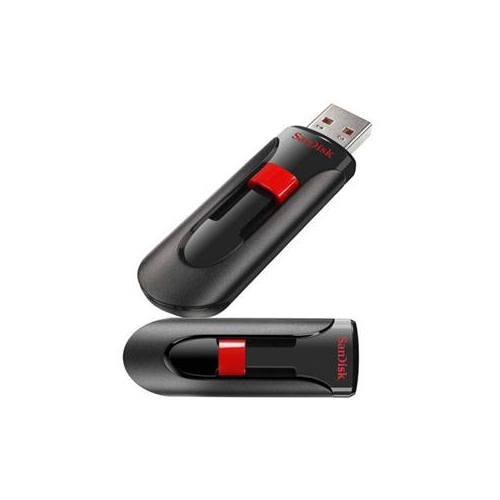 Your price for this item is $44.95
 -
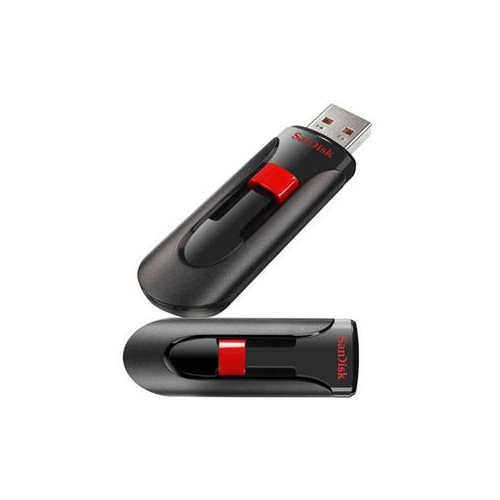 Your price for this item is $69.95
 -
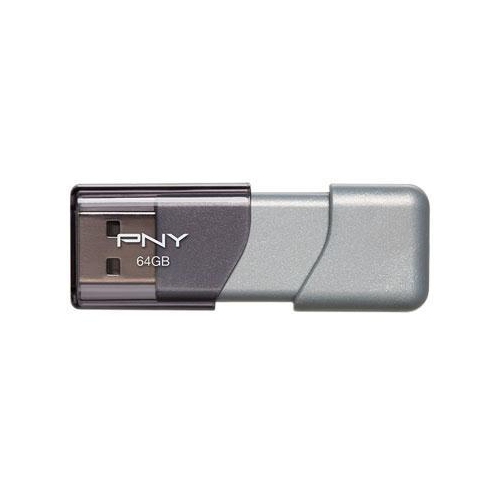 Your price for this item is $59.68
 -
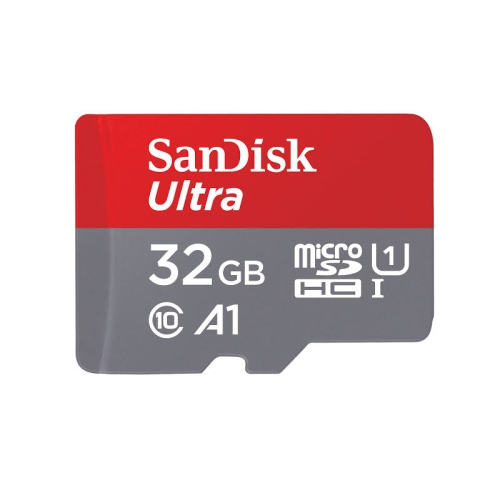 Your price for this item is $32.45
 -
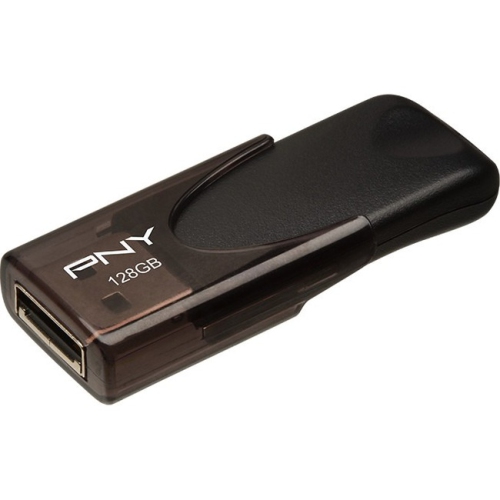 Your price for this item is $34.68
 -
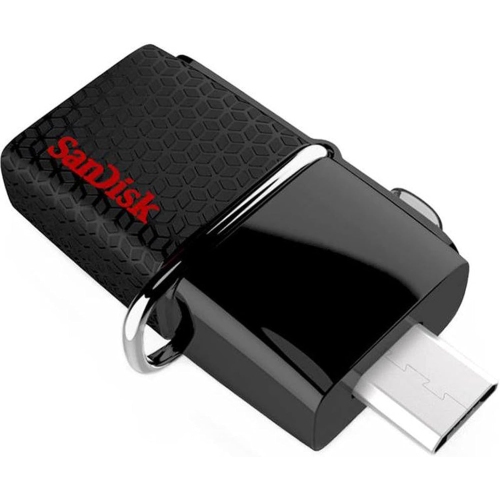 Your price for this item is $38
 -
 Your price for this item is $49.99
 -
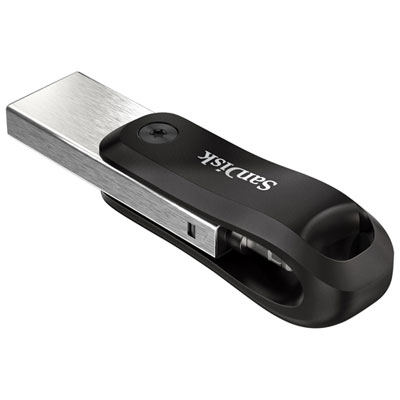 Your price for this item is $169.99
Discover more categories related to 16GB Flash Drives
Top Collections:
Pokemon Centers, Best Budget Office Chairs, Budget 4K TVs, Kindle Devices, Best Laptops for Writers, Canon G7X Cameras, Apple iPhones 16, iPhone 15 Apple, Laptops for Business Work, Xiaomi Phones
Some products may be subject to Environmental Handling Fees
(EHF) depending on your province.
Learn more about EHFs.