Fiber Media Converters
Upgrade your network infrastructure with a Fiber Media Converter. Designed to seamlessly integrate fiber optic and copper networks, these versatile devices provide a reliable and efficient solution for transmitting data over long distances. Whether you're looking to enhance the speed and performance of your existing network or expand its reach to remote locations, a Fiber Media Converter offers the flexibility and scalability you need. Explore our wide selection of Fiber Media Converters and take your network connectivity to the next level.
Sort
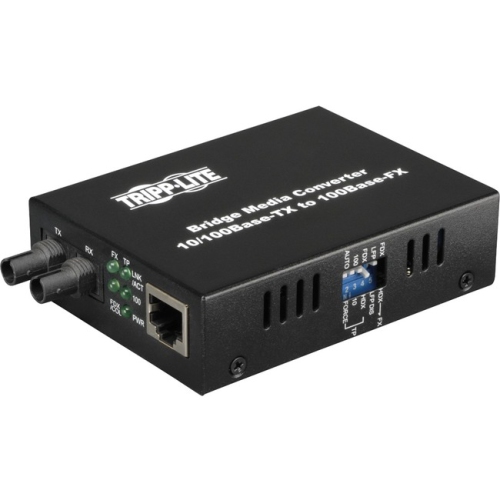
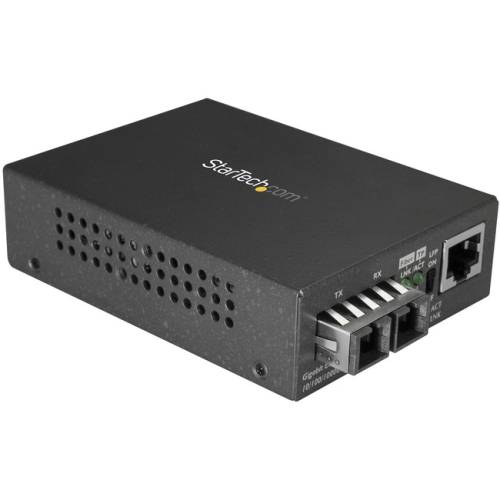
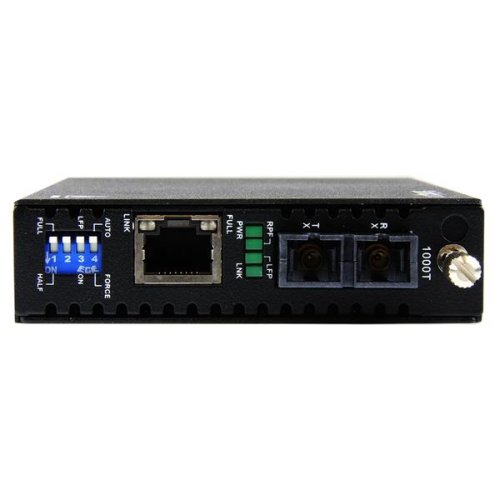
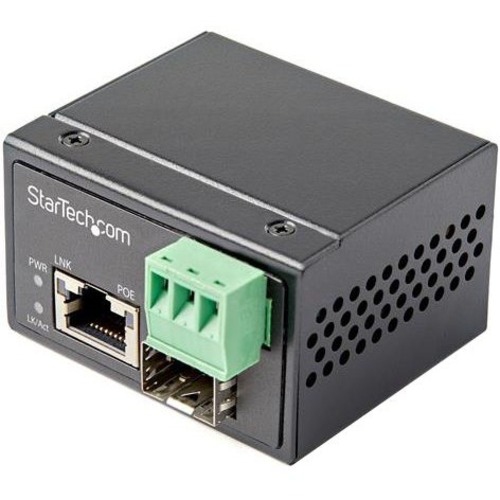
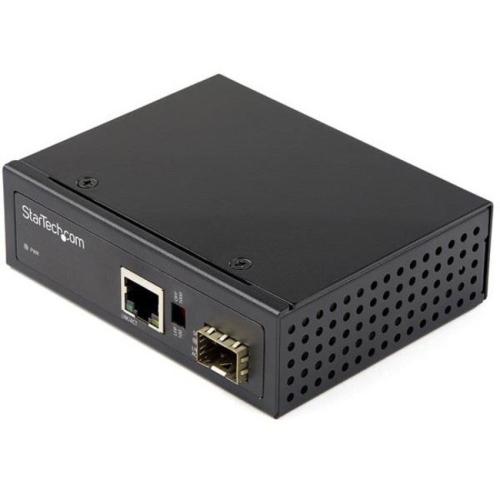
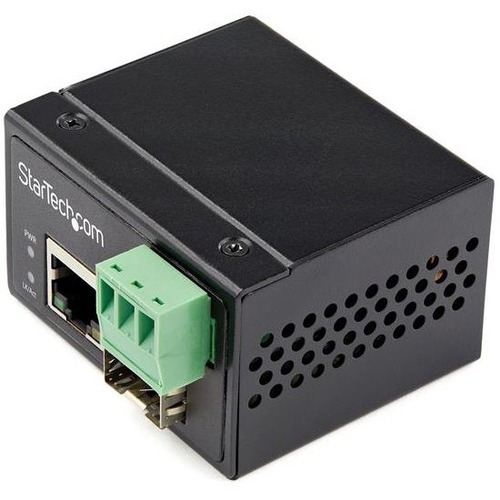
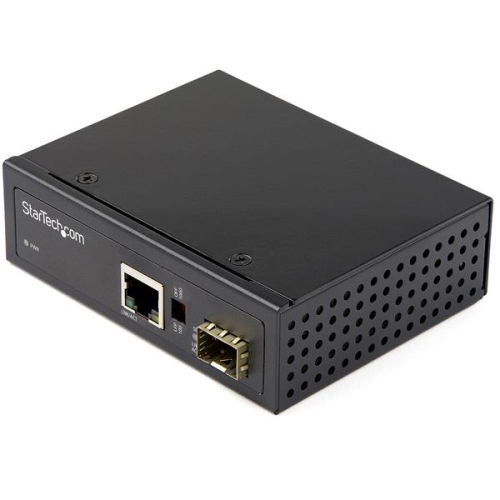
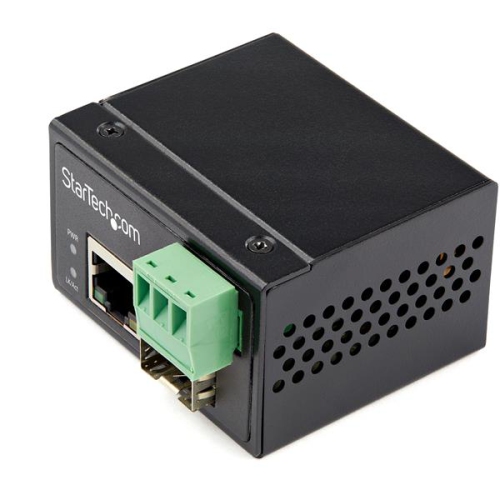
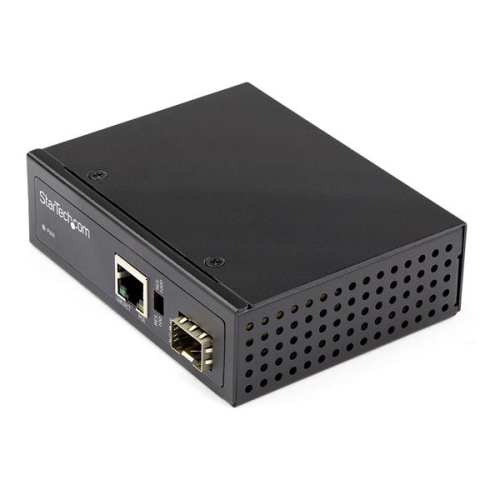
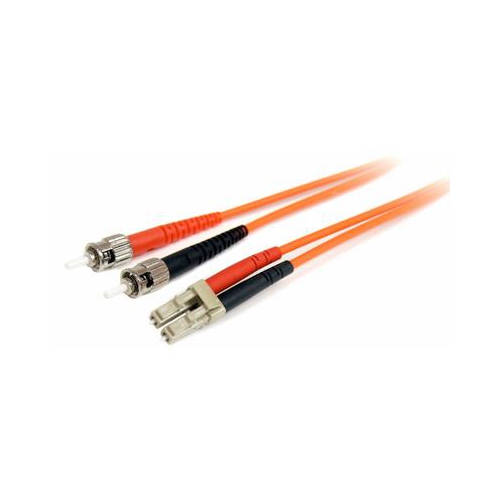
Longer network links between copper and fiber
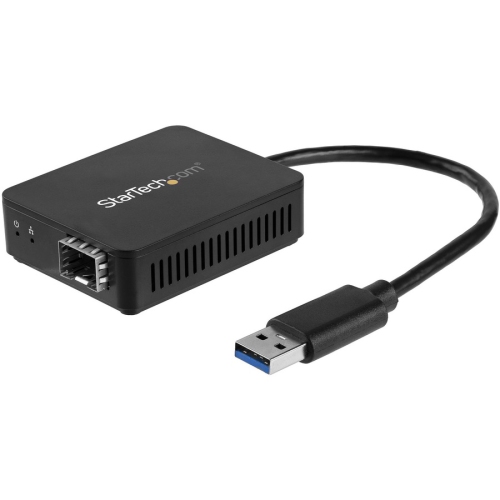
Fiber media converters provide a practical way to connect copper Ethernet networks with fiber optic cabling. A converter receives data through a standard RJ45 copper Ethernet connection, translates the electrical signal into an optical signal, and sends it through a fiber optic cable. At the other end, another converter changes the signal back for use with a network switch, router, computer, camera system, server, or other Ethernet-enabled equipment. This makes fiber media converters useful when a network needs to travel farther than the usual copper Ethernet limit of approximately 100 metres, or when separate buildings, floors, equipment rooms, or work areas need to communicate across a longer link. They can also help connect newer fiber infrastructure to existing copper equipment, allowing a network to expand without replacing every switch or device at once. Many installations use a copper-to-fiber converter at one end and a second converter at the destination, while some network environments use converters to link different types of fiber or to adapt fibre connections to compatible network hardware. For a closer look at related options, explore Fiber Optic Converters. Whether you are outfitting a small business, extending connectivity to a detached workspace, or maintaining communications between network cabinets, these compact devices can simplify a connection that would otherwise require more extensive infrastructure.
The right fiber media converter depends on the speed, distance, cabling, and ports used throughout the network. Start by checking the Ethernet speed supported by the connected equipment. Fast Ethernet models support 10/100 Mbps connections, while Gigabit models support up to 1000 Mbps, and higher-performance options may support 10G links for demanding data transfers, surveillance systems, storage networks, or busy office environments. It is important to match the converter to the slowest relevant component so that the connection performs as expected. Next, identify the type of fiber cable and connector required. Multimode fiber is commonly used for shorter links, with typical ranges reaching up to about 2 kilometres depending on the equipment and cable specifications. Single-mode fiber is designed for longer runs and can extend across dozens of kilometres with compatible hardware. Fiber connectors may include LC, SC, or ST formats, so compare the connector on the cable with the port on the converter before ordering. Some converters include a built-in fiber port for a specific connection type, while others feature an open SFP slot that accepts a compatible, interchangeable transceiver. An SFP-based design can offer more flexibility when a network may later need a different fibre type, wavelength, or transmission distance, but the transceiver and converter must be compatible with one another. Also review duplex or bidirectional requirements, supported wavelengths, link indicators, power specifications, and whether the unit is designed for standalone use or installation in a rack or chassis. Managed and unmanaged designs serve different needs: an unmanaged converter is generally straightforward for a basic point-to-point connection, while a managed option may provide monitoring, diagnostics, configuration, and network-management features for more complex deployments.
Fiber media converters are especially useful in places where copper cable is difficult to extend or where electrical interference could affect network performance. Fiber is resistant to electromagnetic interference, making it well suited to routes near heavy machinery, motors, industrial equipment, power lines, or other sources of electrical noise. A converter can also help create a connection between buildings where a long outdoor-rated fiber run is more appropriate than copper, including offices, workshops, warehouses, educational facilities, retail spaces, and detached service areas. They are often selected by IT professionals, network administrators, security installers, electricians, and technically confident home users who are extending a wired network to a studio, garage, outbuilding, or remote equipment cabinet. A fiber media converter may also be useful when upgrading an older network gradually: existing copper switches and Ethernet devices can remain in service while a fiber backbone is introduced between key locations. Before installation, confirm the cable length, connector style, transmission speed, fibre mode, and power requirements at both ends of the link. Keep fiber ends clean, avoid sharply bending the cable, and use compatible transceivers when an SFP slot is involved. For a reliable connection, both converters should support the same Ethernet standard and the same optical characteristics, unless the equipment documentation specifically confirms interoperability. These products are practical additions for a network upgrade rather than a typical gift, but they can be a thoughtful choice for someone setting up a home lab, expanding a workshop network, managing a small business, or building a dependable wired connection between rooms and buildings. During the warmer and cooler seasons alike, the same careful planning remains important: measure the route, identify the equipment at each end, and choose a converter that matches the network’s current requirements while leaving suitable room for future expansion.
The right fiber media converter depends on the speed, distance, cabling, and ports used throughout the network. Start by checking the Ethernet speed supported by the connected equipment. Fast Ethernet models support 10/100 Mbps connections, while Gigabit models support up to 1000 Mbps, and higher-performance options may support 10G links for demanding data transfers, surveillance systems, storage networks, or busy office environments. It is important to match the converter to the slowest relevant component so that the connection performs as expected. Next, identify the type of fiber cable and connector required. Multimode fiber is commonly used for shorter links, with typical ranges reaching up to about 2 kilometres depending on the equipment and cable specifications. Single-mode fiber is designed for longer runs and can extend across dozens of kilometres with compatible hardware. Fiber connectors may include LC, SC, or ST formats, so compare the connector on the cable with the port on the converter before ordering. Some converters include a built-in fiber port for a specific connection type, while others feature an open SFP slot that accepts a compatible, interchangeable transceiver. An SFP-based design can offer more flexibility when a network may later need a different fibre type, wavelength, or transmission distance, but the transceiver and converter must be compatible with one another. Also review duplex or bidirectional requirements, supported wavelengths, link indicators, power specifications, and whether the unit is designed for standalone use or installation in a rack or chassis. Managed and unmanaged designs serve different needs: an unmanaged converter is generally straightforward for a basic point-to-point connection, while a managed option may provide monitoring, diagnostics, configuration, and network-management features for more complex deployments.
Fiber media converters are especially useful in places where copper cable is difficult to extend or where electrical interference could affect network performance. Fiber is resistant to electromagnetic interference, making it well suited to routes near heavy machinery, motors, industrial equipment, power lines, or other sources of electrical noise. A converter can also help create a connection between buildings where a long outdoor-rated fiber run is more appropriate than copper, including offices, workshops, warehouses, educational facilities, retail spaces, and detached service areas. They are often selected by IT professionals, network administrators, security installers, electricians, and technically confident home users who are extending a wired network to a studio, garage, outbuilding, or remote equipment cabinet. A fiber media converter may also be useful when upgrading an older network gradually: existing copper switches and Ethernet devices can remain in service while a fiber backbone is introduced between key locations. Before installation, confirm the cable length, connector style, transmission speed, fibre mode, and power requirements at both ends of the link. Keep fiber ends clean, avoid sharply bending the cable, and use compatible transceivers when an SFP slot is involved. For a reliable connection, both converters should support the same Ethernet standard and the same optical characteristics, unless the equipment documentation specifically confirms interoperability. These products are practical additions for a network upgrade rather than a typical gift, but they can be a thoughtful choice for someone setting up a home lab, expanding a workshop network, managing a small business, or building a dependable wired connection between rooms and buildings. During the warmer and cooler seasons alike, the same careful planning remains important: measure the route, identify the equipment at each end, and choose a converter that matches the network’s current requirements while leaving suitable room for future expansion.
Top selling and popular products
-
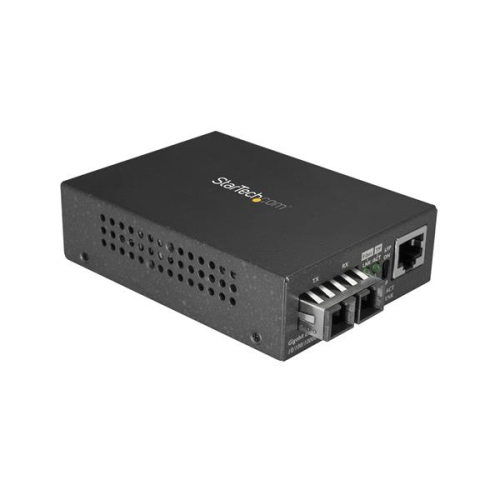 Your price for this item is $130.99
 -
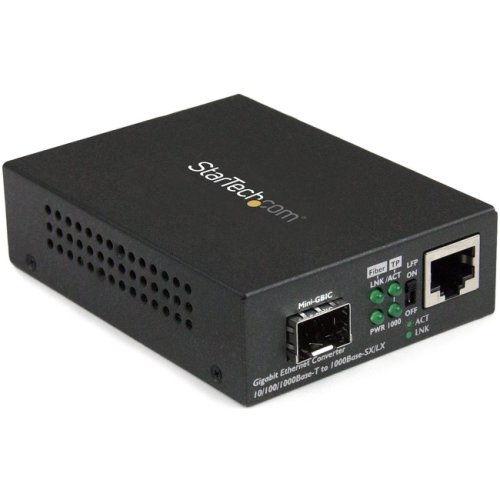 Your price for this item is $83.68
 -
 Your price for this item is $23.99
 -
 Your price for this item is $86.49
 -
 Your price for this item is $38.99
 -
 Your price for this item is $318.99
 -
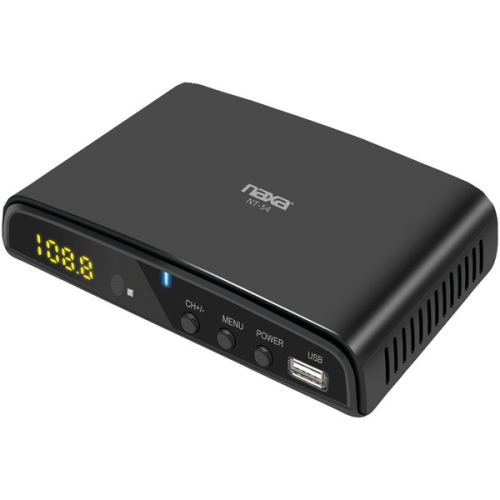 Your price for this item is $59.99
 -
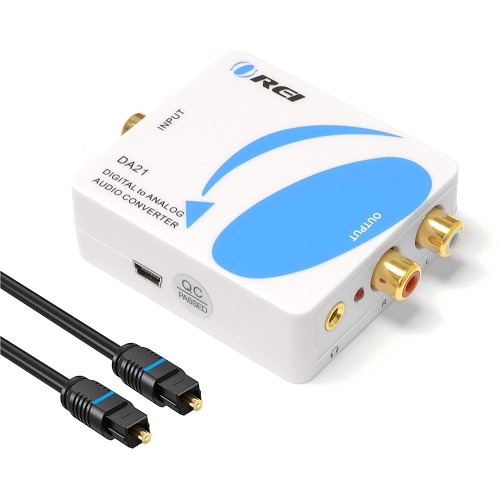 Your price for this item is $29.99
Discover more categories related to Fiber Media Converters
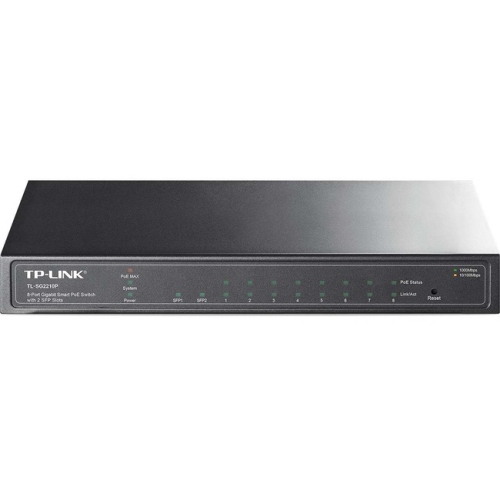
Top Collections:
Pokemon Centers, Best Camera Tripods Under $100, Vlogging Cameras for Beginners, Kindle Devices, Best Electric Toothbrushes Under $100, Portable Solar Power Stations for Emergency, Best Wrist Fitness Trackers, Samsung Z Fold, Back To School Wireless Presentation Clickers, Canon G7X Cameras
Some products may be subject to Environmental Handling Fees
(EHF) depending on your province.
Learn more about EHFs.