Fiber Optic Converters
Looking to enhance your network connectivity? Look no further than our wide selection of fiber-optic converters. These powerful devices allow you to seamlessly convert electrical signals into optical signals, providing faster and more reliable data transmission. Whether you're upgrading your home network or optimizing your office infrastructure, our range of fiber optic converters offers the perfect solution for extending the reach of your network and ensuring efficient data transfer. With their compact designs and advanced features, these converters are a must-have for anyone looking to maximize their network performance.
Sort
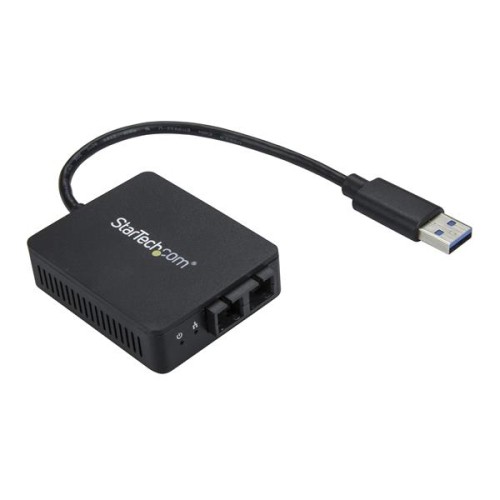
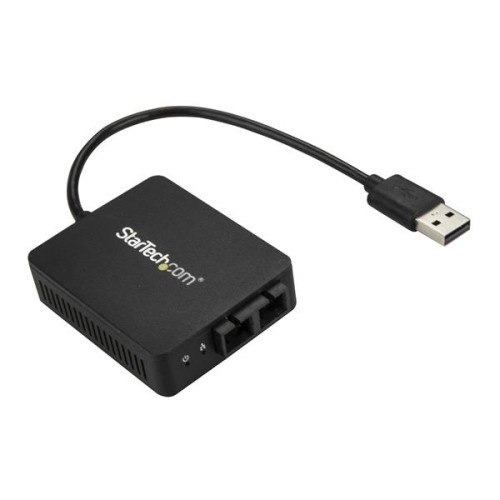
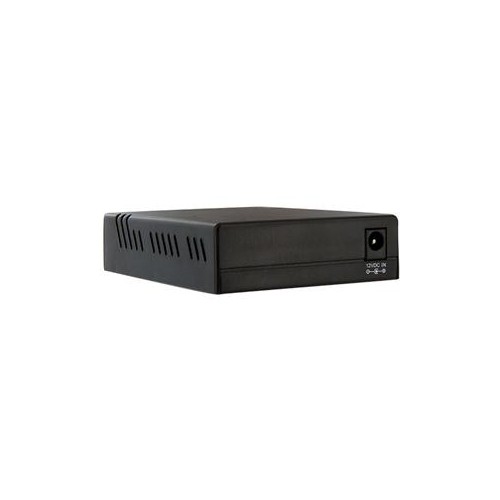
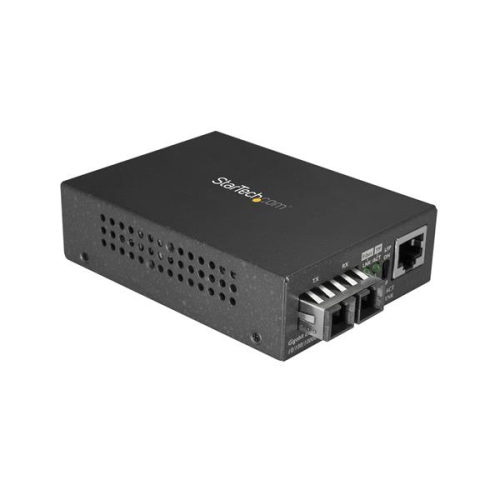
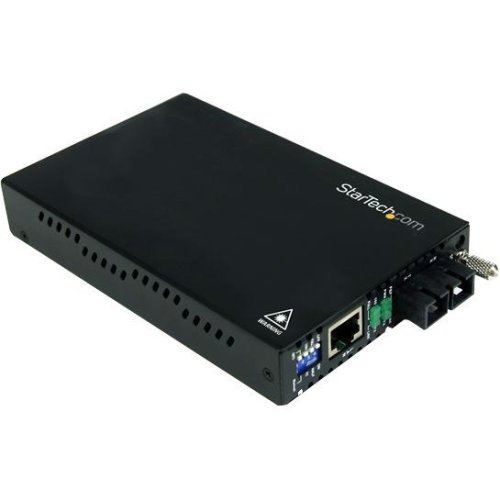
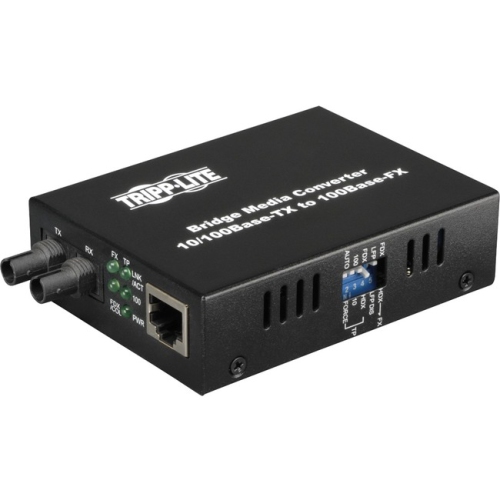

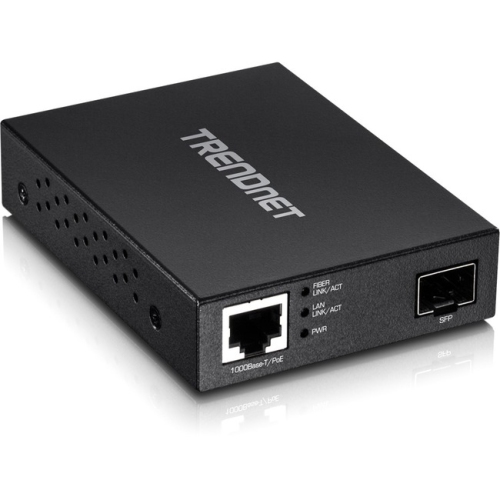
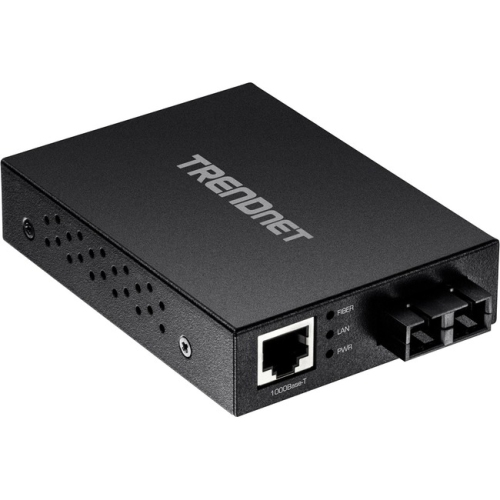
Bridge copper and fibre networks across longer distances
Fiber optic converters, also called media converters, help connect network equipment that uses copper Ethernet cabling with equipment that communicates over fibre optic cable. They work by changing electrical data signals into optical signals for transmission through fibre, then converting those optical signals back into electrical data at the other end. This makes them useful when a network needs to extend beyond the typical copper Ethernet distance of about 100 metres, or when existing copper equipment must connect to a newer fibre backbone. Depending on the converter and fibre setup, a connection may reach several kilometres or more, making these devices suitable for offices, warehouses, schools, security installations, industrial spaces, multi-building properties and home networks with equipment spread across a large area. Fibre can also provide a practical way to link network segments in locations where electrical interference, lightning exposure or long cable runs could create challenges for copper. A pair of compatible converters is generally used: one at the copper-connected device and one at the far end of the fibre run. Before choosing a converter, confirm the network speed required, the connector types in use and whether the equipment supports Gigabit Ethernet, Fast Ethernet or higher-speed connections. Matching the converter to the switch, router, server, access point or other network hardware helps prevent frustrating compatibility issues during installation.
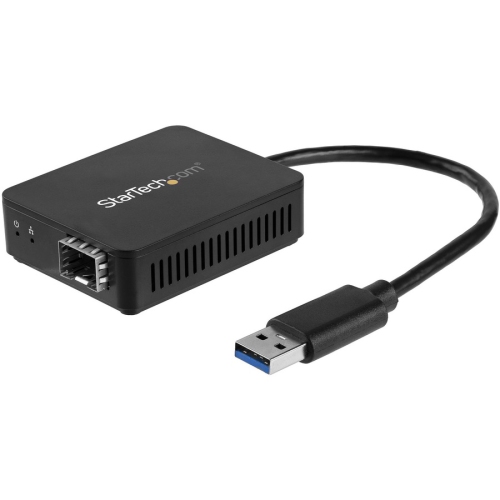
The fibre type is one of the most important details to check. Multimode fibre is commonly used for shorter-distance connections within buildings or campus environments, while single-mode fibre is designed for longer runs and broader network links. A converter made for multimode fibre will not necessarily work with a single-mode installation, so the cable type, transmission distance and wavelength should all be compared with the converter specifications. Some models are designed for one standard speed, while multi-rate options can support more than one network speed and provide added flexibility as a system changes. Other useful features may include duplex or simplex fibre support, automatic speed negotiation, full- or half-duplex operation, status LEDs and Link Fault Pass Through, often abbreviated as LFP. LFP can make troubleshooting easier by passing a detected connection failure through the network, helping an administrator identify whether the problem is on the copper side, fibre side or at the opposite converter. Managed converters may provide additional configuration and monitoring options, while unmanaged units are often preferred for straightforward point-to-point connections. Power requirements matter as well; many converters use an external power adapter, while some installations may call for rack-mounted, industrial or redundant-power hardware. Check the included accessories and confirm whether fibre patch cables, SFP modules or mounting hardware are required separately. For systems built around removable transceivers, SFP Media Converters can offer a flexible approach, particularly when the network may need different fibre types, distances or connection speeds over time.
These products are typically purchased by network administrators, IT professionals, small-business owners, home technology enthusiasts and installers who need a dependable way to bridge different cabling environments. They can be especially helpful when replacing or expanding a network without removing all existing copper equipment. For example, a business may keep copper connections at individual desks while using fibre between floors, buildings or network closets. A homeowner with a detached office, workshop or entertainment space may use a fibre link to extend a network beyond the practical reach of standard Ethernet cable, while a security installer may use fibre to connect cameras or recording equipment across a property. In a school, community facility or commercial building, converters can help connect older switches to newer infrastructure while keeping network traffic moving over a longer route. When planning an installation, measure the actual distance rather than relying on an estimate, account for the cable path rather than a straight line and leave enough room for equipment placement and service access. Verify that both ends use compatible connectors, fibre modes, wavelengths and data rates, and avoid mixing components simply because they appear to use the same port. It is also wise to consider temperature, dust, vibration and available power if the converter will be installed in a utility room, equipment cabinet, workshop or other demanding location. A carefully matched converter can make a complex network feel almost invisible in everyday use: data moves between rooms or buildings, links remain stable, and existing equipment continues to work as part of a more capable fibre-based system.
The fibre type is one of the most important details to check. Multimode fibre is commonly used for shorter-distance connections within buildings or campus environments, while single-mode fibre is designed for longer runs and broader network links. A converter made for multimode fibre will not necessarily work with a single-mode installation, so the cable type, transmission distance and wavelength should all be compared with the converter specifications. Some models are designed for one standard speed, while multi-rate options can support more than one network speed and provide added flexibility as a system changes. Other useful features may include duplex or simplex fibre support, automatic speed negotiation, full- or half-duplex operation, status LEDs and Link Fault Pass Through, often abbreviated as LFP. LFP can make troubleshooting easier by passing a detected connection failure through the network, helping an administrator identify whether the problem is on the copper side, fibre side or at the opposite converter. Managed converters may provide additional configuration and monitoring options, while unmanaged units are often preferred for straightforward point-to-point connections. Power requirements matter as well; many converters use an external power adapter, while some installations may call for rack-mounted, industrial or redundant-power hardware. Check the included accessories and confirm whether fibre patch cables, SFP modules or mounting hardware are required separately. For systems built around removable transceivers, SFP Media Converters can offer a flexible approach, particularly when the network may need different fibre types, distances or connection speeds over time.
These products are typically purchased by network administrators, IT professionals, small-business owners, home technology enthusiasts and installers who need a dependable way to bridge different cabling environments. They can be especially helpful when replacing or expanding a network without removing all existing copper equipment. For example, a business may keep copper connections at individual desks while using fibre between floors, buildings or network closets. A homeowner with a detached office, workshop or entertainment space may use a fibre link to extend a network beyond the practical reach of standard Ethernet cable, while a security installer may use fibre to connect cameras or recording equipment across a property. In a school, community facility or commercial building, converters can help connect older switches to newer infrastructure while keeping network traffic moving over a longer route. When planning an installation, measure the actual distance rather than relying on an estimate, account for the cable path rather than a straight line and leave enough room for equipment placement and service access. Verify that both ends use compatible connectors, fibre modes, wavelengths and data rates, and avoid mixing components simply because they appear to use the same port. It is also wise to consider temperature, dust, vibration and available power if the converter will be installed in a utility room, equipment cabinet, workshop or other demanding location. A carefully matched converter can make a complex network feel almost invisible in everyday use: data moves between rooms or buildings, links remain stable, and existing equipment continues to work as part of a more capable fibre-based system.
Top selling and popular products
-
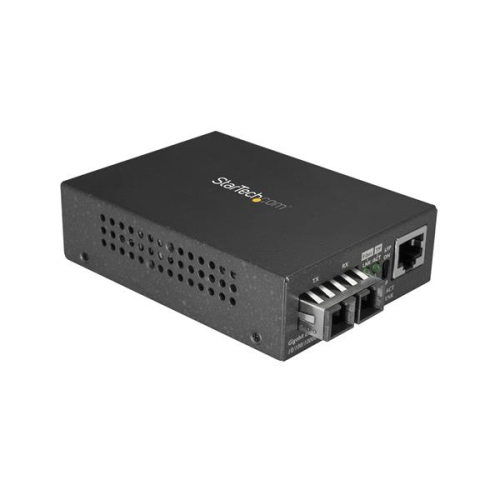 Your price for this item is $130.99
 -
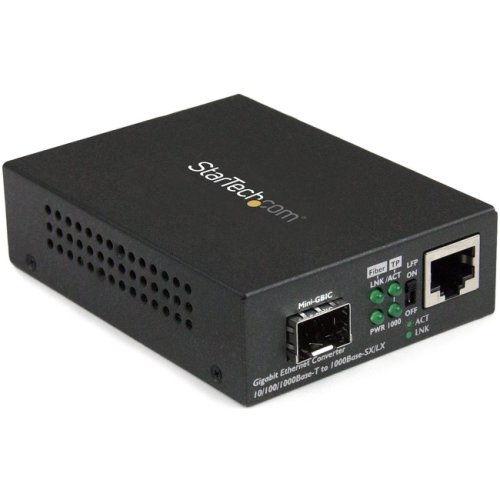 Your price for this item is $83.68
 -
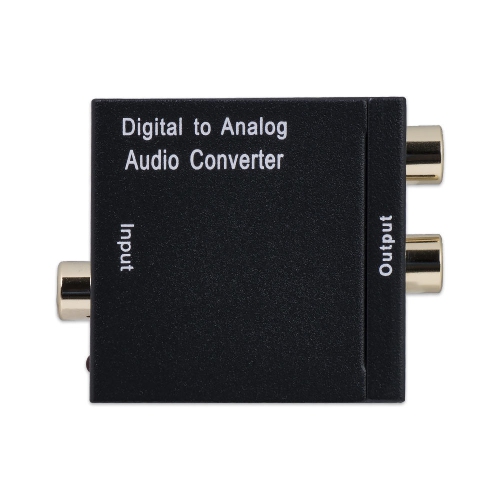 Your price for this item is $23.99
 -
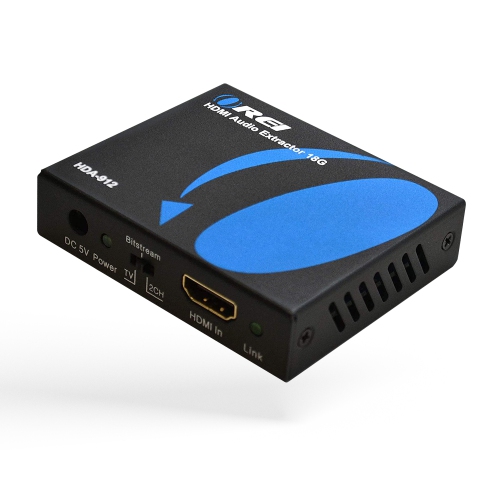 Your price for this item is $86.49
 -
 Your price for this item is $38.99
 -
 Your price for this item is $318.99
 -
 Your price for this item is $59.99
 -
 Your price for this item is $29.99
Discover more categories related to Fiber Optic Converters
Top Collections:
Pokemon Centers, Best Camera Tripods Under $100, Vlogging Cameras for Beginners, Kindle Devices, Best Electric Toothbrushes Under $100, Portable Solar Power Stations for Emergency, Best Wrist Fitness Trackers, Samsung Z Fold, Back To School Wireless Presentation Clickers, Canon G7X Cameras
Some products may be subject to Environmental Handling Fees
(EHF) depending on your province.
Learn more about EHFs.