Fiber Optic Transceivers
Looking to enhance your network connectivity and data transmission? Look no further than our wide selection of fiber-optic transceivers. These versatile devices are designed to seamlessly convert electrical signals into optical signals, enabling high-speed and reliable communication across various networks. Whether you're upgrading your existing infrastructure or building a new network from scratch, our range of fiber optic transceivers offers the flexibility and performance you need to meet your networking requirements.
Sort
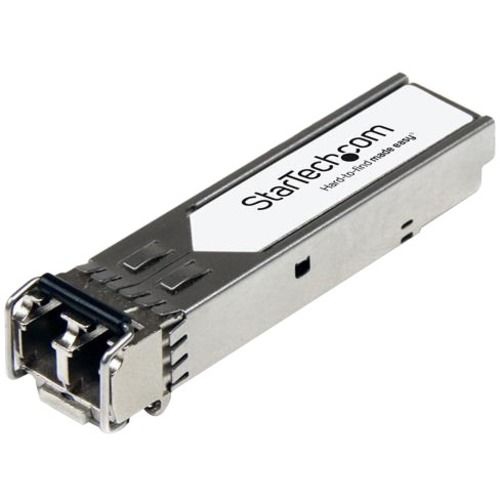
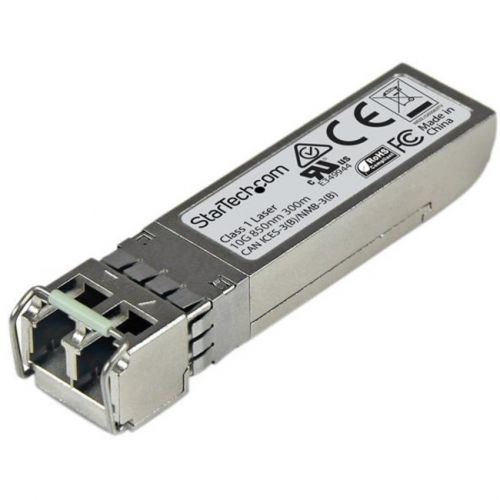
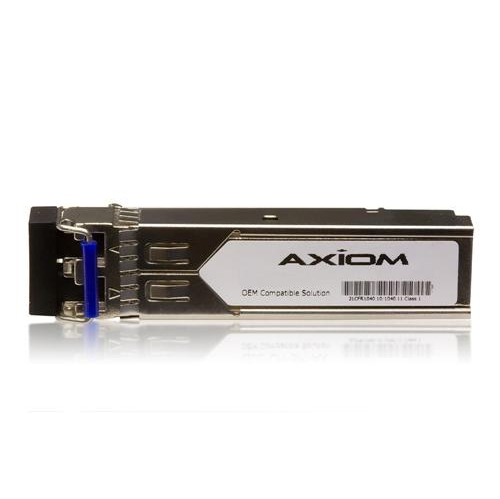
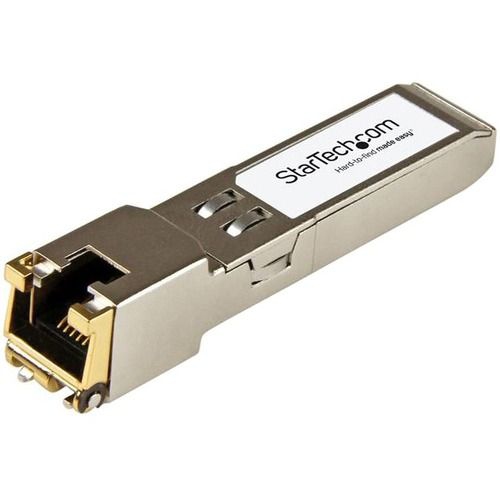

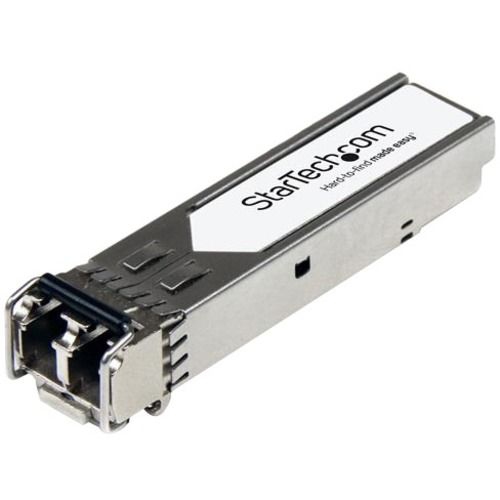
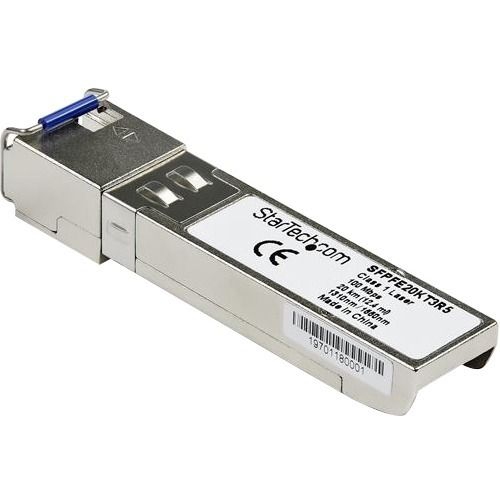
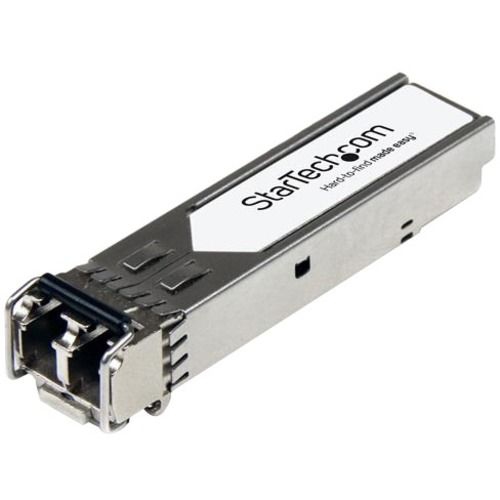
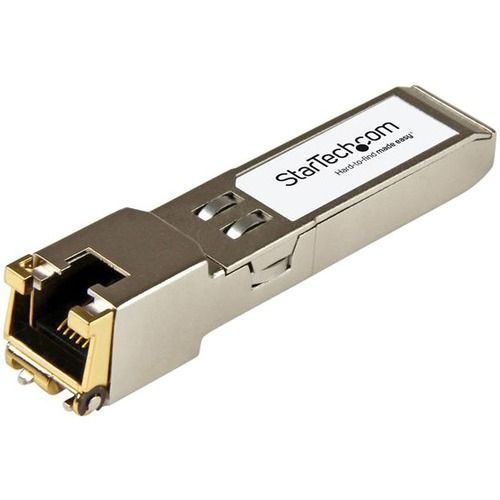

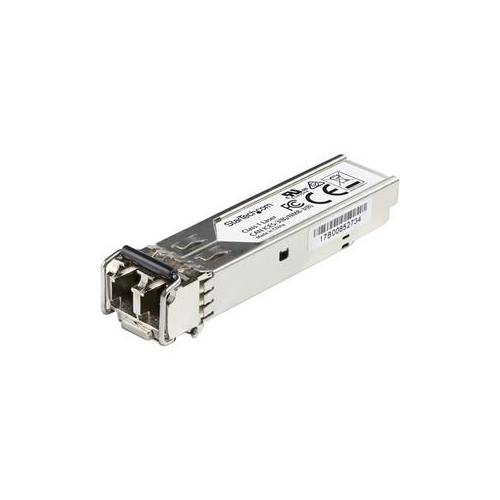
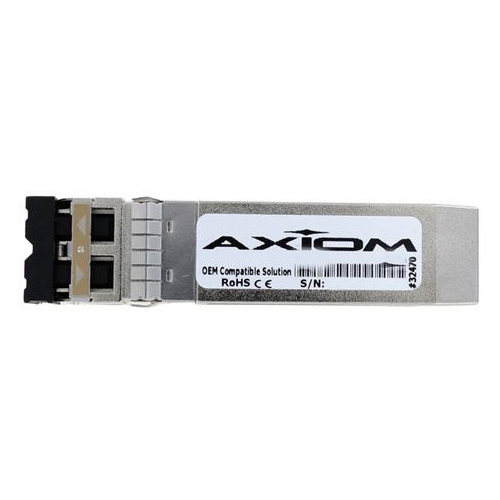
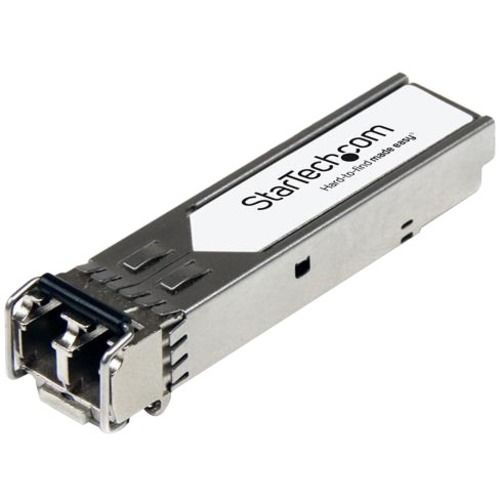
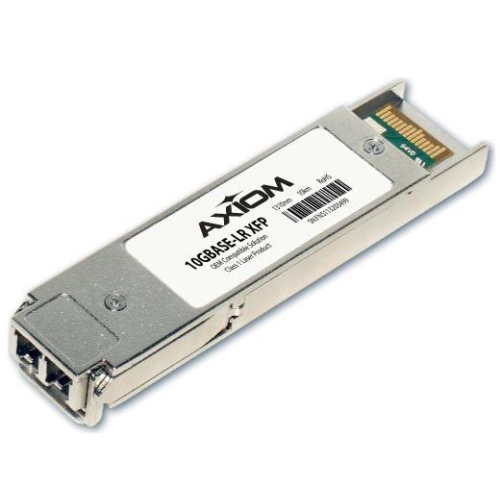

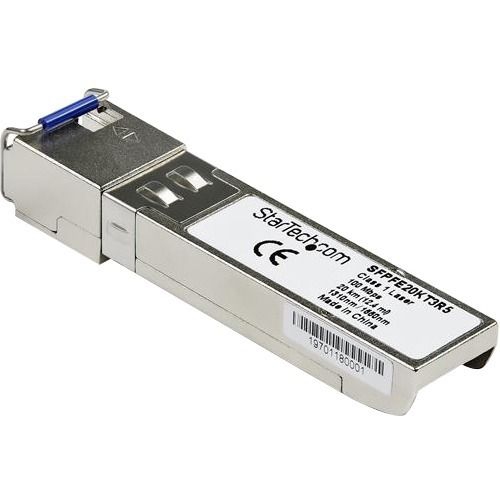

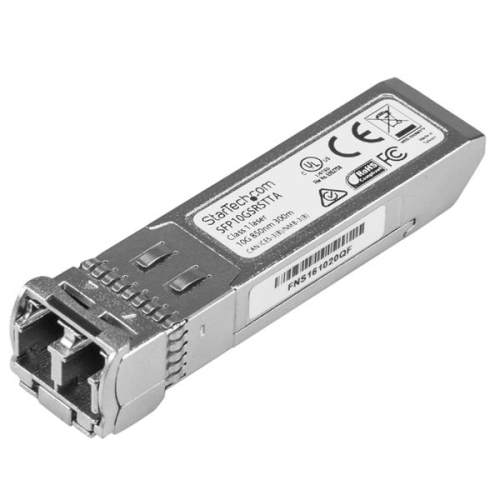
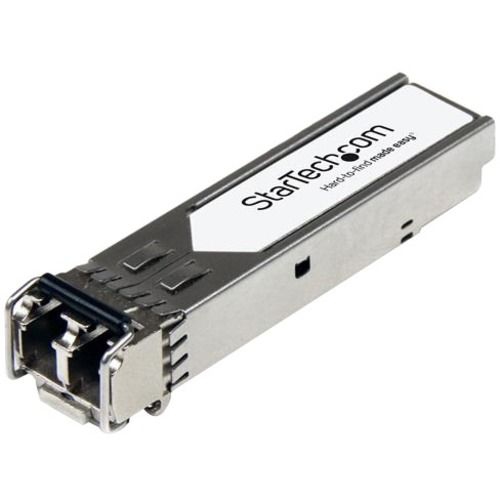
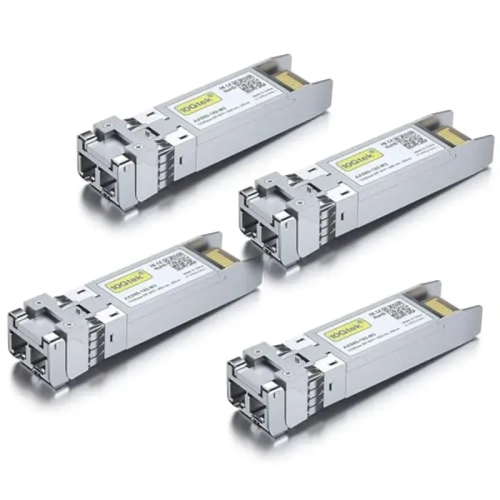


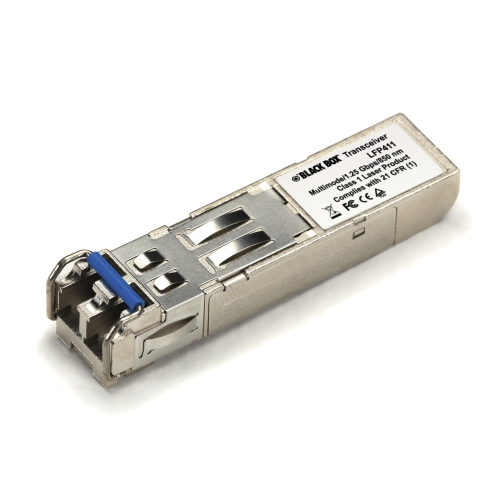
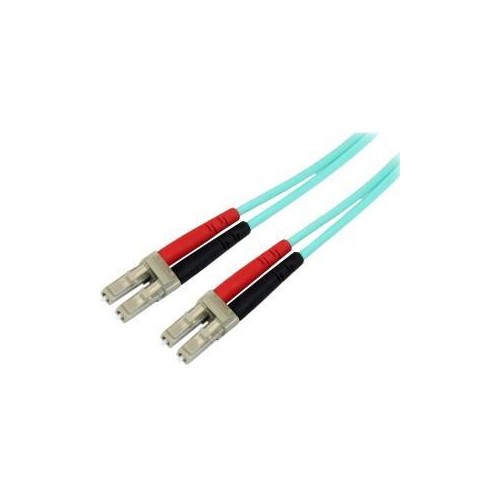
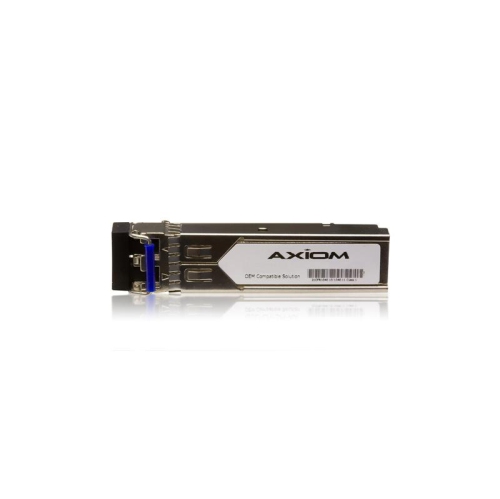
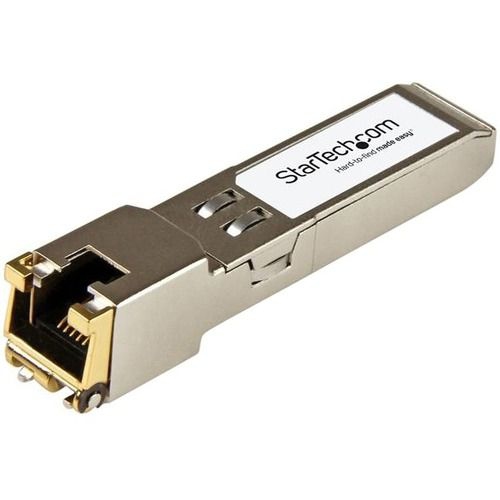







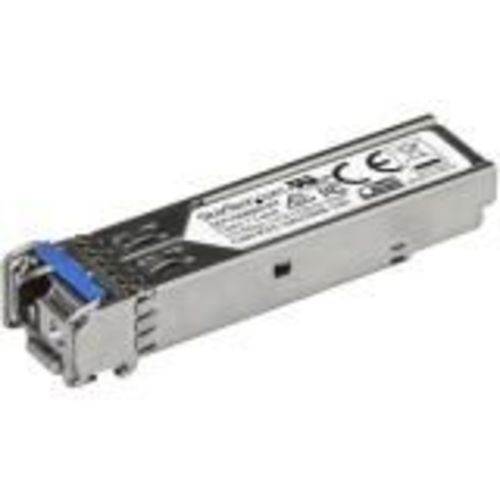
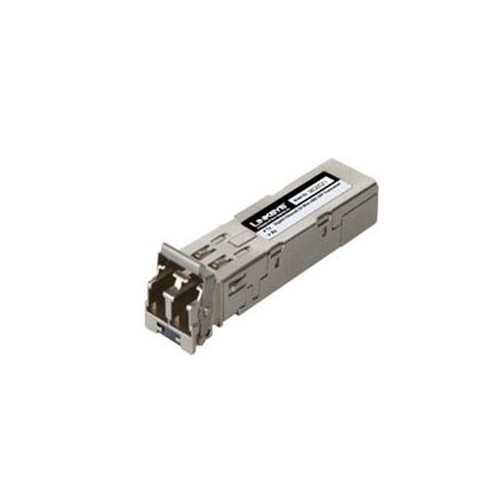
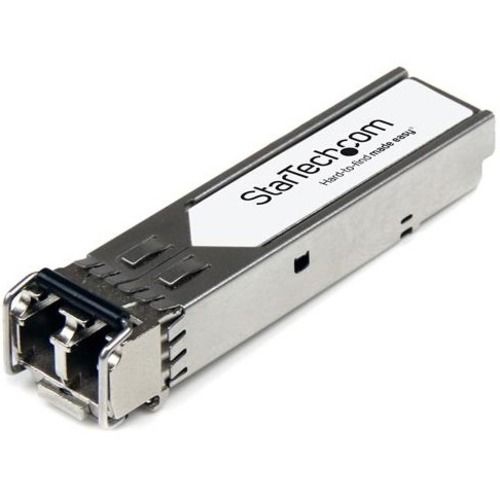
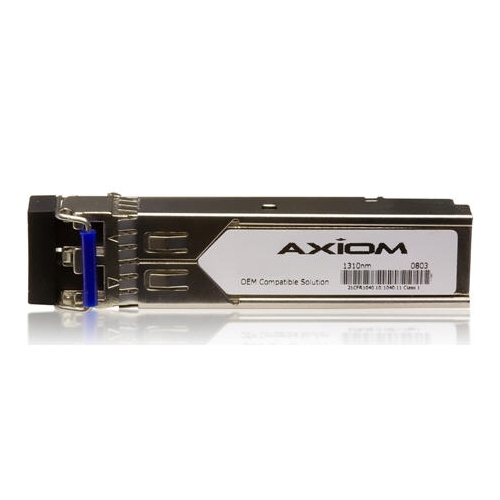



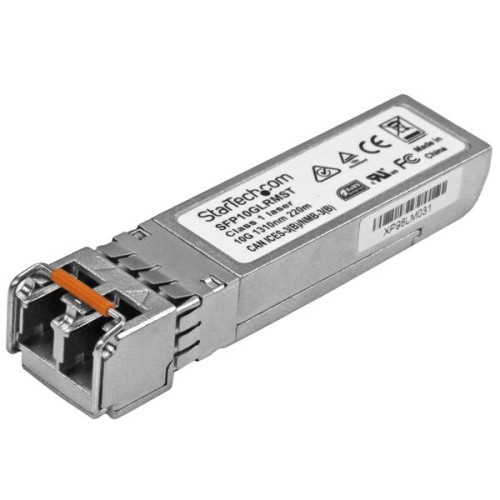

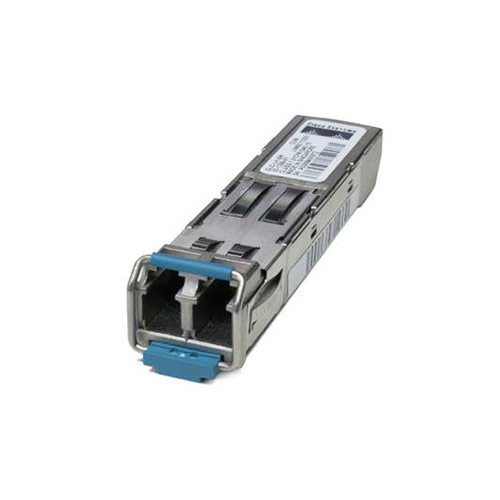
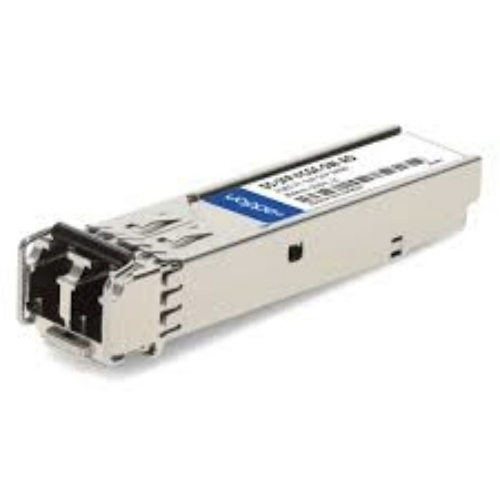
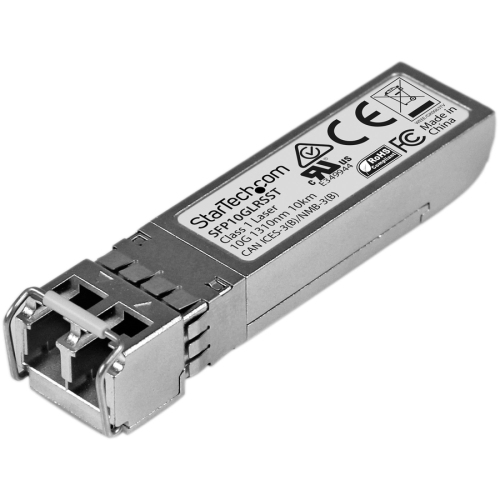

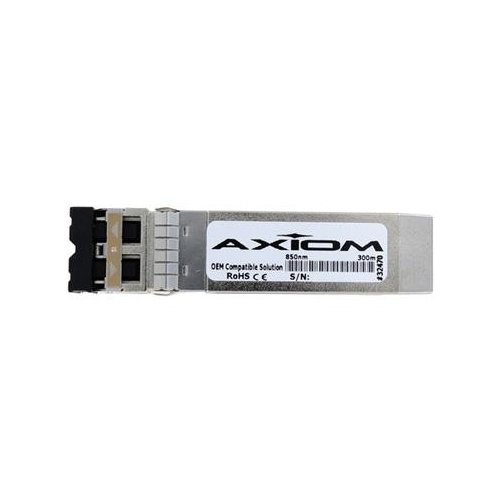
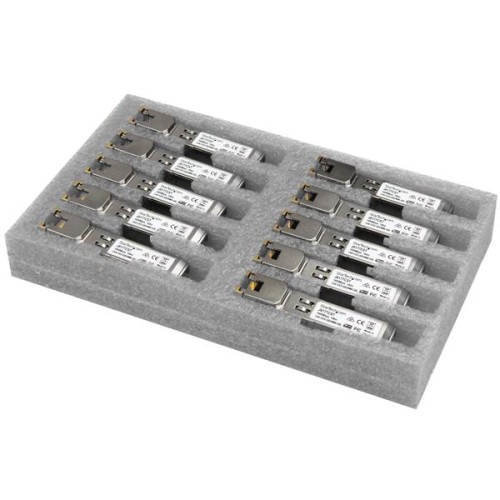
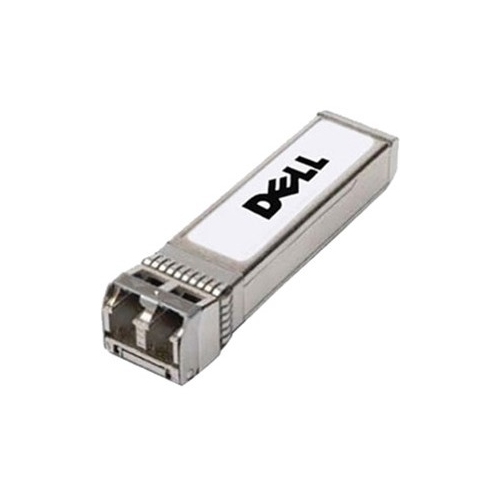
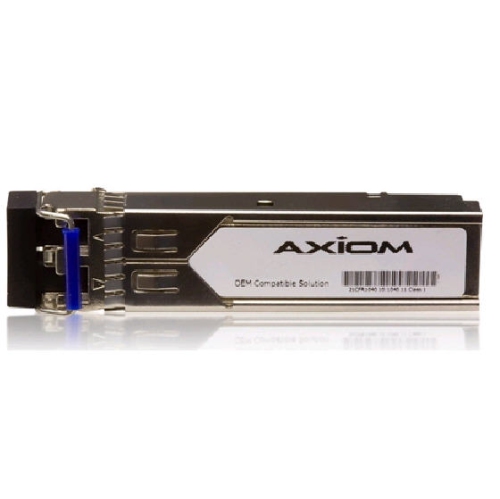
How fibre modules connect equipment across longer network links
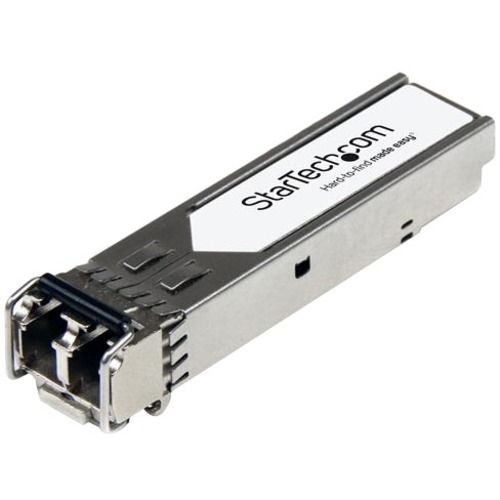
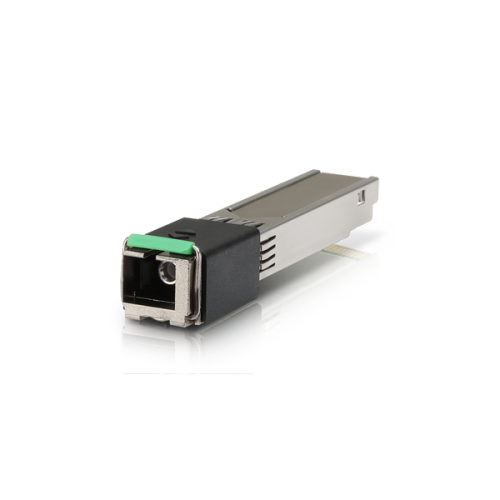
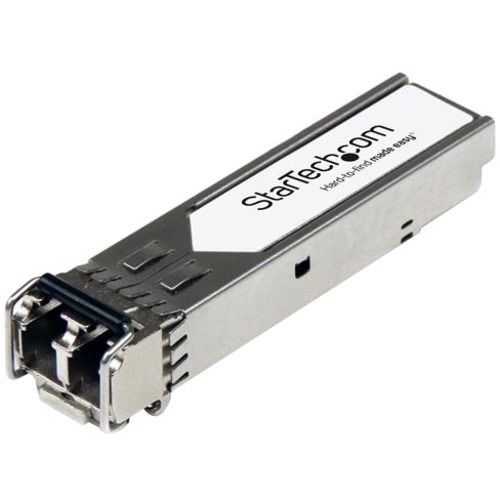
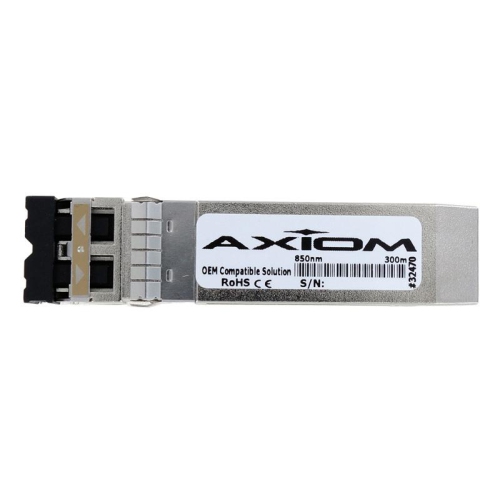
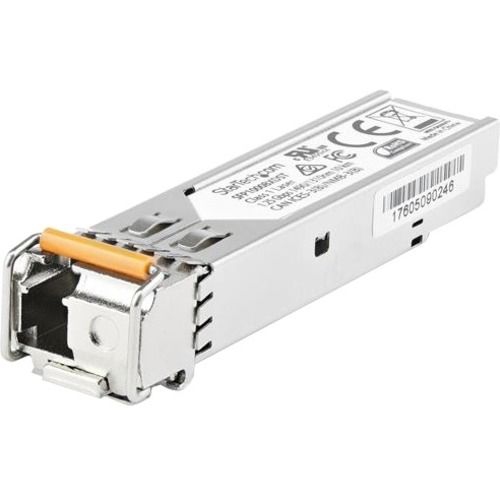
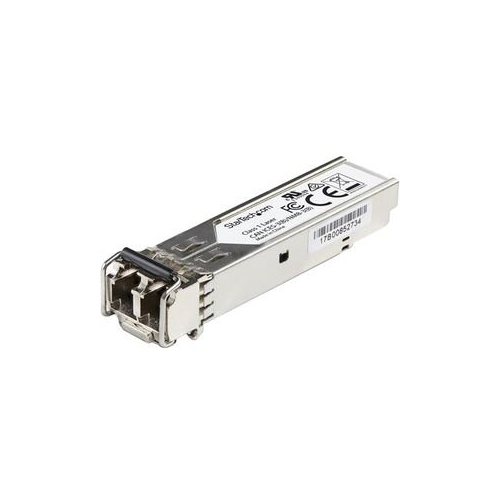
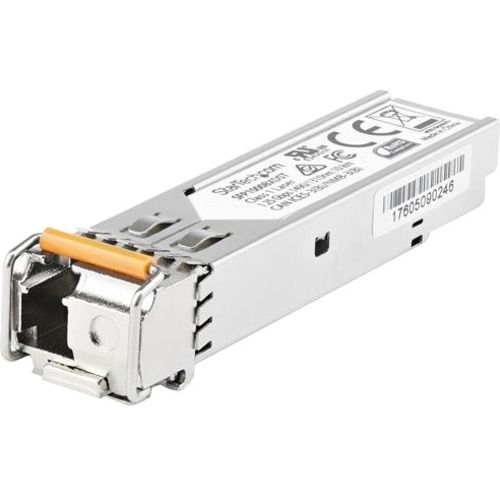
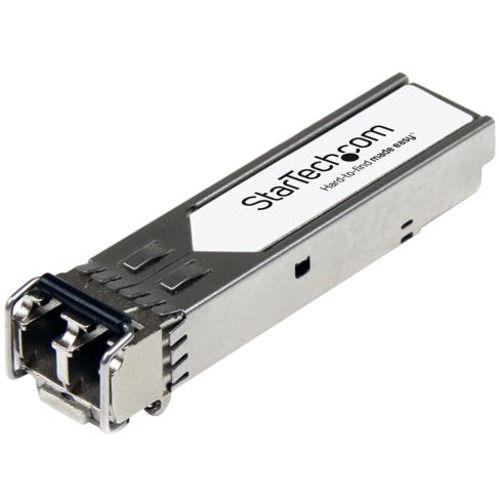
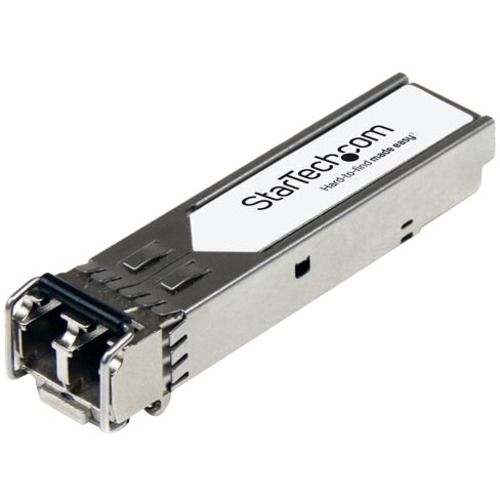
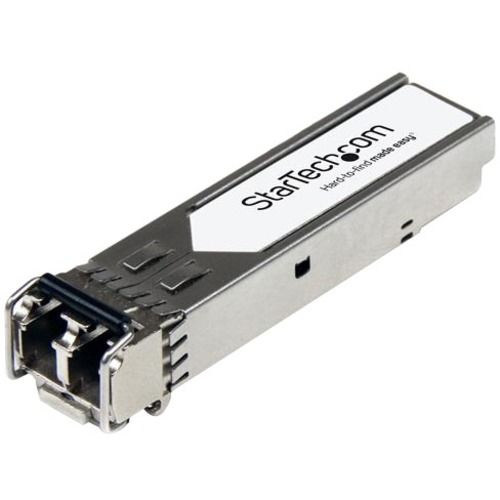
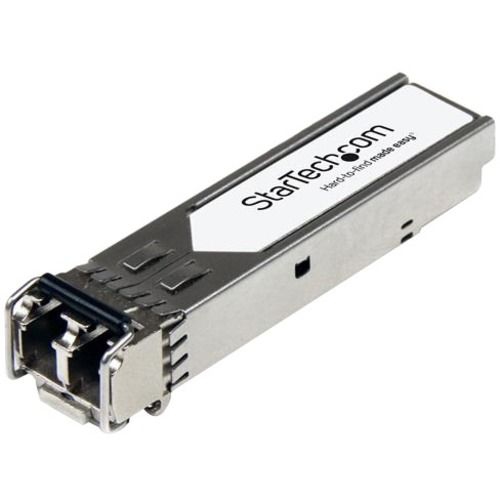
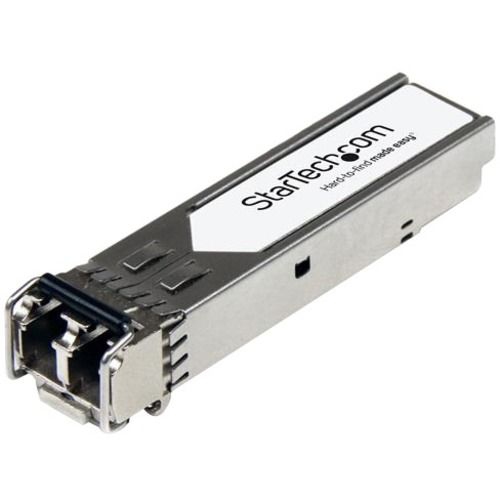
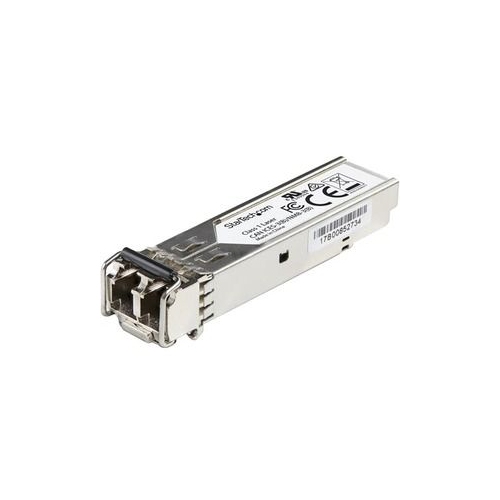
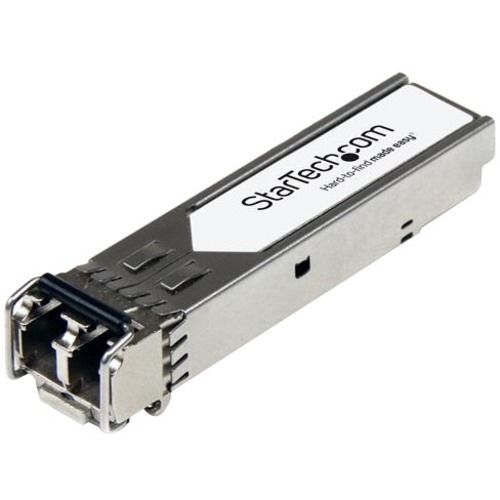
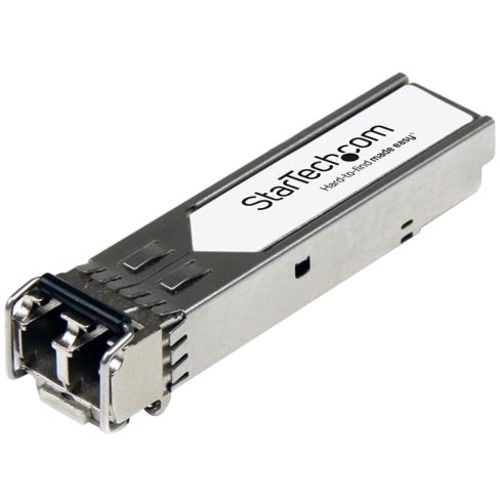
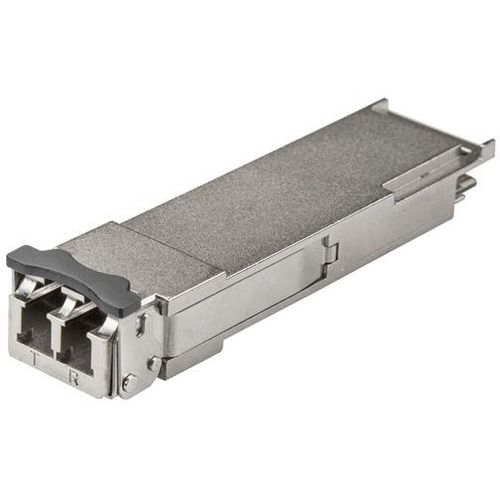
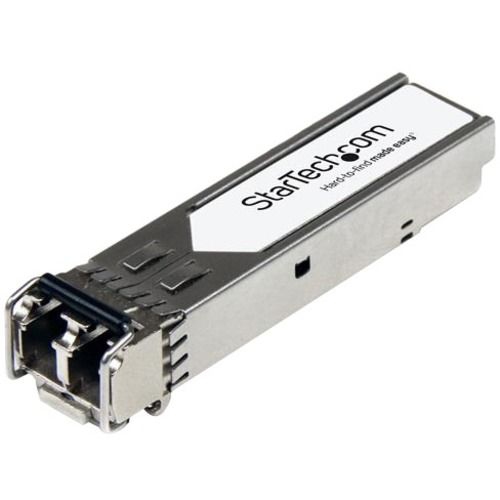
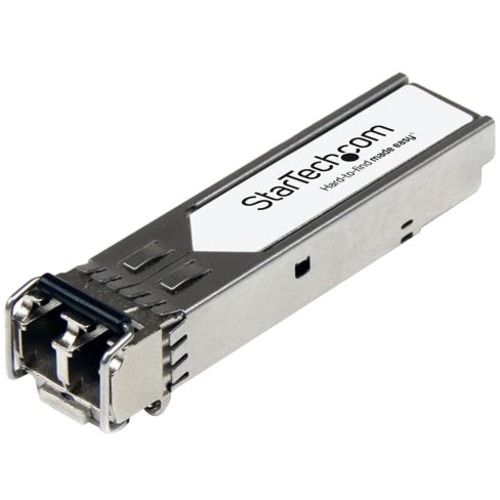
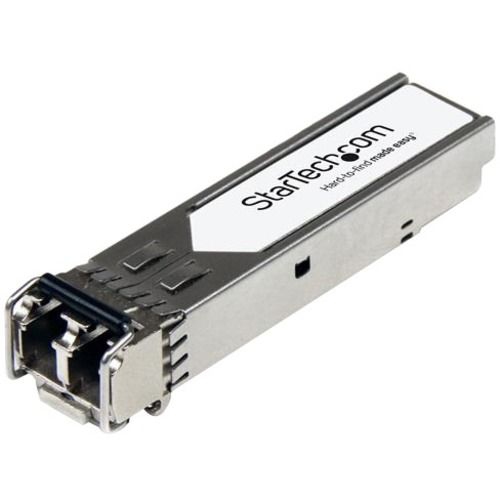
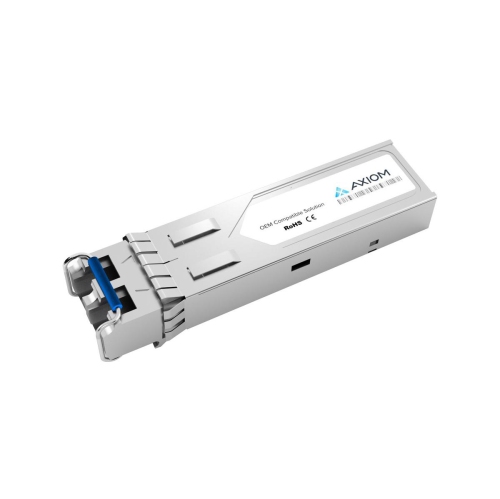
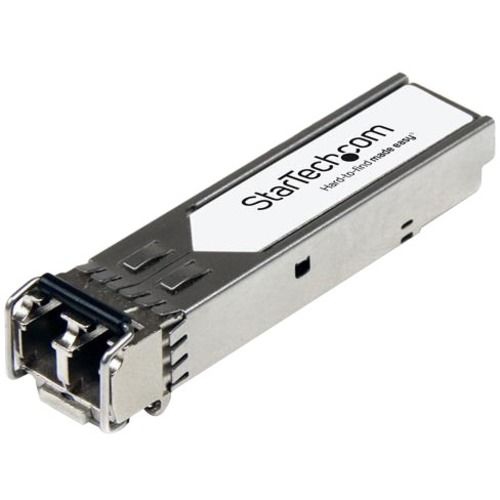
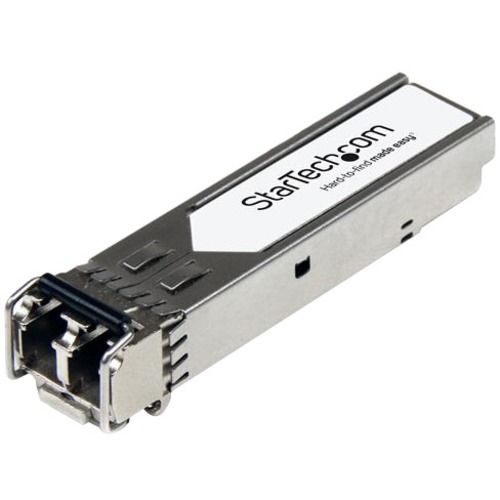
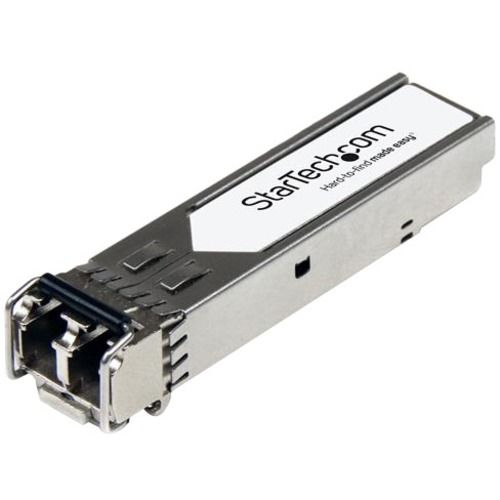
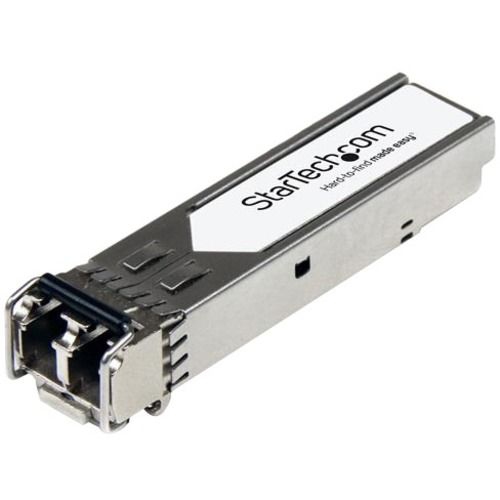
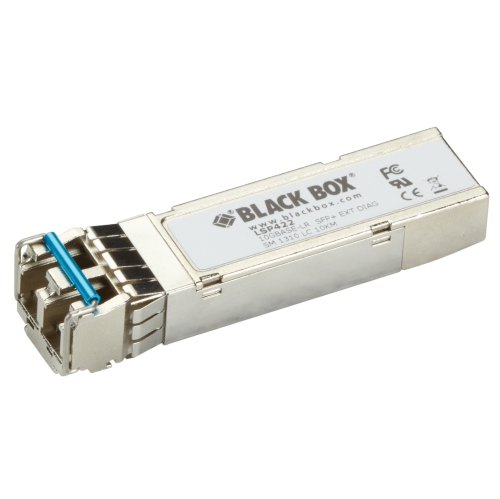
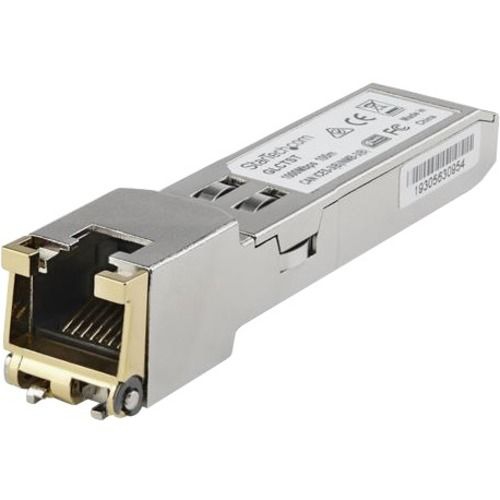
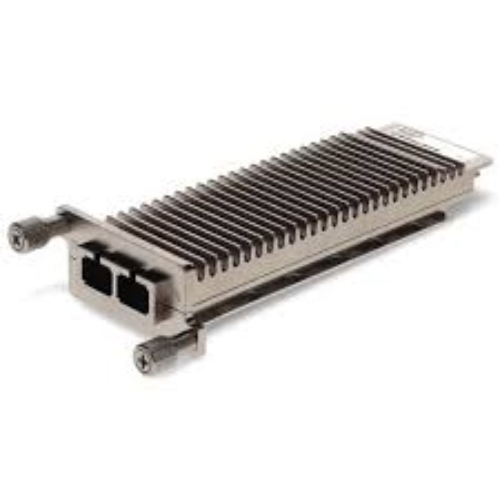
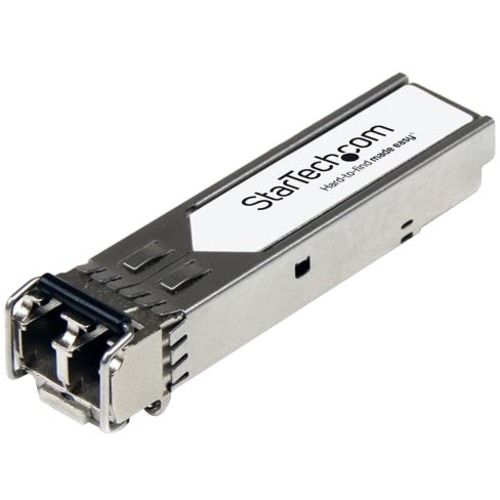
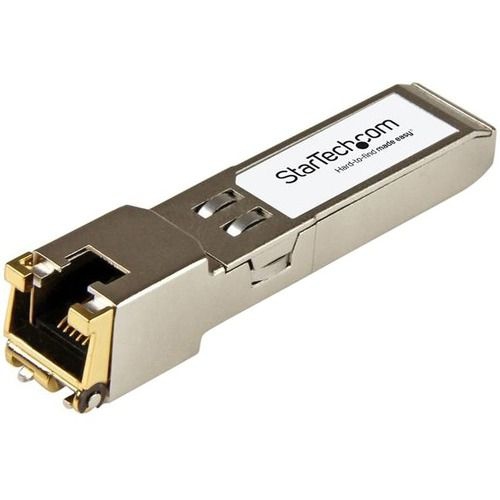
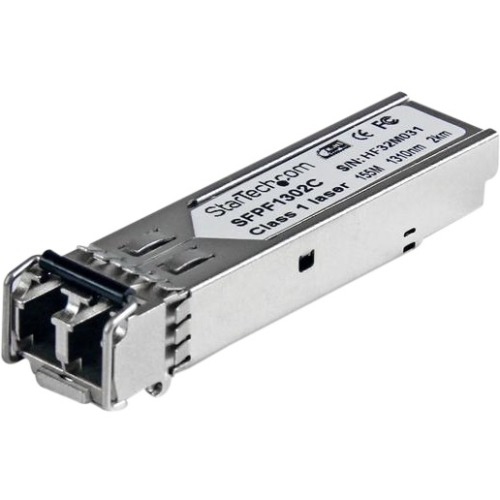
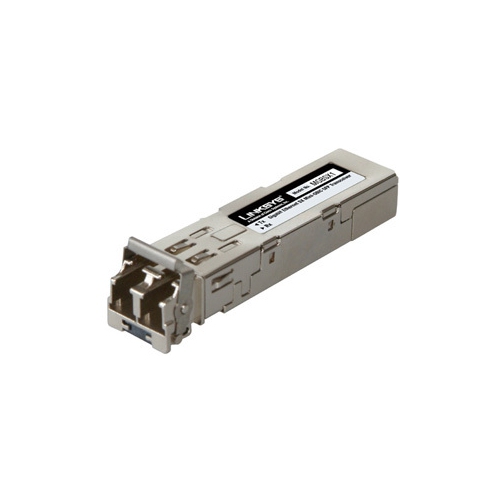
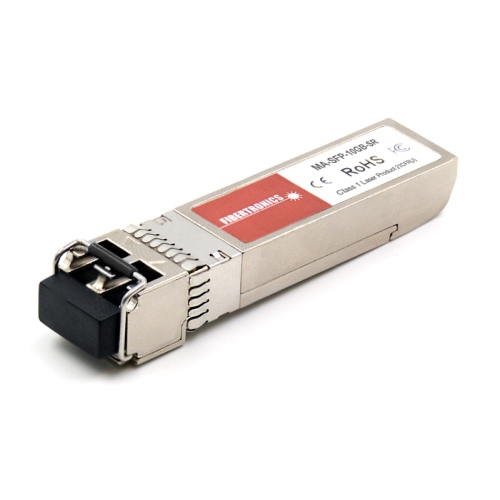
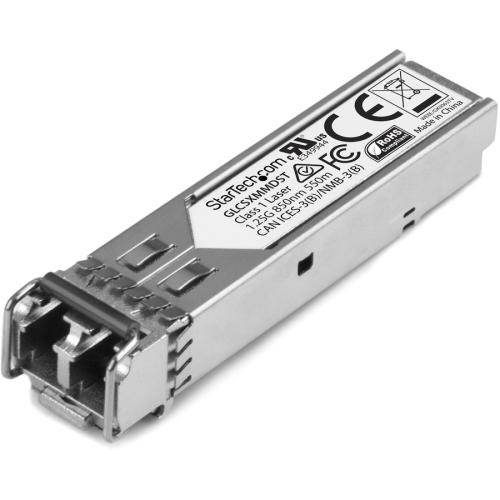
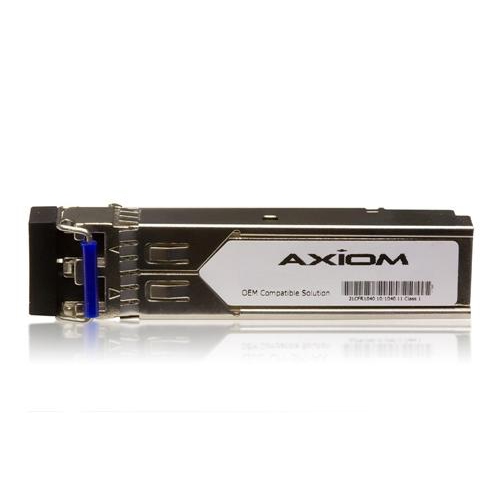
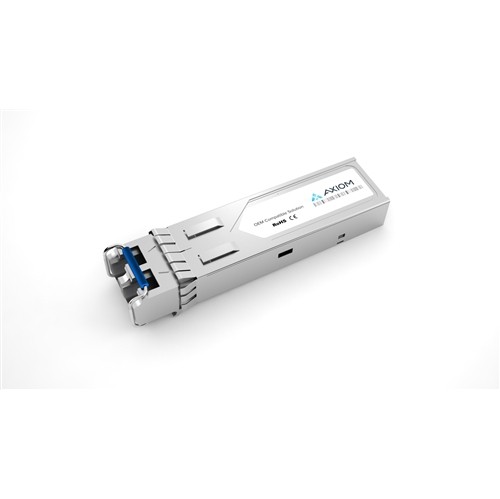
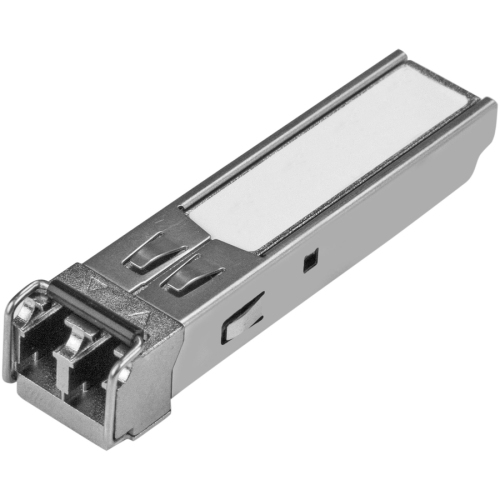
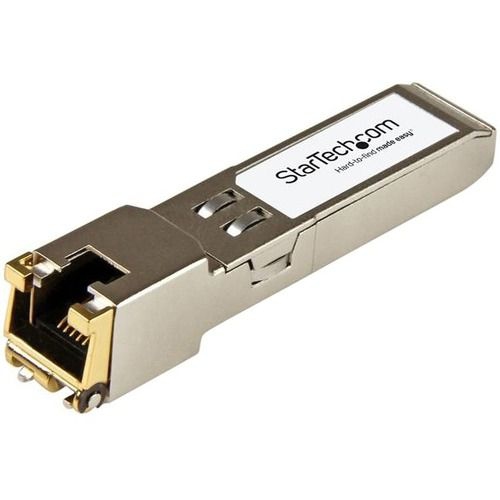
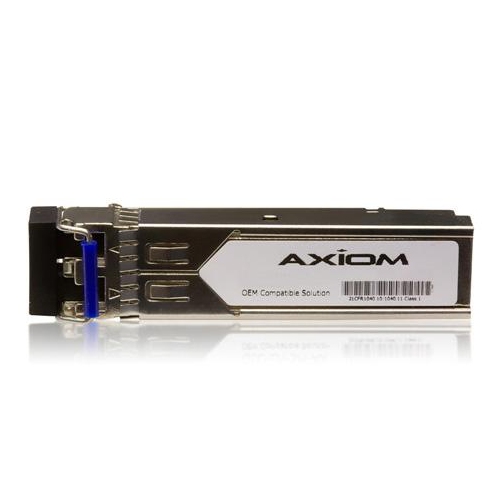
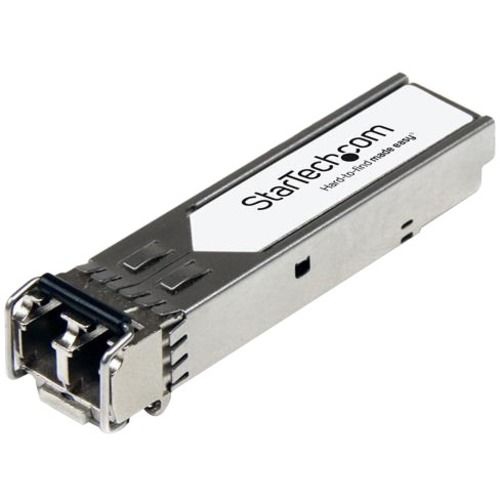
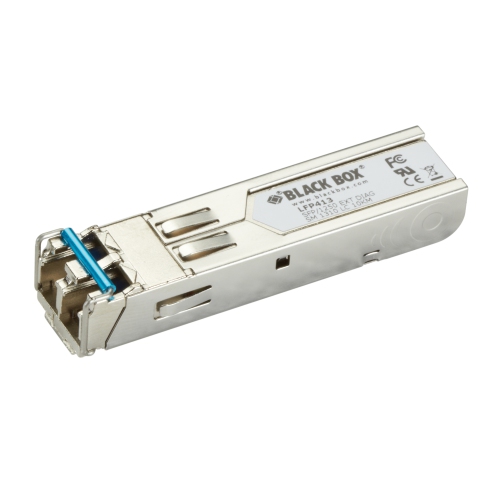
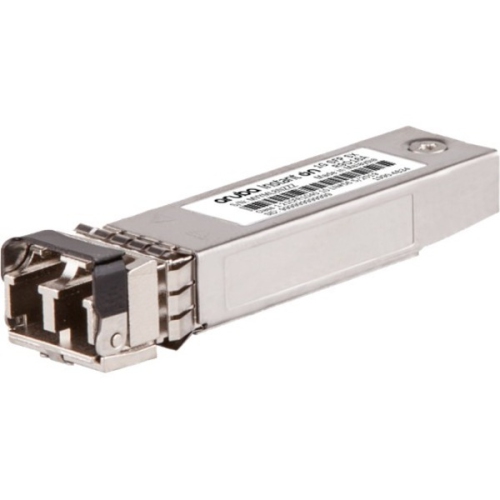
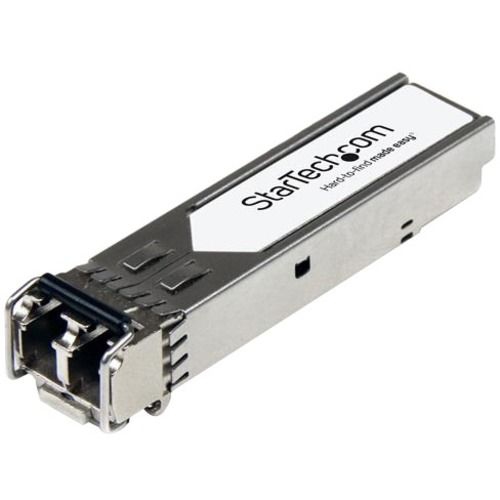
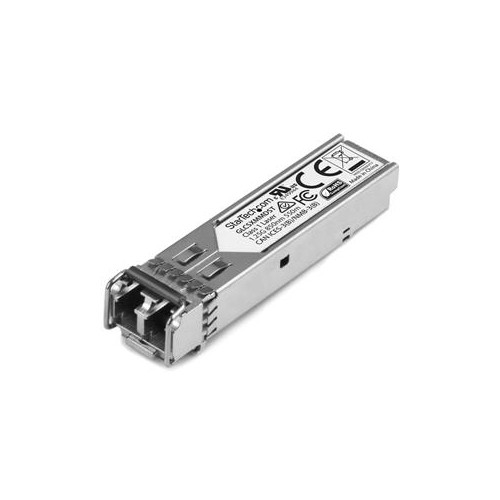
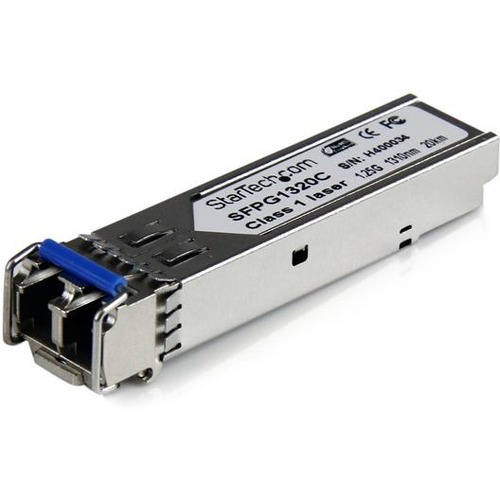
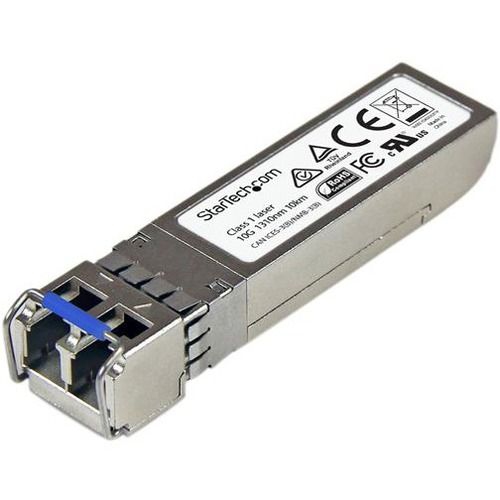
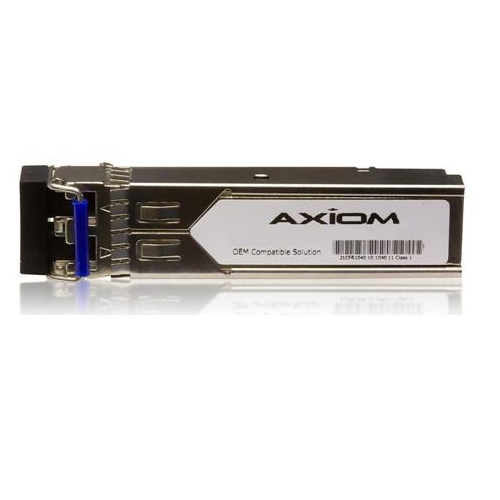
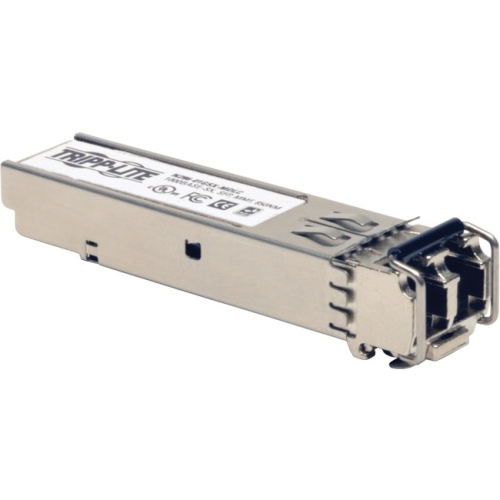
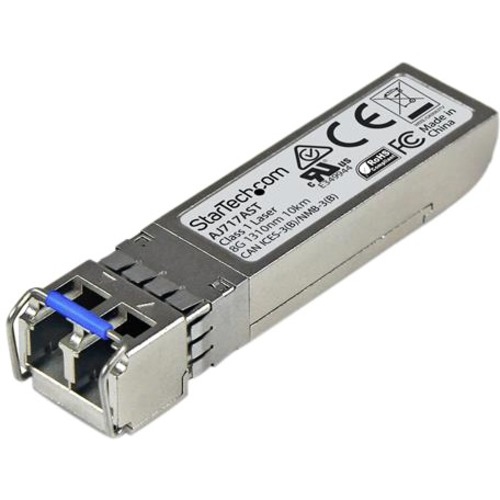
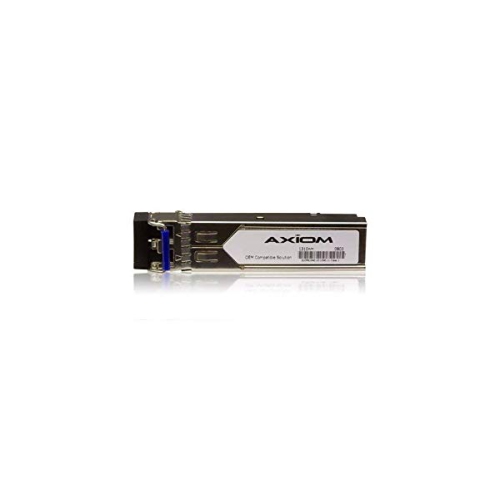
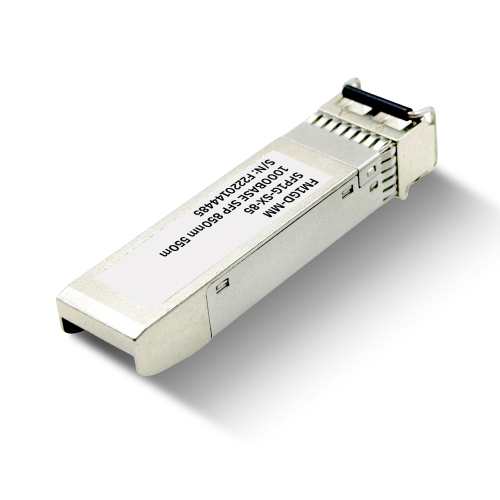
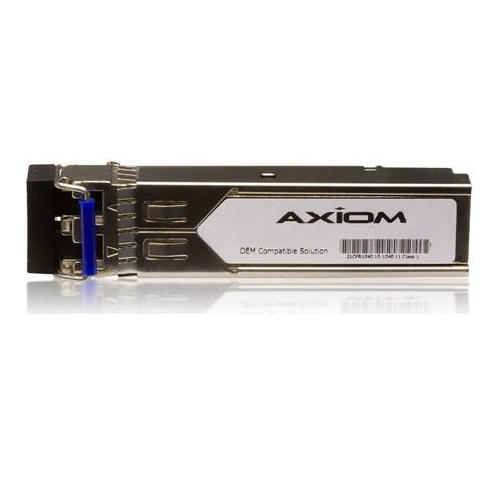
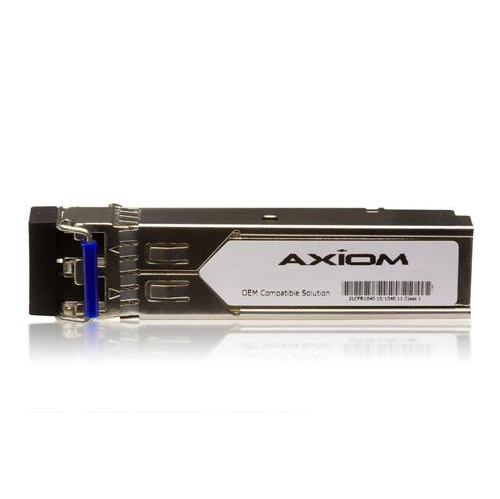
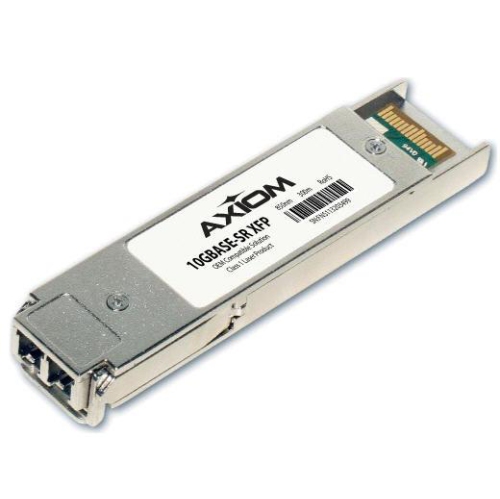
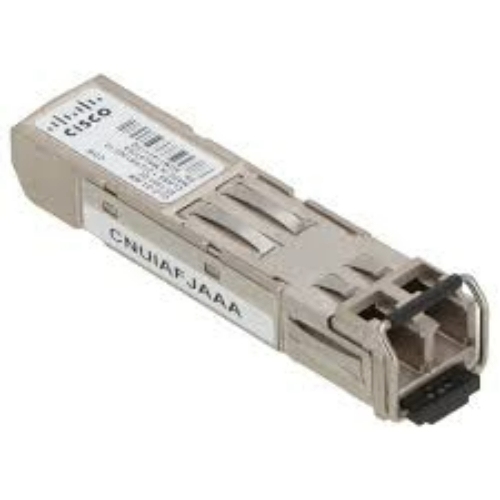
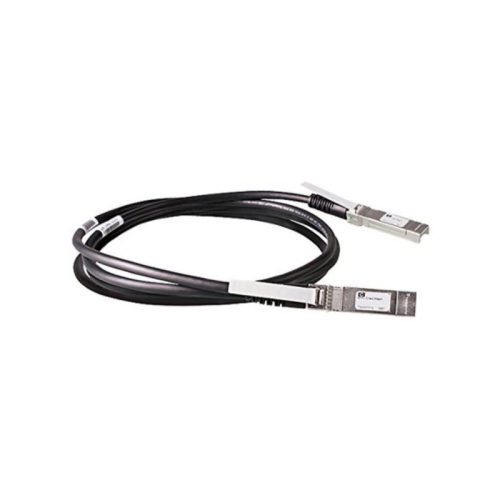
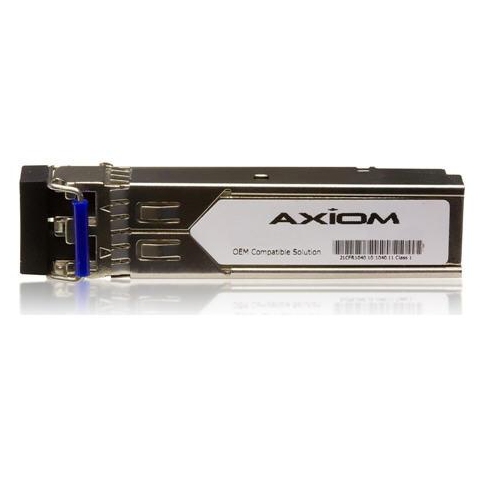
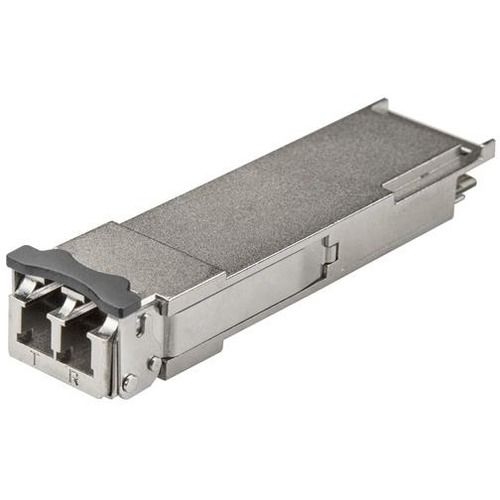
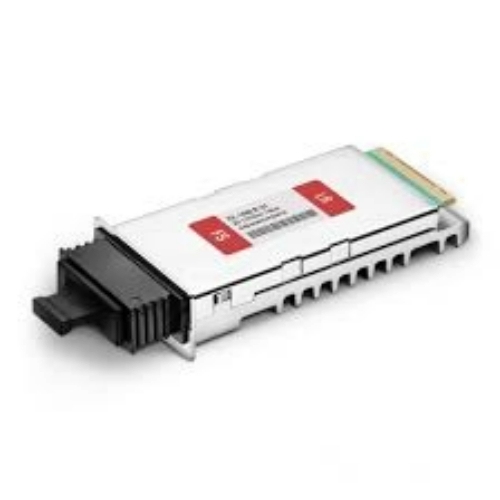
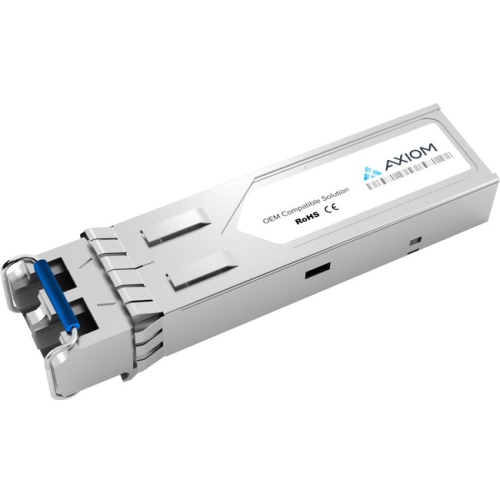
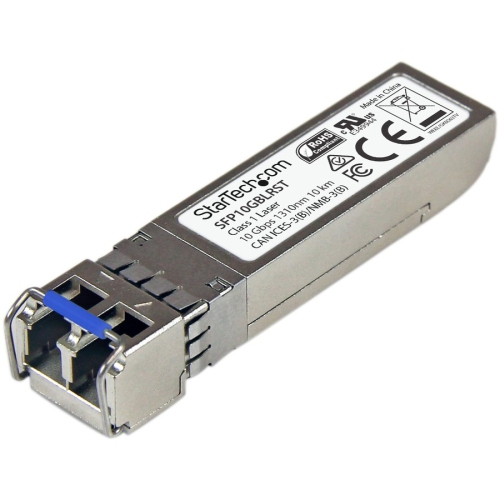
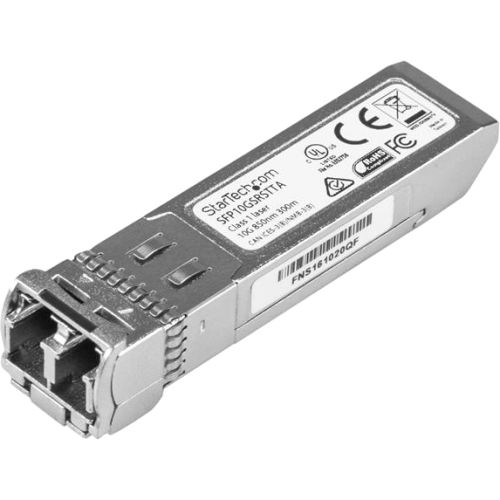
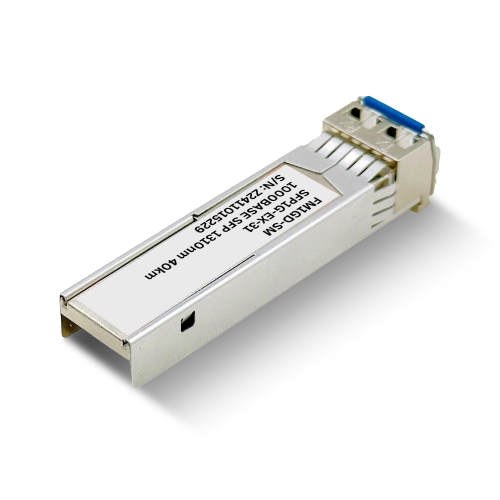
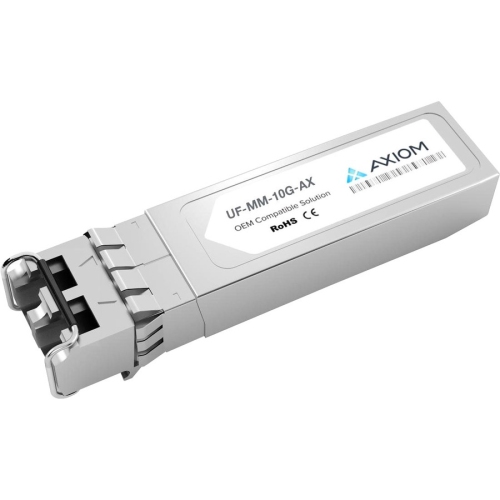
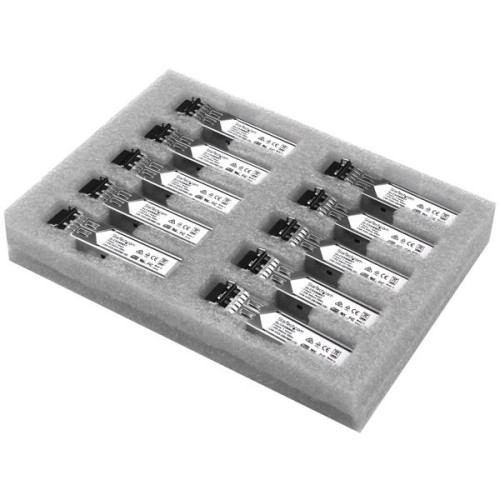
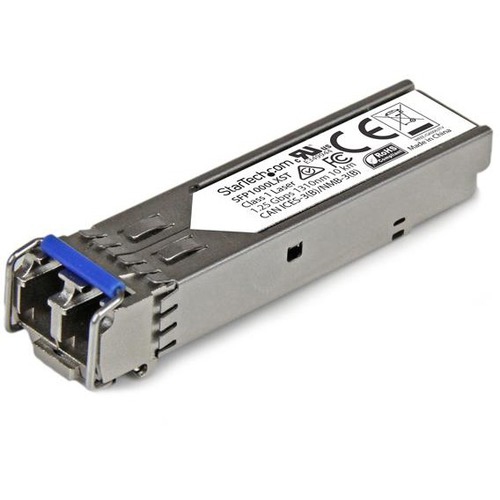
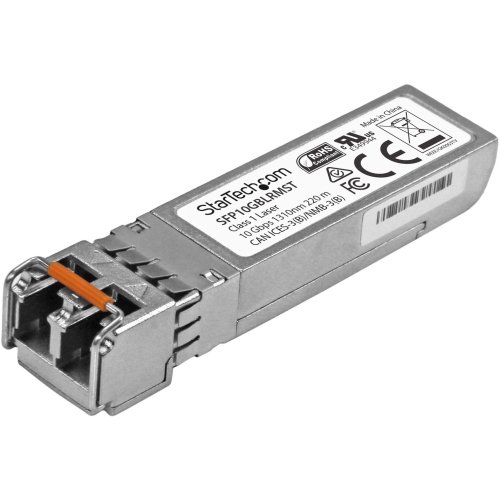
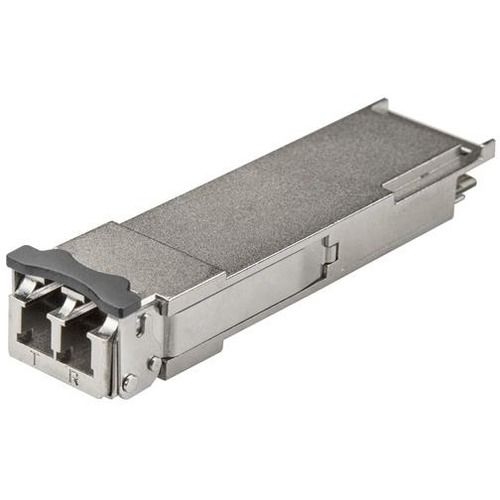
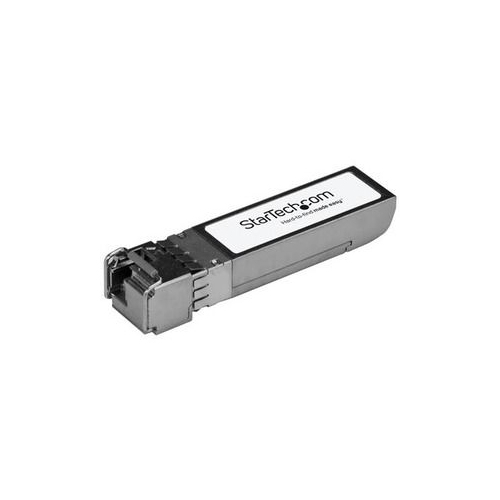
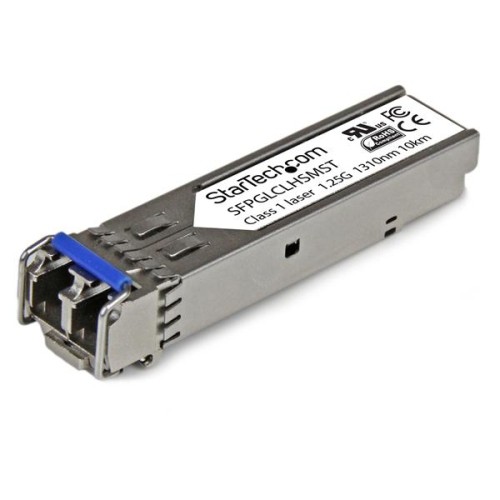
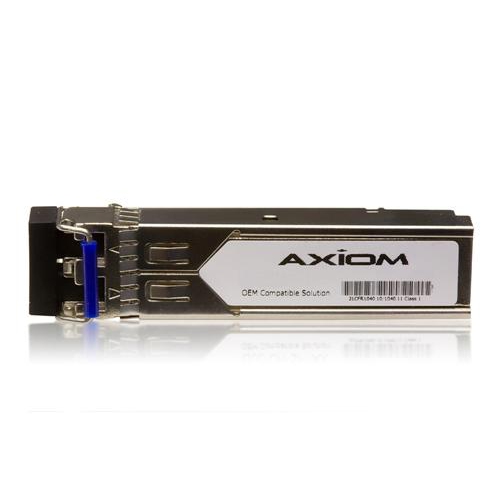
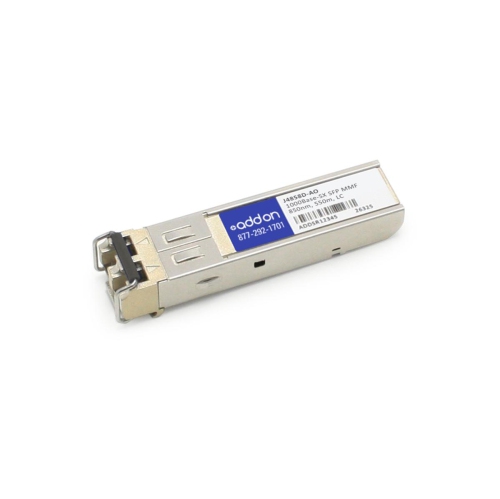
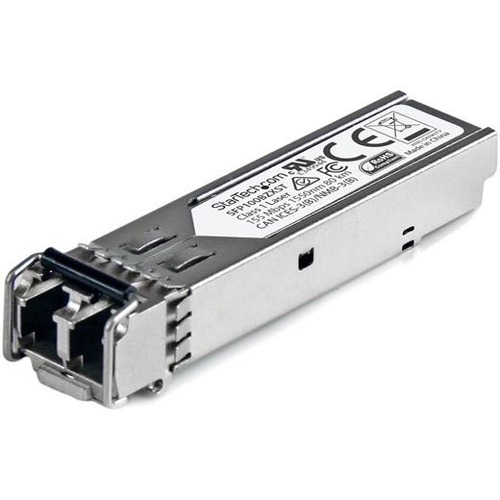
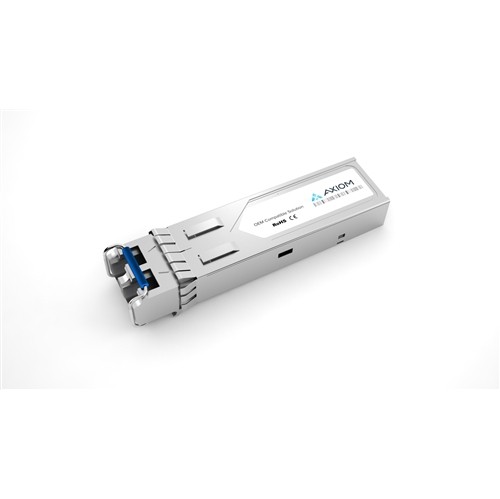
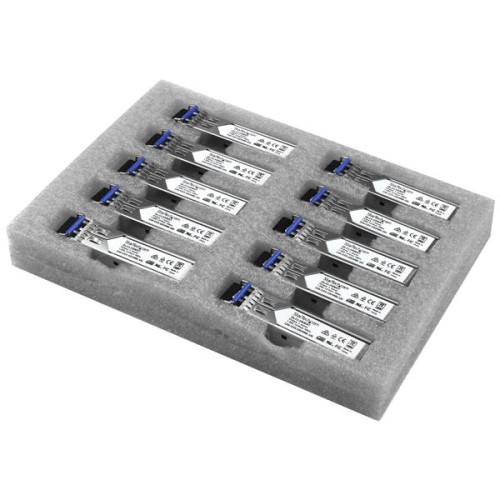
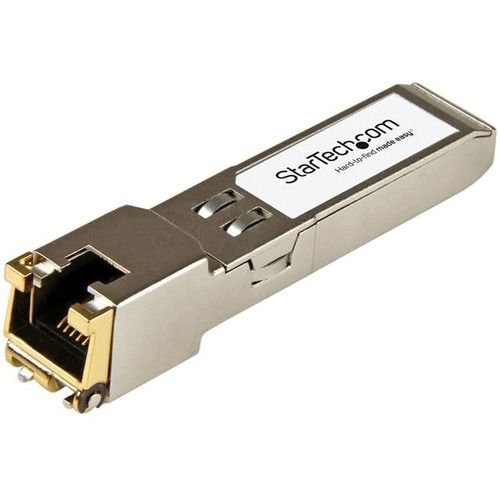
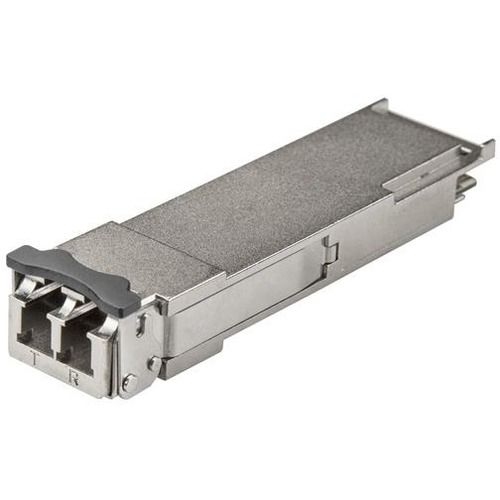
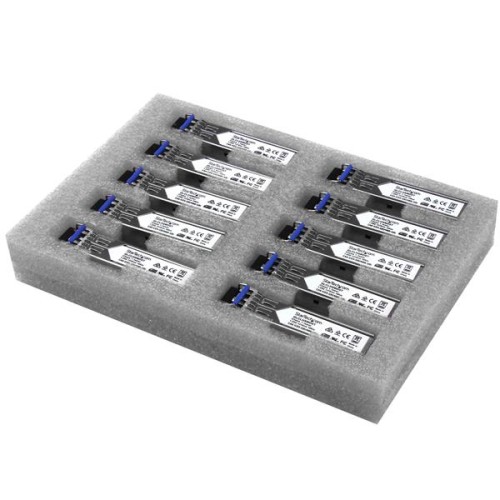
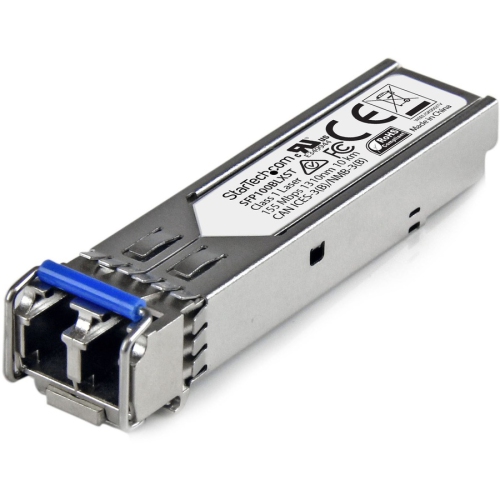
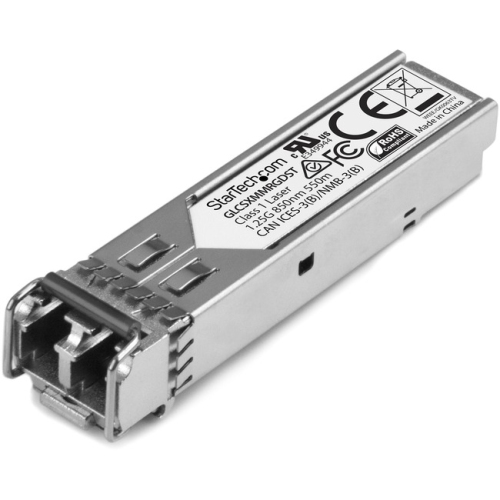
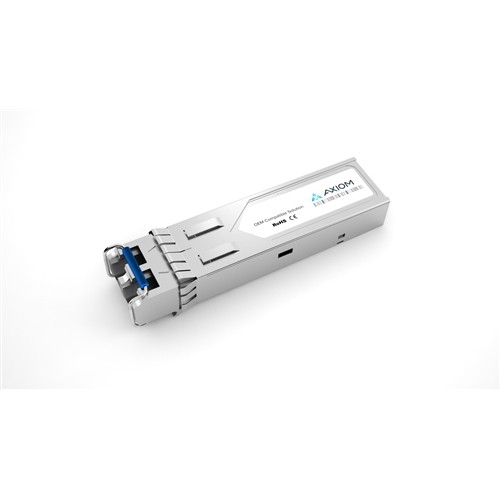
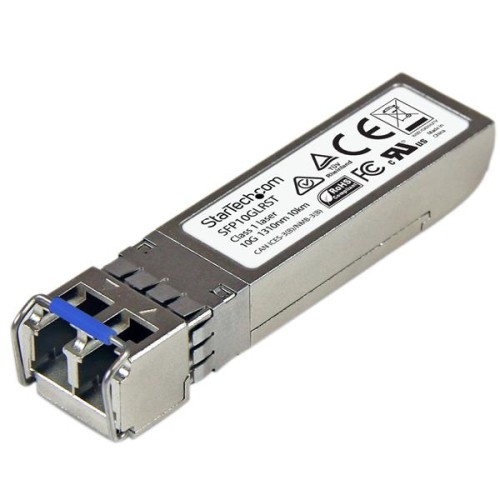
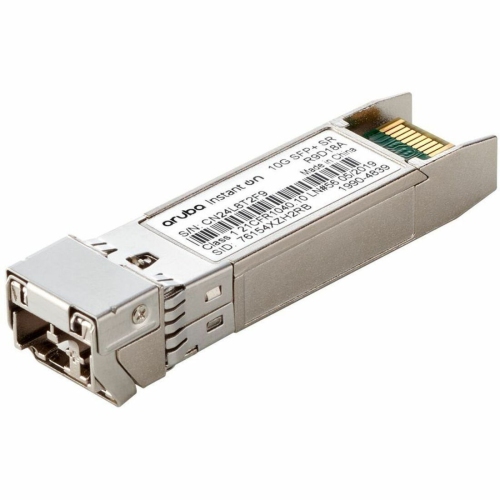
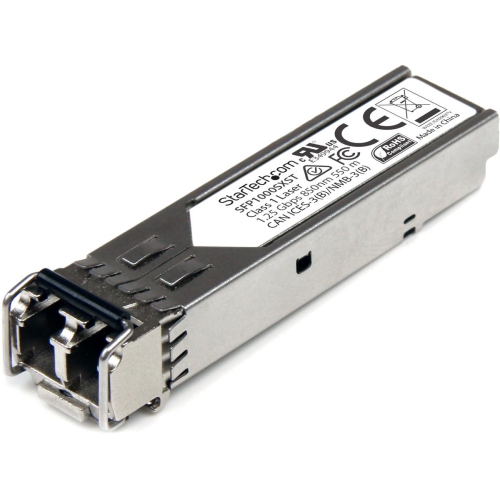
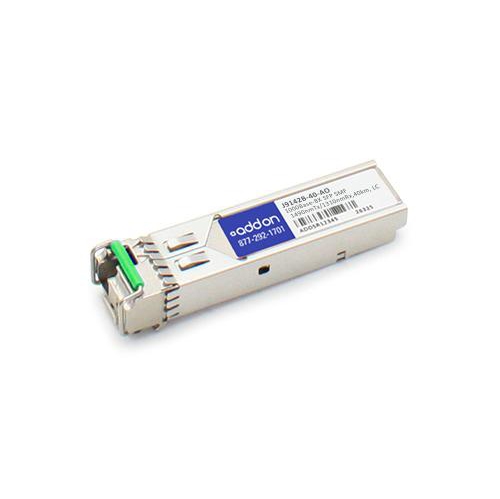
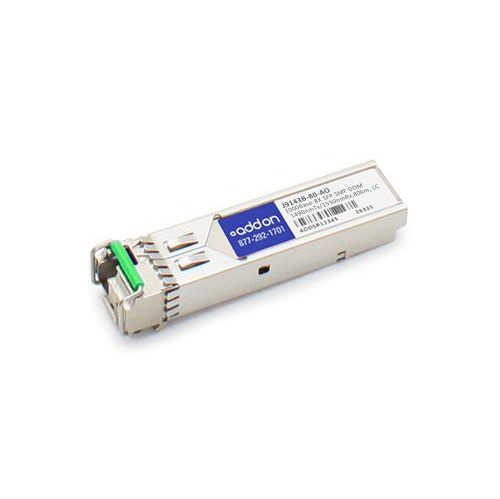
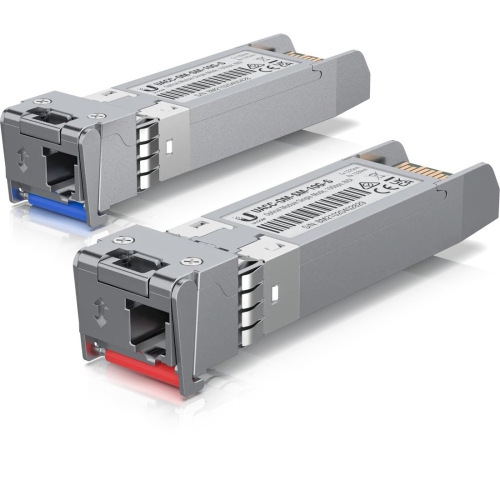
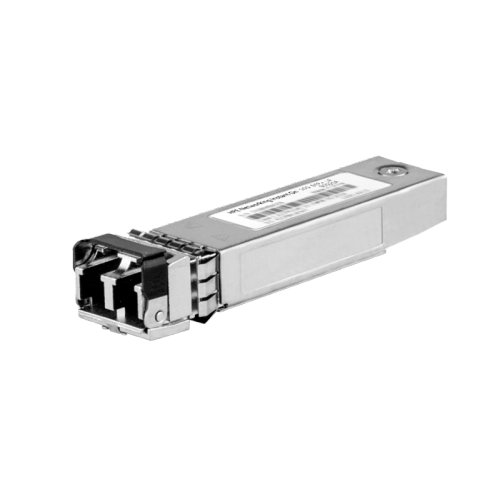
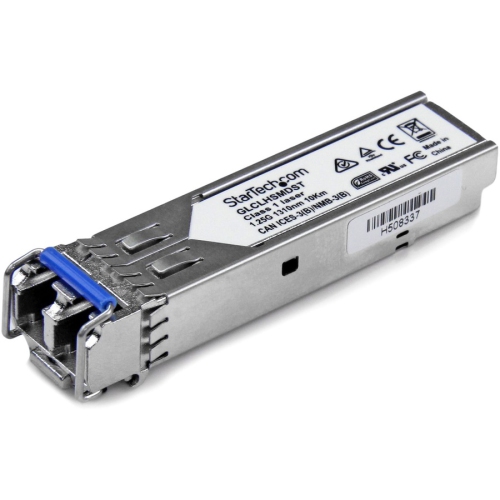
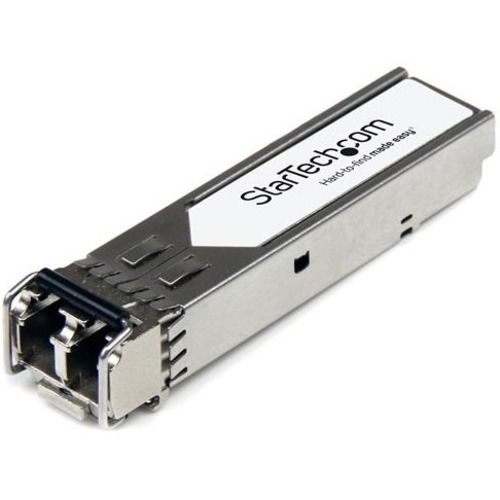
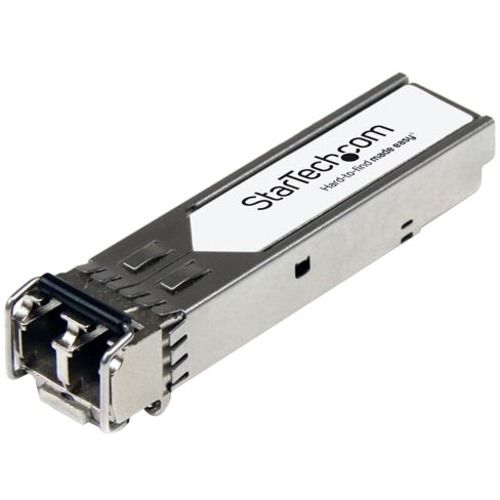
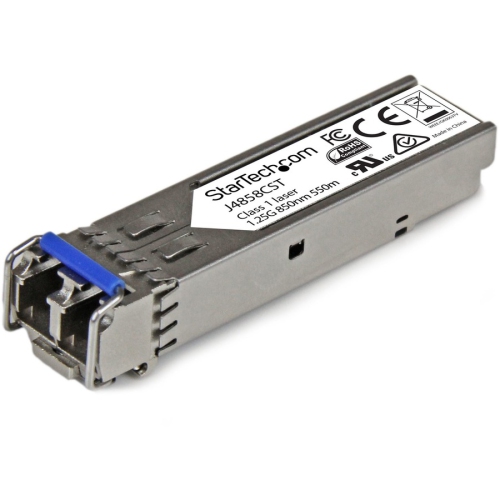
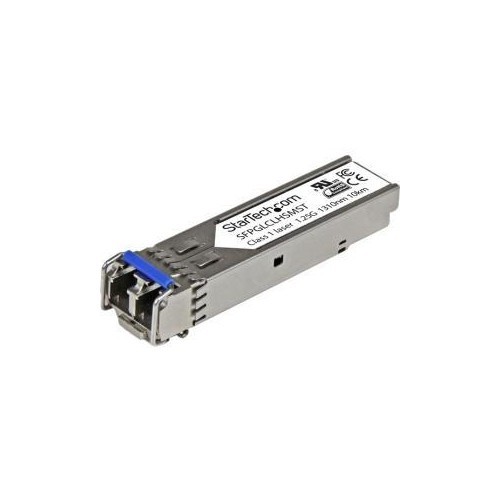
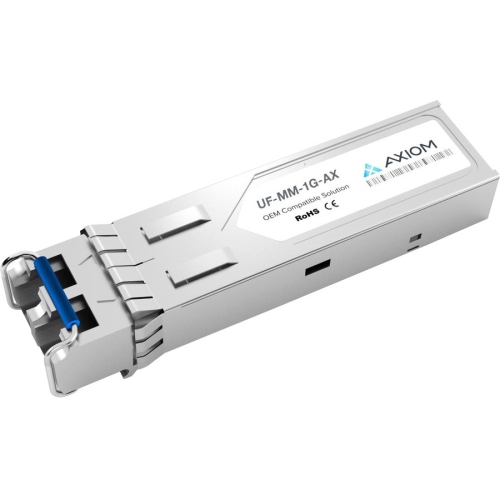
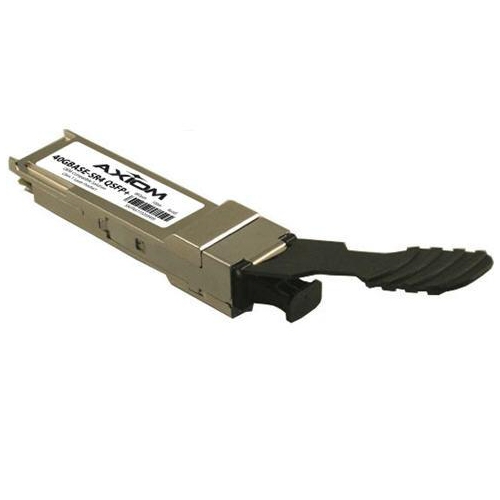
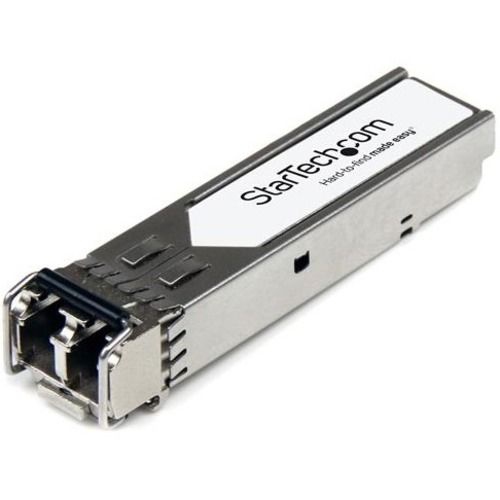
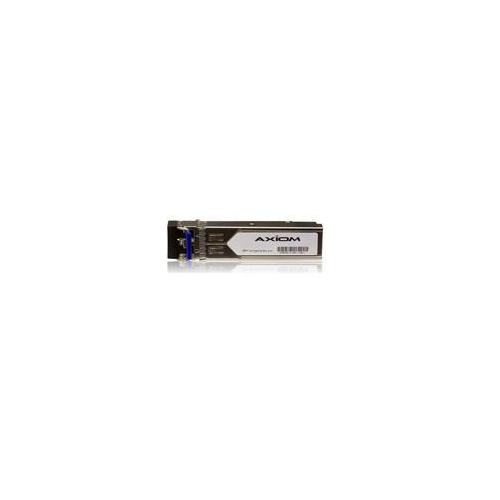
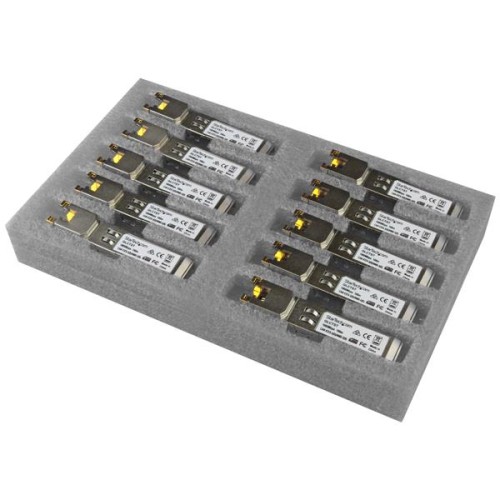
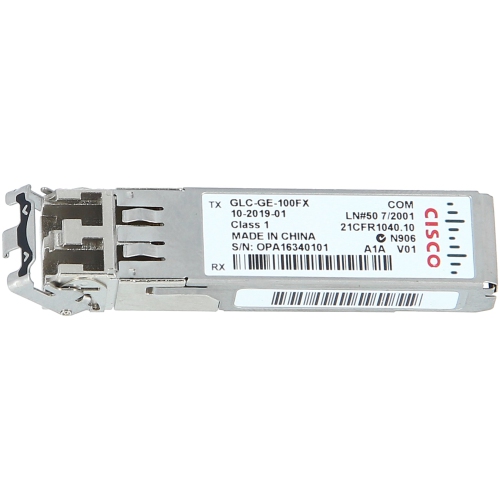
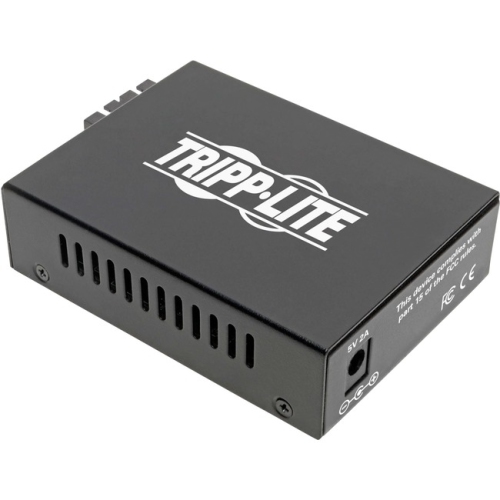
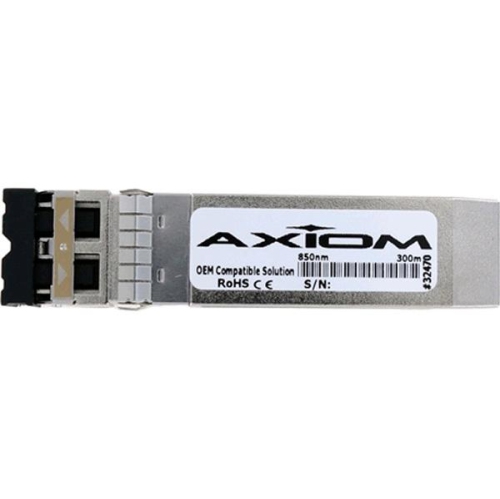
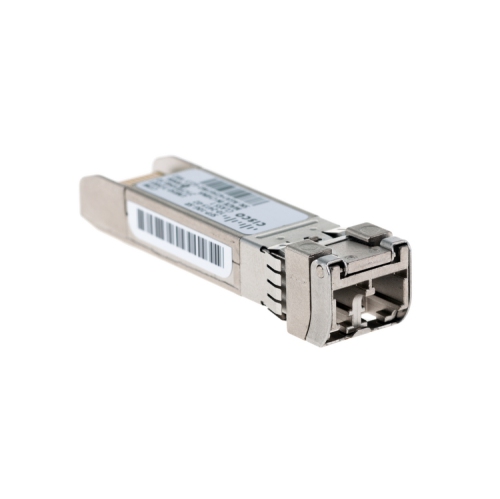
Fiber optic transceivers are compact networking modules that connect compatible switches, routers, servers, and other network equipment to fibre optic cabling. Each transceiver combines a transmitter and receiver in one housing: the transmitter converts electrical data into pulses of light, while the receiver converts incoming light back into electrical signals that networking hardware can process. This arrangement allows data to travel across fibre with low signal loss, strong resistance to electromagnetic interference, and reliable performance over distances that can be difficult for conventional copper cabling. Fibre optic transceivers are commonly used in business networks, data centres, telecommunications installations, security systems, schools, and larger homes with dedicated network infrastructure. They can be useful when connecting equipment in separate rooms, buildings, or floors, especially where long cable runs, electrical interference, or high bandwidth requirements make fibre a practical choice. Many modules are hot-swappable, meaning they can be inserted into or removed from compatible equipment without replacing the entire switch or router, although network administrators should always follow the hardware manufacturer’s installation and safety instructions. Their small size makes them easy to keep on hand as a spare for a network upgrade or service call, and they may be a thoughtful, practical gift for a networking student, home lab enthusiast, computer technician, or IT professional who regularly builds and maintains wired connections.
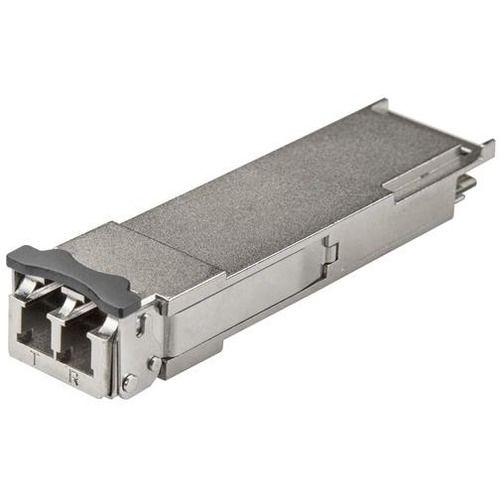
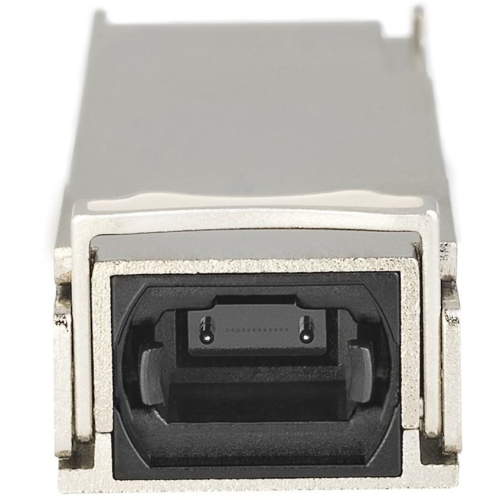
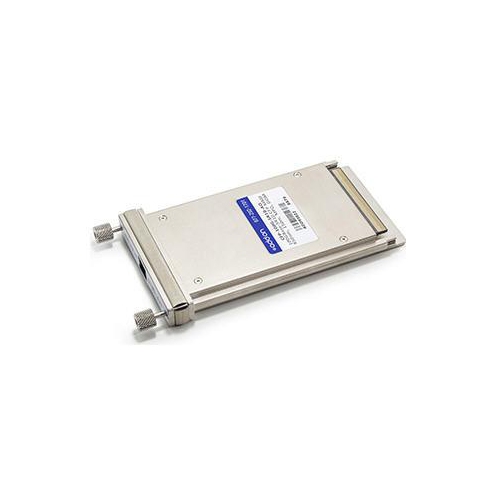
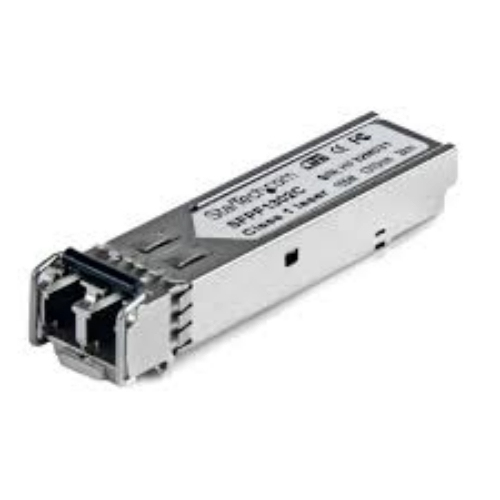
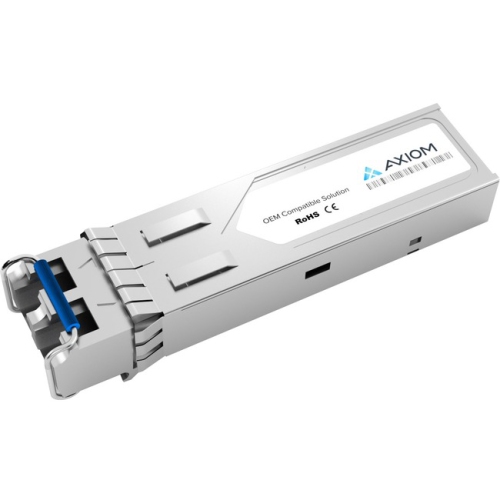
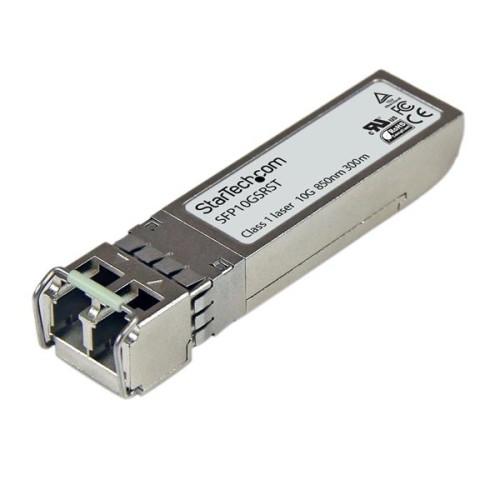
Choosing the right fibre optic transceiver starts with confirming compatibility. The module’s form factor must match the open port on the switch, router, server, or media converter. Common formats include SFP for lower-speed connections, SFP+ for higher-speed links, and QSFP-style modules for equipment designed to handle multiple lanes of data and very high throughput. A module may look similar to another model while using a different electrical interface, speed rating, coding requirement, or port standard, so checking the equipment documentation before purchasing is essential. Data speed is another key consideration. Depending on the network, options may support 1 Gbps, 10 Gbps, 25 Gbps, 40 Gbps, 100 Gbps, or higher rates, but the transceiver, cable, and connected equipment must all support the intended speed. For a 10 Gbps connection, for example, every part of the link should be rated for that performance, and a slower port elsewhere in the connection can limit the overall result. It is also important to confirm whether the equipment requires a specific module type or accepts a broader range of compatible transceivers. Administrators planning an upgrade often compare their existing port inventory, network operating speeds, and future expansion plans before selecting modules. For installations that need faster links between switches or servers, Sfp+ Transceivers can be considered when the network hardware includes compatible SFP+ ports.
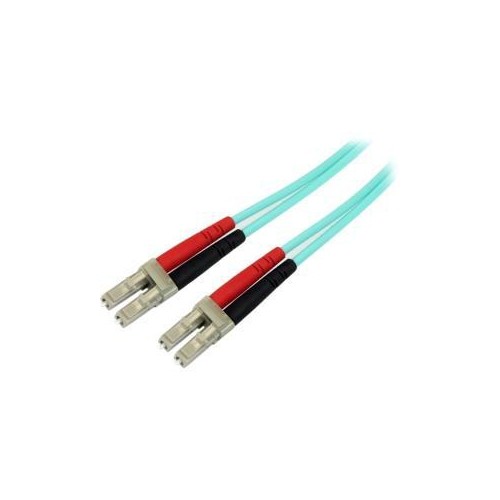
Fibre type and transmission distance have a direct effect on performance and suitability. Multi-mode transceivers are generally designed for shorter links, often within a building or data centre, and are commonly paired with multi-mode fibre cable. Depending on the module, cable grade, wavelength, and network speed, a multi-mode connection may reach distances of a few hundred metres, with some configurations extending farther under the right conditions. Single-mode transceivers are intended for much longer runs and can support links measured in kilometres, making them suitable for campus networks, telecommunications applications, and connections between distant facilities. The advertised distance should always be treated as part of a complete system rather than a guarantee that applies to every cable installation. Wavelength is important as well, since the transceiver’s optical wavelength must be compatible with the cable and the module at the other end. Standard duplex modules use separate fibres for sending and receiving data, while bidirectional configurations can transmit and receive over a single fibre using different wavelengths; both ends must be designed to work together. Other useful specifications may include digital optical monitoring, operating temperature range, connector type, power draw, and supported cabling. Before ordering, match the transceiver to the network device, connection speed, fibre mode, transmission distance, wavelength, and connector arrangement. A careful check of these details helps prevent a module from fitting physically but failing to establish a link, and it makes installation more straightforward when expanding a home office, refreshing a server room, or connecting equipment as cooler months bring more indoor projects and network maintenance.
Choosing the right fibre optic transceiver starts with confirming compatibility. The module’s form factor must match the open port on the switch, router, server, or media converter. Common formats include SFP for lower-speed connections, SFP+ for higher-speed links, and QSFP-style modules for equipment designed to handle multiple lanes of data and very high throughput. A module may look similar to another model while using a different electrical interface, speed rating, coding requirement, or port standard, so checking the equipment documentation before purchasing is essential. Data speed is another key consideration. Depending on the network, options may support 1 Gbps, 10 Gbps, 25 Gbps, 40 Gbps, 100 Gbps, or higher rates, but the transceiver, cable, and connected equipment must all support the intended speed. For a 10 Gbps connection, for example, every part of the link should be rated for that performance, and a slower port elsewhere in the connection can limit the overall result. It is also important to confirm whether the equipment requires a specific module type or accepts a broader range of compatible transceivers. Administrators planning an upgrade often compare their existing port inventory, network operating speeds, and future expansion plans before selecting modules. For installations that need faster links between switches or servers, Sfp+ Transceivers can be considered when the network hardware includes compatible SFP+ ports.
Fibre type and transmission distance have a direct effect on performance and suitability. Multi-mode transceivers are generally designed for shorter links, often within a building or data centre, and are commonly paired with multi-mode fibre cable. Depending on the module, cable grade, wavelength, and network speed, a multi-mode connection may reach distances of a few hundred metres, with some configurations extending farther under the right conditions. Single-mode transceivers are intended for much longer runs and can support links measured in kilometres, making them suitable for campus networks, telecommunications applications, and connections between distant facilities. The advertised distance should always be treated as part of a complete system rather than a guarantee that applies to every cable installation. Wavelength is important as well, since the transceiver’s optical wavelength must be compatible with the cable and the module at the other end. Standard duplex modules use separate fibres for sending and receiving data, while bidirectional configurations can transmit and receive over a single fibre using different wavelengths; both ends must be designed to work together. Other useful specifications may include digital optical monitoring, operating temperature range, connector type, power draw, and supported cabling. Before ordering, match the transceiver to the network device, connection speed, fibre mode, transmission distance, wavelength, and connector arrangement. A careful check of these details helps prevent a module from fitting physically but failing to establish a link, and it makes installation more straightforward when expanding a home office, refreshing a server room, or connecting equipment as cooler months bring more indoor projects and network maintenance.
Top selling and popular products
-
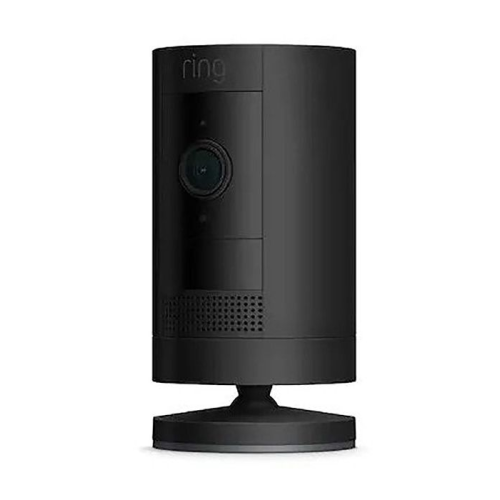 Your price for this item is $165
 -
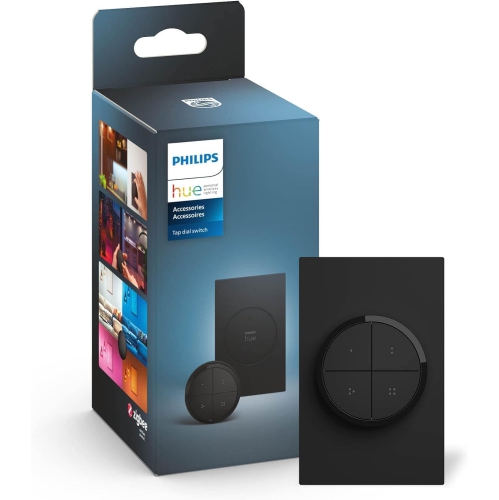 Your price for this item is $96.68
 -
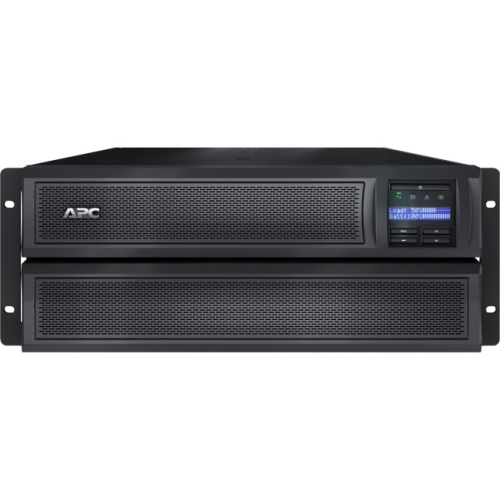 Your price for this item is $3952.99
 -
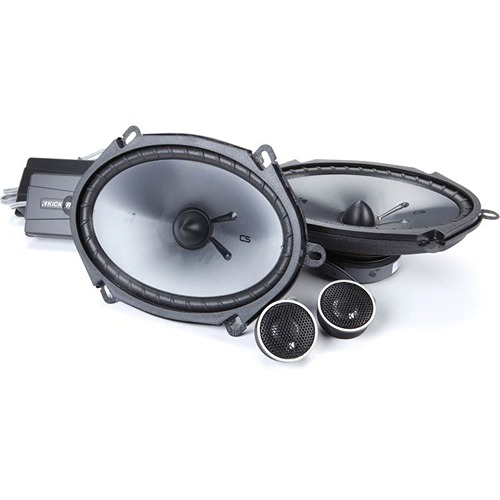 Your price for this item is $229.95
 -
 Your price for this item is $119.99
 -
 Your price for this item is $280.99
 -
 Your price for this item is $234.99
 -
 Your price for this item is $173.99
Discover more categories related to Fiber Optic Transceivers
Top Collections:
Pokemon Centers, Kindle Devices, Best Cameras for Sports Photography, Pokémon 30th Celebration Cards, Apple iPhones 16, Canon G7X Cameras, iPhone 15 Apple, Flip Phones, Samsung Galaxy Phones, Alarm Clock
Some products may be subject to Environmental Handling Fees
(EHF) depending on your province.
Learn more about EHFs.