FireWire Cables for MacBook Pro
FireWire Cables for MacBook Pro provide reliable connectivity for transferring data between your laptop and compatible devices. Designed to support high-speed connections, these cables are ideal for users who need efficient performance when working with audio, video, or large files. Whether you are connecting external hard drives, camcorders, or other peripherals, FireWire Cables for MacBook Pro offer a seamless solution to keep your workflow smooth and productive. Explore a range of options to find the right cable for your setup and enjoy hassle-free connections every time.
Sort





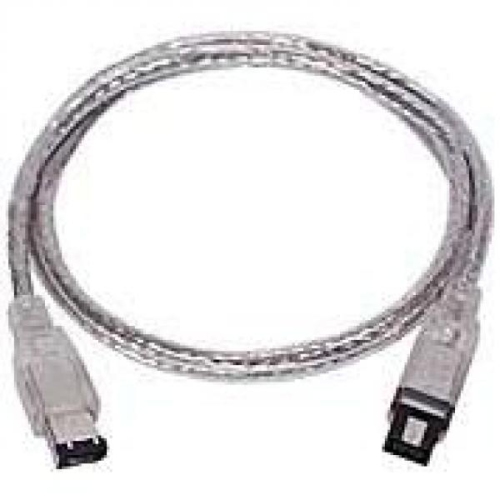
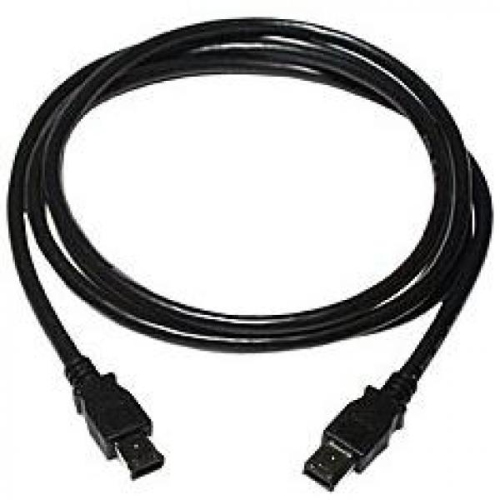
Reliable connections for legacy creative equipment and MacBook Pro
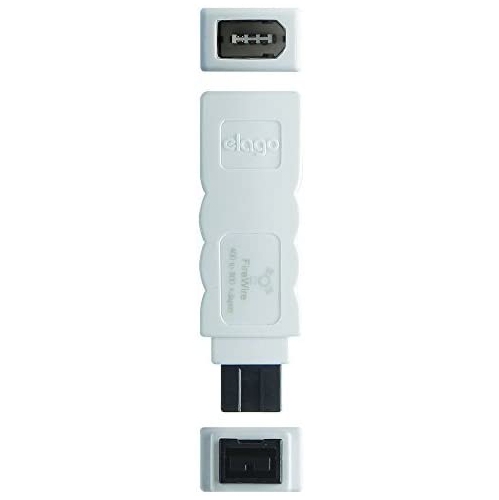
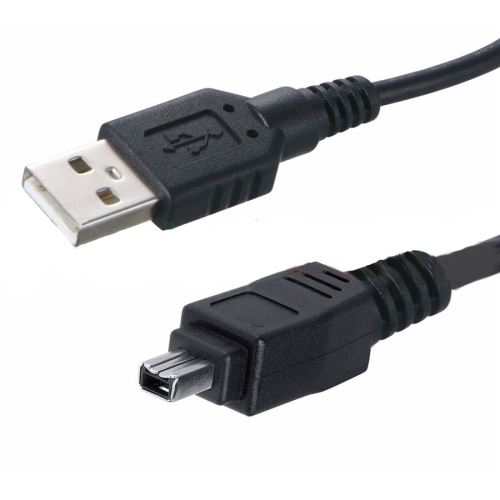
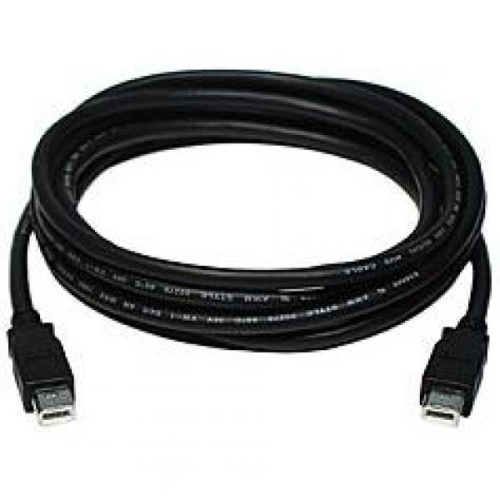
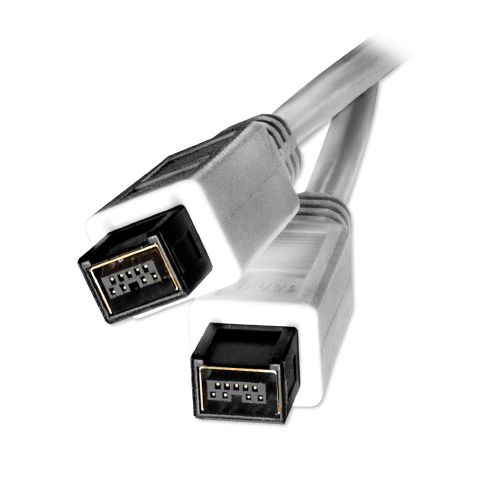
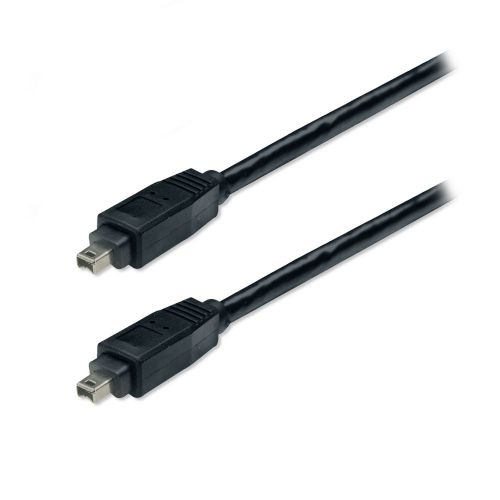
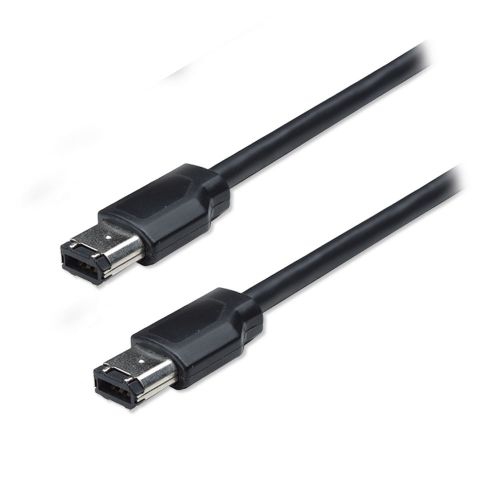
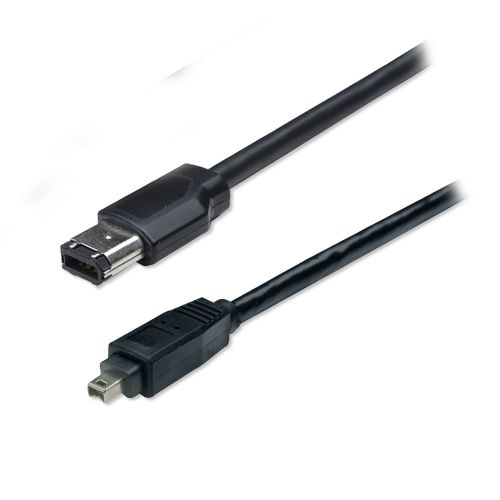
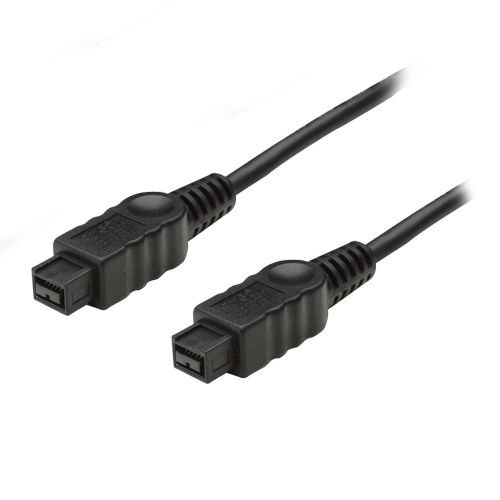
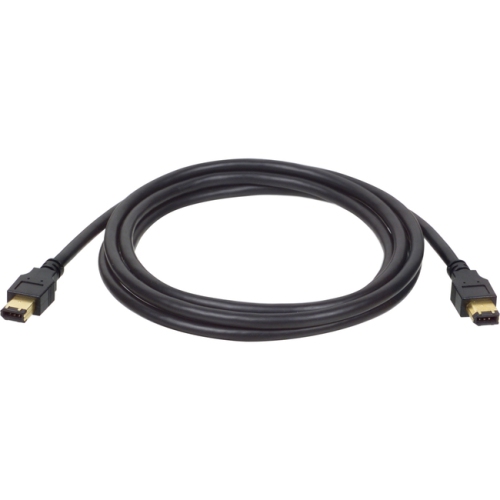
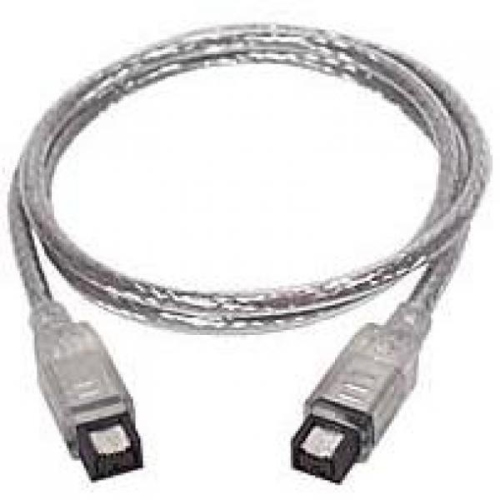
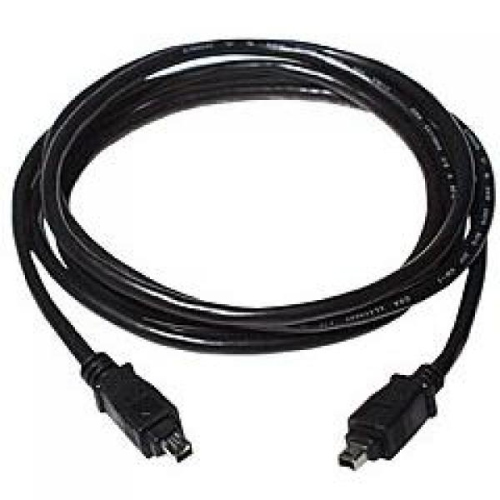
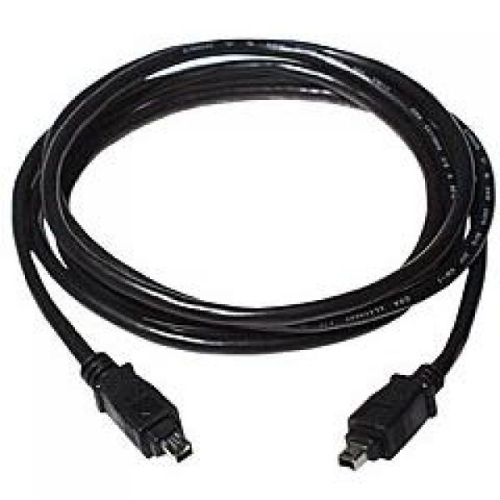
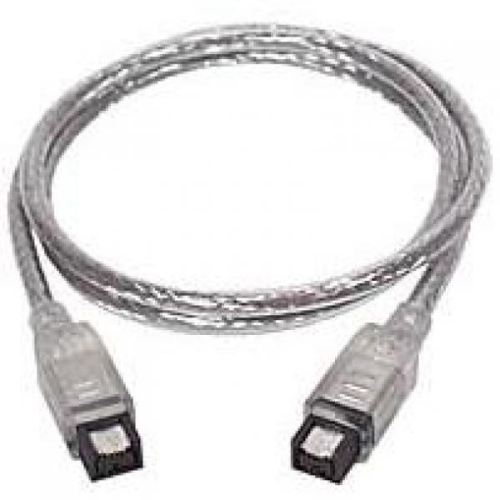
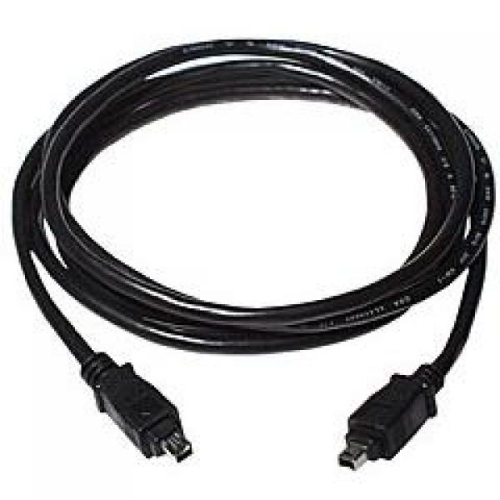
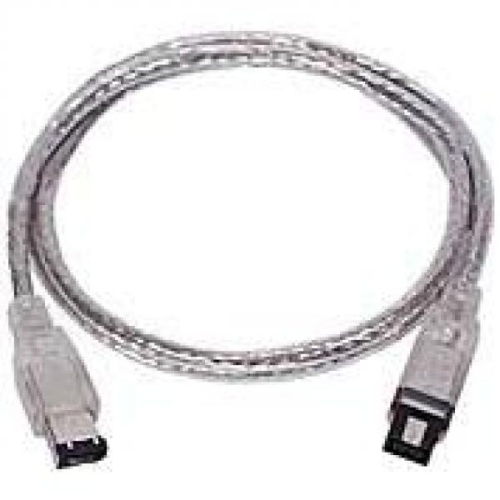
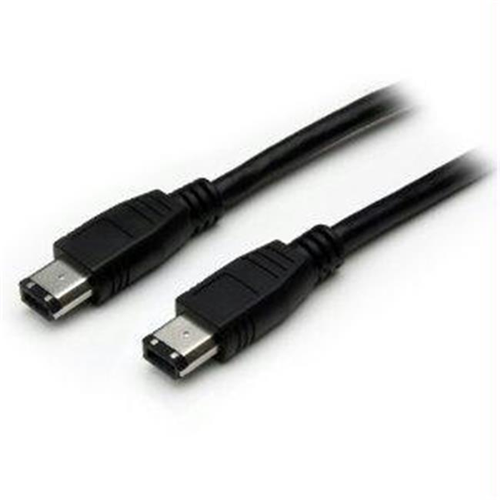
FireWire cables for MacBook Pro continue to play a vital role for creative professionals, tech enthusiasts, and anyone working with legacy devices. Whether you’re connecting vintage camcorders, professional audio interfaces, or external hard drives, FireWire cables offer a dependable solution for high-speed data transfer. Many MacBook Pro users—especially those who have built up a collection of cherished equipment over the years—find that FireWire 800 to 800 (9-pin to 9-pin) cables are essential for linking newer external drives to older MacBook Pro models equipped with native FireWire ports. Meanwhile, FireWire 800 to 400 (9-pin to 6-pin or 4-pin) cables are favoured for bridging the gap between legacy cameras or audio equipment and MacBook Pros with FW800 ports, making it possible to revisit old family videos, transfer archived studio sessions, or keep a trusted workflow running smoothly. As the weather warms and creative projects move outdoors or to new locations, these cables become even more valuable for on-the-go setups, whether you’re capturing summer events on a classic DV camera or backing up field recordings after a day in the sun.
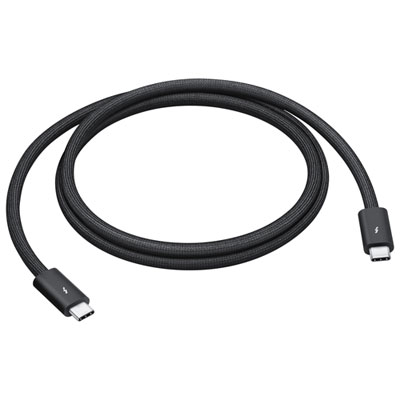
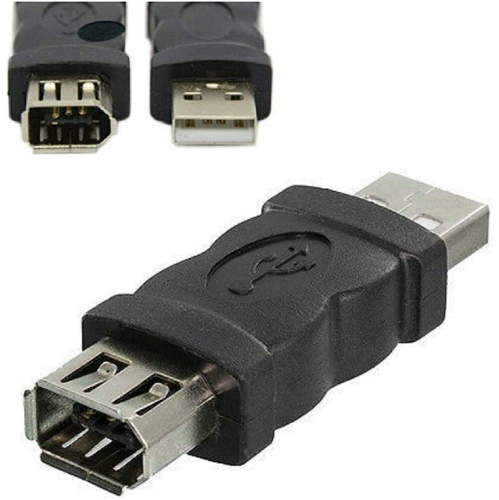
For those using newer MacBook Pro models—especially those released in recent years with USB-C or Thunderbolt 3/4 ports—connecting FireWire devices often involves a chain of adapters. Typically, this setup includes a Thunderbolt 3 to Thunderbolt 2 adapter, followed by a Thunderbolt to FireWire 800 adapter, and finally the appropriate FireWire cable. This adapter chain ensures compatibility with modern laptops while preserving access to important legacy data and devices. While macOS support for FireWire has shifted in recent versions, many users still rely on these cables for specialized audio, video, and data tasks. FireWire cables make practical gifts for musicians, videographers, or anyone digitizing memories from older devices, especially as families gather for reunions, weddings, or summer celebrations. When choosing the right cable, it’s important to match the port types and pin configurations (such as 9-pin, 6-pin, or 4-pin) to your specific devices, and to consider the overall length and build quality for your workspace or travel needs. If you’re exploring the latest in connectivity for your MacBook Pro, you may also be interested in the newest high-speed options like Thunderbolt 5 Cables for MacBook Pro, which offer even greater performance for next-generation devices.
As you browse FireWire cables for MacBook Pro, think about the unique requirements of your devices and workflow. Many creative professionals keep a selection of FireWire cables on hand to ensure seamless integration with both classic and modern equipment, especially during the busy festival season or while preparing for a new academic term. From home studios and editing suites to classrooms and community events, these cables help bridge generations of technology, enabling users to preserve, share, and enjoy valuable content. Whether you’re a seasoned professional or a hobbyist rediscovering old projects, FireWire cables remain a reliable link to your creative past and an essential tool for getting the most out of your MacBook Pro.
For those using newer MacBook Pro models—especially those released in recent years with USB-C or Thunderbolt 3/4 ports—connecting FireWire devices often involves a chain of adapters. Typically, this setup includes a Thunderbolt 3 to Thunderbolt 2 adapter, followed by a Thunderbolt to FireWire 800 adapter, and finally the appropriate FireWire cable. This adapter chain ensures compatibility with modern laptops while preserving access to important legacy data and devices. While macOS support for FireWire has shifted in recent versions, many users still rely on these cables for specialized audio, video, and data tasks. FireWire cables make practical gifts for musicians, videographers, or anyone digitizing memories from older devices, especially as families gather for reunions, weddings, or summer celebrations. When choosing the right cable, it’s important to match the port types and pin configurations (such as 9-pin, 6-pin, or 4-pin) to your specific devices, and to consider the overall length and build quality for your workspace or travel needs. If you’re exploring the latest in connectivity for your MacBook Pro, you may also be interested in the newest high-speed options like Thunderbolt 5 Cables for MacBook Pro, which offer even greater performance for next-generation devices.
As you browse FireWire cables for MacBook Pro, think about the unique requirements of your devices and workflow. Many creative professionals keep a selection of FireWire cables on hand to ensure seamless integration with both classic and modern equipment, especially during the busy festival season or while preparing for a new academic term. From home studios and editing suites to classrooms and community events, these cables help bridge generations of technology, enabling users to preserve, share, and enjoy valuable content. Whether you’re a seasoned professional or a hobbyist rediscovering old projects, FireWire cables remain a reliable link to your creative past and an essential tool for getting the most out of your MacBook Pro.
Top selling and popular products
-
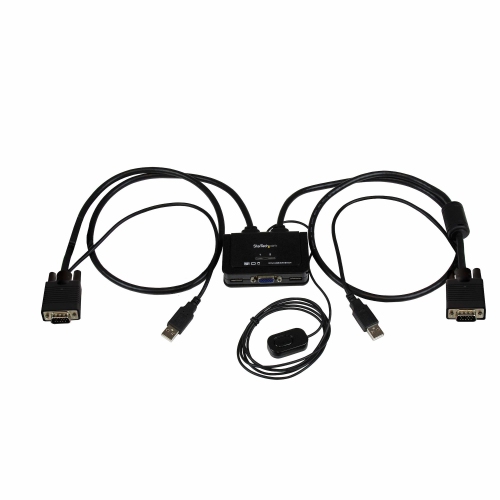 Your price for this item is $72.99
 -
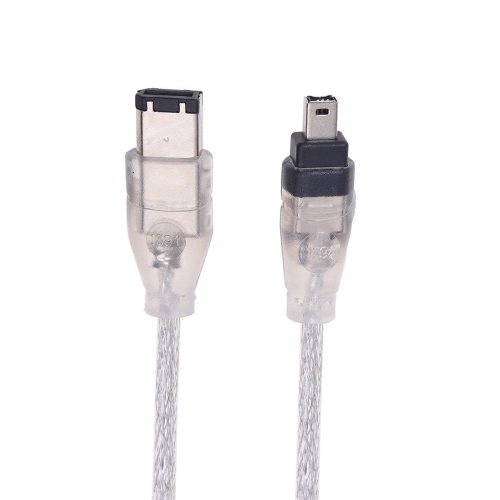 Your price for this item is $9.99
 -
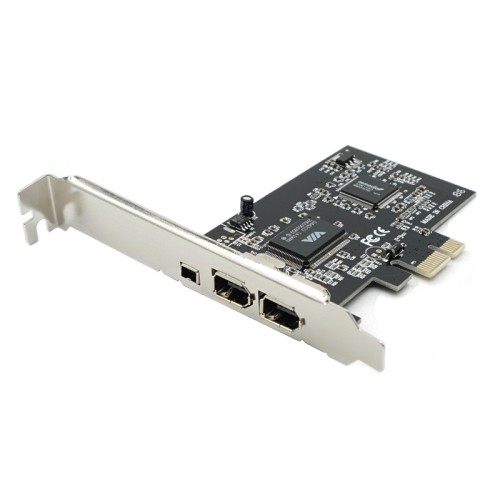 Your price for this item is $17.99
 -
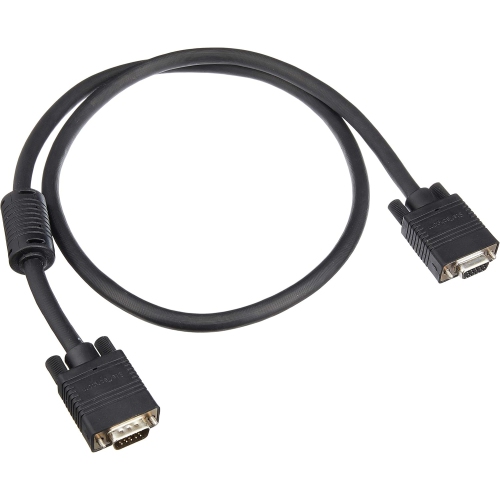 Your price for this item is $20.99
 -
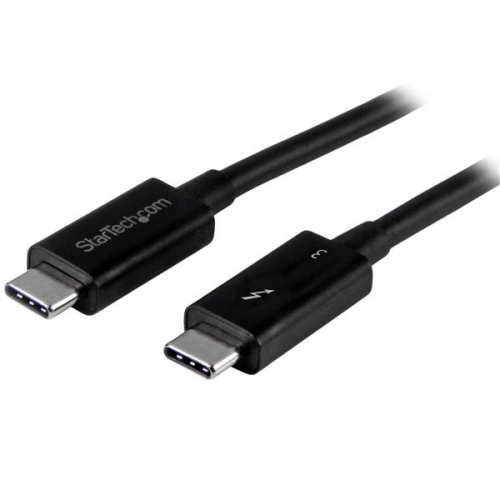 Your price for this item is $54.99
 -
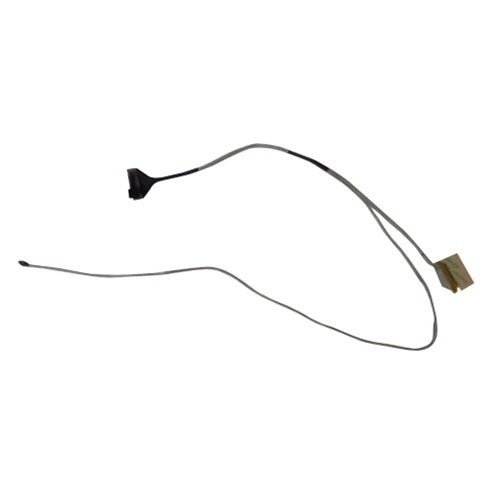 Your price for this item is $43.99
 -
 Your price for this item is $37.99
 -
 Your price for this item is $61.28
Discover more categories related to FireWire Cables for MacBook Pro

Top Collections:
Pokemon Centers, Kindle Devices, Best Budget Office Chairs, Apple iPhones 16, Best Laptops for Writers, iPhone 15 Apple, Canon G7X Cameras, Refurbished Apple Laptops, Alarm Clock, Motorola Razr Phones
Some products may be subject to Environmental Handling Fees
(EHF) depending on your province.
Learn more about EHFs.