FireWire Adapters
Find the right FireWire adapter to connect your devices with ease and efficiency. Whether you’re transferring data, linking cameras, or integrating older technology into your current setup, a FireWire adapter provides reliable connectivity for a wide range of electronics. Explore options designed to help you make the most of your existing equipment and ensure seamless performance across your workspace or home office.
Sort









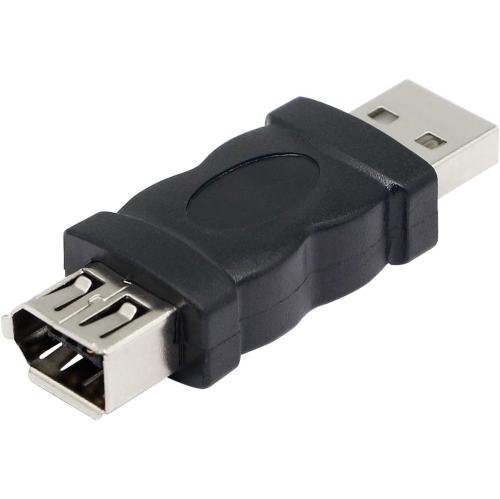
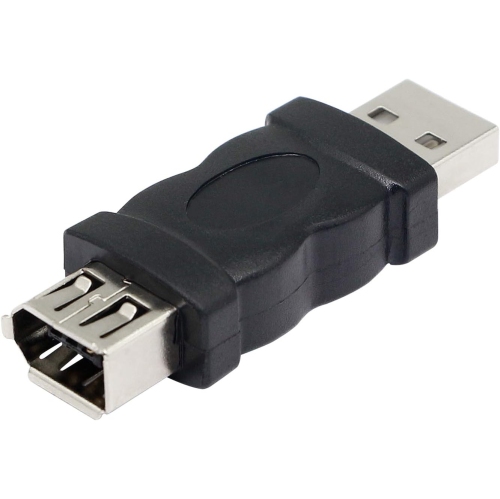
FireWire compatibility goes beyond a matching plug
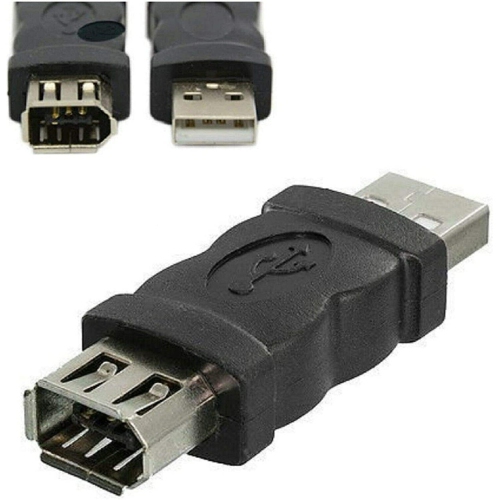
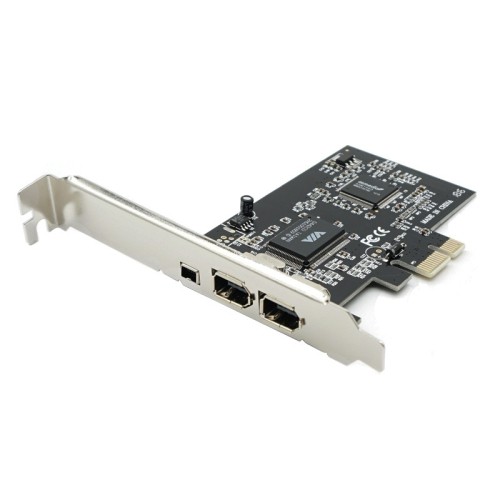
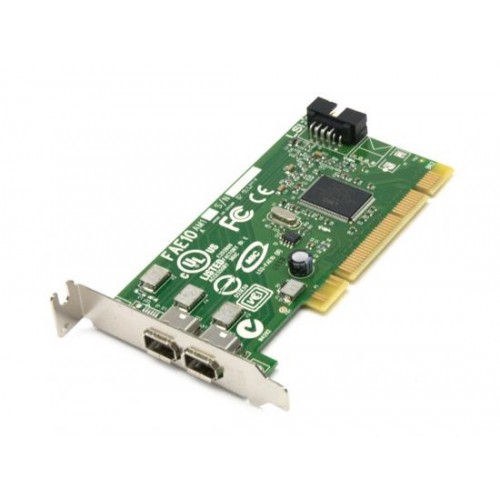
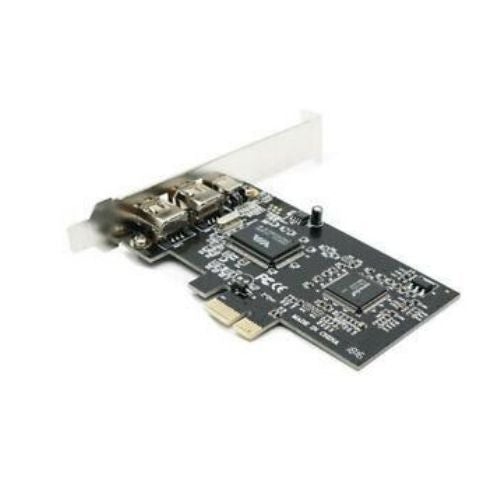
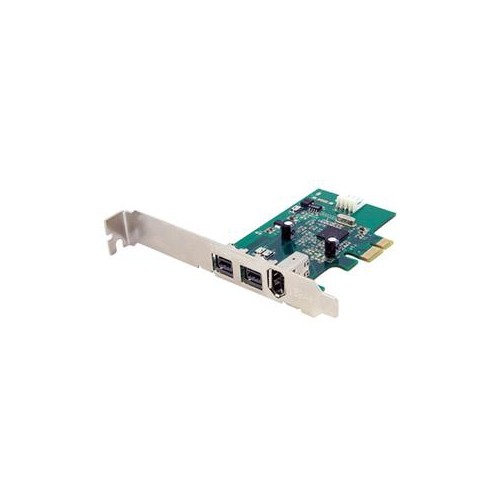
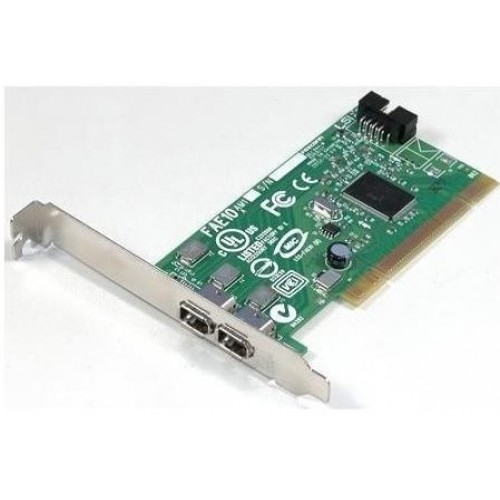
FireWire adapters connect compatible IEEE 1394 equipment across supported connector types or through a compatible host interface, helping older digital devices remain useful for video capture, audio production, and file access. USB and FireWire use different communication protocols, so a passive USB-to-FireWire adapter cannot make a FireWire device work through a USB port. A matching plug shape does not provide the electronics, controller support, or software needed for communication. Practical connections depend on a native FireWire port, a compatible expansion card, or a specifically supported active adapter chain. This distinction matters when connecting a tape-based camcorder, an external hard drive, or an audio interface to a computer with newer ports. FireWire was designed to handle continuous data streams, making it well suited to transferring digital video and carrying multiple channels of audio between compatible devices. For someone working with family recordings, a suitable connection can provide a path from a camcorder’s digital output to capture software without first converting the footage to an analogue signal. For a musician, it may allow a familiar recording interface to remain part of a supported studio setup. These uses depend on more than the adapter itself: the original device must function, the computer must recognize the connection, and the necessary applications or drivers must support the hardware. Tape capture also generally takes place in real time, so an hour-long recording typically requires about an hour of playback rather than a quick file copy. FireWire adapters are therefore connection accessories, not standalone video converters, recording devices, or recovery tools. Their value lies in bridging a clearly identified compatibility gap, whether that means joining different FireWire connector sizes or connecting legacy equipment through a host interface that explicitly supports it. The most suitable type is the one that matches the complete setup, from the peripheral’s socket to the computer’s operating system.
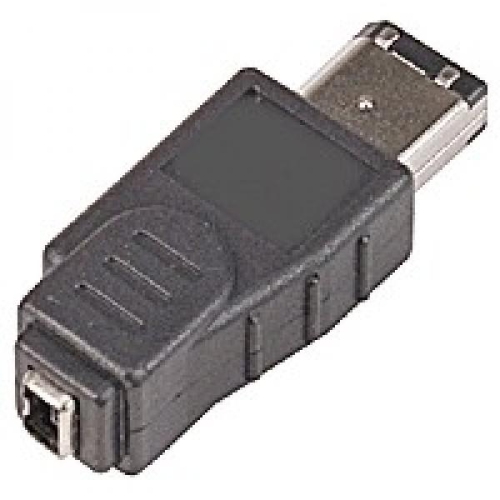
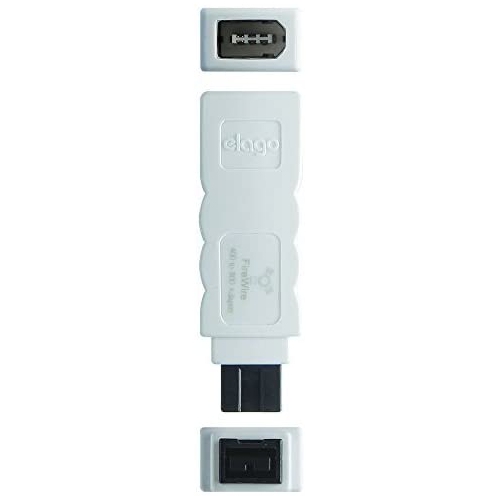
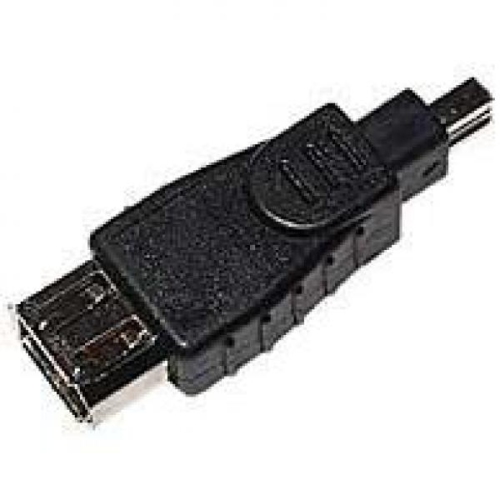
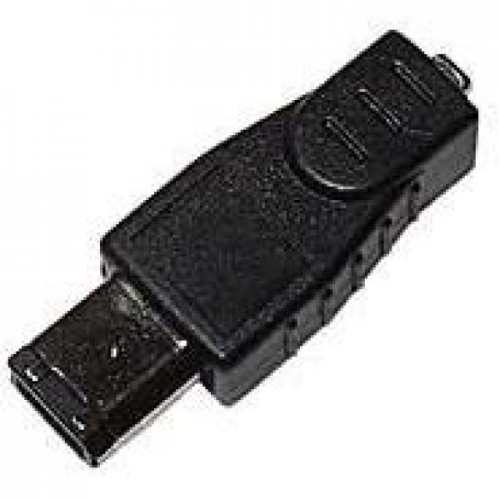
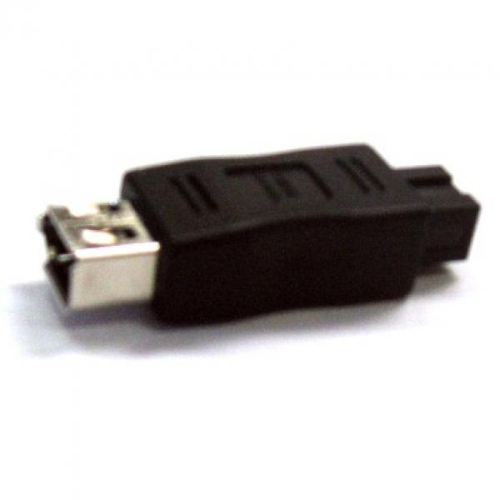
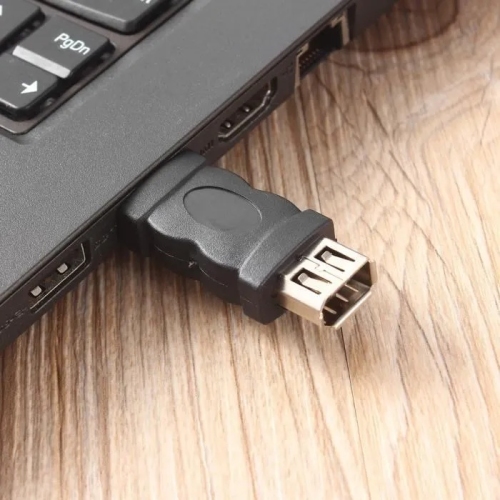
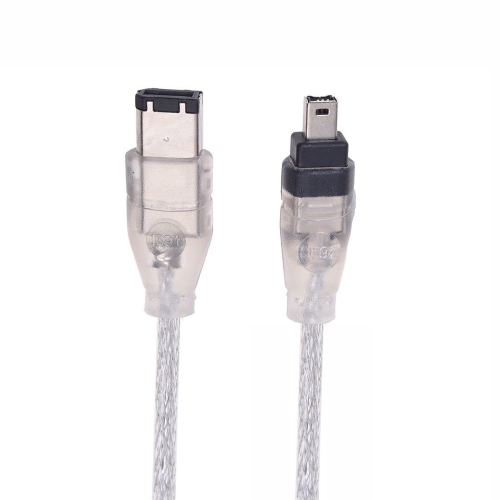
Connector style is one of the clearest distinctions within FireWire accessories. FireWire 400 commonly uses compact 4-pin or larger 6-pin connectors, while FireWire 800 commonly uses a 9-pin connector. The small 4-pin connection, often found on older camcorders, carries data but does not supply bus power. Six-pin and 9-pin connections can carry power when the host, cable, adapter, and peripheral support it, although some adapter arrangements provide limited power or none at all. A device with its own power supply may still need that supply connected, particularly during longer transfers. A suitable 9-pin-to-6-pin connection can link compatible FireWire 800 and FireWire 400 equipment, but it does not raise the slower device’s transfer rate. The names refer to maximum signalling rates of up to 800 Mbps and 400 Mbps respectively; actual transfer performance depends on the equipment, storage, software, and shared connection. Connector fit deserves equal attention. The keyed plug should match the socket without force, and an adapter’s housing needs enough clearance around neighbouring ports. A compact connector can be helpful beside closely spaced sockets, while a short adapter lead may reduce the leverage that a bulky rigid adapter places on a laptop port. Computer-side compatibility is a separate consideration. USB-C describes a connector shape, not a guarantee of Thunderbolt capability or FireWire support. Even a Thunderbolt-equipped computer requires a supported combination of hardware, adapters, operating system, and device drivers; not every generation or configuration supports older FireWire peripherals. A desktop expansion card likewise requires the appropriate internal slot and software support. The related FireWire Cables for MacBook Pro category can help narrow cable choices for compatible laptops, but the computer’s model, ports, and operating system still determine whether a connection will work. For older audio interfaces in particular, driver compatibility may be more restrictive than the physical connection, so a mechanically complete chain is not necessarily a working one.
Construction and handling influence how well a FireWire adapter fits into everyday use. Moulded strain relief helps protect the point where a cable enters the connector, while a sturdy housing gives fingers a secure grip during connection and removal. Shielding can help limit electrical interference, and well-fitted connectors are important for maintaining a steady link while video or audio is moving between devices. Metal housings may provide a firm exterior, while moulded plastic housings can be lighter; neither material alone establishes electrical compatibility or overall durability. Cable length also affects placement. A shorter connection can keep a desktop recording setup tidy, while a longer suitable cable may allow a camcorder to rest safely beside a computer rather than balance near its edge. Length still needs to remain within the limits of the relevant FireWire specification and equipment. Adapters and cables should sit without sharp bends, tension, or the weight of other accessories pulling on a socket. Gripping the connector rather than tugging the cable helps protect both the accessory and the connected device. Ports and plugs are best kept dry and free of debris, with equipment manufacturers’ connection and cleaning directions taking priority. Some older devices have particular connection-sequence requirements, making those instructions especially useful when working with powered FireWire ports. For a home video project, a stable surface, the camcorder’s power supply, and sufficient computer storage can matter as much as the adapter. In an audio workspace, secure cable routing helps prevent accidental movement around a microphone stand or desktop interface. These accessories are most useful to people maintaining compatible legacy equipment, revisiting recorded material, or keeping an established workstation connected. The right match supports that specific purpose without suggesting that every older peripheral can be connected to every newer computer.
Top selling and popular products
-
 Your price for this item is $19.99
-
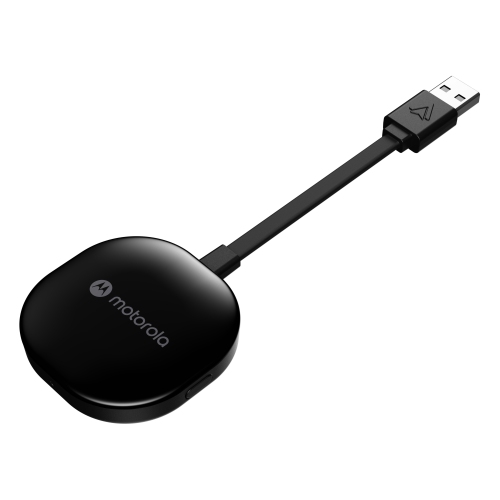 Your price for this item is $99.99
-
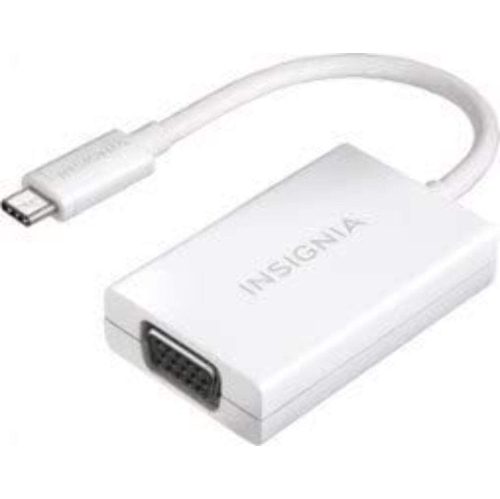 Your price for this item is $15
-
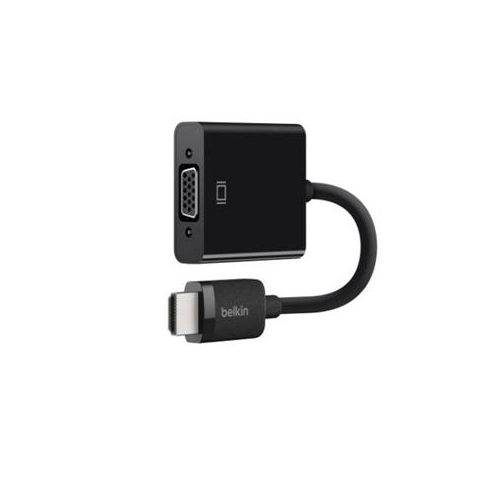 Your price for this item is $50.68
-
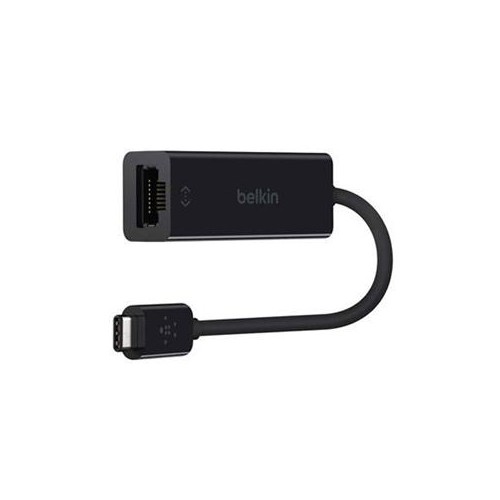 Your price for this item is $51.68
-
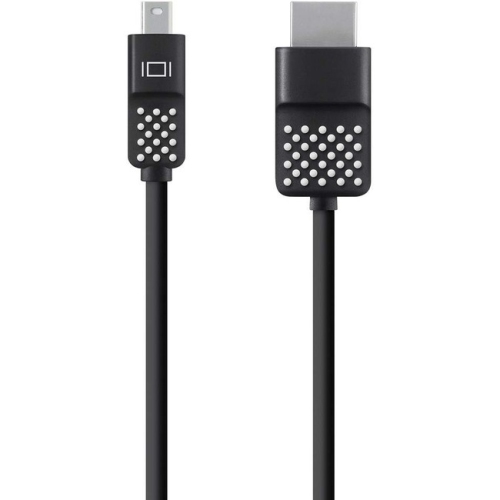 Your price for this item is $29.68
-
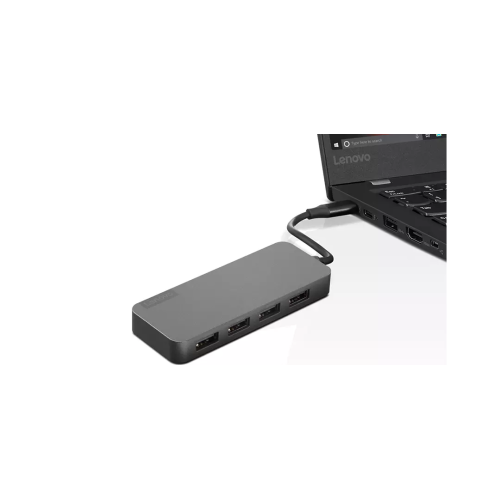 Your price for this item is $39.99
-
 Your price for this item is $51.68
Discover more categories related to FireWire Adapters
Top Collections:
Best Black Friday Deals This Year, Best Black Friday Deals On Electronics, Kindle Devices, Pokemon Centers, Best Black Friday Deals On Apple Products, Best Cameras for Sports Photography, Dyson Airwrap, Pokémon 30th Celebration Cards, Apple iPhone 17 Pro, Canon G7X Cameras
Some products may be subject to Environmental Handling Fees
(EHF) depending on your province.
Learn more about EHFs.