FireWire Cables for iMac
FireWire Cables for iMac provide a reliable connection solution for transferring data between your iMac and compatible devices. Designed to support seamless connectivity, these cables help you link external hard drives, camcorders, and other peripherals with ease. Explore a variety of options to find the right FireWire Cables for iMac that fit your setup and keep your workflow smooth and efficient.
Sort






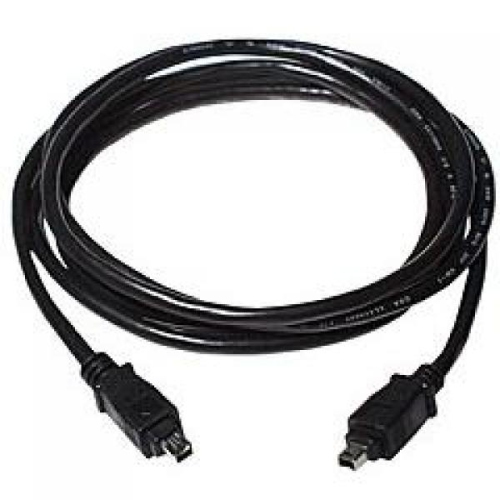
A working FireWire connection takes more than matching plugs
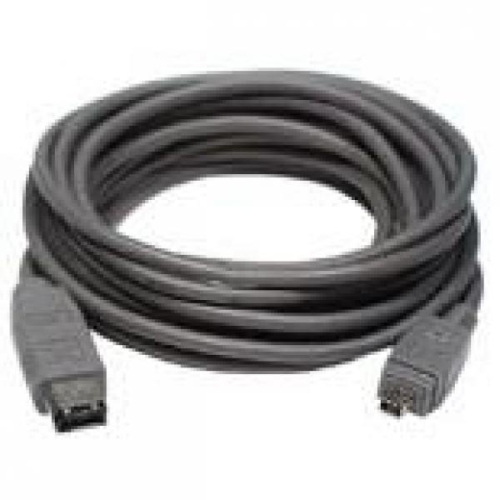
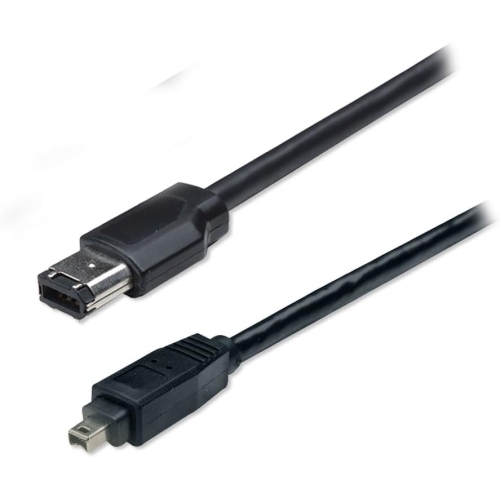
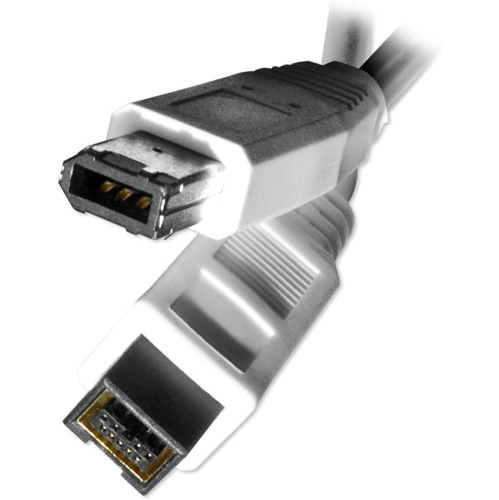
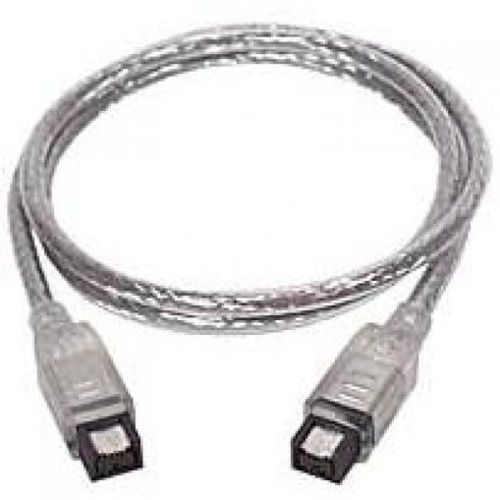
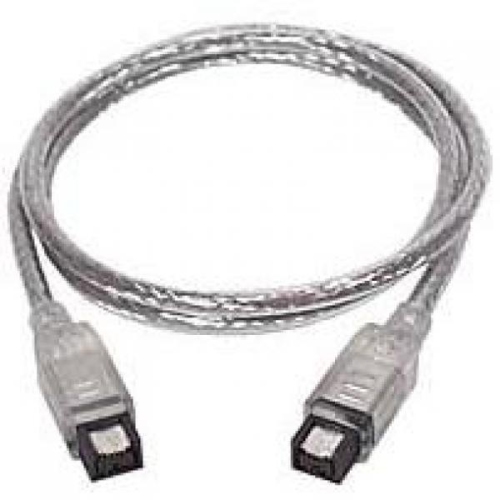
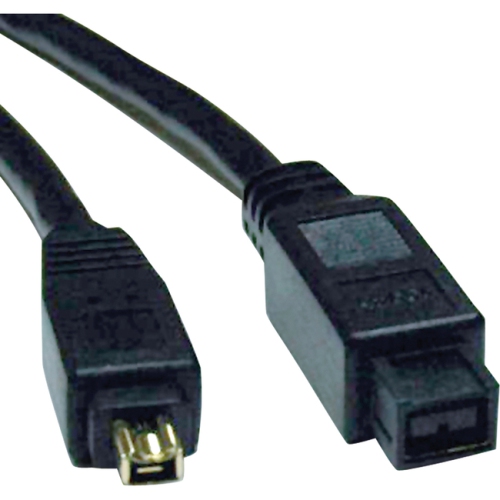
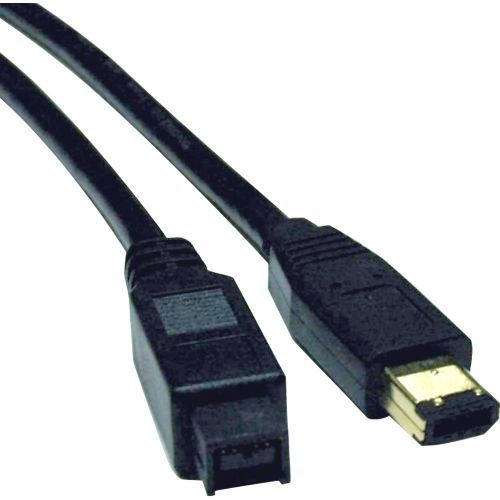
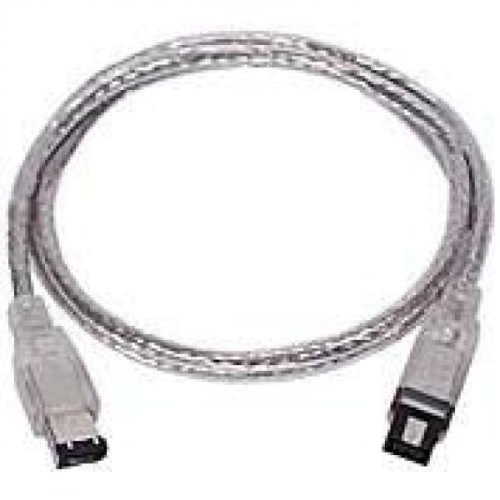
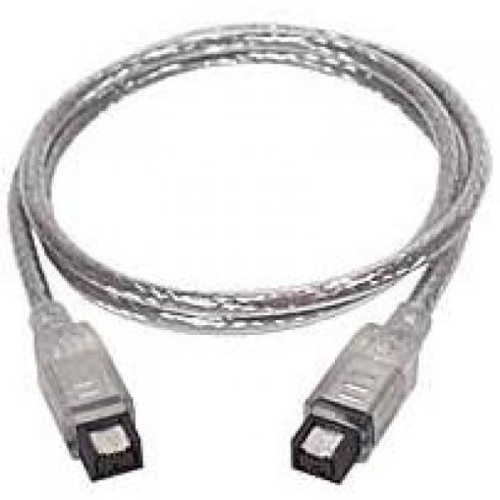
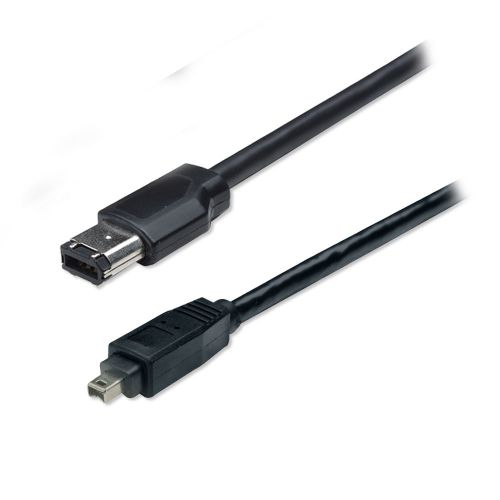
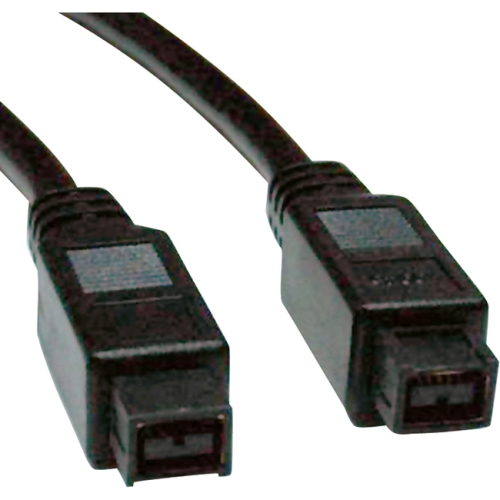
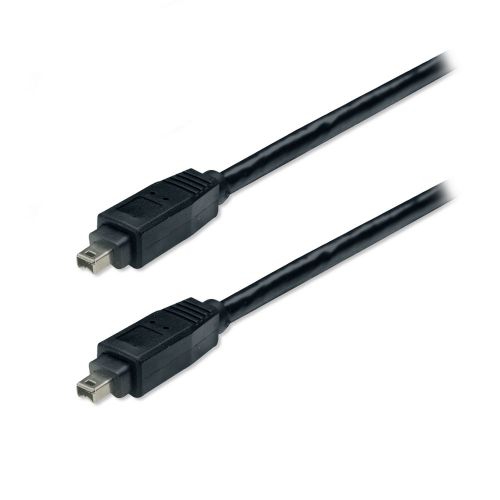
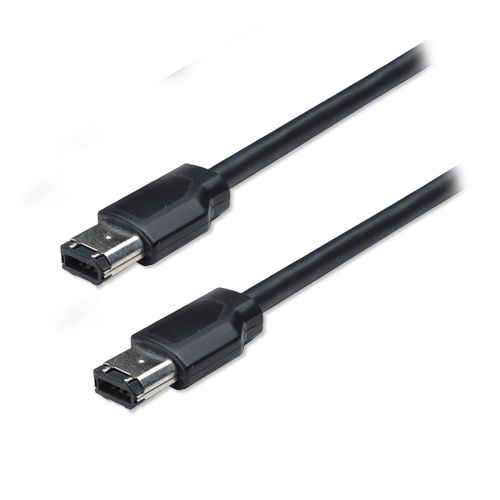
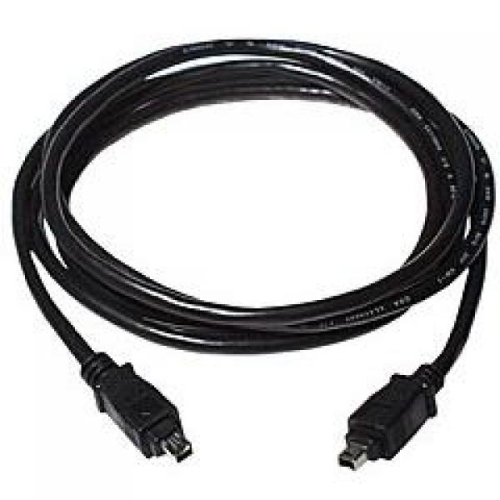
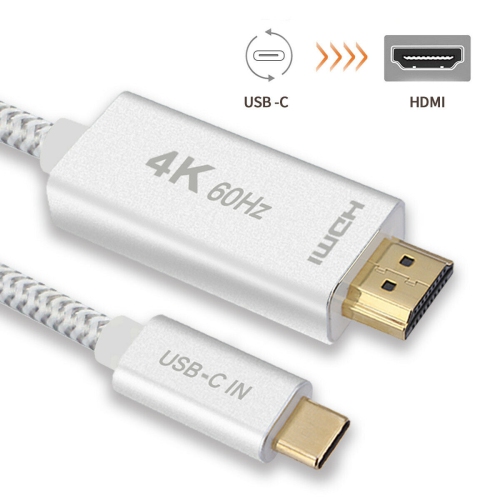
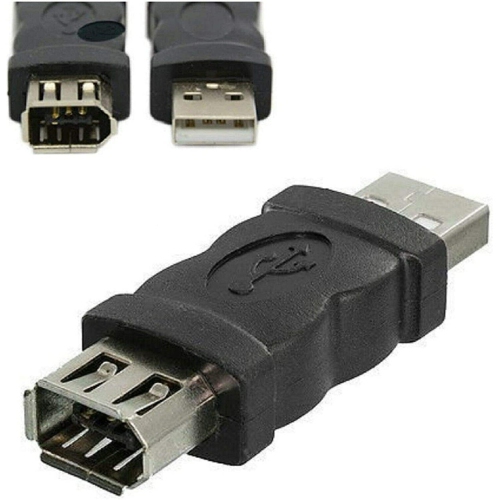
FireWire cables for iMac connect compatible older computers to peripherals such as external hard drives, audio interfaces and digital camcorders. The right cable depends on the connectors at both ends, the computer’s model year and the software required by the connected device. Older iMac models may have built-in FireWire 400 or FireWire 800 ports, while iMac models introduced in late 2012 and later do not have native FireWire ports. Operating-system compatibility is equally important: macOS Tahoe 26 removed native FireWire support, so matching the physical connectors alone does not establish that a device will work. On compatible older systems, FireWire remains useful for accessing an existing drive, transferring recorded footage or maintaining a familiar audio setup. FireWire 400 connections commonly use 6-pin plugs at the computer, while smaller 4-pin connectors appear on many older camcorders. FireWire 800 uses a 9-pin connector with a different shape. A 9-pin-to-6-pin or 9-pin-to-4-pin cable can connect compatible FireWire 800 and FireWire 400 equipment, but the connection operates within the capabilities of the slower device. These connector combinations are not interchangeable simply because they share the FireWire name; the cable ends must match the actual sockets. FireWire may also be identified as IEEE 1394 in equipment documentation, which can help when the port label is difficult to read. For an iMac without a built-in FireWire port, a connection may require a compatible Thunderbolt-to-FireWire adapter arrangement rather than a different cable alone. A USB-C-shaped port does not, by itself, establish support for that arrangement, and a simple USB-to-FireWire cable cannot translate between the two protocols. Adapter compatibility depends on the computer, its Thunderbolt generation, the operating system and the peripheral. That distinction matters when reconnecting equipment that has spent several years in a drawer: a plug that fits is only one part of a working connection.
The intended use helps distinguish a suitable FireWire cable from one that merely has the right appearance. An external drive containing family photographs needs a stable data connection and any power source required by its enclosure. An audio interface may also depend on a compatible driver, recording application and operating system, even when the cable itself is functioning correctly. A tape-based camcorder typically requires capture software that recognizes the camera and its recording format; connecting it does not necessarily make its footage appear as files that can be dragged onto the desktop. Capturing that footage generally involves playing the tape while the computer records the incoming signal, making a dependable connection particularly useful for longer recordings. These are practical uses for people maintaining a home recording space, revisiting a video archive or retrieving documents from older storage hardware. FireWire can also support Target Disk Mode between certain compatible older computers, allowing one computer’s storage to be accessed by another, although support depends on the models and system configuration. For everyday peripheral connections, cable specifications help set realistic expectations. FireWire 400 has a nominal maximum signalling rate of 400 megabits per second, while FireWire 800 reaches 800 megabits per second; actual file-transfer speeds depend on the drive, device and other connected hardware. A faster-rated cable cannot increase the speed of a slower peripheral. Power requirements deserve similar attention. Four-pin FireWire connections carry data but do not supply bus power, whereas compatible 6-pin and 9-pin connections can carry power. This does not mean every connected device can run from the computer’s port. Some drives, cameras and audio devices still require their own power adapters, and some adapter arrangements do not provide enough power for a particular peripheral. A mixed-connector cable does not add power capability to a 4-pin device connection.
Cable construction, length and connector fit make a noticeable difference in a desktop setup. Shielded conductors help limit interference, while a well-supported outer jacket and moulded strain relief help protect the cable where it bends near each plug. Product descriptions may identify conductor materials, shielding construction and connector finishes; these details are most useful alongside the stated FireWire specification and the required connector combination. A plated connector finish is not a substitute for correct wiring, compatible hardware or a secure fit. Shorter cables can keep an external drive close to the computer without leaving a large coil behind the desk, while a little extra length may suit an audio interface positioned beside a keyboard or a camcorder resting safely on the work surface. Many standard passive copper FireWire cables are designed for runs of up to about 4.5 metres, with the cable’s own specification determining its intended length and use. Excessive tension, tightly folded loops and unsupported adapters can put unnecessary stress on older ports. Connector housings also vary in bulk, which matters when sockets sit close together or a drive enclosure has a recessed opening. A plug should seat securely without being forced, and the cable should leave enough clearance for neighbouring connections. Gentle routing is especially helpful with equipment that is moved between a desk and a storage shelf. Holding the connector housing rather than pulling on the cord reduces strain during removal, while loose coils help prevent sharp bends during storage. Dust can be wiped from the outer jacket with a soft, dry cloth; liquid cleaners and metal tools should be kept away from the contacts. Cables with split insulation, bent connectors or intermittent connections are poor choices for transferring important files. When comparing iMac Cables, distinguishing FireWire from USB, Thunderbolt and display connections helps keep the choice focused on the equipment being connected. Matching the port type, supported software, power needs and cable construction is what makes a FireWire connection useful for an older iMac setup.
Top selling and popular products
-
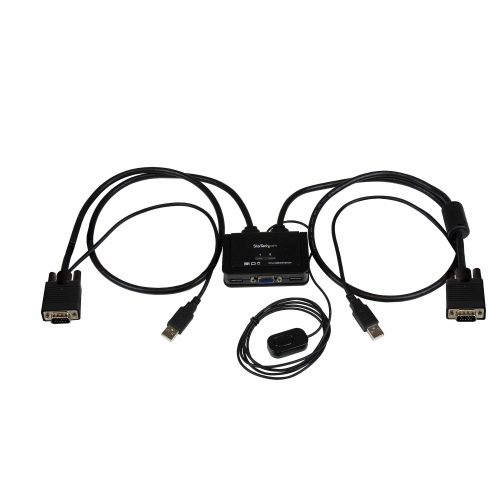 Your price for this item is $74.99
-
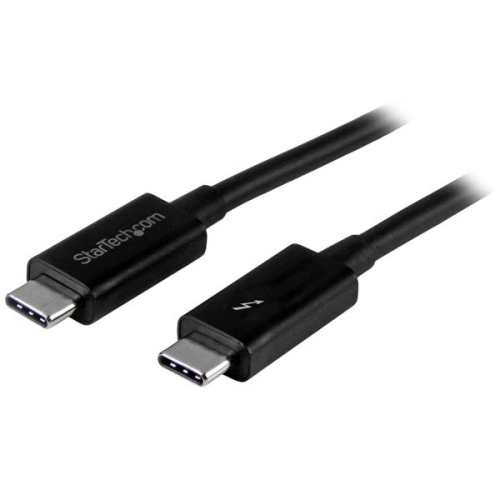 Your price for this item is $72.99
-
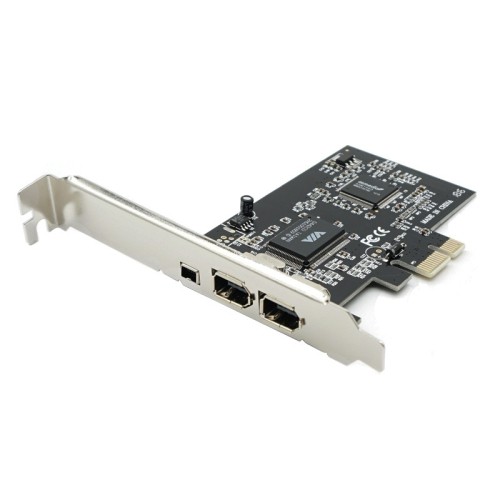 Your price for this item is $17.99
-
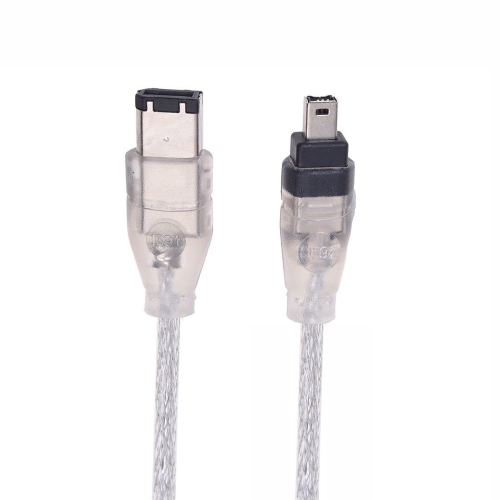 Your price for this item is $9.99
-
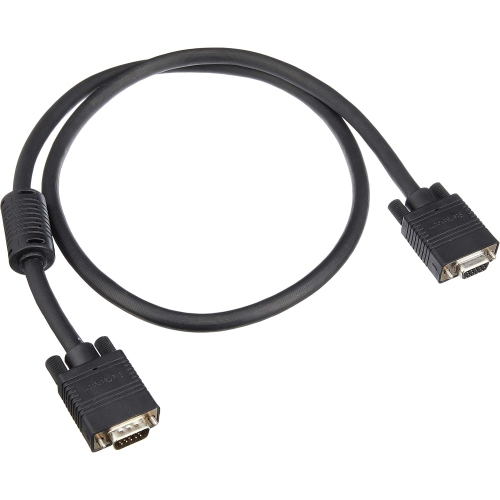 Your price for this item is $20.99
-
 Your price for this item is $14
-
 Your price for this item is $37.99
-
 Your price for this item is $43.99
Discover more categories related to FireWire Cables for iMac
Top Collections:
Best Black Friday Deals This Year, Best Black Friday Deals On Electronics, Kindle Devices, Pokemon Centers, Best Black Friday Deals On Apple Products, Best Cameras for Sports Photography, Dyson Airwrap, Pokémon 30th Celebration Cards, Apple iPhone 17 Pro, Canon G7X Cameras
Some products may be subject to Environmental Handling Fees
(EHF) depending on your province.
Learn more about EHFs.